CMSE419 Mobile Application Development Asst.Prof.Dr.Ahmet Ünveren 2020-2021 SPRING Computer Engineering Department CATALOGUE DESCRIPTION This course is an introduction to mobile device programming that will cover the fundamental programming
"CMSE419 Mobile Application Development" is the property of its rightful owner. Permission is granted to
download and print the materials on this website for personal, non-commercial use only, and to display it
on your personal computer provided you do not modify the materials and that you retain all copyright
notices contained in the materials. By downloading content from our website, you accept the terms of this
agreement.
Presentation Transcript
01
CMSE419 Mobile Application Development Asst.Prof.Dr.Ahmet Ünveren
2020-2021 SPRING
Computer Engineering Department<br>
02
CATALOGUE DESCRIPTION This course is an introduction to mobile device programming that will cover the fundamental programming principles, software architecture and their development environments. Event-driven programming, object-oriented programming, graphical user interface design, and database programing for mobile devices will be the main topics of this course.<br>
03
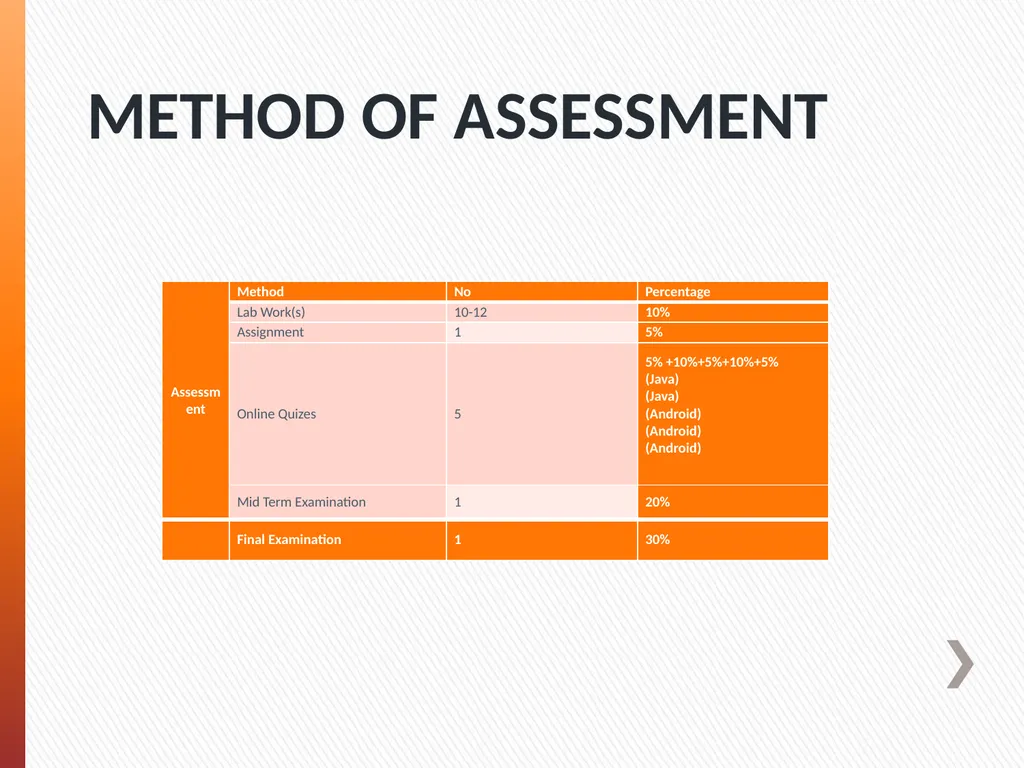
METHOD OF ASSESSMENT<br>
04
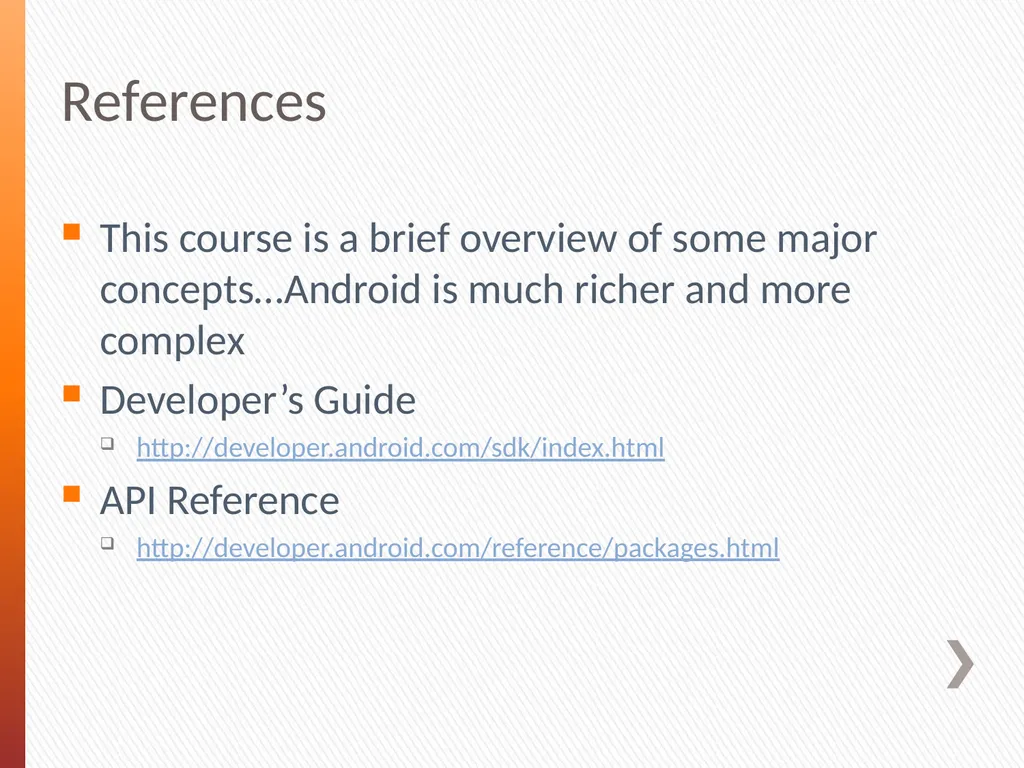
References This course is a brief overview of some major concepts…Android is much richer and more complex
Developer’s Guide
http://developer.android.com/sdk/index.html
API Reference
http://developer.android.com/reference/packages.html<br>
05
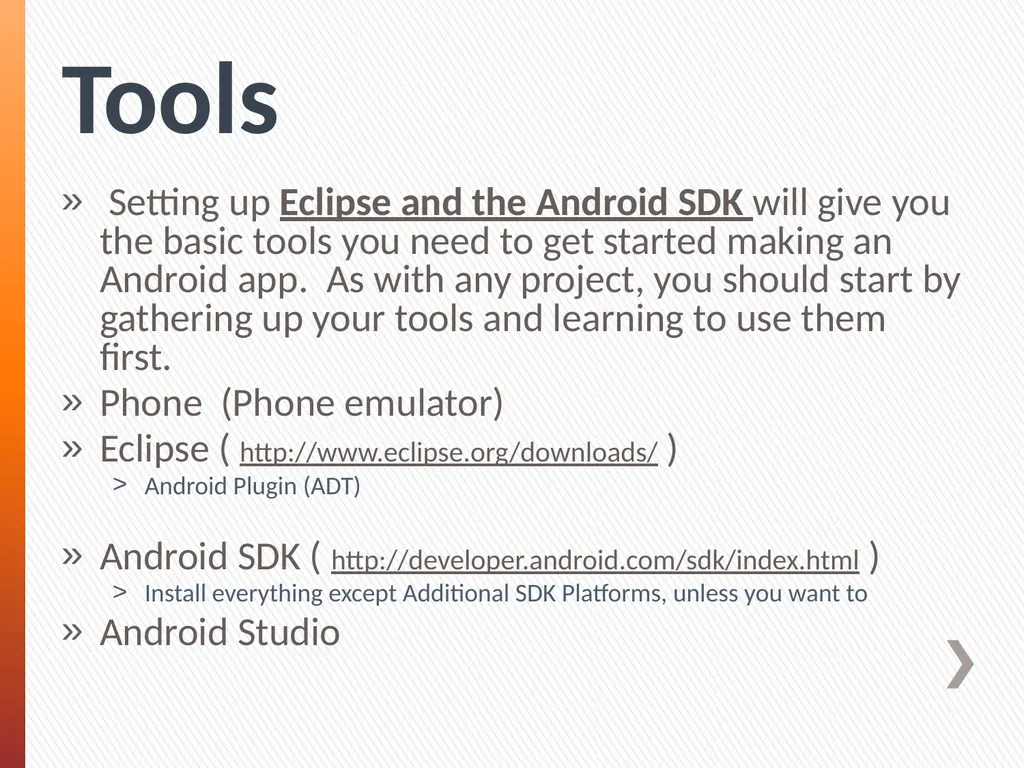
Tools Setting up Eclipse and the Android SDK will give you the basic tools you need to get started making an Android app. As with any project, you should start by gathering up your tools and learning to use them first.
Phone (Phone emulator)
Eclipse ( http://www.eclipse.org/downloads/ )
Android Plugin (ADT)
Android SDK ( http://developer.android.com/sdk/index.html )
Install everything except Additional SDK Platforms, unless you want to
Android Studio<br>
06
Java
&
Android Programming<br>
07
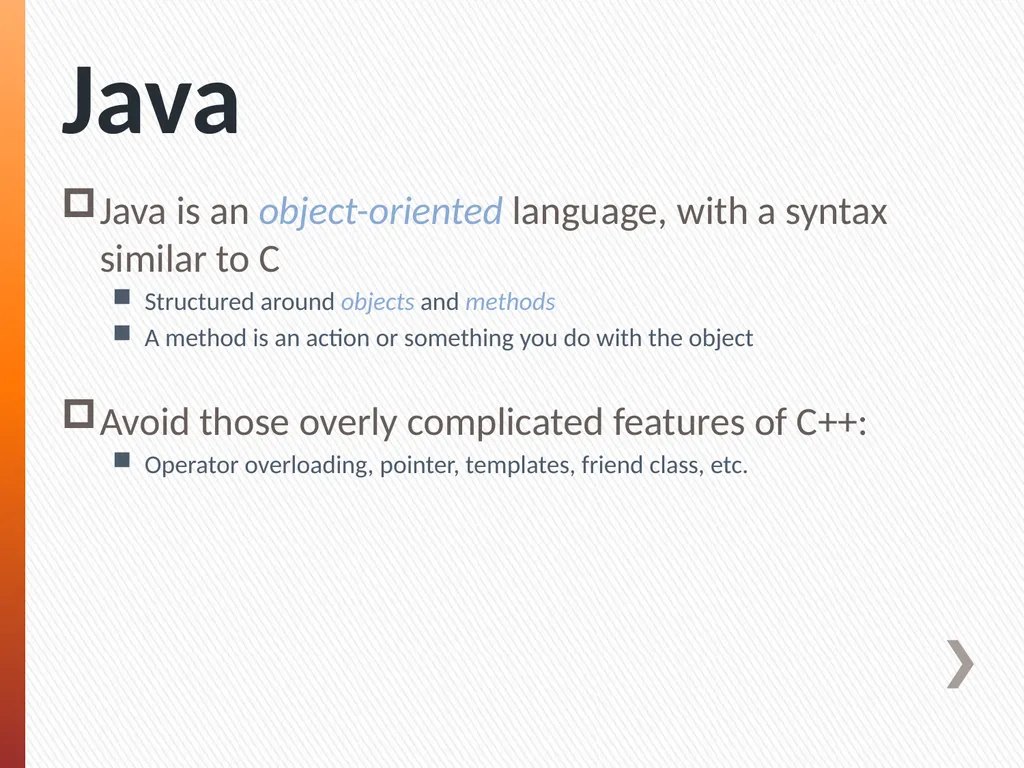
Java Java is an object-oriented language, with a syntax similar to C
Structured around objects and methods
A method is an action or something you do with the object
Avoid those overly complicated features of C++:
Operator overloading, pointer, templates, friend class, etc.<br>
08
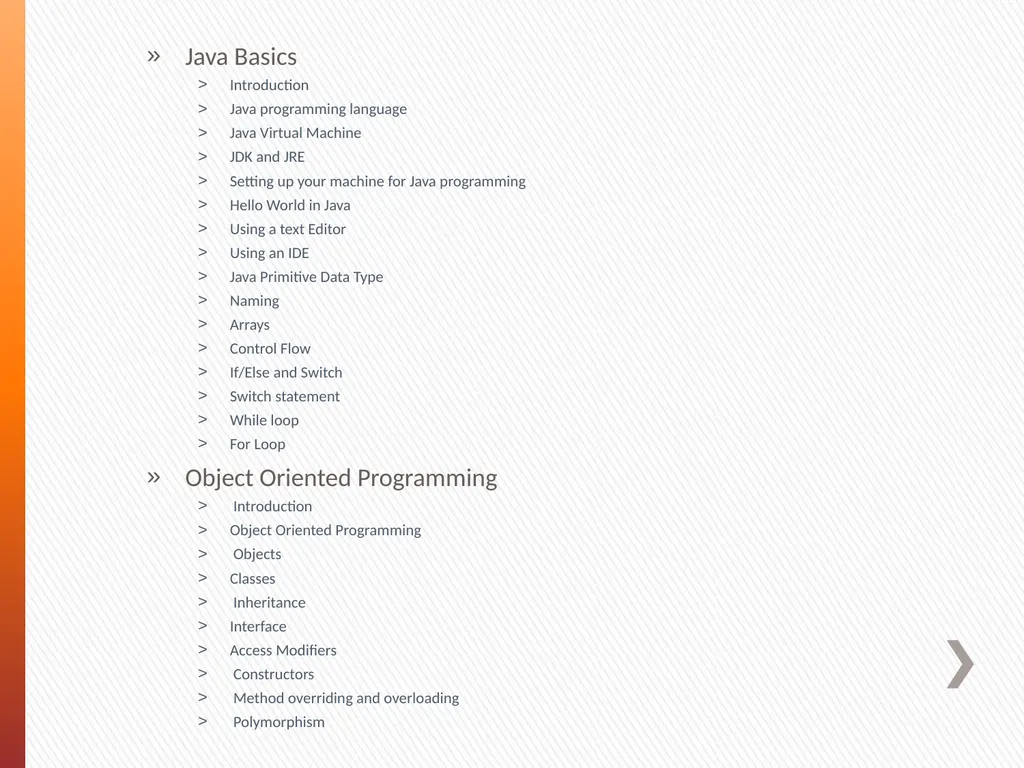
Java Basics
Introduction
Java programming language
Java Virtual Machine
JDK and JRE
Setting up your machine for Java programming
Hello World in Java
Using a text Editor
Using an IDE
Java Primitive Data Type
Naming
Arrays
Control Flow
If/Else and Switch
Switch statement
While loop
For Loop
Object Oriented Programming
Introduction
Object Oriented Programming
Objects
Classes
Inheritance
Interface
Access Modifiers
Constructors
Method overriding and overloading
Polymorphism<br>
09
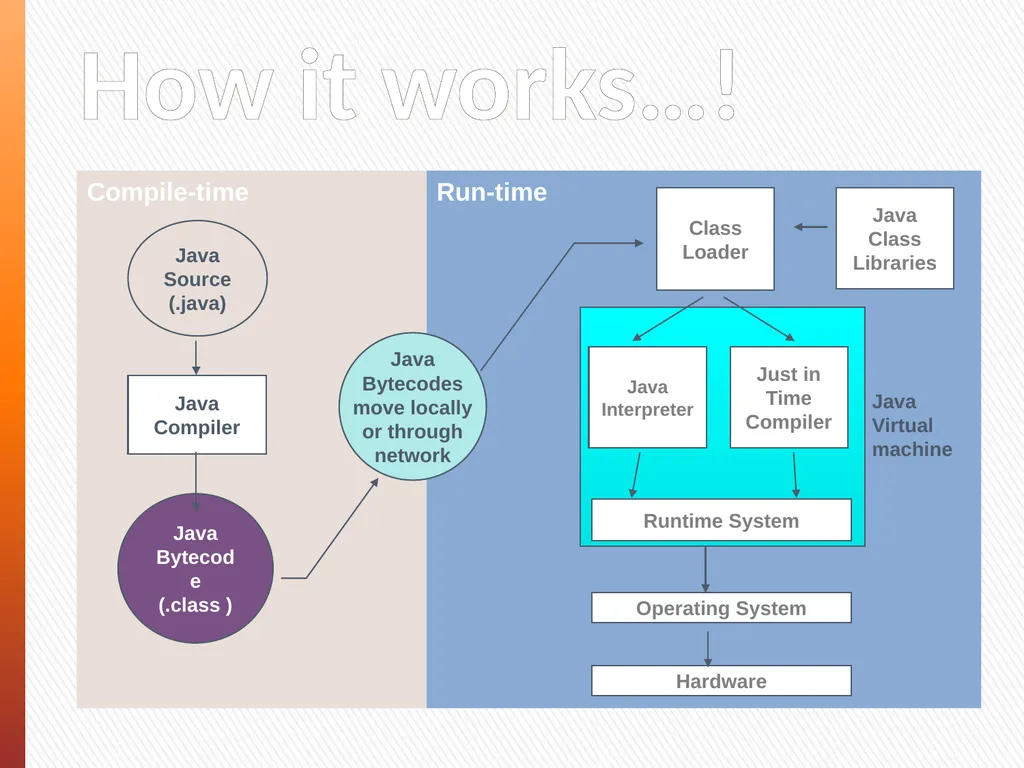
Run-time Runtime System Class Loader Java Class
Libraries Operating System Hardware Java
Virtual
machine How it works…! Compile-time Java
Bytecodes
move locally
or through
network Java
Source
(.java) Java
Compiler Java
Bytecode
(.class )<br>
10
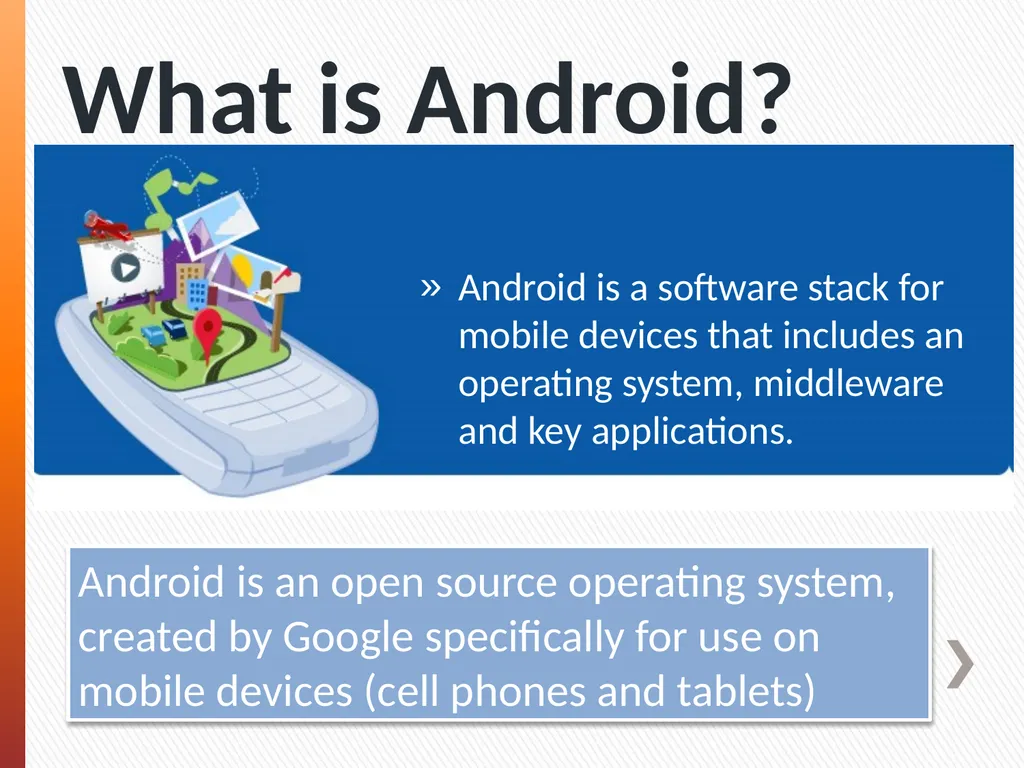
What is Android? Android is a software stack for mobile devices that includes an operating system, middleware and key applications. Android is an open source operating system, created by Google specifically for use on mobile devices (cell phones and tablets)<br>
11
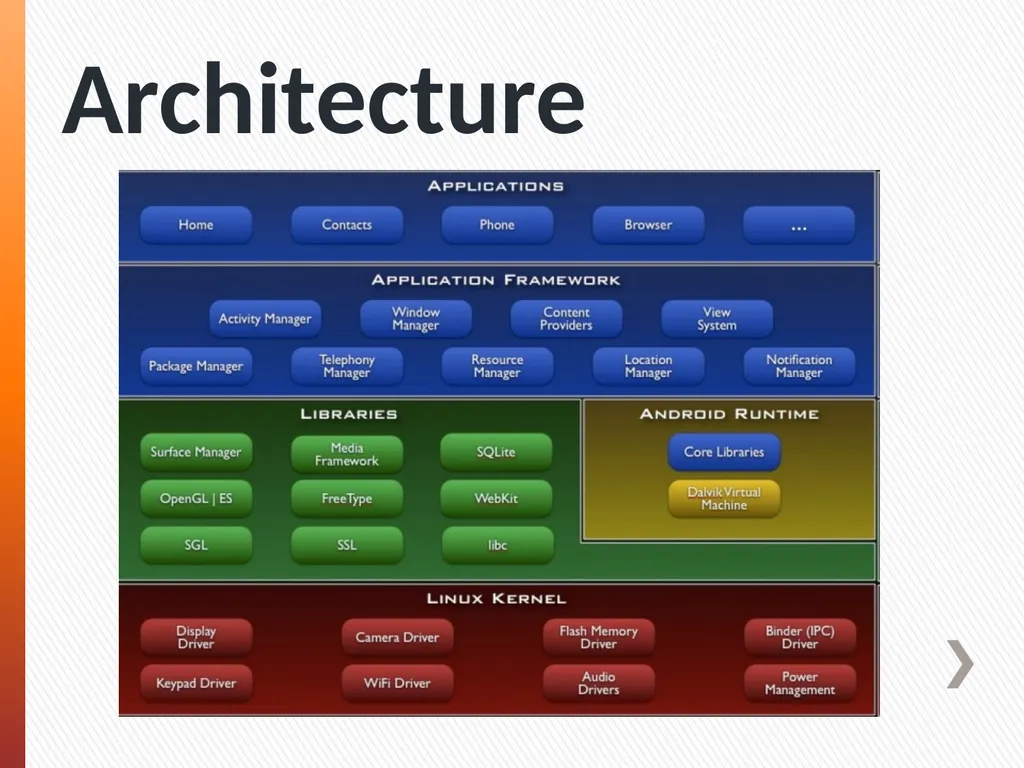
Architecture<br>
12
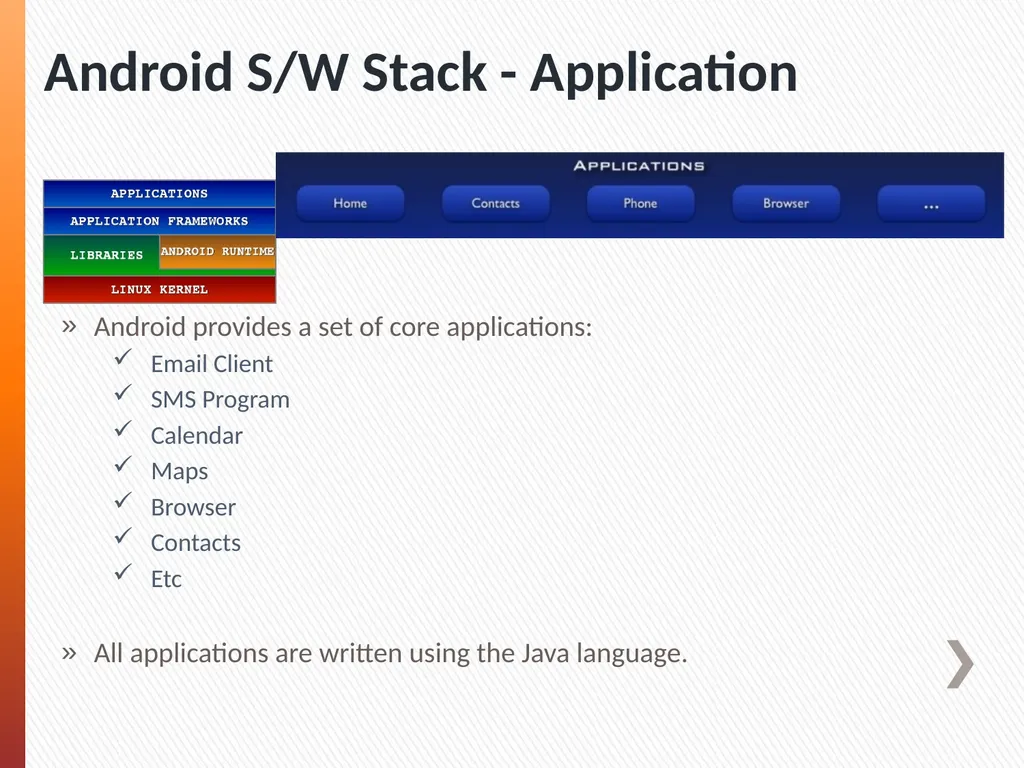
Android S/W Stack - Application Android provides a set of core applications:
Email Client
SMS Program
Calendar
Maps
Browser
Contacts
Etc
All applications are written using the Java language.<br>
13
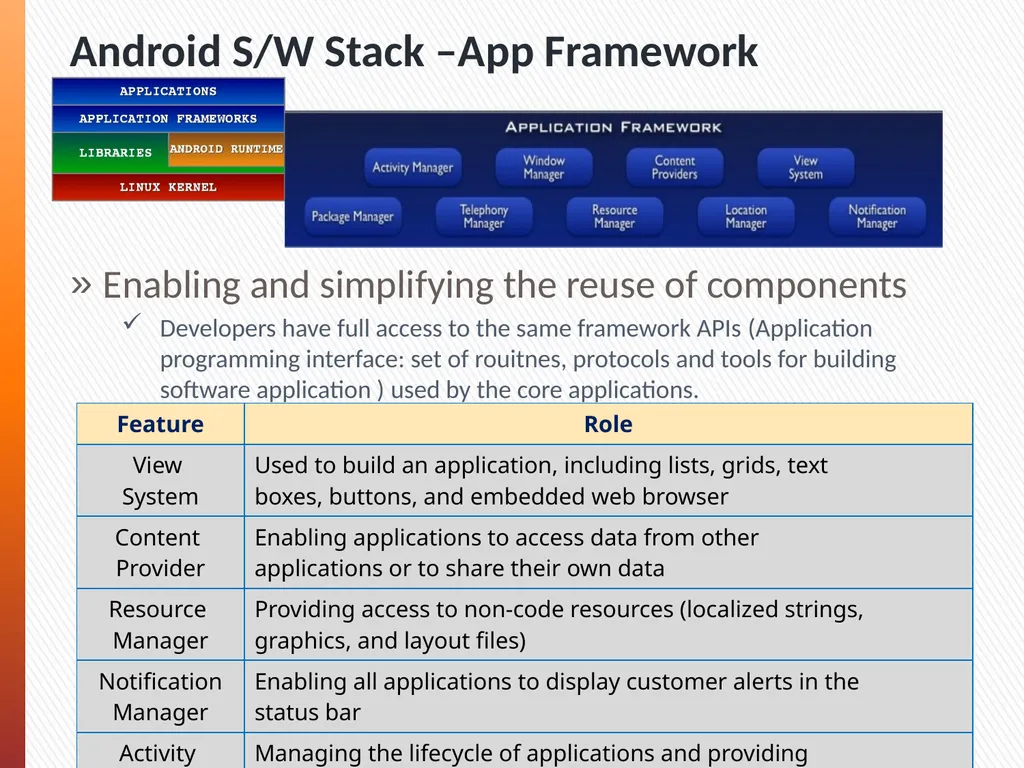
Android S/W Stack –App Framework Enabling and simplifying the reuse of components
Developers have full access to the same framework APIs (Application programming interface: set of rouitnes, protocols and tools for building software application ) used by the core applications.
Users are allowed to replace components.<br>
14
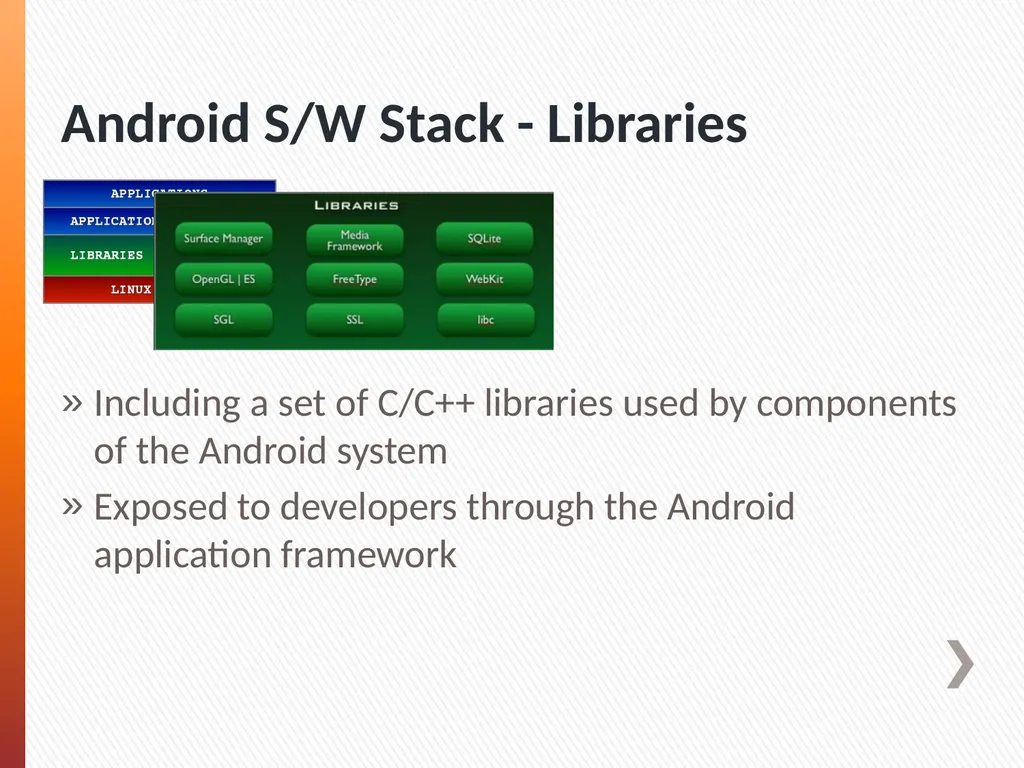
Android S/W Stack - Libraries Including a set of C/C++ libraries used by components of the Android system
Exposed to developers through the Android application framework<br>
15
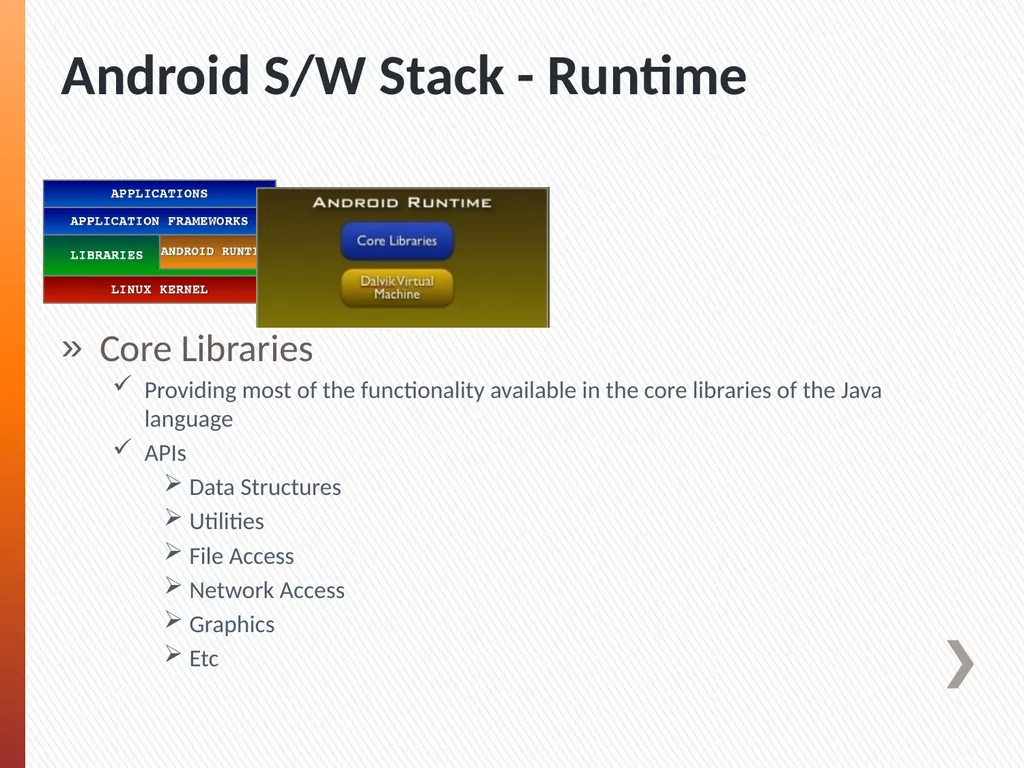
Android S/W Stack - Runtime Core Libraries
Providing most of the functionality available in the core libraries of the Java language
APIs
Data Structures
Utilities
File Access
Network Access
Graphics
Etc<br>
16
Dalvik Virtual Machine
Providing environment on which every Android application runs
Each Android application runs in its own process, with its own instance of the Dalvik VM.
Dalvik has been written such that a device can run multiple VMs efficiently.
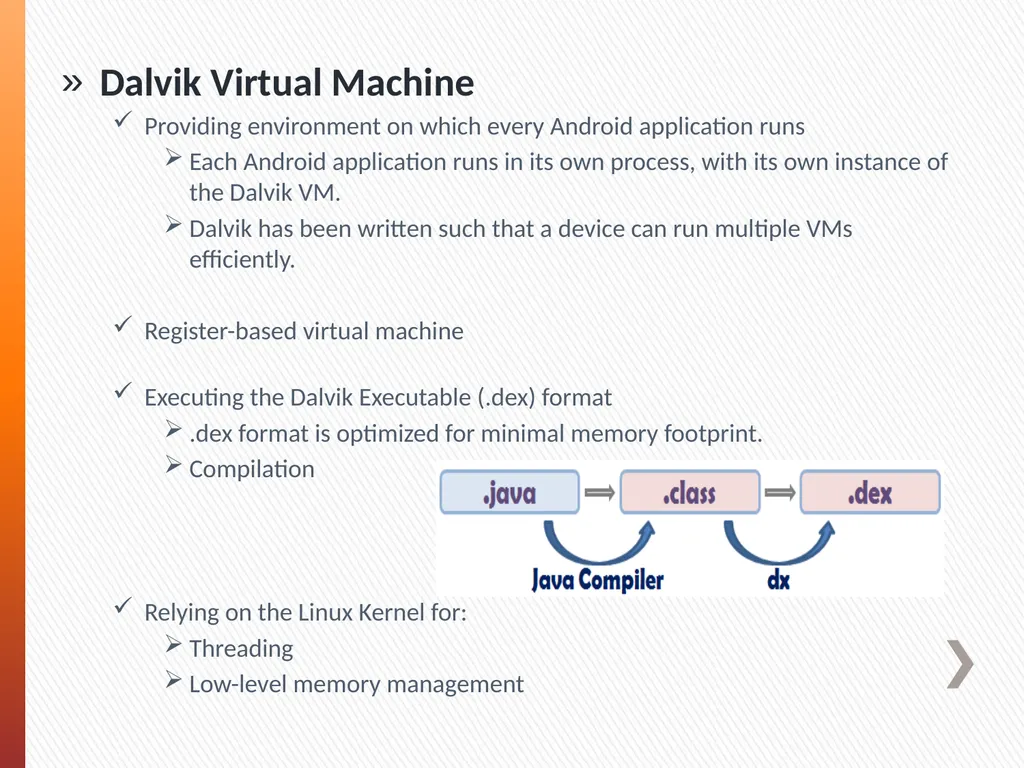
Register-based virtual machine Executing the Dalvik Executable (.dex) format
.dex format is optimized for minimal memory footprint.
Compilation
Relying on the Linux Kernel for:
Threading
Low-level memory management<br>
17
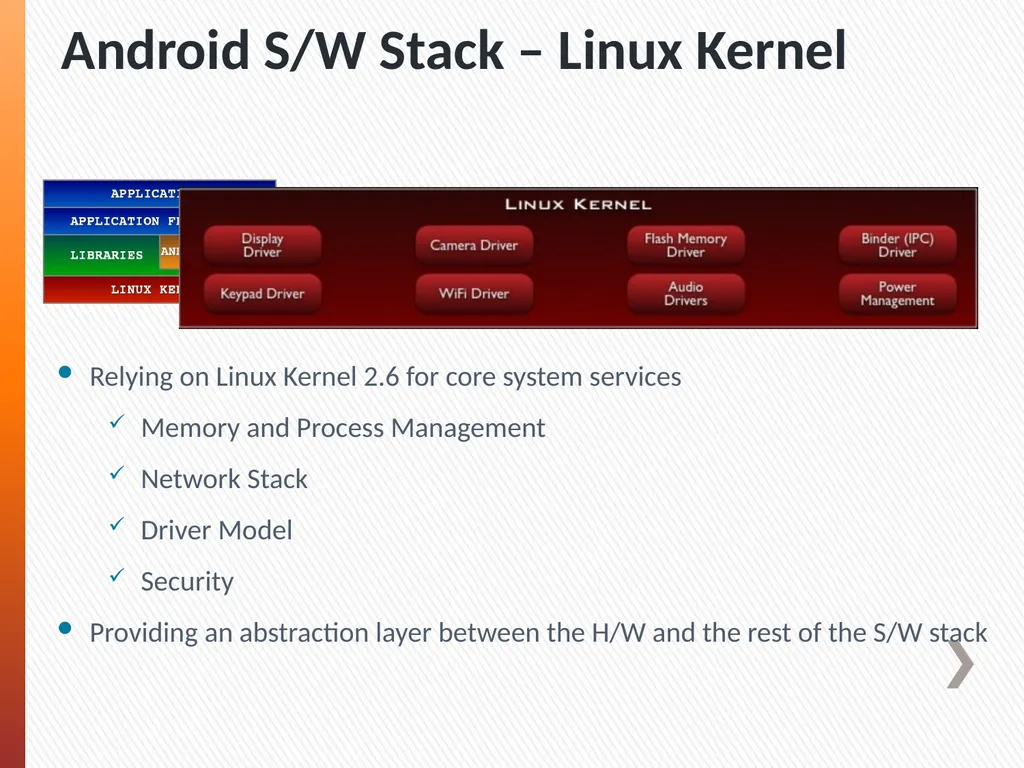
Android S/W Stack – Linux Kernel Relying on Linux Kernel 2.6 for core system services
Memory and Process Management
Network Stack
Driver Model
Security
Providing an abstraction layer between the H/W and the rest of the S/W stack<br>
18
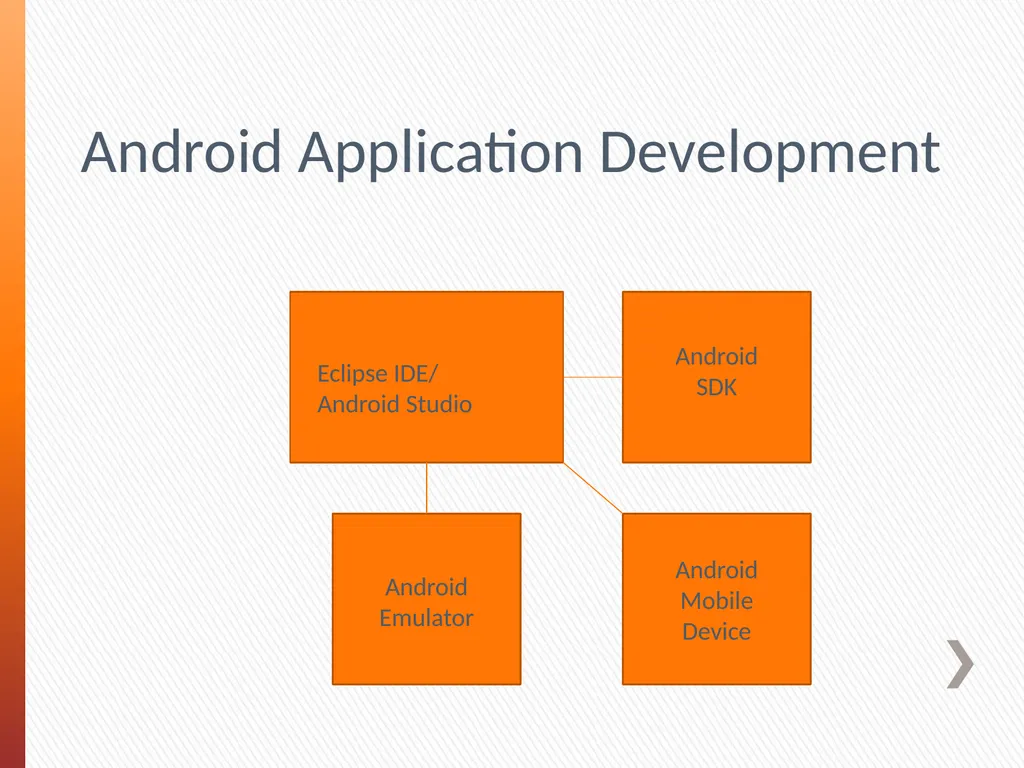
Android Application Development Eclipse IDE/
Android Studio Android
SDK Android
Emulator Android
Mobile
Device<br>
19
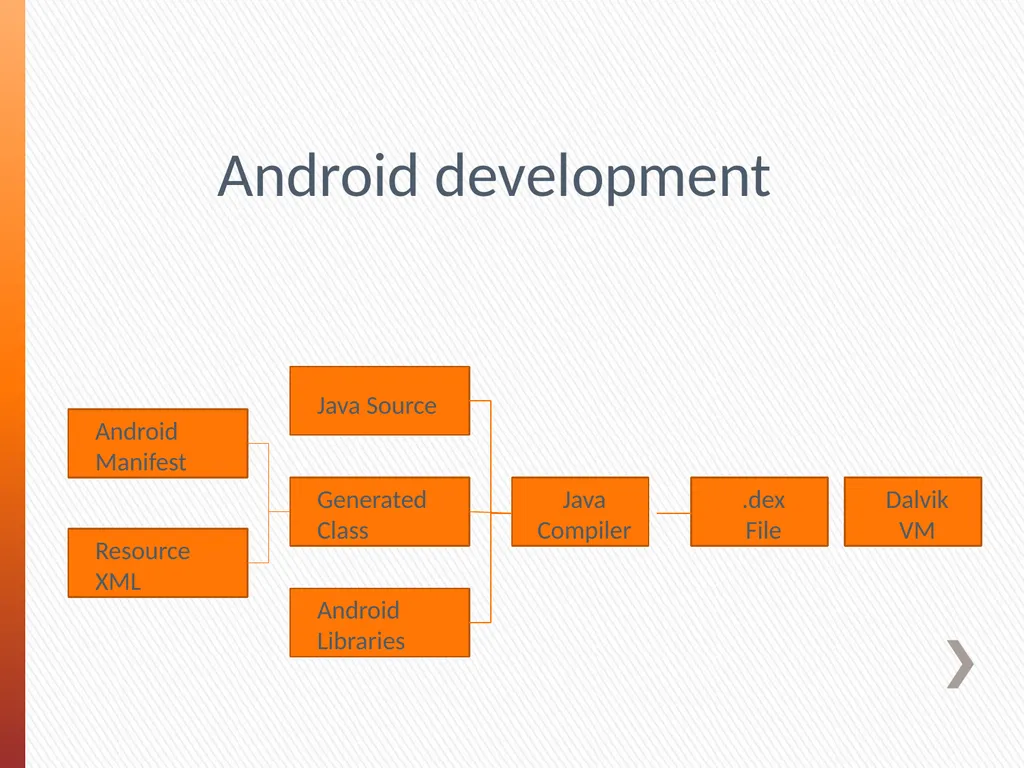
Android development Android Manifest Resource XML Java Source Generated Class Java Compiler Android Libraries .dex
File Dalvik
VM<br>