
Course Design and Pedagogy The Center for
LV
Published · 35 slides · 0 views

1 / 1


Description
Course Design and Pedagogy The Center for Excellence in Learning and Teaching Summer 2020 How do we teach when normal human interaction that usually happens in the classroom might be uncomfortable, potentially even dangerous? How we move
Related Topics
Share
Embed code
Download this presentation From Below
"Course Design and Pedagogy The Center for" is the property of its rightful owner. Permission is granted to download and print the materials on this website for personal, non-commercial use only, and to display it on your personal computer provided you do not modify the materials and that you retain all copyright notices contained in the materials. By downloading content from our website, you accept the terms of this agreement.
Presentation Transcript
01
Course Design and Pedagogy The Center for Excellence in Learning and Teaching
Summer 2020<br>
Summer 2020<br>
02
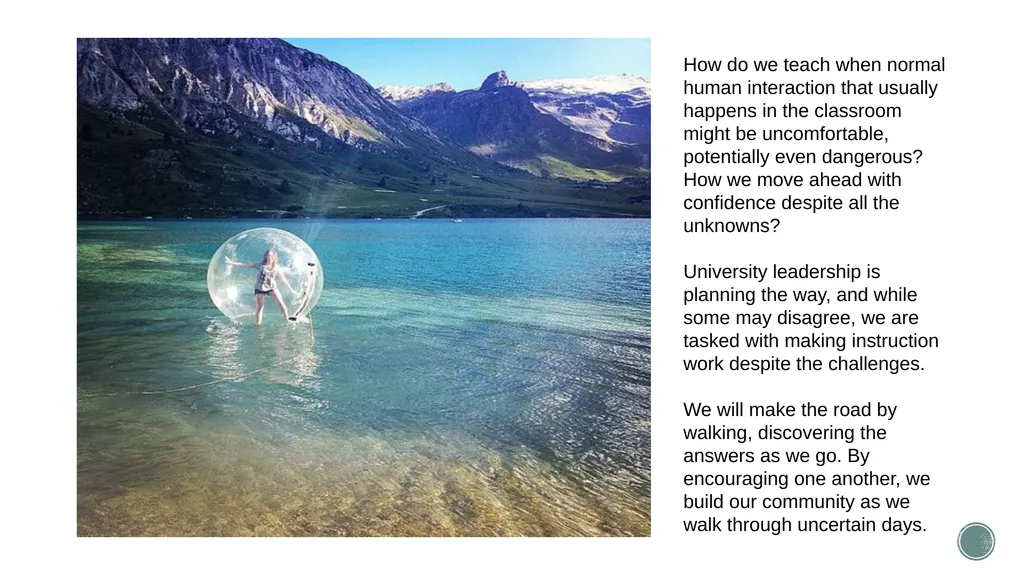
How do we teach when normal human interaction that usually happens in the classroom might be uncomfortable, potentially even dangerous?
How we move ahead with confidence despite all the unknowns?
University leadership is planning the way, and while some may disagree, we are tasked with making instruction work despite the challenges.
We will make the road by walking, discovering the answers as we go. By encouraging one another, we build our community as we walk through uncertain days.<br>
How we move ahead with confidence despite all the unknowns?
University leadership is planning the way, and while some may disagree, we are tasked with making instruction work despite the challenges.
We will make the road by walking, discovering the answers as we go. By encouraging one another, we build our community as we walk through uncertain days.<br>
03
Love one another earnestly from a pure heart,
since you have been born again, not of perishable seed but of imperishable, through the living and abiding word of God.
1 Peter 1:22-23<br>
since you have been born again, not of perishable seed but of imperishable, through the living and abiding word of God.
1 Peter 1:22-23<br>
04
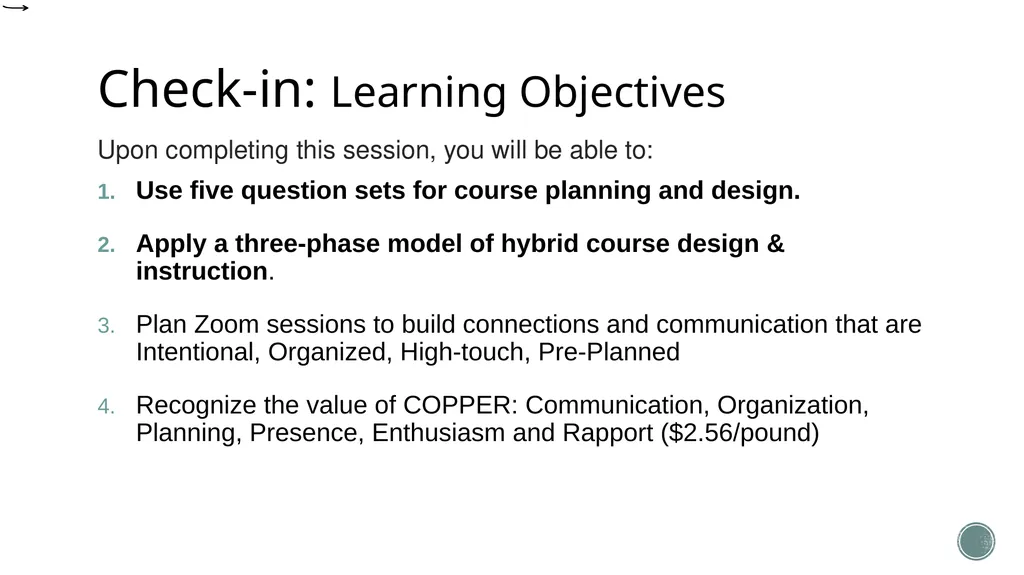
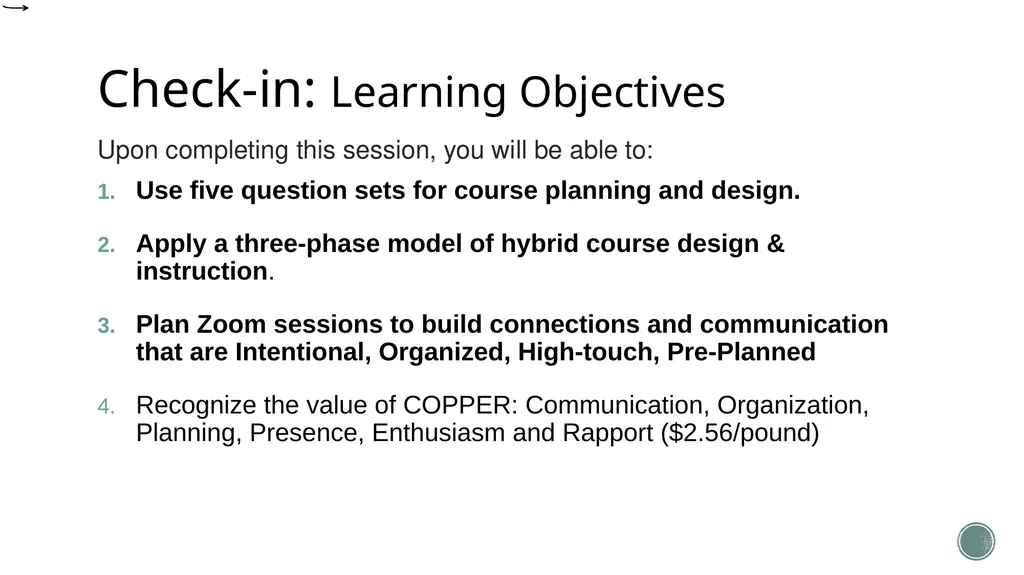
Session Learning Objectives Upon completing this session, you will be able to:
Use five question sets for course planning and design.
Apply a three-phase model of hybrid course design & instruction.
Plan Zoom sessions to build connections and communication that are Intentional, Organized, High-touch, Pre-Planned
Recognize the value of COPPER: Communication, Organization, Planning, Presence, Enthusiasm and Rapport ($2.56/pound)<br>
Use five question sets for course planning and design.
Apply a three-phase model of hybrid course design & instruction.
Plan Zoom sessions to build connections and communication that are Intentional, Organized, High-touch, Pre-Planned
Recognize the value of COPPER: Communication, Organization, Planning, Presence, Enthusiasm and Rapport ($2.56/pound)<br>
05
Design Thinking: Course Design and Teaching Elements Who are my learners?
Who am I?
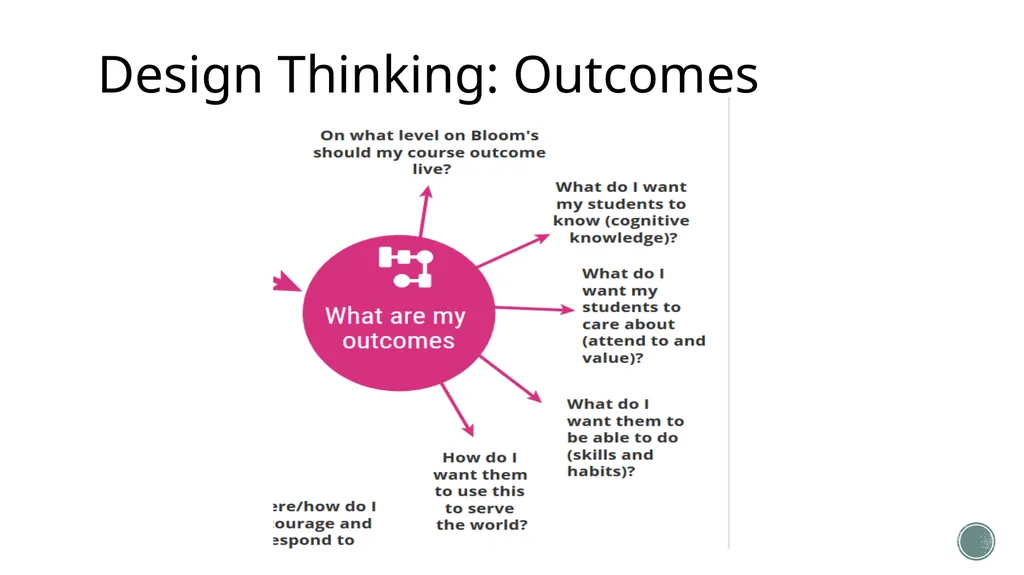
What are my outcomes?
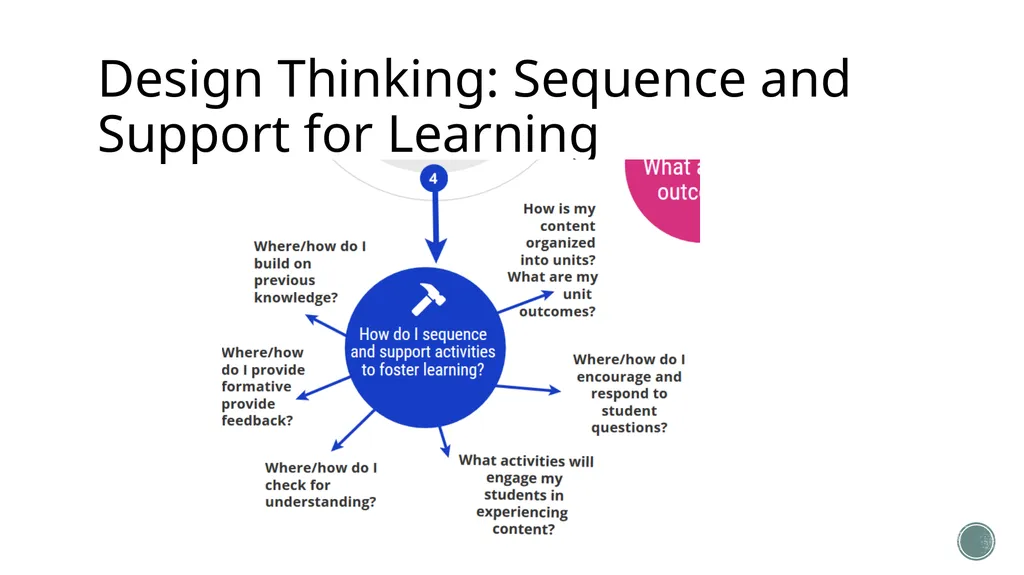
How do I sequence and support activities to foster learning?
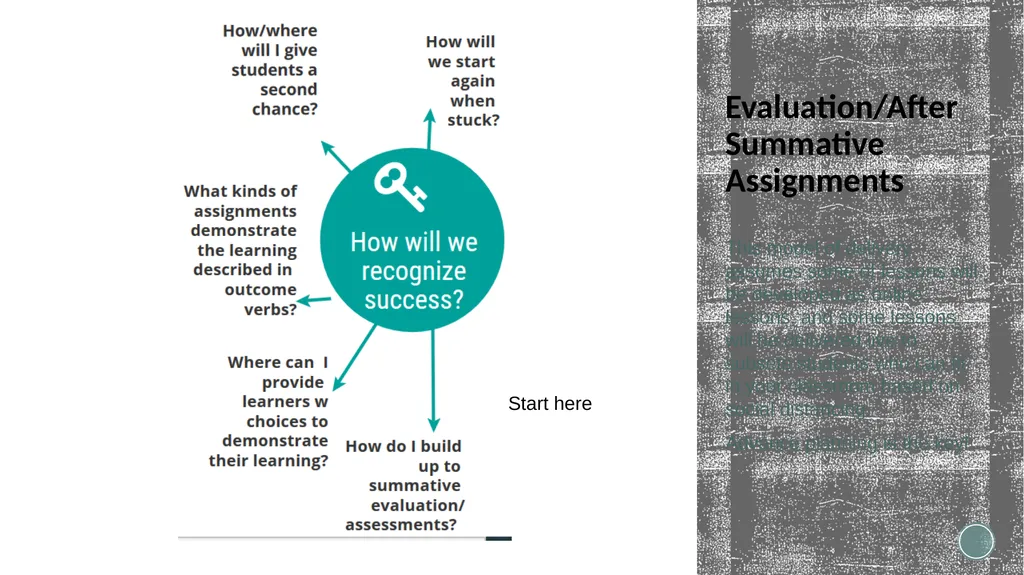
How will we recognize success?
https://infograph.venngage.com/ps/4HO5oprt4h4/course-design-elements-june-7-2020
Objective: Use five question sets for course planning and design.<br>
Who am I?
What are my outcomes?
How do I sequence and support activities to foster learning?
How will we recognize success?
https://infograph.venngage.com/ps/4HO5oprt4h4/course-design-elements-june-7-2020
Objective: Use five question sets for course planning and design.<br>
06
Design Thinking: Outcomes<br>
07
Design Thinking: Sequence and Support for Learning<br>
08
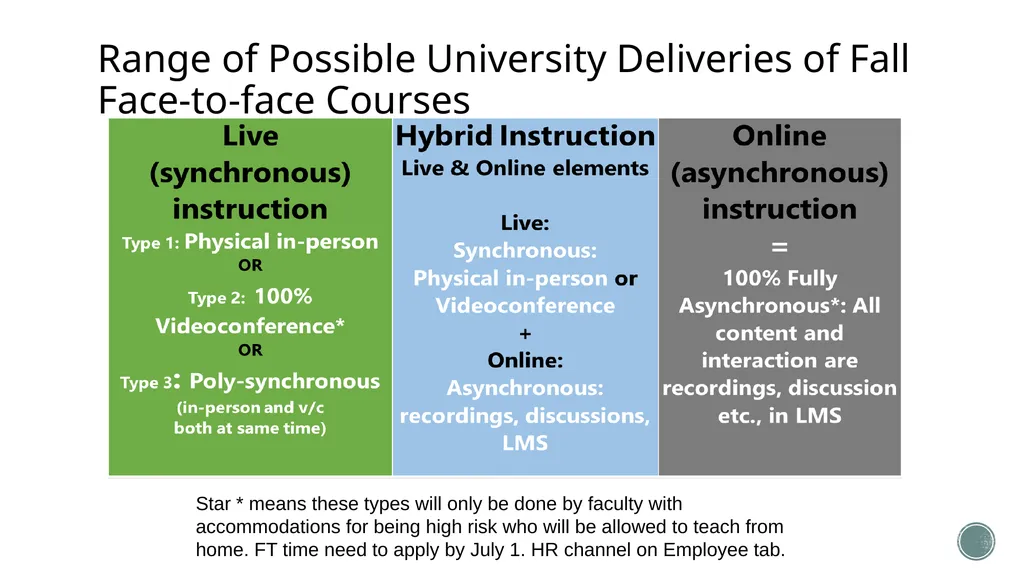
Range of Possible University Deliveries of Fall Face-to-face Courses Star * means these types will only be done by faculty with accommodations for being high risk who will be allowed to teach from home. FT time need to apply by July 1. HR channel on Employee tab.<br>
09
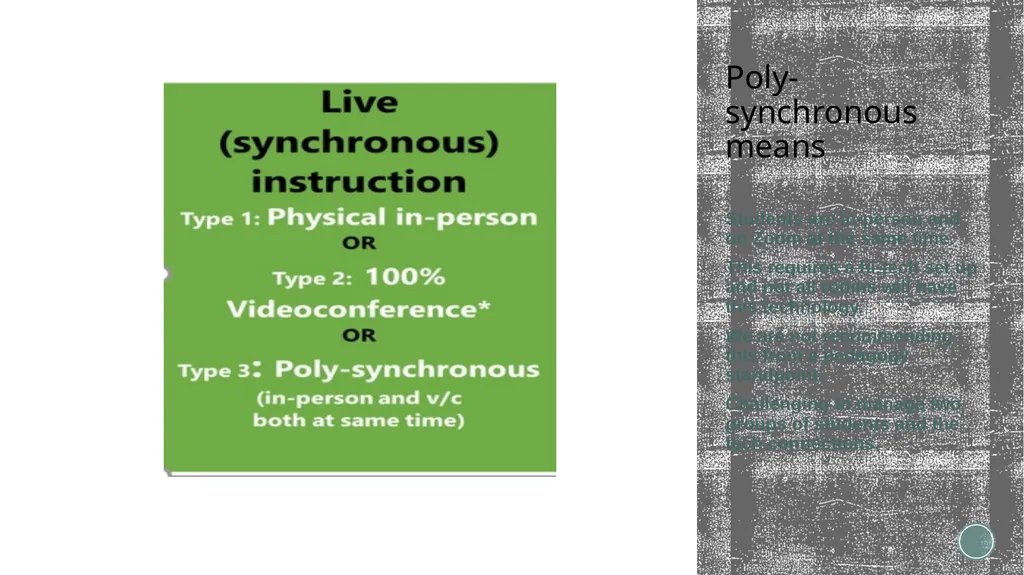
Poly-synchronous means Students are in-person and on Zoom at the same time.
This requires a hi-tech set up and not all rooms will have this technology.
We are not recommending this from a pedagogy standpoint.
Challenging to manage two groups of students and the tech connections.<br>
This requires a hi-tech set up and not all rooms will have this technology.
We are not recommending this from a pedagogy standpoint.
Challenging to manage two groups of students and the tech connections.<br>
10
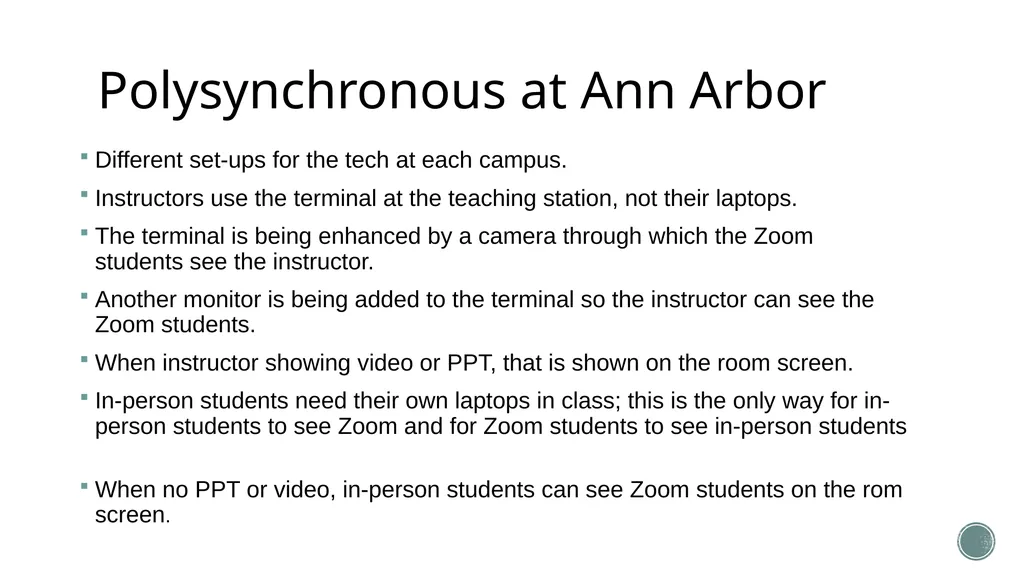
Polysynchronous at Ann Arbor Different set-ups for the tech at each campus.
Instructors use the terminal at the teaching station, not their laptops.
The terminal is being enhanced by a camera through which the Zoom students see the instructor.
Another monitor is being added to the terminal so the instructor can see the Zoom students.
When instructor showing video or PPT, that is shown on the room screen.
In-person students need their own laptops in class; this is the only way for in-person students to see Zoom and for Zoom students to see in-person students
When no PPT or video, in-person students can see Zoom students on the rom screen.<br>
Instructors use the terminal at the teaching station, not their laptops.
The terminal is being enhanced by a camera through which the Zoom students see the instructor.
Another monitor is being added to the terminal so the instructor can see the Zoom students.
When instructor showing video or PPT, that is shown on the room screen.
In-person students need their own laptops in class; this is the only way for in-person students to see Zoom and for Zoom students to see in-person students
When no PPT or video, in-person students can see Zoom students on the rom screen.<br>
11
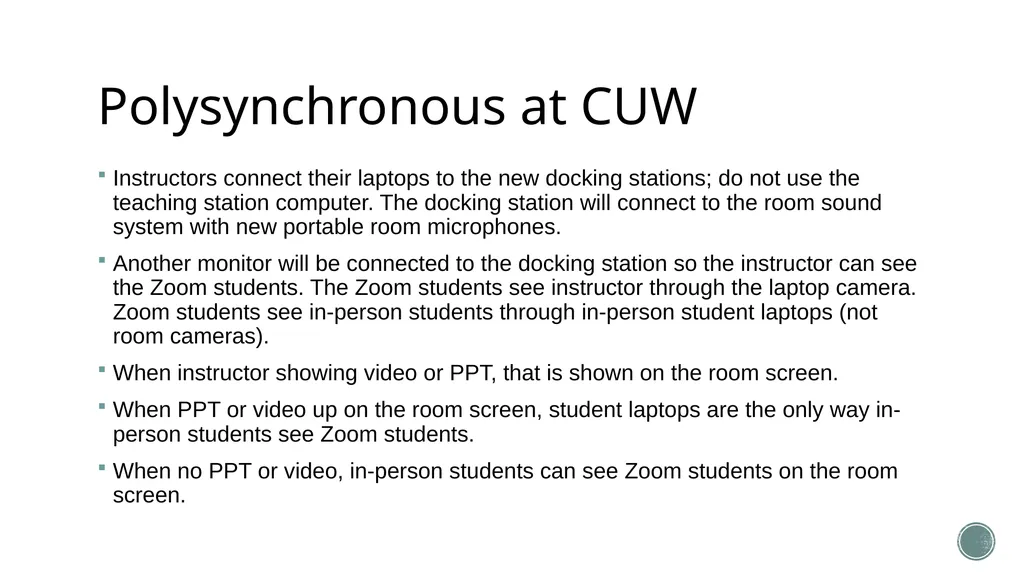
Polysynchronous at CUW Instructors connect their laptops to the new docking stations; do not use the teaching station computer. The docking station will connect to the room sound system with new portable room microphones.
Another monitor will be connected to the docking station so the instructor can see the Zoom students. The Zoom students see instructor through the laptop camera. Zoom students see in-person students through in-person student laptops (not room cameras).
When instructor showing video or PPT, that is shown on the room screen.
When PPT or video up on the room screen, student laptops are the only way in-person students see Zoom students.
When no PPT or video, in-person students can see Zoom students on the room screen.<br>
Another monitor will be connected to the docking station so the instructor can see the Zoom students. The Zoom students see instructor through the laptop camera. Zoom students see in-person students through in-person student laptops (not room cameras).
When instructor showing video or PPT, that is shown on the room screen.
When PPT or video up on the room screen, student laptops are the only way in-person students see Zoom students.
When no PPT or video, in-person students can see Zoom students on the room screen.<br>
12
This Session:
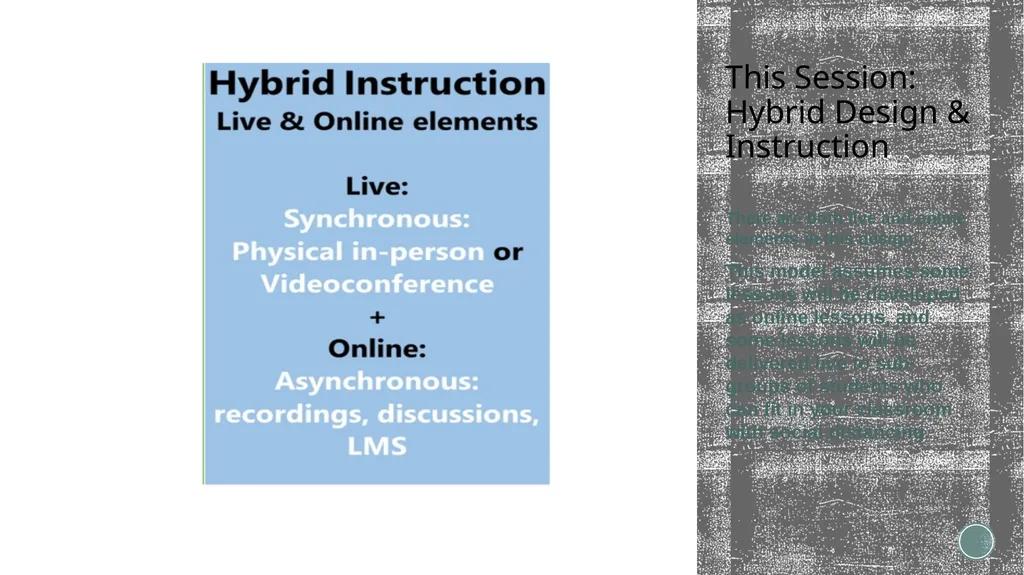
Hybrid Design & Instruction There are both live and online elements in this design.
This model assumes some lessons will be developed as online lessons, and some lessons will be delivered live to sub-groups of students who can fit in your classroom with social distancing.<br>
This model assumes some lessons will be developed as online lessons, and some lessons will be delivered live to sub-groups of students who can fit in your classroom with social distancing.<br>
13
F2F and Blackboard This model of delivery assumes some of lessons will be developed as online lessons, and some lessons will be delivered live to subsets students who can fit in your classroom based on social distancing.
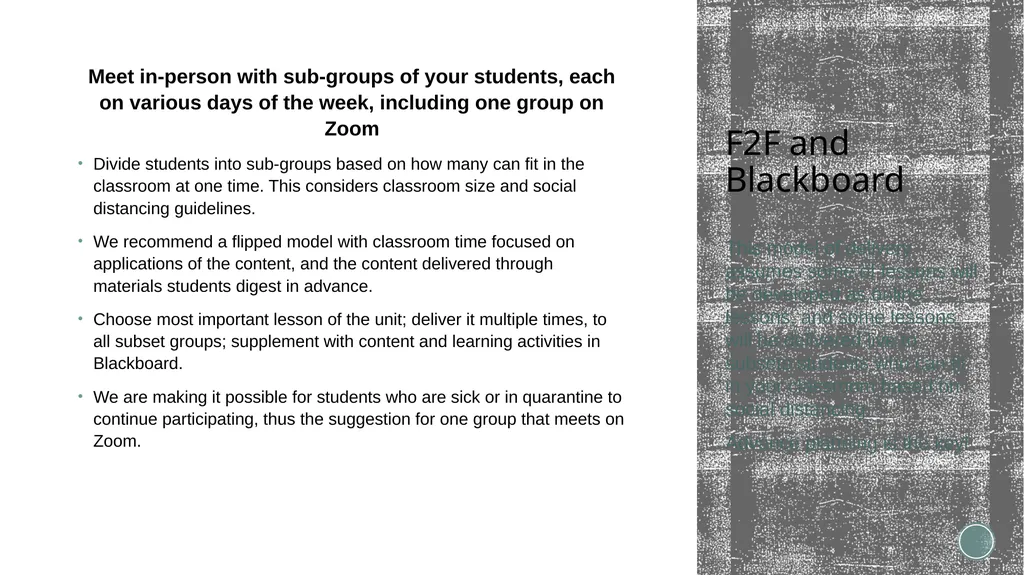
Advance planning is the key! Meet in-person with sub-groups of your students, each on various days of the week, including one group on Zoom
Divide students into sub-groups based on how many can fit in the classroom at one time. This considers classroom size and social distancing guidelines.
We recommend a flipped model with classroom time focused on applications of the content, and the content delivered through materials students digest in advance.
Choose most important lesson of the unit; deliver it multiple times, to all subset groups; supplement with content and learning activities in Blackboard.
We are making it possible for students who are sick or in quarantine to continue participating, thus the suggestion for one group that meets on Zoom. Face-to-face in a classroom for a portion of the class session(s), supplemented by asynchronous learning activities in Blackboard
(Students are divided into groups based on classroom size and social distancing guidelines; Instructor teaches the same lesson to each F2F sub-group of students)
Pros: Meets student preference for in-person learning
Students learn more in “flipped” classrooms and take more responsibility for their own learning
Allows for social distancing
Cons: Instructors must re-organize course material
Does not meet faculty or student accommodation needs
Difficult to record classroom sessions
Difficult to pivot if required by “stay at home” orders
Technology requirements: Blackboard (in place)<br>
Advance planning is the key! Meet in-person with sub-groups of your students, each on various days of the week, including one group on Zoom
Divide students into sub-groups based on how many can fit in the classroom at one time. This considers classroom size and social distancing guidelines.
We recommend a flipped model with classroom time focused on applications of the content, and the content delivered through materials students digest in advance.
Choose most important lesson of the unit; deliver it multiple times, to all subset groups; supplement with content and learning activities in Blackboard.
We are making it possible for students who are sick or in quarantine to continue participating, thus the suggestion for one group that meets on Zoom. Face-to-face in a classroom for a portion of the class session(s), supplemented by asynchronous learning activities in Blackboard
(Students are divided into groups based on classroom size and social distancing guidelines; Instructor teaches the same lesson to each F2F sub-group of students)
Pros: Meets student preference for in-person learning
Students learn more in “flipped” classrooms and take more responsibility for their own learning
Allows for social distancing
Cons: Instructors must re-organize course material
Does not meet faculty or student accommodation needs
Difficult to record classroom sessions
Difficult to pivot if required by “stay at home” orders
Technology requirements: Blackboard (in place)<br>
14
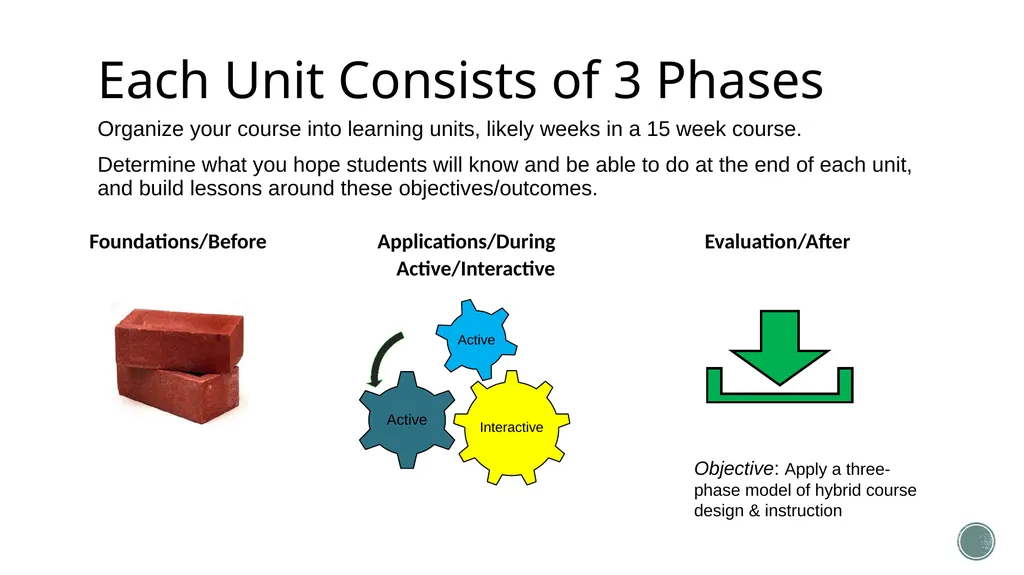
Organize your course into learning units, likely weeks in a 15 week course.
Determine what you hope students will know and be able to do at the end of each unit, and build lessons around these objectives/outcomes. Each Unit Consists of 3 Phases Foundations/Before Applications/During Evaluation/After
Active/Interactive Objective: Apply a three-phase model of hybrid course design & instruction<br>
Determine what you hope students will know and be able to do at the end of each unit, and build lessons around these objectives/outcomes. Each Unit Consists of 3 Phases Foundations/Before Applications/During Evaluation/After
Active/Interactive Objective: Apply a three-phase model of hybrid course design & instruction<br>
15
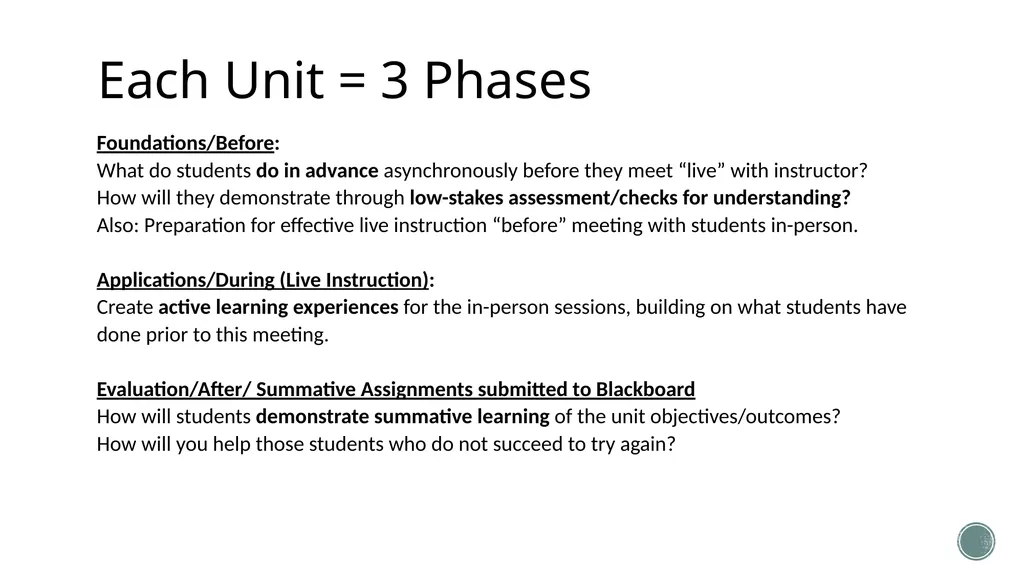
Each Unit = 3 Phases Foundations/Before:
What do students do in advance asynchronously before they meet “live” with instructor?
How will they demonstrate through low-stakes assessment/checks for understanding?
Also: Preparation for effective live instruction “before” meeting with students in-person.
Applications/During (Live Instruction):
Create active learning experiences for the in-person sessions, building on what students have done prior to this meeting.
Evaluation/After/ Summative Assignments submitted to Blackboard
How will students demonstrate summative learning of the unit objectives/outcomes?
How will you help those students who do not succeed to try again?<br>
What do students do in advance asynchronously before they meet “live” with instructor?
How will they demonstrate through low-stakes assessment/checks for understanding?
Also: Preparation for effective live instruction “before” meeting with students in-person.
Applications/During (Live Instruction):
Create active learning experiences for the in-person sessions, building on what students have done prior to this meeting.
Evaluation/After/ Summative Assignments submitted to Blackboard
How will students demonstrate summative learning of the unit objectives/outcomes?
How will you help those students who do not succeed to try again?<br>
16
Check-in: Learning Objectives Upon completing this session, you will be able to:
Use five question sets for course planning and design.
Apply a three-phase model of hybrid course design & instruction.
Plan Zoom sessions to build connections and communication that are Intentional, Organized, High-touch, Pre-Planned
Recognize the value of COPPER: Communication, Organization, Planning, Presence, Enthusiasm and Rapport ($2.56/pound)<br>
Use five question sets for course planning and design.
Apply a three-phase model of hybrid course design & instruction.
Plan Zoom sessions to build connections and communication that are Intentional, Organized, High-touch, Pre-Planned
Recognize the value of COPPER: Communication, Organization, Planning, Presence, Enthusiasm and Rapport ($2.56/pound)<br>
17
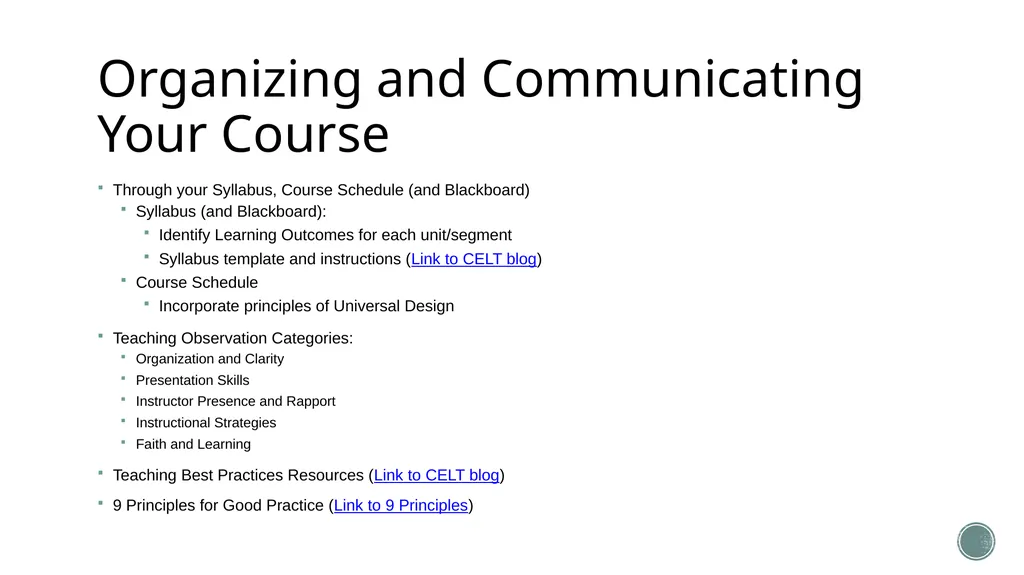
Organizing and Communicating Your Course Through your Syllabus, Course Schedule (and Blackboard)
Syllabus (and Blackboard):
Identify Learning Outcomes for each unit/segment
Syllabus template and instructions (Link to CELT blog)
Course Schedule
Incorporate principles of Universal Design
Teaching Observation Categories:
Organization and Clarity
Presentation Skills
Instructor Presence and Rapport
Instructional Strategies
Faith and Learning
Teaching Best Practices Resources (Link to CELT blog)
9 Principles for Good Practice (Link to 9 Principles)<br>
Syllabus (and Blackboard):
Identify Learning Outcomes for each unit/segment
Syllabus template and instructions (Link to CELT blog)
Course Schedule
Incorporate principles of Universal Design
Teaching Observation Categories:
Organization and Clarity
Presentation Skills
Instructor Presence and Rapport
Instructional Strategies
Faith and Learning
Teaching Best Practices Resources (Link to CELT blog)
9 Principles for Good Practice (Link to 9 Principles)<br>
18
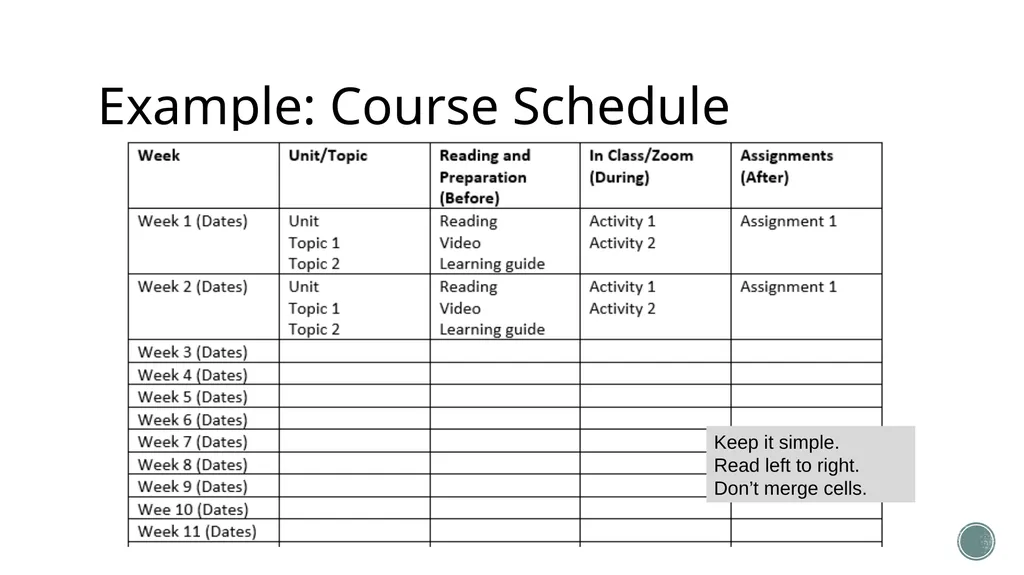
Example: Course Schedule Keep it simple.
Read left to right.
Don’t merge cells.<br>
Read left to right.
Don’t merge cells.<br>
19
Communication Build a sense of community (asynchronous) – Blackboard tools
Build a sense of community (synchronous)
Arrive a few minutes early
Classroom
Zoom session
Begin class with less formal dialogue
Use student names<br>
Build a sense of community (synchronous)
Arrive a few minutes early
Classroom
Zoom session
Begin class with less formal dialogue
Use student names<br>
20
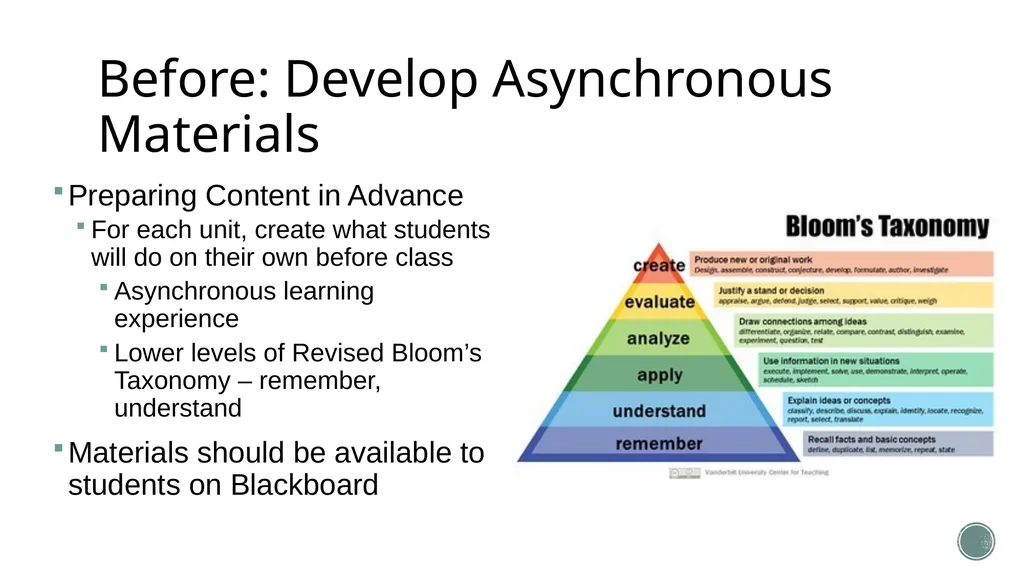
Before: Develop Asynchronous Materials Preparing Content in Advance
For each unit, create what students will do on their own before class
Asynchronous learning experience
Lower levels of Revised Bloom’s Taxonomy – remember, understand
Materials should be available to students on Blackboard<br>
For each unit, create what students will do on their own before class
Asynchronous learning experience
Lower levels of Revised Bloom’s Taxonomy – remember, understand
Materials should be available to students on Blackboard<br>
21
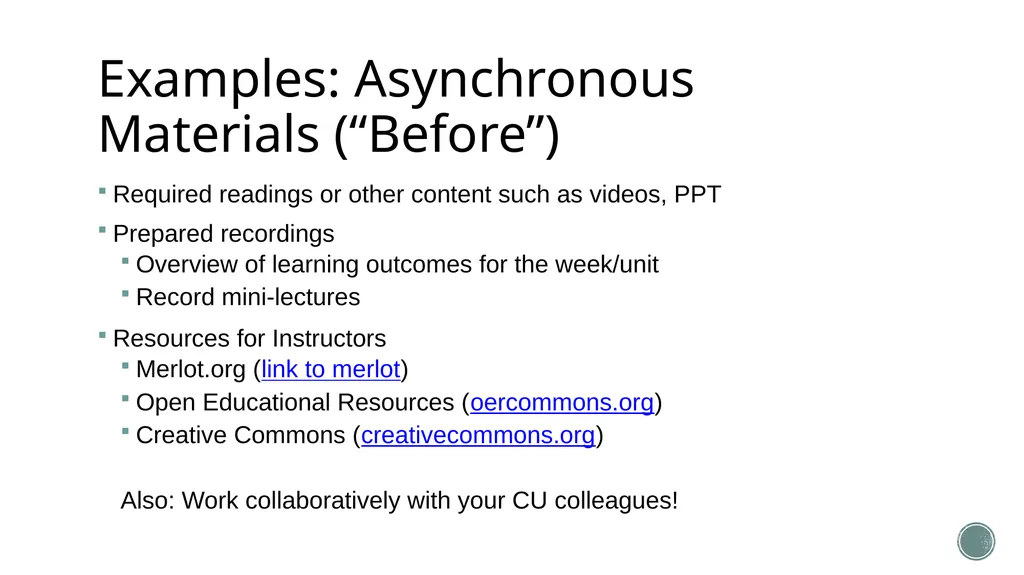
Examples: Asynchronous Materials (“Before”) Required readings or other content such as videos, PPT
Prepared recordings
Overview of learning outcomes for the week/unit
Record mini-lectures
Resources for Instructors
Merlot.org (link to merlot)
Open Educational Resources (oercommons.org)
Creative Commons (creativecommons.org)
Also: Work collaboratively with your CU colleagues!<br>
Prepared recordings
Overview of learning outcomes for the week/unit
Record mini-lectures
Resources for Instructors
Merlot.org (link to merlot)
Open Educational Resources (oercommons.org)
Creative Commons (creativecommons.org)
Also: Work collaboratively with your CU colleagues!<br>
22
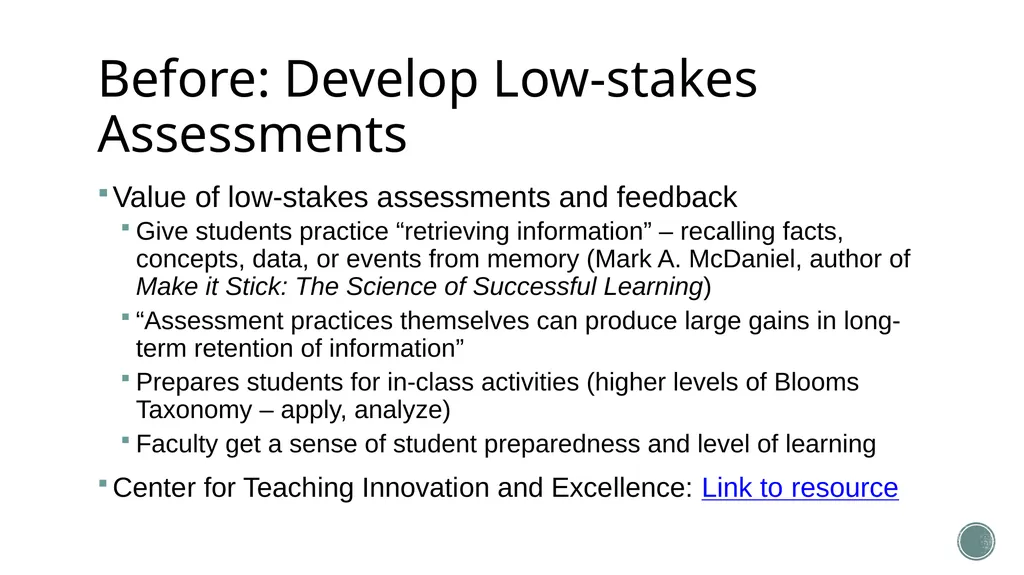
Before: Develop Low-stakes Assessments Value of low-stakes assessments and feedback
Give students practice “retrieving information” – recalling facts, concepts, data, or events from memory (Mark A. McDaniel, author of Make it Stick: The Science of Successful Learning)
“Assessment practices themselves can produce large gains in long-term retention of information”
Prepares students for in-class activities (higher levels of Blooms Taxonomy – apply, analyze)
Faculty get a sense of student preparedness and level of learning
Center for Teaching Innovation and Excellence: Link to resource<br>
Give students practice “retrieving information” – recalling facts, concepts, data, or events from memory (Mark A. McDaniel, author of Make it Stick: The Science of Successful Learning)
“Assessment practices themselves can produce large gains in long-term retention of information”
Prepares students for in-class activities (higher levels of Blooms Taxonomy – apply, analyze)
Faculty get a sense of student preparedness and level of learning
Center for Teaching Innovation and Excellence: Link to resource<br>
23
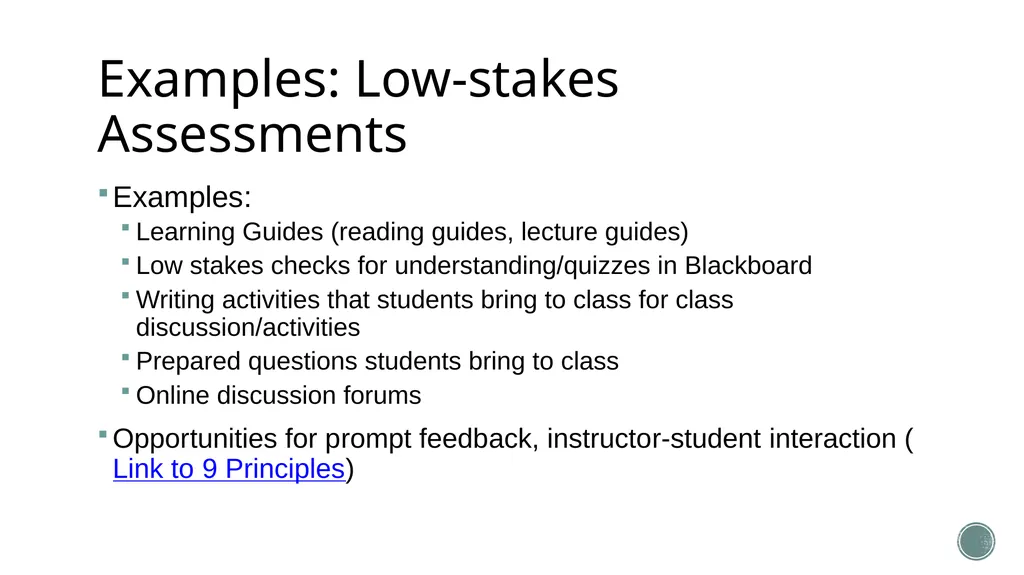
Examples: Low-stakes Assessments Examples:
Learning Guides (reading guides, lecture guides)
Low stakes checks for understanding/quizzes in Blackboard
Writing activities that students bring to class for class discussion/activities
Prepared questions students bring to class
Online discussion forums
Opportunities for prompt feedback, instructor-student interaction (Link to 9 Principles)<br>
Learning Guides (reading guides, lecture guides)
Low stakes checks for understanding/quizzes in Blackboard
Writing activities that students bring to class for class discussion/activities
Prepared questions students bring to class
Online discussion forums
Opportunities for prompt feedback, instructor-student interaction (Link to 9 Principles)<br>
24
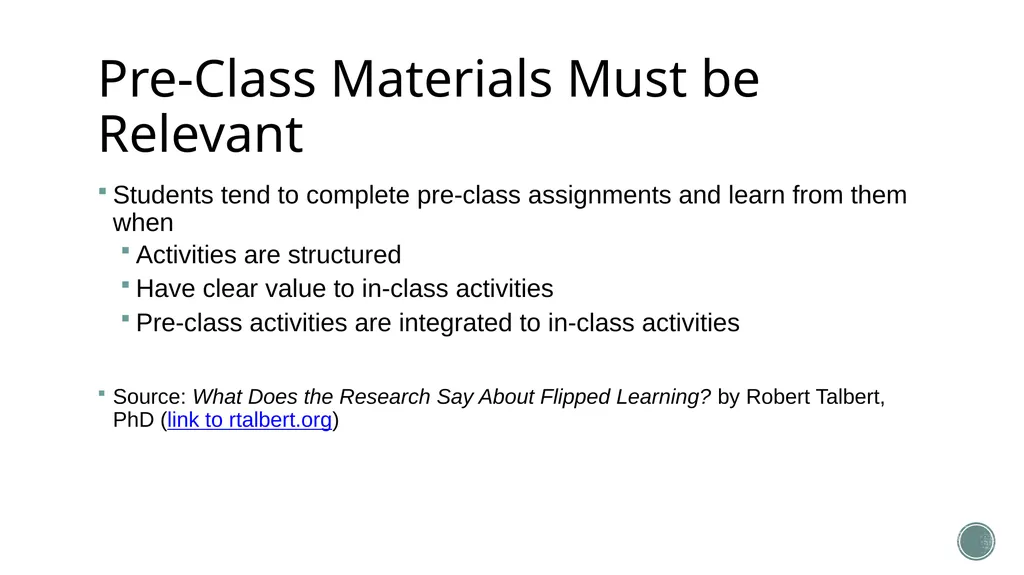
Pre-Class Materials Must be Relevant Students tend to complete pre-class assignments and learn from them when
Activities are structured
Have clear value to in-class activities
Pre-class activities are integrated to in-class activities
Source: What Does the Research Say About Flipped Learning? by Robert Talbert, PhD (link to rtalbert.org)<br>
Activities are structured
Have clear value to in-class activities
Pre-class activities are integrated to in-class activities
Source: What Does the Research Say About Flipped Learning? by Robert Talbert, PhD (link to rtalbert.org)<br>
25
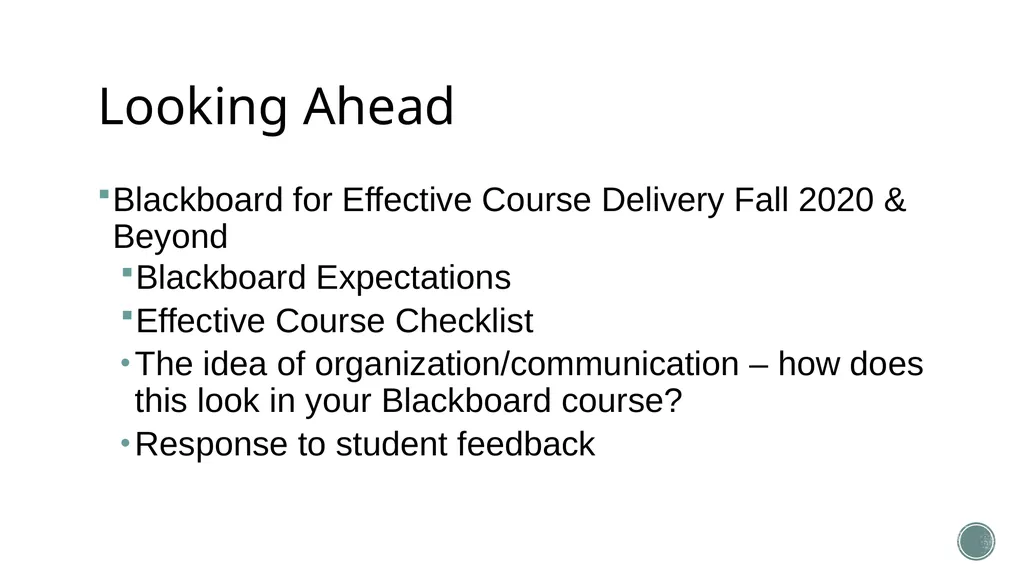
Looking Ahead Blackboard for Effective Course Delivery Fall 2020 & Beyond
Blackboard Expectations
Effective Course Checklist
The idea of organization/communication – how does this look in your Blackboard course?
Response to student feedback<br>
Blackboard Expectations
Effective Course Checklist
The idea of organization/communication – how does this look in your Blackboard course?
Response to student feedback<br>
26
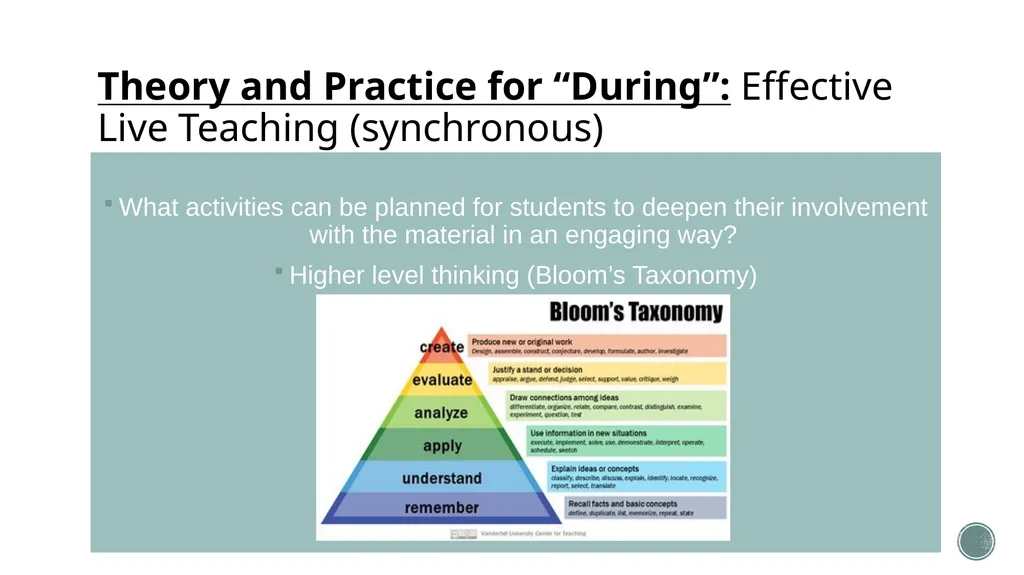
Theory and Practice for “During”: Effective Live Teaching (synchronous) What activities can be planned for students to deepen their involvement with the material in an engaging way?
Higher level thinking (Bloom’s Taxonomy)<br>
Higher level thinking (Bloom’s Taxonomy)<br>
27
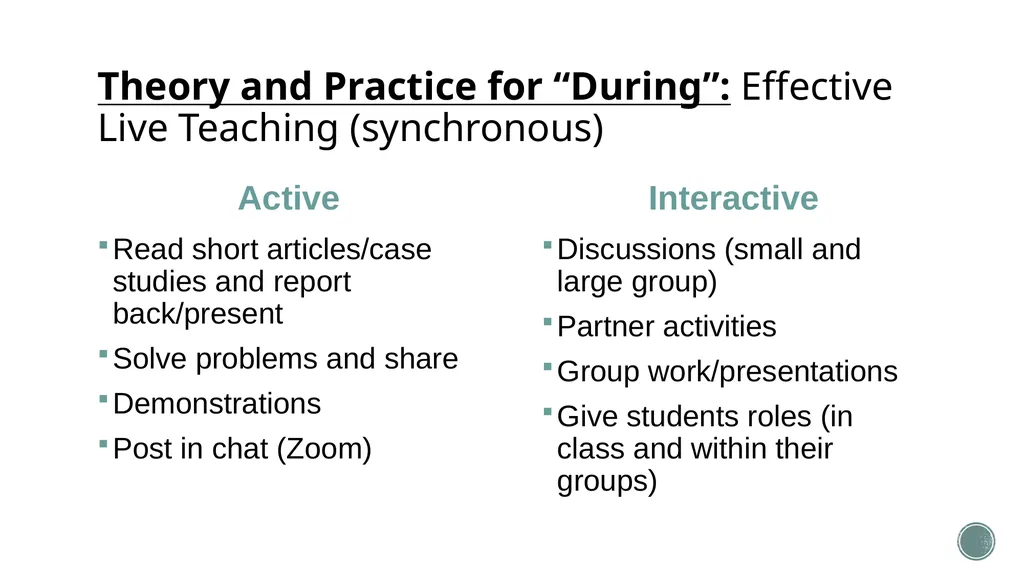
Theory and Practice for “During”: Effective Live Teaching (synchronous) Active Read short articles/case studies and report back/present
Solve problems and share
Demonstrations
Post in chat (Zoom) Interactive Discussions (small and large group)
Partner activities
Group work/presentations
Give students roles (in class and within their groups)<br>
Solve problems and share
Demonstrations
Post in chat (Zoom) Interactive Discussions (small and large group)
Partner activities
Group work/presentations
Give students roles (in class and within their groups)<br>
28
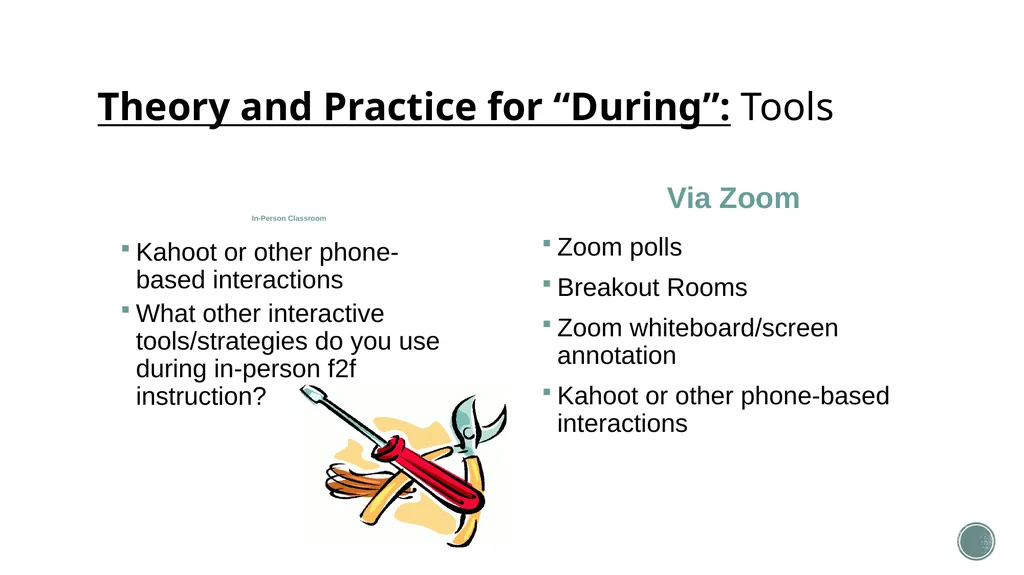
Theory and Practice for “During”: Tools In-Person Classroom Kahoot or other phone-based interactions
What other interactive tools/strategies do you use during in-person f2f instruction? Via Zoom Zoom polls
Breakout Rooms
Zoom whiteboard/screen annotation
Kahoot or other phone-based interactions<br>
What other interactive tools/strategies do you use during in-person f2f instruction? Via Zoom Zoom polls
Breakout Rooms
Zoom whiteboard/screen annotation
Kahoot or other phone-based interactions<br>
29
What about in-person group work? “Gallery Walk”
Students display a piece of their work (writing, art, computation problem, concept map, etc.) at a table or as a poster taped up to a wall or bulletin board
Students walk around to each display and write feedback comments on a separate piece of paper, attach a “sticky note”, or email comments to the author/creator of the work
Fosters cooperation among students, active learning and feedback
Other strategies?<br>
Students display a piece of their work (writing, art, computation problem, concept map, etc.) at a table or as a poster taped up to a wall or bulletin board
Students walk around to each display and write feedback comments on a separate piece of paper, attach a “sticky note”, or email comments to the author/creator of the work
Fosters cooperation among students, active learning and feedback
Other strategies?<br>
30
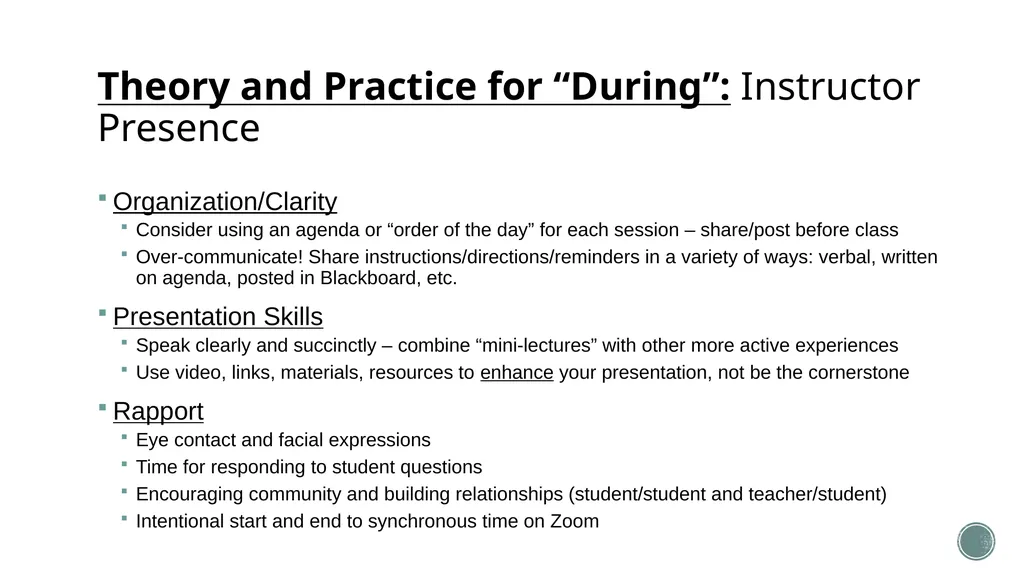
Theory and Practice for “During”: Instructor Presence Organization/Clarity
Consider using an agenda or “order of the day” for each session – share/post before class
Over-communicate! Share instructions/directions/reminders in a variety of ways: verbal, written on agenda, posted in Blackboard, etc.
Presentation Skills
Speak clearly and succinctly – combine “mini-lectures” with other more active experiences
Use video, links, materials, resources to enhance your presentation, not be the cornerstone
Rapport
Eye contact and facial expressions
Time for responding to student questions
Encouraging community and building relationships (student/student and teacher/student)
Intentional start and end to synchronous time on Zoom<br>
Consider using an agenda or “order of the day” for each session – share/post before class
Over-communicate! Share instructions/directions/reminders in a variety of ways: verbal, written on agenda, posted in Blackboard, etc.
Presentation Skills
Speak clearly and succinctly – combine “mini-lectures” with other more active experiences
Use video, links, materials, resources to enhance your presentation, not be the cornerstone
Rapport
Eye contact and facial expressions
Time for responding to student questions
Encouraging community and building relationships (student/student and teacher/student)
Intentional start and end to synchronous time on Zoom<br>
31
Check-in: Learning Objectives Upon completing this session, you will be able to:
Use five question sets for course planning and design.
Apply a three-phase model of hybrid course design & instruction.
Plan Zoom sessions to build connections and communication that are Intentional, Organized, High-touch, Pre-Planned
Recognize the value of COPPER: Communication, Organization, Planning, Presence, Enthusiasm and Rapport ($2.56/pound)<br>
Use five question sets for course planning and design.
Apply a three-phase model of hybrid course design & instruction.
Plan Zoom sessions to build connections and communication that are Intentional, Organized, High-touch, Pre-Planned
Recognize the value of COPPER: Communication, Organization, Planning, Presence, Enthusiasm and Rapport ($2.56/pound)<br>
32
Evaluation/After
Summative Assignments This model of delivery assumes some of lessons will be developed as online lessons, and some lessons will be delivered live to subsets students who can fit in your classroom based on social distancing.
Advance planning is the key! Start here<br>
Advance planning is the key! Start here<br>
33
Teaching on Zoom Effectively:
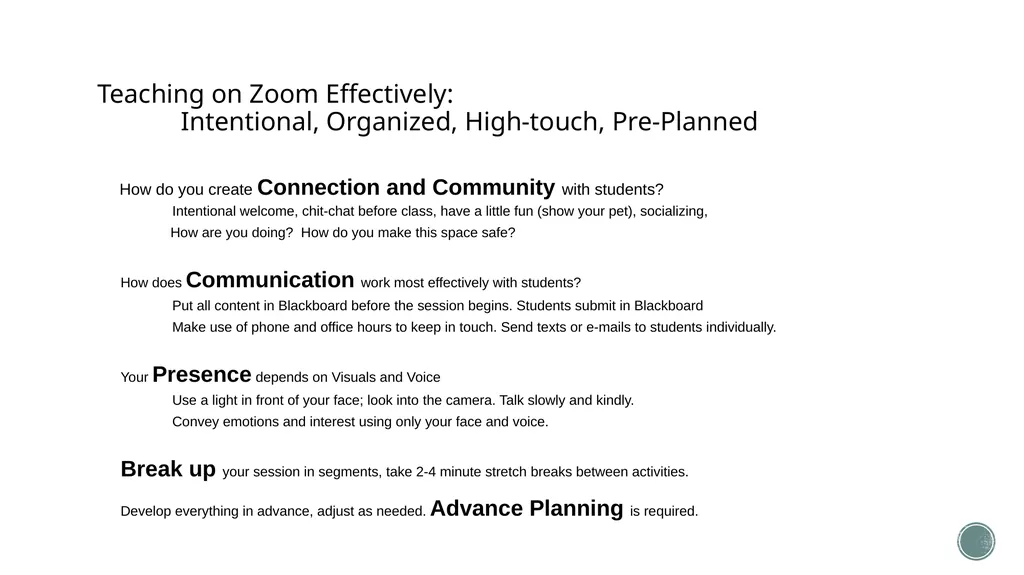
Intentional, Organized, High-touch, Pre-Planned How do you create Connection and Community with students?
Intentional welcome, chit-chat before class, have a little fun (show your pet), socializing,
How are you doing? How do you make this space safe?
How does Communication work most effectively with students?
Put all content in Blackboard before the session begins. Students submit in Blackboard
Make use of phone and office hours to keep in touch. Send texts or e-mails to students individually.
Your Presence depends on Visuals and Voice
Use a light in front of your face; look into the camera. Talk slowly and kindly.
Convey emotions and interest using only your face and voice.
Break up your session in segments, take 2-4 minute stretch breaks between activities.
Develop everything in advance, adjust as needed. Advance Planning is required.<br>
Intentional welcome, chit-chat before class, have a little fun (show your pet), socializing,
How are you doing? How do you make this space safe?
How does Communication work most effectively with students?
Put all content in Blackboard before the session begins. Students submit in Blackboard
Make use of phone and office hours to keep in touch. Send texts or e-mails to students individually.
Your Presence depends on Visuals and Voice
Use a light in front of your face; look into the camera. Talk slowly and kindly.
Convey emotions and interest using only your face and voice.
Break up your session in segments, take 2-4 minute stretch breaks between activities.
Develop everything in advance, adjust as needed. Advance Planning is required.<br>
34
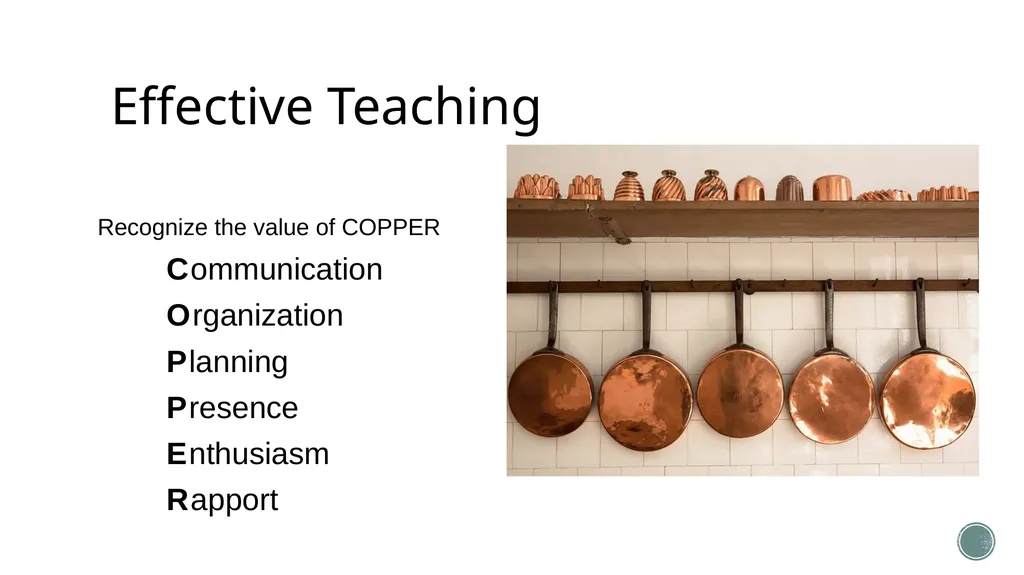
Effective Teaching Recognize the value of COPPER
C ommunication
O rganization
P lanning
P resence
E nthusiasm
R apport<br>
C ommunication
O rganization
P lanning
P resence
E nthusiasm
R apport<br>
35
Check-in: Learning Objectives Upon completing this session, you will be able to:
Use five question sets for course planning and design.
Apply a three-phase model of hybrid course design & instruction.
Plan Zoom sessions to build connections and communication that are Intentional, Organized, High-touch, Pre-Planned
Recognize the value of COPPER: Communication, Organization, Planning, Presence, Enthusiasm and Rapport ($2.56/pound)<br>
Use five question sets for course planning and design.
Apply a three-phase model of hybrid course design & instruction.
Plan Zoom sessions to build connections and communication that are Intentional, Organized, High-touch, Pre-Planned
Recognize the value of COPPER: Communication, Organization, Planning, Presence, Enthusiasm and Rapport ($2.56/pound)<br>