
CPD5 Active Learning and Digital Tools for Student
Description: CPD5 Active Learning and Digital Tools for Student Engagement Aim: To activate some of the key areas of BSU Education Design Principles aiming at enhancing Effective Learning practices Duration: 1 hour Audience: Lecturers, Course Leaders
Related Topics
Download Presentation
"CPD5 Active Learning and Digital Tools for Student" is the property of its rightful owner. Permission is granted to download and print the materials on this website for personal, non-commercial use only, and to display it on your personal computer provided you do not modify the materials and that you retain all copyright notices contained in the materials. By downloading content from our website, you accept the terms of this agreement.
Presentation Transcript
slide1. CPD5
Active Learning and Digital Tools for Student Engagement Aim: To activate some of the key areas of BSU Education Design Principles aiming at enhancing Effective Learning practices
Duration: 1 hour
Audience: Lecturers, Course Leaders Placeholder EP<br>
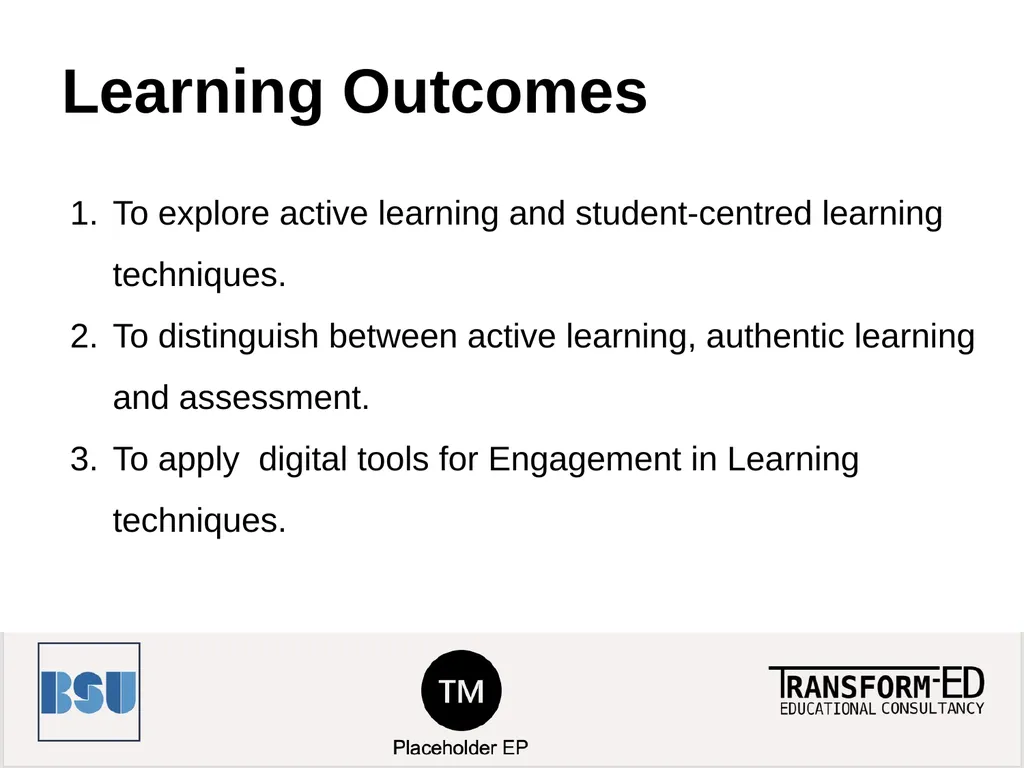
slide2. Learning Outcomes To explore active learning and student-centred learning techniques.
To distinguish between active learning, authentic learning and assessment.
To apply digital tools for Engagement in Learning techniques.<br>
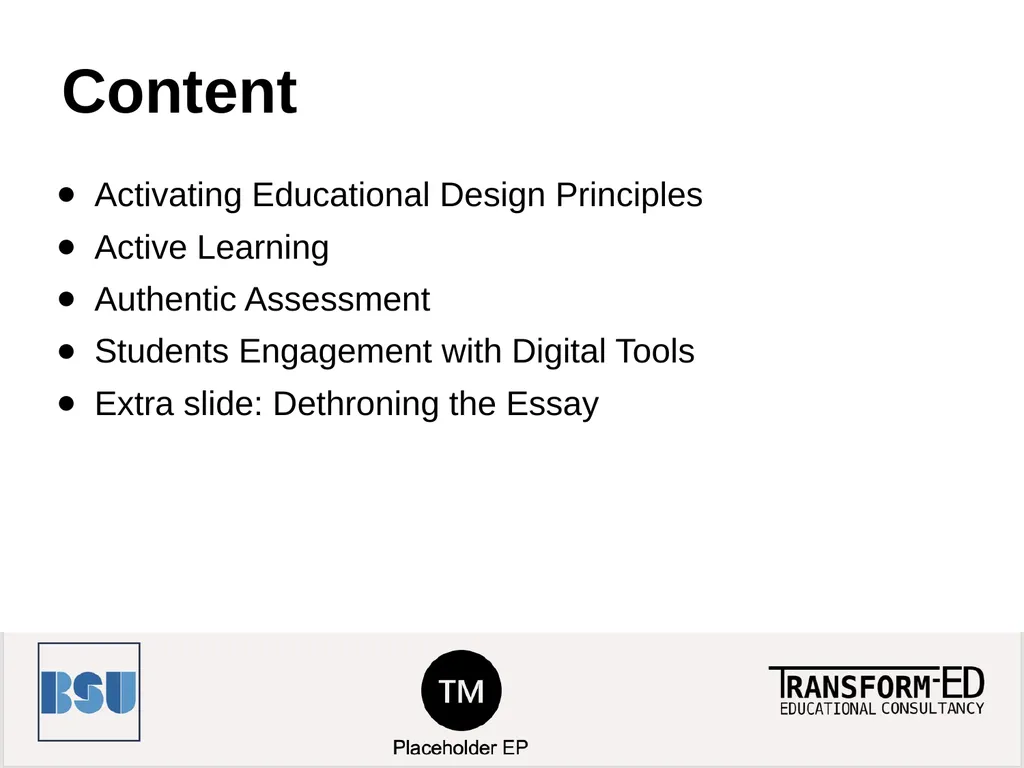
slide3. Content Activating Educational Design Principles
Active Learning
Authentic Assessment
Students Engagement with Digital Tools
Extra slide: Dethroning the Essay<br>
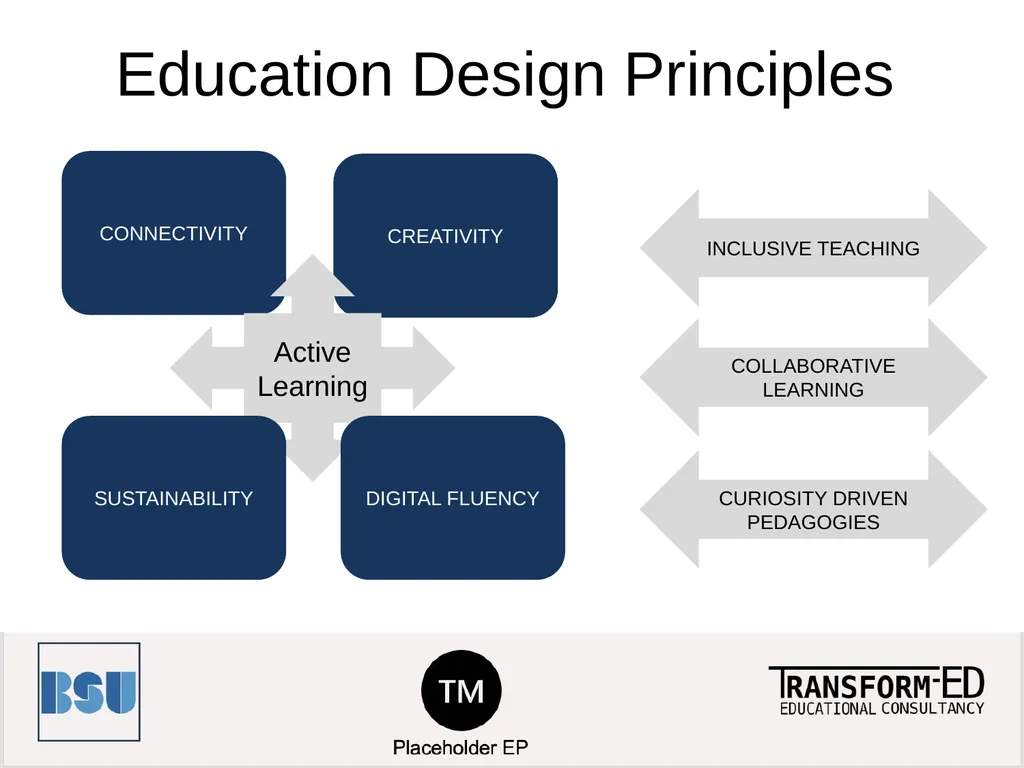
slide4. Education Design Principles CONNECTIVITY CREATIVITY Active Learning SUSTAINABILITY DIGITAL FLUENCY INCLUSIVE TEACHING COLLABORATIVE LEARNING CURIOSITY DRIVEN PEDAGOGIES<br>
slide5. What is Active Learning? Active learning is the idea that students learn better when actively engaged in meaningful learning related to the topic of focus.
This approach tends to be more student focused, with the teacher facilitating activities.<br>
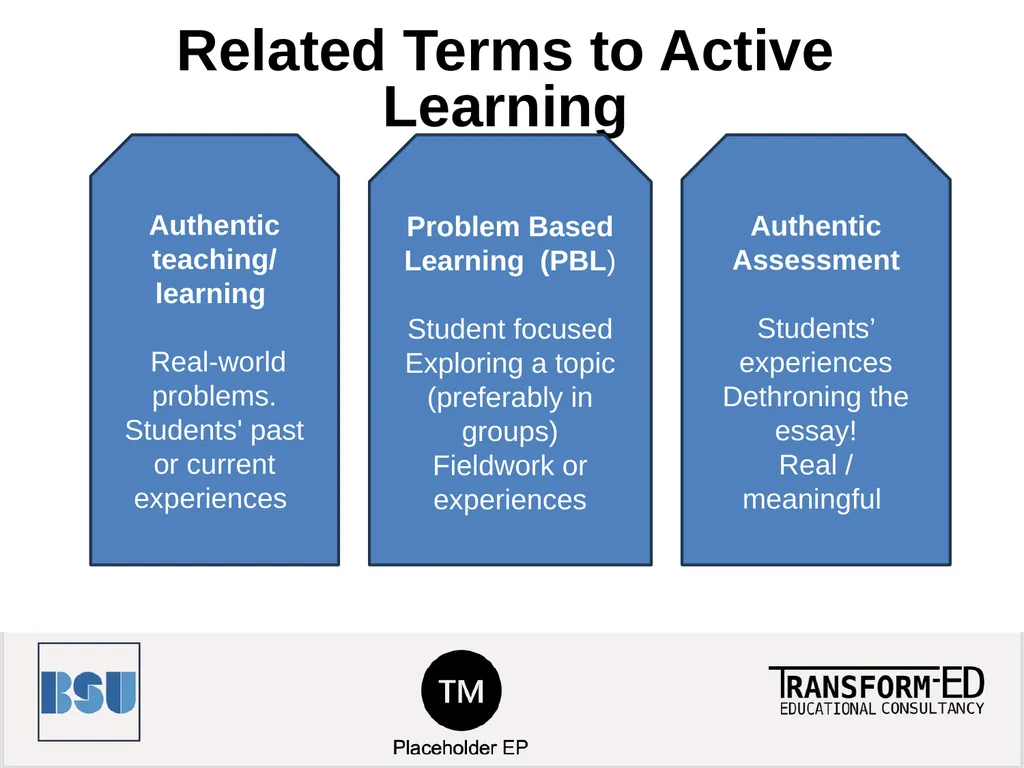
slide6. Related Terms to Active Learning Authentic teaching/
learning
Real-world problems. Students' past or current experiences Problem Based Learning (PBL)
Student focused
Exploring a topic
(preferably in groups)
Fieldwork or experiences Authentic Assessment
Students’ experiences
Dethroning the essay!
Real / meaningful<br>
slide7. Make it yours (1) How can you replace the “essays” with other alternatives?
Think podcasts, e-portfolios, pitches, videos, artefacts, poems, quilts, posters, games… the sky is the limit!<br>
slide8. Authentic Assessment A problem at home (e.g. project management to coordinate schedules)
A problem at work (e.g. an environmental management program for saving energy and reducing waste).<br>
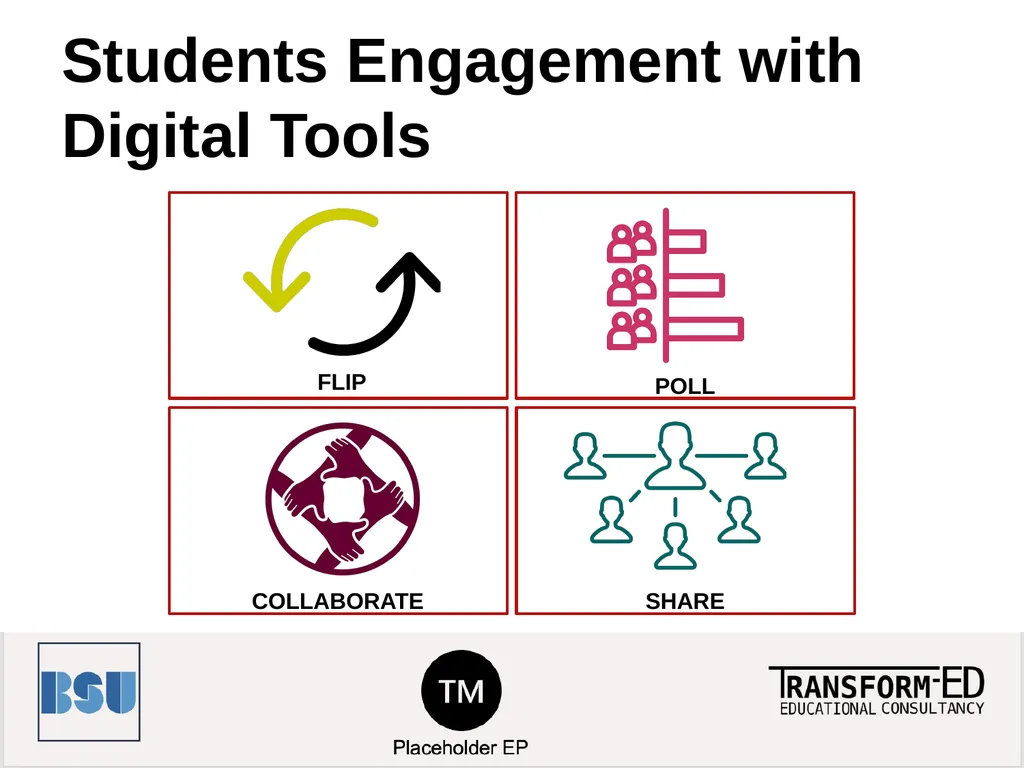
slide9. Students Engagement with Digital Tools FLIP POLL COLLABORATE SHARE<br>
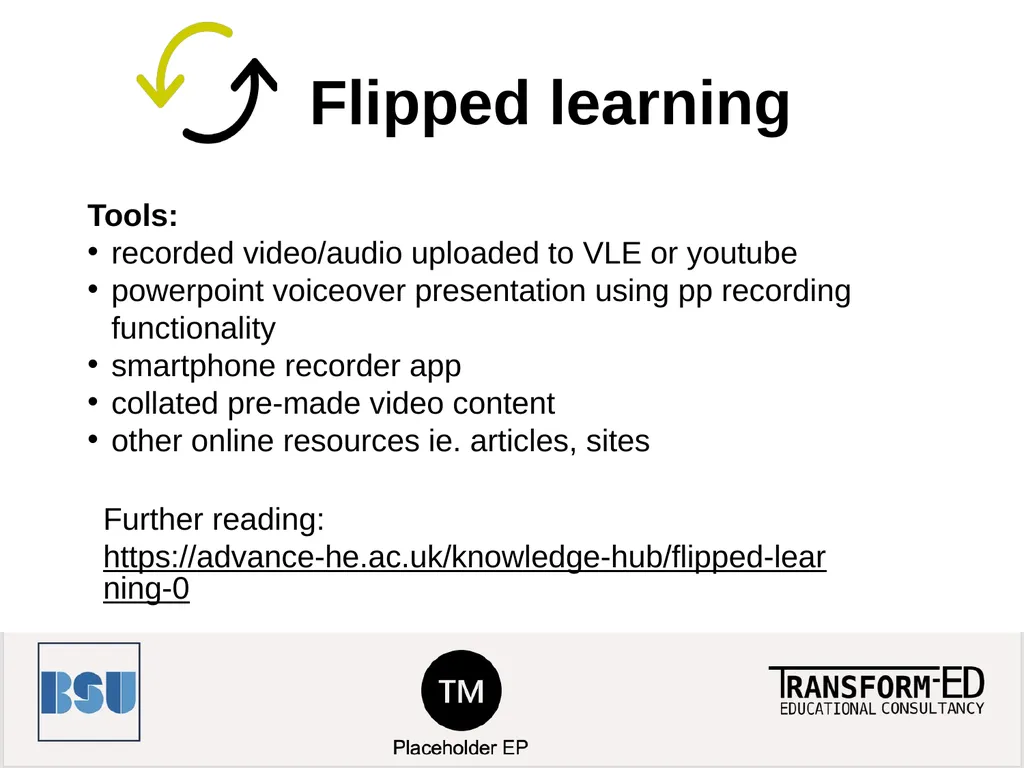
slide10. Flipped learning Tools:
recorded video/audio uploaded to VLE or youtube
powerpoint voiceover presentation using pp recording functionality
smartphone recorder app
collated pre-made video content
other online resources ie. articles, sites Further reading:
https://advance-he.ac.uk/knowledge-hub/flipped-learning-0<br>
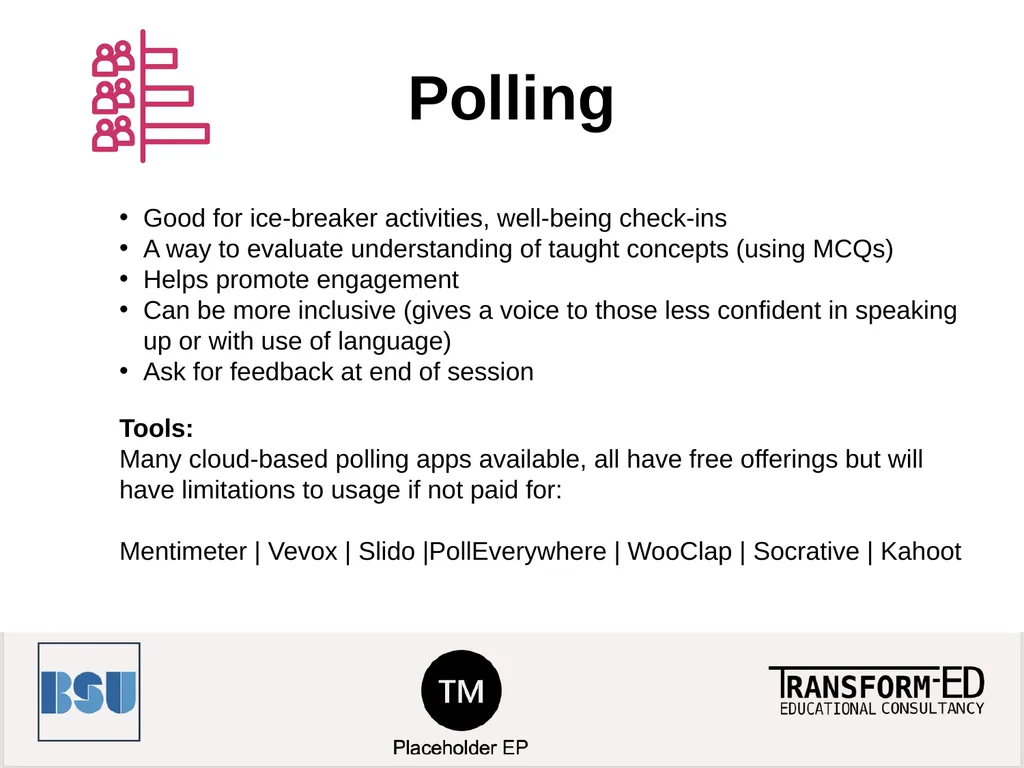
slide11. Polling Good for ice-breaker activities, well-being check-ins
A way to evaluate understanding of taught concepts (using MCQs)
Helps promote engagement
Can be more inclusive (gives a voice to those less confident in speaking up or with use of language)
Ask for feedback at end of session Tools:
Many cloud-based polling apps available, all have free offerings but will have limitations to usage if not paid for:
Mentimeter | Vevox | Slido |PollEverywhere | WooClap | Socrative | Kahoot<br>
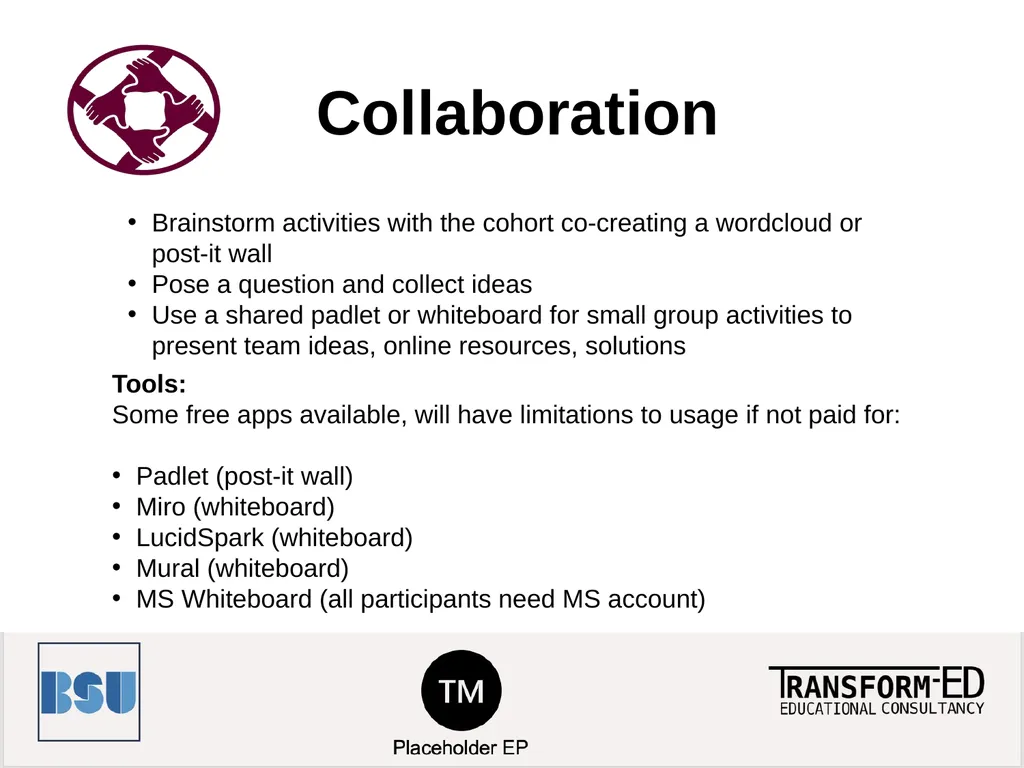
slide12. Collaboration Brainstorm activities with the cohort co-creating a wordcloud or post-it wall
Pose a question and collect ideas
Use a shared padlet or whiteboard for small group activities to present team ideas, online resources, solutions Tools:
Some free apps available, will have limitations to usage if not paid for:
Padlet (post-it wall)
Miro (whiteboard)
LucidSpark (whiteboard)
Mural (whiteboard)
MS Whiteboard (all participants need MS account)<br>
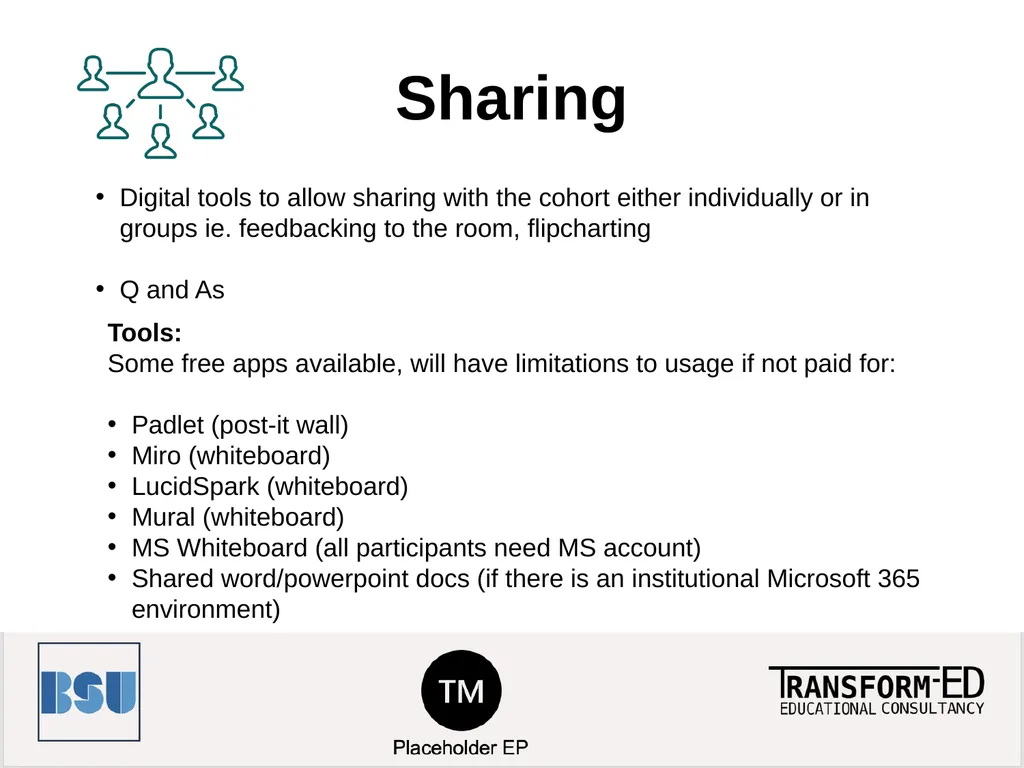
slide13. Sharing Digital tools to allow sharing with the cohort either individually or in groups ie. feedbacking to the room, flipcharting
Q and As Tools:
Some free apps available, will have limitations to usage if not paid for:
Padlet (post-it wall)
Miro (whiteboard)
LucidSpark (whiteboard)
Mural (whiteboard)
MS Whiteboard (all participants need MS account)
Shared word/powerpoint docs (if there is an institutional Microsoft 365 environment)<br>
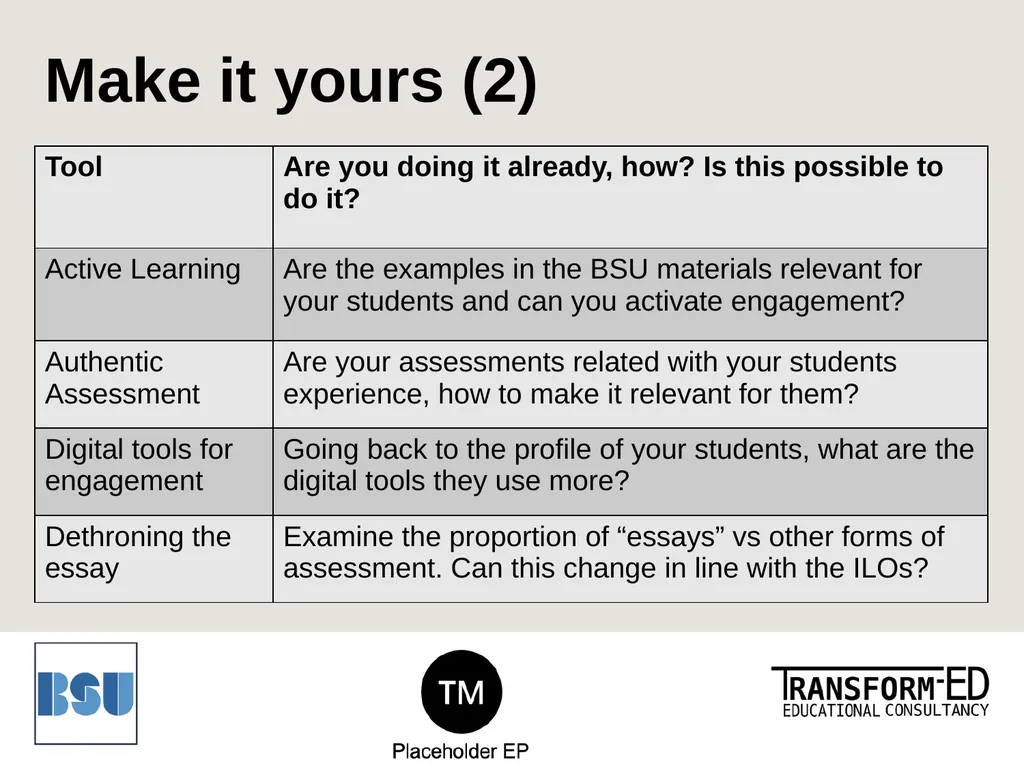
slide14. Make it yours (2)<br>
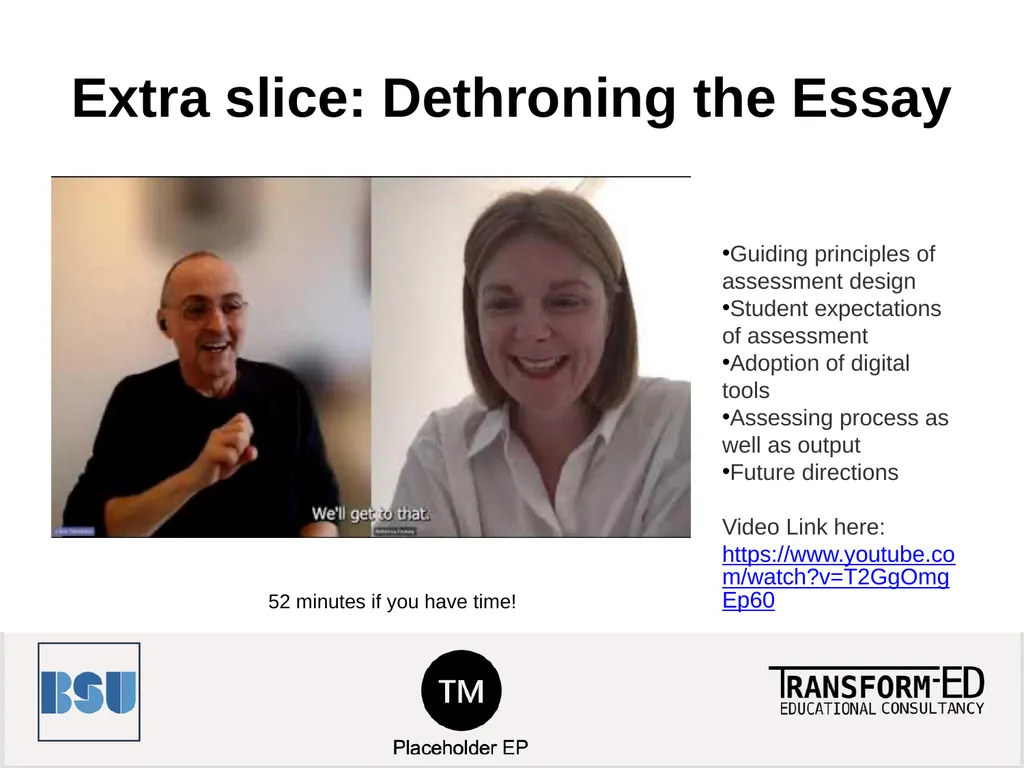
slide15. Extra slice: Dethroning the Essay 52 minutes if you have time! Guiding principles of assessment design
Student expectations of assessment
Adoption of digital tools
Assessing process as well as output
Future directions
Video Link here:
https://www.youtube.com/watch?v=T2GgOmgEp60<br>
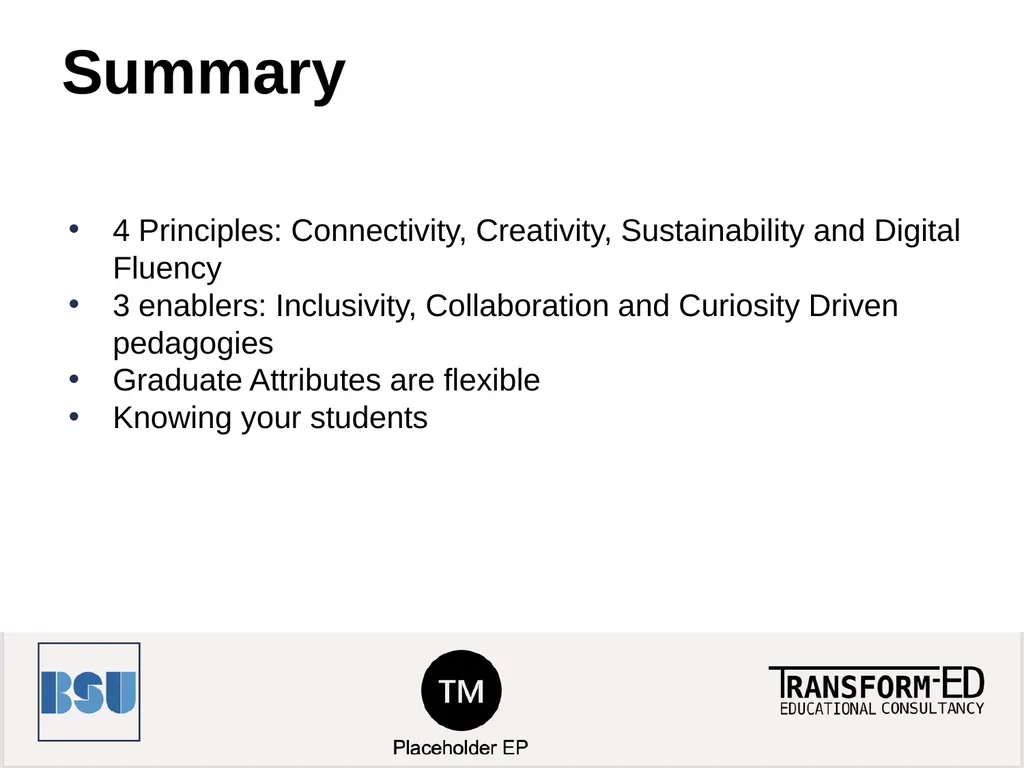
slide16. Summary 4 Principles: Connectivity, Creativity, Sustainability and Digital Fluency
3 enablers: Inclusivity, Collaboration and Curiosity Driven pedagogies
Graduate Attributes are flexible
Knowing your students<br>
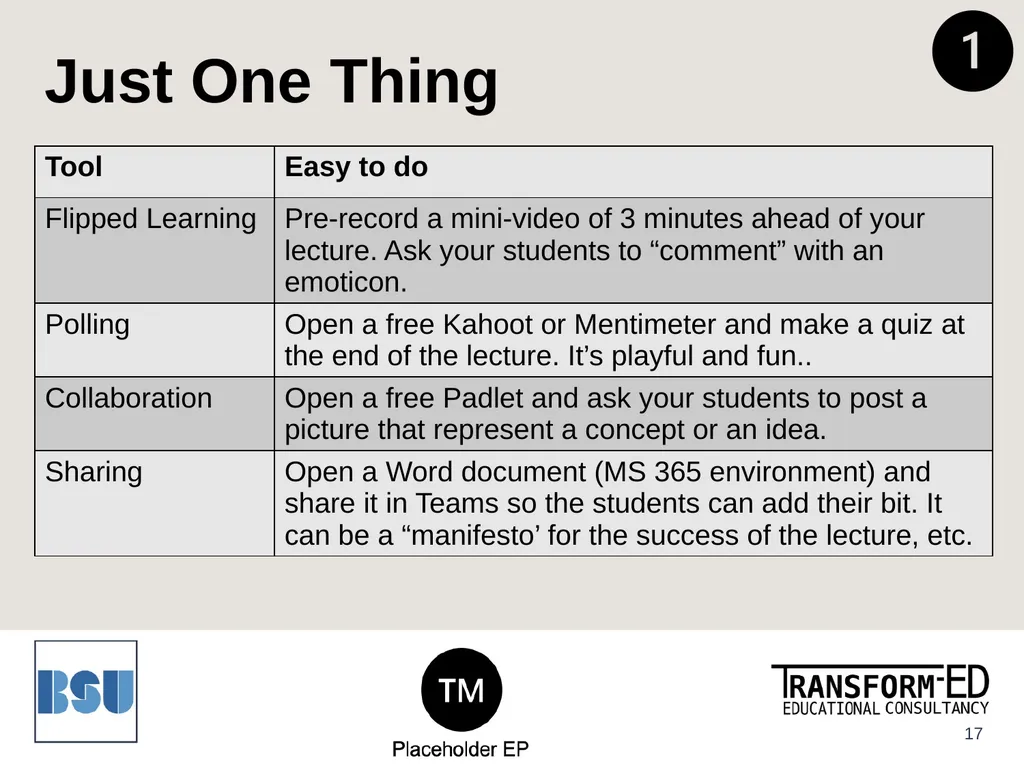
slide17. Just One Thing 17<br>
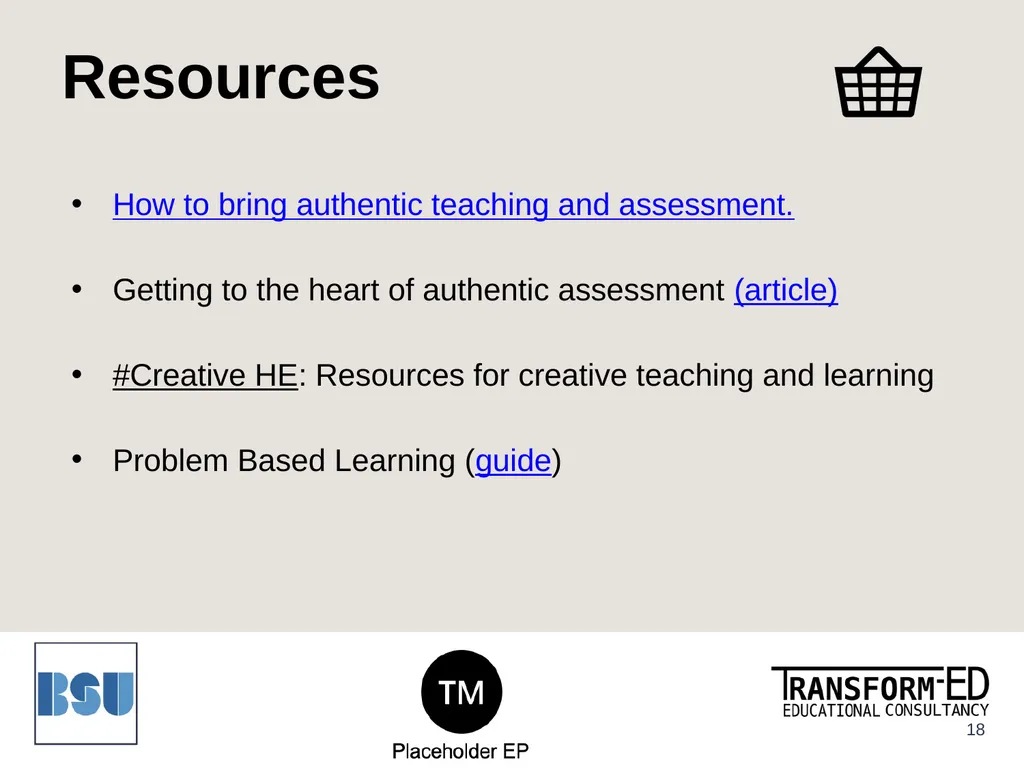
slide18. Resources How to bring authentic teaching and assessment.
Getting to the heart of authentic assessment (article)
#Creative HE: Resources for creative teaching and learning
Problem Based Learning (guide) 18<br>
Duration: 1 hour
Audience: Lecturers, Course Leaders Placeholder EP<br>
slide2. Learning Outcomes To explore active learning and student-centred learning techniques.
To distinguish between active learning, authentic learning and assessment.
To apply digital tools for Engagement in Learning techniques.<br>
slide3. Content Activating Educational Design Principles
Active Learning
Authentic Assessment
Students Engagement with Digital Tools
Extra slide: Dethroning the Essay<br>
slide4. Education Design Principles CONNECTIVITY CREATIVITY Active Learning SUSTAINABILITY DIGITAL FLUENCY INCLUSIVE TEACHING COLLABORATIVE LEARNING CURIOSITY DRIVEN PEDAGOGIES<br>
slide5. What is Active Learning? Active learning is the idea that students learn better when actively engaged in meaningful learning related to the topic of focus.
This approach tends to be more student focused, with the teacher facilitating activities.<br>
slide6. Related Terms to Active Learning Authentic teaching/
learning
Real-world problems. Students' past or current experiences Problem Based Learning (PBL)
Student focused
Exploring a topic
(preferably in groups)
Fieldwork or experiences Authentic Assessment
Students’ experiences
Dethroning the essay!
Real / meaningful<br>
slide7. Make it yours (1) How can you replace the “essays” with other alternatives?
Think podcasts, e-portfolios, pitches, videos, artefacts, poems, quilts, posters, games… the sky is the limit!<br>
slide8. Authentic Assessment A problem at home (e.g. project management to coordinate schedules)
A problem at work (e.g. an environmental management program for saving energy and reducing waste).<br>
slide9. Students Engagement with Digital Tools FLIP POLL COLLABORATE SHARE<br>
slide10. Flipped learning Tools:
recorded video/audio uploaded to VLE or youtube
powerpoint voiceover presentation using pp recording functionality
smartphone recorder app
collated pre-made video content
other online resources ie. articles, sites Further reading:
https://advance-he.ac.uk/knowledge-hub/flipped-learning-0<br>
slide11. Polling Good for ice-breaker activities, well-being check-ins
A way to evaluate understanding of taught concepts (using MCQs)
Helps promote engagement
Can be more inclusive (gives a voice to those less confident in speaking up or with use of language)
Ask for feedback at end of session Tools:
Many cloud-based polling apps available, all have free offerings but will have limitations to usage if not paid for:
Mentimeter | Vevox | Slido |PollEverywhere | WooClap | Socrative | Kahoot<br>
slide12. Collaboration Brainstorm activities with the cohort co-creating a wordcloud or post-it wall
Pose a question and collect ideas
Use a shared padlet or whiteboard for small group activities to present team ideas, online resources, solutions Tools:
Some free apps available, will have limitations to usage if not paid for:
Padlet (post-it wall)
Miro (whiteboard)
LucidSpark (whiteboard)
Mural (whiteboard)
MS Whiteboard (all participants need MS account)<br>
slide13. Sharing Digital tools to allow sharing with the cohort either individually or in groups ie. feedbacking to the room, flipcharting
Q and As Tools:
Some free apps available, will have limitations to usage if not paid for:
Padlet (post-it wall)
Miro (whiteboard)
LucidSpark (whiteboard)
Mural (whiteboard)
MS Whiteboard (all participants need MS account)
Shared word/powerpoint docs (if there is an institutional Microsoft 365 environment)<br>
slide14. Make it yours (2)<br>
slide15. Extra slice: Dethroning the Essay 52 minutes if you have time! Guiding principles of assessment design
Student expectations of assessment
Adoption of digital tools
Assessing process as well as output
Future directions
Video Link here:
https://www.youtube.com/watch?v=T2GgOmgEp60<br>
slide16. Summary 4 Principles: Connectivity, Creativity, Sustainability and Digital Fluency
3 enablers: Inclusivity, Collaboration and Curiosity Driven pedagogies
Graduate Attributes are flexible
Knowing your students<br>
slide17. Just One Thing 17<br>
slide18. Resources How to bring authentic teaching and assessment.
Getting to the heart of authentic assessment (article)
#Creative HE: Resources for creative teaching and learning
Problem Based Learning (guide) 18<br>