
Create Your Own Graphics AMERICAN HEART MONTH

Create Your Own Graphics AMERICAN HEART MONTH
1 / 1
Create Your Own Graphics AMERICAN HEART MONTH - slide 1 of 11 Create Your Own Graphics AMERICAN HEART MONTH - slide 2 of 11 Create Your Own Graphics AMERICAN HEART MONTH - slide 3 of 11 Create Your Own Graphics AMERICAN HEART MONTH - slide 4 of 11 Create Your Own Graphics AMERICAN HEART MONTH - slide 5 of 11 Create Your Own Graphics AMERICAN HEART MONTH - slide 6 of 11 Create Your Own Graphics AMERICAN HEART MONTH - slide 7 of 11 Create Your Own Graphics AMERICAN HEART MONTH - slide 8 of 11 Create Your Own Graphics AMERICAN HEART MONTH - slide 9 of 11 Create Your Own Graphics AMERICAN HEART MONTH - slide 10 of 11 Create Your Own Graphics AMERICAN HEART MONTH - slide 11 of 11






Create Your Own Graphics AMERICAN HEART MONTH Share Your American Heart Month Message Share your HeartMonth message and social card! Content should focus on what you are doing to live heart-healthy. See our example for inspiration. Use the

Related Topics

Download this presentation From Below

"Create Your Own Graphics AMERICAN HEART MONTH" is the property of its rightful owner. Permission is granted to download and print the materials on this website for personal, non-commercial use only, and to display it on your personal computer provided you do not modify the materials and that you retain all copyright notices contained in the materials. By downloading content from our website, you accept the terms of this agreement.

Presentation Transcript

01
Create Your Own Graphics AMERICAN HEART MONTH<br>
02
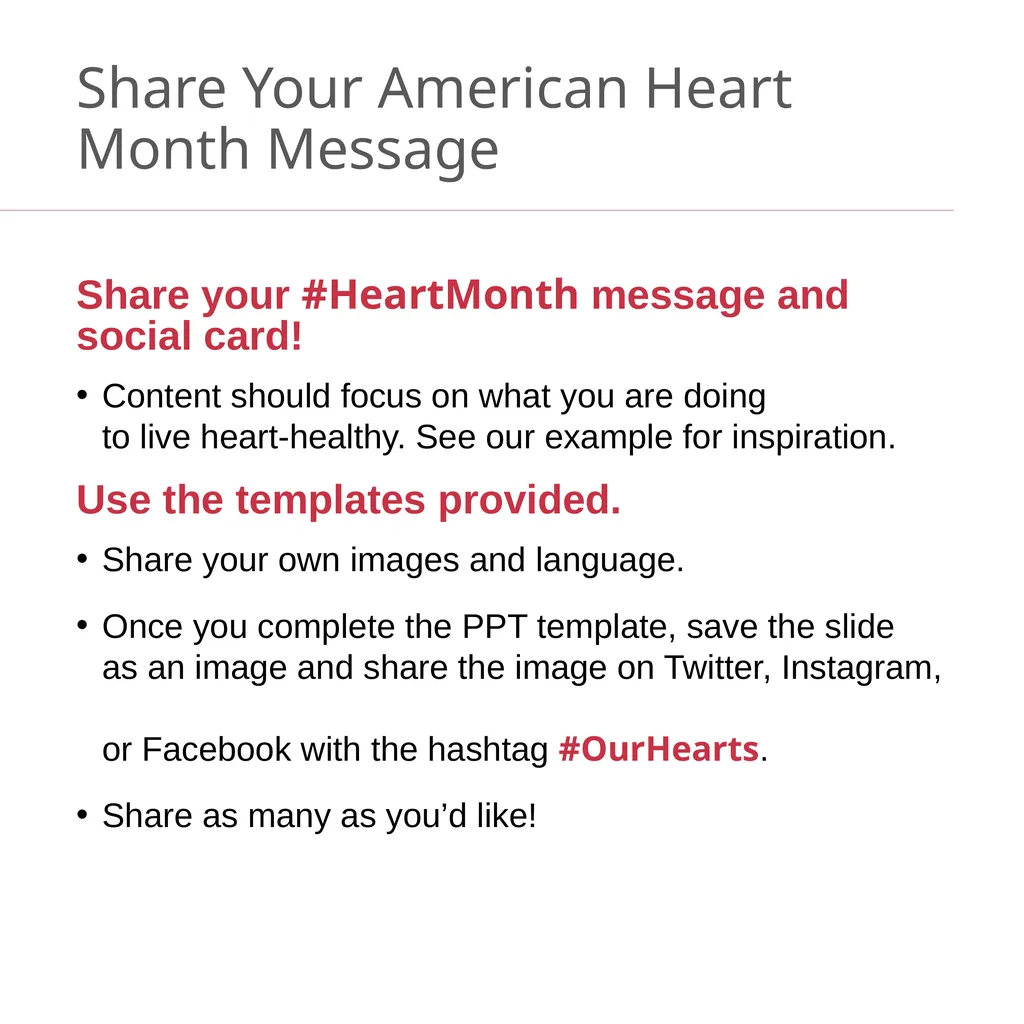
Share Your American Heart Month Message Share your #HeartMonth message and social card!
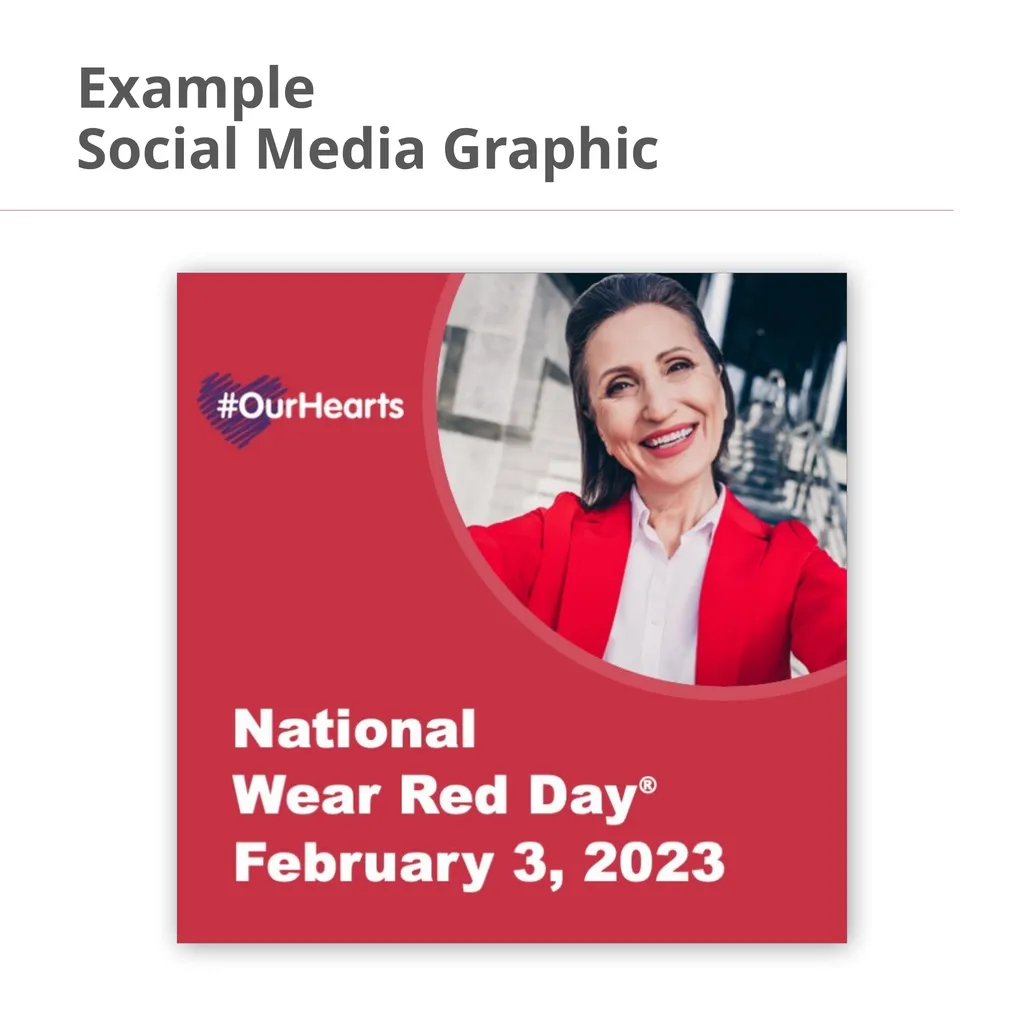
Content should focus on what you are doing to live heart-healthy. See our example for inspiration.
Use the templates provided.
Share your own images and language.
Once you complete the PPT template, save the slide as an image and share the image on Twitter, Instagram, or Facebook with the hashtag #OurHearts.
Share as many as you’d like!<br>
03
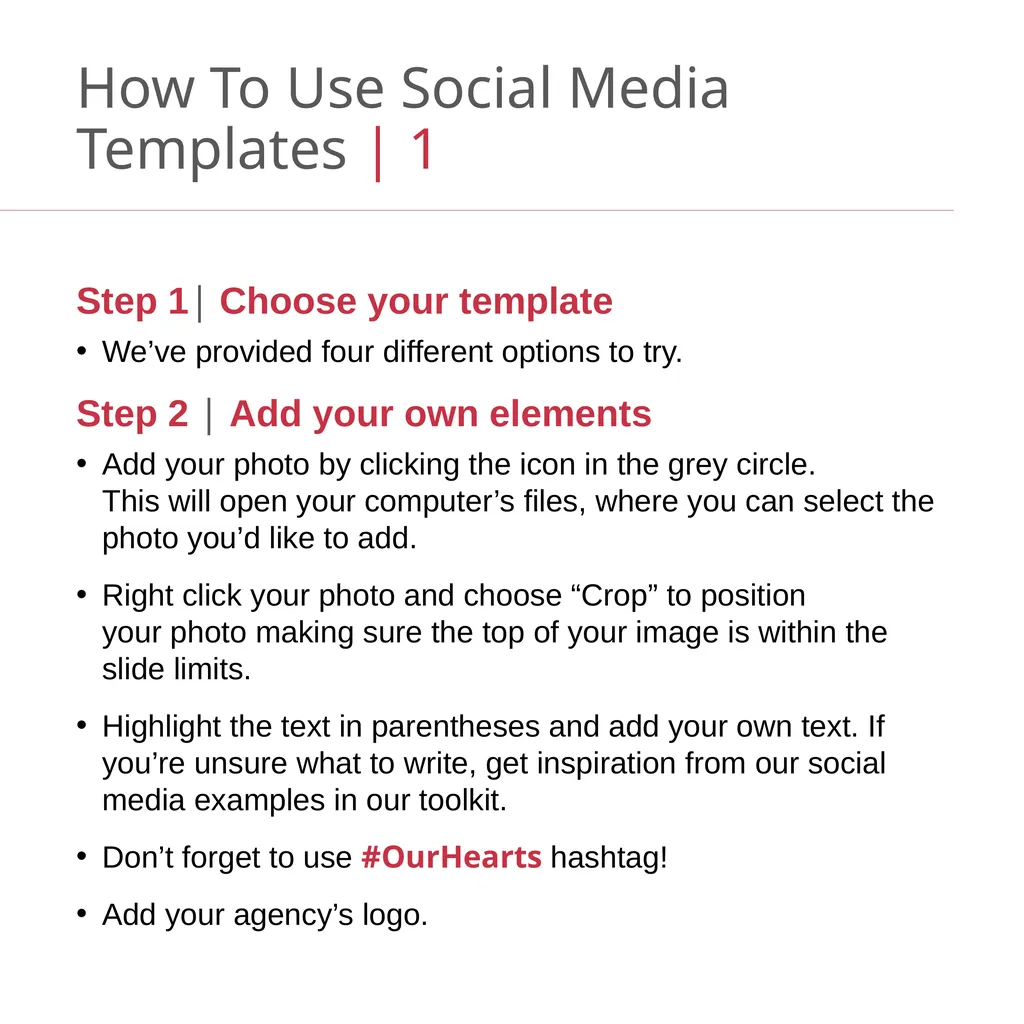
How To Use Social Media Templates | 1 Step 1| Choose your template
We’ve provided four different options to try.
Step 2 | Add your own elements
Add your photo by clicking the icon in the grey circle. This will open your computer’s files, where you can select the photo you’d like to add.
Right click your photo and choose “Crop” to position your photo making sure the top of your image is within the slide limits.
Highlight the text in parentheses and add your own text. If you’re unsure what to write, get inspiration from our social media examples in our toolkit.
Don’t forget to use #OurHearts hashtag!
Add your agency’s logo.<br>