04
User-Centered Design Principles The active involvement of users.
An appropriate allocation of function �between user and application.
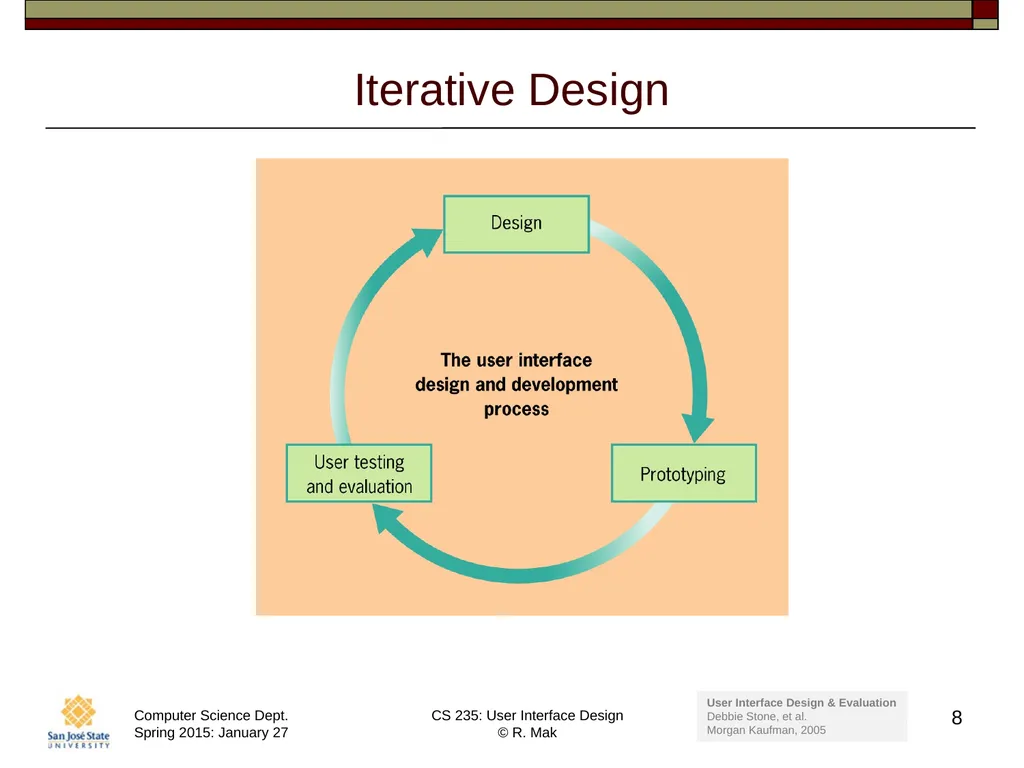
The iteration of design solutions.
Multidisciplinary design teams.�_ 4<br>
05
User-Centered Design Activities Understand and specify the context of use.
Specify the user and organizational requirements.
Produce design solutions (prototypes).
Evaluate designs with users against �the requirements.�_ 5<br>
07
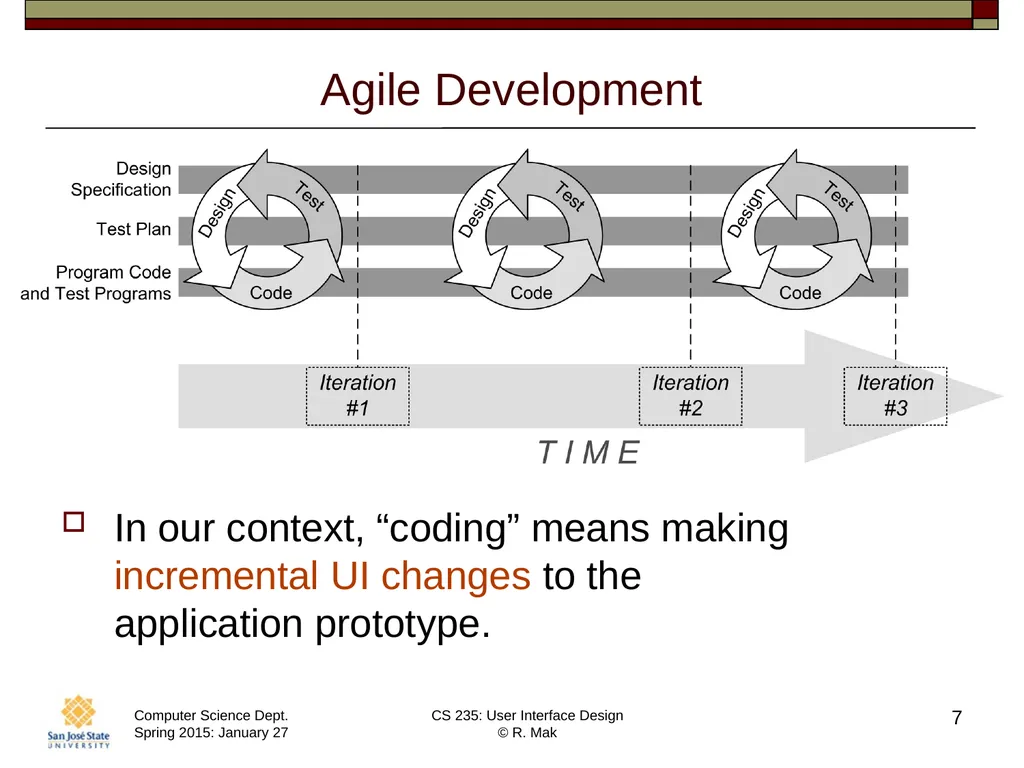
Agile Development In our context, “coding” means making incremental UI changes to the �application prototype. 7<br>
08
Iterative Design 8 User Interface Design & Evaluation
Debbie Stone, et al.
Morgan Kaufman, 2005<br>
09
What is the Purpose of Your Application? The user accomplishes a task �or a set of related tasks.
Text editor, drawing tool, PowerPoint, compiler
Provide information to the user.
Wikipedia, Google News, ebook reader, video player
The user interacts with data and information.
Email tool, games�_ 9<br>
10
What is the Purpose of Your Application? Acquire information from the user
Online IRS income tax tool
Social
Facebook
Commerce
Amazon�_ 10<br>
11
Who are the Users of Your Application? Your UI design must accommodate the characteristics of the users of the application.
age
gender
culture
physical abilities and disabilities
educational background
computer experience
motivation
attitude 11<br>
12
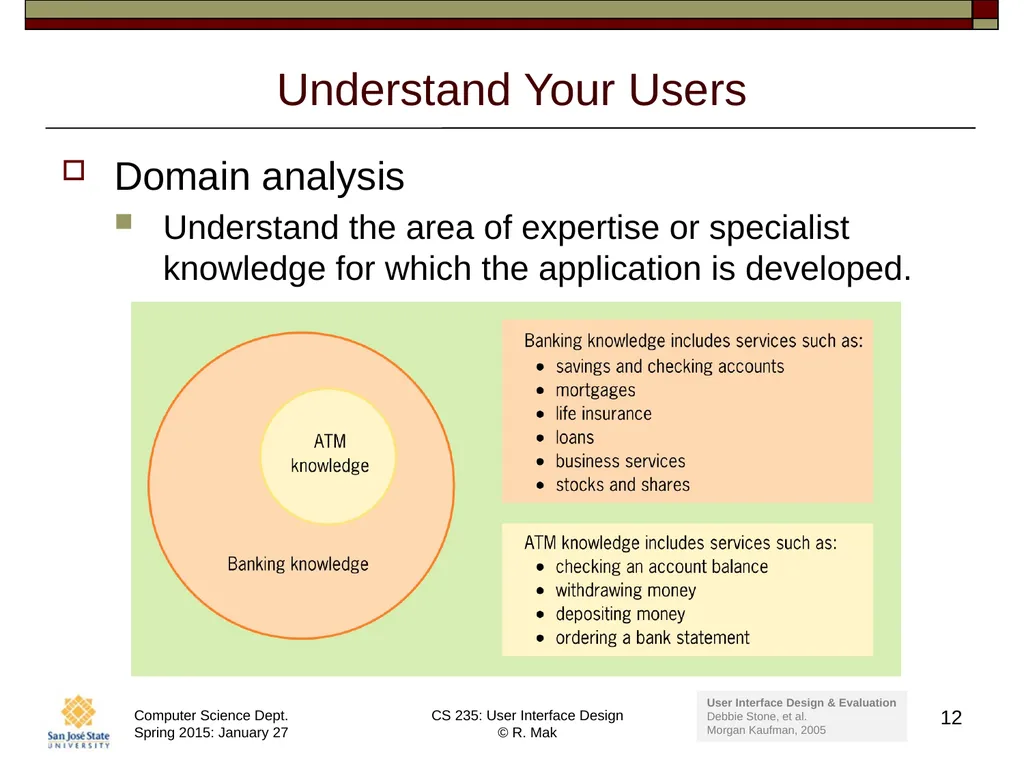
Understand Your Users Domain analysis
Understand the area of expertise or specialist knowledge for which the application is developed. 12 User Interface Design & Evaluation
Debbie Stone, et al.
Morgan Kaufman, 2005<br>
13
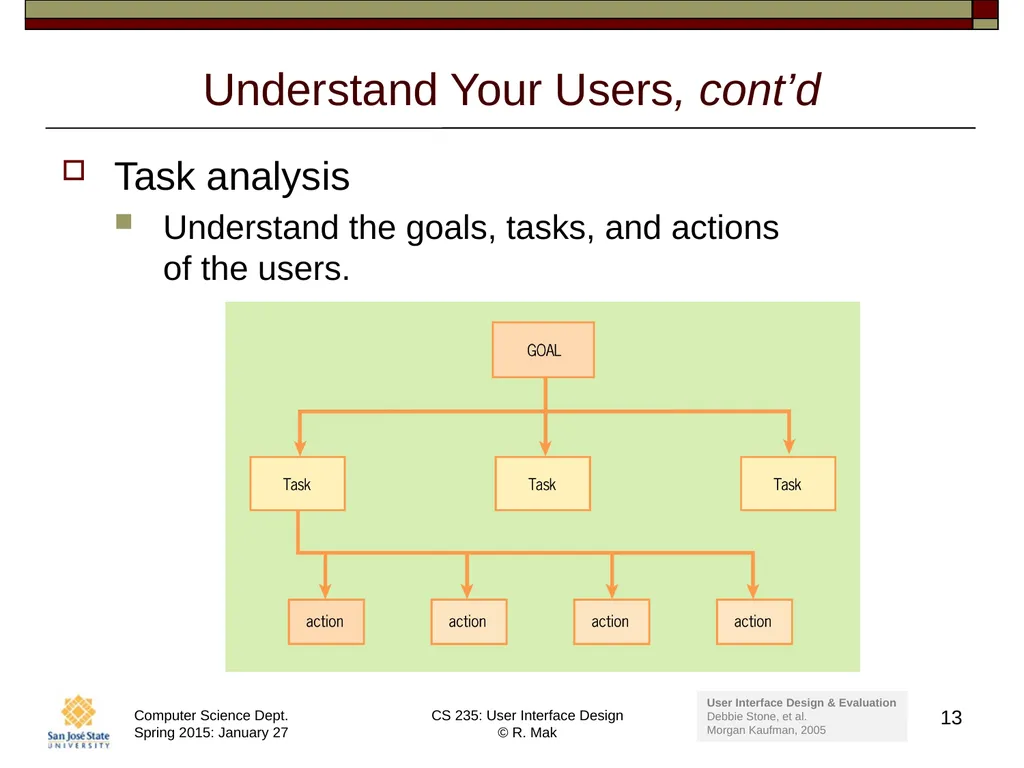
Understand Your Users, cont’d Task analysis
Understand the goals, tasks, and actions �of the users. 13 User Interface Design & Evaluation
Debbie Stone, et al.
Morgan Kaufman, 2005<br>
14
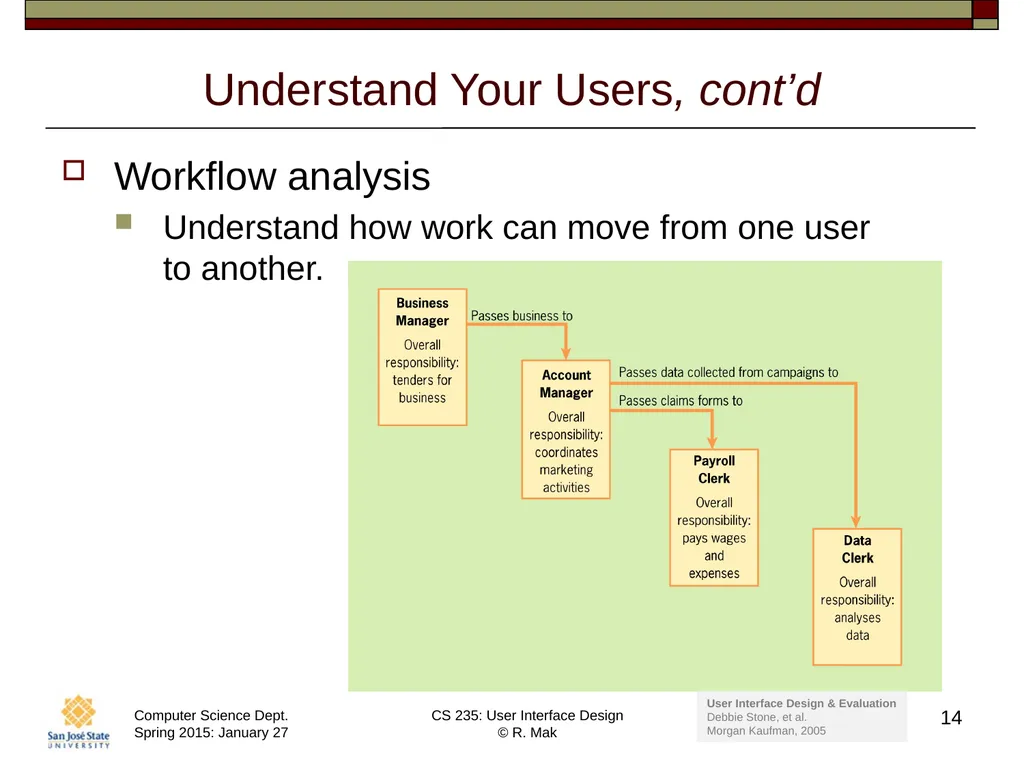
Understand Your Users, cont’d Workflow analysis
Understand how work can move from one user �to another. 14 User Interface Design & Evaluation
Debbie Stone, et al.
Morgan Kaufman, 2005<br>
15
Mental Models A mental model enables a person to
Negotiate unfamiliar situations.
Reason about a situation based on experience �and previously acquired knowledge.�_ 15<br>
16
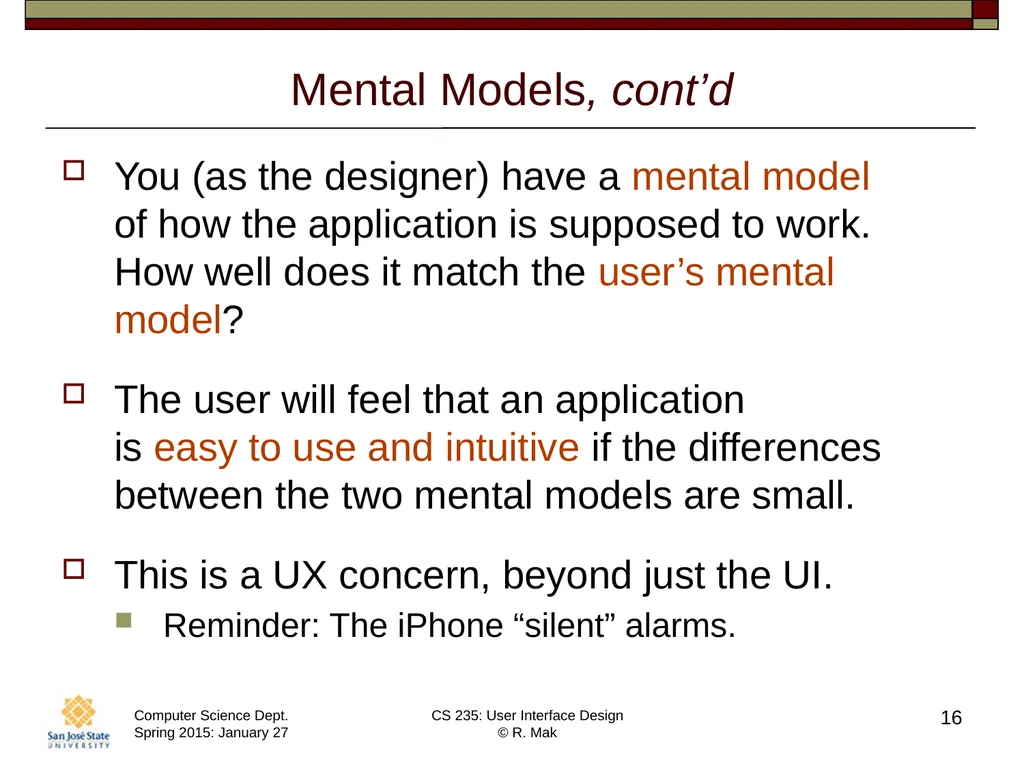
Mental Models, cont’d You (as the designer) have a mental model �of how the application is supposed to work. How well does it match the user’s mental model?
The user will feel that an application �is easy to use and intuitive if the differences between the two mental models are small.
This is a UX concern, beyond just the UI.
Reminder: The iPhone “silent” alarms. 16<br>
17
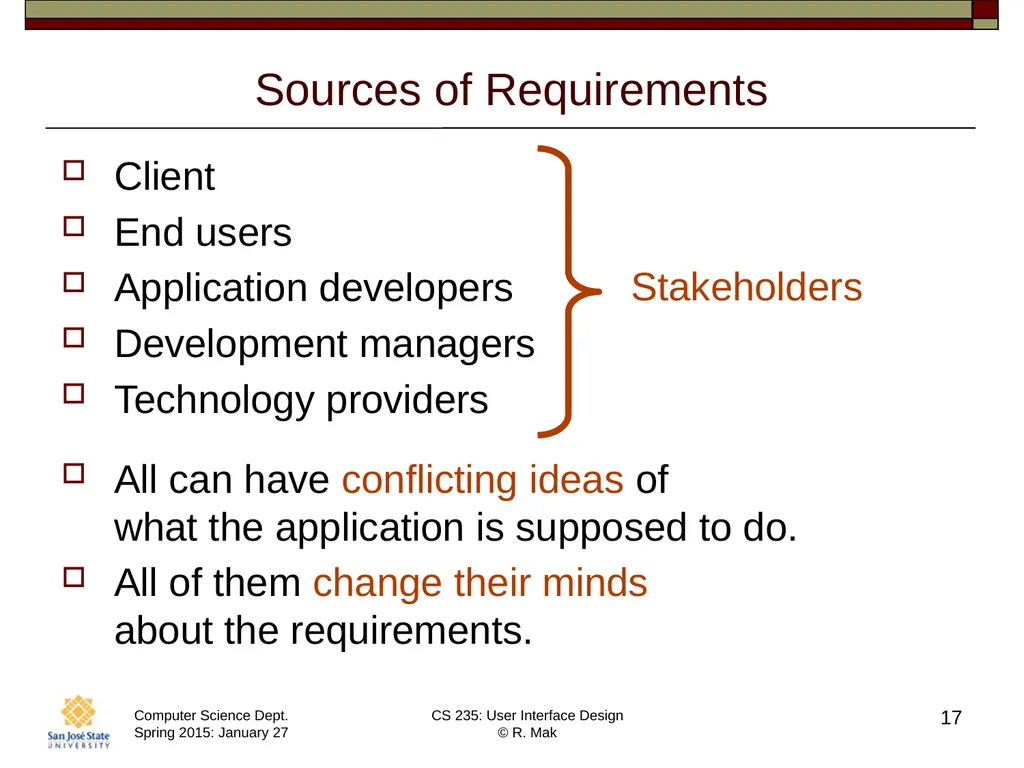
Sources of Requirements Client
End users
Application developers
Development managers
Technology providers
All can have conflicting ideas of �what the application is supposed to do.
All of them change their minds �about the requirements. 17<br>
18
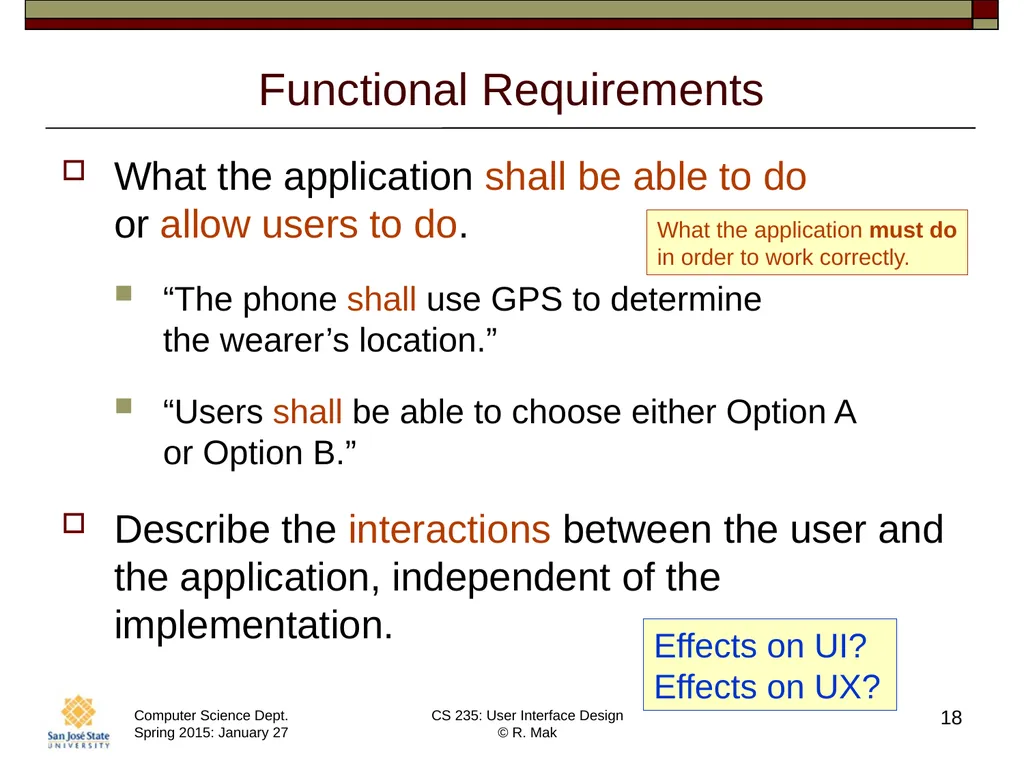
Functional Requirements What the application shall be able to do �or allow users to do.
“The phone shall use GPS to determine �the wearer’s location.”
“Users shall be able to choose either Option A �or Option B.”
Describe the interactions between the user and the application, independent of the implementation. 18 Effects on UI?
Effects on UX? What the application must do
in order to work correctly.<br>
19
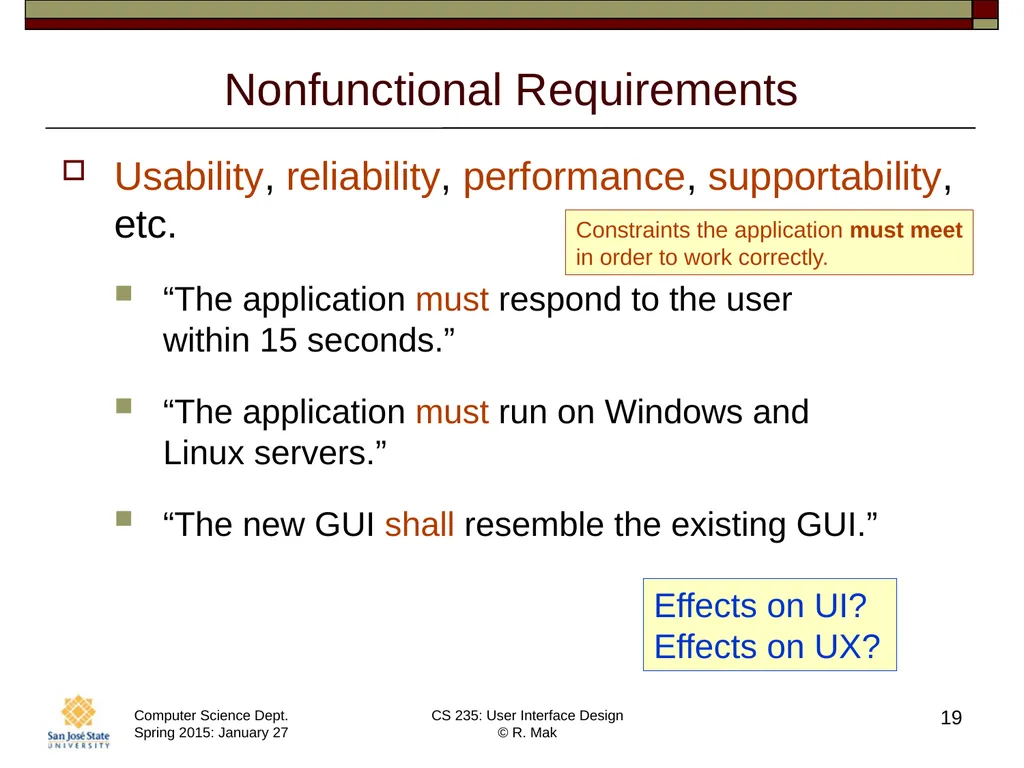
Nonfunctional Requirements Usability, reliability, performance, supportability, etc.
“The application must respond to the user �within 15 seconds.”
“The application must run on Windows and �Linux servers.”
“The new GUI shall resemble the existing GUI.” 19 Effects on UI?
Effects on UX? Constraints the application must meet
in order to work correctly.<br>
20
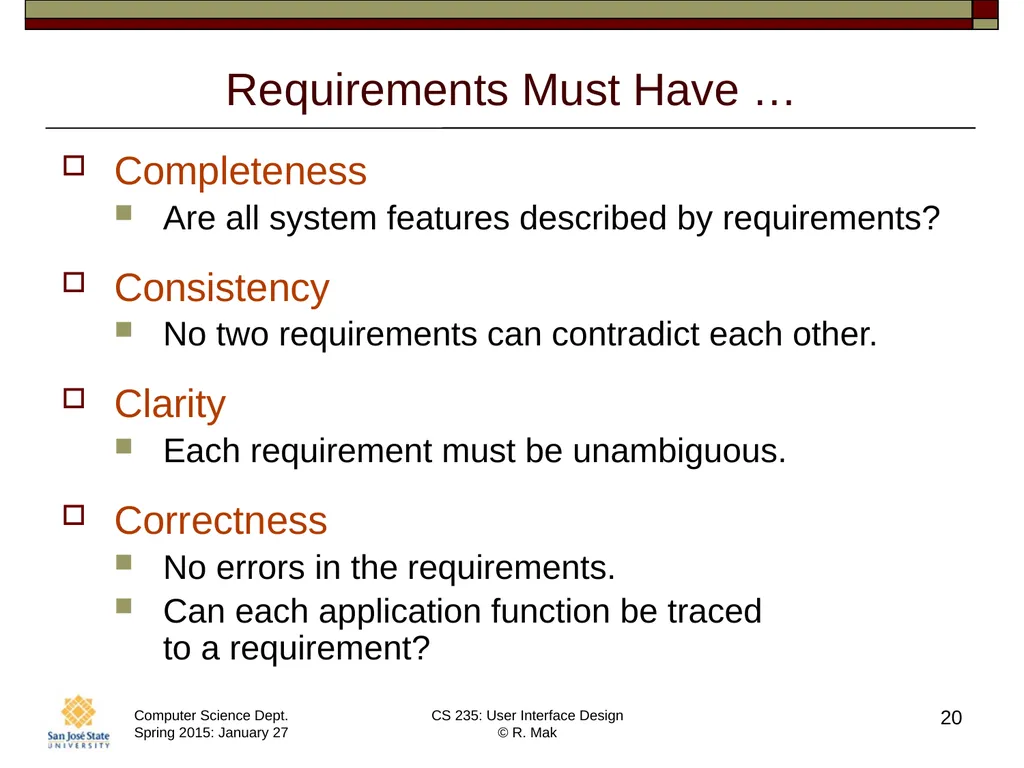
Requirements Must Have … Completeness
Are all system features described by requirements?
Consistency
No two requirements can contradict each other.
Clarity
Each requirement must be unambiguous.
Correctness
No errors in the requirements.
Can each application function be traced �to a requirement? 20<br>
21
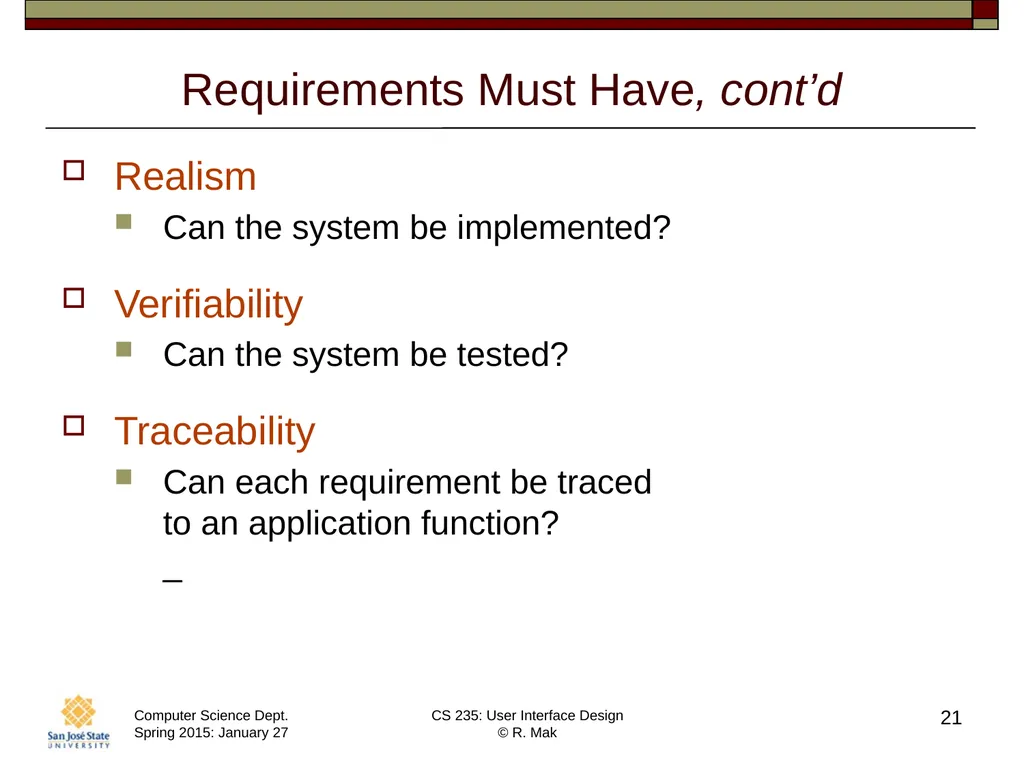
Requirements Must Have, cont’d Realism
Can the system be implemented?
Verifiability
Can the system be tested?
Traceability
Can each requirement be traced �to an application function?�_ 21<br>
22
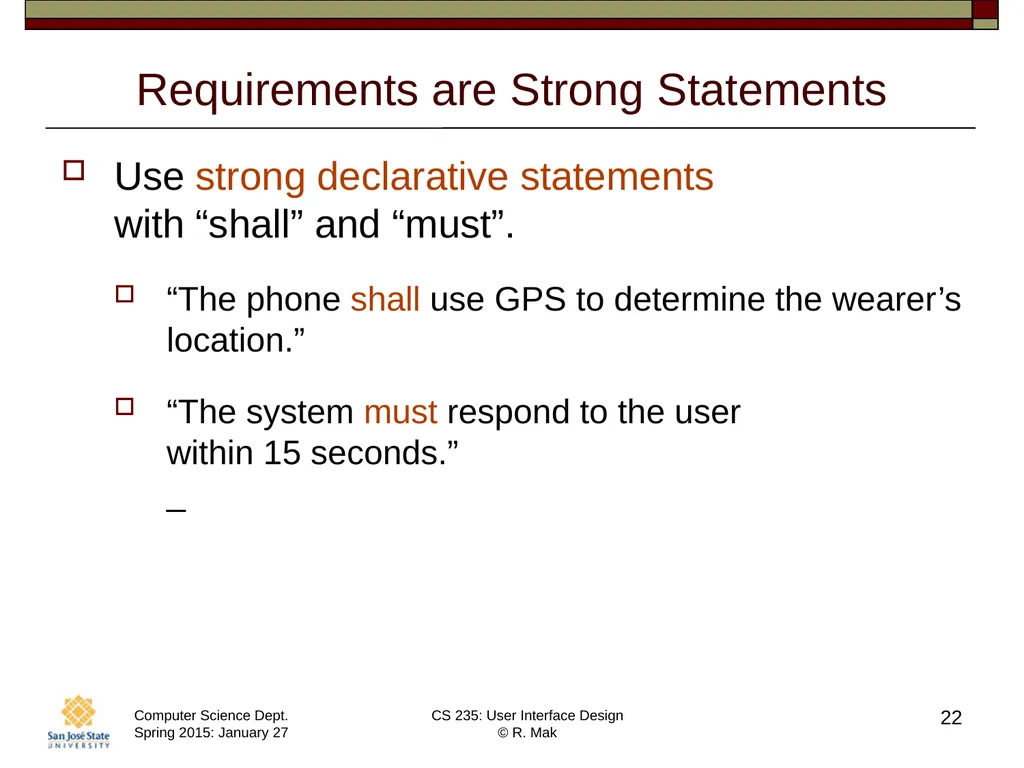
Requirements are Strong Statements Use strong declarative statements �with “shall” and “must”.
“The phone shall use GPS to determine the wearer’s location.”
“The system must respond to the user �within 15 seconds.”�_ 22<br>
23
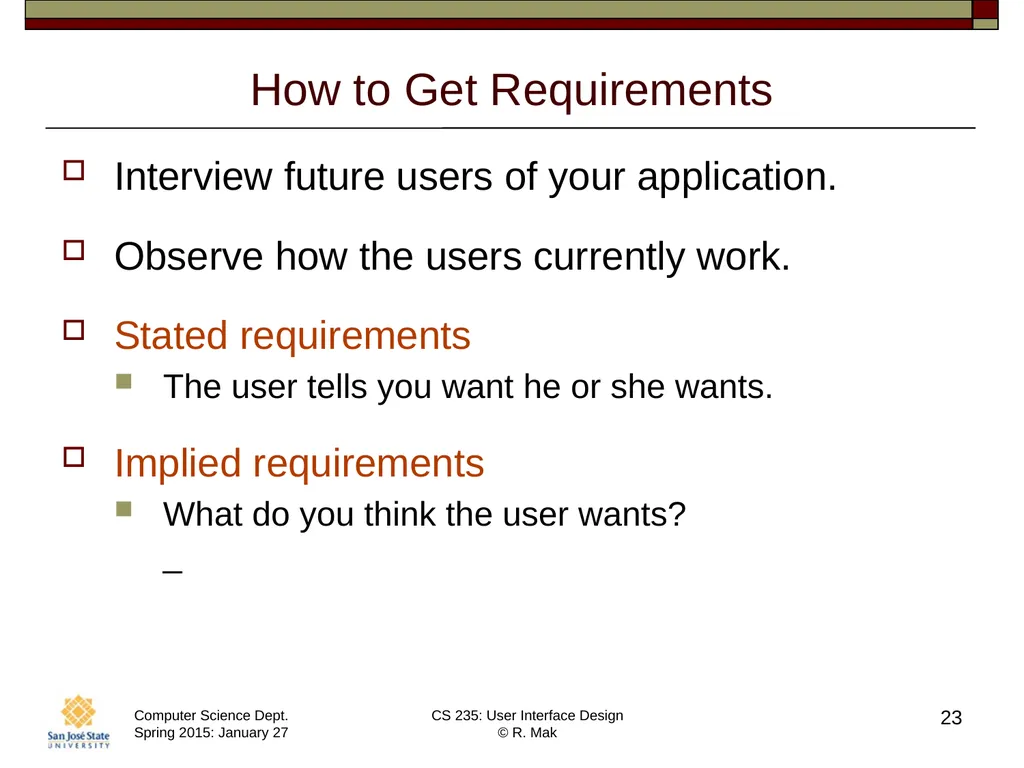
How to Get Requirements Interview future users of your application.
Observe how the users currently work.
Stated requirements
The user tells you want he or she wants.
Implied requirements
What do you think the user wants?�_ 23<br>
24
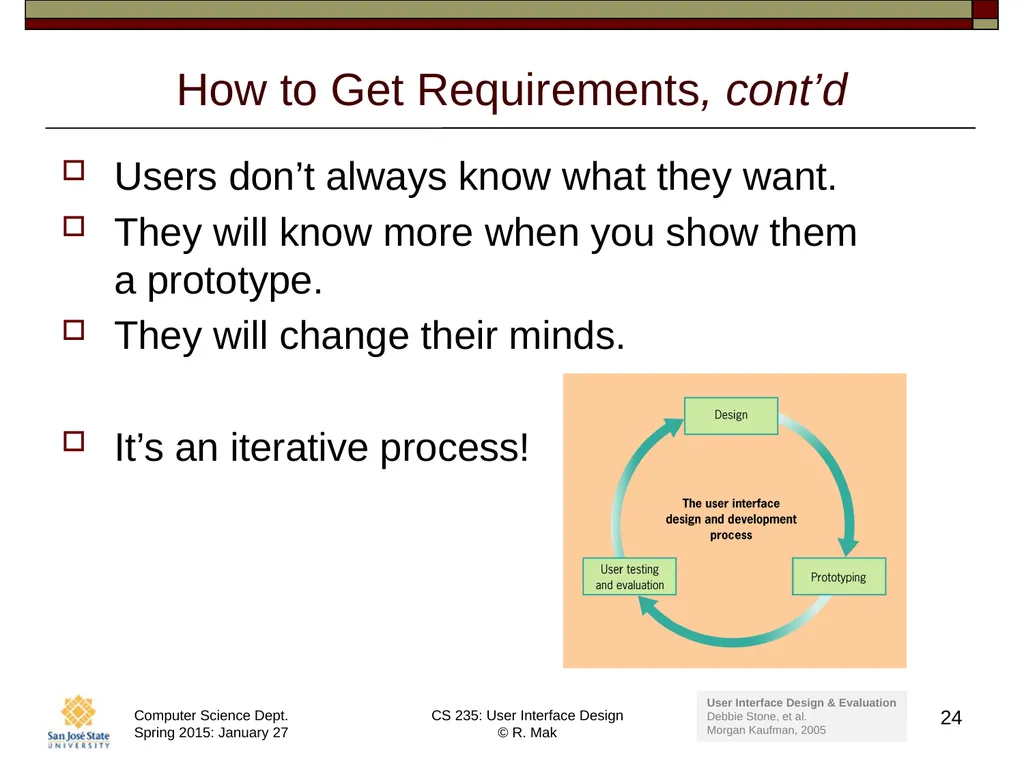
How to Get Requirements, cont’d Users don’t always know what they want.
They will know more when you show them �a prototype.
They will change their minds.
It’s an iterative process! 24 User Interface Design & Evaluation
Debbie Stone, et al.
Morgan Kaufman, 2005<br>
25
Use Cases A use case is a complete sequence of steps that allows the user to complete a task.
Describe a task that your application �must allow the user to accomplish.�_ 25<br>
26
Parts of a Use Case Name
The name should be in the form verb object.
Goal
What does this task accomplish?
Sequence of steps
For each step:
What is the user action?
What is the application’s response?
Include any alternate sequences �in case something goes wrong. 26<br>
27
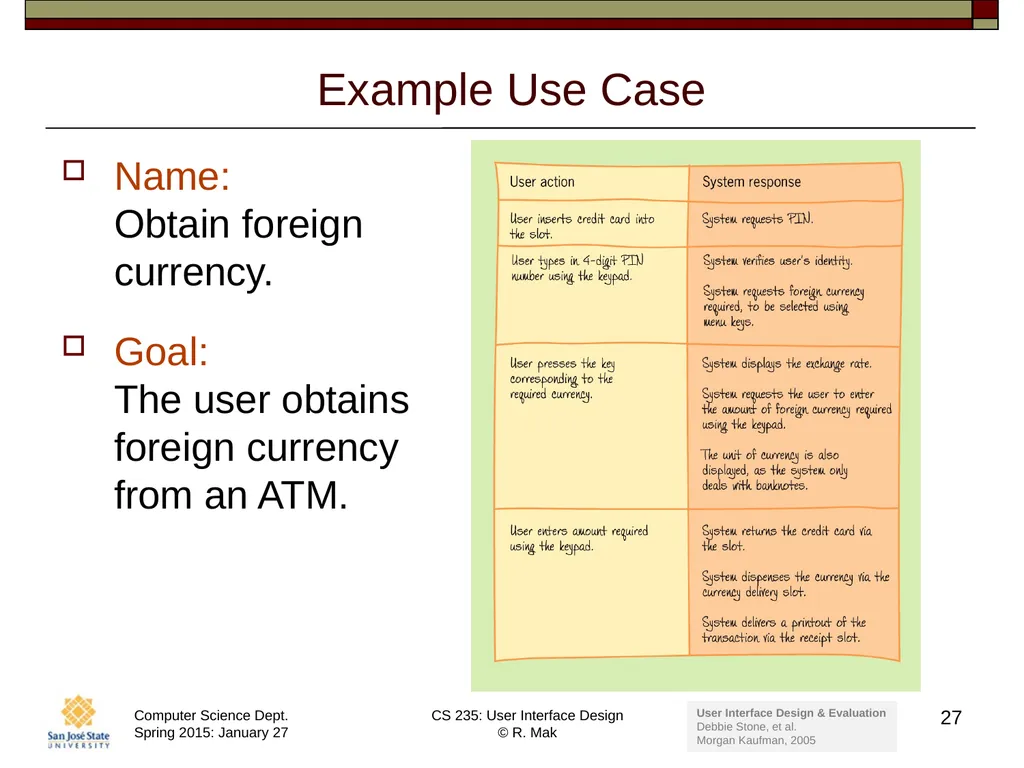
Example Use Case Name:�Obtain foreign currency.
Goal:�The user obtains foreign currency from an ATM. 27 User Interface Design & Evaluation
Debbie Stone, et al.
Morgan Kaufman, 2005<br>
28
Good Use Cases Write your use cases in a way that �makes sense to all stakeholders �(client, developers, managers, ...).
Good use cases show that you’ve �done your requirements analysis well �and that your application will work in a �real-world context.�_ 28<br>
29
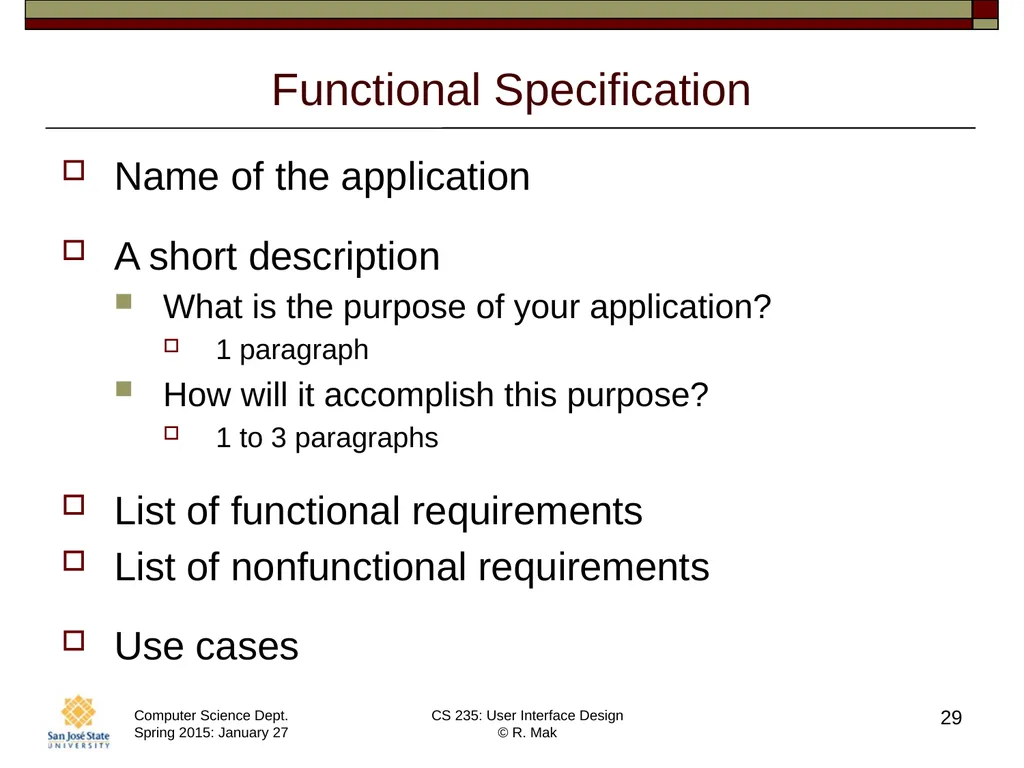
Functional Specification Name of the application
A short description
What is the purpose of your application?
1 paragraph
How will it accomplish this purpose?
1 to 3 paragraphs
List of functional requirements
List of nonfunctional requirements
Use cases 29<br>
30
On Thursday We’ll use the teams’ proposed applications to:
Create mental models.
Elicit functional and nonfunctional requirements.
Generate use cases.
Write functional specifications.
Details on Thursday! 30<br>