CS 5600 Computer Systems Project 4: File System in Pintos File System in Pintos Pintos already implements a basic file system Can create fixed size files in a single root directory But this system has limitations No support for nested
"CS 5600 Computer Systems Project 4: File System in" is the property of its rightful owner. Permission is granted to
download and print the materials on this website for personal, non-commercial use only, and to display it
on your personal computer provided you do not modify the materials and that you retain all copyright
notices contained in the materials. By downloading content from our website, you accept the terms of this
agreement.
Presentation Transcript
01
CS 5600 Computer Systems Project 4: File System in Pintos<br>
02
File System in Pintos Pintos already implements a basic file system
Can create fixed size files in a single root directory
But this system has limitations
No support for nested directories
No support for files that grow in size
No caching or preemptive reading 2<br>
03
Your Goals Implement indexed files
Files should begin life as a single sector and grow dynamically as necessary
Processes should be able to seek and write past the end of a file
Requires heavily modifying Pintos’ inodes
Implement nested directories
You will need to implement new system calls to manipulate directories
chdir(), mkdir(), readdir(), isdir()
Inode management: inumber() get the inode of a file or directory 3<br>
04
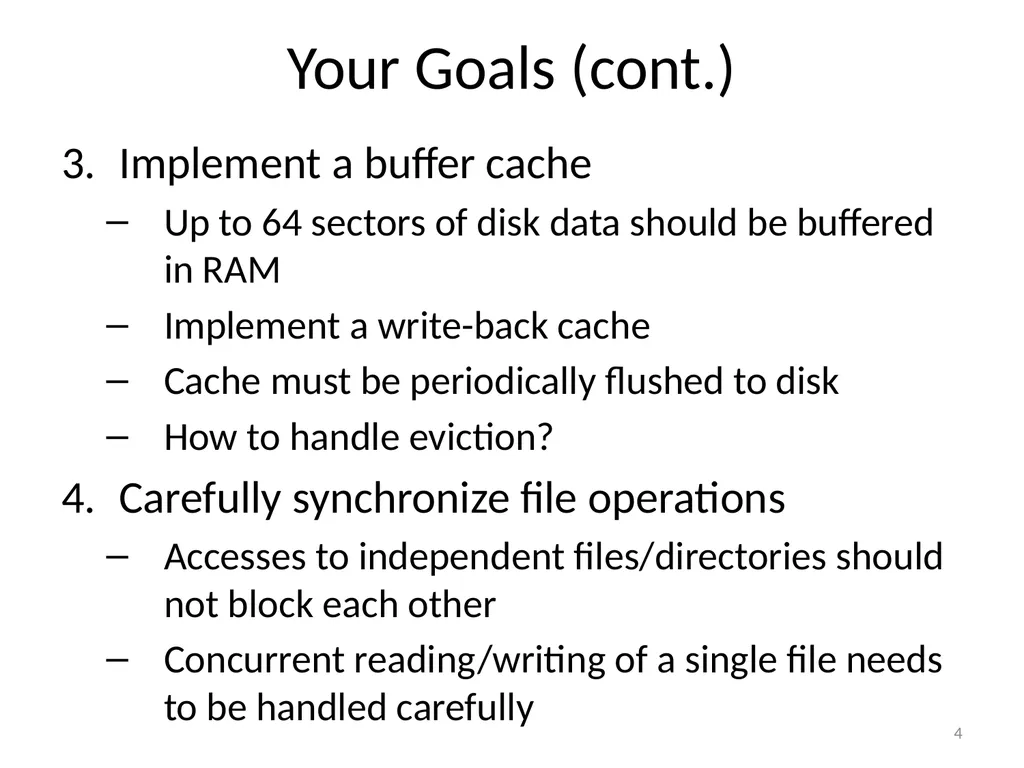
Your Goals (cont.) Implement a buffer cache
Up to 64 sectors of disk data should be buffered in RAM
Implement a write-back cache
Cache must be periodically flushed to disk
How to handle eviction?
Carefully synchronize file operations
Accesses to independent files/directories should not block each other
Concurrent reading/writing of a single file needs to be handled carefully 4<br>
05
What Pintos Does For You Basic disk management
Read/write access to sectors
Basic management of free space
You’ve already implemented file descriptors and most of the file system API ;) 5<br>
06
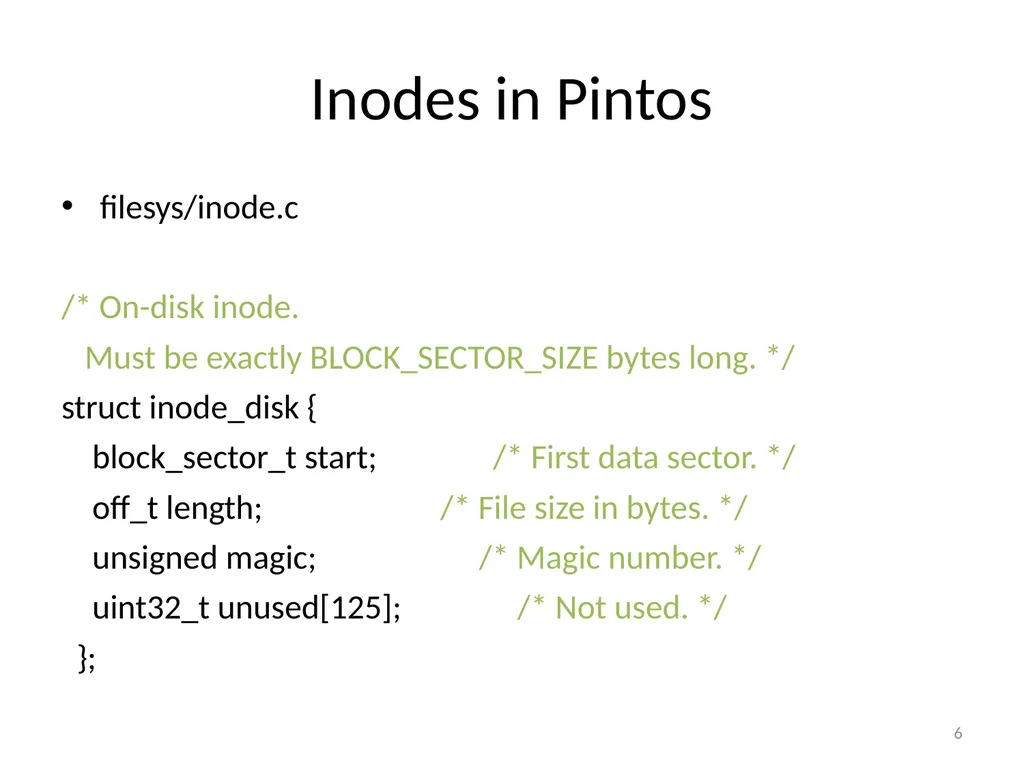
Inodes in Pintos filesys/inode.c
/* On-disk inode.
Must be exactly BLOCK_SECTOR_SIZE bytes long. */
struct inode_disk {
block_sector_t start; /* First data sector. */
off_t length; /* File size in bytes. */
unsigned magic; /* Magic number. */
uint32_t unused[125]; /* Not used. */
}; 6<br>
07
Directories in Pintos filesys/directory.c
Implements a single root directory
i.e. no subdirectories
Must be overhauled to allow a directory to contain other directories
e.g. subdirectories 7<br>
08
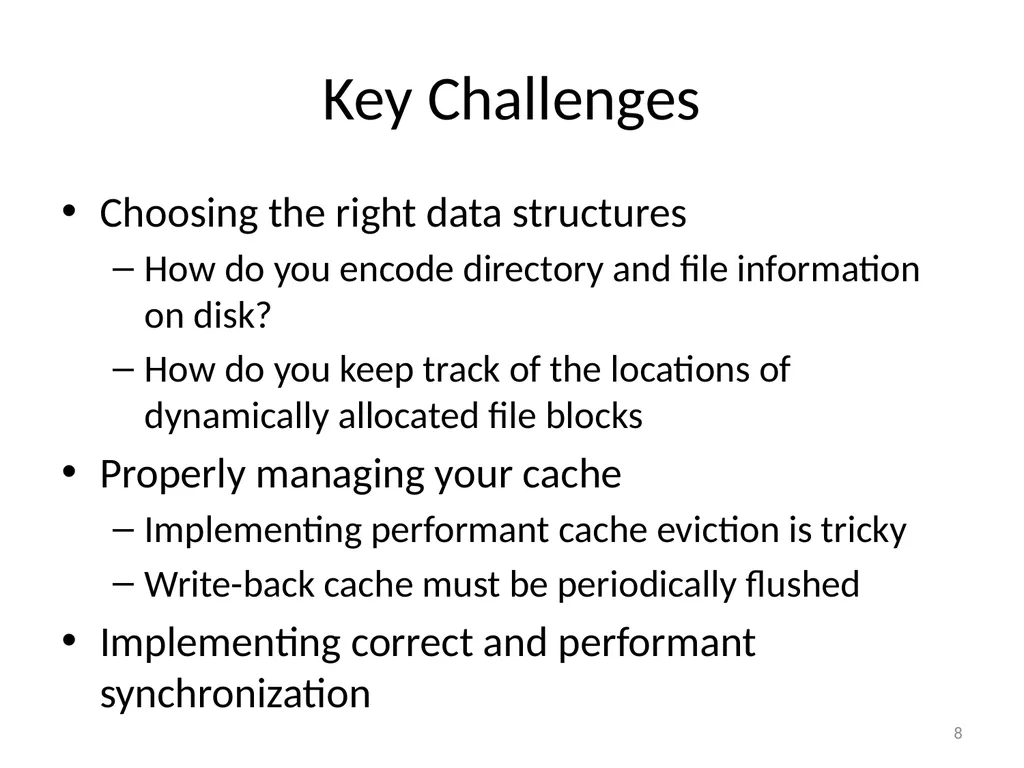
Key Challenges Choosing the right data structures
How do you encode directory and file information on disk?
How do you keep track of the locations of dynamically allocated file blocks
Properly managing your cache
Implementing performant cache eviction is tricky
Write-back cache must be periodically flushed
Implementing correct and performant synchronization 8<br>
09
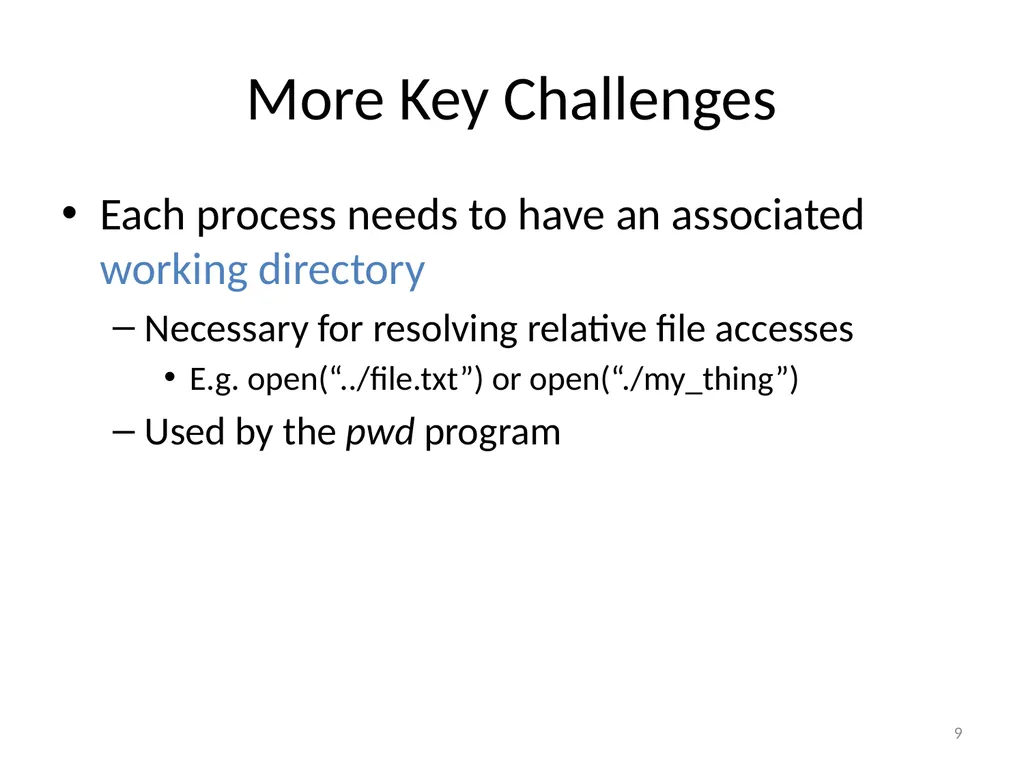
More Key Challenges Each process needs to have an associated working directory
Necessary for resolving relative file accesses
E.g. open(“../file.txt”) or open(“./my_thing”)
Used by the pwd program 9<br>
This Project Is the Biggest The reference solution for Project 4 includes way more lines of code than any other project thus far
Start early! 11<br>
12
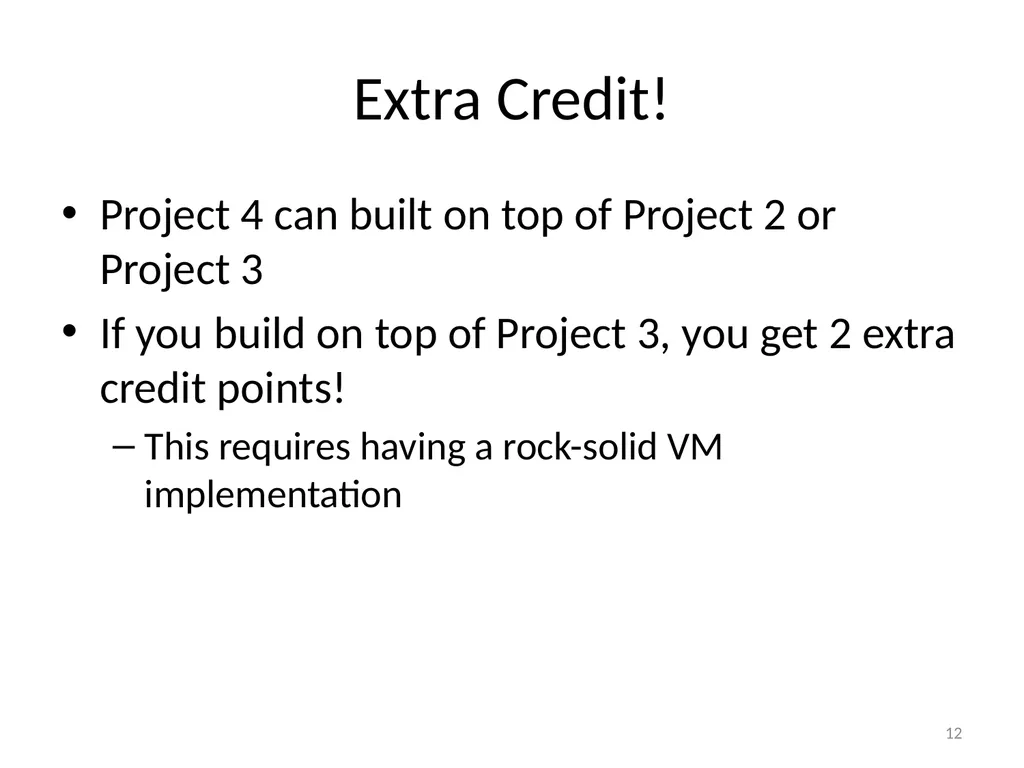
Extra Credit! Project 4 can built on top of Project 2 or Project 3
If you build on top of Project 3, you get 2 extra credit points!
This requires having a rock-solid VM implementation 12<br>
13
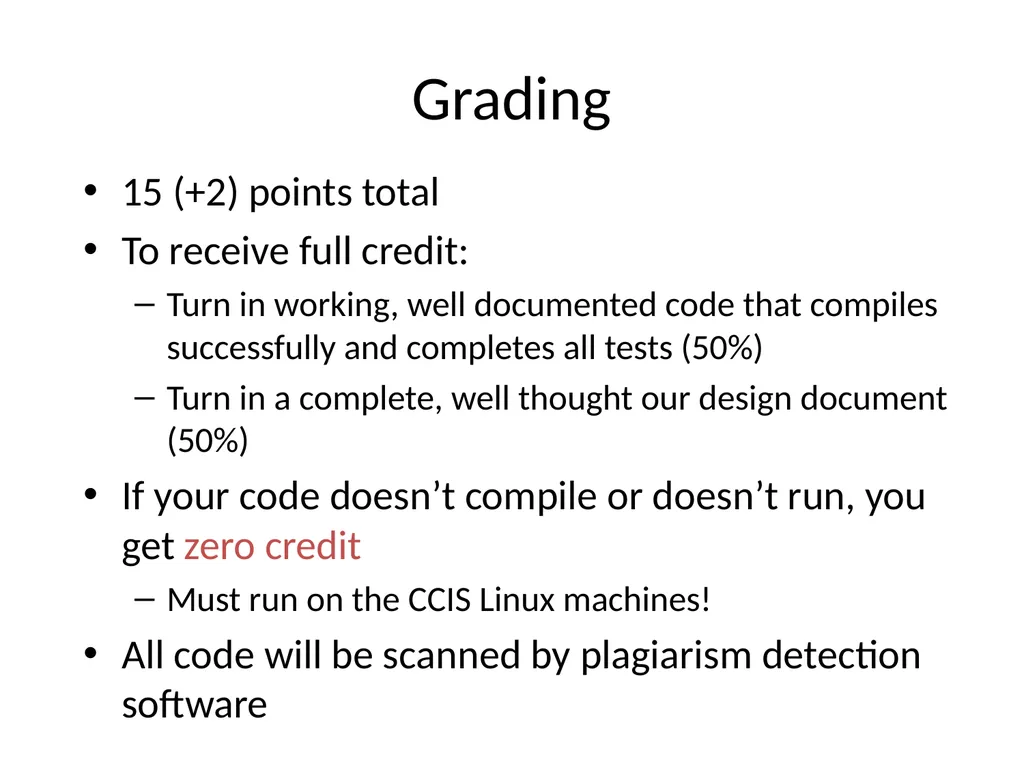
Grading 15 (+2) points total
To receive full credit:
Turn in working, well documented code that compiles successfully and completes all tests (50%)
Turn in a complete, well thought our design document (50%)
If your code doesn’t compile or doesn’t run, you get zero credit
Must run on the CCIS Linux machines!
All code will be scanned by plagiarism detection software<br>
14
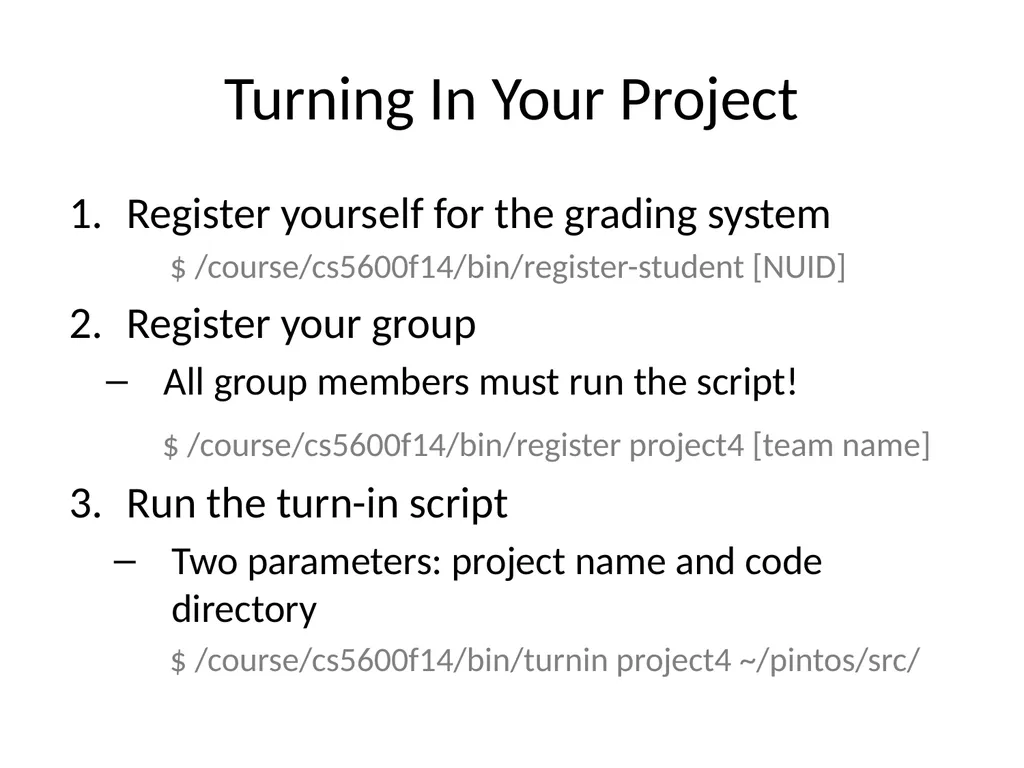
Turning In Your Project Register yourself for the grading system
$ /course/cs5600f14/bin/register-student [NUID]
Register your group
All group members must run the script!
$ /course/cs5600f14/bin/register project4 [team name]
Run the turn-in script
Two parameters: project name and code directory
$ /course/cs5600f14/bin/turnin project4 ~/pintos/src/<br>