Custom REST services and jQuery AJAX Building your own custom REST services and consuming them with jQuery AJAX about John Liu Senior Consultant for SharePoint Gurus Sydney Blog johnliu.net Community: user groups, SharePoint Conferences and
"Custom REST services and jQuery AJAX Building your" is the property of its rightful owner. Permission is granted to
download and print the materials on this website for personal, non-commercial use only, and to display it
on your personal computer provided you do not modify the materials and that you retain all copyright
notices contained in the materials. By downloading content from our website, you accept the terms of this
agreement.
Presentation Transcript
01
Custom REST services and jQuery AJAX Building your own custom REST services and consuming them with jQuery AJAX<br>
02
about John Liu Senior Consultant for SharePoint Gurus Sydney
Blog johnliu.net
Community: user groups, SharePoint Conferences and SharePoint Saturday
@johnnliu
Loves .NET - SharePoint 2007, 2010, Silverlight & Windows Phone
Video games, board games, D&D<br>
03
Contents Intro
jQuery
REST API (out of the box)
Create SOAP service
Create REST service
Highly responsive websites with jQuery AJAX
Create ADO.NET DataService<br>
04
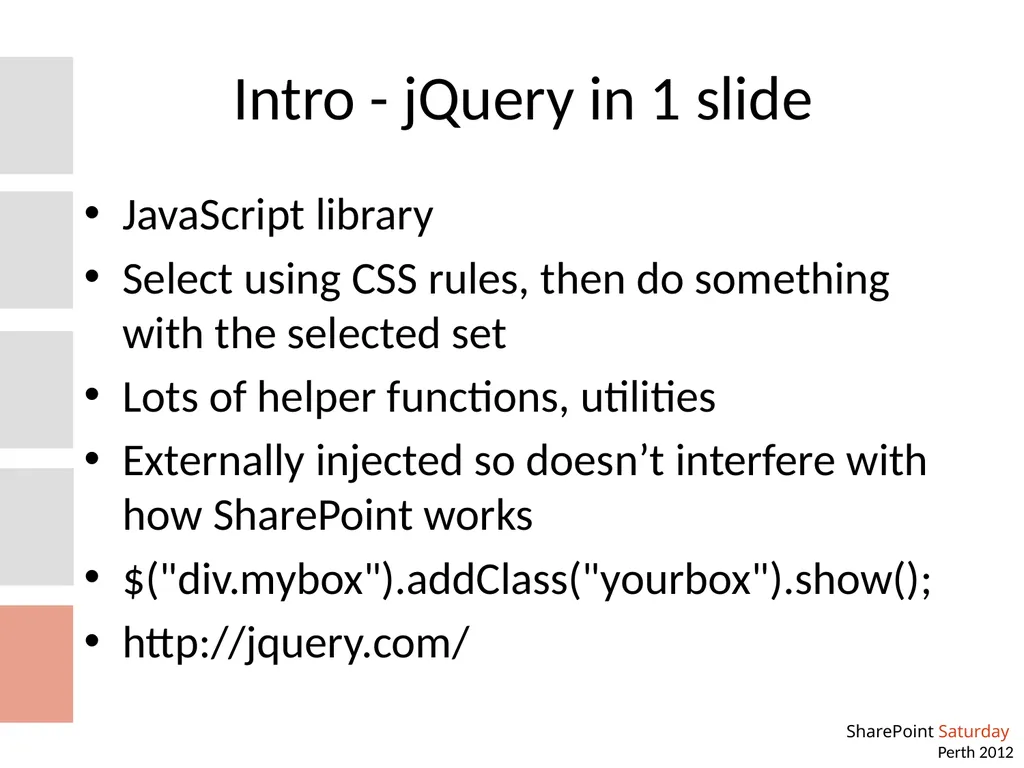
Intro - jQuery in 1 slide JavaScript library
Select using CSS rules, then do something with the selected set
Lots of helper functions, utilities
Externally injected so doesn’t interfere with how SharePoint works
$("div.mybox").addClass("yourbox").show();
http://jquery.com/<br>
05
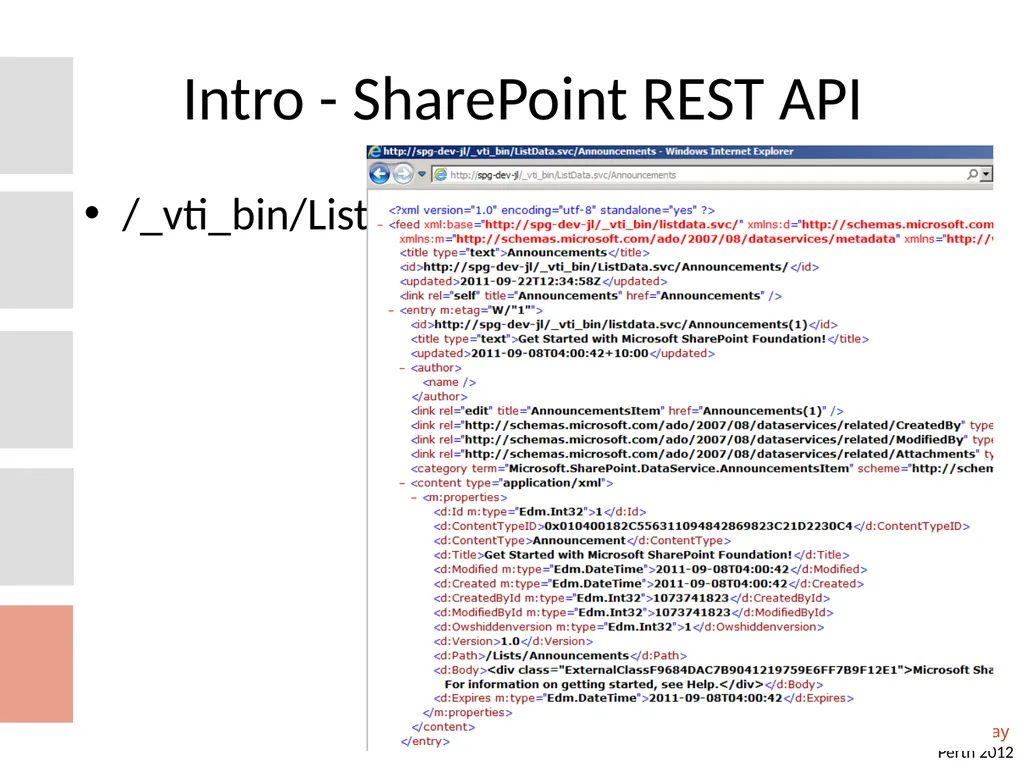
Intro - SharePoint REST API /_vti_bin/ListData.svc/<br>
06
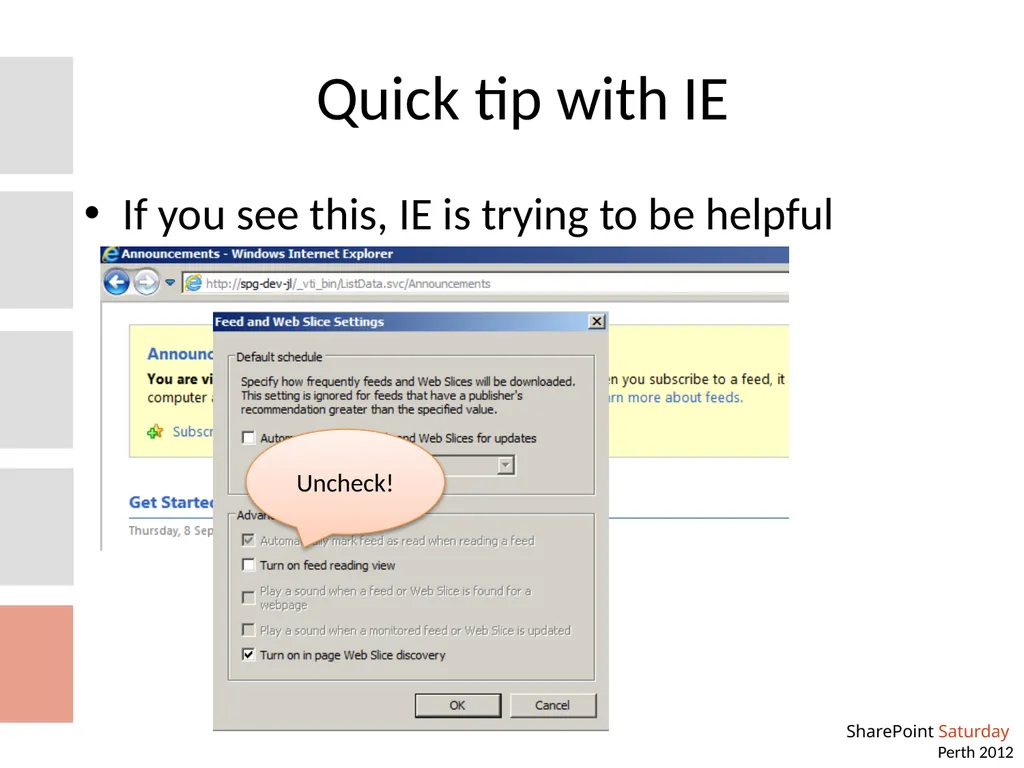
Quick tip with IE If you see this, IE is trying to be helpful Uncheck!<br>
07
What are REST useful for? Within SharePoint - not much Incorrect - see John's KnockoutJS presentation - REST in 2010 ROCKS.
With other applications - extremely useful
Very simple interface that many 3rd party apps know how to talk
Phone apps, JavaScript apps
Reporting apps, integration apps
SOAP is a lot more complex with creating the right SOAP envelop
REST is easy as long as you can make a web page request<br>
08
Question before demo How many have written web parts for SharePoint
How many have build your own WCF services at some point
(for SharePoint?)<br>
09
Write your own SOAP and REST services Code Demo<br>
10
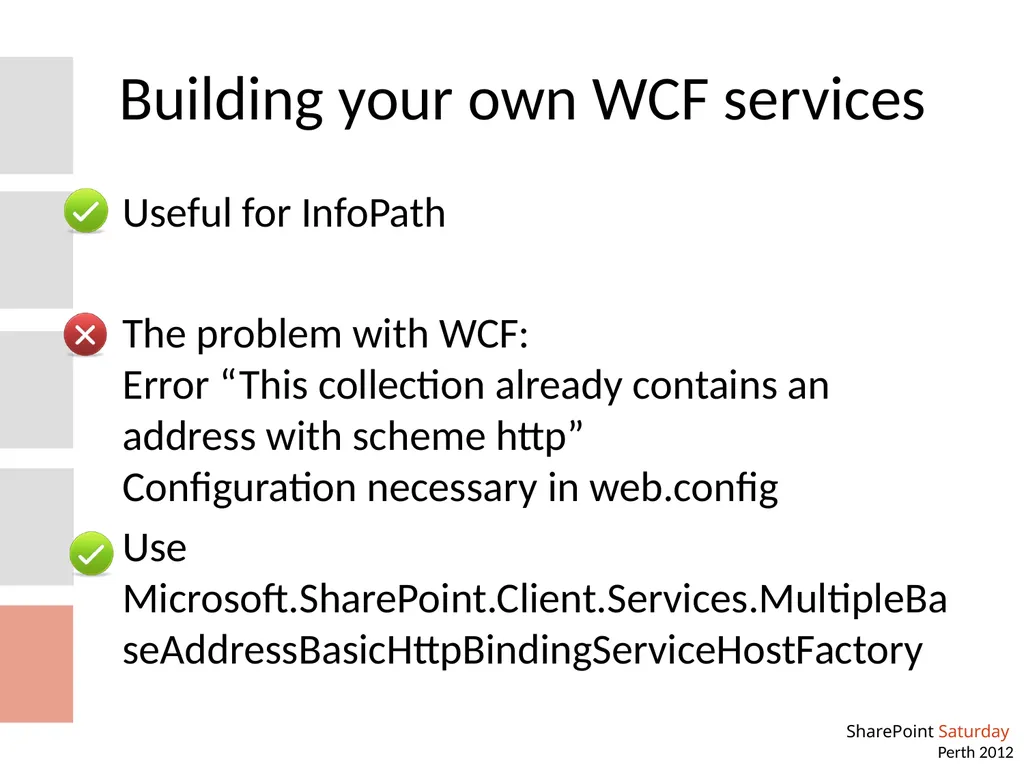
Building your own WCF services Useful for InfoPath
The problem with WCF: Error “This collection already contains an address with scheme http” Configuration necessary in web.config
Use Microsoft.SharePoint.Client.Services.MultipleBaseAddressBasicHttpBindingServiceHostFactory<br>
11
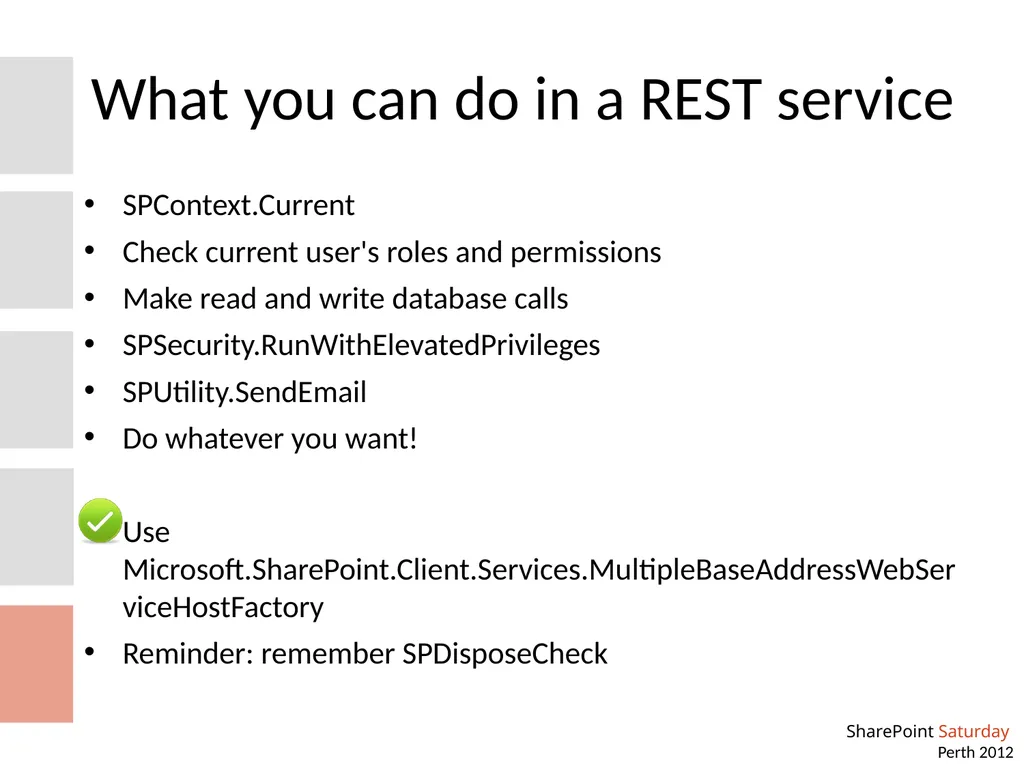
What you can do in a REST service SPContext.Current
Check current user's roles and permissions
Make read and write database calls
SPSecurity.RunWithElevatedPrivileges
SPUtility.SendEmail
Do whatever you want!
Use Microsoft.SharePoint.Client.Services.MultipleBaseAddressWebServiceHostFactory
Reminder: remember SPDisposeCheck<br>
12
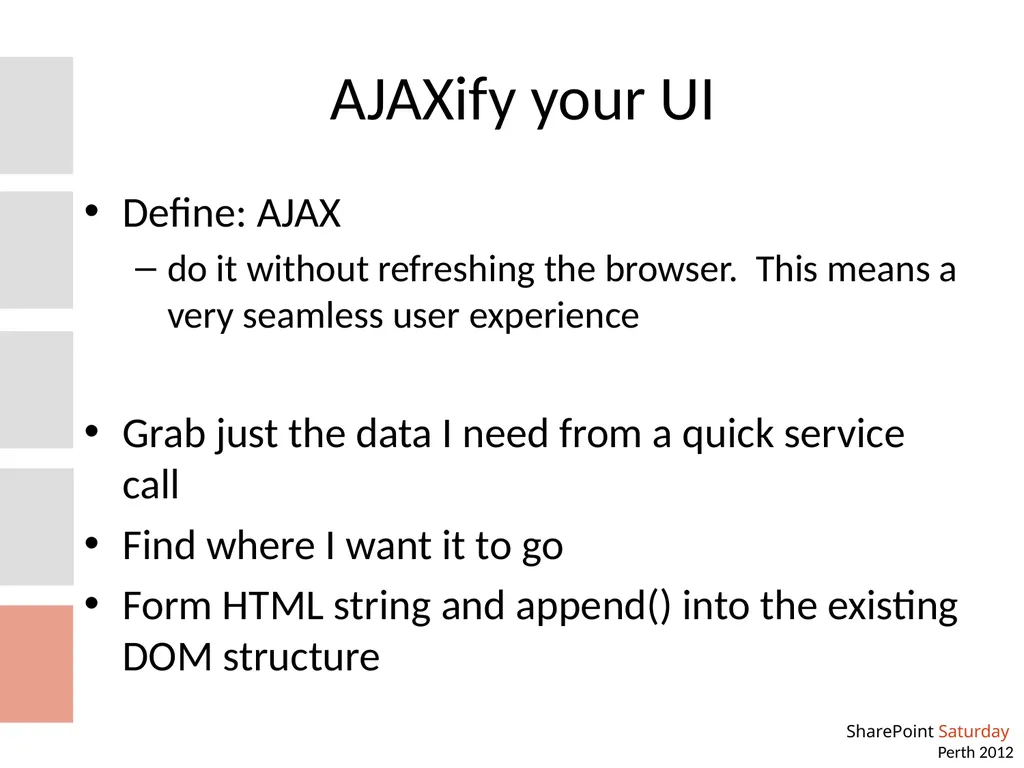
AJAXify your UI Define: AJAX
do it without refreshing the browser. This means a very seamless user experience
Grab just the data I need from a quick service call
Find where I want it to go
Form HTML string and append() into the existing DOM structure<br>
13
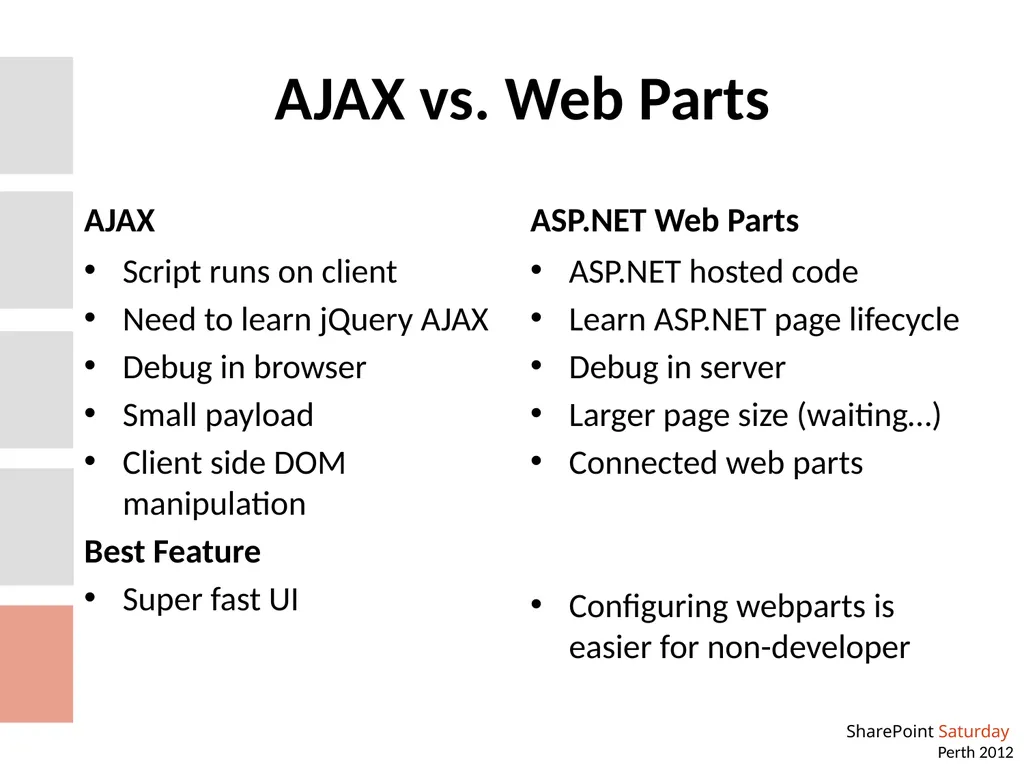
AJAX vs. Web Parts AJAX Script runs on client
Need to learn jQuery AJAX
Debug in browser
Small payload
Client side DOM manipulation
Best Feature
Super fast UI ASP.NET Web Parts ASP.NET hosted code
Learn ASP.NET page lifecycle
Debug in server
Larger page size (waiting…)
Connected web parts
Configuring webparts is easier for non-developer<br>
14
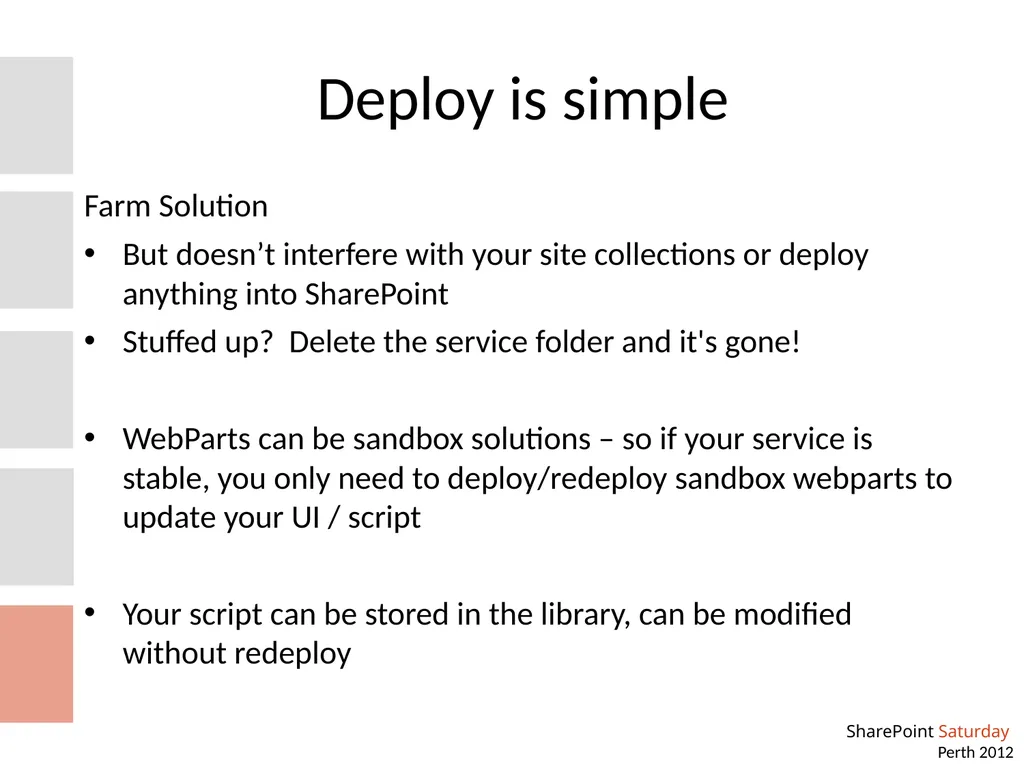
Deploy is simple Farm Solution
But doesn’t interfere with your site collections or deploy anything into SharePoint
Stuffed up? Delete the service folder and it's gone!
WebParts can be sandbox solutions – so if your service is stable, you only need to deploy/redeploy sandbox webparts to update your UI / script
Your script can be stored in the library, can be modified without redeploy<br>
15
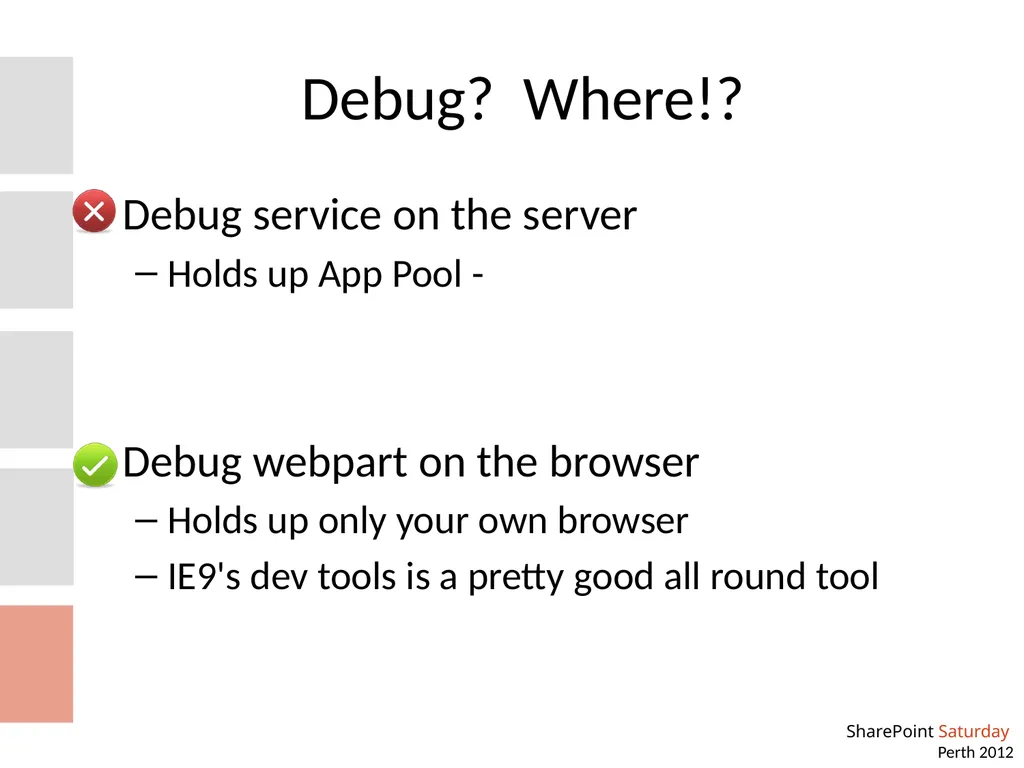
Debug? Where!? Debug service on the server
Holds up App Pool -
Debug webpart on the browser
Holds up only your own browser
IE9's dev tools is a pretty good all round tool<br>
16
Write your own Dataservices, KnockoutJS and AJAX Bonus Demo<br>
17
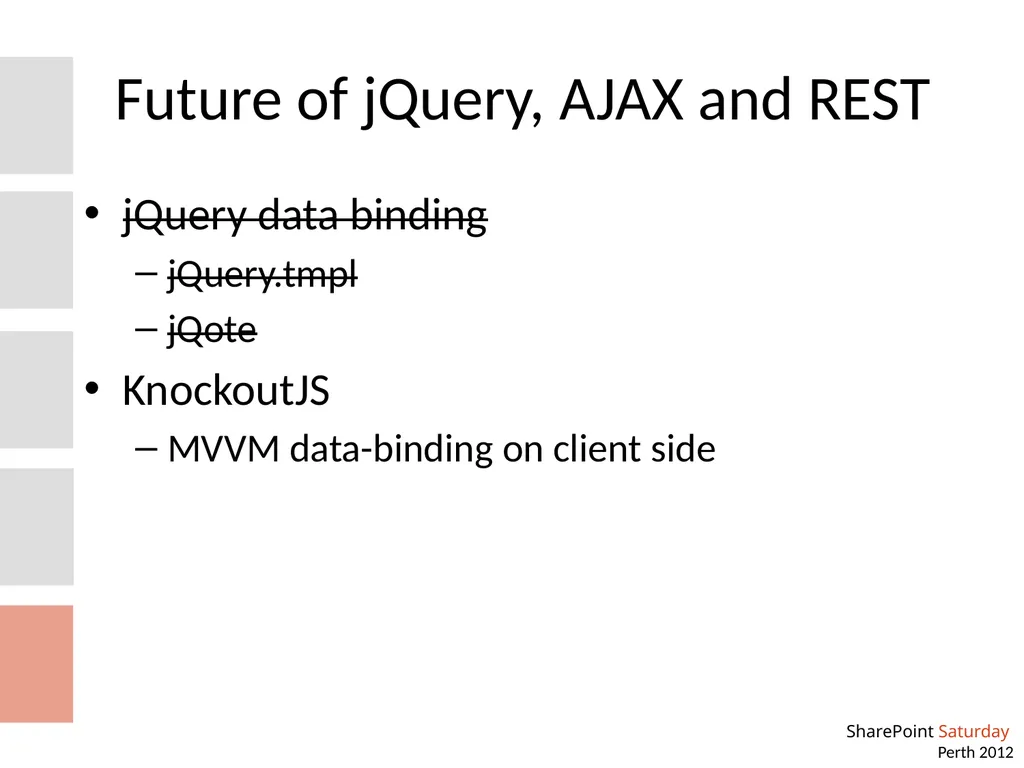
Future of jQuery, AJAX and REST jQuery data binding
jQuery.tmpl
jQote
KnockoutJS
MVVM data-binding on client side<br>
18
Summary Hands up if you think this is better than writing webparts :-)
jQuery
REST API (out of the box)
Create SOAP service
Create REST service
Highly responsive websites with jQuery AJAX
Create ADO.NET DataService<br>
19
Resources REST and jQuery AJAX
http://blogs.msdn.com/b/sharepointdev/archive/2011/02/22/calling-a-wcf-service-using-jquery-in-sharepoint.aspx
http://www.wictorwilen.se/Post/Calling-a-WCF-Service-using-jQuery-in-SharePoint-the-correct-way.aspx
http://johnliu.net/
Data Service http://msdn.microsoft.com/en-us/library/dd728279<br>
20
Help! I'm still on 2007 http://spservices.codeplex.com/
jQuery wrapper around SharePoint 2007 (and 2010) SOAP services
Notably, via JavaScript you can:
Update item without form
Start workflow on any item
Get information from user profile service<br>