DISCLAIMER This presentation is designed for judge training and follows the format of the Judge Training Script. Judge Advisors should review the slides before presenting and update information about your event to address the needs of your
"DISCLAIMER This presentation is designed for judge" is the property of its rightful owner. Permission is granted to
download and print the materials on this website for personal, non-commercial use only, and to display it
on your personal computer provided you do not modify the materials and that you retain all copyright
notices contained in the materials. By downloading content from our website, you accept the terms of this
agreement.
Presentation Transcript
01
DISCLAIMER This presentation is designed for judge training and follows the format of the Judge Training Script. Judge Advisors should review the slides before presenting and update information about your event to address the needs of your volunteers.
Highlighted content should be updated by the Judge Advisor.<br>
02
Judge Training<br>
03
Agenda Introductions
The Judge Role
Season Overview
Event Information
The Judging Session
Completing the Rubrics
Awards and Ceremony
Questions<br>
04
The Judge Role Friendly and welcoming to all teams
Positive and reassuring throughout the judging session
Listen actively and ask questions after the team’s presentation
Familiar with contents of judging toolkit
Complete rubrics with feedback from all judges in your pod
Give positive and constructive feedback verbally and on the rubric<br>
05
About the Season The things we leave behind tell a story. The innovations and technologies we create today will serve as clues to future generations about how we live, learn, and celebrate. Explore how we can use these clues from the past to help us better understand our own communities and other cultures, with a focus on the use and advancement of technology in the field of archaeology.<br>
06
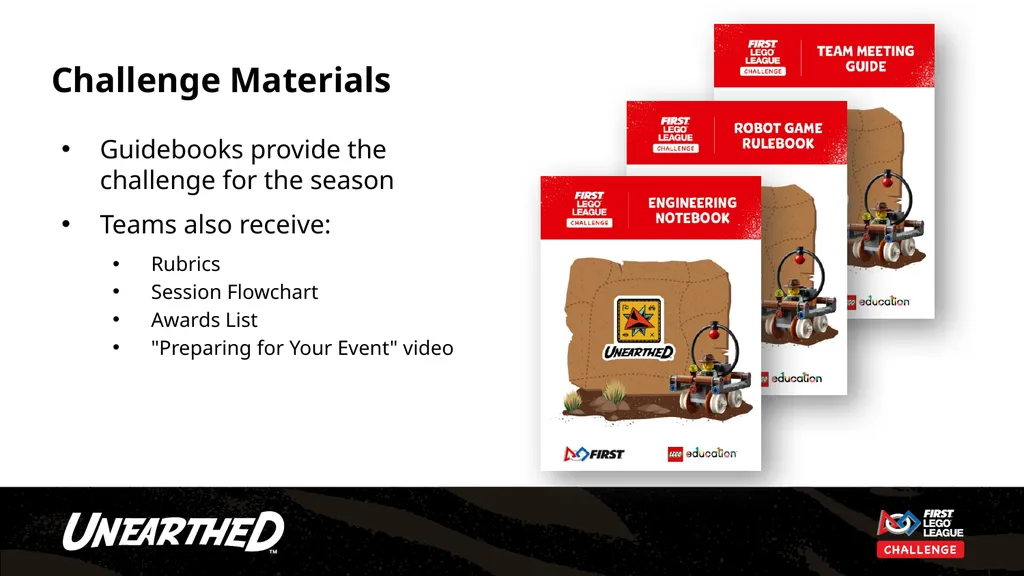
Challenge Materials Guidebooks provide the challenge for the season
Teams also receive:
Rubrics
Session Flowchart
Awards List
"Preparing for Your Event" video<br>
07
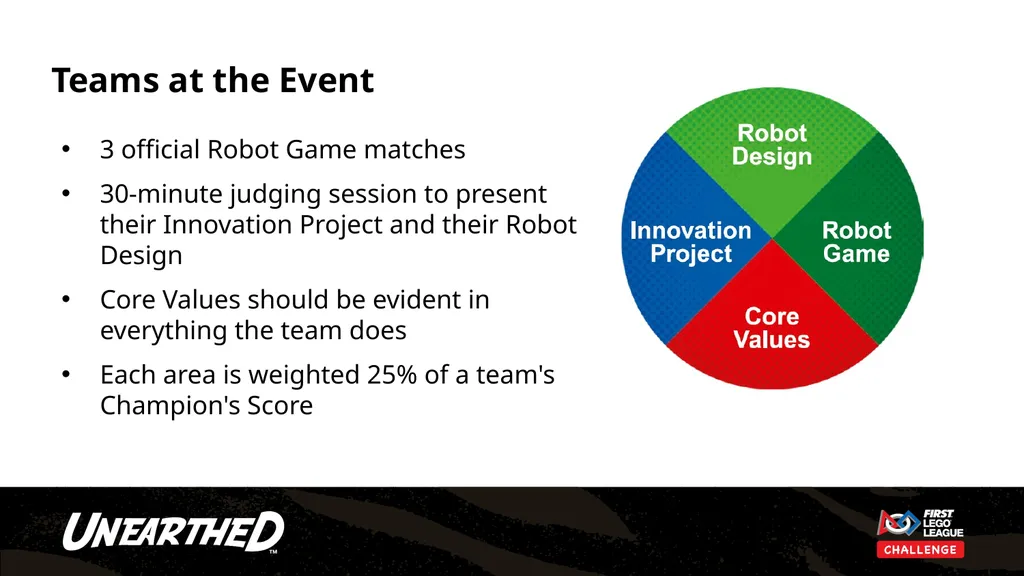
Teams at the Event 3 official Robot Game matches
30-minute judging session to present their Innovation Project and their Robot Design
Core Values should be evident in everything the team does
Each area is weighted 25% of a team's Champion's Score<br>
08
Spotlight on Judging Video Spotlight on Judging (3:14) - https://www.youtube.com/watch?v=m3AwgIMWA9s<br>
09
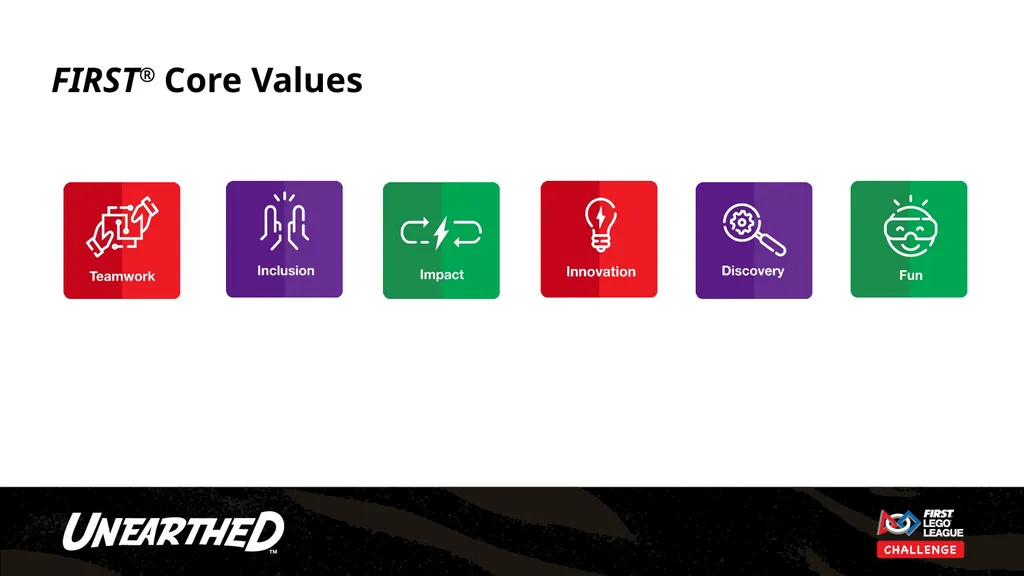
FIRST® Core Values<br>
10
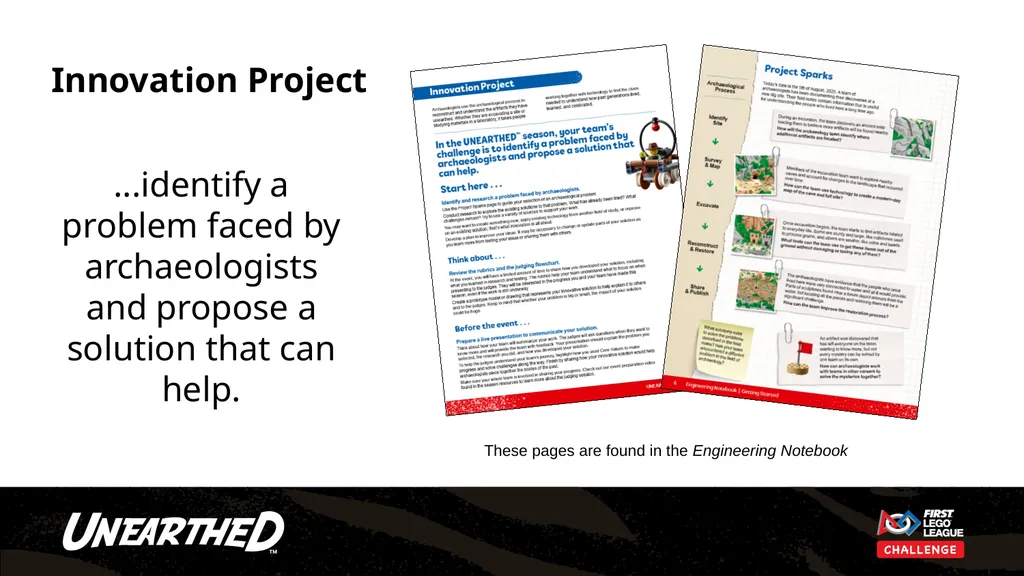
Innovation Project ...identify a problem faced by archaeologists and propose a solution that can help. These pages are found in the Engineering Notebook<br>
11
Event Information On the following slides, you may add event-specific information such as Judging Pod assignments, schedules and breaks, etc.
Edit or delete these slides if not used.<br>
12
Judging Pod Assignments<br>
13
Event Schedule Add event/judge schedule here<br>
14
The Judging Session<br>
15
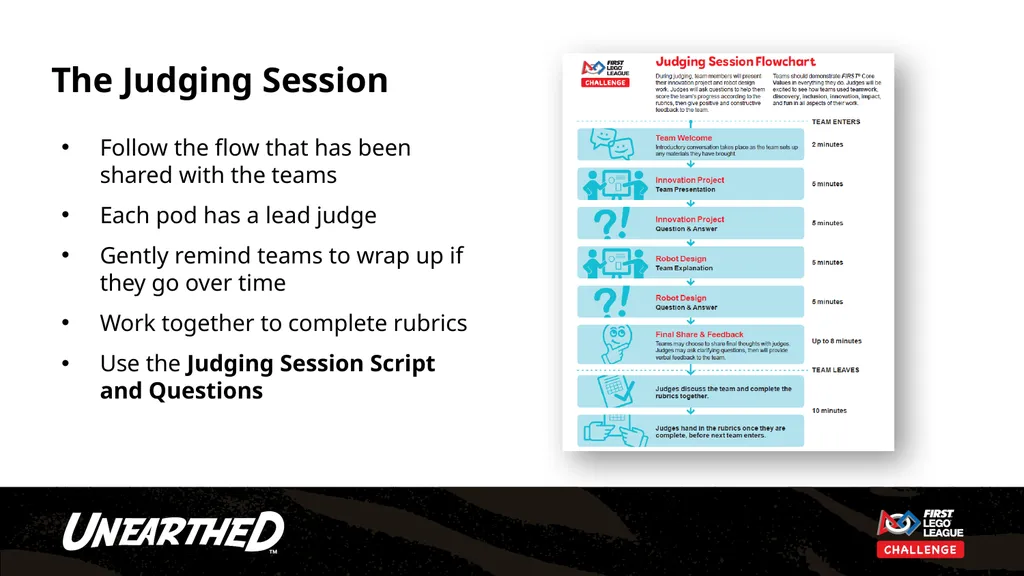
The Judging Session Follow the flow that has been shared with the teams
Each pod has a lead judge
Gently remind teams to wrap up if they go over time
Work together to complete rubrics
Use the Judging Session Script and Questions<br>
16
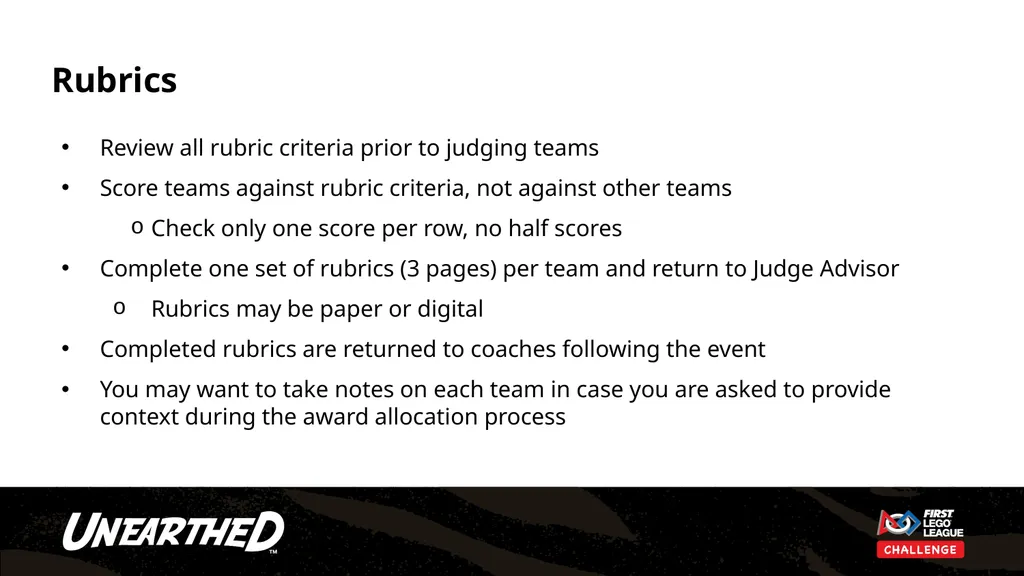
Rubrics Review all rubric criteria prior to judging teams
Score teams against rubric criteria, not against other teams
Check only one score per row, no half scores
Complete one set of rubrics (3 pages) per team and return to Judge Advisor
Rubrics may be paper or digital
Completed rubrics are returned to coaches following the event
You may want to take notes on each team in case you are asked to provide context during the award allocation process<br>
17
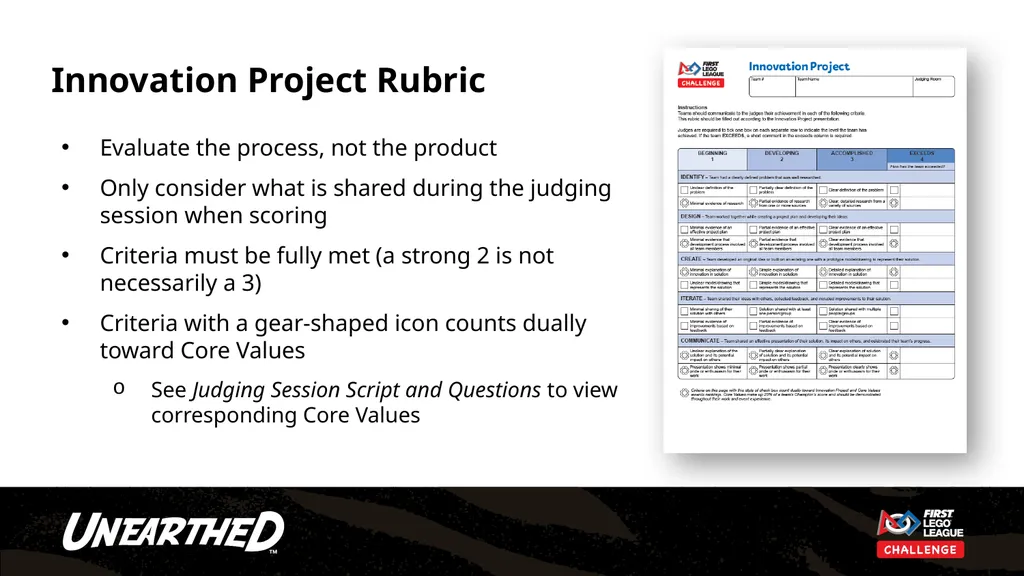
Innovation Project Rubric Evaluate the process, not the product
Only consider what is shared during the judging session when scoring
Criteria must be fully met (a strong 2 is not necessarily a 3)
Criteria with a gear-shaped icon counts dually toward Core Values
See Judging Session Script and Questions to view corresponding Core Values<br>
18
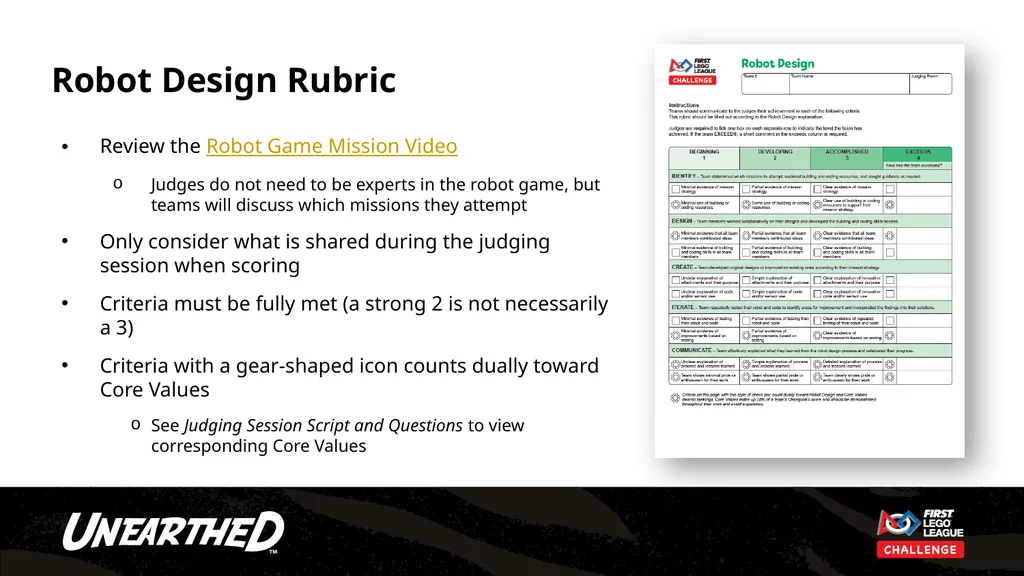
Robot Design Rubric Review the Robot Game Mission Video
Judges do not need to be experts in the robot game, but teams will discuss which missions they attempt
Only consider what is shared during the judging session when scoring
Criteria must be fully met (a strong 2 is not necessarily a 3)
Criteria with a gear-shaped icon counts dually toward Core Values
See Judging Session Script and Questions to view corresponding Core Values<br>
19
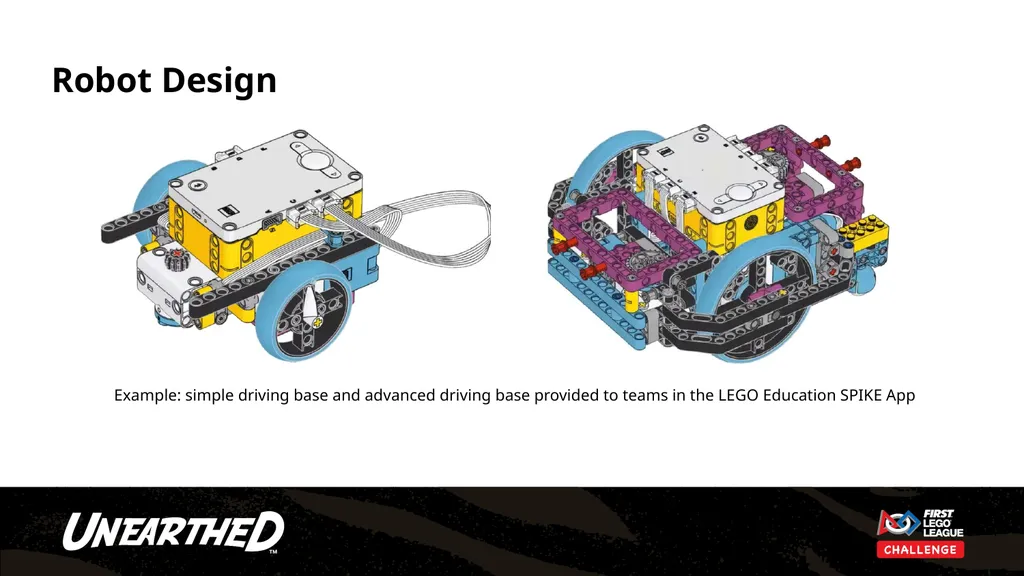
Robot Design Example: simple driving base and advanced driving base provided to teams in the LEGO Education SPIKE App<br>
20
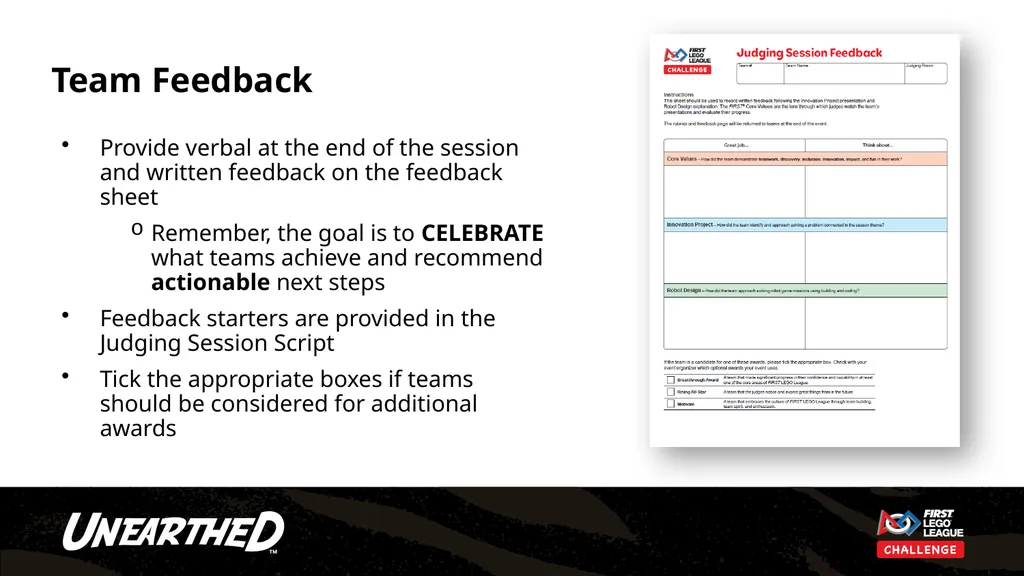
Team Feedback Provide verbal at the end of the session and written feedback on the feedback sheet
Remember, the goal is to CELEBRATE what teams achieve and recommend actionable next steps
Feedback starters are provided in the Judging Session Script
Tick the appropriate boxes if teams should be considered for additional awards<br>
21
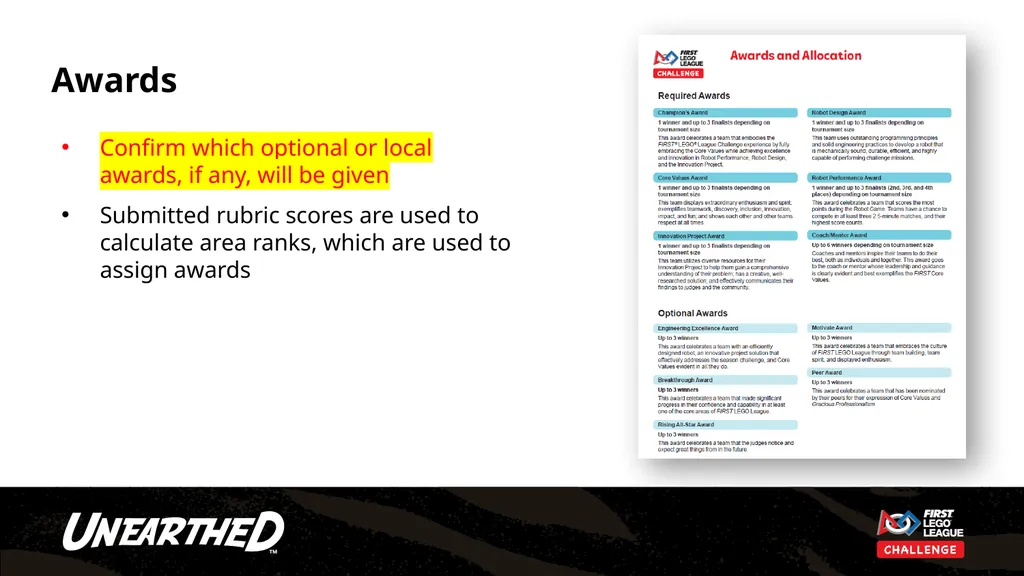
Awards Confirm which optional or local awards, if any, will be given
Submitted rubric scores are used to calculate area ranks, which are used to assign awards<br>
22
Closing Ceremony Insert information here about the closing ceremony
Judges are encouraged to celebrate teams and hand out awards<br>
23
Questions?<br>
24
Thank you for being a FIRST® LEGO® League Challenge judge!<br>