"Do-more Technical Training Instruction Set" is the property of its rightful owner. Permission is granted to
download and print the materials on this website for personal, non-commercial use only, and to display it
on your personal computer provided you do not modify the materials and that you retain all copyright
notices contained in the materials. By downloading content from our website, you accept the terms of this
agreement.
Presentation Transcript
01
Do-more Technical Training Instruction Set
(Introduction)<br>
02
Instruction Set (Introduction) THE BASICS
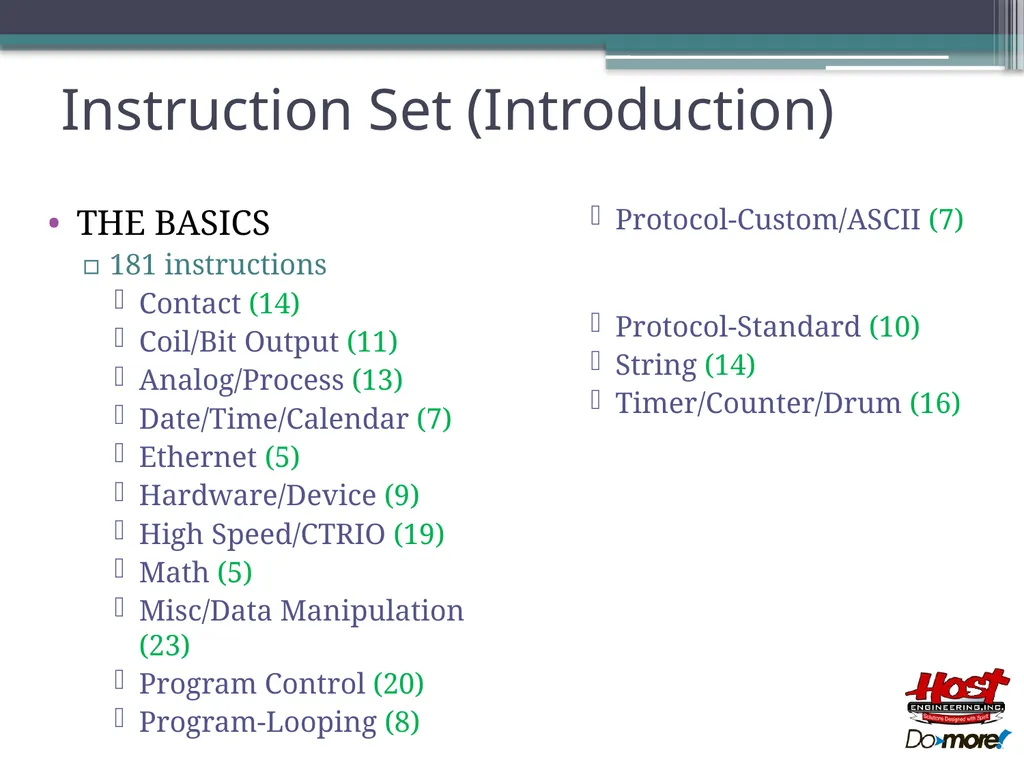
181 instructions
Contact (14)
Coil/Bit Output (11)
Analog/Process (13)
Date/Time/Calendar (7)
Ethernet (5)
Hardware/Device (9)
High Speed/CTRIO (19)
Math (5)
Misc/Data Manipulation (23)
Program Control (20)
Program-Looping (8)
Protocol-Custom/ASCII (7)
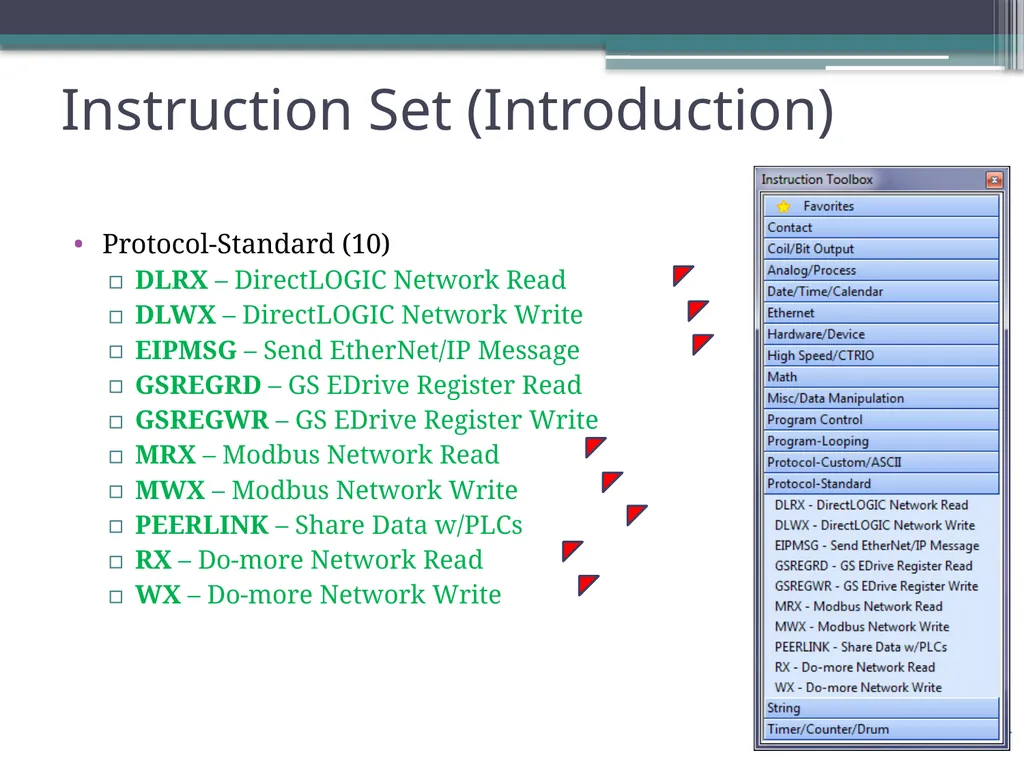
Protocol-Standard (10)
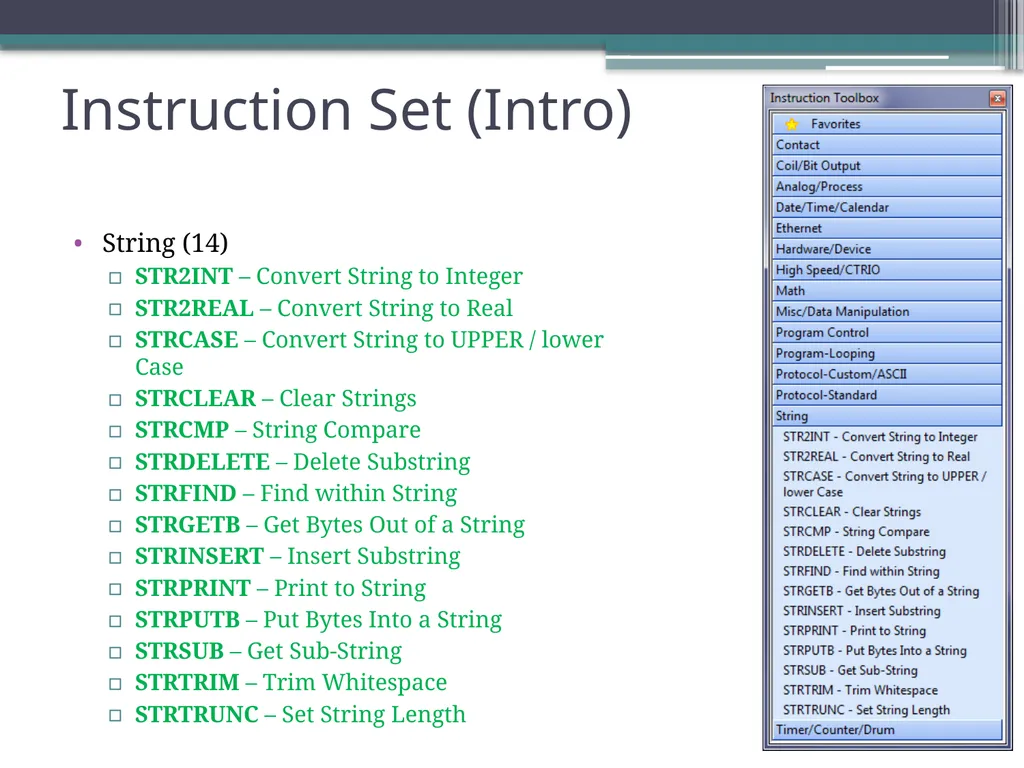
String (14)
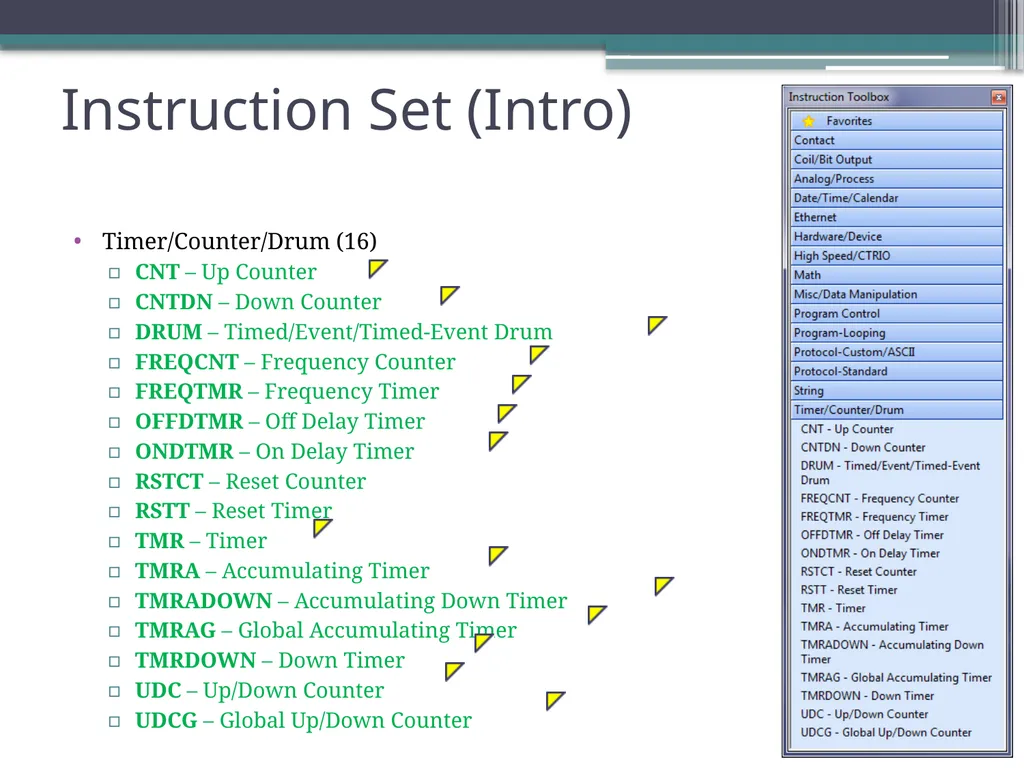
Timer/Counter/Drum (16)<br>
03
Instruction Set (Introduction) THE BASICS
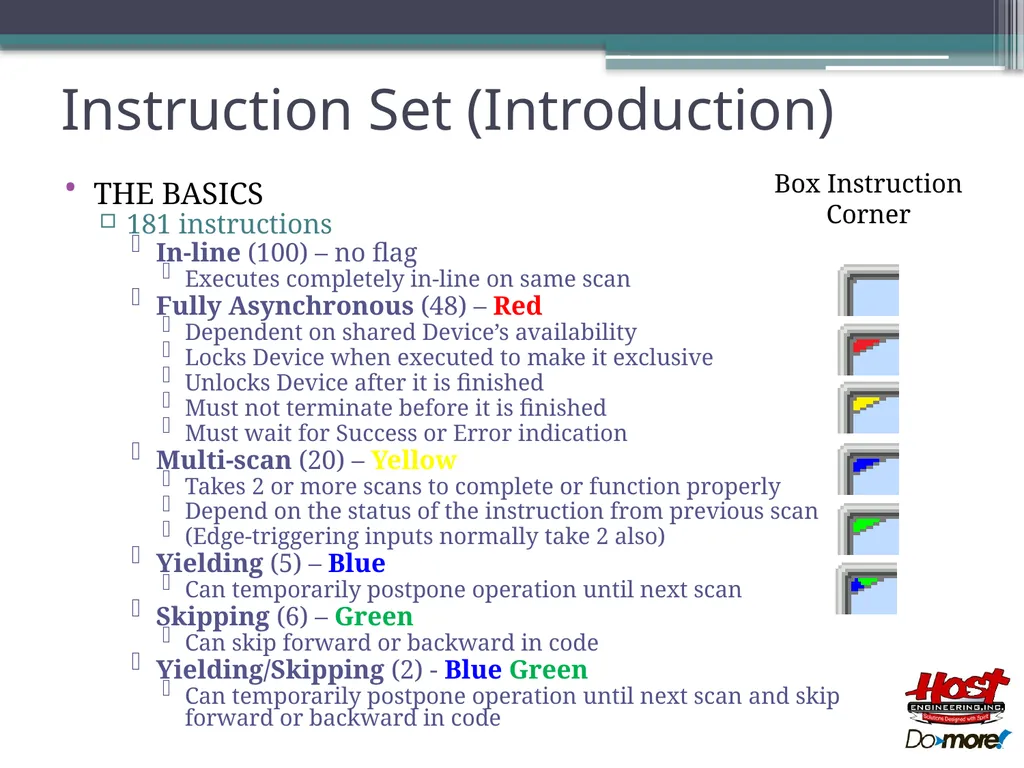
181 instructions
In-line (100) – no flag
Executes completely in-line on same scan
Fully Asynchronous (48) – Red
Dependent on shared Device’s availability
Locks Device when executed to make it exclusive
Unlocks Device after it is finished
Must not terminate before it is finished
Must wait for Success or Error indication
Multi-scan (20) – Yellow
Takes 2 or more scans to complete or function properly
Depend on the status of the instruction from previous scan
(Edge-triggering inputs normally take 2 also)
Yielding (5) – Blue
Can temporarily postpone operation until next scan
Skipping (6) – Green
Can skip forward or backward in code
Yielding/Skipping (2) - Blue Green
Can temporarily postpone operation until next scan and skip forward or backward in code Box Instruction
Corner<br>
04
Instruction Set (Introduction) THE BASICS
181 instructions
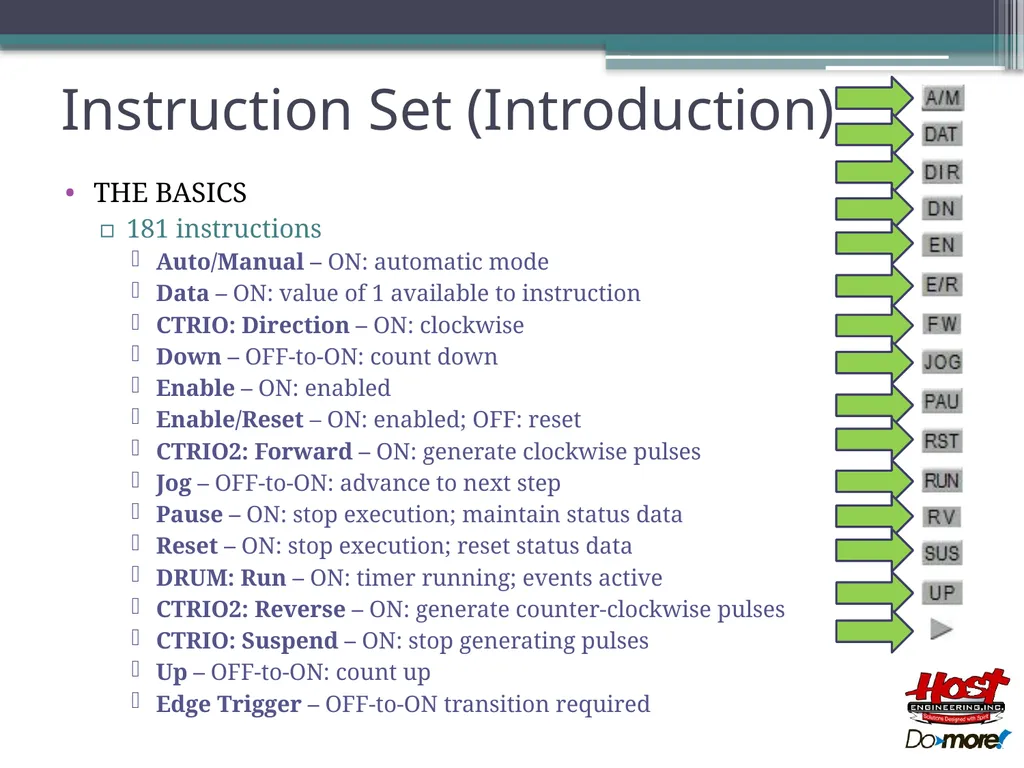
Auto/Manual – ON: automatic mode
Data – ON: value of 1 available to instruction
CTRIO: Direction – ON: clockwise
Down – OFF-to-ON: count down
Enable – ON: enabled
Enable/Reset – ON: enabled; OFF: reset
CTRIO2: Forward – ON: generate clockwise pulses
Jog – OFF-to-ON: advance to next step
Pause – ON: stop execution; maintain status data
Reset – ON: stop execution; reset status data
DRUM: Run – ON: timer running; events active
CTRIO2: Reverse – ON: generate counter-clockwise pulses
CTRIO: Suspend – ON: stop generating pulses
Up – OFF-to-ON: count up
Edge Trigger – OFF-to-ON transition required<br>
05
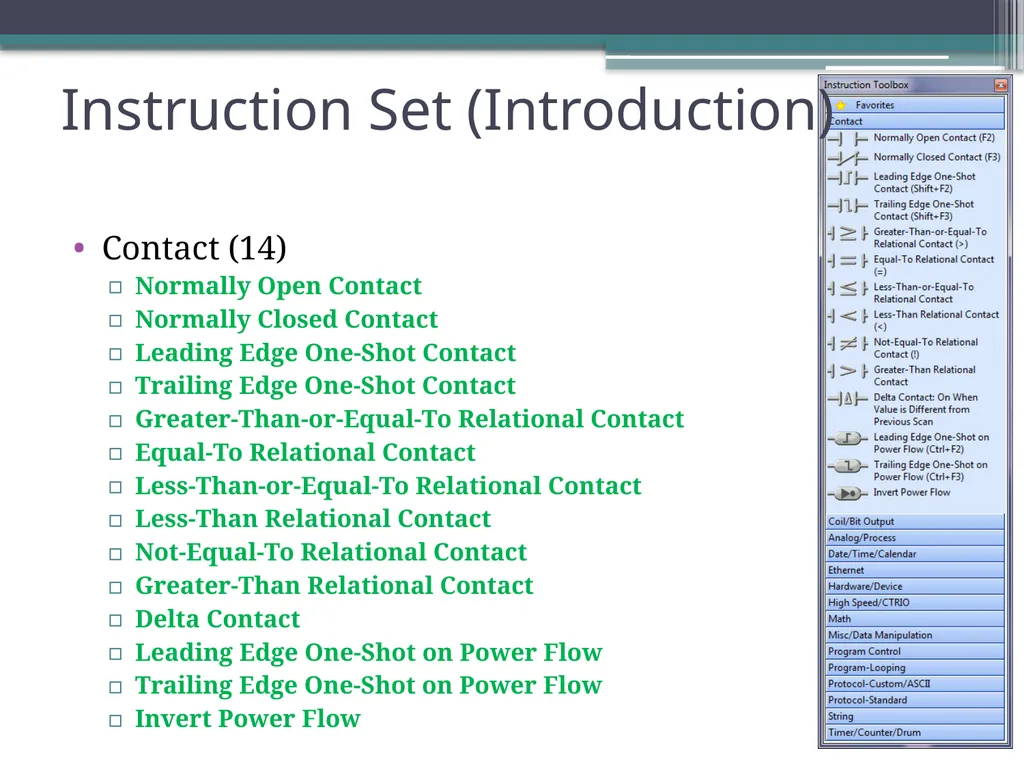
Contact (14)
Normally Open Contact
Normally Closed Contact
Leading Edge One-Shot Contact
Trailing Edge One-Shot Contact
Greater-Than-or-Equal-To Relational Contact
Equal-To Relational Contact
Less-Than-or-Equal-To Relational Contact
Less-Than Relational Contact
Not-Equal-To Relational Contact
Greater-Than Relational Contact
Delta Contact
Leading Edge One-Shot on Power Flow
Trailing Edge One-Shot on Power Flow
Invert Power Flow Instruction Set (Introduction)<br>
06
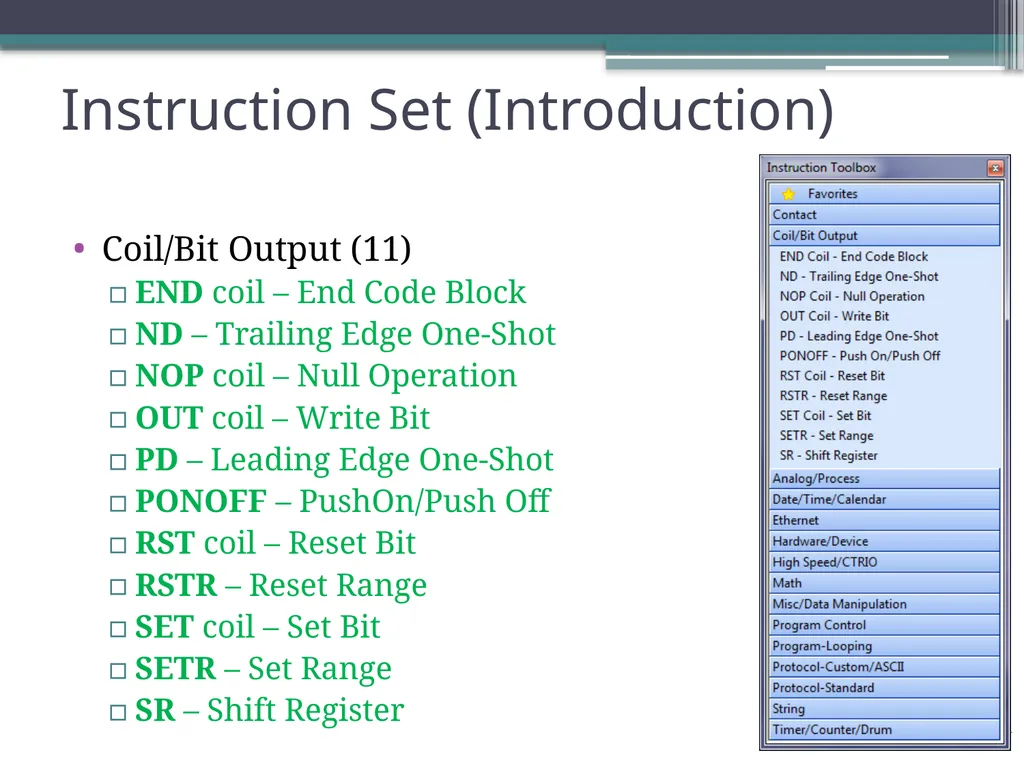
Coil/Bit Output (11)
END coil – End Code Block
ND – Trailing Edge One-Shot
NOP coil – Null Operation
OUT coil – Write Bit
PD – Leading Edge One-Shot
PONOFF – PushOn/Push Off
RST coil – Reset Bit
RSTR – Reset Range
SET coil – Set Bit
SETR – Set Range
SR – Shift Register Instruction Set (Introduction)<br>
07
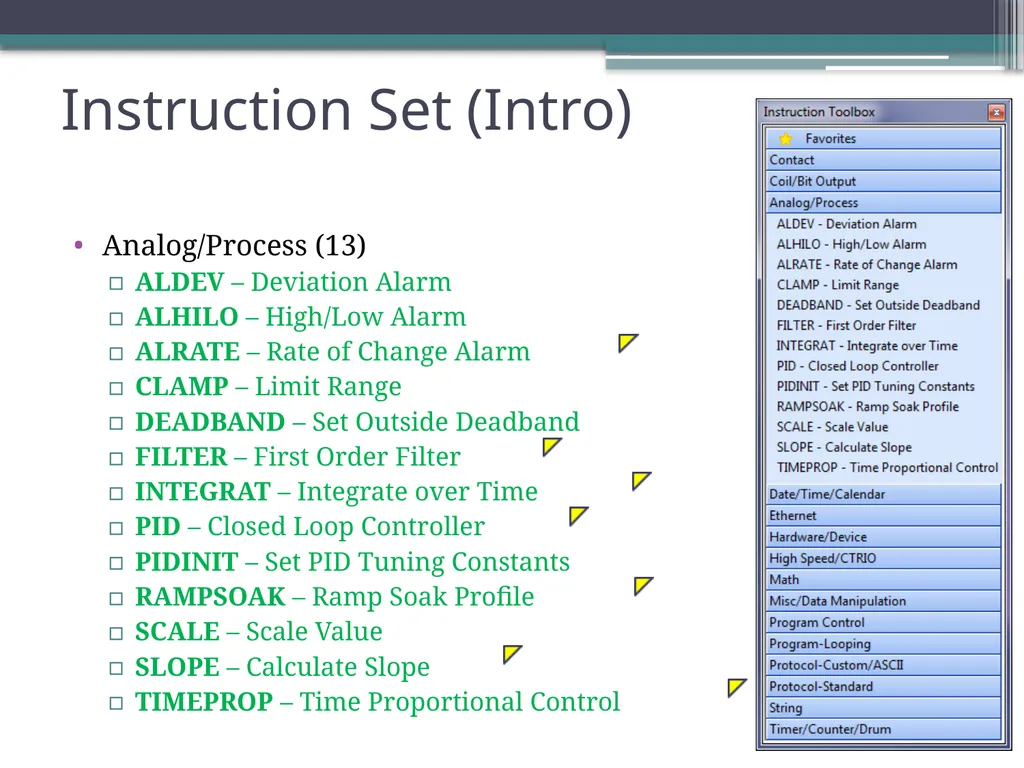
Analog/Process (13)
ALDEV – Deviation Alarm
ALHILO – High/Low Alarm
ALRATE – Rate of Change Alarm
CLAMP – Limit Range
DEADBAND – Set Outside Deadband
FILTER – First Order Filter
INTEGRAT – Integrate over Time
PID – Closed Loop Controller
PIDINIT – Set PID Tuning Constants
RAMPSOAK – Ramp Soak Profile
SCALE – Scale Value
SLOPE – Calculate Slope
TIMEPROP – Time Proportional Control Instruction Set (Intro)<br>
08
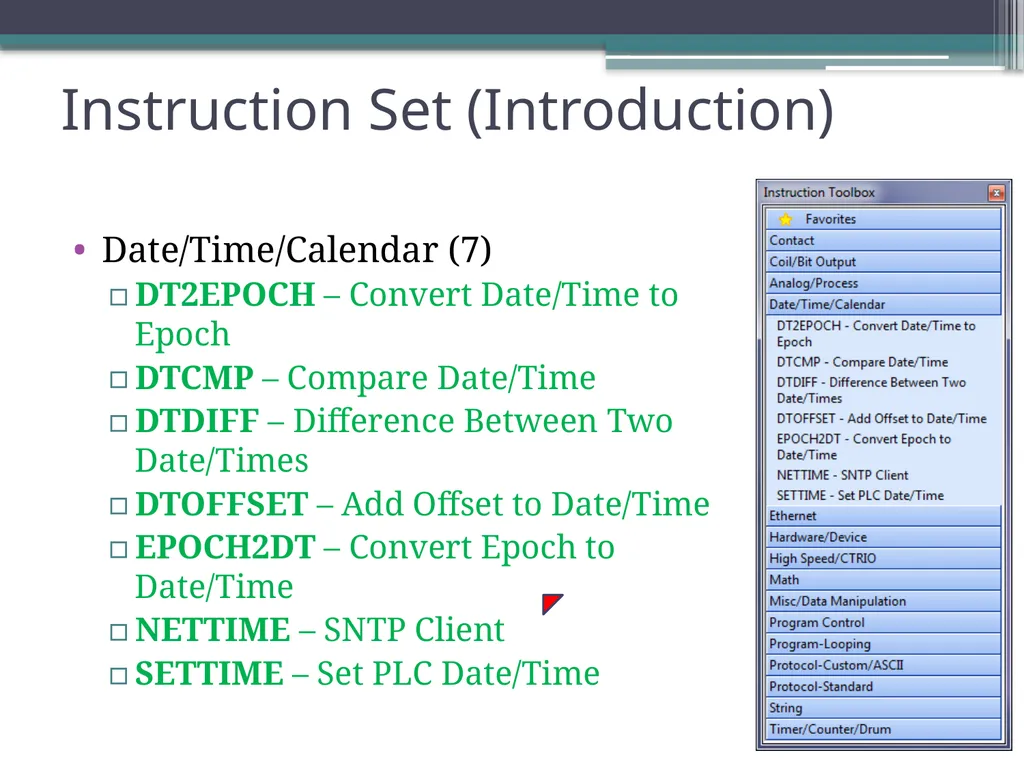
Date/Time/Calendar (7)
DT2EPOCH – Convert Date/Time to Epoch
DTCMP – Compare Date/Time
DTDIFF – Difference Between Two Date/Times
DTOFFSET – Add Offset to Date/Time
EPOCH2DT – Convert Epoch to Date/Time
NETTIME – SNTP Client
SETTIME – Set PLC Date/Time Instruction Set (Introduction)<br>
09
Ethernet (5)
DNSLOOKUP – Name to IP Address
EMAIL – Send EMail
PING – Ping Ethernet Device
SETUPIP – Setup TCP/IP Parameters
SETUPNOD – Setup Ethernet Node Parameters Instruction Set (Introduction)<br>
10
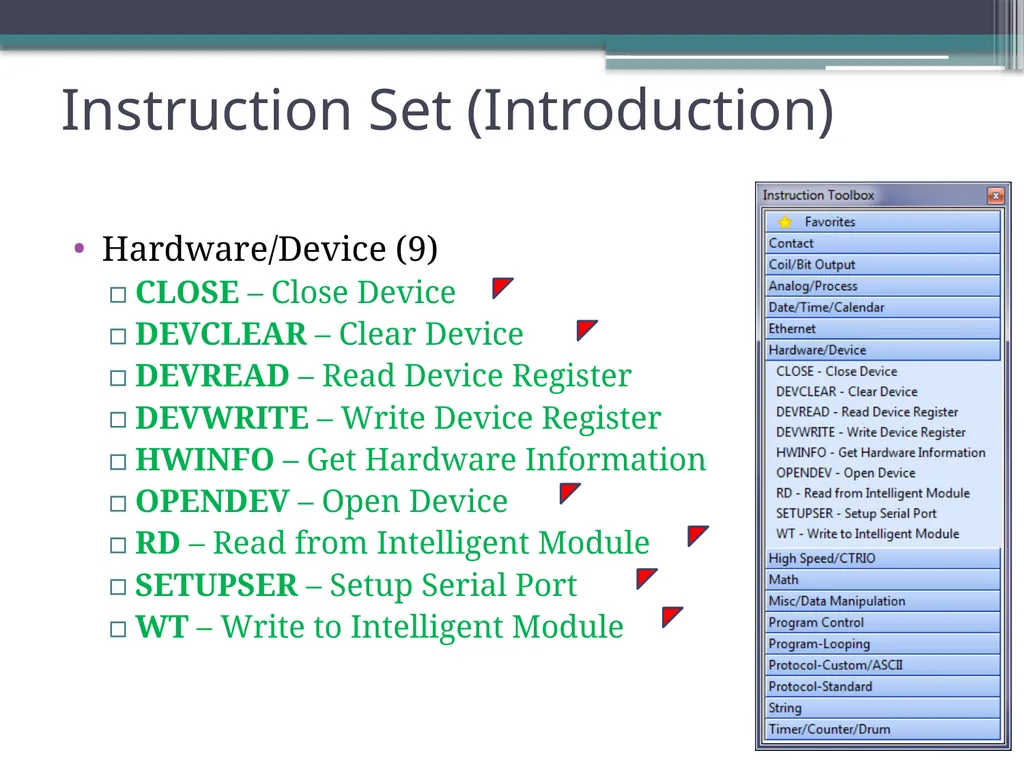
Hardware/Device (9)
CLOSE – Close Device
DEVCLEAR – Clear Device
DEVREAD – Read Device Register
DEVWRITE – Write Device Register
HWINFO – Get Hardware Information
OPENDEV – Open Device
RD – Read from Intelligent Module
SETUPSER – Setup Serial Port
WT – Write to Intelligent Module Instruction Set (Introduction)<br>
11
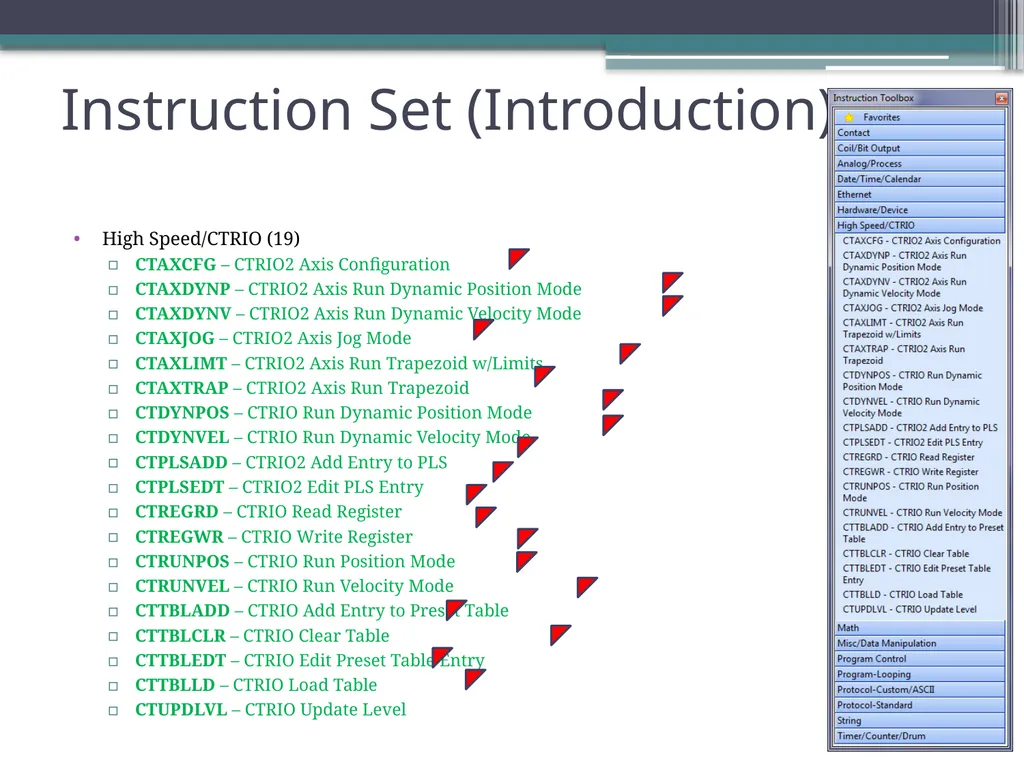
High Speed/CTRIO (19)
CTAXCFG – CTRIO2 Axis Configuration
CTAXDYNP – CTRIO2 Axis Run Dynamic Position Mode
CTAXDYNV – CTRIO2 Axis Run Dynamic Velocity Mode
CTAXJOG – CTRIO2 Axis Jog Mode
CTAXLIMT – CTRIO2 Axis Run Trapezoid w/Limits
CTAXTRAP – CTRIO2 Axis Run Trapezoid
CTDYNPOS – CTRIO Run Dynamic Position Mode
CTDYNVEL – CTRIO Run Dynamic Velocity Mode
CTPLSADD – CTRIO2 Add Entry to PLS
CTPLSEDT – CTRIO2 Edit PLS Entry
CTREGRD – CTRIO Read Register
CTREGWR – CTRIO Write Register
CTRUNPOS – CTRIO Run Position Mode
CTRUNVEL – CTRIO Run Velocity Mode
CTTBLADD – CTRIO Add Entry to Preset Table
CTTBLCLR – CTRIO Clear Table
CTTBLEDT – CTRIO Edit Preset Table Entry
CTTBLLD – CTRIO Load Table
CTUPDLVL – CTRIO Update Level Instruction Set (Introduction)<br>
12
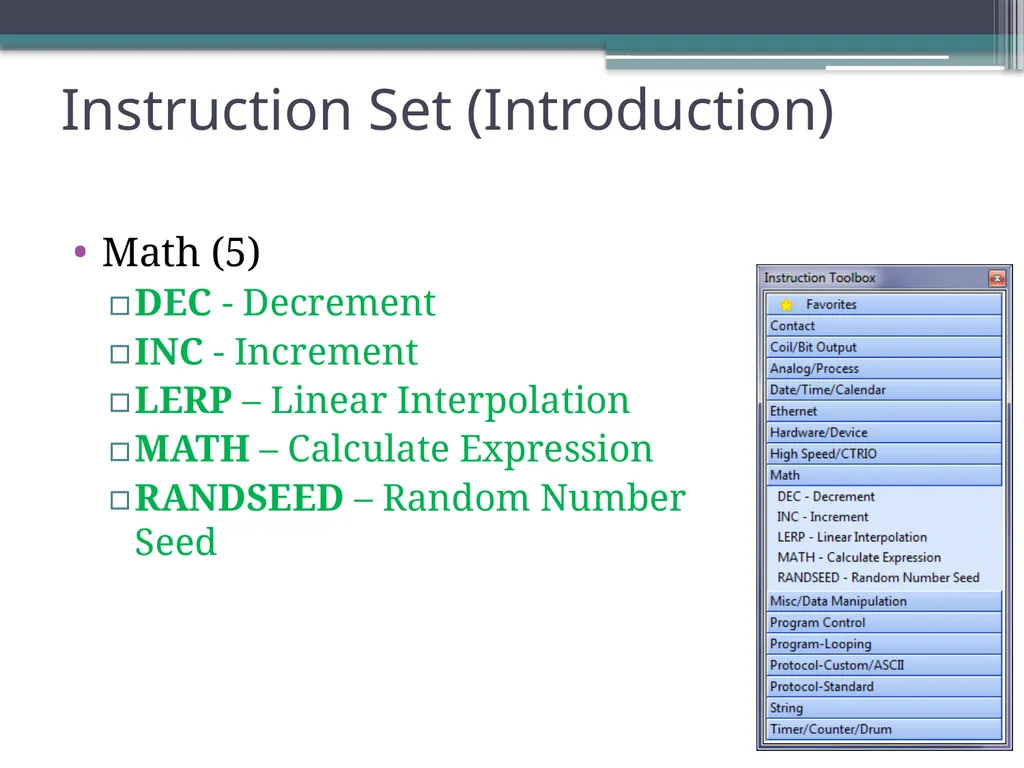
Math (5)
DEC - Decrement
INC - Increment
LERP – Linear Interpolation
MATH – Calculate Expression
RANDSEED – Random Number Seed Instruction Set (Introduction)<br>
13
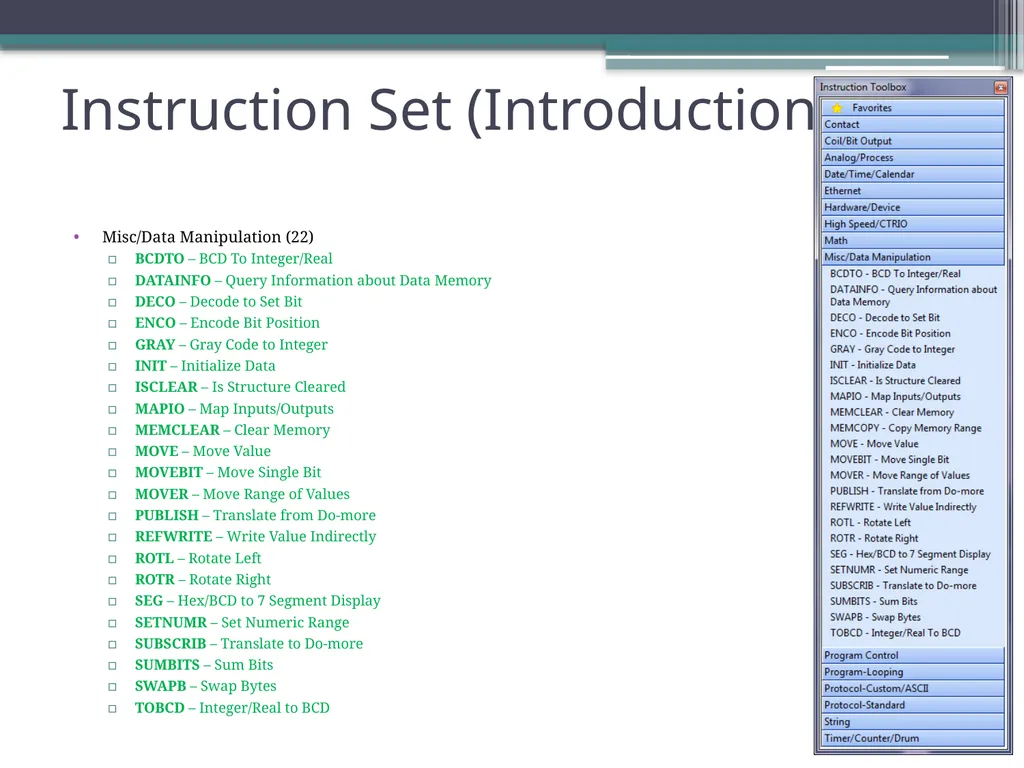
Misc/Data Manipulation (22)
BCDTO – BCD To Integer/Real
DATAINFO – Query Information about Data Memory
DECO – Decode to Set Bit
ENCO – Encode Bit Position
GRAY – Gray Code to Integer
INIT – Initialize Data
ISCLEAR – Is Structure Cleared
MAPIO – Map Inputs/Outputs
MEMCLEAR – Clear Memory
MOVE – Move Value
MOVEBIT – Move Single Bit
MOVER – Move Range of Values
PUBLISH – Translate from Do-more
REFWRITE – Write Value Indirectly
ROTL – Rotate Left
ROTR – Rotate Right
SEG – Hex/BCD to 7 Segment Display
SETNUMR – Set Numeric Range
SUBSCRIB – Translate to Do-more
SUMBITS – Sum Bits
SWAPB – Swap Bytes
TOBCD – Integer/Real to BCD Instruction Set (Introduction)<br>
14
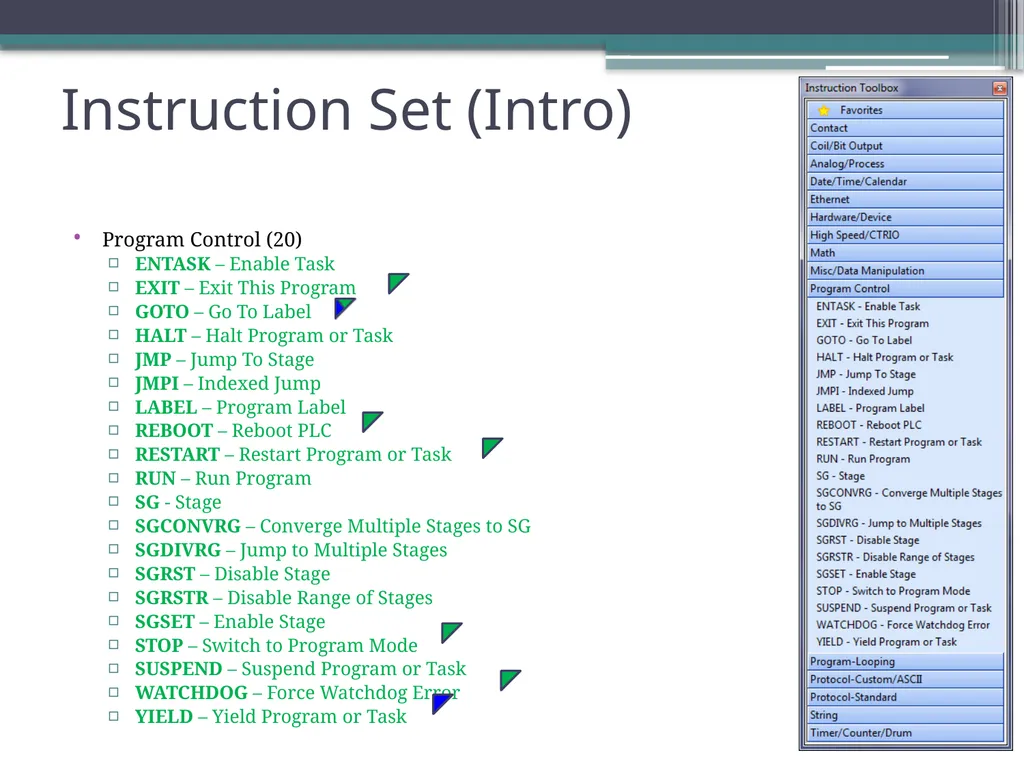
Program Control (20)
ENTASK – Enable Task
EXIT – Exit This Program
GOTO – Go To Label
HALT – Halt Program or Task
JMP – Jump To Stage
JMPI – Indexed Jump
LABEL – Program Label
REBOOT – Reboot PLC
RESTART – Restart Program or Task
RUN – Run Program
SG - Stage
SGCONVRG – Converge Multiple Stages to SG
SGDIVRG – Jump to Multiple Stages
SGRST – Disable Stage
SGRSTR – Disable Range of Stages
SGSET – Enable Stage
STOP – Switch to Program Mode
SUSPEND – Suspend Program or Task
WATCHDOG – Force Watchdog Error
YIELD – Yield Program or Task Instruction Set (Intro)<br>
15
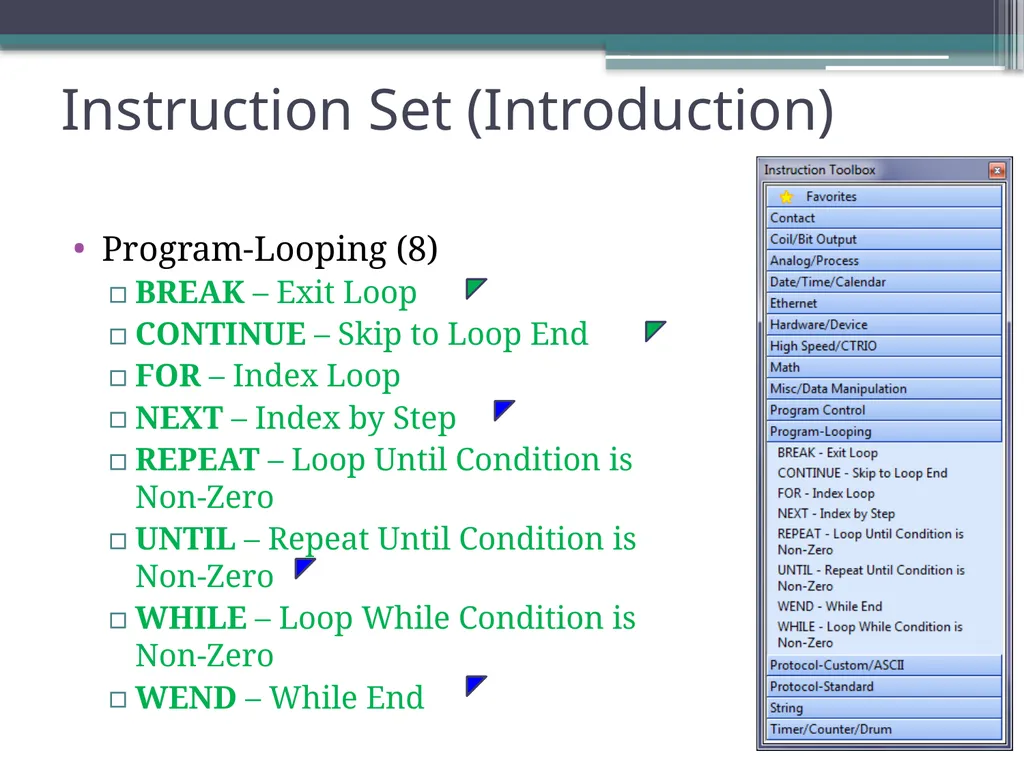
Program-Looping (8)
BREAK – Exit Loop
CONTINUE – Skip to Loop End
FOR – Index Loop
NEXT – Index by Step
REPEAT – Loop Until Condition is Non-Zero
UNTIL – Repeat Until Condition is Non-Zero
WHILE – Loop While Condition is Non-Zero
WEND – While End Instruction Set (Introduction)<br>
16
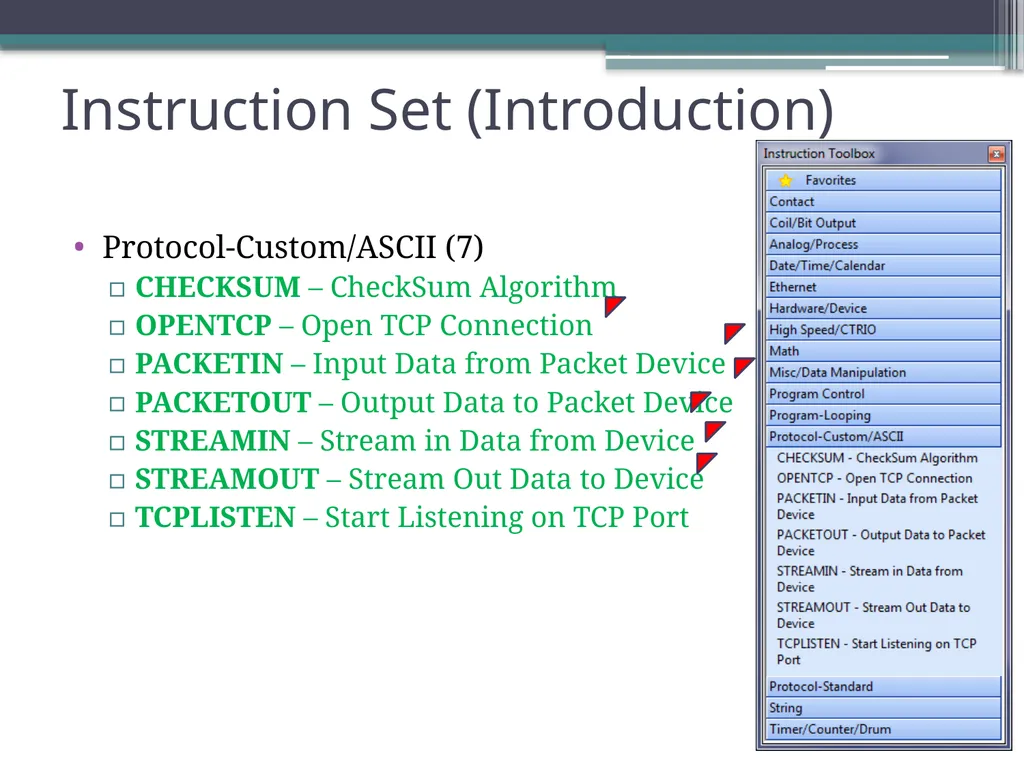
Protocol-Custom/ASCII (7)
CHECKSUM – CheckSum Algorithm
OPENTCP – Open TCP Connection
PACKETIN – Input Data from Packet Device
PACKETOUT – Output Data to Packet Device
STREAMIN – Stream in Data from Device
STREAMOUT – Stream Out Data to Device
TCPLISTEN – Start Listening on TCP Port Instruction Set (Introduction)<br>
String (14)
STR2INT – Convert String to Integer
STR2REAL – Convert String to Real
STRCASE – Convert String to UPPER / lower Case
STRCLEAR – Clear Strings
STRCMP – String Compare
STRDELETE – Delete Substring
STRFIND – Find within String
STRGETB – Get Bytes Out of a String
STRINSERT – Insert Substring
STRPRINT – Print to String
STRPUTB – Put Bytes Into a String
STRSUB – Get Sub-String
STRTRIM – Trim Whitespace
STRTRUNC – Set String Length Instruction Set (Intro)<br>
19
Timer/Counter/Drum (16)
CNT – Up Counter
CNTDN – Down Counter
DRUM – Timed/Event/Timed-Event Drum
FREQCNT – Frequency Counter
FREQTMR – Frequency Timer
OFFDTMR – Off Delay Timer
ONDTMR – On Delay Timer
RSTCT – Reset Counter
RSTT – Reset Timer
TMR – Timer
TMRA – Accumulating Timer
TMRADOWN – Accumulating Down Timer
TMRAG – Global Accumulating Timer
TMRDOWN – Down Timer
UDC – Up/Down Counter
UDCG – Global Up/Down Counter Instruction Set (Intro)<br>