
Equipment Policies Equipment Policy Scott Cingle –
CM
Published · 38 slides · 0 views

1 / 1

Description
Equipment Policies Equipment Policy Scott Cingle iyc3psu.edu Property Supervisor Property Inventory 814-863-1378 Personal 814-865-7531 Office Plant Assets Land Buildings Improvements Other Than Buildings (IOB) Roads, parking, sidewalks
Related Topics
Share
Embed code
Download this presentation From Below
"Equipment Policies Equipment Policy Scott Cingle –" is the property of its rightful owner. Permission is granted to download and print the materials on this website for personal, non-commercial use only, and to display it on your personal computer provided you do not modify the materials and that you retain all copyright notices contained in the materials. By downloading content from our website, you accept the terms of this agreement.
Presentation Transcript
01
Equipment Policies<br>
02
Equipment Policy Scott Cingle – iyc3@psu.edu
Property Supervisor
Property Inventory
814-863-1378 Personal
814-865-7531 Office<br>
Property Supervisor
Property Inventory
814-863-1378 Personal
814-865-7531 Office<br>
03
Plant Assets Land
Buildings
Improvements Other Than Buildings (IOB)
Roads, parking, sidewalks
Usually called Infrastructure
Equipment
Both Movable and Fixed
UNIV, GOVT or Sponsor<br>
Buildings
Improvements Other Than Buildings (IOB)
Roads, parking, sidewalks
Usually called Infrastructure
Equipment
Both Movable and Fixed
UNIV, GOVT or Sponsor<br>
04
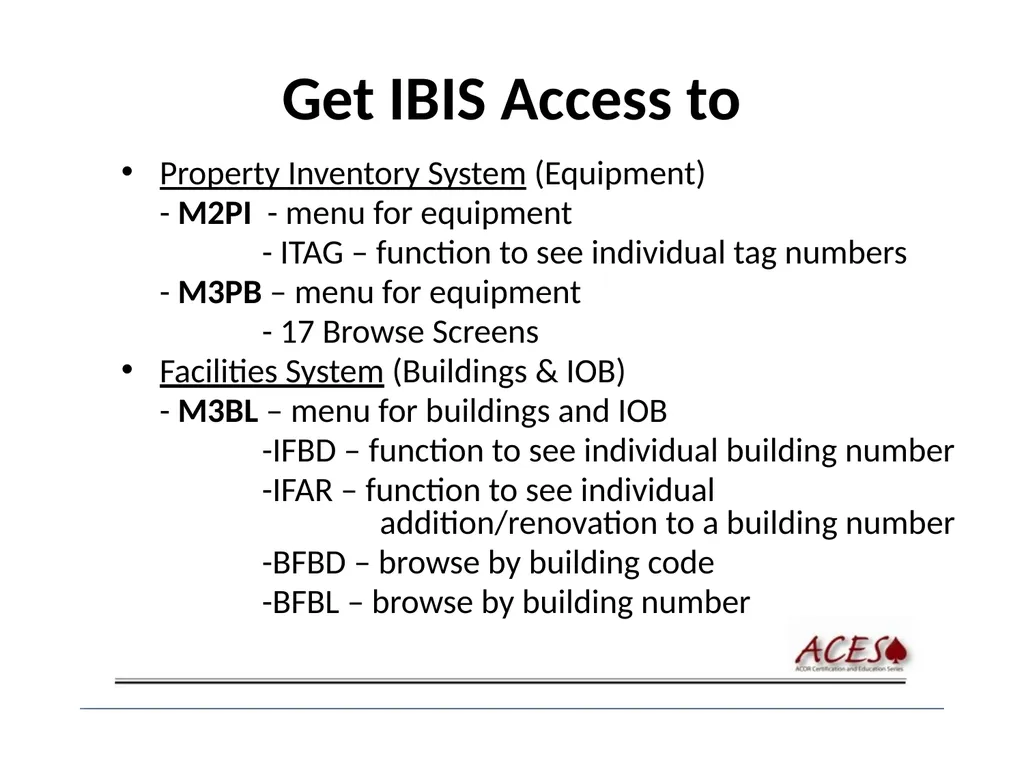
Get IBIS Access to Property Inventory System (Equipment)
- M2PI - menu for equipment
- ITAG – function to see individual tag numbers
- M3PB – menu for equipment
- 17 Browse Screens
Facilities System (Buildings & IOB)
- M3BL – menu for buildings and IOB
-IFBD – function to see individual building number
-IFAR – function to see individual addition/renovation to a building number
-BFBD – browse by building code
-BFBL – browse by building number<br>
- M2PI - menu for equipment
- ITAG – function to see individual tag numbers
- M3PB – menu for equipment
- 17 Browse Screens
Facilities System (Buildings & IOB)
- M3BL – menu for buildings and IOB
-IFBD – function to see individual building number
-IFAR – function to see individual addition/renovation to a building number
-BFBD – browse by building code
-BFBL – browse by building number<br>
05
Capital Equipment Definition? Single item that:
Has a value of $5,000 or more and
useful life of two (2) or more years.
See GURU Procedure CR2019
Guru Website
Procedure
CR2019 Accounting of Capital Equipment<br>
Has a value of $5,000 or more and
useful life of two (2) or more years.
See GURU Procedure CR2019
Guru Website
Procedure
CR2019 Accounting of Capital Equipment<br>
06
Federal Regulations OMB = Office of Management & Budget
FAR = Federal Acquisition Regulation
FAR part 45.1 & 52.245-1 – sets the principles for
controlling property and conducting physical
inventories.
New 2 CFR 215, Old A-110 – sets standards for consistency among federal agencies in the administration of grants, contracts and agreements with educational institutions, hospitals and other non-profit organizations.<br>
FAR = Federal Acquisition Regulation
FAR part 45.1 & 52.245-1 – sets the principles for
controlling property and conducting physical
inventories.
New 2 CFR 215, Old A-110 – sets standards for consistency among federal agencies in the administration of grants, contracts and agreements with educational institutions, hospitals and other non-profit organizations.<br>
07
Federal Regulations (Cont.) Office of Managment and Budget Website
Click on OMB Circulars
Federal Acquisition Regulation (FAR) Webpage
Click on Federal Acq. Regulations (FAR)<br>
Click on OMB Circulars
Federal Acquisition Regulation (FAR) Webpage
Click on Federal Acq. Regulations (FAR)<br>
08
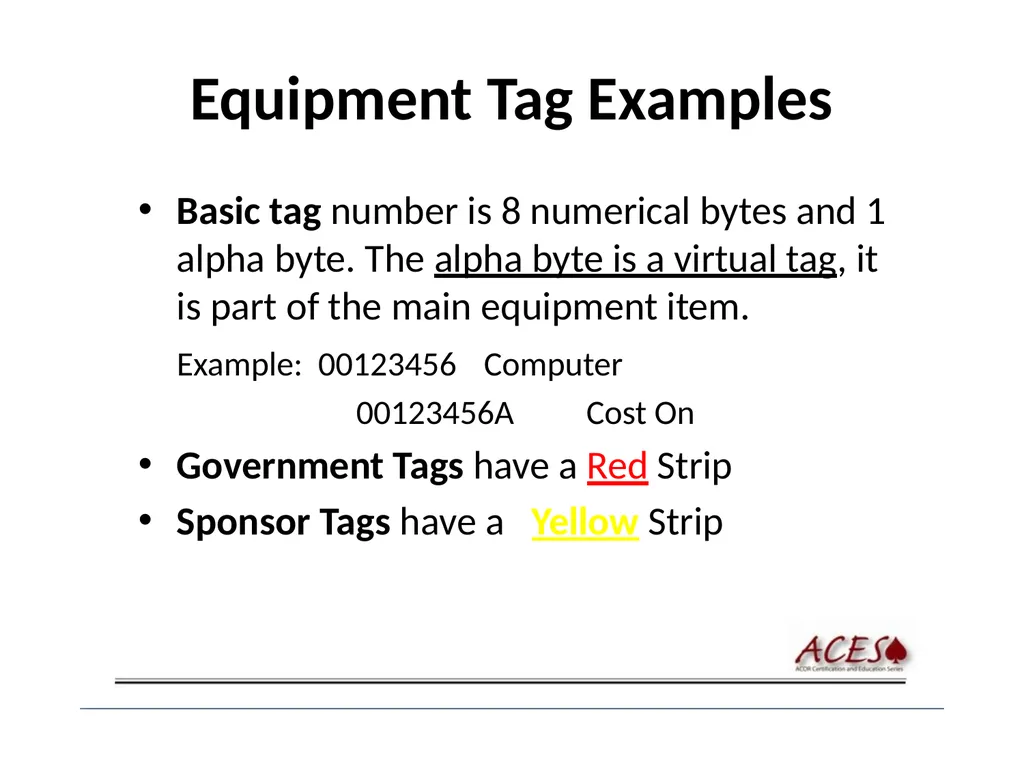
Equipment Tag Examples Basic tag number is 8 numerical bytes and 1 alpha byte. The alpha byte is a virtual tag, it is part of the main equipment item.
Example: 00123456 Computer
00123456A Cost On
Government Tags have a Red Strip
Sponsor Tags have a Yellow Strip<br>
Example: 00123456 Computer
00123456A Cost On
Government Tags have a Red Strip
Sponsor Tags have a Yellow Strip<br>
09
Descriptions Cost On = multiple funds purchased item or it was paid over multiple fiscal years
Trade In = a tagged item was traded in and there was net value left on the traded in item.
Upgrade = the main item was upgraded
Accessory = item that add value, usually purchased to aid in the usage of the item<br>
Trade In = a tagged item was traded in and there was net value left on the traded in item.
Upgrade = the main item was upgraded
Accessory = item that add value, usually purchased to aid in the usage of the item<br>
10
Object Classification Codes (OCC) you need to know 452 - Software (Non-Capital)
Less than $100,000
License Fees (usually multiple users)
716 – Software (Capital)
More than $100,000
Example – Oracle (Basic charge;
usually doesn’t include user charges)<br>
Less than $100,000
License Fees (usually multiple users)
716 – Software (Capital)
More than $100,000
Example – Oracle (Basic charge;
usually doesn’t include user charges)<br>
11
Computer OCC 480 – Computer & Accessory Equipment
Non-Capital :
Costs Less than $5,000
751 – Computer & Accessory Equipment
Capital:
Costs $5,000 or more<br>
Non-Capital :
Costs Less than $5,000
751 – Computer & Accessory Equipment
Capital:
Costs $5,000 or more<br>
12
Computer consists of: CPU
Monitor
Keyboard
Mouse
Cabling
Internal items such as memory, boards, etc.
Initial operating software<br>
Monitor
Keyboard
Mouse
Cabling
Internal items such as memory, boards, etc.
Initial operating software<br>
13
Items not considered a computer Printer
External disk drive
Scanner
External storage drive
Video Camera
Optional software<br>
External disk drive
Scanner
External storage drive
Video Camera
Optional software<br>
14
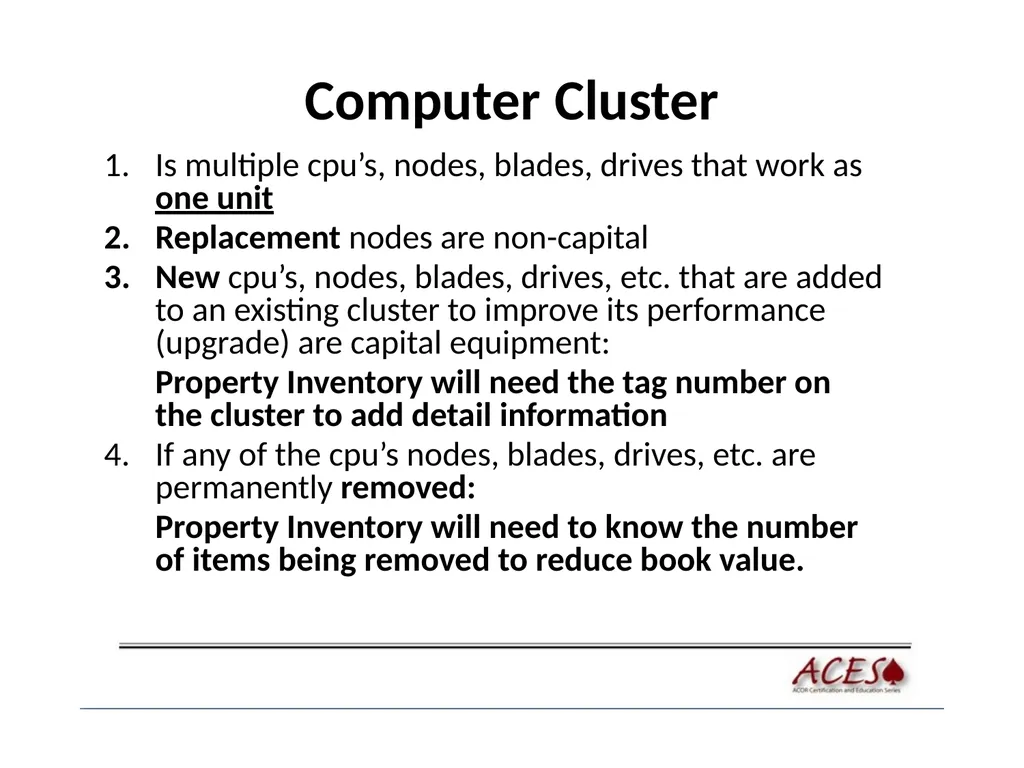
Computer Cluster Is multiple cpu’s, nodes, blades, drives that work as one unit
Replacement nodes are non-capital
New cpu’s, nodes, blades, drives, etc. that are added to an existing cluster to improve its performance (upgrade) are capital equipment:
Property Inventory will need the tag number on the cluster to add detail information
If any of the cpu’s nodes, blades, drives, etc. are permanently removed:
Property Inventory will need to know the number of items being removed to reduce book value.<br>
Replacement nodes are non-capital
New cpu’s, nodes, blades, drives, etc. that are added to an existing cluster to improve its performance (upgrade) are capital equipment:
Property Inventory will need the tag number on the cluster to add detail information
If any of the cpu’s nodes, blades, drives, etc. are permanently removed:
Property Inventory will need to know the number of items being removed to reduce book value.<br>
15
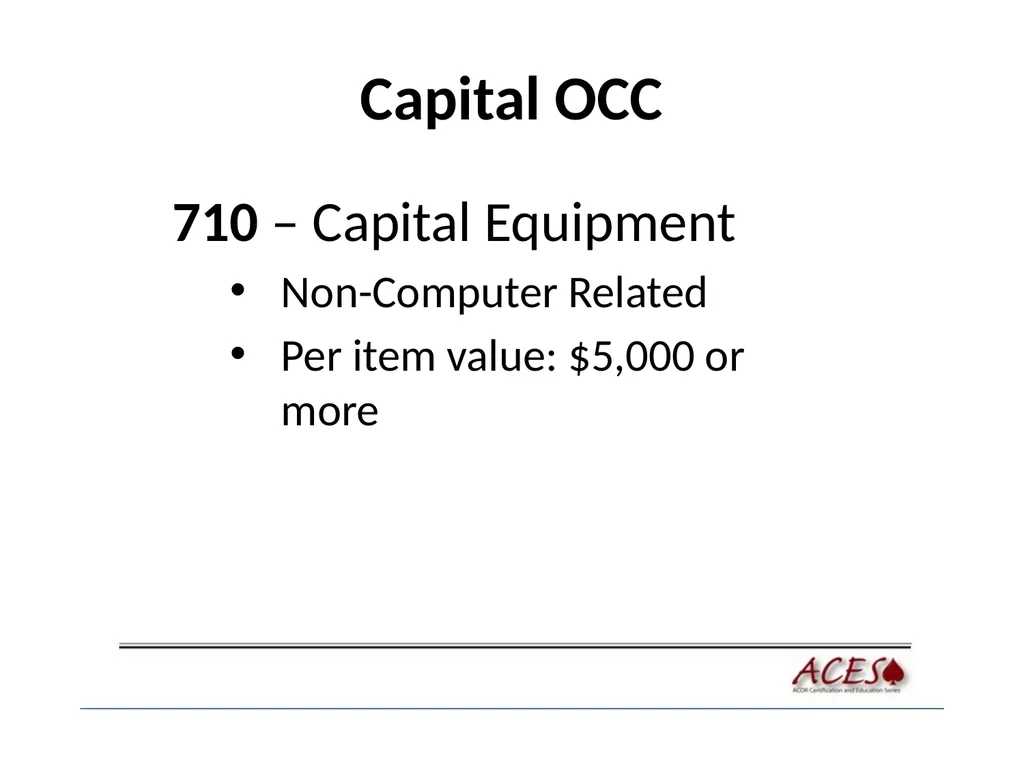
Capital OCC 710 – Capital Equipment
Non-Computer Related
Per item value: $5,000 or more<br>
Non-Computer Related
Per item value: $5,000 or more<br>
16
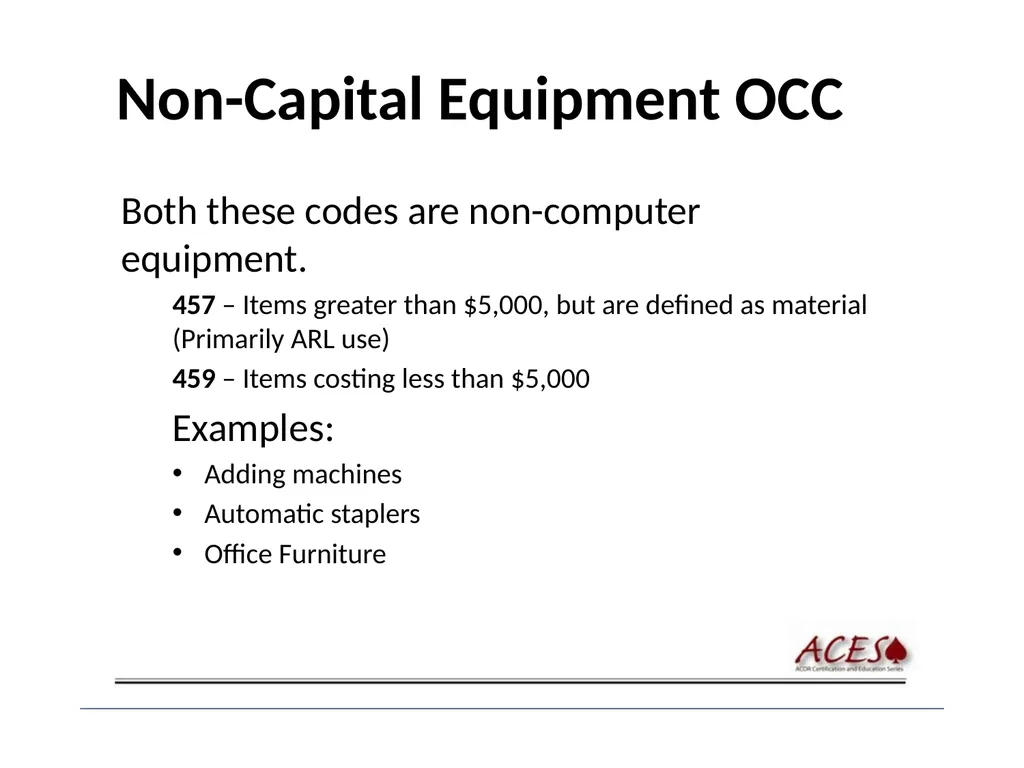
Non-Capital Equipment OCC Both these codes are non-computer equipment.
457 – Items greater than $5,000, but are defined as material (Primarily ARL use)
459 – Items costing less than $5,000
Examples:
Adding machines
Automatic staplers
Office Furniture<br>
457 – Items greater than $5,000, but are defined as material (Primarily ARL use)
459 – Items costing less than $5,000
Examples:
Adding machines
Automatic staplers
Office Furniture<br>
17
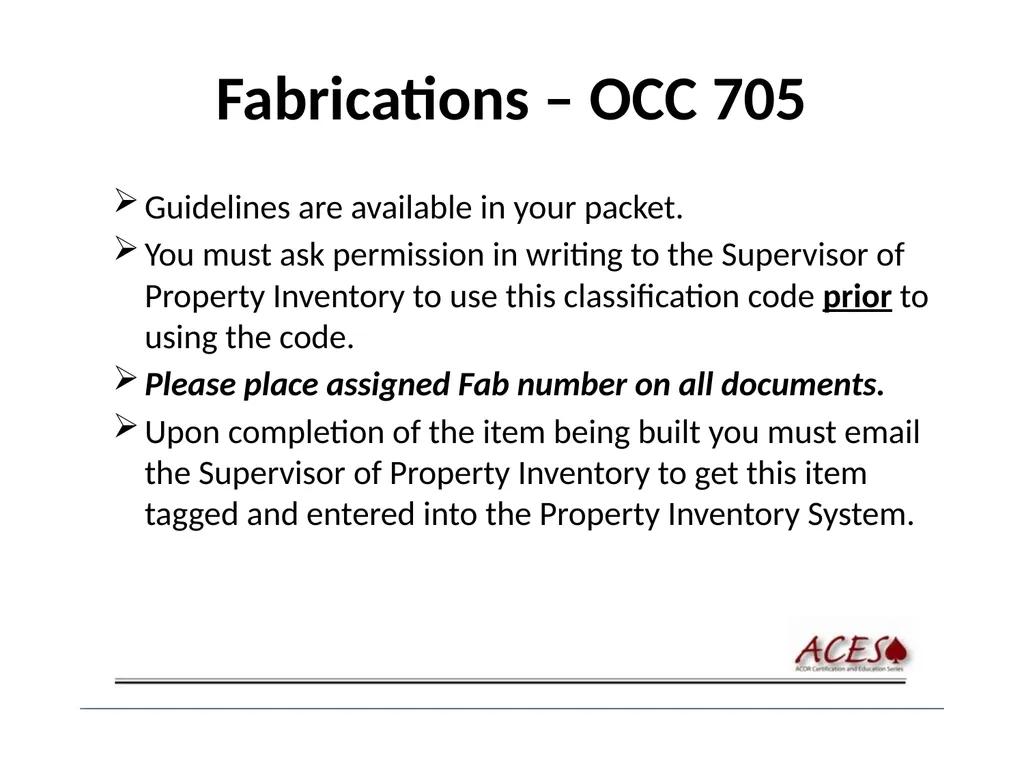
Fabrications – OCC 705 Guidelines are available in your packet.
You must ask permission in writing to the Supervisor of Property Inventory to use this classification code prior to using the code.
Please place assigned Fab number on all documents.
Upon completion of the item being built you must email the Supervisor of Property Inventory to get this item tagged and entered into the Property Inventory System.<br>
You must ask permission in writing to the Supervisor of Property Inventory to use this classification code prior to using the code.
Please place assigned Fab number on all documents.
Upon completion of the item being built you must email the Supervisor of Property Inventory to get this item tagged and entered into the Property Inventory System.<br>
18
FEDERAL-FUNDED SCREENING Pre-acquistion form GF 2.12
< $100K – At the College or AA
> $100K – Approval from
College or Admin. Area
Corporate Controller’s office<br>
< $100K – At the College or AA
> $100K – Approval from
College or Admin. Area
Corporate Controller’s office<br>
19
OCC 711 Non-PSU title – Penn State does not own this equipment
Do not confuse with Government, Sponsor or Leased/Loaned Equipment
Call prior to using; the Supervisor of Property Inventory needs a detailed reason for allowing the use of 711 in an email or memo
We also use this for equipment items that may be:
- Sent into space and not returning
- Heading to the depths of a volcano
- Sensors at the bottom of the sea<br>
Do not confuse with Government, Sponsor or Leased/Loaned Equipment
Call prior to using; the Supervisor of Property Inventory needs a detailed reason for allowing the use of 711 in an email or memo
We also use this for equipment items that may be:
- Sent into space and not returning
- Heading to the depths of a volcano
- Sensors at the bottom of the sea<br>
20
OCC 715 – Lease Purchases Each item must be valued at $5,000 or greater and will be tagged and capitalized if just one of the following criteria is met:
Ownership is transferred to PSU at the end of lease term
The lease contains a buyout option
Over the entire lease term, PSU pays 90% or greater of the total purchase price
If the lease term is 75% or more of the useful life of an asset<br>
Ownership is transferred to PSU at the end of lease term
The lease contains a buyout option
Over the entire lease term, PSU pays 90% or greater of the total purchase price
If the lease term is 75% or more of the useful life of an asset<br>
21
OCC 715 – Operating Lease If items meet any one of the conditions for a lease purchase, but costs less than $5,000<br>
22
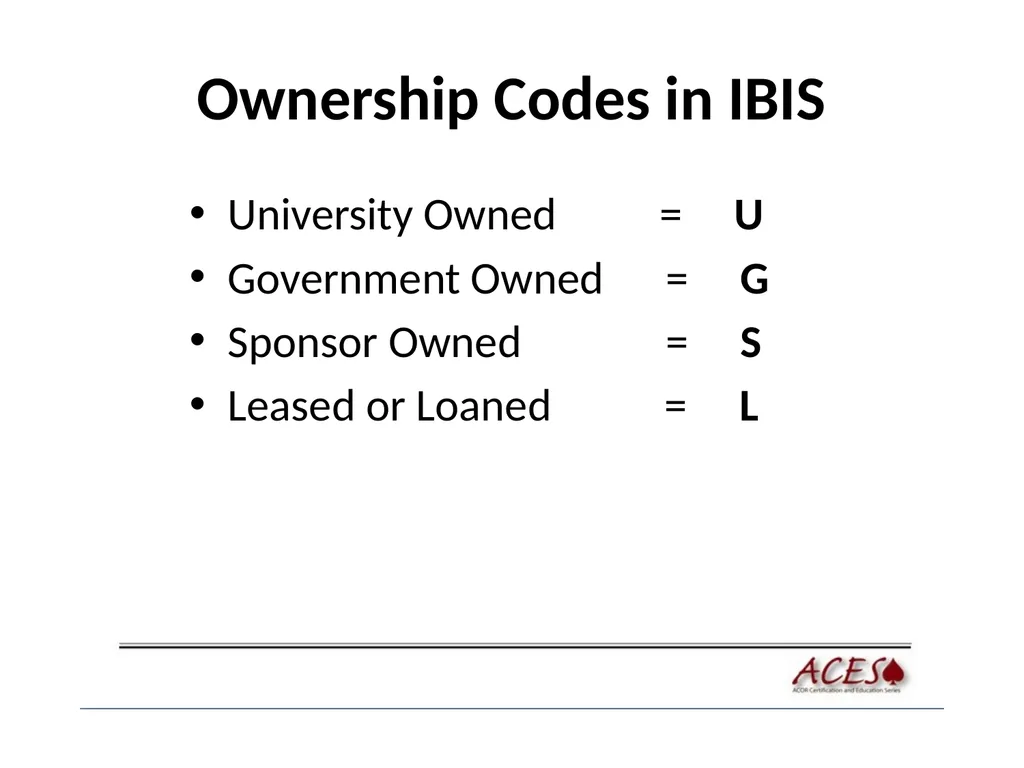
Ownership Codes in IBIS University Owned = U
Government Owned = G
Sponsor Owned = S
Leased or Loaned = L<br>
Government Owned = G
Sponsor Owned = S
Leased or Loaned = L<br>
23
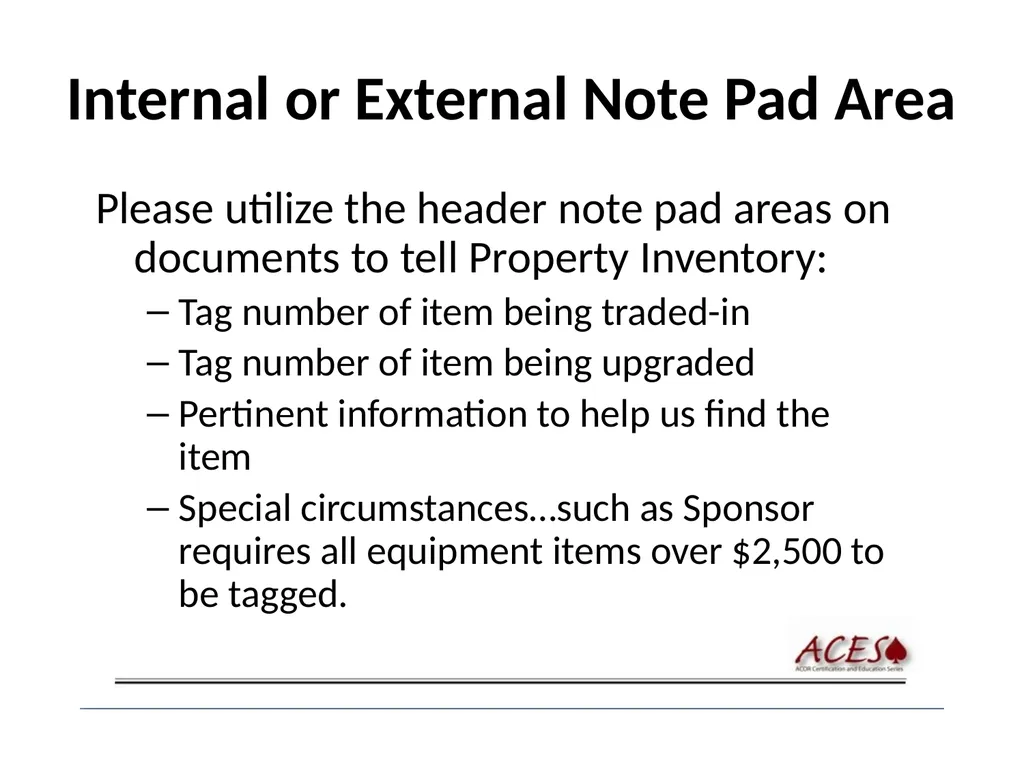
Internal or External Note Pad Area Please utilize the header note pad areas on documents to tell Property Inventory:
Tag number of item being traded-in
Tag number of item being upgraded
Pertinent information to help us find the item
Special circumstances…such as Sponsor requires all equipment items over $2,500 to be tagged.<br>
Tag number of item being traded-in
Tag number of item being upgraded
Pertinent information to help us find the item
Special circumstances…such as Sponsor requires all equipment items over $2,500 to be tagged.<br>
24
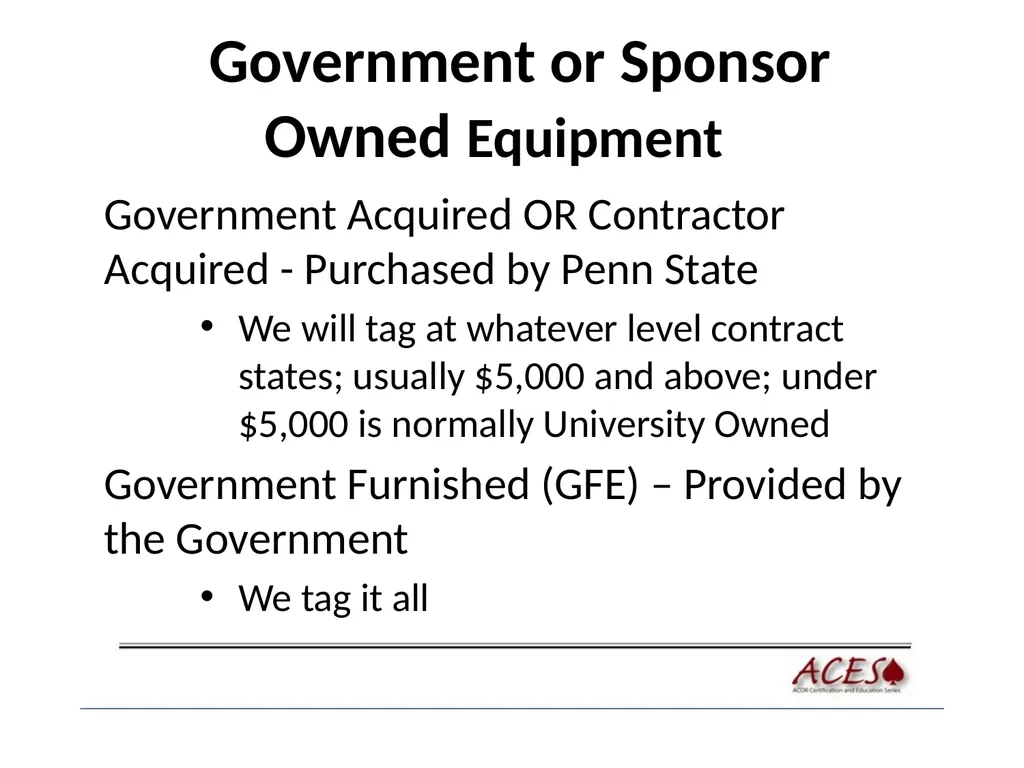
Government or Sponsor Owned Equipment Government Acquired OR Contractor Acquired - Purchased by Penn State
We will tag at whatever level contract states; usually $5,000 and above; under $5,000 is normally University Owned
Government Furnished (GFE) – Provided by the Government
We tag it all<br>
We will tag at whatever level contract states; usually $5,000 and above; under $5,000 is normally University Owned
Government Furnished (GFE) – Provided by the Government
We tag it all<br>
25
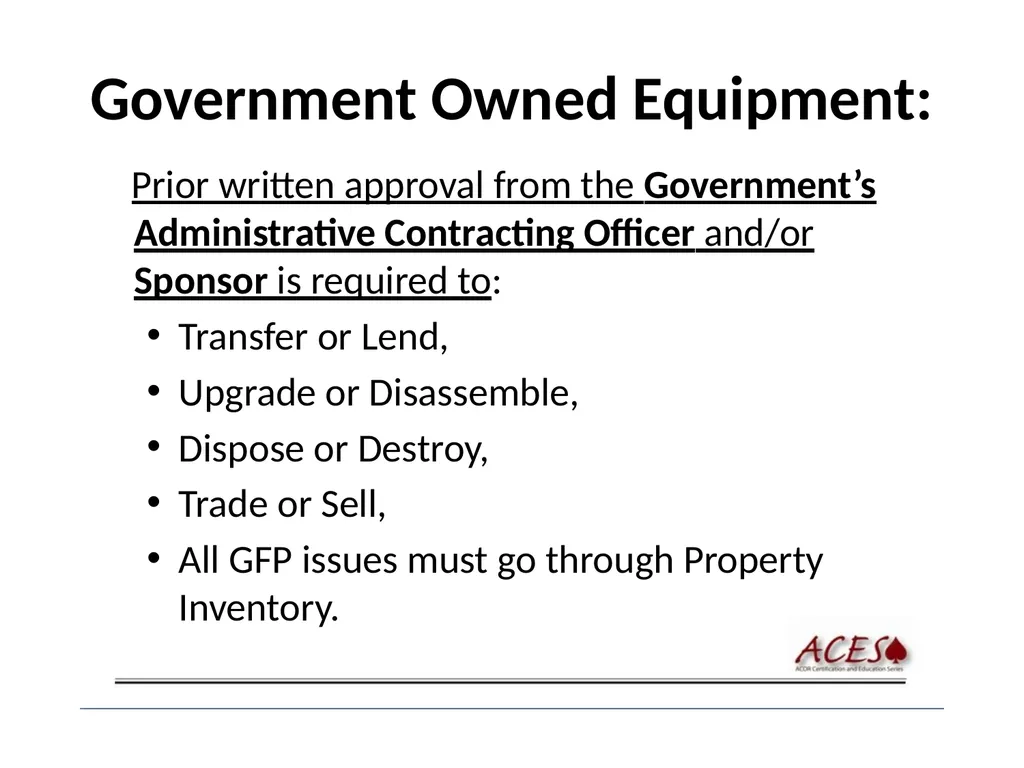
Government Owned Equipment: Prior written approval from the Government’s Administrative Contracting Officer and/or Sponsor is required to:
Transfer or Lend,
Upgrade or Disassemble,
Dispose or Destroy,
Trade or Sell,
All GFP issues must go through Property Inventory.<br>
Transfer or Lend,
Upgrade or Disassemble,
Dispose or Destroy,
Trade or Sell,
All GFP issues must go through Property Inventory.<br>
26
Government Owned Equipment (Continued) As a standard practice the respective administrative area’s:
Financial Officer and
Research Administration Office should:
First review any action involving Government Owned Equipment.
Then contact Property Inventory for instructions on how to proceed.<br>
Financial Officer and
Research Administration Office should:
First review any action involving Government Owned Equipment.
Then contact Property Inventory for instructions on how to proceed.<br>
27
Continued Government Owned Equipment Contact Property Inventory immediately if you discover that a Government Owned equipment item is:
Hand carried to Penn State and not tagged with Penn State tag
Missing
Not being utilized<br>
Hand carried to Penn State and not tagged with Penn State tag
Missing
Not being utilized<br>
28
Physical Inventory University conducts inventories on a two year cycle
Inventory kick off meetings
Bar Code Scanners
By Building, except when conducting a Government inventory
Off campus forms
Permanent transfer forms<br>
Inventory kick off meetings
Bar Code Scanners
By Building, except when conducting a Government inventory
Off campus forms
Permanent transfer forms<br>
29
Ask New Professors/Researchers Did they bring any equipment with them?
Whose equipment is it? (OWNERSHIP)
Property Inventory needs to know:
Is it Government Owned?
Is the proper paperwork completed and where is the paperwork?
Its value, condition, model and serial numbers, contract numbers, etc.<br>
Whose equipment is it? (OWNERSHIP)
Property Inventory needs to know:
Is it Government Owned?
Is the proper paperwork completed and where is the paperwork?
Its value, condition, model and serial numbers, contract numbers, etc.<br>
30
Professors/Researchers Leaving See BS 15 in GURU for specific details on how to proceed.
Risk Management
Lion Surplus
FIS – OPP run Furniture warehouse
They must complete the requirements for taking the equipment with them.<br>
Risk Management
Lion Surplus
FIS – OPP run Furniture warehouse
They must complete the requirements for taking the equipment with them.<br>
31
Procedures in GURU to review and have a basic knowledge of CR2019 – Accounting for Capital Equipment
CR2055 – Pre-acquisition Screening & Shared Use of Federally Funded Capital Equipment
CR2068 – Property Inventory Depreciation & Usage Fee Guidelines
BS2011 – Salvage & Surplus Operations Including Sales Store
Property Section in GURU
General Forms Usage Guide -Appendix 9 (Object Classification Codes)<br>
CR2055 – Pre-acquisition Screening & Shared Use of Federally Funded Capital Equipment
CR2068 – Property Inventory Depreciation & Usage Fee Guidelines
BS2011 – Salvage & Surplus Operations Including Sales Store
Property Section in GURU
General Forms Usage Guide -Appendix 9 (Object Classification Codes)<br>
32
Procedures in GURU to review and have a basic knowledge of continued Also see Cost Analysis and Property Inventory web site @:
Cost Analysis
Property Inventory
Click on Property Inventory<br>
Cost Analysis
Property Inventory
Click on Property Inventory<br>
33
Disposing of Equipment
“DISP” on IBIS or Form GF6.2 Verify Ownership – You can only dispose of equipment that is University Owned
Verify that the equipment is in your Administrative Area
List the tag, model and serial number
Send forms for stolen items
Send forms to Property Inventory after required signatures
Property Inventory forwards to Lion Surplus<br>
Verify that the equipment is in your Administrative Area
List the tag, model and serial number
Send forms for stolen items
Send forms to Property Inventory after required signatures
Property Inventory forwards to Lion Surplus<br>
34
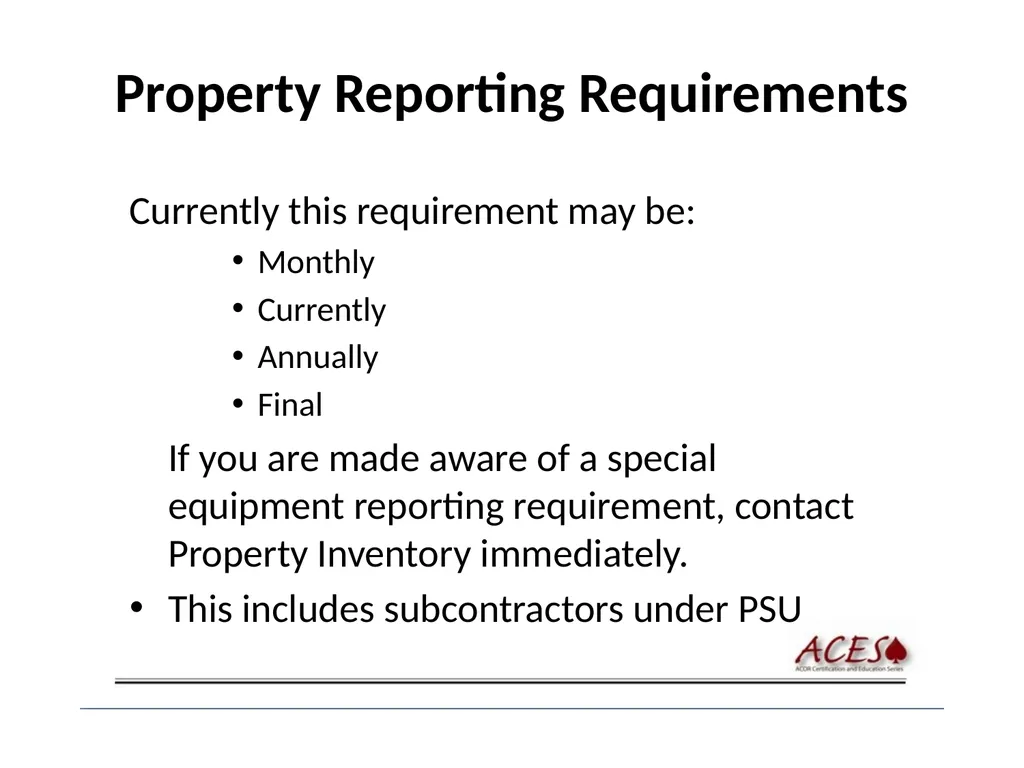
Property Reporting Requirements Currently this requirement may be:
Monthly
Currently
Annually
Final
If you are made aware of a special equipment reporting requirement, contact Property Inventory immediately.
This includes subcontractors under PSU<br>
Monthly
Currently
Annually
Final
If you are made aware of a special equipment reporting requirement, contact Property Inventory immediately.
This includes subcontractors under PSU<br>
35
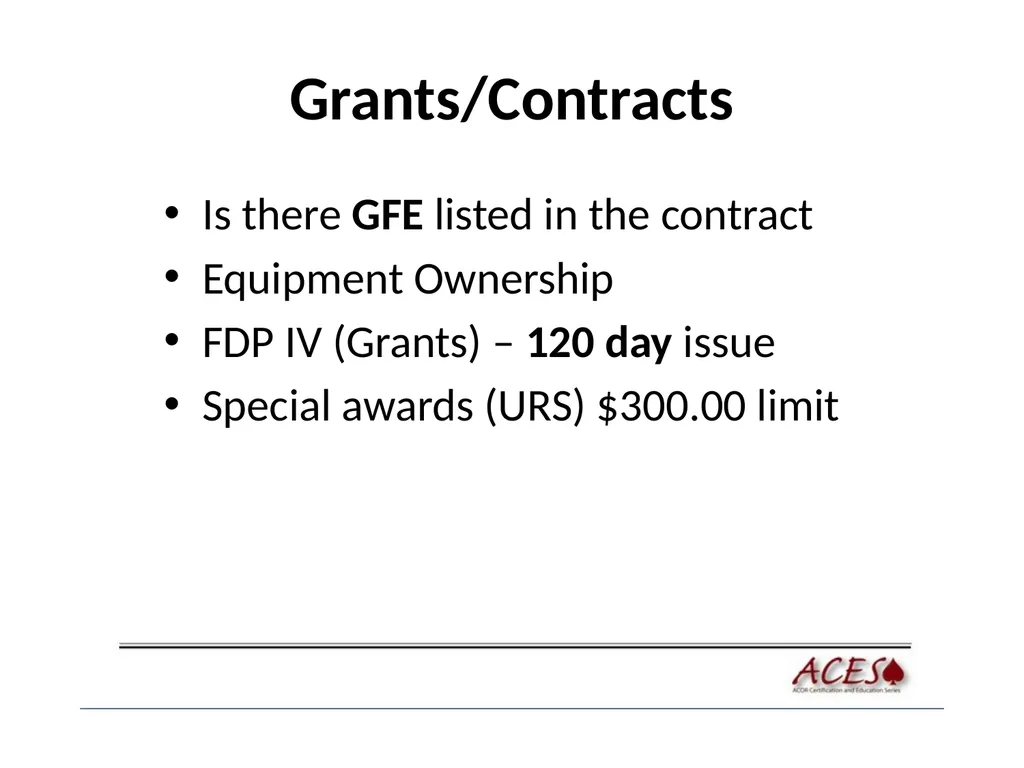
Grants/Contracts Is there GFE listed in the contract
Equipment Ownership
FDP IV (Grants) – 120 day issue
Special awards (URS) $300.00 limit<br>
Equipment Ownership
FDP IV (Grants) – 120 day issue
Special awards (URS) $300.00 limit<br>
36
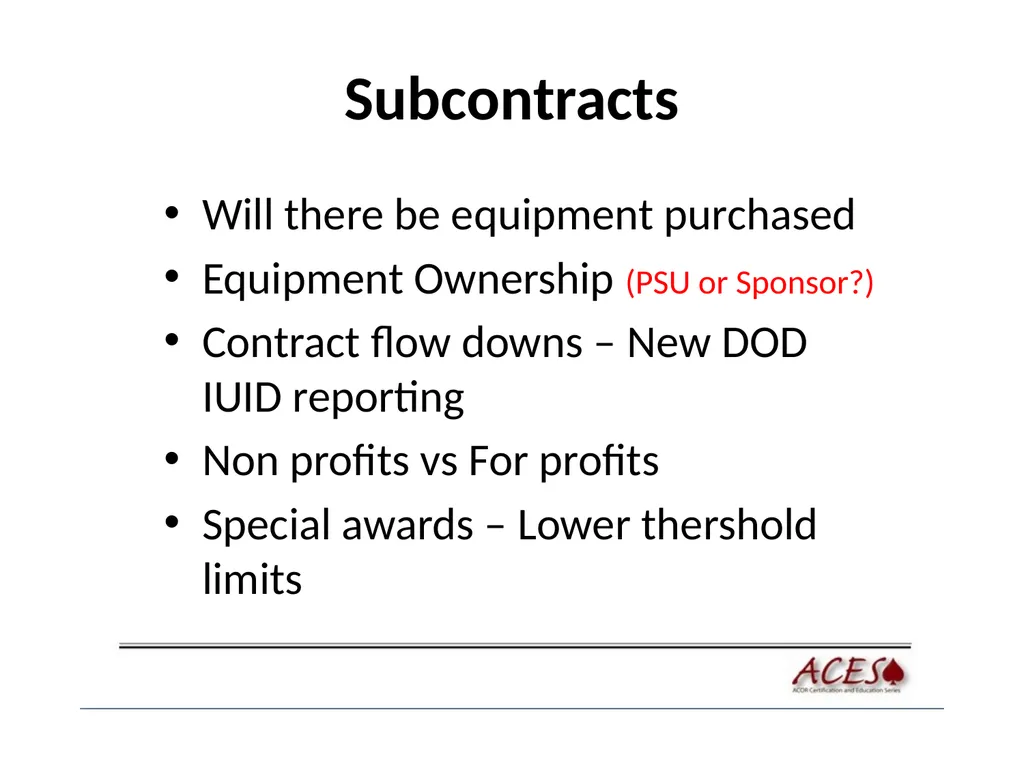
Subcontracts Will there be equipment purchased
Equipment Ownership (PSU or Sponsor?)
Contract flow downs – New DOD IUID reporting
Non profits vs For profits
Special awards – Lower thershold limits<br>
Equipment Ownership (PSU or Sponsor?)
Contract flow downs – New DOD IUID reporting
Non profits vs For profits
Special awards – Lower thershold limits<br>
37
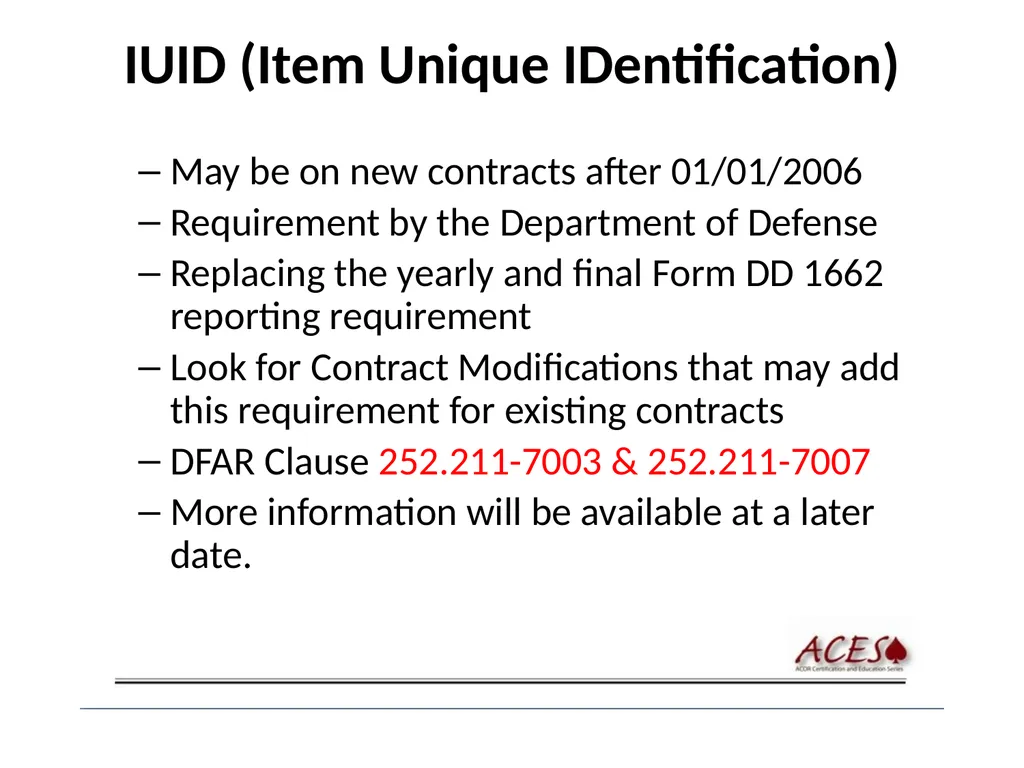
IUID (Item Unique IDentification) May be on new contracts after 01/01/2006
Requirement by the Department of Defense
Replacing the yearly and final Form DD 1662 reporting requirement
Look for Contract Modifications that may add this requirement for existing contracts
DFAR Clause 252.211-7003 & 252.211-7007
More information will be available at a later date.<br>
Requirement by the Department of Defense
Replacing the yearly and final Form DD 1662 reporting requirement
Look for Contract Modifications that may add this requirement for existing contracts
DFAR Clause 252.211-7003 & 252.211-7007
More information will be available at a later date.<br>
38
This Concludes This Presentation<br>