03
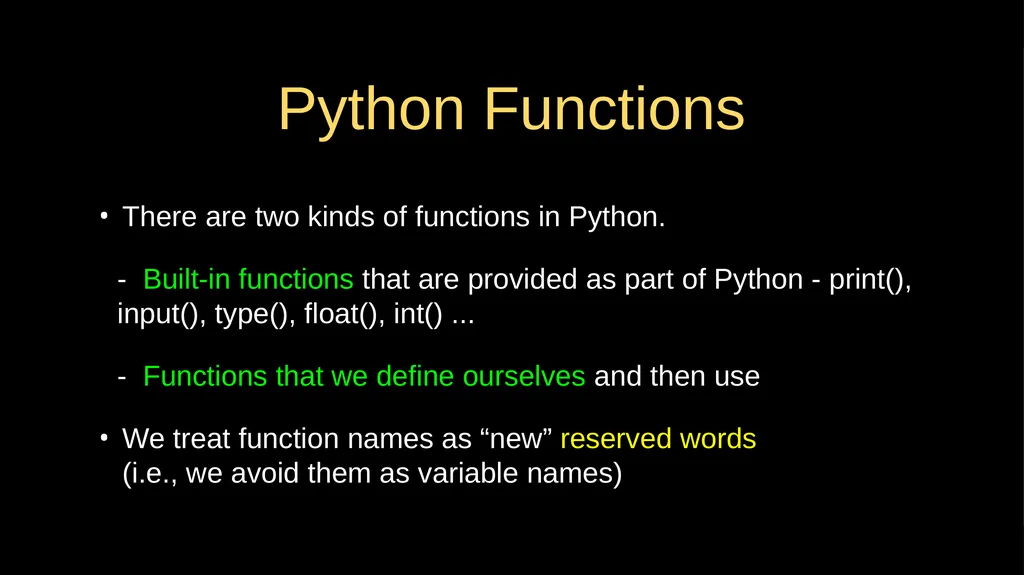
Python Functions There are two kinds of functions in Python.
- Built-in functions that are provided as part of Python - print(), input(), type(), float(), int() ...
- Functions that we define ourselves and then use
We treat function names as “new” reserved words �(i.e., we avoid them as variable names)<br>
04
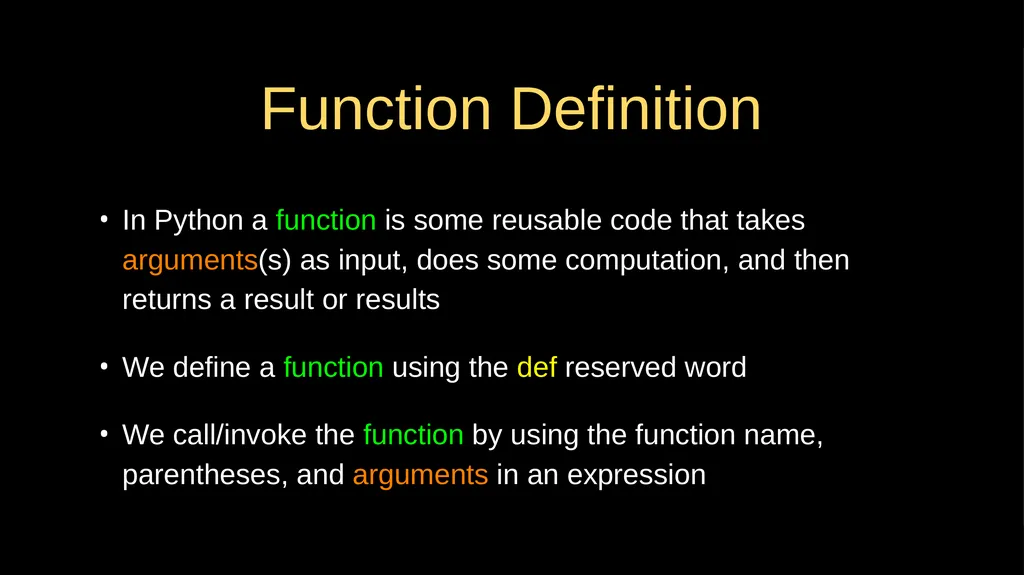
Function Definition In Python a function is some reusable code that takes arguments(s) as input, does some computation, and then returns a result or results
We define a function using the def reserved word
We call/invoke the function by using the function name, parentheses, and arguments in an expression<br>
05
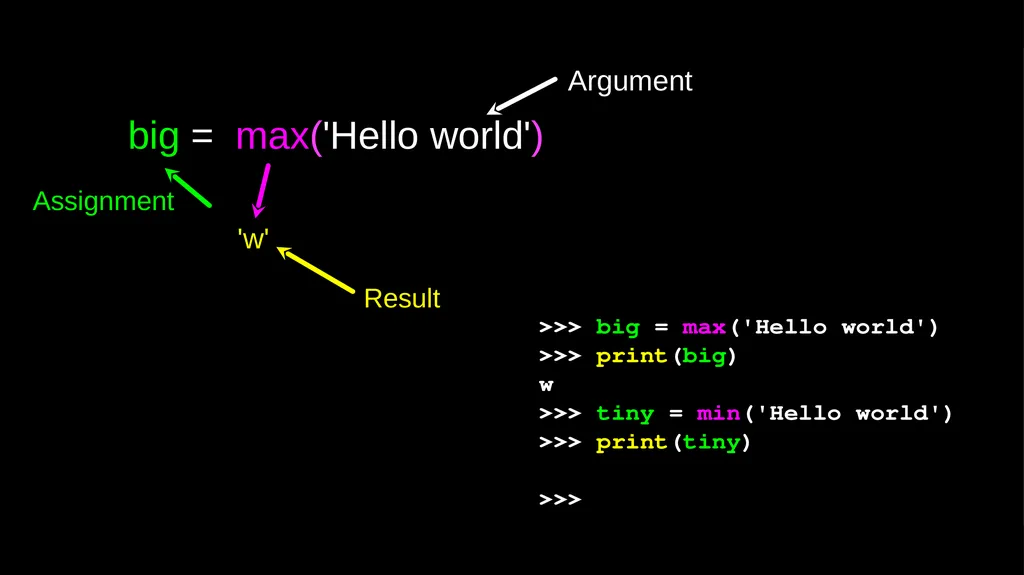
>>> big = max('Hello world')
>>> print(big)
w
>>> tiny = min('Hello world')
>>> print(tiny)
>>> big = max('Hello world') Argument 'w' Result Assignment<br>
06
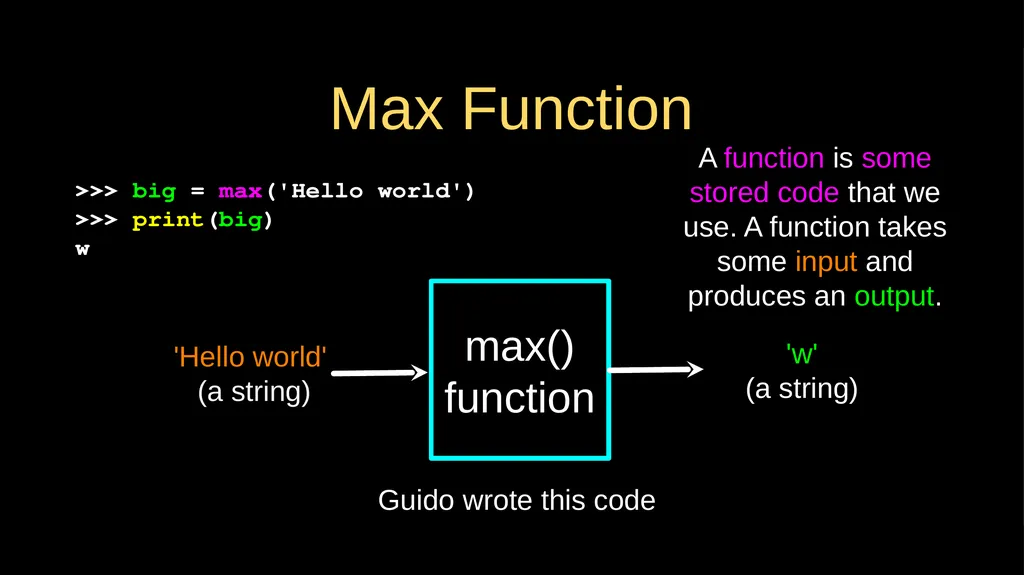
Max Function >>> big = max('Hello world')
>>> print(big)
w max()
function 'Hello world'
(a string) 'w'
(a string) A function is some stored code that we use. A function takes some input and produces an output. Guido wrote this code<br>
07
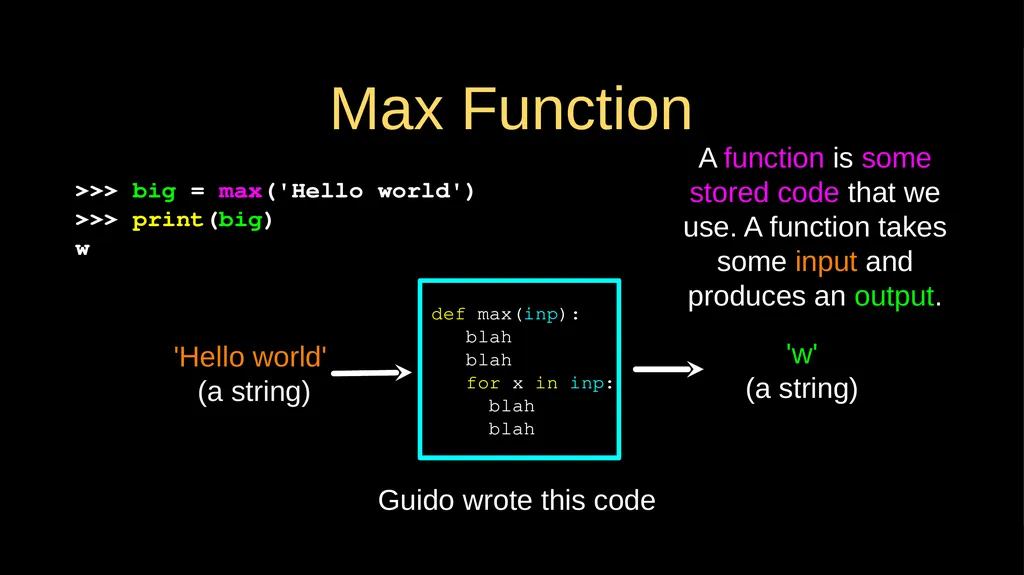
Max Function >>> big = max('Hello world')
>>> print(big)
w def max(inp):
blah
blah
for x in inp:
blah
blah 'Hello world'
(a string) 'w'
(a string) A function is some stored code that we use. A function takes some input and produces an output. Guido wrote this code<br>
08
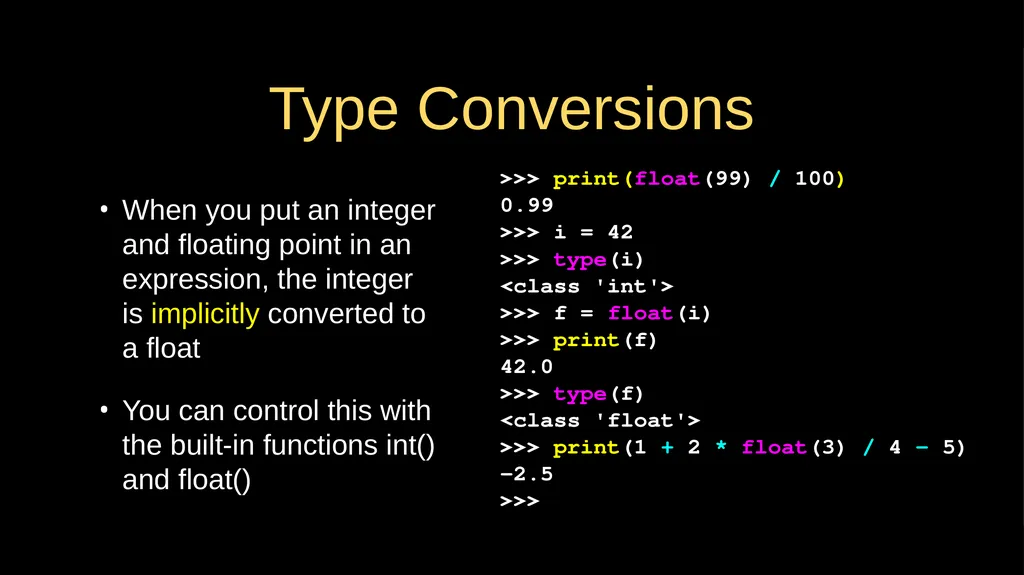
Type Conversions When you put an integer and floating point in an expression, the integer is implicitly converted to a float
You can control this with the built-in functions int() and float() >>> print(float(99) / 100)
0.99
>>> i = 42
>>> type(i)
<class 'int'>
>>> f = float(i)
>>> print(f)
42.0
>>> type(f)
<class 'float'>
>>> print(1 + 2 * float(3) / 4 – 5)
-2.5
>>><br>
09
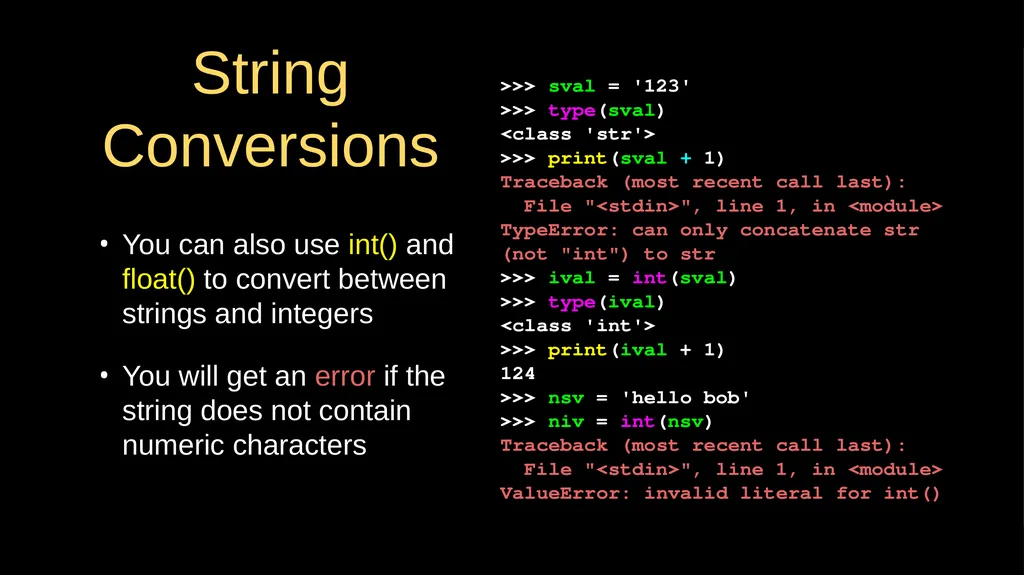
String Conversions You can also use int() and float() to convert between strings and integers
You will get an error if the string does not contain numeric characters >>> sval = '123'
>>> type(sval)
<class 'str'>
>>> print(sval + 1)
Traceback (most recent call last):
File "<stdin>", line 1, in <module>
TypeError: can only concatenate str (not "int") to str
>>> ival = int(sval)
>>> type(ival)
<class 'int'>
>>> print(ival + 1)
124
>>> nsv = 'hello bob'
>>> niv = int(nsv)
Traceback (most recent call last):
File "<stdin>", line 1, in <module>
ValueError: invalid literal for int()<br>
10
Functions of Our Own…<br>
11
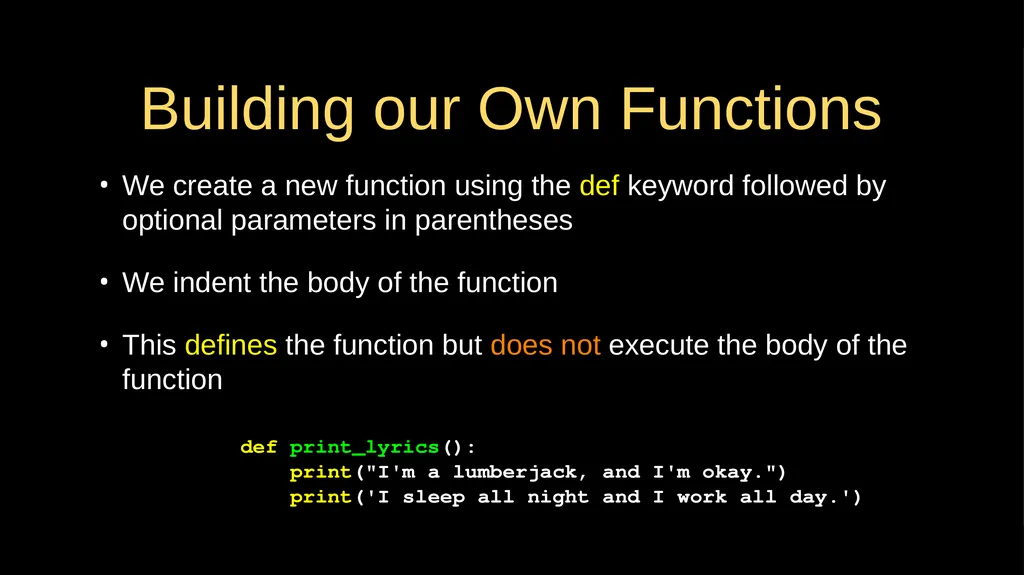
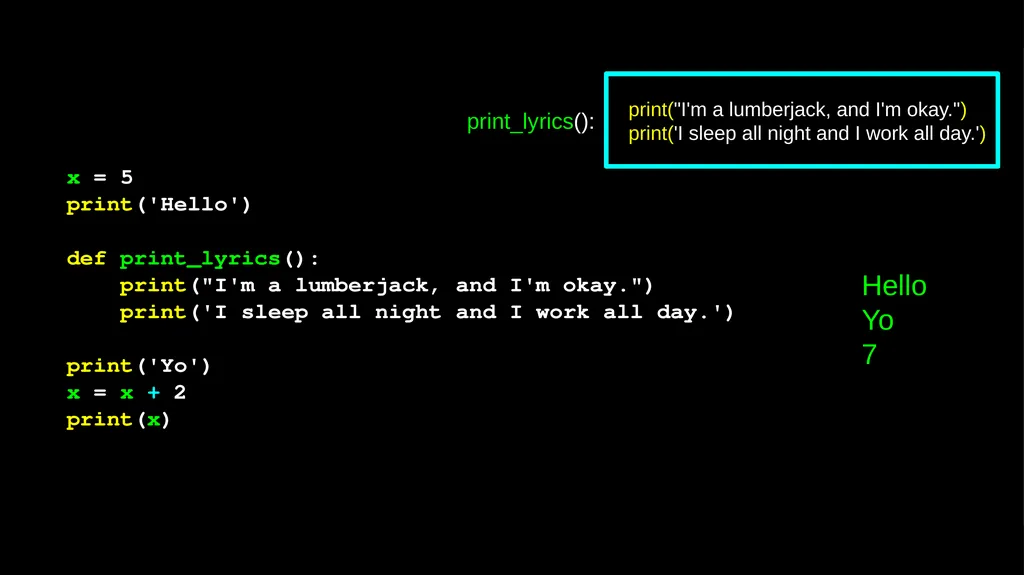
Building our Own Functions We create a new function using the def keyword followed by optional parameters in parentheses
We indent the body of the function
This defines the function but does not execute the body of the function def print_lyrics():
print("I'm a lumberjack, and I'm okay.")
print('I sleep all night and I work all day.')<br>
12
x = 5
print('Hello')
def print_lyrics():
print("I'm a lumberjack, and I'm okay.")
print('I sleep all night and I work all day.')
print('Yo')
x = x + 2
print(x) Hello
Yo
7 print("I'm a lumberjack, and I'm okay.")
print('I sleep all night and I work all day.') print_lyrics():<br>
13
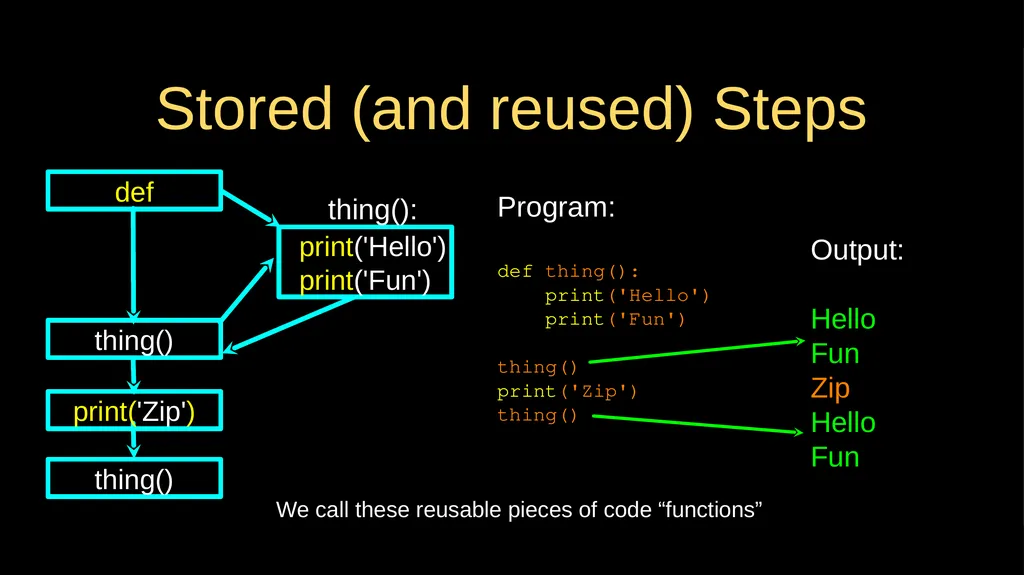
Definitions and Uses Once we have defined a function, we can call (or invoke) it �as many times as we like
This is the store and reuse pattern<br>
14
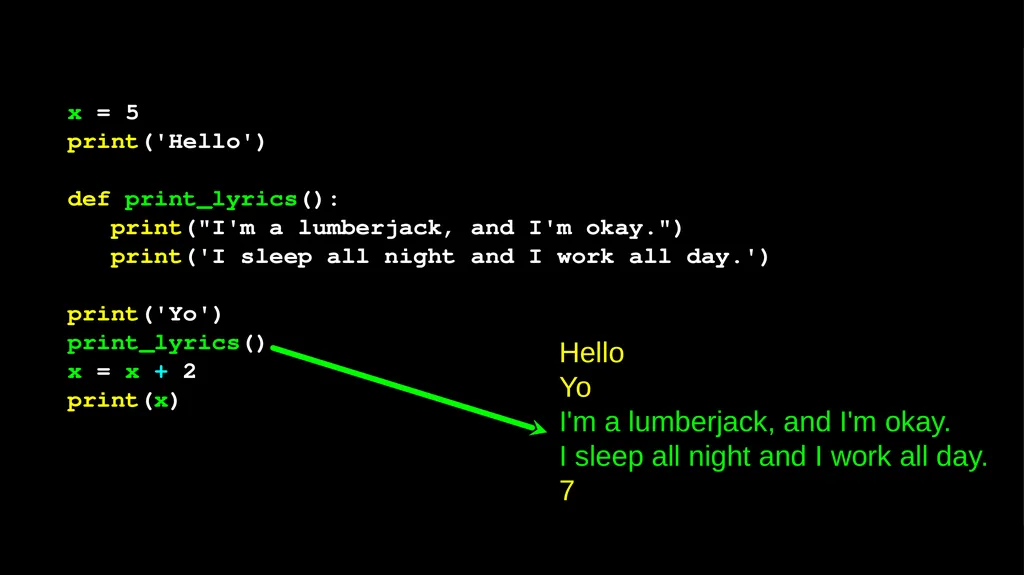
x = 5
print('Hello')
def print_lyrics():
print("I'm a lumberjack, and I'm okay.")
print('I sleep all night and I work all day.')
print('Yo')
print_lyrics()
x = x + 2
print(x) Hello
Yo
I'm a lumberjack, and I'm okay.
I sleep all night and I work all day.
7<br>
15
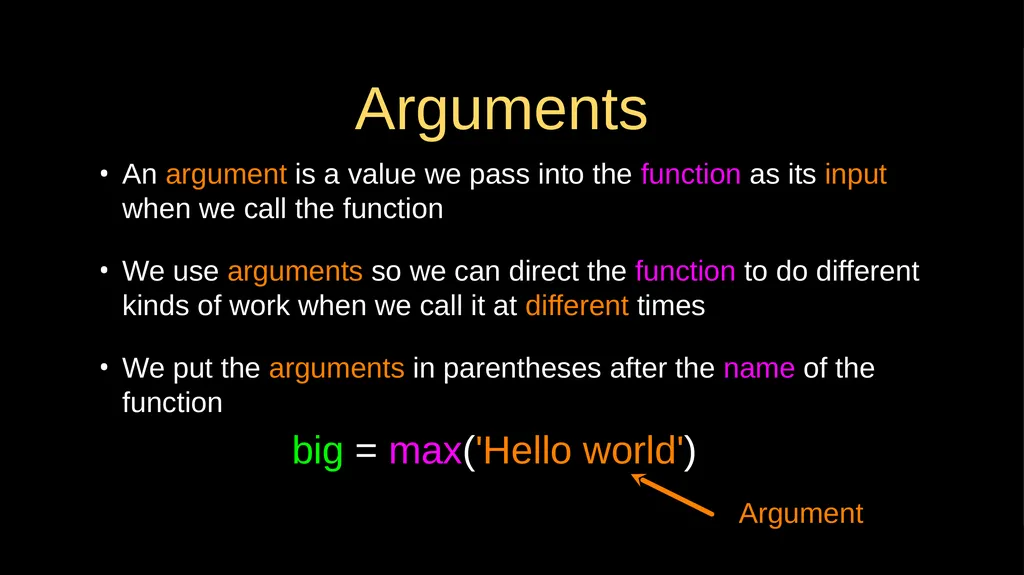
Arguments An argument is a value we pass into the function as its input when we call the function
We use arguments so we can direct the function to do different kinds of work when we call it at different times
We put the arguments in parentheses after the name of the function big = max('Hello world') Argument<br>
16
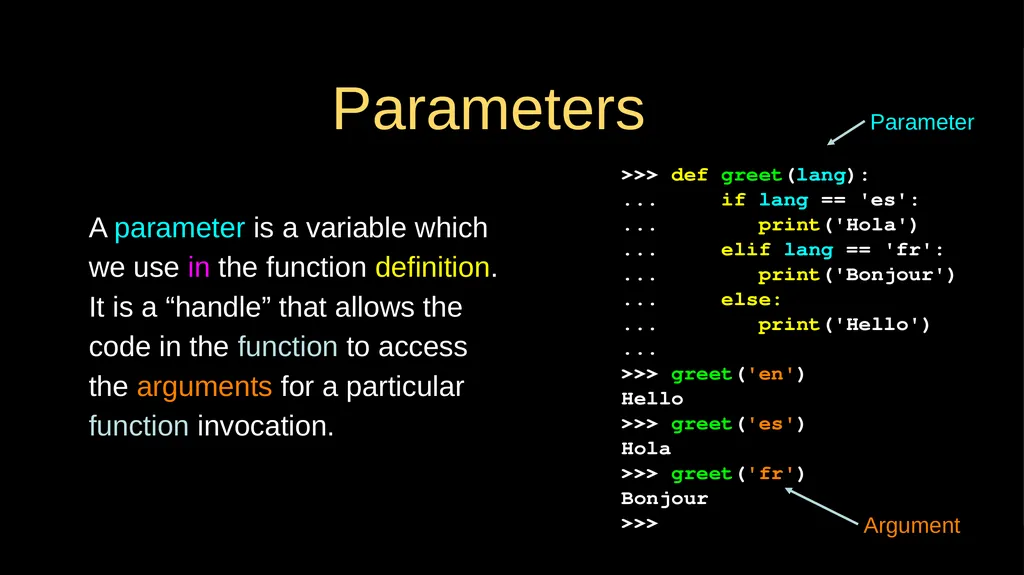
Parameters A parameter is a variable which we use in the function definition. It is a “handle” that allows the code in the function to access the arguments for a particular function invocation. >>> def greet(lang):
... if lang == 'es':
... print('Hola')
... elif lang == 'fr':
... print('Bonjour')
... else:
... print('Hello')
...
>>> greet('en')
Hello
>>> greet('es')
Hola
>>> greet('fr')
Bonjour
>>> Parameter Argument<br>
17
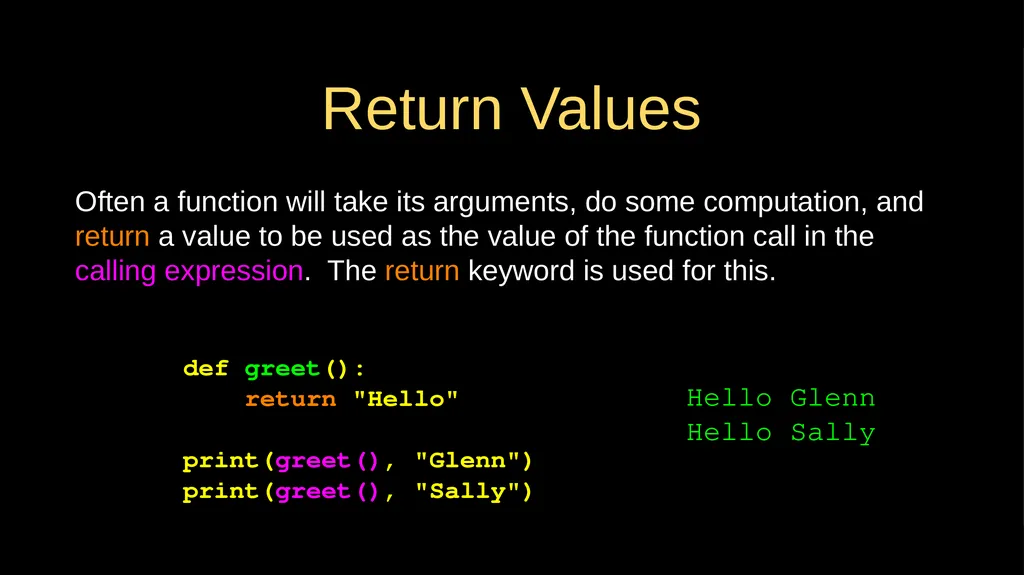
Return Values Often a function will take its arguments, do some computation, and return a value to be used as the value of the function call in the calling expression. The return keyword is used for this. def greet():
return "Hello"
print(greet(), "Glenn")
print(greet(), "Sally") Hello Glenn
Hello Sally<br>
18
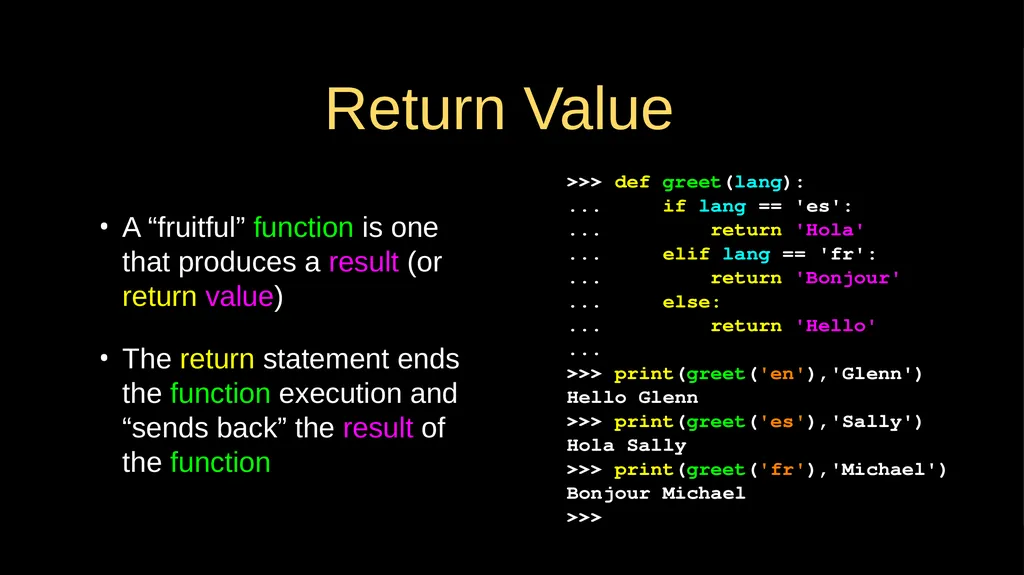
Return Value A “fruitful” function is one that produces a result (or return value)
The return statement ends the function execution and “sends back” the result of the function >>> def greet(lang):
... if lang == 'es':
... return 'Hola'
... elif lang == 'fr':
... return 'Bonjour'
... else:
... return 'Hello'
...
>>> print(greet('en'),'Glenn')
Hello Glenn
>>> print(greet('es'),'Sally')
Hola Sally
>>> print(greet('fr'),'Michael')
Bonjour Michael
>>><br>
19
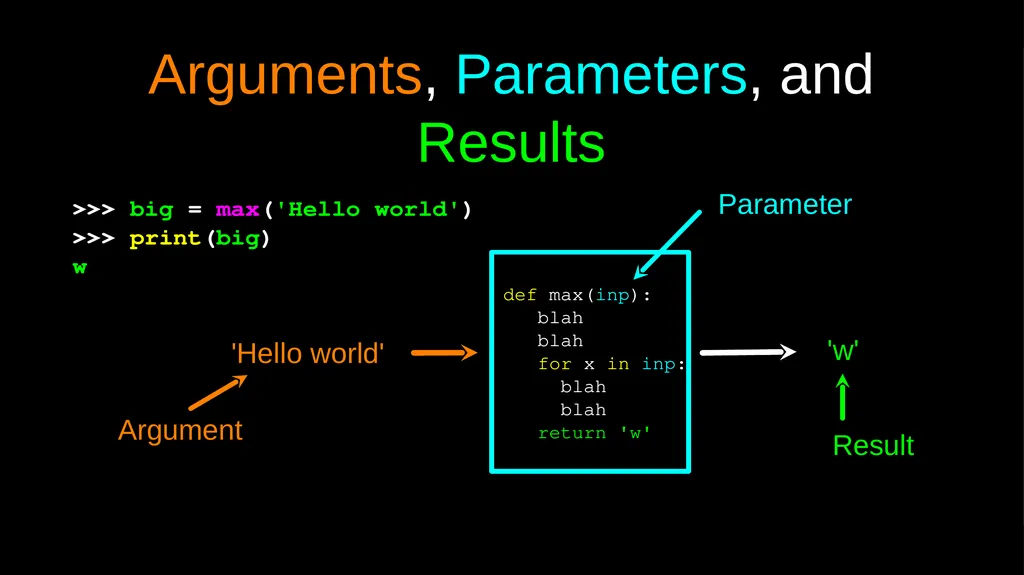
Arguments, Parameters, and Results >>> big = max('Hello world')
>>> print(big)
w def max(inp):
blah
blah
for x in inp:
blah
blah
return 'w' 'Hello world' 'w' Argument Parameter Result<br>
20
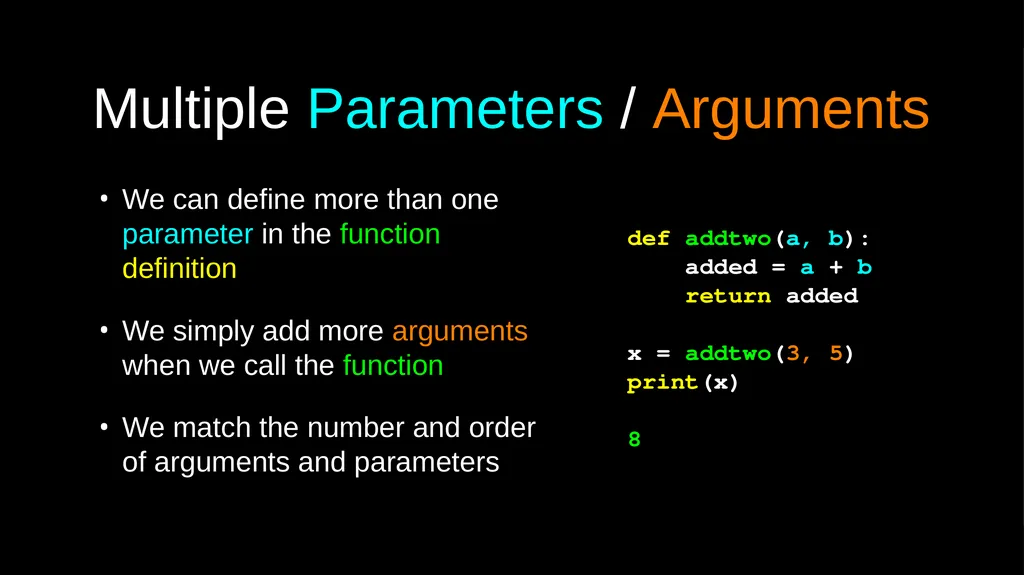
Multiple Parameters / Arguments We can define more than one parameter in the function definition
We simply add more arguments when we call the function
We match the number and order of arguments and parameters def addtwo(a, b):
added = a + b
return added
x = addtwo(3, 5)
print(x)
8<br>
21
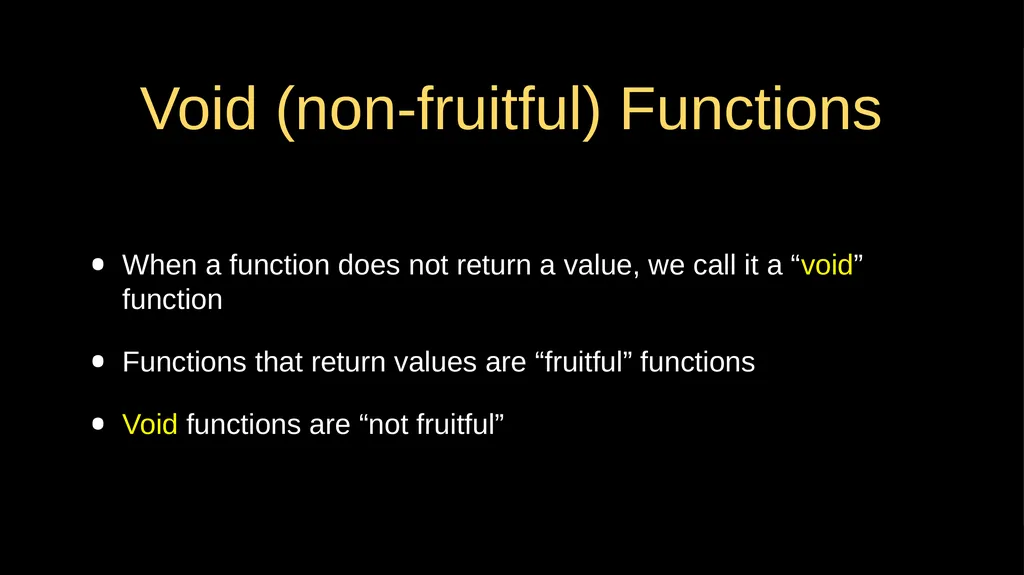
Void (non-fruitful) Functions When a function does not return a value, we call it a “void” function
Functions that return values are “fruitful” functions
Void functions are “not fruitful”<br>
22
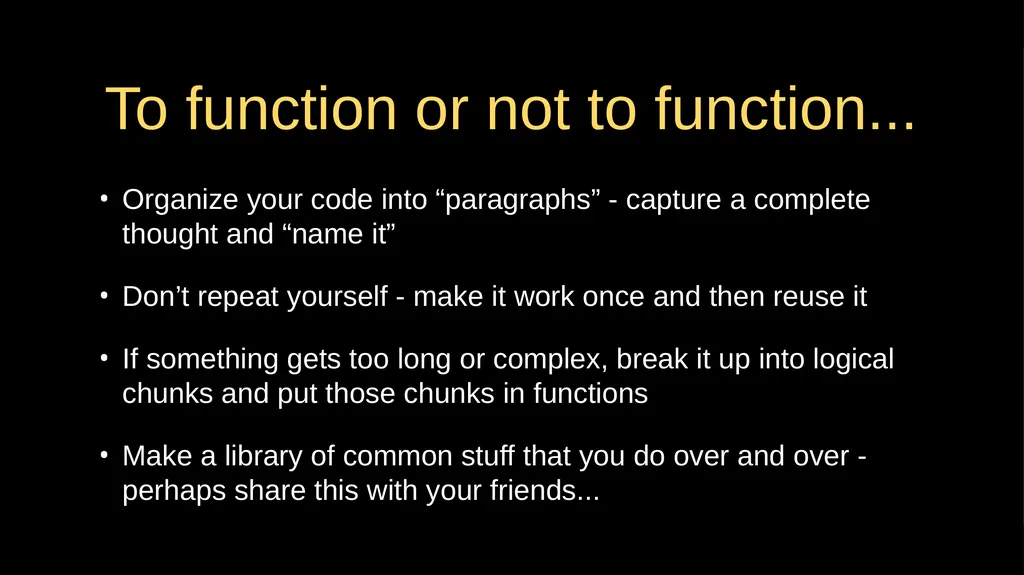
To function or not to function... Organize your code into “paragraphs” - capture a complete thought and “name it”
Don’t repeat yourself - make it work once and then reuse it
If something gets too long or complex, break it up into logical chunks and put those chunks in functions
Make a library of common stuff that you do over and over - perhaps share this with your friends...<br>
23
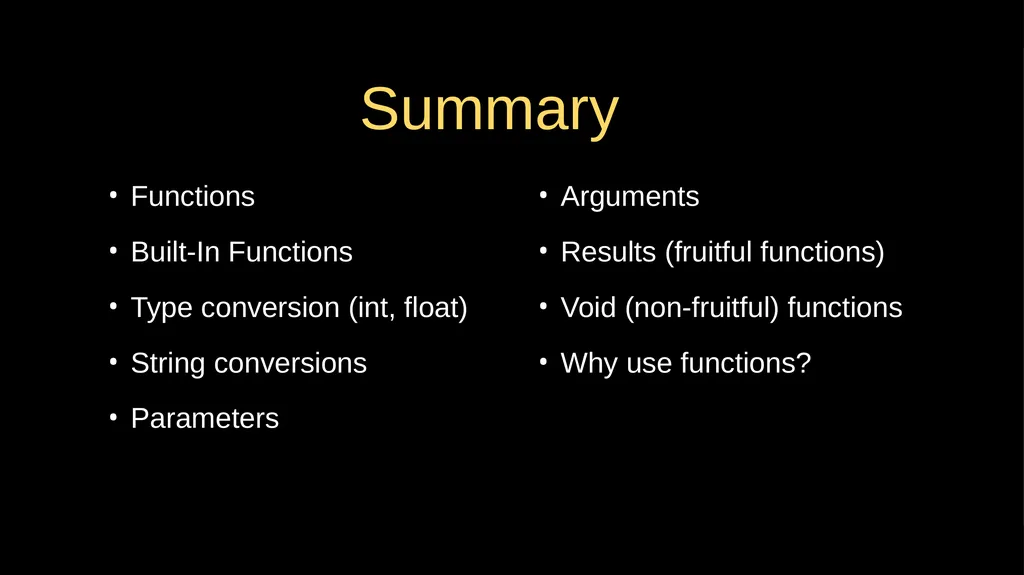
Summary Arguments
Results (fruitful functions)
Void (non-fruitful) functions
Why use functions? Functions
Built-In Functions
Type conversion (int, float)
String conversions
Parameters<br>
24
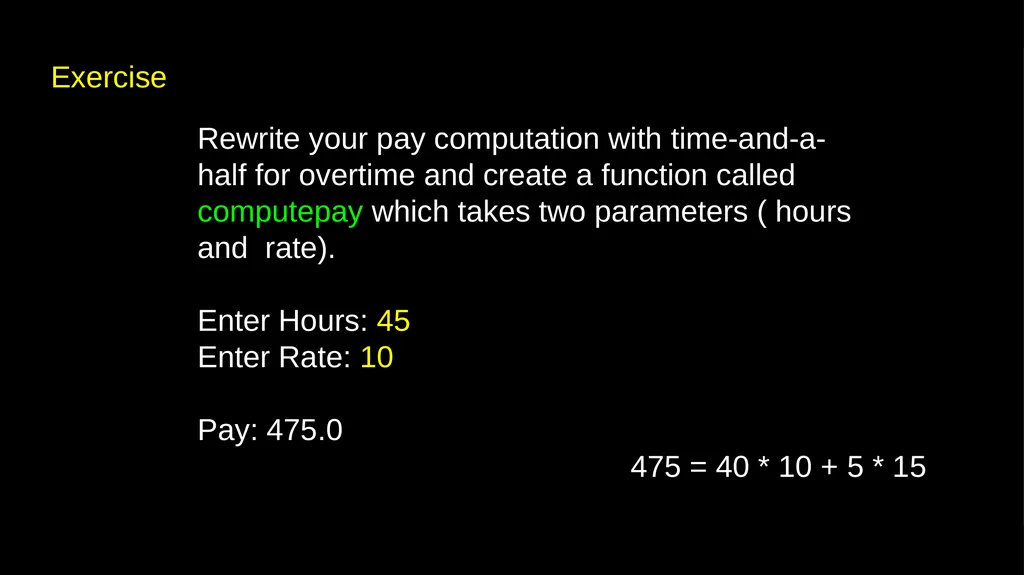
Exercise Rewrite your pay computation with time-and-a-half for overtime and create a function called computepay which takes two parameters ( hours and rate).
Enter Hours: 45
Enter Rate: 10
Pay: 475.0 475 = 40 * 10 + 5 * 15<br>
25
Acknowledgements / Contributions These slides are Copyright 2010- Charles R. Severance (www.dr-chuck.com) of the University of Michigan School of Information and open.umich.edu and made available under a Creative Commons Attribution 4.0 License. Please maintain this last slide in all copies of the document to comply with the attribution requirements of the license. If you make a change, feel free to add your name and organization to the list of contributors on this page as you republish the materials.
Initial Development: Charles Severance, University of Michigan School of Information
… Insert new Contributors and Translators here ...<br>