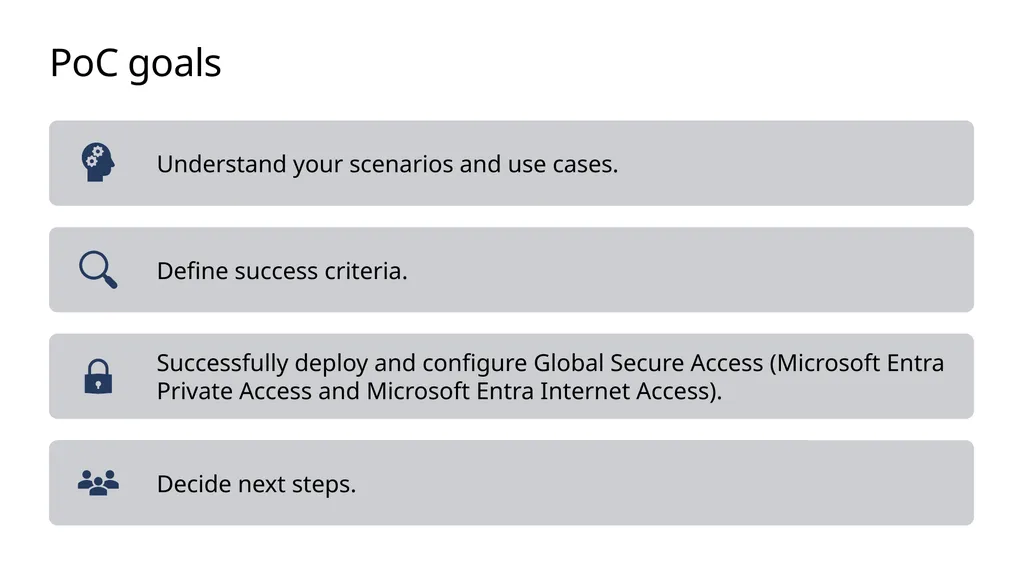
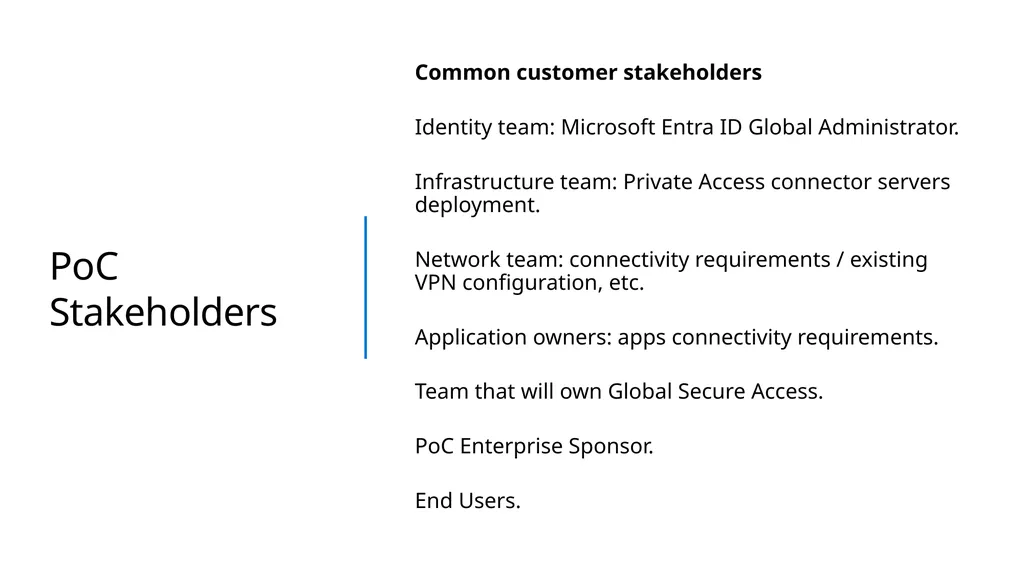
Global Secure Access Proof of Concept Microsoft Entra Private Access Microsoft Entra Internet Access Terms Agenda PoC Goals Prerequisites Scope of engagement Delivery schedule Minimum requirements PoC goals PoC Stakeholders Common customer
"Global Secure Access Proof of Concept Microsoft" is the property of its rightful owner. Permission is granted to
download and print the materials on this website for personal, non-commercial use only, and to display it
on your personal computer provided you do not modify the materials and that you retain all copyright
notices contained in the materials. By downloading content from our website, you accept the terms of this
agreement.
Presentation Transcript
01
Global Secure Access Proof of Concept
Microsoft Entra Private Access
Microsoft Entra Internet Access<br>
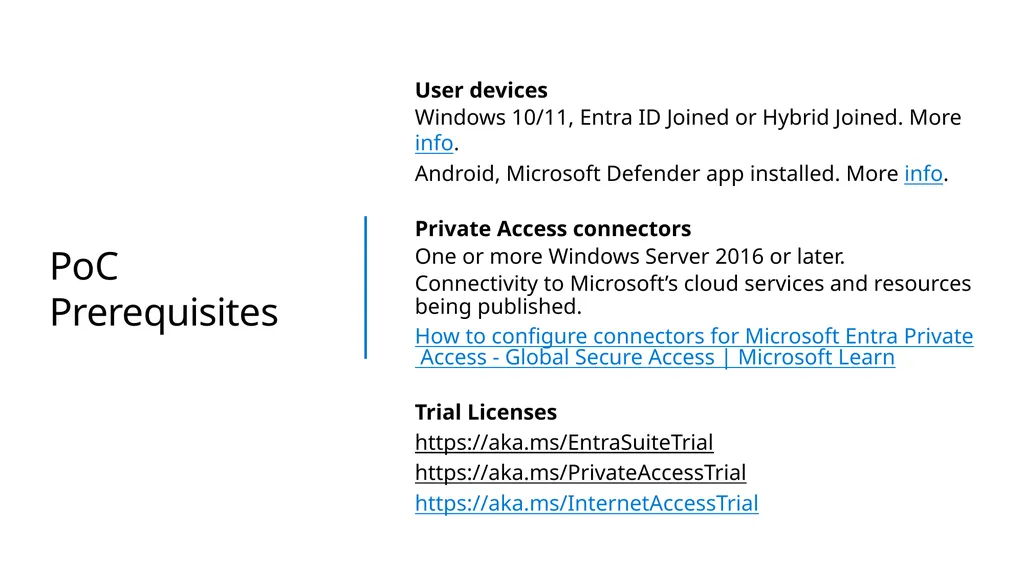
PoC Prerequisites User devices
Windows 10/11, Entra ID Joined or Hybrid Joined. More info.
Android, Microsoft Defender app installed. More info.
Private Access connectors
One or more Windows Server 2016 or later.
Connectivity to Microsoft’s cloud services and resources being published.
How to configure connectors for Microsoft Entra Private Access - Global Secure Access | Microsoft Learn
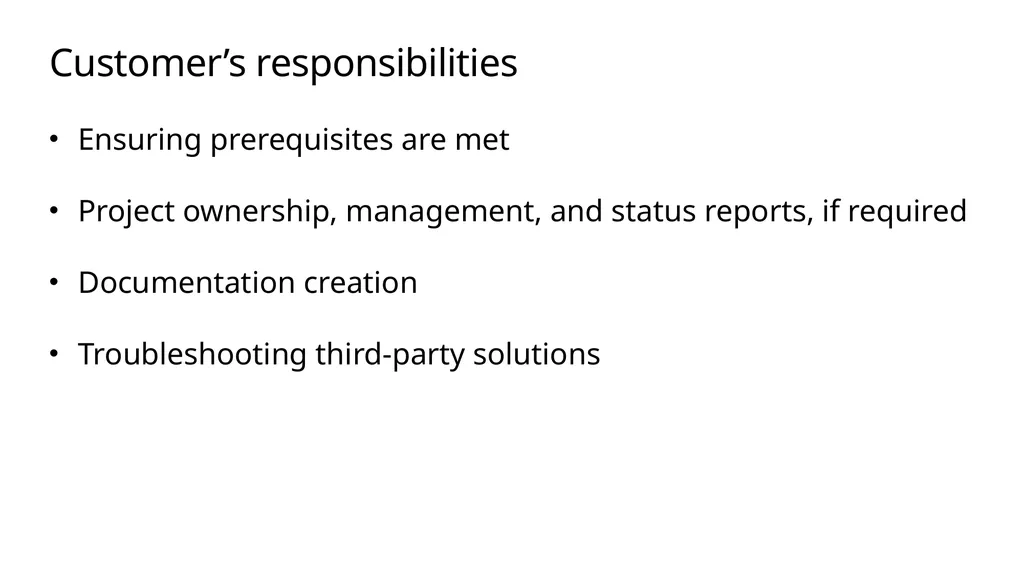
Customer’s responsibilities Ensuring prerequisites are met
Project ownership, management, and status reports, if required
Documentation creation
Troubleshooting third-party solutions<br>
08
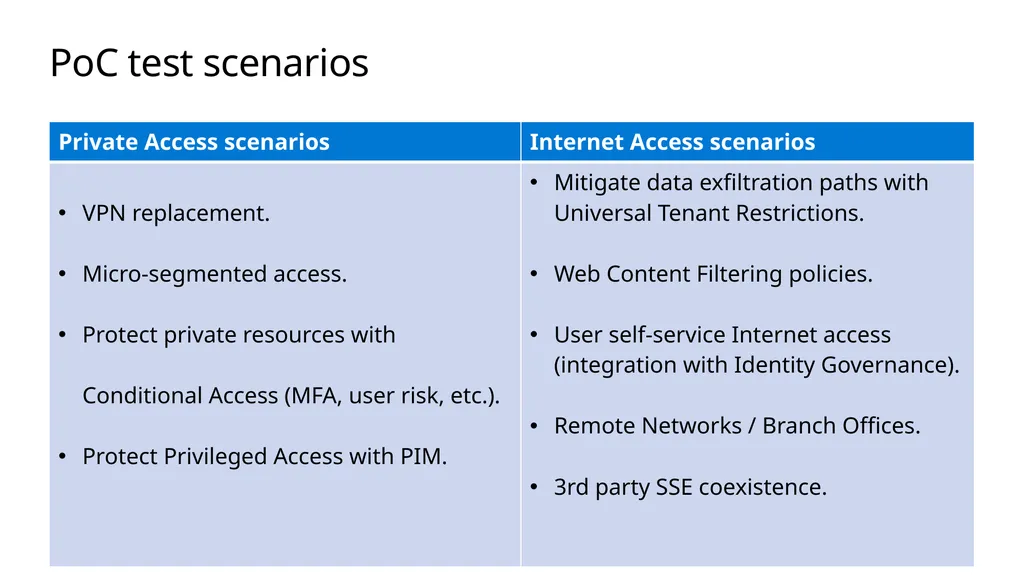
PoC test scenarios<br>
09
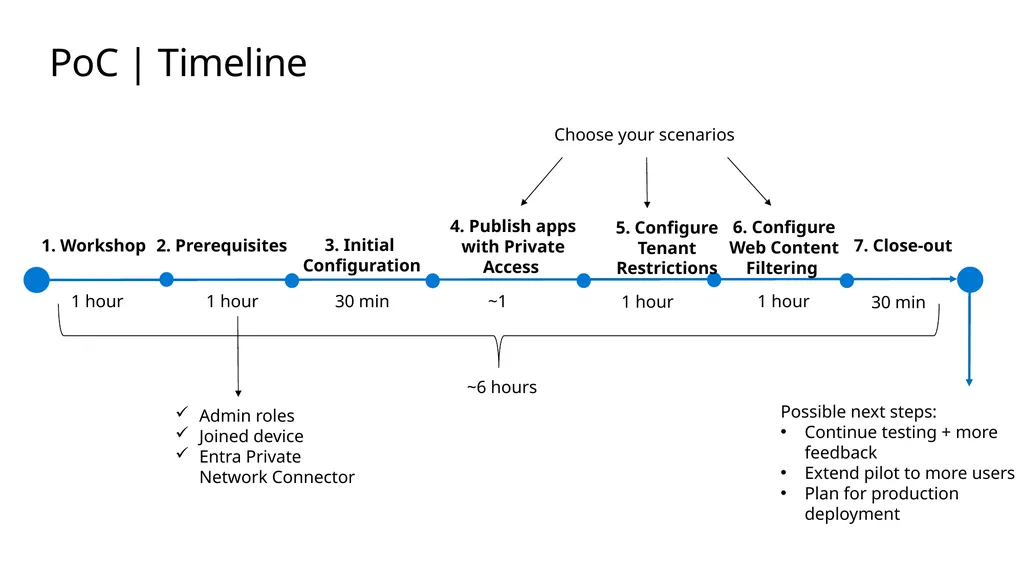
PoC | Timeline 1 hour 1. Workshop 30 min 2. Prerequisites ~1 3. Initial
Configuration 1 hour 4. Publish apps with Private Access 30 min 6. Configure Web Content Filtering ~6 hours 5. Configure Tenant Restrictions 1 hour Admin roles
Joined device
Entra Private Network Connector 7. Close-out 1 hour Choose your scenarios Possible next steps:
Continue testing + more feedback
Extend pilot to more users
Plan for production deployment<br>
10
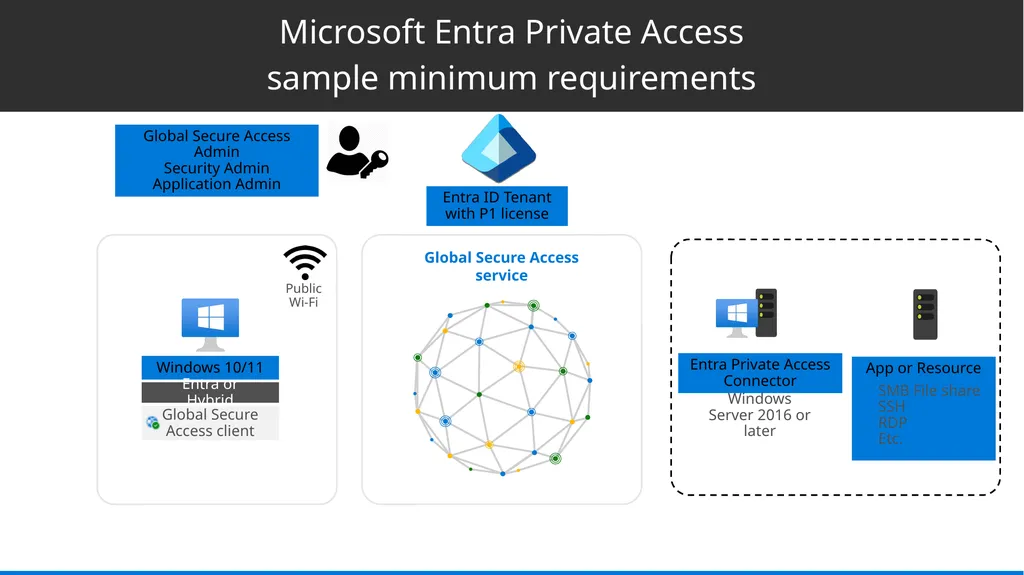
Microsoft Entra Private Access
sample minimum requirements App or Resource Entra Private Access Connector Public Wi-Fi Windows Server 2016 or later SMB File share
SSH
RDP
Etc. Entra ID Tenant with P1 license Global Secure Access Admin
Security Admin
Application Admin<br>
11
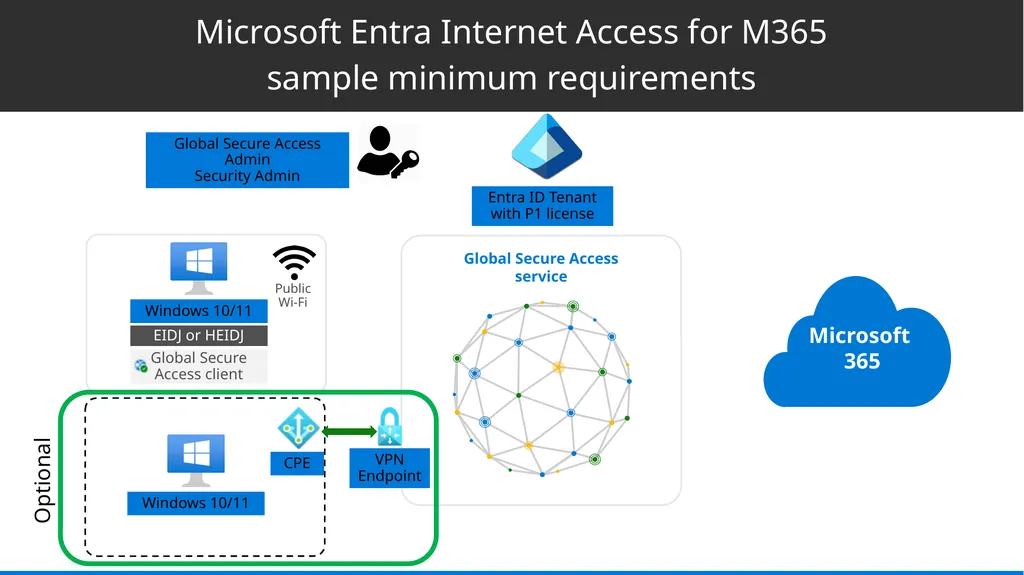
Microsoft Entra Internet Access for M365
sample minimum requirements Public Wi-Fi Entra ID Tenant with P1 license Global Secure Access Admin
Security Admin Optional CPE VPN
Endpoint<br>