Good practice for PowerPoint presentations All you need to know to make your slides accessible to all. In general Everyone benefits if the slides are made available before a lecture for students to download in their preferred format.
"Good practice for PowerPoint presentations All you" is the property of its rightful owner. Permission is granted to
download and print the materials on this website for personal, non-commercial use only, and to display it
on your personal computer provided you do not modify the materials and that you retain all copyright
notices contained in the materials. By downloading content from our website, you accept the terms of this
agreement.
Presentation Transcript
01
Good practice for PowerPoint presentations All you need to know to make your slides accessible to all.<br>
02
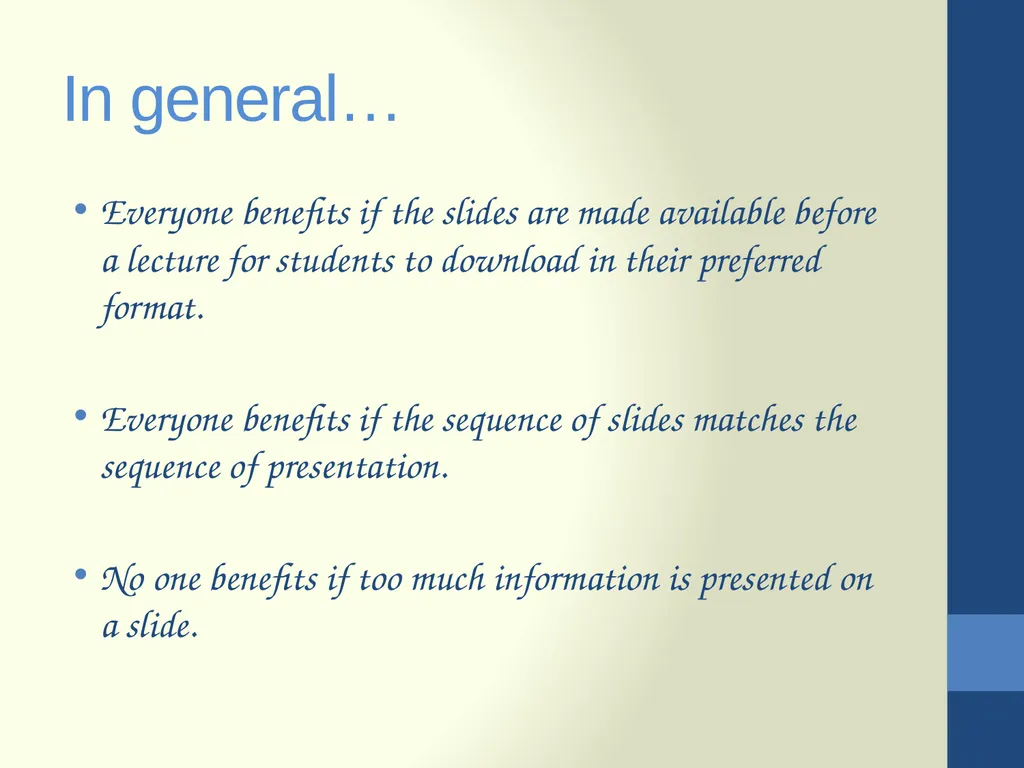
In general… Everyone benefits if the slides are made available before a lecture for students to download in their preferred format.
Everyone benefits if the sequence of slides matches the sequence of presentation.
No one benefits if too much information is presented on a slide.<br>
03
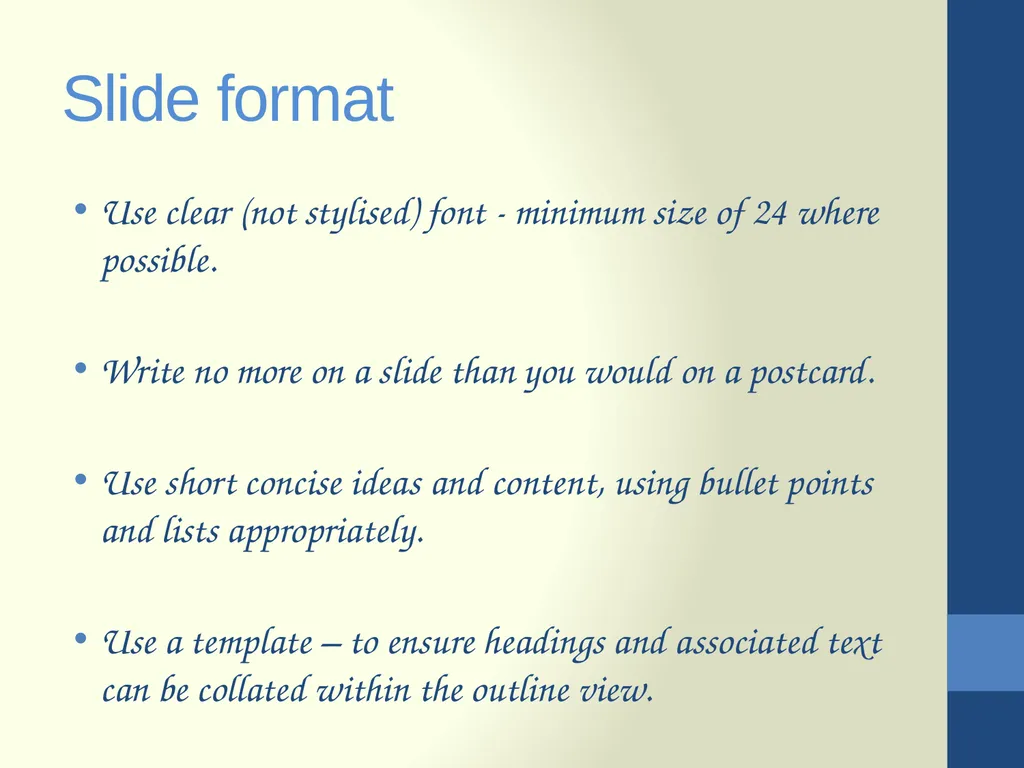
Slide format Use clear (not stylised) font - minimum size of 24 where possible.
Write no more on a slide than you would on a postcard.
Use short concise ideas and content, using bullet points and lists appropriately.
Use a template – to ensure headings and associated text can be collated within the outline view.<br>
04
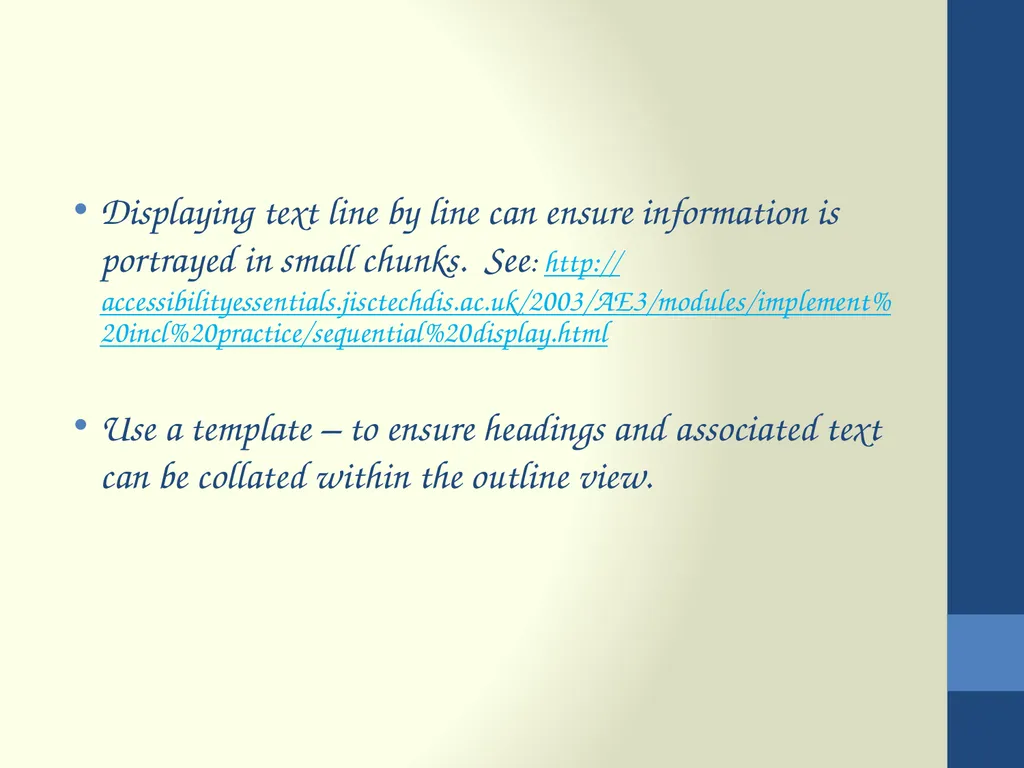
Displaying text line by line can ensure information is portrayed in small chunks. See: http://accessibilityessentials.jisctechdis.ac.uk/2003/AE3/modules/implement%20incl%20practice/sequential%20display.html
Use a template – to ensure headings and associated text can be collated within the outline view.<br>
05
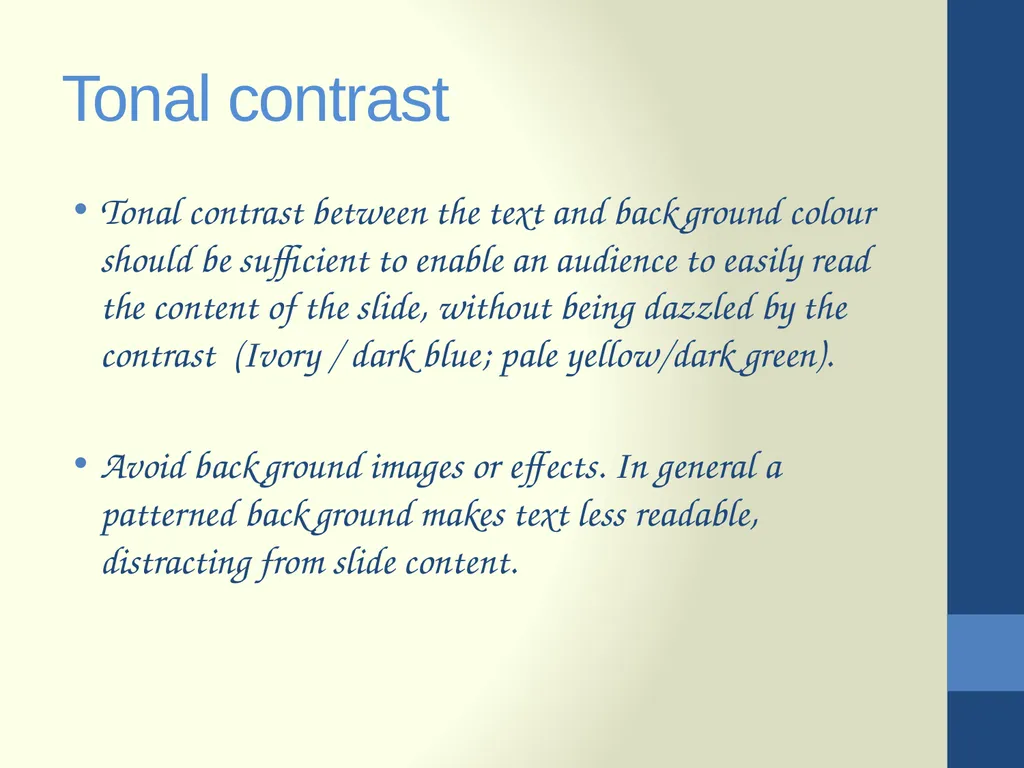
Tonal contrast Tonal contrast between the text and background colour should be sufficient to enable an audience to easily read the content of the slide, without being dazzled by the contrast (Ivory / dark blue; pale yellow/dark green).
Avoid background images or effects. In general a patterned background makes text less readable, distracting from slide content.<br>
06
Background colours If presenting in a light room, use dark coloured text on a light coloured background. In a darkened room, use dark background and light text.
Avoid transition gimmicks including sound options as this is likely to add an unnecessary distraction from understanding of the content.<br>
07
Students with visual impairments… may not be able to access the content of slides.
Read aloud key points.
Remember to give a description of images or diagrams, where necessary.<br>
08
Deaf or hard of hearing students… will not be able to read the slide and at the same time lip-read or watch their interpreter.
Time should be allowed for reading.<br>
09
Students with SpLDs… Students with SpLDs (specific learning differences) may not be able to take in information if slides are displayed briefly and if a tutor continues to talk without referring to the slide.<br>
10
Assistive technology users Some students may use screen readers to access slide content.
When using bullet points and lists ensure every point is ended with punctuation (e.g. a Full Stop, Semi-Colon or Comma). This will enable a screen reader user to distinguish between different ideas.
Without this punctuation, different ideas will be read as a single sentence, without pausing between concepts.<br>
11
Assistive technology users You may be asked to produce slides in rich text format (RTF) and to provide text alternatives to enable a screen reader user to access the content.
This will be indicated in a student's Personal Learning Support Plan (PLSP) with accompanying instructions.
For information on PLSPs, see: http://www.bangor.ac.uk/studentservices/disability/index.php.en?menu=3&catid=4724&subid=0#plsp<br>
12
References This information is from: Using Microsoft®PowerPoint Accessibly within Teaching and Learning. http://www.jisctechdis.ac.uk/AccessibilityEssentials/2003/AE3/index.html
Accessibility and PowerPoint. http://www.open.ac.uk/inclusiveteaching/pages/inclusive-teaching/accessibility-and-powerpoint.php<br>