
HAPTER 2 Overview of Business Processes
TG
Published · 111 slides · 0 views

1 / 1






Description
HAPTER 2 Overview of Business Processes INTRODUCTION Questions to be addressed in this chapter include: What are the basic business activities in which an organization engages? What decisions must be made to undertake these activities? What
Related Topics
Share
Embed code
Download this presentation From Below
"HAPTER 2 Overview of Business Processes" is the property of its rightful owner. Permission is granted to download and print the materials on this website for personal, non-commercial use only, and to display it on your personal computer provided you do not modify the materials and that you retain all copyright notices contained in the materials. By downloading content from our website, you accept the terms of this agreement.
Presentation Transcript
01
HAPTER 2 Overview of Business Processes<br>
02
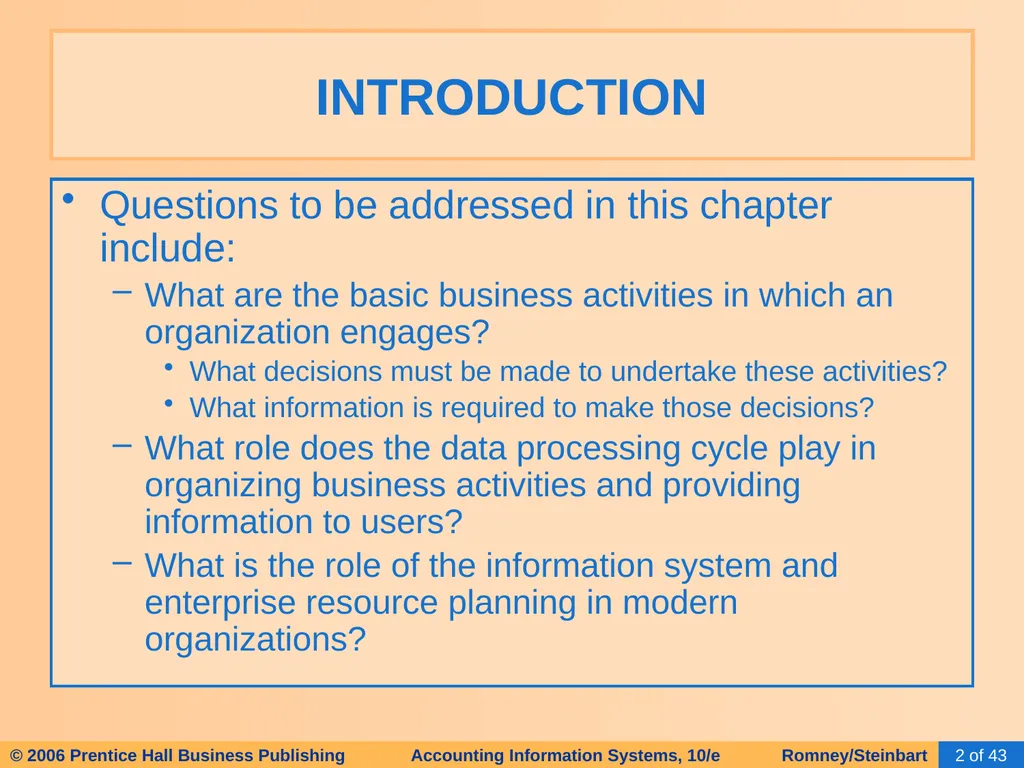
INTRODUCTION Questions to be addressed in this chapter include:
What are the basic business activities in which an organization engages?
What decisions must be made to undertake these activities?
What information is required to make those decisions?
What role does the data processing cycle play in organizing business activities and providing information to users?
What is the role of the information system and enterprise resource planning in modern organizations?<br>
What are the basic business activities in which an organization engages?
What decisions must be made to undertake these activities?
What information is required to make those decisions?
What role does the data processing cycle play in organizing business activities and providing information to users?
What is the role of the information system and enterprise resource planning in modern organizations?<br>
03
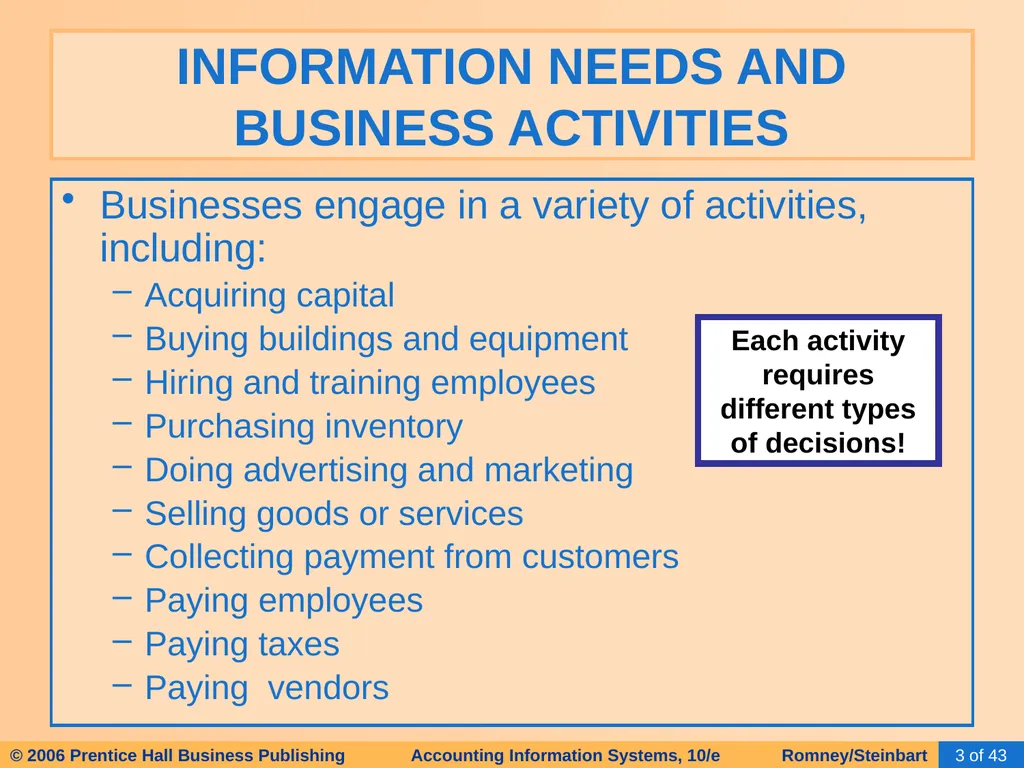
INFORMATION NEEDS AND BUSINESS ACTIVITIES Businesses engage in a variety of activities, including:
Acquiring capital
Buying buildings and equipment
Hiring and training employees
Purchasing inventory
Doing advertising and marketing
Selling goods or services
Collecting payment from customers
Paying employees
Paying taxes
Paying vendors Each activity requires different types of decisions!<br>
Acquiring capital
Buying buildings and equipment
Hiring and training employees
Purchasing inventory
Doing advertising and marketing
Selling goods or services
Collecting payment from customers
Paying employees
Paying taxes
Paying vendors Each activity requires different types of decisions!<br>
04
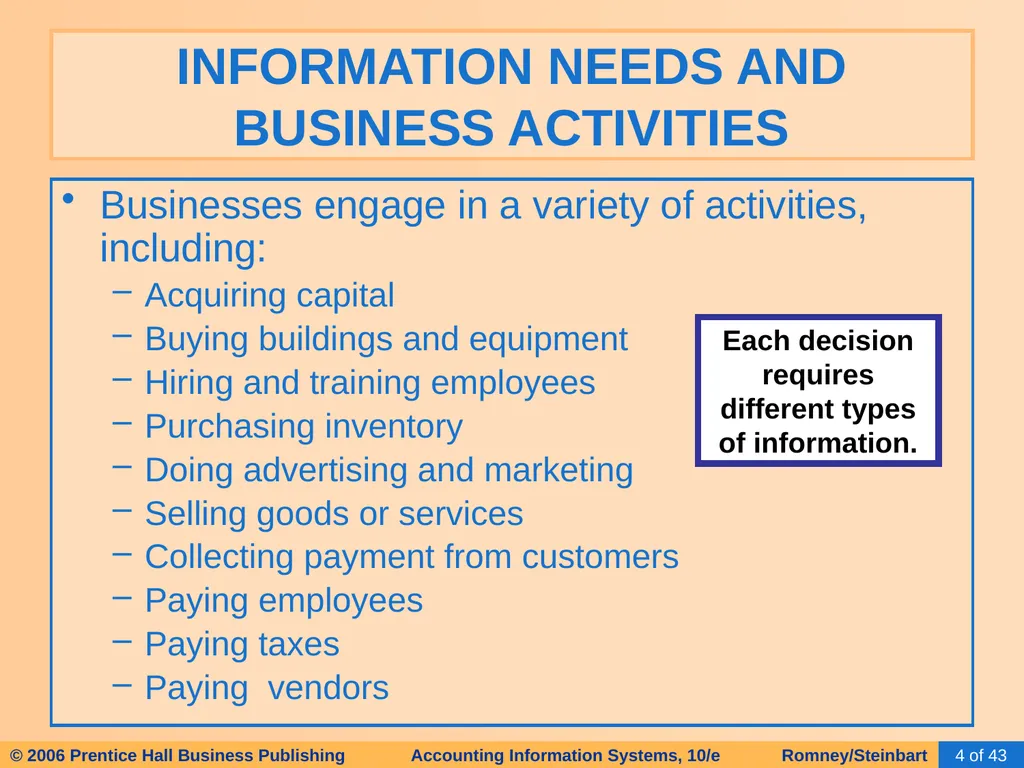
INFORMATION NEEDS AND BUSINESS ACTIVITIES Businesses engage in a variety of activities, including:
Acquiring capital
Buying buildings and equipment
Hiring and training employees
Purchasing inventory
Doing advertising and marketing
Selling goods or services
Collecting payment from customers
Paying employees
Paying taxes
Paying vendors Each decision requires different types of information.<br>
Acquiring capital
Buying buildings and equipment
Hiring and training employees
Purchasing inventory
Doing advertising and marketing
Selling goods or services
Collecting payment from customers
Paying employees
Paying taxes
Paying vendors Each decision requires different types of information.<br>
05
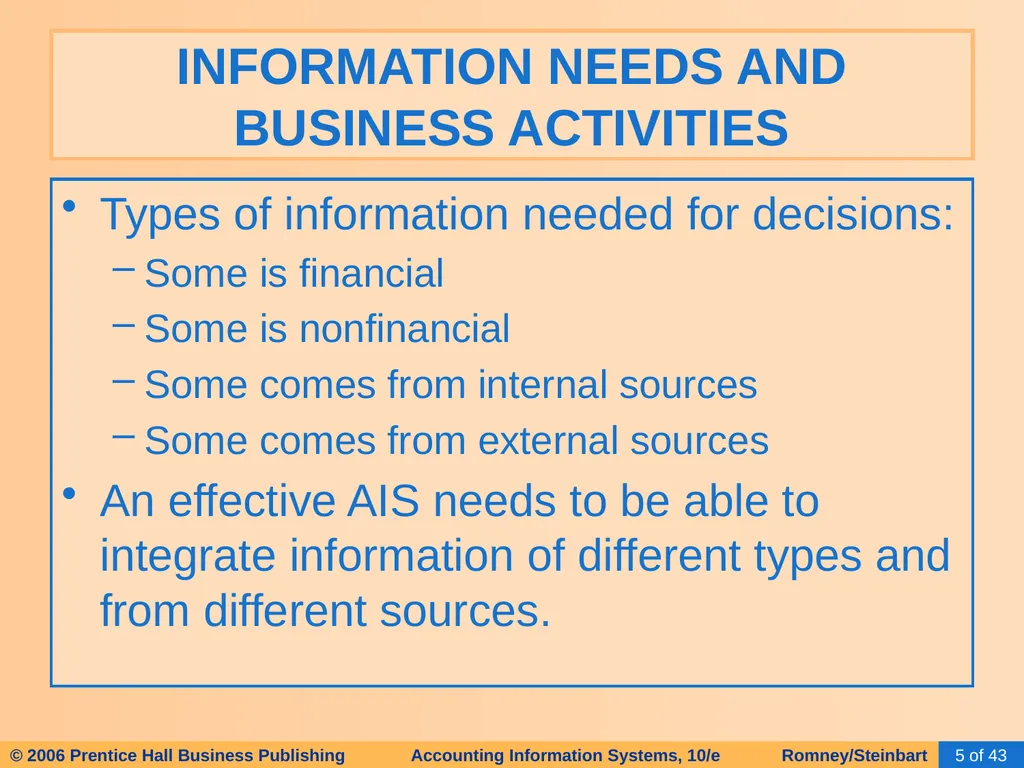
Types of information needed for decisions:
Some is financial
Some is nonfinancial
Some comes from internal sources
Some comes from external sources
An effective AIS needs to be able to integrate information of different types and from different sources. INFORMATION NEEDS AND BUSINESS ACTIVITIES<br>
Some is financial
Some is nonfinancial
Some comes from internal sources
Some comes from external sources
An effective AIS needs to be able to integrate information of different types and from different sources. INFORMATION NEEDS AND BUSINESS ACTIVITIES<br>
06
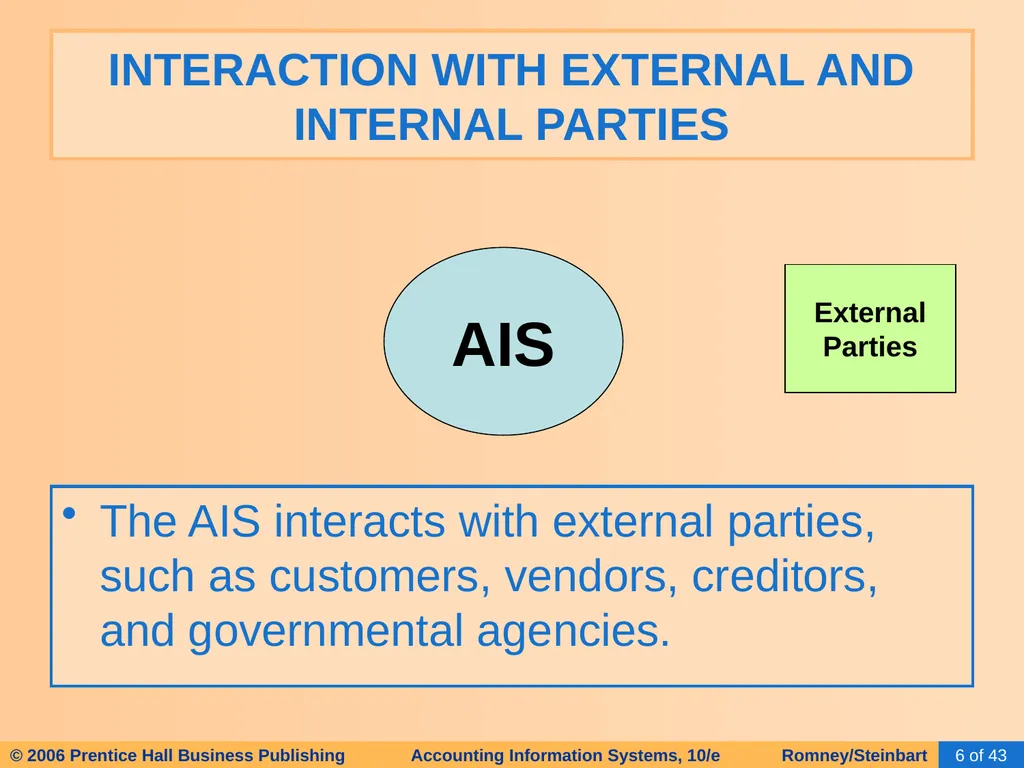
INTERACTION WITH EXTERNAL AND INTERNAL PARTIES The AIS interacts with external parties, such as customers, vendors, creditors, and governmental agencies. AIS External
Parties<br>
Parties<br>
07
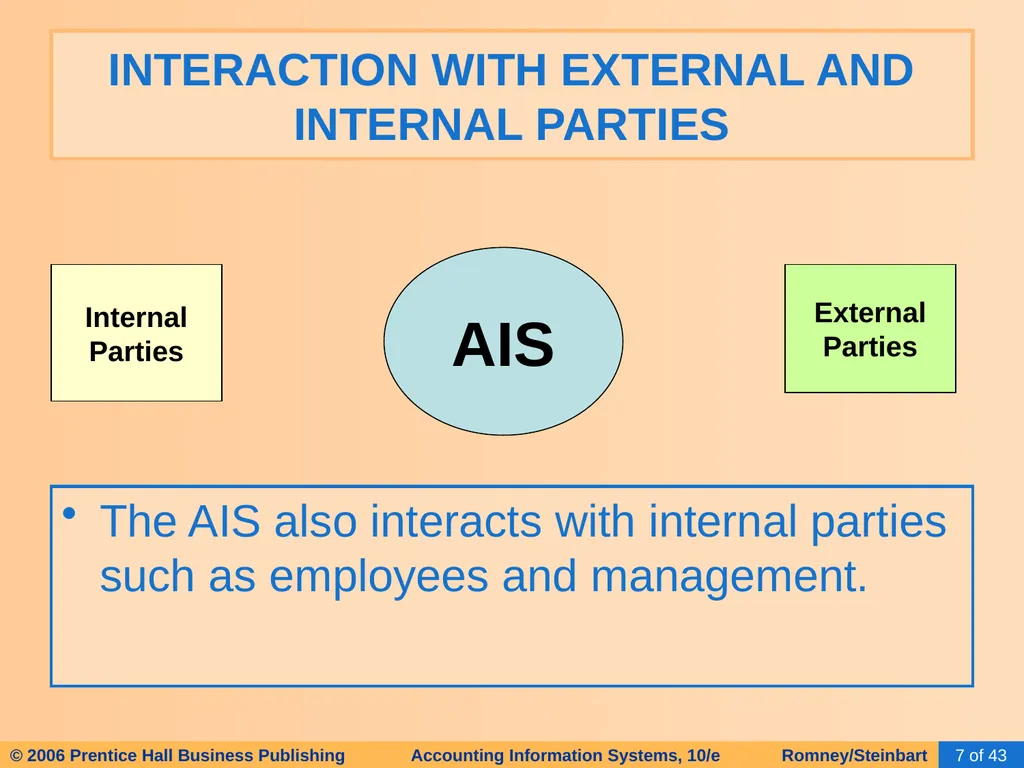
INTERACTION WITH EXTERNAL AND INTERNAL PARTIES The AIS also interacts with internal parties such as employees and management. AIS Internal
Parties External
Parties<br>
Parties External
Parties<br>
08
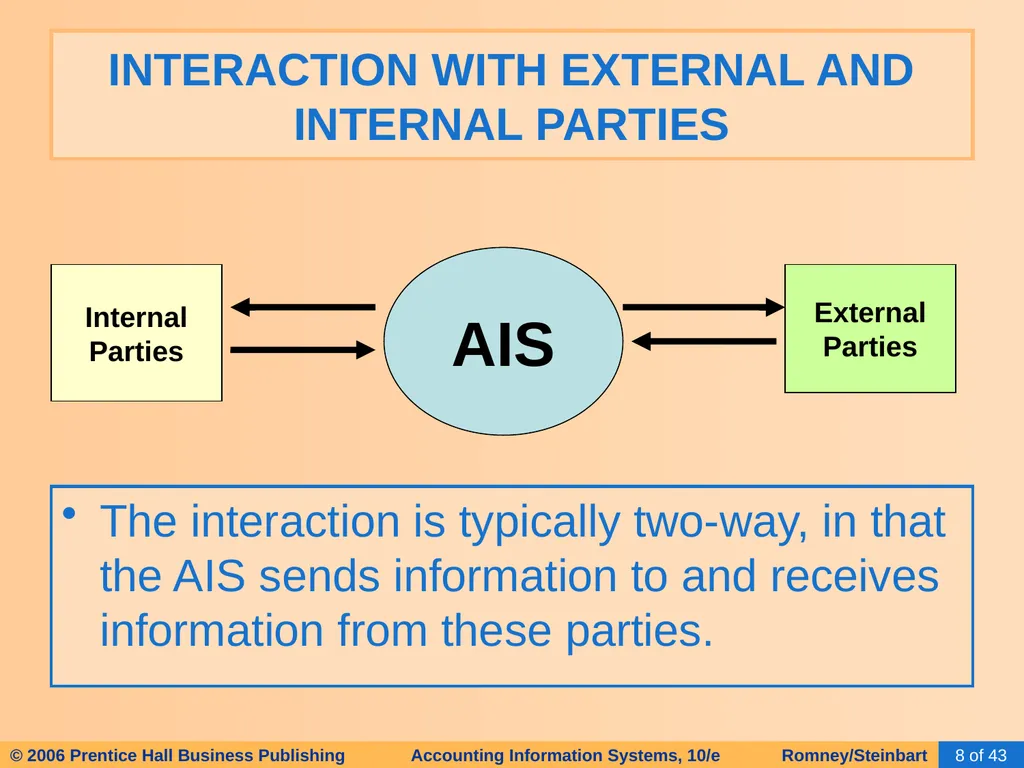
INTERACTION WITH EXTERNAL AND INTERNAL PARTIES The interaction is typically two-way, in that the AIS sends information to and receives information from these parties. AIS Internal
Parties External
Parties<br>
Parties External
Parties<br>
09
A transaction is:
An agreement between two entities to exchange goods or services; OR
Any other event that can be measured in economic terms by an organization.
EXAMPLES:
Sell goods to customers
Depreciate equipment BUSINESS CYCLES<br>
An agreement between two entities to exchange goods or services; OR
Any other event that can be measured in economic terms by an organization.
EXAMPLES:
Sell goods to customers
Depreciate equipment BUSINESS CYCLES<br>
10
The transaction cycle is a process:
Begins with capturing data about a transaction
Ends with an information output, such as financial statements BUSINESS CYCLES<br>
Begins with capturing data about a transaction
Ends with an information output, such as financial statements BUSINESS CYCLES<br>
11
Many business activities are paired in give-get exchanges
The basic exchanges can be grouped into five major transaction cycles.
Revenue cycle
Expenditure cycle
Production cycle
Human resources/payroll cycle
Financing cycle BUSINESS CYCLES<br>
The basic exchanges can be grouped into five major transaction cycles.
Revenue cycle
Expenditure cycle
Production cycle
Human resources/payroll cycle
Financing cycle BUSINESS CYCLES<br>
12
Many business activities are paired in give-get exchanges
The basic exchanges can be grouped into five major transaction cycles.
Revenue cycle
Expenditure cycle
Production cycle
Human resources/payroll cycle
Financing cycle BUSINESS CYCLES<br>
The basic exchanges can be grouped into five major transaction cycles.
Revenue cycle
Expenditure cycle
Production cycle
Human resources/payroll cycle
Financing cycle BUSINESS CYCLES<br>
13
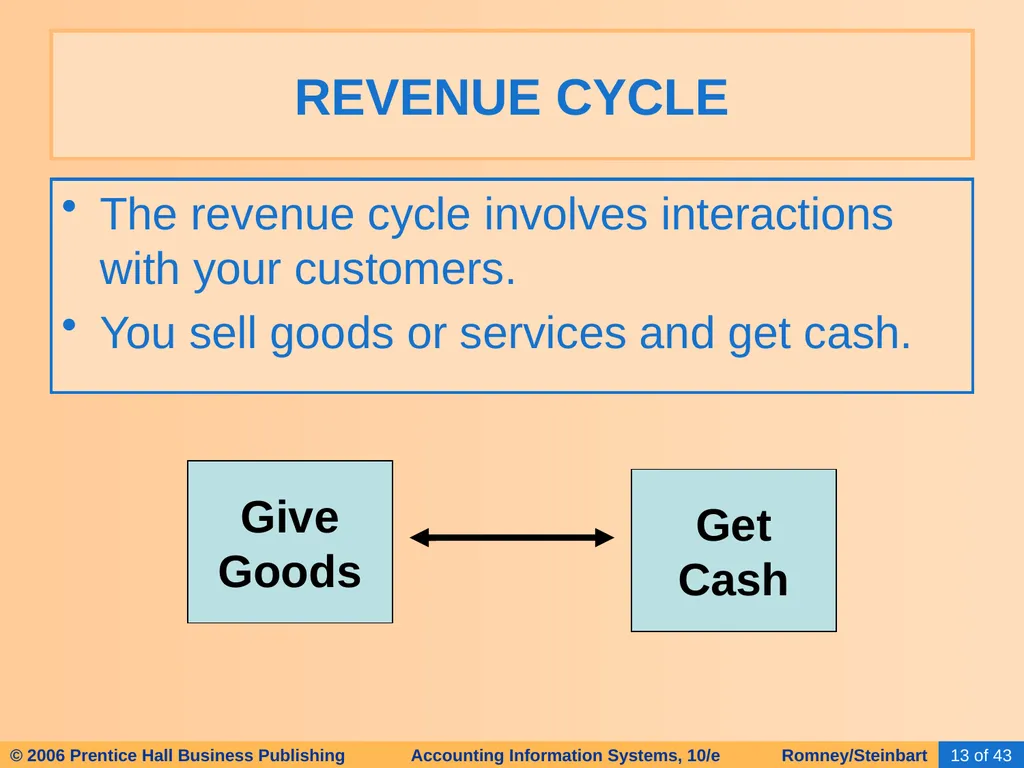
The revenue cycle involves interactions with your customers.
You sell goods or services and get cash. REVENUE CYCLE Give
Goods Get
Cash<br>
You sell goods or services and get cash. REVENUE CYCLE Give
Goods Get
Cash<br>
14
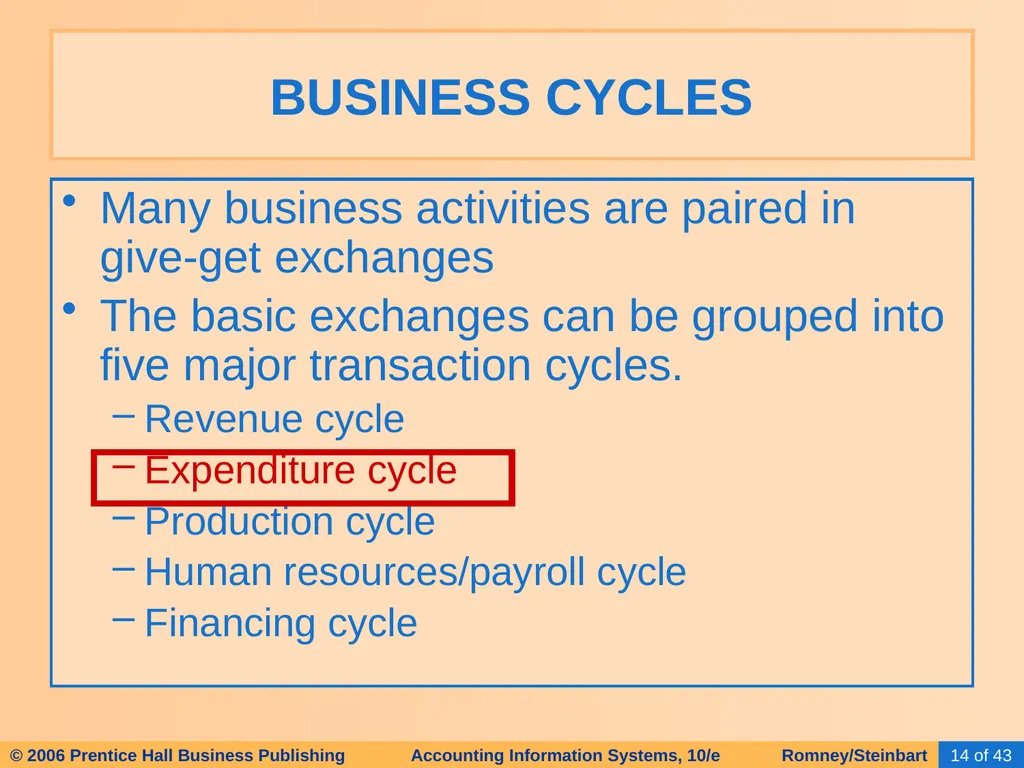
Many business activities are paired in give-get exchanges
The basic exchanges can be grouped into five major transaction cycles.
Revenue cycle
Expenditure cycle
Production cycle
Human resources/payroll cycle
Financing cycle BUSINESS CYCLES<br>
The basic exchanges can be grouped into five major transaction cycles.
Revenue cycle
Expenditure cycle
Production cycle
Human resources/payroll cycle
Financing cycle BUSINESS CYCLES<br>
15
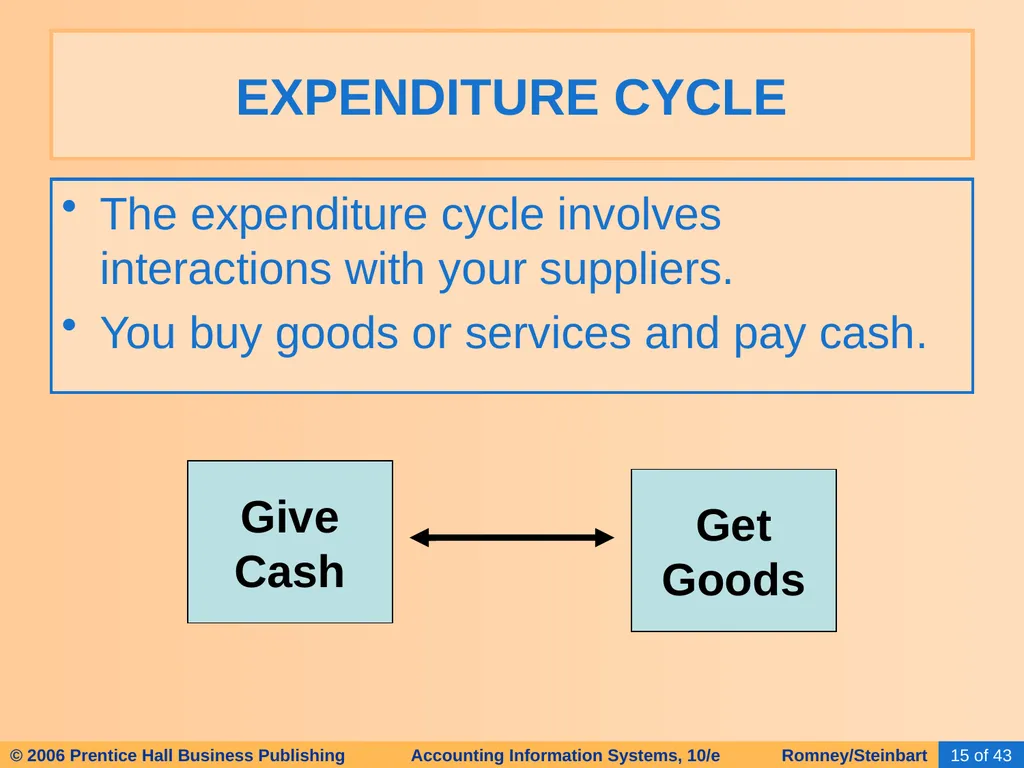
The expenditure cycle involves interactions with your suppliers.
You buy goods or services and pay cash. EXPENDITURE CYCLE Give
Cash Get
Goods<br>
You buy goods or services and pay cash. EXPENDITURE CYCLE Give
Cash Get
Goods<br>
16
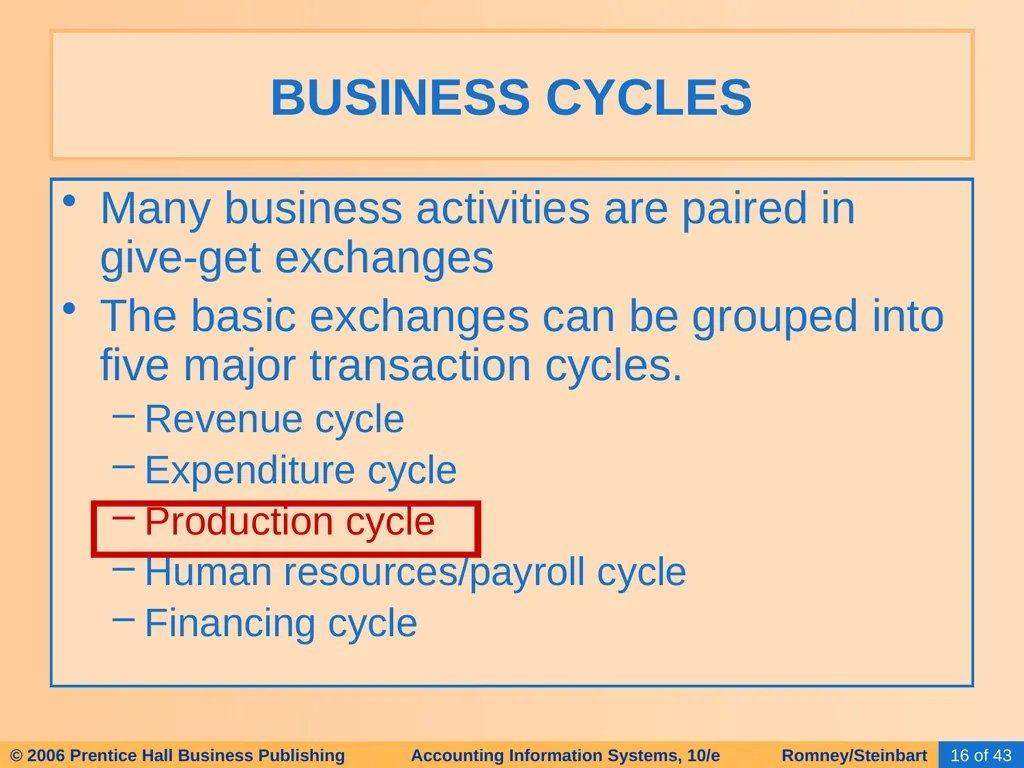
Many business activities are paired in give-get exchanges
The basic exchanges can be grouped into five major transaction cycles.
Revenue cycle
Expenditure cycle
Production cycle
Human resources/payroll cycle
Financing cycle BUSINESS CYCLES<br>
The basic exchanges can be grouped into five major transaction cycles.
Revenue cycle
Expenditure cycle
Production cycle
Human resources/payroll cycle
Financing cycle BUSINESS CYCLES<br>
17
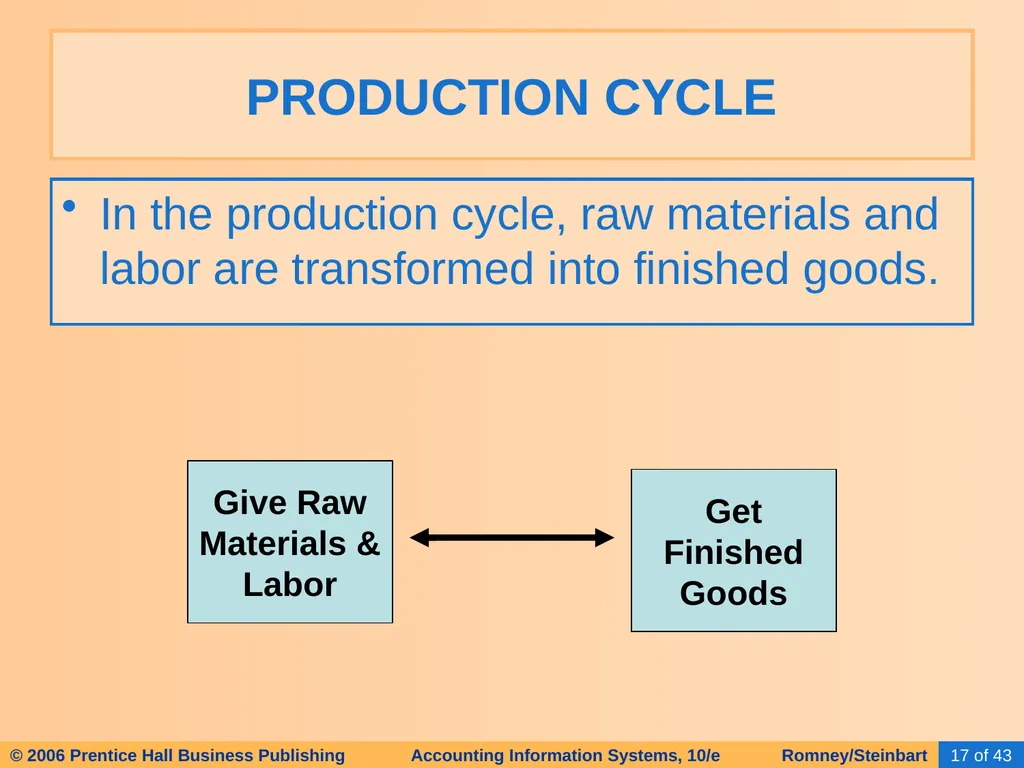
In the production cycle, raw materials and labor are transformed into finished goods. PRODUCTION CYCLE Give Raw
Materials &
Labor Get
Finished
Goods<br>
Materials &
Labor Get
Finished
Goods<br>
18
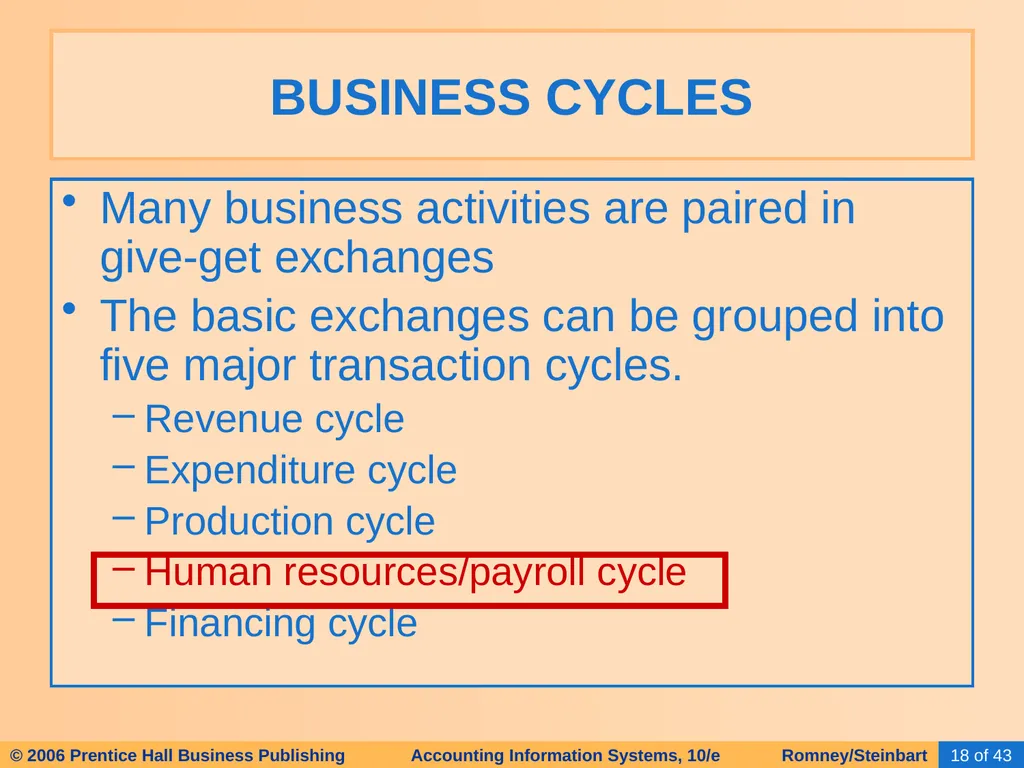
Many business activities are paired in give-get exchanges
The basic exchanges can be grouped into five major transaction cycles.
Revenue cycle
Expenditure cycle
Production cycle
Human resources/payroll cycle
Financing cycle BUSINESS CYCLES<br>
The basic exchanges can be grouped into five major transaction cycles.
Revenue cycle
Expenditure cycle
Production cycle
Human resources/payroll cycle
Financing cycle BUSINESS CYCLES<br>
19
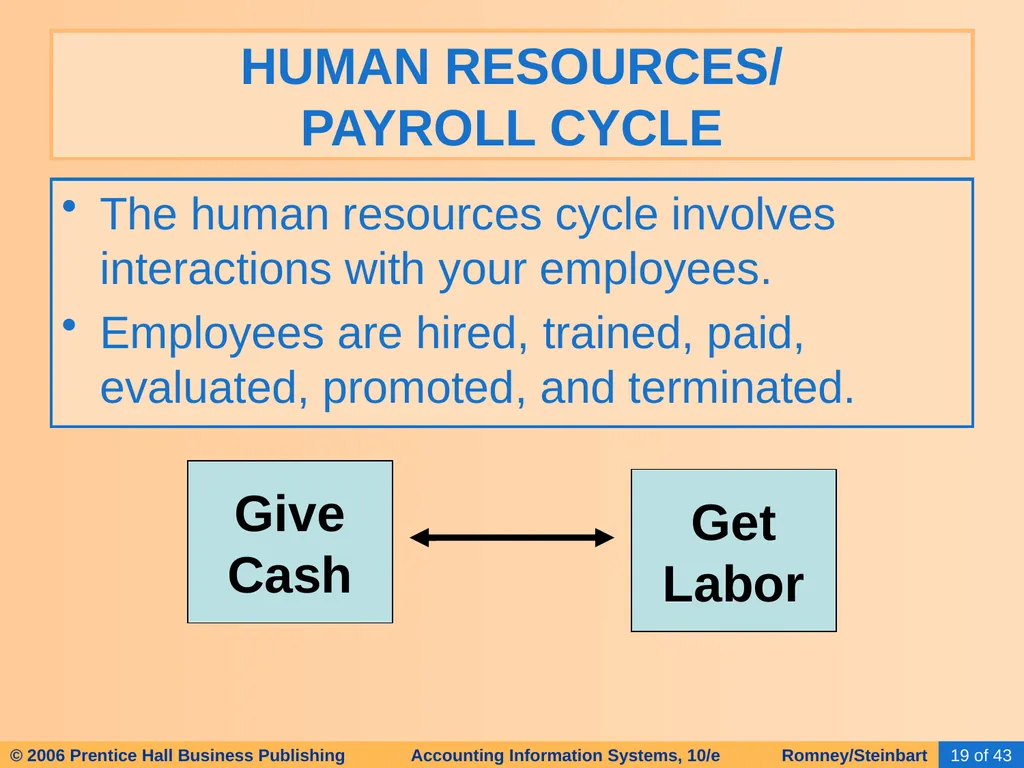
The human resources cycle involves interactions with your employees.
Employees are hired, trained, paid, evaluated, promoted, and terminated. HUMAN RESOURCES/ PAYROLL CYCLE Give
Cash Get
Labor<br>
Employees are hired, trained, paid, evaluated, promoted, and terminated. HUMAN RESOURCES/ PAYROLL CYCLE Give
Cash Get
Labor<br>
20
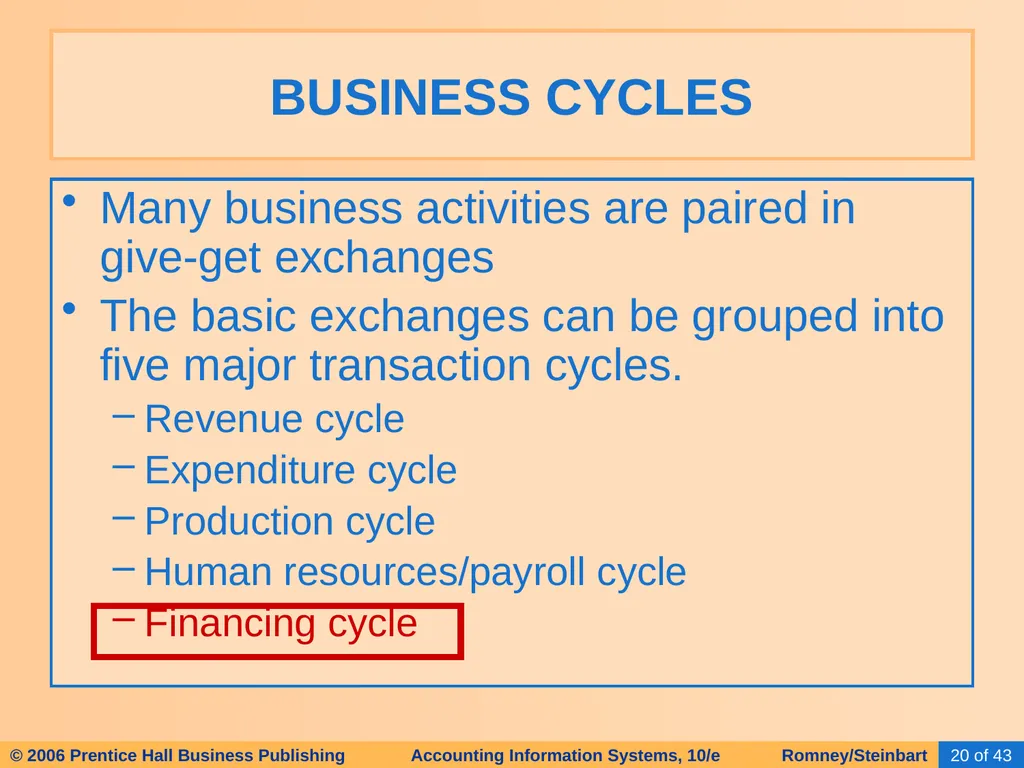
Many business activities are paired in give-get exchanges
The basic exchanges can be grouped into five major transaction cycles.
Revenue cycle
Expenditure cycle
Production cycle
Human resources/payroll cycle
Financing cycle BUSINESS CYCLES<br>
The basic exchanges can be grouped into five major transaction cycles.
Revenue cycle
Expenditure cycle
Production cycle
Human resources/payroll cycle
Financing cycle BUSINESS CYCLES<br>
21
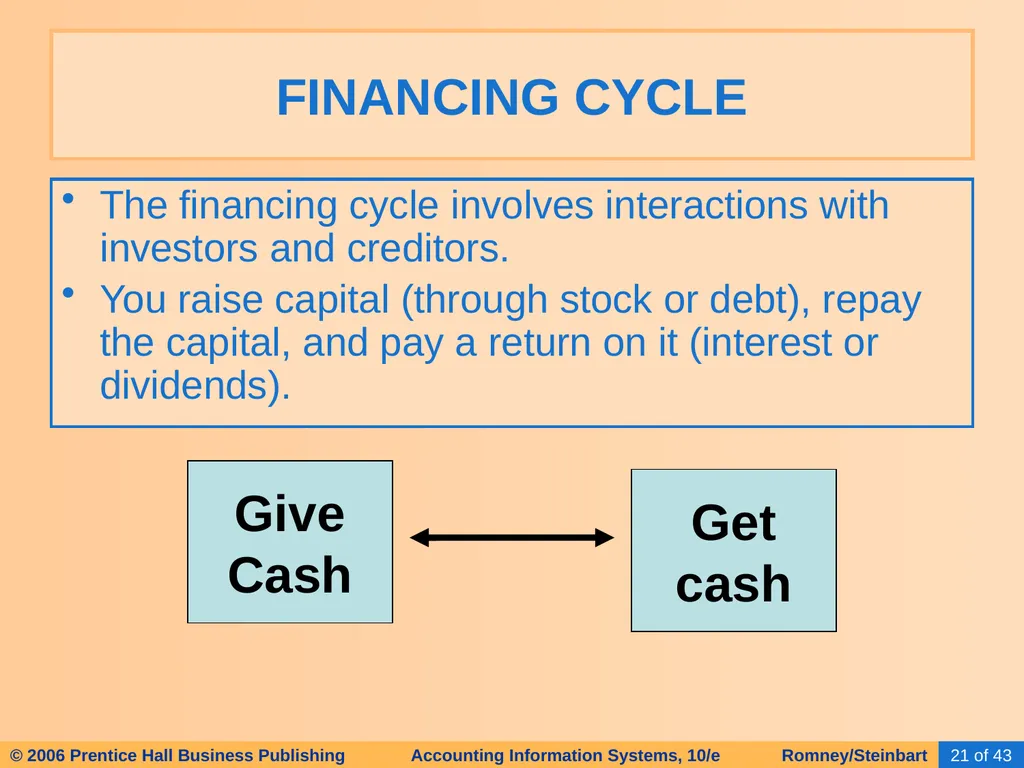
The financing cycle involves interactions with investors and creditors.
You raise capital (through stock or debt), repay the capital, and pay a return on it (interest or dividends). FINANCING CYCLE Give
Cash Get
cash<br>
You raise capital (through stock or debt), repay the capital, and pay a return on it (interest or dividends). FINANCING CYCLE Give
Cash Get
cash<br>
22
Thousands of transactions can occur within any of these cycles.
But there are relatively few types of transactions in a cycle. BUSINESS CYCLES<br>
But there are relatively few types of transactions in a cycle. BUSINESS CYCLES<br>
23
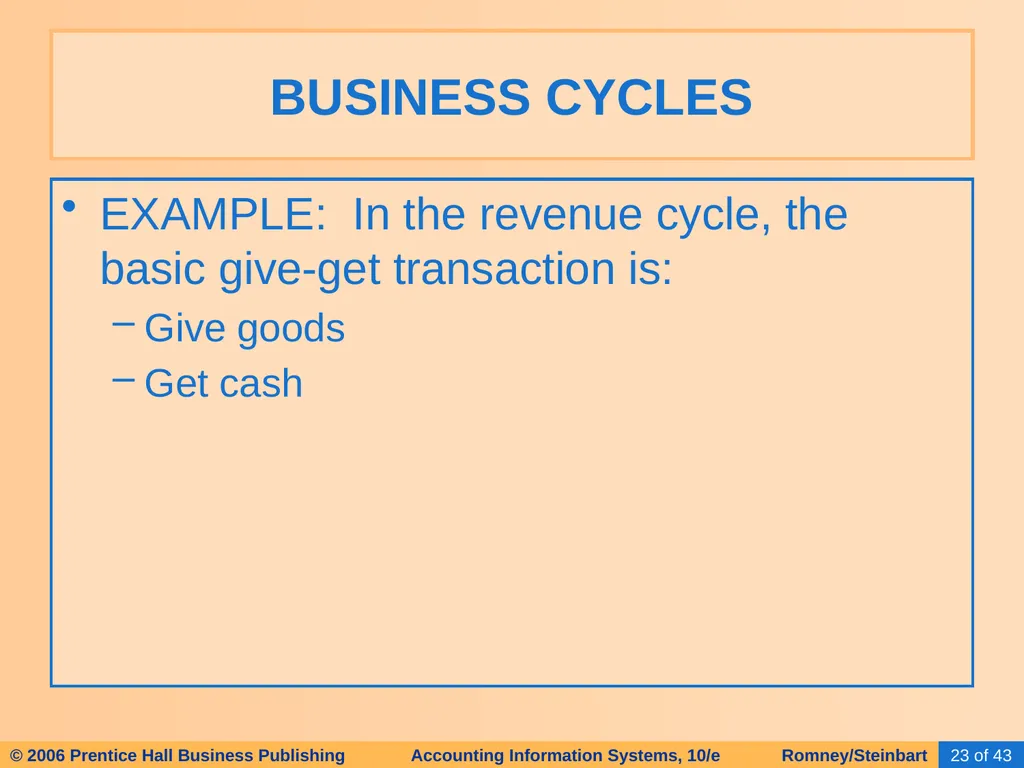
EXAMPLE: In the revenue cycle, the basic give-get transaction is:
Give goods
Get cash BUSINESS CYCLES<br>
Give goods
Get cash BUSINESS CYCLES<br>
24
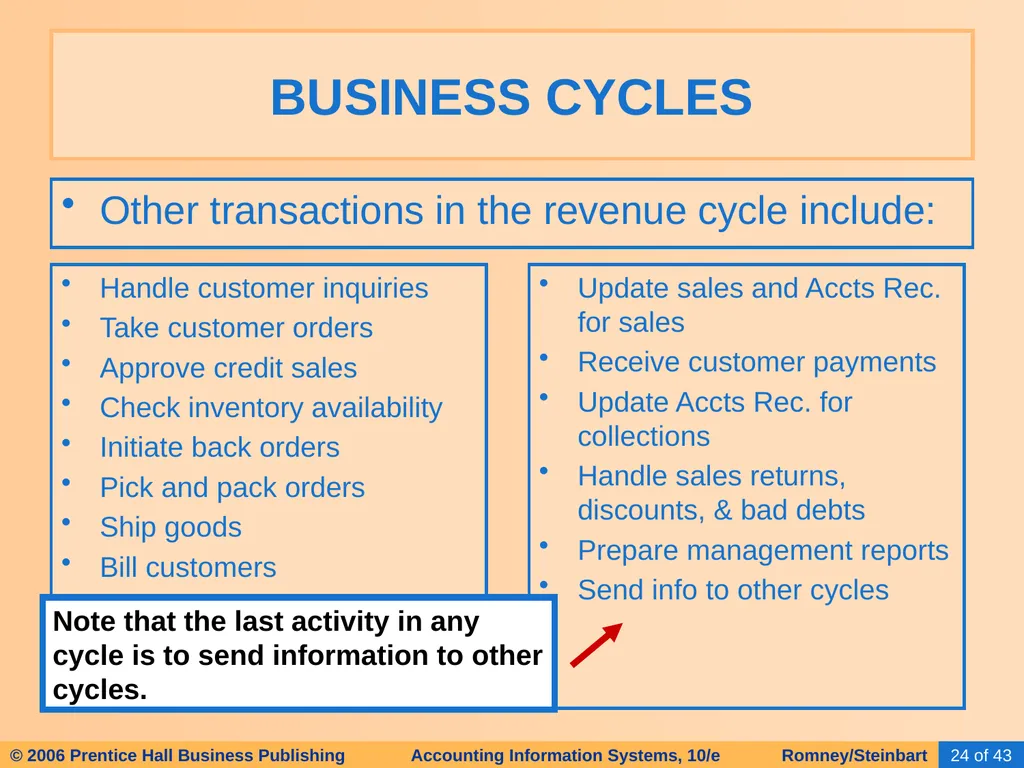
Other transactions in the revenue cycle include: BUSINESS CYCLES Handle customer inquiries
Take customer orders
Approve credit sales
Check inventory availability
Initiate back orders
Pick and pack orders
Ship goods
Bill customers Update sales and Accts Rec. for sales
Receive customer payments
Update Accts Rec. for collections
Handle sales returns, discounts, & bad debts
Prepare management reports
Send info to other cycles Note that the last activity in any cycle is to send information to other cycles.<br>
Take customer orders
Approve credit sales
Check inventory availability
Initiate back orders
Pick and pack orders
Ship goods
Bill customers Update sales and Accts Rec. for sales
Receive customer payments
Update Accts Rec. for collections
Handle sales returns, discounts, & bad debts
Prepare management reports
Send info to other cycles Note that the last activity in any cycle is to send information to other cycles.<br>
25
Click on the buttons below if you wish to see the transactions that occur in the other cycles: BUSINESS CYCLES Expenditure
Cycle Human Res./
Payroll Cycle Production
Cycle Financing
Cycle<br>
Cycle Human Res./
Payroll Cycle Production
Cycle Financing
Cycle<br>
26
Transactions in the expenditure cycle: BUSINESS CYCLES MAJOR GIVE-GET:
Give cash; get goods or services
OTHER TRANSACTIONS
Requisition goods and services
Process purchase orders to vendors
Receive goods and services
Store goods
Receive vendor invoices Update accounts payable for purchase
Approve invoices for payment
Pay vendors
Update accounts payable for payment
Handle purchase returns, discounts, and allowances
Prepare management reports
Send info to other cycles<br>
Give cash; get goods or services
OTHER TRANSACTIONS
Requisition goods and services
Process purchase orders to vendors
Receive goods and services
Store goods
Receive vendor invoices Update accounts payable for purchase
Approve invoices for payment
Pay vendors
Update accounts payable for payment
Handle purchase returns, discounts, and allowances
Prepare management reports
Send info to other cycles<br>
27
Transactions in the HR/payroll cycle: BUSINESS CYCLES MAJOR GIVE-GET:
Give cash; get labor
OTHER TRANSACTIONS
Recruit, hire, and train employees
Evaluate and promote employees
Discharge employees
Update payroll records Pay employees
Process timecard and commission data
Prepare and distribute payroll
Calculate and disburse tax and benefit payments
Prepare management reports
Send info to other cycles<br>
Give cash; get labor
OTHER TRANSACTIONS
Recruit, hire, and train employees
Evaluate and promote employees
Discharge employees
Update payroll records Pay employees
Process timecard and commission data
Prepare and distribute payroll
Calculate and disburse tax and benefit payments
Prepare management reports
Send info to other cycles<br>
28
Transactions in the production cycle: BUSINESS CYCLES MAJOR GIVE-GET:
Give labor and raw materials; Get finished goods
OTHER TRANSACTIONS
Design products
Forecast, plan, and schedule production
Requisition raw materials
Manufacture products Store finished goods
Accumulate costs for products
Prepare management reports
Send info to other cycles<br>
Give labor and raw materials; Get finished goods
OTHER TRANSACTIONS
Design products
Forecast, plan, and schedule production
Requisition raw materials
Manufacture products Store finished goods
Accumulate costs for products
Prepare management reports
Send info to other cycles<br>
29
Transactions in the financing cycle: BUSINESS CYCLES MAJOR GIVE-GET:
Give cash; get cash
OTHER TRANSACTIONS
Forecast cash needs
Sell securities to investors
Borrow money from lenders Pay dividends to investors and interest to lenders
Retire debt
Prepare management reports
Send info to other cycles<br>
Give cash; get cash
OTHER TRANSACTIONS
Forecast cash needs
Sell securities to investors
Borrow money from lenders Pay dividends to investors and interest to lenders
Retire debt
Prepare management reports
Send info to other cycles<br>
30
Every transaction cycle:
Relates to other cycles
Interfaces with the general ledger and reporting system, which generates information for management and external parties. BUSINESS CYCLES<br>
Relates to other cycles
Interfaces with the general ledger and reporting system, which generates information for management and external parties. BUSINESS CYCLES<br>
31
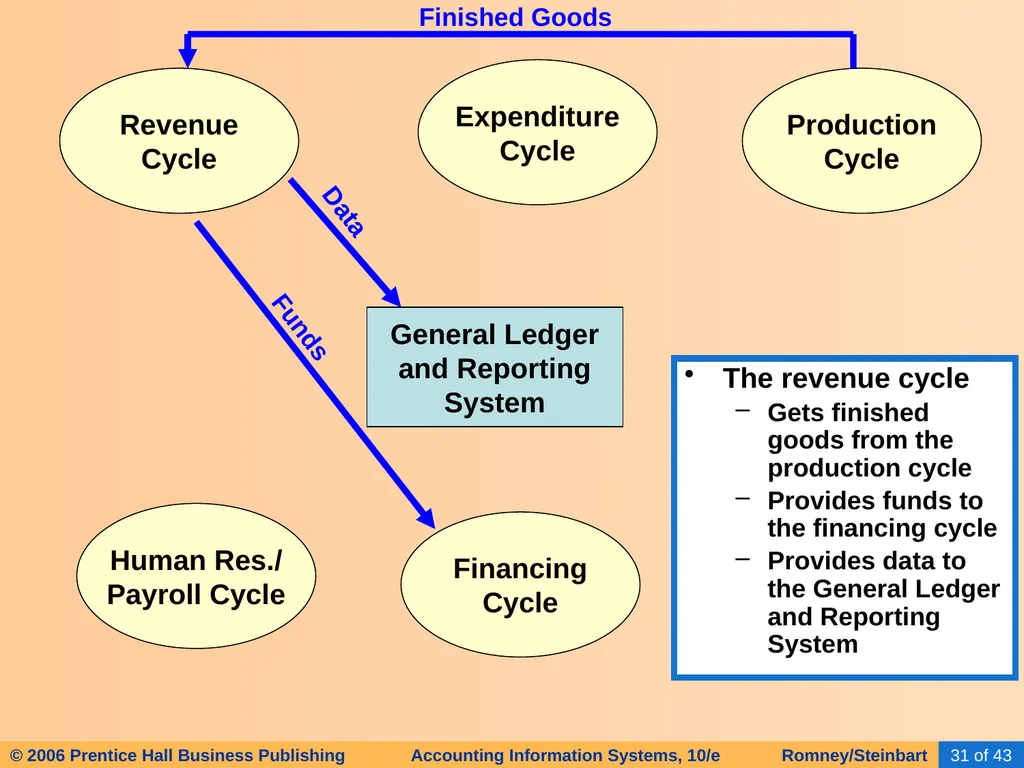
General Ledger
and Reporting
System Revenue
Cycle Expenditure
Cycle Production
Cycle Human Res./
Payroll Cycle Financing
Cycle The revenue cycle
Gets finished goods from the production cycle
Provides funds to the financing cycle
Provides data to the General Ledger and Reporting System Finished Goods Funds Data<br>
and Reporting
System Revenue
Cycle Expenditure
Cycle Production
Cycle Human Res./
Payroll Cycle Financing
Cycle The revenue cycle
Gets finished goods from the production cycle
Provides funds to the financing cycle
Provides data to the General Ledger and Reporting System Finished Goods Funds Data<br>
32
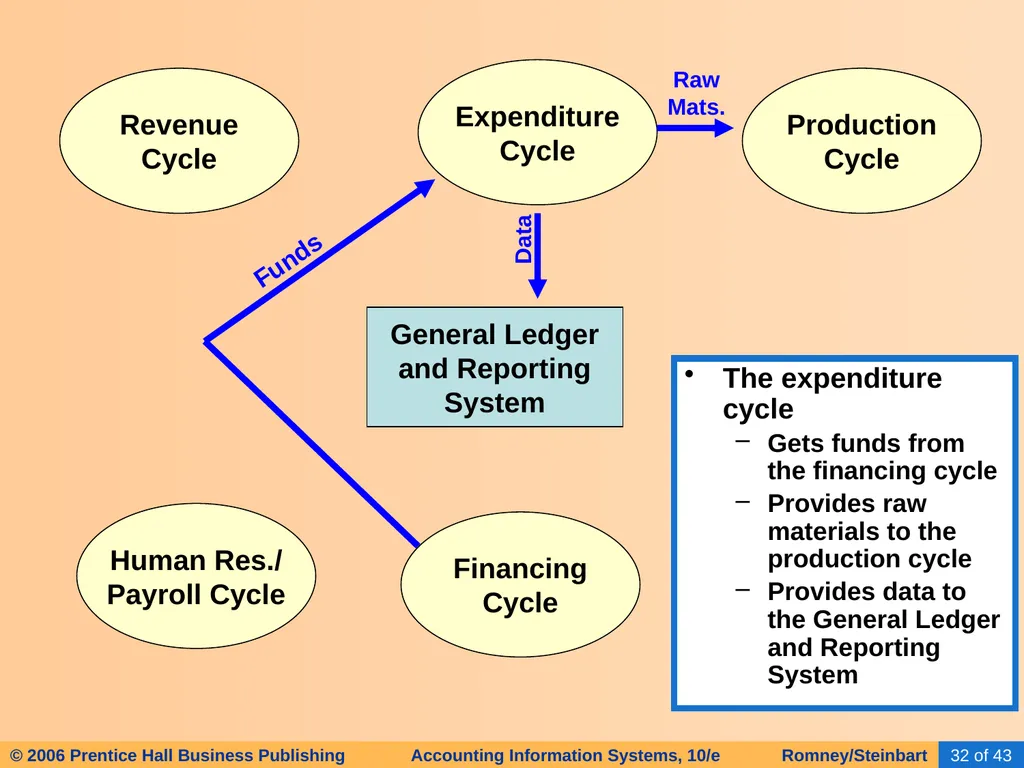
General Ledger
and Reporting
System Revenue
Cycle Expenditure
Cycle Production
Cycle Human Res./
Payroll Cycle Financing
Cycle The expenditure cycle
Gets funds from the financing cycle
Provides raw materials to the production cycle
Provides data to the General Ledger and Reporting System Funds Raw
Mats. Data<br>
and Reporting
System Revenue
Cycle Expenditure
Cycle Production
Cycle Human Res./
Payroll Cycle Financing
Cycle The expenditure cycle
Gets funds from the financing cycle
Provides raw materials to the production cycle
Provides data to the General Ledger and Reporting System Funds Raw
Mats. Data<br>
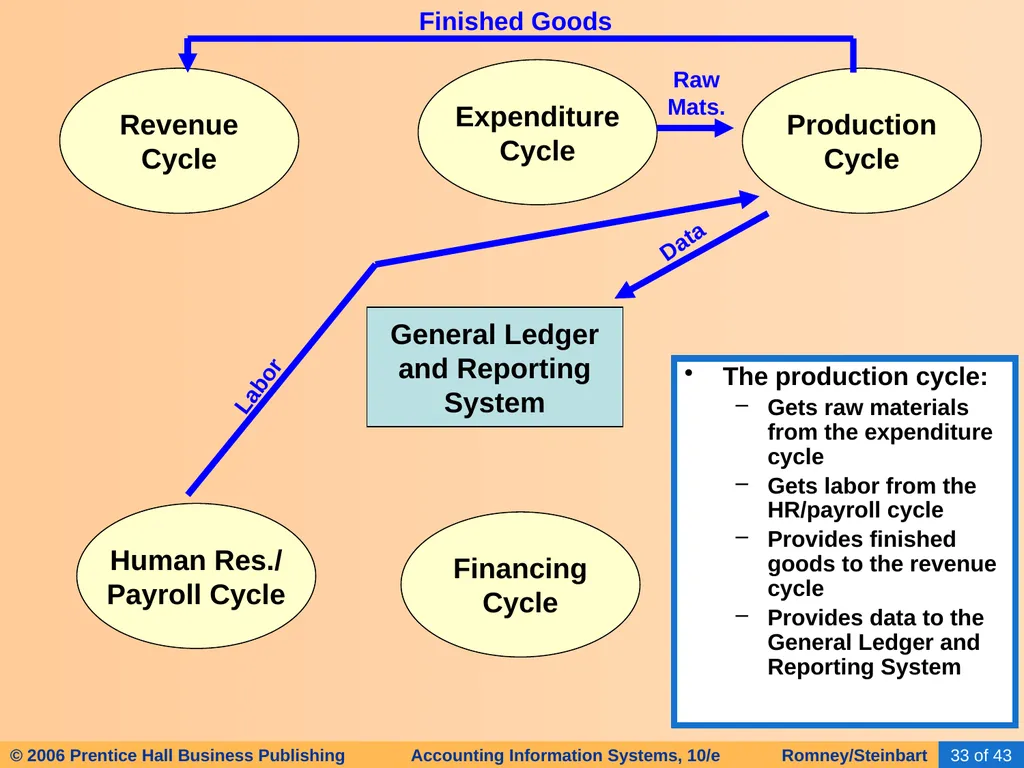
33
General Ledger
and Reporting
System Revenue
Cycle Expenditure
Cycle Production
Cycle Human Res./
Payroll Cycle Financing
Cycle The production cycle:
Gets raw materials from the expenditure cycle
Gets labor from the HR/payroll cycle
Provides finished goods to the revenue cycle
Provides data to the General Ledger and Reporting System Raw
Mats. Data Finished Goods Labor<br>
and Reporting
System Revenue
Cycle Expenditure
Cycle Production
Cycle Human Res./
Payroll Cycle Financing
Cycle The production cycle:
Gets raw materials from the expenditure cycle
Gets labor from the HR/payroll cycle
Provides finished goods to the revenue cycle
Provides data to the General Ledger and Reporting System Raw
Mats. Data Finished Goods Labor<br>
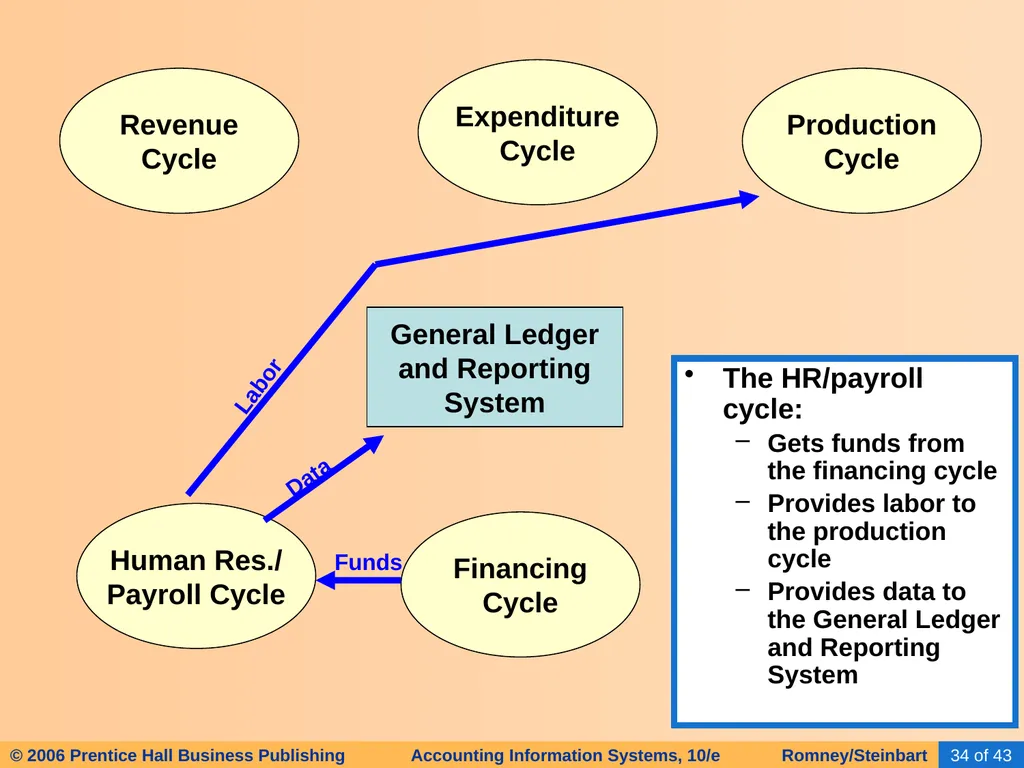
34
General Ledger
and Reporting
System Revenue
Cycle Expenditure
Cycle Production
Cycle Human Res./
Payroll Cycle Financing
Cycle The HR/payroll cycle:
Gets funds from the financing cycle
Provides labor to the production cycle
Provides data to the General Ledger and Reporting System Labor Funds Data<br>
and Reporting
System Revenue
Cycle Expenditure
Cycle Production
Cycle Human Res./
Payroll Cycle Financing
Cycle The HR/payroll cycle:
Gets funds from the financing cycle
Provides labor to the production cycle
Provides data to the General Ledger and Reporting System Labor Funds Data<br>
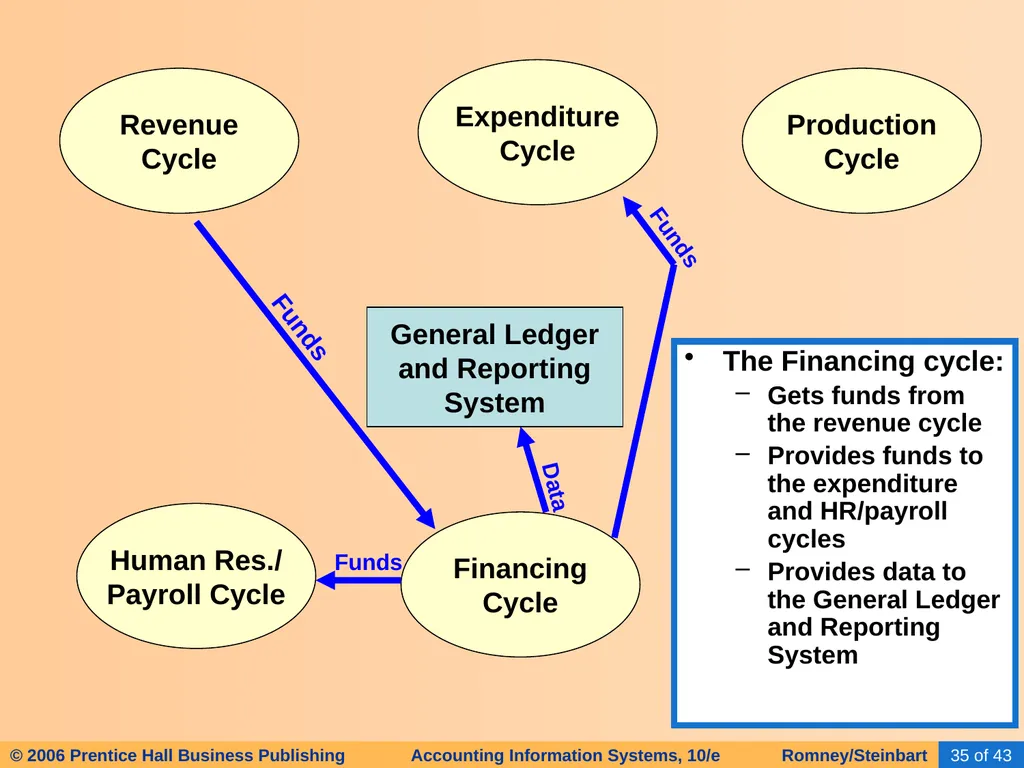
35
General Ledger
and Reporting
System Revenue
Cycle Expenditure
Cycle Production
Cycle Human Res./
Payroll Cycle Financing
Cycle The Financing cycle:
Gets funds from the revenue cycle
Provides funds to the expenditure and HR/payroll cycles
Provides data to the General Ledger and Reporting System Funds Data Funds Funds<br>
and Reporting
System Revenue
Cycle Expenditure
Cycle Production
Cycle Human Res./
Payroll Cycle Financing
Cycle The Financing cycle:
Gets funds from the revenue cycle
Provides funds to the expenditure and HR/payroll cycles
Provides data to the General Ledger and Reporting System Funds Data Funds Funds<br>
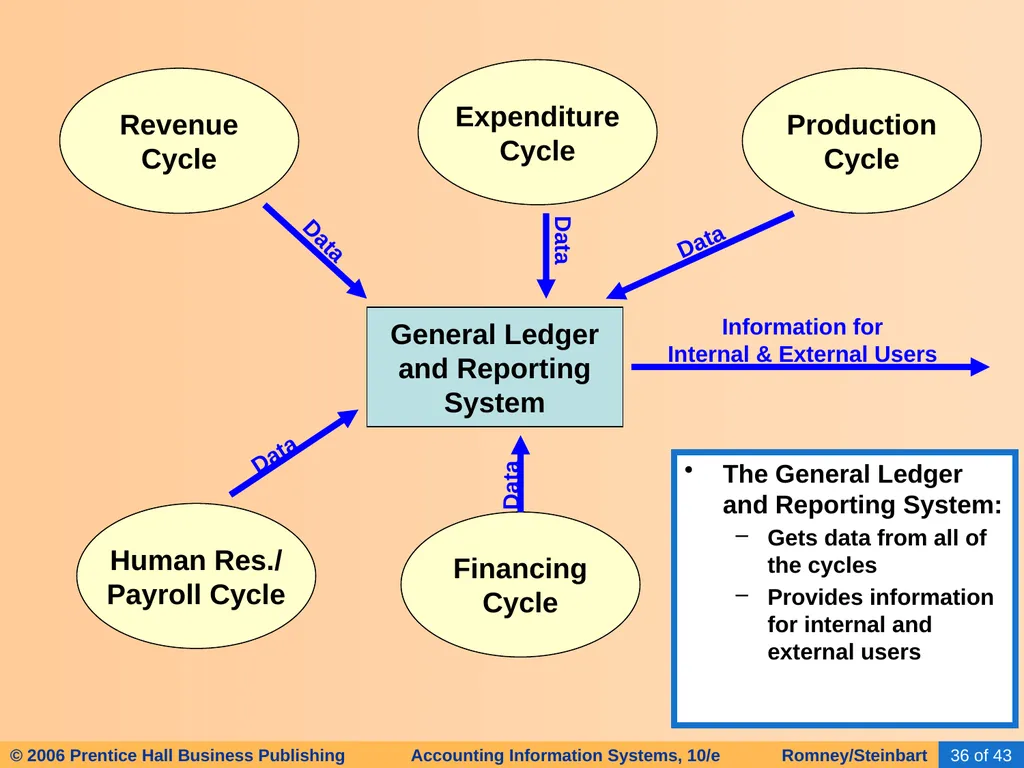
36
General Ledger
and Reporting
System Revenue
Cycle Expenditure
Cycle Production
Cycle Human Res./
Payroll Cycle Financing
Cycle The General Ledger and Reporting System:
Gets data from all of the cycles
Provides information for internal and external users Information for
Internal & External Users Data Data Data Data Data<br>
and Reporting
System Revenue
Cycle Expenditure
Cycle Production
Cycle Human Res./
Payroll Cycle Financing
Cycle The General Ledger and Reporting System:
Gets data from all of the cycles
Provides information for internal and external users Information for
Internal & External Users Data Data Data Data Data<br>
37
Many accounting software packages implement the different transaction cycles as separate modules.
Not every module is needed in every organization, e.g., retail companies don’t have a production cycle.
Some companies may need extra modules.
The implementation of each transaction cycle can differ significantly across companies. BUSINESS CYCLES<br>
Not every module is needed in every organization, e.g., retail companies don’t have a production cycle.
Some companies may need extra modules.
The implementation of each transaction cycle can differ significantly across companies. BUSINESS CYCLES<br>
38
However the cycles are implemented, it is critical that the AIS be able to:
Accommodate the information needs of managers
Integrate financial and nonfinancial data. BUSINESS CYCLES<br>
Accommodate the information needs of managers
Integrate financial and nonfinancial data. BUSINESS CYCLES<br>
39
Accountants play an important role in data processing. They answer questions such as:
What data should be entered and stored?
Who should be able to access the data?
How should the data be organized, updated, stored, accessed, and retrieved?
How can scheduled and unanticipated information needs be met.
To answer these questions, they must understand data processing concepts. TRANSACTION PROCESSING: THE DATA PROCESSING CYCLE<br>
What data should be entered and stored?
Who should be able to access the data?
How should the data be organized, updated, stored, accessed, and retrieved?
How can scheduled and unanticipated information needs be met.
To answer these questions, they must understand data processing concepts. TRANSACTION PROCESSING: THE DATA PROCESSING CYCLE<br>
40
An important function of the AIS is to efficiently and effectively process the data about a company’s transactions.
In manual systems, data is entered into paper journals and ledgers.
In computer-based systems, the series of operations performed on data is referred to as the data processing cycle. TRANSACTION PROCESSING: THE DATA PROCESSING CYCLE<br>
In manual systems, data is entered into paper journals and ledgers.
In computer-based systems, the series of operations performed on data is referred to as the data processing cycle. TRANSACTION PROCESSING: THE DATA PROCESSING CYCLE<br>
41
The data processing cycle consists of four steps:
Data input
Data storage
Data processing
Information output TRANSACTION PROCESSING: THE DATA PROCESSING CYCLE<br>
Data input
Data storage
Data processing
Information output TRANSACTION PROCESSING: THE DATA PROCESSING CYCLE<br>
42
The data processing cycle consists of four steps:
Data input
Data storage
Data processing
Information output TRANSACTION PROCESSING: THE DATA PROCESSING CYCLE<br>
Data input
Data storage
Data processing
Information output TRANSACTION PROCESSING: THE DATA PROCESSING CYCLE<br>
43
The first step in data processing is to capture the data.
Usually triggered by a business activity.
Data is captured about:
The event that occurred
The resources affected by the event
The agents who participated DATA INPUT<br>
Usually triggered by a business activity.
Data is captured about:
The event that occurred
The resources affected by the event
The agents who participated DATA INPUT<br>
44
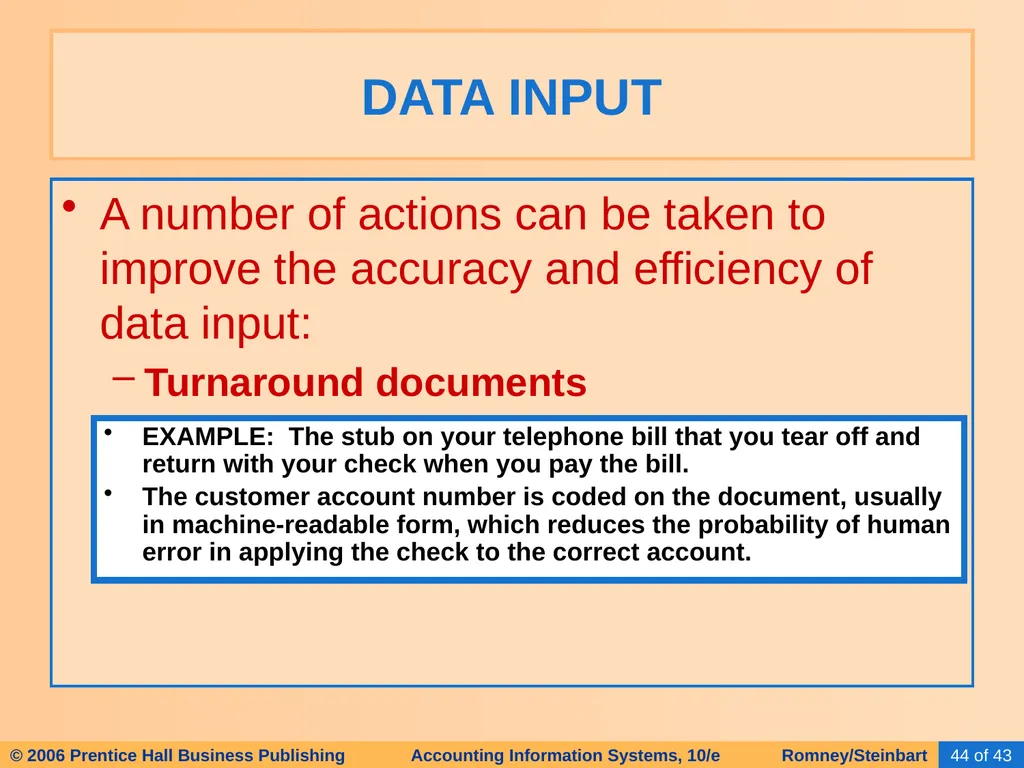
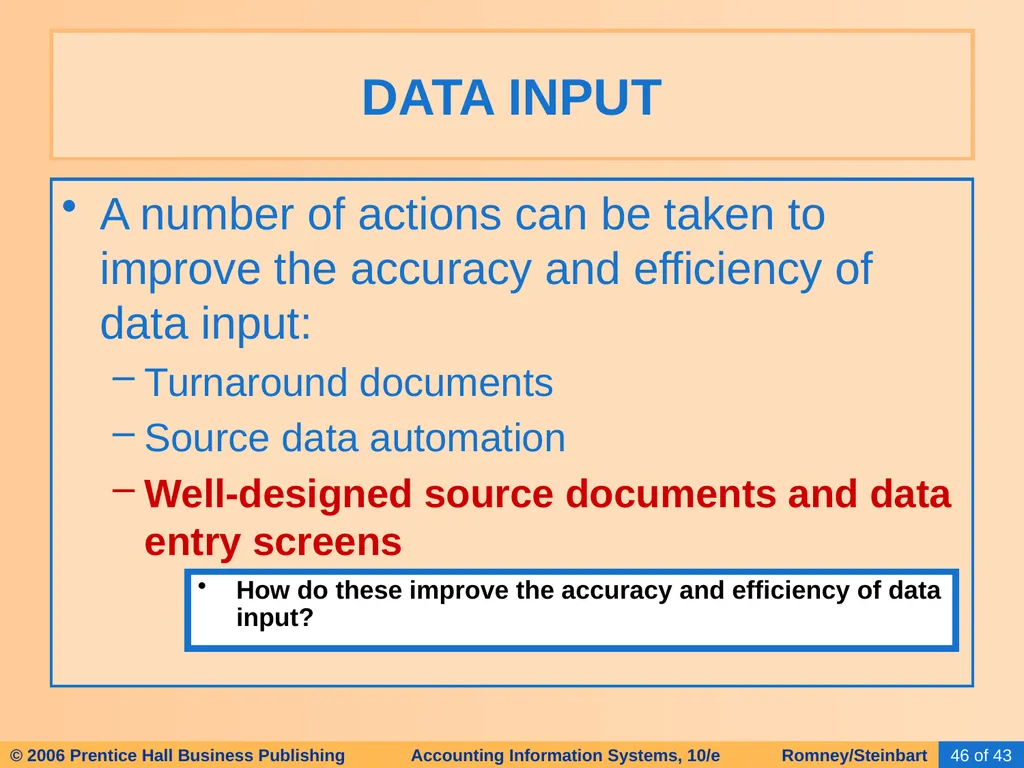
A number of actions can be taken to improve the accuracy and efficiency of data input:
Turnaround documents DATA INPUT EXAMPLE: The stub on your telephone bill that you tear off and return with your check when you pay the bill.
The customer account number is coded on the document, usually in machine-readable form, which reduces the probability of human error in applying the check to the correct account.<br>
Turnaround documents DATA INPUT EXAMPLE: The stub on your telephone bill that you tear off and return with your check when you pay the bill.
The customer account number is coded on the document, usually in machine-readable form, which reduces the probability of human error in applying the check to the correct account.<br>
45
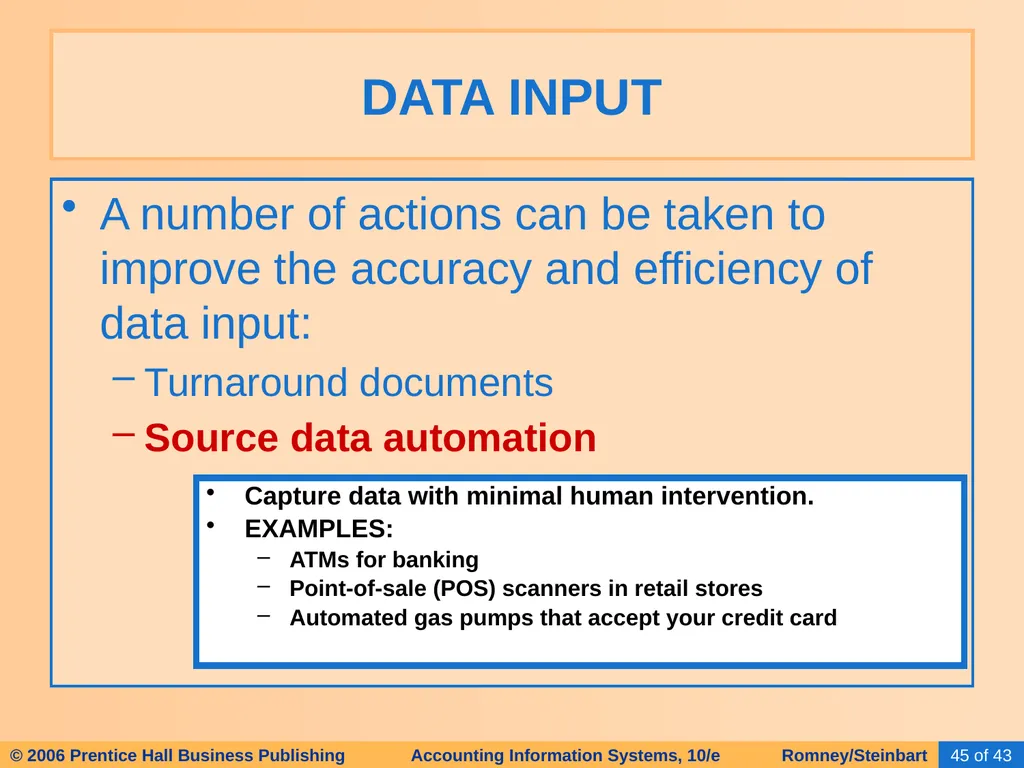
A number of actions can be taken to improve the accuracy and efficiency of data input:
Turnaround documents
Source data automation DATA INPUT Capture data with minimal human intervention.
EXAMPLES:
ATMs for banking
Point-of-sale (POS) scanners in retail stores
Automated gas pumps that accept your credit card<br>
Turnaround documents
Source data automation DATA INPUT Capture data with minimal human intervention.
EXAMPLES:
ATMs for banking
Point-of-sale (POS) scanners in retail stores
Automated gas pumps that accept your credit card<br>
46
A number of actions can be taken to improve the accuracy and efficiency of data input:
Turnaround documents
Source data automation
Well-designed source documents and data entry screens DATA INPUT How do these improve the accuracy and efficiency of data input?<br>
Turnaround documents
Source data automation
Well-designed source documents and data entry screens DATA INPUT How do these improve the accuracy and efficiency of data input?<br>
47
A number of actions can be taken to improve the accuracy and efficiency of data input:
Turnaround documents
Source data automation
Well-designed source documents and data entry screens
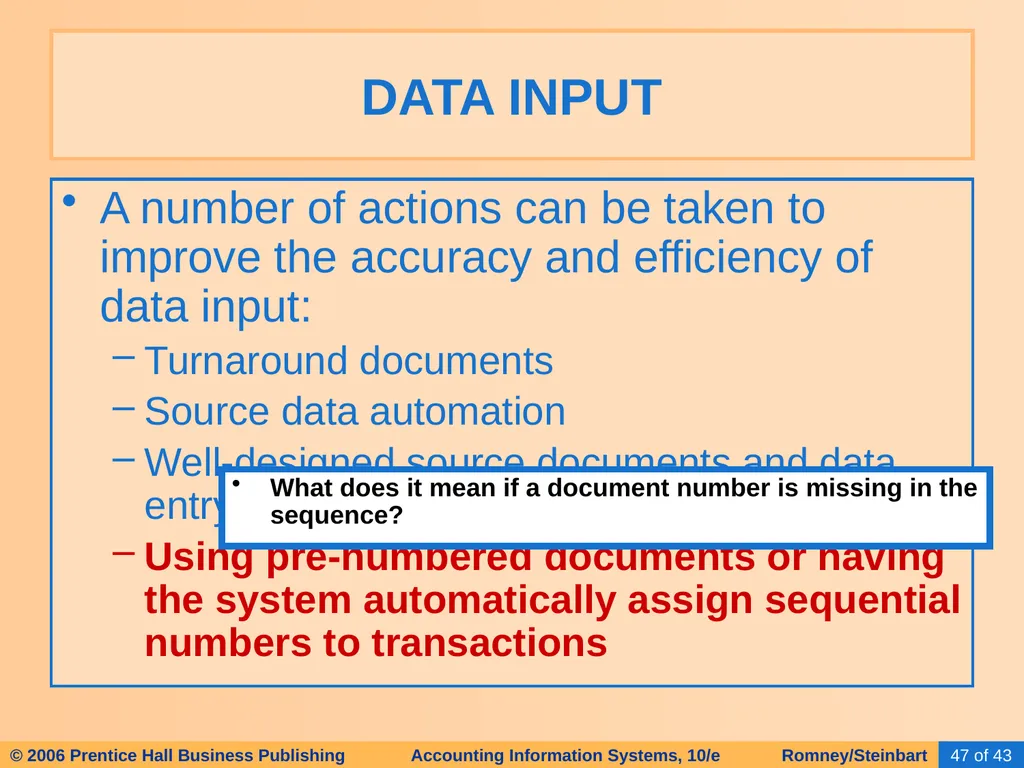
Using pre-numbered documents or having the system automatically assign sequential numbers to transactions DATA INPUT What does it mean if a document number is missing in the sequence?<br>
Turnaround documents
Source data automation
Well-designed source documents and data entry screens
Using pre-numbered documents or having the system automatically assign sequential numbers to transactions DATA INPUT What does it mean if a document number is missing in the sequence?<br>
48
A number of actions can be taken to improve the accuracy and efficiency of data input:
Turnaround documents
Source data automation
Well-designed source documents and data entry screens
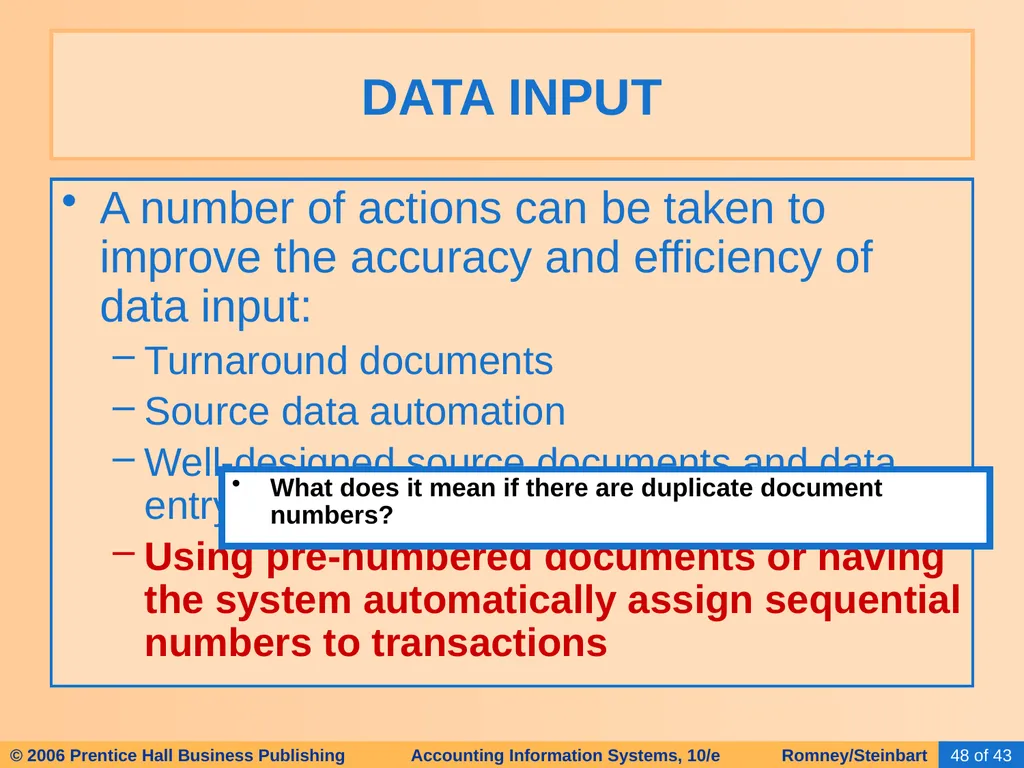
Using pre-numbered documents or having the system automatically assign sequential numbers to transactions DATA INPUT What does it mean if there are duplicate document numbers?<br>
Turnaround documents
Source data automation
Well-designed source documents and data entry screens
Using pre-numbered documents or having the system automatically assign sequential numbers to transactions DATA INPUT What does it mean if there are duplicate document numbers?<br>
49
A number of actions can be taken to improve the accuracy and efficiency of data input:
Turnaround documents
Source data automation
Well-designed source documents and data entry screens
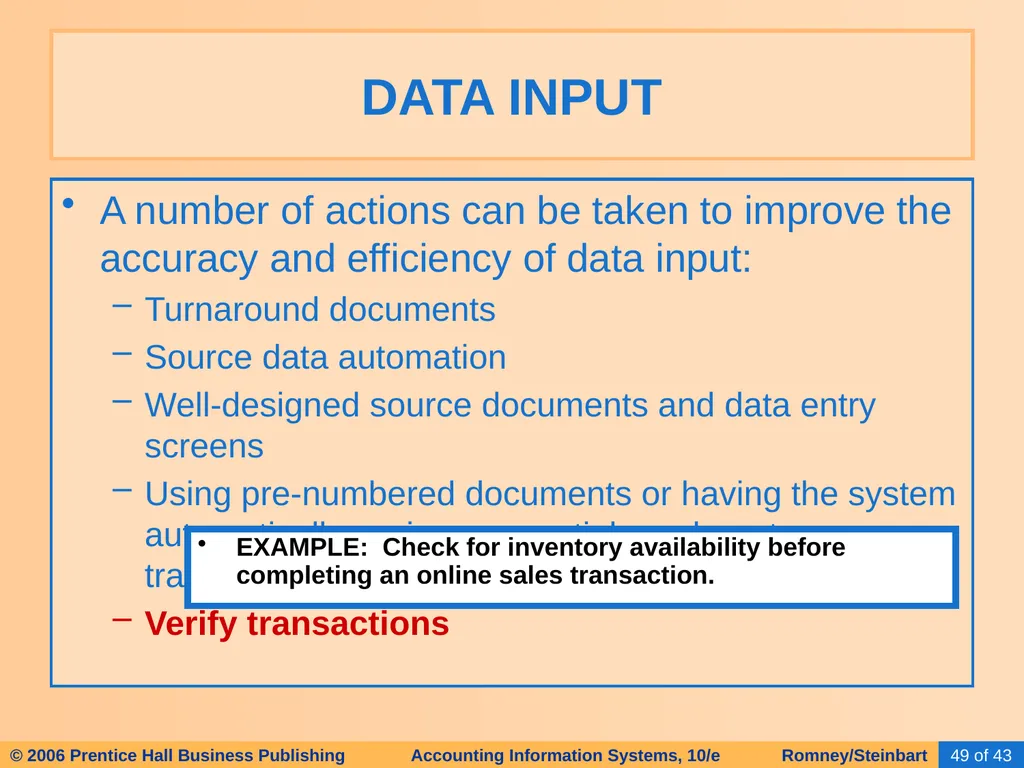
Using pre-numbered documents or having the system automatically assign sequential numbers to transactions
Verify transactions DATA INPUT EXAMPLE: Check for inventory availability before completing an online sales transaction.<br>
Turnaround documents
Source data automation
Well-designed source documents and data entry screens
Using pre-numbered documents or having the system automatically assign sequential numbers to transactions
Verify transactions DATA INPUT EXAMPLE: Check for inventory availability before completing an online sales transaction.<br>
50
The data processing cycle consists of four steps:
Data input
Data storage
Data processing
Information output TRANSACTION PROCESSING: THE DATA PROCESSING CYCLE<br>
Data input
Data storage
Data processing
Information output TRANSACTION PROCESSING: THE DATA PROCESSING CYCLE<br>
51
Data needs to be organized for easy and efficient access.
Let’s start with some vocabulary terms with respect to data storage. DATA STORAGE<br>
Let’s start with some vocabulary terms with respect to data storage. DATA STORAGE<br>
52
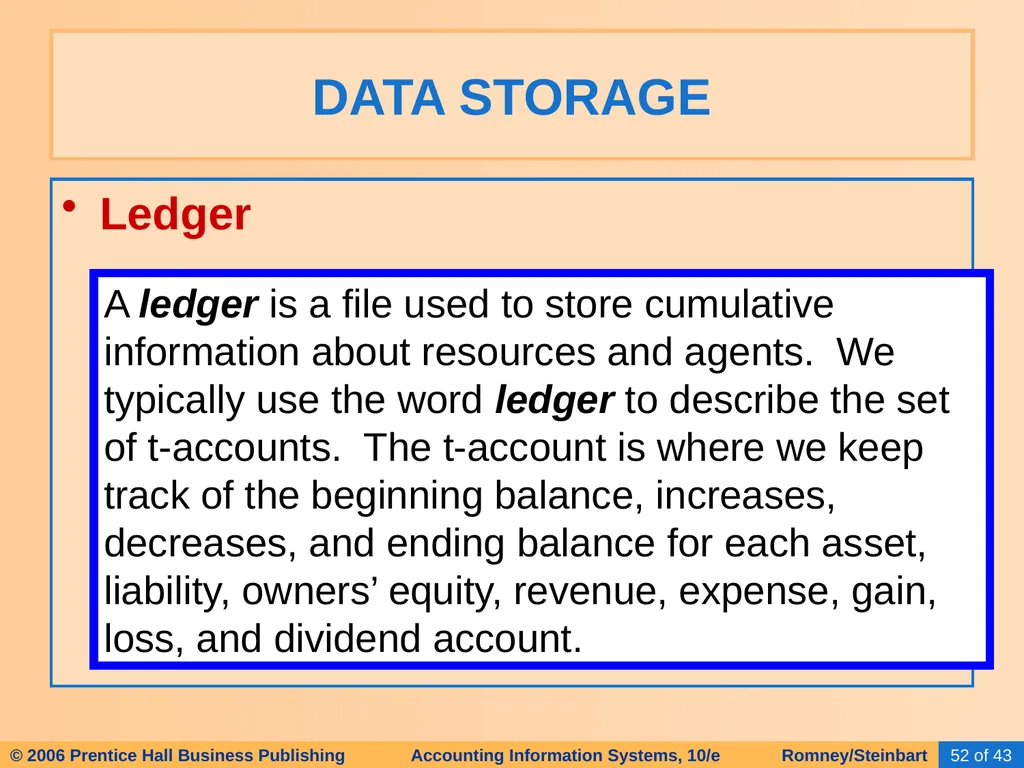
Ledger DATA STORAGE A ledger is a file used to store cumulative information about resources and agents. We typically use the word ledger to describe the set of t-accounts. The t-account is where we keep track of the beginning balance, increases, decreases, and ending balance for each asset, liability, owners’ equity, revenue, expense, gain, loss, and dividend account.<br>
53
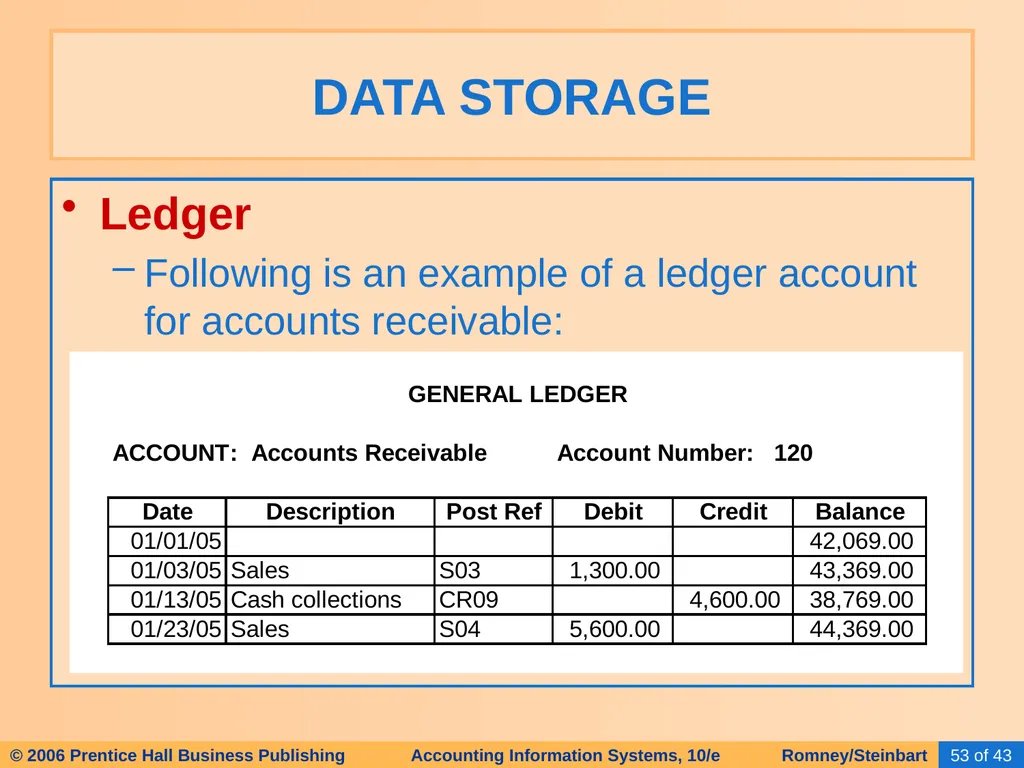
Ledger
Following is an example of a ledger account for accounts receivable: DATA STORAGE<br>
Following is an example of a ledger account for accounts receivable: DATA STORAGE<br>
54
Ledger
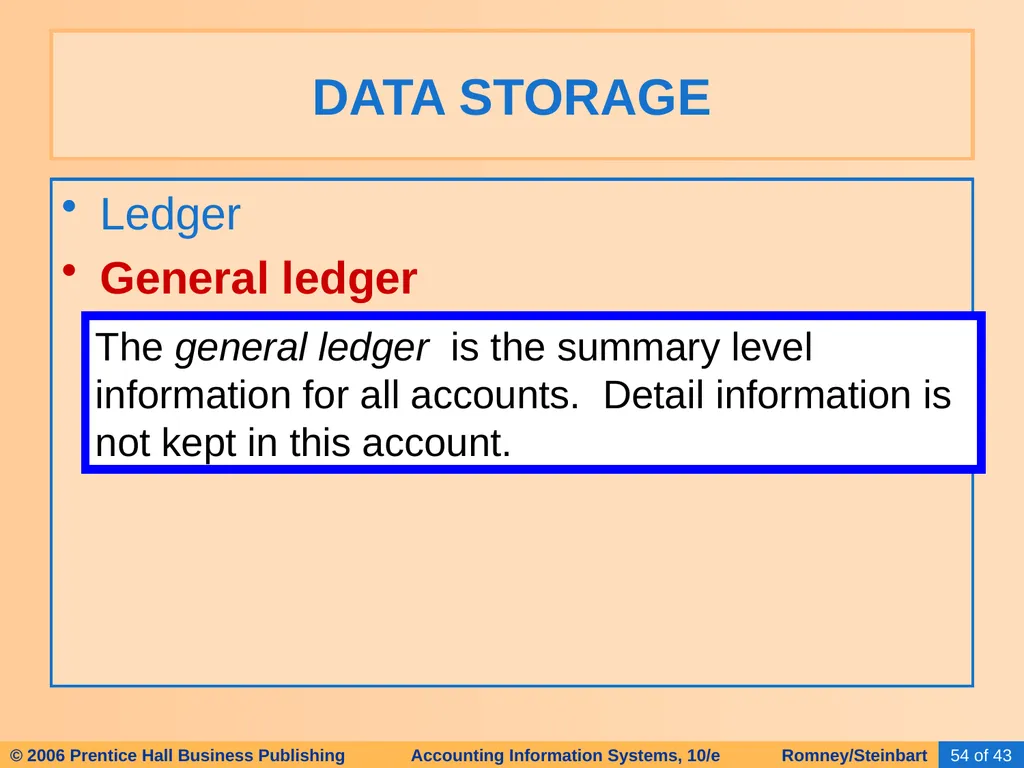
General ledger DATA STORAGE The general ledger is the summary level information for all accounts. Detail information is not kept in this account.<br>
General ledger DATA STORAGE The general ledger is the summary level information for all accounts. Detail information is not kept in this account.<br>
55
Ledger
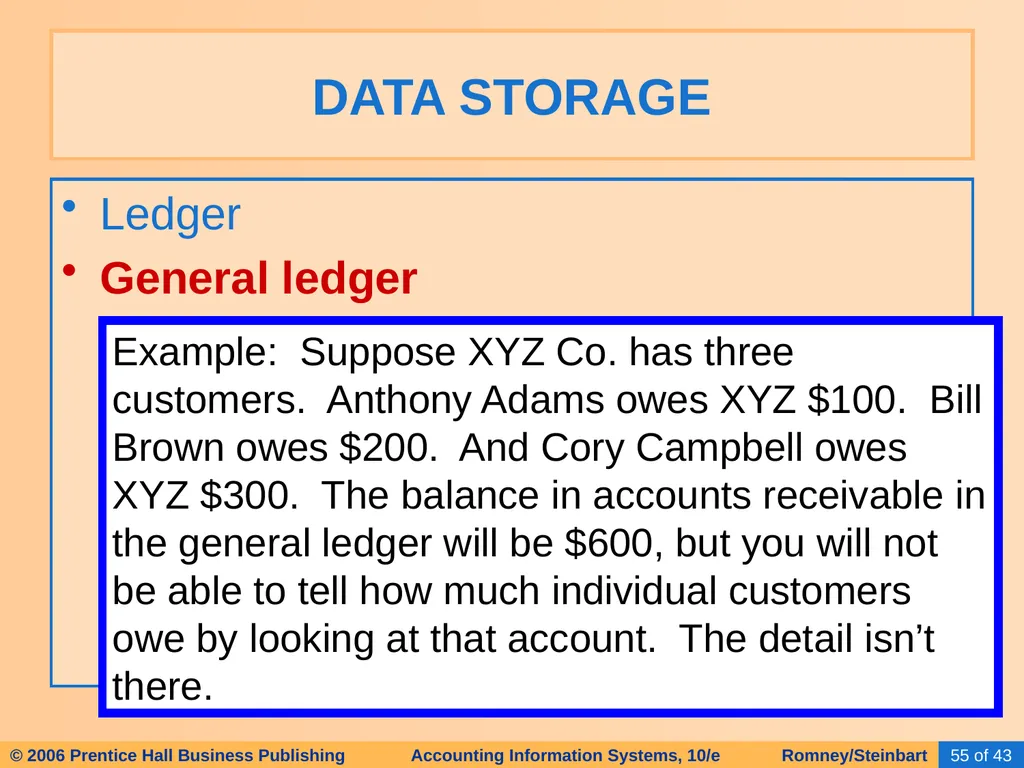
General ledger DATA STORAGE Example: Suppose XYZ Co. has three customers. Anthony Adams owes XYZ $100. Bill Brown owes $200. And Cory Campbell owes XYZ $300. The balance in accounts receivable in the general ledger will be $600, but you will not be able to tell how much individual customers owe by looking at that account. The detail isn’t there.<br>
General ledger DATA STORAGE Example: Suppose XYZ Co. has three customers. Anthony Adams owes XYZ $100. Bill Brown owes $200. And Cory Campbell owes XYZ $300. The balance in accounts receivable in the general ledger will be $600, but you will not be able to tell how much individual customers owe by looking at that account. The detail isn’t there.<br>
56
Ledger
General ledger
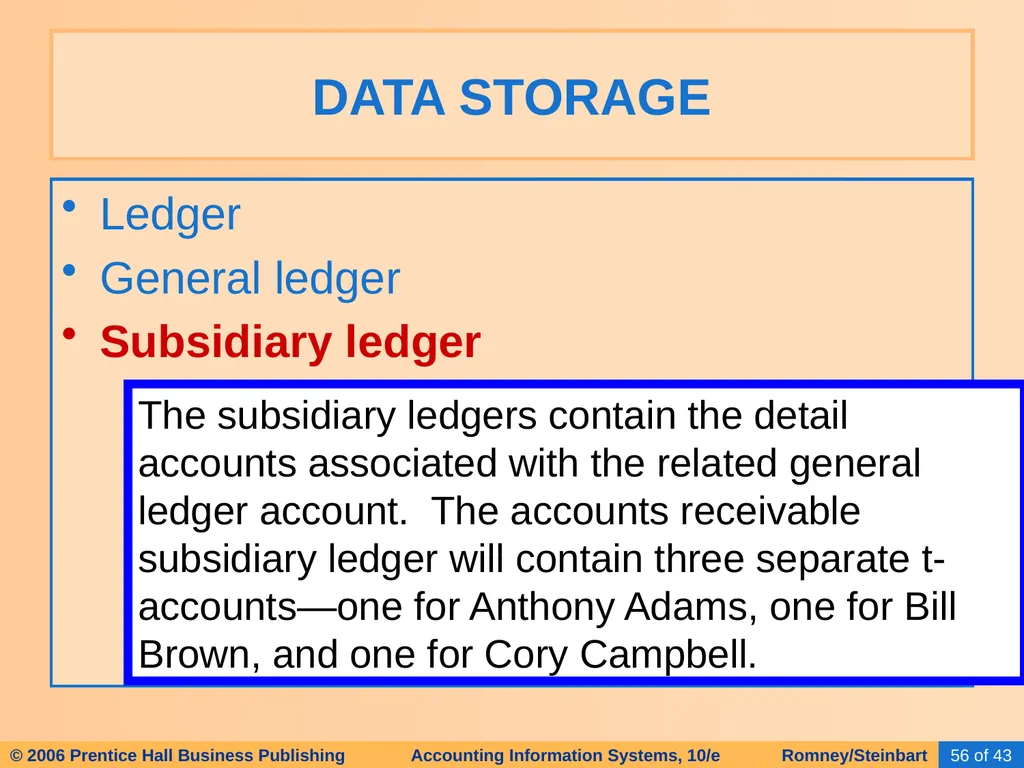
Subsidiary ledger DATA STORAGE The subsidiary ledgers contain the detail accounts associated with the related general ledger account. The accounts receivable subsidiary ledger will contain three separate t-accounts—one for Anthony Adams, one for Bill Brown, and one for Cory Campbell.<br>
General ledger
Subsidiary ledger DATA STORAGE The subsidiary ledgers contain the detail accounts associated with the related general ledger account. The accounts receivable subsidiary ledger will contain three separate t-accounts—one for Anthony Adams, one for Bill Brown, and one for Cory Campbell.<br>
57
Ledger
General ledger
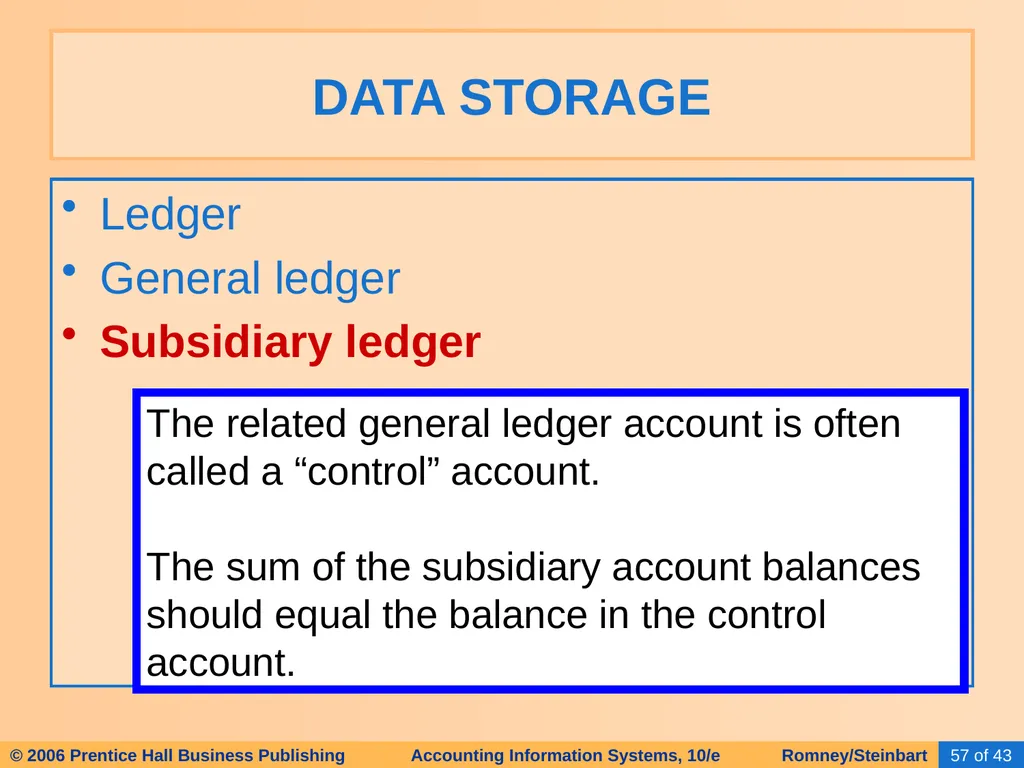
Subsidiary ledger DATA STORAGE The related general ledger account is often called a “control” account.
The sum of the subsidiary account balances should equal the balance in the control account.<br>
General ledger
Subsidiary ledger DATA STORAGE The related general ledger account is often called a “control” account.
The sum of the subsidiary account balances should equal the balance in the control account.<br>
58
Ledger
General ledger
Subsidiary ledger
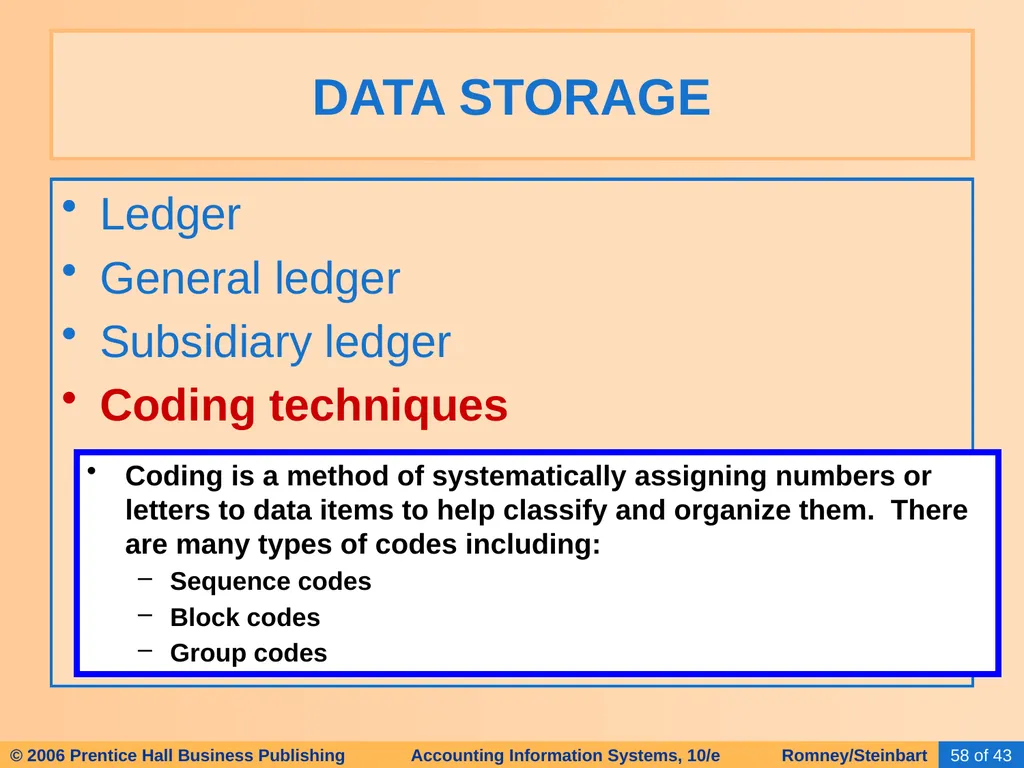
Coding techniques DATA STORAGE Coding is a method of systematically assigning numbers or letters to data items to help classify and organize them. There are many types of codes including:
Sequence codes
Block codes
Group codes<br>
General ledger
Subsidiary ledger
Coding techniques DATA STORAGE Coding is a method of systematically assigning numbers or letters to data items to help classify and organize them. There are many types of codes including:
Sequence codes
Block codes
Group codes<br>
59
Ledger
General ledger
Subsidiary ledger
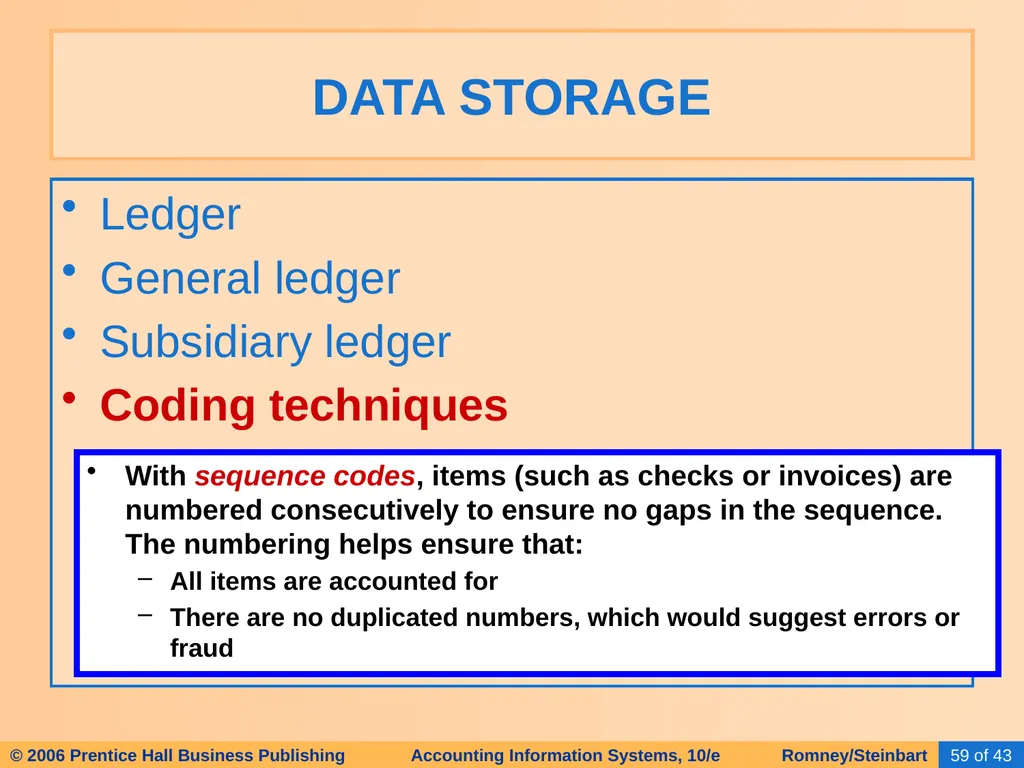
Coding techniques DATA STORAGE With sequence codes, items (such as checks or invoices) are numbered consecutively to ensure no gaps in the sequence. The numbering helps ensure that:
All items are accounted for
There are no duplicated numbers, which would suggest errors or fraud<br>
General ledger
Subsidiary ledger
Coding techniques DATA STORAGE With sequence codes, items (such as checks or invoices) are numbered consecutively to ensure no gaps in the sequence. The numbering helps ensure that:
All items are accounted for
There are no duplicated numbers, which would suggest errors or fraud<br>
60
Ledger
General ledger
Subsidiary ledger
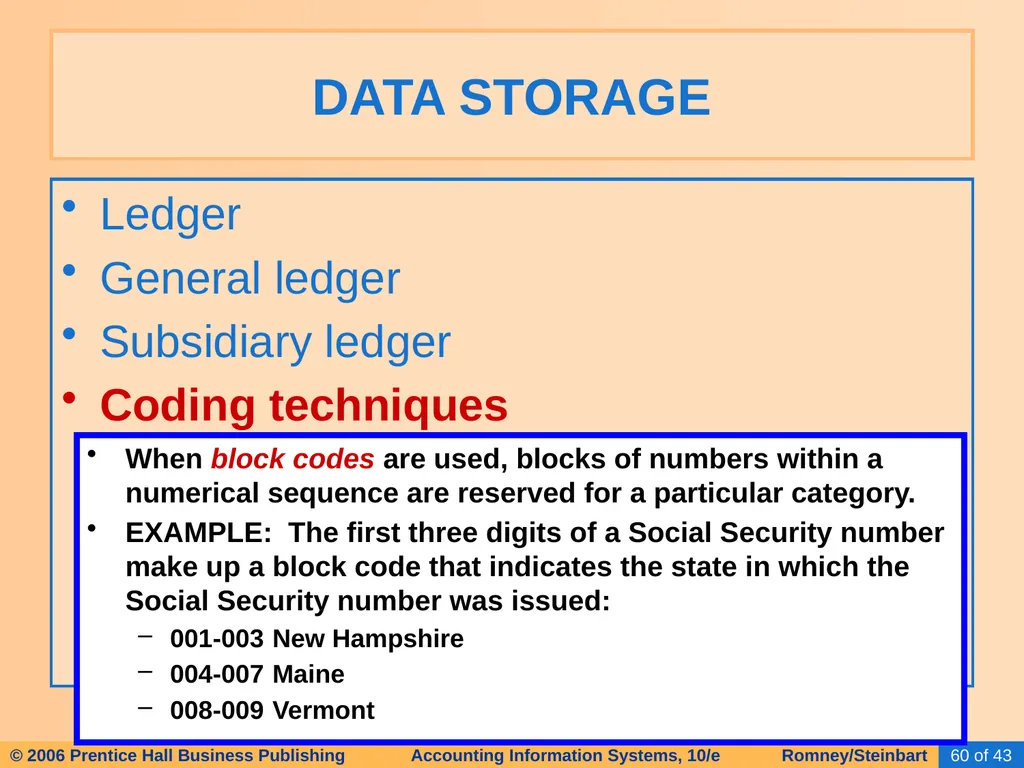
Coding techniques DATA STORAGE When block codes are used, blocks of numbers within a numerical sequence are reserved for a particular category.
EXAMPLE: The first three digits of a Social Security number make up a block code that indicates the state in which the Social Security number was issued:
001-003 New Hampshire
004-007 Maine
008-009 Vermont<br>
General ledger
Subsidiary ledger
Coding techniques DATA STORAGE When block codes are used, blocks of numbers within a numerical sequence are reserved for a particular category.
EXAMPLE: The first three digits of a Social Security number make up a block code that indicates the state in which the Social Security number was issued:
001-003 New Hampshire
004-007 Maine
008-009 Vermont<br>
61
Ledger
General ledger
Subsidiary ledger
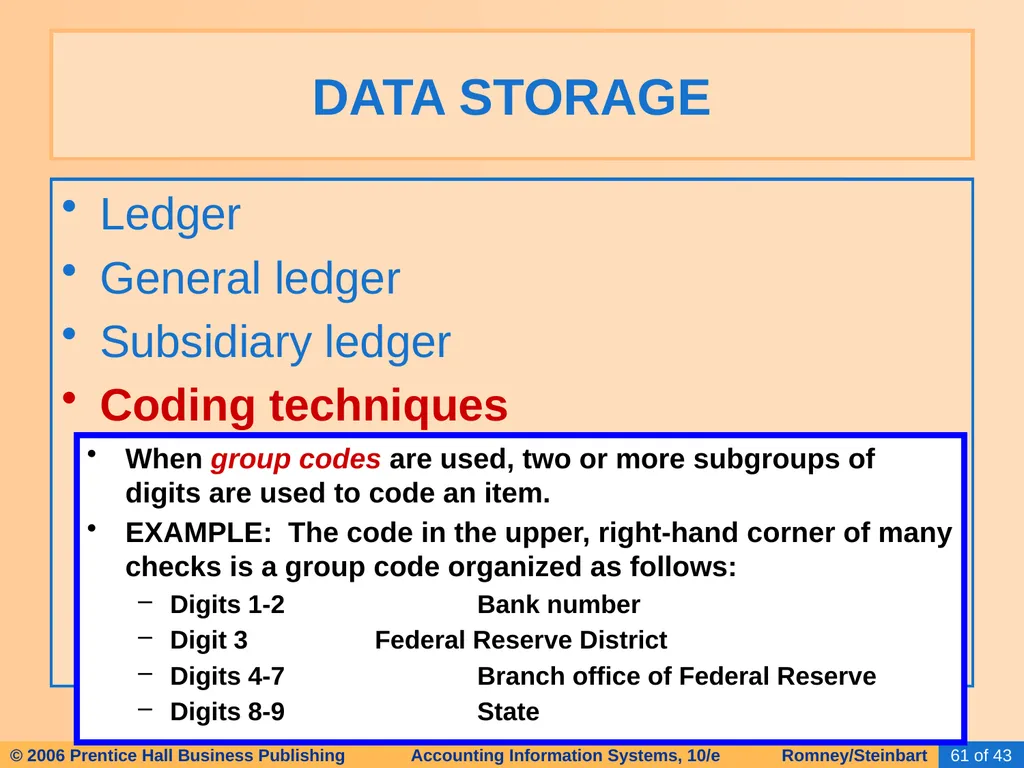
Coding techniques DATA STORAGE When group codes are used, two or more subgroups of digits are used to code an item.
EXAMPLE: The code in the upper, right-hand corner of many checks is a group code organized as follows:
Digits 1-2 Bank number
Digit 3 Federal Reserve District
Digits 4-7 Branch office of Federal Reserve
Digits 8-9 State<br>
General ledger
Subsidiary ledger
Coding techniques DATA STORAGE When group codes are used, two or more subgroups of digits are used to code an item.
EXAMPLE: The code in the upper, right-hand corner of many checks is a group code organized as follows:
Digits 1-2 Bank number
Digit 3 Federal Reserve District
Digits 4-7 Branch office of Federal Reserve
Digits 8-9 State<br>
62
Ledger
General ledger
Subsidiary ledger
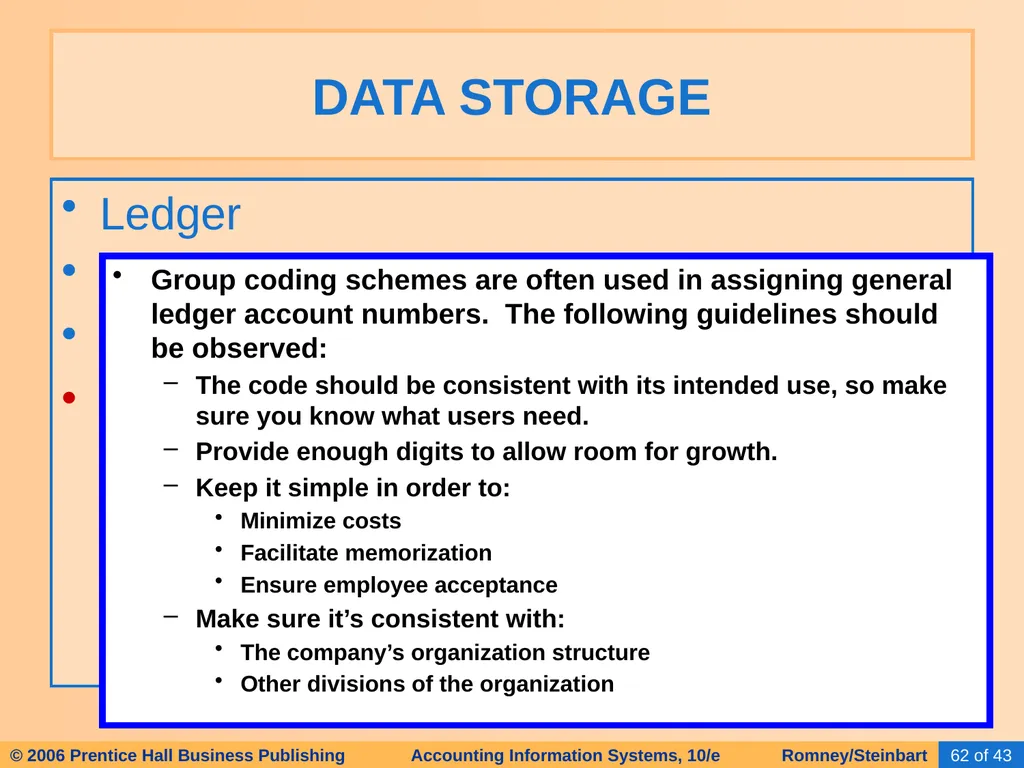
Coding techniques DATA STORAGE Group coding schemes are often used in assigning general ledger account numbers. The following guidelines should be observed:
The code should be consistent with its intended use, so make sure you know what users need.
Provide enough digits to allow room for growth.
Keep it simple in order to:
Minimize costs
Facilitate memorization
Ensure employee acceptance
Make sure it’s consistent with:
The company’s organization structure
Other divisions of the organization<br>
General ledger
Subsidiary ledger
Coding techniques DATA STORAGE Group coding schemes are often used in assigning general ledger account numbers. The following guidelines should be observed:
The code should be consistent with its intended use, so make sure you know what users need.
Provide enough digits to allow room for growth.
Keep it simple in order to:
Minimize costs
Facilitate memorization
Ensure employee acceptance
Make sure it’s consistent with:
The company’s organization structure
Other divisions of the organization<br>
63
Ledger
General ledger
Subsidiary ledger
Coding techniques
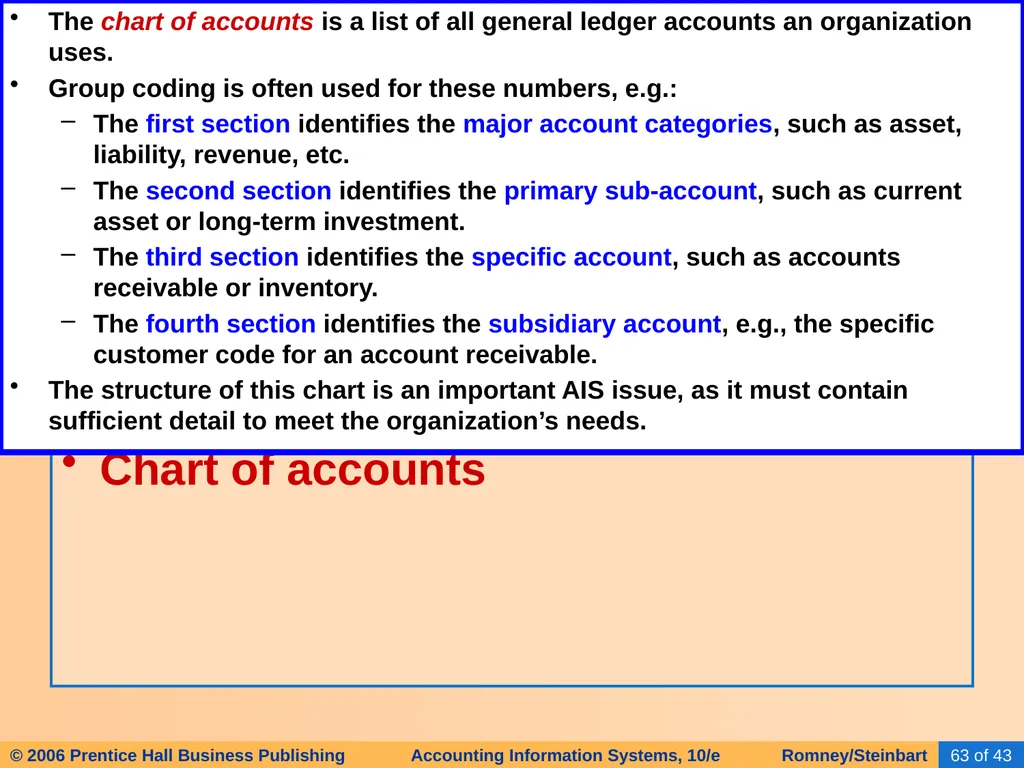
Chart of accounts DATA STORAGE The chart of accounts is a list of all general ledger accounts an organization uses.
Group coding is often used for these numbers, e.g.:
The first section identifies the major account categories, such as asset, liability, revenue, etc.
The second section identifies the primary sub-account, such as current asset or long-term investment.
The third section identifies the specific account, such as accounts receivable or inventory.
The fourth section identifies the subsidiary account, e.g., the specific customer code for an account receivable.
The structure of this chart is an important AIS issue, as it must contain sufficient detail to meet the organization’s needs.<br>
General ledger
Subsidiary ledger
Coding techniques
Chart of accounts DATA STORAGE The chart of accounts is a list of all general ledger accounts an organization uses.
Group coding is often used for these numbers, e.g.:
The first section identifies the major account categories, such as asset, liability, revenue, etc.
The second section identifies the primary sub-account, such as current asset or long-term investment.
The third section identifies the specific account, such as accounts receivable or inventory.
The fourth section identifies the subsidiary account, e.g., the specific customer code for an account receivable.
The structure of this chart is an important AIS issue, as it must contain sufficient detail to meet the organization’s needs.<br>
64
Ledger
General ledger
Subsidiary ledger
Coding techniques
Chart of accounts
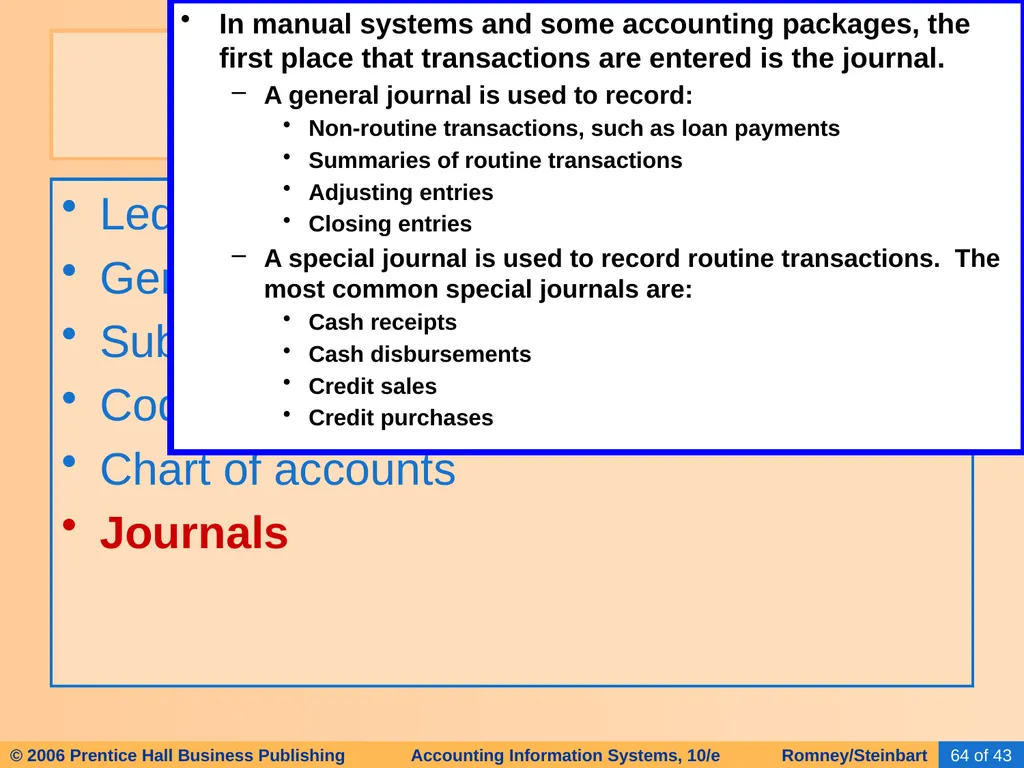
Journals DATA STORAGE In manual systems and some accounting packages, the first place that transactions are entered is the journal.
A general journal is used to record:
Non-routine transactions, such as loan payments
Summaries of routine transactions
Adjusting entries
Closing entries
A special journal is used to record routine transactions. The most common special journals are:
Cash receipts
Cash disbursements
Credit sales
Credit purchases<br>
General ledger
Subsidiary ledger
Coding techniques
Chart of accounts
Journals DATA STORAGE In manual systems and some accounting packages, the first place that transactions are entered is the journal.
A general journal is used to record:
Non-routine transactions, such as loan payments
Summaries of routine transactions
Adjusting entries
Closing entries
A special journal is used to record routine transactions. The most common special journals are:
Cash receipts
Cash disbursements
Credit sales
Credit purchases<br>
65
Ledger
General ledger
Subsidiary ledger
Coding techniques
Chart of accounts
Journals
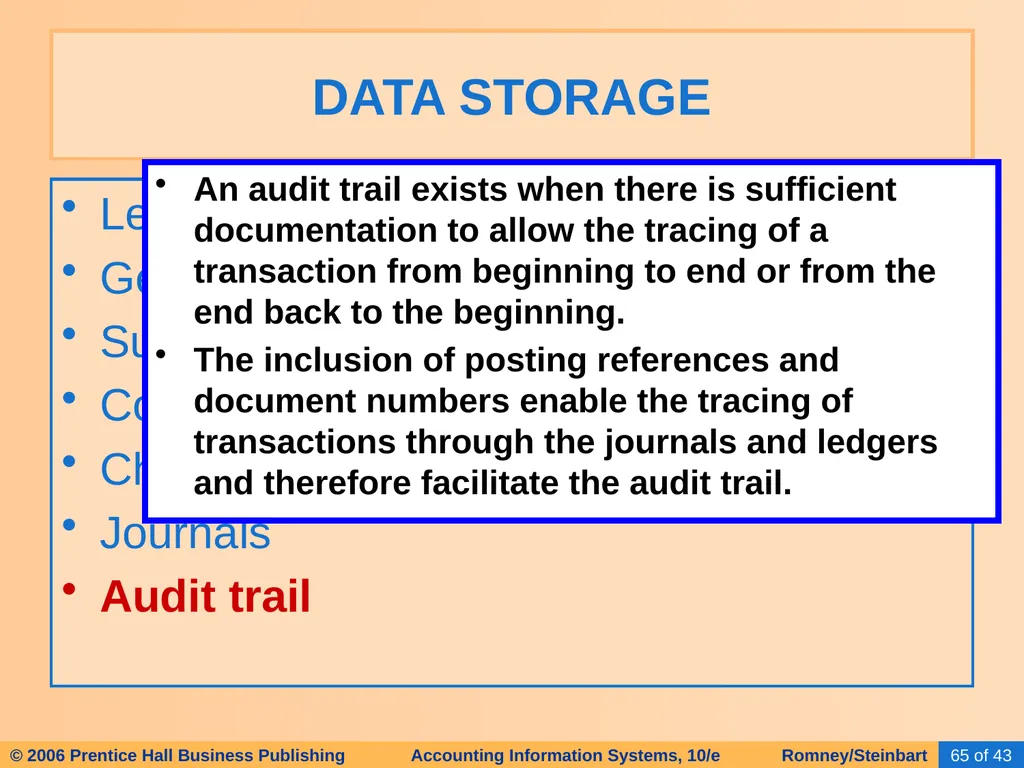
Audit trail DATA STORAGE An audit trail exists when there is sufficient documentation to allow the tracing of a transaction from beginning to end or from the end back to the beginning.
The inclusion of posting references and document numbers enable the tracing of transactions through the journals and ledgers and therefore facilitate the audit trail.<br>
General ledger
Subsidiary ledger
Coding techniques
Chart of accounts
Journals
Audit trail DATA STORAGE An audit trail exists when there is sufficient documentation to allow the tracing of a transaction from beginning to end or from the end back to the beginning.
The inclusion of posting references and document numbers enable the tracing of transactions through the journals and ledgers and therefore facilitate the audit trail.<br>
66
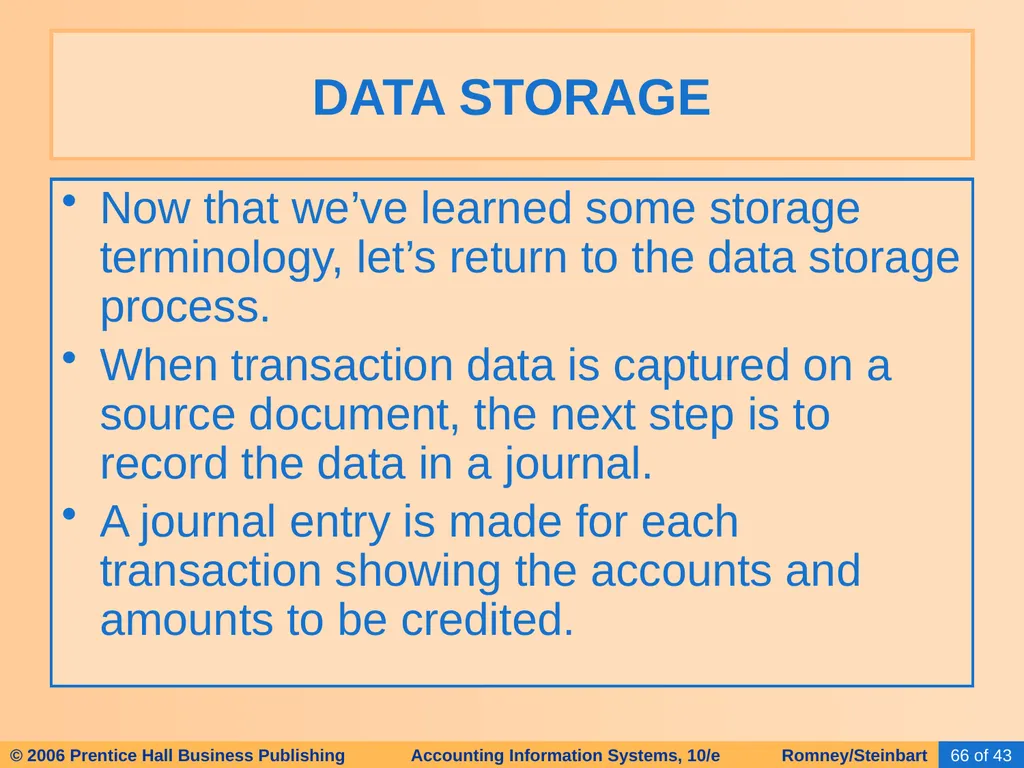
Now that we’ve learned some storage terminology, let’s return to the data storage process.
When transaction data is captured on a source document, the next step is to record the data in a journal.
A journal entry is made for each transaction showing the accounts and amounts to be credited. DATA STORAGE<br>
When transaction data is captured on a source document, the next step is to record the data in a journal.
A journal entry is made for each transaction showing the accounts and amounts to be credited. DATA STORAGE<br>
67
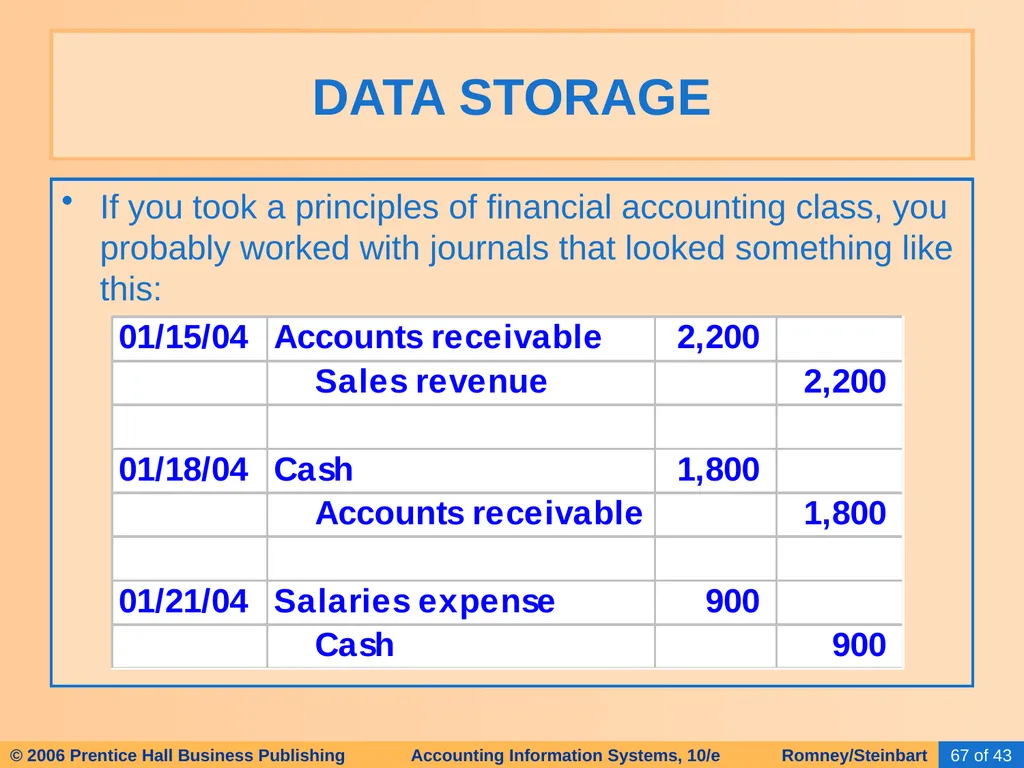
If you took a principles of financial accounting class, you probably worked with journals that looked something like this: DATA STORAGE<br>
68
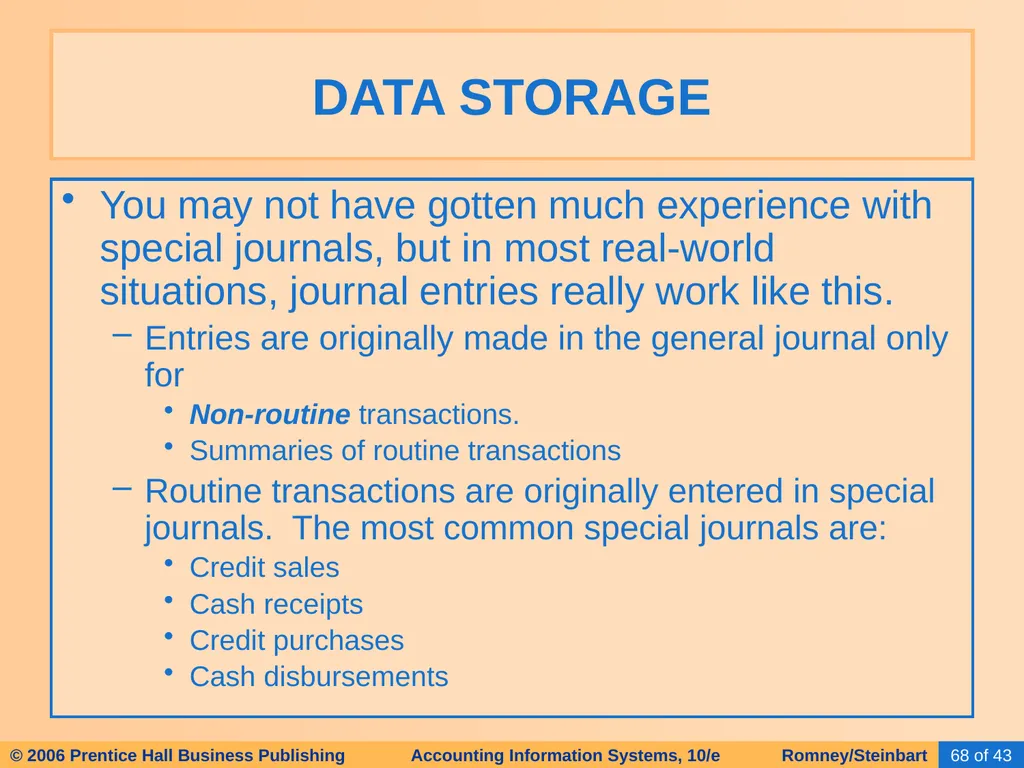
You may not have gotten much experience with special journals, but in most real-world situations, journal entries really work like this.
Entries are originally made in the general journal only for
Non-routine transactions.
Summaries of routine transactions
Routine transactions are originally entered in special journals. The most common special journals are:
Credit sales
Cash receipts
Credit purchases
Cash disbursements DATA STORAGE<br>
Entries are originally made in the general journal only for
Non-routine transactions.
Summaries of routine transactions
Routine transactions are originally entered in special journals. The most common special journals are:
Credit sales
Cash receipts
Credit purchases
Cash disbursements DATA STORAGE<br>
69
Let’s work through an example with a special journal. In this case we’ll use the sales journal. DATA STORAGE<br>
70
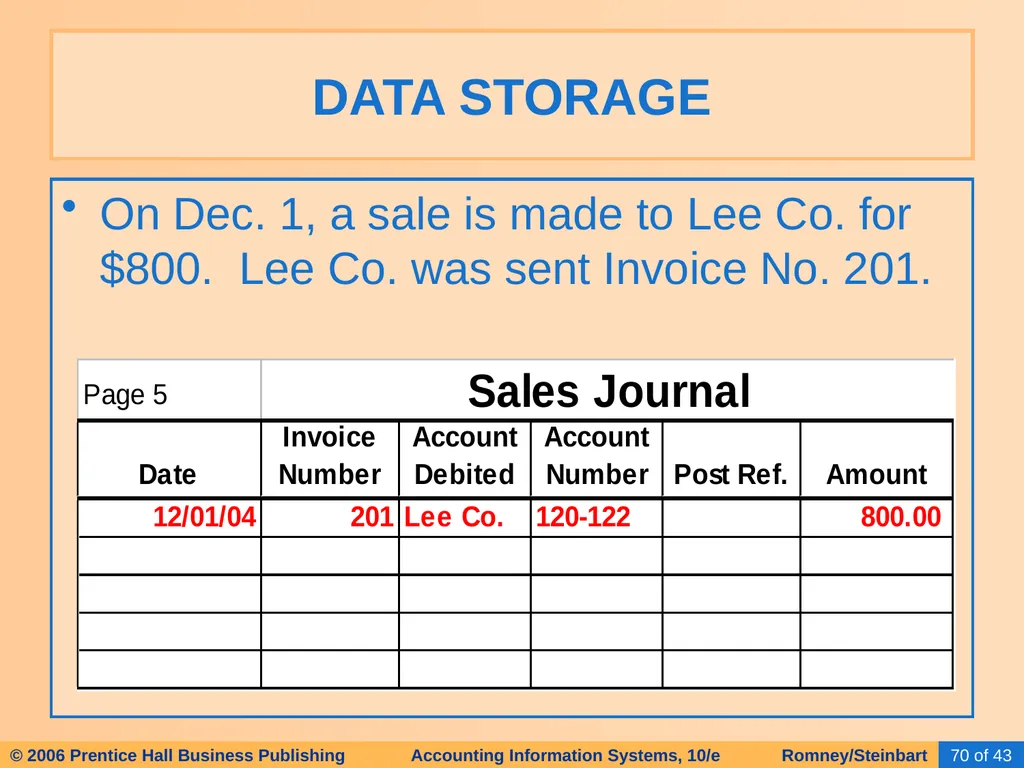
On Dec. 1, a sale is made to Lee Co. for $800. Lee Co. was sent Invoice No. 201. DATA STORAGE<br>
71
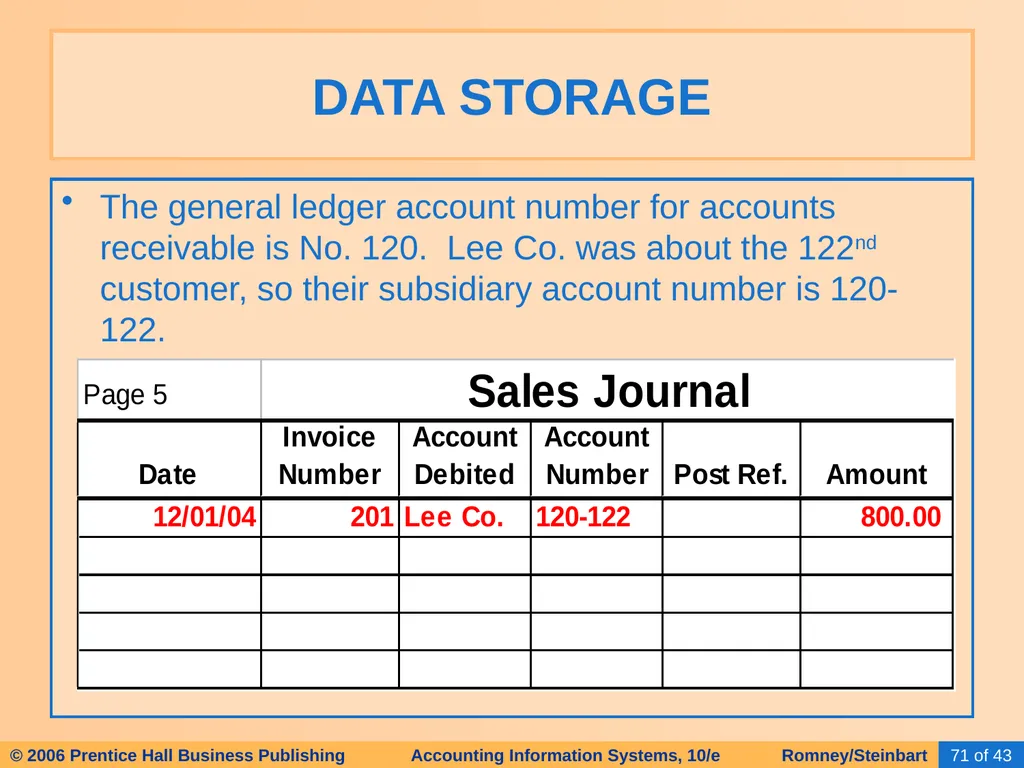
The general ledger account number for accounts receivable is No. 120. Lee Co. was about the 122nd customer, so their subsidiary account number is 120-122. DATA STORAGE<br>
72
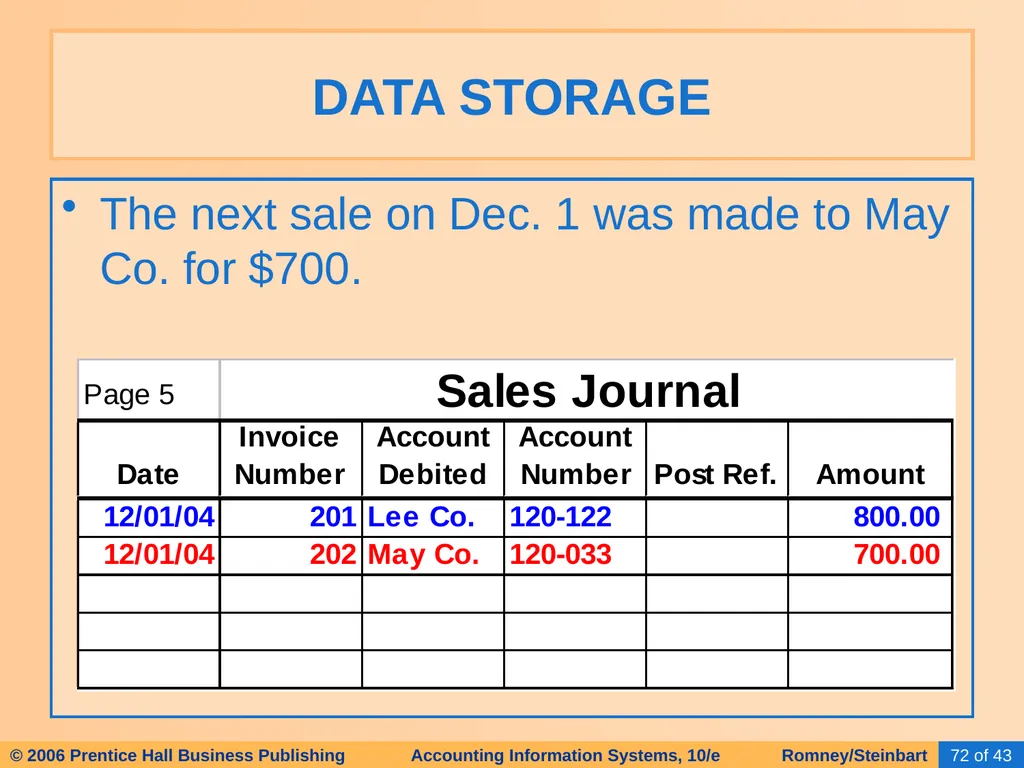
The next sale on Dec. 1 was made to May Co. for $700. DATA STORAGE<br>
73
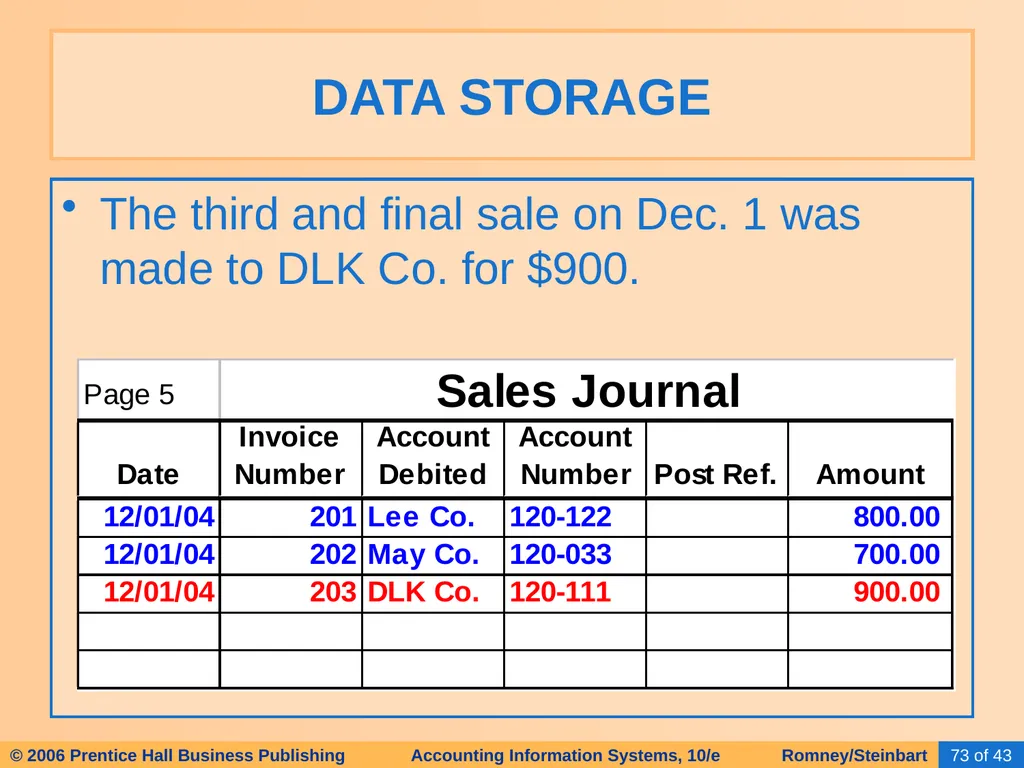
The third and final sale on Dec. 1 was made to DLK Co. for $900. DATA STORAGE<br>
74
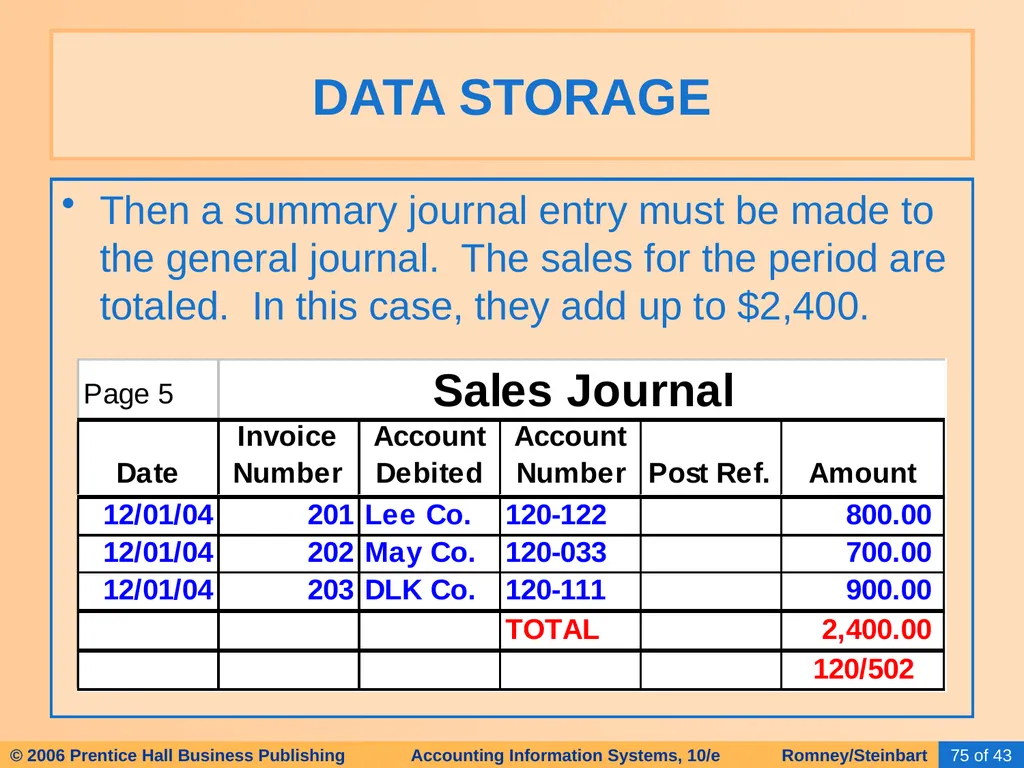
Suppose the company making these sales posts transactions at the end of each day. Consequently, at day’s end, they will post each individual transaction to the accounts receivable subsidiary ledger:
An $800 increase in accounts receivable (debit) will be posted to Lee Co.’s subsidiary account (120-122).
A $700 debit will be posted to May Co.’s subsidiary account (120-033).
A $900 debit will be posted to DLK Co.’s subsidiary account (120-111). DATA STORAGE<br>
An $800 increase in accounts receivable (debit) will be posted to Lee Co.’s subsidiary account (120-122).
A $700 debit will be posted to May Co.’s subsidiary account (120-033).
A $900 debit will be posted to DLK Co.’s subsidiary account (120-111). DATA STORAGE<br>
75
Then a summary journal entry must be made to the general journal. The sales for the period are totaled. In this case, they add up to $2,400. DATA STORAGE<br>
76
The “120/502” that appears beneath the total indicates that a summary journal entry is made in the general journal with a debit to accounts receivable (120) and a credit to sales (502). DATA STORAGE<br>
77
The entries in the general journal are periodically (or automatically) posted to the general ledger. The $2,400 debit to accounts receivable will be posted to the accounts receivable control account, and the $2,400 credit will be posted to the general ledger account for sales. DATA STORAGE<br>
78
From time to time, the subsidiary account balances will be added up, and this sum will be compared to the balance of the control account.
What does it mean if they aren’t equal? DATA STORAGE<br>
What does it mean if they aren’t equal? DATA STORAGE<br>
79
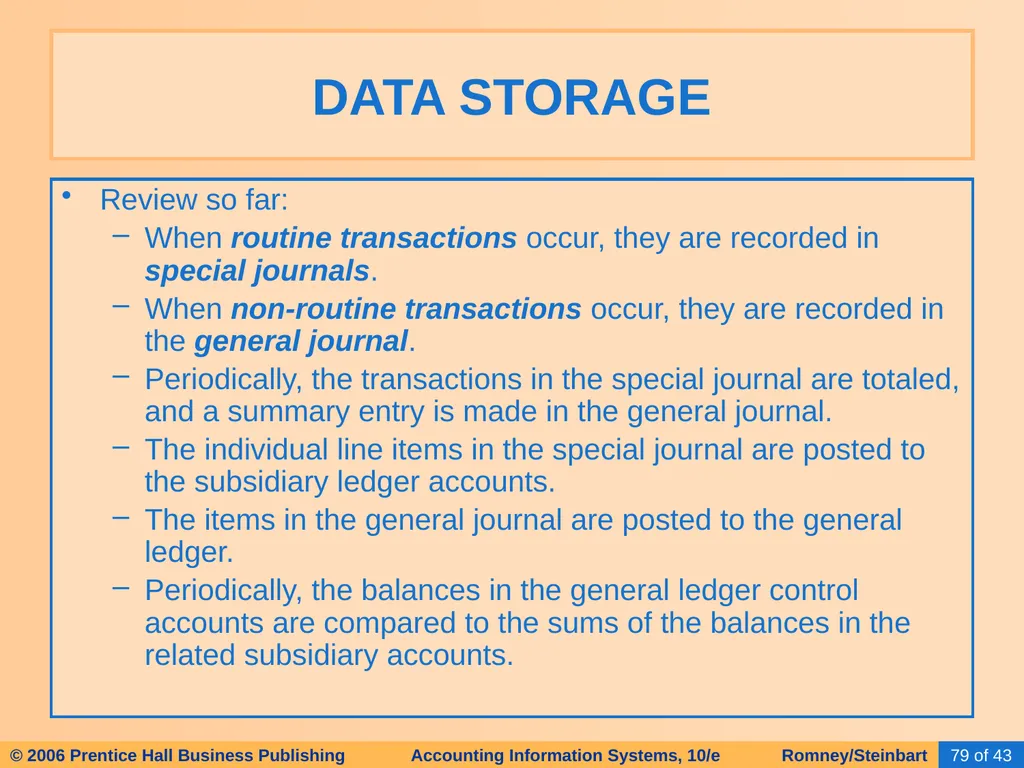
Review so far:
When routine transactions occur, they are recorded in special journals.
When non-routine transactions occur, they are recorded in the general journal.
Periodically, the transactions in the special journal are totaled, and a summary entry is made in the general journal.
The individual line items in the special journal are posted to the subsidiary ledger accounts.
The items in the general journal are posted to the general ledger.
Periodically, the balances in the general ledger control accounts are compared to the sums of the balances in the related subsidiary accounts. DATA STORAGE<br>
When routine transactions occur, they are recorded in special journals.
When non-routine transactions occur, they are recorded in the general journal.
Periodically, the transactions in the special journal are totaled, and a summary entry is made in the general journal.
The individual line items in the special journal are posted to the subsidiary ledger accounts.
The items in the general journal are posted to the general ledger.
Periodically, the balances in the general ledger control accounts are compared to the sums of the balances in the related subsidiary accounts. DATA STORAGE<br>
80
Click the button below if you wish to go through a summary of the remaining steps in the accounting cycle: DATA STORAGE See Remainder
Of
Accounting Cycle<br>
Of
Accounting Cycle<br>
81
The Rest of the Story:
As transactions occur, they are recorded in journals and then posted to ledgers.
But that’s not the end of the story.
At the end of each accounting period, we complete the process by carrying out the following steps. DATA STORAGE<br>
As transactions occur, they are recorded in journals and then posted to ledgers.
But that’s not the end of the story.
At the end of each accounting period, we complete the process by carrying out the following steps. DATA STORAGE<br>
82
Using the balances in the general ledger, prepare a trial balance. DATA STORAGE<br>
83
Prepare the end-of-period adjusting entries.
Record in journal
Post to ledger
Make an adjusted trial balance.
Using the numbers in the adjusted trial balance, prepare an income statement.
Prepare closing entries.
Prepare:
Statement of stockholders’ equity
Balance sheet
Statement of cash flows DATA STORAGE<br>
Record in journal
Post to ledger
Make an adjusted trial balance.
Using the numbers in the adjusted trial balance, prepare an income statement.
Prepare closing entries.
Prepare:
Statement of stockholders’ equity
Balance sheet
Statement of cash flows DATA STORAGE<br>
84
Now let’s moving on to discussing some computer-based storage concepts, including:
Entity
Attribute
Record
Data Value
Field
File
Master File
Transaction File
Database COMPUTER-BASED STORAGE CONCEPTS<br>
Entity
Attribute
Record
Data Value
Field
File
Master File
Transaction File
Database COMPUTER-BASED STORAGE CONCEPTS<br>
85
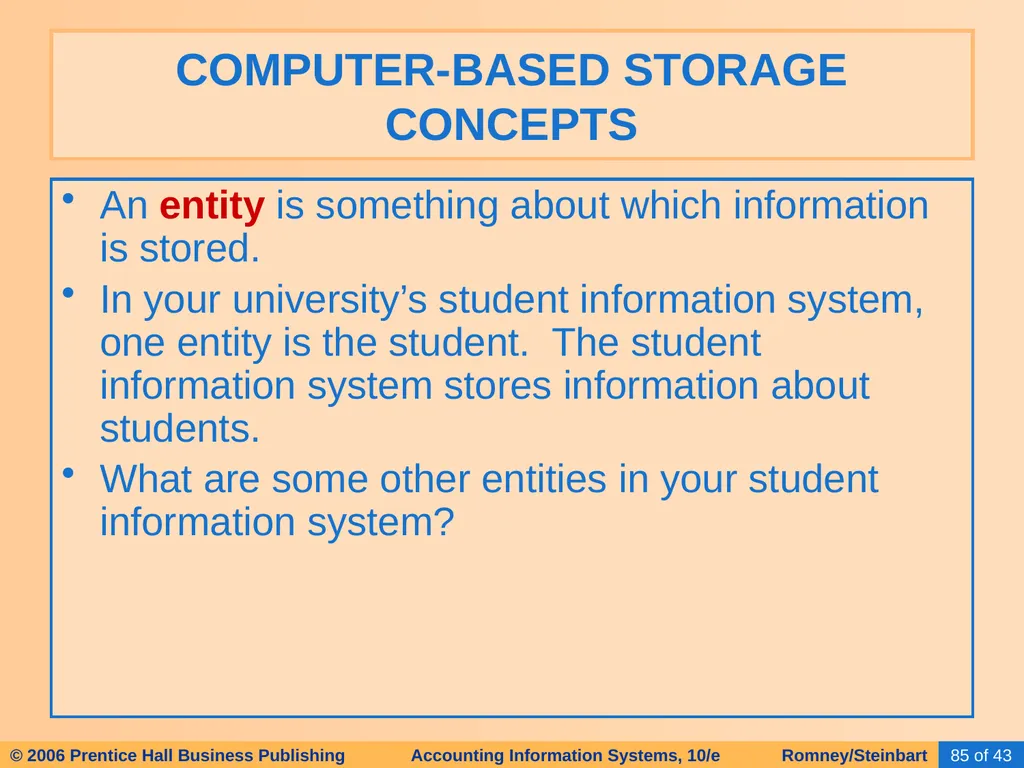
An entity is something about which information is stored.
In your university’s student information system, one entity is the student. The student information system stores information about students.
What are some other entities in your student information system? COMPUTER-BASED STORAGE CONCEPTS<br>
In your university’s student information system, one entity is the student. The student information system stores information about students.
What are some other entities in your student information system? COMPUTER-BASED STORAGE CONCEPTS<br>
86
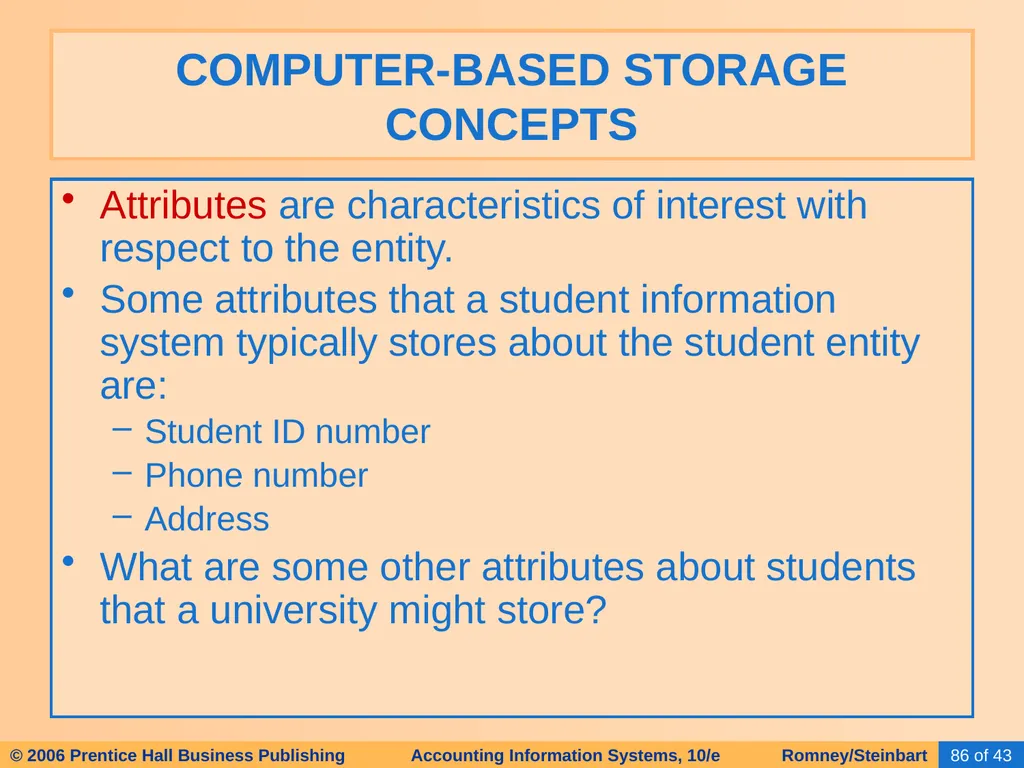
Attributes are characteristics of interest with respect to the entity.
Some attributes that a student information system typically stores about the student entity are:
Student ID number
Phone number
Address
What are some other attributes about students that a university might store? COMPUTER-BASED STORAGE CONCEPTS<br>
Some attributes that a student information system typically stores about the student entity are:
Student ID number
Phone number
Address
What are some other attributes about students that a university might store? COMPUTER-BASED STORAGE CONCEPTS<br>
87
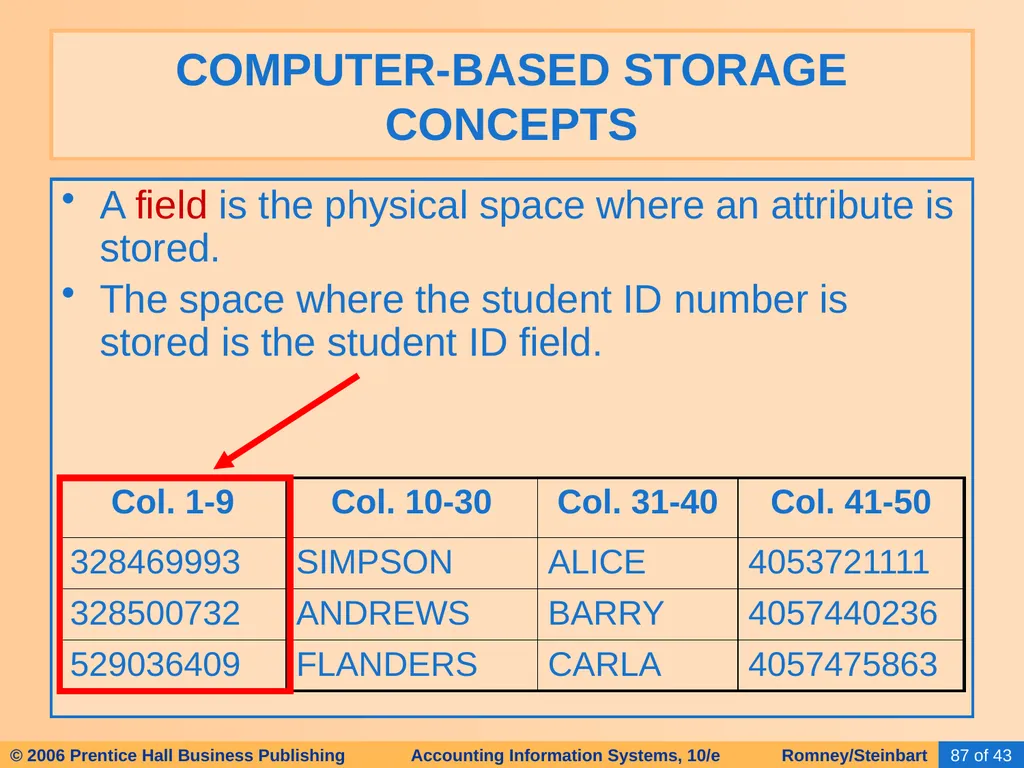
A field is the physical space where an attribute is stored.
The space where the student ID number is stored is the student ID field. COMPUTER-BASED STORAGE CONCEPTS<br>
The space where the student ID number is stored is the student ID field. COMPUTER-BASED STORAGE CONCEPTS<br>
88
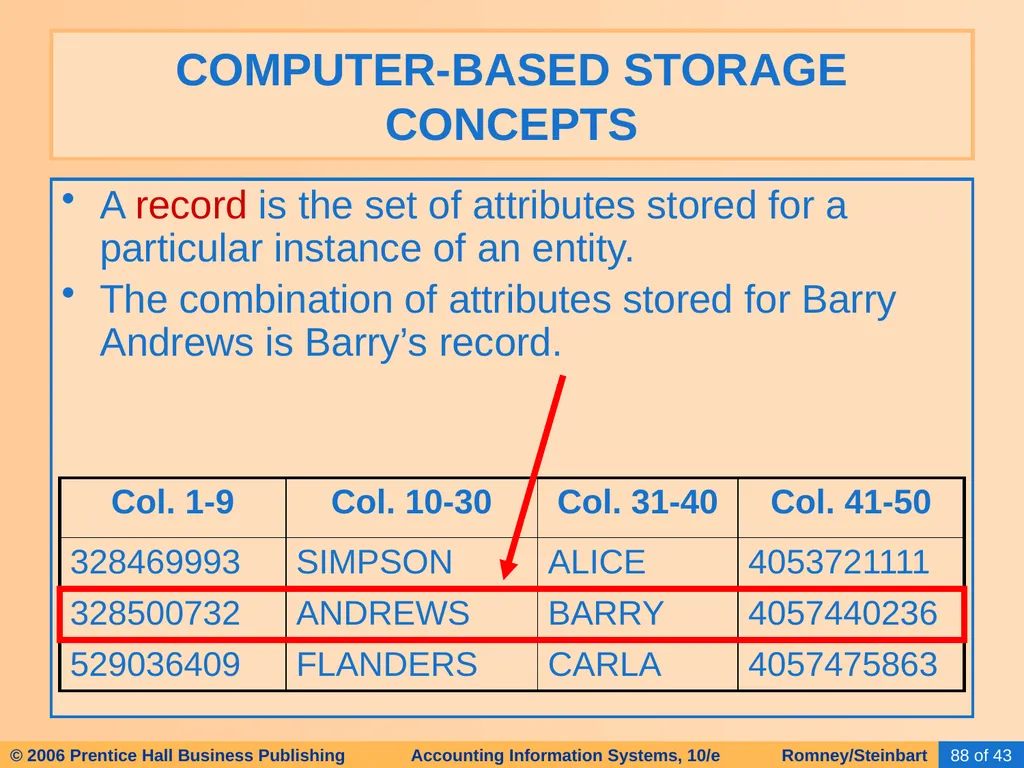
A record is the set of attributes stored for a particular instance of an entity.
The combination of attributes stored for Barry Andrews is Barry’s record. COMPUTER-BASED STORAGE CONCEPTS<br>
The combination of attributes stored for Barry Andrews is Barry’s record. COMPUTER-BASED STORAGE CONCEPTS<br>
89
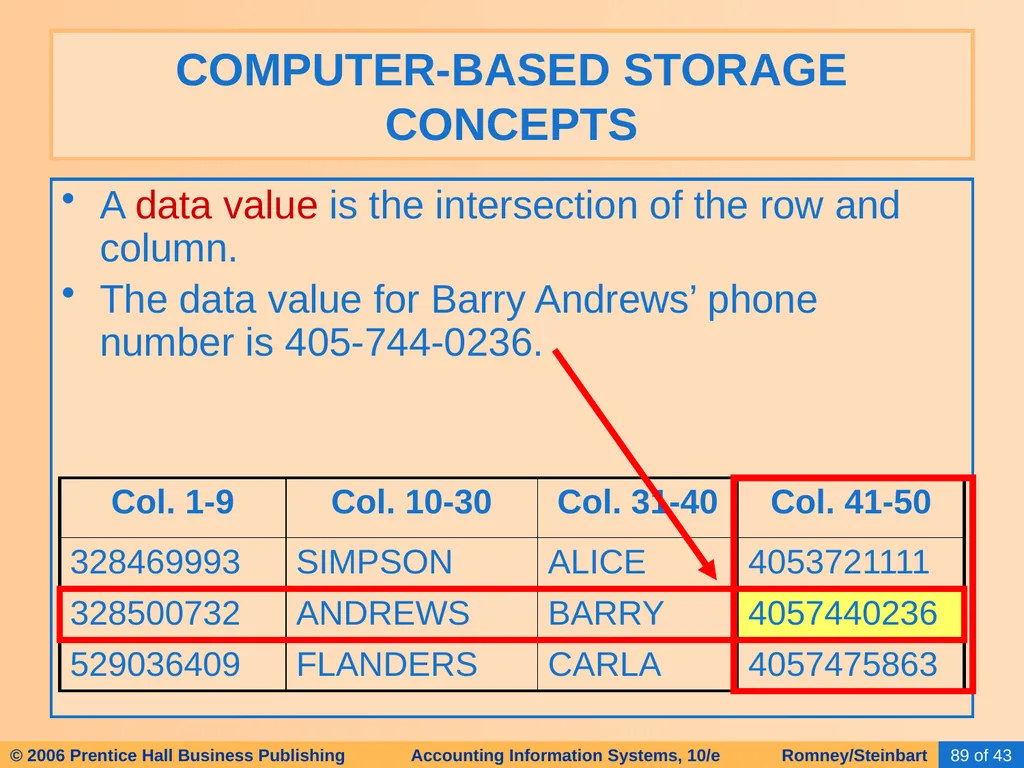
A data value is the intersection of the row and column.
The data value for Barry Andrews’ phone number is 405-744-0236. COMPUTER-BASED STORAGE CONCEPTS<br>
The data value for Barry Andrews’ phone number is 405-744-0236. COMPUTER-BASED STORAGE CONCEPTS<br>
90
A file is a group of related records.
The collection of records about all students at the university might be called the student file. If there were only three students and four attributes stored for each student, the file might appear as shown below: COMPUTER-BASED STORAGE CONCEPTS<br>
The collection of records about all students at the university might be called the student file. If there were only three students and four attributes stored for each student, the file might appear as shown below: COMPUTER-BASED STORAGE CONCEPTS<br>
91
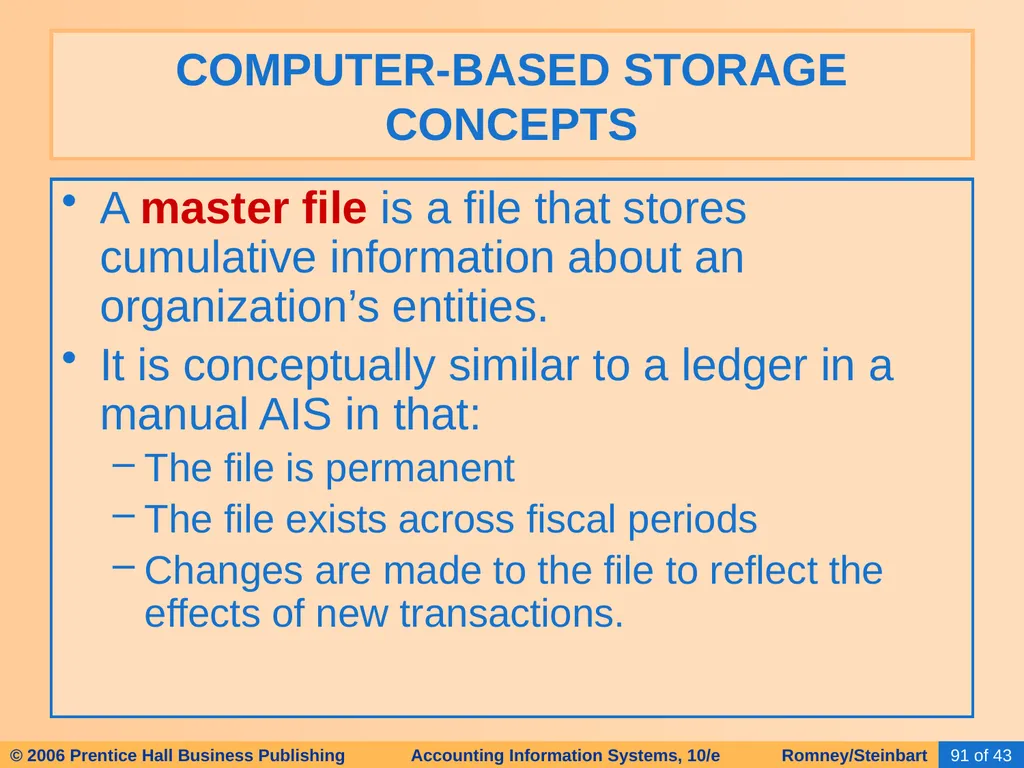
A master file is a file that stores cumulative information about an organization’s entities.
It is conceptually similar to a ledger in a manual AIS in that:
The file is permanent
The file exists across fiscal periods
Changes are made to the file to reflect the effects of new transactions. COMPUTER-BASED STORAGE CONCEPTS<br>
It is conceptually similar to a ledger in a manual AIS in that:
The file is permanent
The file exists across fiscal periods
Changes are made to the file to reflect the effects of new transactions. COMPUTER-BASED STORAGE CONCEPTS<br>
92
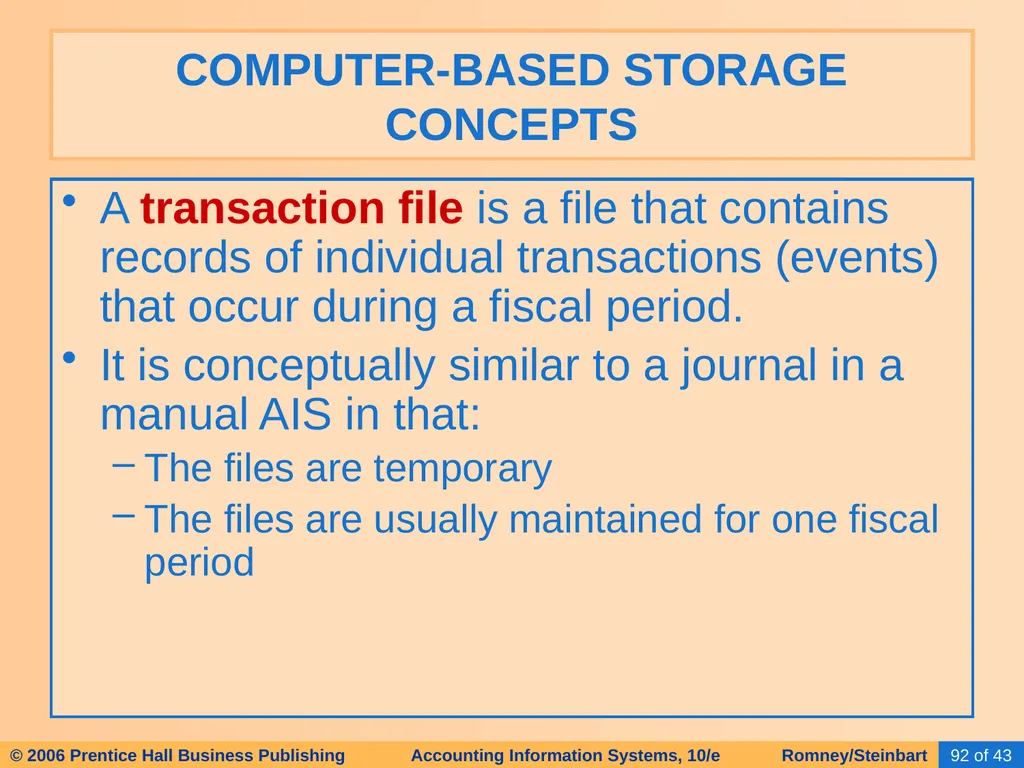
A transaction file is a file that contains records of individual transactions (events) that occur during a fiscal period.
It is conceptually similar to a journal in a manual AIS in that:
The files are temporary
The files are usually maintained for one fiscal period COMPUTER-BASED STORAGE CONCEPTS<br>
It is conceptually similar to a journal in a manual AIS in that:
The files are temporary
The files are usually maintained for one fiscal period COMPUTER-BASED STORAGE CONCEPTS<br>
93
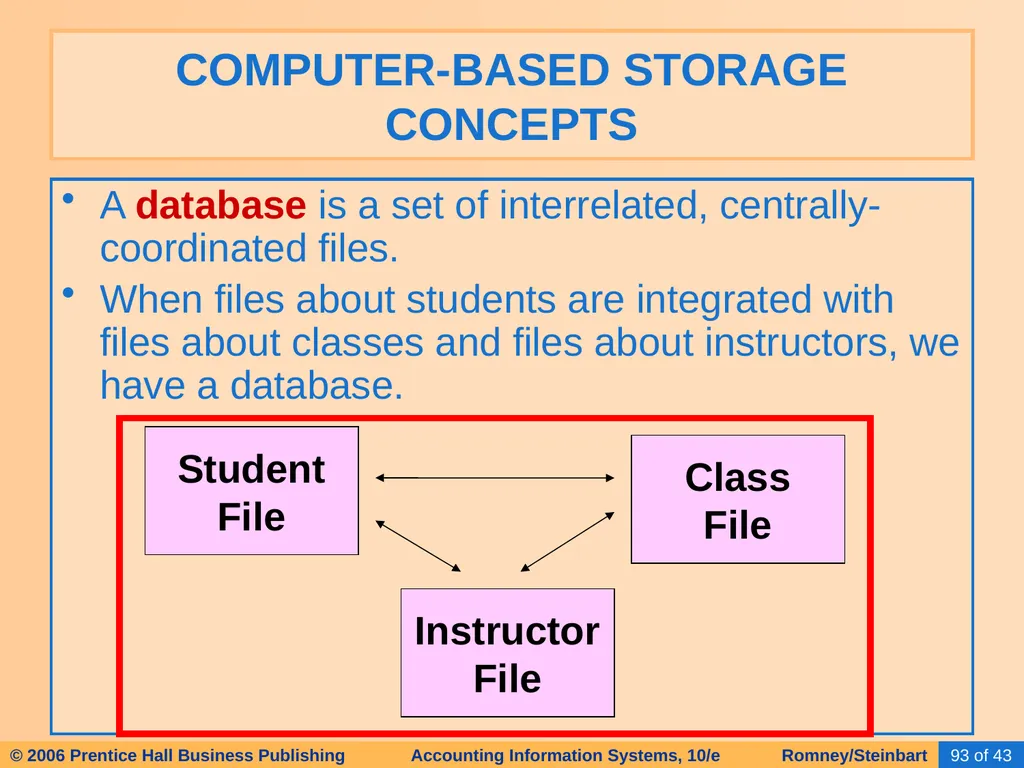
A database is a set of interrelated, centrally-coordinated files.
When files about students are integrated with files about classes and files about instructors, we have a database. COMPUTER-BASED STORAGE CONCEPTS Student
File Class
File Instructor
File<br>
When files about students are integrated with files about classes and files about instructors, we have a database. COMPUTER-BASED STORAGE CONCEPTS Student
File Class
File Instructor
File<br>
94
The data processing cycle consists of four steps:
Data input
Data storage
Data processing
Information output TRANSACTION PROCESSING: THE DATA PROCESSING CYCLE<br>
Data input
Data storage
Data processing
Information output TRANSACTION PROCESSING: THE DATA PROCESSING CYCLE<br>
95
Once data about a business activity has been collected and entered into a system, it must be processed. DATA PROCESSING<br>
96
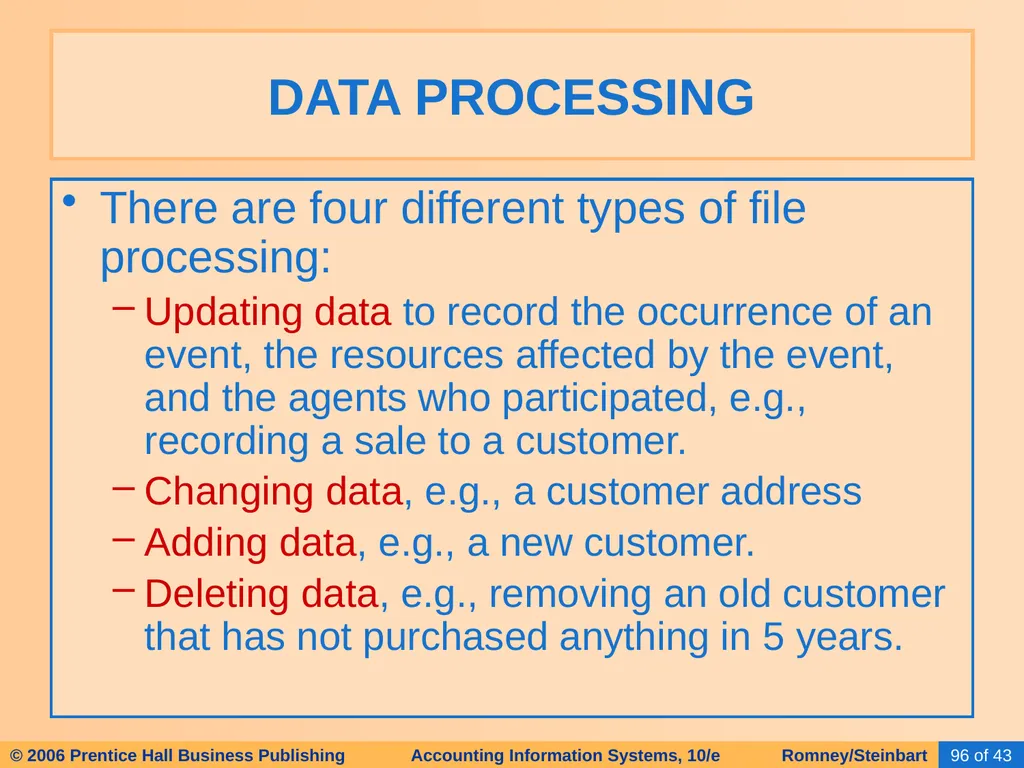
There are four different types of file processing:
Updating data to record the occurrence of an event, the resources affected by the event, and the agents who participated, e.g., recording a sale to a customer.
Changing data, e.g., a customer address
Adding data, e.g., a new customer.
Deleting data, e.g., removing an old customer that has not purchased anything in 5 years. DATA PROCESSING<br>
Updating data to record the occurrence of an event, the resources affected by the event, and the agents who participated, e.g., recording a sale to a customer.
Changing data, e.g., a customer address
Adding data, e.g., a new customer.
Deleting data, e.g., removing an old customer that has not purchased anything in 5 years. DATA PROCESSING<br>
97
Updating can be done through several approaches:
Batch processing DATA PROCESSING<br>
Batch processing DATA PROCESSING<br>
98
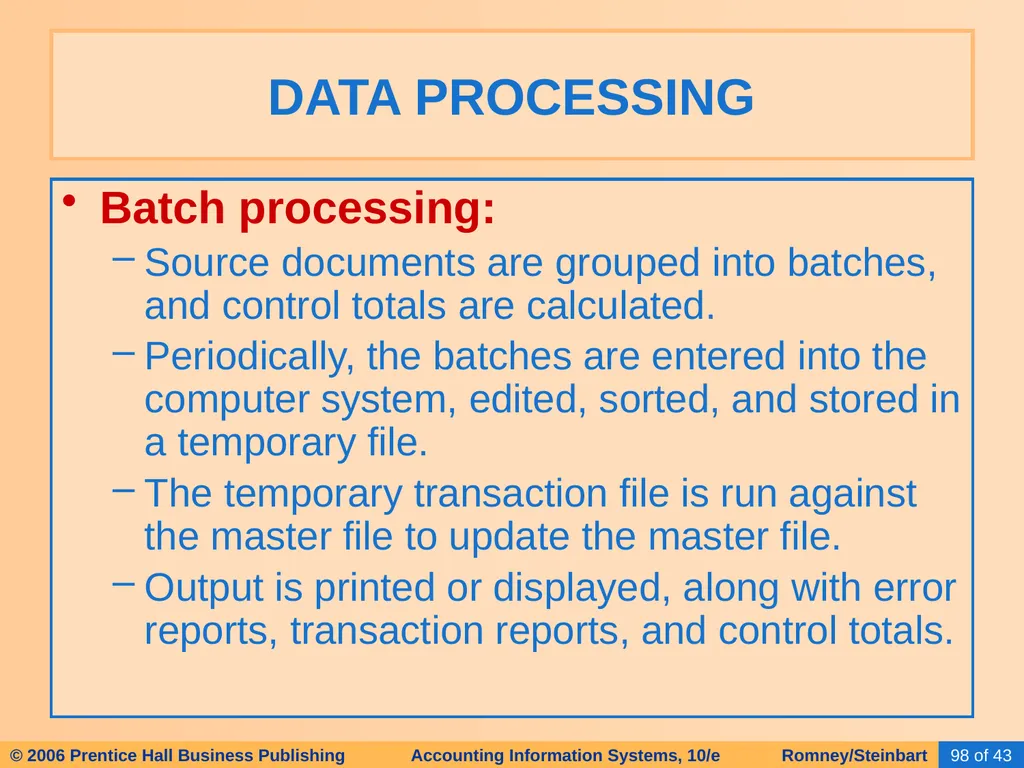
Batch processing:
Source documents are grouped into batches, and control totals are calculated.
Periodically, the batches are entered into the computer system, edited, sorted, and stored in a temporary file.
The temporary transaction file is run against the master file to update the master file.
Output is printed or displayed, along with error reports, transaction reports, and control totals. DATA PROCESSING<br>
Source documents are grouped into batches, and control totals are calculated.
Periodically, the batches are entered into the computer system, edited, sorted, and stored in a temporary file.
The temporary transaction file is run against the master file to update the master file.
Output is printed or displayed, along with error reports, transaction reports, and control totals. DATA PROCESSING<br>
99
Updating can be done through several approaches:
Batch processing
On-line Batch Processing DATA PROCESSING<br>
Batch processing
On-line Batch Processing DATA PROCESSING<br>
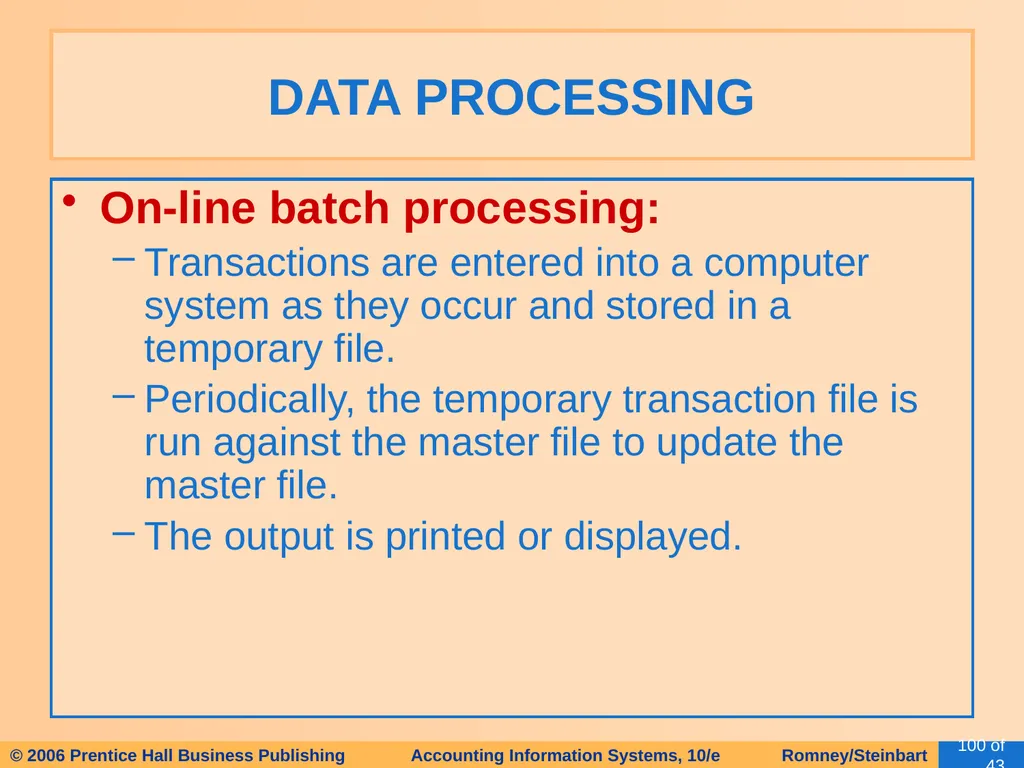
100
On-line batch processing:
Transactions are entered into a computer system as they occur and stored in a temporary file.
Periodically, the temporary transaction file is run against the master file to update the master file.
The output is printed or displayed. DATA PROCESSING<br>
Transactions are entered into a computer system as they occur and stored in a temporary file.
Periodically, the temporary transaction file is run against the master file to update the master file.
The output is printed or displayed. DATA PROCESSING<br>
101
Updating can be done through several approaches:
Batch processing
On-line Batch Processing
On-line, Real-time Processing DATA PROCESSING<br>
Batch processing
On-line Batch Processing
On-line, Real-time Processing DATA PROCESSING<br>
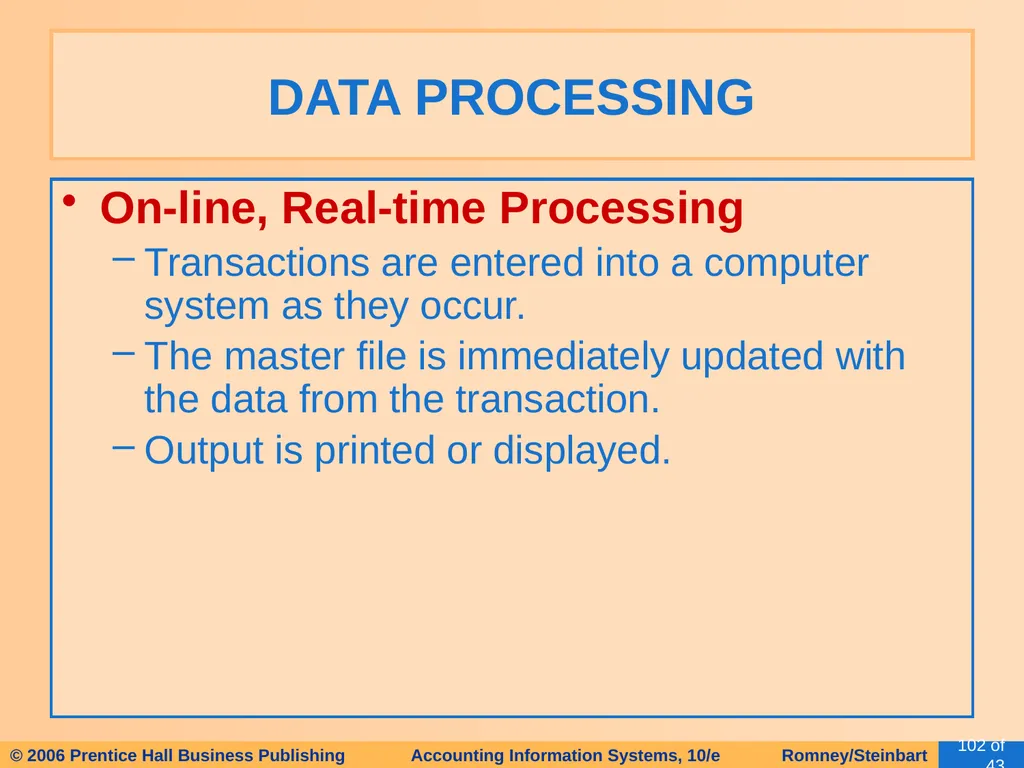
102
On-line, Real-time Processing
Transactions are entered into a computer system as they occur.
The master file is immediately updated with the data from the transaction.
Output is printed or displayed. DATA PROCESSING<br>
Transactions are entered into a computer system as they occur.
The master file is immediately updated with the data from the transaction.
Output is printed or displayed. DATA PROCESSING<br>
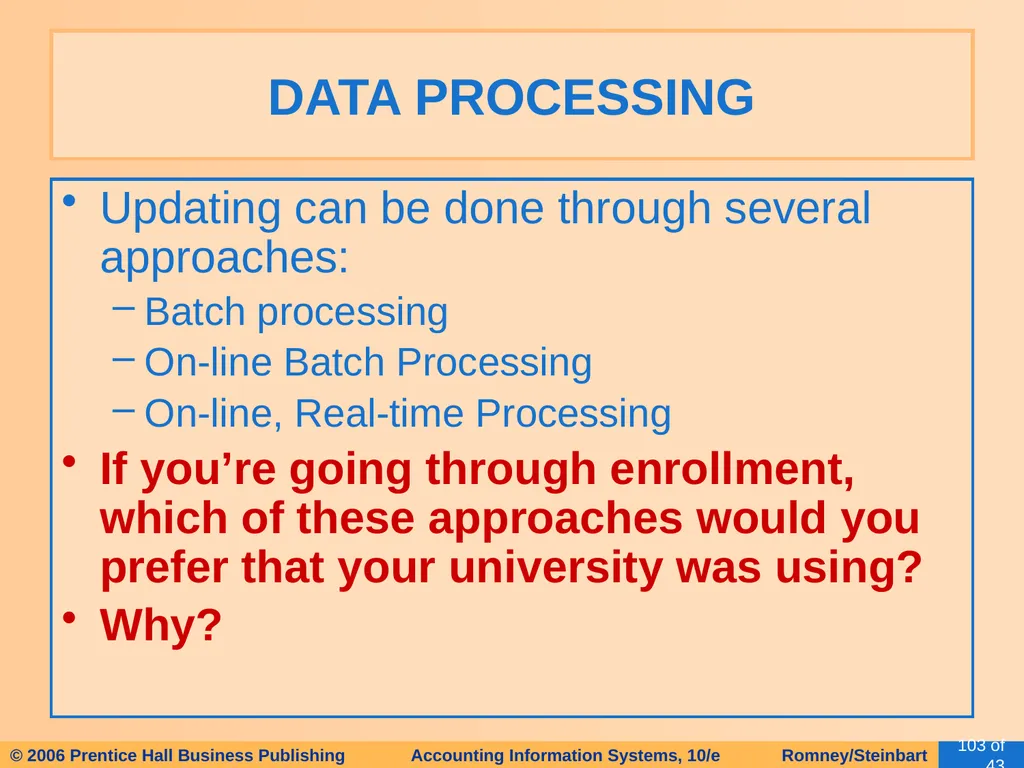
103
Updating can be done through several approaches:
Batch processing
On-line Batch Processing
On-line, Real-time Processing
If you’re going through enrollment, which of these approaches would you prefer that your university was using?
Why? DATA PROCESSING<br>
Batch processing
On-line Batch Processing
On-line, Real-time Processing
If you’re going through enrollment, which of these approaches would you prefer that your university was using?
Why? DATA PROCESSING<br>
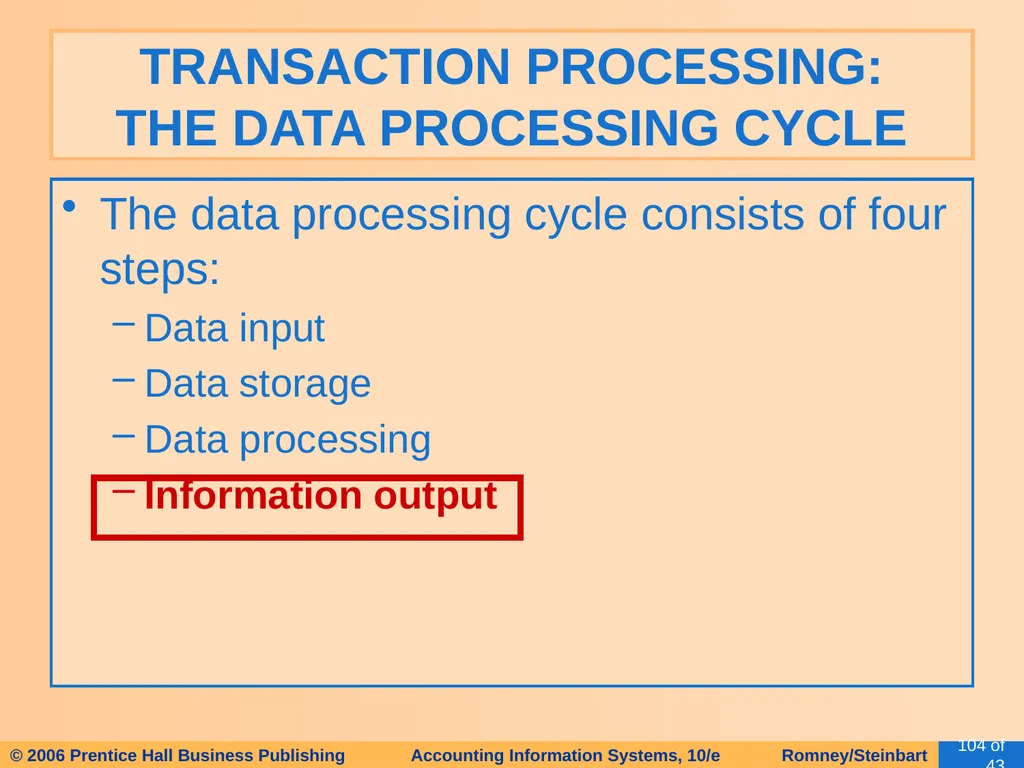
104
The data processing cycle consists of four steps:
Data input
Data storage
Data processing
Information output TRANSACTION PROCESSING: THE DATA PROCESSING CYCLE<br>
Data input
Data storage
Data processing
Information output TRANSACTION PROCESSING: THE DATA PROCESSING CYCLE<br>
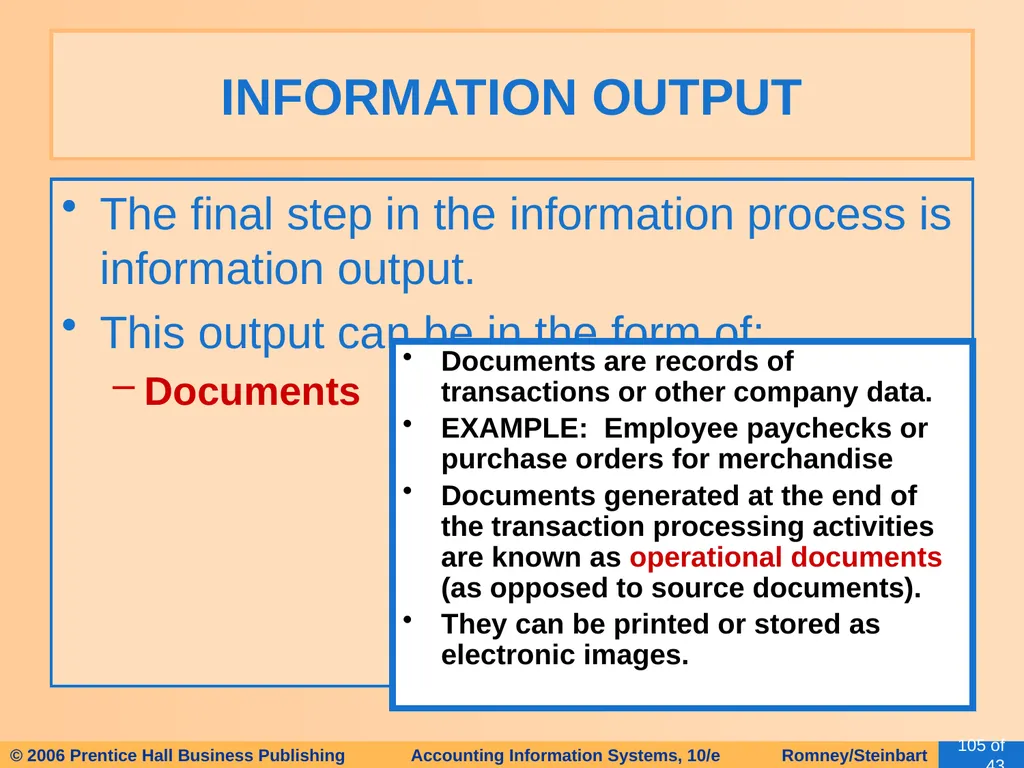
105
The final step in the information process is information output.
This output can be in the form of:
Documents INFORMATION OUTPUT Documents are records of transactions or other company data.
EXAMPLE: Employee paychecks or purchase orders for merchandise
Documents generated at the end of the transaction processing activities are known as operational documents (as opposed to source documents).
They can be printed or stored as electronic images.<br>
This output can be in the form of:
Documents INFORMATION OUTPUT Documents are records of transactions or other company data.
EXAMPLE: Employee paychecks or purchase orders for merchandise
Documents generated at the end of the transaction processing activities are known as operational documents (as opposed to source documents).
They can be printed or stored as electronic images.<br>
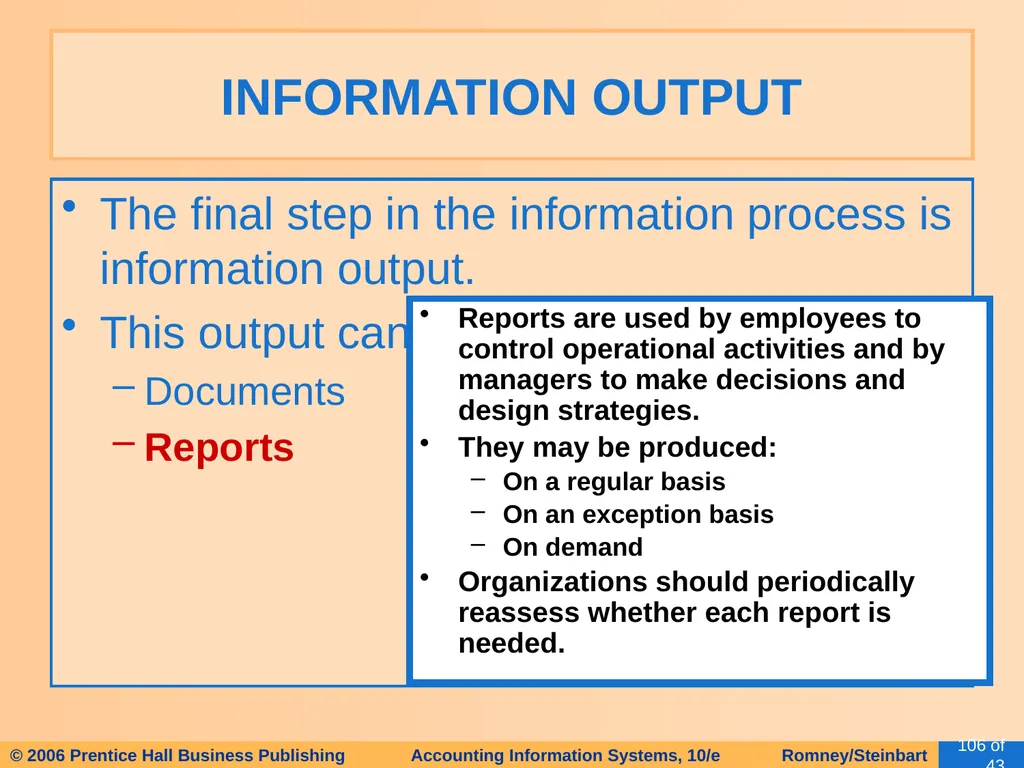
106
The final step in the information process is information output.
This output can be in the form of:
Documents
Reports INFORMATION OUTPUT Reports are used by employees to control operational activities and by managers to make decisions and design strategies.
They may be produced:
On a regular basis
On an exception basis
On demand
Organizations should periodically reassess whether each report is needed.<br>
This output can be in the form of:
Documents
Reports INFORMATION OUTPUT Reports are used by employees to control operational activities and by managers to make decisions and design strategies.
They may be produced:
On a regular basis
On an exception basis
On demand
Organizations should periodically reassess whether each report is needed.<br>
107
The final step in the information process is information output.
This output can be in the form of:
Documents
Reports
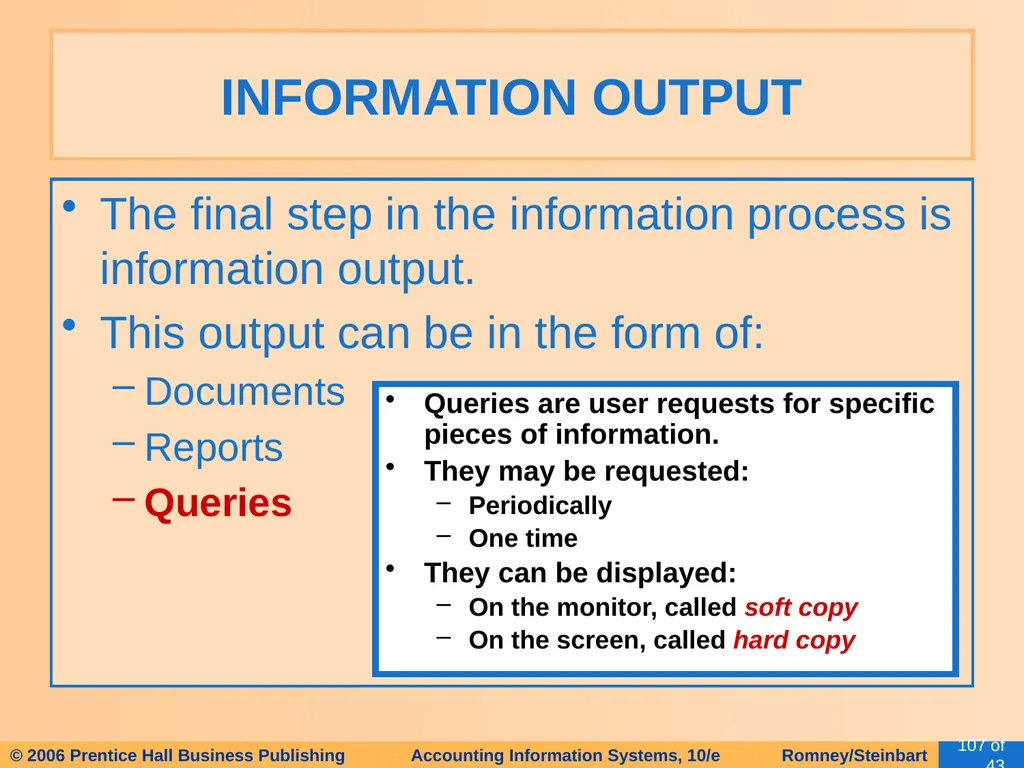
Queries INFORMATION OUTPUT Queries are user requests for specific pieces of information.
They may be requested:
Periodically
One time
They can be displayed:
On the monitor, called soft copy
On the screen, called hard copy<br>
This output can be in the form of:
Documents
Reports
Queries INFORMATION OUTPUT Queries are user requests for specific pieces of information.
They may be requested:
Periodically
One time
They can be displayed:
On the monitor, called soft copy
On the screen, called hard copy<br>
108
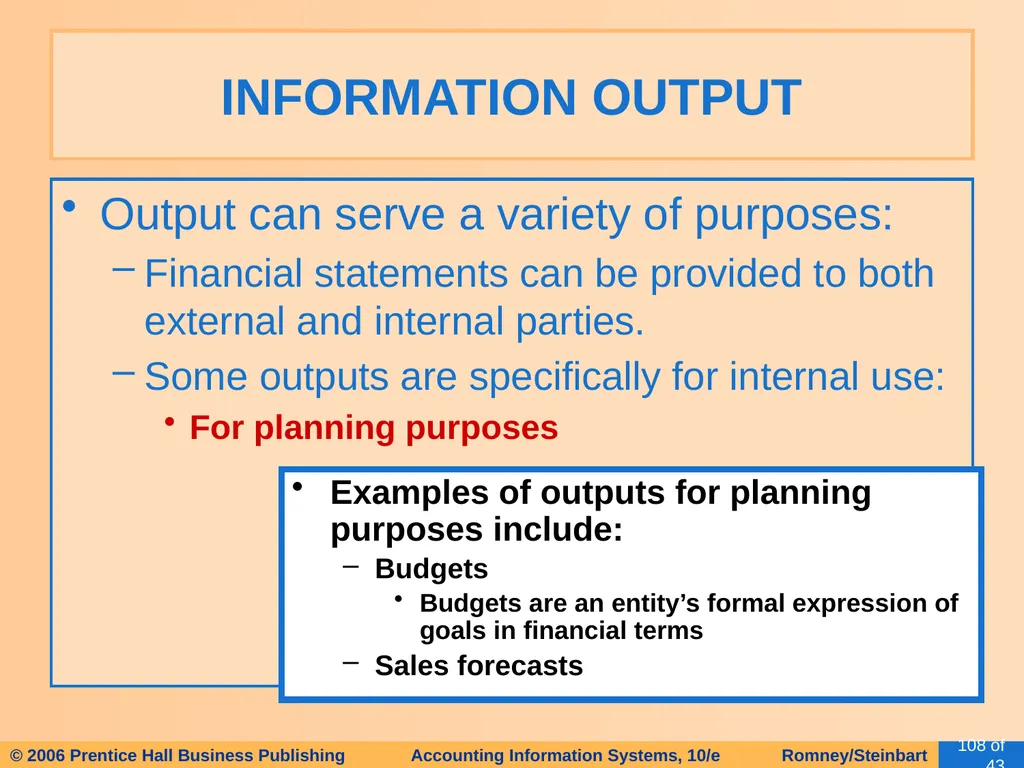
Output can serve a variety of purposes:
Financial statements can be provided to both external and internal parties.
Some outputs are specifically for internal use:
For planning purposes INFORMATION OUTPUT Examples of outputs for planning purposes include:
Budgets
Budgets are an entity’s formal expression of goals in financial terms
Sales forecasts<br>
Financial statements can be provided to both external and internal parties.
Some outputs are specifically for internal use:
For planning purposes INFORMATION OUTPUT Examples of outputs for planning purposes include:
Budgets
Budgets are an entity’s formal expression of goals in financial terms
Sales forecasts<br>
109
Output can serve a variety of purposes:
Financial statements can be provided to both external and internal parties.
Some outputs are specifically for internal use:
For planning purposes
For management of day-to-day operations INFORMATION OUTPUT Example: delivery schedules<br>
Financial statements can be provided to both external and internal parties.
Some outputs are specifically for internal use:
For planning purposes
For management of day-to-day operations INFORMATION OUTPUT Example: delivery schedules<br>
110
Output can serve a variety of purposes:
Financial statements can be provided to both external and internal parties.
Some outputs are specifically for internal use:
For planning purposes
For management of day-to-day operations
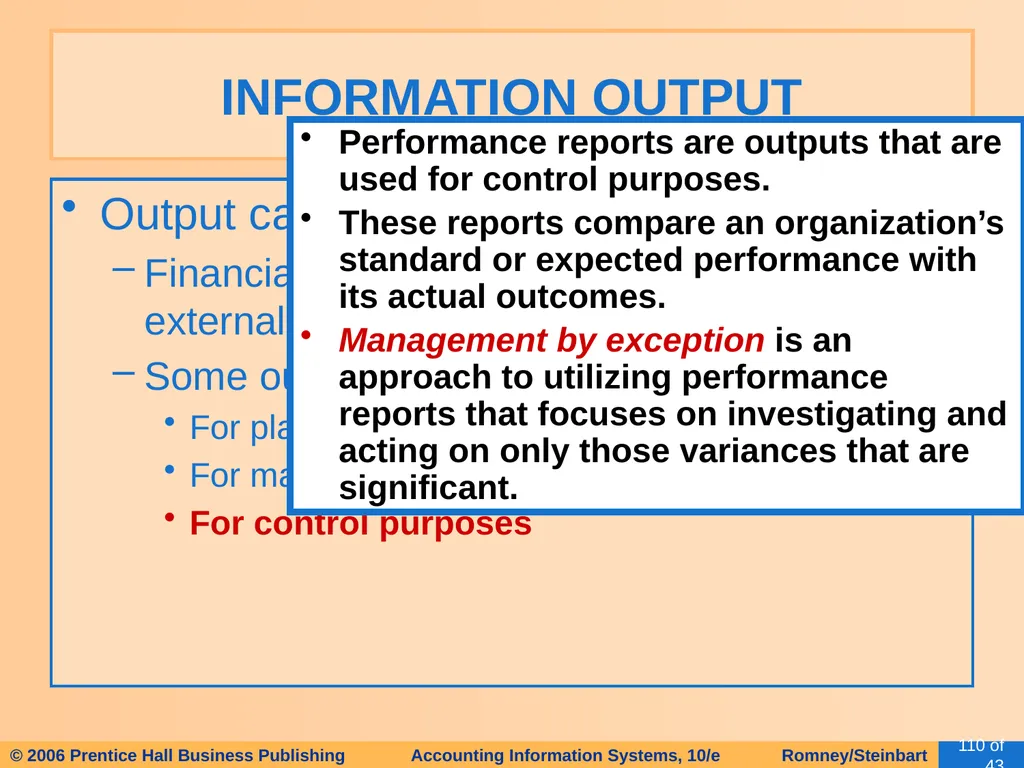
For control purposes INFORMATION OUTPUT Performance reports are outputs that are used for control purposes.
These reports compare an organization’s standard or expected performance with its actual outcomes.
Management by exception is an approach to utilizing performance reports that focuses on investigating and acting on only those variances that are significant.<br>
Financial statements can be provided to both external and internal parties.
Some outputs are specifically for internal use:
For planning purposes
For management of day-to-day operations
For control purposes INFORMATION OUTPUT Performance reports are outputs that are used for control purposes.
These reports compare an organization’s standard or expected performance with its actual outcomes.
Management by exception is an approach to utilizing performance reports that focuses on investigating and acting on only those variances that are significant.<br>
111
Output can serve a variety of purposes:
Financial statements can be provided to both external and internal parties.
Some outputs are specifically for internal use:
For planning purposes
For management of day-to-day operations
For control purposes
For evaluation purposes INFORMATION OUTPUT These outputs might include:
Surveys of customer satisfaction
Reports on employee error rates<br>
Financial statements can be provided to both external and internal parties.
Some outputs are specifically for internal use:
For planning purposes
For management of day-to-day operations
For control purposes
For evaluation purposes INFORMATION OUTPUT These outputs might include:
Surveys of customer satisfaction
Reports on employee error rates<br>
112
Behavioral implications of managerial reports:
YOU GET WHAT YOU MEASURE! INFORMATION OUTPUT<br>
YOU GET WHAT YOU MEASURE! INFORMATION OUTPUT<br>
113
Suppose an instructor wants to improve student learning.
He decides to encourage better attendance by grading students on attendance (i.e., measuring it).
The result will be better student attendance, i.e., you get what you measure.
The improved attendance may or may not improve learning outcomes.
Students may be getting better grades when attendance is measured, but not learning more.
Some students may in fact reduce their studying because they believe they can use the attendance score to boost their grade. This behavior would be a dysfunctional result of the measurement. INFORMATION OUTPUT<br>
He decides to encourage better attendance by grading students on attendance (i.e., measuring it).
The result will be better student attendance, i.e., you get what you measure.
The improved attendance may or may not improve learning outcomes.
Students may be getting better grades when attendance is measured, but not learning more.
Some students may in fact reduce their studying because they believe they can use the attendance score to boost their grade. This behavior would be a dysfunctional result of the measurement. INFORMATION OUTPUT<br>
114
Budgets can cause dysfunctional behavior.
EXAMPLE: In order to stay within budget, the IT Department did not buy a security package for its system.
A hacker broke in and devastated some of their data files.
Critical security measures were foregone in order to meet budgetary goals.
The resulting costs far outweighed the savings. INFORMATION OUTPUT<br>
EXAMPLE: In order to stay within budget, the IT Department did not buy a security package for its system.
A hacker broke in and devastated some of their data files.
Critical security measures were foregone in order to meet budgetary goals.
The resulting costs far outweighed the savings. INFORMATION OUTPUT<br>
115
Budgeting can also be dysfunctional in that the focus can be redirected to creating acceptable numbers instead of achieving organizational objectives.
Does this mean organizations shouldn’t budget? INFORMATION OUTPUT<br>
Does this mean organizations shouldn’t budget? INFORMATION OUTPUT<br>
116
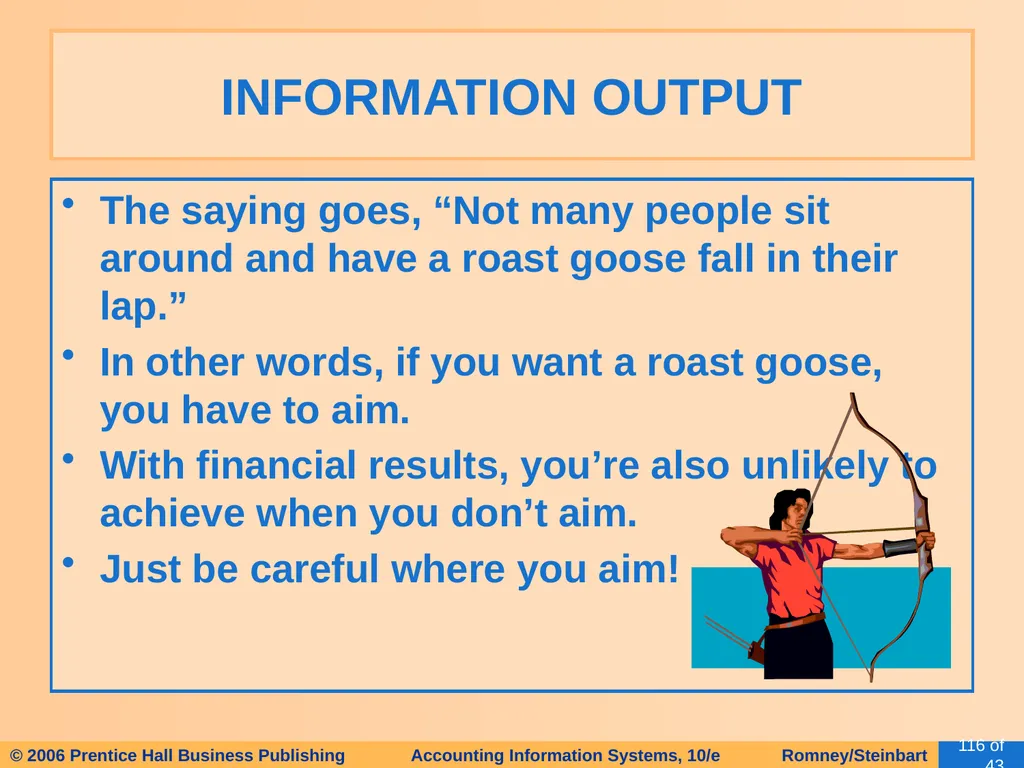
The saying goes, “Not many people sit around and have a roast goose fall in their lap.”
In other words, if you want a roast goose, you have to aim.
With financial results, you’re also unlikely to achieve when you don’t aim.
Just be careful where you aim! INFORMATION OUTPUT<br>
In other words, if you want a roast goose, you have to aim.
With financial results, you’re also unlikely to achieve when you don’t aim.
Just be careful where you aim! INFORMATION OUTPUT<br>
117
The traditional AIS captured financial data.
Non-financial data was captured in other, sometimes-redundant systems
Enterprise resource planning (ERP) systems are designed to integrate all aspects of a company’s operations (including both financial and non-financial information) with the traditional functions of an AIS. ROLE OF THE AIS<br>
Non-financial data was captured in other, sometimes-redundant systems
Enterprise resource planning (ERP) systems are designed to integrate all aspects of a company’s operations (including both financial and non-financial information) with the traditional functions of an AIS. ROLE OF THE AIS<br>
118
We’ve learned about the basic business activities in which an organization engages, the decisions that need to be made, and the information required to make those decisions.
We’ve reviewed the data processing cycle and its role in organizing business activities and providing information to users.
Finally, we’ve touched on the role of the information systems in modern organizations and introduced the notion of enterprise resource planning systems. SUMMARY<br>
We’ve reviewed the data processing cycle and its role in organizing business activities and providing information to users.
Finally, we’ve touched on the role of the information systems in modern organizations and introduced the notion of enterprise resource planning systems. SUMMARY<br>