HOW TO MAKE A POSTER PRESENTATION- what to include and what to avoid Leanne Torgersen, Seniorrådgiver Forskningsadministrasjon avdeling, Høgskolen i østfold Before designing your poster Have your abstract completed first before starting
"HOW TO MAKE A POSTER PRESENTATION- what to include" is the property of its rightful owner. Permission is granted to
download and print the materials on this website for personal, non-commercial use only, and to display it
on your personal computer provided you do not modify the materials and that you retain all copyright
notices contained in the materials. By downloading content from our website, you accept the terms of this
agreement.
Presentation Transcript
01
HOW TO MAKE A POSTER PRESENTATION- what to include and what to avoid Leanne Torgersen, Seniorrådgiver
Forskningsadministrasjon avdeling, Høgskolen i østfold<br>
02
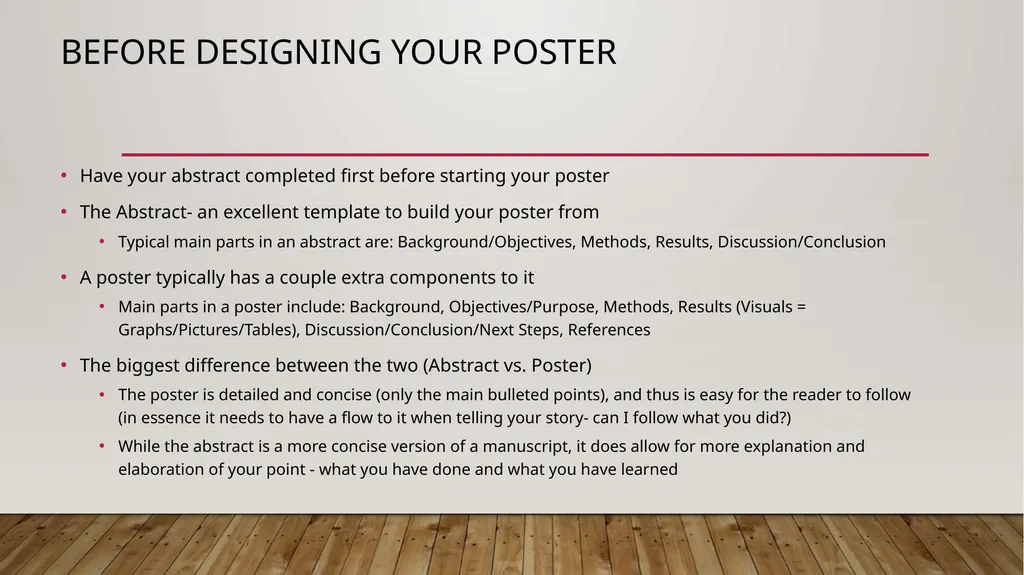
Before designing your poster Have your abstract completed first before starting your poster
The Abstract- an excellent template to build your poster from
Typical main parts in an abstract are: Background/Objectives, Methods, Results, Discussion/Conclusion
A poster typically has a couple extra components to it
Main parts in a poster include: Background, Objectives/Purpose, Methods, Results (Visuals = Graphs/Pictures/Tables), Discussion/Conclusion/Next Steps, References
The biggest difference between the two (Abstract vs. Poster)
The poster is detailed and concise (only the main bulleted points), and thus is easy for the reader to follow (in essence it needs to have a flow to it when telling your story- can I follow what you did?)
While the abstract is a more concise version of a manuscript, it does allow for more explanation and elaboration of your point - what you have done and what you have learned<br>
03
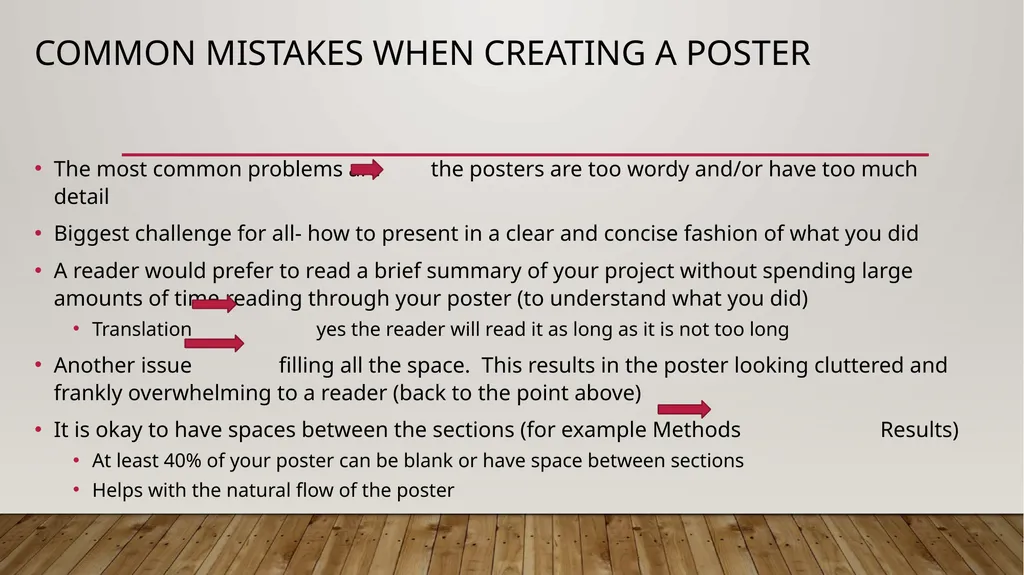
Common mistakes when creating a poster The most common problems are the posters are too wordy and/or have too much detail
Biggest challenge for all- how to present in a clear and concise fashion of what you did
A reader would prefer to read a brief summary of your project without spending large amounts of time reading through your poster (to understand what you did)
Translation yes the reader will read it as long as it is not too long
Another issue filling all the space. This results in the poster looking cluttered and frankly overwhelming to a reader (back to the point above)
It is okay to have spaces between the sections (for example Methods Results)
At least 40% of your poster can be blank or have space between sections
Helps with the natural flow of the poster<br>
04
The Smaller details with the design of your poster Text size should be large enough that someone can read it from around 1,5 - 2 meters away (but this will depend on the environment where you are presenting)
Some suggest minimum of 24 font size text in the different sections (Background, Method, Results, Discussion)
References can use a smaller font size (important to include, but they don’t need to take up too much space)
Choose a font style that is easy to read like Arial or Times New Roman
Have the title of your project be interesting in order to capture the reader’s interest
Not uncommon for a reader to read just the title of a poster
It is the quickest way to see if they want to read more<br>
05
The flow of your story and layout choices Your poster tells the reader about your project/story – what you did from beginning to end
You will present your story in a logical order or flow that:
Starts from the top left (or center- this depends on layout)
Goes from top to bottom
And from left to right
This flow of ideas, and moving from one section to the other, should be clear and logical to the reader
How do you want that story to read? Portrait versus Landscape Layout
Portrait – Two Columns (tends to be preferred for academic posters)
Landscape – Three Columns (preferred layout for research/scientific posters)<br>
06
The main parts of A Poster- Part 1 Title, Author(s), Institution, Contact Information (i.e. email address)
Background
Statement of the problem, what have you observed, identified need (rationale for doing the project)
Objectives/Purpose
What had you plan to do, the goal of conducting the research/project
Methods
How you implemented your plan, steps/procedure<br>
07
The main parts of A Poster- Part 1I Results (Visuals = Graphs/Pictures/Tables)
What you have found, more specific on details, what were your outcomes
The measurements found: % improvement after implementation of a training module, increased self-efficacy of the students, improved outcomes
Discussion/Conclusion
Summary of what you have learned, what benefits do you interpret from your results to have on: students, society, academics (if applicable)
I like to conclude with what I call the Next Steps. This is what I learned now and what I plan to do next (next step in your research, teaching, training)
References<br>
08
Pictures are worth a thousand words Include visuals in your poster and especially in the Results section
Visuals can help the reader understand better what you did/what you found
Charts and Graphs
Examples: Pie Charts, Bar Charts, Area Charts, Line Charts, Scatterplots, Pyramid Charts, Histograms/Distribution Curves (if stats are needed), Pictographs
Tables
Demographic breakdowns
Pre and post results
Pictures
Pictures of people in action doing the project (be careful with privacy rules/confidentiality)
Anything that helps effectively get your point across<br>
09
Template of a poster- where to find or how to create Templates and/or building your own
Powerpoint- If creating your own
Include the Høgskolen logo - Designmanual - Høgskolen i Østfold (hiof.no)
Templates available with Høgskolen logo- Dokumentmaler – For ansatte – Høgskolen i Østfold (hiof.no)
3 column poster design – Is available – contact Hanne and Arild (Seksjon for pedagogisk utvikling og læring/Section for Educational Development and Learning)
A0 is the standard poster size
If you printing a poster or anything larger than A3/A4, then IT operations can help (just printing, not design) https://www.hiof.no/tjenester/it/kontakt/
If you need to print anything that is A3 or A4 in size, then (Halden) - Trykkeri/kopirom ved HIØ - Høgskolen i Østfold (hiof.no)
Carrying case/tube- Staples<br>
10
Thank you for your time I hope this helps and feel free to contact me should you ever have any questions
References
Home - Poster Presentations - Research Guides at UCLA Library
Make a Good Poster | Undergraduate Research and Independent Projects (stanford.edu)
PhD Posters
Ten Simple Rules for a Good Poster Presentation - PMC (nih.gov)<br>