
Informatics 43 October 1, 2015 Lecture 1-2 Emily
AM
Published · 50 slides · 0 views

1 / 1
Description
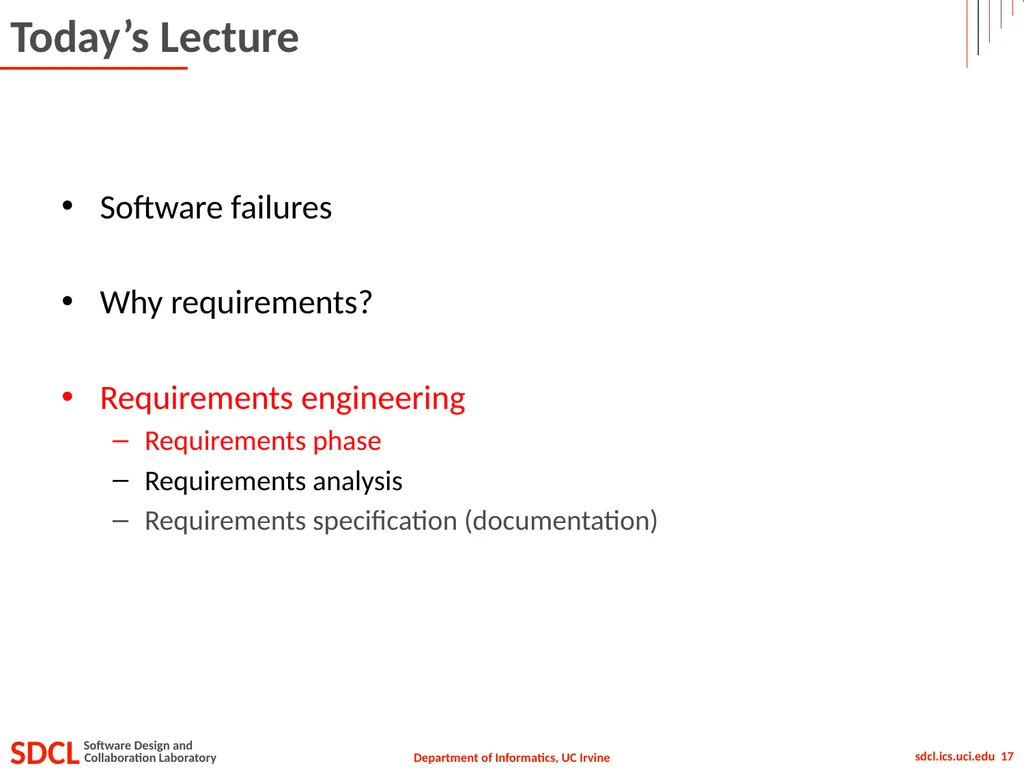
Informatics 43 October 1, 2015 Lecture 1-2 Emily Navarro Duplication of course material for any commercial purpose without the explicit written permission of the professor is prohibited. Todays Lecture Software failures Why requirements?
Related Topics
Share
Embed code
Download this presentation From Below
"Informatics 43 October 1, 2015 Lecture 1-2 Emily" is the property of its rightful owner. Permission is granted to download and print the materials on this website for personal, non-commercial use only, and to display it on your personal computer provided you do not modify the materials and that you retain all copyright notices contained in the materials. By downloading content from our website, you accept the terms of this agreement.
Presentation Transcript
01
Informatics 43
October 1, 2015 Lecture 1-2
Emily Navarro
Duplication of course material for any commercial purpose without the explicit written permission of the professor is prohibited.<br>
Emily Navarro
Duplication of course material for any commercial purpose without the explicit written permission of the professor is prohibited.<br>
02
Today’s Lecture Software failures
Why requirements?
Requirements engineering
Requirements phase
Requirements analysis
Requirements specification (documentation)<br>
Why requirements?
Requirements engineering
Requirements phase
Requirements analysis
Requirements specification (documentation)<br>
03
Today’s Lecture Software failures
Why requirements?
Requirements engineering
Requirements phase
Requirements analysis
Requirements specification (documentation)<br>
Why requirements?
Requirements engineering
Requirements phase
Requirements analysis
Requirements specification (documentation)<br>
04
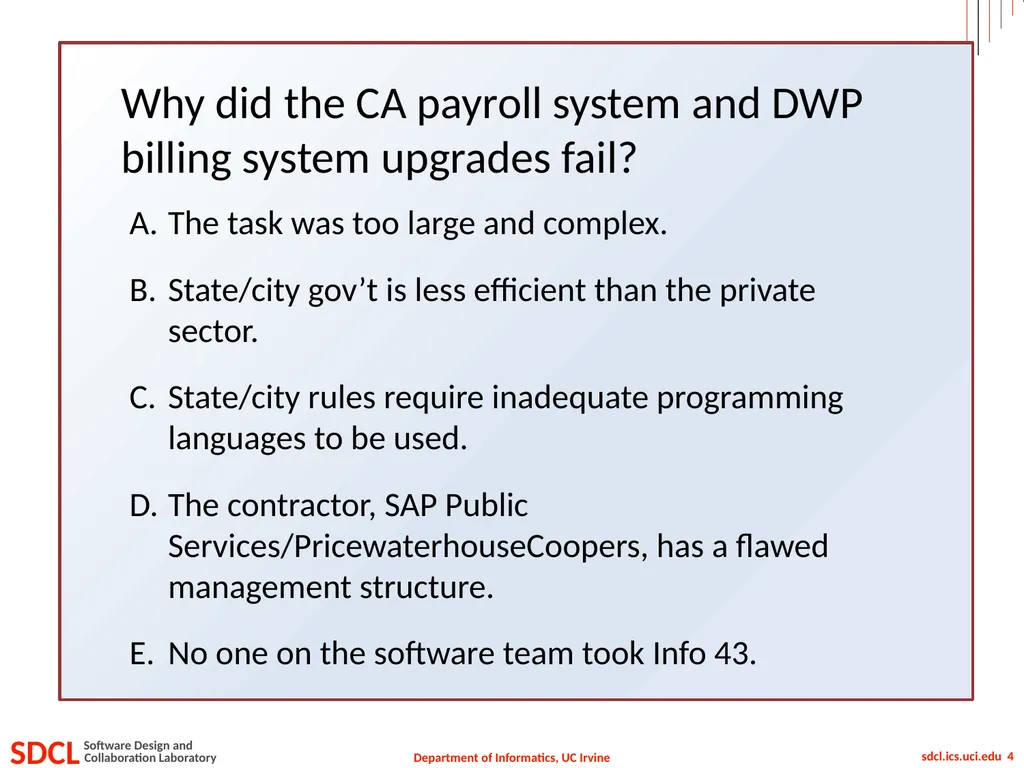
Why did the CA payroll system and DWP billing system upgrades fail? The task was too large and complex.
State/city gov’t is less efficient than the private sector.
State/city rules require inadequate programming languages to be used.
The contractor, SAP Public Services/PricewaterhouseCoopers, has a flawed management structure.
No one on the software team took Info 43.<br>
State/city gov’t is less efficient than the private sector.
State/city rules require inadequate programming languages to be used.
The contractor, SAP Public Services/PricewaterhouseCoopers, has a flawed management structure.
No one on the software team took Info 43.<br>
05
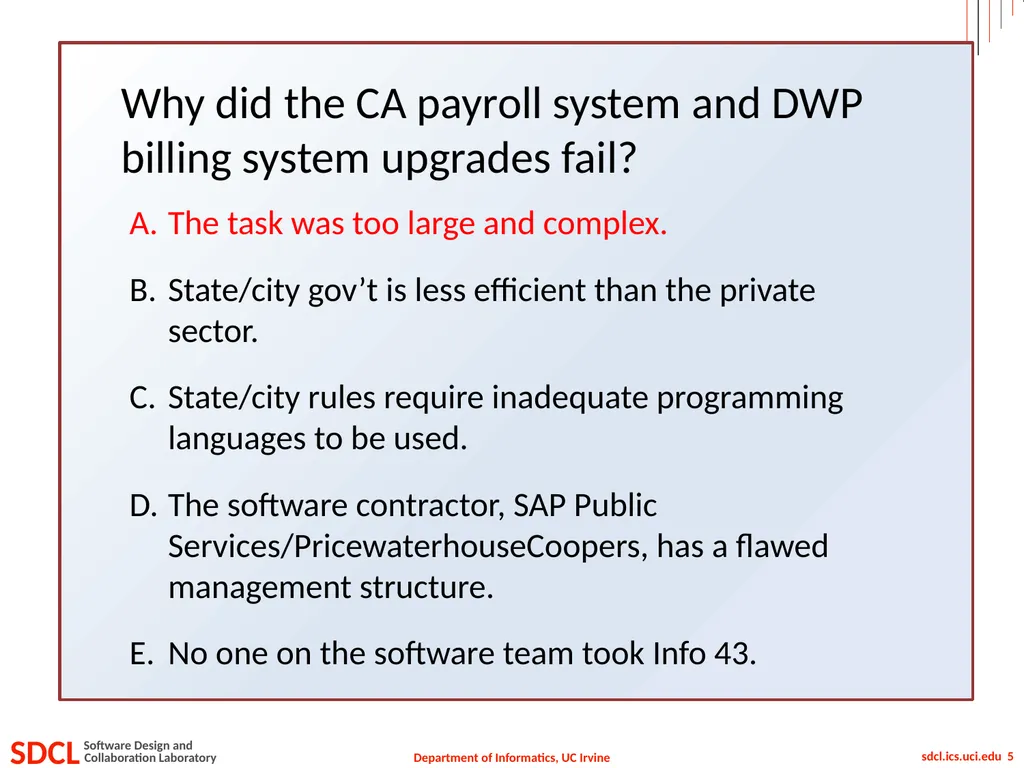
Why did the CA payroll system and DWP billing system upgrades fail? The task was too large and complex.
State/city gov’t is less efficient than the private sector.
State/city rules require inadequate programming languages to be used.
The software contractor, SAP Public Services/PricewaterhouseCoopers, has a flawed management structure.
No one on the software team took Info 43.<br>
State/city gov’t is less efficient than the private sector.
State/city rules require inadequate programming languages to be used.
The software contractor, SAP Public Services/PricewaterhouseCoopers, has a flawed management structure.
No one on the software team took Info 43.<br>
06
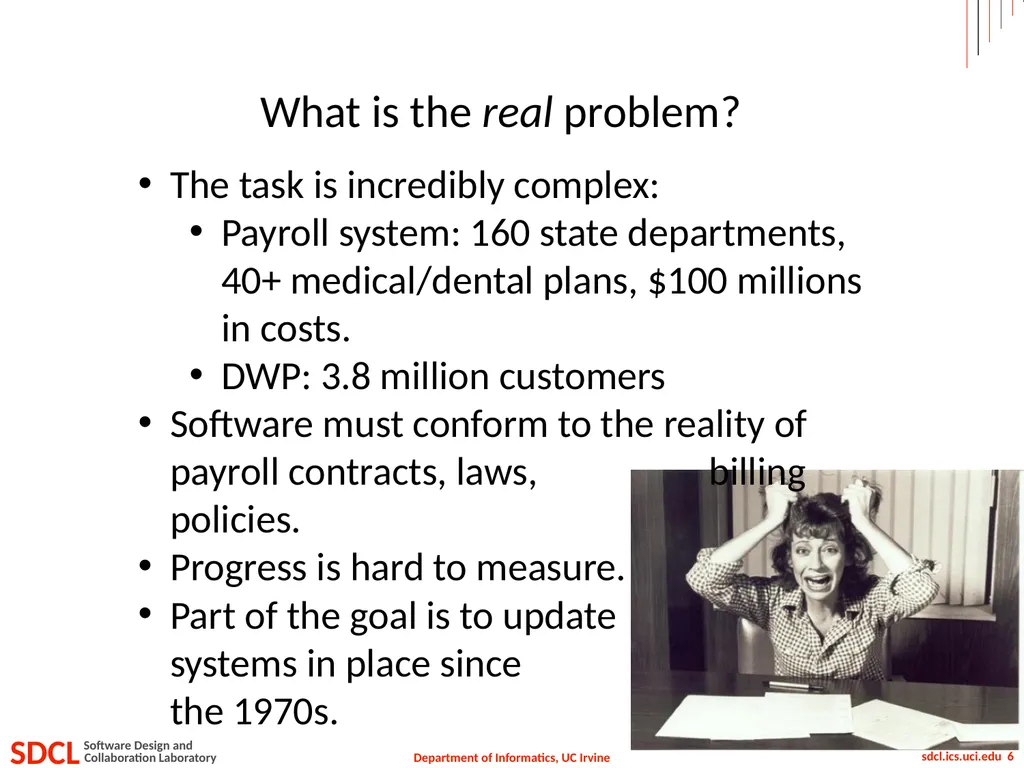
What is the real problem? The task is incredibly complex:
Payroll system: 160 state departments, 40+ medical/dental plans, $100 millions in costs.
DWP: 3.8 million customers
Software must conform to the reality of payroll contracts, laws, billing policies.
Progress is hard to measure.
Part of the goal is to update systems in place since the 1970s.<br>
Payroll system: 160 state departments, 40+ medical/dental plans, $100 millions in costs.
DWP: 3.8 million customers
Software must conform to the reality of payroll contracts, laws, billing policies.
Progress is hard to measure.
Part of the goal is to update systems in place since the 1970s.<br>
07
Today’s Lecture Software failures
Why requirements?
Requirements engineering
Requirements phase
Requirements analysis
Requirements specification (documentation)<br>
Why requirements?
Requirements engineering
Requirements phase
Requirements analysis
Requirements specification (documentation)<br>
08
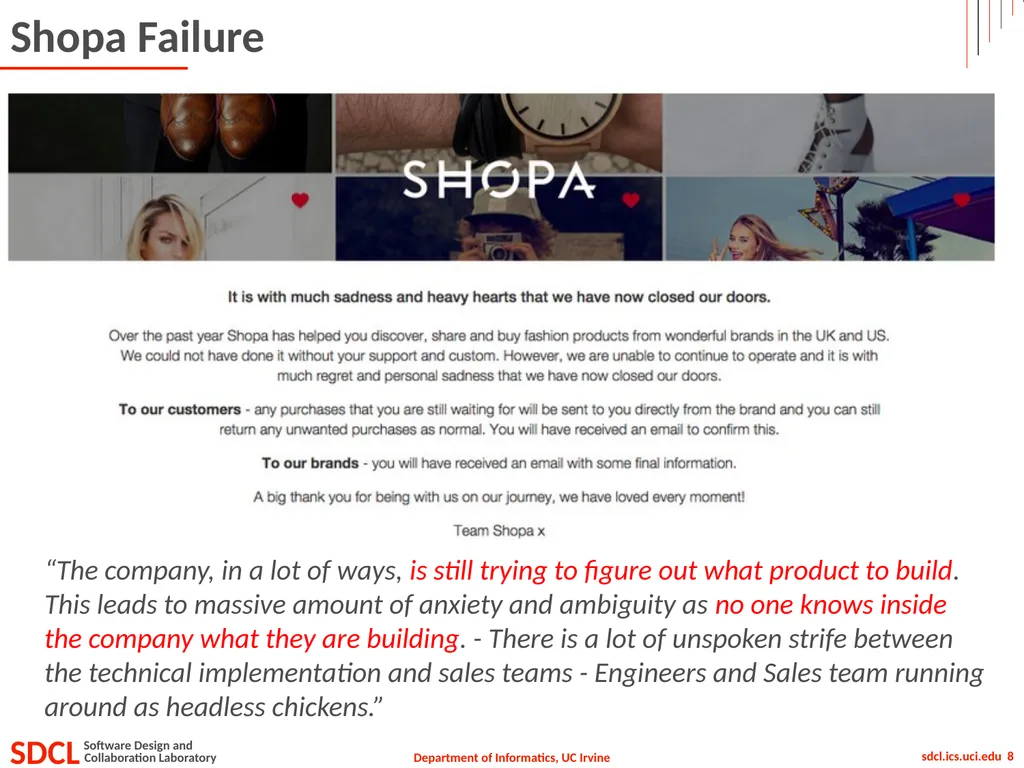
Shopa Failure “The company, in a lot of ways, is still trying to figure out what product to build. This leads to massive amount of anxiety and ambiguity as no one knows inside the company what they are building. - There is a lot of unspoken strife between the technical implementation and sales teams - Engineers and Sales team running around as headless chickens.”<br>
09
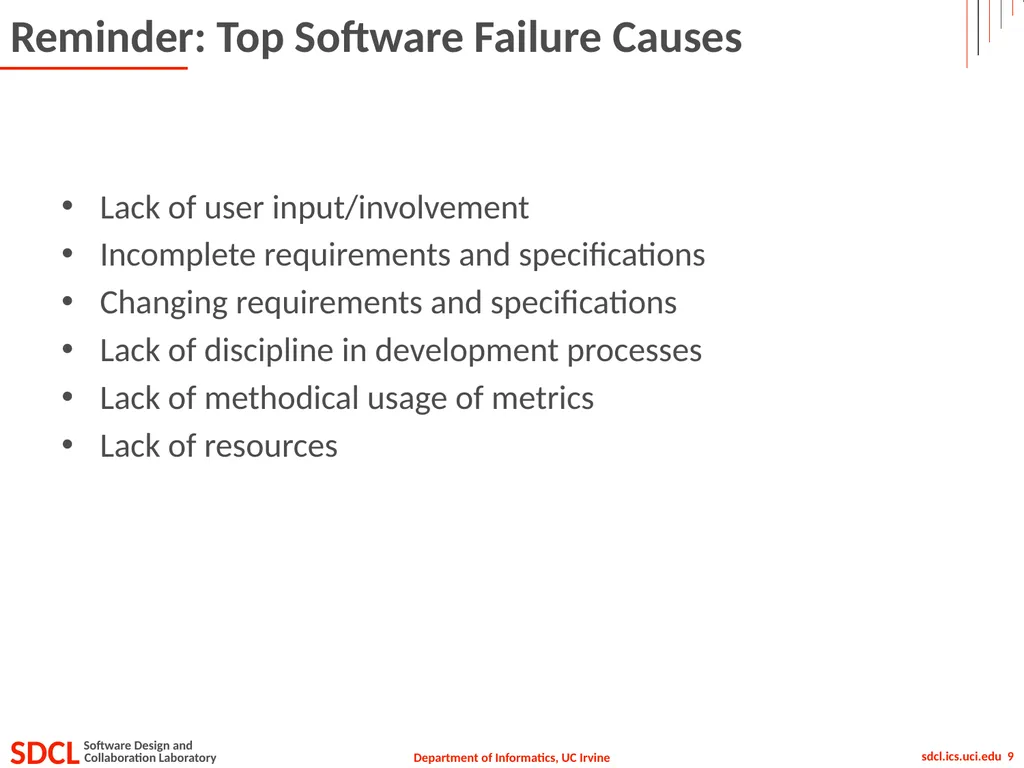
Reminder: Top Software Failure Causes Lack of user input/involvement
Incomplete requirements and specifications
Changing requirements and specifications
Lack of discipline in development processes
Lack of methodical usage of metrics
Lack of resources<br>
Incomplete requirements and specifications
Changing requirements and specifications
Lack of discipline in development processes
Lack of methodical usage of metrics
Lack of resources<br>
10
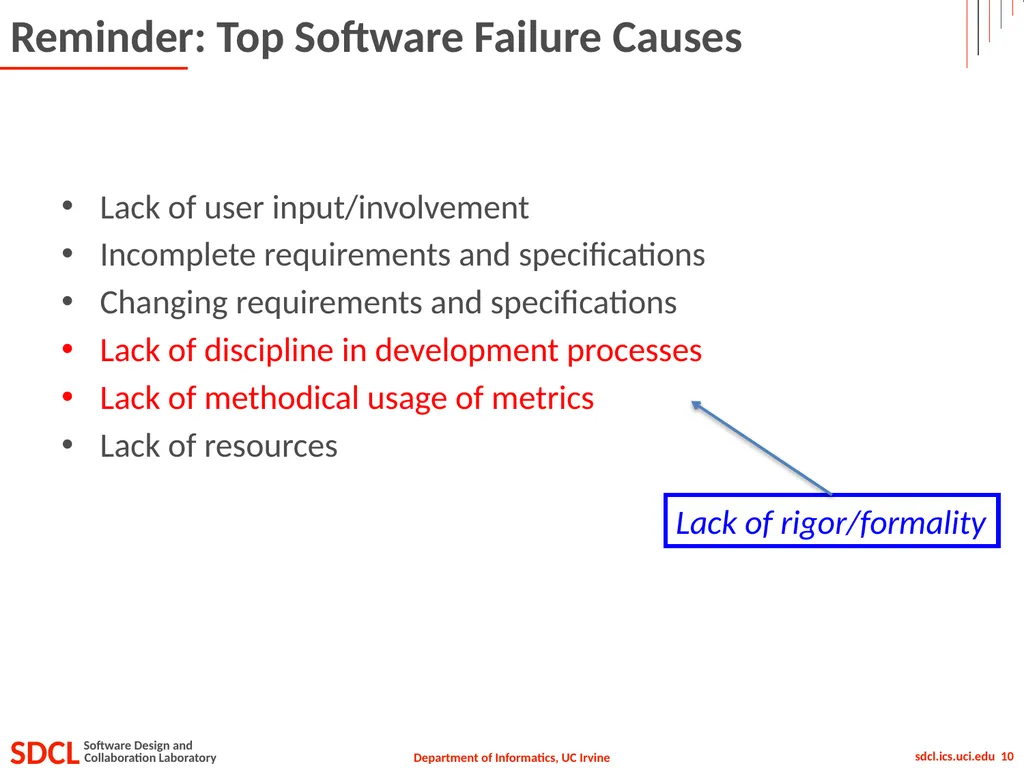
Reminder: Top Software Failure Causes Lack of user input/involvement
Incomplete requirements and specifications
Changing requirements and specifications
Lack of discipline in development processes
Lack of methodical usage of metrics
Lack of resources Lack of rigor/formality<br>
Incomplete requirements and specifications
Changing requirements and specifications
Lack of discipline in development processes
Lack of methodical usage of metrics
Lack of resources Lack of rigor/formality<br>
11
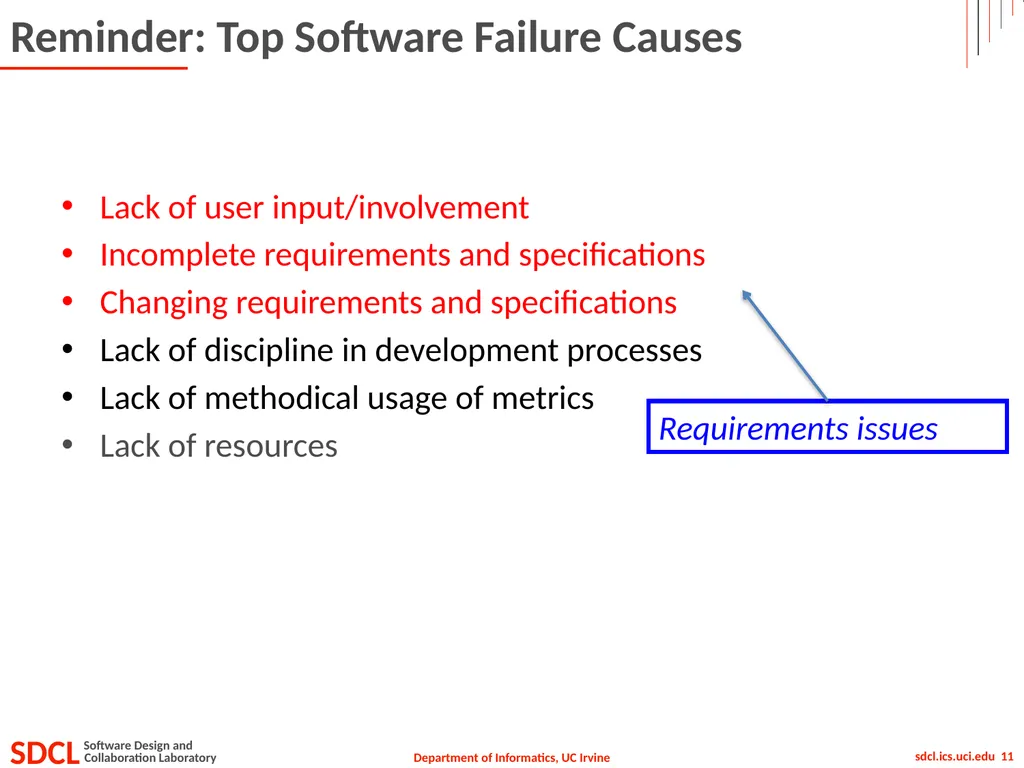
Reminder: Top Software Failure Causes Lack of user input/involvement
Incomplete requirements and specifications
Changing requirements and specifications
Lack of discipline in development processes
Lack of methodical usage of metrics
Lack of resources Requirements issues<br>
Incomplete requirements and specifications
Changing requirements and specifications
Lack of discipline in development processes
Lack of methodical usage of metrics
Lack of resources Requirements issues<br>
12
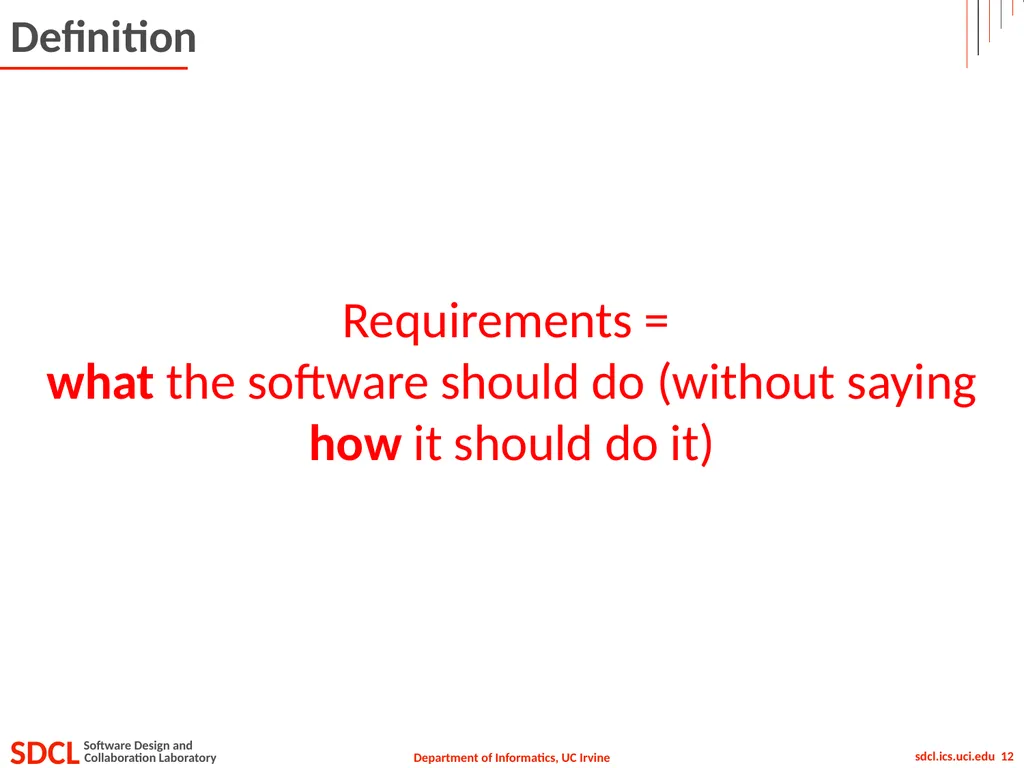
Definition Requirements =
what the software should do (without saying how it should do it)<br>
what the software should do (without saying how it should do it)<br>
13
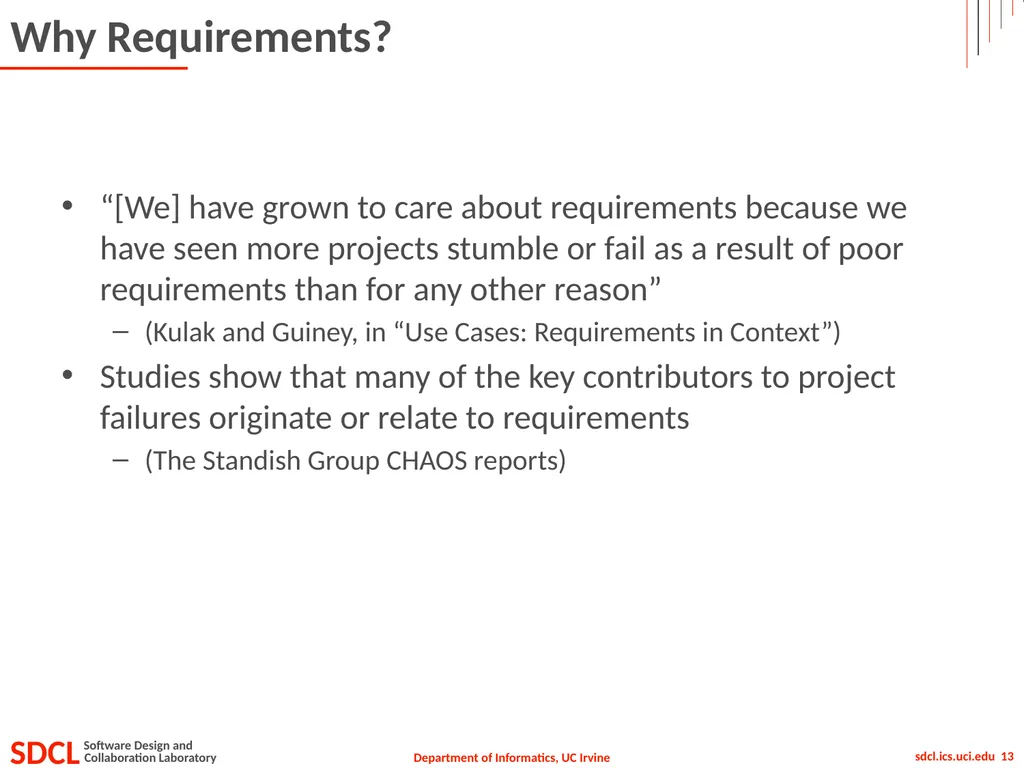
Why Requirements? “[We] have grown to care about requirements because we have seen more projects stumble or fail as a result of poor requirements than for any other reason”
(Kulak and Guiney, in “Use Cases: Requirements in Context”)
Studies show that many of the key contributors to project failures originate or relate to requirements
(The Standish Group CHAOS reports)<br>
(Kulak and Guiney, in “Use Cases: Requirements in Context”)
Studies show that many of the key contributors to project failures originate or relate to requirements
(The Standish Group CHAOS reports)<br>
14
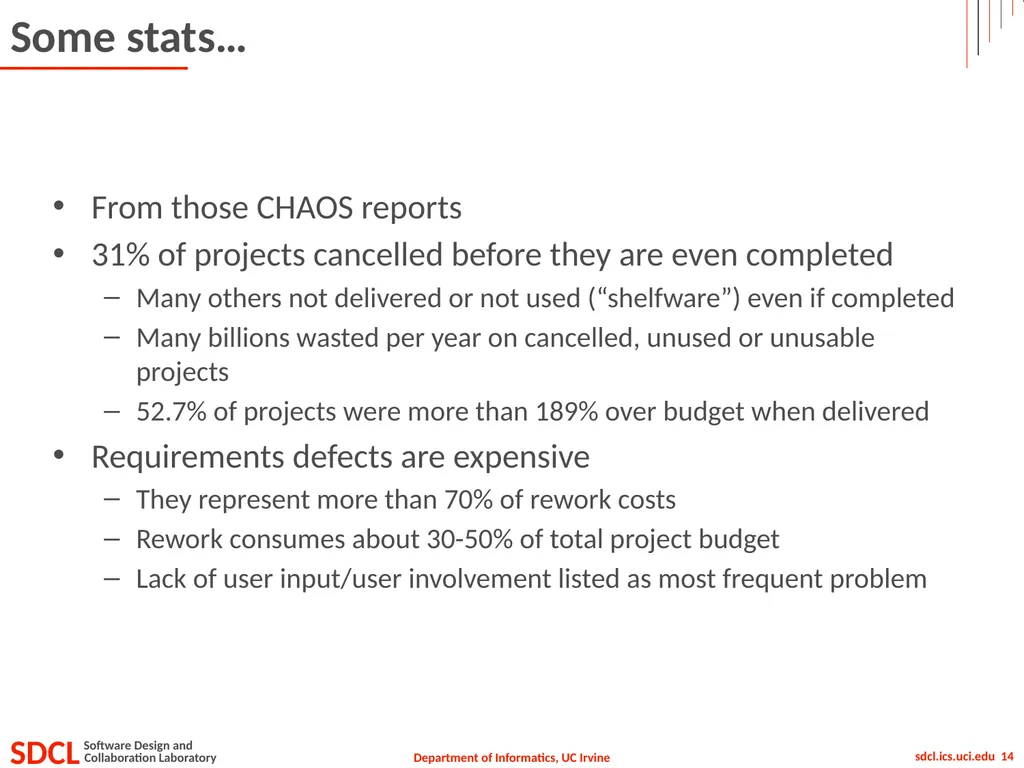
Some stats… From those CHAOS reports
31% of projects cancelled before they are even completed
Many others not delivered or not used (“shelfware”) even if completed
Many billions wasted per year on cancelled, unused or unusable projects
52.7% of projects were more than 189% over budget when delivered
Requirements defects are expensive
They represent more than 70% of rework costs
Rework consumes about 30-50% of total project budget
Lack of user input/user involvement listed as most frequent problem<br>
31% of projects cancelled before they are even completed
Many others not delivered or not used (“shelfware”) even if completed
Many billions wasted per year on cancelled, unused or unusable projects
52.7% of projects were more than 189% over budget when delivered
Requirements defects are expensive
They represent more than 70% of rework costs
Rework consumes about 30-50% of total project budget
Lack of user input/user involvement listed as most frequent problem<br>
15
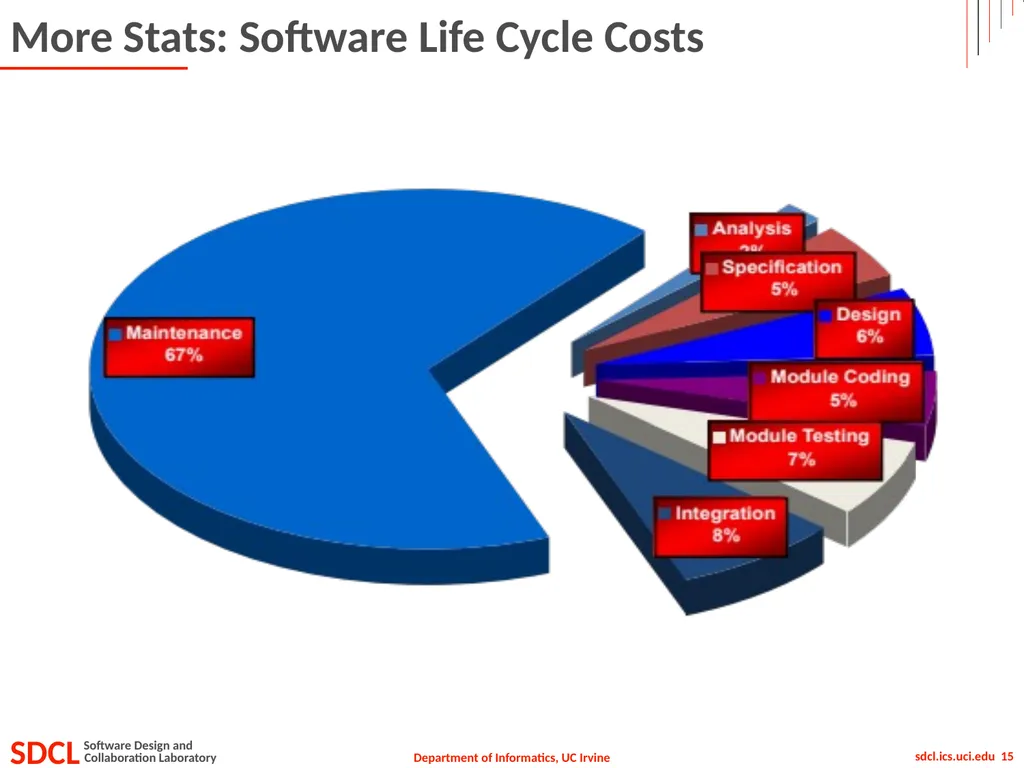
More Stats: Software Life Cycle Costs<br>
16
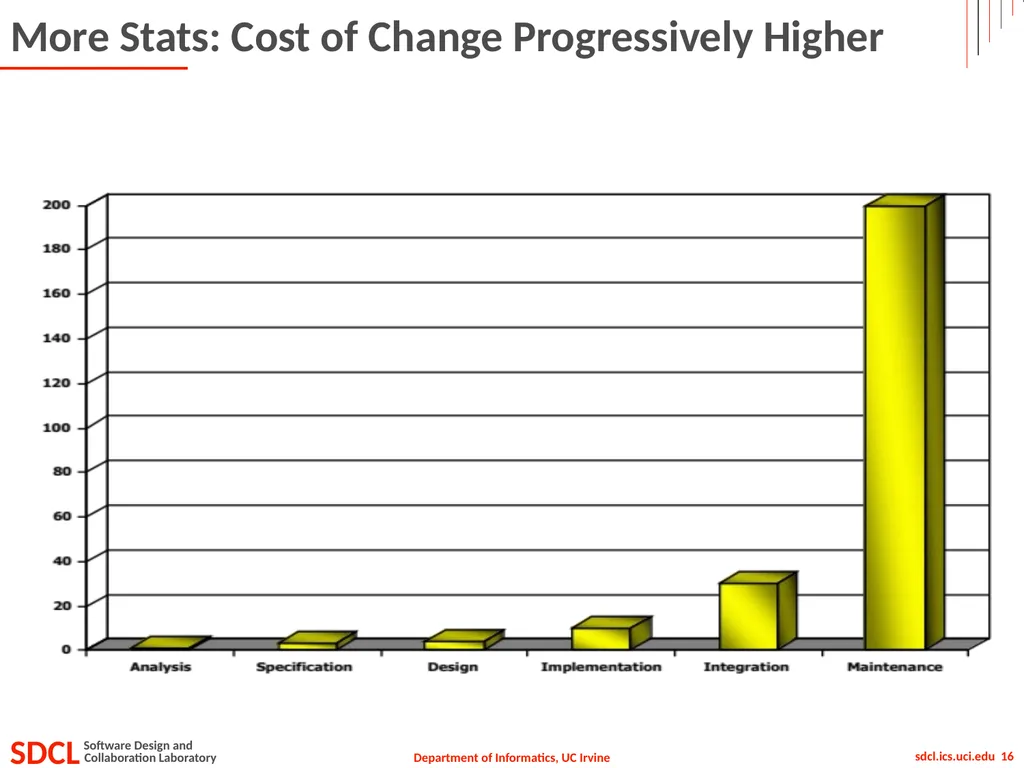
More Stats: Cost of Change Progressively Higher<br>
17
Today’s Lecture Software failures
Why requirements?
Requirements engineering
Requirements phase
Requirements analysis
Requirements specification (documentation)<br>
Why requirements?
Requirements engineering
Requirements phase
Requirements analysis
Requirements specification (documentation)<br>
18
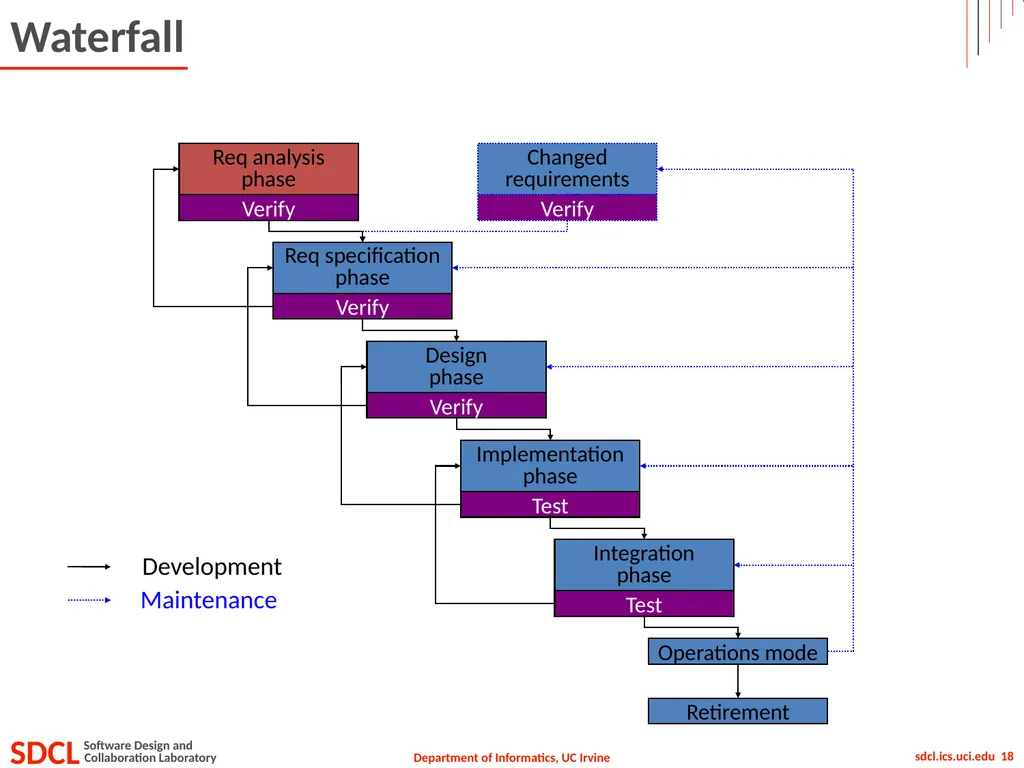
Waterfall Operations mode Retirement Req analysis
phase Verify Req specification
phase Verify Design
phase Verify Implementation
phase Test Integration
phase Test Changed
requirements Verify Development Maintenance<br>
phase Verify Req specification
phase Verify Design
phase Verify Implementation
phase Test Integration
phase Test Changed
requirements Verify Development Maintenance<br>
19
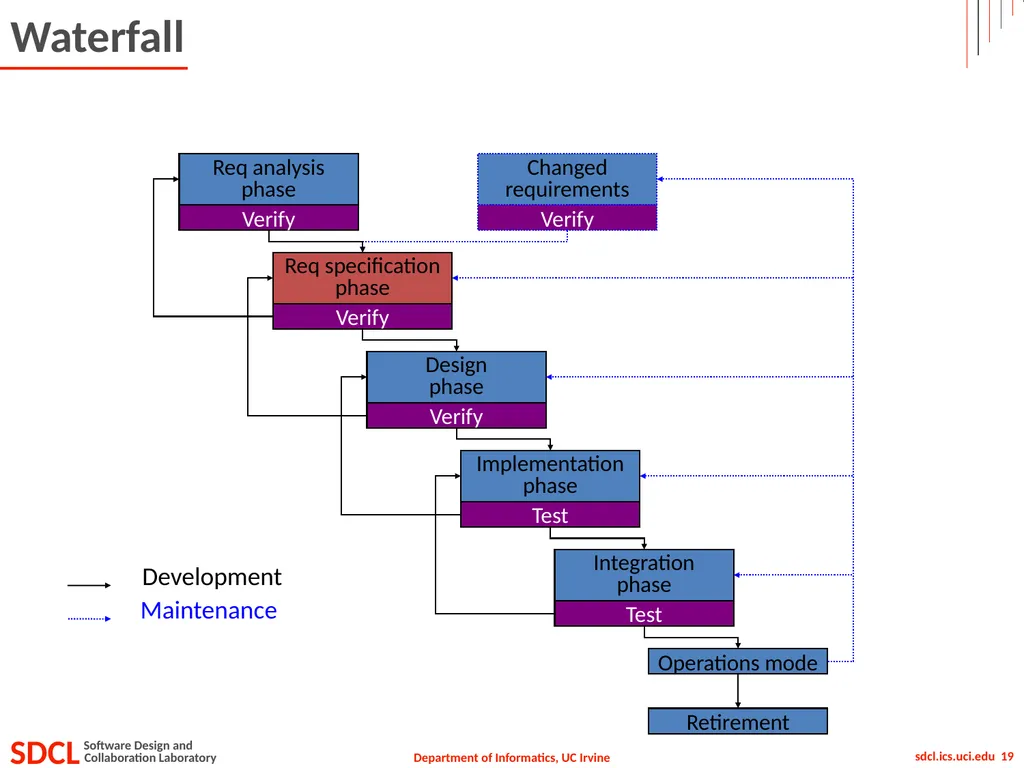
Waterfall Operations mode Retirement Req analysis
phase Verify Req specification
phase Verify Design
phase Verify Implementation
phase Test Integration
phase Test Changed
requirements Verify Development Maintenance<br>
phase Verify Req specification
phase Verify Design
phase Verify Implementation
phase Test Integration
phase Test Changed
requirements Verify Development Maintenance<br>
20
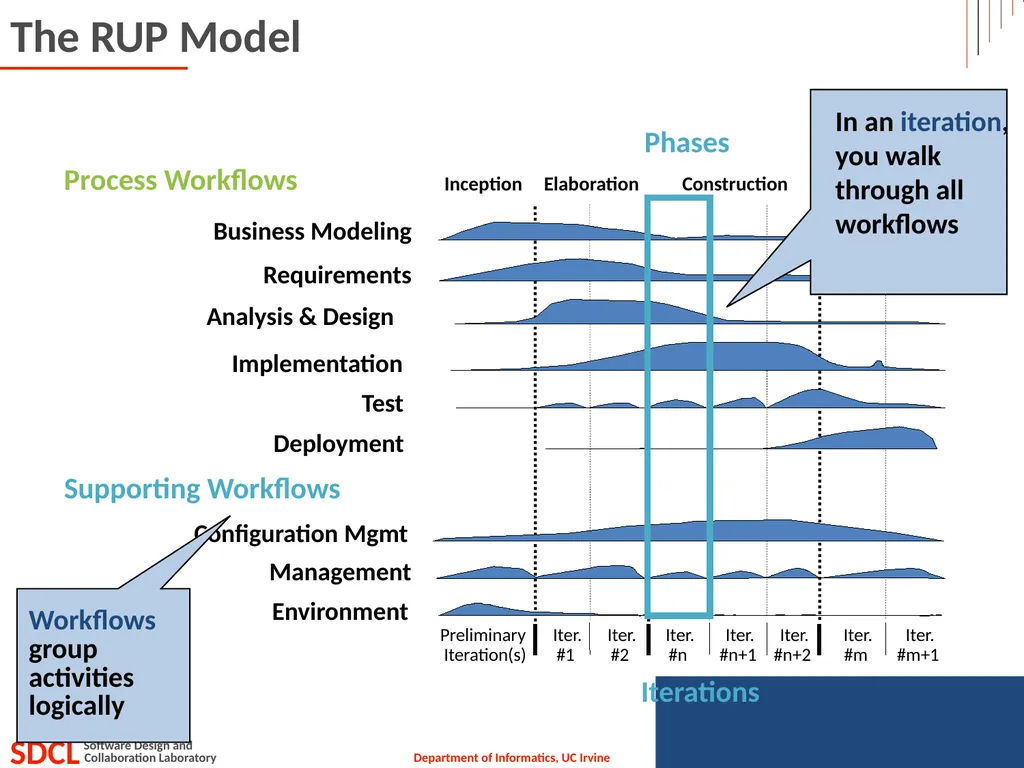
The RUP Model<br>
21
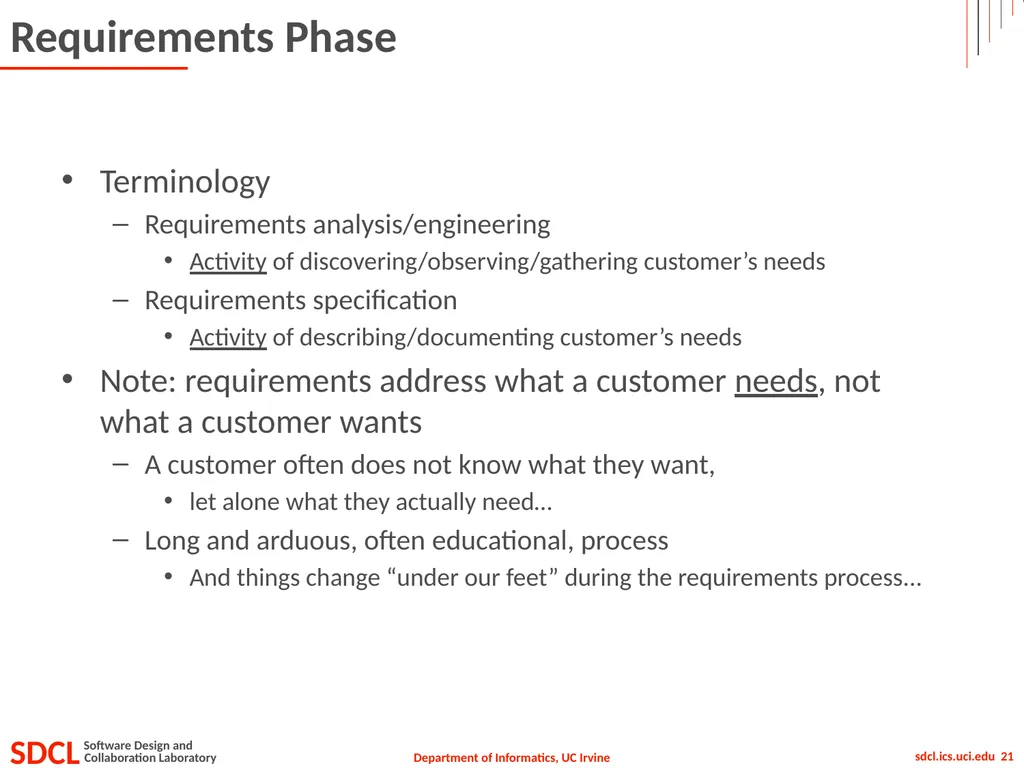
Requirements Phase Terminology
Requirements analysis/engineering
Activity of discovering/observing/gathering customer’s needs
Requirements specification
Activity of describing/documenting customer’s needs
Note: requirements address what a customer needs, not what a customer wants
A customer often does not know what they want,
let alone what they actually need…
Long and arduous, often educational, process
And things change “under our feet” during the requirements process...<br>
Requirements analysis/engineering
Activity of discovering/observing/gathering customer’s needs
Requirements specification
Activity of describing/documenting customer’s needs
Note: requirements address what a customer needs, not what a customer wants
A customer often does not know what they want,
let alone what they actually need…
Long and arduous, often educational, process
And things change “under our feet” during the requirements process...<br>
22
Today’s Lecture Software failures
Why requirements?
Requirements engineering
Requirements phase
Requirements analysis
Requirements specification (documentation)<br>
Why requirements?
Requirements engineering
Requirements phase
Requirements analysis
Requirements specification (documentation)<br>
23
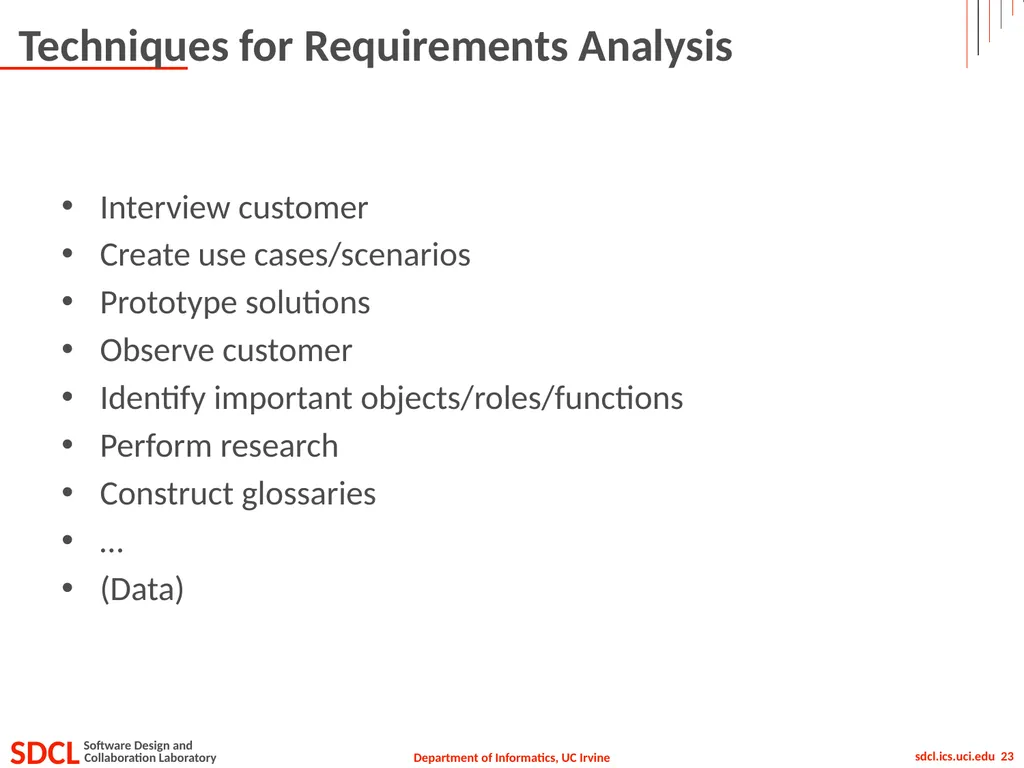
Techniques for Requirements Analysis Interview customer
Create use cases/scenarios
Prototype solutions
Observe customer
Identify important objects/roles/functions
Perform research
Construct glossaries
…
(Data)<br>
Create use cases/scenarios
Prototype solutions
Observe customer
Identify important objects/roles/functions
Perform research
Construct glossaries
…
(Data)<br>
24
Today’s Lecture Software failures
Why requirements?
Requirements engineering
Requirements phase
Requirements analysis
Requirements specification (documentation)<br>
Why requirements?
Requirements engineering
Requirements phase
Requirements analysis
Requirements specification (documentation)<br>
25
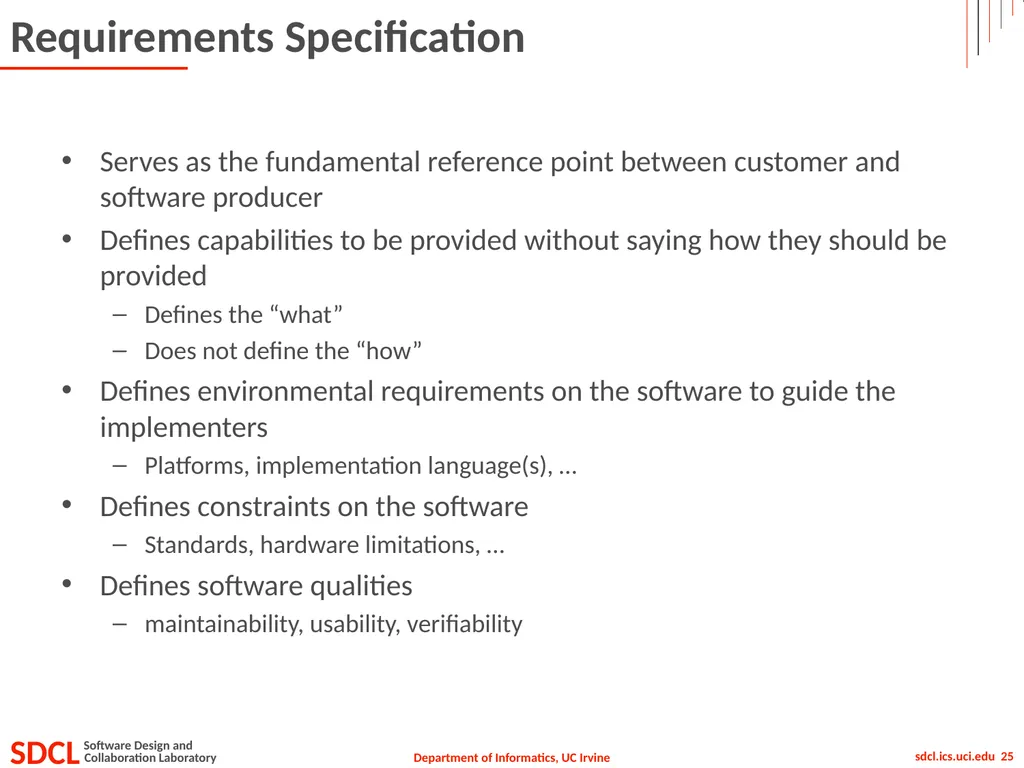
Requirements Specification Serves as the fundamental reference point between customer and software producer
Defines capabilities to be provided without saying how they should be provided
Defines the “what”
Does not define the “how”
Defines environmental requirements on the software to guide the implementers
Platforms, implementation language(s), …
Defines constraints on the software
Standards, hardware limitations, …
Defines software qualities
maintainability, usability, verifiability<br>
Defines capabilities to be provided without saying how they should be provided
Defines the “what”
Does not define the “how”
Defines environmental requirements on the software to guide the implementers
Platforms, implementation language(s), …
Defines constraints on the software
Standards, hardware limitations, …
Defines software qualities
maintainability, usability, verifiability<br>
26
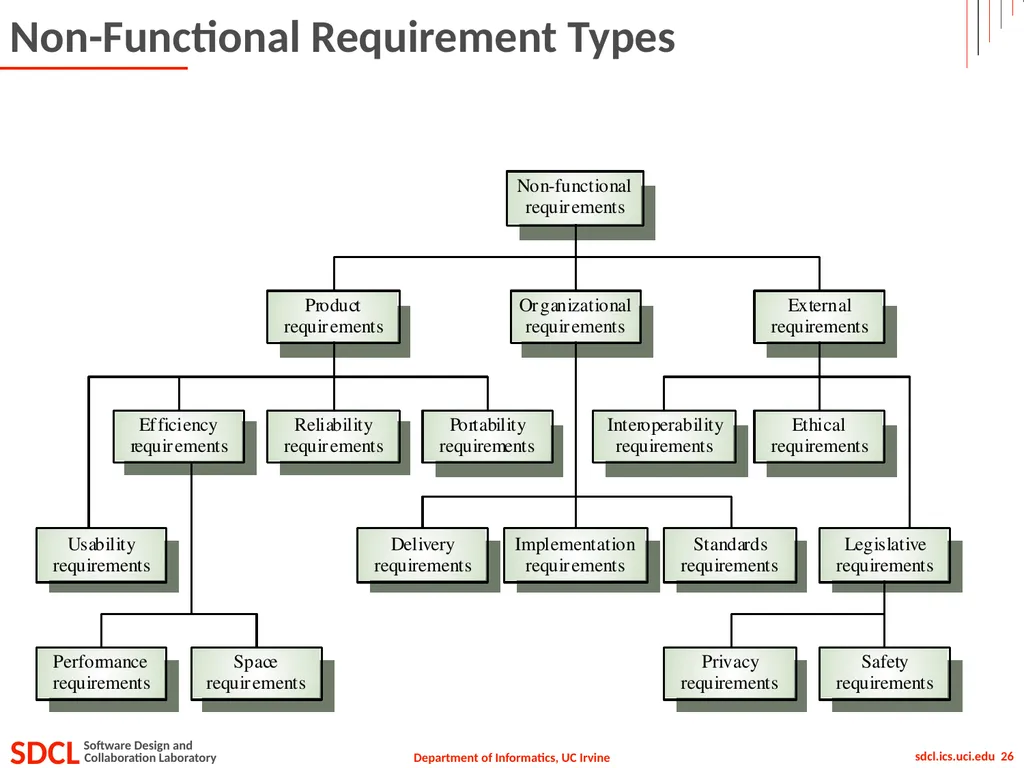
Non-Functional Requirement Types<br>
27
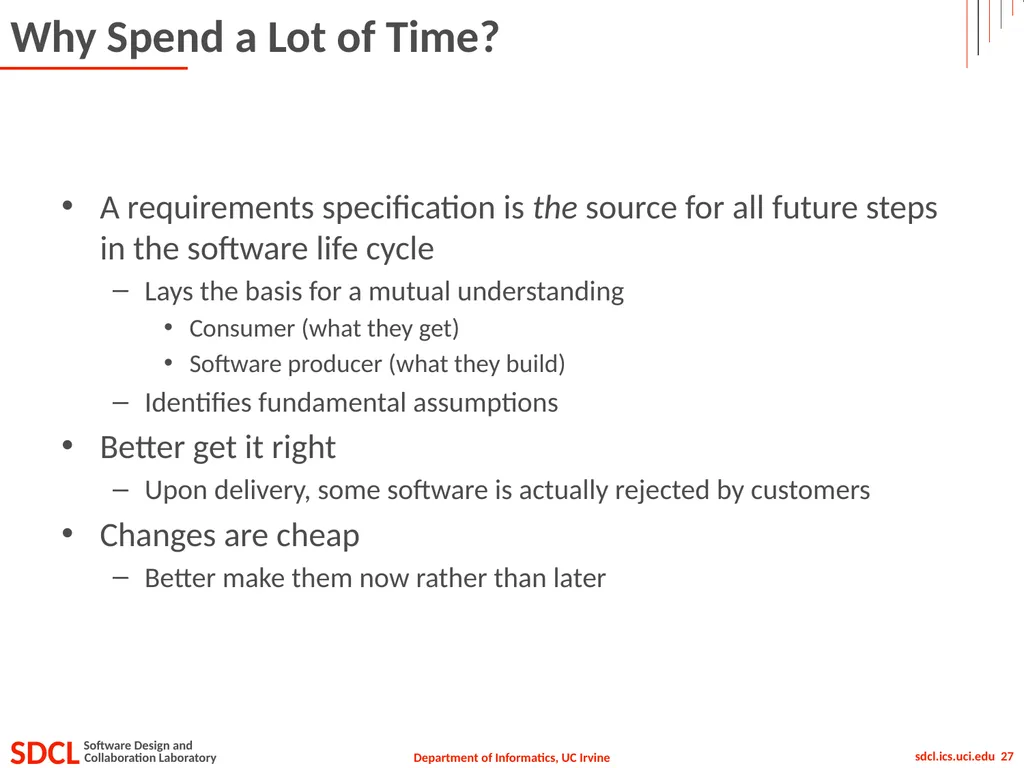
Why Spend a Lot of Time? A requirements specification is the source for all future steps in the software life cycle
Lays the basis for a mutual understanding
Consumer (what they get)
Software producer (what they build)
Identifies fundamental assumptions
Better get it right
Upon delivery, some software is actually rejected by customers
Changes are cheap
Better make them now rather than later<br>
Lays the basis for a mutual understanding
Consumer (what they get)
Software producer (what they build)
Identifies fundamental assumptions
Better get it right
Upon delivery, some software is actually rejected by customers
Changes are cheap
Better make them now rather than later<br>
28
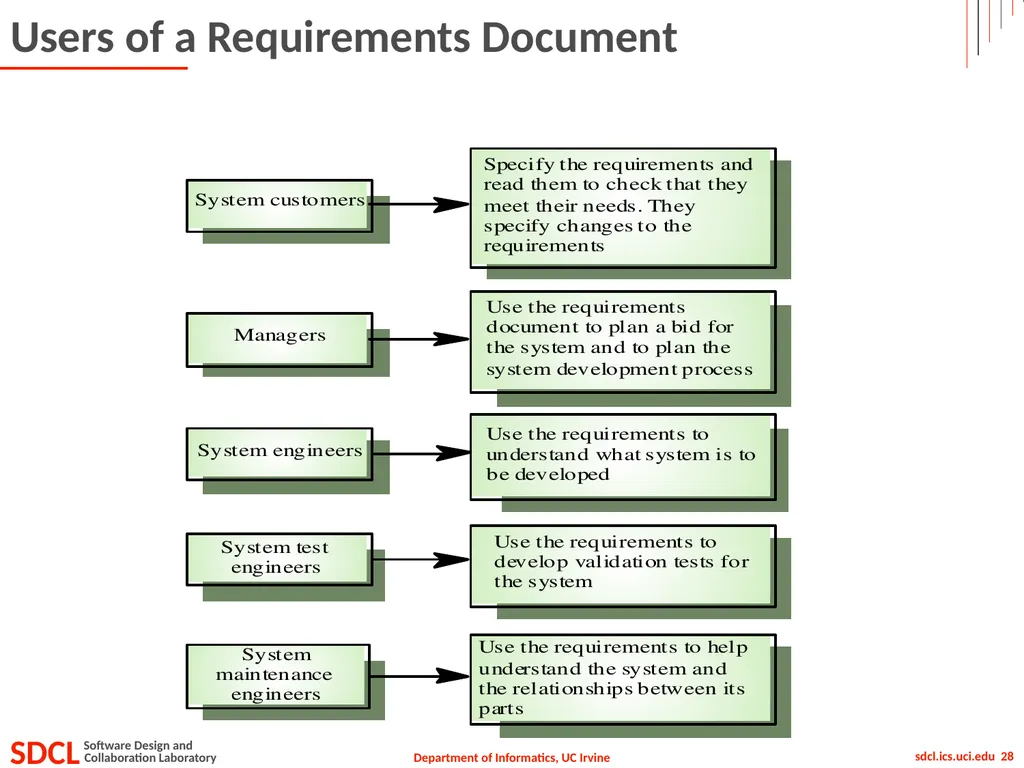
Users of a Requirements Document<br>
29
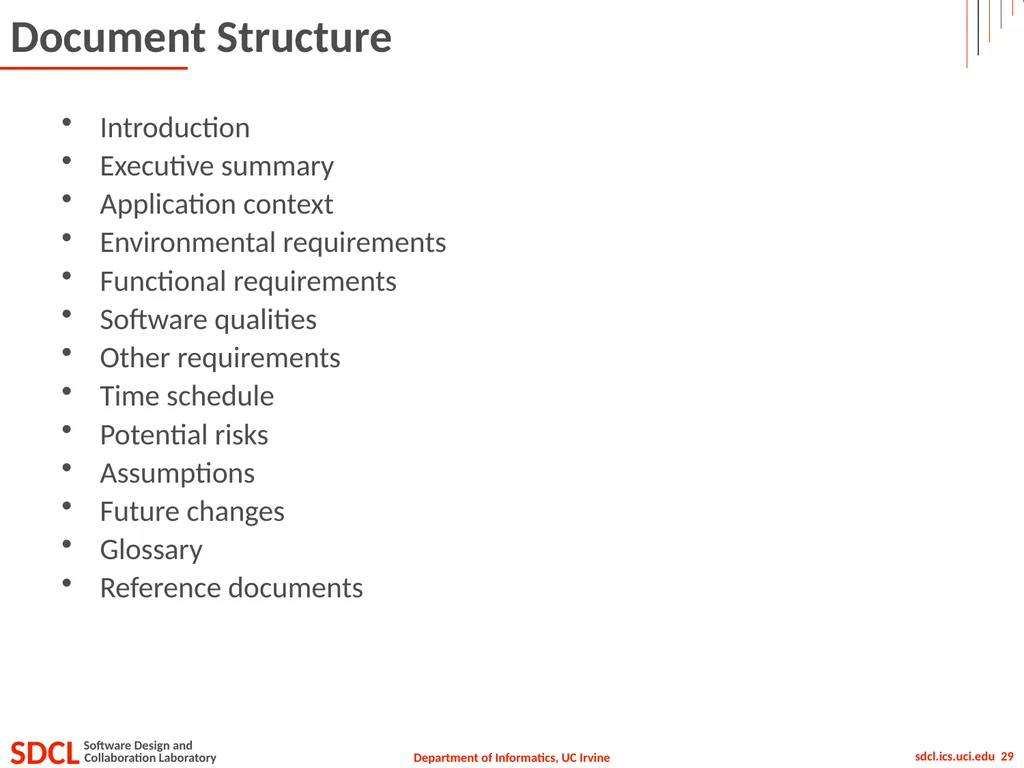
Document Structure Introduction
Executive summary
Application context
Environmental requirements
Functional requirements
Software qualities
Other requirements
Time schedule
Potential risks
Assumptions
Future changes
Glossary
Reference documents<br>
Executive summary
Application context
Environmental requirements
Functional requirements
Software qualities
Other requirements
Time schedule
Potential risks
Assumptions
Future changes
Glossary
Reference documents<br>
30
Introduction What is this document about?
Who was it created for?
Who created it?
Outline<br>
Who was it created for?
Who created it?
Outline<br>
31
Executive Summary Short, succinct, concise, to-the-point, description
Usually no more than one page
Identifies main goals
Identifies key features
Identifies key risks/obstacles<br>
Usually no more than one page
Identifies main goals
Identifies key features
Identifies key risks/obstacles<br>
32
Application Context Describes the situation in which the software will be used
Home, office, inside, outside, …
Identifies all things that the system affects
Objects, processes, other software, hardware, and people<br>
Home, office, inside, outside, …
Identifies all things that the system affects
Objects, processes, other software, hardware, and people<br>
33
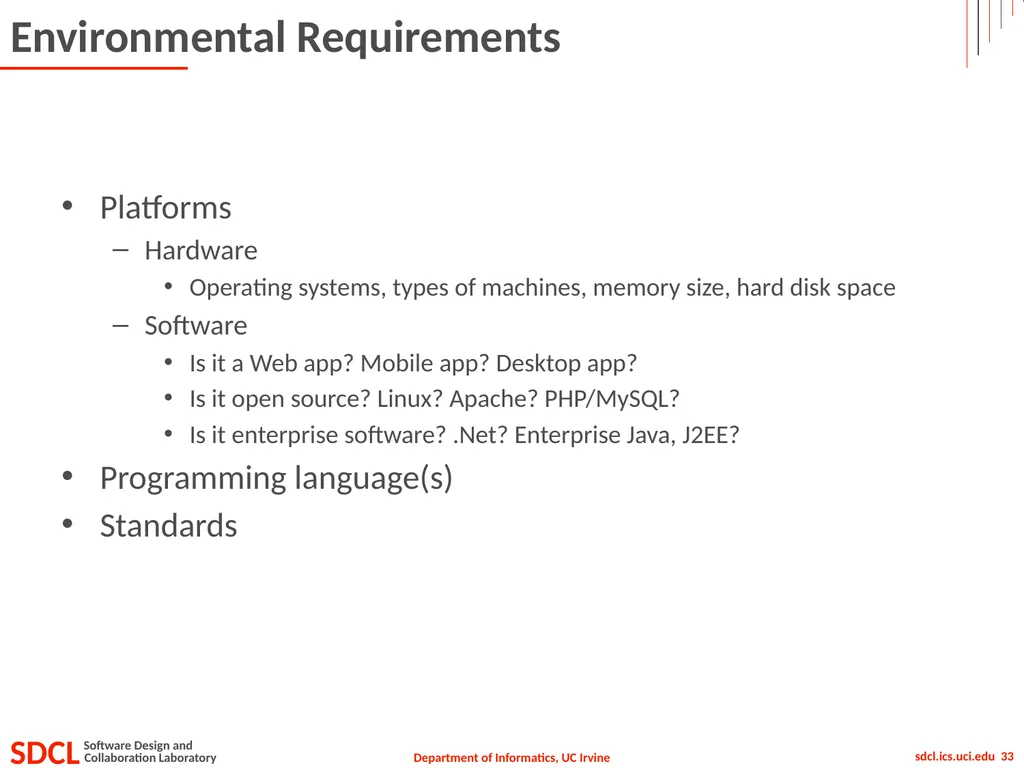
Environmental Requirements Platforms
Hardware
Operating systems, types of machines, memory size, hard disk space
Software
Is it a Web app? Mobile app? Desktop app?
Is it open source? Linux? Apache? PHP/MySQL?
Is it enterprise software? .Net? Enterprise Java, J2EE?
Programming language(s)
Standards<br>
Hardware
Operating systems, types of machines, memory size, hard disk space
Software
Is it a Web app? Mobile app? Desktop app?
Is it open source? Linux? Apache? PHP/MySQL?
Is it enterprise software? .Net? Enterprise Java, J2EE?
Programming language(s)
Standards<br>
34
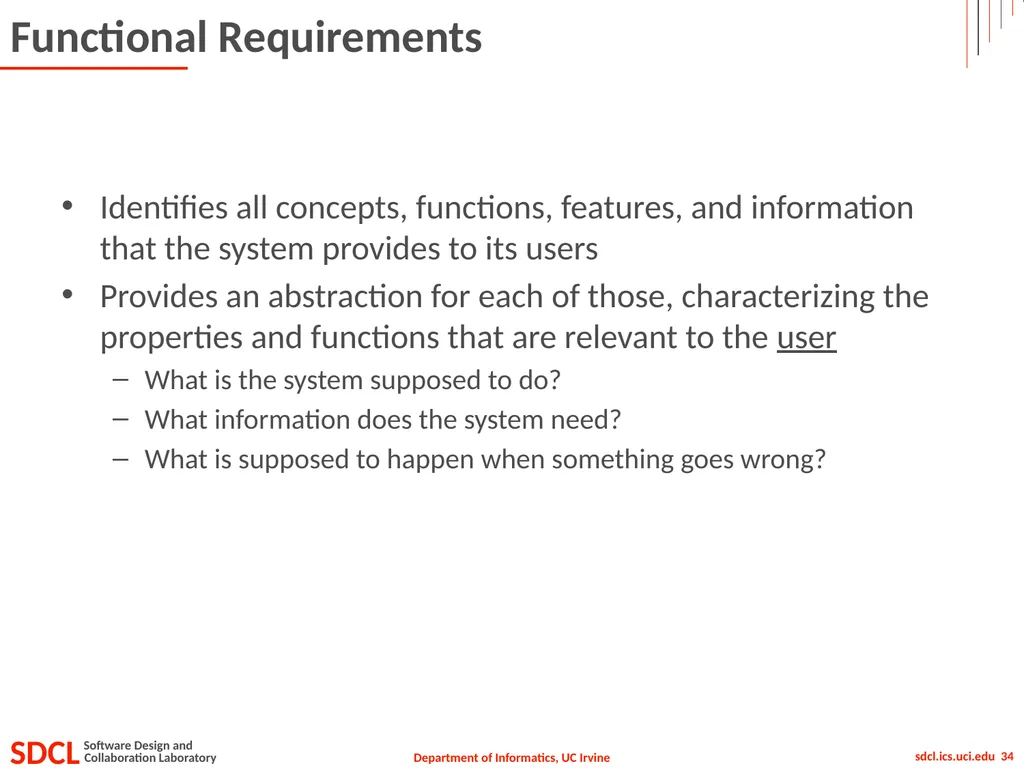
Functional Requirements Identifies all concepts, functions, features, and information that the system provides to its users
Provides an abstraction for each of those, characterizing the properties and functions that are relevant to the user
What is the system supposed to do?
What information does the system need?
What is supposed to happen when something goes wrong?<br>
Provides an abstraction for each of those, characterizing the properties and functions that are relevant to the user
What is the system supposed to do?
What information does the system need?
What is supposed to happen when something goes wrong?<br>
35
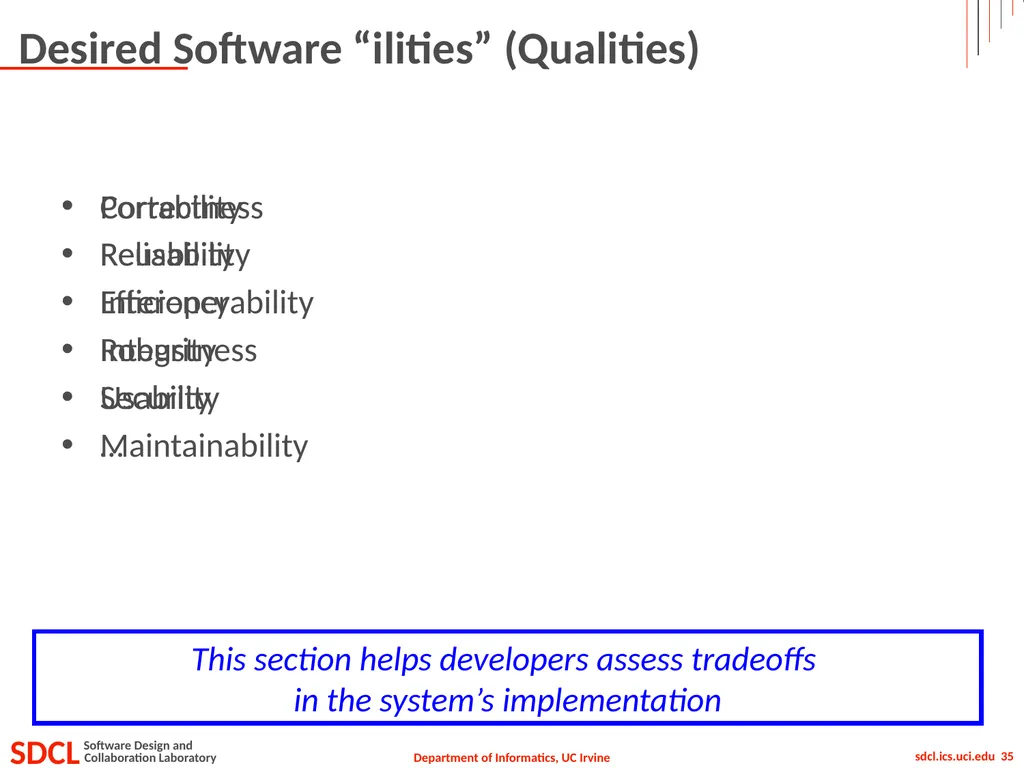
Desired Software “ilities” (Qualities) Correctness
Reliability
Efficiency
Integrity
Usability
Maintainability Portability
Reusability
Interoperability
Robustness
Security
… This section helps developers assess tradeoffs
in the system’s implementation<br>
Reliability
Efficiency
Integrity
Usability
Maintainability Portability
Reusability
Interoperability
Robustness
Security
… This section helps developers assess tradeoffs
in the system’s implementation<br>
36
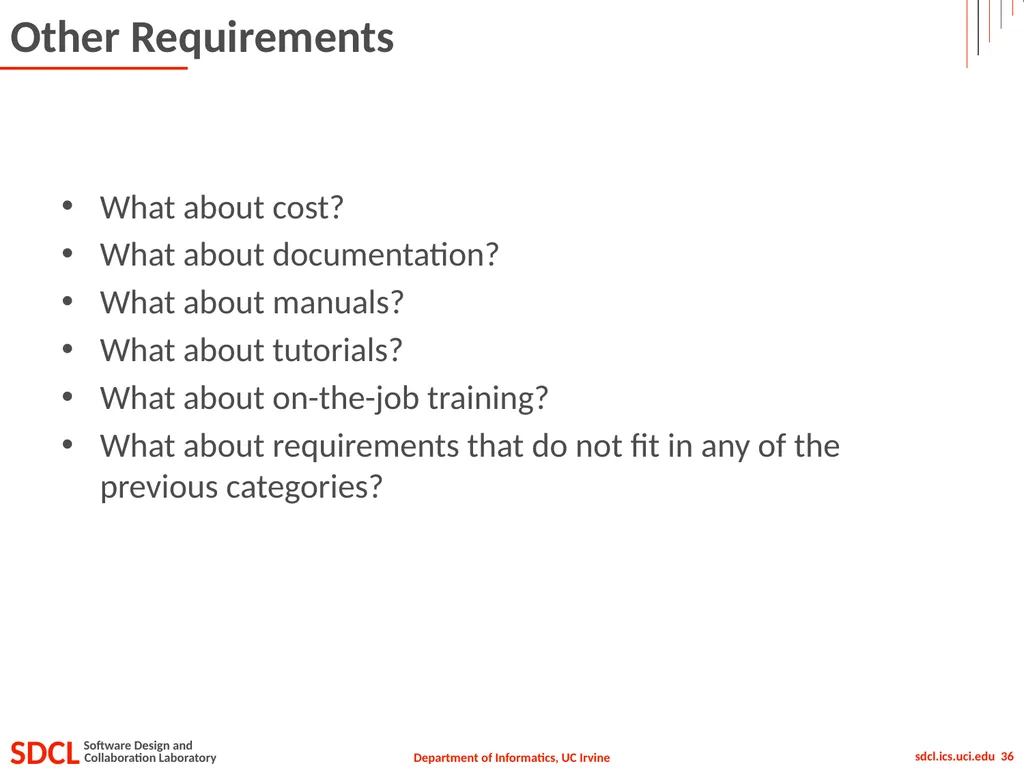
Other Requirements What about cost?
What about documentation?
What about manuals?
What about tutorials?
What about on-the-job training?
What about requirements that do not fit in any of the previous categories?<br>
What about documentation?
What about manuals?
What about tutorials?
What about on-the-job training?
What about requirements that do not fit in any of the previous categories?<br>
37
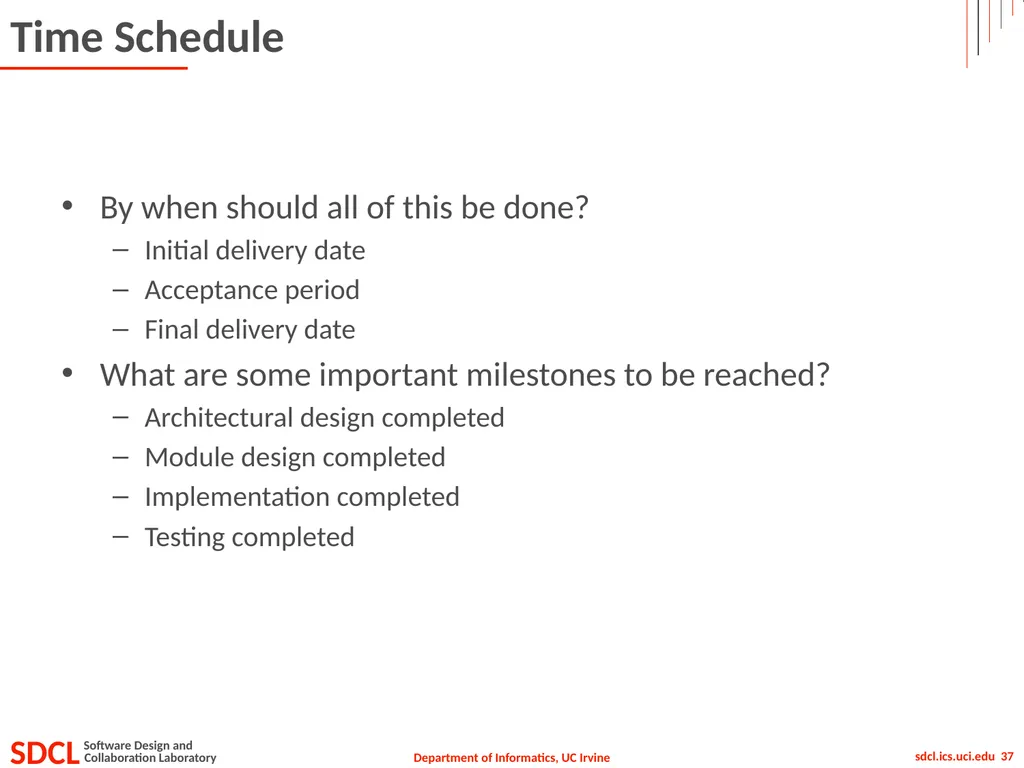
Time Schedule By when should all of this be done?
Initial delivery date
Acceptance period
Final delivery date
What are some important milestones to be reached?
Architectural design completed
Module design completed
Implementation completed
Testing completed<br>
Initial delivery date
Acceptance period
Final delivery date
What are some important milestones to be reached?
Architectural design completed
Module design completed
Implementation completed
Testing completed<br>
38
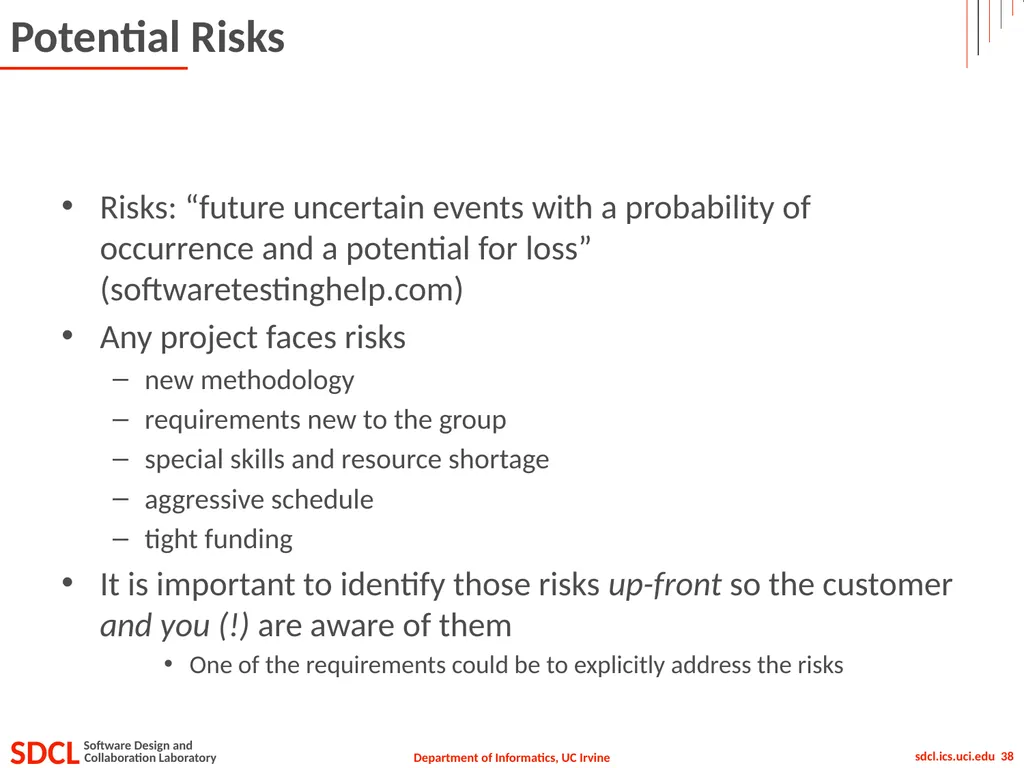
Potential Risks Risks: “future uncertain events with a probability of occurrence and a potential for loss” (softwaretestinghelp.com)
Any project faces risks
new methodology
requirements new to the group
special skills and resource shortage
aggressive schedule
tight funding
It is important to identify those risks up-front so the customer and you (!) are aware of them
One of the requirements could be to explicitly address the risks<br>
Any project faces risks
new methodology
requirements new to the group
special skills and resource shortage
aggressive schedule
tight funding
It is important to identify those risks up-front so the customer and you (!) are aware of them
One of the requirements could be to explicitly address the risks<br>
39
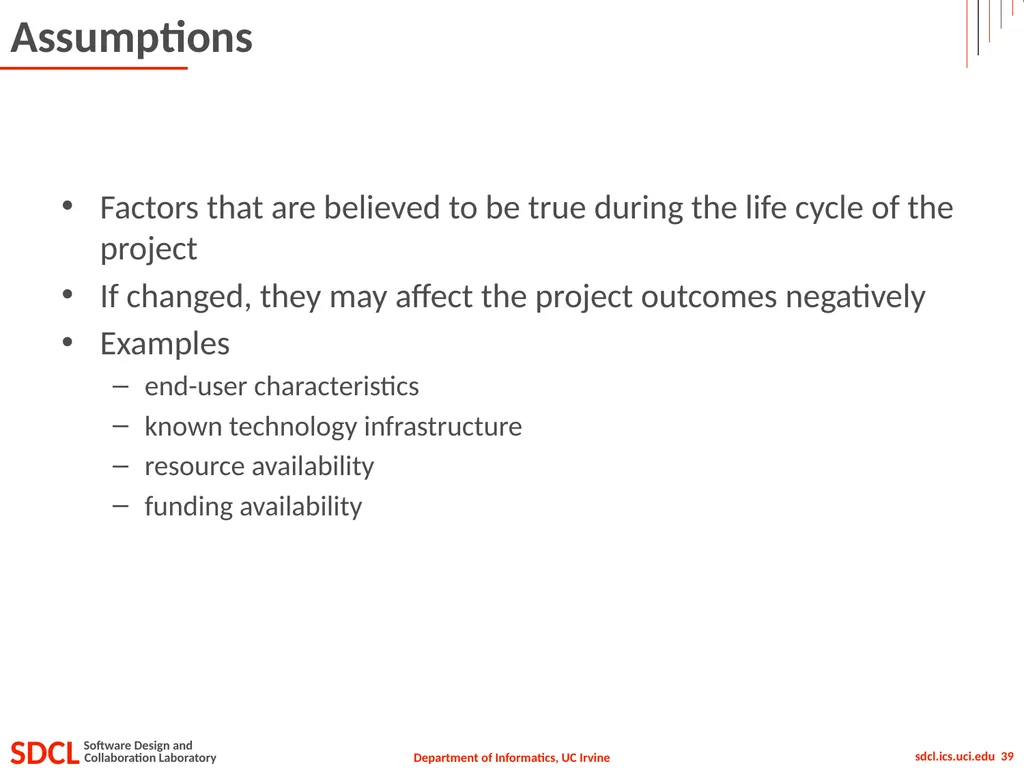
Assumptions Factors that are believed to be true during the life cycle of the project
If changed, they may affect the project outcomes negatively
Examples
end-user characteristics
known technology infrastructure
resource availability
funding availability<br>
If changed, they may affect the project outcomes negatively
Examples
end-user characteristics
known technology infrastructure
resource availability
funding availability<br>
40
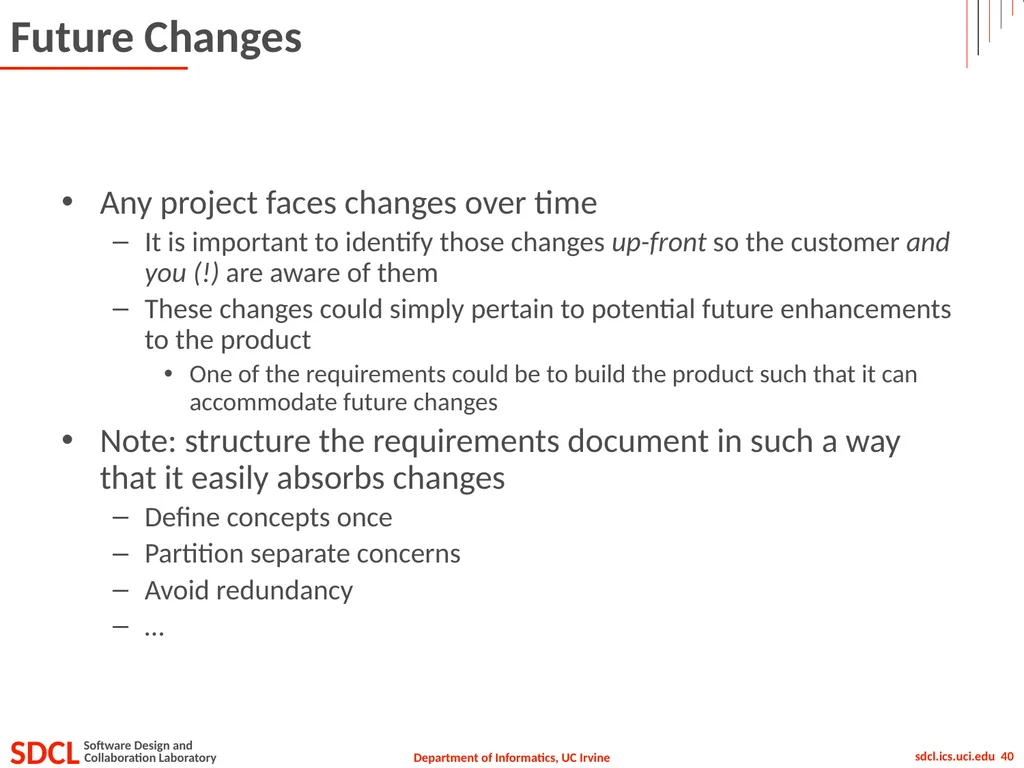
Future Changes Any project faces changes over time
It is important to identify those changes up-front so the customer and you (!) are aware of them
These changes could simply pertain to potential future enhancements to the product
One of the requirements could be to build the product such that it can accommodate future changes
Note: structure the requirements document in such a way that it easily absorbs changes
Define concepts once
Partition separate concerns
Avoid redundancy
…<br>
It is important to identify those changes up-front so the customer and you (!) are aware of them
These changes could simply pertain to potential future enhancements to the product
One of the requirements could be to build the product such that it can accommodate future changes
Note: structure the requirements document in such a way that it easily absorbs changes
Define concepts once
Partition separate concerns
Avoid redundancy
…<br>
41
Glossary Precise definitions of terms used throughout the requirements document<br>
42
Reference Documents Pointers to existing processes and tools used within an organization
Pointers to other, existing software that provides similar functionality
Pointers to literature<br>
Pointers to other, existing software that provides similar functionality
Pointers to literature<br>
43
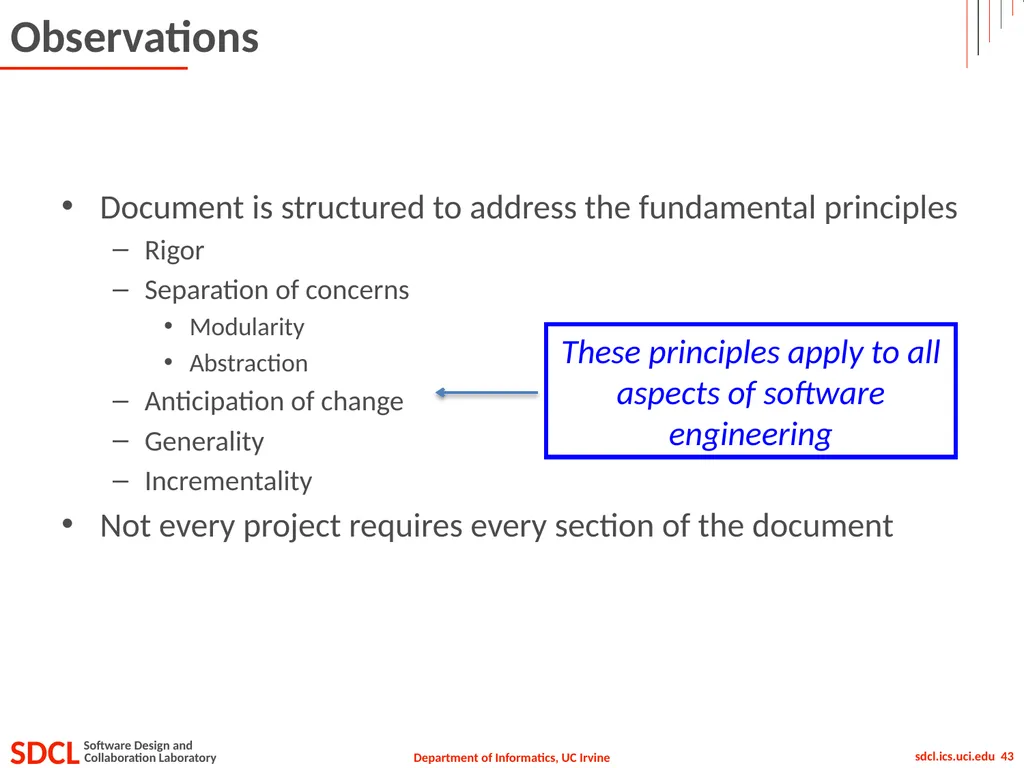
Observations Document is structured to address the fundamental principles
Rigor
Separation of concerns
Modularity
Abstraction
Anticipation of change
Generality
Incrementality
Not every project requires every section of the document These principles apply to all aspects of software engineering<br>
Rigor
Separation of concerns
Modularity
Abstraction
Anticipation of change
Generality
Incrementality
Not every project requires every section of the document These principles apply to all aspects of software engineering<br>
44
Specification Methods Natural language
Data flow diagrams
Office automation
Finite state machines
Telephone systems
Coin-operated machines
Petri nets
Production plants
Formulas
Objects (in object-oriented methods)
Use cases (in UML)<br>
Data flow diagrams
Office automation
Finite state machines
Telephone systems
Coin-operated machines
Petri nets
Production plants
Formulas
Objects (in object-oriented methods)
Use cases (in UML)<br>
45
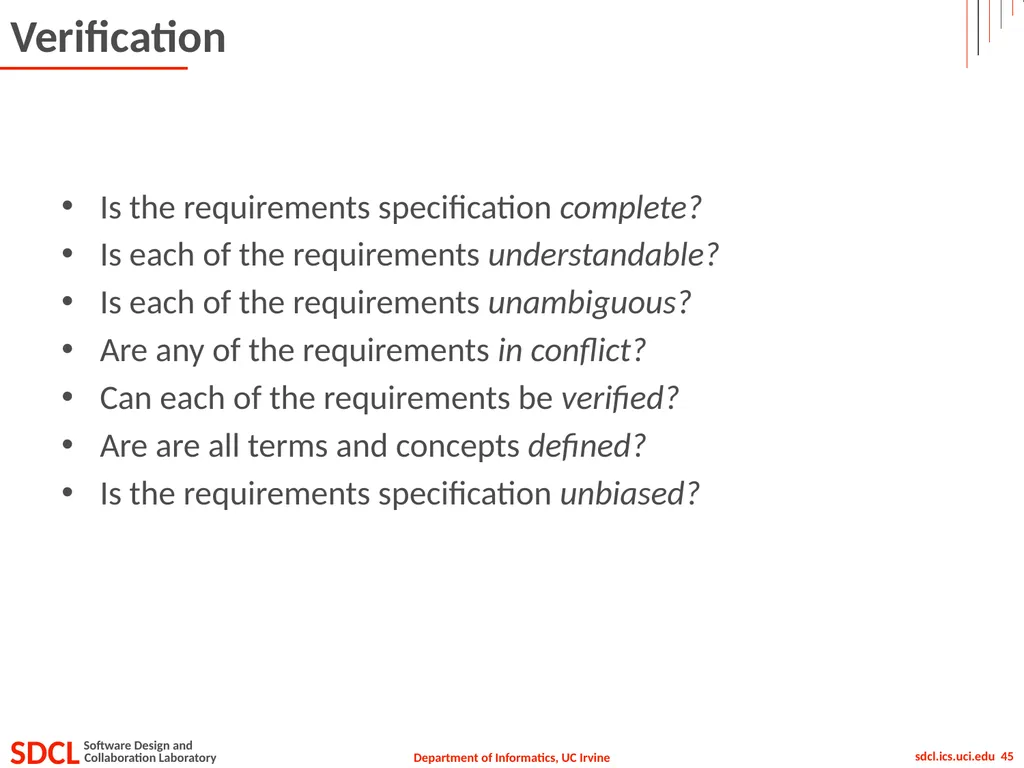
Verification Is the requirements specification complete?
Is each of the requirements understandable?
Is each of the requirements unambiguous?
Are any of the requirements in conflict?
Can each of the requirements be verified?
Are are all terms and concepts defined?
Is the requirements specification unbiased?<br>
Is each of the requirements understandable?
Is each of the requirements unambiguous?
Are any of the requirements in conflict?
Can each of the requirements be verified?
Are are all terms and concepts defined?
Is the requirements specification unbiased?<br>
46
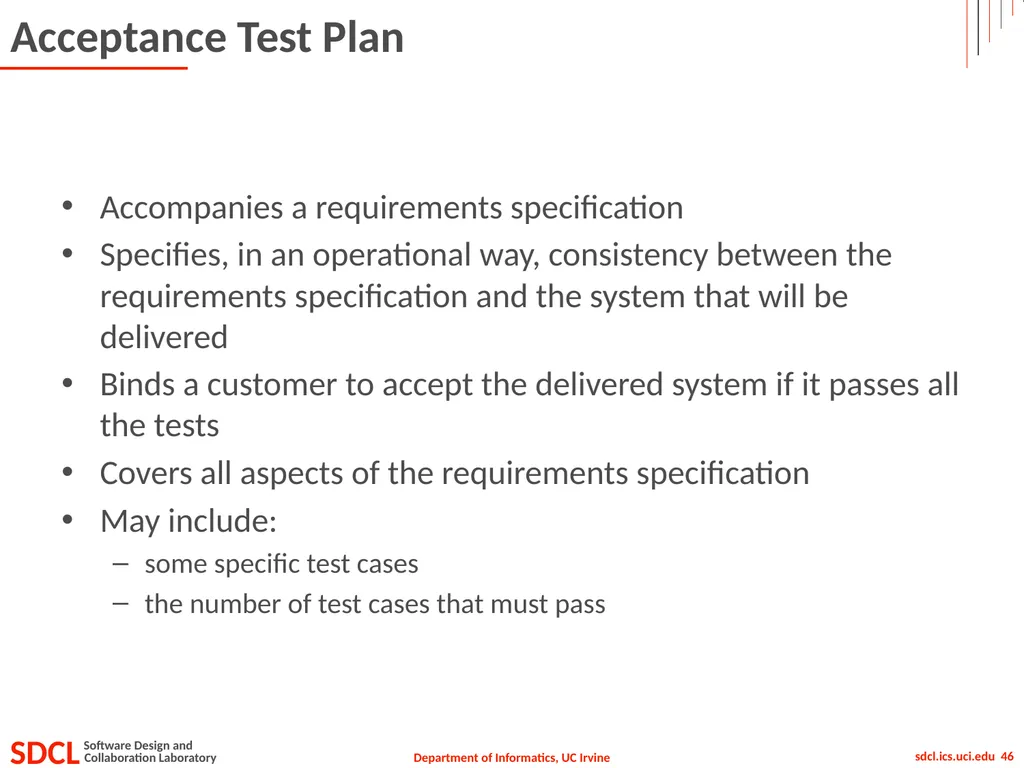
Acceptance Test Plan Accompanies a requirements specification
Specifies, in an operational way, consistency between the requirements specification and the system that will be delivered
Binds a customer to accept the delivered system if it passes all the tests
Covers all aspects of the requirements specification
May include:
some specific test cases
the number of test cases that must pass<br>
Specifies, in an operational way, consistency between the requirements specification and the system that will be delivered
Binds a customer to accept the delivered system if it passes all the tests
Covers all aspects of the requirements specification
May include:
some specific test cases
the number of test cases that must pass<br>
47
Videos Requirements gathering 1: https://www.youtube.com/watch?v=l_GTTyE9i9Y
Requirements gathering 2: https://www.youtube.com/watch?v=lXNu0VBVCUc<br>
Requirements gathering 2: https://www.youtube.com/watch?v=lXNu0VBVCUc<br>
48
Quiz – Tuesday, October 6 Closed book, no notes, calculators, phones…
Covers all readings and lectures through Thursday 10/1 (today)
No scantrons, no blue books
How to study:
Different from other CS courses
Software engineering as much about people as it is about software
Shifts away from technical thinking of a CS student
Many ways to analyze topics, especially definitions, links between different concepts
Attend lecture, take notes, spend time going over them carefully, analyzing, discussing
Do readings carefully, take notes, analyze, and discuss
Focus more on high-level understanding of main points than details of concepts<br>
Covers all readings and lectures through Thursday 10/1 (today)
No scantrons, no blue books
How to study:
Different from other CS courses
Software engineering as much about people as it is about software
Shifts away from technical thinking of a CS student
Many ways to analyze topics, especially definitions, links between different concepts
Attend lecture, take notes, spend time going over them carefully, analyzing, discussing
Do readings carefully, take notes, analyze, and discuss
Focus more on high-level understanding of main points than details of concepts<br>
49
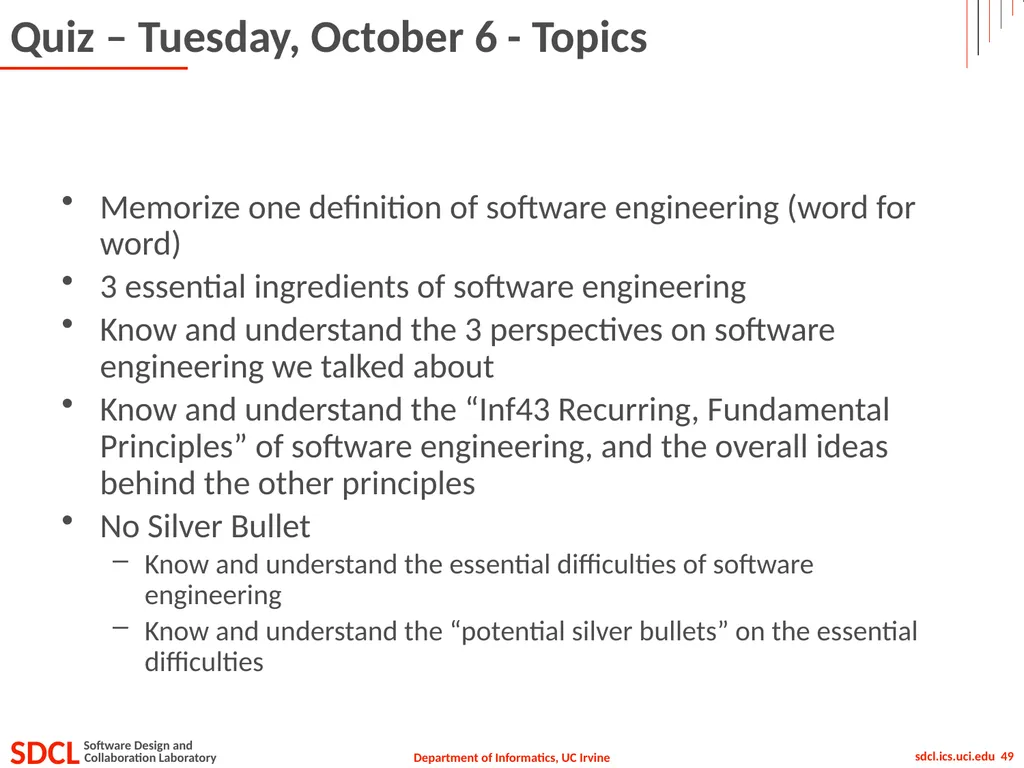
Quiz – Tuesday, October 6 - Topics Memorize one definition of software engineering (word for word)
3 essential ingredients of software engineering
Know and understand the 3 perspectives on software engineering we talked about
Know and understand the “Inf43 Recurring, Fundamental Principles” of software engineering, and the overall ideas behind the other principles
No Silver Bullet
Know and understand the essential difficulties of software engineering
Know and understand the “potential silver bullets” on the essential difficulties<br>
3 essential ingredients of software engineering
Know and understand the 3 perspectives on software engineering we talked about
Know and understand the “Inf43 Recurring, Fundamental Principles” of software engineering, and the overall ideas behind the other principles
No Silver Bullet
Know and understand the essential difficulties of software engineering
Know and understand the “potential silver bullets” on the essential difficulties<br>
50
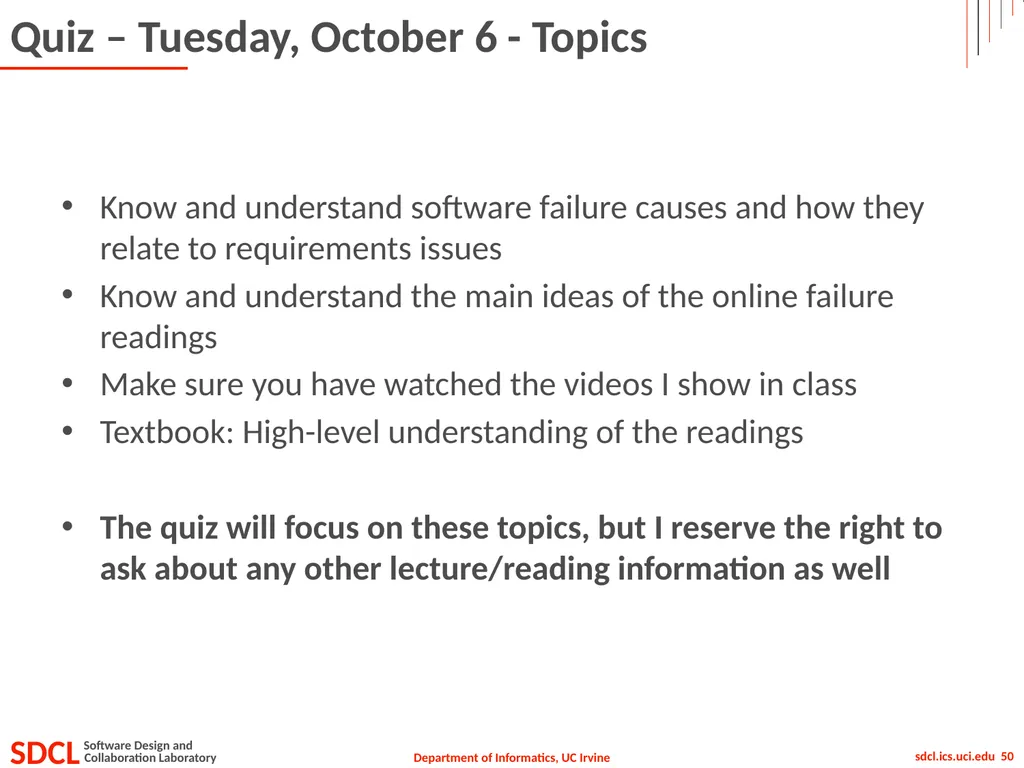
Quiz – Tuesday, October 6 - Topics Know and understand software failure causes and how they relate to requirements issues
Know and understand the main ideas of the online failure readings
Make sure you have watched the videos I show in class
Textbook: High-level understanding of the readings
The quiz will focus on these topics, but I reserve the right to ask about any other lecture/reading information as well<br>
Know and understand the main ideas of the online failure readings
Make sure you have watched the videos I show in class
Textbook: High-level understanding of the readings
The quiz will focus on these topics, but I reserve the right to ask about any other lecture/reading information as well<br>