Introduction to AI with Custom Vision Presented by: Artificial Intelligence is computers doing things that we would normally think of as intelligent in humans. Rick Barazza, Microsoft Sensory Input Model Model Algorithms Diseased? Is it
"Introduction to AI with Custom Vision Presented" is the property of its rightful owner. Permission is granted to
download and print the materials on this website for personal, non-commercial use only, and to display it
on your personal computer provided you do not modify the materials and that you retain all copyright
notices contained in the materials. By downloading content from our website, you accept the terms of this
agreement.
Presentation Transcript
01
Introduction to AI with Custom Vision Presented by:<br>
02
“Artificial Intelligence is computers doing things that we would normally think of as intelligent in humans.” Rick Barazza, Microsoft<br>
03
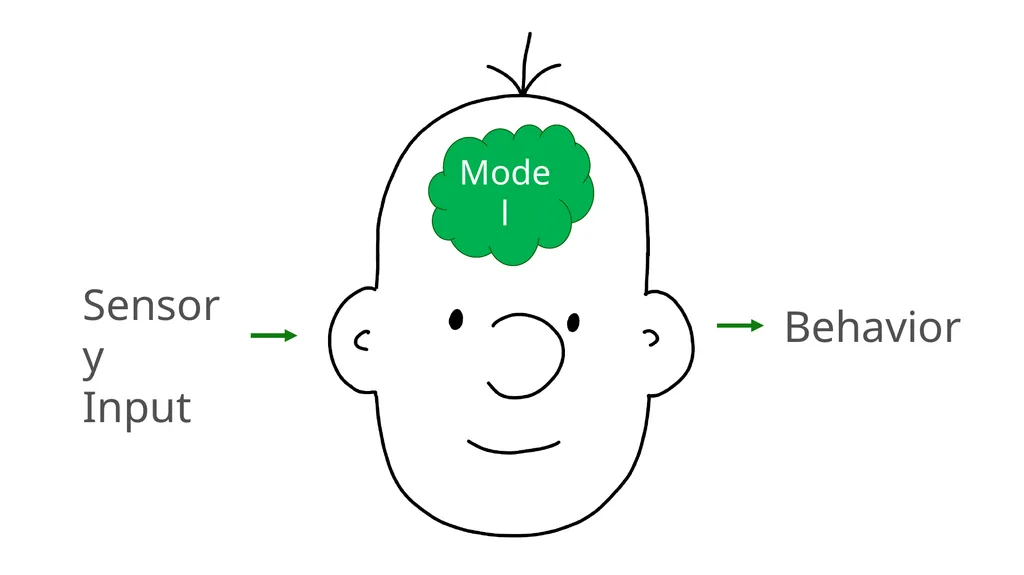
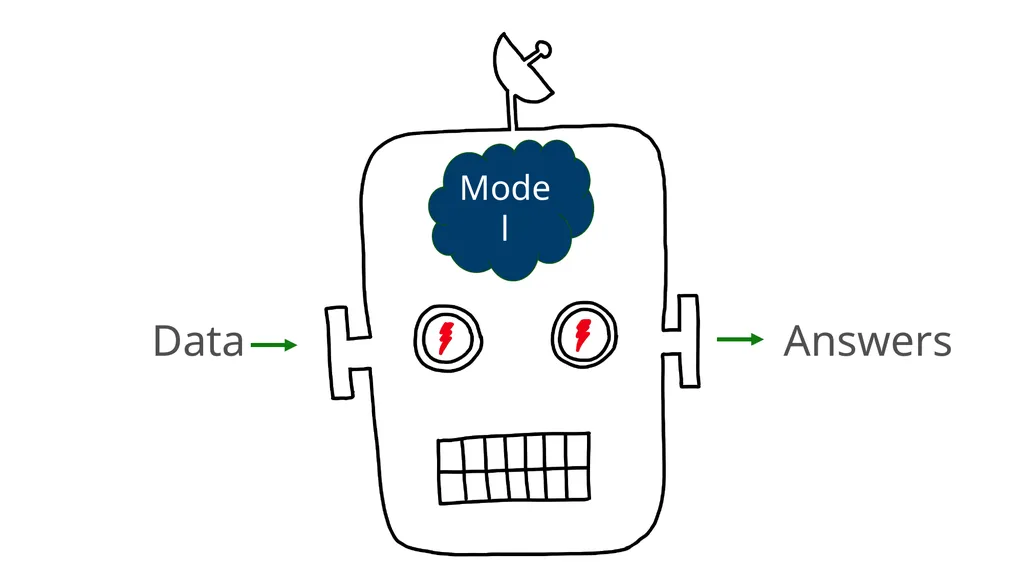
Sensory
Input Model<br>
04
Model<br>
05
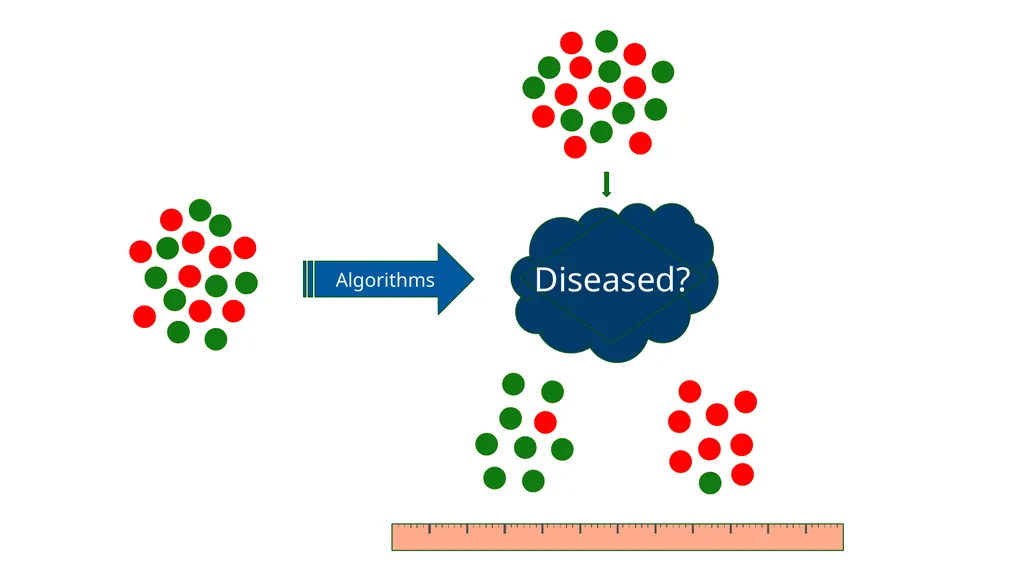
Algorithms Diseased?<br>
06
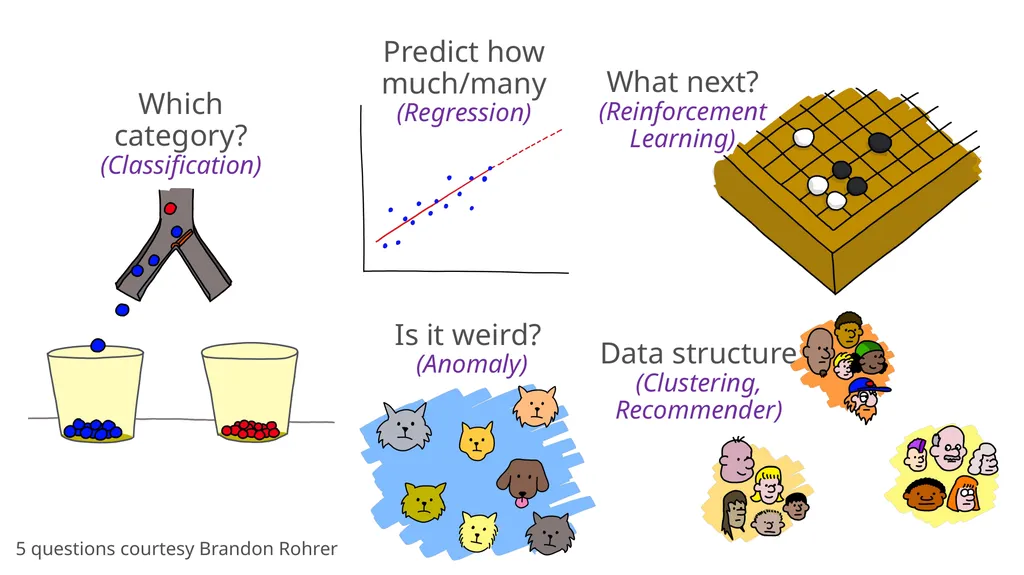
Is it weird?
(Anomaly) What next?
(Reinforcement Learning) Predict how much/many
(Regression) Which category?
(Classification) Data structure
(Clustering,
Recommender) 5 questions courtesy Brandon Rohrer<br>
07
It’s all enabled by machine learning…<br>
08
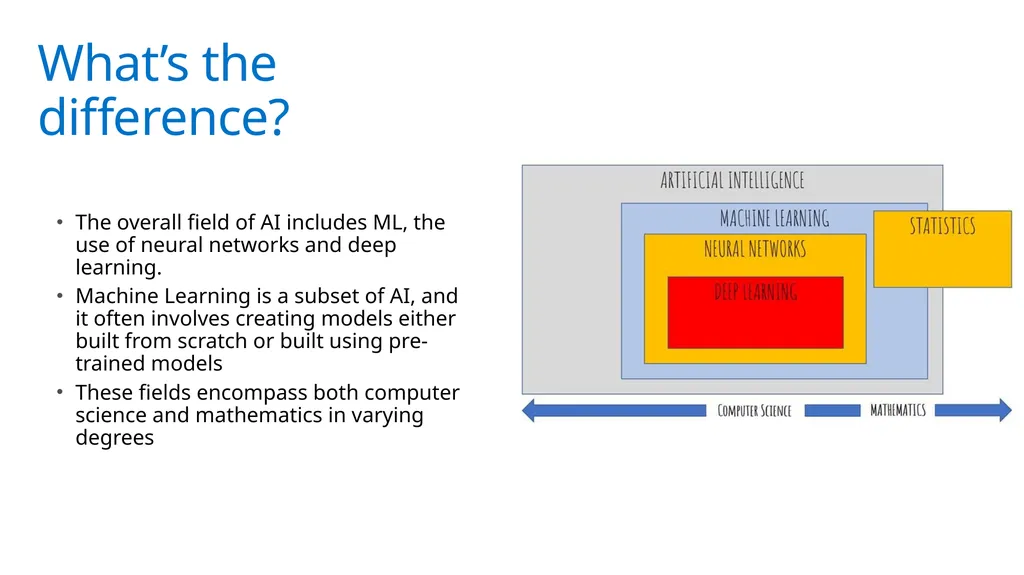
What’s the difference? The overall field of AI includes ML, the use of neural networks and deep learning.
Machine Learning is a subset of AI, and it often involves creating models either built from scratch or built using pre-trained models
These fields encompass both computer science and mathematics in varying degrees<br>
09
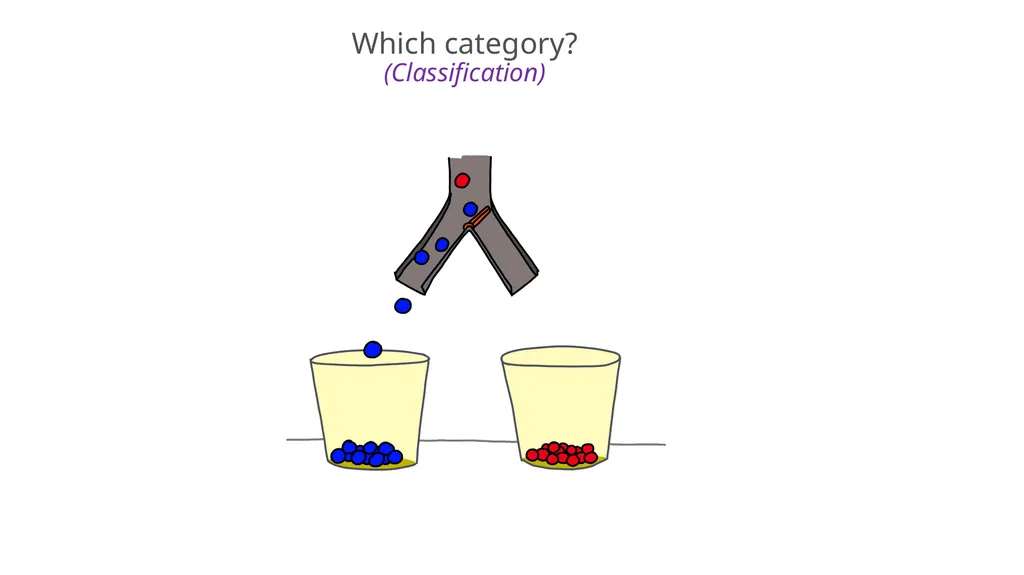
Which category?
(Classification)<br>
10
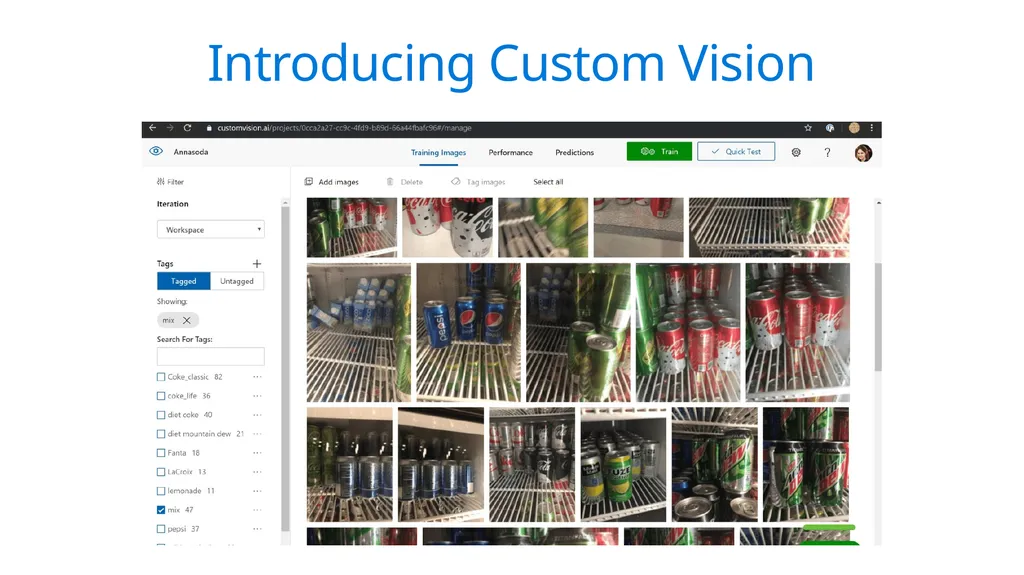
Introducing Custom Vision<br>
11
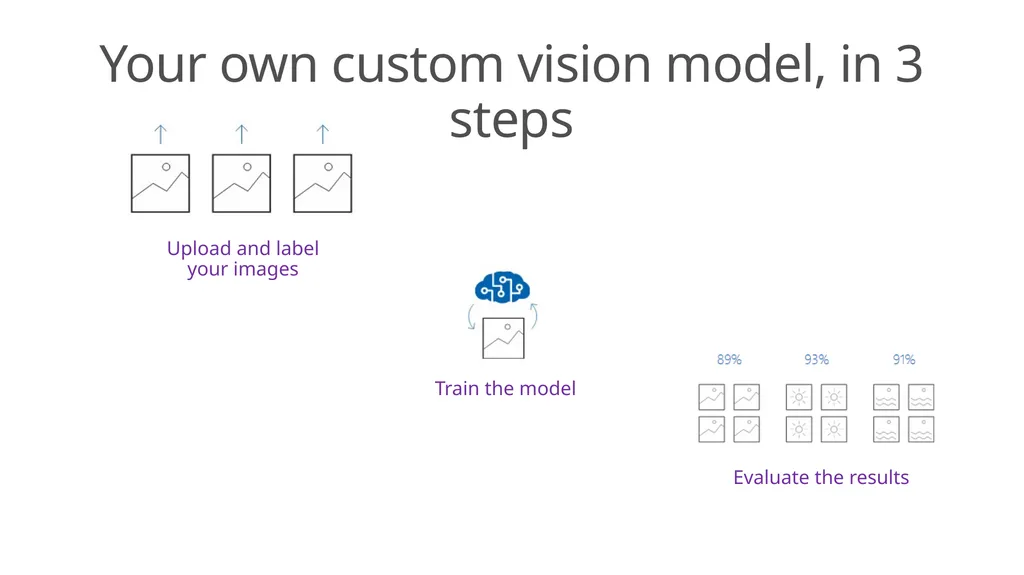
Your own custom vision model, in 3 steps Upload and label your images Evaluate the results Train the model<br>
12
Exercise - Creating a Custom Vision Model<br>
13
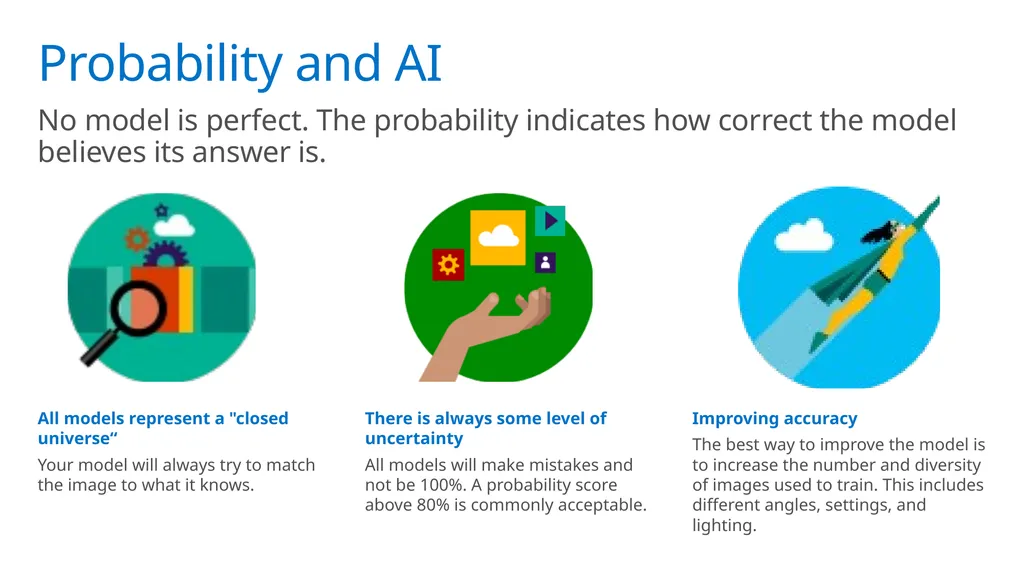
Probability and AI No model is perfect. The probability indicates how correct the model believes its answer is. All models represent a "closed universe“
Your model will always try to match the image to what it knows. There is always some level of uncertainty
All models will make mistakes and not be 100%. A probability score above 80% is commonly acceptable. Improving accuracy
The best way to improve the model is to increase the number and diversity of images used to train. This includes different angles, settings, and lighting.<br>
14
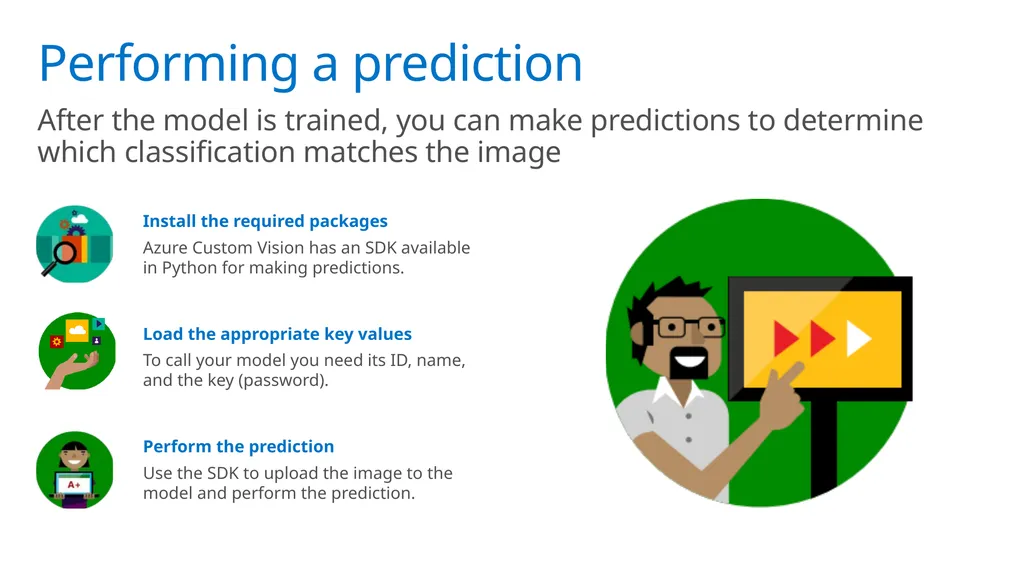
Performing a prediction After the model is trained, you can make predictions to determine which classification matches the image Install the required packages
Azure Custom Vision has an SDK available in Python for making predictions. Load the appropriate key values
To call your model you need its ID, name, and the key (password). Perform the prediction
Use the SDK to upload the image to the model and perform the prediction.<br>
15
Exercise - Using a Custom Vision Model<br>
16
What's next? Learn about object detection
Creating custom models with TensorFlow Please tell us how you liked this workshop by filling out this survey:
https://aka.ms/workshopomatic-feedback<br>