Introduction to the Command Line Talking Directly to your Computer! Sara Hartse sara.hartsegmail.com Introduction About me From Santa Fe Project GUTS and Supercomputing Challenge Internships with LANL, SimTable, Microsoft I work at
"Introduction to the Command Line Talking Directly" is the property of its rightful owner. Permission is granted to
download and print the materials on this website for personal, non-commercial use only, and to display it
on your personal computer provided you do not modify the materials and that you retain all copyright
notices contained in the materials. By downloading content from our website, you accept the terms of this
agreement.
Presentation Transcript
01
Introduction to the Command Line Talking Directly to your Computer! Sara Hartse | sara.hartse@gmail.com<br>
02
Introduction About me
From Santa Fe
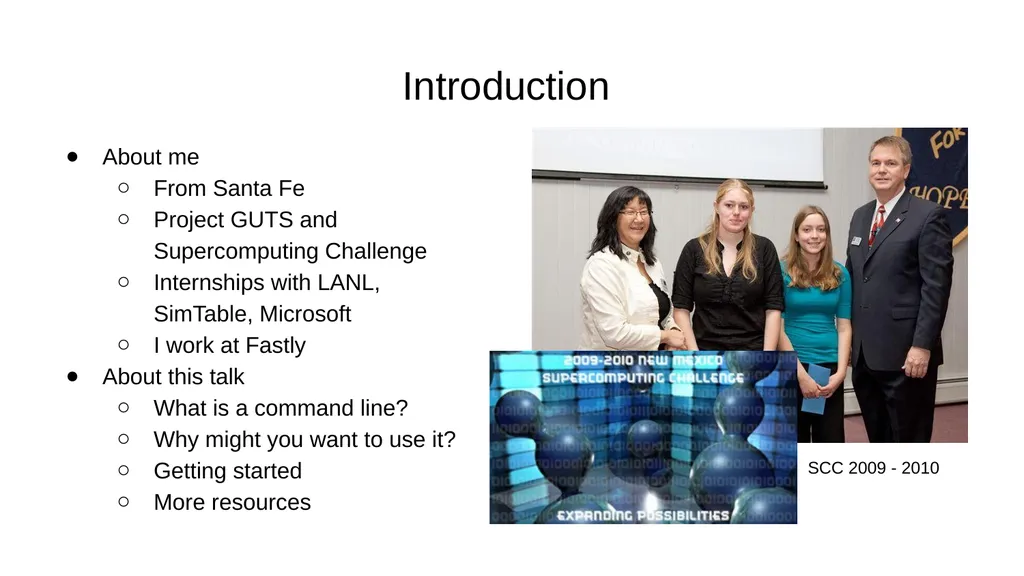
Project GUTS and Supercomputing Challenge
Internships with LANL, SimTable, Microsoft
I work at Fastly
About this talk
What is a command line?
Why might you want to use it?
Getting started
More resources SCC 2009 - 2010<br>
03
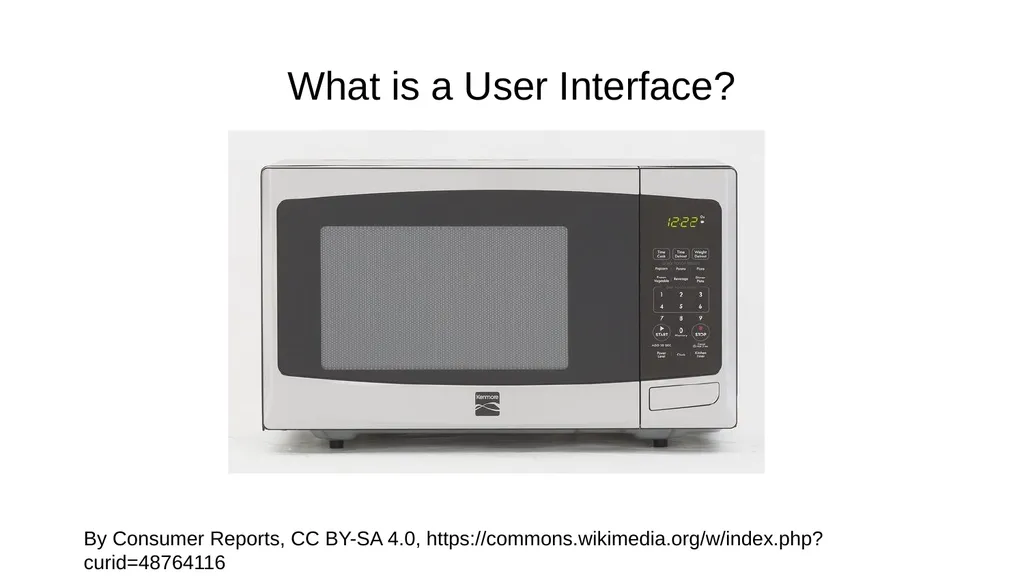
What is a User Interface? By Consumer Reports, CC BY-SA 4.0, https://commons.wikimedia.org/w/index.php?curid=48764116<br>
04
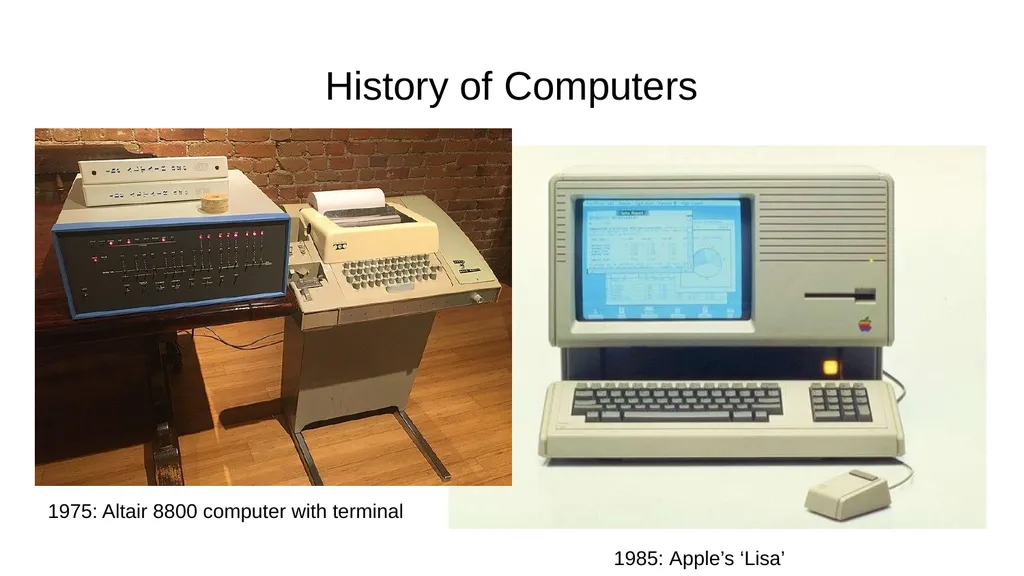
History of Computers 1985: Apple’s ‘Lisa’ 1975: Altair 8800 computer with terminal<br>
05
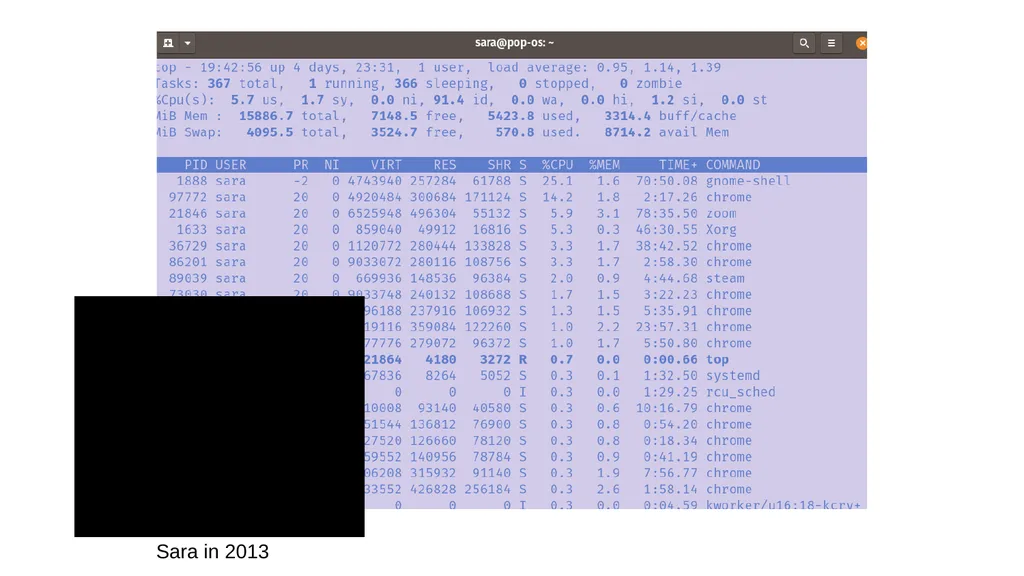
Sara in 2013<br>
06
Why Use the Command Line? Find information that might be hidden by default
Automate tasks that would be annoying to do with pointing and clicking
Have a finer control on what software you install
Run many different types of programs
Some software, like git is used primary in the command line
Learn more about how computers think about themselves
Filesystems! Operating Systems! Processes! Networks!<br>
07
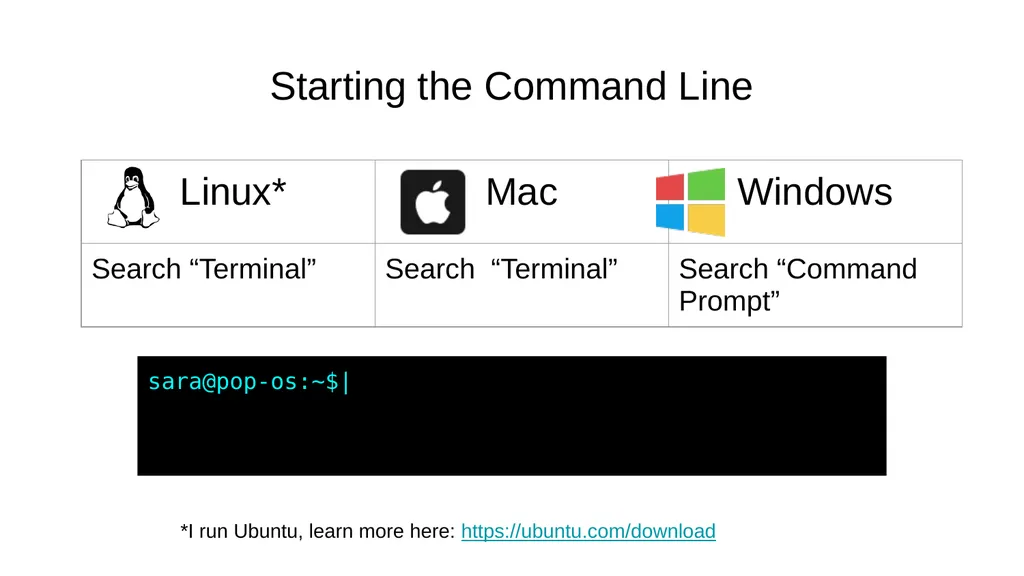
Starting the Command Line *I run Ubuntu, learn more here: https://ubuntu.com/download sara@pop-os:~$|<br>
08
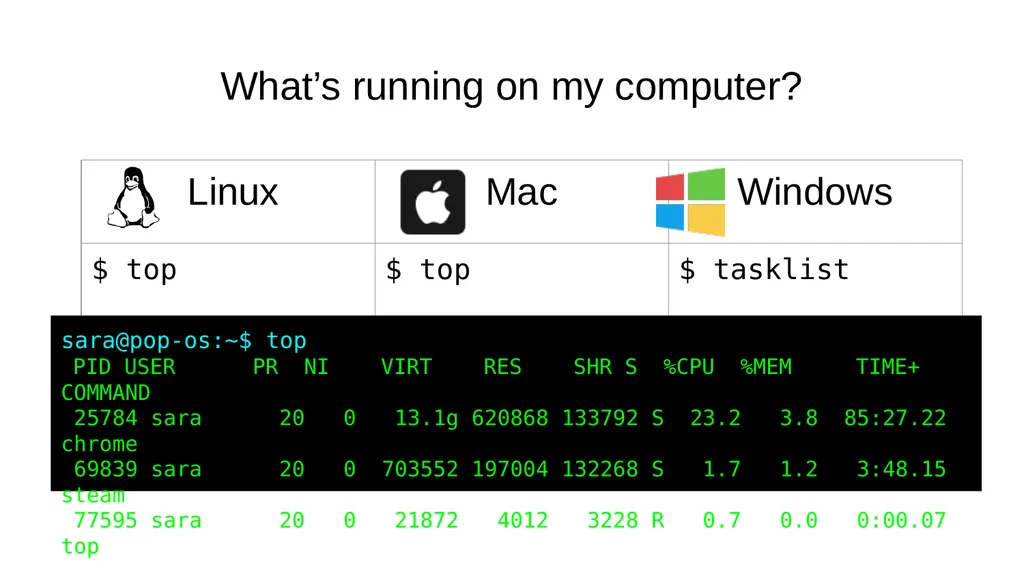
What’s running on my computer? sara@pop-os:~$ top
PID USER PR NI VIRT RES SHR S %CPU %MEM TIME+ COMMAND
25784 sara 20 0 13.1g 620868 133792 S 23.2 3.8 85:27.22 chrome
69839 sara 20 0 703552 197004 132268 S 1.7 1.2 3:48.15 steam
77595 sara 20 0 21872 4012 3228 R 0.7 0.0 0:00.07 top<br>
09
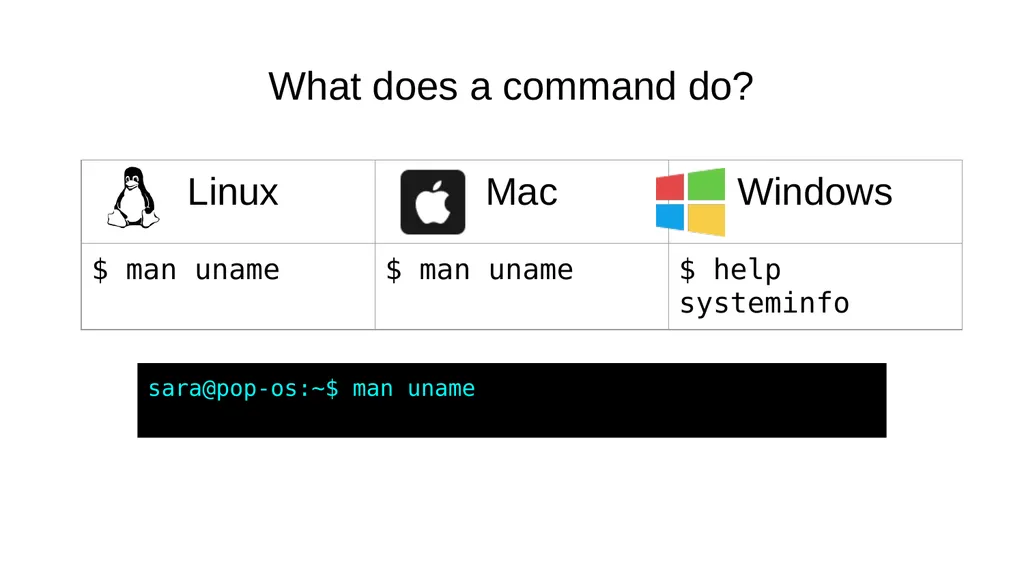
What does a command do? sara@pop-os:~$ man uname<br>
10
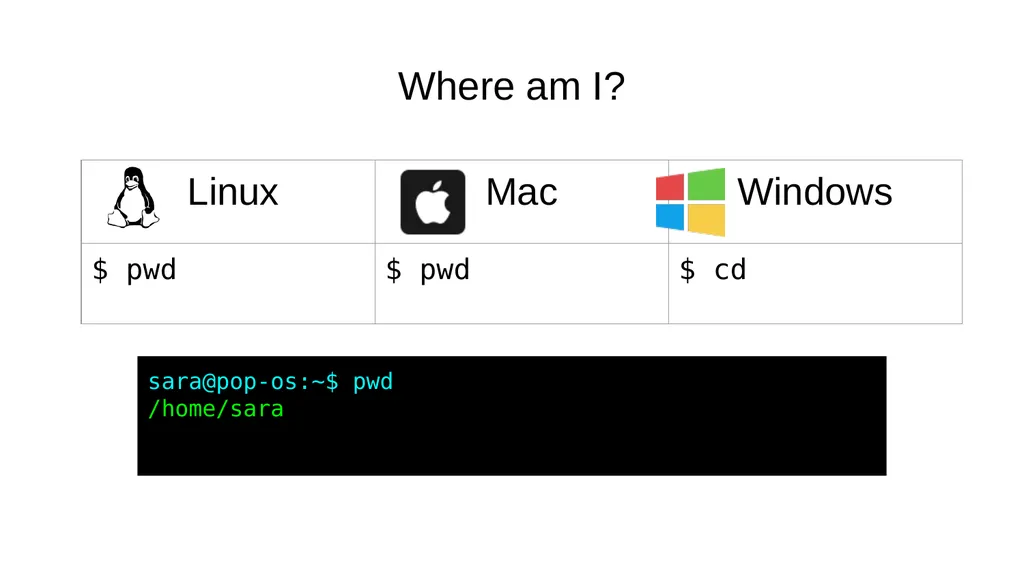
Where am I? sara@pop-os:~$ pwd
/home/sara<br>
11
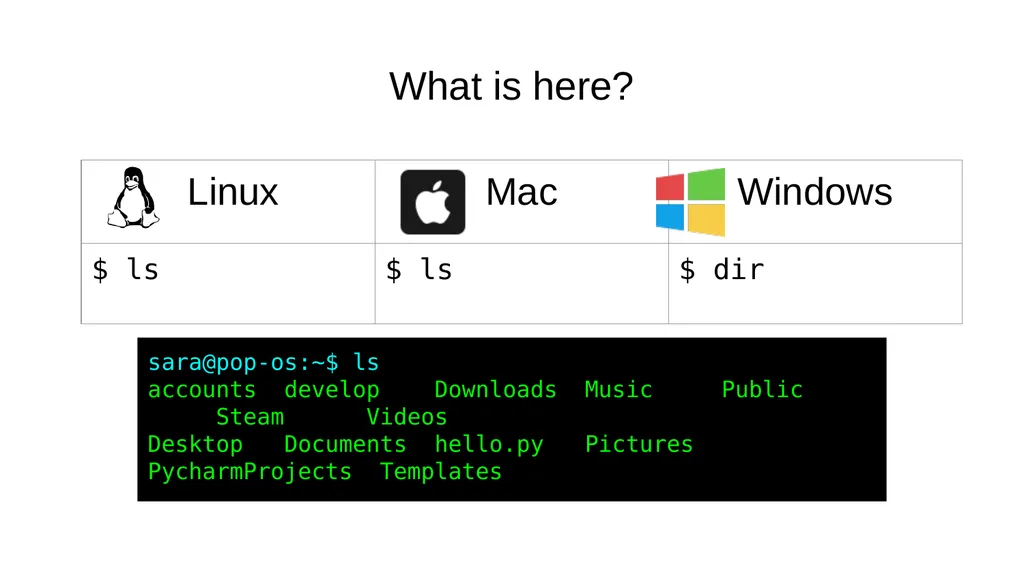
What is here? sara@pop-os:~$ ls
accounts develop Downloads Music Public Steam Videos
Desktop Documents hello.py Pictures PycharmProjects Templates<br>
12
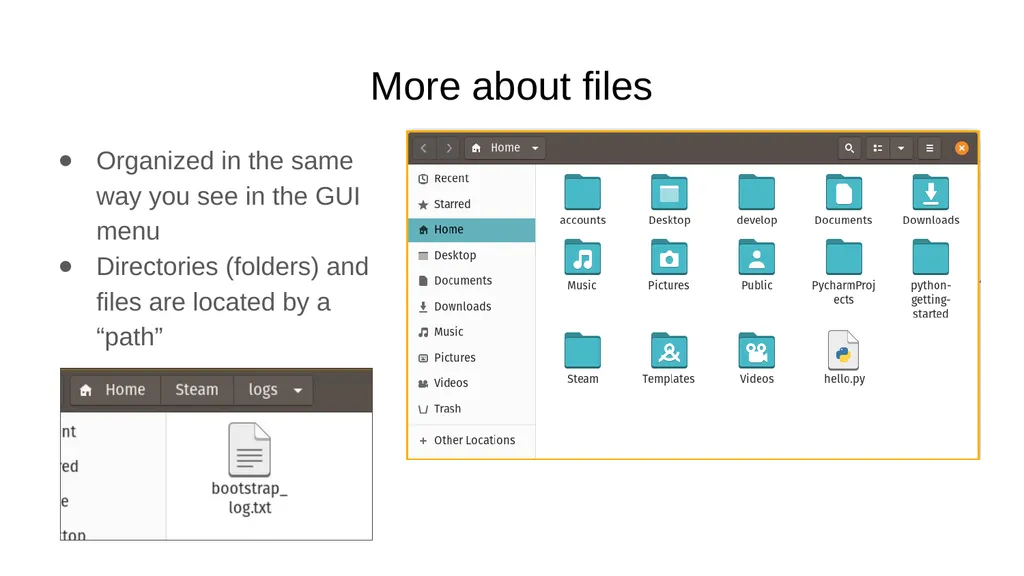
More about files Organized in the same way you see in the GUI menu
Directories (folders) and files are located by a “path”<br>
13
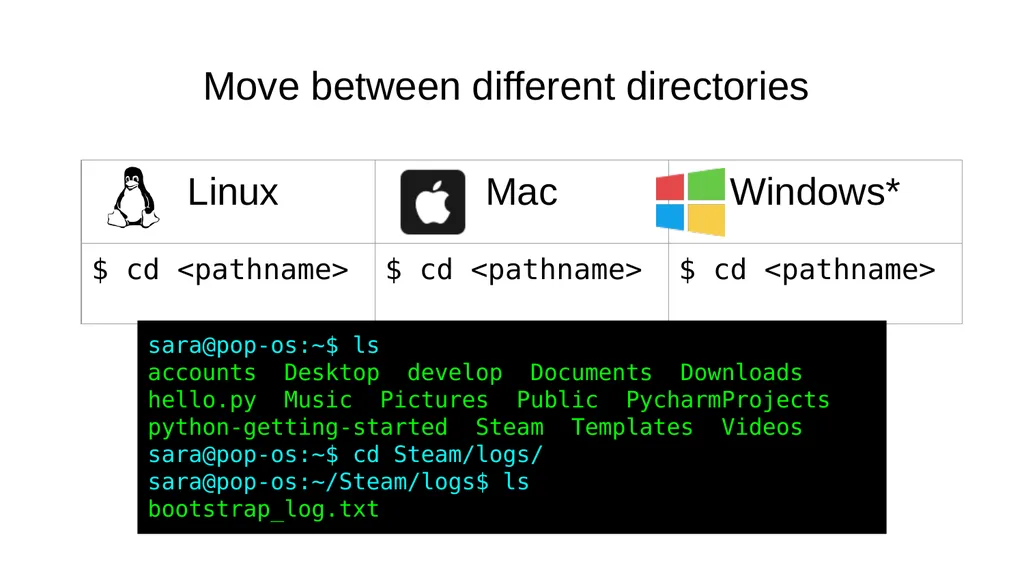
Move between different directories sara@pop-os:~$ ls
accounts Desktop develop Documents Downloads hello.py Music Pictures Public PycharmProjects python-getting-started Steam Templates Videos
sara@pop-os:~$ cd Steam/logs/
sara@pop-os:~/Steam/logs$ ls
bootstrap_log.txt<br>
14
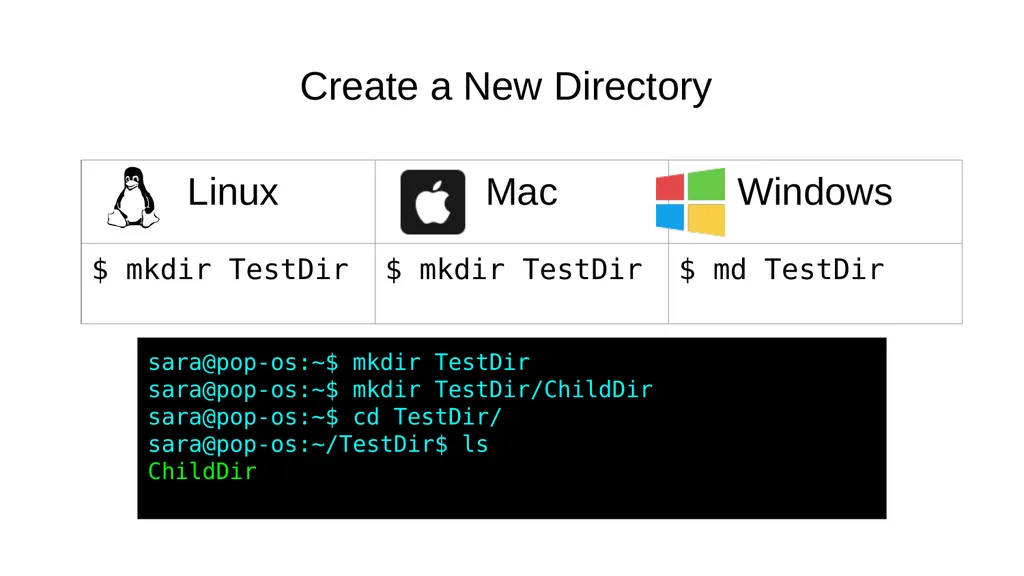
Create a New Directory sara@pop-os:~$ mkdir TestDir
sara@pop-os:~$ mkdir TestDir/ChildDir
sara@pop-os:~$ cd TestDir/
sara@pop-os:~/TestDir$ ls
ChildDir<br>
15
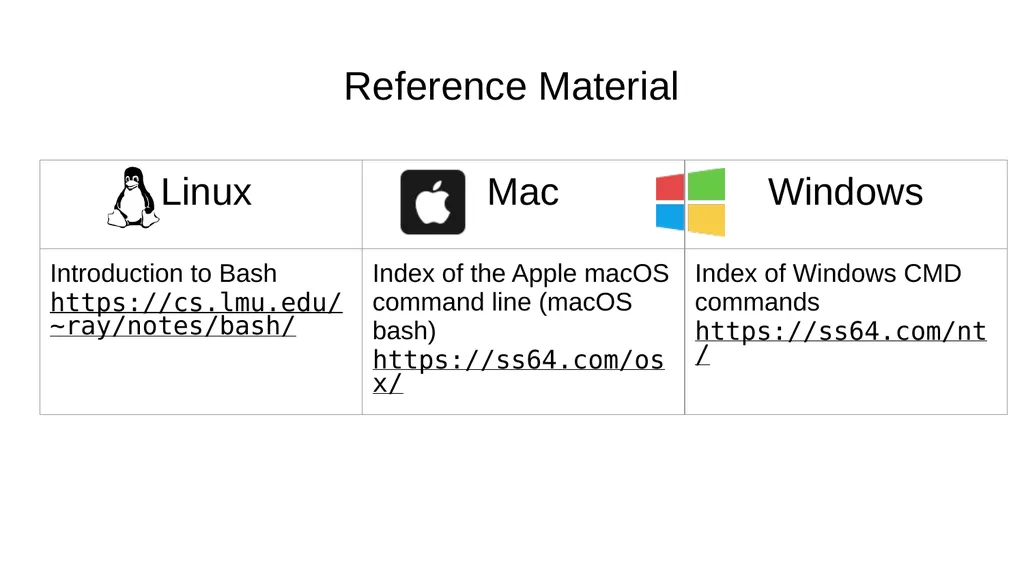
Reference Material<br>
16
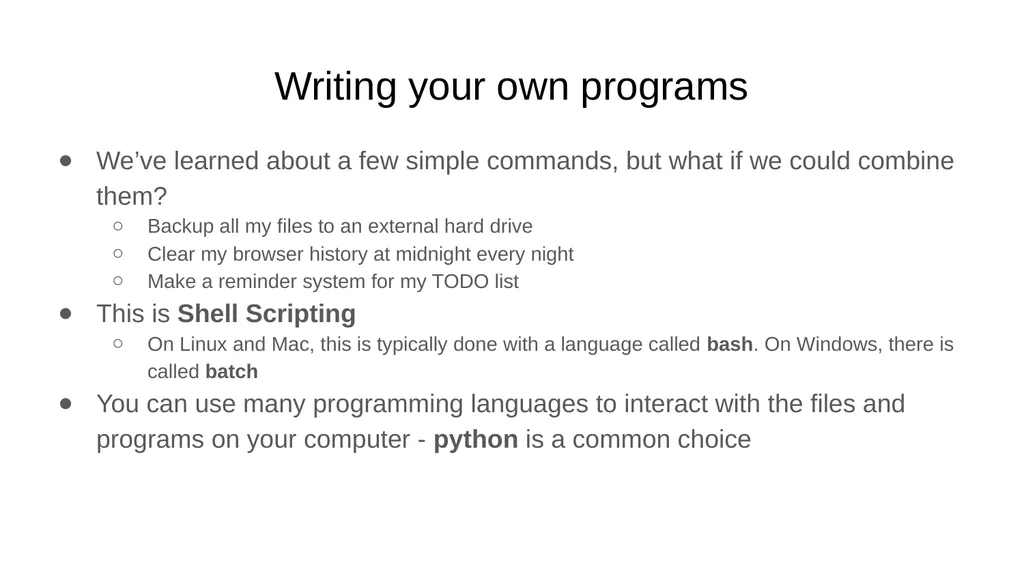
Writing your own programs We’ve learned about a few simple commands, but what if we could combine them?
Backup all my files to an external hard drive
Clear my browser history at midnight every night
Make a reminder system for my TODO list
This is Shell Scripting
On Linux and Mac, this is typically done with a language called bash. On Windows, there is called batch
You can use many programming languages to interact with the files and programs on your computer - python is a common choice<br>
17
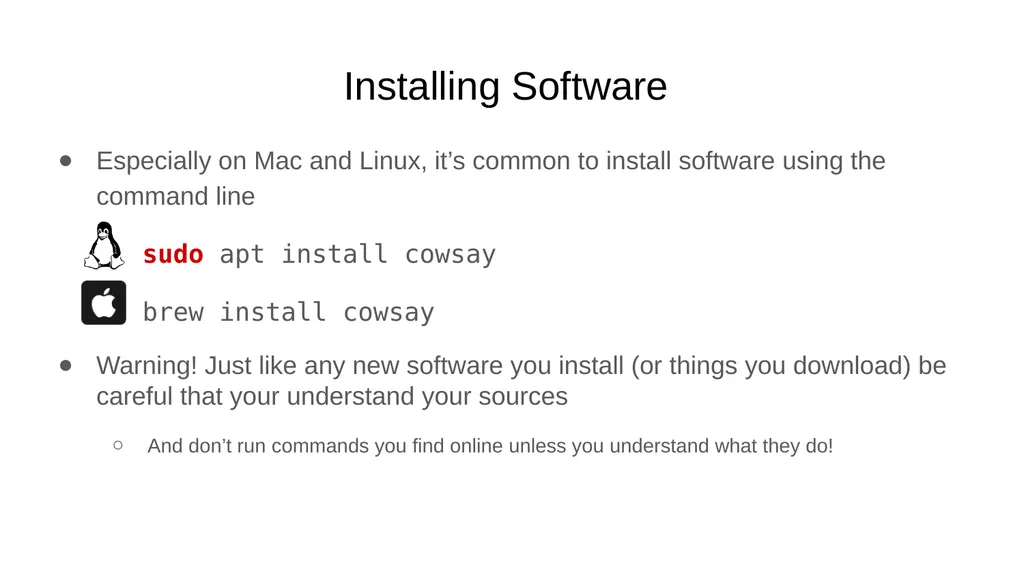
Installing Software Especially on Mac and Linux, it’s common to install software using the command line
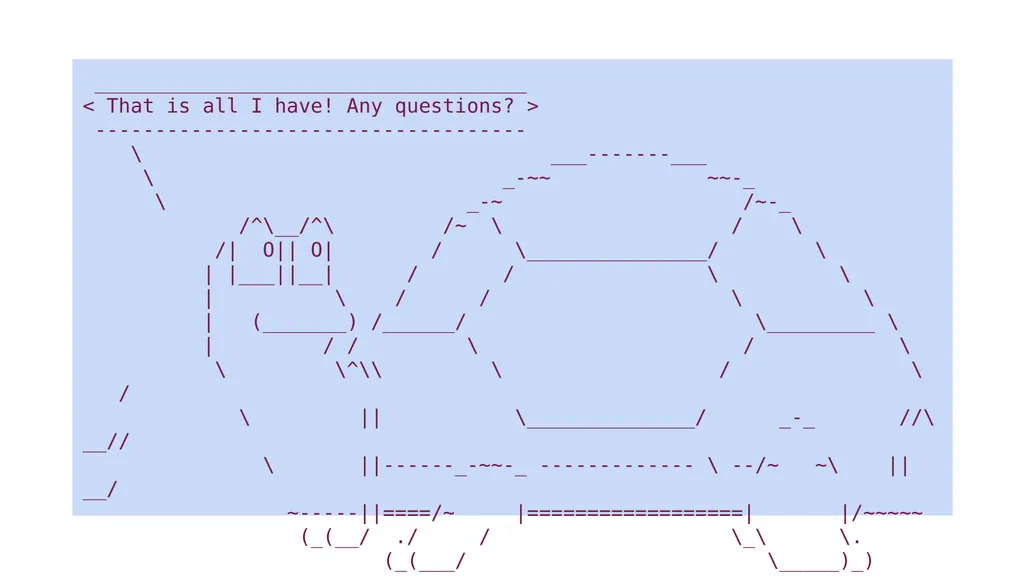
sudo apt install cowsay
brew install cowsay
Warning! Just like any new software you install (or things you download) be careful that your understand your sources
And don’t run commands you find online unless you understand what they do!<br>
18
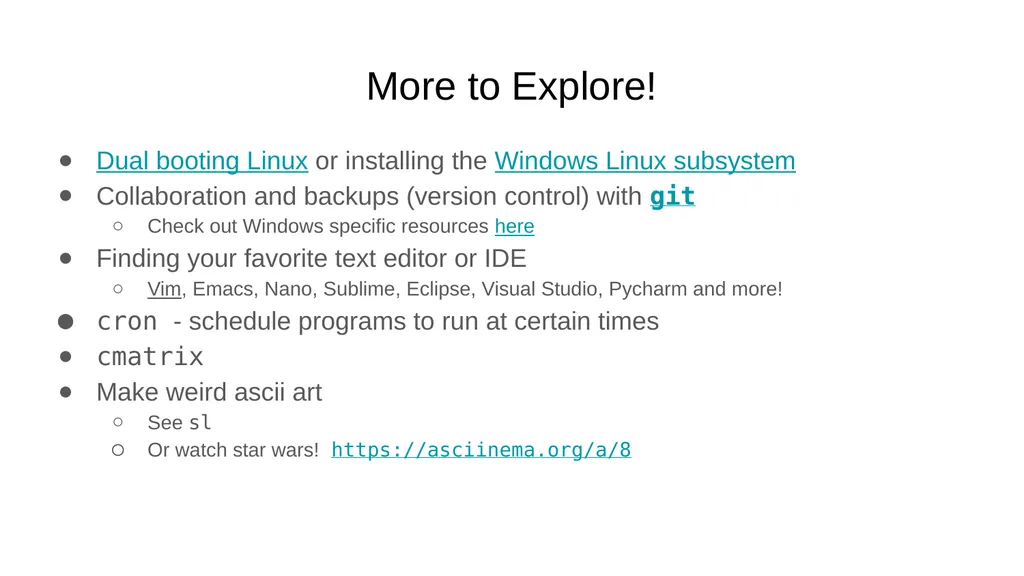
More to Explore! Dual booting Linux or installing the Windows Linux subsystem
Collaboration and backups (version control) with git
Check out Windows specific resources here
Finding your favorite text editor or IDE
Vim, Emacs, Nano, Sublime, Eclipse, Visual Studio, Pycharm and more!
cron - schedule programs to run at certain times
cmatrix
Make weird ascii art
See sl
Or watch star wars! https://asciinema.org/a/8<br>