Itzik Ben-Gan T-SQL Trainer and Co-founder, SolidQ Umachandar Jayachandran (UC) Program Manager, Microsoft Boost your T-SQL with the APPLY Operator Meet Itzik Ben-Gan ItzikBenGan T-SQL Trainer and Co-founder, SolidQ Delivering T-SQL
"Itzik Ben-Gan | T-SQL Trainer and Co-founder," is the property of its rightful owner. Permission is granted to
download and print the materials on this website for personal, non-commercial use only, and to display it
on your personal computer provided you do not modify the materials and that you retain all copyright
notices contained in the materials. By downloading content from our website, you accept the terms of this
agreement.
Presentation Transcript
01
Itzik Ben-Gan | T-SQL Trainer and Co-founder, SolidQ
Umachandar Jayachandran (UC) | Program Manager, Microsoft Boost your T-SQL with the APPLY Operator<br>
02
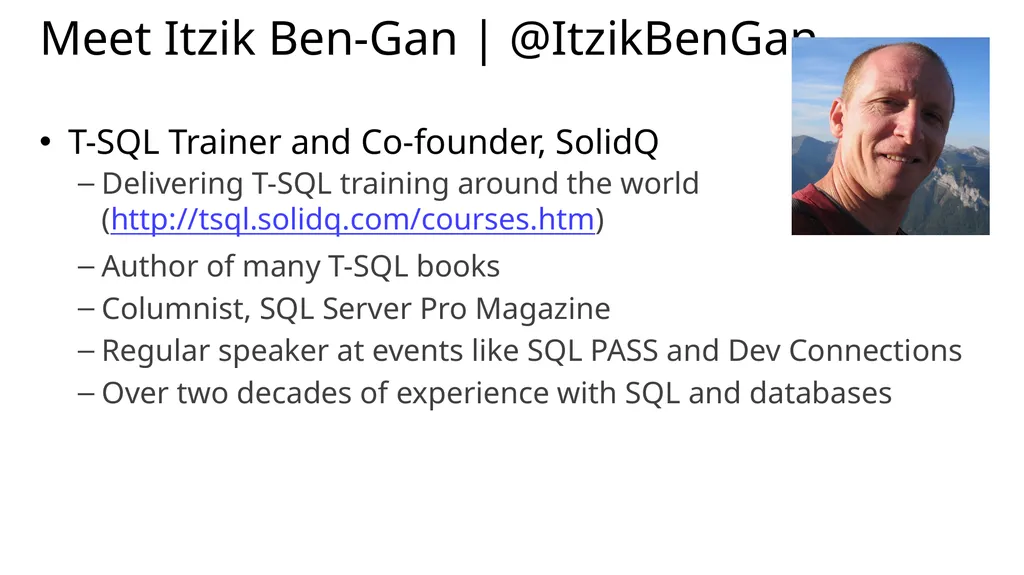
Meet Itzik Ben-Gan | @ItzikBenGan T-SQL Trainer and Co-founder, SolidQ
Delivering T-SQL training around the world (http://tsql.solidq.com/courses.htm)
Author of many T-SQL books
Columnist, SQL Server Pro Magazine
Regular speaker at events like SQL PASS and Dev Connections
Over two decades of experience with SQL and databases<br>
03
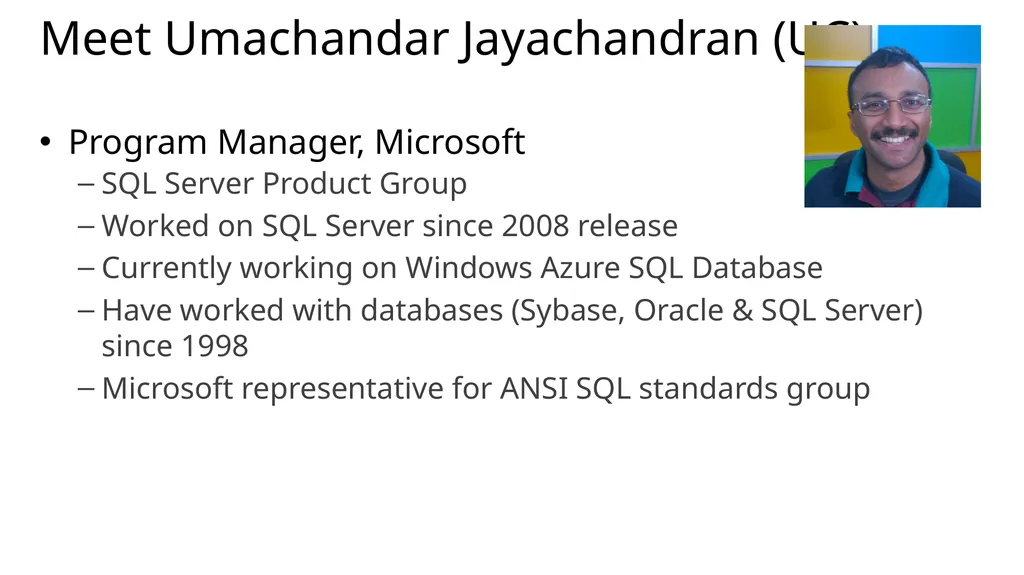
Meet Umachandar Jayachandran (UC) Program Manager, Microsoft
SQL Server Product Group
Worked on SQL Server since 2008 release
Currently working on Windows Azure SQL Database
Have worked with databases (Sybase, Oracle & SQL Server) since 1998
Microsoft representative for ANSI SQL standards group<br>
04
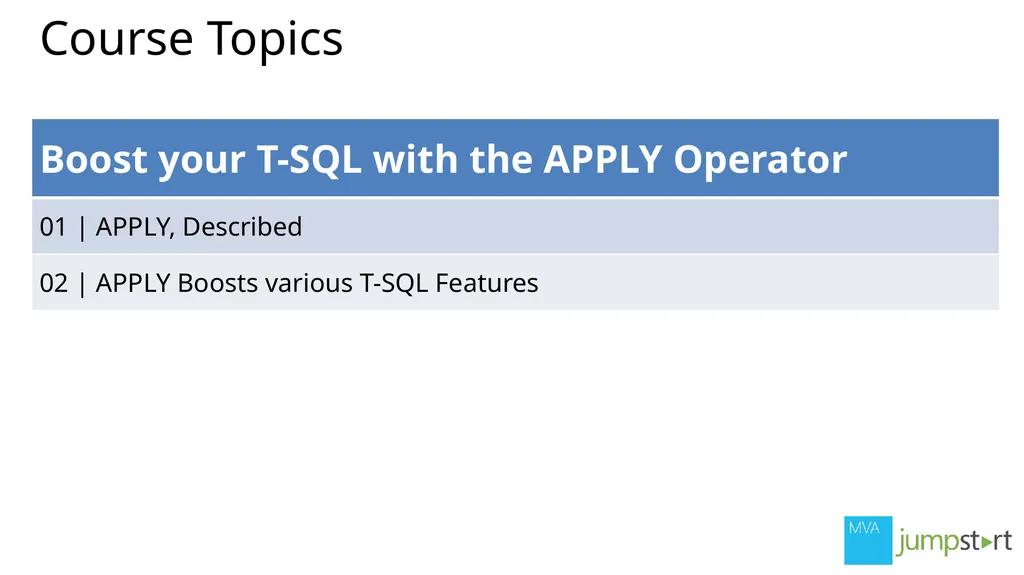
Course Topics<br>
05
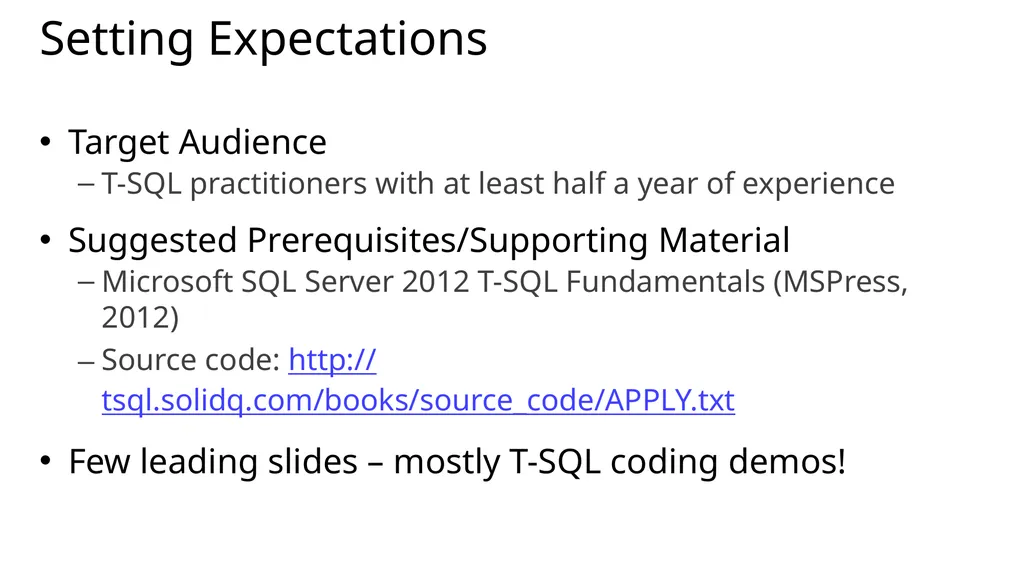
Setting Expectations Target Audience
T-SQL practitioners with at least half a year of experience
Suggested Prerequisites/Supporting Material
Microsoft SQL Server 2012 T-SQL Fundamentals (MSPress, 2012)
Source code: http://tsql.solidq.com/books/source_code/APPLY.txt
Few leading slides – mostly T-SQL coding demos!<br>
06
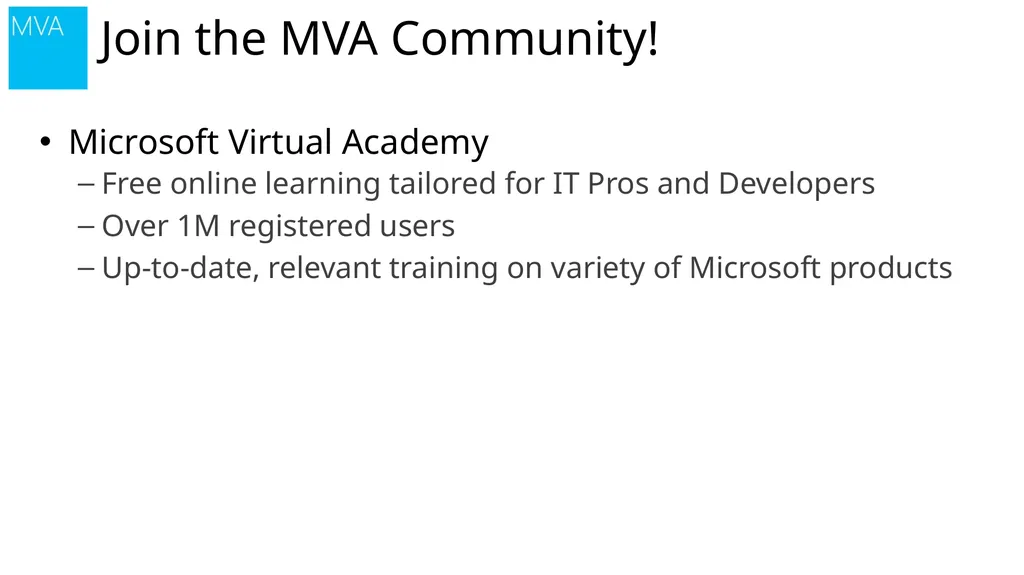
Microsoft Virtual Academy
Free online learning tailored for IT Pros and Developers
Over 1M registered users
Up-to-date, relevant training on variety of Microsoft products Join the MVA Community!<br>
07
01 | APPLY, Described Itzik Ben-Gan | T-SQL Trainer and Co-founder, SolidQ
Umachandar Jayachandran (UC) | Program Manager, Microsoft<br>
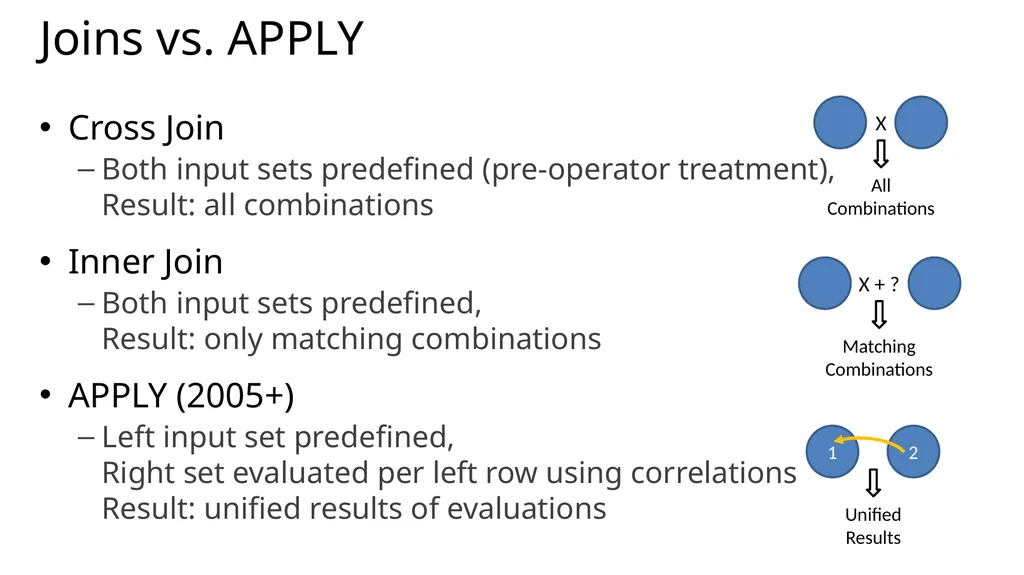
Joins vs. APPLY Cross Join
Both input sets predefined (pre-operator treatment), Result: all combinations
Inner Join
Both input sets predefined, Result: only matching combinations
APPLY (2005+)
Left input set predefined, Right set evaluated per left row using correlations Result: unified results of evaluations X All
Combinations X + ? Matching
Combinations 1 2 Unified Results<br>
10
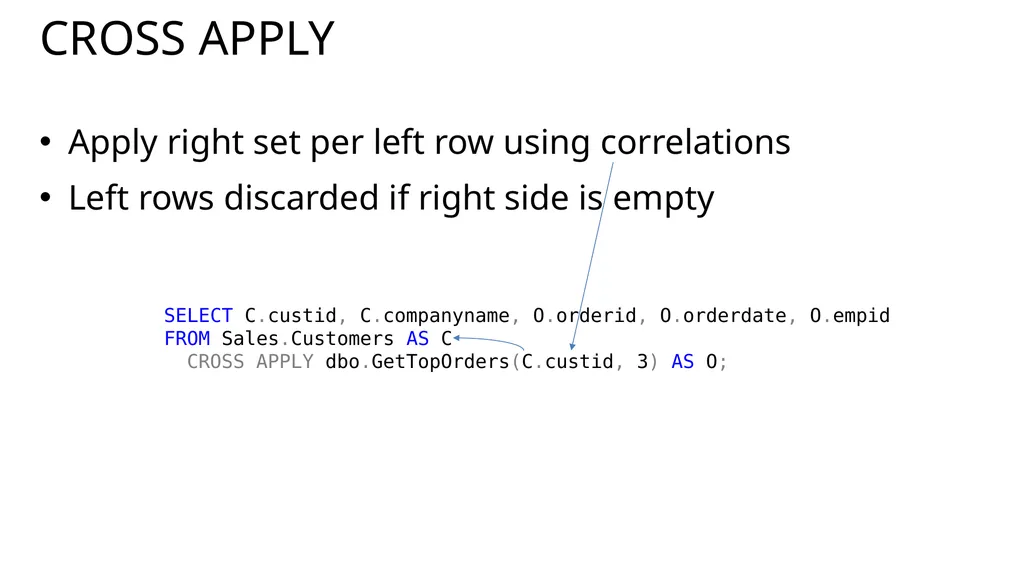
CROSS APPLY Apply right set per left row using correlations
Left rows discarded if right side is empty SELECT C.custid, C.companyname, O.orderid, O.orderdate, O.empid
FROM Sales.Customers AS C
CROSS APPLY dbo.GetTopOrders(C.custid, 3) AS O;<br>
11
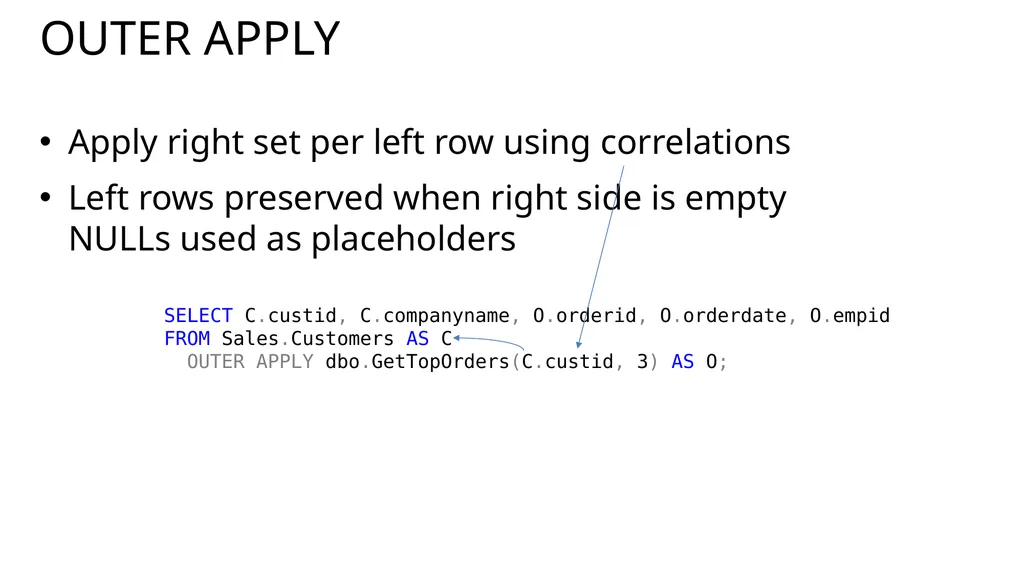
OUTER APPLY Apply right set per left row using correlations
Left rows preserved when right side is empty NULLs used as placeholders SELECT C.custid, C.companyname, O.orderid, O.orderdate, O.empid
FROM Sales.Customers AS C
OUTER APPLY dbo.GetTopOrders(C.custid, 3) AS O;<br>
12
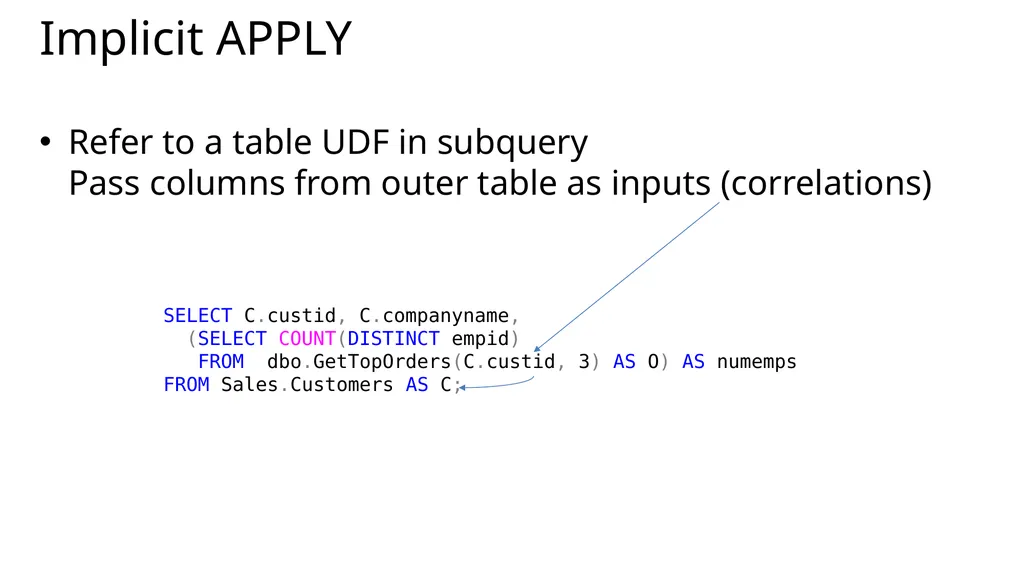
Implicit APPLY Refer to a table UDF in subquery Pass columns from outer table as inputs (correlations) SELECT C.custid, C.companyname,
(SELECT COUNT(DISTINCT empid)
FROM dbo.GetTopOrders(C.custid, 3) AS O) AS numemps
FROM Sales.Customers AS C;<br>