Jeffrey Snover Distinguished Engineer Lead Architect Jason Helmick Senior Technologist, Concentrated Technology Getting Started with PowerShell Jump Start Meet Jeffrey Snover jsnover Distinguished Engineer Lead Architect for
"Jeffrey Snover | Distinguished Engineer & Lead" is the property of its rightful owner. Permission is granted to
download and print the materials on this website for personal, non-commercial use only, and to display it
on your personal computer provided you do not modify the materials and that you retain all copyright
notices contained in the materials. By downloading content from our website, you accept the terms of this
agreement.
Presentation Transcript
01
Jeffrey Snover | Distinguished Engineer & Lead Architect
Jason Helmick | Senior Technologist, Concentrated Technology Getting Started with PowerShell Jump Start<br>
02
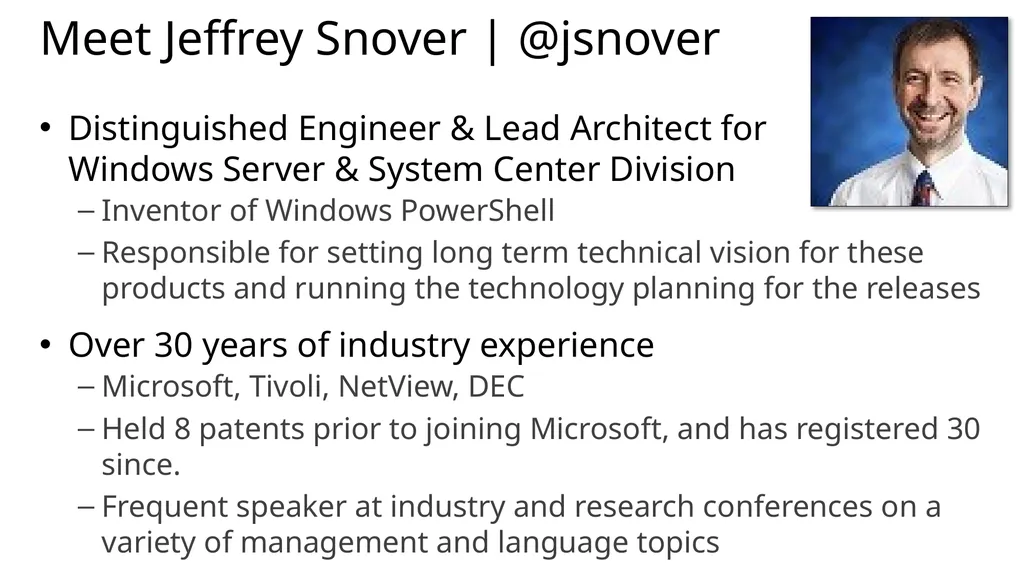
Meet Jeffrey Snover | @jsnover Distinguished Engineer & Lead Architect for Windows Server & System Center Division
Inventor of Windows PowerShell
Responsible for setting long term technical vision for these products and running the technology planning for the releases
Over 30 years of industry experience
Microsoft, Tivoli, NetView, DEC
Held 8 patents prior to joining Microsoft, and has registered 30 since.
Frequent speaker at industry and research conferences on a variety of management and language topics<br>
03
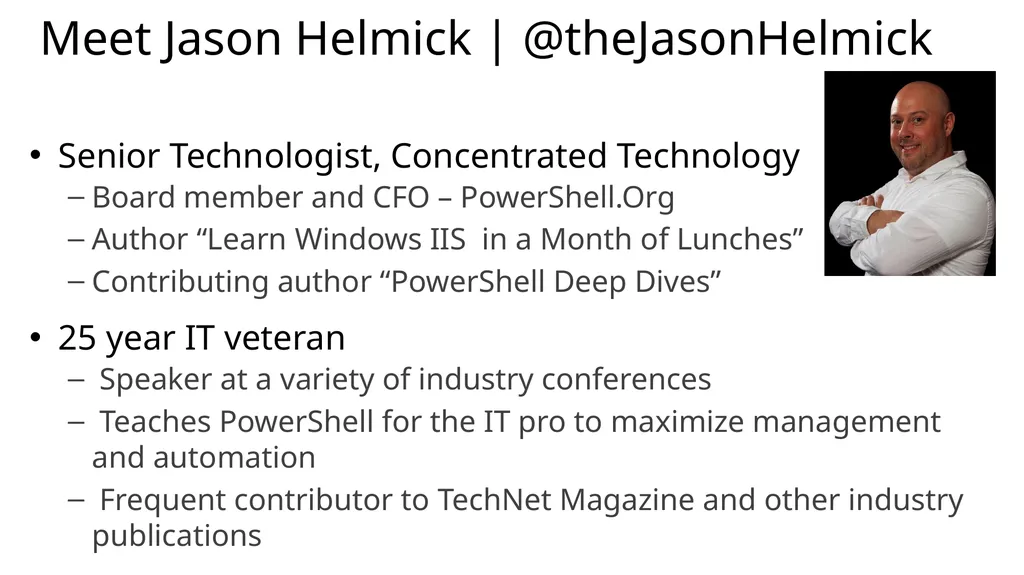
Meet Jason Helmick | @theJasonHelmick Senior Technologist, Concentrated Technology
Board member and CFO – PowerShell.Org
Author “Learn Windows IIS in a Month of Lunches”
Contributing author “PowerShell Deep Dives”
25 year IT veteran
Speaker at a variety of industry conferences
Teaches PowerShell for the IT pro to maximize management and automation
Frequent contributor to TechNet Magazine and other industry publications<br>
04
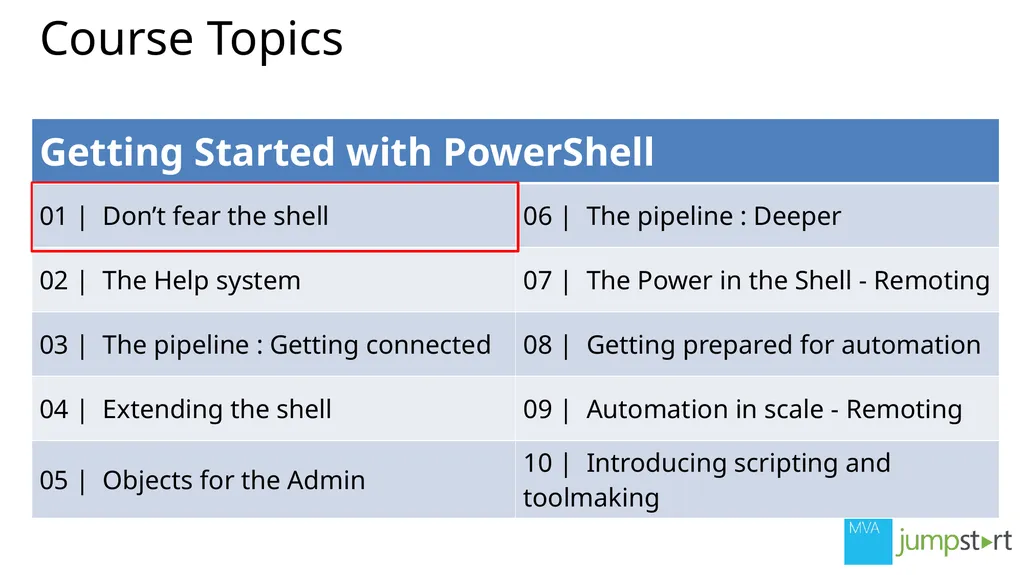
Course Topics<br>
05
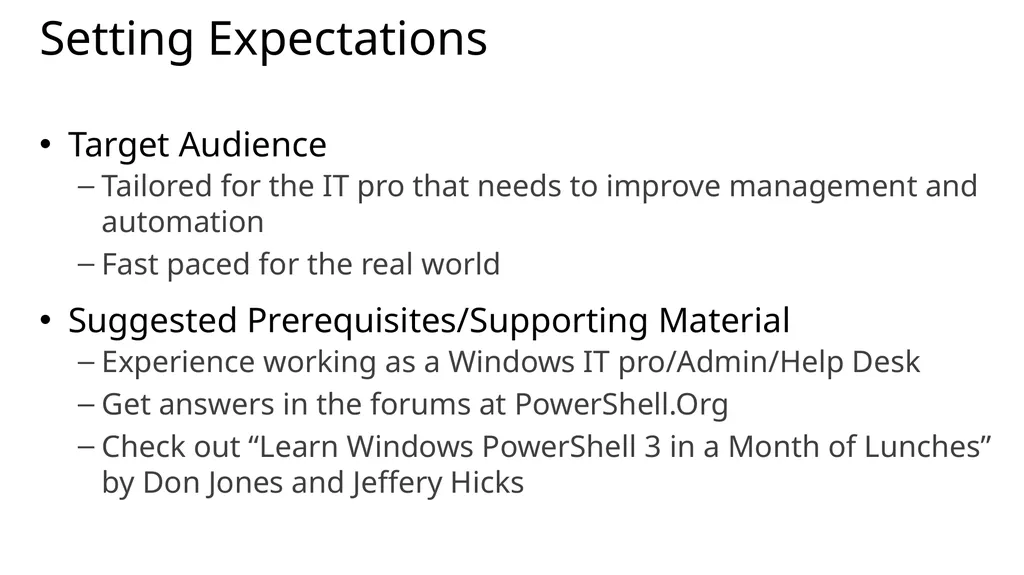
Setting Expectations Target Audience
Tailored for the IT pro that needs to improve management and automation
Fast paced for the real world
Suggested Prerequisites/Supporting Material
Experience working as a Windows IT pro/Admin/Help Desk
Get answers in the forums at PowerShell.Org
Check out “Learn Windows PowerShell 3 in a Month of Lunches” by Don Jones and Jeffery Hicks<br>
06
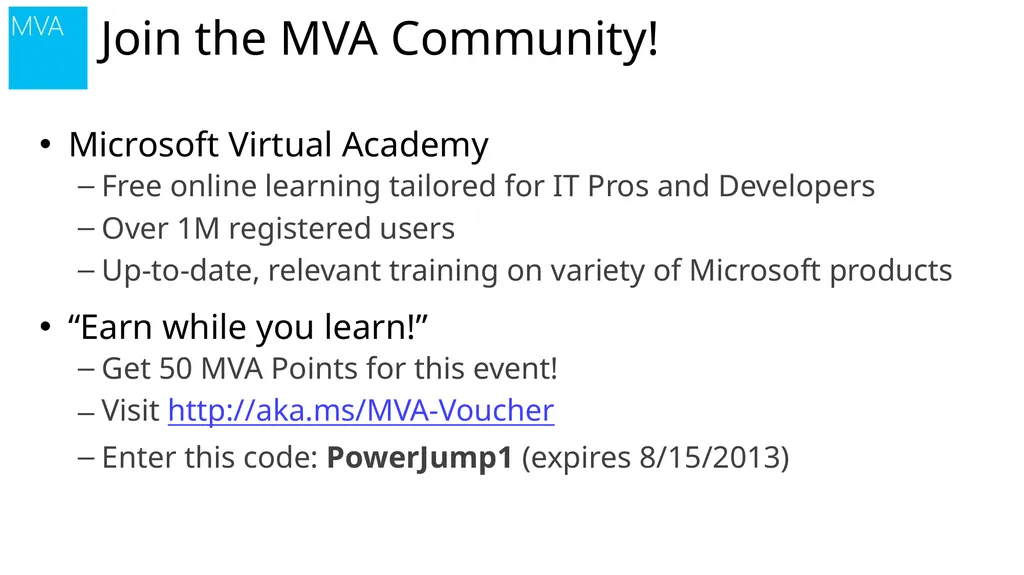
Microsoft Virtual Academy
Free online learning tailored for IT Pros and Developers
Over 1M registered users
Up-to-date, relevant training on variety of Microsoft products
“Earn while you learn!”
Get 50 MVA Points for this event!
Visit http://aka.ms/MVA-Voucher
Enter this code: PowerJump1 (expires 8/15/2013) Join the MVA Community!<br>
07
01 | Don’t fear the shell Jeffrey Snover | Distinguished Engineer & Lead Architect
Jason Helmick | Senior Technologist, Concentrated Technology<br>
08
The purpose for PowerShell
Installing PowerShell – Windows Management Framework
Launching PowerShell for the administrator
Customize the shell for comfort
Getting familiar with the shell Module Overview<br>
09
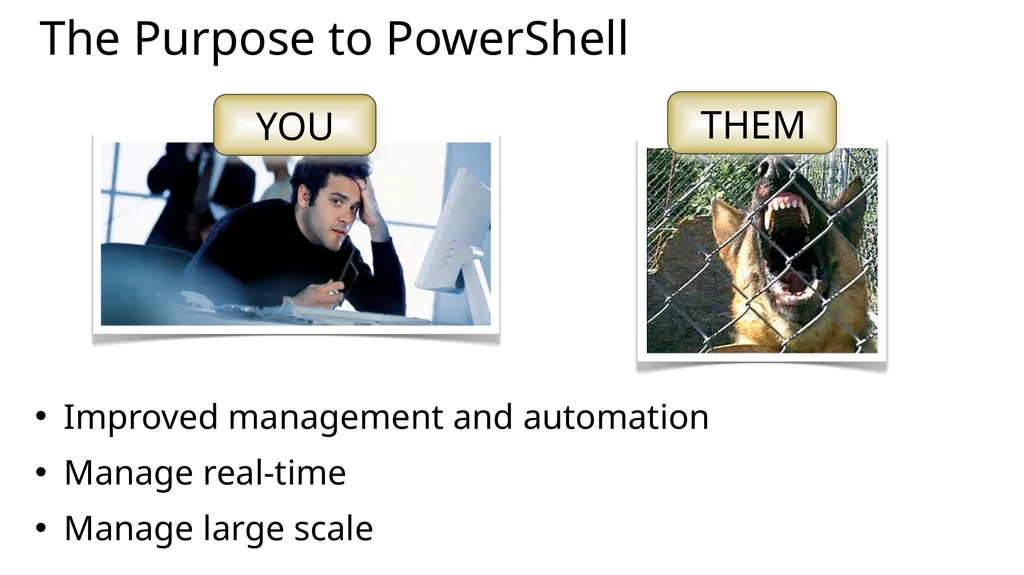
The Purpose to PowerShell Improved management and automation
Manage real-time
Manage large scale<br>
10
Installing PowerShell – Windows Management Framework PowerShell V3 – Windows 8 and Server 2012
PowerShell V2 – Windows 7 and Server 2008
Download the Windows Management Framework 3.0 at
http://www.microsoft.com/en-us/download/details.aspx?id=34595
Windows XP and Server 2003 can run V2<br>
11
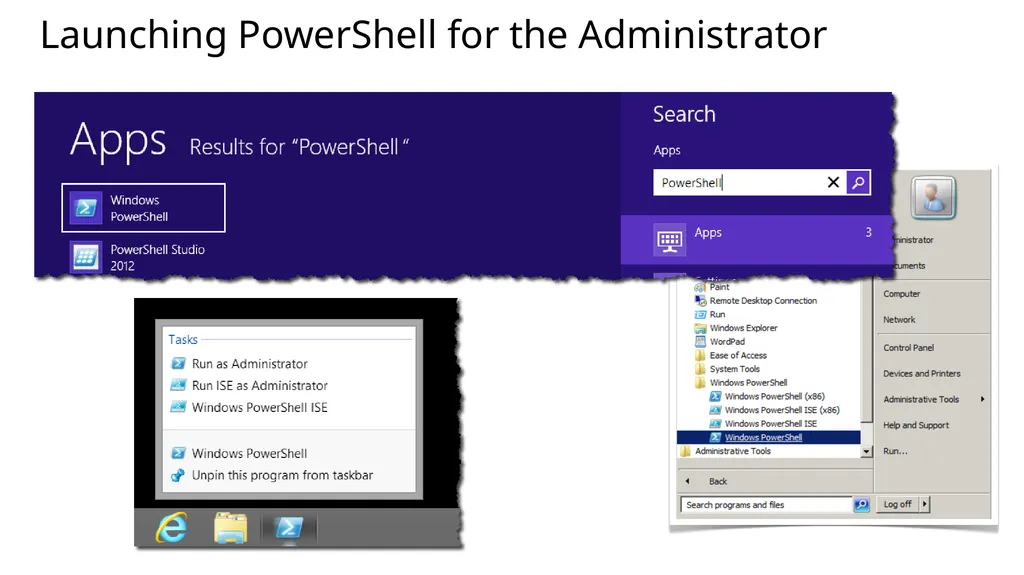
Launching PowerShell for the Administrator<br>
12
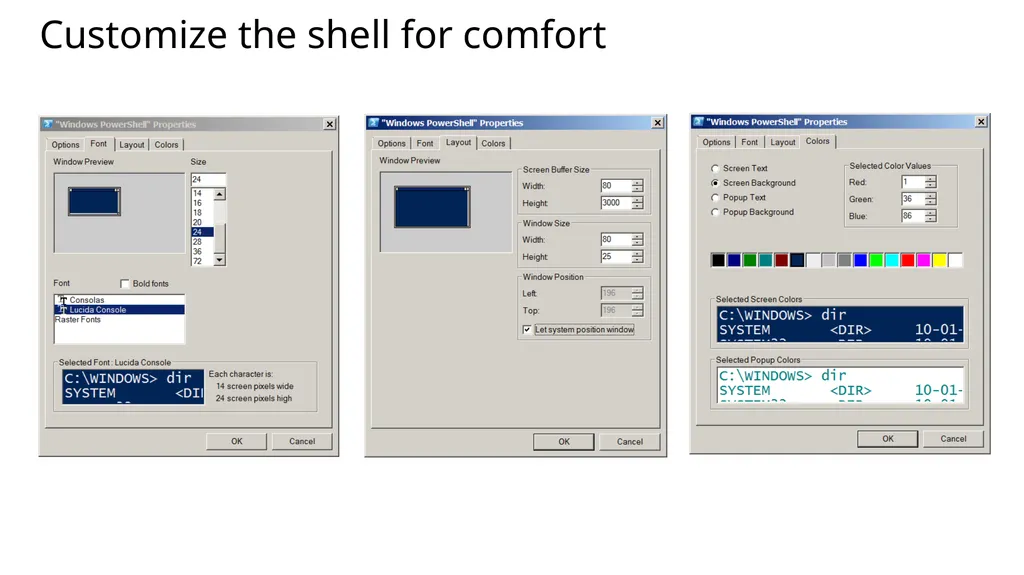
Customize the shell for comfort<br>
13
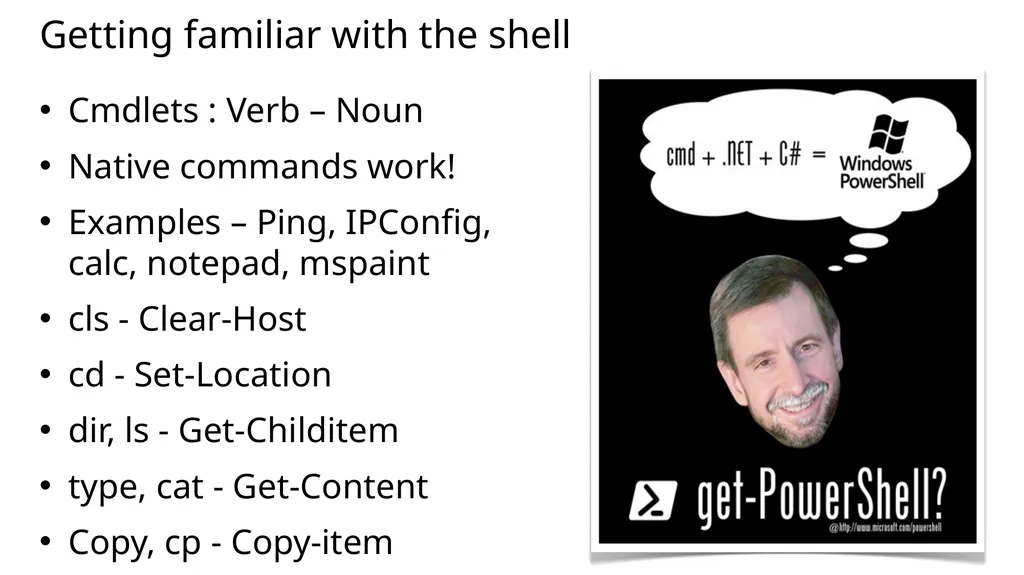
Getting familiar with the shell Cmdlets : Verb – Noun
Native commands work!
Examples – Ping, IPConfig, calc, notepad, mspaint
cls - Clear-Host
cd - Set-Location
dir, ls - Get-Childitem
type, cat - Get-Content
Copy, cp - Copy-item<br>