Learning Management Systems Navigating the What, Why, and When for Nonprofits Legal Disclaimer The information included herein should never be used as a substitute for an organizations technical andor operational judgment and does not
"Learning Management Systems Navigating the What," is the property of its rightful owner. Permission is granted to
download and print the materials on this website for personal, non-commercial use only, and to display it
on your personal computer provided you do not modify the materials and that you retain all copyright
notices contained in the materials. By downloading content from our website, you accept the terms of this
agreement.
Presentation Transcript
01
Learning Management Systems Navigating the What, Why, and When for Nonprofits<br>
02
Legal Disclaimer The information included herein should never be used as a substitute for an organization’s technical and/or operational judgment and does not represent an official position of JPMorgan Chase Bank, N.A. or its affiliates. This information is provided on an "as is" basis without warranty of any kind, express or implied.<br>
03
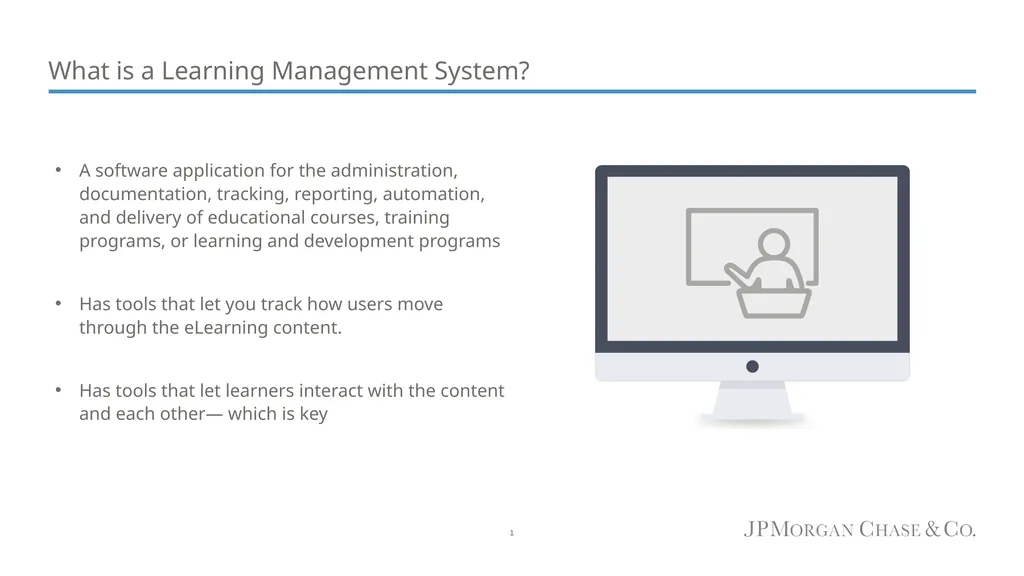
What is a Learning Management System? A software application for the administration, documentation, tracking, reporting, automation, and delivery of educational courses, training programs, or learning and development programs
Has tools that let you track how users move through the eLearning content.
Has tools that let learners interact with the content and each other— which is key 1<br>
04
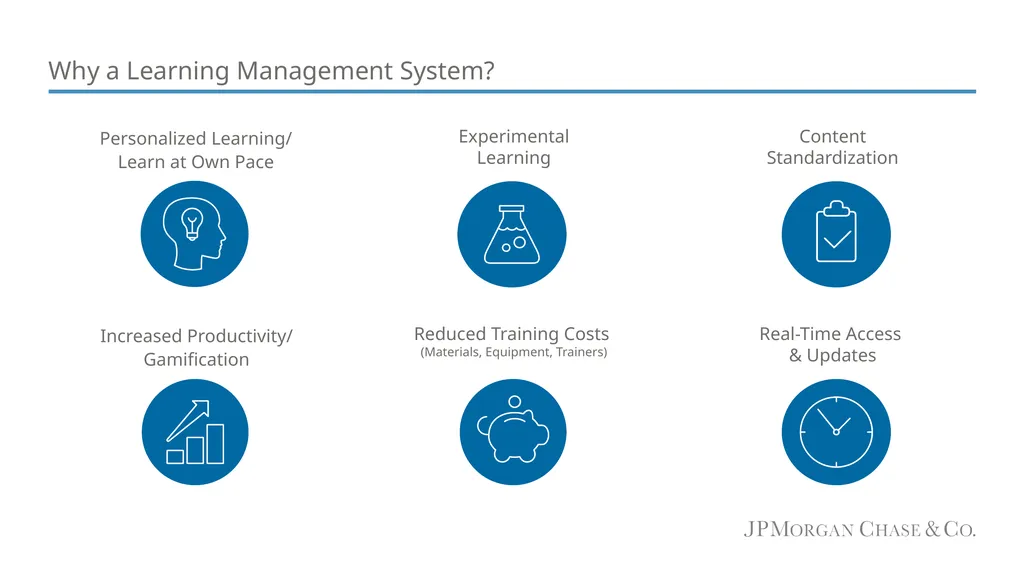
Why a Learning Management System? Personalized Learning/
Learn at Own Pace Experimental
Learning Content
Standardization Increased Productivity/
Gamification Reduced Training Costs
(Materials, Equipment, Trainers) Real-Time Access
& Updates<br>
05
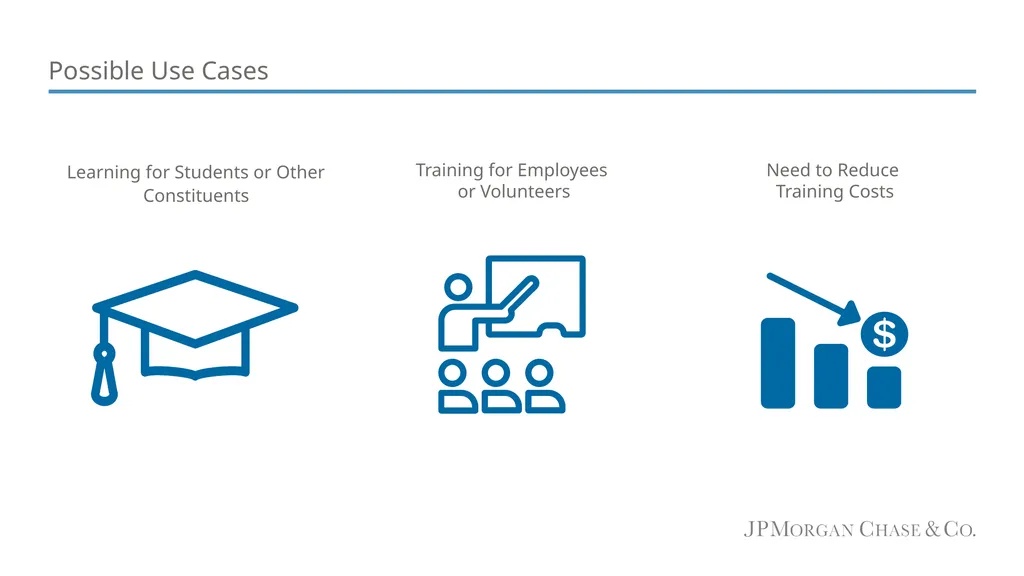
Possible Use Cases Learning for Students or Other Constituents Training for Employees
or Volunteers Need to Reduce
Training Costs<br>
06
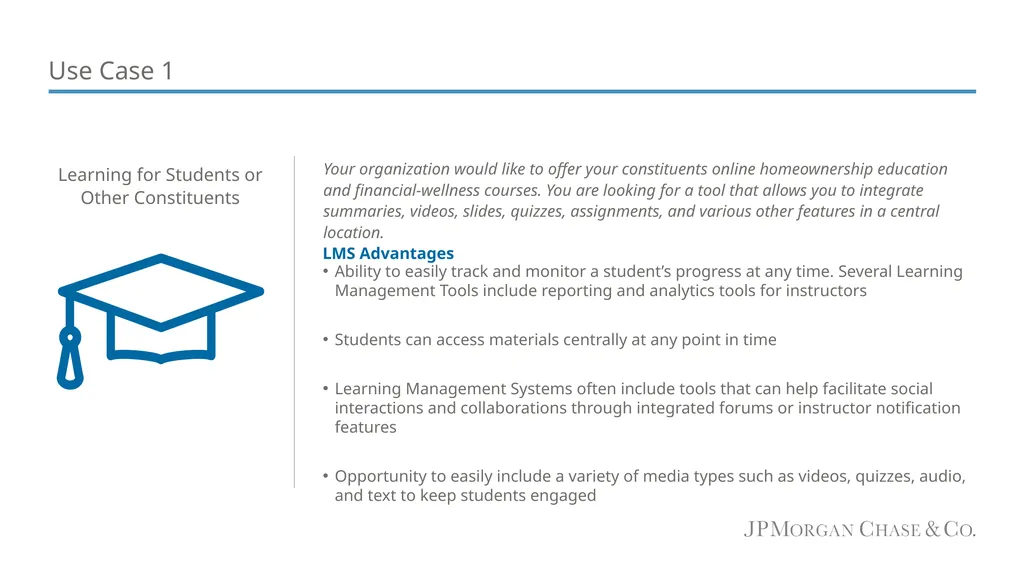
Use Case 1 Ability to easily track and monitor a student’s progress at any time. Several Learning Management Tools include reporting and analytics tools for instructors
Students can access materials centrally at any point in time
Learning Management Systems often include tools that can help facilitate social interactions and collaborations through integrated forums or instructor notification features
Opportunity to easily include a variety of media types such as videos, quizzes, audio, and text to keep students engaged Learning for Students or Other Constituents Your organization would like to offer your constituents online homeownership education and financial-wellness courses. You are looking for a tool that allows you to integrate summaries, videos, slides, quizzes, assignments, and various other features in a central location. LMS Advantages<br>
07
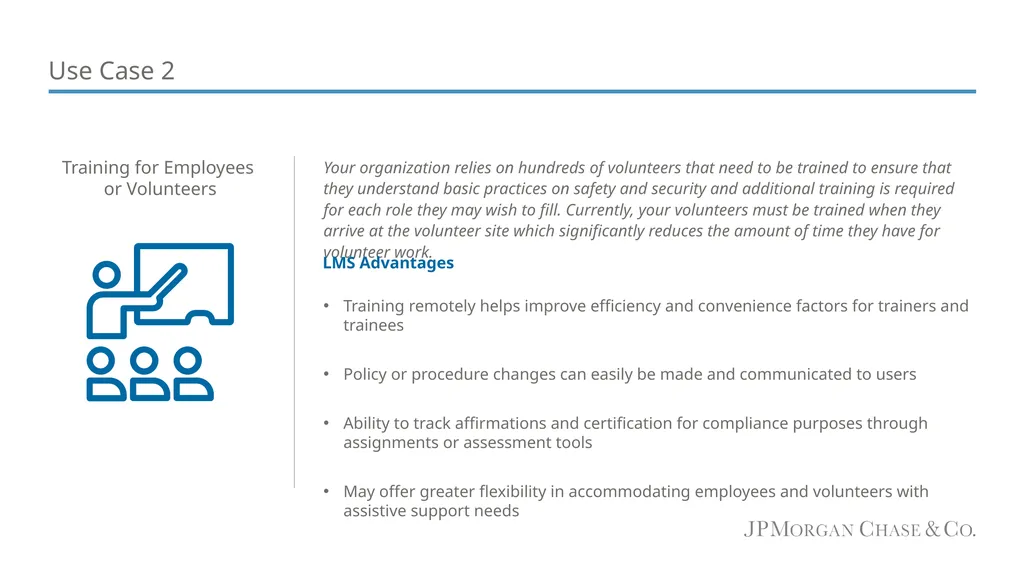
Use Case 2 Your organization relies on hundreds of volunteers that need to be trained to ensure that they understand basic practices on safety and security and additional training is required for each role they may wish to fill. Currently, your volunteers must be trained when they arrive at the volunteer site which significantly reduces the amount of time they have for volunteer work.
Training remotely helps improve efficiency and convenience factors for trainers and trainees
Policy or procedure changes can easily be made and communicated to users
Ability to track affirmations and certification for compliance purposes through assignments or assessment tools
May offer greater flexibility in accommodating employees and volunteers with assistive support needs Training for Employees
or Volunteers LMS Advantages<br>
08
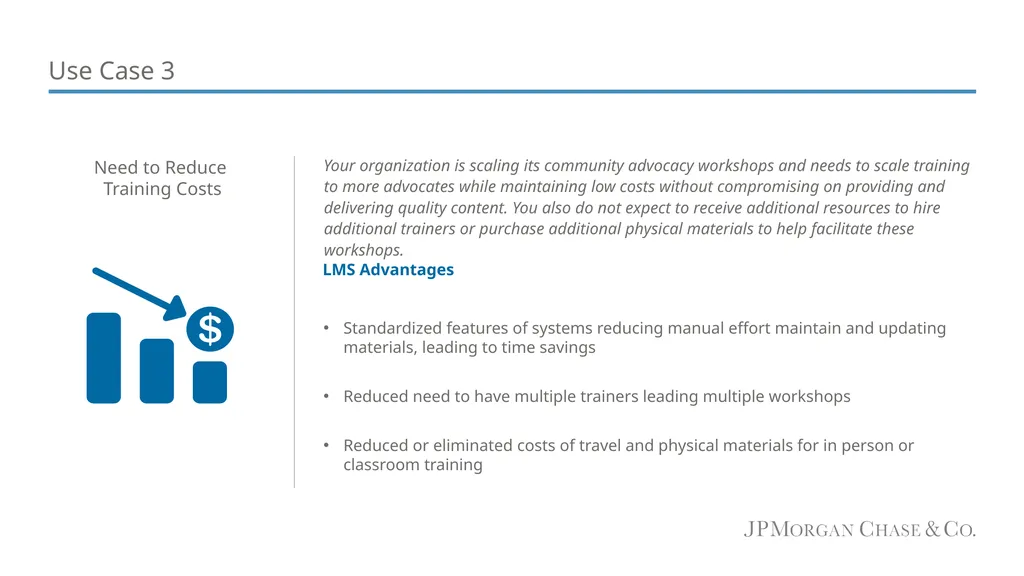
Use Case 3 Your organization is scaling its community advocacy workshops and needs to scale training to more advocates while maintaining low costs without compromising on providing and delivering quality content. You also do not expect to receive additional resources to hire additional trainers or purchase additional physical materials to help facilitate these workshops.
Standardized features of systems reducing manual effort maintain and updating materials, leading to time savings
Reduced need to have multiple trainers leading multiple workshops
Reduced or eliminated costs of travel and physical materials for in person or classroom training Need to Reduce
Training Costs LMS Advantages<br>
09
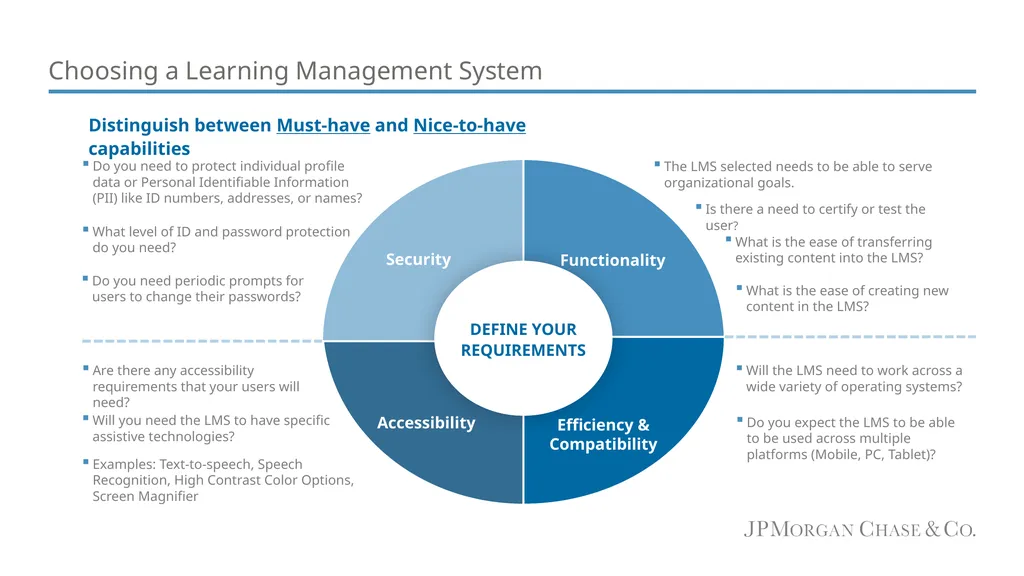
Choosing a Learning Management System Distinguish between Must-have and Nice-to-have capabilities What is the ease of creating new content in the LMS?<br>
10
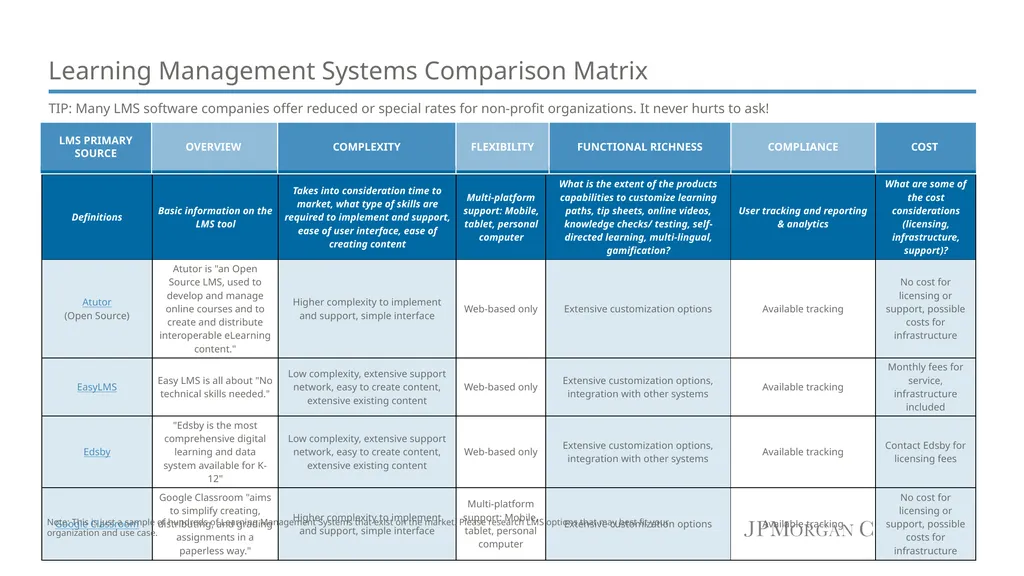
Learning Management Systems Comparison Matrix TIP: Many LMS software companies offer reduced or special rates for non-profit organizations. It never hurts to ask! Note: This is just a sample of hundreds of Learning Management Systems that exist on the market. Please research LMS options that may best fit your organization and use case.<br>
11
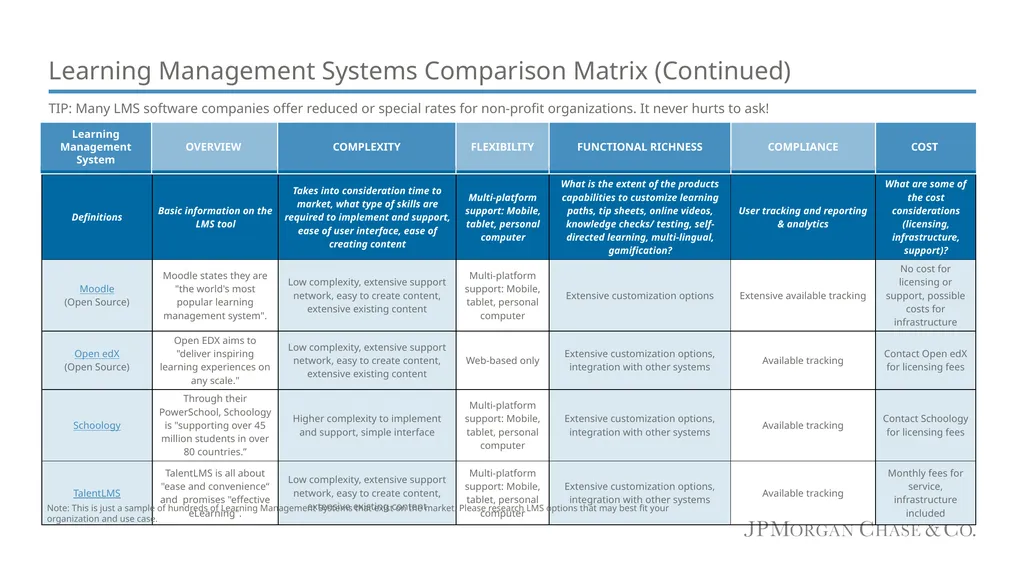
TIP: Many LMS software companies offer reduced or special rates for non-profit organizations. It never hurts to ask! Note: This is just a sample of hundreds of Learning Management Systems that exist on the market. Please research LMS options that may best fit your organization and use case. Learning Management Systems Comparison Matrix (Continued)<br>
12
Change Management While you are exploring different Learning Management Systems, it is important to secure buy-in from your various stakeholders and have a change management plan for transitioning to the LMS:
Identify your stakeholders and communicate why transitioning to an LMS will be advantageous to them. This includes securing buy-in from:
Senior leaders
Managers/Instructors/Administrators
Learners
Involve end users in user testing and demo sessions as partners-in-change
Create clear user guides and conduct training sessions on use of Learning Management System
Share proof of success by collecting and reporting on data system usage and user feedback
Identify product owner(s) for the LMS who will help set standards and promote best practices for users on an ongoing basis<br>
13
Questions? Contact us at tech.for.social.good@jpmorgan.com<br>