
Lecture 22: Software Engineering for UIs: How to
LV
Published · 39 slides · 0 views
1 / 1

Description
Lecture 22: Software Engineering for UIs: How to create high-quality UIs in the context of Agile and other software development processes 05-431631 Software Structures for User Interfaces (SSUI) Fall, 2021 2021 - Brad Myers 1 Logistics
Related Topics
Share
Embed code
Download this presentation From Below
"Lecture 22: Software Engineering for UIs: How to" is the property of its rightful owner. Permission is granted to download and print the materials on this website for personal, non-commercial use only, and to display it on your personal computer provided you do not modify the materials and that you retain all copyright notices contained in the materials. By downloading content from our website, you accept the terms of this agreement.
Presentation Transcript
01
Lecture 22:
Software Engineering for UIs:
How to create high-quality UIs in the context of Agile and other software development processes 05-431/631 Software Structures for User Interfaces (SSUI)
Fall, 2021 © 2021 - Brad Myers 1<br>
Fall, 2021 © 2021 - Brad Myers 1<br>
02
Logistics HW5 graded
HW6 due Thursday
Need final project groups today
See the Google Doc link on Canvas
Longer descriptions are on Piazza © 2021 - Brad Myers 2<br>
HW6 due Thursday
Need final project groups today
See the Google Doc link on Canvas
Longer descriptions are on Piazza © 2021 - Brad Myers 2<br>
03
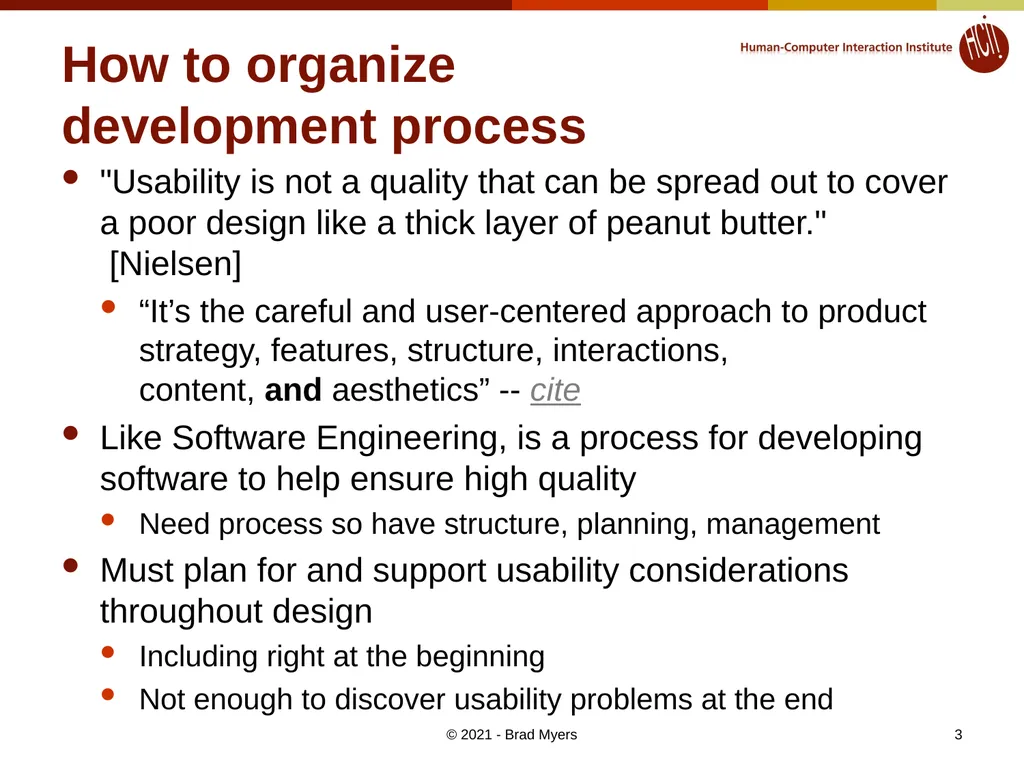
How to organize
development process "Usability is not a quality that can be spread out to cover a poor design like a thick layer of peanut butter." [Nielsen]
“It’s the careful and user-centered approach to product strategy, features, structure, interactions, content, and aesthetics” -- cite
Like Software Engineering, is a process for developing software to help ensure high quality
Need process so have structure, planning, management
Must plan for and support usability considerations throughout design
Including right at the beginning
Not enough to discover usability problems at the end © 2021 - Brad Myers 3<br>
“It’s the careful and user-centered approach to product strategy, features, structure, interactions, content, and aesthetics” -- cite
Like Software Engineering, is a process for developing software to help ensure high quality
Need process so have structure, planning, management
Must plan for and support usability considerations throughout design
Including right at the beginning
Not enough to discover usability problems at the end © 2021 - Brad Myers 3<br>
04
Software Engineering “Software engineering is the systematic application of engineering approaches to the development of software” -- Wikipedia
Aspects of development beyond coding
Aim to achieve quality metrics, including:
Reliability (Availability, Dependability, Robustness)
Usability
Efficiency
Of the development process
And of the resulting system
Both speed and size
Security
Maintainability © 2021 - Brad Myers 4<br>
Aspects of development beyond coding
Aim to achieve quality metrics, including:
Reliability (Availability, Dependability, Robustness)
Usability
Efficiency
Of the development process
And of the resulting system
Both speed and size
Security
Maintainability © 2021 - Brad Myers 4<br>
05
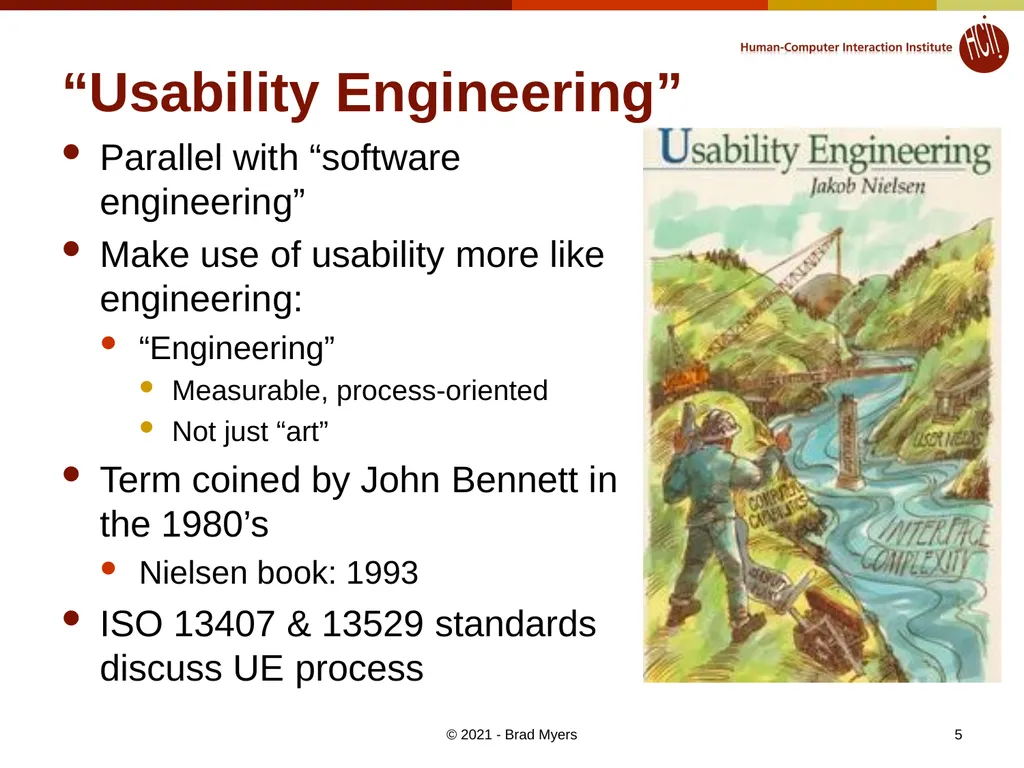
“Usability Engineering” Parallel with “software engineering”
Make use of usability more like engineering:
“Engineering”
Measurable, process-oriented
Not just “art”
Term coined by John Bennett in the 1980’s
Nielsen book: 1993
ISO 13407 & 13529 standards discuss UE process © 2021 - Brad Myers 5<br>
Make use of usability more like engineering:
“Engineering”
Measurable, process-oriented
Not just “art”
Term coined by John Bennett in the 1980’s
Nielsen book: 1993
ISO 13407 & 13529 standards discuss UE process © 2021 - Brad Myers 5<br>
06
Some Important Components Study the users and their tasks
Study the competition
Set usability goals
Participatory Design
Guidelines and Heuristic Evaluation
Evaluate your interface according to the guidelines.
Make prototypes of the system early and quickly
Empirical testing
Iterative design with usability analysis
Collect feedback from field use © 2021 - Brad Myers 6<br>
Study the competition
Set usability goals
Participatory Design
Guidelines and Heuristic Evaluation
Evaluate your interface according to the guidelines.
Make prototypes of the system early and quickly
Empirical testing
Iterative design with usability analysis
Collect feedback from field use © 2021 - Brad Myers 6<br>
07
Know the User Study the intended users and the use of the product
Best if developers go and interview them personally
Difficult because
May want to hide the developers
Reluctance of sales people
Reluctance of users
User Characteristics
Work experience, education level, age, previous computer experience
Time for learning, training
Available hardware (monitor size, acceptance of plugins, cell-phones vs. desktop)
Social context of use © 2021 - Brad Myers 7<br>
Best if developers go and interview them personally
Difficult because
May want to hide the developers
Reluctance of sales people
Reluctance of users
User Characteristics
Work experience, education level, age, previous computer experience
Time for learning, training
Available hardware (monitor size, acceptance of plugins, cell-phones vs. desktop)
Social context of use © 2021 - Brad Myers 7<br>
08
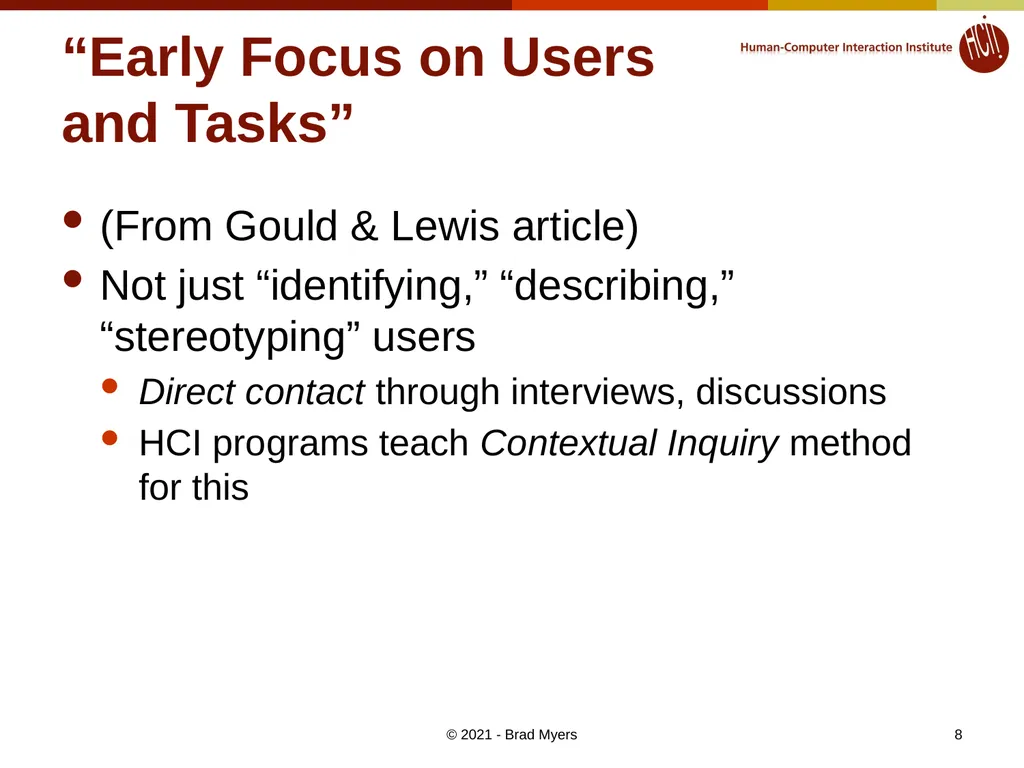
“Early Focus on Users
and Tasks” (From Gould & Lewis article)
Not just “identifying,” “describing,” “stereotyping” users
Direct contact through interviews, discussions
HCI programs teach Contextual Inquiry method for this © 2021 - Brad Myers 8<br>
Not just “identifying,” “describing,” “stereotyping” users
Direct contact through interviews, discussions
HCI programs teach Contextual Inquiry method for this © 2021 - Brad Myers 8<br>
09
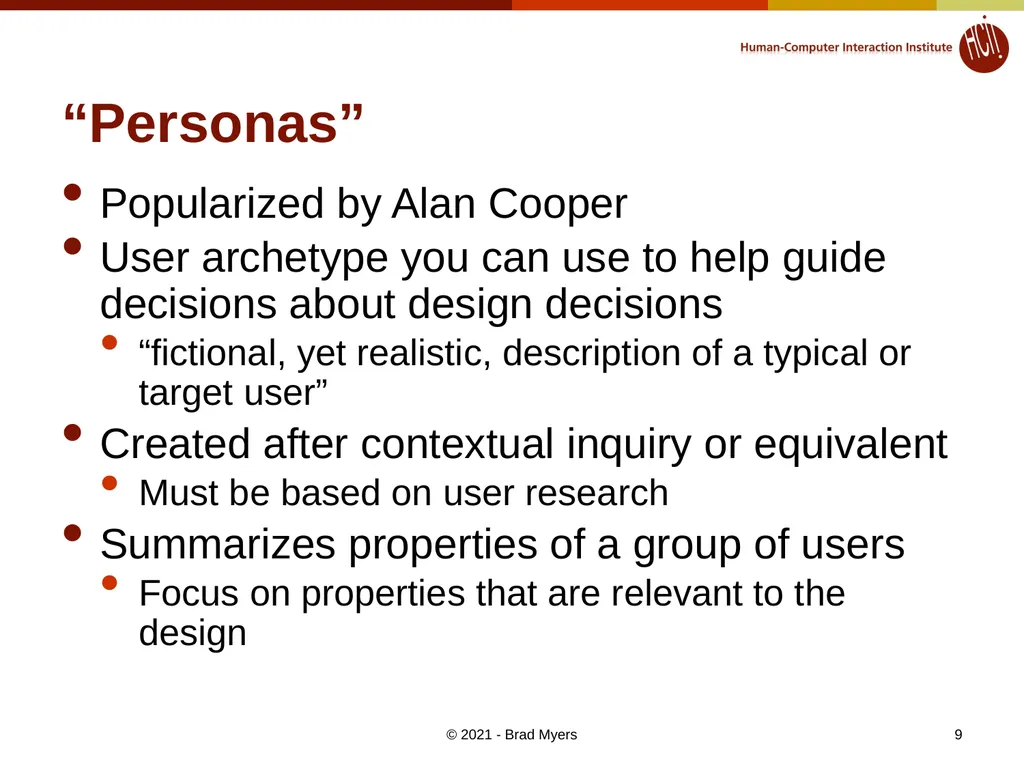
“Personas” Popularized by Alan Cooper
User archetype you can use to help guide decisions about design decisions
“fictional, yet realistic, description of a typical or target user”
Created after contextual inquiry or equivalent
Must be based on user research
Summarizes properties of a group of users
Focus on properties that are relevant to the design © 2021 - Brad Myers 9<br>
User archetype you can use to help guide decisions about design decisions
“fictional, yet realistic, description of a typical or target user”
Created after contextual inquiry or equivalent
Must be based on user research
Summarizes properties of a group of users
Focus on properties that are relevant to the design © 2021 - Brad Myers 9<br>
10
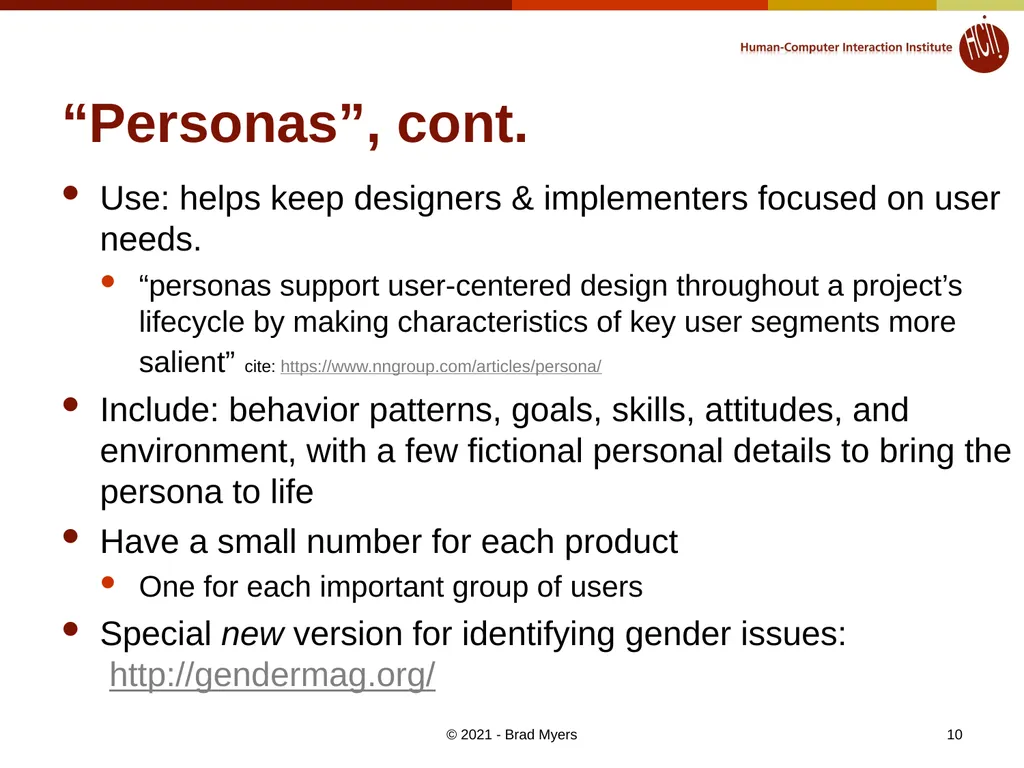
“Personas”, cont. Use: helps keep designers & implementers focused on user needs.
“personas support user-centered design throughout a project’s lifecycle by making characteristics of key user segments more salient” cite: https://www.nngroup.com/articles/persona/
Include: behavior patterns, goals, skills, attitudes, and environment, with a few fictional personal details to bring the persona to life
Have a small number for each product
One for each important group of users
Special new version for identifying gender issues: http://gendermag.org/ © 2021 - Brad Myers 10<br>
“personas support user-centered design throughout a project’s lifecycle by making characteristics of key user segments more salient” cite: https://www.nngroup.com/articles/persona/
Include: behavior patterns, goals, skills, attitudes, and environment, with a few fictional personal details to bring the persona to life
Have a small number for each product
One for each important group of users
Special new version for identifying gender issues: http://gendermag.org/ © 2021 - Brad Myers 10<br>
11
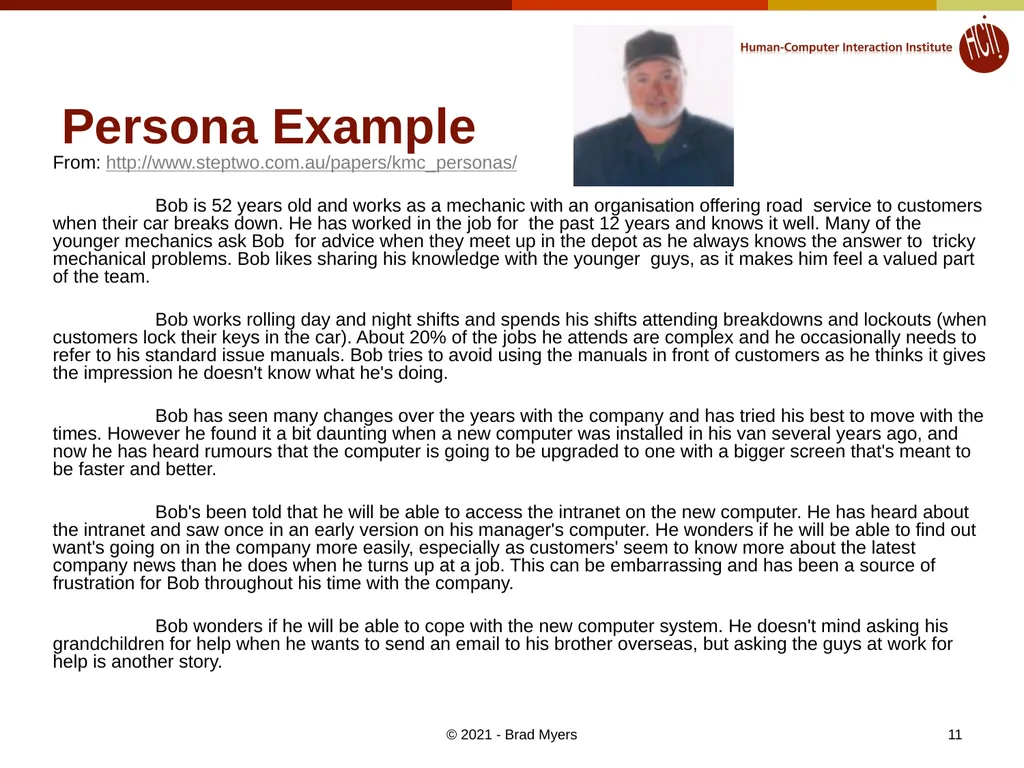
Persona Example From: http://www.steptwo.com.au/papers/kmc_personas/
Bob is 52 years old and works as a mechanic with an organisation offering road service to customers when their car breaks down. He has worked in the job for the past 12 years and knows it well. Many of the younger mechanics ask Bob for advice when they meet up in the depot as he always knows the answer to tricky mechanical problems. Bob likes sharing his knowledge with the younger guys, as it makes him feel a valued part of the team.
Bob works rolling day and night shifts and spends his shifts attending breakdowns and lockouts (when customers lock their keys in the car). About 20% of the jobs he attends are complex and he occasionally needs to refer to his standard issue manuals. Bob tries to avoid using the manuals in front of customers as he thinks it gives the impression he doesn't know what he's doing.
Bob has seen many changes over the years with the company and has tried his best to move with the times. However he found it a bit daunting when a new computer was installed in his van several years ago, and now he has heard rumours that the computer is going to be upgraded to one with a bigger screen that's meant to be faster and better.
Bob's been told that he will be able to access the intranet on the new computer. He has heard about the intranet and saw once in an early version on his manager's computer. He wonders if he will be able to find out want's going on in the company more easily, especially as customers' seem to know more about the latest company news than he does when he turns up at a job. This can be embarrassing and has been a source of frustration for Bob throughout his time with the company.
Bob wonders if he will be able to cope with the new computer system. He doesn't mind asking his grandchildren for help when he wants to send an email to his brother overseas, but asking the guys at work for help is another story. © 2021 - Brad Myers 11<br>
Bob is 52 years old and works as a mechanic with an organisation offering road service to customers when their car breaks down. He has worked in the job for the past 12 years and knows it well. Many of the younger mechanics ask Bob for advice when they meet up in the depot as he always knows the answer to tricky mechanical problems. Bob likes sharing his knowledge with the younger guys, as it makes him feel a valued part of the team.
Bob works rolling day and night shifts and spends his shifts attending breakdowns and lockouts (when customers lock their keys in the car). About 20% of the jobs he attends are complex and he occasionally needs to refer to his standard issue manuals. Bob tries to avoid using the manuals in front of customers as he thinks it gives the impression he doesn't know what he's doing.
Bob has seen many changes over the years with the company and has tried his best to move with the times. However he found it a bit daunting when a new computer was installed in his van several years ago, and now he has heard rumours that the computer is going to be upgraded to one with a bigger screen that's meant to be faster and better.
Bob's been told that he will be able to access the intranet on the new computer. He has heard about the intranet and saw once in an early version on his manager's computer. He wonders if he will be able to find out want's going on in the company more easily, especially as customers' seem to know more about the latest company news than he does when he turns up at a job. This can be embarrassing and has been a source of frustration for Bob throughout his time with the company.
Bob wonders if he will be able to cope with the new computer system. He doesn't mind asking his grandchildren for help when he wants to send an email to his brother overseas, but asking the guys at work for help is another story. © 2021 - Brad Myers 11<br>
12
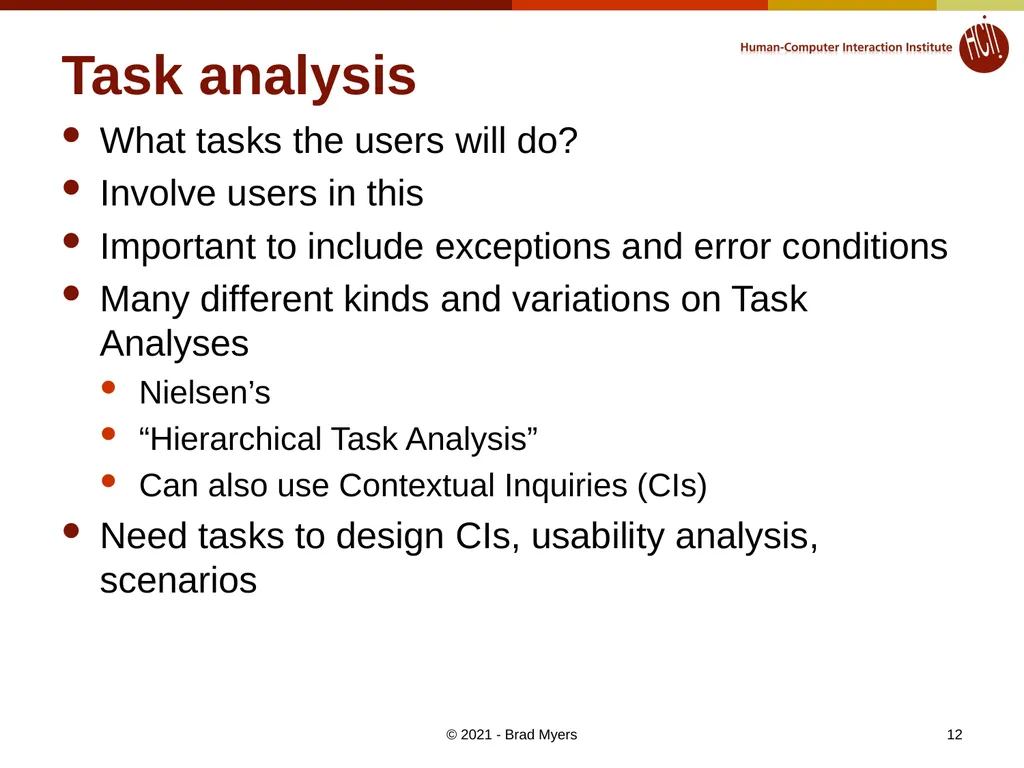
Task analysis What tasks the users will do?
Involve users in this
Important to include exceptions and error conditions
Many different kinds and variations on Task Analyses
Nielsen’s
“Hierarchical Task Analysis”
Can also use Contextual Inquiries (CIs)
Need tasks to design CIs, usability analysis, scenarios © 2021 - Brad Myers 12<br>
Involve users in this
Important to include exceptions and error conditions
Many different kinds and variations on Task Analyses
Nielsen’s
“Hierarchical Task Analysis”
Can also use Contextual Inquiries (CIs)
Need tasks to design CIs, usability analysis, scenarios © 2021 - Brad Myers 12<br>
13
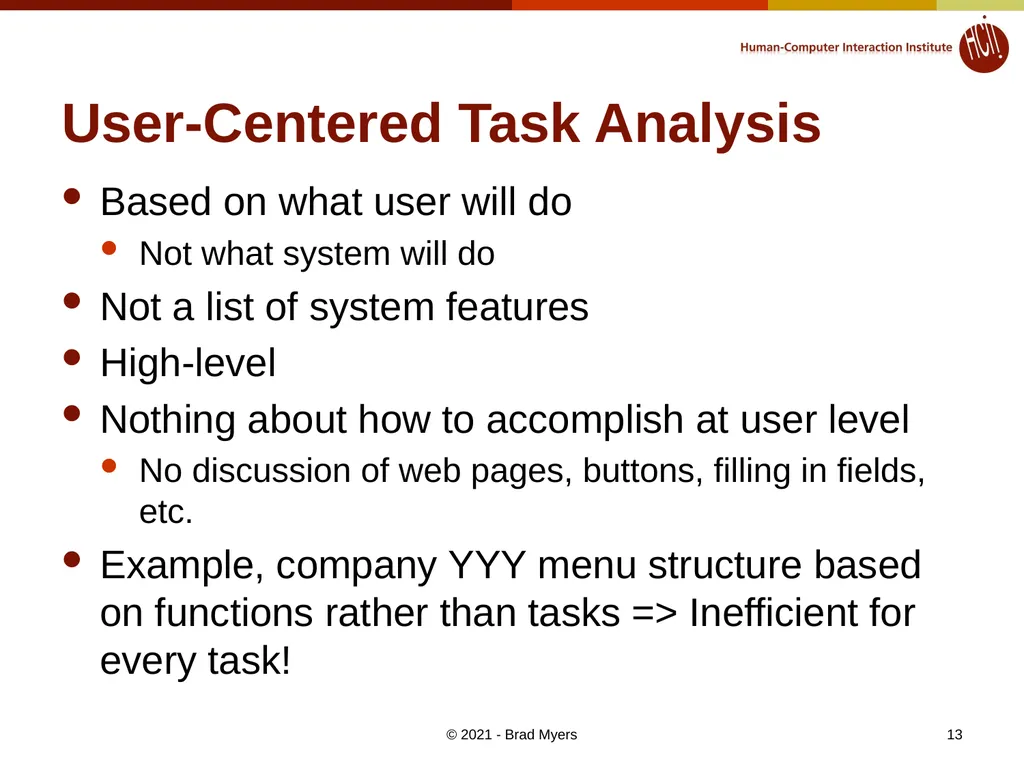
User-Centered Task Analysis Based on what user will do
Not what system will do
Not a list of system features
High-level
Nothing about how to accomplish at user level
No discussion of web pages, buttons, filling in fields, etc.
Example, company YYY menu structure based on functions rather than tasks => Inefficient for every task! © 2021 - Brad Myers 13<br>
Not what system will do
Not a list of system features
High-level
Nothing about how to accomplish at user level
No discussion of web pages, buttons, filling in fields, etc.
Example, company YYY menu structure based on functions rather than tasks => Inefficient for every task! © 2021 - Brad Myers 13<br>
14
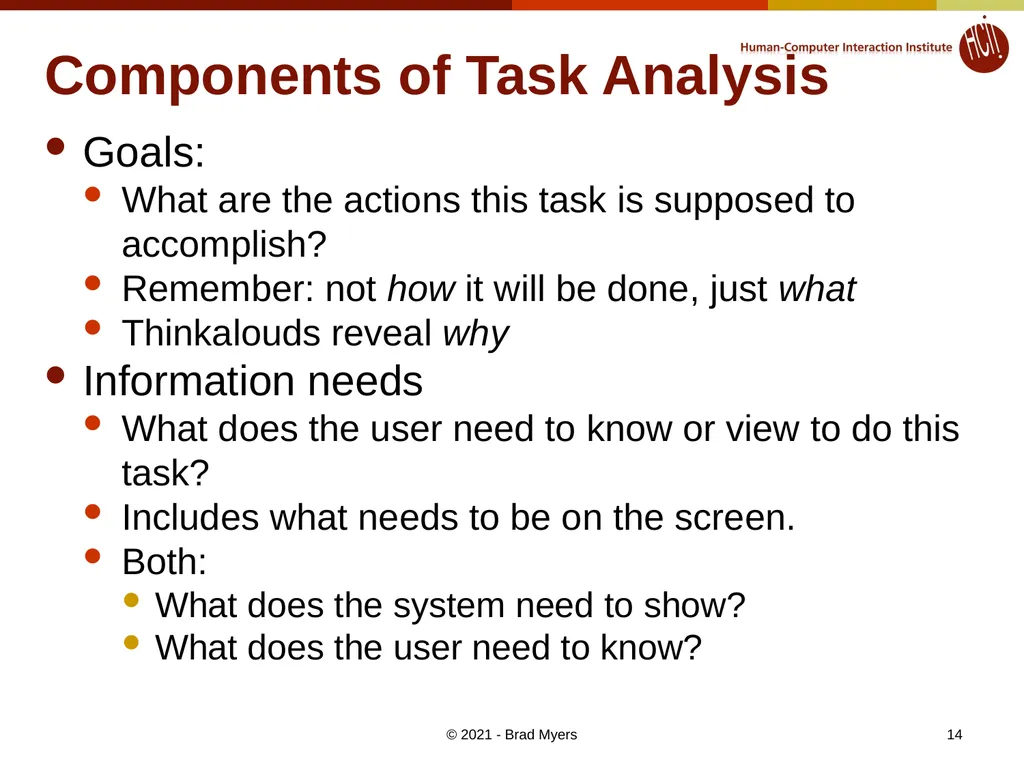
Components of Task Analysis Goals:
What are the actions this task is supposed to accomplish?
Remember: not how it will be done, just what
Thinkalouds reveal why
Information needs
What does the user need to know or view to do this task?
Includes what needs to be on the screen.
Both:
What does the system need to show?
What does the user need to know? © 2021 - Brad Myers 14<br>
What are the actions this task is supposed to accomplish?
Remember: not how it will be done, just what
Thinkalouds reveal why
Information needs
What does the user need to know or view to do this task?
Includes what needs to be on the screen.
Both:
What does the system need to show?
What does the user need to know? © 2021 - Brad Myers 14<br>
15
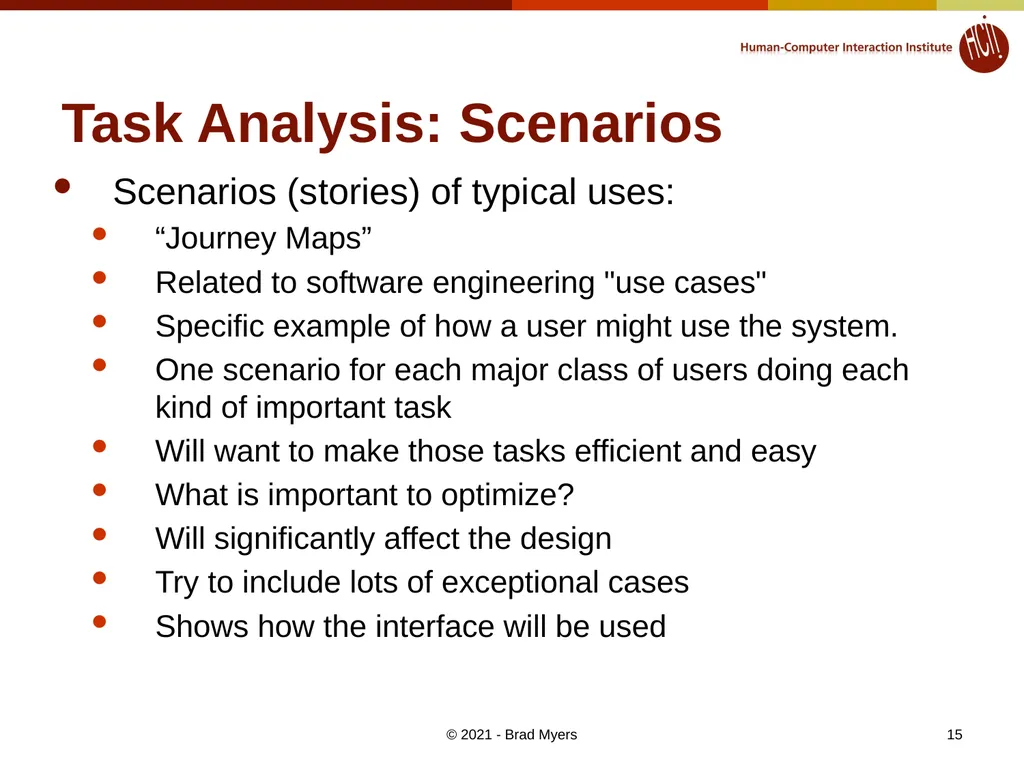
Task Analysis: Scenarios Scenarios (stories) of typical uses:
“Journey Maps”
Related to software engineering "use cases"
Specific example of how a user might use the system.
One scenario for each major class of users doing each kind of important task
Will want to make those tasks efficient and easy
What is important to optimize?
Will significantly affect the design
Try to include lots of exceptional cases
Shows how the interface will be used © 2021 - Brad Myers 15<br>
“Journey Maps”
Related to software engineering "use cases"
Specific example of how a user might use the system.
One scenario for each major class of users doing each kind of important task
Will want to make those tasks efficient and easy
What is important to optimize?
Will significantly affect the design
Try to include lots of exceptional cases
Shows how the interface will be used © 2021 - Brad Myers 15<br>
16
Functional analysis What really needs to be done
Not just the way users are doing it now
May be a more efficient or more appropriate way to achieve same task
Usually, companies are good at this
However, may include extra functions that are not useful © 2021 - Brad Myers 16<br>
Not just the way users are doing it now
May be a more efficient or more appropriate way to achieve same task
Usually, companies are good at this
However, may include extra functions that are not useful © 2021 - Brad Myers 16<br>
17
Competitive Analysis “Know the competition”
For usability and function
Read trade-press reviews of products or web sites
Visit competitor’s web sites
Also, web sites for related products
Importance of various features, issues
Pictures, navigation, search, prices, shipping, metaphors © 2021 - Brad Myers 17<br>
For usability and function
Read trade-press reviews of products or web sites
Visit competitor’s web sites
Also, web sites for related products
Importance of various features, issues
Pictures, navigation, search, prices, shipping, metaphors © 2021 - Brad Myers 17<br>
18
Goal Setting What does it mean to be “easy to use”?
Some proposed definitions:
“I like it”
“I always do it that way”
“That is the way the xxx system does it”
“It is easy to implement” © 2021 - Brad Myers 18<br>
Some proposed definitions:
“I like it”
“I always do it that way”
“That is the way the xxx system does it”
“It is easy to implement” © 2021 - Brad Myers 18<br>
19
Much better Goals: © 2021 - Brad Myers 19<br>
20
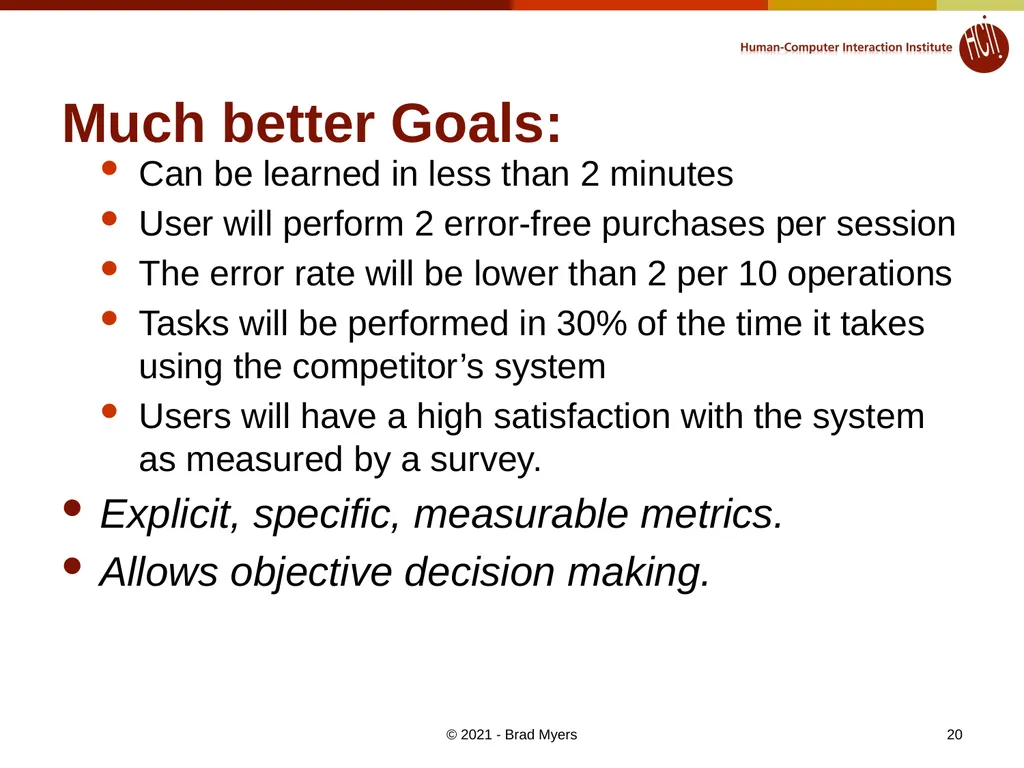
Much better Goals: Can be learned in less than 2 minutes
User will perform 2 error-free purchases per session
The error rate will be lower than 2 per 10 operations
Tasks will be performed in 30% of the time it takes using the competitor’s system
Users will have a high satisfaction with the system as measured by a survey.
Explicit, specific, measurable metrics.
Allows objective decision making. © 2021 - Brad Myers 20<br>
User will perform 2 error-free purchases per session
The error rate will be lower than 2 per 10 operations
Tasks will be performed in 30% of the time it takes using the competitor’s system
Users will have a high satisfaction with the system as measured by a survey.
Explicit, specific, measurable metrics.
Allows objective decision making. © 2021 - Brad Myers 20<br>
21
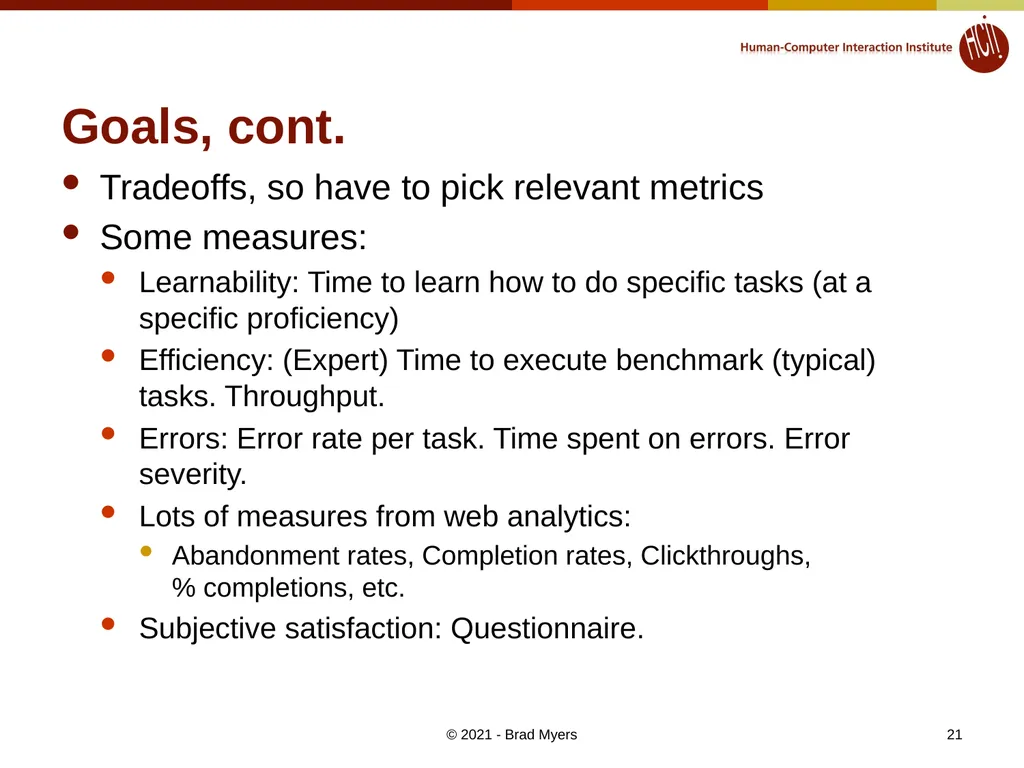
Goals, cont. Tradeoffs, so have to pick relevant metrics
Some measures:
Learnability: Time to learn how to do specific tasks (at a specific proficiency)
Efficiency: (Expert) Time to execute benchmark (typical) tasks. Throughput.
Errors: Error rate per task. Time spent on errors. Error severity.
Lots of measures from web analytics:
Abandonment rates, Completion rates, Clickthroughs, % completions, etc.
Subjective satisfaction: Questionnaire. © 2021 - Brad Myers 21<br>
Some measures:
Learnability: Time to learn how to do specific tasks (at a specific proficiency)
Efficiency: (Expert) Time to execute benchmark (typical) tasks. Throughput.
Errors: Error rate per task. Time spent on errors. Error severity.
Lots of measures from web analytics:
Abandonment rates, Completion rates, Clickthroughs, % completions, etc.
Subjective satisfaction: Questionnaire. © 2021 - Brad Myers 21<br>
22
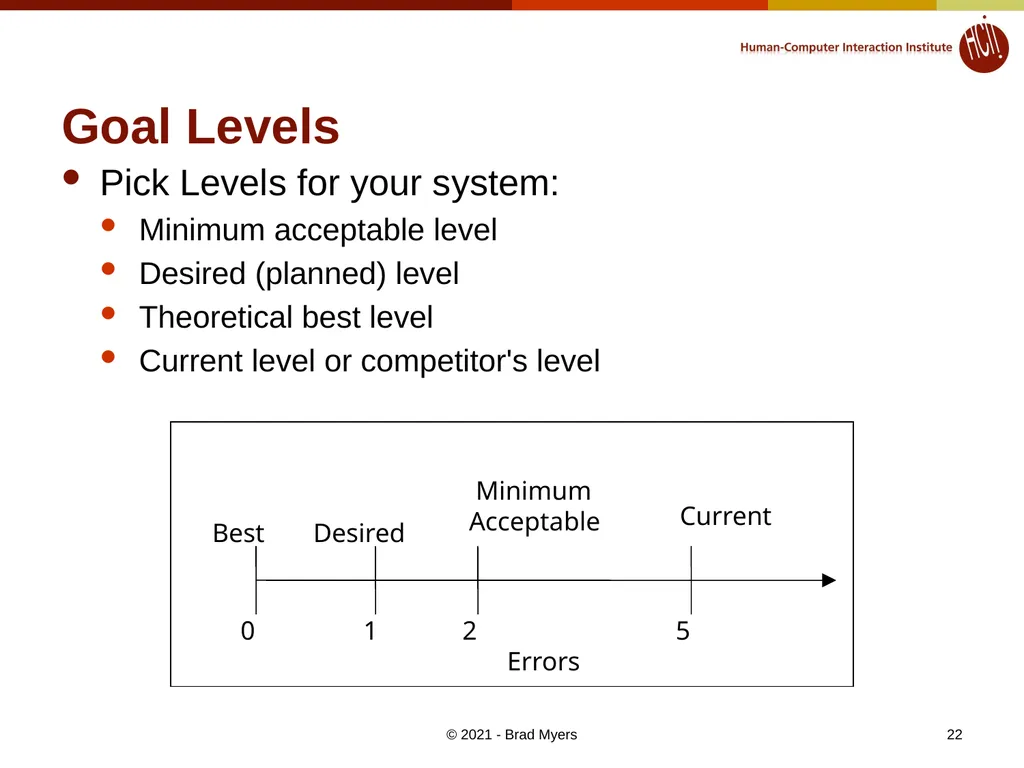
22 Goal Levels Pick Levels for your system:
Minimum acceptable level
Desired (planned) level
Theoretical best level
Current level or competitor's level Errors 0 1 2 5 Best Desired Minimum Acceptable Current © 2021 - Brad Myers<br>
Minimum acceptable level
Desired (planned) level
Theoretical best level
Current level or competitor's level Errors 0 1 2 5 Best Desired Minimum Acceptable Current © 2021 - Brad Myers<br>
23
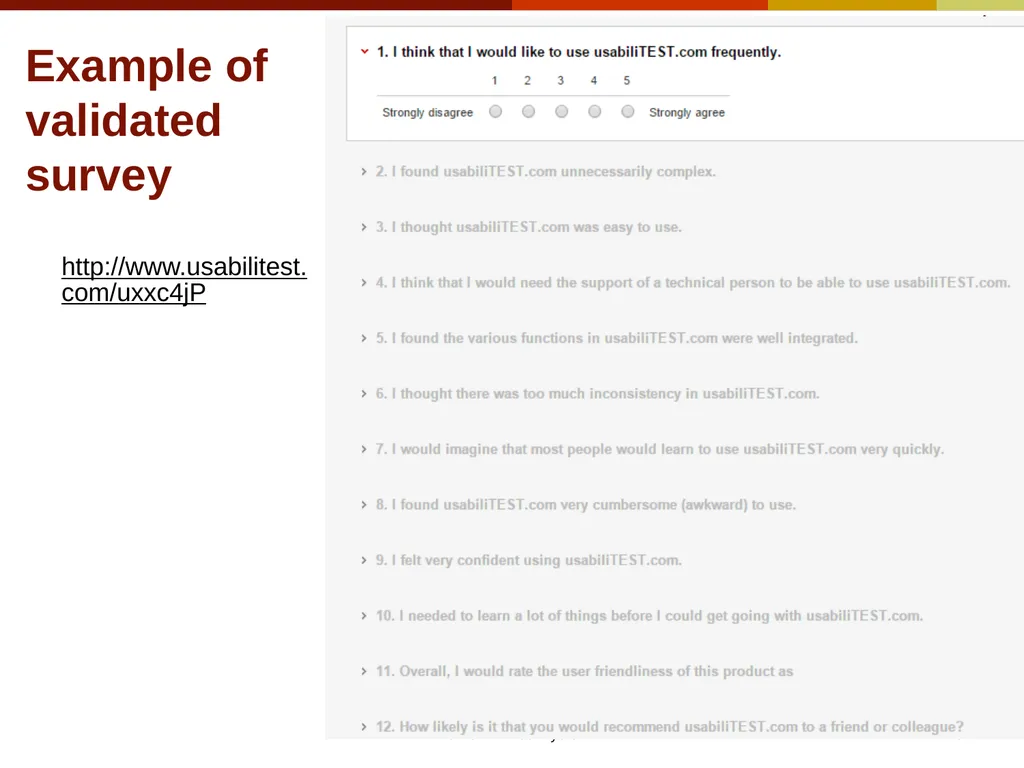
Example of validated survey http://www.usabilitest.com/uxxc4jP © 2021 - Brad Myers 23<br>
24
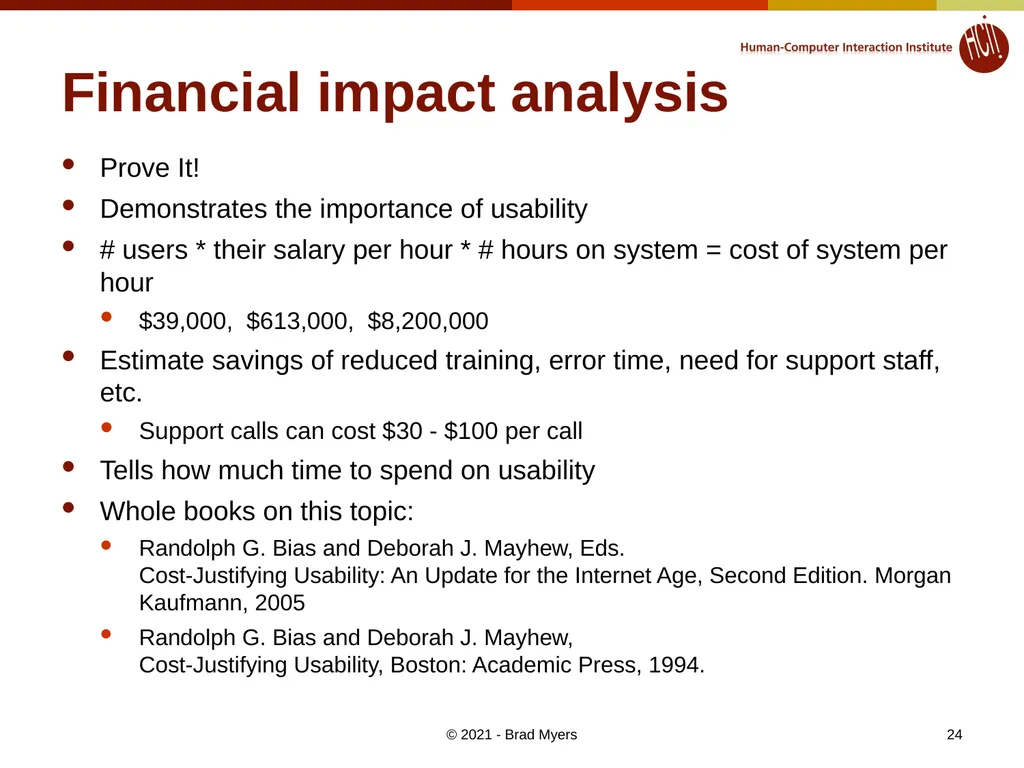
Financial impact analysis Prove It!
Demonstrates the importance of usability
# users * their salary per hour * # hours on system = cost of system per hour
$39,000, $613,000, $8,200,000
Estimate savings of reduced training, error time, need for support staff, etc.
Support calls can cost $30 - $100 per call
Tells how much time to spend on usability
Whole books on this topic:
Randolph G. Bias and Deborah J. Mayhew, Eds. Cost-Justifying Usability: An Update for the Internet Age, Second Edition. Morgan Kaufmann, 2005
Randolph G. Bias and Deborah J. Mayhew, Cost-Justifying Usability, Boston: Academic Press, 1994. © 2021 - Brad Myers 24<br>
Demonstrates the importance of usability
# users * their salary per hour * # hours on system = cost of system per hour
$39,000, $613,000, $8,200,000
Estimate savings of reduced training, error time, need for support staff, etc.
Support calls can cost $30 - $100 per call
Tells how much time to spend on usability
Whole books on this topic:
Randolph G. Bias and Deborah J. Mayhew, Eds. Cost-Justifying Usability: An Update for the Internet Age, Second Edition. Morgan Kaufmann, 2005
Randolph G. Bias and Deborah J. Mayhew, Cost-Justifying Usability, Boston: Academic Press, 1994. © 2021 - Brad Myers 24<br>
25
Participatory Design Users involved during the design process through regular meetings
Not just at the beginning during Contextual Inquiry
Users are good at reacting to concrete designs and prototypes
But users are not necessarily good designers © 2021 - Brad Myers 25<br>
Not just at the beginning during Contextual Inquiry
Users are good at reacting to concrete designs and prototypes
But users are not necessarily good designers © 2021 - Brad Myers 25<br>
26
Prototypes Simulation of interface
Quick and cheap to create (no “back end”)
Start with “low fidelity”
Progress to higher-fidelity © 2021 - Brad Myers 26<br>
Quick and cheap to create (no “back end”)
Start with “low fidelity”
Progress to higher-fidelity © 2021 - Brad Myers 26<br>
27
Use Guidelines and
Heuristic Analysis Designers evaluating the Interface
Based on their experience
Especially Consistency:
Most important characteristic of UI
Requires oversight
Not each department creating own section
May require overall design document, vocabulary guide, style guide, templates, etc.
Especially when using Agile design (covered later) © 2021 - Brad Myers 27<br>
Based on their experience
Especially Consistency:
Most important characteristic of UI
Requires oversight
Not each department creating own section
May require overall design document, vocabulary guide, style guide, templates, etc.
Especially when using Agile design (covered later) © 2021 - Brad Myers 27<br>
28
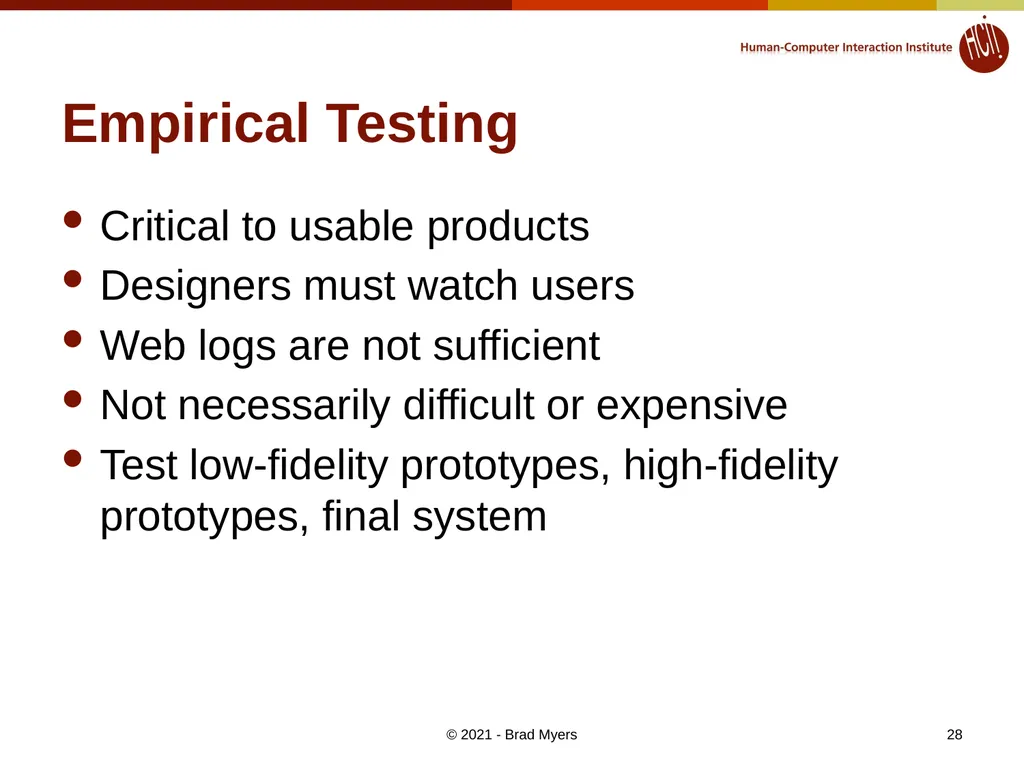
Empirical Testing Critical to usable products
Designers must watch users
Web logs are not sufficient
Not necessarily difficult or expensive
Test low-fidelity prototypes, high-fidelity prototypes, final system © 2021 - Brad Myers 28<br>
Designers must watch users
Web logs are not sufficient
Not necessarily difficult or expensive
Test low-fidelity prototypes, high-fidelity prototypes, final system © 2021 - Brad Myers 28<br>
29
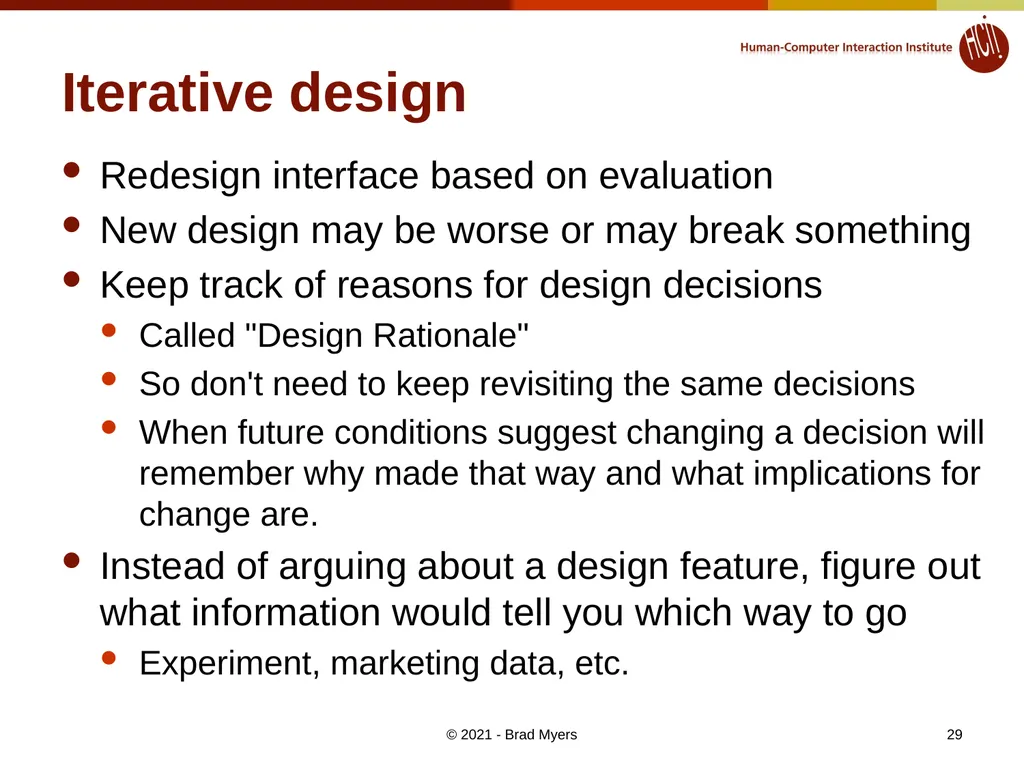
Iterative design Redesign interface based on evaluation
New design may be worse or may break something
Keep track of reasons for design decisions
Called "Design Rationale"
So don't need to keep revisiting the same decisions
When future conditions suggest changing a decision will remember why made that way and what implications for change are.
Instead of arguing about a design feature, figure out what information would tell you which way to go
Experiment, marketing data, etc. © 2021 - Brad Myers 29<br>
New design may be worse or may break something
Keep track of reasons for design decisions
Called "Design Rationale"
So don't need to keep revisiting the same decisions
When future conditions suggest changing a decision will remember why made that way and what implications for change are.
Instead of arguing about a design feature, figure out what information would tell you which way to go
Experiment, marketing data, etc. © 2021 - Brad Myers 29<br>
30
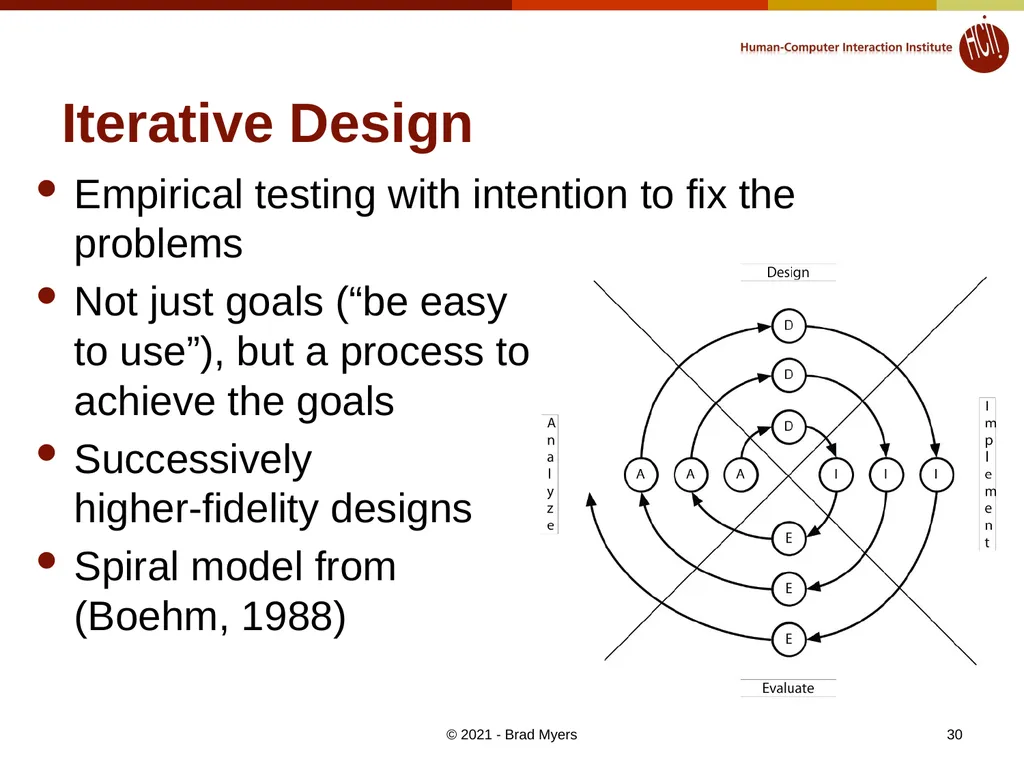
Iterative Design Empirical testing with intention to fix the problems
Not just goals (“be easy to use”), but a process to achieve the goals
Successively higher-fidelity designs
Spiral model from (Boehm, 1988) © 2021 - Brad Myers 30<br>
Not just goals (“be easy to use”), but a process to achieve the goals
Successively higher-fidelity designs
Spiral model from (Boehm, 1988) © 2021 - Brad Myers 30<br>
31
Measure Real Use Follow-up after release
For the next version
From bug reports, trainers, initial experiences (for conventional applications)
From web logs, reports, customer support © 2021 - Brad Myers 31<br>
For the next version
From bug reports, trainers, initial experiences (for conventional applications)
From web logs, reports, customer support © 2021 - Brad Myers 31<br>
32
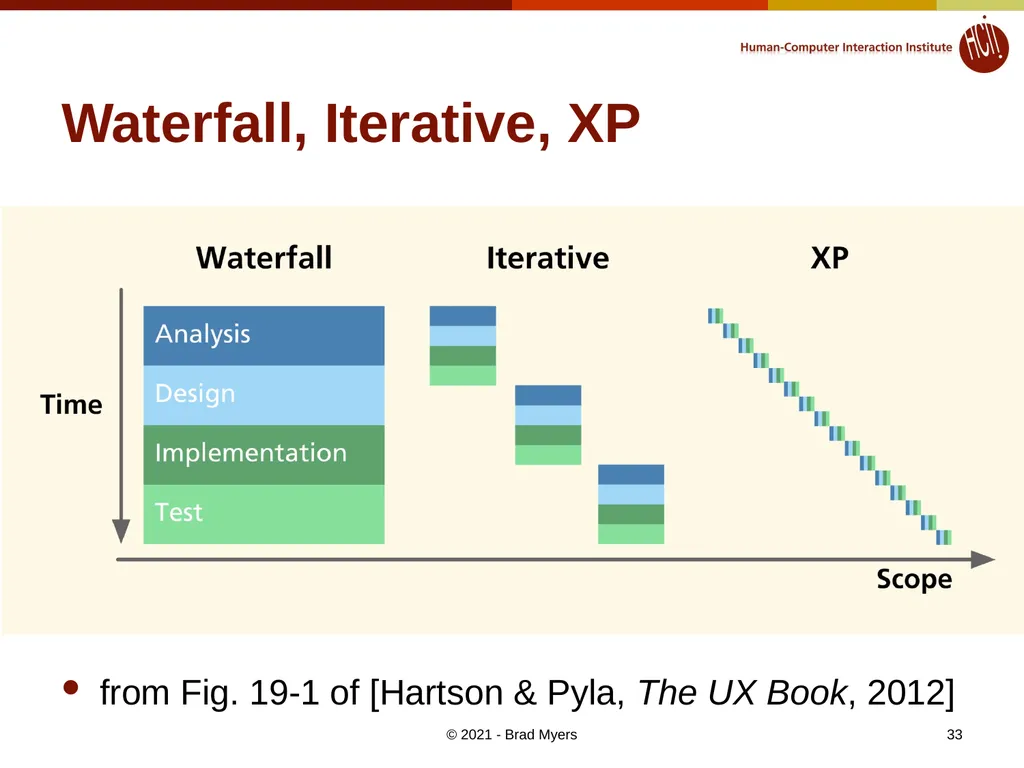
© 2021 - Brad Myers Agile Development Agile has taken over the software-development world
“eXtreme Programming” (XP)
How does that interact with usability methods?
Agile = “development iterations, teamwork, collaboration, and process adaptability throughout the life-cycle of the project.” – Wikipedia
See “agile manifesto”: http://agilemanifesto.org/
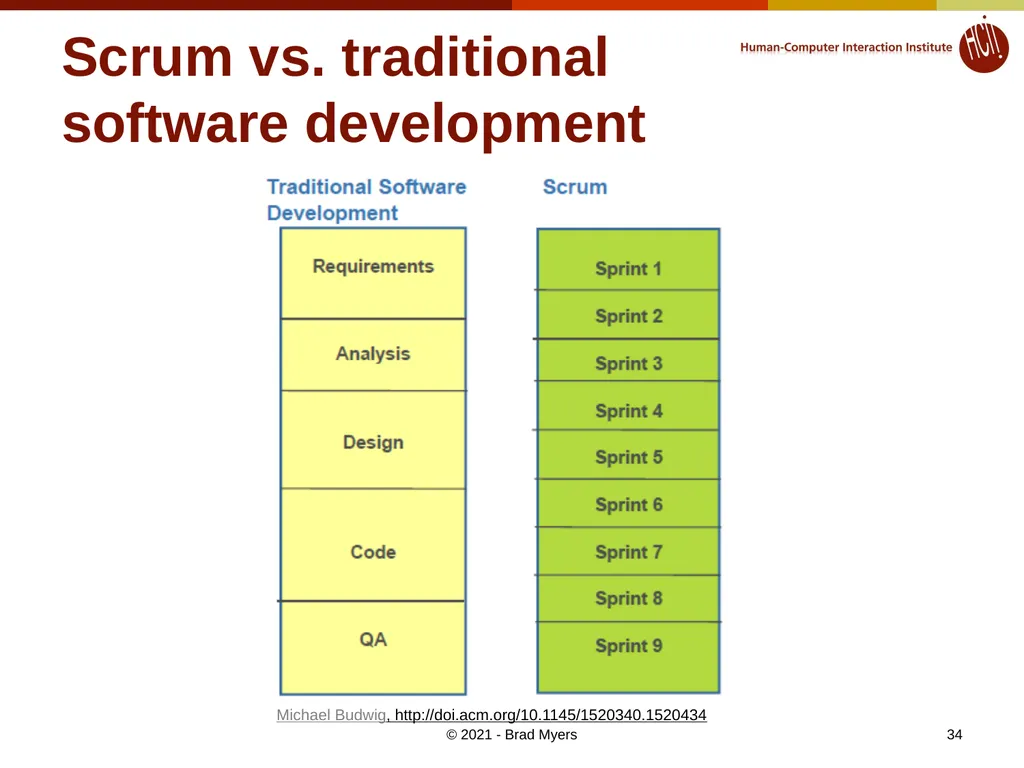
“Scrum” is one of many agile methods.
Work is broken into 2 to 4 week “sprints”
Avoid “big design up front” 32<br>
“eXtreme Programming” (XP)
How does that interact with usability methods?
Agile = “development iterations, teamwork, collaboration, and process adaptability throughout the life-cycle of the project.” – Wikipedia
See “agile manifesto”: http://agilemanifesto.org/
“Scrum” is one of many agile methods.
Work is broken into 2 to 4 week “sprints”
Avoid “big design up front” 32<br>
33
Waterfall, Iterative, XP from Fig. 19-1 of [Hartson & Pyla, The UX Book, 2012] © 2021 - Brad Myers 33<br>
34
Scrum vs. traditional
software development Michael Budwig, http://doi.acm.org/10.1145/1520340.1520434 © 2021 - Brad Myers 34<br>
35
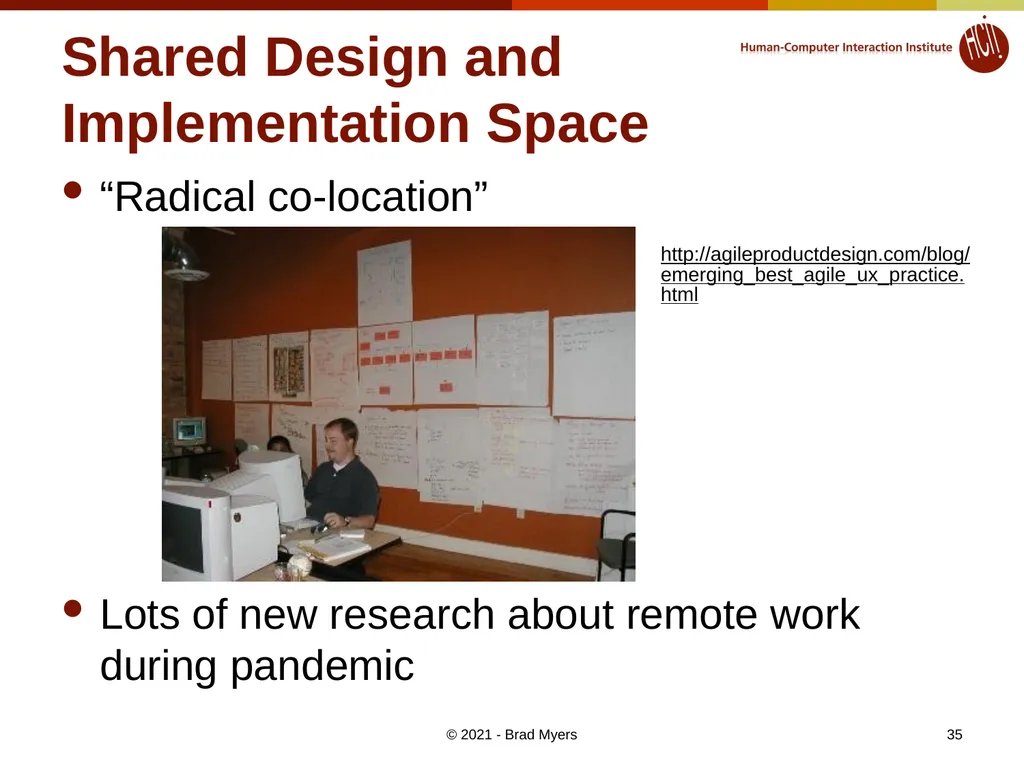
Shared Design and Implementation Space “Radical co-location”
Lots of new research about remote work during pandemic http://agileproductdesign.com/blog/emerging_best_agile_ux_practice.html © 2021 - Brad Myers 35<br>
Lots of new research about remote work during pandemic http://agileproductdesign.com/blog/emerging_best_agile_ux_practice.html © 2021 - Brad Myers 35<br>
36
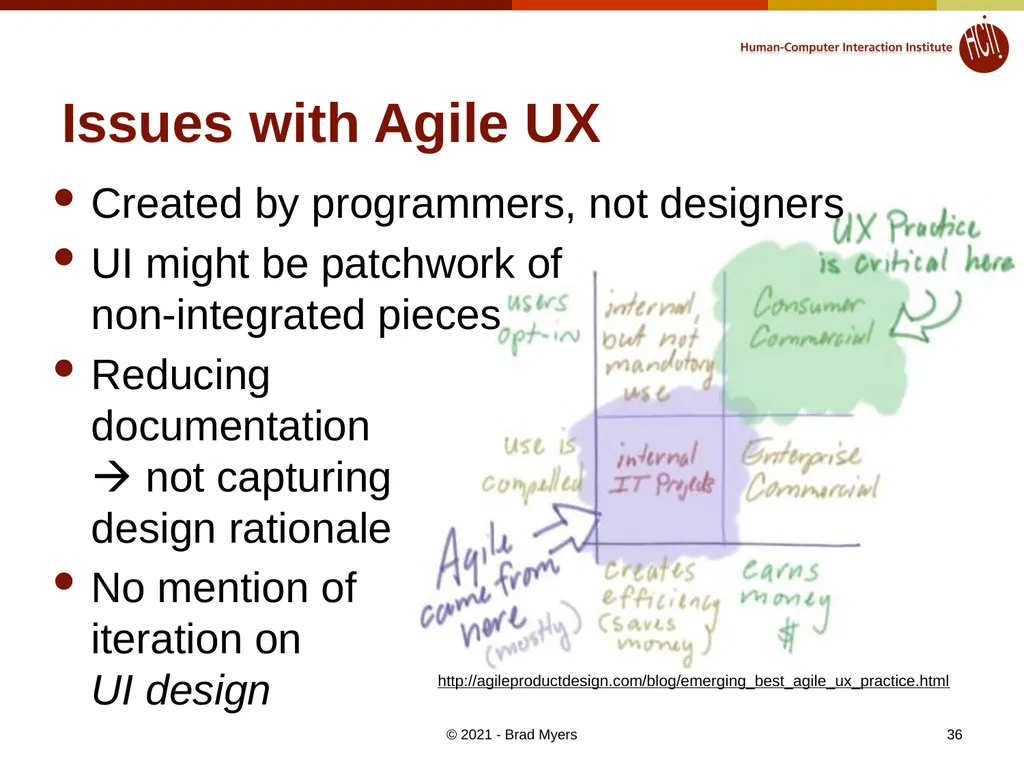
Issues with Agile UX Created by programmers, not designers
UI might be patchwork of non-integrated pieces
Reducing documentation not capturing design rationale
No mention of iteration on UI design http://agileproductdesign.com/blog/emerging_best_agile_ux_practice.html © 2021 - Brad Myers 36<br>
UI might be patchwork of non-integrated pieces
Reducing documentation not capturing design rationale
No mention of iteration on UI design http://agileproductdesign.com/blog/emerging_best_agile_ux_practice.html © 2021 - Brad Myers 36<br>
37
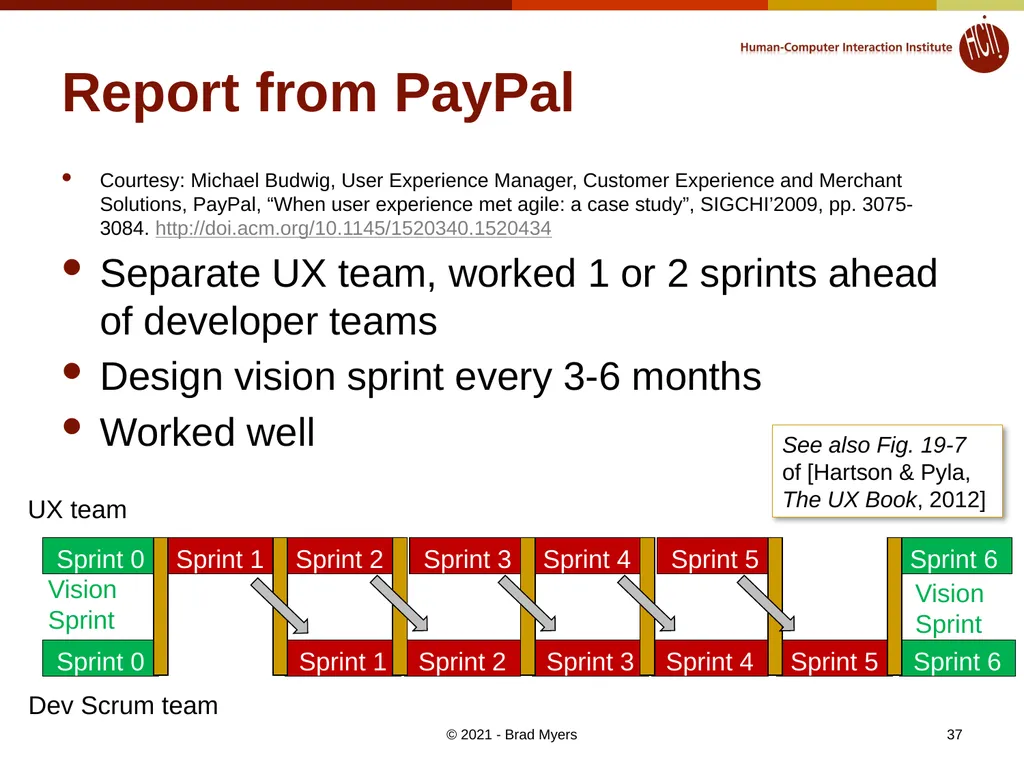
Sprint 0 Sprint 1 Sprint 2 Sprint 3 Sprint 4 Sprint 5 Sprint 6 Report from PayPal Courtesy: Michael Budwig, User Experience Manager, Customer Experience and Merchant Solutions, PayPal, “When user experience met agile: a case study”, SIGCHI’2009, pp. 3075-3084. http://doi.acm.org/10.1145/1520340.1520434
Separate UX team, worked 1 or 2 sprints ahead of developer teams
Design vision sprint every 3-6 months
Worked well Sprint 1 Sprint 2 Sprint 3 Sprint 4 Sprint 5 Sprint 6 UX team Dev Scrum team Sprint 0 Vision Sprint Vision Sprint See also Fig. 19-7 of [Hartson & Pyla, The UX Book, 2012] © 2021 - Brad Myers 37<br>
Separate UX team, worked 1 or 2 sprints ahead of developer teams
Design vision sprint every 3-6 months
Worked well Sprint 1 Sprint 2 Sprint 3 Sprint 4 Sprint 5 Sprint 6 UX team Dev Scrum team Sprint 0 Vision Sprint Vision Sprint See also Fig. 19-7 of [Hartson & Pyla, The UX Book, 2012] © 2021 - Brad Myers 37<br>
38
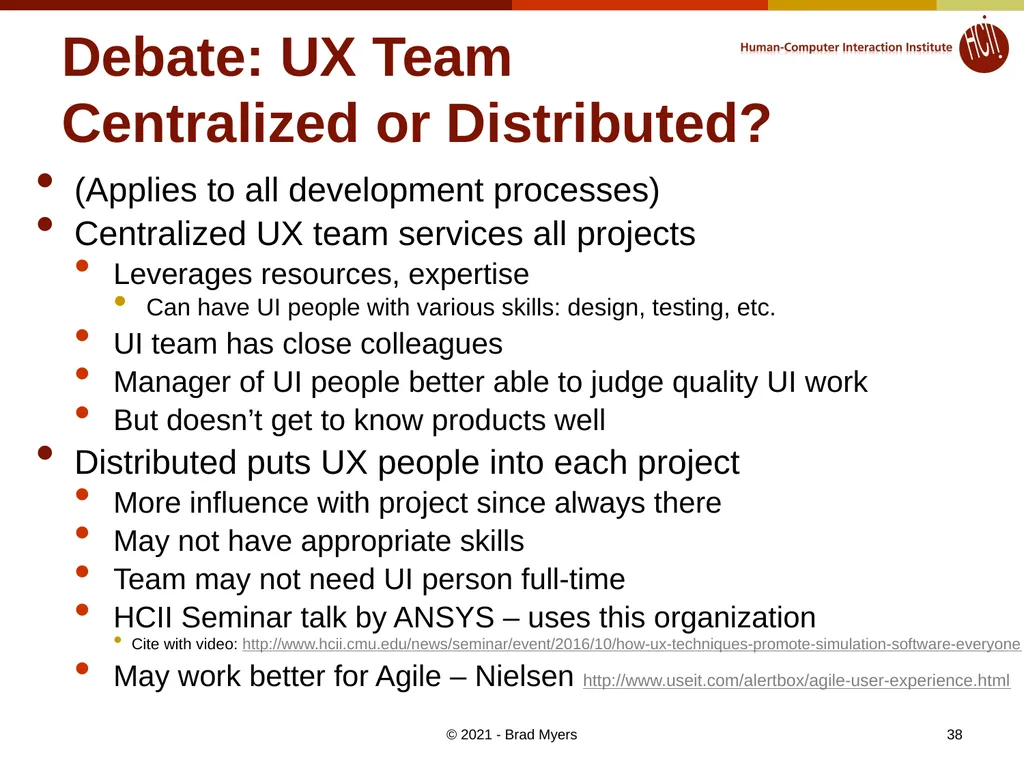
Debate: UX Team
Centralized or Distributed? (Applies to all development processes)
Centralized UX team services all projects
Leverages resources, expertise
Can have UI people with various skills: design, testing, etc.
UI team has close colleagues
Manager of UI people better able to judge quality UI work
But doesn’t get to know products well
Distributed puts UX people into each project
More influence with project since always there
May not have appropriate skills
Team may not need UI person full-time
HCII Seminar talk by ANSYS – uses this organization
Cite with video: http://www.hcii.cmu.edu/news/seminar/event/2016/10/how-ux-techniques-promote-simulation-software-everyone
May work better for Agile – Nielsen http://www.useit.com/alertbox/agile-user-experience.html © 2021 - Brad Myers 38<br>
Centralized UX team services all projects
Leverages resources, expertise
Can have UI people with various skills: design, testing, etc.
UI team has close colleagues
Manager of UI people better able to judge quality UI work
But doesn’t get to know products well
Distributed puts UX people into each project
More influence with project since always there
May not have appropriate skills
Team may not need UI person full-time
HCII Seminar talk by ANSYS – uses this organization
Cite with video: http://www.hcii.cmu.edu/news/seminar/event/2016/10/how-ux-techniques-promote-simulation-software-everyone
May work better for Agile – Nielsen http://www.useit.com/alertbox/agile-user-experience.html © 2021 - Brad Myers 38<br>
39
Many More Resources for
“Agile User-Centered Design” https://www.nngroup.com/topic/agile/ - dozens of articles and videos
Don Norman: “The Changing Role of the Designer: Practical Human-Centered Design” June 5, 2020, 4 minute video
Rachel Krause, “Tracking Research Questions, Assumptions, and Facts in Agile”, December 15, 2019, article
Nielsen’s Alertbox: “Agile Is not Easy for UX: (How to) Deal with It”, September 24, 2017, article
Nielsen’s Alertbox: “How Iterative Testing Decreased Support Calls By 70% on Mozilla's Support Website”, August 2, 2015, article
Nielsen 2-minute video “Does Agile Destroy UX?”: article
Nielsen’s Alertbox: “Agile User Experience Projects”, Nov. 4, 2009, article & expensive 119-page report: http://www.nngroup.com/reports/agile/
“The Agile UX Development Lifecycle: Combining Formative Usability and Agile Methods,” 04 Jan 2017 http://scholarspace.manoa.hawaii.edu/handle/10125/41219
P. McInerney and F. Maurer, “UCD in agile projects,” Interactions, vol. 12, no. 6, pp. 19-23, 2005. http://dl.acm.org/citation.cfm?doid=1096554.1096556
Google “Agile User-Centered Design” returns many relevant resources © 2021 - Brad Myers 39<br>
Don Norman: “The Changing Role of the Designer: Practical Human-Centered Design” June 5, 2020, 4 minute video
Rachel Krause, “Tracking Research Questions, Assumptions, and Facts in Agile”, December 15, 2019, article
Nielsen’s Alertbox: “Agile Is not Easy for UX: (How to) Deal with It”, September 24, 2017, article
Nielsen’s Alertbox: “How Iterative Testing Decreased Support Calls By 70% on Mozilla's Support Website”, August 2, 2015, article
Nielsen 2-minute video “Does Agile Destroy UX?”: article
Nielsen’s Alertbox: “Agile User Experience Projects”, Nov. 4, 2009, article & expensive 119-page report: http://www.nngroup.com/reports/agile/
“The Agile UX Development Lifecycle: Combining Formative Usability and Agile Methods,” 04 Jan 2017 http://scholarspace.manoa.hawaii.edu/handle/10125/41219
P. McInerney and F. Maurer, “UCD in agile projects,” Interactions, vol. 12, no. 6, pp. 19-23, 2005. http://dl.acm.org/citation.cfm?doid=1096554.1096556
Google “Agile User-Centered Design” returns many relevant resources © 2021 - Brad Myers 39<br>