Lesson 1 – Getting Started ScratchJr Lessons
Description: Lesson 1 Getting Started ScratchJr Lessons Lesson 1: Getting Started We are learning to code using ScratchJr. I can create a new project and name it. I can code my cat to move. I can add a background to my scene. What languages do you
Related Topics
Download Presentation
"Lesson 1 – Getting Started ScratchJr Lessons" is the property of its rightful owner. Permission is granted to download and print the materials on this website for personal, non-commercial use only, and to display it on your personal computer provided you do not modify the materials and that you retain all copyright notices contained in the materials. By downloading content from our website, you accept the terms of this agreement.
Presentation Transcript
slide1. Lesson 1 – Getting Started ScratchJr
Lessons<br>
slide2. Lesson 1: Getting Started We are learning to code using ScratchJr.
I can create a new project and name it.
I can code my cat to move.
I can add a background to my scene.<br>
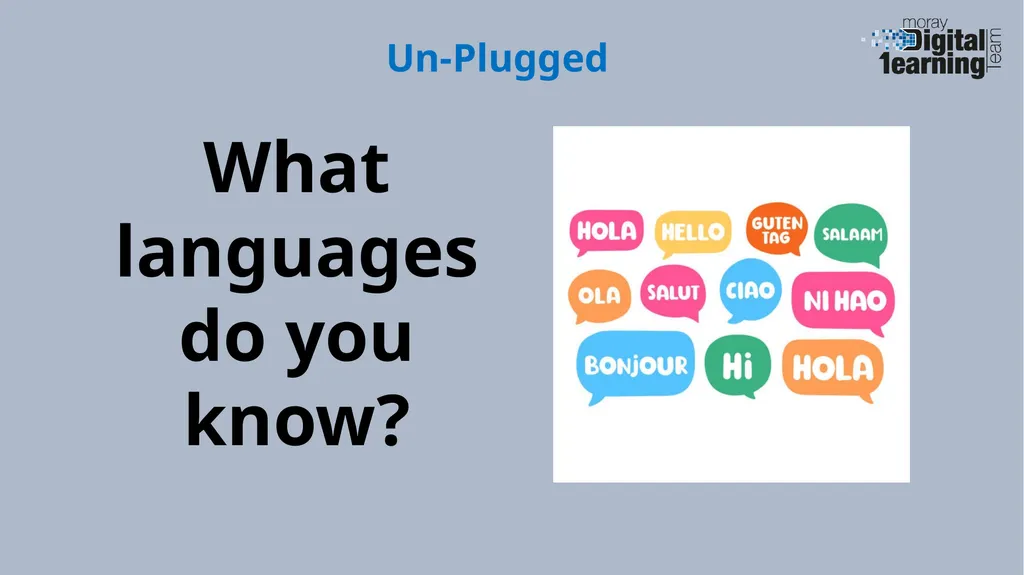
slide3. What languages do you know? Un-Plugged<br>
slide4. What languages do computers use? Discussion<br>
slide5. Lesson Video<br>
slide6. Completed Code<br>
slide7. What did you learn? Plenary<br>
Lessons<br>
slide2. Lesson 1: Getting Started We are learning to code using ScratchJr.
I can create a new project and name it.
I can code my cat to move.
I can add a background to my scene.<br>
slide3. What languages do you know? Un-Plugged<br>
slide4. What languages do computers use? Discussion<br>
slide5. Lesson Video<br>
slide6. Completed Code<br>
slide7. What did you learn? Plenary<br>