
LEVERAGING ON INFORMATION AND COMMUNICATIONS

Description: LEVERAGING ON INFORMATION AND COMMUNICATIONS TECHNOLOGY (ICT) FOR ENHANCING ADMINISTRATIVE EFFICIENCY IN NIGERIAN UNIVERSITIES: THE ROLE OF UNIVERSITY ADMINISTRATORS IN THE PAPERLESS SERVICING OF COMMITTEE MEETINGS 7102019 1 By ABDULLAHI
Related Topics
Download Presentation
"LEVERAGING ON INFORMATION AND COMMUNICATIONS" is the property of its rightful owner. Permission is granted to download and print the materials on this website for personal, non-commercial use only, and to display it on your personal computer provided you do not modify the materials and that you retain all copyright notices contained in the materials. By downloading content from our website, you accept the terms of this agreement.
Presentation Transcript
slide1. LEVERAGING ON INFORMATION AND COMMUNICATIONS TECHNOLOGY (ICT) FOR ENHANCING ADMINISTRATIVE EFFICIENCY IN NIGERIAN UNIVERSITIES:
THE ROLE OF UNIVERSITY ADMINISTRATORS IN THE PAPERLESS SERVICING OF COMMITTEE MEETINGS 7/10/2019 1<br>
slide2. By ABDULLAHI ABDULLAHI, DEPUTY REGISTRAR,
INFORMATION AND PUBLICATIONS, UNIVERSITY OF JOS THE ANUPA NATIONAL TRAINING w WORKSHOP FOR SENIOR ADMINISTRATORS FROM THE RANK OF PRINCIPAL ASSISTANT REGISTRAR TO DIRECTORS AT MERIT HOUSE, ABUJA ON 10TH JULY, 2019 7/10/2019 2<br>
slide3. Leveraging On Digital Tools by University Administrators As the 21st century comes to terms with the tremendous advancements in technology which has led to far-reaching developments in the administrative system, cost-effective technology combined with the flexibility in learning and administrative activities is essential to enhance efficiency in the management of tertiary education INTRO 7/10/2019 3<br>
slide4. Leveraging On Digital Tools by University Administrators Digital technologies can be used extensively for educational administration as many researches reveal that the integration of ICT helps to reduce the complexity and enhance the overall administration of tertiary education especially University Education INTRO 7/10/2019 4<br>
slide5. Leveraging On Digital Tools by University Administrators This paper has undertaken to identify the various functional areas to which ICT is deployed for information administration in Nigerian Universities and to find the current extent of usage of ICT in all these functional areas pertaining to Information administration especially as it regards to the servicing of Committee meetings. INTRO 7/10/2019 5<br>
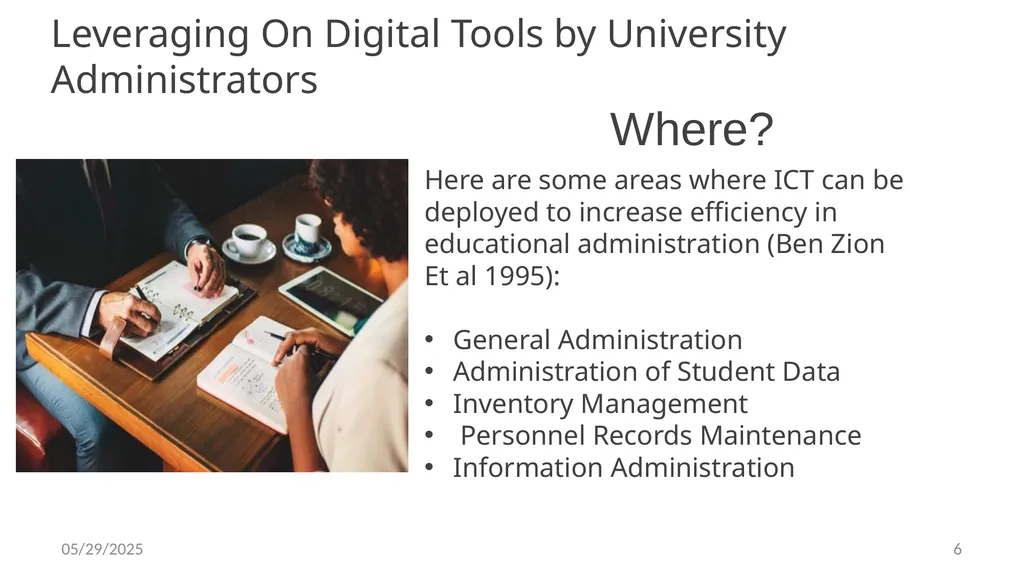
slide6. Leveraging On Digital Tools by University Administrators Here are some areas where ICT can be deployed to increase efficiency in educational administration (Ben Zion Et al 1995):
General Administration
Administration of Student Data
Inventory Management
Personnel Records Maintenance
Information Administration Where? 7/10/2019 6<br>
slide7. Leveraging On Digital Tools by University Administrators “It has been discovered that technology can be used right from student administration to various resource administration in tertiary education institutions “
(Christiana Maki 2008). Quote 7/10/2019 7<br>
slide8. Leveraging On Digital Tools by University Administrators Let me confess at this juncture that I have taken the liberty to amend the topic of this paper from what was proposed by the ANUPA Training Team. What was originally proposed was “Servicing Paperless Meetings and Matching the Global Pace of ICT Deployment in University Administration: The Role of Public Administrators”. DEFINITION OF TERMS 7/10/2019 8<br>
slide9. Leveraging On Digital Tools by University Administrators UNIVERSITY
The word ‘University’ derives from a medieval term that conceived University as a community. The Latin word ‘Universitas’ referred to a community, guild or corporation. And to make it distinct from other forms of communities, it was later referred to as ‘Universitas Scholarium’ (Community of Scholars) and ‘Universitas Magistrorium et Scholarium’ (Community of Masters and Students). DEFINITION OF TERMS 7/10/2019 9<br>
slide10. Leveraging On Digital Tools by University Administrators ADMINISTRATION:
For a better understanding of the concept, administration could be termed as “the activities of groups cooperating to accomplish predetermined goals”. Therefore, cooperative effort or cooperation in addition to goals attainment are the two essential elements of administration. Administration has also been referred to as “technology of social relationships”. DEFINITION OF TERMS 7/10/2019 10<br>
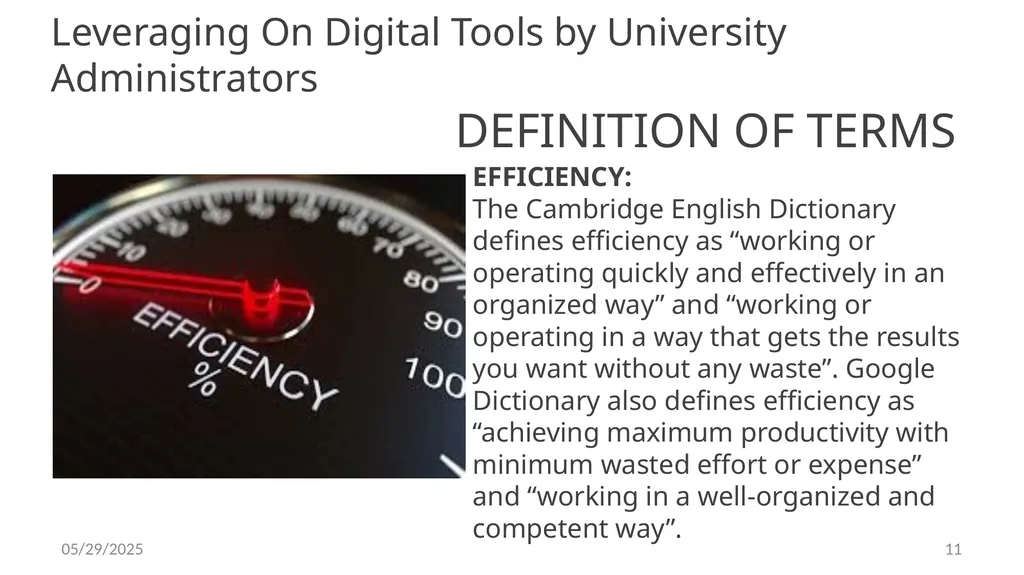
slide11. Leveraging On Digital Tools by University Administrators EFFICIENCY:
The Cambridge English Dictionary defines efficiency as “working or operating quickly and effectively in an organized way” and “working or operating in a way that gets the results you want without any waste”. Google Dictionary also defines efficiency as “achieving maximum productivity with minimum wasted effort or expense” and “working in a well-organized and competent way”. DEFINITION OF TERMS 7/10/2019 11<br>
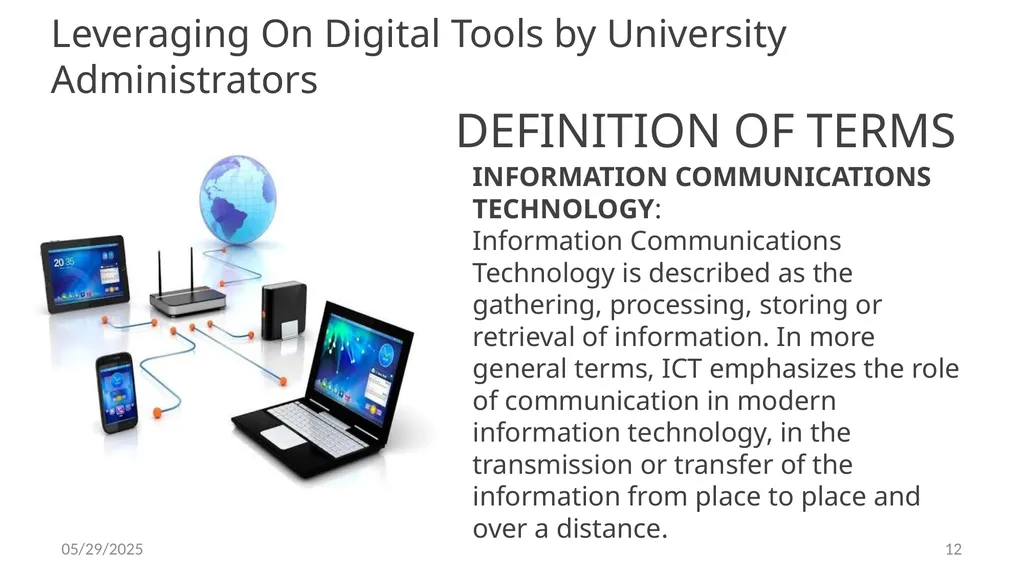
slide12. Leveraging On Digital Tools by University Administrators INFORMATION COMMUNICATIONS TECHNOLOGY:
Information Communications Technology is described as the gathering, processing, storing or retrieval of information. In more general terms, ICT emphasizes the role of communication in modern information technology, in the transmission or transfer of the information from place to place and over a distance. DEFINITION OF TERMS 7/10/2019 12<br>
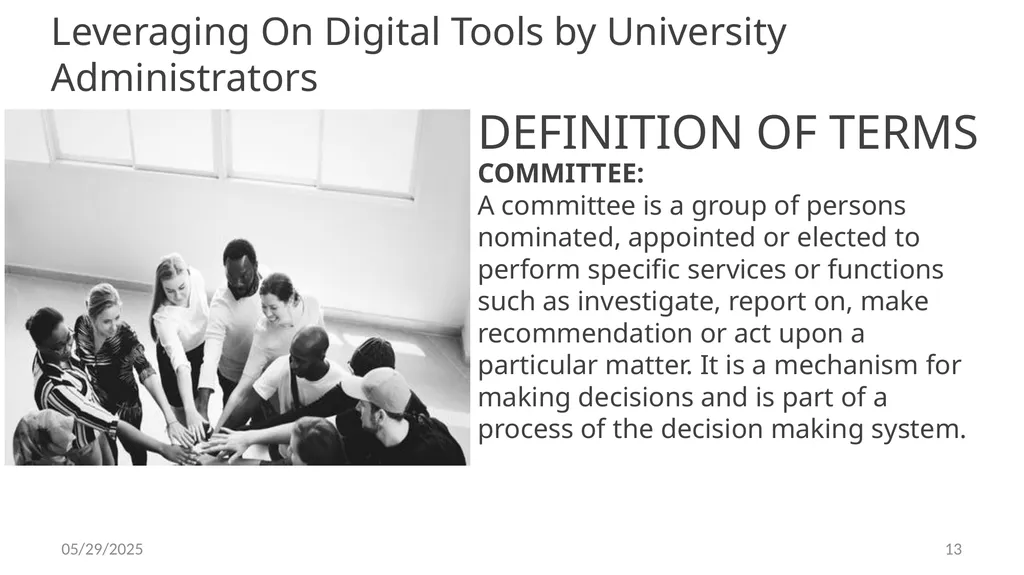
slide13. Leveraging On Digital Tools by University Administrators COMMITTEE:
A committee is a group of persons nominated, appointed or elected to perform specific services or functions such as investigate, report on, make recommendation or act upon a particular matter. It is a mechanism for making decisions and is part of a process of the decision making system. DEFINITION OF TERMS 7/10/2019 13<br>
slide14. Leveraging On Digital Tools by University Administrators Types Of Committees:
Permanent or Standing Committees: These are mostly formal and established by statute
Ad-hoc Committees: This is a committee set up on a temporary basis and created for a specified purpose mostly to solve short term problems rather than for administrative purposes.
Instrumental Committee: This comprises representatives of the interest that needs to be addressed both in decision making and implementation. DEFINITION OF TERMS 7/10/2019 14<br>
slide15. Leveraging On Digital Tools by University Administrators Types of committees cont.
4. Problem Solving Committees: While the decision makers in an organization delegate authority to the instrumental committee, the Problem Solving Committee usually submits its report for consideration to the Instrumental Committee or the Chief Executive. DEFINITION OF TERMS 7/10/2019 15<br>
slide16. The University Administrator at Work: A University Administrator is an employee who works in the Registry arm of a University under the overall supervision of the Registrar. The job of the University Administrator is very critical to the existence, sustenance and continuity of the University system.
University Administrators form the bulwark of the system and are undoubtedly the production forces that drive the system since no policy, academic/research or social movement can be pursued or implemented without their input. 7/10/2019 16<br>
slide17. The University Administrator at Work: Functions of University Administrators:
The specific functions and duties of Administrators largely depend on their area of posting within the system. Administrators can be located in Colleges, Schools, Faculties, Departments, Student Affairs, Library, Security Unit, Alumni Relations Unit, Academic Planning, Exams and Records, Public Relations Unit, Advancement Office, Establishment/Personnel Division, Council Office, Works and Maintenance Unit, Registrar’s Office, Vice Chancellor’s/Rector’s/Provost’s Office, ICT Unit, SIWES Unit among many others. 7/10/2019 17<br>
slide18. THE EXCELLING ADMINISTRATOR IN A DIGITAL WORLD: With the use of ICT, administrative duties, especially management of students’ and staff data in education institutions have become much easier. ICT has brought transformation and efficiency in the way many administrative tasks are handled. ICT has changed how information is processed, stored and
managed making record keeping, document processing, clerical and similar other activities less cumbersome. 7/10/2019 18<br>
slide19. THE EXCELLING ADMINISTRATOR IN A DIGITAL WORLD: Digital Tools are for:
• Students admission and records
• Examination results and transcripts
• Finance database
• Human resource database
• Management information 7/10/2019 19<br>
slide20. THE EXCELLING ADMINISTRATOR IN A DIGITAL WORLD: Several studies have discovered that advancement in technology has created
new opportunities with the integration of ICTs in several activities including;
Administration,
Teaching,
Learning
Research. 7/10/2019 20<br>
slide21. THE EXCELLING ADMINISTRATOR IN A DIGITAL WORLD: For students’ administration, items that can be improved with the use of ICT include:
Admission enquiry by students
Applying for admission through e-media
Registration/enrolment of students
Course allotment and availability of information like time-table/class
schedule in electronic form, and attendance monitoring.
Information about hostel accommodation. 7/10/2019 21<br>
slide22. THE EXCELLING ADMINISTRATOR IN A DIGITAL WORLD: Items with potential for great improvement with the use of Digital Tools under staff, and general administration include:
Recruitment and work allotment of staff in the institution,
Attendance and leave management of staff members, and performance
Appraisals 7/10/2019 22<br>
slide23. THE EXCELLING ADMINISTRATOR IN A DIGITAL WORLD: Use of e-media for scheduling/allocation of examination halls,
Fee payments,
Use of e-media for the processing and display of results of students, etc. 7/10/2019 23<br>
slide24. The Committee System and University Administration: Nigerian Universities are administered through the instrumentality of the Committee system of governance. This system of administration provides the opportunity for University employees to effectively participate in their institution’s decision making processes.
Intrinsic in the running of a Committee system of administration is the need to ensure a democratic system of governance and consensus building. And because University governance has now become complex, dynamic and facing a myriad of challenges, operating a Committee system has become all the more necessary 7/10/2019 24<br>
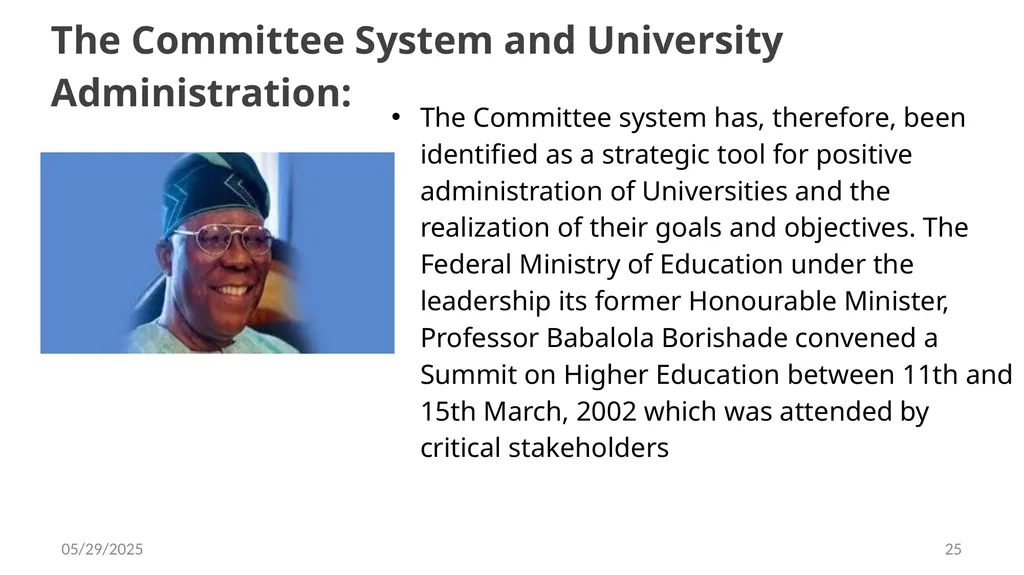
slide25. The Committee System and University Administration: The Committee system has, therefore, been identified as a strategic tool for positive administration of Universities and the realization of their goals and objectives. The Federal Ministry of Education under the leadership its former Honourable Minister, Professor Babalola Borishade convened a Summit on Higher Education between 11th and 15th March, 2002 which was attended by critical stakeholders 7/10/2019 25<br>
slide26. The Committee System and University Administration: Participants at the Summit, after exhaustive deliberations, resolved that an effective Committee system of management should be established where the system does not exist and strengthened where it does exist. For professional Administrators, the Committee system provides an opportunity for them to strengthen their skills in applying University policies and to contribute their quota towards making the governance of their institutions’ more effective.
Committees are set up by other bodies or individuals normally superior in a hierarchical system. 7/10/2019 26<br>
slide27. The Committee System and University Administration: Members of Committees are normally informed of their appointment in writing with the Chairman and Secretary clearly indicated and Terms of Reference (TOR) clearly spelt out. The appointing body or individual determines the composition of the Committee with issues like expertise, representation of certain interests and designation given particular consideration, depending on the functions of the Committee and the rationale behind setting it up.. 7/10/2019 27<br>
slide28. Need for University Committees: The functions of the organs of the University are diverse and complex, calling for regular and particular attention in several instances and in some other instances being technical or specialized in nature. The main authorities vested with the power to regulate the affairs of the University, the Council and Senate only meet a few times at regulated intervals. 7/10/2019 28<br>
slide29. Need for University Committees: The day-to-day functions of University governance are enormous and therefore these two bodies can hardly cope without delegating some of their functions. Most Nigerian Universities have between twenty-five to sixty Committees depending on their size and constitute Committees with well-articulated Terms of Reference, acceptable procedure, conventions and schedule of meetings. 7/10/2019 29<br>
slide30. The Role of the Secretary in Committee Servicing Committee servicing refers to the services provided by a Committee’s Secretariat (i.e. the Secretary) to ensure the Committee’s mandate is properly discharged. In order to be effective, efficient and orderly, a Committee needs administrative support from a Secretary. Such support services include the following: 7/10/2019 30<br>
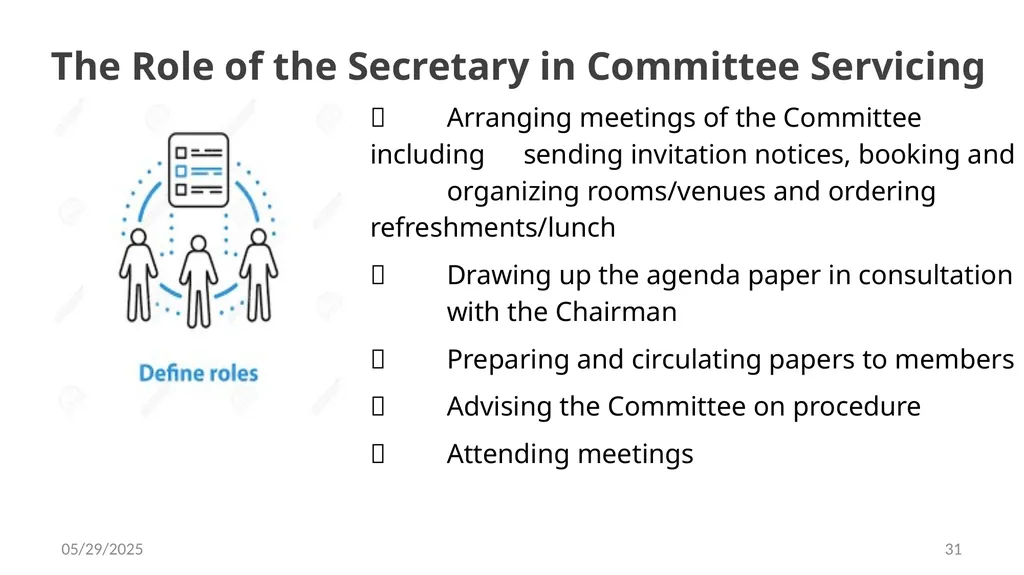
slide31. The Role of the Secretary in Committee Servicing Arranging meetings of the Committee including sending invitation notices, booking and organizing rooms/venues and ordering refreshments/lunch
Drawing up the agenda paper in consultation with the Chairman
Preparing and circulating papers to members
Advising the Committee on procedure
Attending meetings 7/10/2019 31<br>
slide32. The Role of the Secretary in Committee Servicing Recording the Committee’s decision in the minutes
Conveying the decisions of the Committee and taking all follow-up actions 7/10/2019 32<br>
slide33. Transition into a Paperless Meeting Environment - Tips to Get Paperless Meeting Started: Paperless meetings are achieved when paper is replaced with digital devices as the medium through which information is presented and shared. By operating paperless meetings, we can reduce carbon footprint, access data any time, and save the University’s resources.
In today’s digital age, the challenge for institutions is to take a proactive role in sustainable development by investing in innovations that address the issues of today and create solutions for tomorrow. 7/10/2019 33<br>
slide34. Transition into a Paperless Meeting Environment - Tips to Get Paperless Meeting Started: A paperless meeting environment would usually deploy cost-efficient meeting software which ensures that, aside from the logistical benefits, an institution’s bottom line can also significantly improve by going paperless. A modest amount can be saved thereby allowing the allocation of resources to more value-adding initiatives.
The UN’s Sustainability Development Goals provide institutions with a powerful aspiration in improving our world and gives them an opportunity to protect our planet. 7/10/2019 34<br>
slide35. Transition into a Paperless Meeting Environment - Tips to Get Paperless Meeting Started: A paperless meeting environment enhances meeting preparation which ensures that Committee Secretaries no longer have to deal with huge piles of papers during meetings. Universities can eliminate tedious pre-meeting processes and cut down preparation time by 90% with paperless administrative portal. Meantime, dynamic meeting discussions through paperless Committee servicing fosters effective collaboration and a team-oriented culture to transform ideas into concrete action steps. 7/10/2019 35<br>
slide36. Transition into a Paperless Meeting Environment - Tips to Get Paperless Meeting Started: Universities can increase engagement and participation at meeting venues with the use of a paperless meeting environment powered by intuitive and interactive meeting tools.
The Fast Document Distribution capability of the paperless meeting environment ensures that institutions no longer have to deal with delays when it comes to disseminating information across board. Through a paperless meeting solution, Committee Secretaries can distribute meeting materials to all participants and allow them to review files with a single tap or click. 7/10/2019 36<br>
slide37. Advantages of a Paperless Meeting Environment: Beyond cost savings and environmental benefits, paperless meeting solutions add value in an organization that goes beyond the boardroom. From enhancing interactions to improving team performance, paperless meetings can reinvigorate collaborations and inspire new innovations.
Seamless Linking - During Committee discussions, there will be an overlap of a lot of ideas thrown around by members. Bridging these topics together is an integral part of making informed decisions and strategizing for the institution’s direction. A paperless meeting tool helps members to connect complex concepts in an easy yet structured manner. 7/10/2019 37<br>
slide38. Advantages of a Paperless Meeting Environment: Agile Search - Shuffling through hundreds of pages during meetings can cause inconvenience not just for Committee members, but also Secretaries. The need to filter through vast amounts of materials manually can cause significant delays in decision-making which can adversely affect an institution’s performance. With a paperless meeting environment, relevant information can be easily accessed with a single click and resolutions can be made anytime and anywhere. 7/10/2019 38<br>
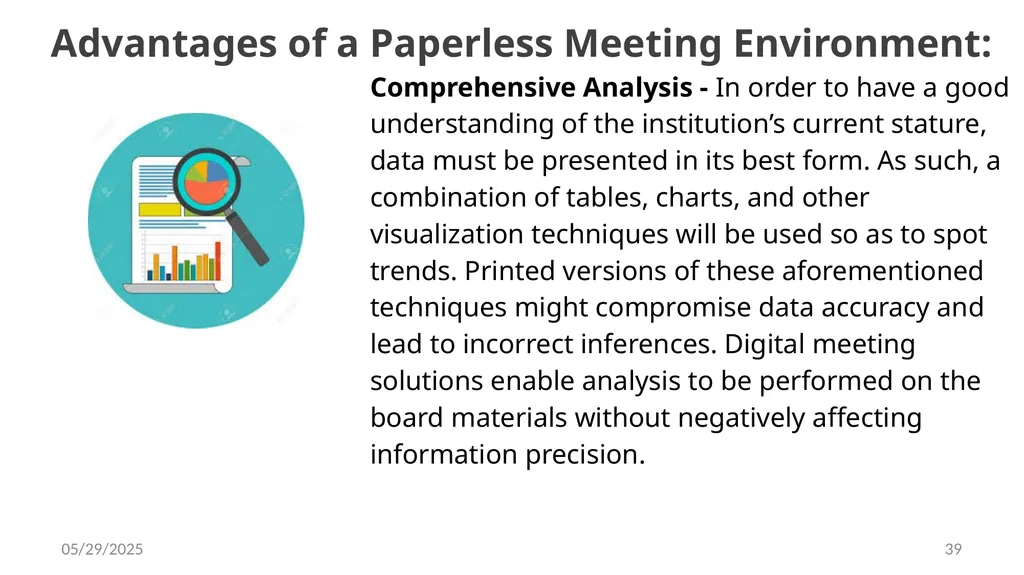
slide39. Advantages of a Paperless Meeting Environment: Comprehensive Analysis - In order to have a good understanding of the institution’s current stature, data must be presented in its best form. As such, a combination of tables, charts, and other visualization techniques will be used so as to spot trends. Printed versions of these aforementioned techniques might compromise data accuracy and lead to incorrect inferences. Digital meeting solutions enable analysis to be performed on the board materials without negatively affecting information precision. 7/10/2019 39<br>
slide40. Advantages of a Paperless Meeting Environment: Varied Information Representation - Printed materials can only accommodate a number of types of media. With paperless meeting solutions, the possibilities are endless. Non-text/graphic information such as audio and video can be easily incorporated into meeting materials in order to enhance and elevate Committee discussions. In moving into the digital age, the need for a flexible digital meeting solution becomes more pressing as Committee members become more proficient with technological advancements. 7/10/2019 40<br>
slide41. Checklist for Paperless Meetings: As an institution shifts to a paperless meetings environment, it needs to prepare the following so as to make the transition as smooth as possible. By carrying out these action steps, a University can reduce risks and achieve its strategic goals:
Know the Software - Doing proper research can help identify the features and services that specifically fit your University. By doing so, a University can save not only money, but also headaches caused by security problems. 7/10/2019 41<br>
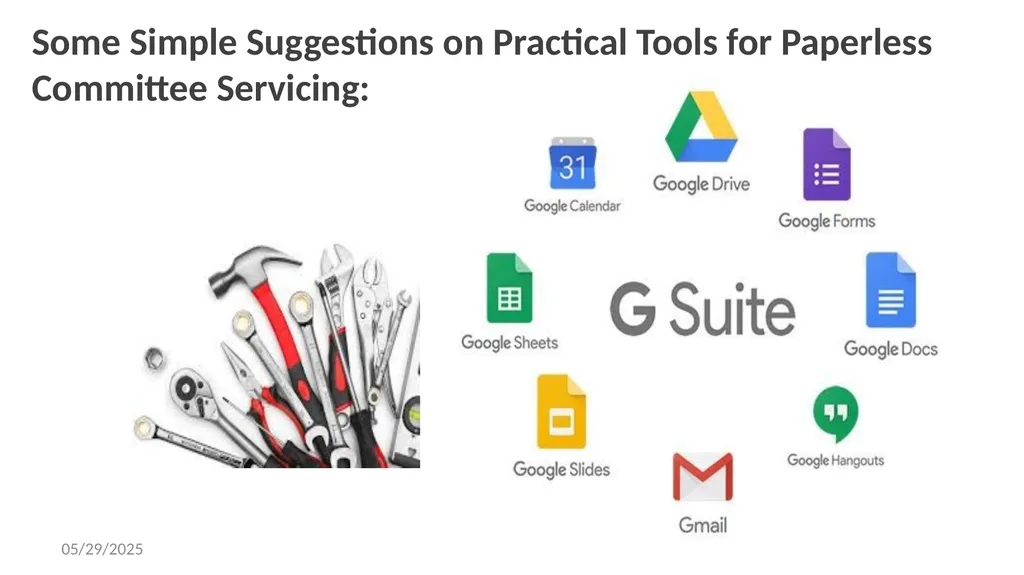
slide42. Some Simple Suggestions on Practical Tools for Paperless Committee Servicing: 7/10/2019 42<br>
slide43. Some Practical Tools for Paperless Committee Servicing: With the assumption that the meeting tool for Committee Members is the Tablet, Laptop or Phone, these applications are considered very useful:
Preliminary Arrangements for Committee Meetings
In consulting with the Committee Chairman on time, date and venue, the Secretary could communicate through video conferencing. Tools such as GOOGLE HANGOUTS, SKYPE can help with that. 7/10/2019 43<br>
slide44. Some Practical Tools for Paperless Committee Servicing: Drawing up Agenda in Consultation with the Chairman:
Online Applications such as Email, Google Docs and video conferencing tools can be useful to consult and draw up the agenda with the Chairman. A prominent feature of Google Docs is that it allows for online editing and collaboration on word documents. 7/10/2019 44<br>
slide45. Some Practical Tools for Paperless Committee Servicing: Preparing and Circulating Documents to Committee Members
Supporting documents to guide members in preparing for Committee meetings and carrying out their assignment could be dispatched through cloud drives such as Google Drive and Dropbox. These are very useful tools for this task. 7/10/2019 45<br>
slide46. Some Practical Tools for Paperless Committee Servicing: Advising the Committee on Procedure:
As the custodian of the rules and regulations which are codified in Laws, Statutes, Standing Orders, Conventions, the Committee Secretary can deploy some ICT tools to present to members the due process requirements in carrying out their assignment. There is vast array of tools through which this can be done. Whatsapp, Telegram and other messaging applications. 7/10/2019 46<br>
slide47. Some Practical Tools for Paperless Committee Servicing: Meeting Reminders and Attendance
-To ensure proper mobilization of Committee members for punctual attendance at meetings and in greater number, some tools can be used including Calendar apps and online schedulers. Google Calender is popular and easy to use tool ,
- For better participation of members during meetings, presentations could be made using slides PowerPoint is a great tool for slide creation, 7/10/2019 47<br>
slide48. Some Practical Tools for Paperless Committee Servicing: Recording the Committee’s Decisions in the Minutes
The Committee Secretary has several digital options available for use when recording Minutes of Committee Meetings. These include Evernote, Keep Notepad, OneNote, Google Docs, GoodNotes, Microsoft Office, etc.
These devices allow for future editing and online sharing/editing so that the Secretary could develop the notes after the meeting and share the full Minutes with the Chairman for vetting.
, 7/10/2019 48<br>
slide49. Some Practical Tools for Paperless Committee Servicing: Conveying Committee decisions/Taking Follow-up Actions
After Committee Meetings, the Secretary is usually expected to communicate the Committee’s decisions appropriately. In paperless Communication, The good old Email can be used to fulfil this task. 7/10/2019 49<br>
slide50. Checklist for Paperless Meetings: Meeting and Decisions Management System (MDMS)
Apart from individual or stand-alone tools and applications that are mentioned above, there are software whose main features are provided as bouquet and combine various automated processes as an integrated package. These form a Meeting Management System that support Paperless Meetings. Such software have inbuilt mechanisms that host and transfer data with capacity to automatically download Agendas, Reports, Decisions and Meeting Minutes. They also have Annotation tools, Two-Factor Security, Document Library, 7/10/2019 50<br>
slide51. 7/10/2019 51<br>
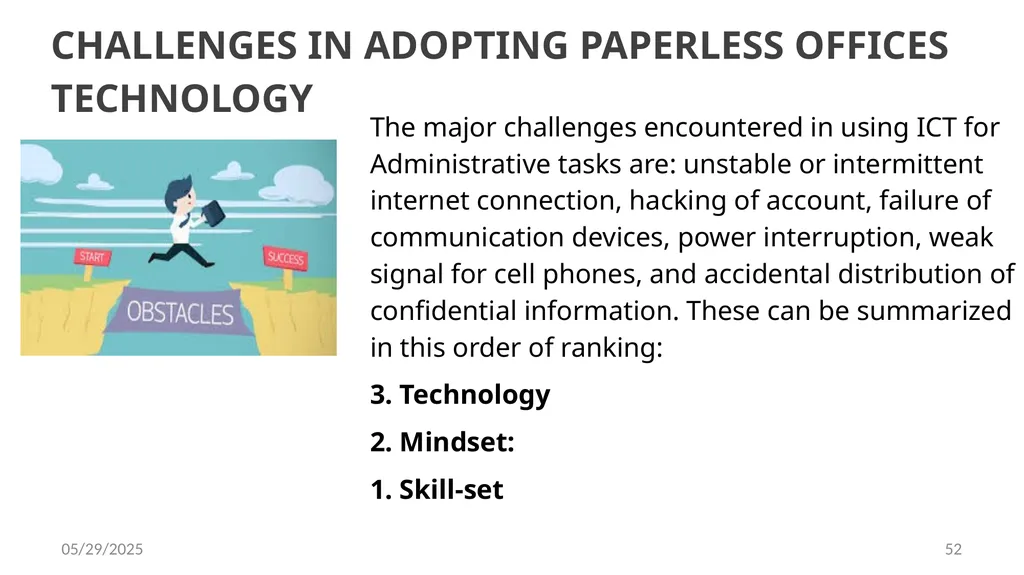
slide52. CHALLENGES IN ADOPTING PAPERLESS OFFICES TECHNOLOGY The major challenges encountered in using ICT for Administrative tasks are: unstable or intermittent internet connection, hacking of account, failure of communication devices, power interruption, weak signal for cell phones, and accidental distribution of confidential information. These can be summarized in this order of ranking:
3. Technology
2. Mindset:
1. Skill-set 7/10/2019 52<br>
slide53. Please note : that as of today achieving a 100% use of technology to serve committees is a utopian objective for many organizations due to many reasons. The easier target to meet to increase collaboration and reduce waste with the help of technology.
One big reason is that, when it comes to use of tech organizations must be realistic. While using tech and automation for 100% of tasks may be unattainable a few decisive steps applied over the time can dramatically increase efficiency and productivity in our universities. 7/10/2019 53<br>
slide2. By ABDULLAHI ABDULLAHI, DEPUTY REGISTRAR,
INFORMATION AND PUBLICATIONS, UNIVERSITY OF JOS THE ANUPA NATIONAL TRAINING w WORKSHOP FOR SENIOR ADMINISTRATORS FROM THE RANK OF PRINCIPAL ASSISTANT REGISTRAR TO DIRECTORS AT MERIT HOUSE, ABUJA ON 10TH JULY, 2019 7/10/2019 2<br>
slide3. Leveraging On Digital Tools by University Administrators As the 21st century comes to terms with the tremendous advancements in technology which has led to far-reaching developments in the administrative system, cost-effective technology combined with the flexibility in learning and administrative activities is essential to enhance efficiency in the management of tertiary education INTRO 7/10/2019 3<br>
slide4. Leveraging On Digital Tools by University Administrators Digital technologies can be used extensively for educational administration as many researches reveal that the integration of ICT helps to reduce the complexity and enhance the overall administration of tertiary education especially University Education INTRO 7/10/2019 4<br>
slide5. Leveraging On Digital Tools by University Administrators This paper has undertaken to identify the various functional areas to which ICT is deployed for information administration in Nigerian Universities and to find the current extent of usage of ICT in all these functional areas pertaining to Information administration especially as it regards to the servicing of Committee meetings. INTRO 7/10/2019 5<br>
slide6. Leveraging On Digital Tools by University Administrators Here are some areas where ICT can be deployed to increase efficiency in educational administration (Ben Zion Et al 1995):
General Administration
Administration of Student Data
Inventory Management
Personnel Records Maintenance
Information Administration Where? 7/10/2019 6<br>
slide7. Leveraging On Digital Tools by University Administrators “It has been discovered that technology can be used right from student administration to various resource administration in tertiary education institutions “
(Christiana Maki 2008). Quote 7/10/2019 7<br>
slide8. Leveraging On Digital Tools by University Administrators Let me confess at this juncture that I have taken the liberty to amend the topic of this paper from what was proposed by the ANUPA Training Team. What was originally proposed was “Servicing Paperless Meetings and Matching the Global Pace of ICT Deployment in University Administration: The Role of Public Administrators”. DEFINITION OF TERMS 7/10/2019 8<br>
slide9. Leveraging On Digital Tools by University Administrators UNIVERSITY
The word ‘University’ derives from a medieval term that conceived University as a community. The Latin word ‘Universitas’ referred to a community, guild or corporation. And to make it distinct from other forms of communities, it was later referred to as ‘Universitas Scholarium’ (Community of Scholars) and ‘Universitas Magistrorium et Scholarium’ (Community of Masters and Students). DEFINITION OF TERMS 7/10/2019 9<br>
slide10. Leveraging On Digital Tools by University Administrators ADMINISTRATION:
For a better understanding of the concept, administration could be termed as “the activities of groups cooperating to accomplish predetermined goals”. Therefore, cooperative effort or cooperation in addition to goals attainment are the two essential elements of administration. Administration has also been referred to as “technology of social relationships”. DEFINITION OF TERMS 7/10/2019 10<br>
slide11. Leveraging On Digital Tools by University Administrators EFFICIENCY:
The Cambridge English Dictionary defines efficiency as “working or operating quickly and effectively in an organized way” and “working or operating in a way that gets the results you want without any waste”. Google Dictionary also defines efficiency as “achieving maximum productivity with minimum wasted effort or expense” and “working in a well-organized and competent way”. DEFINITION OF TERMS 7/10/2019 11<br>
slide12. Leveraging On Digital Tools by University Administrators INFORMATION COMMUNICATIONS TECHNOLOGY:
Information Communications Technology is described as the gathering, processing, storing or retrieval of information. In more general terms, ICT emphasizes the role of communication in modern information technology, in the transmission or transfer of the information from place to place and over a distance. DEFINITION OF TERMS 7/10/2019 12<br>
slide13. Leveraging On Digital Tools by University Administrators COMMITTEE:
A committee is a group of persons nominated, appointed or elected to perform specific services or functions such as investigate, report on, make recommendation or act upon a particular matter. It is a mechanism for making decisions and is part of a process of the decision making system. DEFINITION OF TERMS 7/10/2019 13<br>
slide14. Leveraging On Digital Tools by University Administrators Types Of Committees:
Permanent or Standing Committees: These are mostly formal and established by statute
Ad-hoc Committees: This is a committee set up on a temporary basis and created for a specified purpose mostly to solve short term problems rather than for administrative purposes.
Instrumental Committee: This comprises representatives of the interest that needs to be addressed both in decision making and implementation. DEFINITION OF TERMS 7/10/2019 14<br>
slide15. Leveraging On Digital Tools by University Administrators Types of committees cont.
4. Problem Solving Committees: While the decision makers in an organization delegate authority to the instrumental committee, the Problem Solving Committee usually submits its report for consideration to the Instrumental Committee or the Chief Executive. DEFINITION OF TERMS 7/10/2019 15<br>
slide16. The University Administrator at Work: A University Administrator is an employee who works in the Registry arm of a University under the overall supervision of the Registrar. The job of the University Administrator is very critical to the existence, sustenance and continuity of the University system.
University Administrators form the bulwark of the system and are undoubtedly the production forces that drive the system since no policy, academic/research or social movement can be pursued or implemented without their input. 7/10/2019 16<br>
slide17. The University Administrator at Work: Functions of University Administrators:
The specific functions and duties of Administrators largely depend on their area of posting within the system. Administrators can be located in Colleges, Schools, Faculties, Departments, Student Affairs, Library, Security Unit, Alumni Relations Unit, Academic Planning, Exams and Records, Public Relations Unit, Advancement Office, Establishment/Personnel Division, Council Office, Works and Maintenance Unit, Registrar’s Office, Vice Chancellor’s/Rector’s/Provost’s Office, ICT Unit, SIWES Unit among many others. 7/10/2019 17<br>
slide18. THE EXCELLING ADMINISTRATOR IN A DIGITAL WORLD: With the use of ICT, administrative duties, especially management of students’ and staff data in education institutions have become much easier. ICT has brought transformation and efficiency in the way many administrative tasks are handled. ICT has changed how information is processed, stored and
managed making record keeping, document processing, clerical and similar other activities less cumbersome. 7/10/2019 18<br>
slide19. THE EXCELLING ADMINISTRATOR IN A DIGITAL WORLD: Digital Tools are for:
• Students admission and records
• Examination results and transcripts
• Finance database
• Human resource database
• Management information 7/10/2019 19<br>
slide20. THE EXCELLING ADMINISTRATOR IN A DIGITAL WORLD: Several studies have discovered that advancement in technology has created
new opportunities with the integration of ICTs in several activities including;
Administration,
Teaching,
Learning
Research. 7/10/2019 20<br>
slide21. THE EXCELLING ADMINISTRATOR IN A DIGITAL WORLD: For students’ administration, items that can be improved with the use of ICT include:
Admission enquiry by students
Applying for admission through e-media
Registration/enrolment of students
Course allotment and availability of information like time-table/class
schedule in electronic form, and attendance monitoring.
Information about hostel accommodation. 7/10/2019 21<br>
slide22. THE EXCELLING ADMINISTRATOR IN A DIGITAL WORLD: Items with potential for great improvement with the use of Digital Tools under staff, and general administration include:
Recruitment and work allotment of staff in the institution,
Attendance and leave management of staff members, and performance
Appraisals 7/10/2019 22<br>
slide23. THE EXCELLING ADMINISTRATOR IN A DIGITAL WORLD: Use of e-media for scheduling/allocation of examination halls,
Fee payments,
Use of e-media for the processing and display of results of students, etc. 7/10/2019 23<br>
slide24. The Committee System and University Administration: Nigerian Universities are administered through the instrumentality of the Committee system of governance. This system of administration provides the opportunity for University employees to effectively participate in their institution’s decision making processes.
Intrinsic in the running of a Committee system of administration is the need to ensure a democratic system of governance and consensus building. And because University governance has now become complex, dynamic and facing a myriad of challenges, operating a Committee system has become all the more necessary 7/10/2019 24<br>
slide25. The Committee System and University Administration: The Committee system has, therefore, been identified as a strategic tool for positive administration of Universities and the realization of their goals and objectives. The Federal Ministry of Education under the leadership its former Honourable Minister, Professor Babalola Borishade convened a Summit on Higher Education between 11th and 15th March, 2002 which was attended by critical stakeholders 7/10/2019 25<br>
slide26. The Committee System and University Administration: Participants at the Summit, after exhaustive deliberations, resolved that an effective Committee system of management should be established where the system does not exist and strengthened where it does exist. For professional Administrators, the Committee system provides an opportunity for them to strengthen their skills in applying University policies and to contribute their quota towards making the governance of their institutions’ more effective.
Committees are set up by other bodies or individuals normally superior in a hierarchical system. 7/10/2019 26<br>
slide27. The Committee System and University Administration: Members of Committees are normally informed of their appointment in writing with the Chairman and Secretary clearly indicated and Terms of Reference (TOR) clearly spelt out. The appointing body or individual determines the composition of the Committee with issues like expertise, representation of certain interests and designation given particular consideration, depending on the functions of the Committee and the rationale behind setting it up.. 7/10/2019 27<br>
slide28. Need for University Committees: The functions of the organs of the University are diverse and complex, calling for regular and particular attention in several instances and in some other instances being technical or specialized in nature. The main authorities vested with the power to regulate the affairs of the University, the Council and Senate only meet a few times at regulated intervals. 7/10/2019 28<br>
slide29. Need for University Committees: The day-to-day functions of University governance are enormous and therefore these two bodies can hardly cope without delegating some of their functions. Most Nigerian Universities have between twenty-five to sixty Committees depending on their size and constitute Committees with well-articulated Terms of Reference, acceptable procedure, conventions and schedule of meetings. 7/10/2019 29<br>
slide30. The Role of the Secretary in Committee Servicing Committee servicing refers to the services provided by a Committee’s Secretariat (i.e. the Secretary) to ensure the Committee’s mandate is properly discharged. In order to be effective, efficient and orderly, a Committee needs administrative support from a Secretary. Such support services include the following: 7/10/2019 30<br>
slide31. The Role of the Secretary in Committee Servicing Arranging meetings of the Committee including sending invitation notices, booking and organizing rooms/venues and ordering refreshments/lunch
Drawing up the agenda paper in consultation with the Chairman
Preparing and circulating papers to members
Advising the Committee on procedure
Attending meetings 7/10/2019 31<br>
slide32. The Role of the Secretary in Committee Servicing Recording the Committee’s decision in the minutes
Conveying the decisions of the Committee and taking all follow-up actions 7/10/2019 32<br>
slide33. Transition into a Paperless Meeting Environment - Tips to Get Paperless Meeting Started: Paperless meetings are achieved when paper is replaced with digital devices as the medium through which information is presented and shared. By operating paperless meetings, we can reduce carbon footprint, access data any time, and save the University’s resources.
In today’s digital age, the challenge for institutions is to take a proactive role in sustainable development by investing in innovations that address the issues of today and create solutions for tomorrow. 7/10/2019 33<br>
slide34. Transition into a Paperless Meeting Environment - Tips to Get Paperless Meeting Started: A paperless meeting environment would usually deploy cost-efficient meeting software which ensures that, aside from the logistical benefits, an institution’s bottom line can also significantly improve by going paperless. A modest amount can be saved thereby allowing the allocation of resources to more value-adding initiatives.
The UN’s Sustainability Development Goals provide institutions with a powerful aspiration in improving our world and gives them an opportunity to protect our planet. 7/10/2019 34<br>
slide35. Transition into a Paperless Meeting Environment - Tips to Get Paperless Meeting Started: A paperless meeting environment enhances meeting preparation which ensures that Committee Secretaries no longer have to deal with huge piles of papers during meetings. Universities can eliminate tedious pre-meeting processes and cut down preparation time by 90% with paperless administrative portal. Meantime, dynamic meeting discussions through paperless Committee servicing fosters effective collaboration and a team-oriented culture to transform ideas into concrete action steps. 7/10/2019 35<br>
slide36. Transition into a Paperless Meeting Environment - Tips to Get Paperless Meeting Started: Universities can increase engagement and participation at meeting venues with the use of a paperless meeting environment powered by intuitive and interactive meeting tools.
The Fast Document Distribution capability of the paperless meeting environment ensures that institutions no longer have to deal with delays when it comes to disseminating information across board. Through a paperless meeting solution, Committee Secretaries can distribute meeting materials to all participants and allow them to review files with a single tap or click. 7/10/2019 36<br>
slide37. Advantages of a Paperless Meeting Environment: Beyond cost savings and environmental benefits, paperless meeting solutions add value in an organization that goes beyond the boardroom. From enhancing interactions to improving team performance, paperless meetings can reinvigorate collaborations and inspire new innovations.
Seamless Linking - During Committee discussions, there will be an overlap of a lot of ideas thrown around by members. Bridging these topics together is an integral part of making informed decisions and strategizing for the institution’s direction. A paperless meeting tool helps members to connect complex concepts in an easy yet structured manner. 7/10/2019 37<br>
slide38. Advantages of a Paperless Meeting Environment: Agile Search - Shuffling through hundreds of pages during meetings can cause inconvenience not just for Committee members, but also Secretaries. The need to filter through vast amounts of materials manually can cause significant delays in decision-making which can adversely affect an institution’s performance. With a paperless meeting environment, relevant information can be easily accessed with a single click and resolutions can be made anytime and anywhere. 7/10/2019 38<br>
slide39. Advantages of a Paperless Meeting Environment: Comprehensive Analysis - In order to have a good understanding of the institution’s current stature, data must be presented in its best form. As such, a combination of tables, charts, and other visualization techniques will be used so as to spot trends. Printed versions of these aforementioned techniques might compromise data accuracy and lead to incorrect inferences. Digital meeting solutions enable analysis to be performed on the board materials without negatively affecting information precision. 7/10/2019 39<br>
slide40. Advantages of a Paperless Meeting Environment: Varied Information Representation - Printed materials can only accommodate a number of types of media. With paperless meeting solutions, the possibilities are endless. Non-text/graphic information such as audio and video can be easily incorporated into meeting materials in order to enhance and elevate Committee discussions. In moving into the digital age, the need for a flexible digital meeting solution becomes more pressing as Committee members become more proficient with technological advancements. 7/10/2019 40<br>
slide41. Checklist for Paperless Meetings: As an institution shifts to a paperless meetings environment, it needs to prepare the following so as to make the transition as smooth as possible. By carrying out these action steps, a University can reduce risks and achieve its strategic goals:
Know the Software - Doing proper research can help identify the features and services that specifically fit your University. By doing so, a University can save not only money, but also headaches caused by security problems. 7/10/2019 41<br>
slide42. Some Simple Suggestions on Practical Tools for Paperless Committee Servicing: 7/10/2019 42<br>
slide43. Some Practical Tools for Paperless Committee Servicing: With the assumption that the meeting tool for Committee Members is the Tablet, Laptop or Phone, these applications are considered very useful:
Preliminary Arrangements for Committee Meetings
In consulting with the Committee Chairman on time, date and venue, the Secretary could communicate through video conferencing. Tools such as GOOGLE HANGOUTS, SKYPE can help with that. 7/10/2019 43<br>
slide44. Some Practical Tools for Paperless Committee Servicing: Drawing up Agenda in Consultation with the Chairman:
Online Applications such as Email, Google Docs and video conferencing tools can be useful to consult and draw up the agenda with the Chairman. A prominent feature of Google Docs is that it allows for online editing and collaboration on word documents. 7/10/2019 44<br>
slide45. Some Practical Tools for Paperless Committee Servicing: Preparing and Circulating Documents to Committee Members
Supporting documents to guide members in preparing for Committee meetings and carrying out their assignment could be dispatched through cloud drives such as Google Drive and Dropbox. These are very useful tools for this task. 7/10/2019 45<br>
slide46. Some Practical Tools for Paperless Committee Servicing: Advising the Committee on Procedure:
As the custodian of the rules and regulations which are codified in Laws, Statutes, Standing Orders, Conventions, the Committee Secretary can deploy some ICT tools to present to members the due process requirements in carrying out their assignment. There is vast array of tools through which this can be done. Whatsapp, Telegram and other messaging applications. 7/10/2019 46<br>
slide47. Some Practical Tools for Paperless Committee Servicing: Meeting Reminders and Attendance
-To ensure proper mobilization of Committee members for punctual attendance at meetings and in greater number, some tools can be used including Calendar apps and online schedulers. Google Calender is popular and easy to use tool ,
- For better participation of members during meetings, presentations could be made using slides PowerPoint is a great tool for slide creation, 7/10/2019 47<br>
slide48. Some Practical Tools for Paperless Committee Servicing: Recording the Committee’s Decisions in the Minutes
The Committee Secretary has several digital options available for use when recording Minutes of Committee Meetings. These include Evernote, Keep Notepad, OneNote, Google Docs, GoodNotes, Microsoft Office, etc.
These devices allow for future editing and online sharing/editing so that the Secretary could develop the notes after the meeting and share the full Minutes with the Chairman for vetting.
, 7/10/2019 48<br>
slide49. Some Practical Tools for Paperless Committee Servicing: Conveying Committee decisions/Taking Follow-up Actions
After Committee Meetings, the Secretary is usually expected to communicate the Committee’s decisions appropriately. In paperless Communication, The good old Email can be used to fulfil this task. 7/10/2019 49<br>
slide50. Checklist for Paperless Meetings: Meeting and Decisions Management System (MDMS)
Apart from individual or stand-alone tools and applications that are mentioned above, there are software whose main features are provided as bouquet and combine various automated processes as an integrated package. These form a Meeting Management System that support Paperless Meetings. Such software have inbuilt mechanisms that host and transfer data with capacity to automatically download Agendas, Reports, Decisions and Meeting Minutes. They also have Annotation tools, Two-Factor Security, Document Library, 7/10/2019 50<br>
slide51. 7/10/2019 51<br>
slide52. CHALLENGES IN ADOPTING PAPERLESS OFFICES TECHNOLOGY The major challenges encountered in using ICT for Administrative tasks are: unstable or intermittent internet connection, hacking of account, failure of communication devices, power interruption, weak signal for cell phones, and accidental distribution of confidential information. These can be summarized in this order of ranking:
3. Technology
2. Mindset:
1. Skill-set 7/10/2019 52<br>
slide53. Please note : that as of today achieving a 100% use of technology to serve committees is a utopian objective for many organizations due to many reasons. The easier target to meet to increase collaboration and reduce waste with the help of technology.
One big reason is that, when it comes to use of tech organizations must be realistic. While using tech and automation for 100% of tasks may be unattainable a few decisive steps applied over the time can dramatically increase efficiency and productivity in our universities. 7/10/2019 53<br>