New CCD Coordinator Orientation Slide 1 CCD Background Roles Spotlight on the CCD coordinator What makes CCD different? ResourcesHelp AEM ETSS II CCD Background Slide 2 Non-Fiscal and Fiscal Components This discussion pertains solely to
"New CCD Coordinator Orientation Slide 1 CCD" is the property of its rightful owner. Permission is granted to
download and print the materials on this website for personal, non-commercial use only, and to display it
on your personal computer provided you do not modify the materials and that you retain all copyright
notices contained in the materials. By downloading content from our website, you accept the terms of this
agreement.
Presentation Transcript
01
New CCD Coordinator Orientation Slide 1 CCD Background
Roles
Spotlight on the CCD coordinator
What makes CCD different?
Resources/Help AEM | ETSS II<br>
02
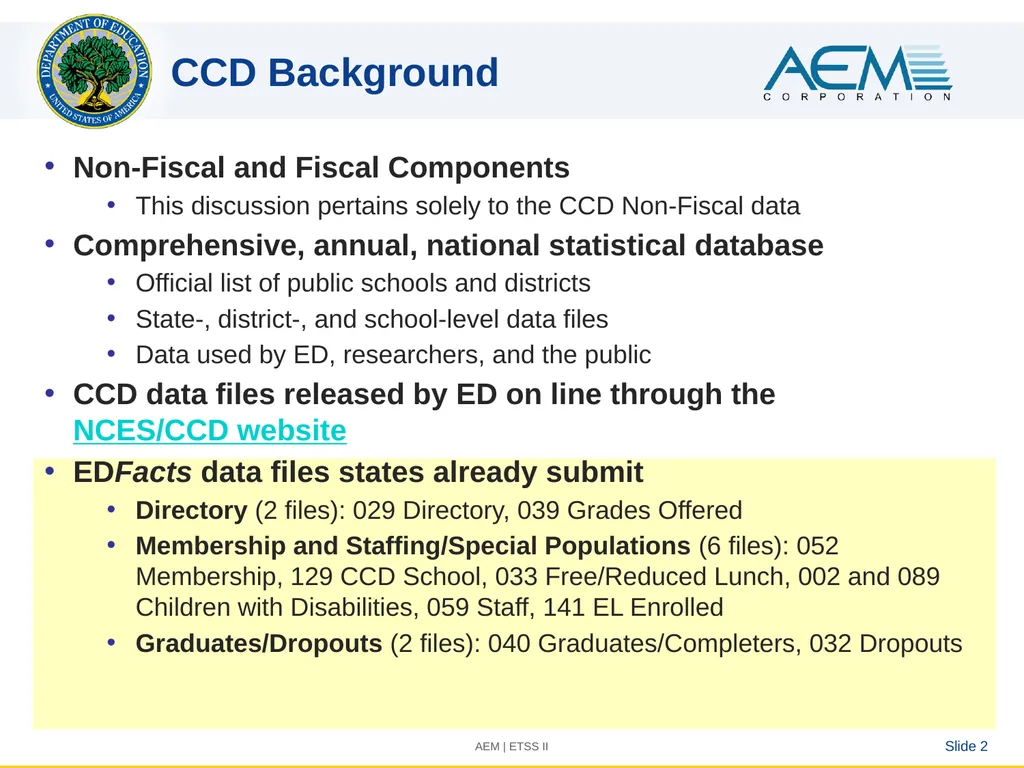
CCD Background Slide 2 Non-Fiscal and Fiscal Components
This discussion pertains solely to the CCD Non-Fiscal data
Comprehensive, annual, national statistical database
Official list of public schools and districts
State-, district-, and school-level data files
Data used by ED, researchers, and the public
CCD data files released by ED on line through the NCES/CCD website
EDFacts data files states already submit
Directory (2 files): 029 Directory, 039 Grades Offered
Membership and Staffing/Special Populations (6 files): 052 Membership, 129 CCD School, 033 Free/Reduced Lunch, 002 and 089 Children with Disabilities, 059 Staff, 141 EL Enrolled
Graduates/Dropouts (2 files): 040 Graduates/Completers, 032 Dropouts AEM | ETSS II<br>
03
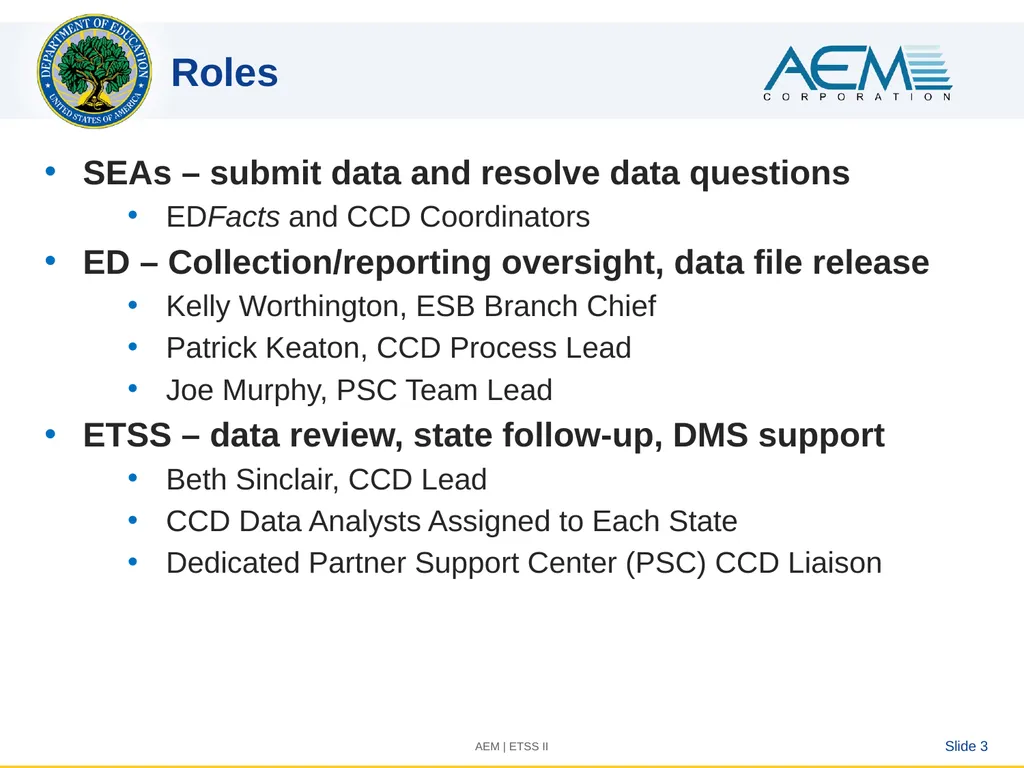
Roles Slide 3 SEAs – submit data and resolve data questions
EDFacts and CCD Coordinators
ED – Collection/reporting oversight, data file release
Kelly Worthington, ESB Branch Chief
Patrick Keaton, CCD Process Lead
Joe Murphy, PSC Team Lead
ETSS – data review, state follow-up, DMS support
Beth Sinclair, CCD Lead
CCD Data Analysts Assigned to Each State
Dedicated Partner Support Center (PSC) CCD Liaison AEM | ETSS II<br>
04
Spotlight on the CCD Coordinator Your role is to:
Complete the CCD Grades Offered and Graduates EMAPS survey (annually)
Understand the EDFacts files that contribute to the CCD
Respond to the CCD Data Analysts concerning your CCD data and resolve data questions they raise
Work with the EDFacts coordinator in your state to resubmit data files to resolve data issues<br>
05
What makes CCD different? Slide 5 Additional data scrutiny above and beyond EDFacts
CCD data widely used by researchers, U.S. Department of Education, and the public
In some cases, ED will modify state-submitted data to make it meet NCES data standards
Data Management System (DMS)
On-line tool to review EDFacts submissions
Nightly replication from EDFacts
Error reports by file
Within-system comments function
CCD Data Analysts assigned to states, work with the same states from year to year AEM | ETSS II<br>
06
Gains already from the DMS Slide 6 Quicker turnaround
Follow-up now starts just a couple of weeks after the submission deadline
Error reports run automatically following submission/resubmission so states can see the results the next day
Transparency in processing CCD data
Comments function preserves states’ responses and allows them to be carried forward from year to year for recurring issues
Business rules document provides states with full list of CCD edit checks
5-Year edits look at data over a longer period of time
Reduced data collection burden on states
State EDFacts and CCD coordinators reported the process was easier than the legacy model
Many recent DMS enhancements were based on state suggestions
Quicker follow-up AEM | ETSS II<br>
07
Resources/Help Slide 7 AEM | ETSS II Self-service support, through the EDFacts Initiative page:
DMS State User Guide
DMS Business Rules and FAQ
EMAPS CCD Grades Offered and Completers Survey - User Guide
Partner Support Center (PSC):
Contact PSC with CCD and/or DMS questions!
We can provide over-the-phone technical assistance or schedule a DMS tutorial
Toll Free: 877-457-3336
Federal Relay Service: 800-877-0996 (Voice/TTY) / federalrelay@sprint.com
E-mail: EDEN_SS@ed.gov<br>