PONG GAME EDUCATOR GUIDE PONG GAME EDUCATOR GUIDE First, gather as a group to introduce the theme and spark ideas. SHARE 10 minutes Next, help participants as they make games, working at their own pace. At the end of the session, gather
"PONG GAME / EDUCATOR GUIDE PONG GAME / EDUCATOR" is the property of its rightful owner. Permission is granted to
download and print the materials on this website for personal, non-commercial use only, and to display it
on your personal computer provided you do not modify the materials and that you retain all copyright
notices contained in the materials. By downloading content from our website, you accept the terms of this
agreement.
Presentation Transcript
01
PONG GAME / EDUCATOR GUIDE PONG GAME / EDUCATOR GUIDE First, gather as a group to introduce the theme and spark ideas. SHARE
10 minutes Next, help participants as they make games, working at their own pace. At the end of the session, gather together to share and reflect. IMAGINE
10 minutes CREATE
40 minutes Workshop Overview
Here’s a suggested agenda for a one-hour workshop: EDUCATOR GUIDE
Pong Game
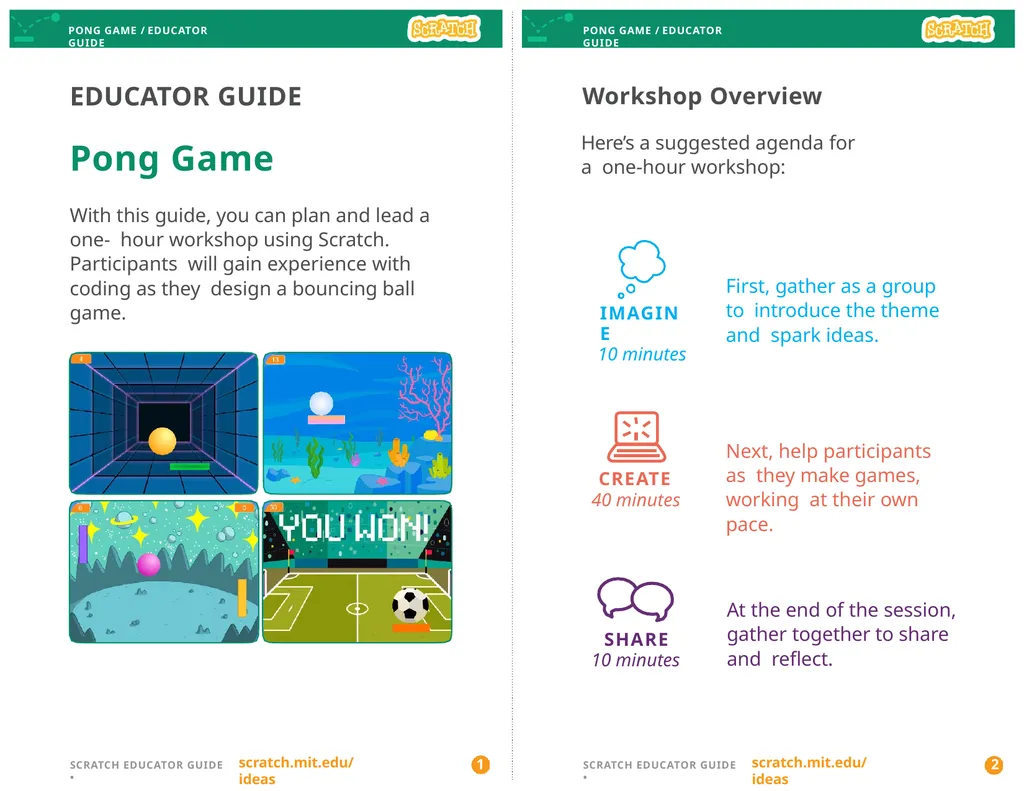
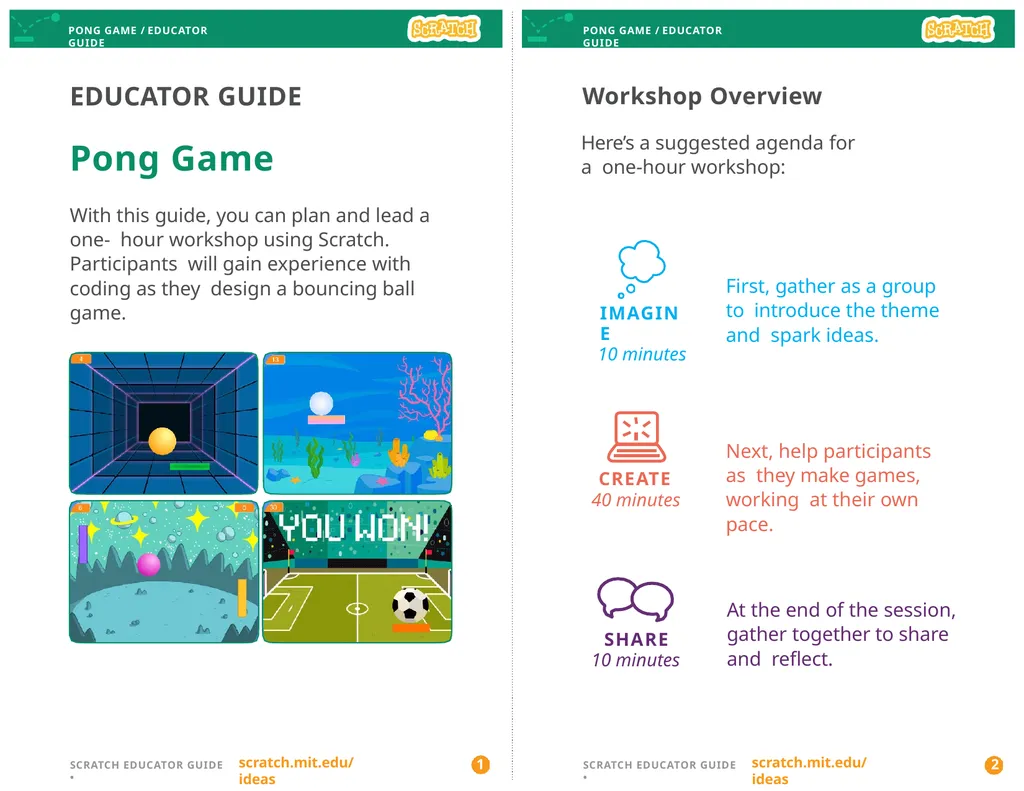
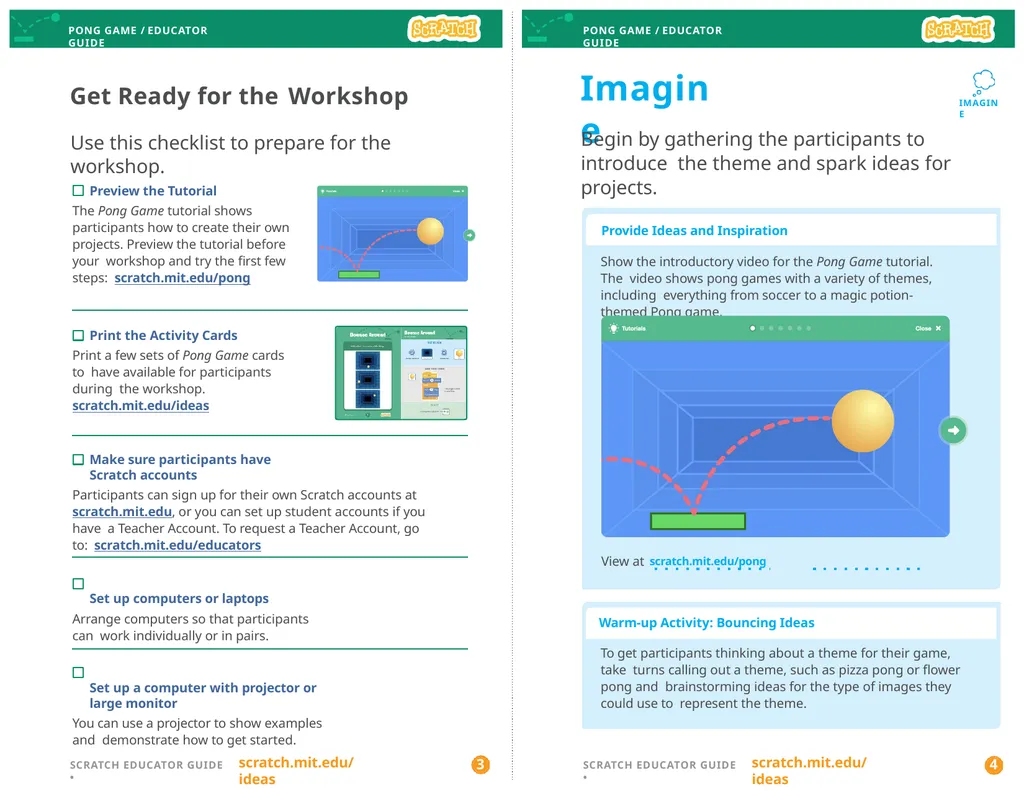
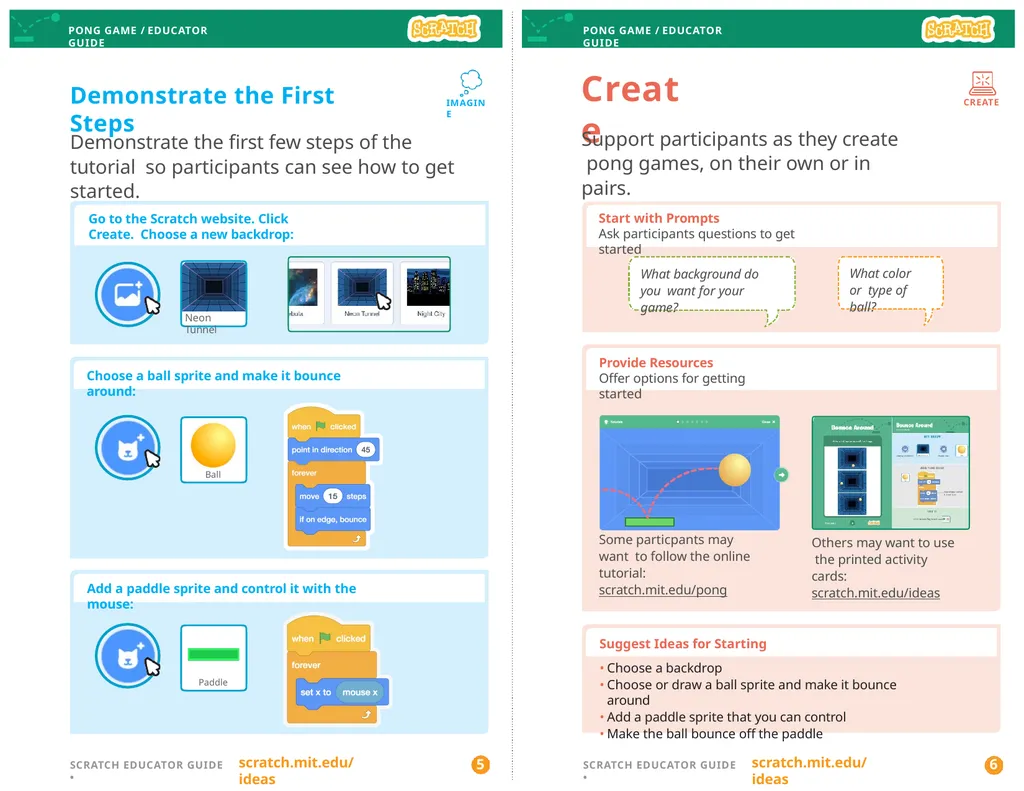
With this guide, you can plan and lead a one- hour workshop using Scratch. Participants will gain experience with coding as they design a bouncing ball game. scratch.mit.edu/ideas scratch.mit.edu/ideas 1 2 SCRATCH EDUCATOR GUIDE • SCRATCH EDUCATOR GUIDE •<br>
02
PONG GAME / EDUCATOR GUIDE PONG GAME / EDUCATOR GUIDE Imagine Begin by gathering the participants to introduce the theme and spark ideas for projects. IMAGINE Provide Ideas and Inspiration
Show the introductory video for the Pong Game tutorial. The video shows pong games with a variety of themes, including everything from soccer to a magic potion-themed Pong game. View at scratch.mit.edu/pong Get Ready for the Workshop
Use this checklist to prepare for the workshop. Preview the Tutorial
The Pong Game tutorial shows participants how to create their own projects. Preview the tutorial before your workshop and try the first few steps: scratch.mit.edu/pong
Print the Activity Cards
Print a few sets of Pong Game cards to have available for participants during the workshop. scratch.mit.edu/ideas
Make sure participants have Scratch accounts
Participants can sign up for their own Scratch accounts at scratch.mit.edu, or you can set up student accounts if you have a Teacher Account. To request a Teacher Account, go to: scratch.mit.edu/educators
Set up computers or laptops
Arrange computers so that participants can work individually or in pairs.
Set up a computer with projector or large monitor
You can use a projector to show examples and demonstrate how to get started. Warm-up Activity: Bouncing Ideas
To get participants thinking about a theme for their game, take turns calling out a theme, such as pizza pong or flower pong and brainstorming ideas for the type of images they could use to represent the theme. scratch.mit.edu/ideas scratch.mit.edu/ideas 3 4 SCRATCH EDUCATOR GUIDE • SCRATCH EDUCATOR GUIDE •<br>
03
PONG GAME / EDUCATOR GUIDE PONG GAME / EDUCATOR GUIDE Demonstrate the First Steps Choose a ball sprite and make it bounce around: Go to the Scratch website. Click Create. Choose a new backdrop: Create Support participants as they create pong games, on their own or in pairs. CREATE Provide Resources
Offer options for getting started IMAGINE What background do you want for your game? What color or type of ball? Some particpants may want to follow the online tutorial: scratch.mit.edu/pong Others may want to use the printed activity cards: scratch.mit.edu/ideas Demonstrate the first few steps of the tutorial so participants can see how to get started. Start with Prompts
Ask participants questions to get started Suggest Ideas for Starting
Choose a backdrop
Choose or draw a ball sprite and make it bounce around
Add a paddle sprite that you can control
Make the ball bounce off the paddle Add a paddle sprite and control it with the mouse: Neon Tunnel Ball Paddle scratch.mit.edu/ideas scratch.mit.edu/ideas 5 6 SCRATCH EDUCATOR GUIDE • SCRATCH EDUCATOR GUIDE •<br>
04
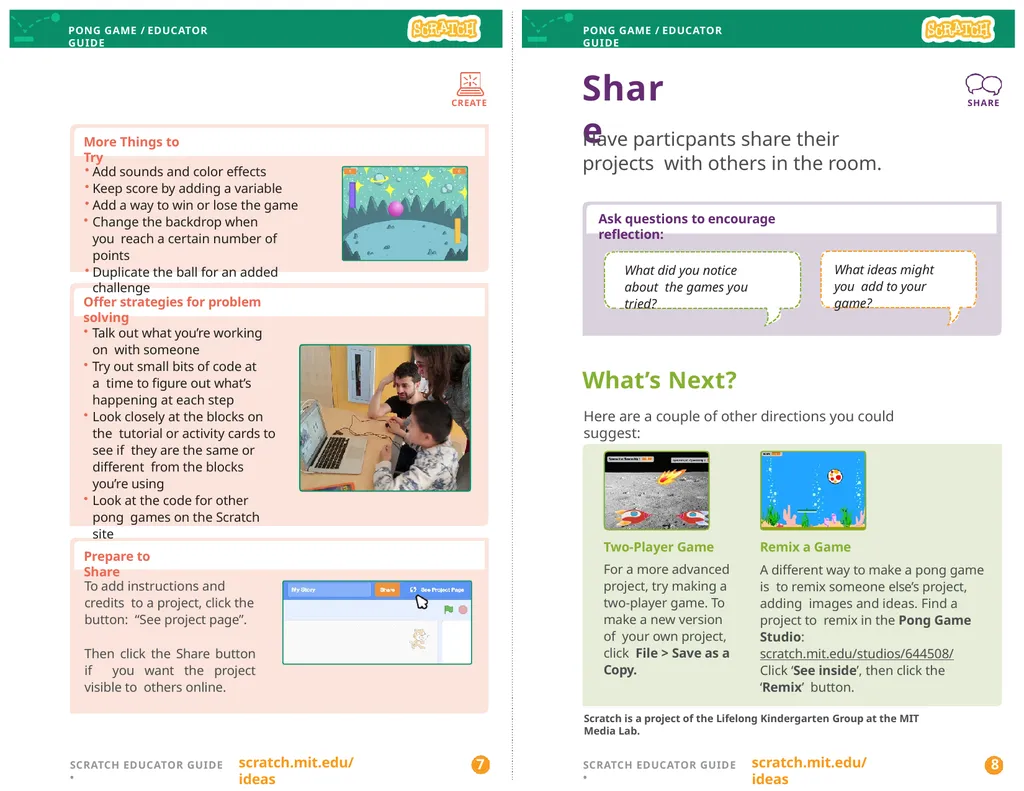
PONG GAME / EDUCATOR GUIDE PONG GAME / EDUCATOR GUIDE CREATE Share Have particpants share their projects with others in the room. SHARE More Things to Try Scratch is a project of the Lifelong Kindergarten Group at the MIT Media Lab. Remix a Game
A different way to make a pong game is to remix someone else’s project, adding images and ideas. Find a project to remix in the Pong Game Studio: scratch.mit.edu/studios/644508/
Click ‘See inside’, then click the ‘Remix’ button. Two-Player Game
For a more advanced project, try making a two-player game. To make a new version of your own project, click File > Save as a Copy. What’s Next?
Here are a couple of other directions you could suggest: Prepare to Share Offer strategies for problem solving Talk out what you’re working on with someone
Try out small bits of code at a time to figure out what’s happening at each step
Look closely at the blocks on the tutorial or activity cards to see if they are the same or different from the blocks you’re using
Look at the code for other pong games on the Scratch site Ask questions to encourage reflection: What did you notice about the games you tried? What ideas might you add to your game? Add sounds and color effects
Keep score by adding a variable
Add a way to win or lose the game
Change the backdrop when you reach a certain number of points
Duplicate the ball for an added challenge To add instructions and credits to a project, click the button: “See project page”. Then click the Share button if you want the project visible to others online. scratch.mit.edu/ideas scratch.mit.edu/ideas 7 8 SCRATCH EDUCATOR GUIDE • SCRATCH EDUCATOR GUIDE •<br>