Prioritization Tool Purpose A facility or process may have many areas that need improvements and it may seem overwhelming Thus, priorities need to be set to determine which problems to tackle first Goal Prioritize problems based on
"Prioritization Tool Purpose A facility or process" is the property of its rightful owner. Permission is granted to
download and print the materials on this website for personal, non-commercial use only, and to display it
on your personal computer provided you do not modify the materials and that you retain all copyright
notices contained in the materials. By downloading content from our website, you accept the terms of this
agreement.
Presentation Transcript
01
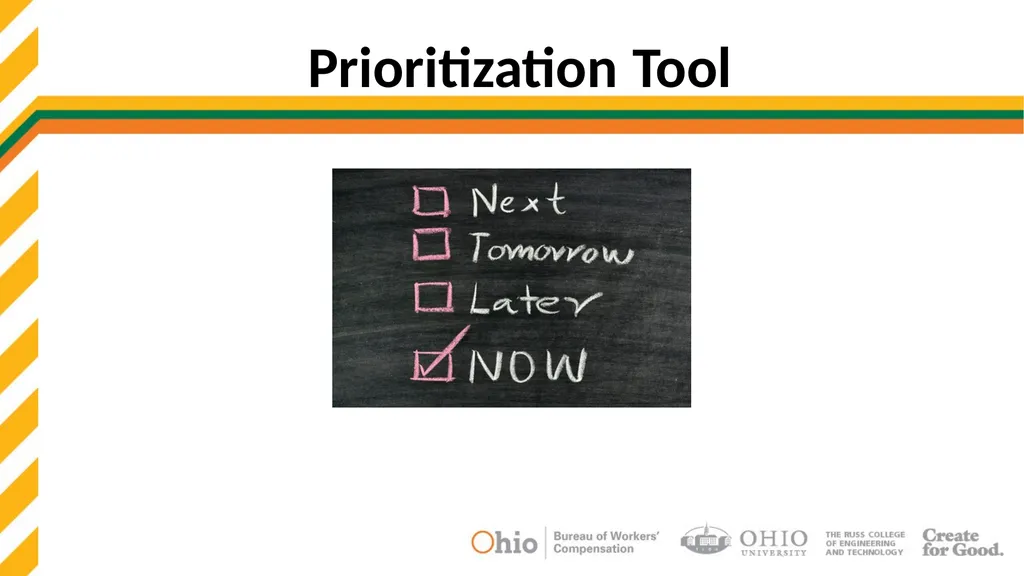
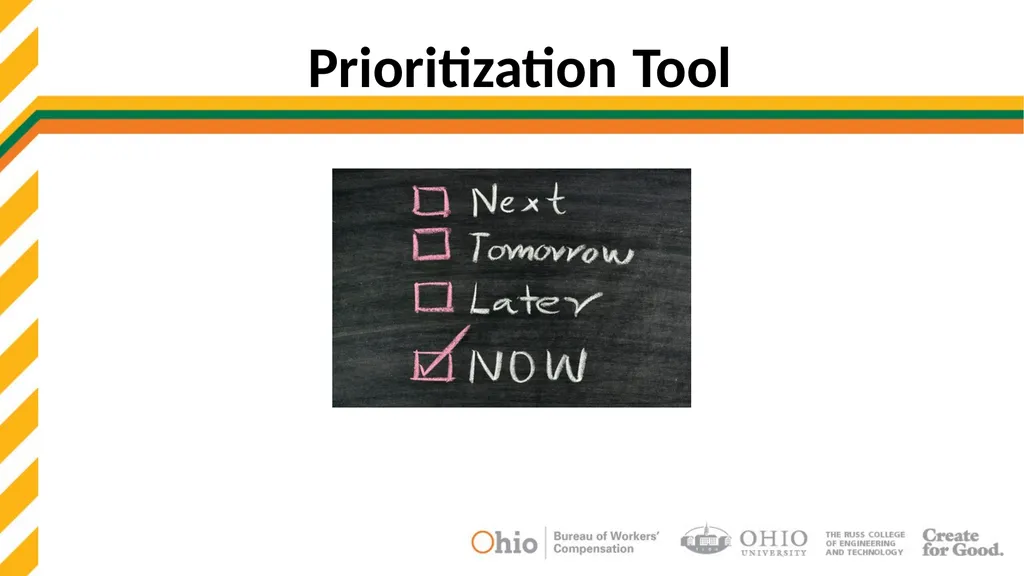
Prioritization Tool<br>
02
Purpose A facility or process may have many areas that need improvements and it may seem overwhelming
Thus, priorities need to be set to determine which problems to tackle first
Goal Prioritize problems based on ergonomic, safety, and productivity risks
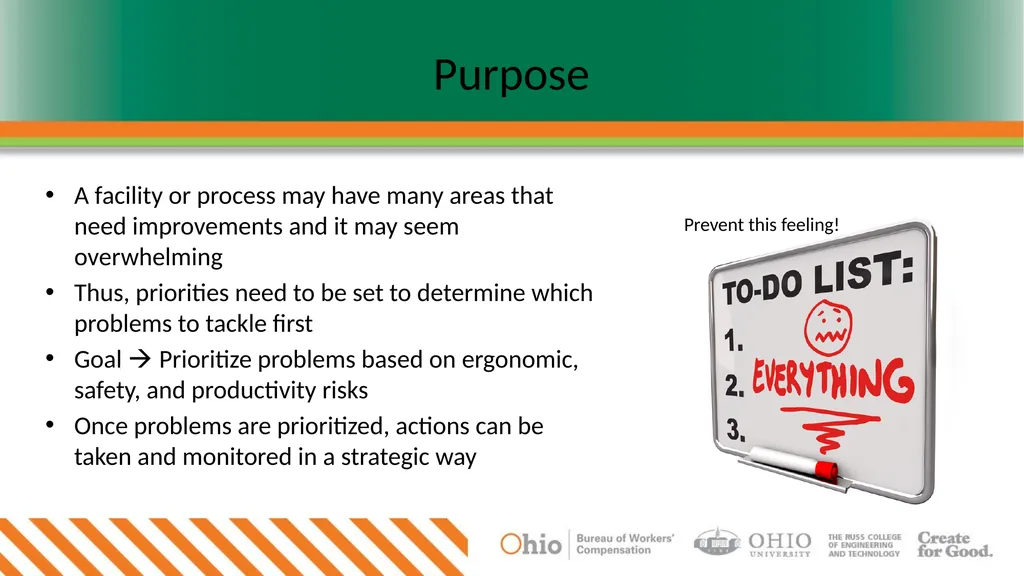
Once problems are prioritized, actions can be taken and monitored in a strategic way Prevent this feeling!<br>
03
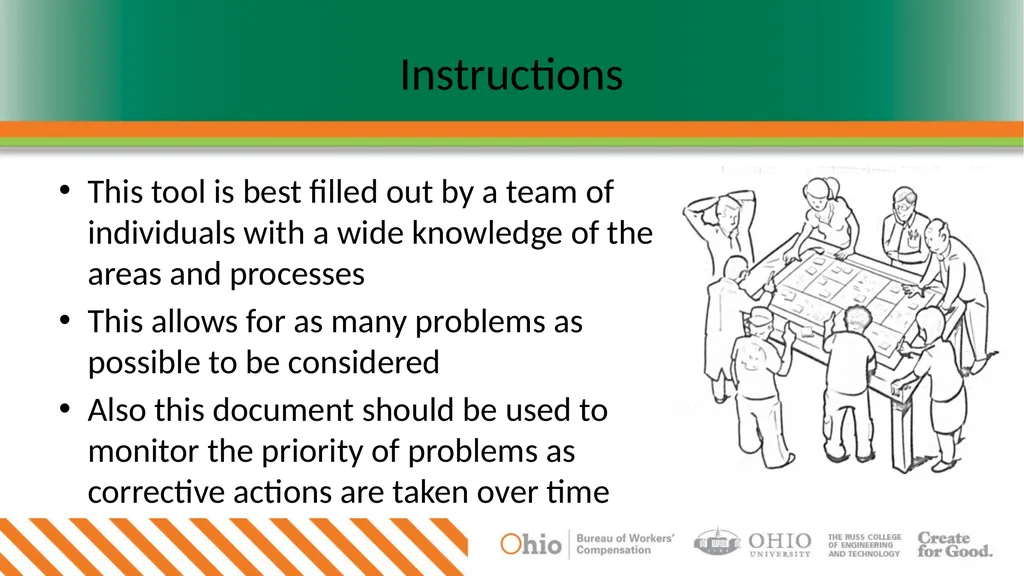
Instructions This tool is best filled out by a team of individuals with a wide knowledge of the areas and processes
This allows for as many problems as possible to be considered
Also this document should be used to monitor the priority of problems as corrective actions are taken over time<br>
04
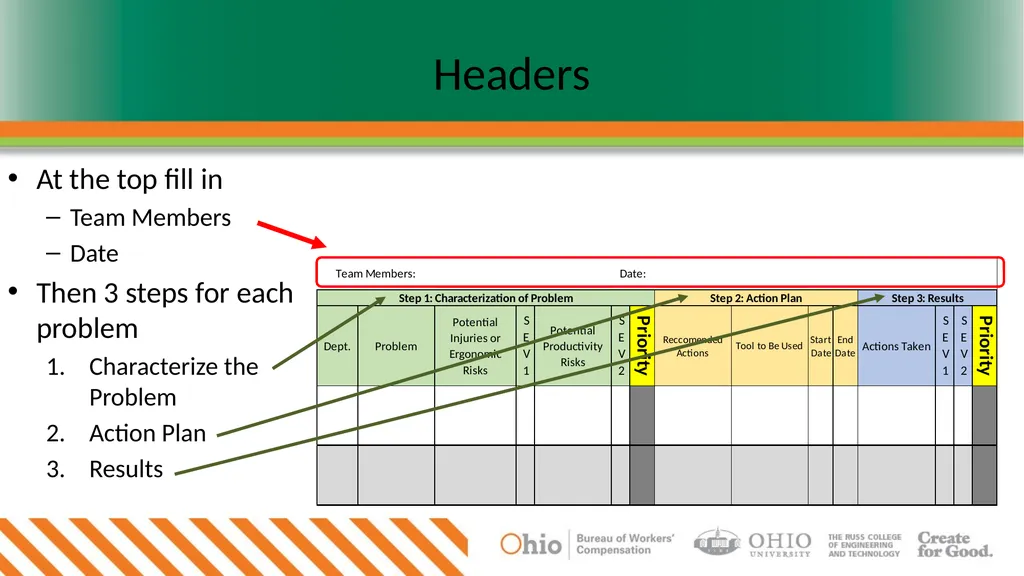
Headers At the top fill in
Team Members
Date
Then 3 steps for each problem
Characterize the Problem
Action Plan
Results<br>
05
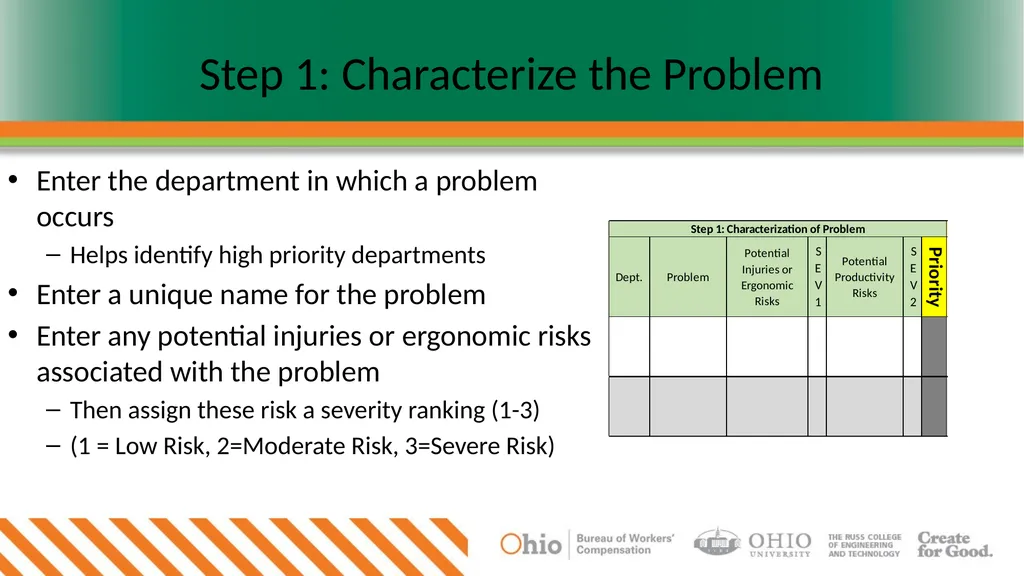
Step 1: Characterize the Problem Enter the department in which a problem occurs
Helps identify high priority departments
Enter a unique name for the problem
Enter any potential injuries or ergonomic risks associated with the problem
Then assign these risk a severity ranking (1-3)
(1 = Low Risk, 2=Moderate Risk, 3=Severe Risk)<br>
06
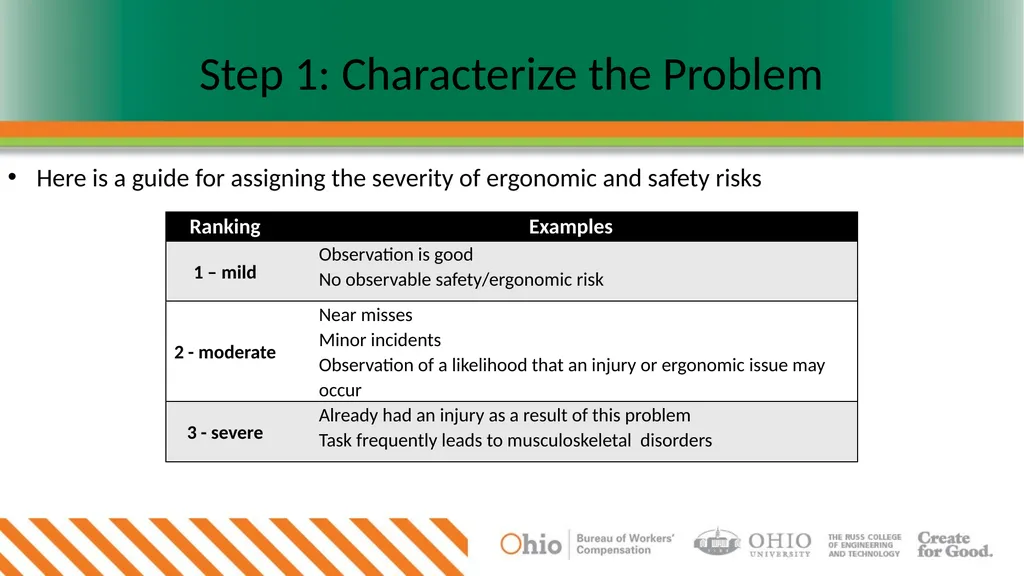
Step 1: Characterize the Problem Here is a guide for assigning the severity of ergonomic and safety risks<br>
07
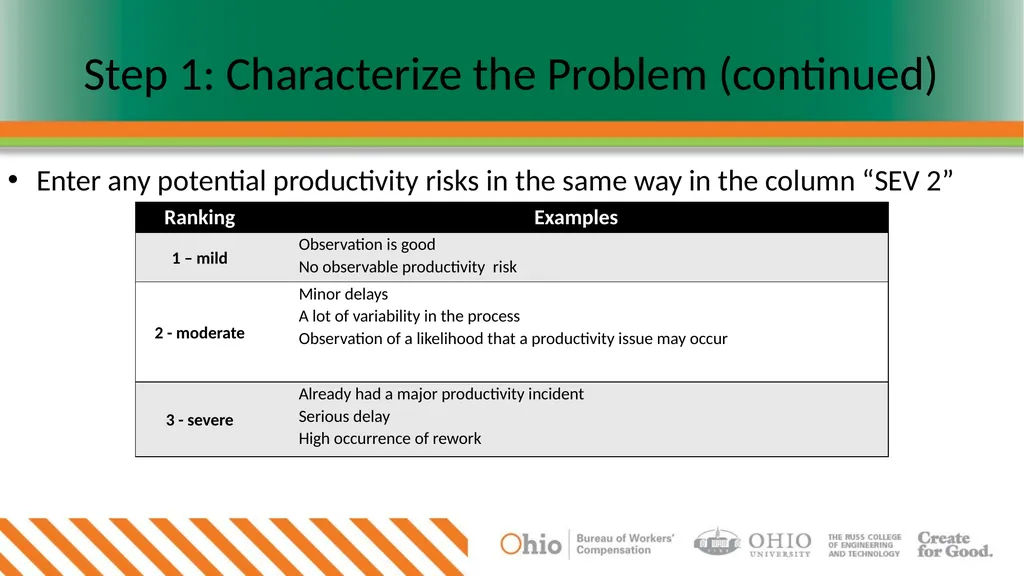
Step 1: Characterize the Problem (continued) Enter any potential productivity risks in the same way in the column “SEV 2”<br>
08
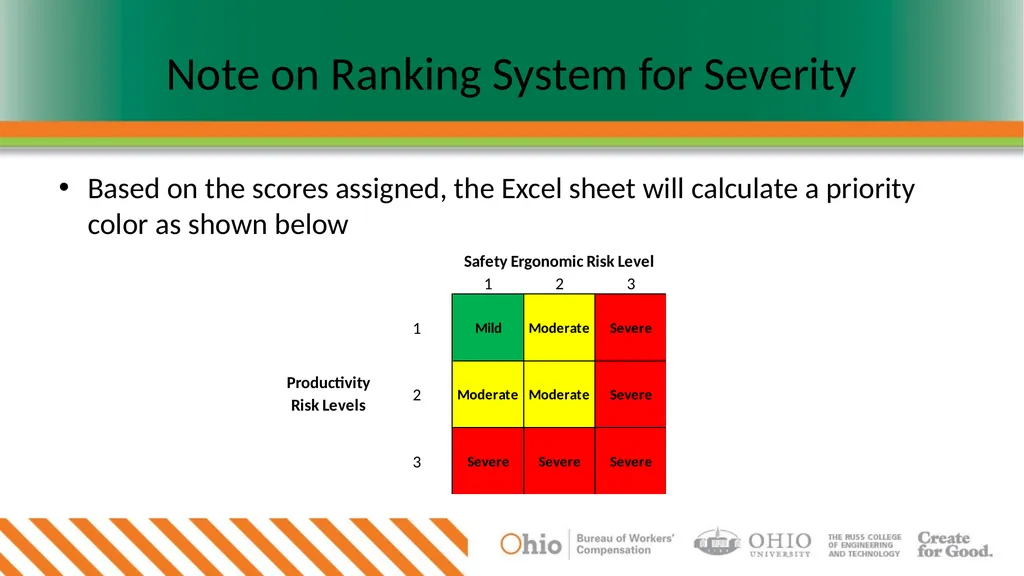
Note on Ranking System for Severity Based on the scores assigned, the Excel sheet will calculate a priority color as shown below<br>
09
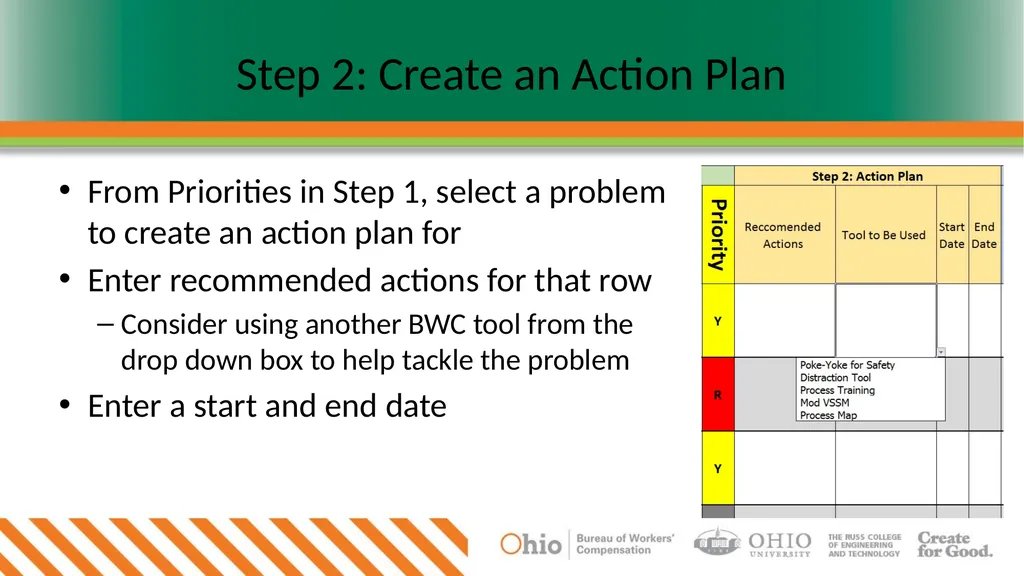
Step 2: Create an Action Plan From Priorities in Step 1, select a problem to create an action plan for
Enter recommended actions for that row
Consider using another BWC tool from the drop down box to help tackle the problem
Enter a start and end date<br>
10
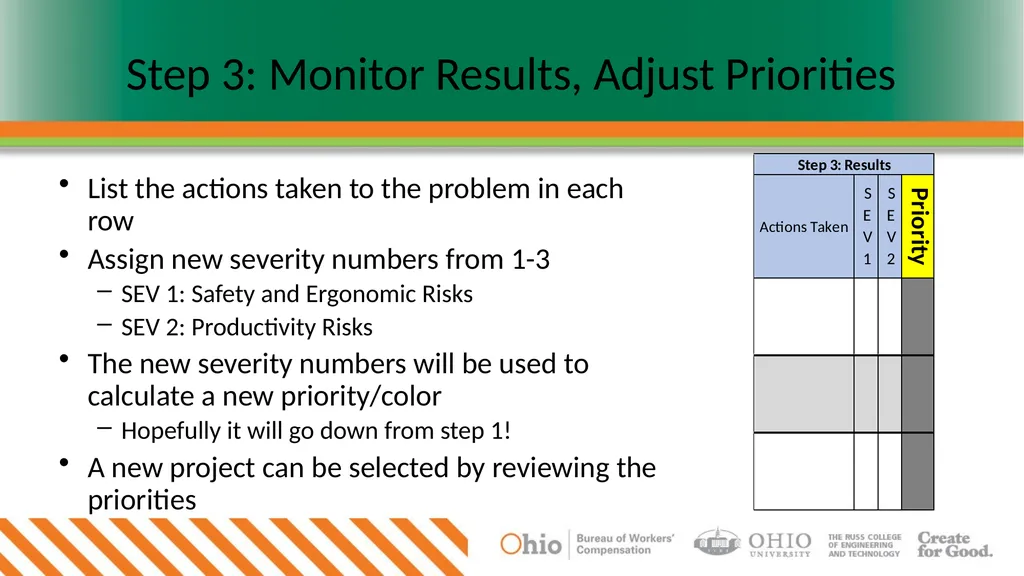
Step 3: Monitor Results, Adjust Priorities List the actions taken to the problem in each row
Assign new severity numbers from 1-3
SEV 1: Safety and Ergonomic Risks
SEV 2: Productivity Risks
The new severity numbers will be used to calculate a new priority/color
Hopefully it will go down from step 1!
A new project can be selected by reviewing the priorities<br>