Reporting Tables, Writing Queries, and More
Description: Reporting Tables, Writing Queries, and More Getting Started with Data Model Presented by: Juan Ortega, David Zywiec Date Prepared: May 4, 2015 Agenda SQL Basics Clarity Core Tables Investments (Projects, Ideas) Resources Users Lookups
Related Topics
Download Presentation
"Reporting Tables, Writing Queries, and More" is the property of its rightful owner. Permission is granted to download and print the materials on this website for personal, non-commercial use only, and to display it on your personal computer provided you do not modify the materials and that you retain all copyright notices contained in the materials. By downloading content from our website, you accept the terms of this agreement.
Presentation Transcript
slide1. Reporting Tables, Writing Queries, and More Getting Started with Data Model Presented by: Juan Ortega, David Zywiec | Date Prepared: May 4, 2015<br>
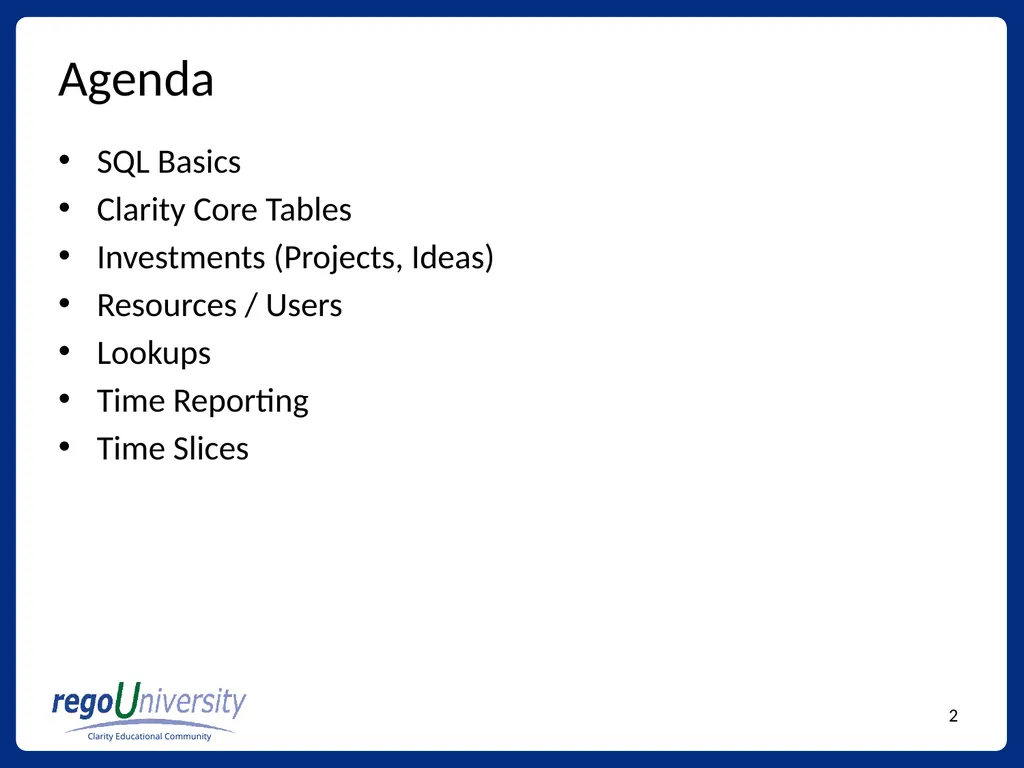
slide2. Agenda SQL Basics
Clarity Core Tables
Investments (Projects, Ideas)
Resources / Users
Lookups
Time Reporting
Time Slices<br>
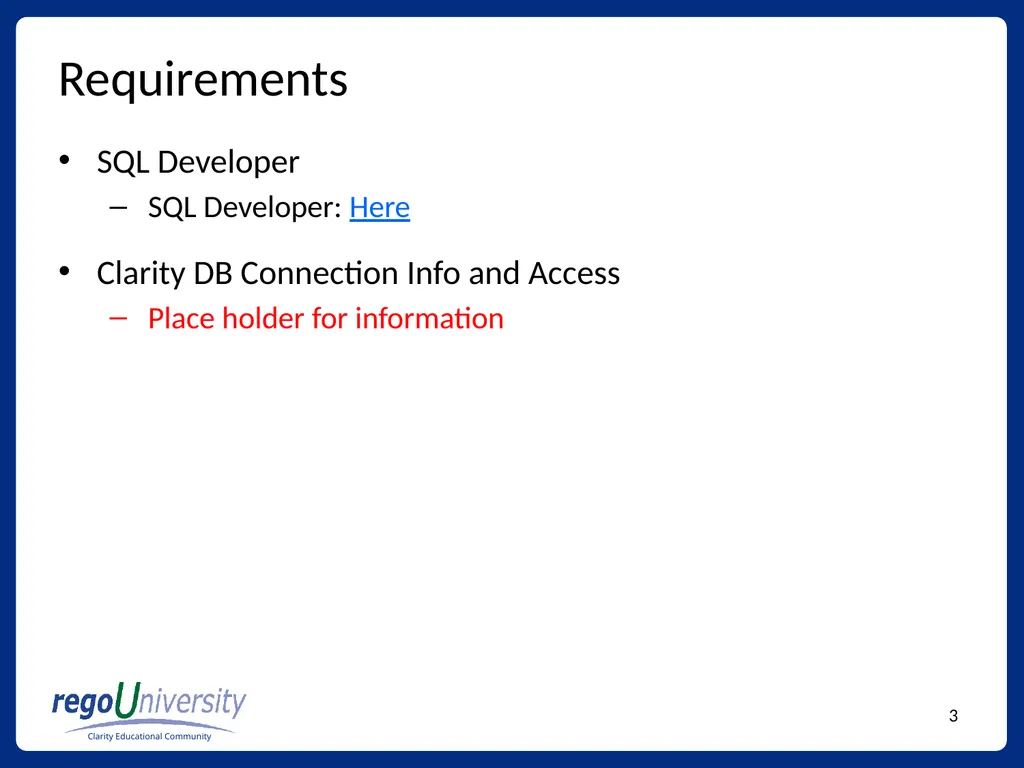
slide3. Requirements SQL Developer
SQL Developer: Here
Clarity DB Connection Info and Access
Place holder for information<br>
slide4. SQL Basics SELECT Statements
JOIN Statements
WHERE Clause
GROUP BY
ORDER BY
Best practices: Try to use ANSI SQL syntax<br>
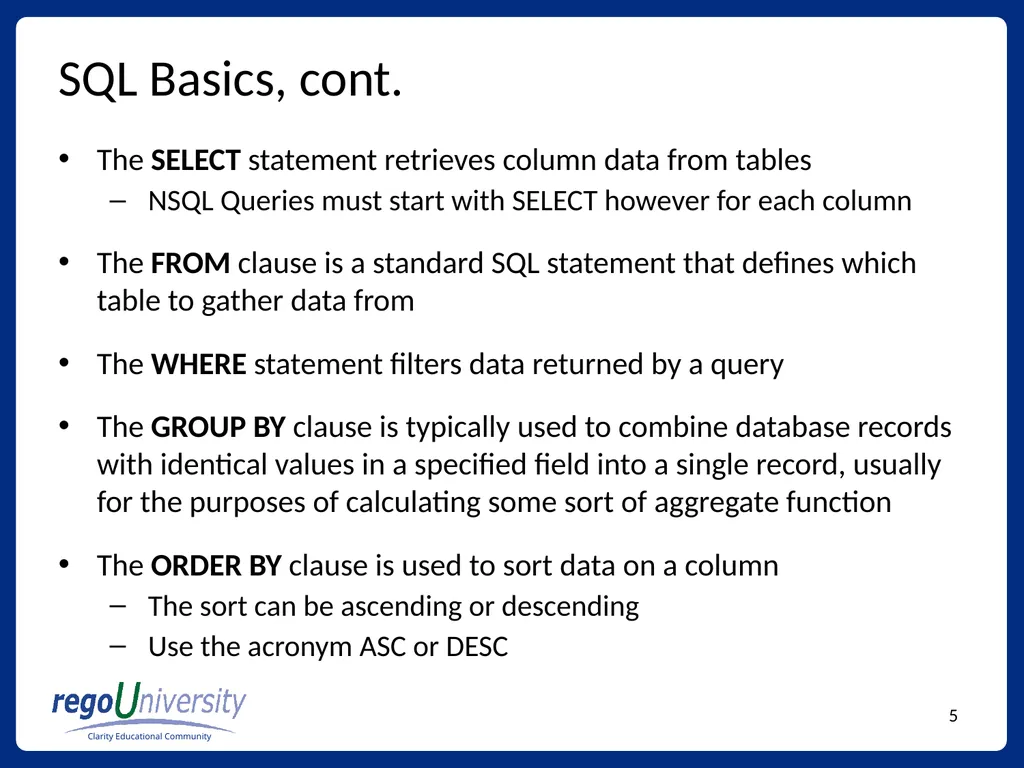
slide5. SQL Basics, cont. The SELECT statement retrieves column data from tables
NSQL Queries must start with SELECT however for each column
The FROM clause is a standard SQL statement that defines which table to gather data from
The WHERE statement filters data returned by a query
The GROUP BY clause is typically used to combine database records with identical values in a specified field into a single record, usually for the purposes of calculating some sort of aggregate function
The ORDER BY clause is used to sort data on a column
The sort can be ascending or descending
Use the acronym ASC or DESC<br>
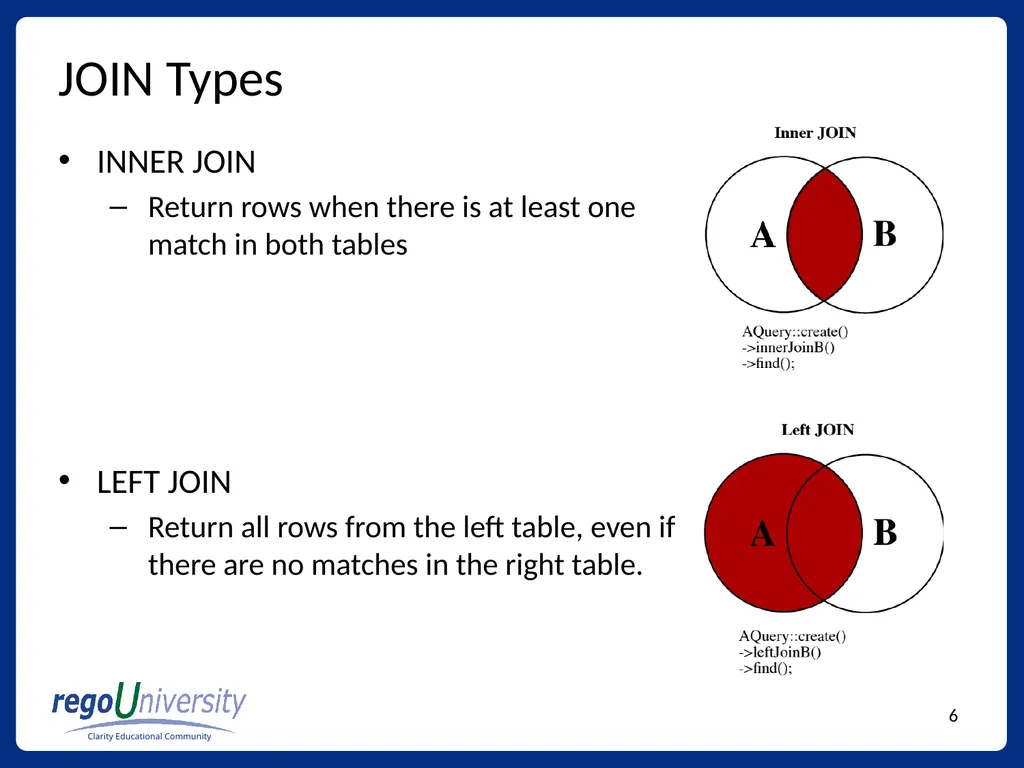
slide6. JOIN Types INNER JOIN
Return rows when there is at least one match in both tables
LEFT JOIN
Return all rows from the left table, even if there are no matches in the right table.<br>
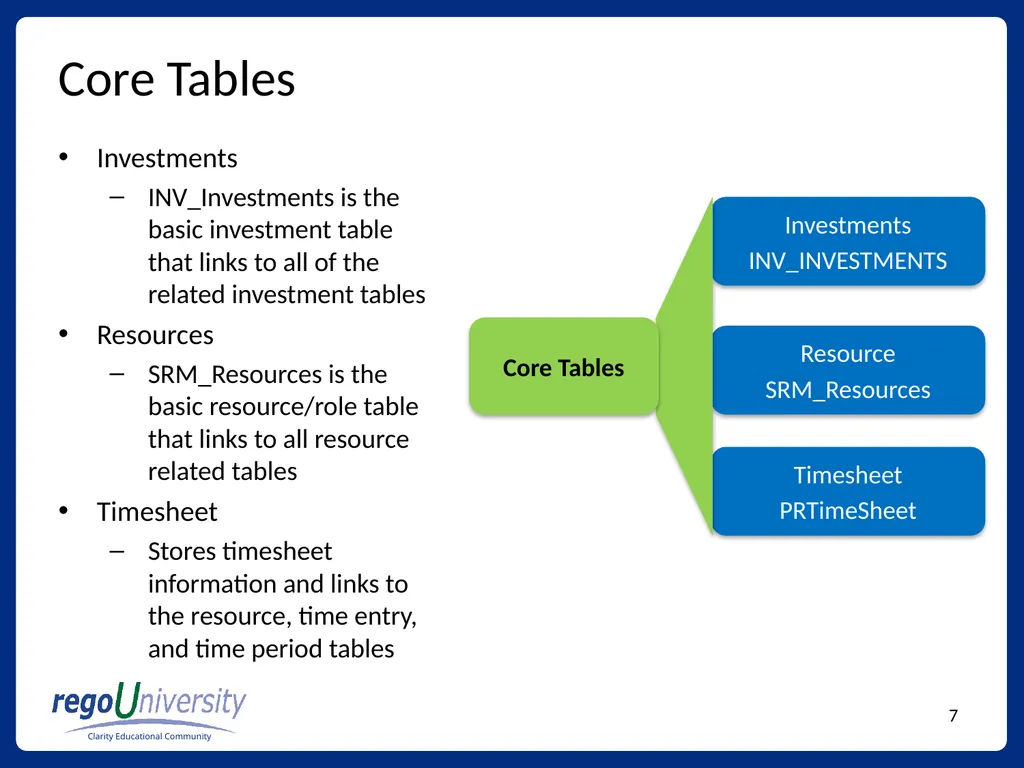
slide7. Core Tables Investments
INV_Investments is the basic investment table that links to all of the related investment tables
Resources
SRM_Resources is the basic resource/role table that links to all resource related tables
Timesheet
Stores timesheet information and links to the resource, time entry, and time period tables<br>
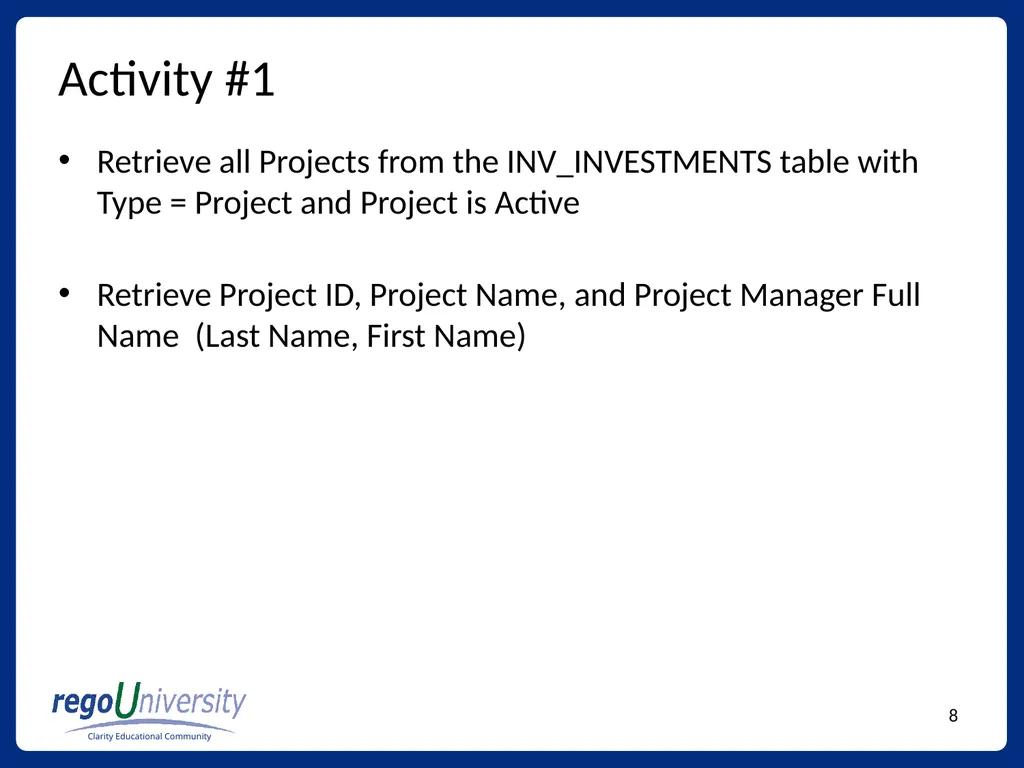
slide8. Activity #1 Retrieve all Projects from the INV_INVESTMENTS table with Type = Project and Project is Active
Retrieve Project ID, Project Name, and Project Manager Full Name (Last Name, First Name)<br>
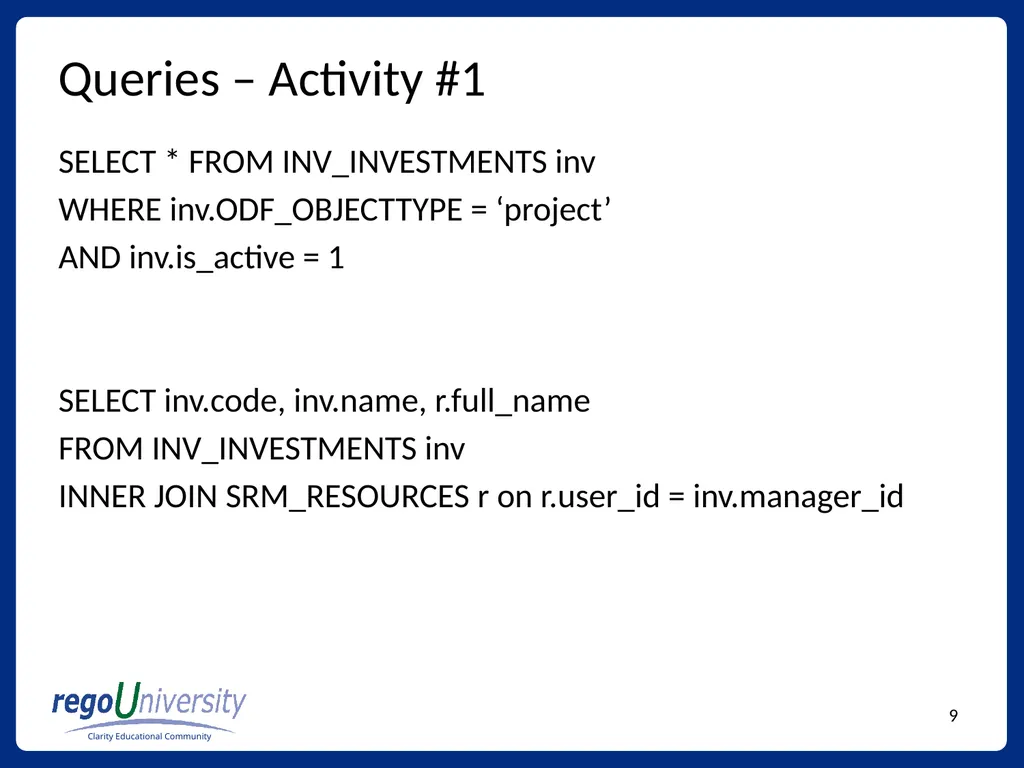
slide9. Queries – Activity #1 SELECT * FROM INV_INVESTMENTS inv
WHERE inv.ODF_OBJECTTYPE = ‘project’
AND inv.is_active = 1
SELECT inv.code, inv.name, r.full_name
FROM INV_INVESTMENTS inv
INNER JOIN SRM_RESOURCES r on r.user_id = inv.manager_id<br>
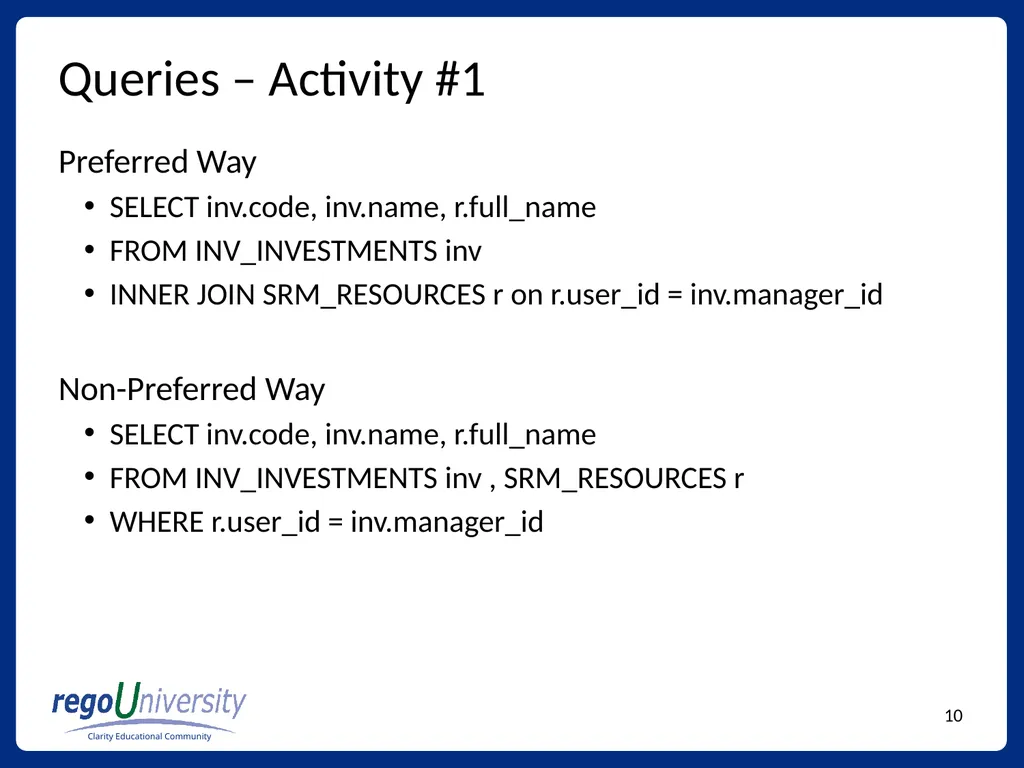
slide10. Queries – Activity #1 Preferred Way
SELECT inv.code, inv.name, r.full_name
FROM INV_INVESTMENTS inv
INNER JOIN SRM_RESOURCES r on r.user_id = inv.manager_id
Non-Preferred Way
SELECT inv.code, inv.name, r.full_name
FROM INV_INVESTMENTS inv , SRM_RESOURCES r
WHERE r.user_id = inv.manager_id<br>
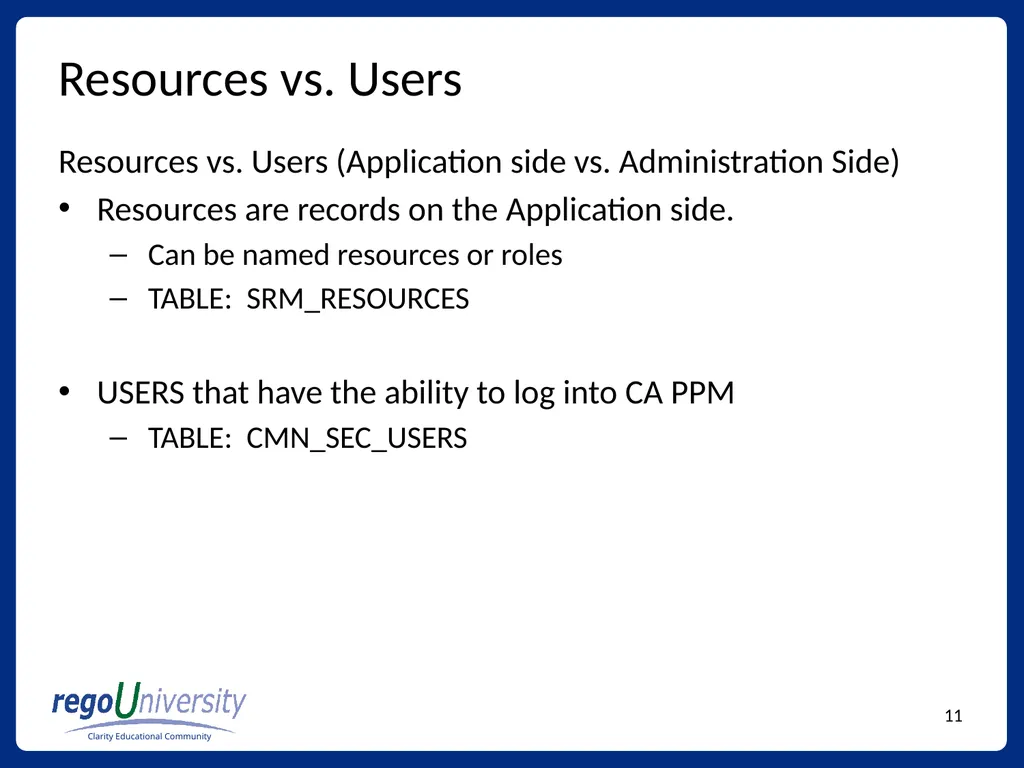
slide11. Resources vs. Users Resources vs. Users (Application side vs. Administration Side)
Resources are records on the Application side.
Can be named resources or roles
TABLE: SRM_RESOURCES
USERS that have the ability to log into CA PPM
TABLE: CMN_SEC_USERS<br>
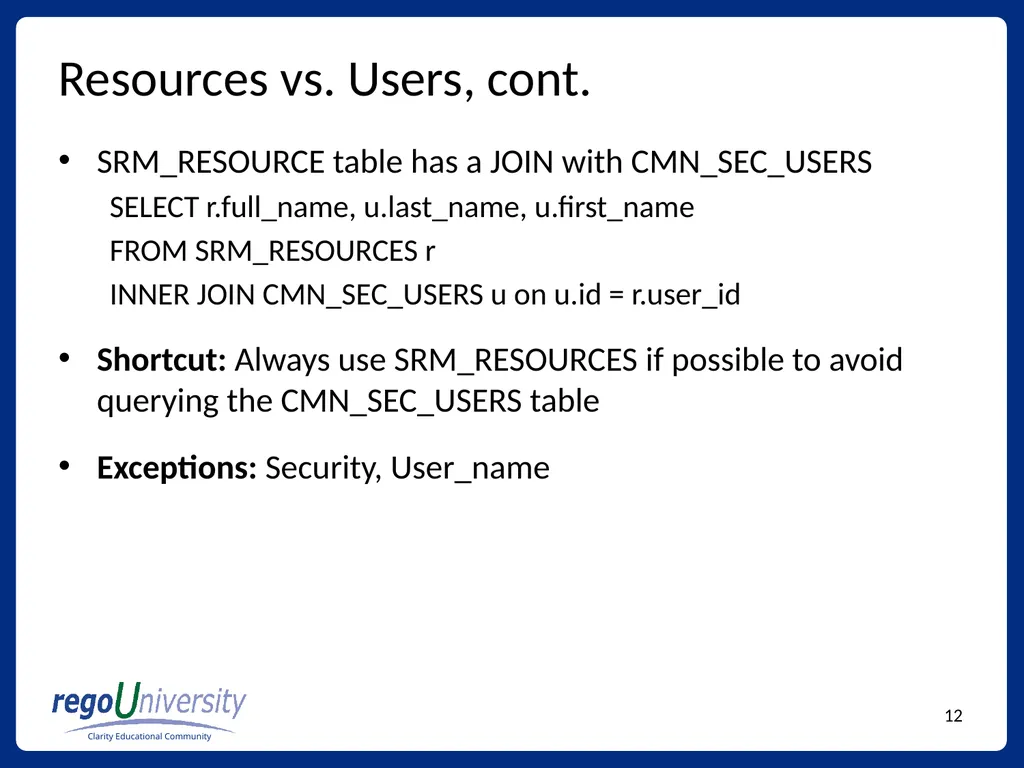
slide12. Resources vs. Users, cont. SRM_RESOURCE table has a JOIN with CMN_SEC_USERS
SELECT r.full_name, u.last_name, u.first_name
FROM SRM_RESOURCES r
INNER JOIN CMN_SEC_USERS u on u.id = r.user_id
Shortcut: Always use SRM_RESOURCES if possible to avoid querying the CMN_SEC_USERS table
Exceptions: Security, User_name<br>
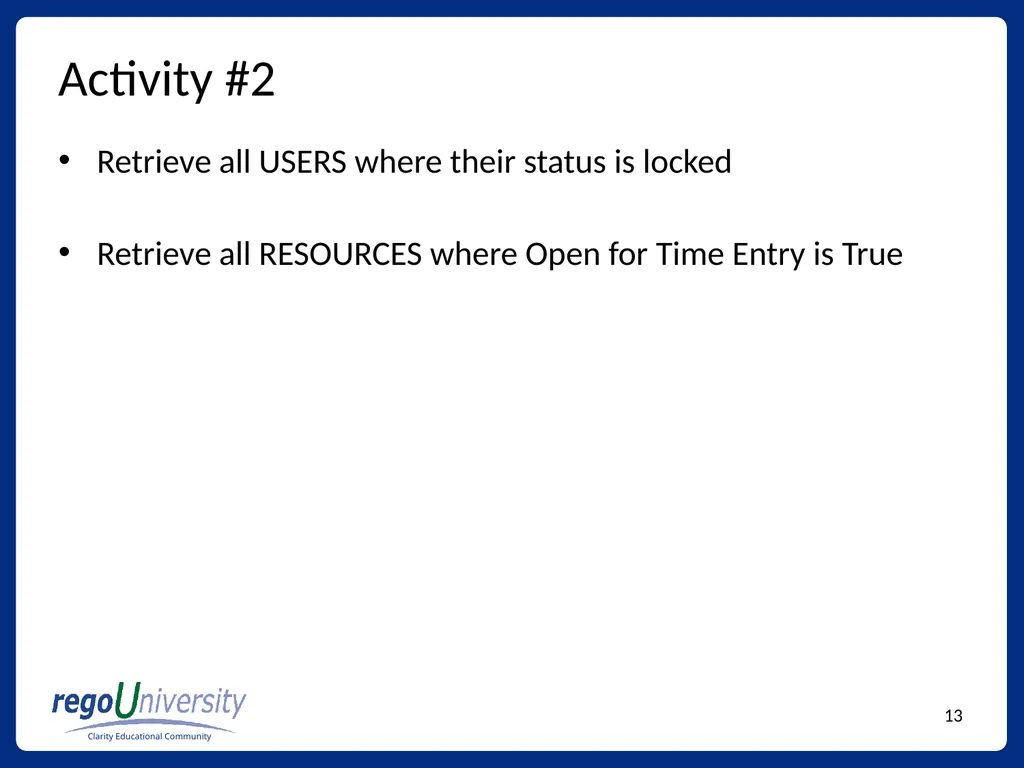
slide13. Activity #2 Retrieve all USERS where their status is locked
Retrieve all RESOURCES where Open for Time Entry is True<br>
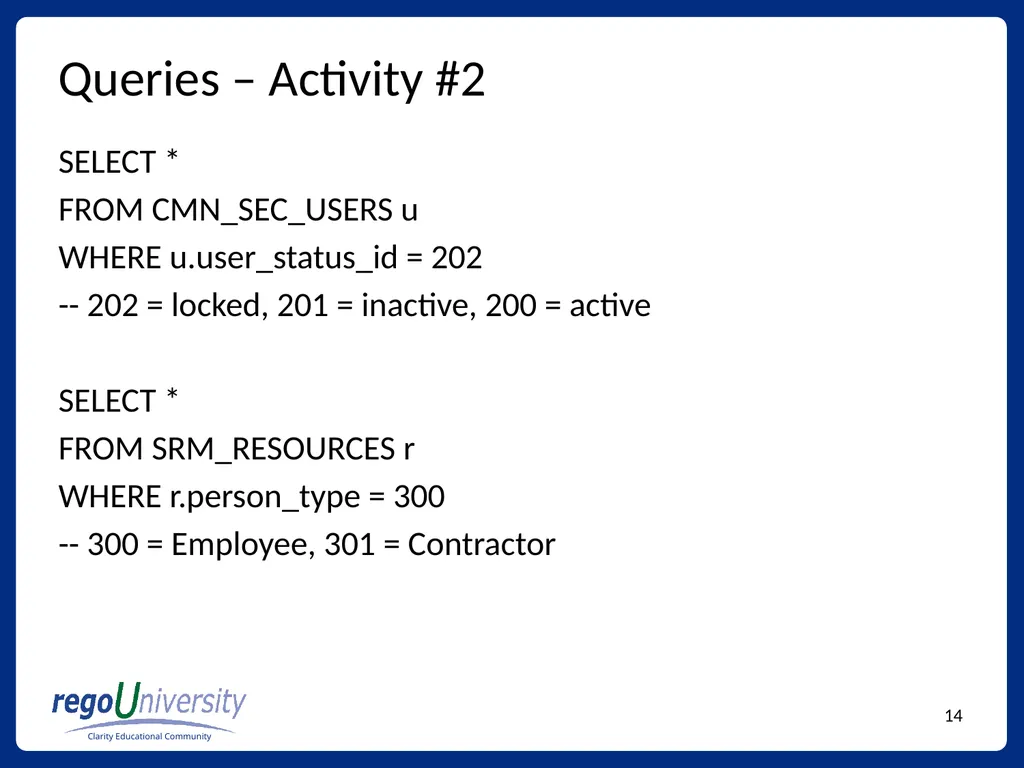
slide14. Queries – Activity #2 SELECT *
FROM CMN_SEC_USERS u
WHERE u.user_status_id = 202
-- 202 = locked, 201 = inactive, 200 = active
SELECT *
FROM SRM_RESOURCES r
WHERE r.person_type = 300
-- 300 = Employee, 301 = Contractor<br>
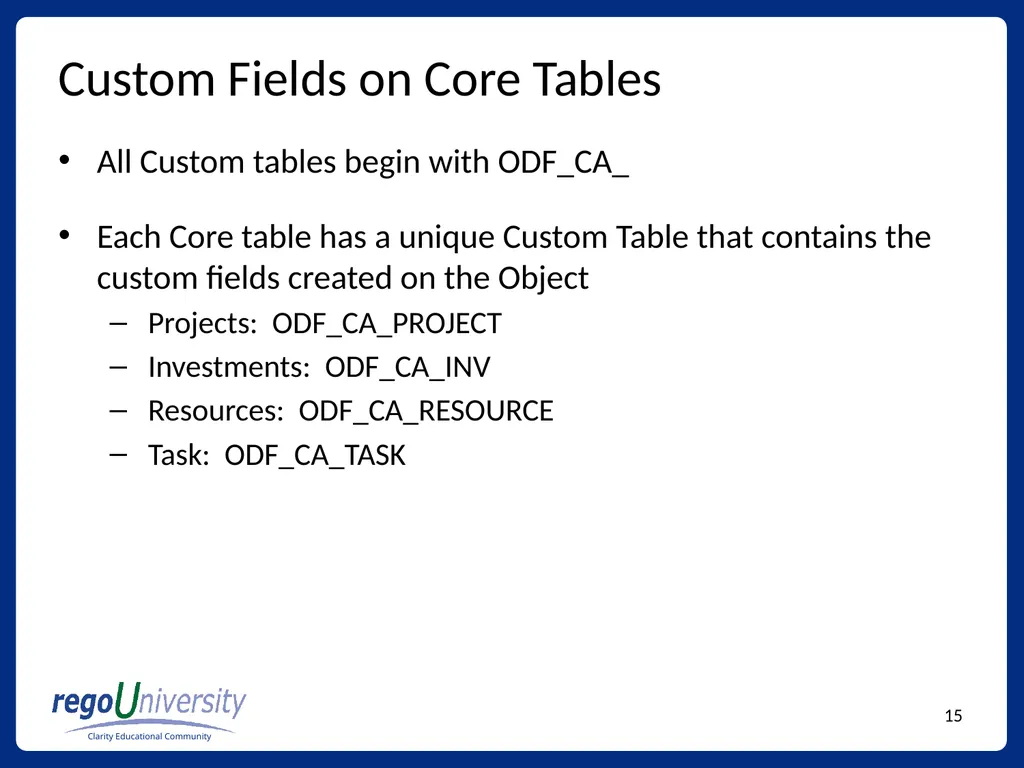
slide15. Custom Fields on Core Tables All Custom tables begin with ODF_CA_
Each Core table has a unique Custom Table that contains the custom fields created on the Object
Projects: ODF_CA_PROJECT
Investments: ODF_CA_INV
Resources: ODF_CA_RESOURCE
Task: ODF_CA_TASK<br>
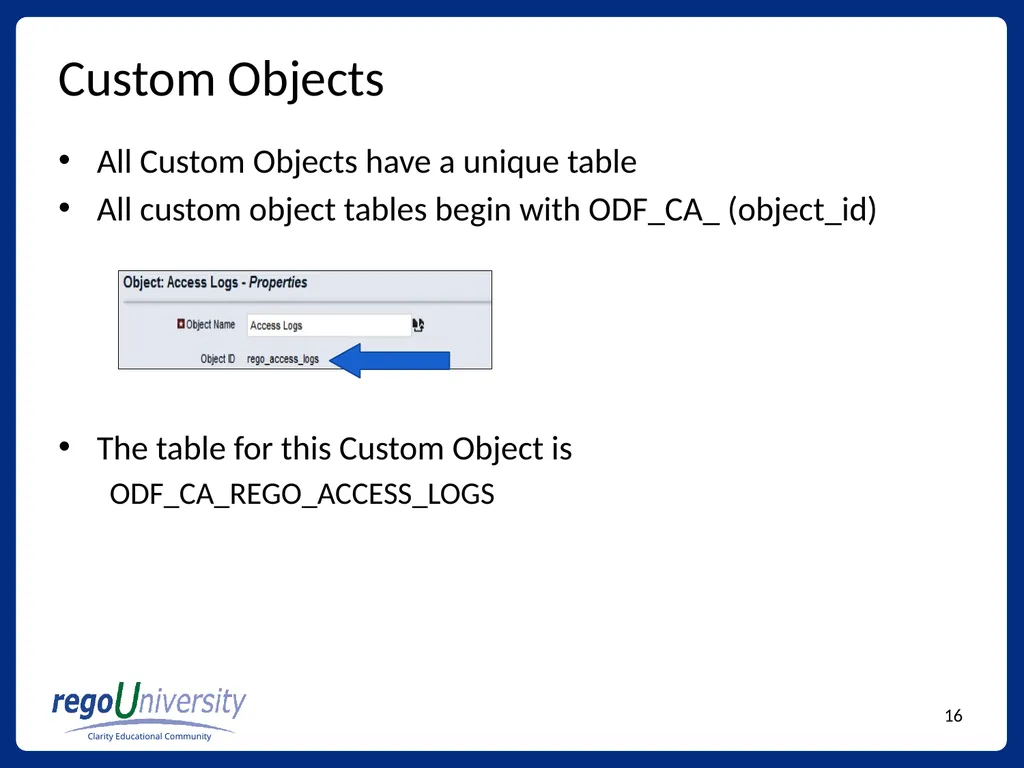
slide16. Custom Objects All Custom Objects have a unique table
All custom object tables begin with ODF_CA_ (object_id)
The table for this Custom Object is
ODF_CA_REGO_ACCESS_LOGS<br>
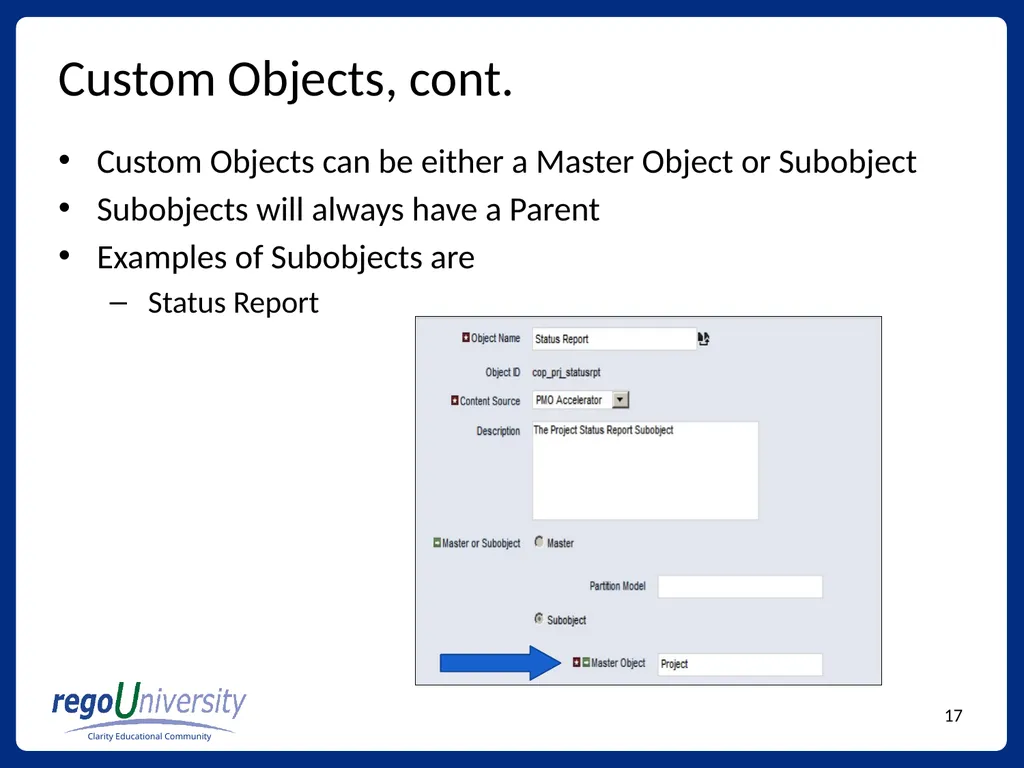
slide17. Custom Objects, cont. Custom Objects can be either a Master Object or Subobject
Subobjects will always have a Parent
Examples of Subobjects are
Status Report<br>
slide18. Custom Objects, cont. Subobjects are linked to their Parent with the column
ODF_PARENT_ID
Example:
SELECT ODF_PARENT_ID
FROM
ODF_CA_COP_PRJ_STATUSRPT<br>
slide19. Activity #3 – Custom Object Create one Custom Object (Master)
Populate Custom Object with 3 records
Retrieve all records using SQL
Retrieve all Status Reports for a Project and include
Project ID
Project Name
Status Report Name
Report Status<br>
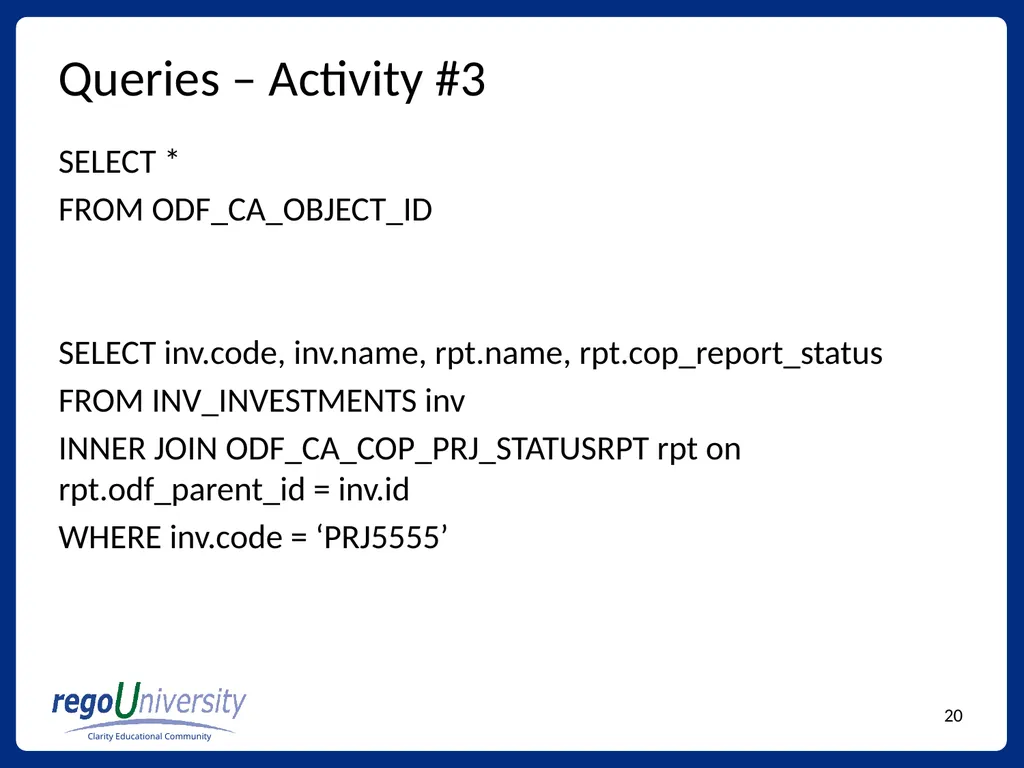
slide20. Queries – Activity #3 SELECT *
FROM ODF_CA_OBJECT_ID
SELECT inv.code, inv.name, rpt.name, rpt.cop_report_status
FROM INV_INVESTMENTS inv
INNER JOIN ODF_CA_COP_PRJ_STATUSRPT rpt on rpt.odf_parent_id = inv.id
WHERE inv.code = ‘PRJ5555’<br>
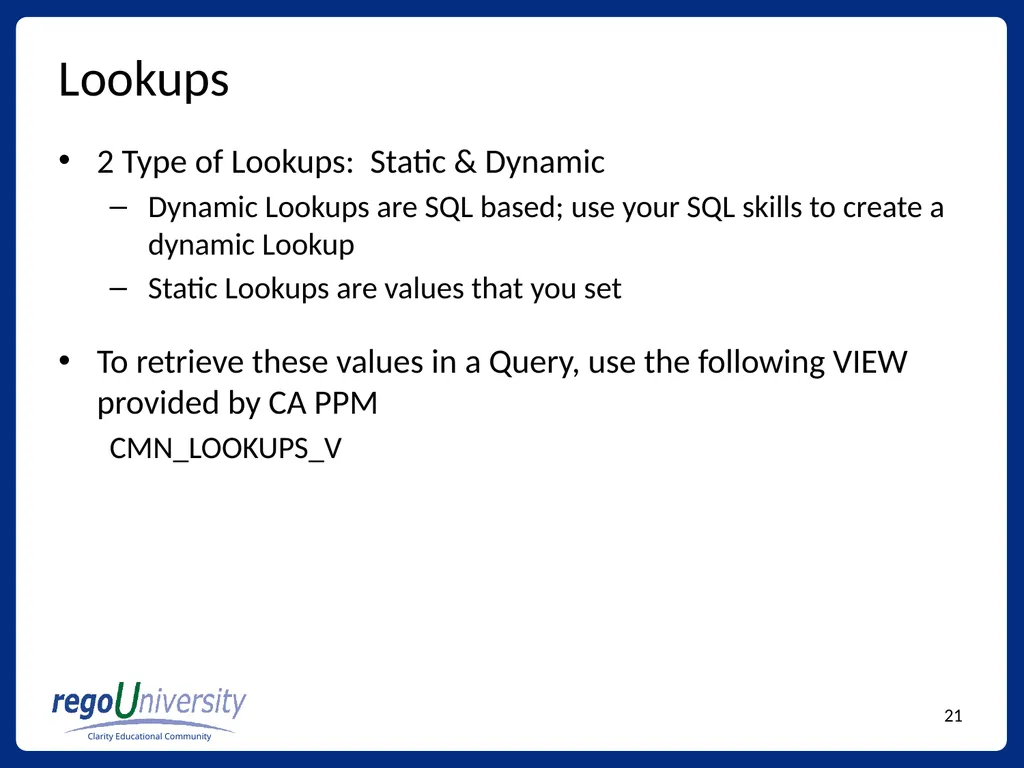
slide21. Lookups 2 Type of Lookups: Static & Dynamic
Dynamic Lookups are SQL based; use your SQL skills to create a dynamic Lookup
Static Lookups are values that you set
To retrieve these values in a Query, use the following VIEW provided by CA PPM
CMN_LOOKUPS_V<br>
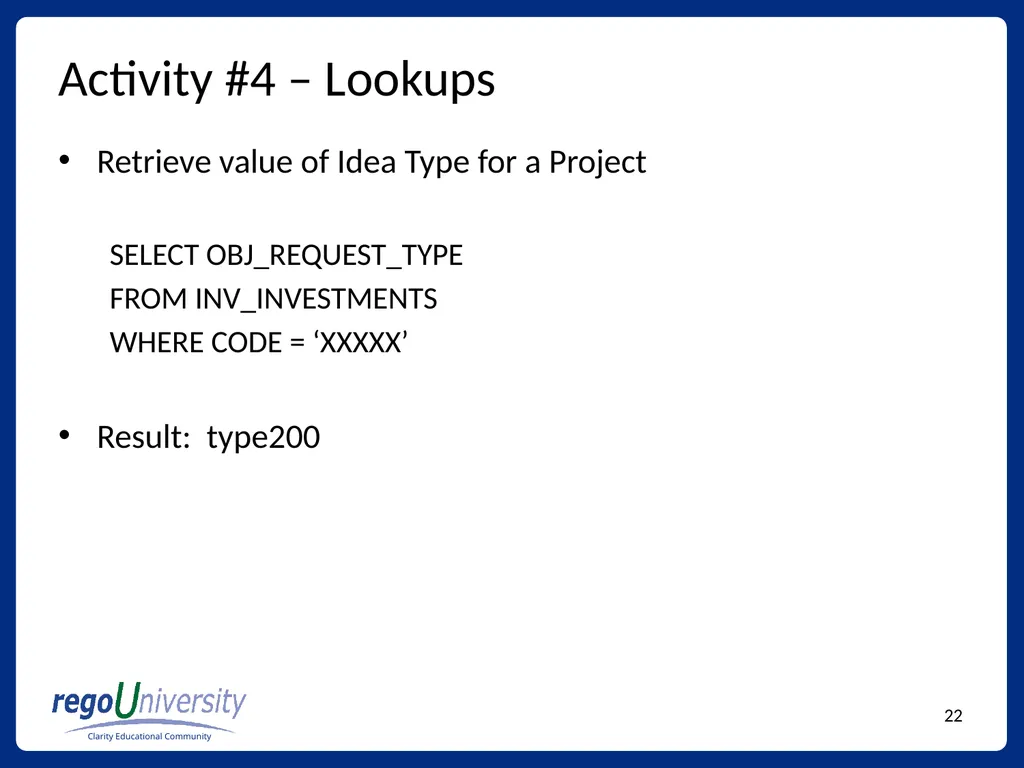
slide22. Activity #4 – Lookups Retrieve value of Idea Type for a Project
SELECT OBJ_REQUEST_TYPE
FROM INV_INVESTMENTS
WHERE CODE = ‘XXXXX’
Result: type200<br>
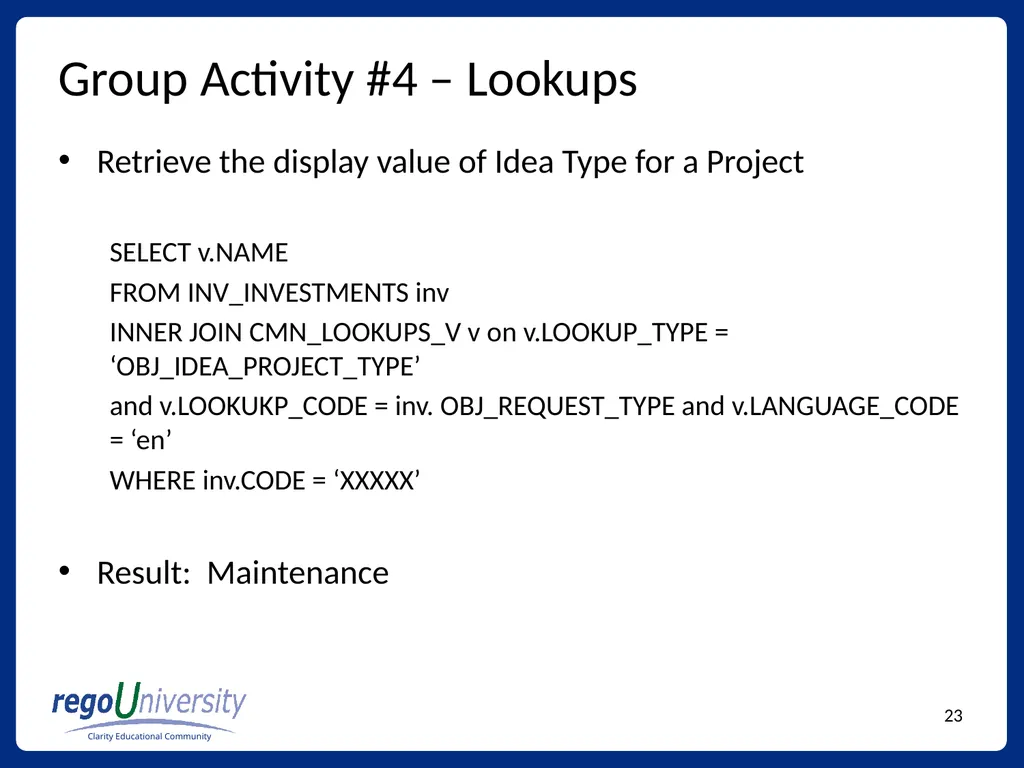
slide23. Group Activity #4 – Lookups Retrieve the display value of Idea Type for a Project
SELECT v.NAME
FROM INV_INVESTMENTS inv
INNER JOIN CMN_LOOKUPS_V v on v.LOOKUP_TYPE = ‘OBJ_IDEA_PROJECT_TYPE’
and v.LOOKUKP_CODE = inv. OBJ_REQUEST_TYPE and v.LANGUAGE_CODE = ‘en’
WHERE inv.CODE = ‘XXXXX’
Result: Maintenance<br>
slide24. Timesheet Tables Three main timesheet tables
PRTIMESHEET
PRTIMEENTRY
PRTIMEPERIOD<br>
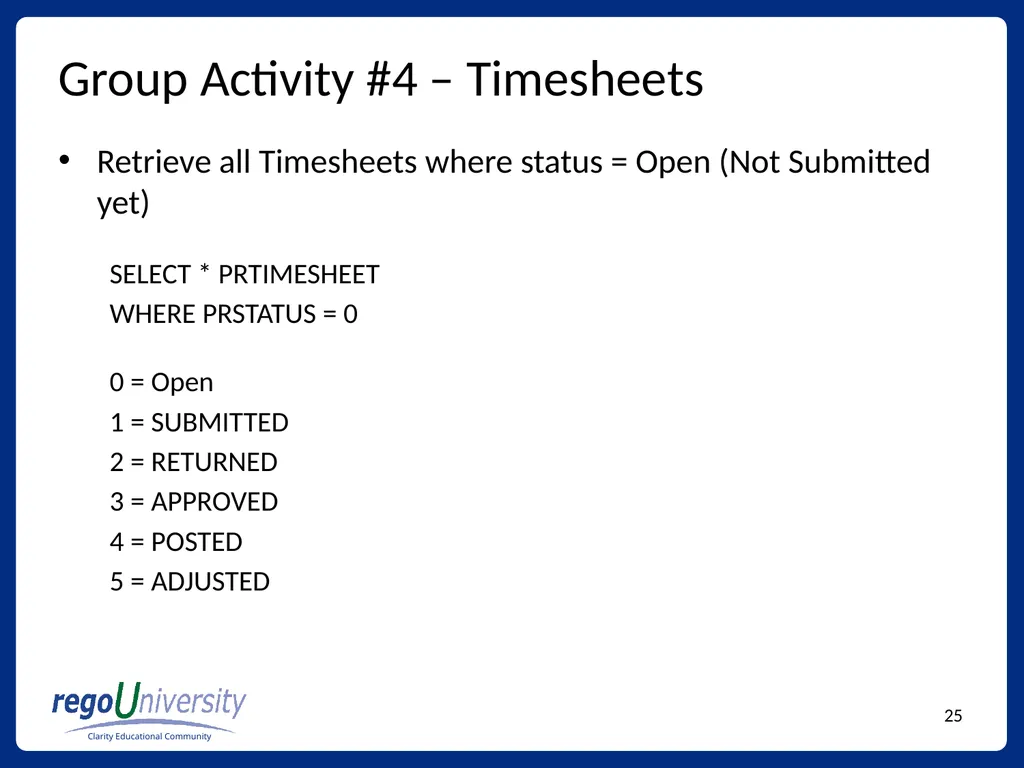
slide25. Group Activity #4 – Timesheets Retrieve all Timesheets where status = Open (Not Submitted yet)
SELECT * PRTIMESHEET
WHERE PRSTATUS = 0
0 = Open
1 = SUBMITTED
2 = RETURNED
3 = APPROVED
4 = POSTED
5 = ADJUSTED<br>
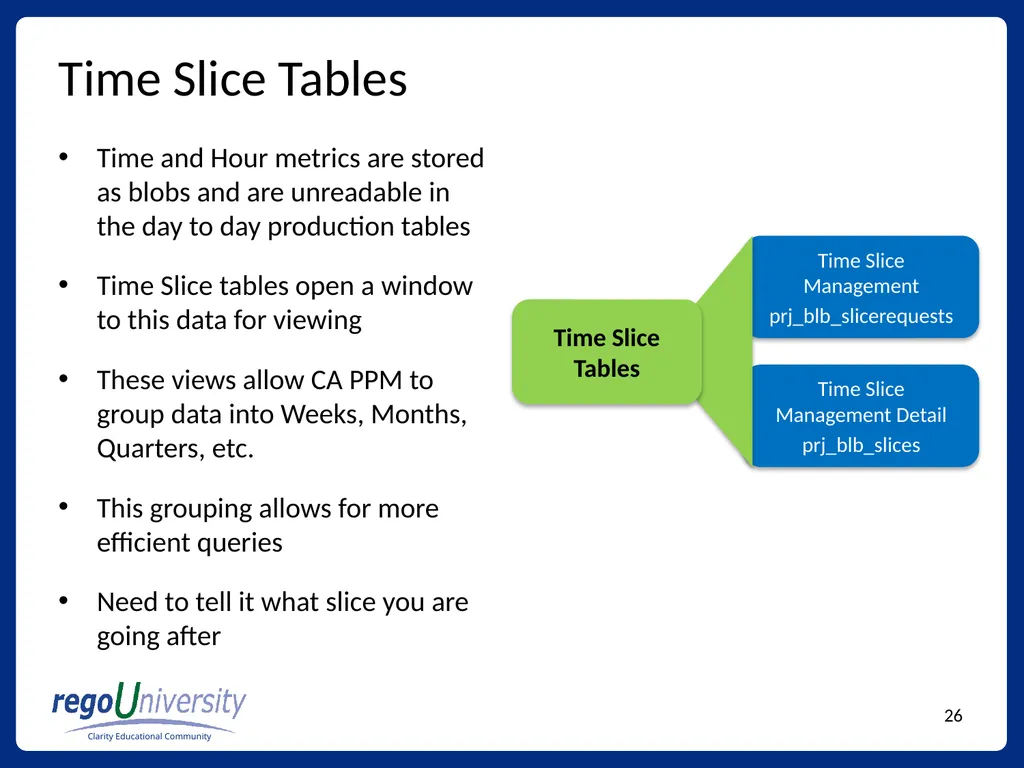
slide26. Time Slice Tables Time and Hour metrics are stored as blobs and are unreadable in the day to day production tables
Time Slice tables open a window to this data for viewing
These views allow CA PPM to group data into Weeks, Months, Quarters, etc.
This grouping allows for more efficient queries
Need to tell it what slice you are going after<br>
slide27. Questions Phone
888.813.0444
Email
info@regouniversity.com
Website
www.regouniversity.com We hope that you found this session informative and worthwhile. Our primary goal was to increase your understanding of the topic and CA PPM in general.
There were many concepts covered during the session, if you would like to contact any presenter with questions, please reach out to us.
Thank you for attending regoUniversity 2015!<br>

slide2. Agenda SQL Basics
Clarity Core Tables
Investments (Projects, Ideas)
Resources / Users
Lookups
Time Reporting
Time Slices<br>
slide3. Requirements SQL Developer
SQL Developer: Here
Clarity DB Connection Info and Access
Place holder for information<br>
slide4. SQL Basics SELECT Statements
JOIN Statements
WHERE Clause
GROUP BY
ORDER BY
Best practices: Try to use ANSI SQL syntax<br>
slide5. SQL Basics, cont. The SELECT statement retrieves column data from tables
NSQL Queries must start with SELECT however for each column
The FROM clause is a standard SQL statement that defines which table to gather data from
The WHERE statement filters data returned by a query
The GROUP BY clause is typically used to combine database records with identical values in a specified field into a single record, usually for the purposes of calculating some sort of aggregate function
The ORDER BY clause is used to sort data on a column
The sort can be ascending or descending
Use the acronym ASC or DESC<br>
slide6. JOIN Types INNER JOIN
Return rows when there is at least one match in both tables
LEFT JOIN
Return all rows from the left table, even if there are no matches in the right table.<br>
slide7. Core Tables Investments
INV_Investments is the basic investment table that links to all of the related investment tables
Resources
SRM_Resources is the basic resource/role table that links to all resource related tables
Timesheet
Stores timesheet information and links to the resource, time entry, and time period tables<br>
slide8. Activity #1 Retrieve all Projects from the INV_INVESTMENTS table with Type = Project and Project is Active
Retrieve Project ID, Project Name, and Project Manager Full Name (Last Name, First Name)<br>
slide9. Queries – Activity #1 SELECT * FROM INV_INVESTMENTS inv
WHERE inv.ODF_OBJECTTYPE = ‘project’
AND inv.is_active = 1
SELECT inv.code, inv.name, r.full_name
FROM INV_INVESTMENTS inv
INNER JOIN SRM_RESOURCES r on r.user_id = inv.manager_id<br>
slide10. Queries – Activity #1 Preferred Way
SELECT inv.code, inv.name, r.full_name
FROM INV_INVESTMENTS inv
INNER JOIN SRM_RESOURCES r on r.user_id = inv.manager_id
Non-Preferred Way
SELECT inv.code, inv.name, r.full_name
FROM INV_INVESTMENTS inv , SRM_RESOURCES r
WHERE r.user_id = inv.manager_id<br>
slide11. Resources vs. Users Resources vs. Users (Application side vs. Administration Side)
Resources are records on the Application side.
Can be named resources or roles
TABLE: SRM_RESOURCES
USERS that have the ability to log into CA PPM
TABLE: CMN_SEC_USERS<br>
slide12. Resources vs. Users, cont. SRM_RESOURCE table has a JOIN with CMN_SEC_USERS
SELECT r.full_name, u.last_name, u.first_name
FROM SRM_RESOURCES r
INNER JOIN CMN_SEC_USERS u on u.id = r.user_id
Shortcut: Always use SRM_RESOURCES if possible to avoid querying the CMN_SEC_USERS table
Exceptions: Security, User_name<br>
slide13. Activity #2 Retrieve all USERS where their status is locked
Retrieve all RESOURCES where Open for Time Entry is True<br>
slide14. Queries – Activity #2 SELECT *
FROM CMN_SEC_USERS u
WHERE u.user_status_id = 202
-- 202 = locked, 201 = inactive, 200 = active
SELECT *
FROM SRM_RESOURCES r
WHERE r.person_type = 300
-- 300 = Employee, 301 = Contractor<br>
slide15. Custom Fields on Core Tables All Custom tables begin with ODF_CA_
Each Core table has a unique Custom Table that contains the custom fields created on the Object
Projects: ODF_CA_PROJECT
Investments: ODF_CA_INV
Resources: ODF_CA_RESOURCE
Task: ODF_CA_TASK<br>
slide16. Custom Objects All Custom Objects have a unique table
All custom object tables begin with ODF_CA_ (object_id)
The table for this Custom Object is
ODF_CA_REGO_ACCESS_LOGS<br>
slide17. Custom Objects, cont. Custom Objects can be either a Master Object or Subobject
Subobjects will always have a Parent
Examples of Subobjects are
Status Report<br>
slide18. Custom Objects, cont. Subobjects are linked to their Parent with the column
ODF_PARENT_ID
Example:
SELECT ODF_PARENT_ID
FROM
ODF_CA_COP_PRJ_STATUSRPT<br>
slide19. Activity #3 – Custom Object Create one Custom Object (Master)
Populate Custom Object with 3 records
Retrieve all records using SQL
Retrieve all Status Reports for a Project and include
Project ID
Project Name
Status Report Name
Report Status<br>
slide20. Queries – Activity #3 SELECT *
FROM ODF_CA_OBJECT_ID
SELECT inv.code, inv.name, rpt.name, rpt.cop_report_status
FROM INV_INVESTMENTS inv
INNER JOIN ODF_CA_COP_PRJ_STATUSRPT rpt on rpt.odf_parent_id = inv.id
WHERE inv.code = ‘PRJ5555’<br>
slide21. Lookups 2 Type of Lookups: Static & Dynamic
Dynamic Lookups are SQL based; use your SQL skills to create a dynamic Lookup
Static Lookups are values that you set
To retrieve these values in a Query, use the following VIEW provided by CA PPM
CMN_LOOKUPS_V<br>
slide22. Activity #4 – Lookups Retrieve value of Idea Type for a Project
SELECT OBJ_REQUEST_TYPE
FROM INV_INVESTMENTS
WHERE CODE = ‘XXXXX’
Result: type200<br>
slide23. Group Activity #4 – Lookups Retrieve the display value of Idea Type for a Project
SELECT v.NAME
FROM INV_INVESTMENTS inv
INNER JOIN CMN_LOOKUPS_V v on v.LOOKUP_TYPE = ‘OBJ_IDEA_PROJECT_TYPE’
and v.LOOKUKP_CODE = inv. OBJ_REQUEST_TYPE and v.LANGUAGE_CODE = ‘en’
WHERE inv.CODE = ‘XXXXX’
Result: Maintenance<br>
slide24. Timesheet Tables Three main timesheet tables
PRTIMESHEET
PRTIMEENTRY
PRTIMEPERIOD<br>
slide25. Group Activity #4 – Timesheets Retrieve all Timesheets where status = Open (Not Submitted yet)
SELECT * PRTIMESHEET
WHERE PRSTATUS = 0
0 = Open
1 = SUBMITTED
2 = RETURNED
3 = APPROVED
4 = POSTED
5 = ADJUSTED<br>
slide26. Time Slice Tables Time and Hour metrics are stored as blobs and are unreadable in the day to day production tables
Time Slice tables open a window to this data for viewing
These views allow CA PPM to group data into Weeks, Months, Quarters, etc.
This grouping allows for more efficient queries
Need to tell it what slice you are going after<br>
slide27. Questions Phone
888.813.0444
info@regouniversity.com
Website
www.regouniversity.com We hope that you found this session informative and worthwhile. Our primary goal was to increase your understanding of the topic and CA PPM in general.
There were many concepts covered during the session, if you would like to contact any presenter with questions, please reach out to us.
Thank you for attending regoUniversity 2015!<br>