Safe Online Talk Grade 6 - 8 Safety Lesson 3 Digital Wellness Big Idea Ensure students, at every grade level, have the tools, resources, and skills to interact personally, socially, and educationally in the real world and in digital
"Safe Online Talk Grade 6 - 8 Safety Lesson #3" is the property of its rightful owner. Permission is granted to
download and print the materials on this website for personal, non-commercial use only, and to display it
on your personal computer provided you do not modify the materials and that you retain all copyright
notices contained in the materials. By downloading content from our website, you accept the terms of this
agreement.
Presentation Transcript
01
Safe Online Talk Grade 6 - 8 Safety Lesson #3<br>
02
Digital Wellness – Big Idea Ensure students, at every grade level, have the tools, resources, and skills to interact personally, socially, and educationally in the real world and in digital spaces.
Encourage all students to make safe, healthy, and positive decisions to live a digitally balanced life in our technology-rich world.<br>
03
Read: Teacher Backgrounder
Video: Safe Online Talk Link in Slide #6
Brainstorm: Headings – See chart Slide #7
Activity Scenarios & Discussion Prompts Link in Slide #10 4 Preparation<br>
04
Learning intentions 4-3 How should you handle inappropriate online talk? Describe positive aspects of online talking and messaging.
Identify situations in which flirting and chatting become inappropriate and risky.
Understand rules for safe online messaging and feel empowered to deal with uncomfortable situations when communicating online. 5 Safe talk<br>
05
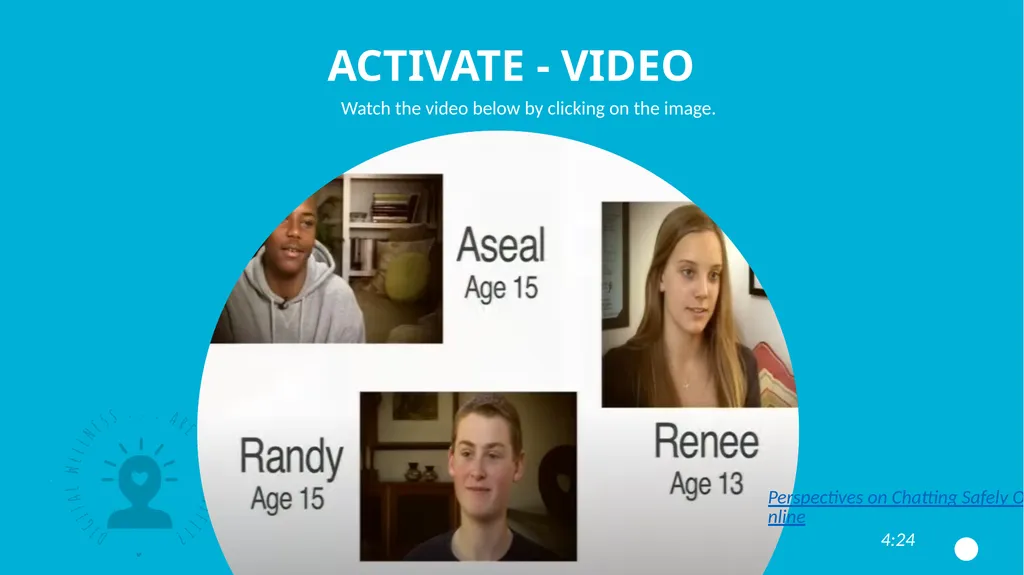
ACTIVATE - Video Watch the video below by clicking on the image. Perspectives on Chatting Safely Online
4:24<br>
06
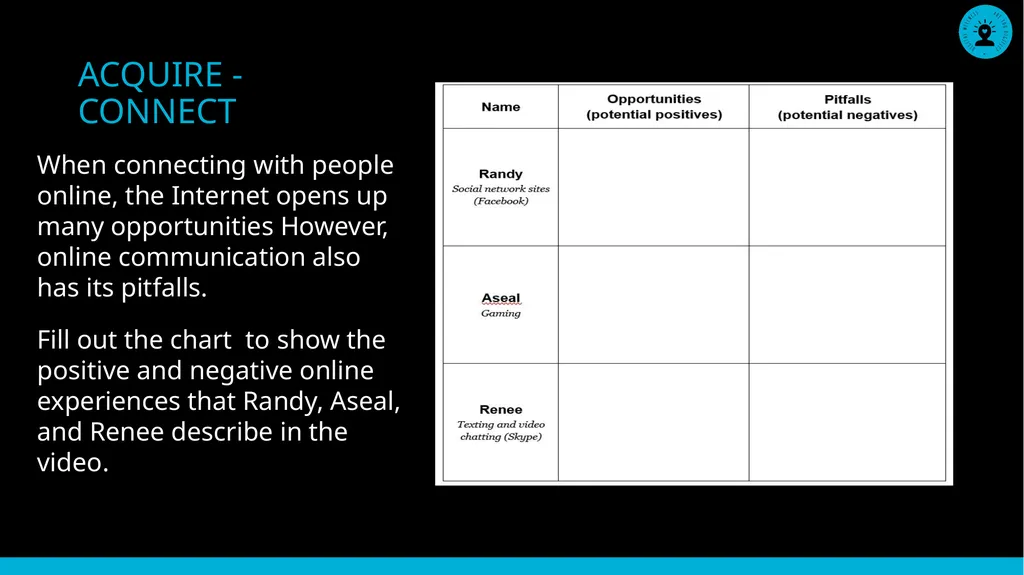
ACQUIRE - CONNECT When connecting with people online, the Internet opens up many opportunities However, online communication also has its pitfalls.
Fill out the chart to show the positive and negative online experiences that Randy, Aseal, and Renee describe in the video.<br>
07
Acquire – Think-Pair -share Which story do you feel most connected to? Why? What advice did the teens share in the video? Would you add any advice of your own?
Renee talks about getting a “gut feeling” when she felt something was “off” online. What does that feel like? In which situations have you had that kind of gut feeling? 8 Think about each of these questions. Write your answers in a journal, blog or in a space you can go back and reflect on them.<br>
08
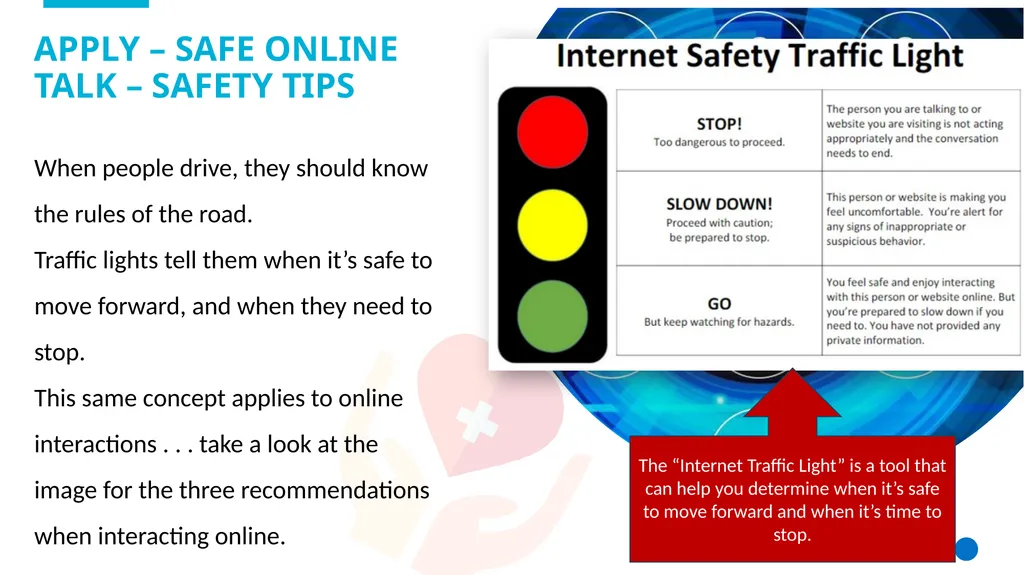
When people drive, they should know the rules of the road.
Traffic lights tell them when it’s safe to move forward, and when they need to stop.
This same concept applies to online interactions . . . take a look at the image for the three recommendations when interacting online. Apply – Safe online talk – safety tips The “Internet Traffic Light” is a tool that can help you determine when it’s safe to move forward and when it’s time to stop.<br>
09
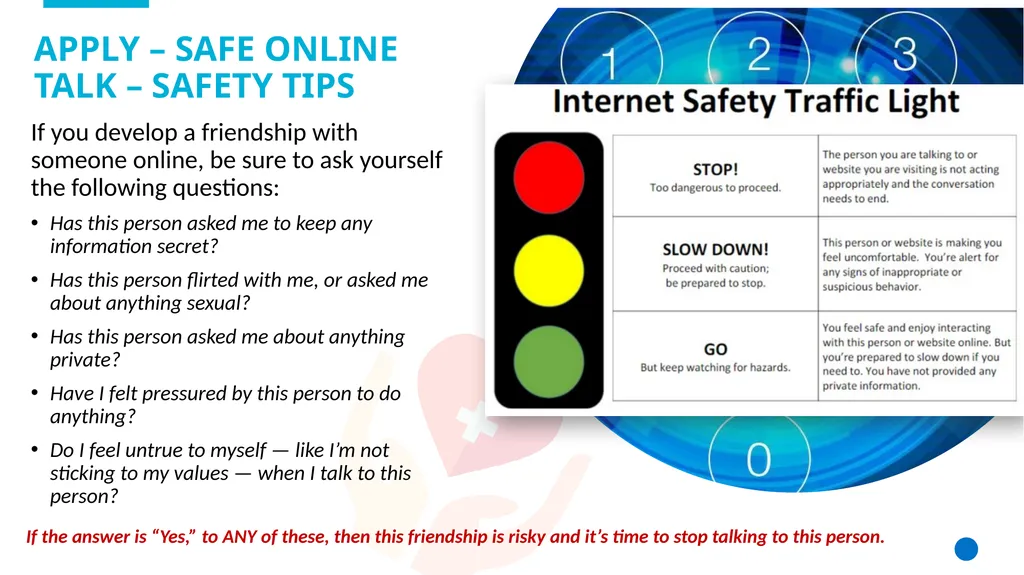
If you develop a friendship with someone online, be sure to ask yourself the following questions:
Has this person asked me to keep any information secret?
Has this person flirted with me, or asked me about anything sexual?
Has this person asked me about anything private?
Have I felt pressured by this person to do anything?
Do I feel untrue to myself — like I’m not sticking to my values — when I talk to this person? Apply – Safe online talk – safety tips If the answer is “Yes,” to ANY of these, then this friendship is risky and it’s time to stop talking to this person.<br>
10
Apply – Safe online talk – Strategies If teens feel uncomfortable during a conversation with an online stranger, they should:
Change it up. If something feels like it might be getting risky, it probably is. But if teens are not sure, they should try changing the subject, making a joke, or saying they want to talk about something else. If they still feel pressured or uncomfortable, they need to take further action.
Log off or quit. Teens need to remember that at any time they can just stop typing and log off if a conversation gets uncomfortable online. They can also take action to block or report another user, or create a new account – whether for email, IM, or virtual world – to avoid contact with that person again.
Know that it’s okay to feel embarrassed or confused. It’s not always easy to make sense of situations that make teens uncomfortable online. Nor is it easy for them to ask for help if they feel embarrassed about what they’ve experienced. They should know these feelings are normal.
Talk to a friend or trusted adult. Teens should know that it’s okay to reach out. Even if they feel they can handle a tricky situation alone, it’s always a good idea for teens to turn to friends, parents, teachers, coaches, or counsellors for support.<br>
11
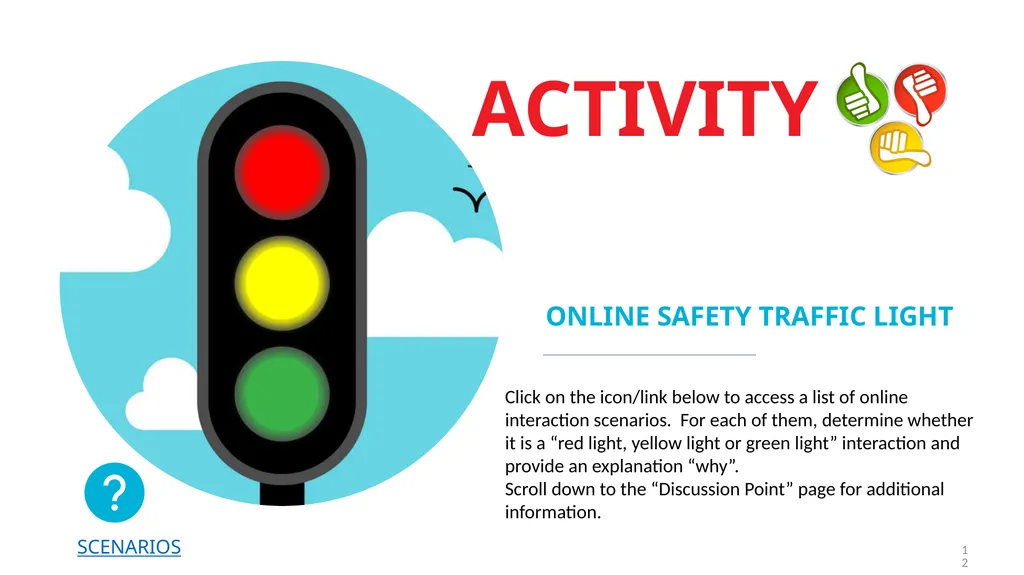
Activity online safety Traffic light 12 SCENARIOS Click on the icon/link below to access a list of online interaction scenarios. For each of them, determine whether it is a “red light, yellow light or green light” interaction and provide an explanation “why”. Scroll down to the “Discussion Point” page for additional information.<br>