
Security Awareness Training COMPANY HERE PRESENTER

Description: Security Awareness Training COMPANY HERE PRESENTER NAME JANUARY 31, 2030 Agenda Security Awareness Training Common Threats Dos and Donts Activity Conclusion Introduction Briefly introduce yourself and explain the purpose of your
Related Topics
Download Presentation
"Security Awareness Training COMPANY HERE PRESENTER" is the property of its rightful owner. Permission is granted to download and print the materials on this website for personal, non-commercial use only, and to display it on your personal computer provided you do not modify the materials and that you retain all copyright notices contained in the materials. By downloading content from our website, you accept the terms of this agreement.
Presentation Transcript
slide1. Security Awareness Training COMPANY HERE PRESENTER NAME JANUARY 31, 2030<br>
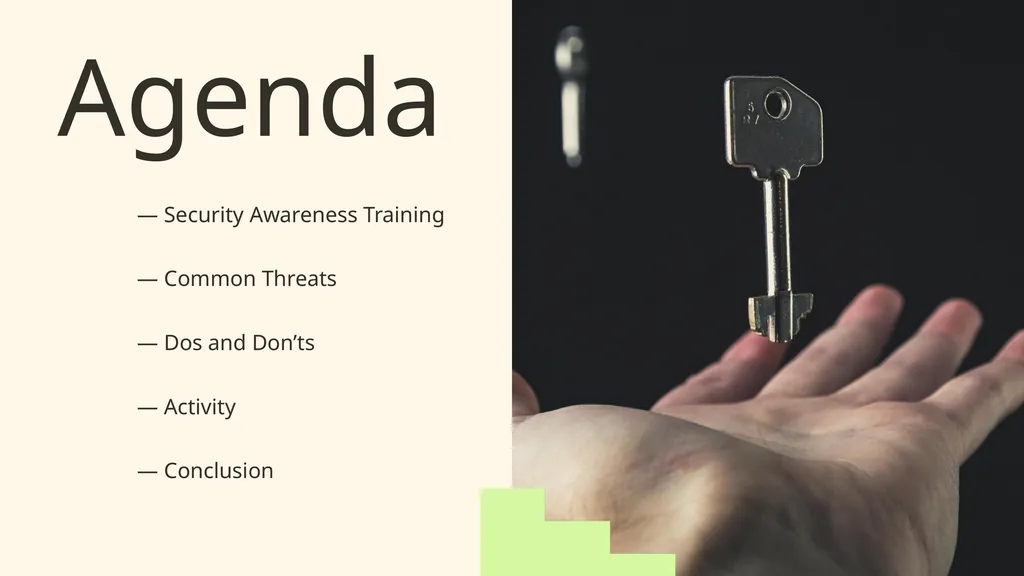
slide2. Agenda — Security Awareness Training — Common Threats — Dos and Don’ts — Activity — Conclusion<br>
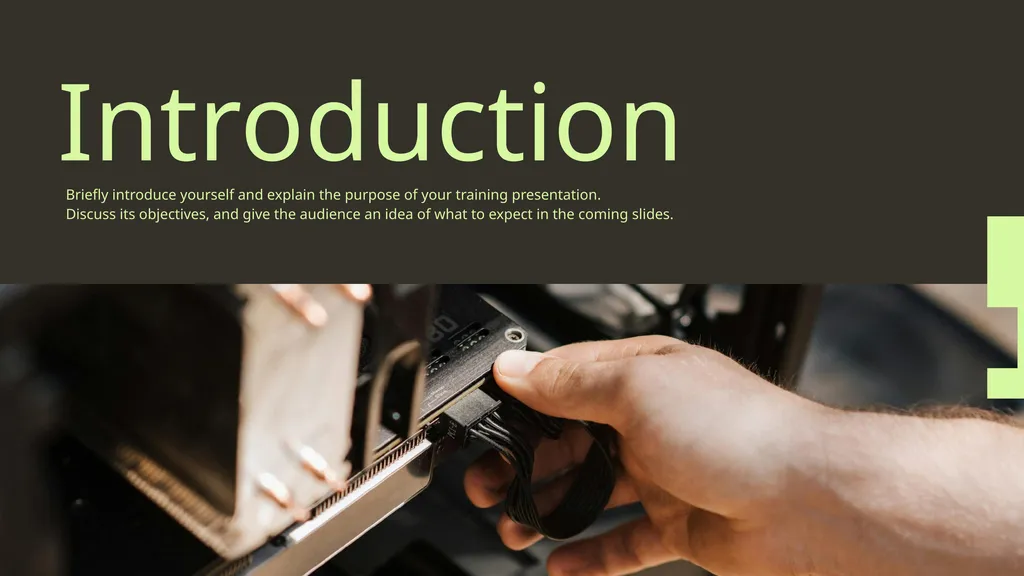
slide3. Introduction Briefly introduce yourself and explain the purpose of your training presentation.
Discuss its objectives, and give the audience an idea of what to expect in the coming slides.<br>
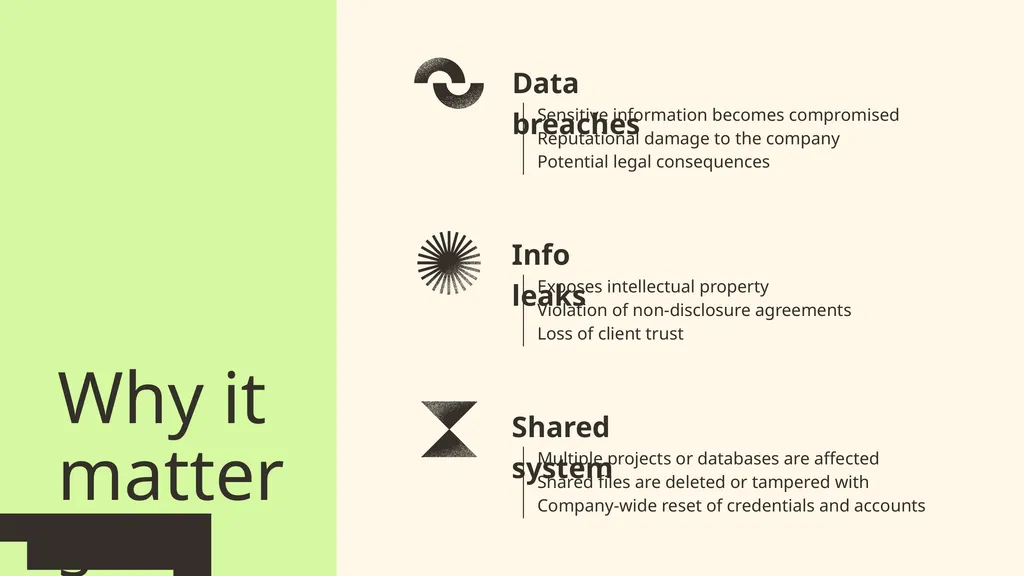
slide4. Why it
matters Data breaches Info leaks Shared system Sensitive information becomes compromised
Reputational damage to the company
Potential legal consequences Exposes intellectual property
Violation of non-disclosure agreements
Loss of client trust Multiple projects or databases are affected
Shared files are deleted or tampered with
Company-wide reset of credentials and accounts<br>
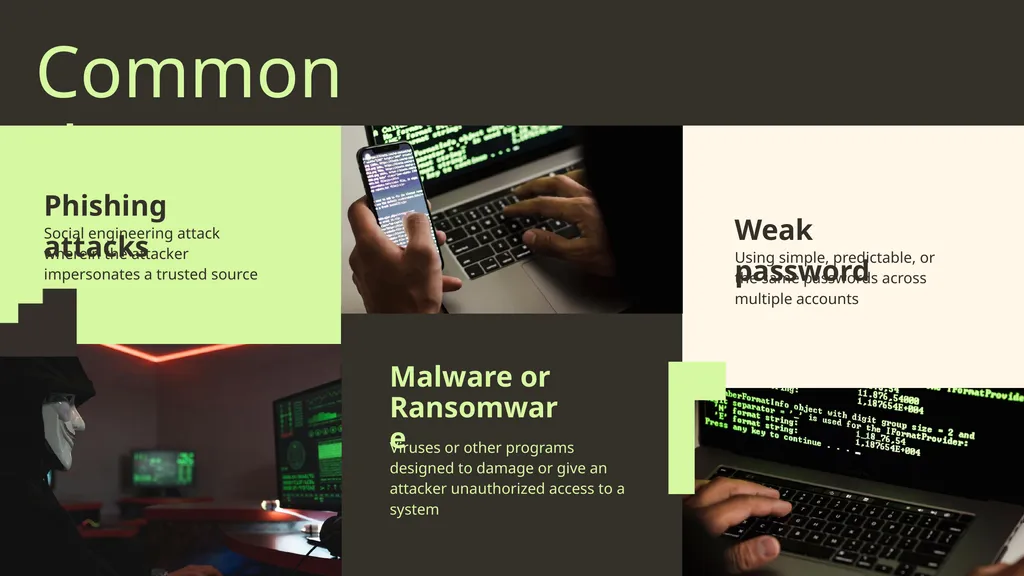
slide5. Common threats Phishing attacks Weak password Malware or
Ransomware Social engineering attack wherein the attacker impersonates a trusted source Using simple, predictable, or the same passwords across multiple accounts Viruses or other programs designed to damage or give an attacker unauthorized access to a system<br>
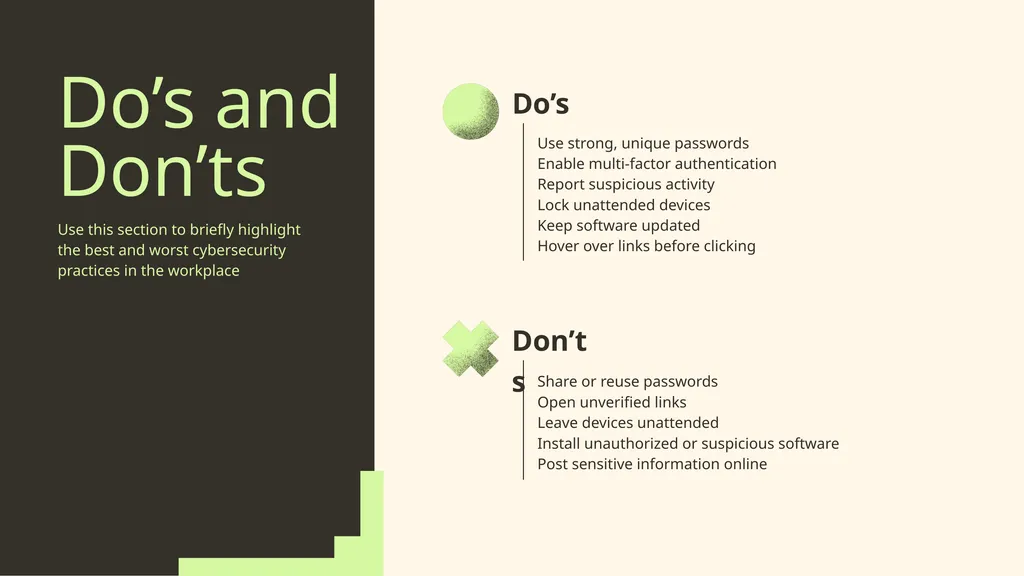
slide6. Do’s and
Don’ts Use this section to briefly highlight the best and worst cybersecurity practices in the workplace Do’s Don’ts Use strong, unique passwords
Enable multi-factor authentication
Report suspicious activity
Lock unattended devices
Keep software updated
Hover over links before clicking Share or reuse passwords
Open unverified links
Leave devices unattended
Install unauthorized or suspicious software
Post sensitive information online<br>
slide7. Read the scenarios provided and choose the most appropriate course of action. Quick thinking<br>
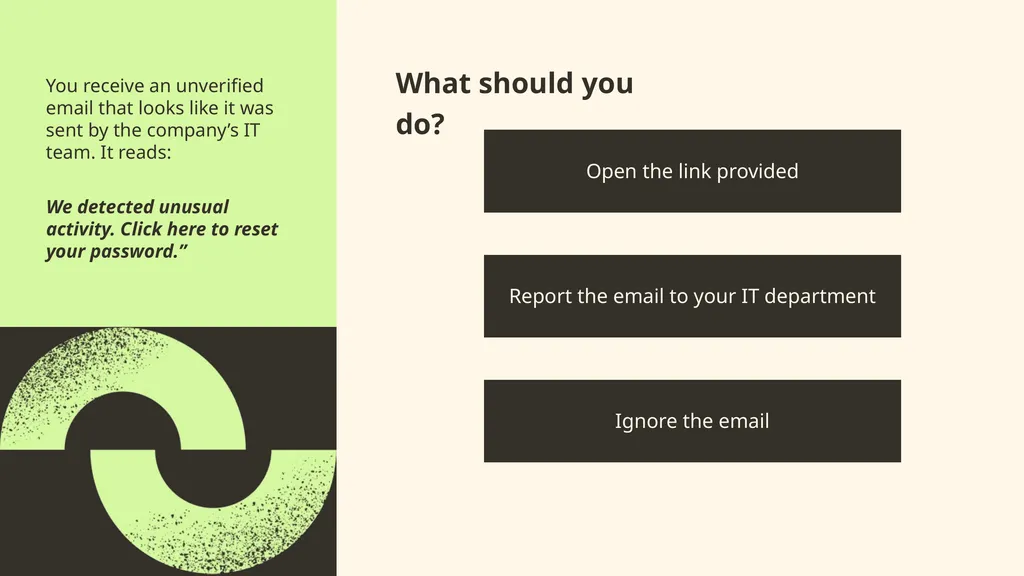
slide8. What should you do? You receive an unverified email that looks like it was sent by the company’s IT team. It reads: Open the link provided Report the email to your IT department We detected unusual activity. Click here to reset your password.” Ignore the email<br>
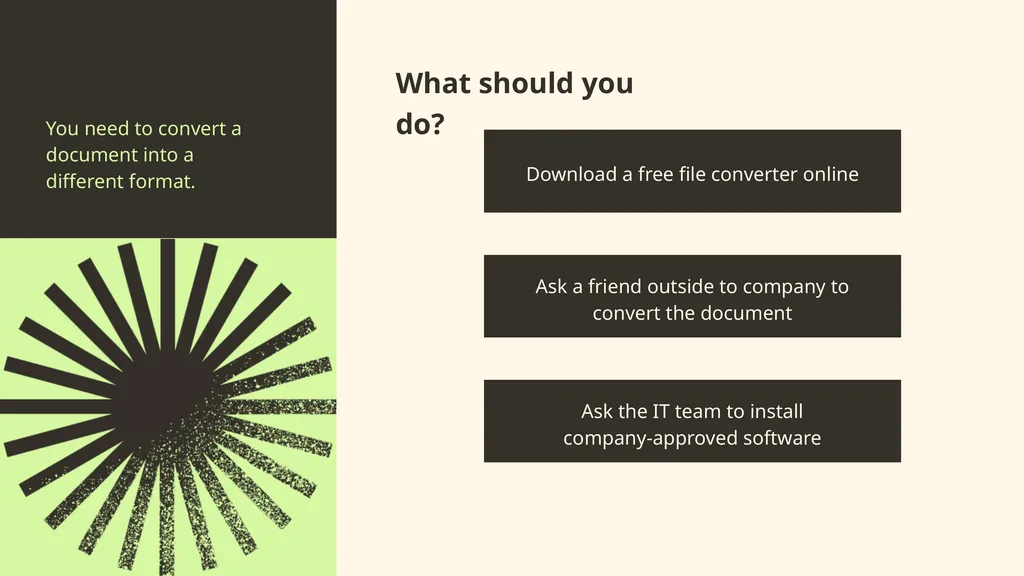
slide9. What should you do? You need to convert a document into a different format. Download a free file converter online Ask a friend outside to company to convert the document Ask the IT team to install
company-approved software<br>
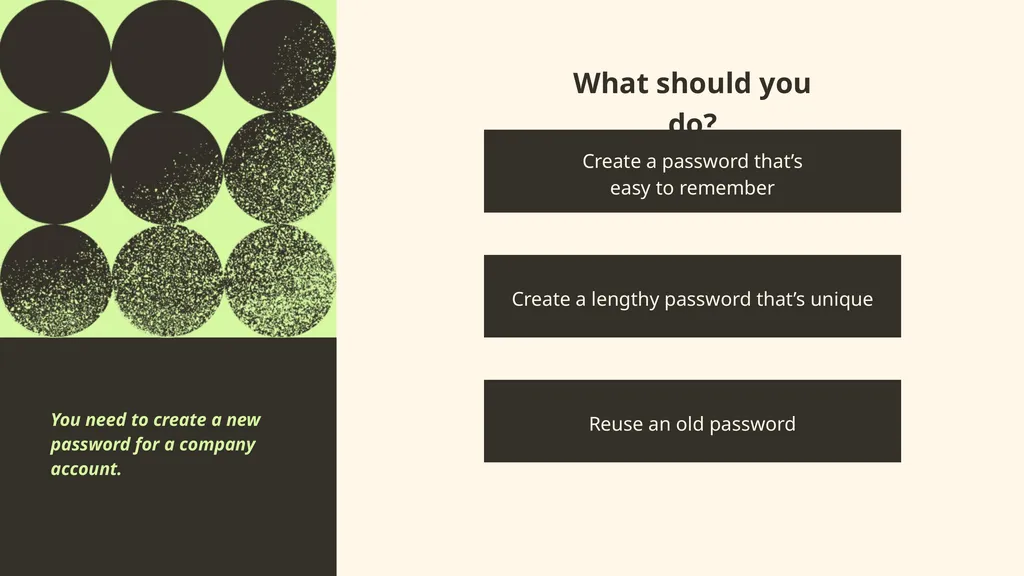
slide10. You receive an unverified email that looks like it was sent by the company’s IT team. It reads: What should you do? Create a password that’s
easy to remember Create a lengthy password that’s unique Reuse an old password You need to create a new password for a company account.<br>
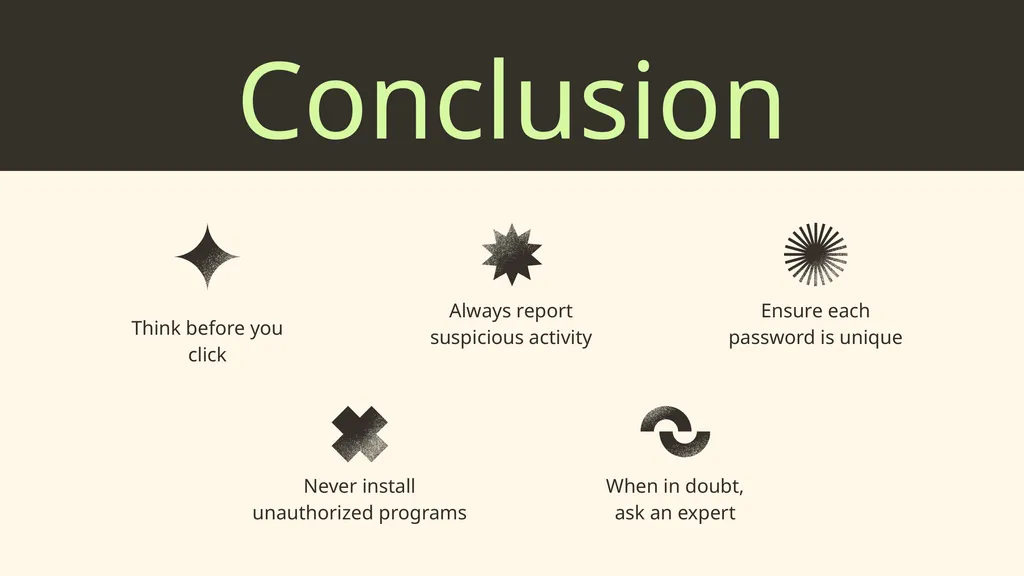
slide11. Conclusion Think before you click Always report suspicious activity Never install unauthorized programs Ensure each password is unique When in doubt,
ask an expert<br>
slide12. Get in touch EMAIL SOCIAL MEDIA hello@reallygreatsite.com @reallygreatsite PHONE 123-456-7890 ADDRESS 123 Anywhere St., Any City,ST 12345<br>
slide13. Use these in your presentation. Delete or hide this page before presenting. Resource Page This presentation template
uses the following free fonts: You can find these fonts online too. Red Hat Display Red Hat Display Regular TITLES: BODY TEXT: #343029 #D6F8A1 #FFF6E9 #FFF<br>
slide14. for this presentation template for the photos, graphics, and elements Pexels, Pixabay, Sketchify This presentation template is free for everyone to use, thanks to the following: Credits<br>
slide2. Agenda — Security Awareness Training — Common Threats — Dos and Don’ts — Activity — Conclusion<br>
slide3. Introduction Briefly introduce yourself and explain the purpose of your training presentation.
Discuss its objectives, and give the audience an idea of what to expect in the coming slides.<br>
slide4. Why it
matters Data breaches Info leaks Shared system Sensitive information becomes compromised
Reputational damage to the company
Potential legal consequences Exposes intellectual property
Violation of non-disclosure agreements
Loss of client trust Multiple projects or databases are affected
Shared files are deleted or tampered with
Company-wide reset of credentials and accounts<br>
slide5. Common threats Phishing attacks Weak password Malware or
Ransomware Social engineering attack wherein the attacker impersonates a trusted source Using simple, predictable, or the same passwords across multiple accounts Viruses or other programs designed to damage or give an attacker unauthorized access to a system<br>
slide6. Do’s and
Don’ts Use this section to briefly highlight the best and worst cybersecurity practices in the workplace Do’s Don’ts Use strong, unique passwords
Enable multi-factor authentication
Report suspicious activity
Lock unattended devices
Keep software updated
Hover over links before clicking Share or reuse passwords
Open unverified links
Leave devices unattended
Install unauthorized or suspicious software
Post sensitive information online<br>
slide7. Read the scenarios provided and choose the most appropriate course of action. Quick thinking<br>
slide8. What should you do? You receive an unverified email that looks like it was sent by the company’s IT team. It reads: Open the link provided Report the email to your IT department We detected unusual activity. Click here to reset your password.” Ignore the email<br>
slide9. What should you do? You need to convert a document into a different format. Download a free file converter online Ask a friend outside to company to convert the document Ask the IT team to install
company-approved software<br>
slide10. You receive an unverified email that looks like it was sent by the company’s IT team. It reads: What should you do? Create a password that’s
easy to remember Create a lengthy password that’s unique Reuse an old password You need to create a new password for a company account.<br>
slide11. Conclusion Think before you click Always report suspicious activity Never install unauthorized programs Ensure each password is unique When in doubt,
ask an expert<br>
slide12. Get in touch EMAIL SOCIAL MEDIA hello@reallygreatsite.com @reallygreatsite PHONE 123-456-7890 ADDRESS 123 Anywhere St., Any City,ST 12345<br>
slide13. Use these in your presentation. Delete or hide this page before presenting. Resource Page This presentation template
uses the following free fonts: You can find these fonts online too. Red Hat Display Red Hat Display Regular TITLES: BODY TEXT: #343029 #D6F8A1 #FFF6E9 #FFF<br>
slide14. for this presentation template for the photos, graphics, and elements Pexels, Pixabay, Sketchify This presentation template is free for everyone to use, thanks to the following: Credits<br>