Security Best Practices and Fraud Trends –
Description: Security Best Practices and Fraud Trends 1172024 overview Background Fraud Trending How Fraud is Happening Best Practice Considerations Questions Background 20 years experience in IT and Information Security Bachelors Degree in IT
Related Topics
Download Presentation
"Security Best Practices and Fraud Trends –" is the property of its rightful owner. Permission is granted to download and print the materials on this website for personal, non-commercial use only, and to display it on your personal computer provided you do not modify the materials and that you retain all copyright notices contained in the materials. By downloading content from our website, you accept the terms of this agreement.
Presentation Transcript
slide1. Security Best Practices and Fraud Trends – 1/17/2024<br>
slide2. overview Background
Fraud Trending
How Fraud is Happening
Best Practice Considerations
Questions<br>
slide3. Background 20+ years experience in IT and Information Security
Bachelor’s Degree in IT System Security
Worked for banks ranging from 500M to 2.5B in assets
Experience guiding municipalities in securing their infrastructure<br>
slide4. Security: The condition of being protected against danger or loss that originates from an outside source. SECURITY DEFINED Security:<br>
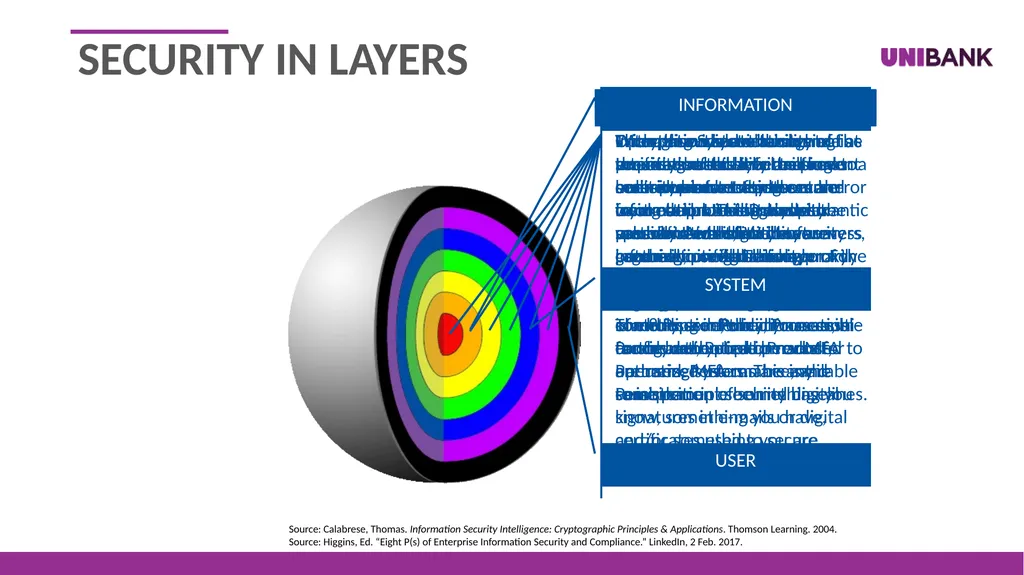
slide5. Source: Calabrese, Thomas. Information Security Intelligence: Cryptographic Principles & Applications. Thomson Learning. 2004.
Source: Higgins, Ed. “Eight P(s) of Enterprise Information Security and Compliance.” LinkedIn, 2 Feb. 2017. INFORMATION SYSTEM USER SECURITY IN LAYERS<br>
slide6. Encryption
Data at rest
Advanced Encryption Standard (AES) with a 256-bit key
Storage for laptops and other mobile devices should be encrypted to prevent unauthorized access if lost
Data in transit
At least TLS version 1.2 SECURED INFORMATION<br>
slide7. Authentication
Passwords
At least 15 characters (longer for high-risk systems)
At least 3 of the 4 allowed characteristics (i.e., uppercase, lower case, numbers, symbols)
Password changes required at least every 90 days
Lockouts after a specific number of failed logins
Password reuse prevention (e.g., 24 passwords remembered)
Strongly recommend implementing a reputable password manager/vault for secure password storage/use SECURED INFORMATION<br>
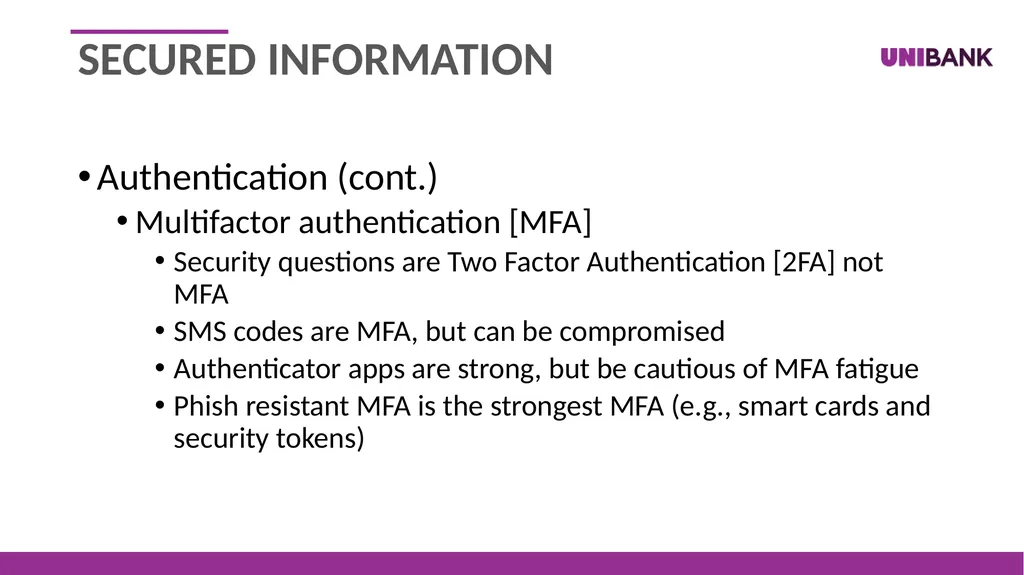
slide8. Authentication (cont.)
Multifactor authentication [MFA]
Security questions are Two Factor Authentication [2FA] not MFA
SMS codes are MFA, but can be compromised
Authenticator apps are strong, but be cautious of MFA fatigue
Phish resistant MFA is the strongest MFA (e.g., smart cards and security tokens) SECURED INFORMATION<br>
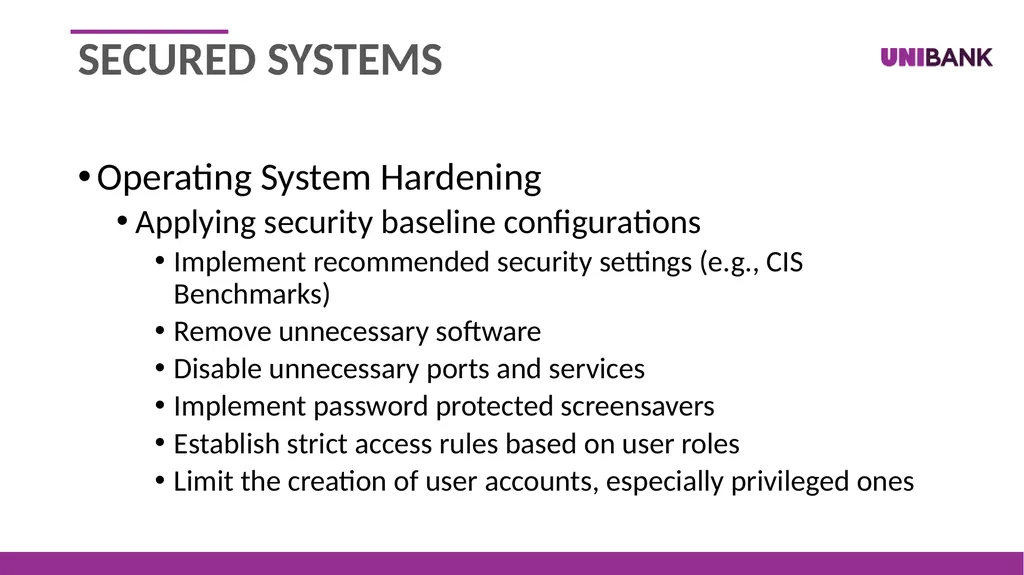
slide9. Operating System Hardening
Applying security baseline configurations
Implement recommended security settings (e.g., CIS Benchmarks)
Remove unnecessary software
Disable unnecessary ports and services
Implement password protected screensavers
Establish strict access rules based on user roles
Limit the creation of user accounts, especially privileged ones SECURED SYSTEMs<br>
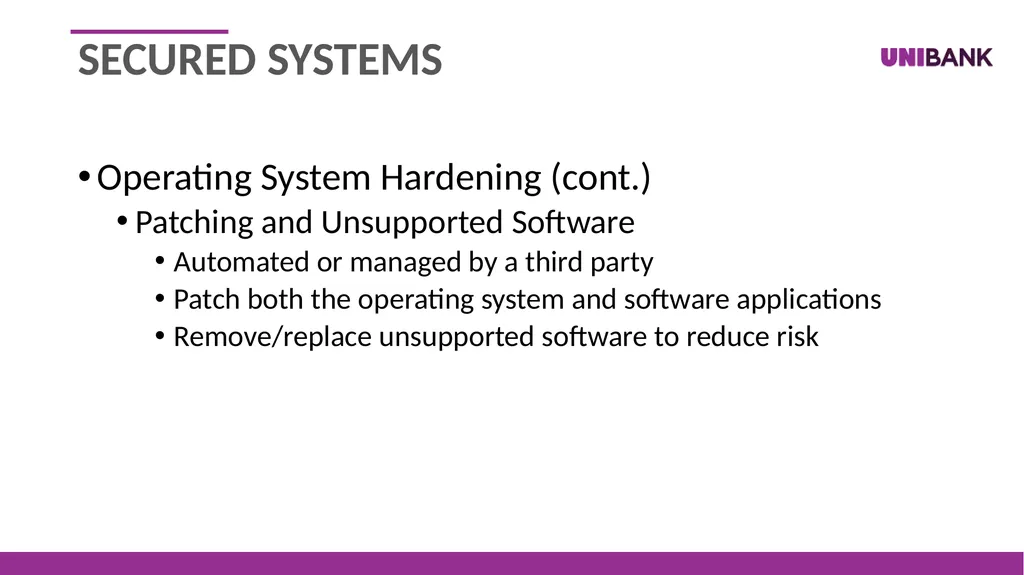
slide10. Operating System Hardening (cont.)
Patching and Unsupported Software
Automated or managed by a third party
Patch both the operating system and software applications
Remove/replace unsupported software to reduce risk SECURED SYSTEMs<br>
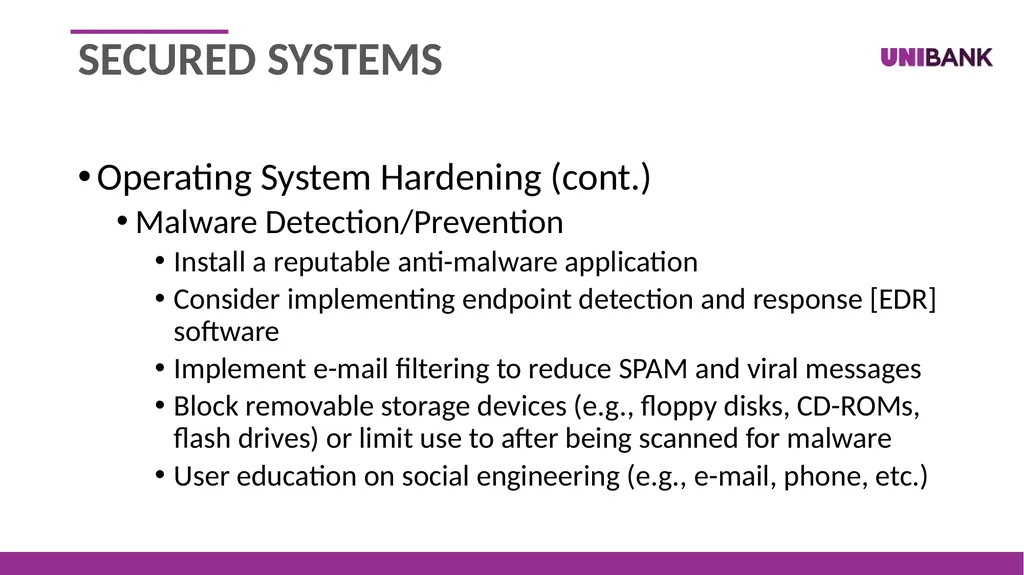
slide11. Operating System Hardening (cont.)
Malware Detection/Prevention
Install a reputable anti-malware application
Consider implementing endpoint detection and response [EDR] software
Implement e-mail filtering to reduce SPAM and viral messages
Block removable storage devices (e.g., floppy disks, CD-ROMs, flash drives) or limit use to after being scanned for malware
User education on social engineering (e.g., e-mail, phone, etc.) SECURED SYSTEMs<br>
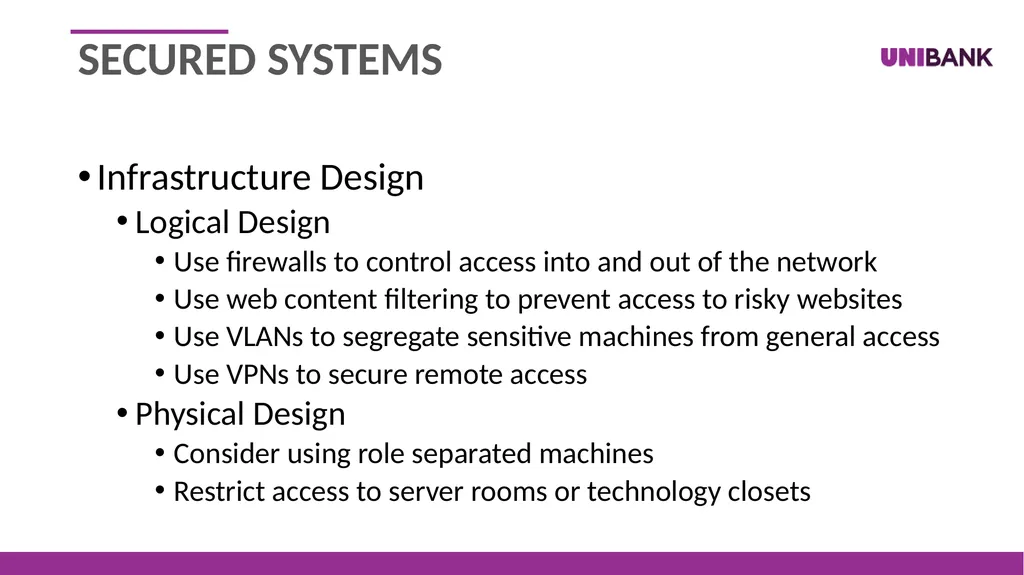
slide12. Infrastructure Design
Logical Design
Use firewalls to control access into and out of the network
Use web content filtering to prevent access to risky websites
Use VLANs to segregate sensitive machines from general access
Use VPNs to secure remote access
Physical Design
Consider using role separated machines
Restrict access to server rooms or technology closets SECURED SYSTEMs<br>
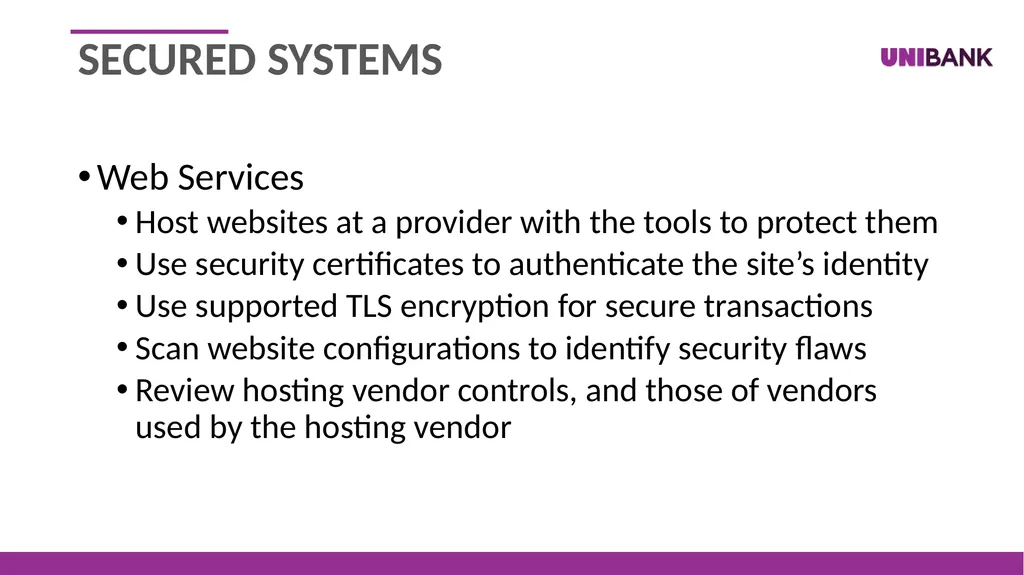
slide13. Web Services
Host websites at a provider with the tools to protect them
Use security certificates to authenticate the site’s identity
Use supported TLS encryption for secure transactions
Scan website configurations to identify security flaws
Review hosting vendor controls, and those of vendors used by the hosting vendor SECURED SYSTEMs<br>
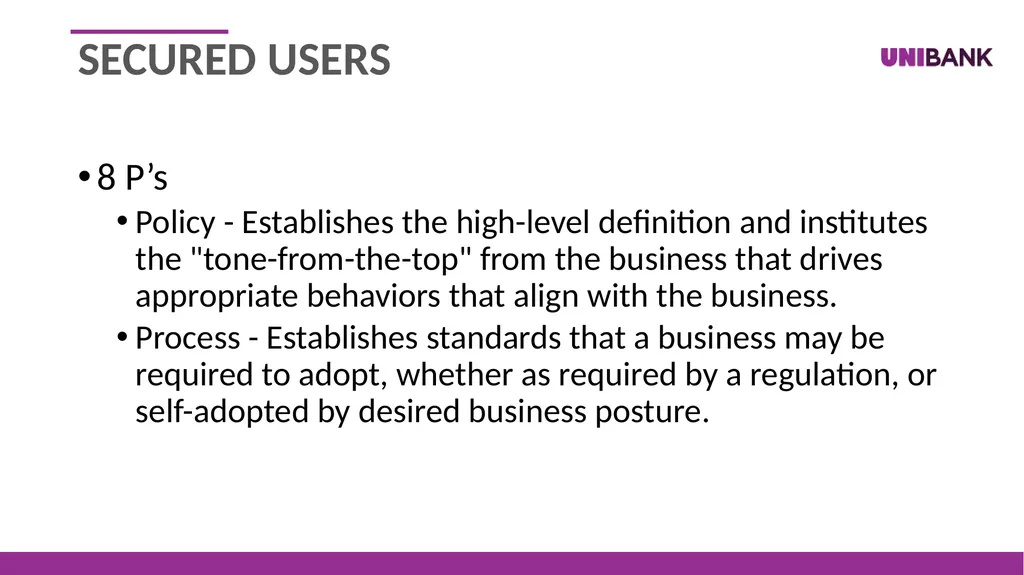
slide14. 8 P’s
Policy - Establishes the high-level definition and institutes the "tone-from-the-top" from the business that drives appropriate behaviors that align with the business.
Process - Establishes standards that a business may be required to adopt, whether as required by a regulation, or self-adopted by desired business posture. SECURED USERS<br>
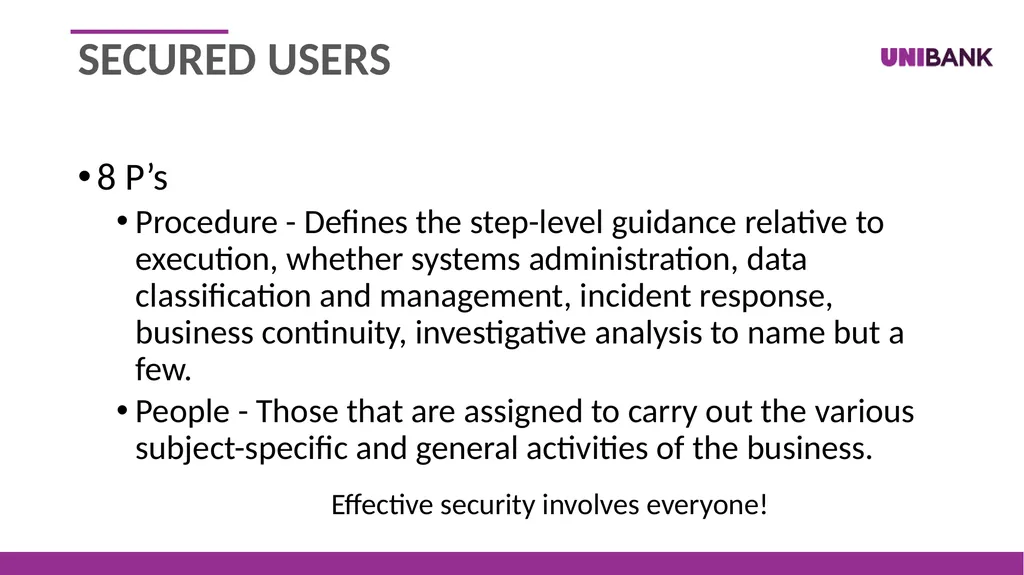
slide15. 8 P’s
Procedure - Defines the step-level guidance relative to execution, whether systems administration, data classification and management, incident response, business continuity, investigative analysis to name but a few.
People - Those that are assigned to carry out the various subject-specific and general activities of the business.
Effective security involves everyone! SECURED USERS<br>
slide16. 8 P’s (cont.)
Product - Technologies, whether hardware, software, or service, that aid the organization in achieving its security objectives.
Partners - To truly affect "integral security", partners must serve as an extension of the organization's workforce, such as with an integrated-security management partner, cloud application and service providers, or IT outsourcing partners. SECURED USERS<br>
slide17. 8 P’s (cont.)
Performance - An important part of any program, not just information security and compliance, but all programs, there must exist the ability to measure, dynamically adapt, and readily advise on the performance effectiveness of the security program.
Persistence - The constant vigilance and proactive research that allows us to understand emerging risks and threats before they affect the business. SECURED USERS<br>
slide18. Why am I the target?<br>
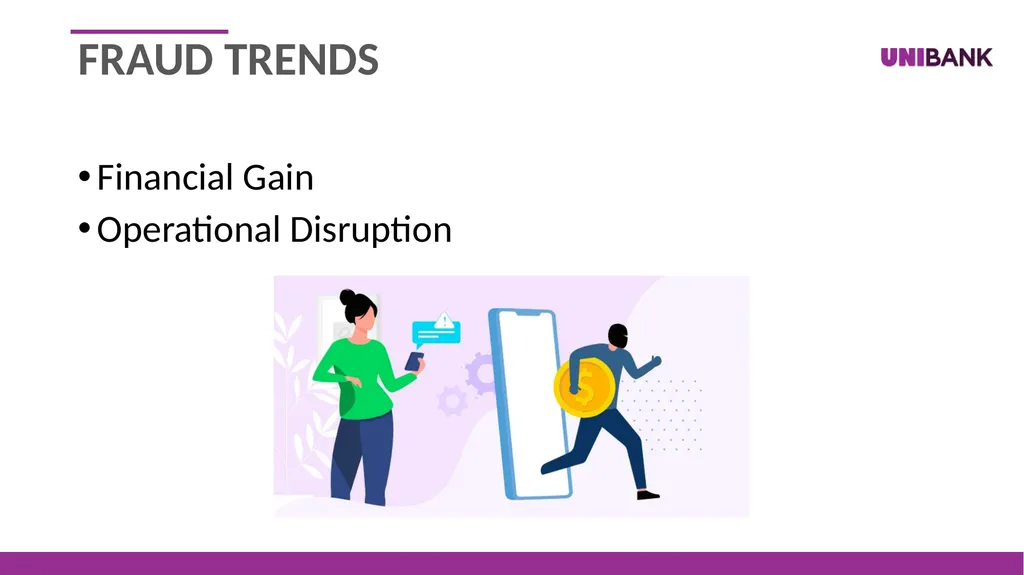
slide19. Financial Gain
Operational Disruption FRAUD TRENDS<br>
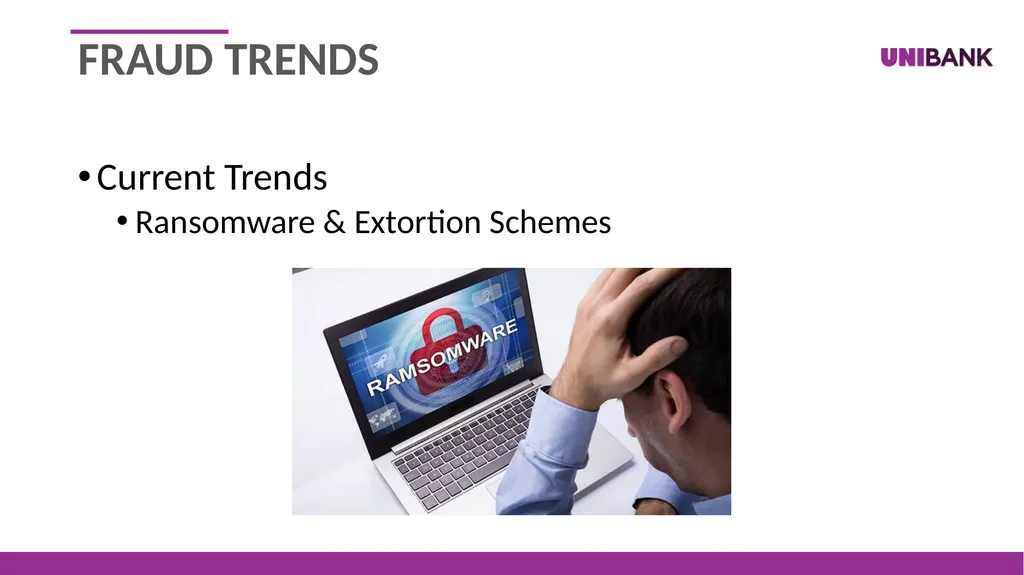
slide20. Current Trends
Ransomware & Extortion Schemes FRAUD TRENDS<br>
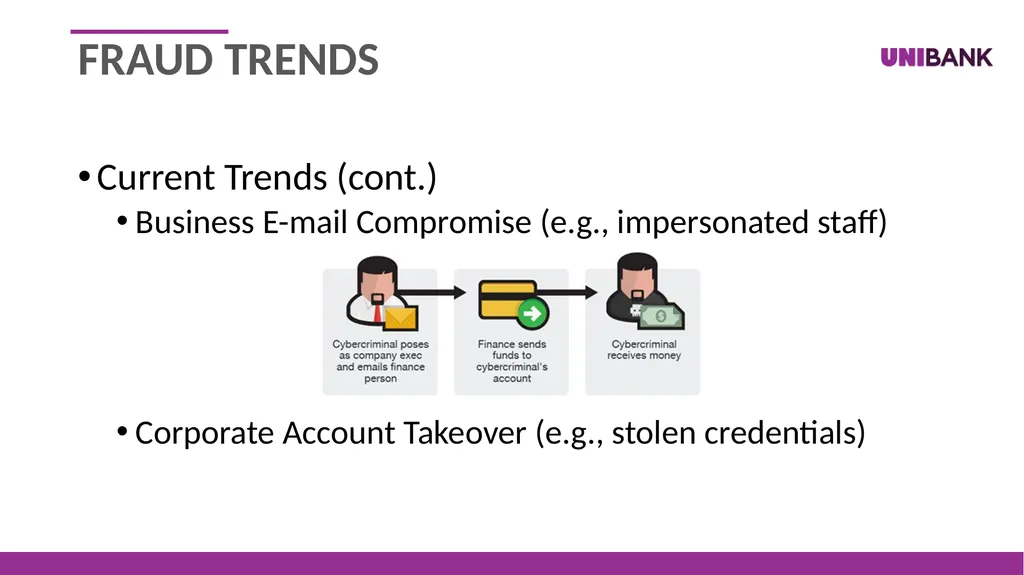
slide21. Current Trends (cont.)
Business E-mail Compromise (e.g., impersonated staff)
Corporate Account Takeover (e.g., stolen credentials) FRAUD TRENDS<br>
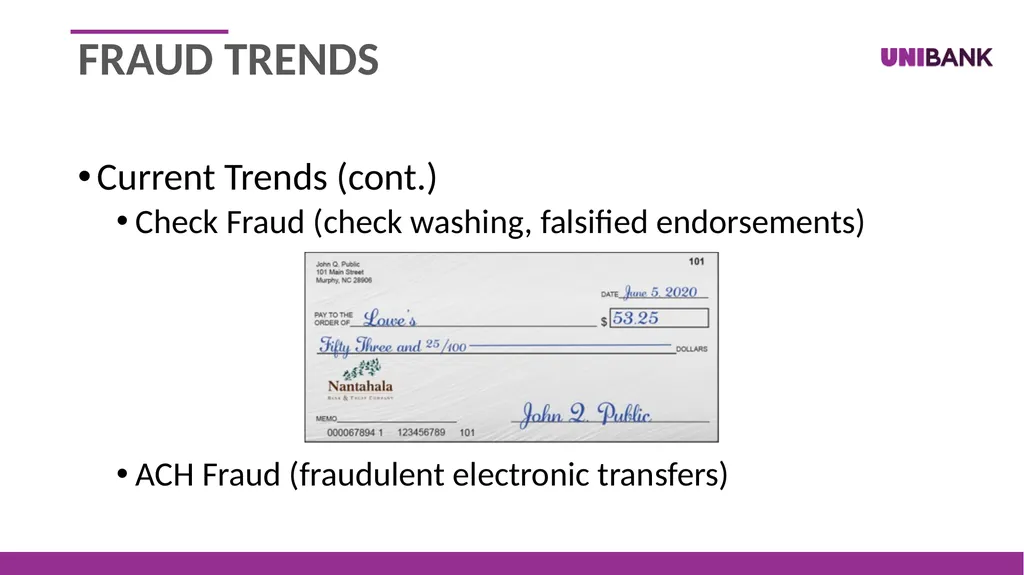
slide22. Current Trends (cont.)
Check Fraud (check washing, falsified endorsements)
ACH Fraud (fraudulent electronic transfers) FRAUD TRENDS<br>
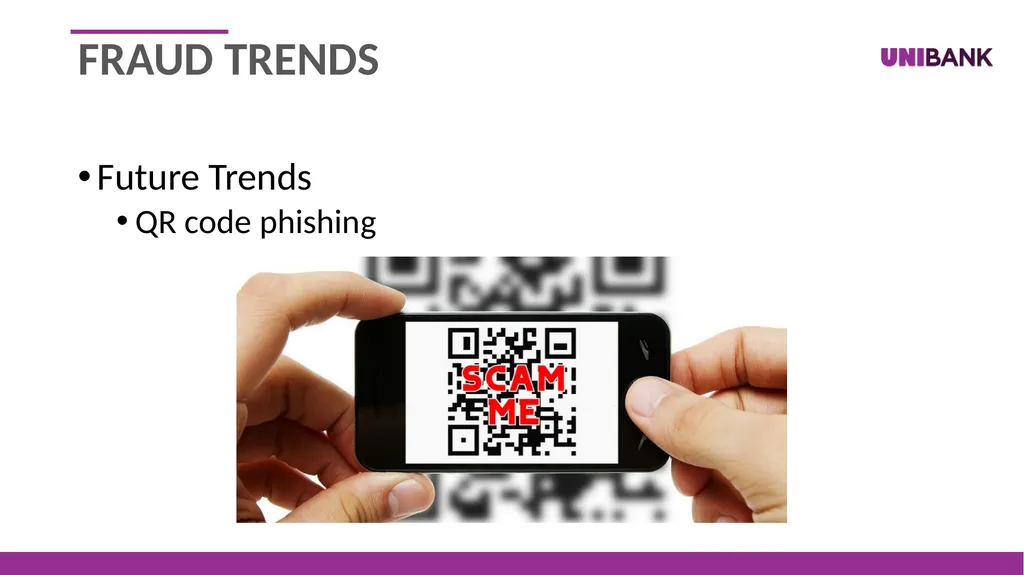
slide23. Future Trends
QR code phishing FRAUD TRENDS<br>
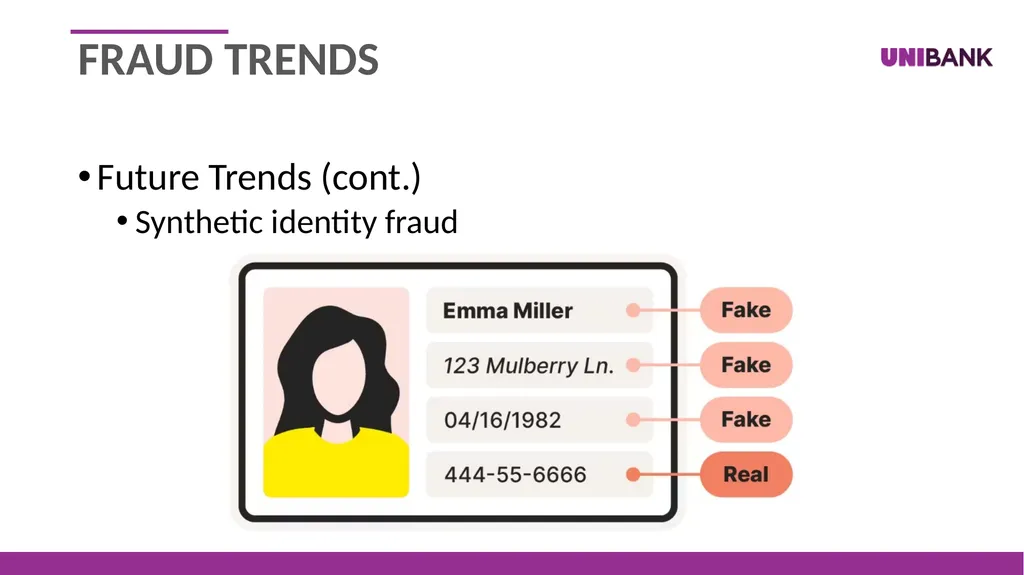
slide24. Future Trends (cont.)
Synthetic identity fraud FRAUD TRENDS<br>
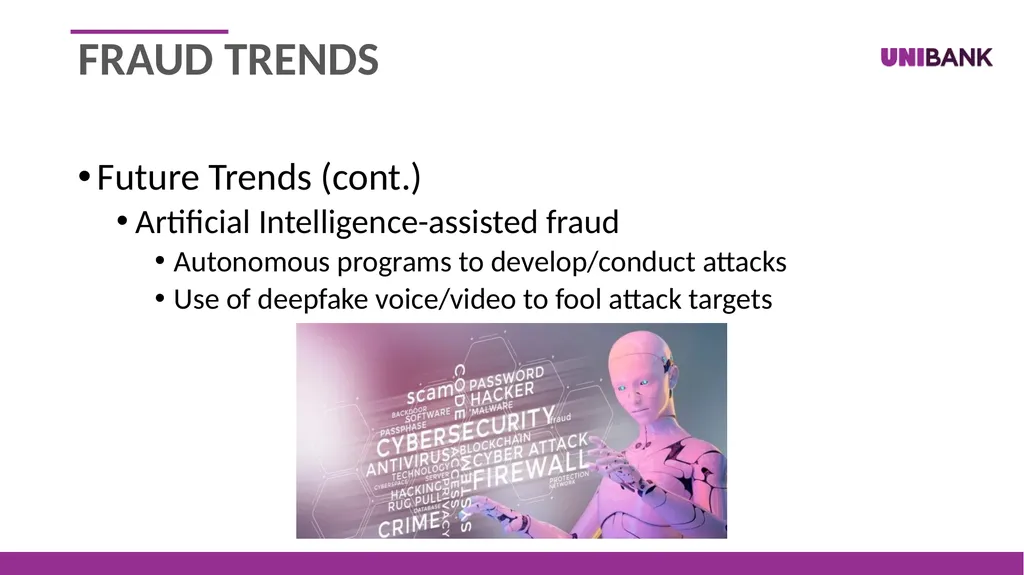
slide25. Future Trends (cont.)
Artificial Intelligence-assisted fraud
Autonomous programs to develop/conduct attacks
Use of deepfake voice/video to fool attack targets FRAUD TRENDS<br>
slide26. How is fraud happening?<br>
slide27. Social Engineering
Phishing – emails with the intent of tricking the user
Spoofing – the act of impersonating a trusted person
Vishing – spoofing a trusted source by phone calls
Smishing – spoofing a trusted source by text messages
Infrequently monitored accounts
Improperly configured security measures FRAUD ENABLERS<br>
slide28. What can I do to stop fraud?<br>
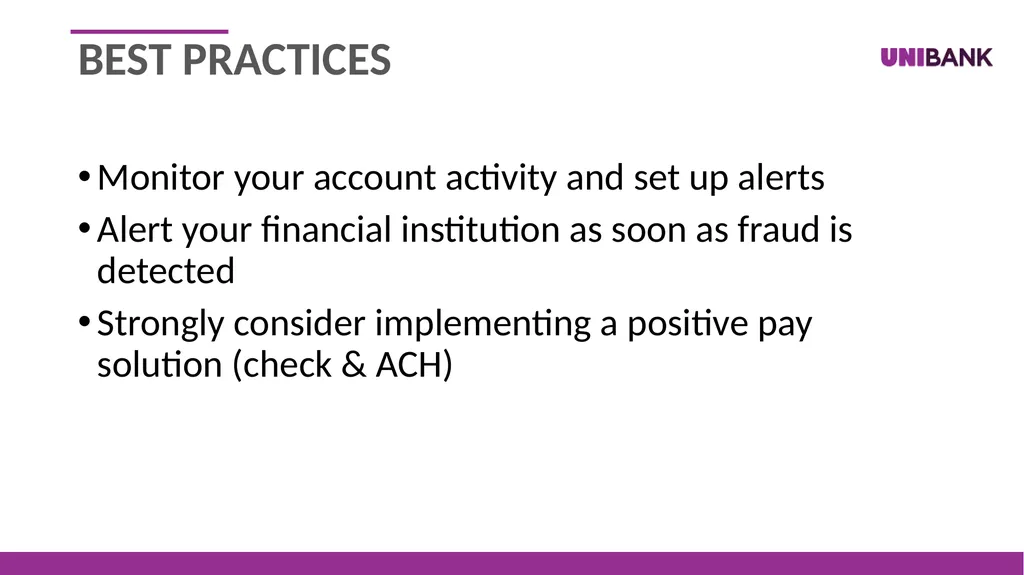
slide29. Monitor your account activity and set up alerts
Alert your financial institution as soon as fraud is detected
Strongly consider implementing a positive pay solution (check & ACH) BEST PRACTICES<br>
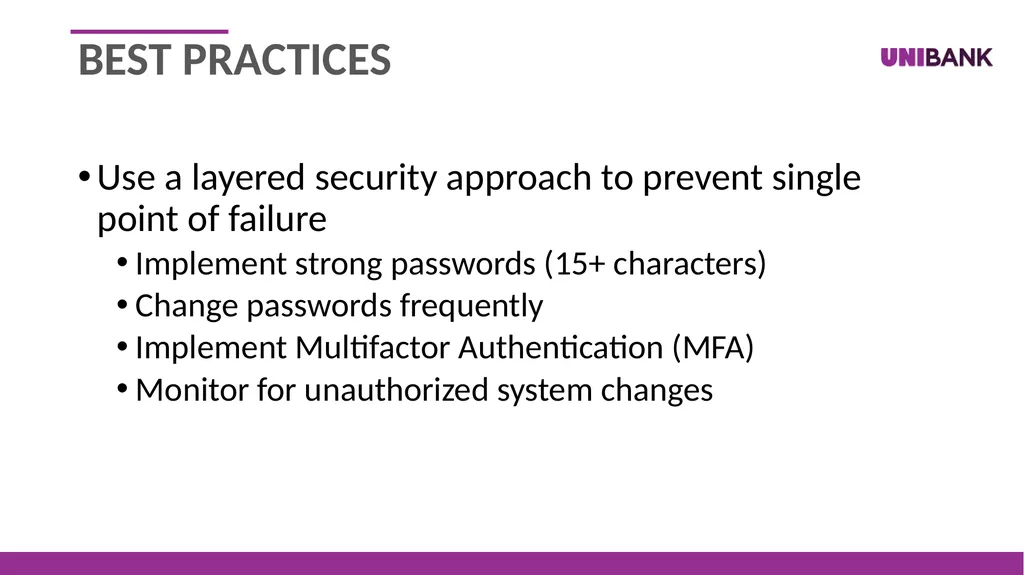
slide30. Use a layered security approach to prevent single point of failure
Implement strong passwords (15+ characters)
Change passwords frequently
Implement Multifactor Authentication (MFA)
Monitor for unauthorized system changes BEST PRACTICES<br>
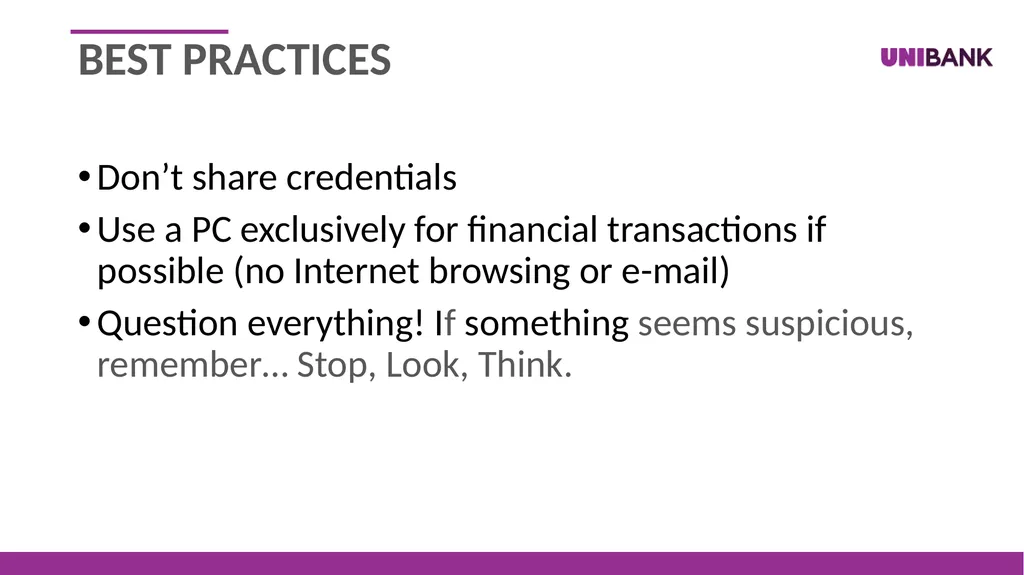
slide31. Don’t share credentials
Use a PC exclusively for financial transactions if possible (no Internet browsing or e-mail)
Question everything! If something seems suspicious, remember… Stop, Look, Think. BEST PRACTICES<br>
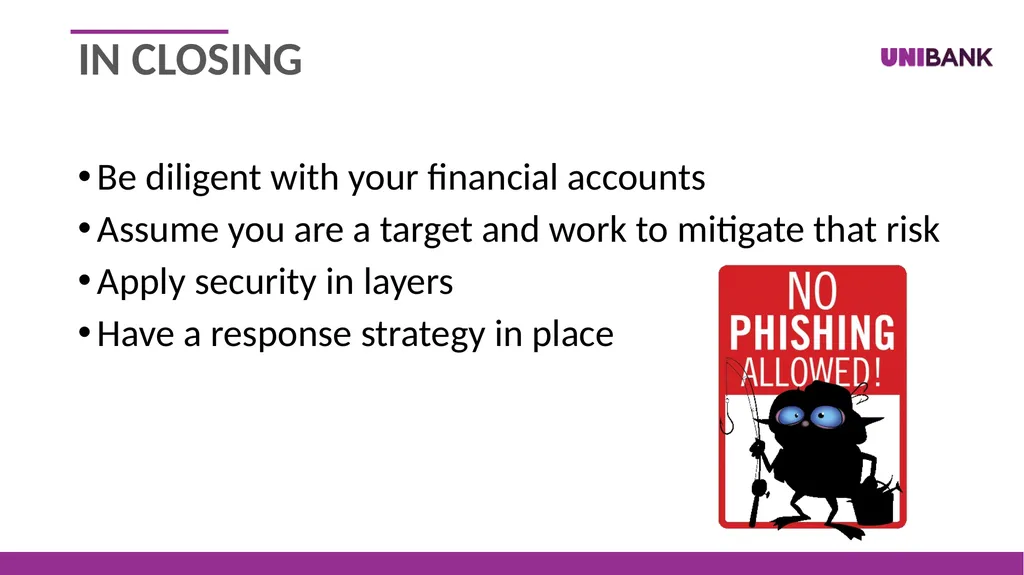
slide32. Be diligent with your financial accounts
Assume you are a target and work to mitigate that risk
Apply security in layers
Have a response strategy in place IN CLOSING<br>
slide33. Questions? Contact us: Follow us on: 49 Church St. Whitinsville, MA 508.234.8112 adrian.iwanczuk@unibank.com Facebook.com/unibankma @unibankma Linkedin.com/company/unibank-for-savings<br>

slide2. overview Background
Fraud Trending
How Fraud is Happening
Best Practice Considerations
Questions<br>
slide3. Background 20+ years experience in IT and Information Security
Bachelor’s Degree in IT System Security
Worked for banks ranging from 500M to 2.5B in assets
Experience guiding municipalities in securing their infrastructure<br>
slide4. Security: The condition of being protected against danger or loss that originates from an outside source. SECURITY DEFINED Security:<br>
slide5. Source: Calabrese, Thomas. Information Security Intelligence: Cryptographic Principles & Applications. Thomson Learning. 2004.
Source: Higgins, Ed. “Eight P(s) of Enterprise Information Security and Compliance.” LinkedIn, 2 Feb. 2017. INFORMATION SYSTEM USER SECURITY IN LAYERS<br>
slide6. Encryption
Data at rest
Advanced Encryption Standard (AES) with a 256-bit key
Storage for laptops and other mobile devices should be encrypted to prevent unauthorized access if lost
Data in transit
At least TLS version 1.2 SECURED INFORMATION<br>
slide7. Authentication
Passwords
At least 15 characters (longer for high-risk systems)
At least 3 of the 4 allowed characteristics (i.e., uppercase, lower case, numbers, symbols)
Password changes required at least every 90 days
Lockouts after a specific number of failed logins
Password reuse prevention (e.g., 24 passwords remembered)
Strongly recommend implementing a reputable password manager/vault for secure password storage/use SECURED INFORMATION<br>
slide8. Authentication (cont.)
Multifactor authentication [MFA]
Security questions are Two Factor Authentication [2FA] not MFA
SMS codes are MFA, but can be compromised
Authenticator apps are strong, but be cautious of MFA fatigue
Phish resistant MFA is the strongest MFA (e.g., smart cards and security tokens) SECURED INFORMATION<br>
slide9. Operating System Hardening
Applying security baseline configurations
Implement recommended security settings (e.g., CIS Benchmarks)
Remove unnecessary software
Disable unnecessary ports and services
Implement password protected screensavers
Establish strict access rules based on user roles
Limit the creation of user accounts, especially privileged ones SECURED SYSTEMs<br>
slide10. Operating System Hardening (cont.)
Patching and Unsupported Software
Automated or managed by a third party
Patch both the operating system and software applications
Remove/replace unsupported software to reduce risk SECURED SYSTEMs<br>
slide11. Operating System Hardening (cont.)
Malware Detection/Prevention
Install a reputable anti-malware application
Consider implementing endpoint detection and response [EDR] software
Implement e-mail filtering to reduce SPAM and viral messages
Block removable storage devices (e.g., floppy disks, CD-ROMs, flash drives) or limit use to after being scanned for malware
User education on social engineering (e.g., e-mail, phone, etc.) SECURED SYSTEMs<br>
slide12. Infrastructure Design
Logical Design
Use firewalls to control access into and out of the network
Use web content filtering to prevent access to risky websites
Use VLANs to segregate sensitive machines from general access
Use VPNs to secure remote access
Physical Design
Consider using role separated machines
Restrict access to server rooms or technology closets SECURED SYSTEMs<br>
slide13. Web Services
Host websites at a provider with the tools to protect them
Use security certificates to authenticate the site’s identity
Use supported TLS encryption for secure transactions
Scan website configurations to identify security flaws
Review hosting vendor controls, and those of vendors used by the hosting vendor SECURED SYSTEMs<br>
slide14. 8 P’s
Policy - Establishes the high-level definition and institutes the "tone-from-the-top" from the business that drives appropriate behaviors that align with the business.
Process - Establishes standards that a business may be required to adopt, whether as required by a regulation, or self-adopted by desired business posture. SECURED USERS<br>
slide15. 8 P’s
Procedure - Defines the step-level guidance relative to execution, whether systems administration, data classification and management, incident response, business continuity, investigative analysis to name but a few.
People - Those that are assigned to carry out the various subject-specific and general activities of the business.
Effective security involves everyone! SECURED USERS<br>
slide16. 8 P’s (cont.)
Product - Technologies, whether hardware, software, or service, that aid the organization in achieving its security objectives.
Partners - To truly affect "integral security", partners must serve as an extension of the organization's workforce, such as with an integrated-security management partner, cloud application and service providers, or IT outsourcing partners. SECURED USERS<br>
slide17. 8 P’s (cont.)
Performance - An important part of any program, not just information security and compliance, but all programs, there must exist the ability to measure, dynamically adapt, and readily advise on the performance effectiveness of the security program.
Persistence - The constant vigilance and proactive research that allows us to understand emerging risks and threats before they affect the business. SECURED USERS<br>
slide18. Why am I the target?<br>
slide19. Financial Gain
Operational Disruption FRAUD TRENDS<br>
slide20. Current Trends
Ransomware & Extortion Schemes FRAUD TRENDS<br>
slide21. Current Trends (cont.)
Business E-mail Compromise (e.g., impersonated staff)
Corporate Account Takeover (e.g., stolen credentials) FRAUD TRENDS<br>
slide22. Current Trends (cont.)
Check Fraud (check washing, falsified endorsements)
ACH Fraud (fraudulent electronic transfers) FRAUD TRENDS<br>
slide23. Future Trends
QR code phishing FRAUD TRENDS<br>
slide24. Future Trends (cont.)
Synthetic identity fraud FRAUD TRENDS<br>
slide25. Future Trends (cont.)
Artificial Intelligence-assisted fraud
Autonomous programs to develop/conduct attacks
Use of deepfake voice/video to fool attack targets FRAUD TRENDS<br>
slide26. How is fraud happening?<br>
slide27. Social Engineering
Phishing – emails with the intent of tricking the user
Spoofing – the act of impersonating a trusted person
Vishing – spoofing a trusted source by phone calls
Smishing – spoofing a trusted source by text messages
Infrequently monitored accounts
Improperly configured security measures FRAUD ENABLERS<br>
slide28. What can I do to stop fraud?<br>
slide29. Monitor your account activity and set up alerts
Alert your financial institution as soon as fraud is detected
Strongly consider implementing a positive pay solution (check & ACH) BEST PRACTICES<br>
slide30. Use a layered security approach to prevent single point of failure
Implement strong passwords (15+ characters)
Change passwords frequently
Implement Multifactor Authentication (MFA)
Monitor for unauthorized system changes BEST PRACTICES<br>
slide31. Don’t share credentials
Use a PC exclusively for financial transactions if possible (no Internet browsing or e-mail)
Question everything! If something seems suspicious, remember… Stop, Look, Think. BEST PRACTICES<br>
slide32. Be diligent with your financial accounts
Assume you are a target and work to mitigate that risk
Apply security in layers
Have a response strategy in place IN CLOSING<br>
slide33. Questions? Contact us: Follow us on: 49 Church St. Whitinsville, MA 508.234.8112 adrian.iwanczuk@unibank.com Facebook.com/unibankma @unibankma Linkedin.com/company/unibank-for-savings<br>