
SEO Search Engine Optimization Notes and
MJ
Published · 15 slides · 0 views
1 / 1
Description
SEO Search Engine Optimization Notes and Resources: http:www.b24.netseo.htm Search Engine Optimization is finding the most popular sites according to the search query phrase. www.b24.netseo.htm Beginners Guide to SEO:
Related Topics
Share
Embed code
Download this presentation From Below
"SEO Search Engine Optimization Notes and" is the property of its rightful owner. Permission is granted to download and print the materials on this website for personal, non-commercial use only, and to display it on your personal computer provided you do not modify the materials and that you retain all copyright notices contained in the materials. By downloading content from our website, you accept the terms of this agreement.
Presentation Transcript
01
SEO
Search Engine Optimization Notes and Resources: http://www.b24.net/seo.htm Search Engine Optimization is finding the most popular sites according to the search query phrase.<br>
02
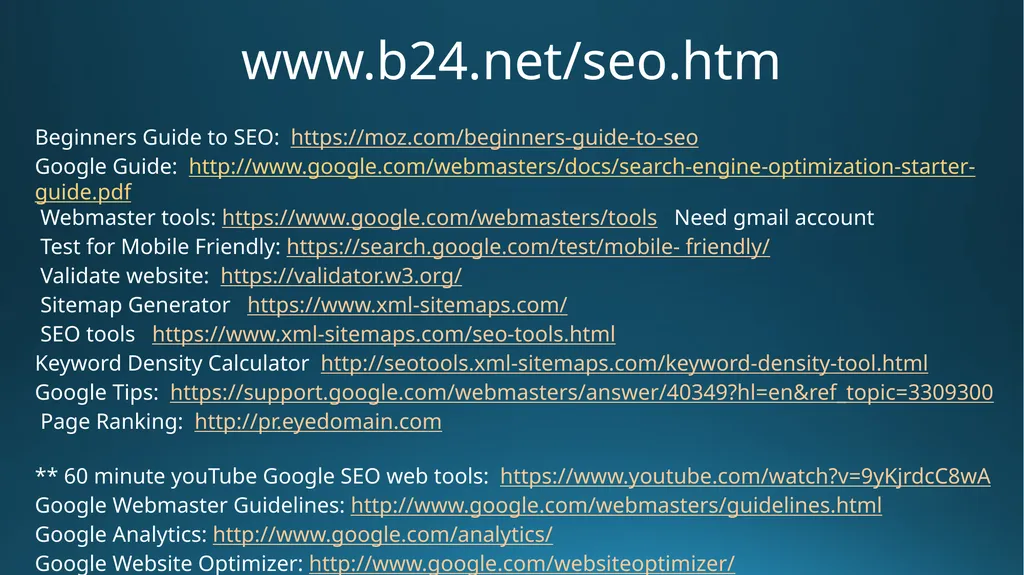
www.b24.net/seo.htm Beginners Guide to SEO: https://moz.com/beginners-guide-to-seo
Google Guide: http://www.google.com/webmasters/docs/search-engine-optimization-starter-guide.pdf
Webmaster tools: https://www.google.com/webmasters/tools Need gmail account
Test for Mobile Friendly: https://search.google.com/test/mobile- friendly/
Validate website: https://validator.w3.org/
Sitemap Generator https://www.xml-sitemaps.com/
SEO tools https://www.xml-sitemaps.com/seo-tools.html
Keyword Density Calculator http://seotools.xml-sitemaps.com/keyword-density-tool.html
Google Tips: https://support.google.com/webmasters/answer/40349?hl=en&ref_topic=3309300
Page Ranking: http://pr.eyedomain.com
** 60 minute youTube Google SEO web tools: https://www.youtube.com/watch?v=9yKjrdcC8wA
Google Webmaster Guidelines: http://www.google.com/webmasters/guidelines.html
Google Analytics: http://www.google.com/analytics/
Google Website Optimizer: http://www.google.com/websiteoptimizer/<br>
Google Guide: http://www.google.com/webmasters/docs/search-engine-optimization-starter-guide.pdf
Webmaster tools: https://www.google.com/webmasters/tools Need gmail account
Test for Mobile Friendly: https://search.google.com/test/mobile- friendly/
Validate website: https://validator.w3.org/
Sitemap Generator https://www.xml-sitemaps.com/
SEO tools https://www.xml-sitemaps.com/seo-tools.html
Keyword Density Calculator http://seotools.xml-sitemaps.com/keyword-density-tool.html
Google Tips: https://support.google.com/webmasters/answer/40349?hl=en&ref_topic=3309300
Page Ranking: http://pr.eyedomain.com
** 60 minute youTube Google SEO web tools: https://www.youtube.com/watch?v=9yKjrdcC8wA
Google Webmaster Guidelines: http://www.google.com/webmasters/guidelines.html
Google Analytics: http://www.google.com/analytics/
Google Website Optimizer: http://www.google.com/websiteoptimizer/<br>
03
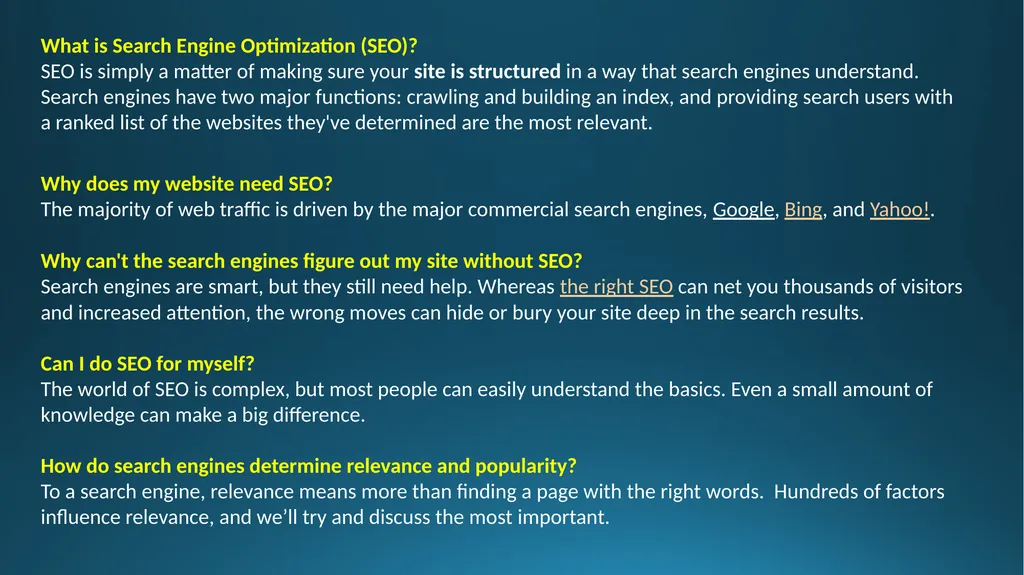
What is Search Engine Optimization (SEO)?
SEO is simply a matter of making sure your site is structured in a way that search engines understand. Search engines have two major functions: crawling and building an index, and providing search users with a ranked list of the websites they've determined are the most relevant.
Why does my website need SEO?
The majority of web traffic is driven by the major commercial search engines, Google, Bing, and Yahoo!.
Why can't the search engines figure out my site without SEO?
Search engines are smart, but they still need help. Whereas the right SEO can net you thousands of visitors and increased attention, the wrong moves can hide or bury your site deep in the search results.
Can I do SEO for myself?
The world of SEO is complex, but most people can easily understand the basics. Even a small amount of knowledge can make a big difference.
How do search engines determine relevance and popularity?
To a search engine, relevance means more than finding a page with the right words. Hundreds of factors influence relevance, and we’ll try and discuss the most important.<br>
SEO is simply a matter of making sure your site is structured in a way that search engines understand. Search engines have two major functions: crawling and building an index, and providing search users with a ranked list of the websites they've determined are the most relevant.
Why does my website need SEO?
The majority of web traffic is driven by the major commercial search engines, Google, Bing, and Yahoo!.
Why can't the search engines figure out my site without SEO?
Search engines are smart, but they still need help. Whereas the right SEO can net you thousands of visitors and increased attention, the wrong moves can hide or bury your site deep in the search results.
Can I do SEO for myself?
The world of SEO is complex, but most people can easily understand the basics. Even a small amount of knowledge can make a big difference.
How do search engines determine relevance and popularity?
To a search engine, relevance means more than finding a page with the right words. Hundreds of factors influence relevance, and we’ll try and discuss the most important.<br>
04
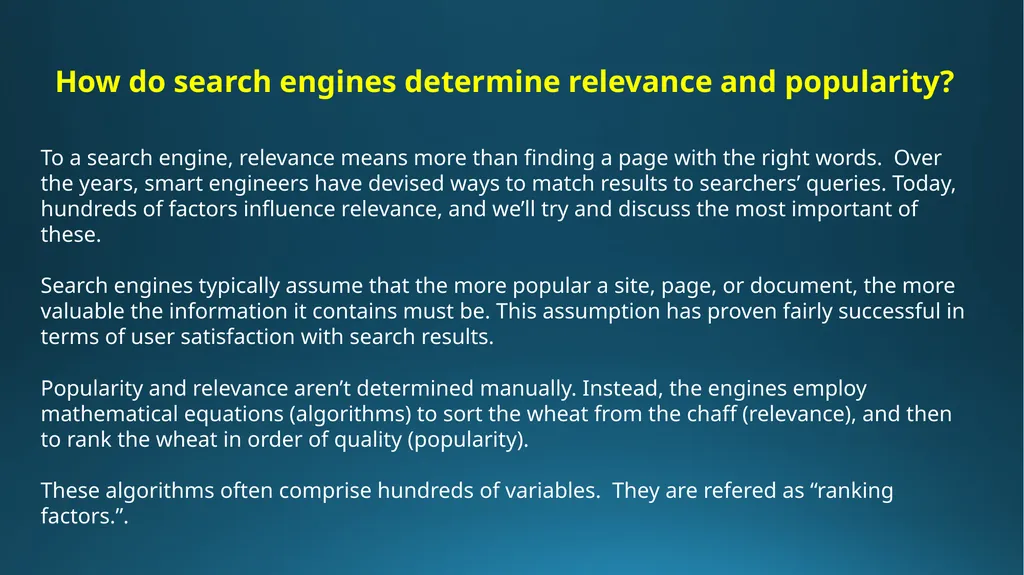
How do search engines determine relevance and popularity?
To a search engine, relevance means more than finding a page with the right words. Over the years, smart engineers have devised ways to match results to searchers’ queries. Today, hundreds of factors influence relevance, and we’ll try and discuss the most important of these.
Search engines typically assume that the more popular a site, page, or document, the more valuable the information it contains must be. This assumption has proven fairly successful in terms of user satisfaction with search results.
Popularity and relevance aren’t determined manually. Instead, the engines employ mathematical equations (algorithms) to sort the wheat from the chaff (relevance), and then to rank the wheat in order of quality (popularity).
These algorithms often comprise hundreds of variables. They are refered as “ranking factors.”.<br>
To a search engine, relevance means more than finding a page with the right words. Over the years, smart engineers have devised ways to match results to searchers’ queries. Today, hundreds of factors influence relevance, and we’ll try and discuss the most important of these.
Search engines typically assume that the more popular a site, page, or document, the more valuable the information it contains must be. This assumption has proven fairly successful in terms of user satisfaction with search results.
Popularity and relevance aren’t determined manually. Instead, the engines employ mathematical equations (algorithms) to sort the wheat from the chaff (relevance), and then to rank the wheat in order of quality (popularity).
These algorithms often comprise hundreds of variables. They are refered as “ranking factors.”.<br>
05
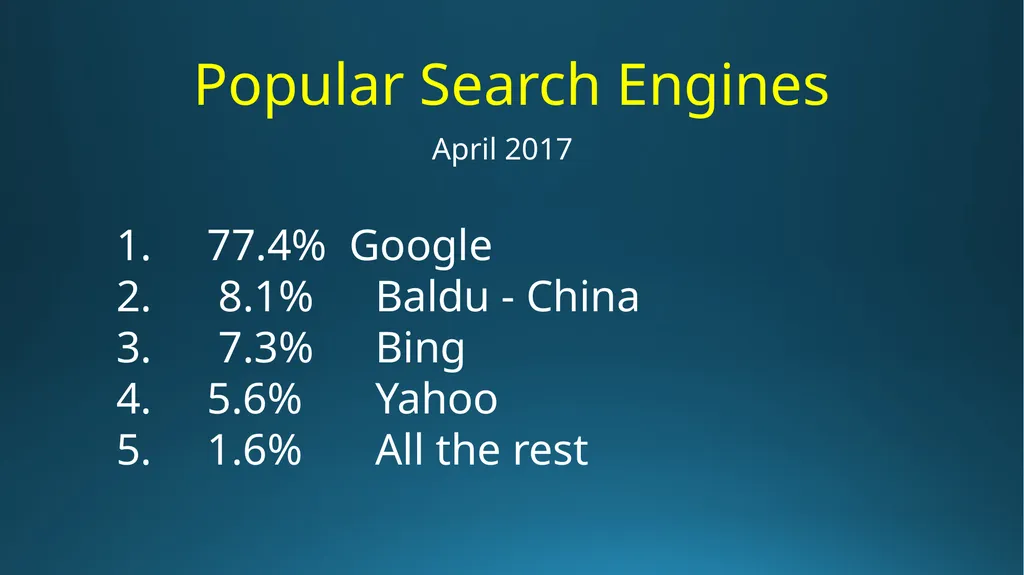
Popular Search Engines 77.4% Google
8.1% Baldu - China
7.3% Bing
5.6% Yahoo
1.6% All the rest April 2017<br>
8.1% Baldu - China
7.3% Bing
5.6% Yahoo
1.6% All the rest April 2017<br>
06
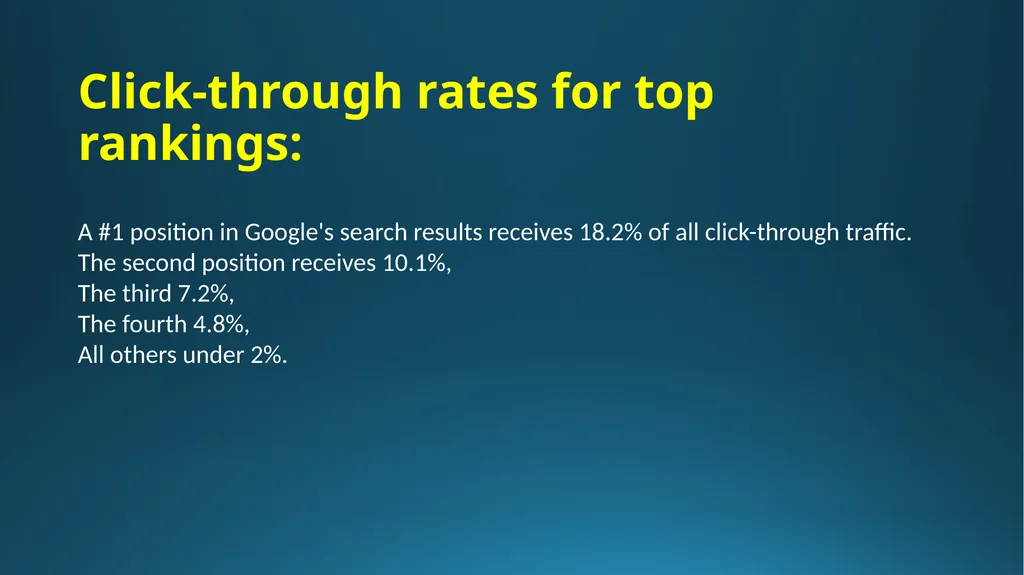
Click-through rates for top rankings: A #1 position in Google's search results receives 18.2% of all click-through traffic.
The second position receives 10.1%,
The third 7.2%,
The fourth 4.8%,
All others under 2%.<br>
The second position receives 10.1%,
The third 7.2%,
The fourth 4.8%,
All others under 2%.<br>
07
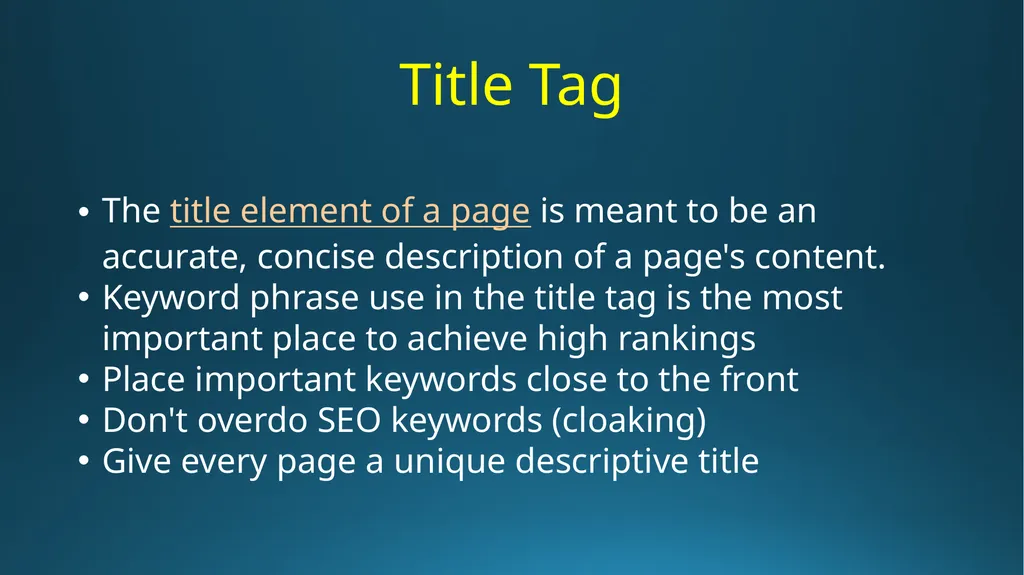
Title Tag The title element of a page is meant to be an accurate, concise description of a page's content.
Keyword phrase use in the title tag is the most important place to achieve high rankings
Place important keywords close to the front
Don't overdo SEO keywords (cloaking)
Give every page a unique descriptive title<br>
Keyword phrase use in the title tag is the most important place to achieve high rankings
Place important keywords close to the front
Don't overdo SEO keywords (cloaking)
Give every page a unique descriptive title<br>
08
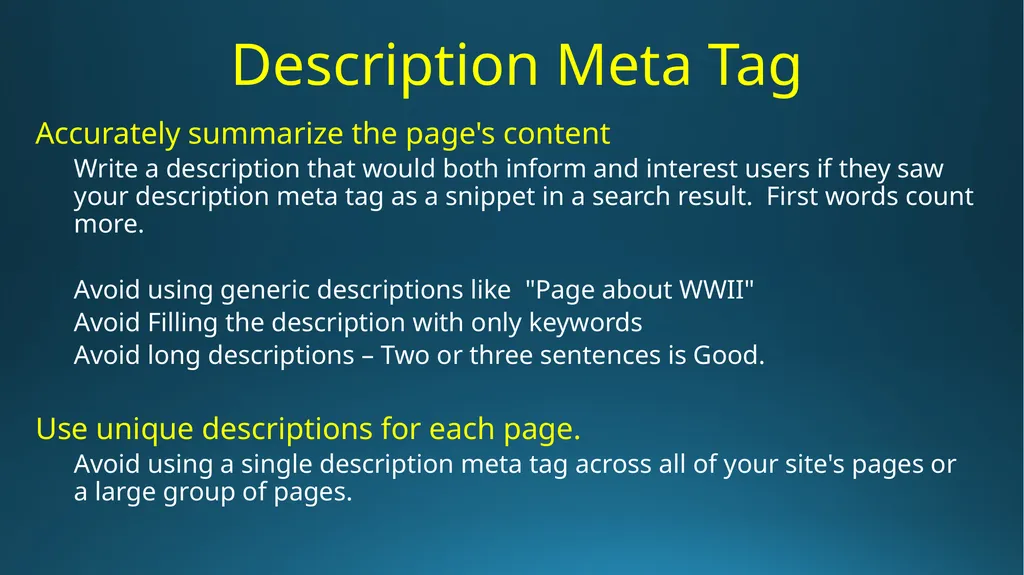
Description Meta Tag Accurately summarize the page's content
Write a description that would both inform and interest users if they saw your description meta tag as a snippet in a search result. First words count more.
Avoid using generic descriptions like "Page about WWII"
Avoid Filling the description with only keywords
Avoid long descriptions – Two or three sentences is Good.
Use unique descriptions for each page.
Avoid using a single description meta tag across all of your site's pages or a large group of pages.<br>
Write a description that would both inform and interest users if they saw your description meta tag as a snippet in a search result. First words count more.
Avoid using generic descriptions like "Page about WWII"
Avoid Filling the description with only keywords
Avoid long descriptions – Two or three sentences is Good.
Use unique descriptions for each page.
Avoid using a single description meta tag across all of your site's pages or a large group of pages.<br>
09
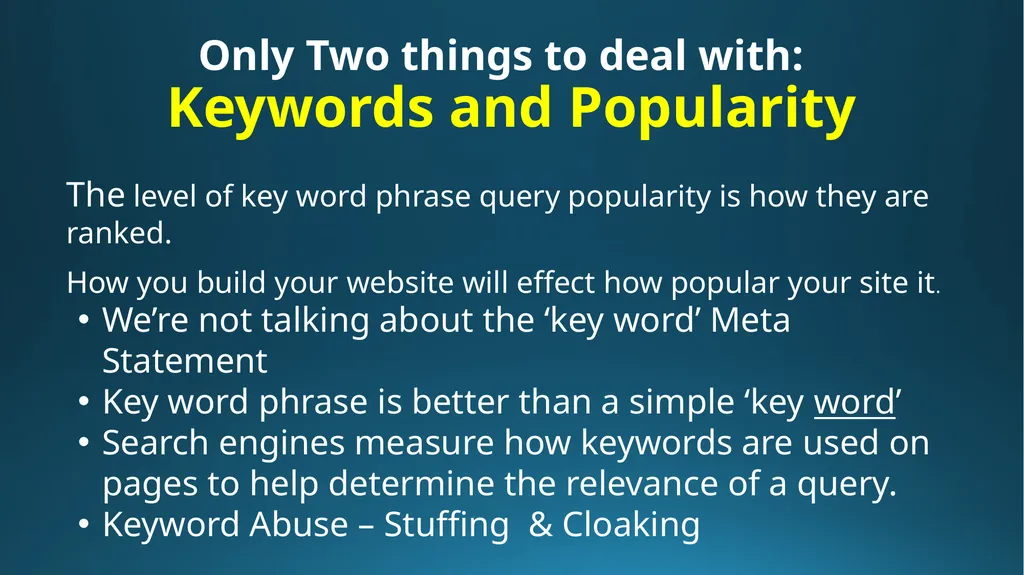
Only Two things to deal with:
Keywords and Popularity The level of key word phrase query popularity is how they are ranked.
How you build your website will effect how popular your site it. We’re not talking about the ‘key word’ Meta Statement
Key word phrase is better than a simple ‘key word’
Search engines measure how keywords are used on pages to help determine the relevance of a query.
Keyword Abuse – Stuffing & Cloaking<br>
How you build your website will effect how popular your site it. We’re not talking about the ‘key word’ Meta Statement
Key word phrase is better than a simple ‘key word’
Search engines measure how keywords are used on pages to help determine the relevance of a query.
Keyword Abuse – Stuffing & Cloaking<br>
10
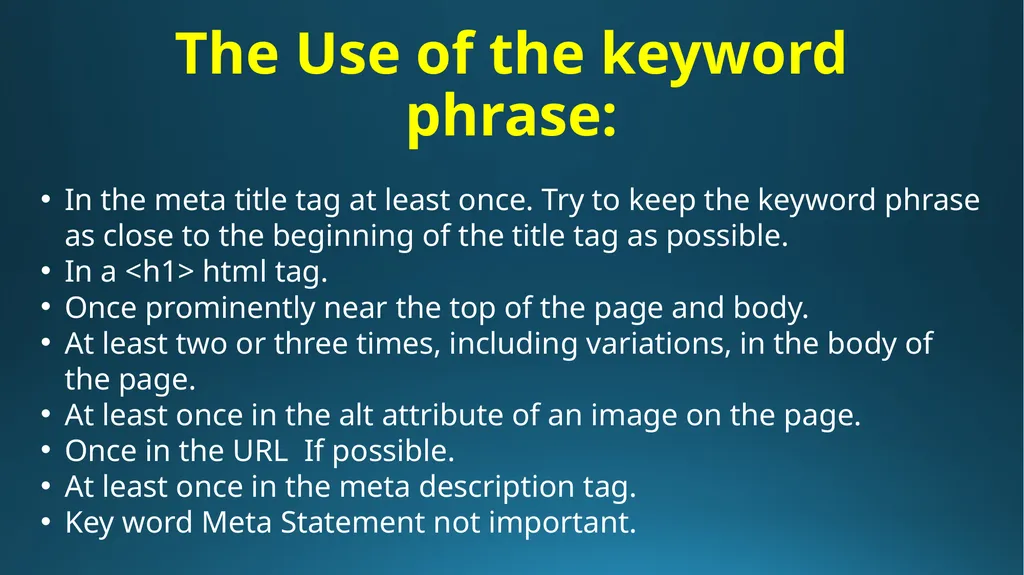
The Use of the keyword phrase: In the meta title tag at least once. Try to keep the keyword phrase as close to the beginning of the title tag as possible.
In a <h1> html tag.
Once prominently near the top of the page and body.
At least two or three times, including variations, in the body of the page.
At least once in the alt attribute of an image on the page.
Once in the URL If possible.
At least once in the meta description tag.
Key word Meta Statement not important.<br>
In a <h1> html tag.
Once prominently near the top of the page and body.
At least two or three times, including variations, in the body of the page.
At least once in the alt attribute of an image on the page.
Once in the URL If possible.
At least once in the meta description tag.
Key word Meta Statement not important.<br>
11
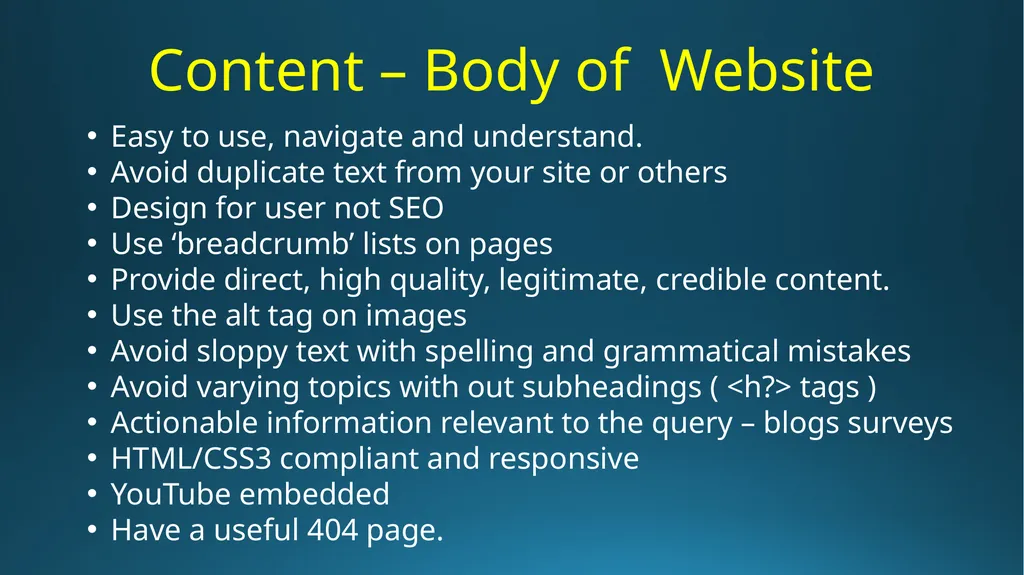
Content – Body of Website Easy to use, navigate and understand.
Avoid duplicate text from your site or others
Design for user not SEO
Use ‘breadcrumb’ lists on pages
Provide direct, high quality, legitimate, credible content.
Use the alt tag on images
Avoid sloppy text with spelling and grammatical mistakes
Avoid varying topics with out subheadings ( <h?> tags )
Actionable information relevant to the query – blogs surveys
HTML/CSS3 compliant and responsive
YouTube embedded
Have a useful 404 page.<br>
Avoid duplicate text from your site or others
Design for user not SEO
Use ‘breadcrumb’ lists on pages
Provide direct, high quality, legitimate, credible content.
Use the alt tag on images
Avoid sloppy text with spelling and grammatical mistakes
Avoid varying topics with out subheadings ( <h?> tags )
Actionable information relevant to the query – blogs surveys
HTML/CSS3 compliant and responsive
YouTube embedded
Have a useful 404 page.<br>
12
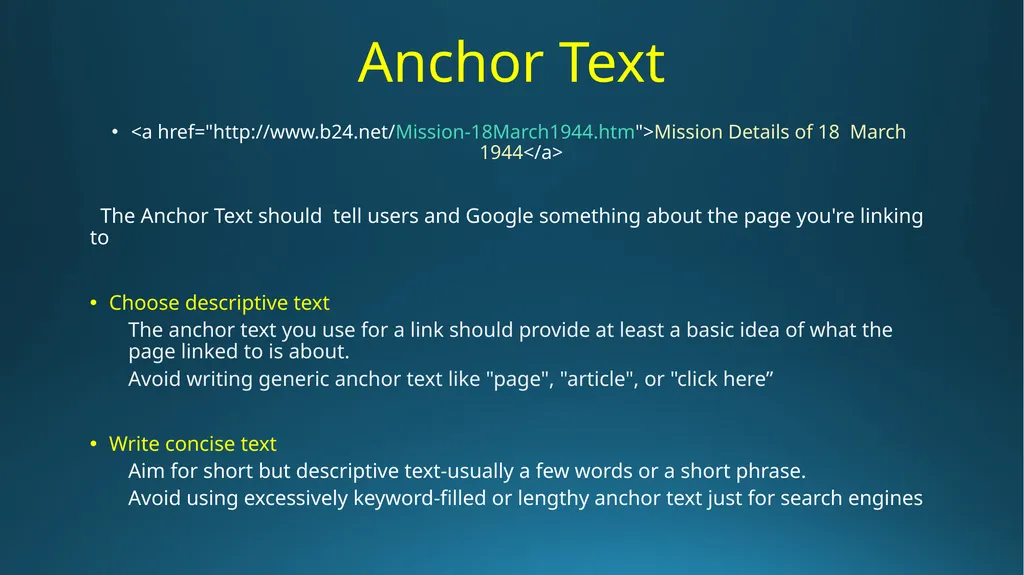
Anchor Text <a href="http://www.b24.net/Mission-18March1944.htm">Mission Details of 18 March 1944</a>
The Anchor Text should tell users and Google something about the page you're linking to
Choose descriptive text
The anchor text you use for a link should provide at least a basic idea of what the page linked to is about.
Avoid writing generic anchor text like "page", "article", or "click here”
Write concise text
Aim for short but descriptive text-usually a few words or a short phrase.
Avoid using excessively keyword-filled or lengthy anchor text just for search engines<br>
The Anchor Text should tell users and Google something about the page you're linking to
Choose descriptive text
The anchor text you use for a link should provide at least a basic idea of what the page linked to is about.
Avoid writing generic anchor text like "page", "article", or "click here”
Write concise text
Aim for short but descriptive text-usually a few words or a short phrase.
Avoid using excessively keyword-filled or lengthy anchor text just for search engines<br>
13
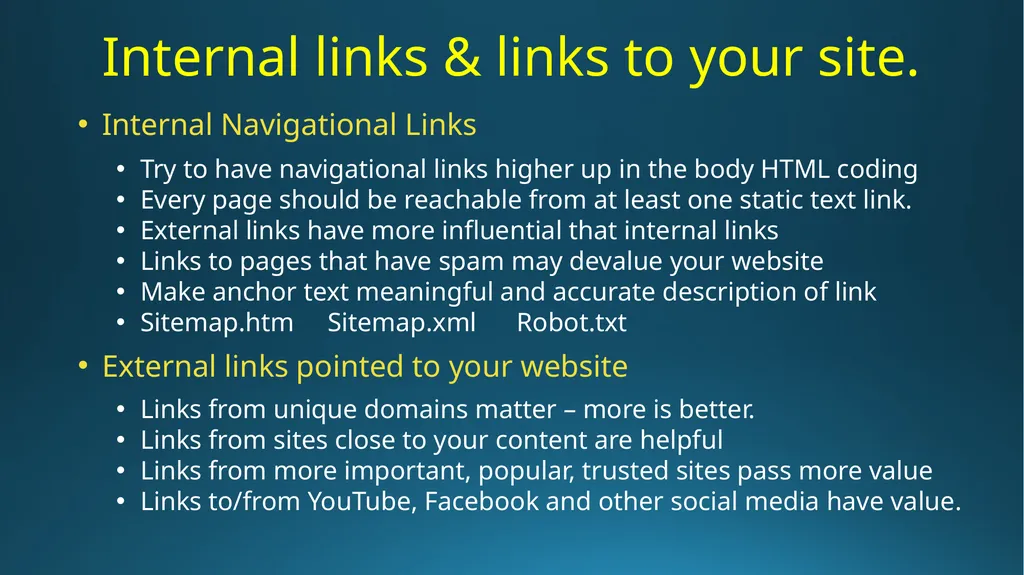
Internal links & links to your site. Internal Navigational Links
Try to have navigational links higher up in the body HTML coding
Every page should be reachable from at least one static text link.
External links have more influential that internal links
Links to pages that have spam may devalue your website
Make anchor text meaningful and accurate description of link
Sitemap.htm Sitemap.xml Robot.txt
External links pointed to your website
Links from unique domains matter – more is better.
Links from sites close to your content are helpful
Links from more important, popular, trusted sites pass more value
Links to/from YouTube, Facebook and other social media have value.<br>
Try to have navigational links higher up in the body HTML coding
Every page should be reachable from at least one static text link.
External links have more influential that internal links
Links to pages that have spam may devalue your website
Make anchor text meaningful and accurate description of link
Sitemap.htm Sitemap.xml Robot.txt
External links pointed to your website
Links from unique domains matter – more is better.
Links from sites close to your content are helpful
Links from more important, popular, trusted sites pass more value
Links to/from YouTube, Facebook and other social media have value.<br>
14
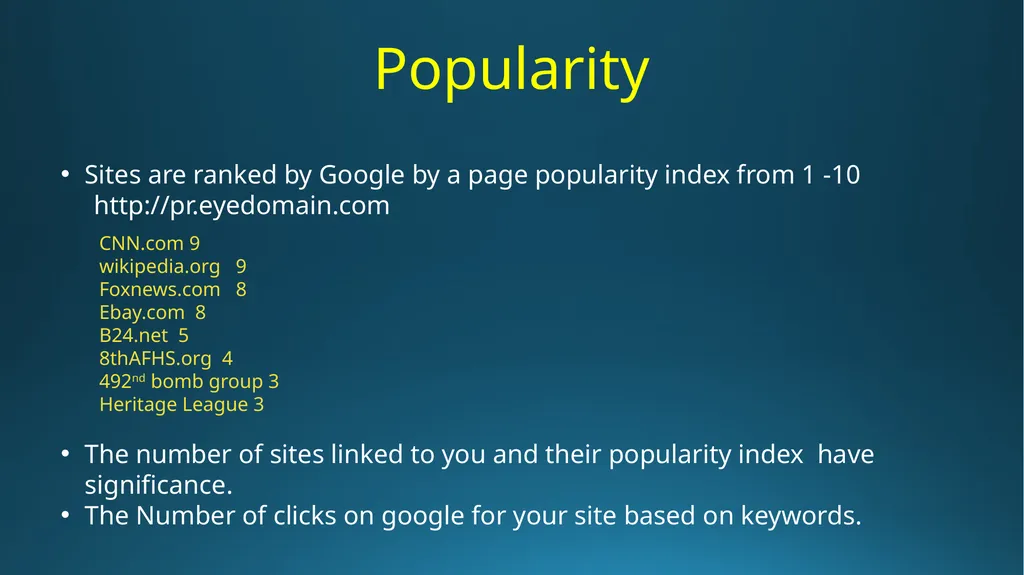
Popularity Sites are ranked by Google by a page popularity index from 1 -10
http://pr.eyedomain.com
CNN.com 9
wikipedia.org 9
Foxnews.com 8
Ebay.com 8
B24.net 5
8thAFHS.org 4
492nd bomb group 3
Heritage League 3
The number of sites linked to you and their popularity index have significance.
The Number of clicks on google for your site based on keywords.<br>
http://pr.eyedomain.com
CNN.com 9
wikipedia.org 9
Foxnews.com 8
Ebay.com 8
B24.net 5
8thAFHS.org 4
492nd bomb group 3
Heritage League 3
The number of sites linked to you and their popularity index have significance.
The Number of clicks on google for your site based on keywords.<br>
15
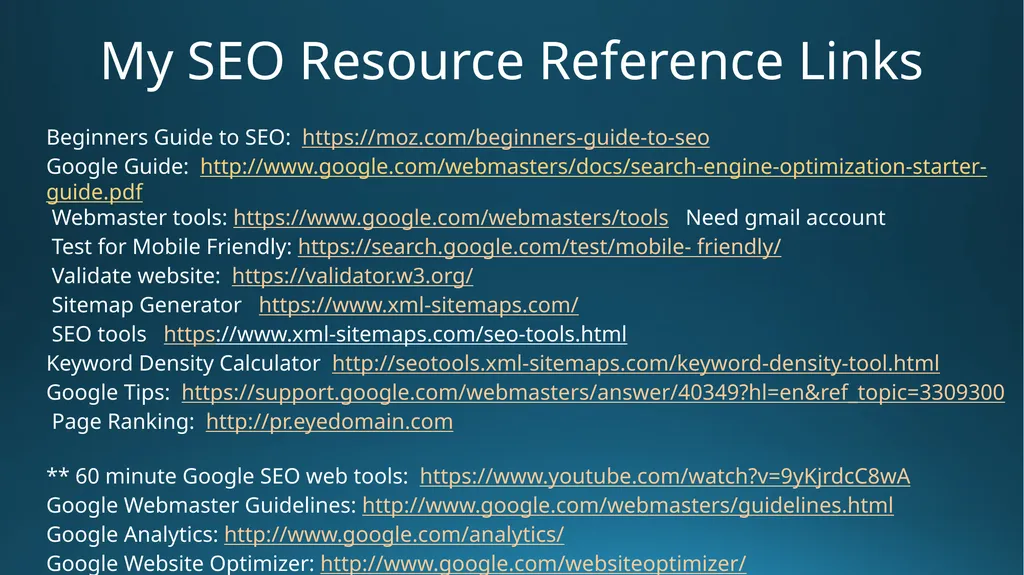
My SEO Resource Reference Links Beginners Guide to SEO: https://moz.com/beginners-guide-to-seo
Google Guide: http://www.google.com/webmasters/docs/search-engine-optimization-starter-guide.pdf
Webmaster tools: https://www.google.com/webmasters/tools Need gmail account
Test for Mobile Friendly: https://search.google.com/test/mobile- friendly/
Validate website: https://validator.w3.org/
Sitemap Generator https://www.xml-sitemaps.com/
SEO tools https://www.xml-sitemaps.com/seo-tools.html
Keyword Density Calculator http://seotools.xml-sitemaps.com/keyword-density-tool.html
Google Tips: https://support.google.com/webmasters/answer/40349?hl=en&ref_topic=3309300
Page Ranking: http://pr.eyedomain.com
** 60 minute Google SEO web tools: https://www.youtube.com/watch?v=9yKjrdcC8wA
Google Webmaster Guidelines: http://www.google.com/webmasters/guidelines.html
Google Analytics: http://www.google.com/analytics/
Google Website Optimizer: http://www.google.com/websiteoptimizer/<br>
Google Guide: http://www.google.com/webmasters/docs/search-engine-optimization-starter-guide.pdf
Webmaster tools: https://www.google.com/webmasters/tools Need gmail account
Test for Mobile Friendly: https://search.google.com/test/mobile- friendly/
Validate website: https://validator.w3.org/
Sitemap Generator https://www.xml-sitemaps.com/
SEO tools https://www.xml-sitemaps.com/seo-tools.html
Keyword Density Calculator http://seotools.xml-sitemaps.com/keyword-density-tool.html
Google Tips: https://support.google.com/webmasters/answer/40349?hl=en&ref_topic=3309300
Page Ranking: http://pr.eyedomain.com
** 60 minute Google SEO web tools: https://www.youtube.com/watch?v=9yKjrdcC8wA
Google Webmaster Guidelines: http://www.google.com/webmasters/guidelines.html
Google Analytics: http://www.google.com/analytics/
Google Website Optimizer: http://www.google.com/websiteoptimizer/<br>