04
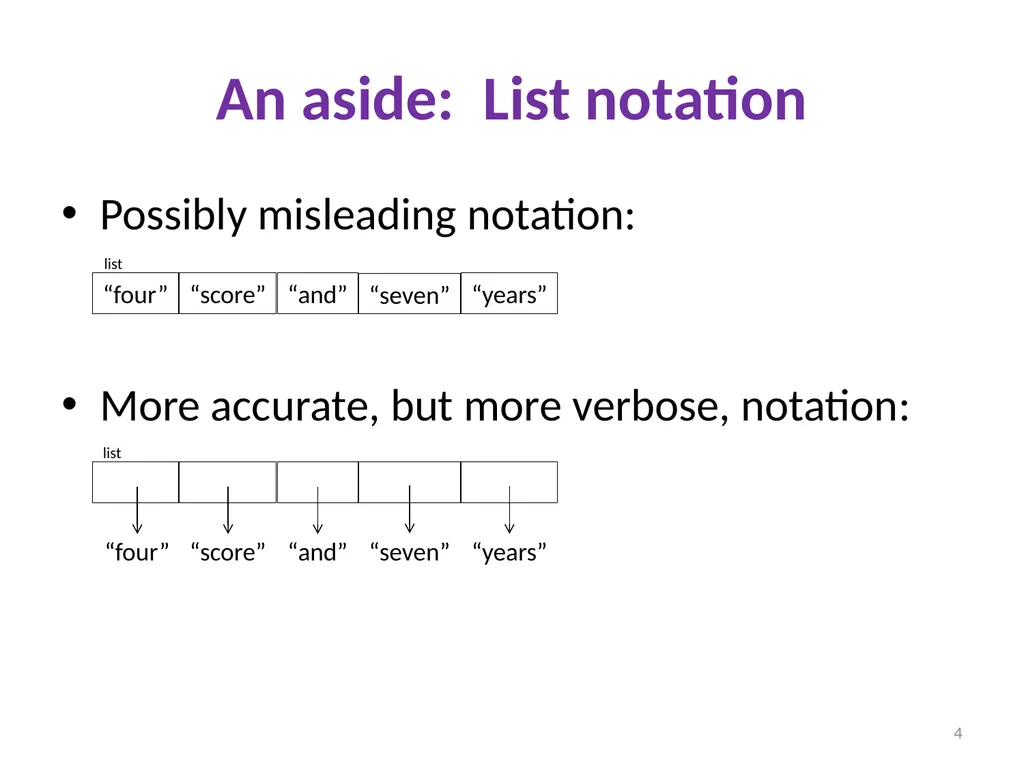
An aside: List notation Possibly misleading notation:
More accurate, but more verbose, notation: “four” “score” “and” “seven” “years” “four” “score” “and” “seven” “years” “four” “score” “and” “seven” “years” 4 list list<br>
05
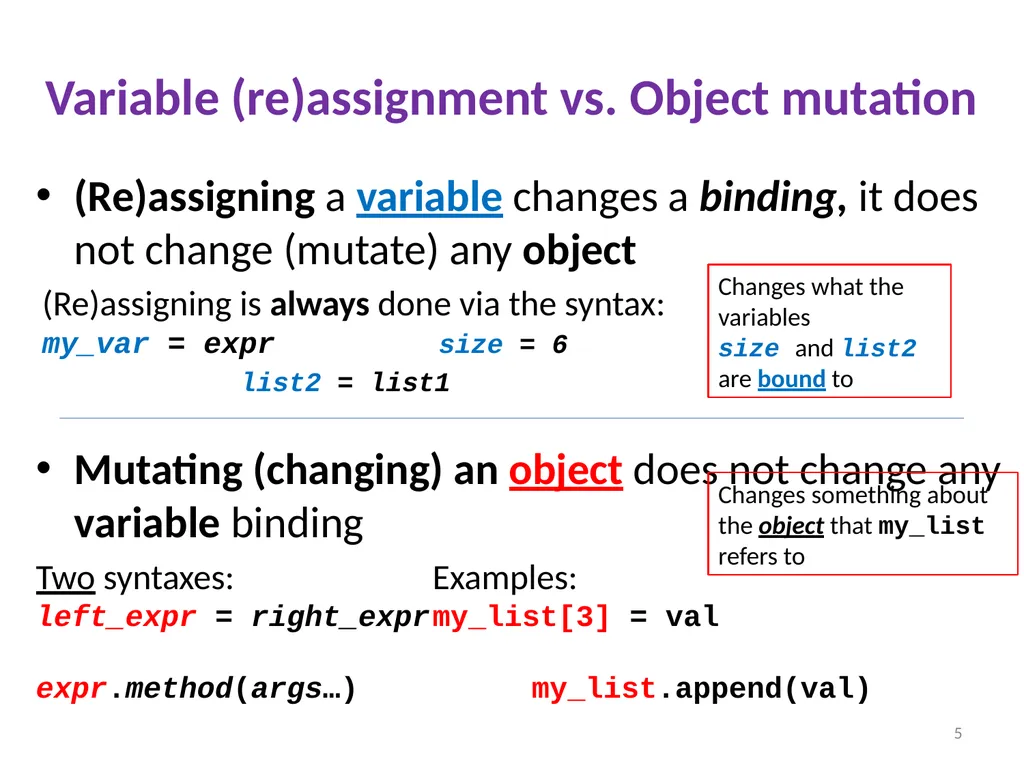
Variable (re)assignment vs. Object mutation (Re)assigning a variable changes a binding, it does not change (mutate) any object
(Re)assigning is always done via the syntax:�my_var = expr size = 6
list2 = list1
Mutating (changing) an object does not change any variable binding
Two syntaxes: Examples:�left_expr = right_expr my_list[3] = val��expr.method(args…) my_list.append(val) 5 Changes something about the object that my_list refers to Changes what the variables
size and list2 are bound to<br>
06
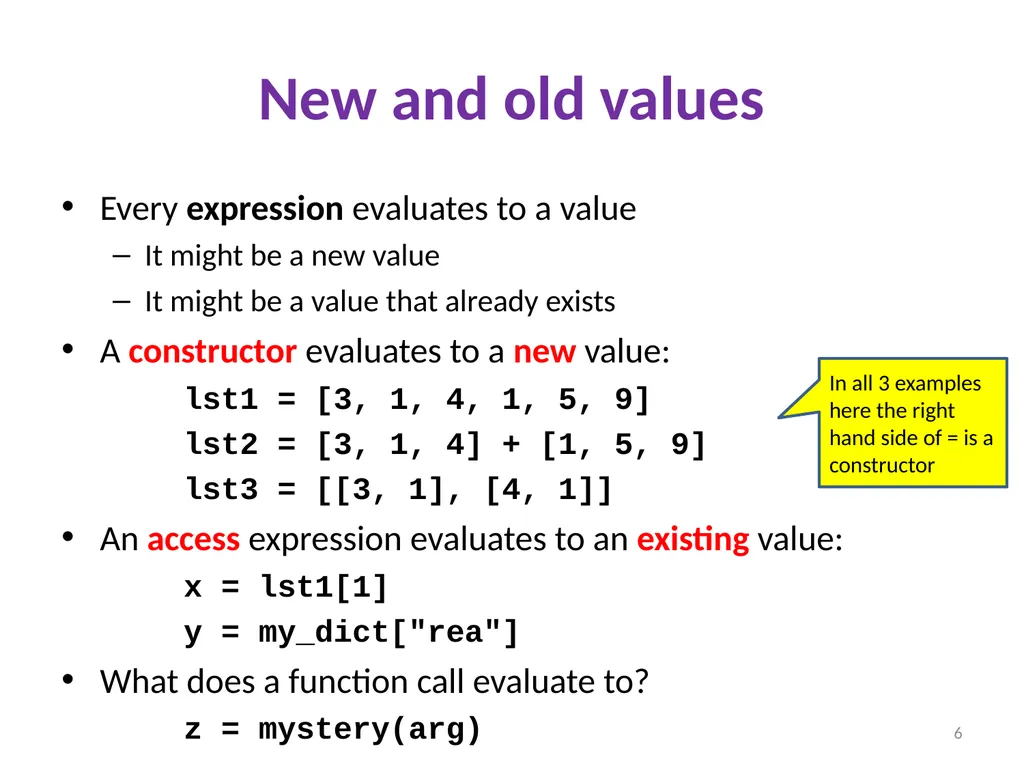
New and old values Every expression evaluates to a value
It might be a new value
It might be a value that already exists
A constructor evaluates to a new value:
lst1 = [3, 1, 4, 1, 5, 9]
lst2 = [3, 1, 4] + [1, 5, 9]
lst3 = [[3, 1], [4, 1]]
An access expression evaluates to an existing value:
x = lst1[1]
y = my_dict["rea"]
What does a function call evaluate to?
z = mystery(arg) 6 In all 3 examples here the right hand side of = is a constructor<br>
07
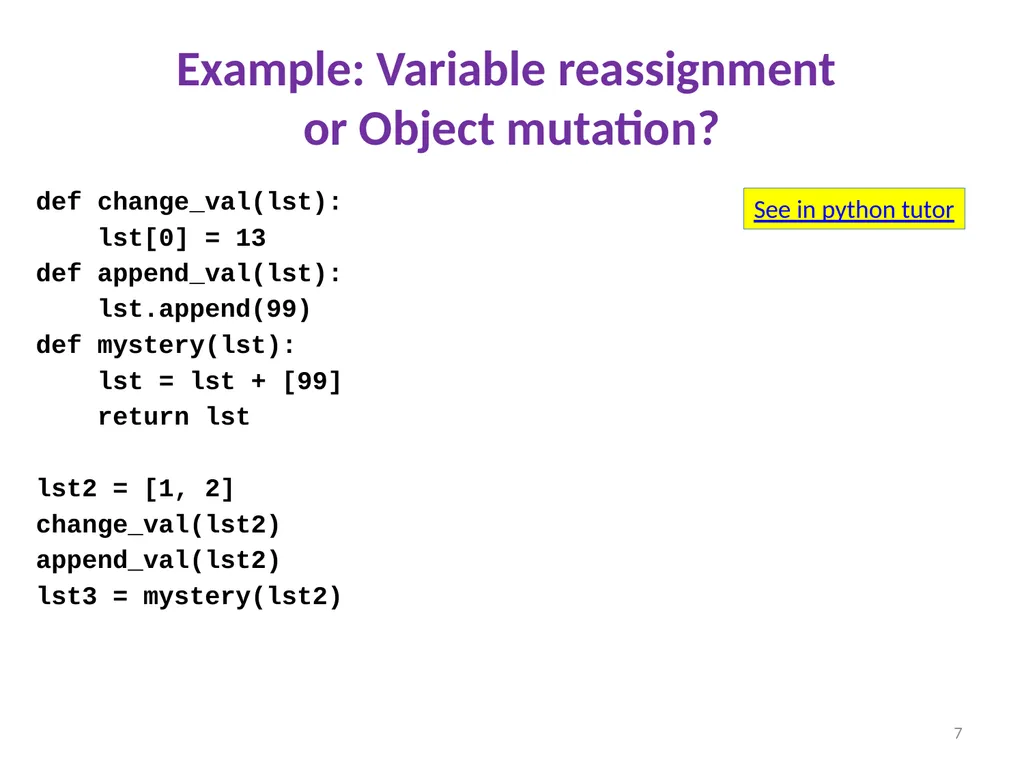
Example: Variable reassignment �or Object mutation? def change_val(lst):
lst[0] = 13
def append_val(lst):
lst.append(99)
def mystery(lst):
lst = lst + [99]
return lst
lst2 = [1, 2]
change_val(lst2)
append_val(lst2)
lst3 = mystery(lst2) 7 See in python tutor<br>
08
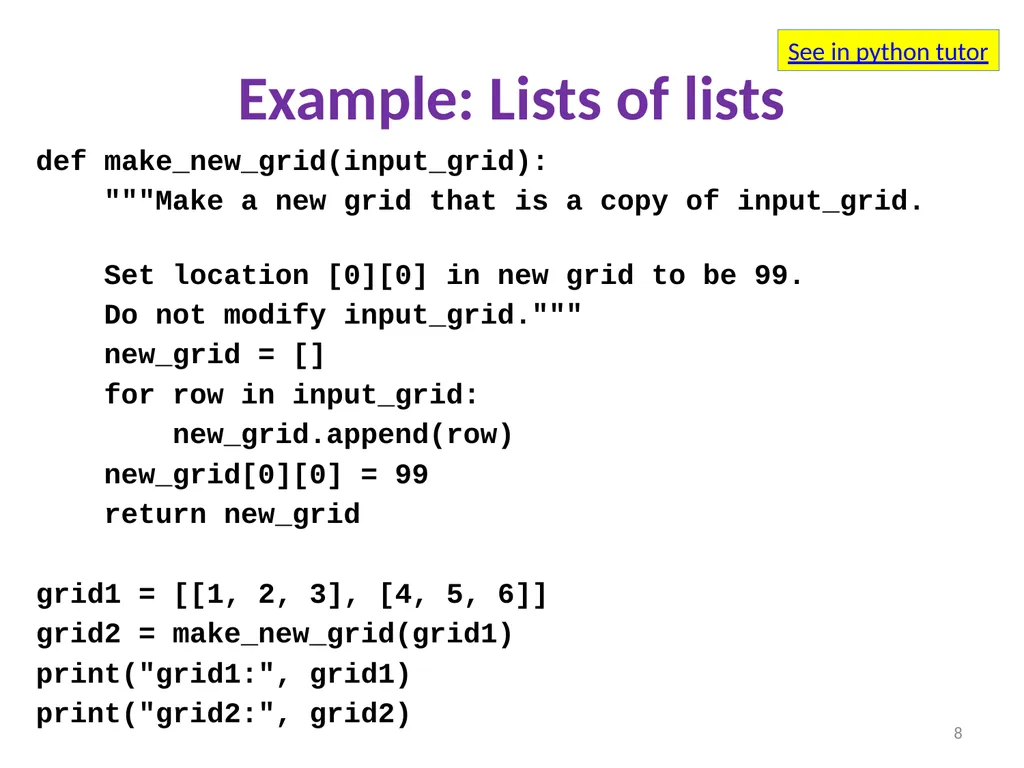
Example: Lists of lists def make_new_grid(input_grid):
"""Make a new grid that is a copy of input_grid.
Set location [0][0] in new grid to be 99.
Do not modify input_grid."""
new_grid = []
for row in input_grid:
new_grid.append(row)
new_grid[0][0] = 99
return new_grid
grid1 = [[1, 2, 3], [4, 5, 6]]
grid2 = make_new_grid(grid1)
print("grid1:", grid1)
print("grid2:", grid2) 8 See in python tutor<br>
09
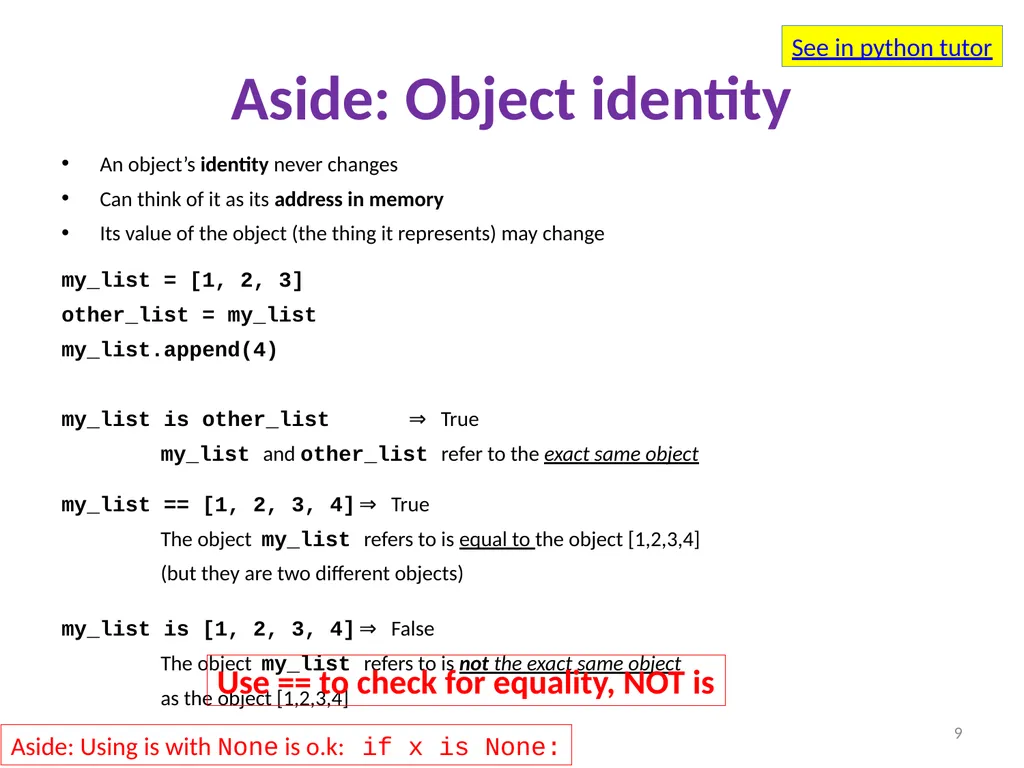
Aside: Object identity An object’s identity never changes
Can think of it as its address in memory
Its value of the object (the thing it represents) may change
my_list = [1, 2, 3]
other_list = my_list
my_list.append(4)
my_list is other_list ⇒ True
my_list and other_list refer to the exact same object
my_list == [1, 2, 3, 4] ⇒ True
The object my_list refers to is equal to the object [1,2,3,4]
(but they are two different objects)
my_list is [1, 2, 3, 4] ⇒ False
The object my_list refers to is not the exact same object
as the object [1,2,3,4] 9 See in python tutor Use == to check for equality, NOT is Aside: Using is with None is o.k: if x is None:<br>
10
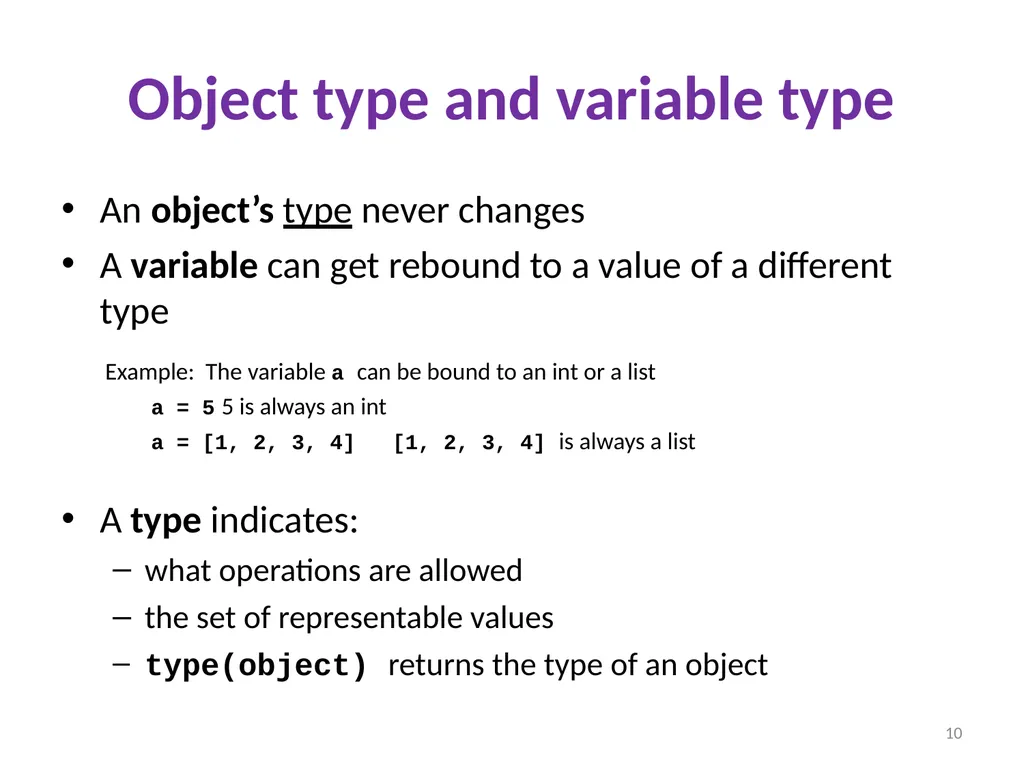
Object type and variable type An object’s type never changes
A variable can get rebound to a value of a different type
Example: The variable a can be bound to an int or a list
a = 5 5 is always an int
a = [1, 2, 3, 4] [1, 2, 3, 4] is always a list
A type indicates:
what operations are allowed
the set of representable values
type(object) returns the type of an object 10<br>
11
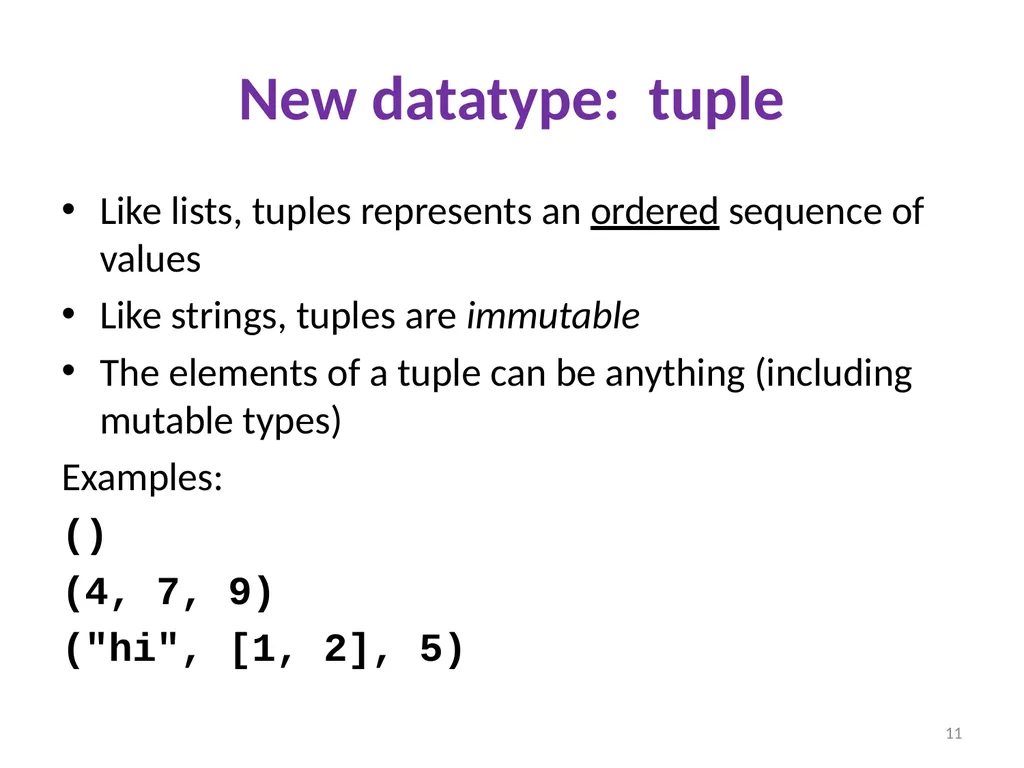
New datatype: tuple Like lists, tuples represents an ordered sequence of values
Like strings, tuples are immutable
The elements of a tuple can be anything (including mutable types)
Examples:
()
(4, 7, 9)
("hi", [1, 2], 5) 11<br>
12
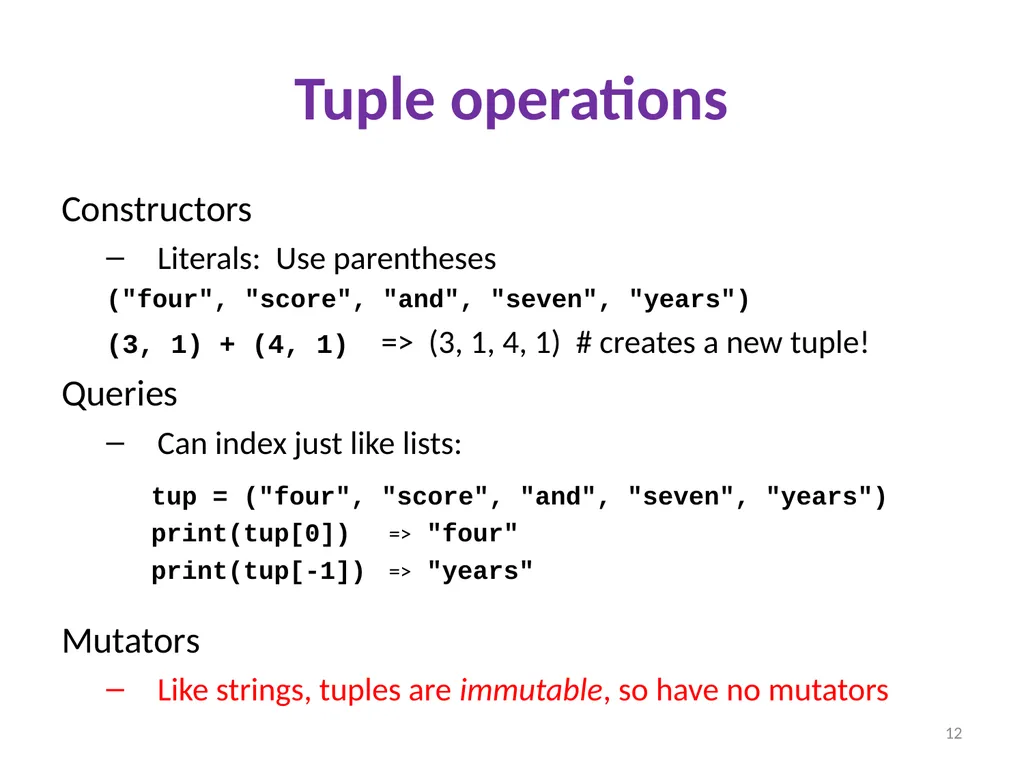
Tuple operations Constructors
Literals: Use parentheses
("four", "score", "and", "seven", "years")
(3, 1) + (4, 1) => (3, 1, 4, 1) # creates a new tuple!
Queries
Can index just like lists:
tup = ("four", "score", "and", "seven", "years")
print(tup[0]) => "four"
print(tup[-1]) => "years"
Mutators
Like strings, tuples are immutable, so have no mutators 12<br>
13
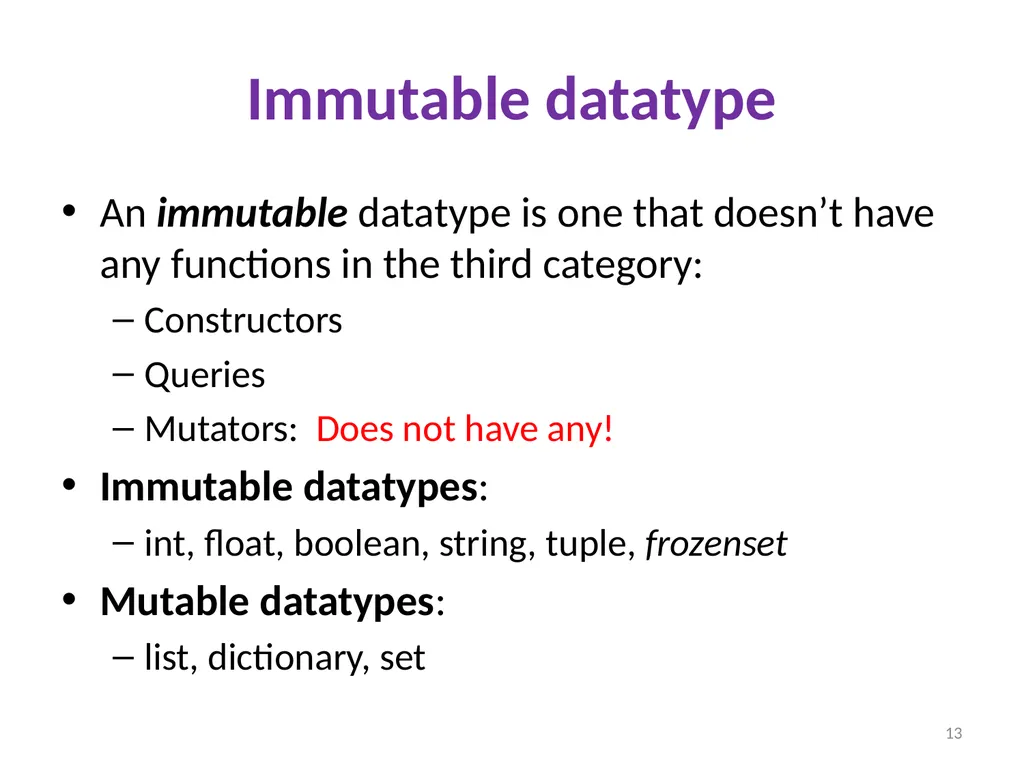
Immutable datatype An immutable datatype is one that doesn’t have any functions in the third category:
Constructors
Queries
Mutators: Does not have any!
Immutable datatypes:
int, float, boolean, string, tuple, frozenset
Mutable datatypes:
list, dictionary, set 13<br>
14
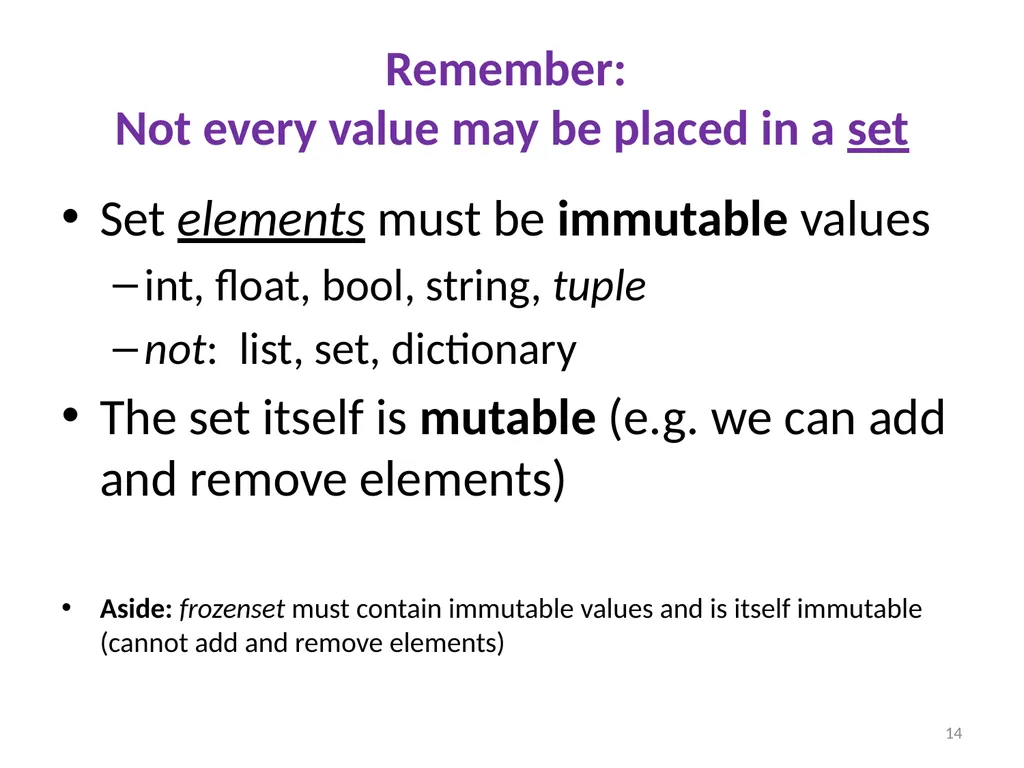
Remember: �Not every value may be placed in a set Set elements must be immutable values
int, float, bool, string, tuple
not: list, set, dictionary
The set itself is mutable (e.g. we can add and remove elements)
Aside: frozenset must contain immutable values and is itself immutable (cannot add and remove elements) 14<br>
15
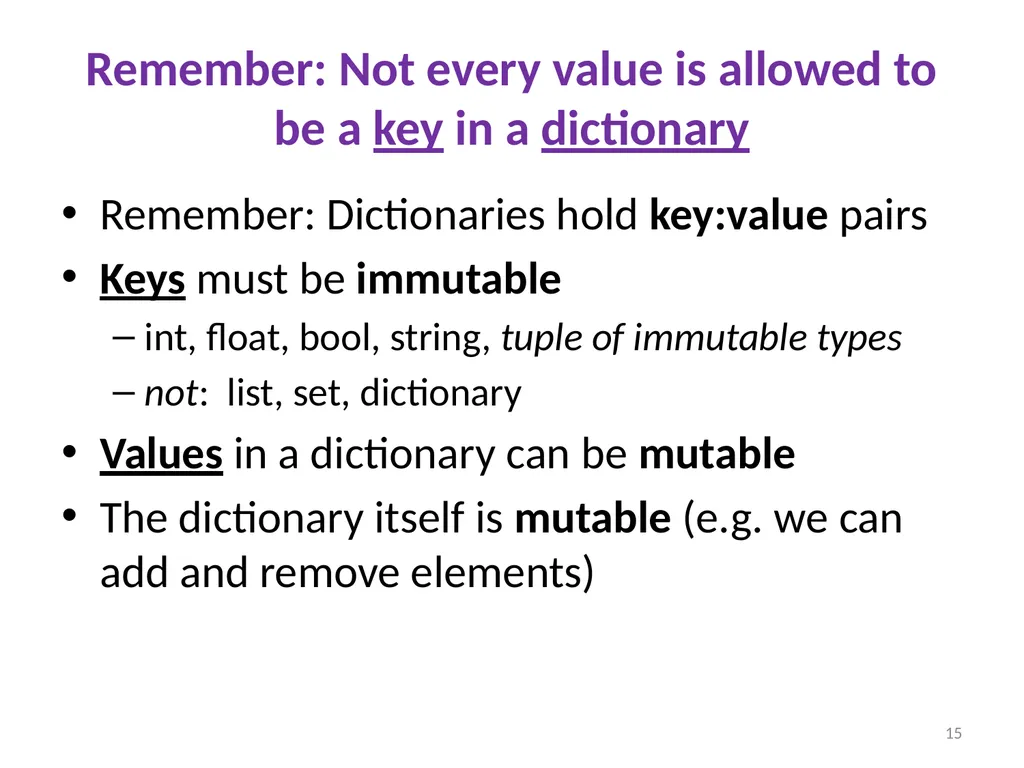
Remember: Not every value is allowed to be a key in a dictionary Remember: Dictionaries hold key:value pairs
Keys must be immutable
int, float, bool, string, tuple of immutable types
not: list, set, dictionary
Values in a dictionary can be mutable
The dictionary itself is mutable (e.g. we can add and remove elements) 15<br>
16
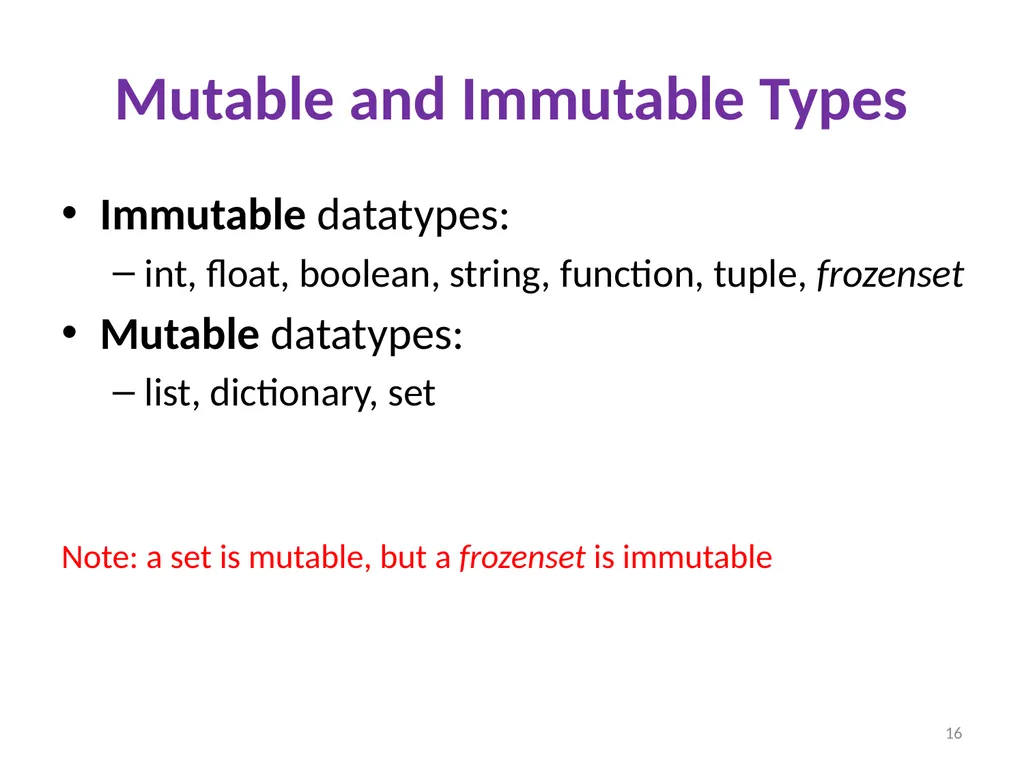
Mutable and Immutable Types Immutable datatypes:
int, float, boolean, string, function, tuple, frozenset
Mutable datatypes:
list, dictionary, set Note: a set is mutable, but a frozenset is immutable 16<br>
17
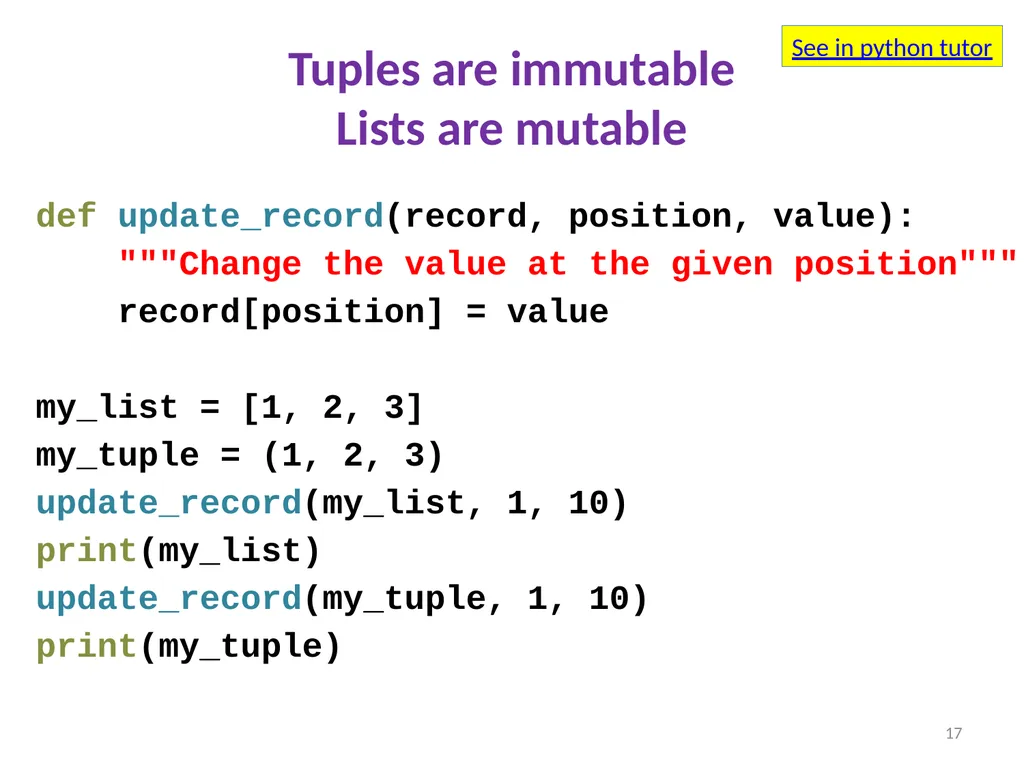
Tuples are immutable�Lists are mutable def update_record(record, position, value):
"""Change the value at the given position"""
record[position] = value
my_list = [1, 2, 3]
my_tuple = (1, 2, 3)
update_record(my_list, 1, 10)
print(my_list)
update_record(my_tuple, 1, 10)
print(my_tuple) 17 See in python tutor<br>
18
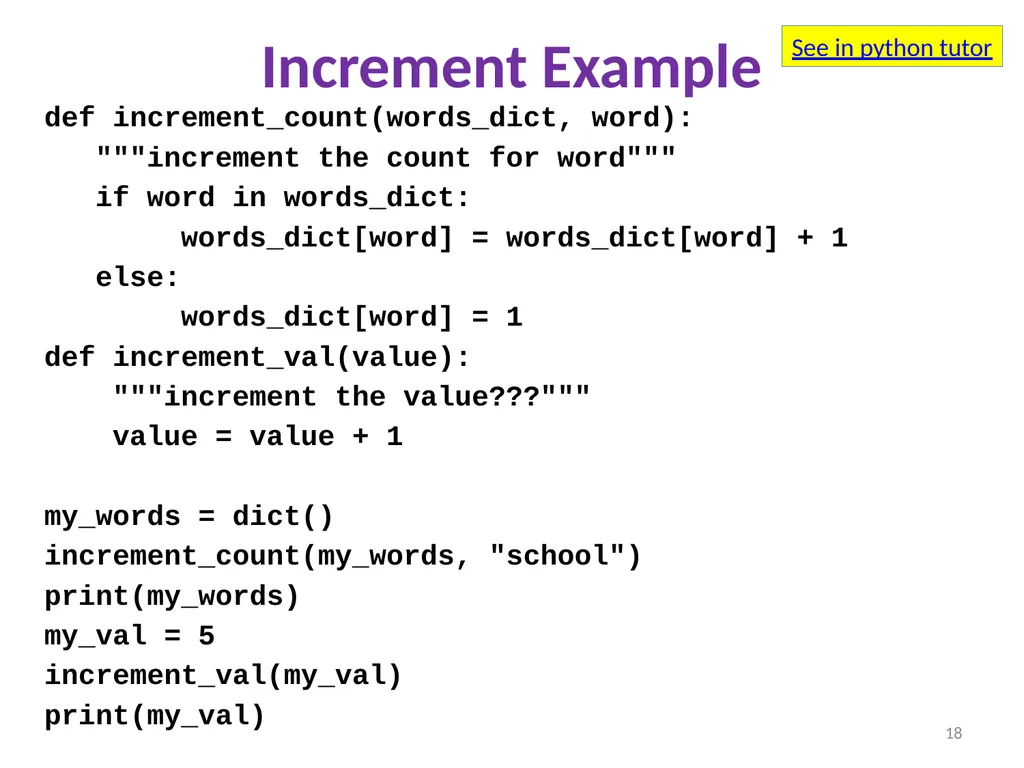
Increment Example def increment_count(words_dict, word):
"""increment the count for word"""
if word in words_dict:
words_dict[word] = words_dict[word] + 1
else:
words_dict[word] = 1
def increment_val(value):
"""increment the value???"""
value = value + 1
my_words = dict()
increment_count(my_words, "school")
print(my_words)
my_val = 5
increment_val(my_val)
print(my_val) 18 See in python tutor<br>
19
Python’s Data Model All data is represented by objects
Each object has:
an identity
Never changes
Think of this as address in memory
Test with is (but you rarely need to do so)
a type
Never changes
a value
Can change for mutable objects
Cannot change for immutable objects
Test with == 19<br>