02
WHAT ARE NOUNS? Nouns are naming words.
They name people, places and objects.
They can also name ideas, emotions, qualities and activities.
Here are some examples of nouns:
Peter, Elizabeth, driver, sister, friend.
Bristol, Severn, Brazil, pen, dog, money.
Love, beauty, industry, nature, greed, pain.<br>
04
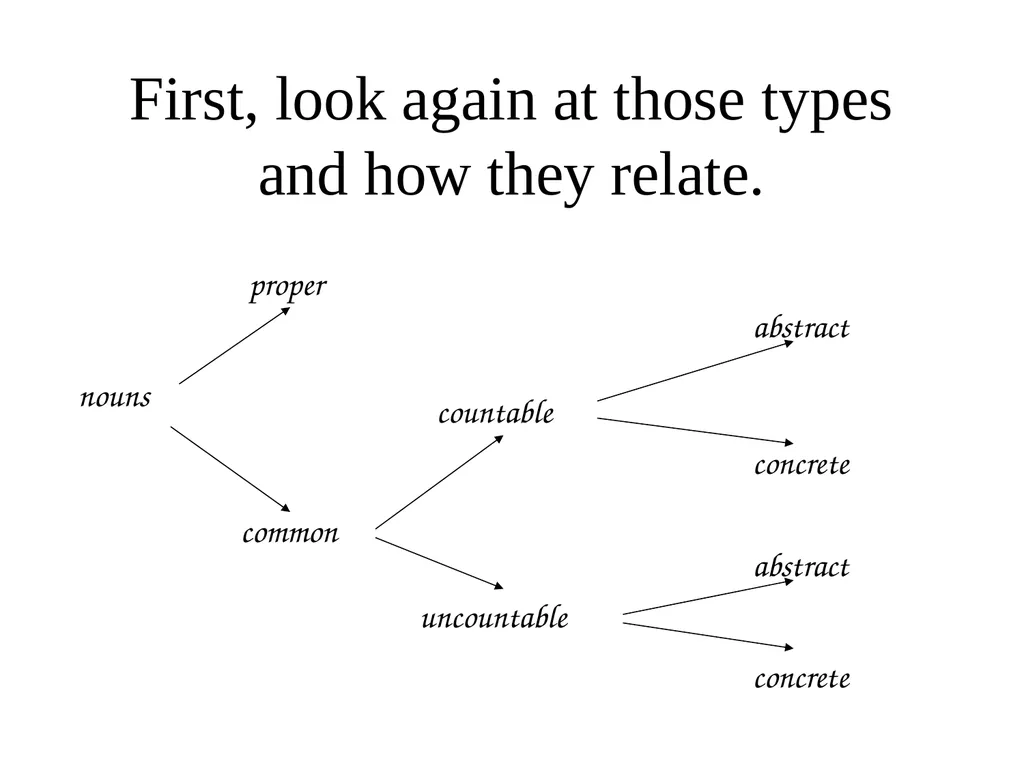
First, look again at those types and how they relate. nouns proper common countable uncountable abstract concrete abstract concrete<br>
05
Proper nouns Proper nouns start with capital letters.
They are the names of people, places, times, organisations etc.
They refer to unique individuals.
Most are not found in the dictionary.
They often occur in pairs or groups.
Here are some examples.<br>
06
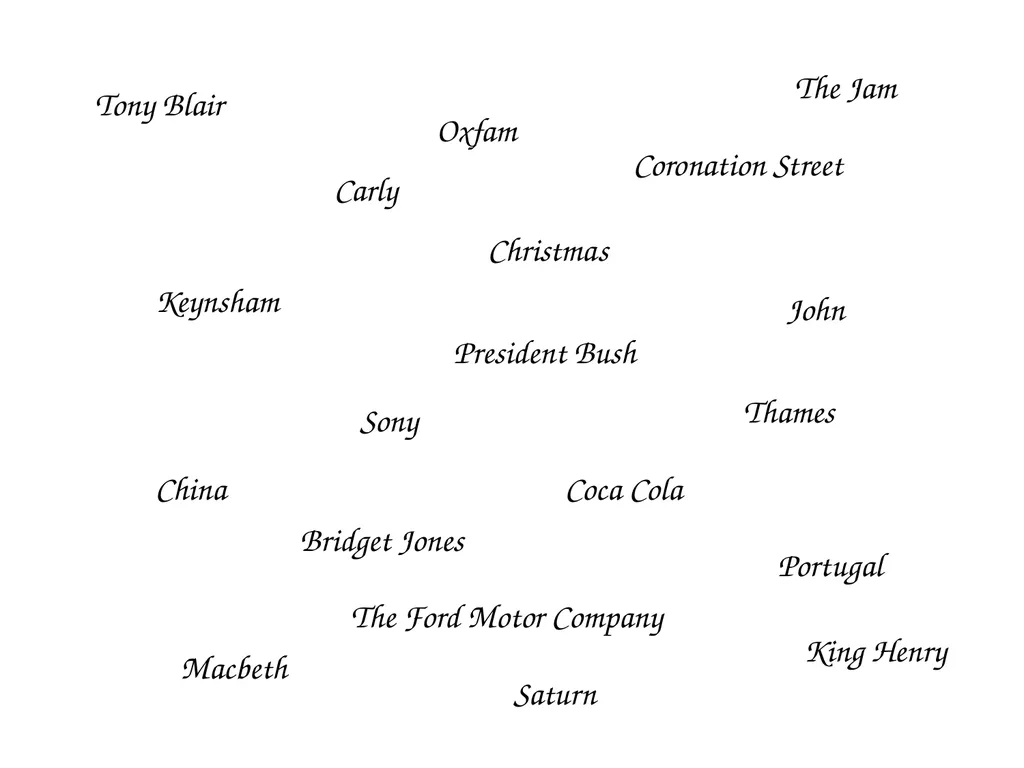
Tony Blair King Henry Bridget Jones Christmas China Thames Keynsham Sony Coca Cola Macbeth President Bush The Jam Coronation Street Saturn Carly John Portugal The Ford Motor Company Oxfam<br>
07
Common nouns All nouns which are not proper nouns are common nouns.
A few examples: cup, art, paper, work, frog, bicycle, atom, family, mind.
Common nouns are either countable or uncountable.<br>
08
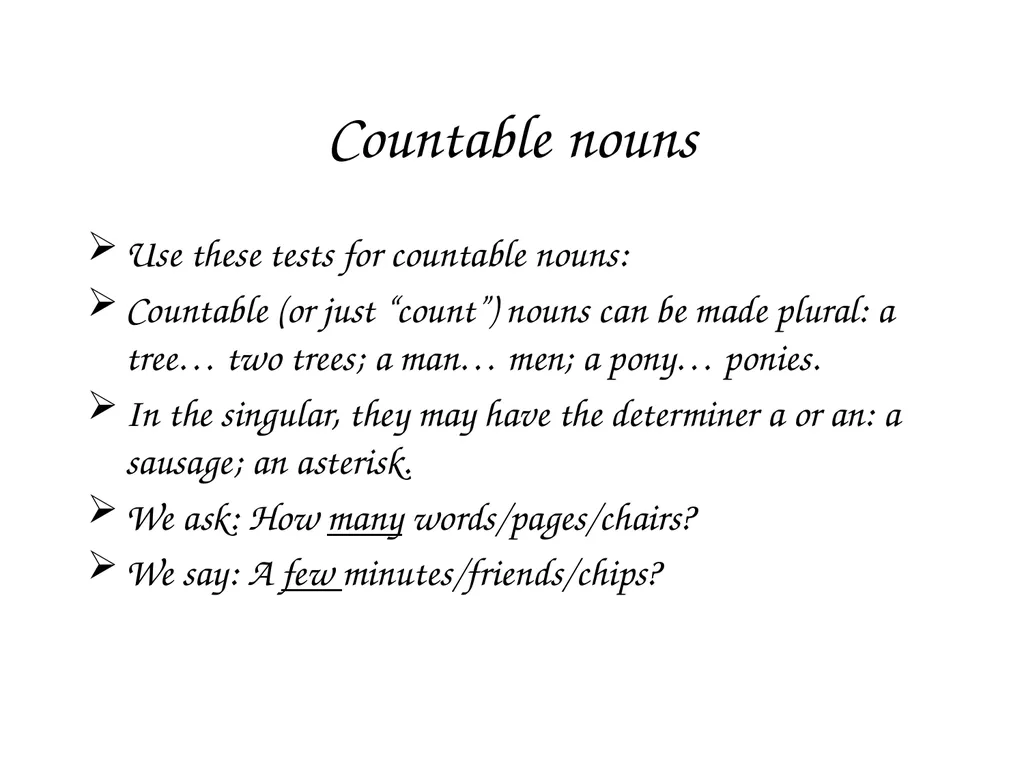
Countable nouns Use these tests for countable nouns:
Countable (or just “count”) nouns can be made plural: a tree… two trees; a man… men; a pony… ponies.
In the singular, they may have the determiner a or an: a sausage; an asterisk.
We ask: How many words/pages/chairs?
We say: A few minutes/friends/chips?<br>
09
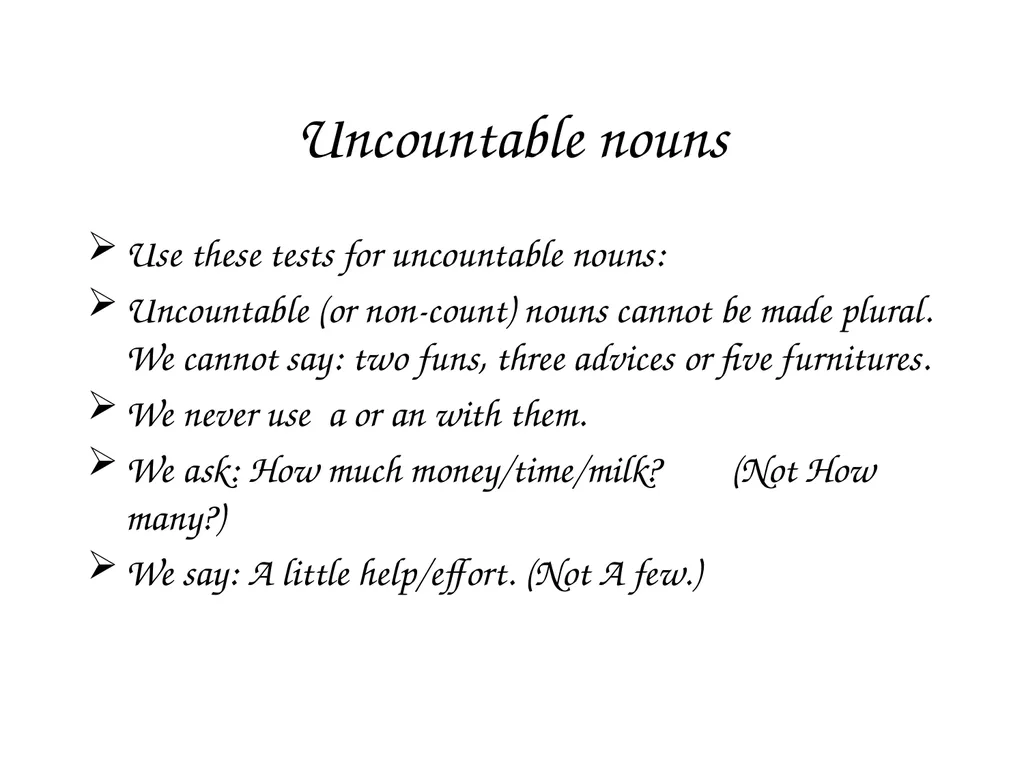
Uncountable nouns Use these tests for uncountable nouns:
Uncountable (or non-count) nouns cannot be made plural. We cannot say: two funs, three advices or five furnitures.
We never use a or an with them.
We ask: How much money/time/milk? (Not How many?)
We say: A little help/effort. (Not A few.)<br>
10
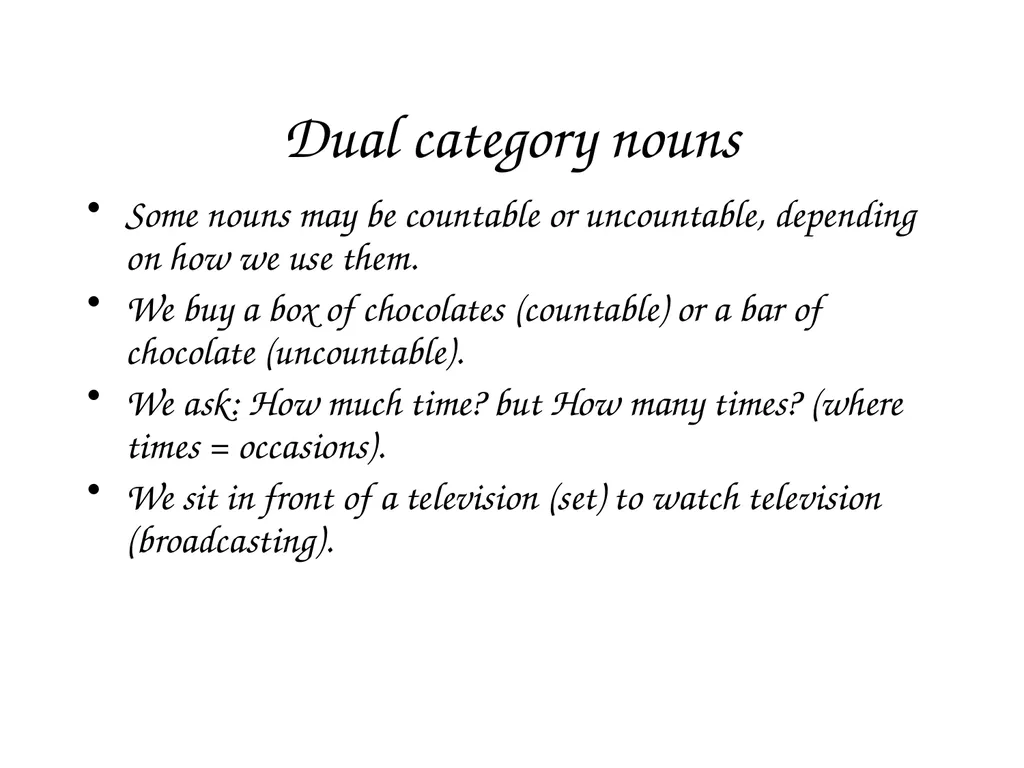
Dual category nouns Some nouns may be countable or uncountable, depending on how we use them.
We buy a box of chocolates (countable) or a bar of chocolate (uncountable).
We ask: How much time? but How many times? (where times = occasions).
We sit in front of a television (set) to watch television (broadcasting).<br>
11
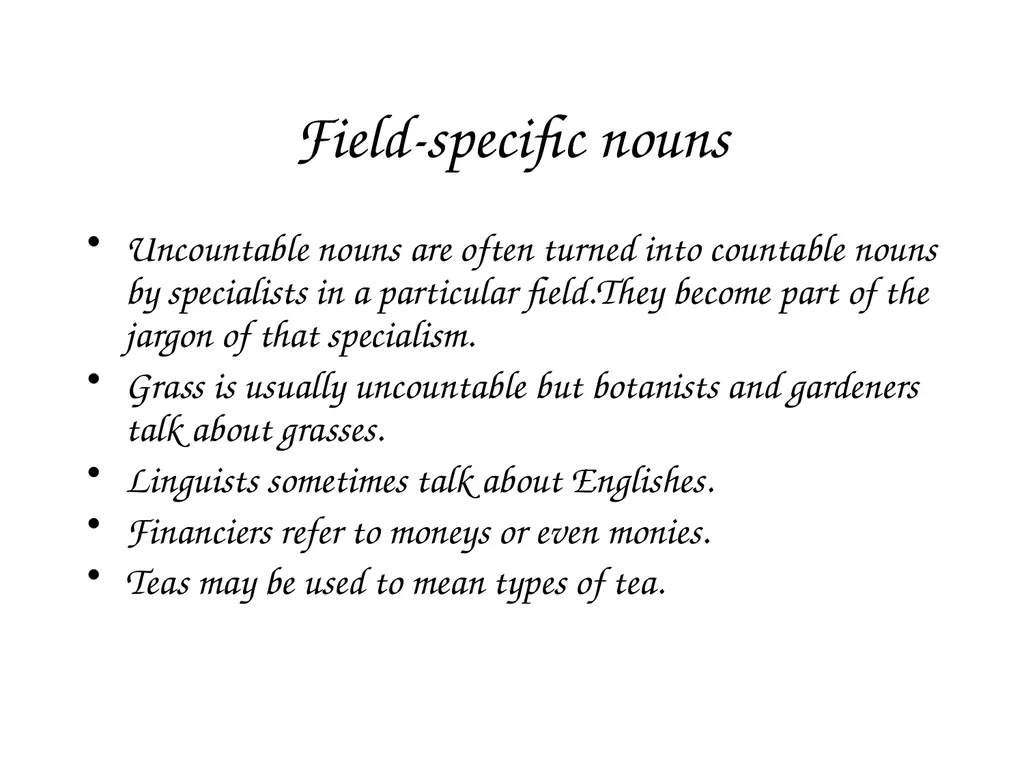
Field-specific nouns Uncountable nouns are often turned into countable nouns by specialists in a particular field.They become part of the jargon of that specialism.
Grass is usually uncountable but botanists and gardeners talk about grasses.
Linguists sometimes talk about Englishes.
Financiers refer to moneys or even monies.
Teas may be used to mean types of tea.<br>
12
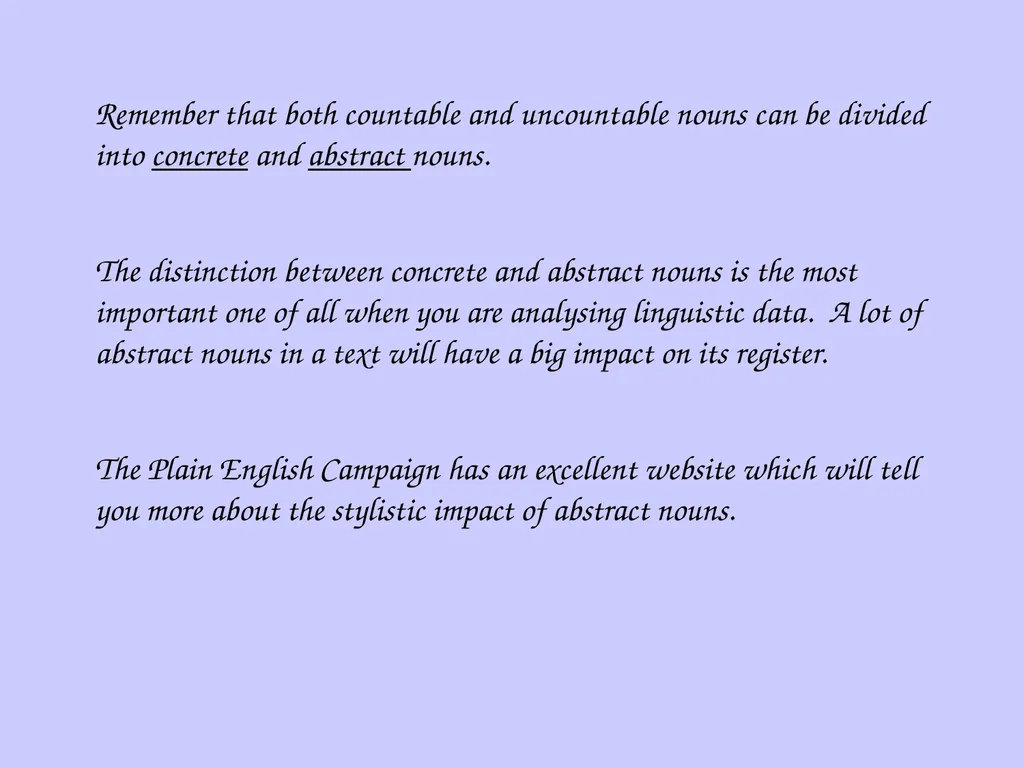
Remember that both countable and uncountable nouns can be divided into concrete and abstract nouns.
The distinction between concrete and abstract nouns is the most important one of all when you are analysing linguistic data. A lot of abstract nouns in a text will have a big impact on its register.
The Plain English Campaign has an excellent website which will tell you more about the stylistic impact of abstract nouns.<br>
13
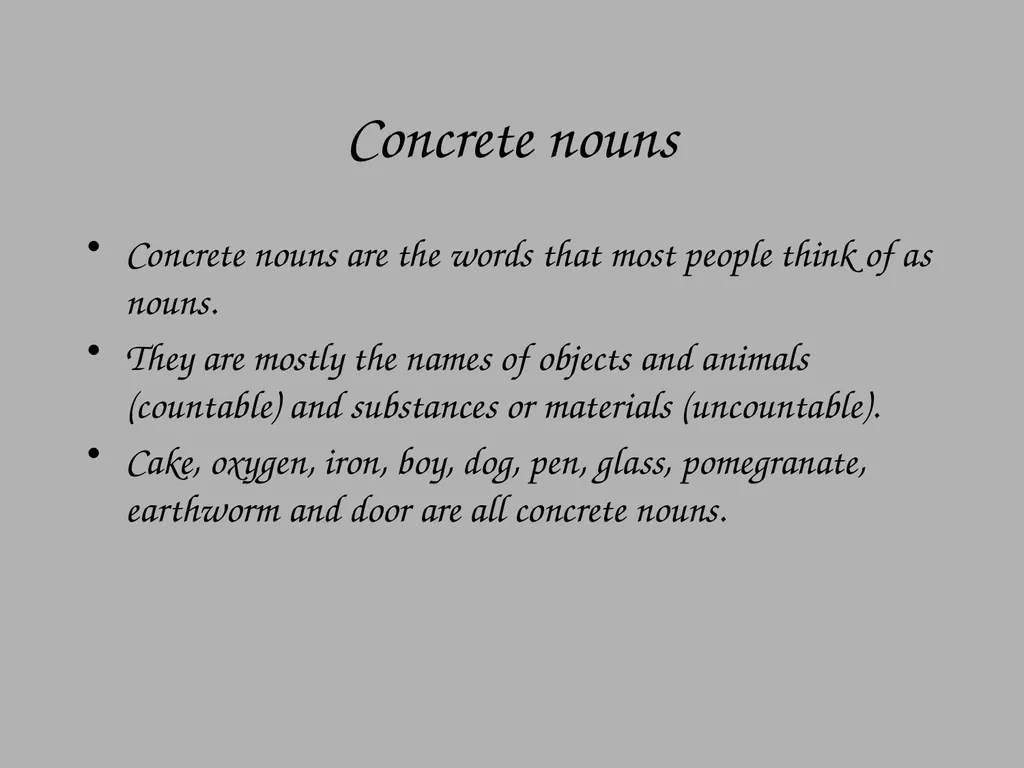
Concrete nouns Concrete nouns are the words that most people think of as nouns.
They are mostly the names of objects and animals (countable) and substances or materials (uncountable).
Cake, oxygen, iron, boy, dog, pen, glass, pomegranate, earthworm and door are all concrete nouns.<br>
14
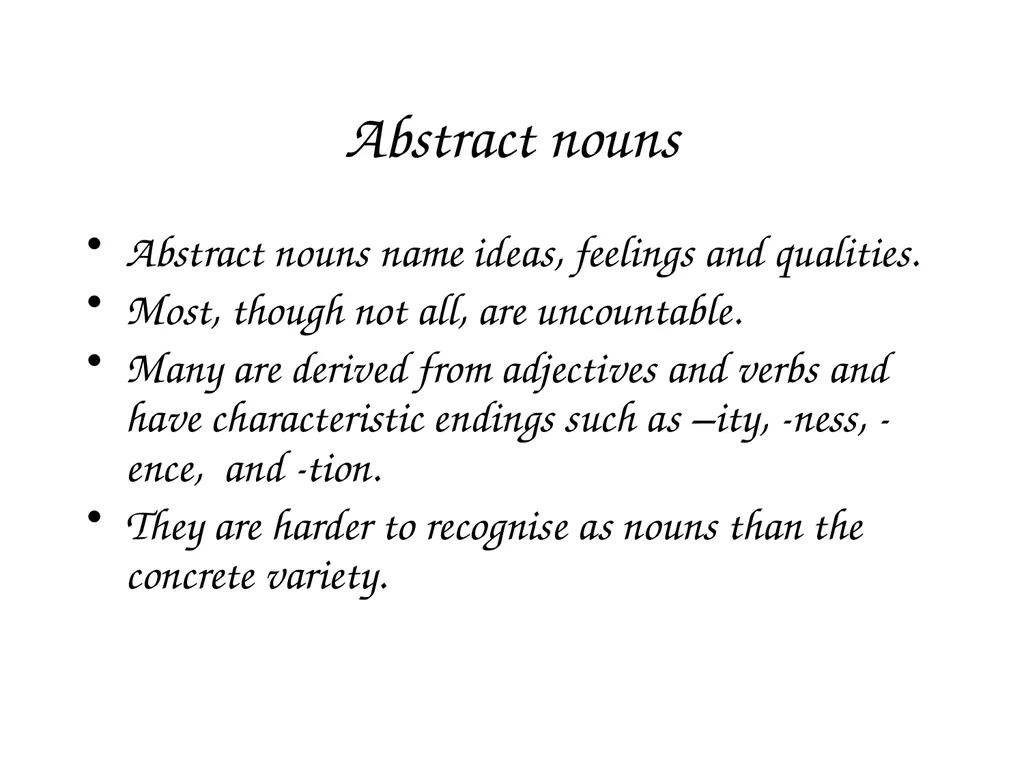
Abstract nouns Abstract nouns name ideas, feelings and qualities.
Most, though not all, are uncountable.
Many are derived from adjectives and verbs and have characteristic endings such as –ity, -ness, -ence, and -tion.
They are harder to recognise as nouns than the concrete variety.<br>
15
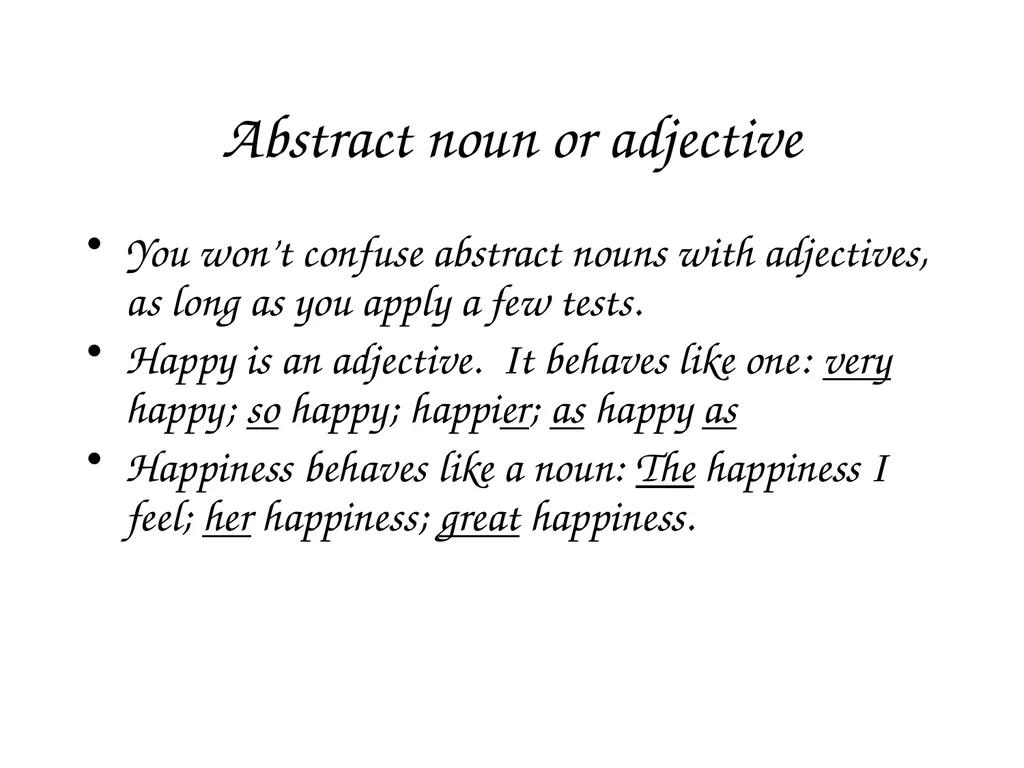
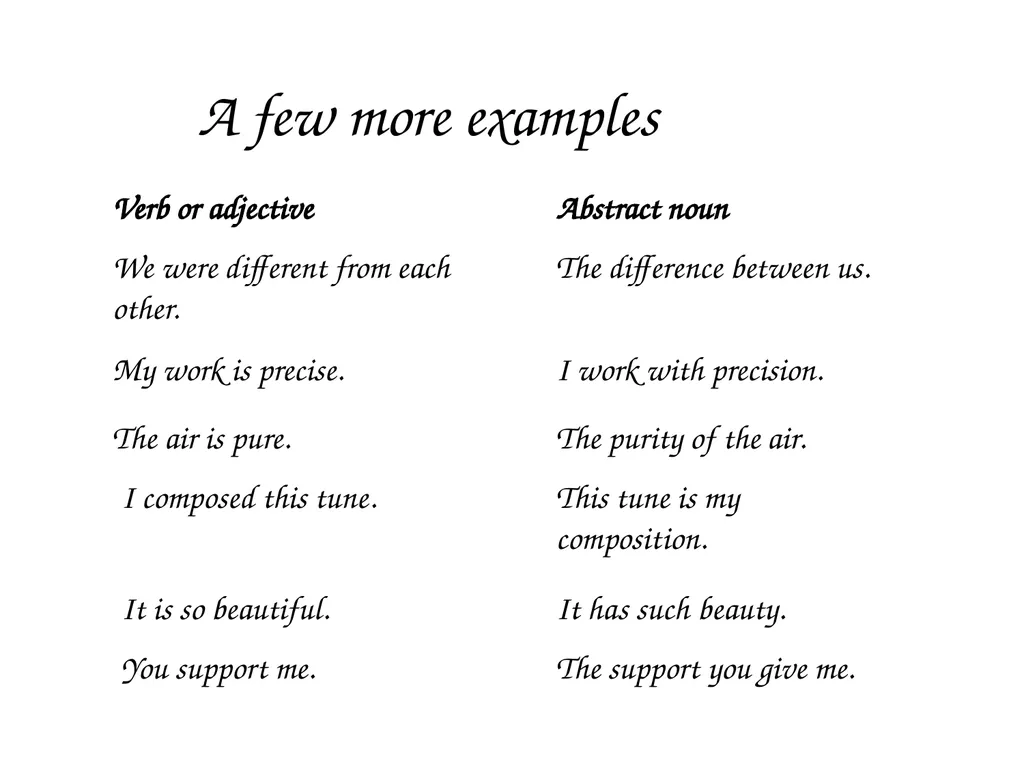
Abstract noun or adjective You won’t confuse abstract nouns with adjectives, as long as you apply a few tests.
Happy is an adjective. It behaves like one: very happy; so happy; happier; as happy as
Happiness behaves like a noun: The happiness I feel; her happiness; great happiness.<br>
16
A few more examples Verb or adjective Abstract noun We were different from each other. The difference between us. My work is precise. I work with precision. The air is pure. The purity of the air. I composed this tune. This tune is my composition. It is so beautiful. It has such beauty. You support me. The support you give me.<br>
17
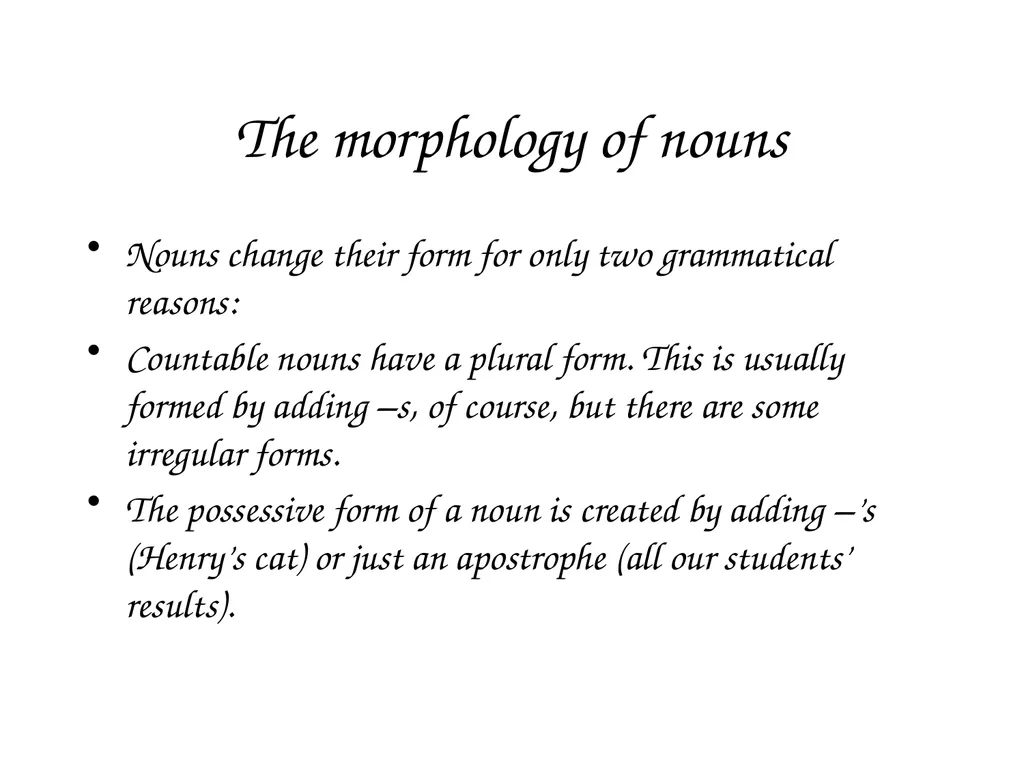
The morphology of nouns Nouns change their form for only two grammatical reasons:
Countable nouns have a plural form. This is usually formed by adding –s, of course, but there are some irregular forms.
The possessive form of a noun is created by adding –’s (Henry’s cat) or just an apostrophe (all our students’ results).<br>
18
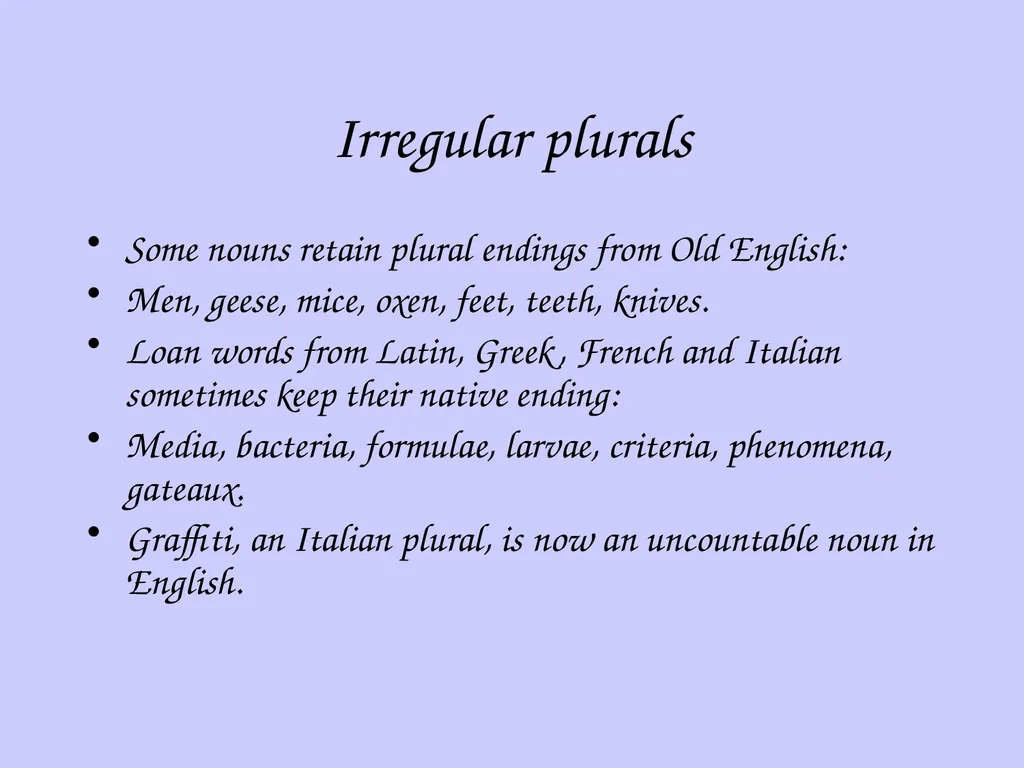
Irregular plurals Some nouns retain plural endings from Old English:
Men, geese, mice, oxen, feet, teeth, knives.
Loan words from Latin, Greek, French and Italian sometimes keep their native ending:
Media, bacteria, formulae, larvae, criteria, phenomena, gateaux.
Graffiti, an Italian plural, is now an uncountable noun in English.<br>
19
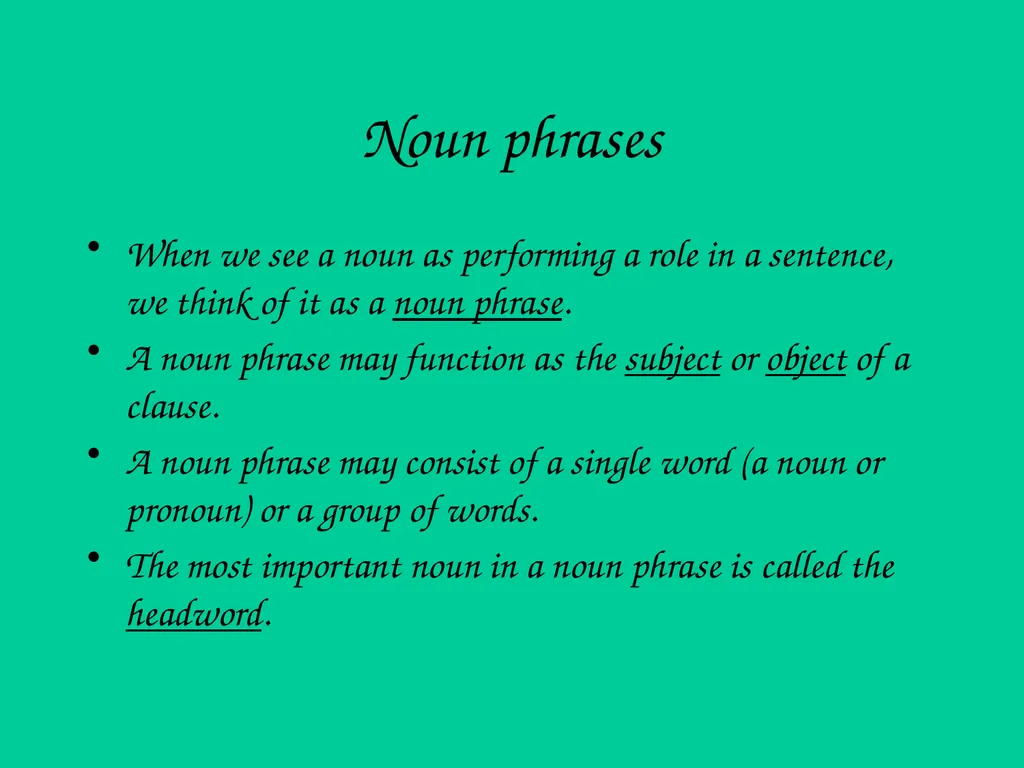
Noun phrases When we see a noun as performing a role in a sentence, we think of it as a noun phrase.
A noun phrase may function as the subject or object of a clause.
A noun phrase may consist of a single word (a noun or pronoun) or a group of words.
The most important noun in a noun phrase is called the headword.<br>
20
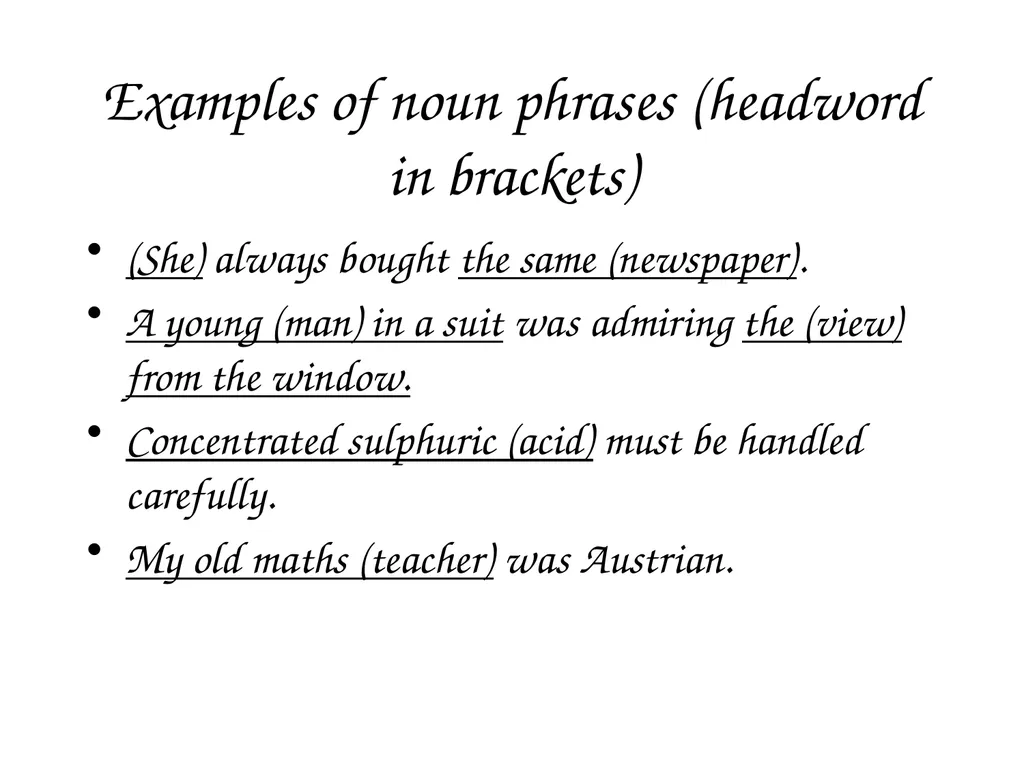
Examples of noun phrases (headword in brackets) (She) always bought the same (newspaper).
A young (man) in a suit was admiring the (view) from the window.
Concentrated sulphuric (acid) must be handled carefully.
My old maths (teacher) was Austrian.<br>
21
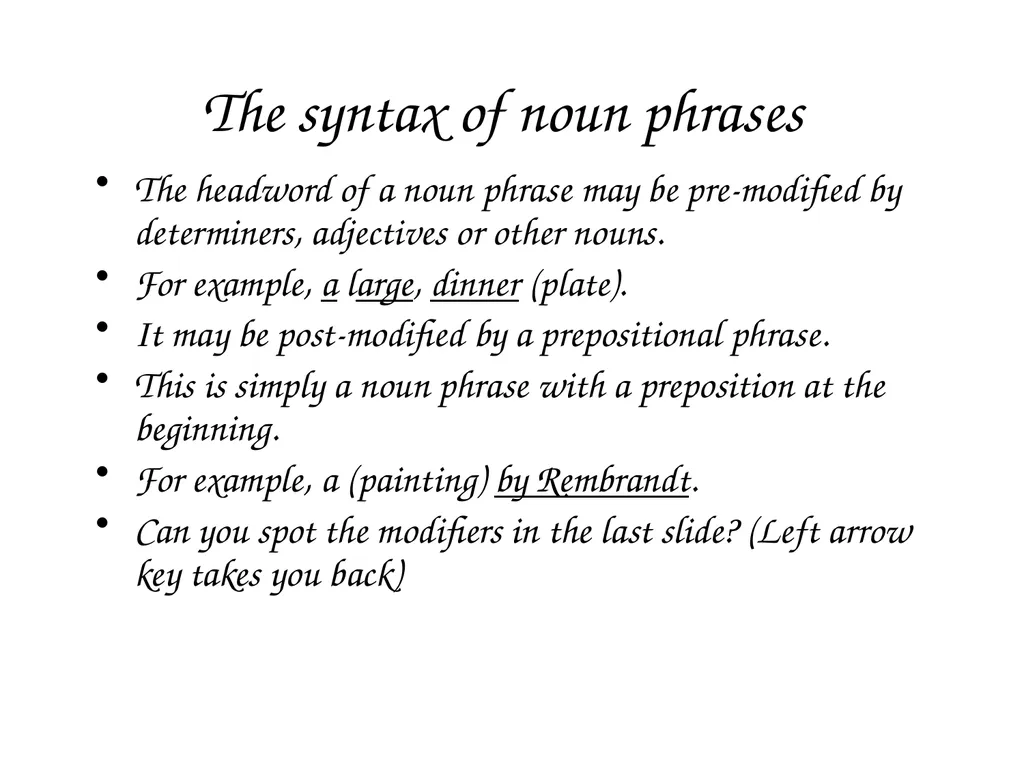
The syntax of noun phrases The headword of a noun phrase may be pre-modified by determiners, adjectives or other nouns.
For example, a large, dinner (plate).
It may be post-modified by a prepositional phrase.
This is simply a noun phrase with a preposition at the beginning.
For example, a (painting) by Rembrandt.
Can you spot the modifiers in the last slide? (Left arrow key takes you back)<br>
22
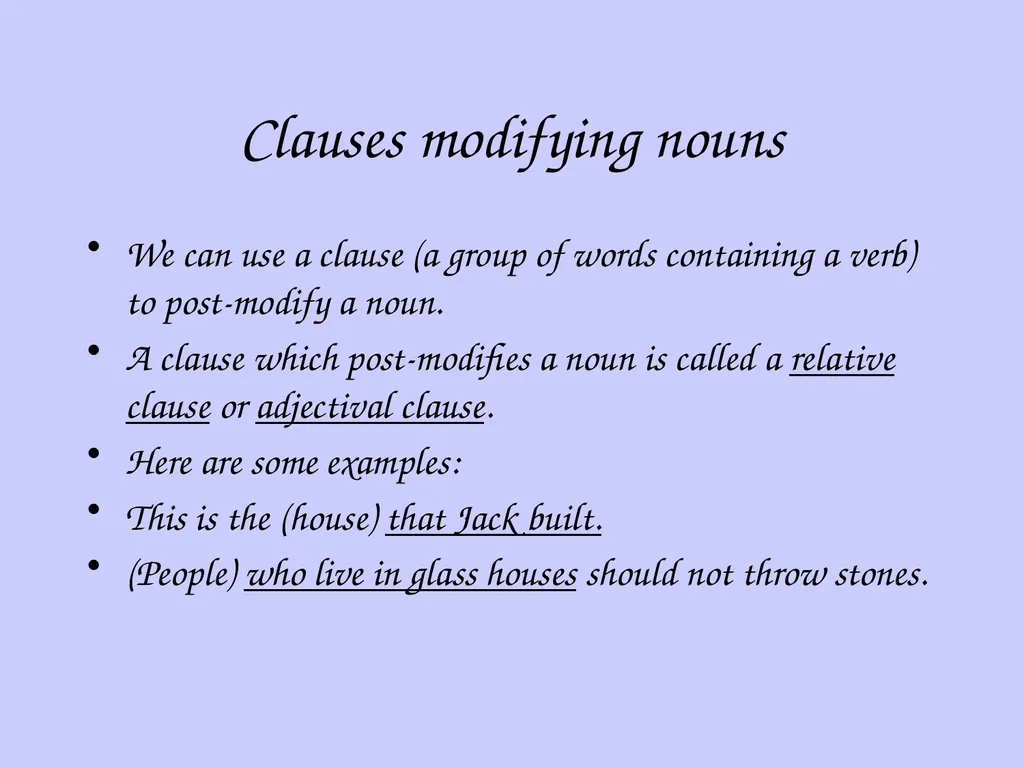
Clauses modifying nouns We can use a clause (a group of words containing a verb) to post-modify a noun.
A clause which post-modifies a noun is called a relative clause or adjectival clause.
Here are some examples:
This is the (house) that Jack built.
(People) who live in glass houses should not throw stones.<br>
23
That’s the end of the presentation on nouns.
If you want to print, remember the instructions:
Select “print” from the file menu.
Select: hand-outs; six slides per page; pure black and white.
Click “OK”.<br>
24
This powerpoint was kindly donated to www.worldofteaching.com
http://www.worldofteaching.com is home to over a thousand powerpoints submitted by teachers. This is a completely free site and requires no registration. Please visit and I hope it will help in your teaching.<br>