
Structured Query Language Recap Database
DP
Published · 63 slides · 0 views
1 / 1




Description
Structured Query Language Recap Database Programming Using Oracle 11g Select Statement Its only known way to interact with Database to retrieve Data. Declarative Language DRL: Data Retrieval Language Structured Query Language Basics Select
Related Topics
Share
Embed code
Download this presentation From Below
"Structured Query Language Recap Database" is the property of its rightful owner. Permission is granted to download and print the materials on this website for personal, non-commercial use only, and to display it on your personal computer provided you do not modify the materials and that you retain all copyright notices contained in the materials. By downloading content from our website, you accept the terms of this agreement.
Presentation Transcript
01
Structured Query Language Recap Database Programming Using Oracle 11g<br>
02
Select Statement
Its only known way to interact with Database to retrieve Data.
Declarative Language
DRL: Data Retrieval Language Structured Query Language Basics<br>
Its only known way to interact with Database to retrieve Data.
Declarative Language
DRL: Data Retrieval Language Structured Query Language Basics<br>
03
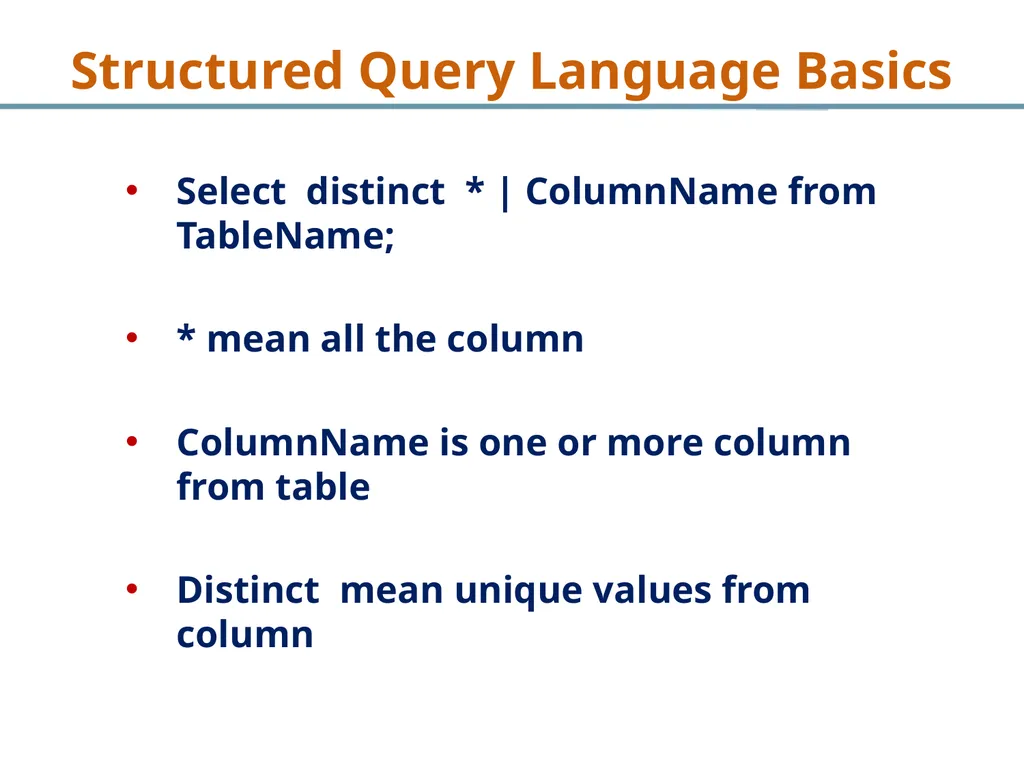
Select distinct * | ColumnName from TableName;
* mean all the column
ColumnName is one or more column from table
Distinct mean unique values from column Structured Query Language Basics<br>
* mean all the column
ColumnName is one or more column from table
Distinct mean unique values from column Structured Query Language Basics<br>
04
Select Statement
Assumption is tables are created and data is populated Structured Query Language Basics<br>
Assumption is tables are created and data is populated Structured Query Language Basics<br>
05
Implementing Select Statement Structured Query Language Basics<br>
06
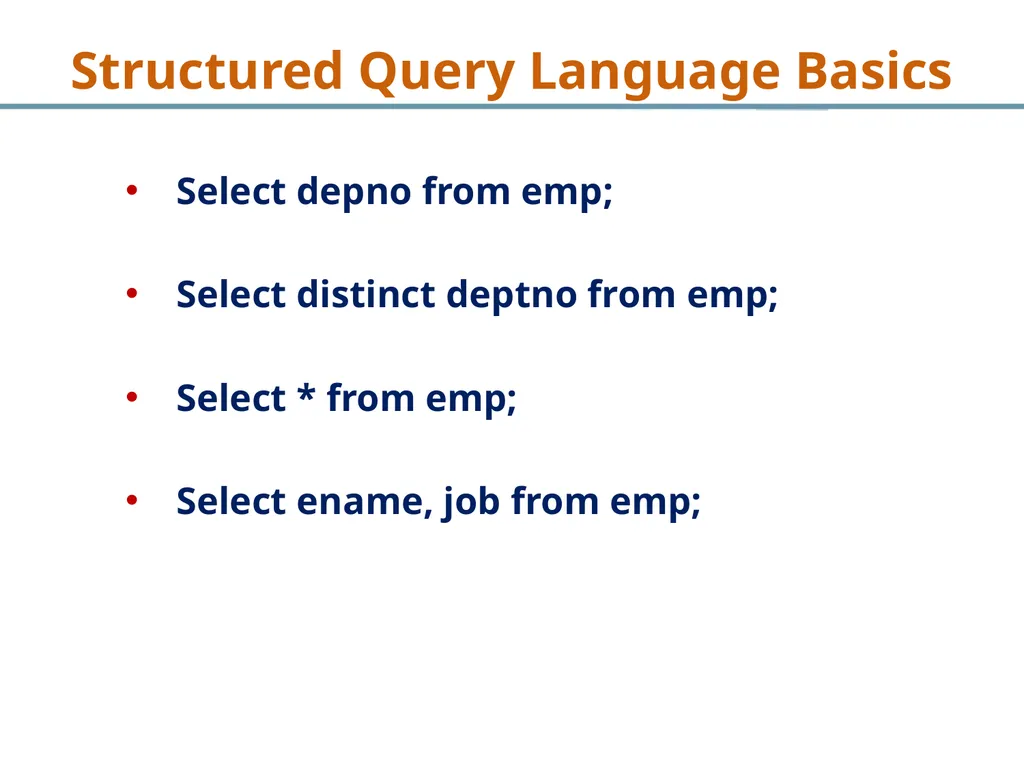
Select depno from emp;
Select distinct deptno from emp;
Select * from emp;
Select ename, job from emp; Structured Query Language Basics<br>
Select distinct deptno from emp;
Select * from emp;
Select ename, job from emp; Structured Query Language Basics<br>
07
Select Statement
Assumption is tables are created and data is populated Structured Query Language Basics<br>
Assumption is tables are created and data is populated Structured Query Language Basics<br>
08
SQL and where clause
Where clause is used to restrict number of rows
Required rows can be fetch using Where clause
Applied at each row of table Structured Query Language Basics<br>
Where clause is used to restrict number of rows
Required rows can be fetch using Where clause
Applied at each row of table Structured Query Language Basics<br>
09
Select distinct * | ColumnName from TableName where condition 1 and / or condition 2 and / or condition 3
Conditions can include: >, <, =, <>, AND, OR, NOT Structured Query Language Basics<br>
Conditions can include: >, <, =, <>, AND, OR, NOT Structured Query Language Basics<br>
10
SQL and where clause
If there are multiple conditions in where clause then at a time only one condition will be evaluated Structured Query Language Basics<br>
If there are multiple conditions in where clause then at a time only one condition will be evaluated Structured Query Language Basics<br>
11
Implementing Where Clause Structured Query Language Basics<br>
12
Table Name: Emp
Question # 1:
Write a query to find out list of all those employee name who are earning more than 2500 but less than 5000.
Question # 2:
Write a query to find out all those employees who are working in Dept # 20 with designation of Analyst but not earning more than 2000 and was hired at least 30 years ago. Structured Query Language Basics<br>
Question # 1:
Write a query to find out list of all those employee name who are earning more than 2500 but less than 5000.
Question # 2:
Write a query to find out all those employees who are working in Dept # 20 with designation of Analyst but not earning more than 2000 and was hired at least 30 years ago. Structured Query Language Basics<br>
13
Table Name: Emp
Question # 1:
Write a query to find out list of all those employee name who are earning more than 2500 but less than 5000.
Solution:
Select ename from emp where sal>2500 and sal < 5000 Structured Query Language Basics<br>
Question # 1:
Write a query to find out list of all those employee name who are earning more than 2500 but less than 5000.
Solution:
Select ename from emp where sal>2500 and sal < 5000 Structured Query Language Basics<br>
14
Table Name: Emp
Question # 1:
Write a query to find out all those employees who are working in Dept # 20 with designation of Analyst but not earning more than 2000 and was hired at least 30 years ago.
Solution:
Select * from emp where deptno=20 and Job=‘Analyst’ and sal <2000 and hiredate<sysdate -10000 Structured Query Language Basics<br>
Question # 1:
Write a query to find out all those employees who are working in Dept # 20 with designation of Analyst but not earning more than 2000 and was hired at least 30 years ago.
Solution:
Select * from emp where deptno=20 and Job=‘Analyst’ and sal <2000 and hiredate<sysdate -10000 Structured Query Language Basics<br>
15
Implementing Where Clause
In where clause we have recap logical operators and comparison operators Structured Query Language Basics<br>
In where clause we have recap logical operators and comparison operators Structured Query Language Basics<br>
16
Wild Cards
Wild mean any character can be included
Used for pattern matching to approximity Structured Query Language Basics<br>
Wild mean any character can be included
Used for pattern matching to approximity Structured Query Language Basics<br>
17
Wild Cards
Two Wild Cards
%: Zero or more characters
- : Exactly one character Structured Query Language Basics<br>
Two Wild Cards
%: Zero or more characters
- : Exactly one character Structured Query Language Basics<br>
18
Implementing Wild Cards - I
Wild Cards are implemented using LIKE Operator Structured Query Language Basics<br>
Wild Cards are implemented using LIKE Operator Structured Query Language Basics<br>
19
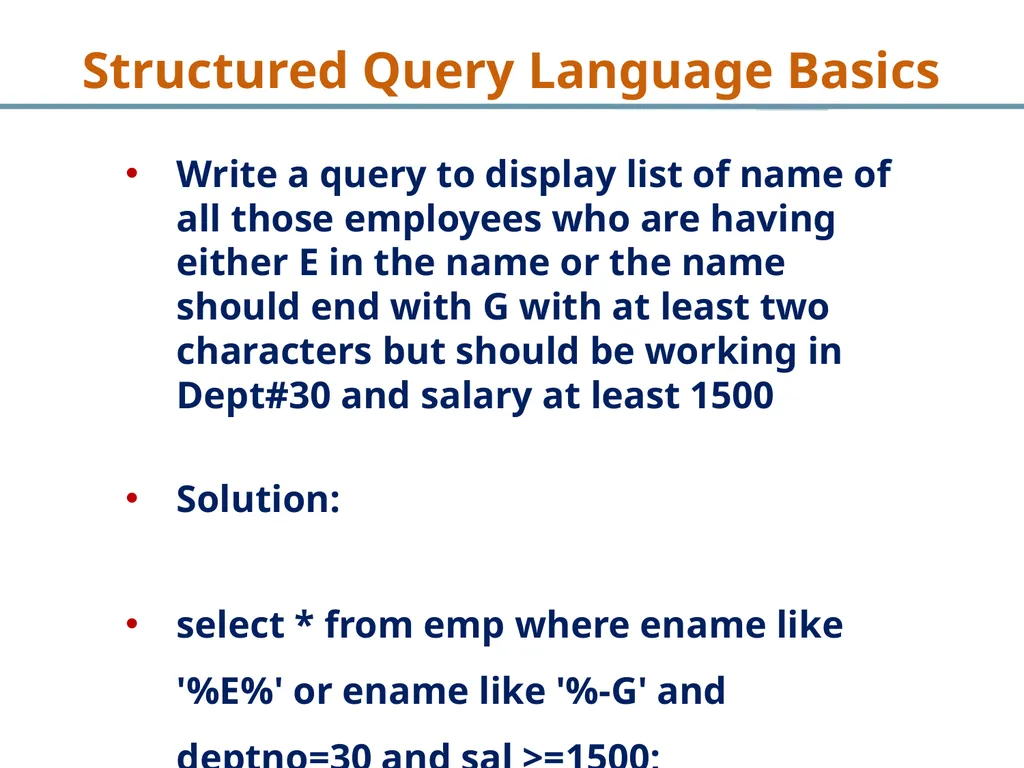
Write a query to display list of name of all those employees who are having either E in the name or the name should end with G with at least two characters but should be working in Dept#30 and salary at least 1500
Solution:
select * from emp where ename like '%E%' or ename like '%-G' and deptno=30 and sal >=1500; Structured Query Language Basics<br>
Solution:
select * from emp where ename like '%E%' or ename like '%-G' and deptno=30 and sal >=1500; Structured Query Language Basics<br>
20
Implementing Wild Cards - II Structured Query Language Basics<br>
21
Write a query to display all information about all those employees who are having ER in the job with at least three character in job and should be earning at least 2500 but at most 5000 and should be with company for at most 15 years
Select * from emp where job like ‘%ER-%’ and sal > 2500 and sal < 5000 and hiredate <=sysdate – 5600; Structured Query Language Basics<br>
Select * from emp where job like ‘%ER-%’ and sal > 2500 and sal < 5000 and hiredate <=sysdate – 5600; Structured Query Language Basics<br>
22
Single Row Functions
Single row function operator in single row
Return one result per row either Data or not Data Structured Query Language Basics<br>
Single row function operator in single row
Return one result per row either Data or not Data Structured Query Language Basics<br>
23
Round and Trunc :
select round (194.683,1), trunc(194.683,1) from dual;
select ename, length(ename), instr (ename, 'A'), concat (ename,job) from emp where instr(ename,'A')=3;
SELECT SUBSTR('ABCDEFG',3,4) "Substring" FROM DUAL; Structured Query Language Basics<br>
select round (194.683,1), trunc(194.683,1) from dual;
select ename, length(ename), instr (ename, 'A'), concat (ename,job) from emp where instr(ename,'A')=3;
SELECT SUBSTR('ABCDEFG',3,4) "Substring" FROM DUAL; Structured Query Language Basics<br>
24
Group Functions
Group functions operate on multiple rows
There is one row per group as output
Group functions cannot be used in where clause Structured Query Language Basics<br>
Group functions operate on multiple rows
There is one row per group as output
Group functions cannot be used in where clause Structured Query Language Basics<br>
25
Implementing Group Functions-I Structured Query Language Basics<br>
26
Write a query to display sum, minumum, maximum and average salaries which company is paying to its employees
Solution:
Select count(*), sum (sal), min(sal), max (sal),
Avg(sal) from emp; Structured Query Language Basics<br>
Solution:
Select count(*), sum (sal), min(sal), max (sal),
Avg(sal) from emp; Structured Query Language Basics<br>
27
Implementing Group Functions-II Structured Query Language Basics<br>
28
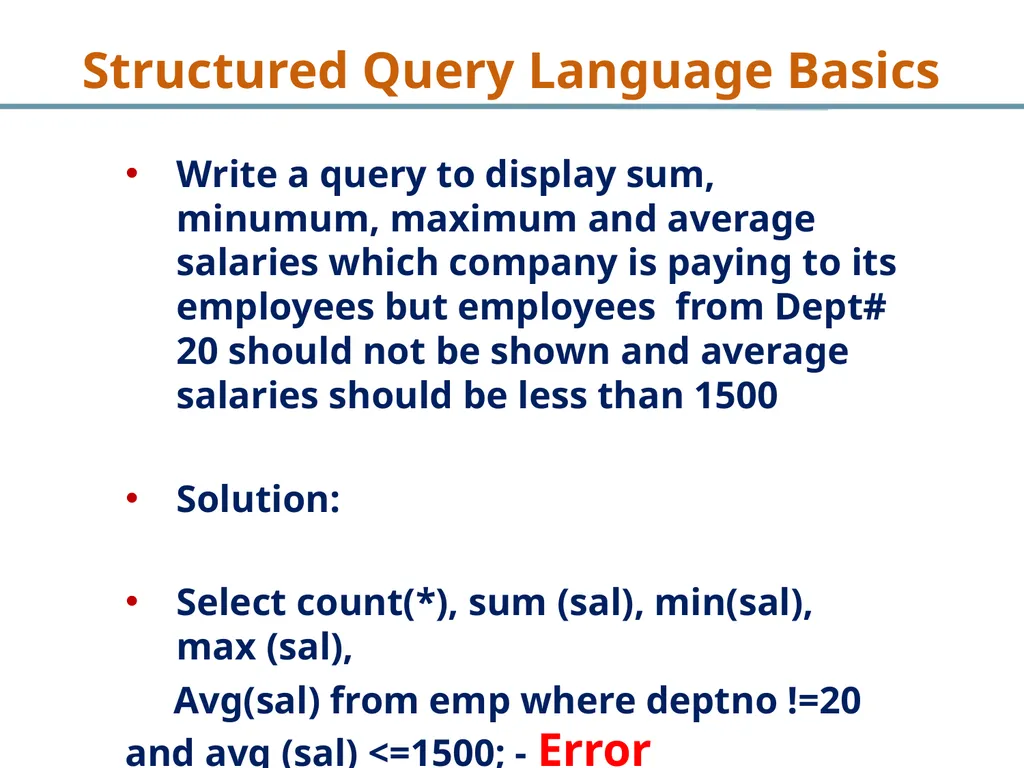
Write a query to display sum, minumum, maximum and average salaries which company is paying to its employees but employees from Dept# 20 should not be shown and average salaries should be less than 1500
Solution:
Select count(*), sum (sal), min(sal), max (sal),
Avg(sal) from emp where deptno !=20 and avg (sal) <=1500; - Error Structured Query Language Basics<br>
Solution:
Select count(*), sum (sal), min(sal), max (sal),
Avg(sal) from emp where deptno !=20 and avg (sal) <=1500; - Error Structured Query Language Basics<br>
29
Group By Clause
Group by clause group together similar row together to form group
Groups functions are used with Group by clause Structured Query Language Basics<br>
Group by clause group together similar row together to form group
Groups functions are used with Group by clause Structured Query Language Basics<br>
30
Group By Clause
After Select statement only those columns can be displayed which are written after Group-by clause Structured Query Language Basics<br>
After Select statement only those columns can be displayed which are written after Group-by clause Structured Query Language Basics<br>
31
Implementing Group By Clause Structured Query Language Basics<br>
32
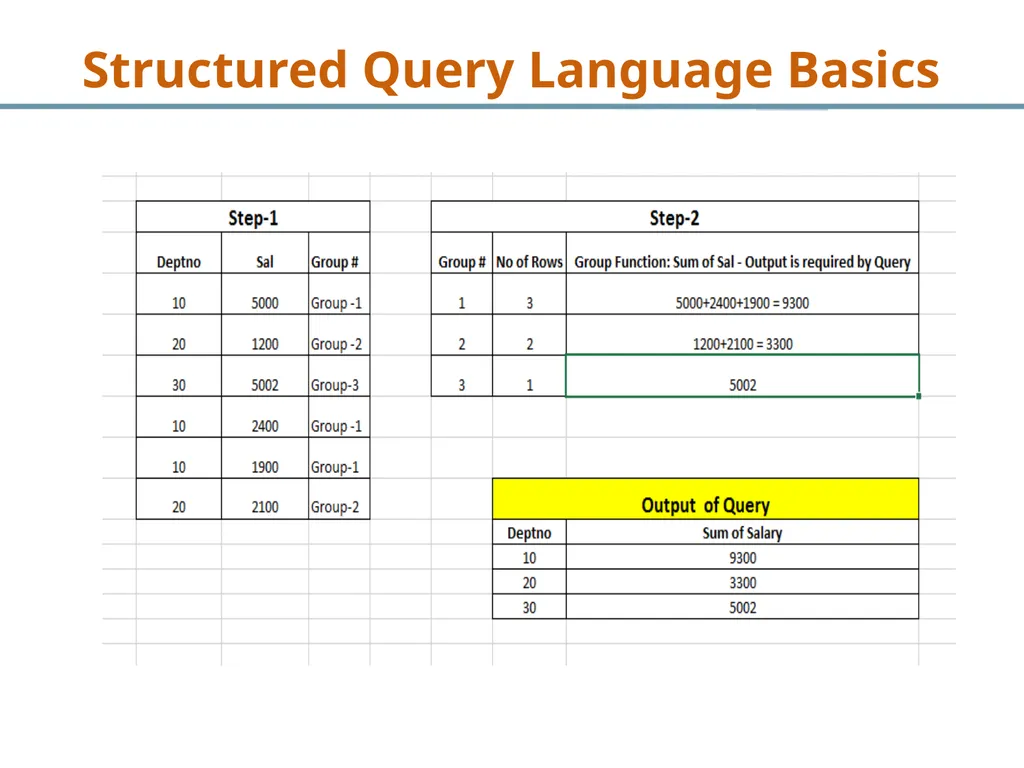
What is the total salary paid by each department
to its employees.
Steps to Solution:
i. Need to group together all rows of each department separately i-e creating groups
ii. Need sum of salary each department - group Structured Query Language Basics<br>
to its employees.
Steps to Solution:
i. Need to group together all rows of each department separately i-e creating groups
ii. Need sum of salary each department - group Structured Query Language Basics<br>
33
Structured Query Language Basics<br>
34
What is the total salary paid by each department
to its employees.
Solution
select sum(sal), deptno from emp group by deptno;
Column which is coming after Group by clause can only after select clause Structured Query Language Basics<br>
to its employees.
Solution
select sum(sal), deptno from emp group by deptno;
Column which is coming after Group by clause can only after select clause Structured Query Language Basics<br>
35
Implementing Group By Clause-II Structured Query Language Basics<br>
36
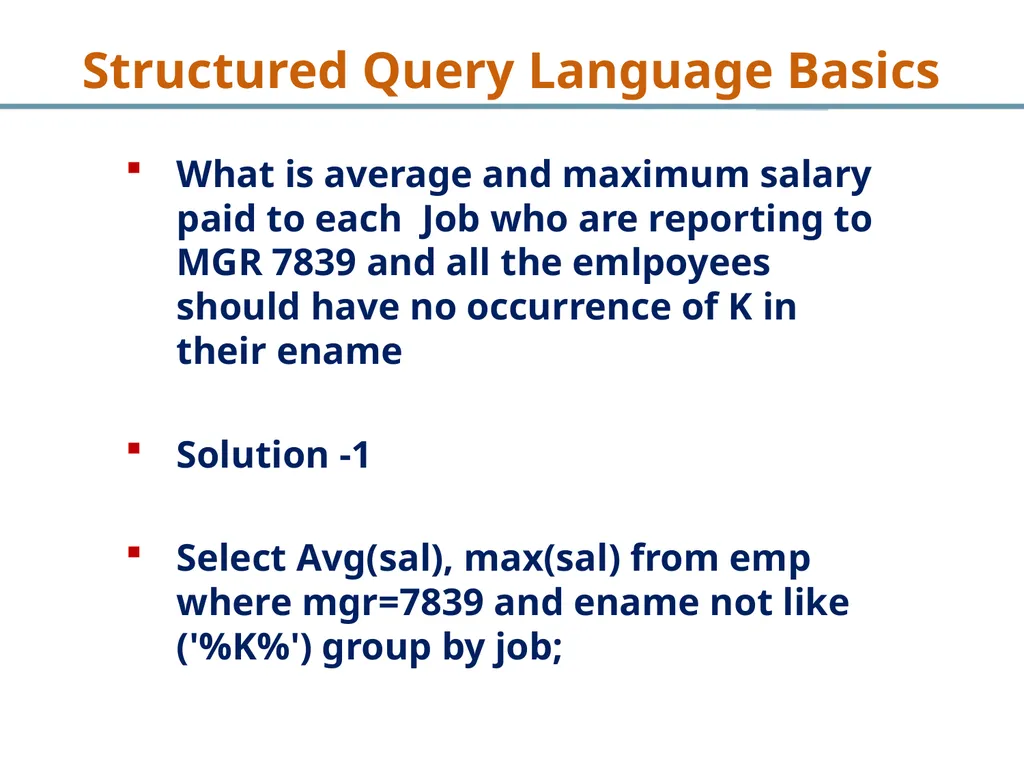
What is average and maximum salary paid to each Job who are reporting to MGR 7839 and all the emlpoyees should have no occurrence of K in their ename
Solution -1
Select Avg(sal), max(sal) from emp where mgr=7839 and ename not like ('%K%') group by job; Structured Query Language Basics<br>
Solution -1
Select Avg(sal), max(sal) from emp where mgr=7839 and ename not like ('%K%') group by job; Structured Query Language Basics<br>
37
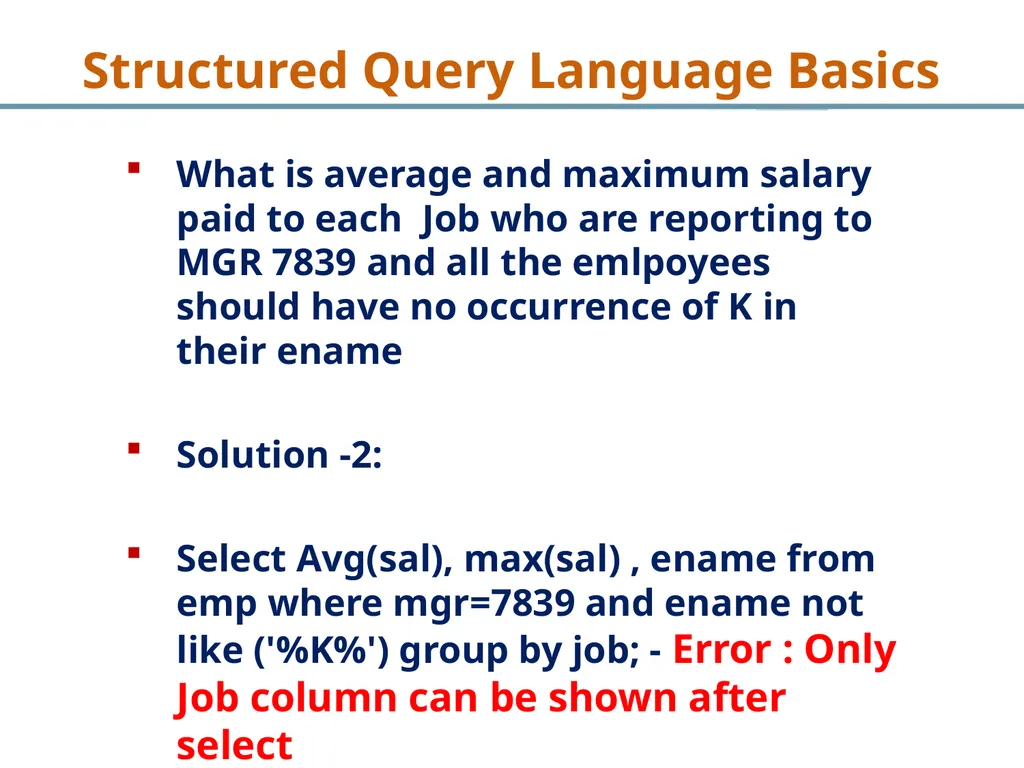
What is average and maximum salary paid to each Job who are reporting to MGR 7839 and all the emlpoyees should have no occurrence of K in their ename
Solution -2:
Select Avg(sal), max(sal) , ename from emp where mgr=7839 and ename not like ('%K%') group by job; - Error : Only Job column can be shown after select Structured Query Language Basics<br>
Solution -2:
Select Avg(sal), max(sal) , ename from emp where mgr=7839 and ename not like ('%K%') group by job; - Error : Only Job column can be shown after select Structured Query Language Basics<br>
38
Having Clause
To restrict groups having clause is used.
Equivalent to Where clause except having is applied to groups only Structured Query Language Basics<br>
To restrict groups having clause is used.
Equivalent to Where clause except having is applied to groups only Structured Query Language Basics<br>
39
Implementing Having Clause-I Structured Query Language Basics<br>
40
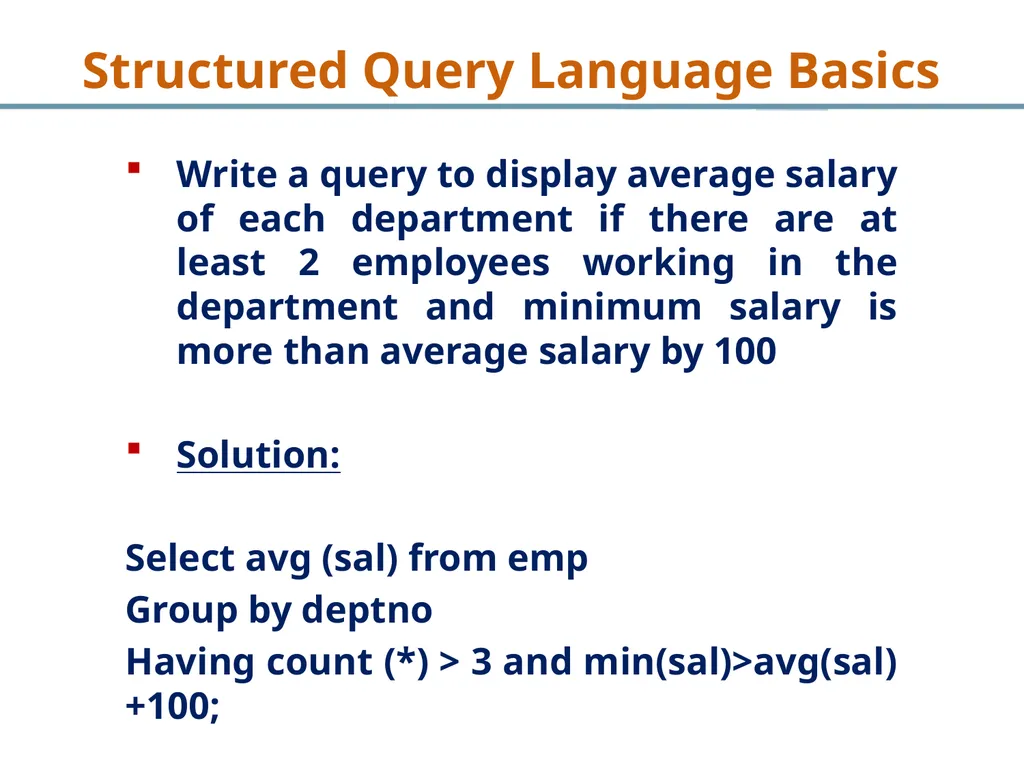
Write a query to display average salary of each department if there are at least 2 employees working in the department and minimum salary is more than average salary by 100
Solution:
Select avg (sal) from emp
Group by deptno
Having count (*) > 3 and min(sal)>avg(sal)+100; Structured Query Language Basics<br>
Solution:
Select avg (sal) from emp
Group by deptno
Having count (*) > 3 and min(sal)>avg(sal)+100; Structured Query Language Basics<br>
41
Implementing Having Clause-II Structured Query Language Basics<br>
42
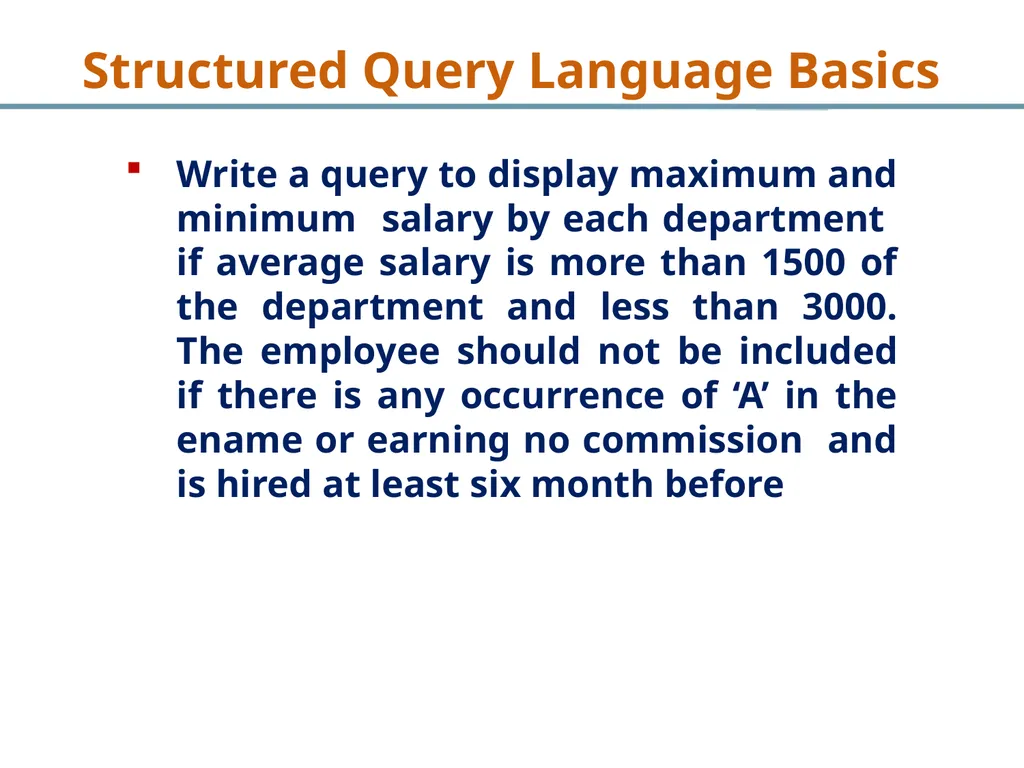
Write a query to display maximum and minimum salary by each department if average salary is more than 1500 of the department and less than 3000. The employee should not be included if there is any occurrence of ‘A’ in the ename or earning no commission and is hired at least six month before Structured Query Language Basics<br>
43
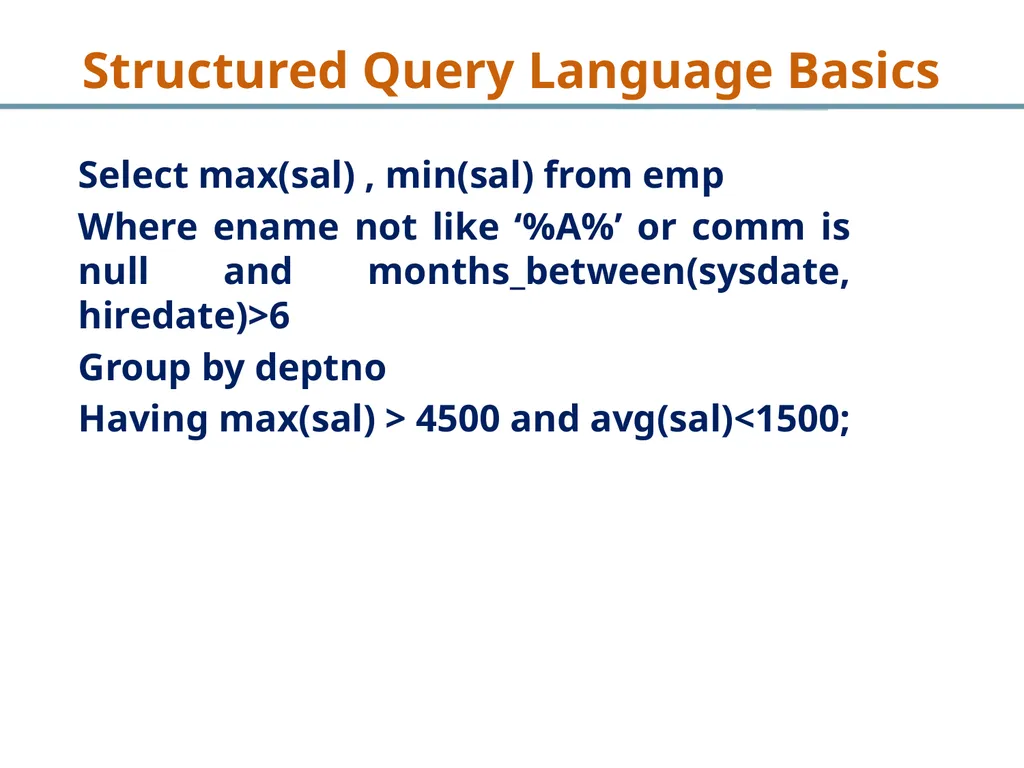
Select max(sal) , min(sal) from emp
Where ename not like ‘%A%’ or comm is null and months_between(sysdate, hiredate)>6
Group by deptno
Having max(sal) > 4500 and avg(sal)<1500; Structured Query Language Basics<br>
Where ename not like ‘%A%’ or comm is null and months_between(sysdate, hiredate)>6
Group by deptno
Having max(sal) > 4500 and avg(sal)<1500; Structured Query Language Basics<br>
44
Order by Clause
Use to sort data
Can use independent of where or group by or having clause Structured Query Language Basics<br>
Use to sort data
Can use independent of where or group by or having clause Structured Query Language Basics<br>
45
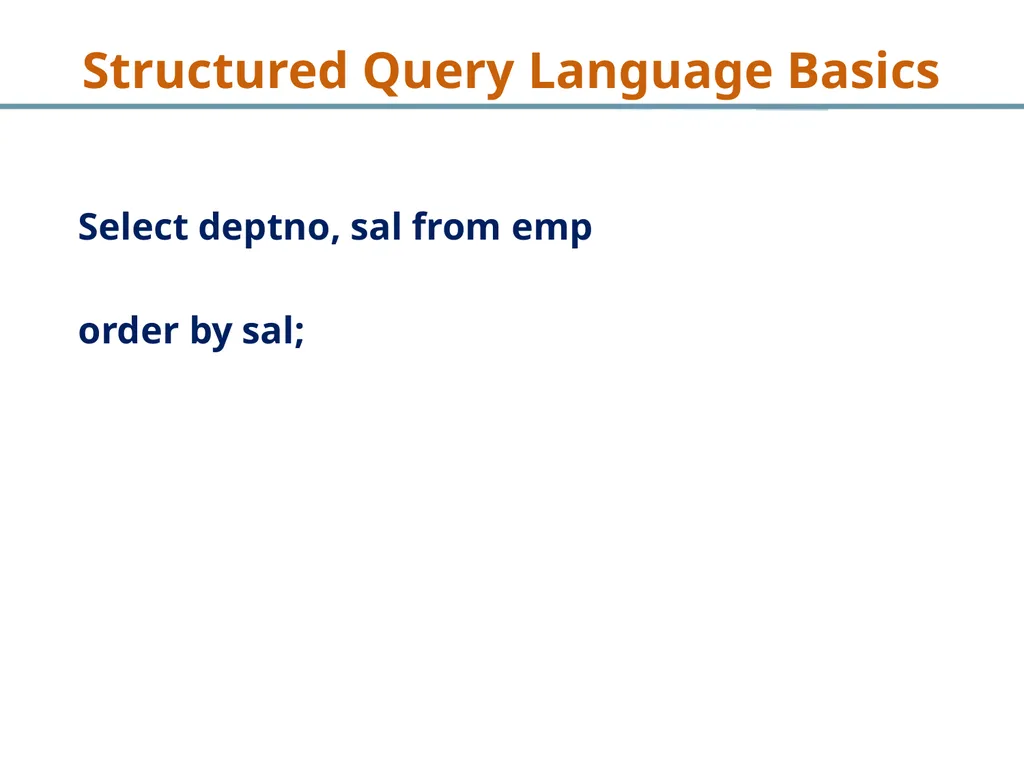
Select deptno, sal from emp
order by sal; Structured Query Language Basics<br>
order by sal; Structured Query Language Basics<br>
46
What are Joins
Joins are required when data from Multiple tables are required.
No of Joins = No. Tables – 1
Comparison of PK and FK are implementation Structured Query Language Basics<br>
Joins are required when data from Multiple tables are required.
No of Joins = No. Tables – 1
Comparison of PK and FK are implementation Structured Query Language Basics<br>
47
Implementing Join-I Structured Query Language Basics<br>
48
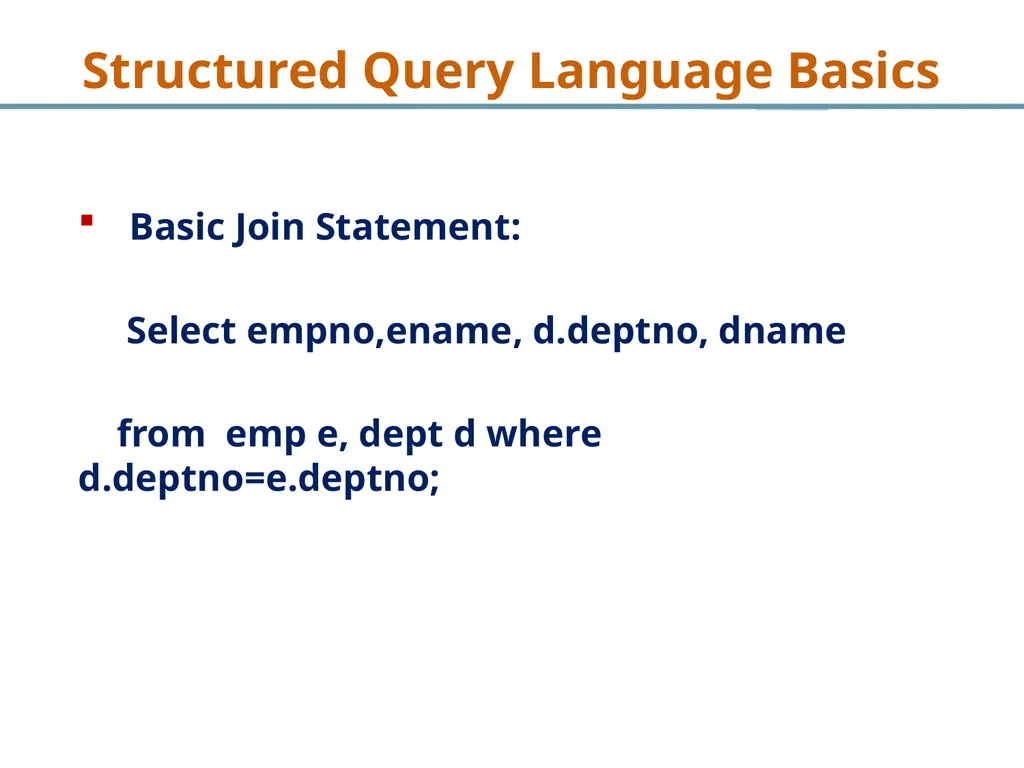
Basic Join Statement:
Select empno,ename, d.deptno, dname
from emp e, dept d where d.deptno=e.deptno; Structured Query Language Basics<br>
Select empno,ename, d.deptno, dname
from emp e, dept d where d.deptno=e.deptno; Structured Query Language Basics<br>
49
Implementing Join-II Structured Query Language Basics<br>
50
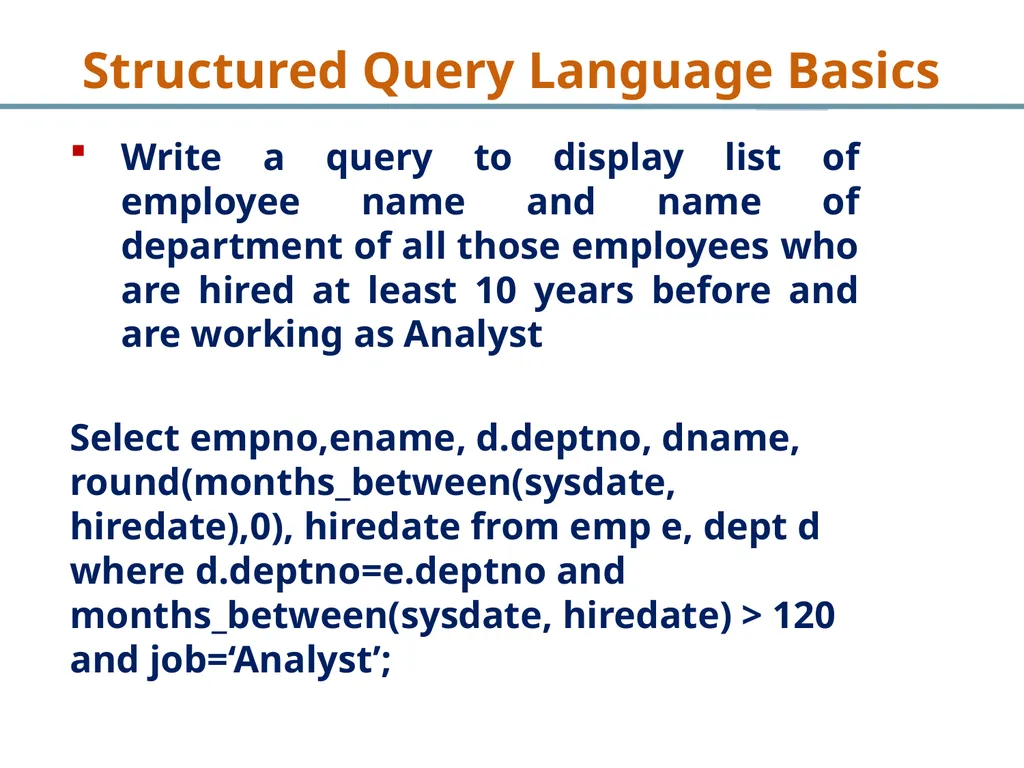
Write a query to display list of employee name and name of department of all those employees who are hired at least 10 years before and are working as Analyst
Select empno,ename, d.deptno, dname, round(months_between(sysdate, hiredate),0), hiredate from emp e, dept d where d.deptno=e.deptno and months_between(sysdate, hiredate) > 120 and job=‘Analyst’; Structured Query Language Basics<br>
Select empno,ename, d.deptno, dname, round(months_between(sysdate, hiredate),0), hiredate from emp e, dept d where d.deptno=e.deptno and months_between(sysdate, hiredate) > 120 and job=‘Analyst’; Structured Query Language Basics<br>
51
What are Self Joins
When PK and FK belong to same table
Same tables are involved or written after from
Used in recursive relationships Structured Query Language Basics<br>
When PK and FK belong to same table
Same tables are involved or written after from
Used in recursive relationships Structured Query Language Basics<br>
52
Implementing Self Join-I Structured Query Language Basics<br>
53
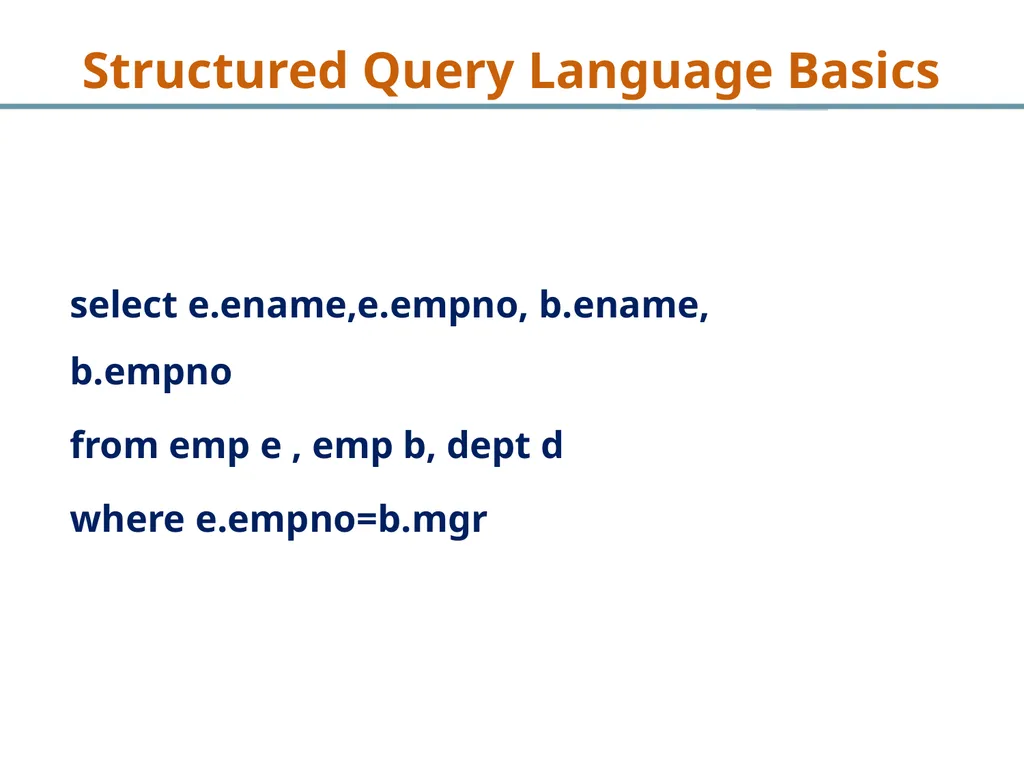
select e.ename,e.empno, b.ename, b.empno
from emp e , emp b, dept d
where e.empno=b.mgr Structured Query Language Basics<br>
from emp e , emp b, dept d
where e.empno=b.mgr Structured Query Language Basics<br>
54
Implementing Self Join-II Structured Query Language Basics<br>
55
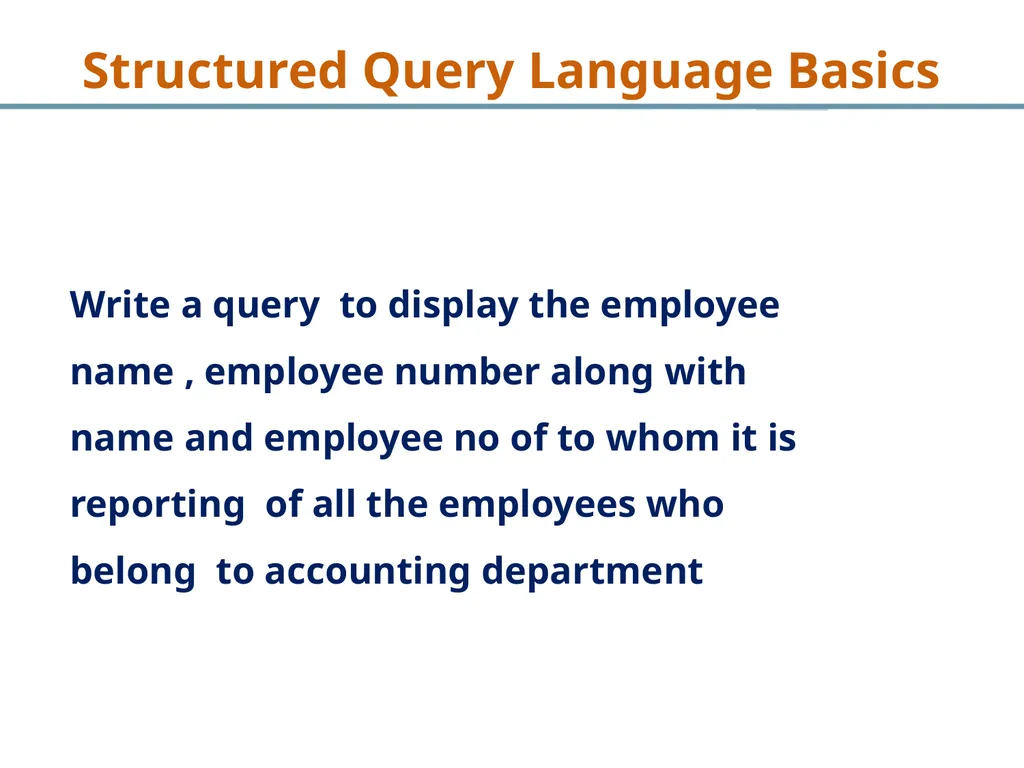
Write a query to display the employee name , employee number along with name and employee no of to whom it is reporting of all the employees who belong to accounting department Structured Query Language Basics<br>
56
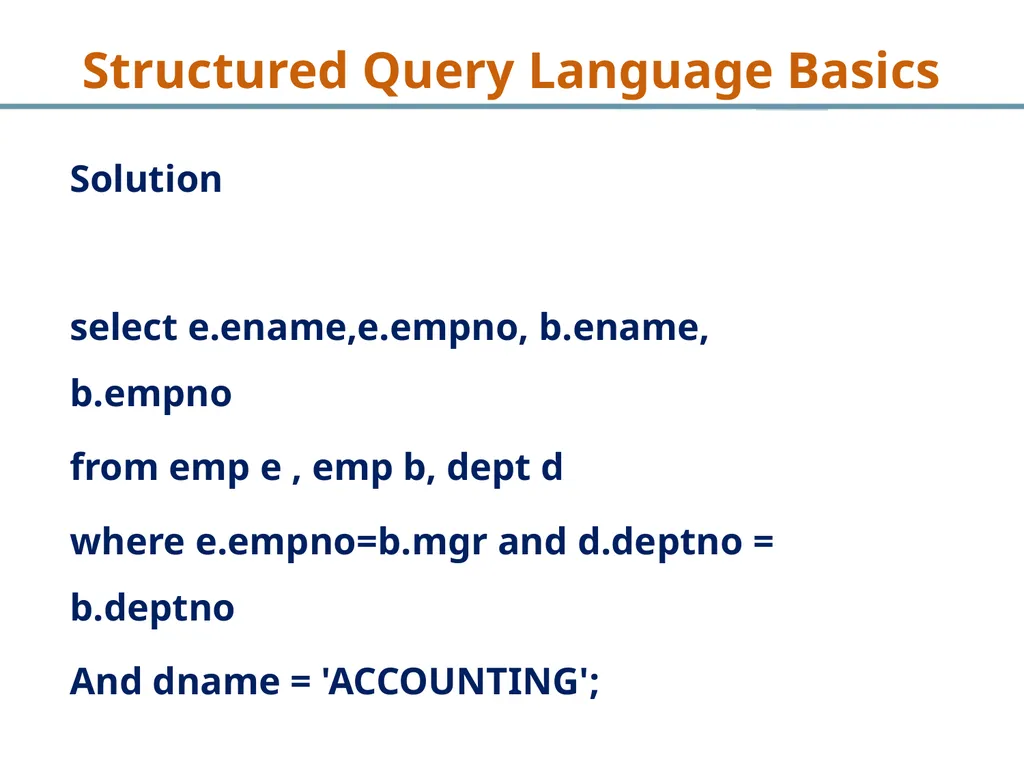
Solution
select e.ename,e.empno, b.ename, b.empno
from emp e , emp b, dept d
where e.empno=b.mgr and d.deptno = b.deptno
And dname = 'ACCOUNTING'; Structured Query Language Basics<br>
select e.ename,e.empno, b.ename, b.empno
from emp e , emp b, dept d
where e.empno=b.mgr and d.deptno = b.deptno
And dname = 'ACCOUNTING'; Structured Query Language Basics<br>
57
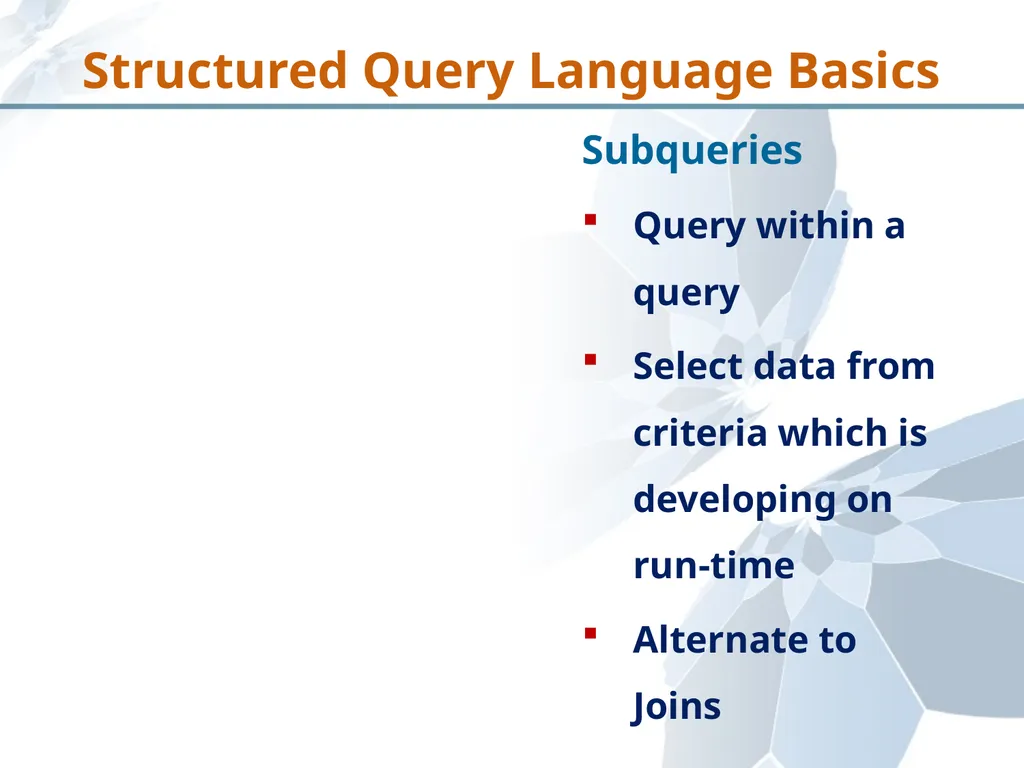
Subqueries
Query within a query
Select data from criteria which is developing on run-time
Alternate to Joins Structured Query Language Basics<br>
Query within a query
Select data from criteria which is developing on run-time
Alternate to Joins Structured Query Language Basics<br>
58
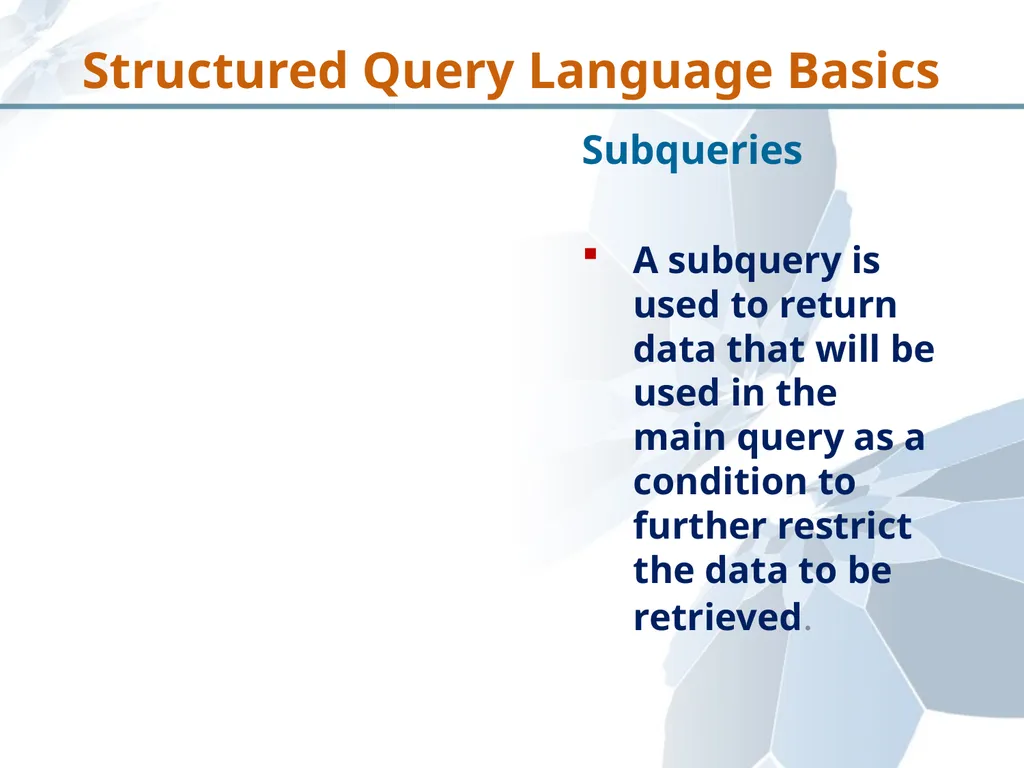
Subqueries
A subquery is used to return data that will be used in the main query as a condition to further restrict the data to be retrieved. Structured Query Language Basics<br>
A subquery is used to return data that will be used in the main query as a condition to further restrict the data to be retrieved. Structured Query Language Basics<br>
59
Implementing SubQuery - I Structured Query Language Basics<br>
60
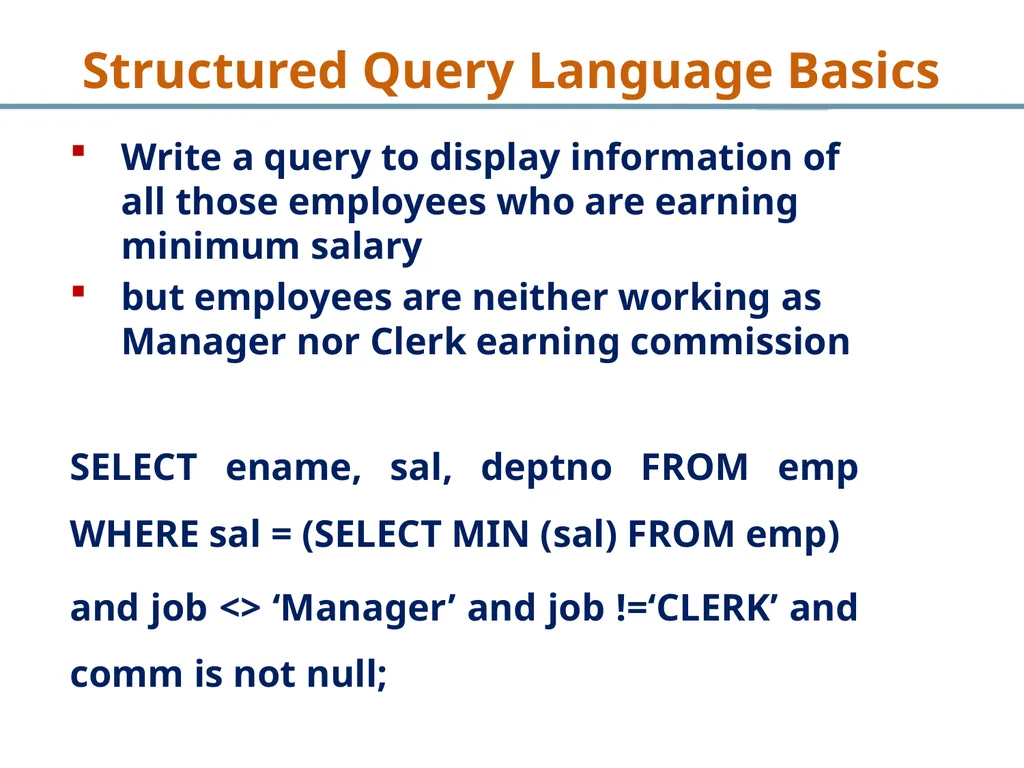
Write a query to display information of all those employees who are earning minimum salary
but employees are neither working as Manager nor Clerk earning commission
SELECT ename, sal, deptno FROM emp WHERE sal = (SELECT MIN (sal) FROM emp)
and job <> ‘Manager’ and job !=‘CLERK’ and comm is not null; Structured Query Language Basics<br>
but employees are neither working as Manager nor Clerk earning commission
SELECT ename, sal, deptno FROM emp WHERE sal = (SELECT MIN (sal) FROM emp)
and job <> ‘Manager’ and job !=‘CLERK’ and comm is not null; Structured Query Language Basics<br>
61
Implementing SubQuery - II Structured Query Language Basics<br>
62
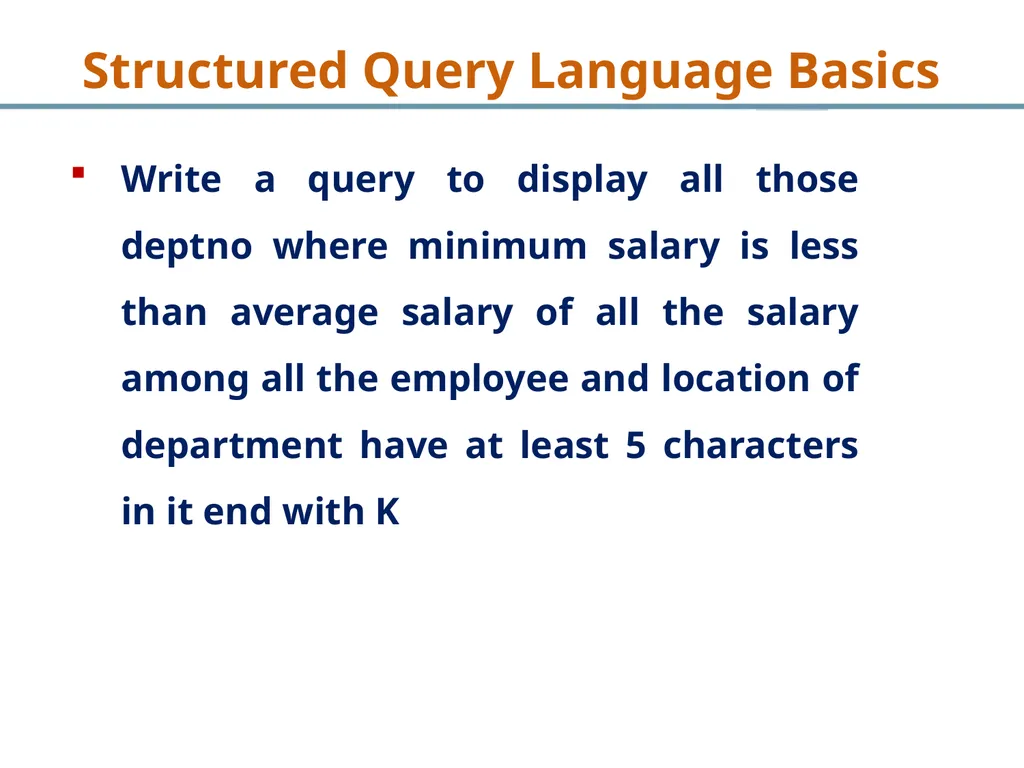
Write a query to display all those deptno where minimum salary is less than average salary of all the salary among all the employee and location of department have at least 5 characters in it end with K Structured Query Language Basics<br>
63
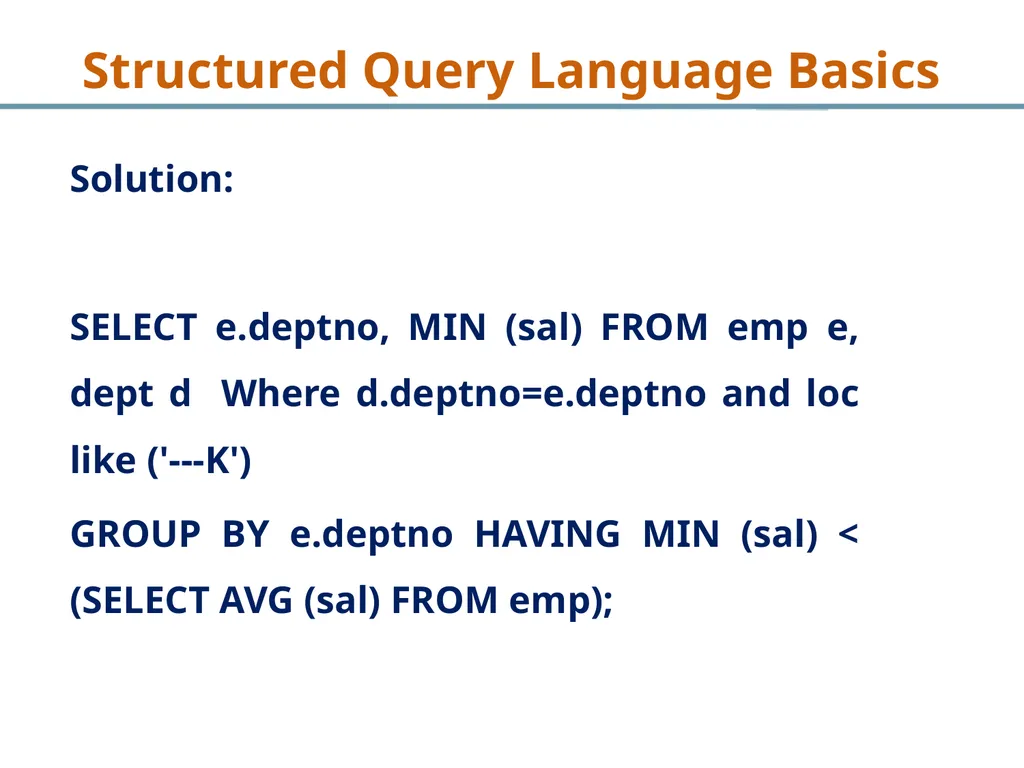
Solution:
SELECT e.deptno, MIN (sal) FROM emp e, dept d Where d.deptno=e.deptno and loc like ('---K')
GROUP BY e.deptno HAVING MIN (sal) < (SELECT AVG (sal) FROM emp); Structured Query Language Basics<br>
SELECT e.deptno, MIN (sal) FROM emp e, dept d Where d.deptno=e.deptno and loc like ('---K')
GROUP BY e.deptno HAVING MIN (sal) < (SELECT AVG (sal) FROM emp); Structured Query Language Basics<br>