
Systems Analysis and Design 11th Edition Chapter 7
TF
Published · 17 slides · 0 views
1 / 1
Description
Systems Analysis and Design 11th Edition Chapter 7 Development Strategies Copyright 2017 Cengage Learning. All Rights Reserved. May not be scanned, copied or duplicated, or posted to a publicly accessible website, in whole or in part.
Related Topics
Share
Embed code
Download this presentation From Below
"Systems Analysis and Design 11th Edition Chapter 7" is the property of its rightful owner. Permission is granted to download and print the materials on this website for personal, non-commercial use only, and to display it on your personal computer provided you do not modify the materials and that you retain all copyright notices contained in the materials. By downloading content from our website, you accept the terms of this agreement.
Presentation Transcript
01
Systems Analysis and Design 11th Edition Chapter 7
Development Strategies Copyright ©2017 Cengage Learning. All Rights Reserved. May not be scanned, copied or duplicated, or posted to a publicly accessible website, in whole or in part.<br>
Development Strategies Copyright ©2017 Cengage Learning. All Rights Reserved. May not be scanned, copied or duplicated, or posted to a publicly accessible website, in whole or in part.<br>
02
Describe software outsourcing options, including offshore outsourcing and the role of service providers
Explain advantages and disadvantages of in-house software development 2 Chapter Objectives Copyright ©2017 Cengage Learning. All Rights Reserved. May not be scanned, copied or duplicated, or posted to a publicly accessible website, in whole or in part.<br>
Explain advantages and disadvantages of in-house software development 2 Chapter Objectives Copyright ©2017 Cengage Learning. All Rights Reserved. May not be scanned, copied or duplicated, or posted to a publicly accessible website, in whole or in part.<br>
03
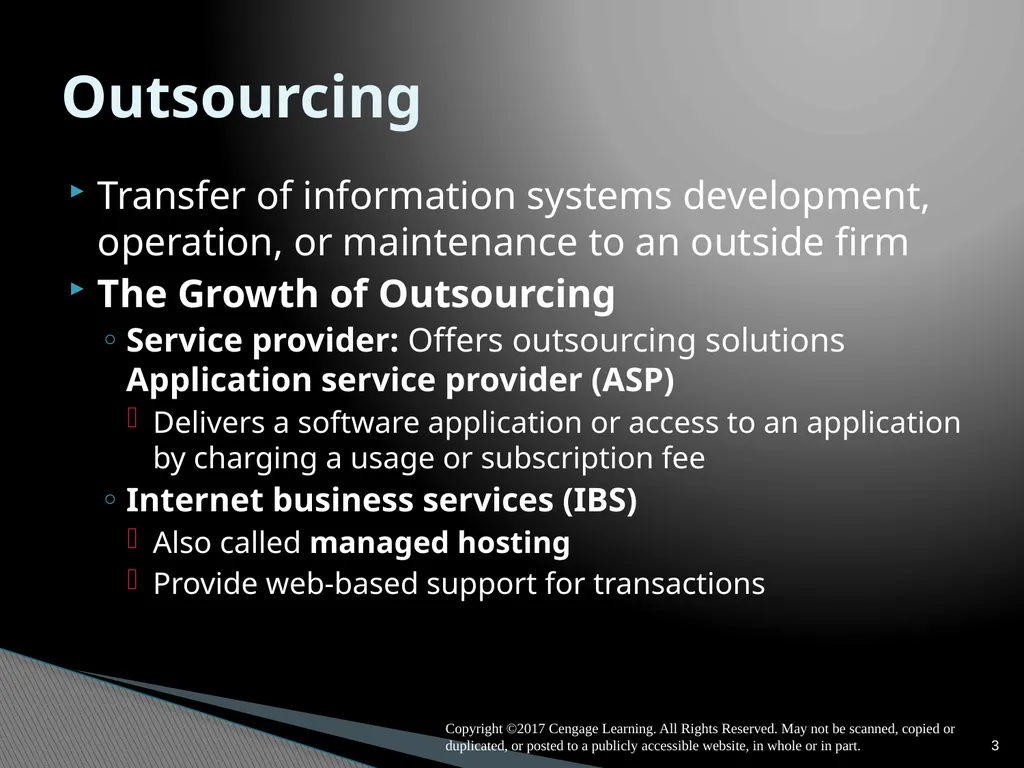
3 Outsourcing Transfer of information systems development, operation, or maintenance to an outside firm
The Growth of Outsourcing
Service provider: Offers outsourcing solutions Application service provider (ASP)
Delivers a software application or access to an application by charging a usage or subscription fee
Internet business services (IBS)
Also called managed hosting
Provide web-based support for transactions Copyright ©2017 Cengage Learning. All Rights Reserved. May not be scanned, copied or duplicated, or posted to a publicly accessible website, in whole or in part.<br>
The Growth of Outsourcing
Service provider: Offers outsourcing solutions Application service provider (ASP)
Delivers a software application or access to an application by charging a usage or subscription fee
Internet business services (IBS)
Also called managed hosting
Provide web-based support for transactions Copyright ©2017 Cengage Learning. All Rights Reserved. May not be scanned, copied or duplicated, or posted to a publicly accessible website, in whole or in part.<br>
04
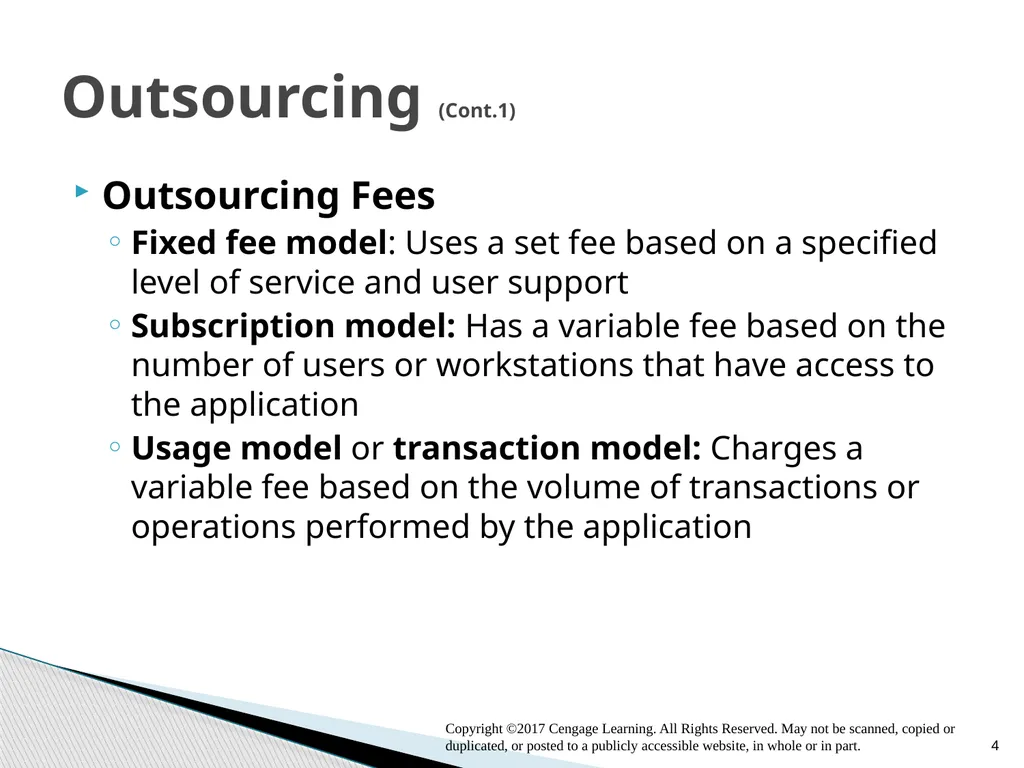
Outsourcing Fees
Fixed fee model: Uses a set fee based on a specified level of service and user support
Subscription model: Has a variable fee based on the number of users or workstations that have access to the application
Usage model or transaction model: Charges a variable fee based on the volume of transactions or operations performed by the application 4 Outsourcing (Cont.1) Copyright ©2017 Cengage Learning. All Rights Reserved. May not be scanned, copied or duplicated, or posted to a publicly accessible website, in whole or in part.<br>
Fixed fee model: Uses a set fee based on a specified level of service and user support
Subscription model: Has a variable fee based on the number of users or workstations that have access to the application
Usage model or transaction model: Charges a variable fee based on the volume of transactions or operations performed by the application 4 Outsourcing (Cont.1) Copyright ©2017 Cengage Learning. All Rights Reserved. May not be scanned, copied or duplicated, or posted to a publicly accessible website, in whole or in part.<br>
05
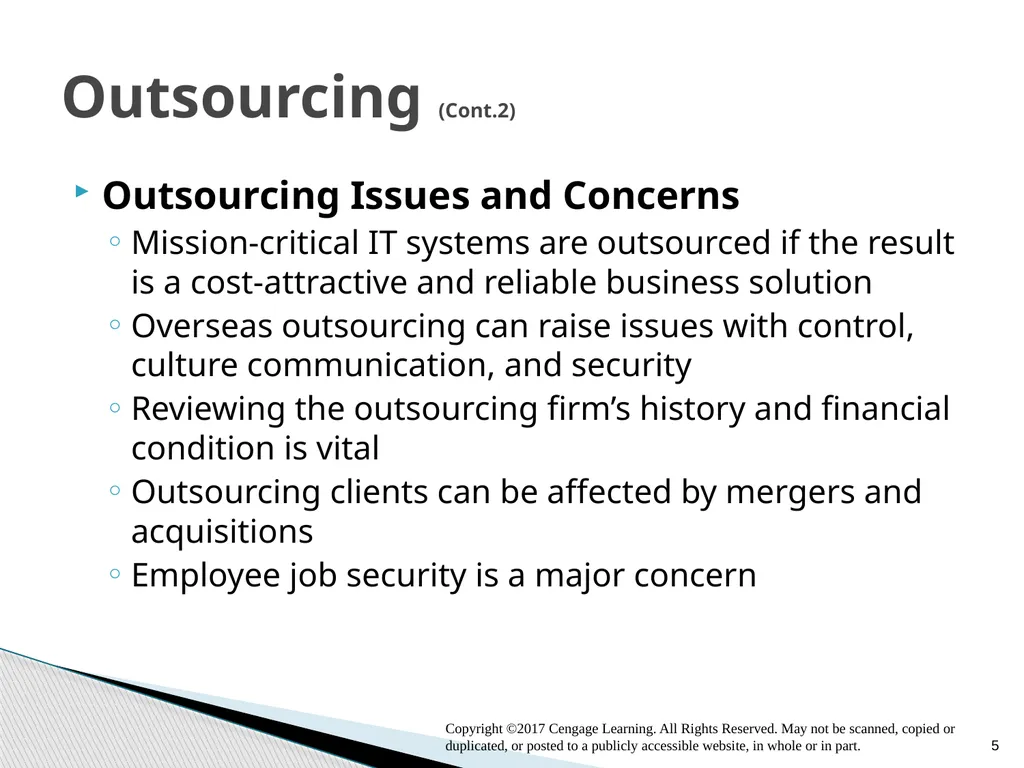
Outsourcing Issues and Concerns
Mission-critical IT systems are outsourced if the result is a cost-attractive and reliable business solution
Overseas outsourcing can raise issues with control, culture communication, and security
Reviewing the outsourcing firm’s history and financial condition is vital
Outsourcing clients can be affected by mergers and acquisitions
Employee job security is a major concern 5 Outsourcing (Cont.2) Copyright ©2017 Cengage Learning. All Rights Reserved. May not be scanned, copied or duplicated, or posted to a publicly accessible website, in whole or in part.<br>
Mission-critical IT systems are outsourced if the result is a cost-attractive and reliable business solution
Overseas outsourcing can raise issues with control, culture communication, and security
Reviewing the outsourcing firm’s history and financial condition is vital
Outsourcing clients can be affected by mergers and acquisitions
Employee job security is a major concern 5 Outsourcing (Cont.2) Copyright ©2017 Cengage Learning. All Rights Reserved. May not be scanned, copied or duplicated, or posted to a publicly accessible website, in whole or in part.<br>
06
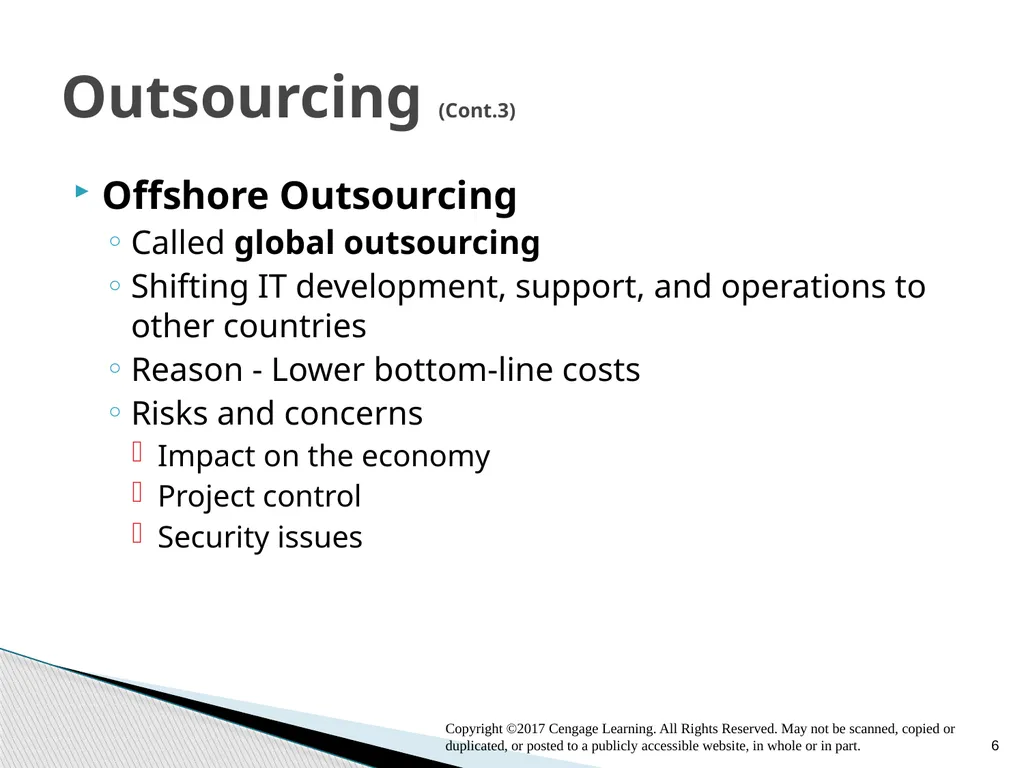
Offshore Outsourcing
Called global outsourcing
Shifting IT development, support, and operations to other countries
Reason - Lower bottom-line costs
Risks and concerns
Impact on the economy
Project control
Security issues 6 Outsourcing (Cont.3) Copyright ©2017 Cengage Learning. All Rights Reserved. May not be scanned, copied or duplicated, or posted to a publicly accessible website, in whole or in part.<br>
Called global outsourcing
Shifting IT development, support, and operations to other countries
Reason - Lower bottom-line costs
Risks and concerns
Impact on the economy
Project control
Security issues 6 Outsourcing (Cont.3) Copyright ©2017 Cengage Learning. All Rights Reserved. May not be scanned, copied or duplicated, or posted to a publicly accessible website, in whole or in part.<br>
07
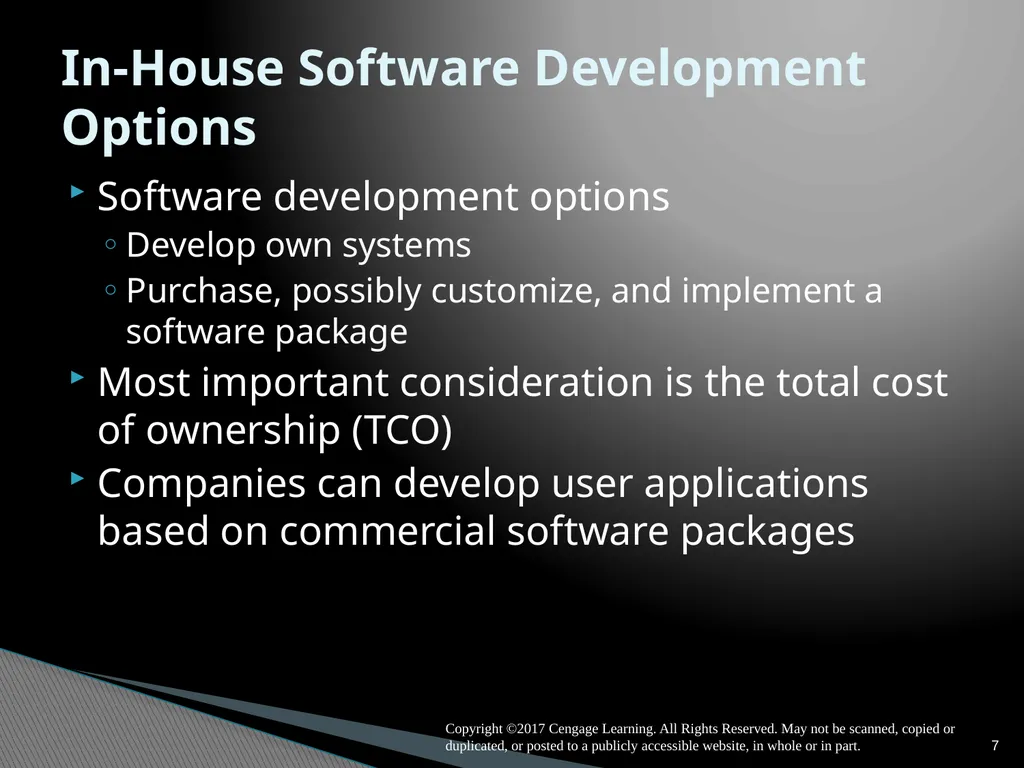
7 In-House Software Development Options Software development options
Develop own systems
Purchase, possibly customize, and implement a software package
Most important consideration is the total cost of ownership (TCO)
Companies can develop user applications based on commercial software packages Copyright ©2017 Cengage Learning. All Rights Reserved. May not be scanned, copied or duplicated, or posted to a publicly accessible website, in whole or in part.<br>
Develop own systems
Purchase, possibly customize, and implement a software package
Most important consideration is the total cost of ownership (TCO)
Companies can develop user applications based on commercial software packages Copyright ©2017 Cengage Learning. All Rights Reserved. May not be scanned, copied or duplicated, or posted to a publicly accessible website, in whole or in part.<br>
08
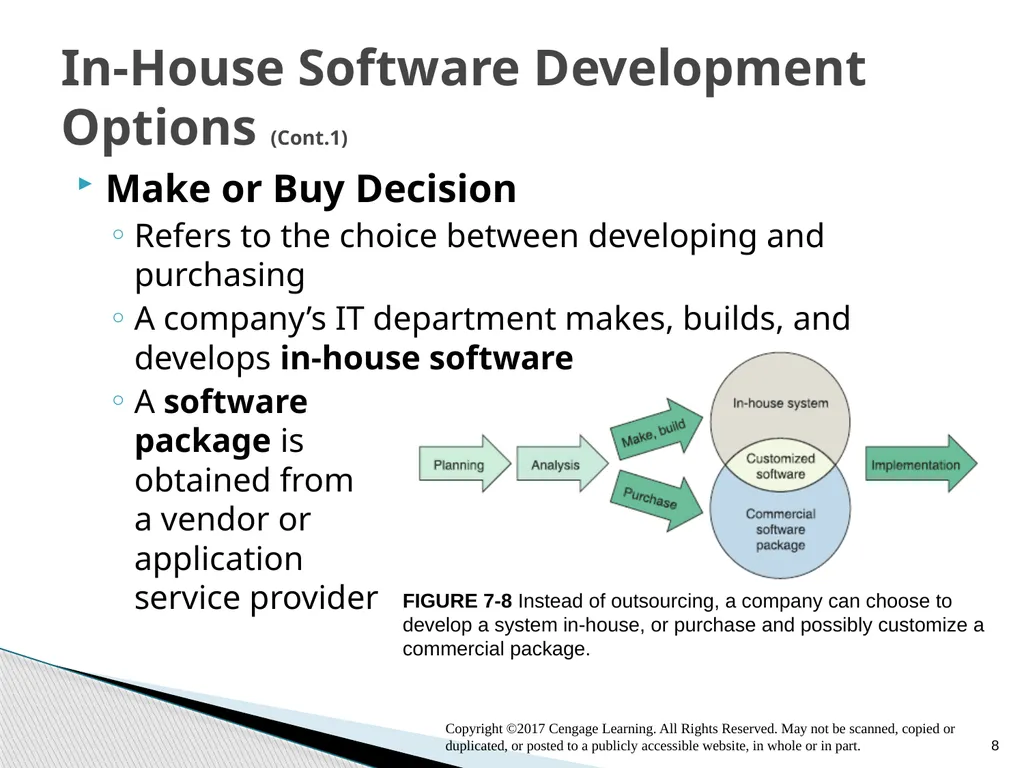
In-House Software Development Options (Cont.1) Make or Buy Decision
Refers to the choice between developing and purchasing
A company’s IT department makes, builds, and develops in-house software
A software package is obtained from a vendor or application service provider 8 FIGURE 7-8 Instead of outsourcing, a company can choose to develop a system in-house, or purchase and possibly customize a commercial package. Copyright ©2017 Cengage Learning. All Rights Reserved. May not be scanned, copied or duplicated, or posted to a publicly accessible website, in whole or in part.<br>
Refers to the choice between developing and purchasing
A company’s IT department makes, builds, and develops in-house software
A software package is obtained from a vendor or application service provider 8 FIGURE 7-8 Instead of outsourcing, a company can choose to develop a system in-house, or purchase and possibly customize a commercial package. Copyright ©2017 Cengage Learning. All Rights Reserved. May not be scanned, copied or duplicated, or posted to a publicly accessible website, in whole or in part.<br>
09
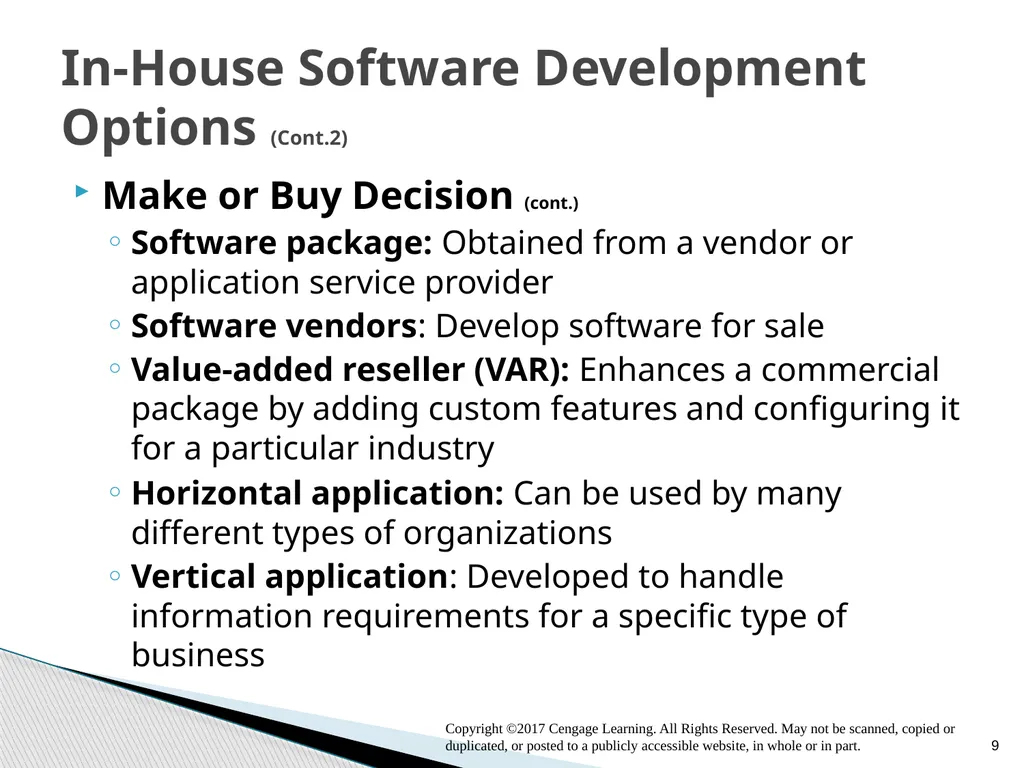
Make or Buy Decision (cont.)
Software package: Obtained from a vendor or application service provider
Software vendors: Develop software for sale
Value-added reseller (VAR): Enhances a commercial package by adding custom features and configuring it for a particular industry
Horizontal application: Can be used by many different types of organizations
Vertical application: Developed to handle information requirements for a specific type of business 9 In-House Software Development Options (Cont.2) Copyright ©2017 Cengage Learning. All Rights Reserved. May not be scanned, copied or duplicated, or posted to a publicly accessible website, in whole or in part.<br>
Software package: Obtained from a vendor or application service provider
Software vendors: Develop software for sale
Value-added reseller (VAR): Enhances a commercial package by adding custom features and configuring it for a particular industry
Horizontal application: Can be used by many different types of organizations
Vertical application: Developed to handle information requirements for a specific type of business 9 In-House Software Development Options (Cont.2) Copyright ©2017 Cengage Learning. All Rights Reserved. May not be scanned, copied or duplicated, or posted to a publicly accessible website, in whole or in part.<br>
10
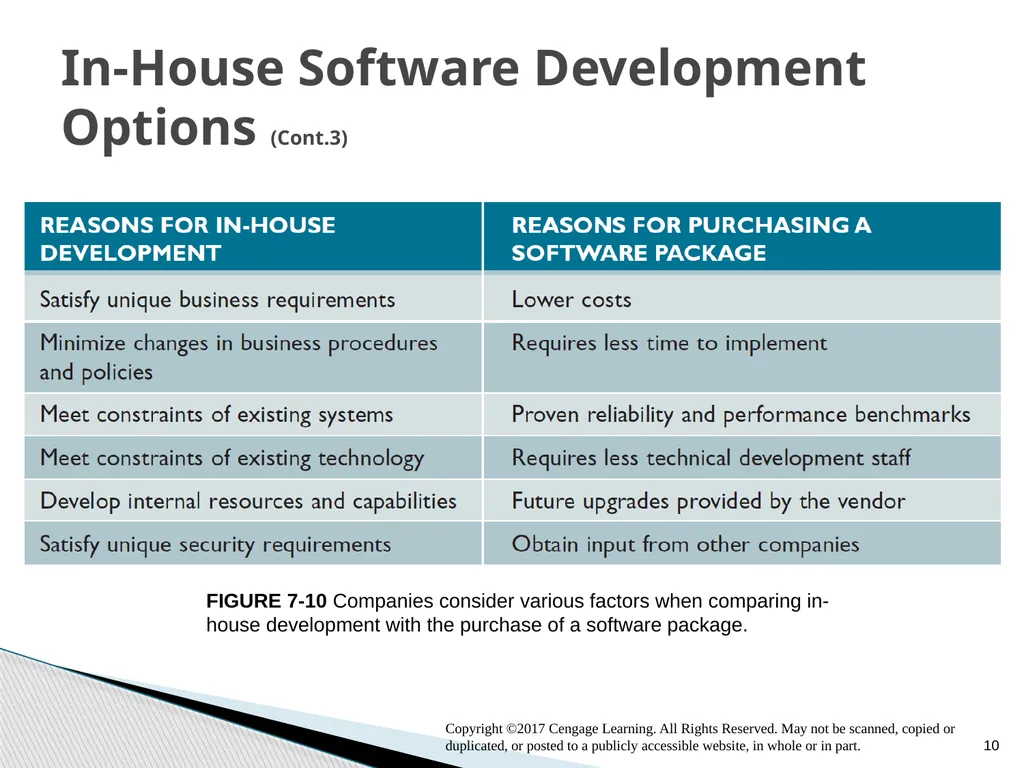
In-House Software Development Options (Cont.3) 10 FIGURE 7-10 Companies consider various factors when comparing in-house development with the purchase of a software package. Copyright ©2017 Cengage Learning. All Rights Reserved. May not be scanned, copied or duplicated, or posted to a publicly accessible website, in whole or in part.<br>
11
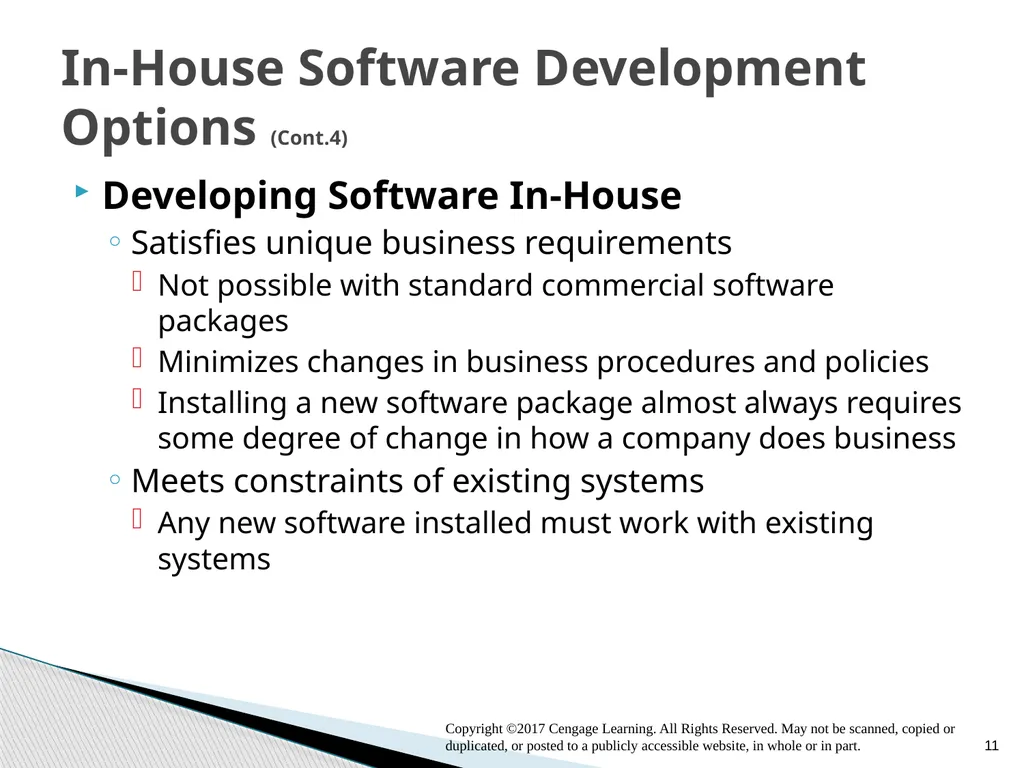
Developing Software In-House
Satisfies unique business requirements
Not possible with standard commercial software packages
Minimizes changes in business procedures and policies
Installing a new software package almost always requires some degree of change in how a company does business
Meets constraints of existing systems
Any new software installed must work with existing systems 11 In-House Software Development Options (Cont.4) Copyright ©2017 Cengage Learning. All Rights Reserved. May not be scanned, copied or duplicated, or posted to a publicly accessible website, in whole or in part.<br>
Satisfies unique business requirements
Not possible with standard commercial software packages
Minimizes changes in business procedures and policies
Installing a new software package almost always requires some degree of change in how a company does business
Meets constraints of existing systems
Any new software installed must work with existing systems 11 In-House Software Development Options (Cont.4) Copyright ©2017 Cengage Learning. All Rights Reserved. May not be scanned, copied or duplicated, or posted to a publicly accessible website, in whole or in part.<br>
12
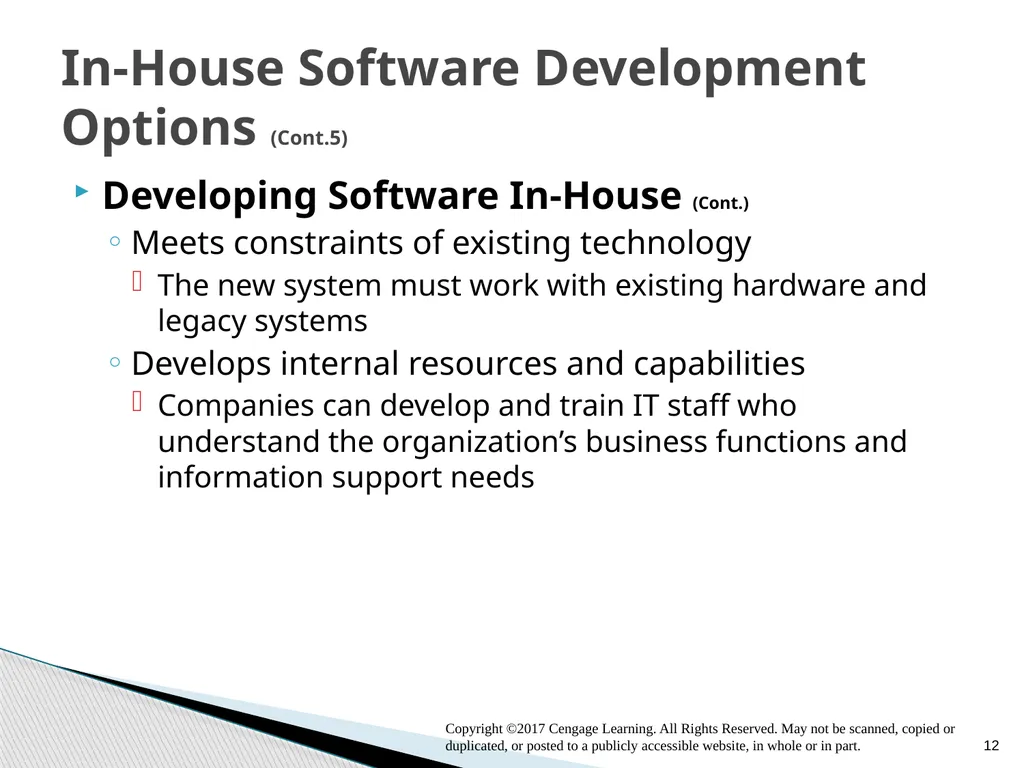
Developing Software In-House (Cont.)
Meets constraints of existing technology
The new system must work with existing hardware and legacy systems
Develops internal resources and capabilities
Companies can develop and train IT staff who understand the organization’s business functions and information support needs 12 In-House Software Development Options (Cont.5) Copyright ©2017 Cengage Learning. All Rights Reserved. May not be scanned, copied or duplicated, or posted to a publicly accessible website, in whole or in part.<br>
Meets constraints of existing technology
The new system must work with existing hardware and legacy systems
Develops internal resources and capabilities
Companies can develop and train IT staff who understand the organization’s business functions and information support needs 12 In-House Software Development Options (Cont.5) Copyright ©2017 Cengage Learning. All Rights Reserved. May not be scanned, copied or duplicated, or posted to a publicly accessible website, in whole or in part.<br>
13
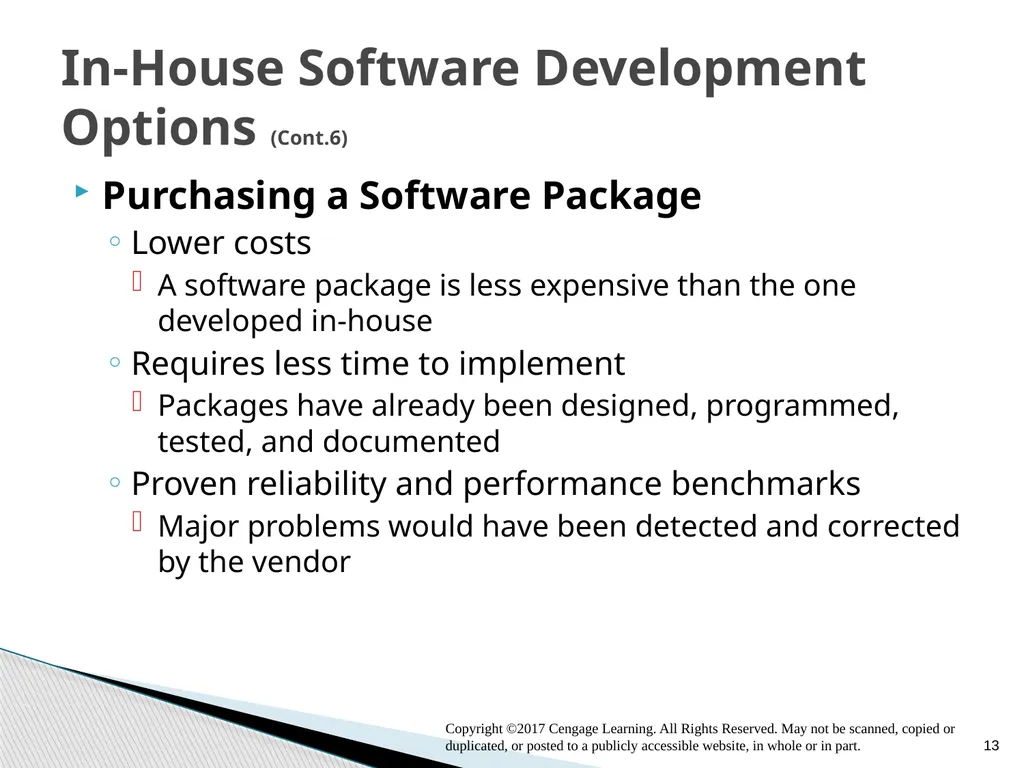
Purchasing a Software Package
Lower costs
A software package is less expensive than the one developed in-house
Requires less time to implement
Packages have already been designed, programmed, tested, and documented
Proven reliability and performance benchmarks
Major problems would have been detected and corrected by the vendor 13 In-House Software Development Options (Cont.6) Copyright ©2017 Cengage Learning. All Rights Reserved. May not be scanned, copied or duplicated, or posted to a publicly accessible website, in whole or in part.<br>
Lower costs
A software package is less expensive than the one developed in-house
Requires less time to implement
Packages have already been designed, programmed, tested, and documented
Proven reliability and performance benchmarks
Major problems would have been detected and corrected by the vendor 13 In-House Software Development Options (Cont.6) Copyright ©2017 Cengage Learning. All Rights Reserved. May not be scanned, copied or duplicated, or posted to a publicly accessible website, in whole or in part.<br>
14
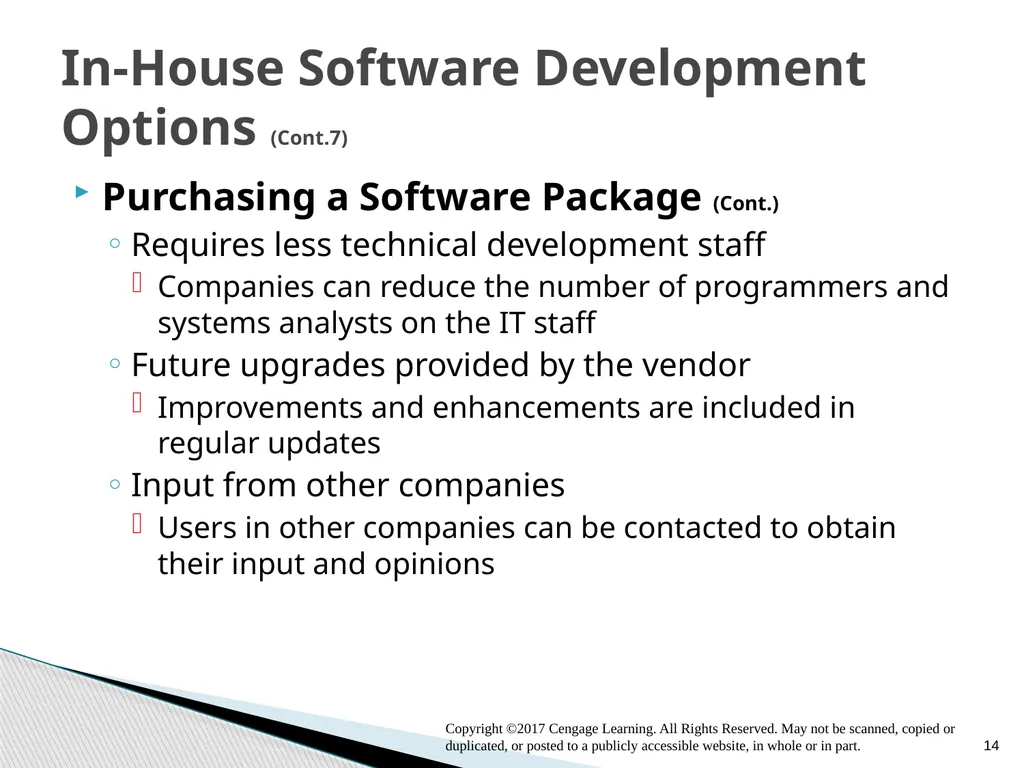
Purchasing a Software Package (Cont.)
Requires less technical development staff
Companies can reduce the number of programmers and systems analysts on the IT staff
Future upgrades provided by the vendor
Improvements and enhancements are included in regular updates
Input from other companies
Users in other companies can be contacted to obtain their input and opinions 14 In-House Software Development Options (Cont.7) Copyright ©2017 Cengage Learning. All Rights Reserved. May not be scanned, copied or duplicated, or posted to a publicly accessible website, in whole or in part.<br>
Requires less technical development staff
Companies can reduce the number of programmers and systems analysts on the IT staff
Future upgrades provided by the vendor
Improvements and enhancements are included in regular updates
Input from other companies
Users in other companies can be contacted to obtain their input and opinions 14 In-House Software Development Options (Cont.7) Copyright ©2017 Cengage Learning. All Rights Reserved. May not be scanned, copied or duplicated, or posted to a publicly accessible website, in whole or in part.<br>
15
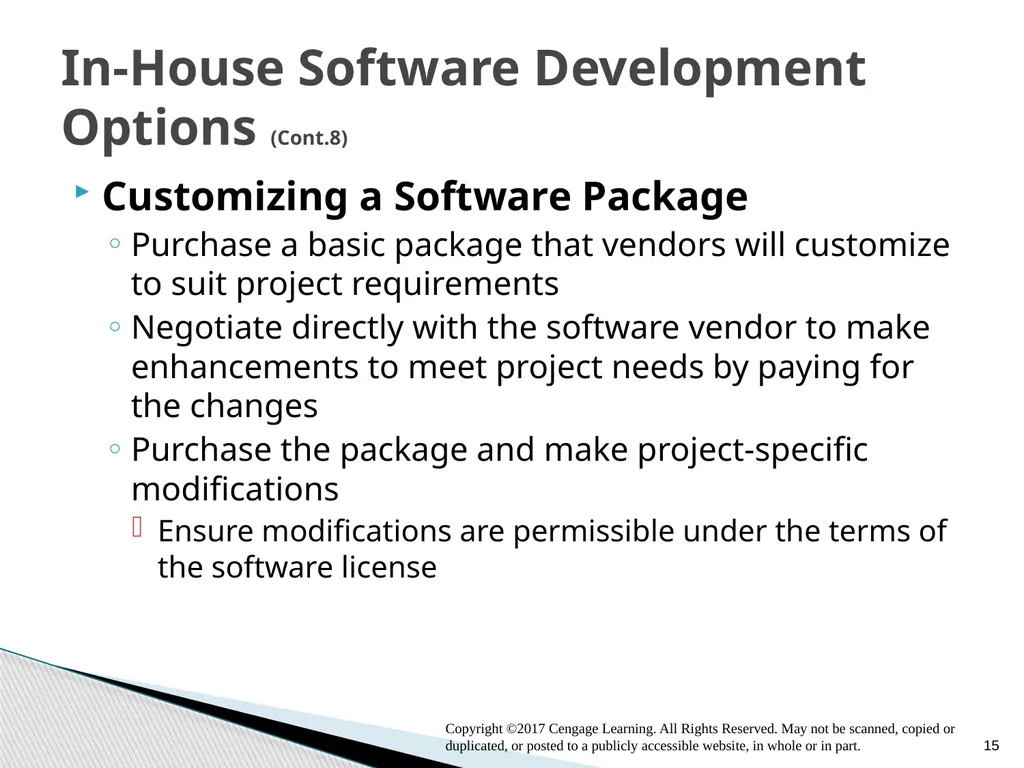
Customizing a Software Package
Purchase a basic package that vendors will customize to suit project requirements
Negotiate directly with the software vendor to make enhancements to meet project needs by paying for the changes
Purchase the package and make project-specific modifications
Ensure modifications are permissible under the terms of the software license 15 In-House Software Development Options (Cont.8) Copyright ©2017 Cengage Learning. All Rights Reserved. May not be scanned, copied or duplicated, or posted to a publicly accessible website, in whole or in part.<br>
Purchase a basic package that vendors will customize to suit project requirements
Negotiate directly with the software vendor to make enhancements to meet project needs by paying for the changes
Purchase the package and make project-specific modifications
Ensure modifications are permissible under the terms of the software license 15 In-House Software Development Options (Cont.8) Copyright ©2017 Cengage Learning. All Rights Reserved. May not be scanned, copied or duplicated, or posted to a publicly accessible website, in whole or in part.<br>
16
Creating User Applications
User application: Utilizes standard business software
User interface: Enables effective interaction with the application
Service desk or information center (IC): Provides user support
Screen generators and report generators: Allow users to design their own data entry forms and reports
Appropriate controls must be provided to ensure data security and integrity 16 In-House Software Development Options (Cont.9) Copyright ©2017 Cengage Learning. All Rights Reserved. May not be scanned, copied or duplicated, or posted to a publicly accessible website, in whole or in part.<br>
User application: Utilizes standard business software
User interface: Enables effective interaction with the application
Service desk or information center (IC): Provides user support
Screen generators and report generators: Allow users to design their own data entry forms and reports
Appropriate controls must be provided to ensure data security and integrity 16 In-House Software Development Options (Cont.9) Copyright ©2017 Cengage Learning. All Rights Reserved. May not be scanned, copied or duplicated, or posted to a publicly accessible website, in whole or in part.<br>
17
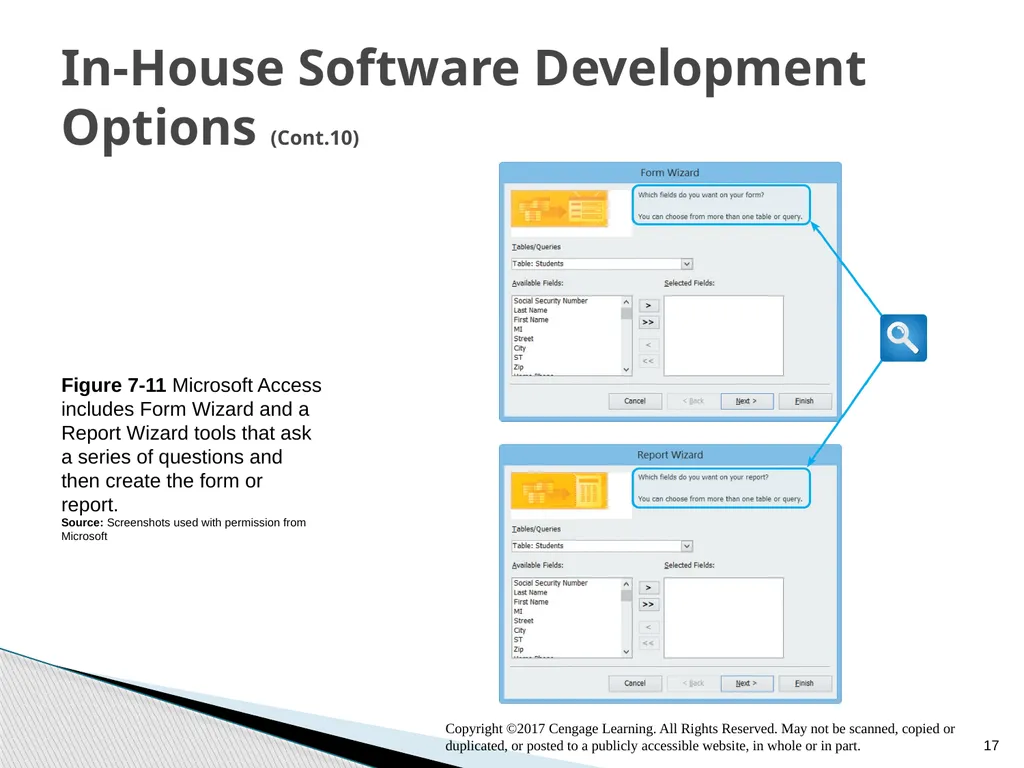
17 In-House Software Development Options (Cont.10) Figure 7-11 Microsoft Access includes Form Wizard and a Report Wizard tools that ask a series of questions and then create the form or report.
Source: Screenshots used with permission from Microsoft Copyright ©2017 Cengage Learning. All Rights Reserved. May not be scanned, copied or duplicated, or posted to a publicly accessible website, in whole or in part.<br>
Source: Screenshots used with permission from Microsoft Copyright ©2017 Cengage Learning. All Rights Reserved. May not be scanned, copied or duplicated, or posted to a publicly accessible website, in whole or in part.<br>