
Teaching internet safety and harms ADAPT THIS FOR
PC
Published · 88 slides · 0 views

1 / 1










Description
Teaching internet safety and harms ADAPT THIS FOR YOUR OWN PRESENTATION Training module Part of: Health education YOUR NAME, YOUR SCHOOL Primary Secondary September 2020 Contents 2 3 About this training module 5 Teaching the new
Related Topics
Share
Embed code
Download this presentation From Below
"Teaching internet safety and harms ADAPT THIS FOR" is the property of its rightful owner. Permission is granted to download and print the materials on this website for personal, non-commercial use only, and to display it on your personal computer provided you do not modify the materials and that you retain all copyright notices contained in the materials. By downloading content from our website, you accept the terms of this agreement.
Presentation Transcript
01
Teaching internet safety and harms ADAPT THIS FOR YOUR OWN PRESENTATION Training module Part of: Health education [YOUR NAME, YOUR SCHOOL] Primary Secondary September 2020<br>
02
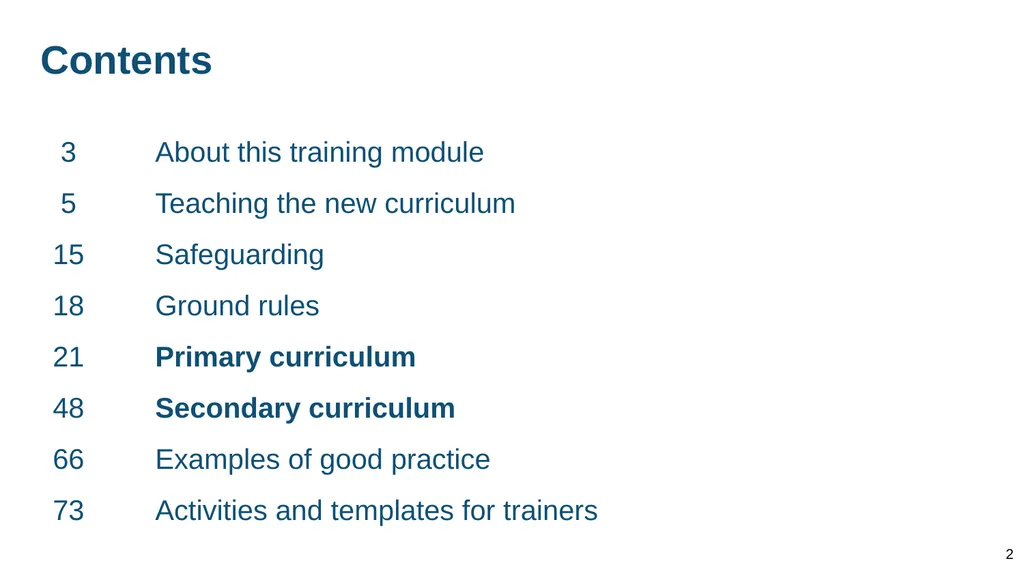
Contents 2 3 About this training module
5 Teaching the new curriculum
15 Safeguarding
18 Ground rules
21 Primary curriculum
48 Secondary curriculum
66 Examples of good practice
73 Activities and templates for trainers<br>
5 Teaching the new curriculum
15 Safeguarding
18 Ground rules
21 Primary curriculum
48 Secondary curriculum
66 Examples of good practice
73 Activities and templates for trainers<br>
03
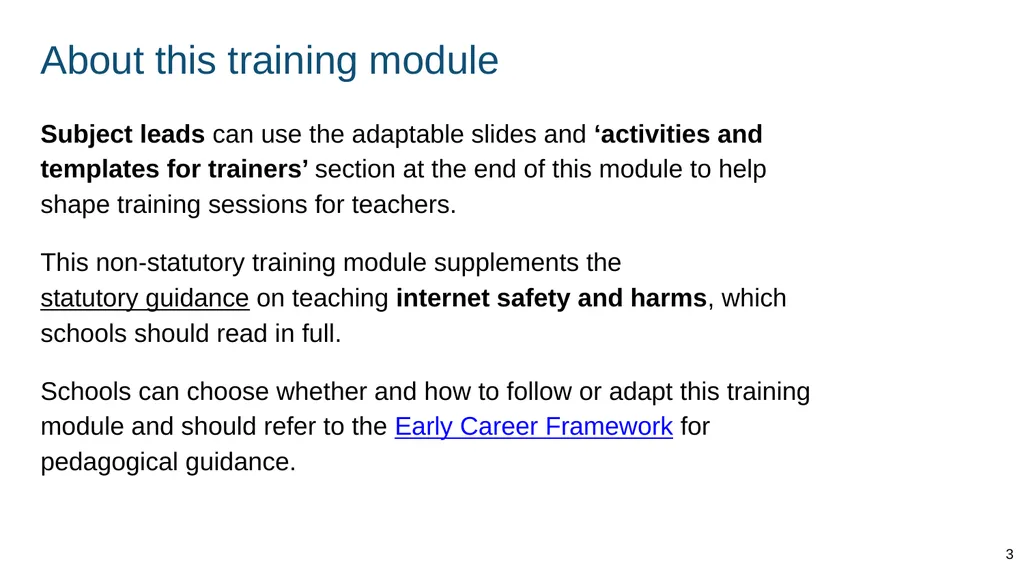
About this training module Subject leads can use the adaptable slides and ‘activities and templates for trainers’ section at the end of this module to help shape training sessions for teachers.
This non-statutory training module supplements the statutory guidance on teaching internet safety and harms, which schools should read in full.
Schools can choose whether and how to follow or adapt this training module and should refer to the Early Career Framework for pedagogical guidance. 3<br>
This non-statutory training module supplements the statutory guidance on teaching internet safety and harms, which schools should read in full.
Schools can choose whether and how to follow or adapt this training module and should refer to the Early Career Framework for pedagogical guidance. 3<br>
04
What you get out of today By the end of this training you should:
know what is included in the statutory guidance
know some key knowledge and facts to cover as part of this topic
have strategies to deal with questions that come up in class
feel more confident teaching about internet safety and harms 4<br>
know what is included in the statutory guidance
know some key knowledge and facts to cover as part of this topic
have strategies to deal with questions that come up in class
feel more confident teaching about internet safety and harms 4<br>
05
Teaching the new curriculum 5<br>
06
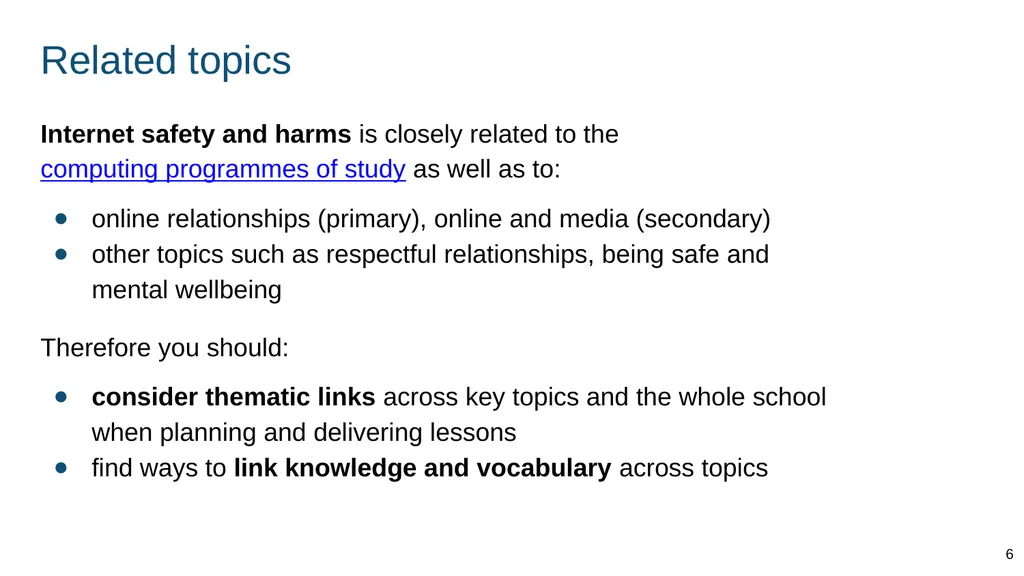
Related topics Internet safety and harms is closely related to the computing programmes of study as well as to:
online relationships (primary), online and media (secondary)
other topics such as respectful relationships, being safe and mental wellbeing
Therefore you should:
consider thematic links across key topics and the whole school when planning and delivering lessons
find ways to link knowledge and vocabulary across topics 6<br>
online relationships (primary), online and media (secondary)
other topics such as respectful relationships, being safe and mental wellbeing
Therefore you should:
consider thematic links across key topics and the whole school when planning and delivering lessons
find ways to link knowledge and vocabulary across topics 6<br>
07
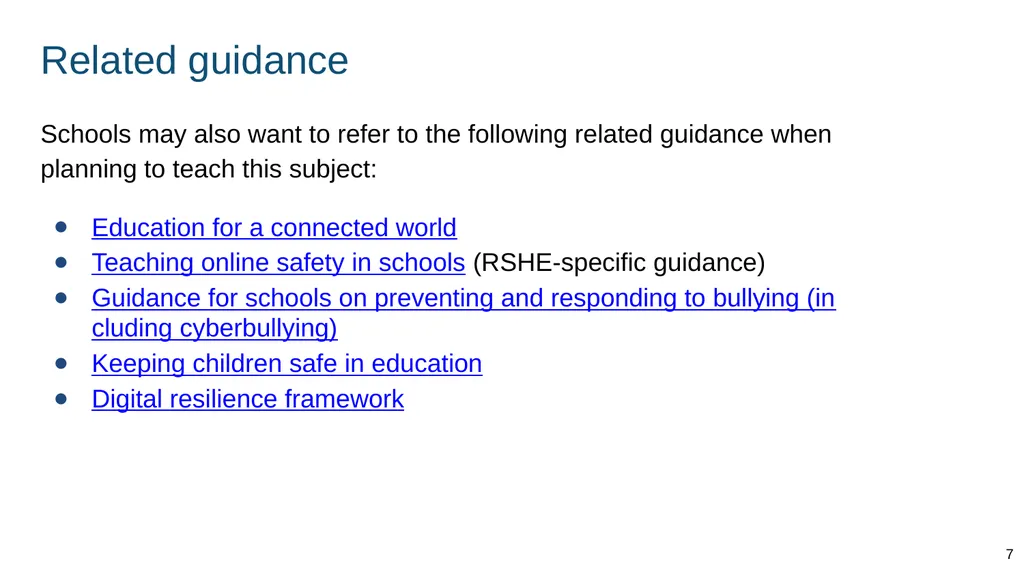
Related guidance Schools may also want to refer to the following related guidance when planning to teach this subject:
Education for a connected world
Teaching online safety in schools (RSHE-specific guidance)
Guidance for schools on preventing and responding to bullying (including cyberbullying)
Keeping children safe in education
Digital resilience framework 7<br>
Education for a connected world
Teaching online safety in schools (RSHE-specific guidance)
Guidance for schools on preventing and responding to bullying (including cyberbullying)
Keeping children safe in education
Digital resilience framework 7<br>
08
Support for this topic at [school name] Our leads
[Names, contact details - e.g. IT lead]
Our policies
[Add details - e.g. school policy on PSHE, training opportunities]
Specialist support [Add details - e.g. providers school already works with]
Other information
[Add resources] 8<br>
[Names, contact details - e.g. IT lead]
Our policies
[Add details - e.g. school policy on PSHE, training opportunities]
Specialist support [Add details - e.g. providers school already works with]
Other information
[Add resources] 8<br>
09
Existing teaching at [school name] Ways in which we already teach about internet safety and harms at our school:
[add details]
[add details]
[add details] 9<br>
[add details]
[add details]
[add details] 9<br>
10
Role of the internet in pupils’ lives From September 2020 schools must have regard to the statutory guidance for teaching about internet safety and harms. The guidance explains the significant role the internet plays in pupils’ lives. STATUTORY GUIDANCE
Today’s children and young people are growing up in an increasingly complex world and living their lives seamlessly on and offline. This presents many positive and exciting opportunities, but also challenges and risks. In this environment, children and young people need to know how to be safe and healthy. (p4) 10<br>
11
Primary and secondary teaching Some slides in this training have a Primary or Secondary label to indicate that the material is usually first introduced in that phase. STATUTORY GUIDANCE
Schools have flexibility to design and plan age-appropriate subject content. (p31) Using your knowledge of your pupils and school community you can:
introduce secondary content in primary with pupils who need it and are ready
teach the primary content in early secondary lessons to pupils who need to build knowledge before secondary content is taught 11<br>
introduce secondary content in primary with pupils who need it and are ready
teach the primary content in early secondary lessons to pupils who need to build knowledge before secondary content is taught 11<br>
12
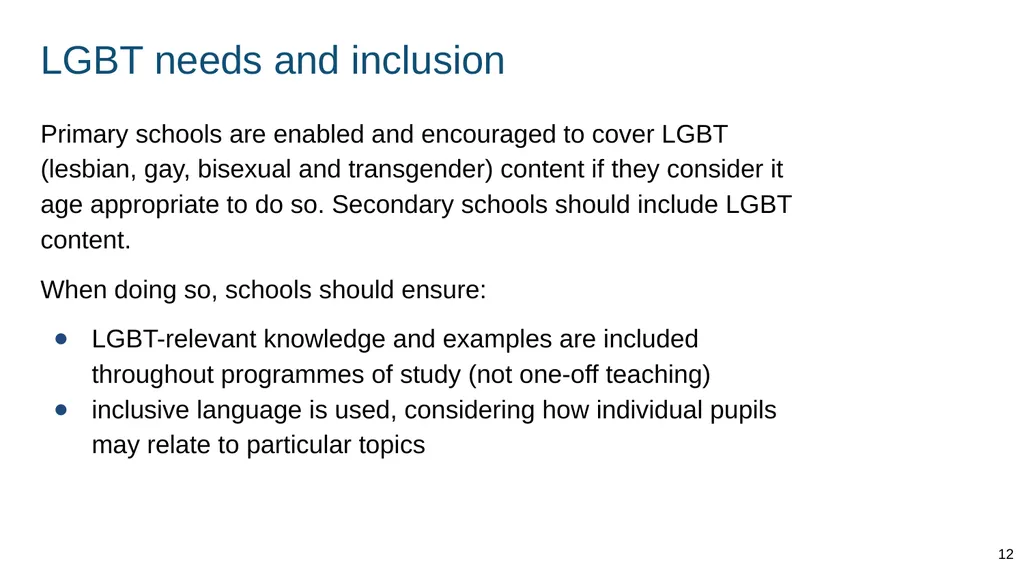
LGBT needs and inclusion Primary schools are enabled and encouraged to cover LGBT (lesbian, gay, bisexual and transgender) content if they consider it age appropriate to do so. Secondary schools should include LGBT content.
When doing so, schools should ensure:
LGBT-relevant knowledge and examples are included throughout programmes of study (not one-off teaching)
inclusive language is used, considering how individual pupils may relate to particular topics 12<br>
When doing so, schools should ensure:
LGBT-relevant knowledge and examples are included throughout programmes of study (not one-off teaching)
inclusive language is used, considering how individual pupils may relate to particular topics 12<br>
13
Pupils with SEND You will need to plan lessons to allow all pupils to access and practise the core knowledge, using your expertise as you normally would.
You might want to link lesson outcomes with statutory ‘preparing for adulthood’ outcomes for those with an education, health and care (EHC) plan. (See SEND code of practice, section 8.) STATUTORY GUIDANCE
In special schools and for some SEND pupils in mainstream schools there may be a need to tailor content and teaching to meet the specific needs of pupils at different developmental stages. As with all teaching for these subjects, schools should ensure that their teaching is sensitive, age-appropriate, developmentally appropriate and delivered with reference to the law. (p15) 13<br>
You might want to link lesson outcomes with statutory ‘preparing for adulthood’ outcomes for those with an education, health and care (EHC) plan. (See SEND code of practice, section 8.) STATUTORY GUIDANCE
In special schools and for some SEND pupils in mainstream schools there may be a need to tailor content and teaching to meet the specific needs of pupils at different developmental stages. As with all teaching for these subjects, schools should ensure that their teaching is sensitive, age-appropriate, developmentally appropriate and delivered with reference to the law. (p15) 13<br>
14
References to the law The references to the law in this module are given as a teacher resource if needed. They are not exhaustive. Teachers are not expected to be able to teach the details of the law or to be able to answer complex questions that may come up about the law. 14<br>
15
Safeguarding 15<br>
16
Safeguarding (1) Pupils may be affected by issues discussed in lessons.
Let your designated safeguarding lead or deputy and any other relevant staff, such as pastoral leads, know what you are teaching. This will enable them to identify and speak to relevant pupils, especially those who they know may have been directly impacted by issues covered in the lessons and those with adverse childhood experiences.
Teachers may need to deal with disclosures or concerns (e.g. of abuse or offending behaviour) in a way that safeguards pupils in line with school policies, especially the child protection policy. 16<br>
Let your designated safeguarding lead or deputy and any other relevant staff, such as pastoral leads, know what you are teaching. This will enable them to identify and speak to relevant pupils, especially those who they know may have been directly impacted by issues covered in the lessons and those with adverse childhood experiences.
Teachers may need to deal with disclosures or concerns (e.g. of abuse or offending behaviour) in a way that safeguards pupils in line with school policies, especially the child protection policy. 16<br>
17
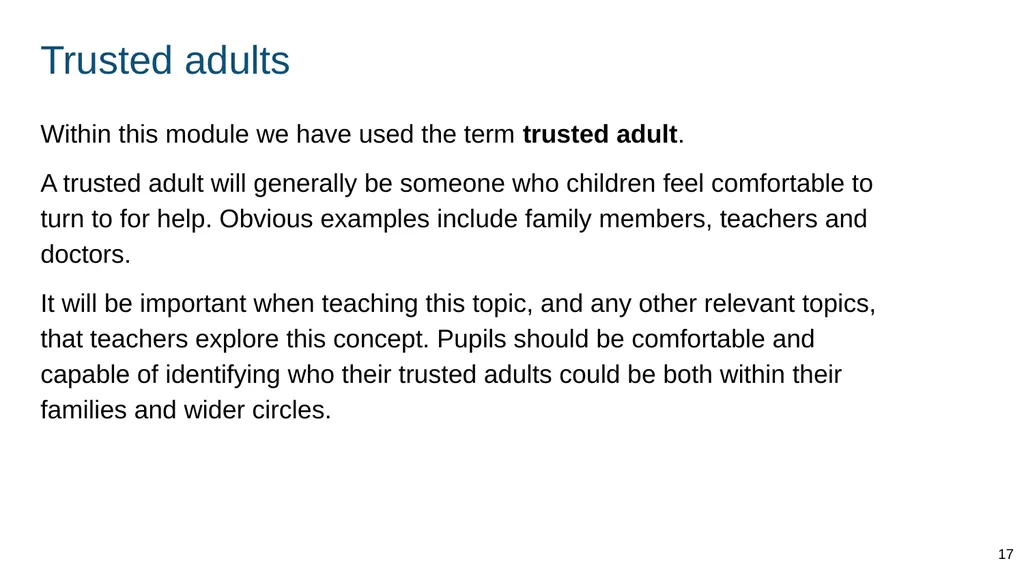
Trusted adults Within this module we have used the term trusted adult.
A trusted adult will generally be someone who children feel comfortable to turn to for help. Obvious examples include family members, teachers and doctors.
It will be important when teaching this topic, and any other relevant topics, that teachers explore this concept. Pupils should be comfortable and capable of identifying who their trusted adults could be both within their families and wider circles. 17<br>
A trusted adult will generally be someone who children feel comfortable to turn to for help. Obvious examples include family members, teachers and doctors.
It will be important when teaching this topic, and any other relevant topics, that teachers explore this concept. Pupils should be comfortable and capable of identifying who their trusted adults could be both within their families and wider circles. 17<br>
18
Ground rules 18<br>
19
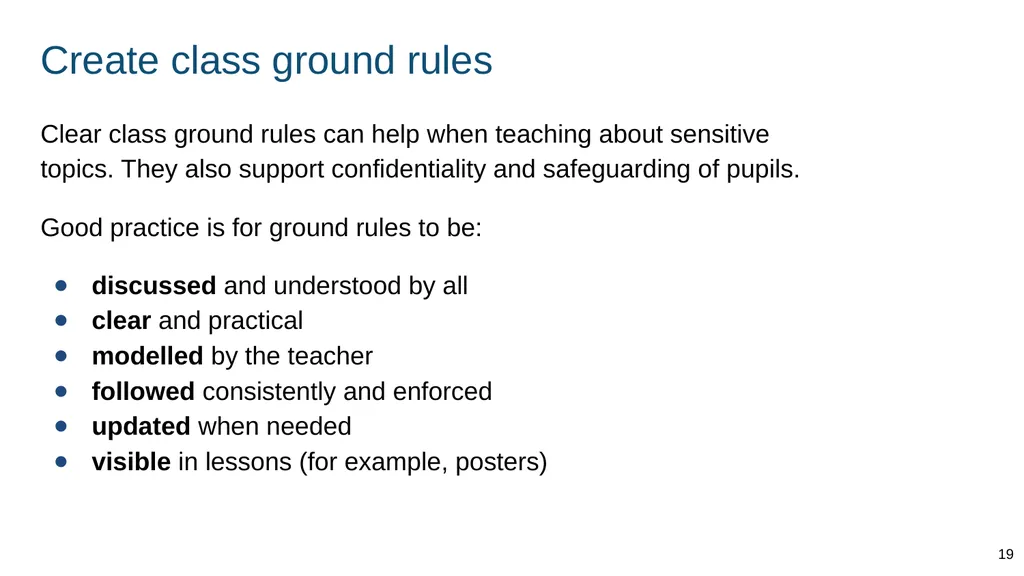
Create class ground rules Clear class ground rules can help when teaching about sensitive topics. They also support confidentiality and safeguarding of pupils.
Good practice is for ground rules to be:
discussed and understood by all
clear and practical
modelled by the teacher
followed consistently and enforced
updated when needed
visible in lessons (for example, posters) 19<br>
Good practice is for ground rules to be:
discussed and understood by all
clear and practical
modelled by the teacher
followed consistently and enforced
updated when needed
visible in lessons (for example, posters) 19<br>
20
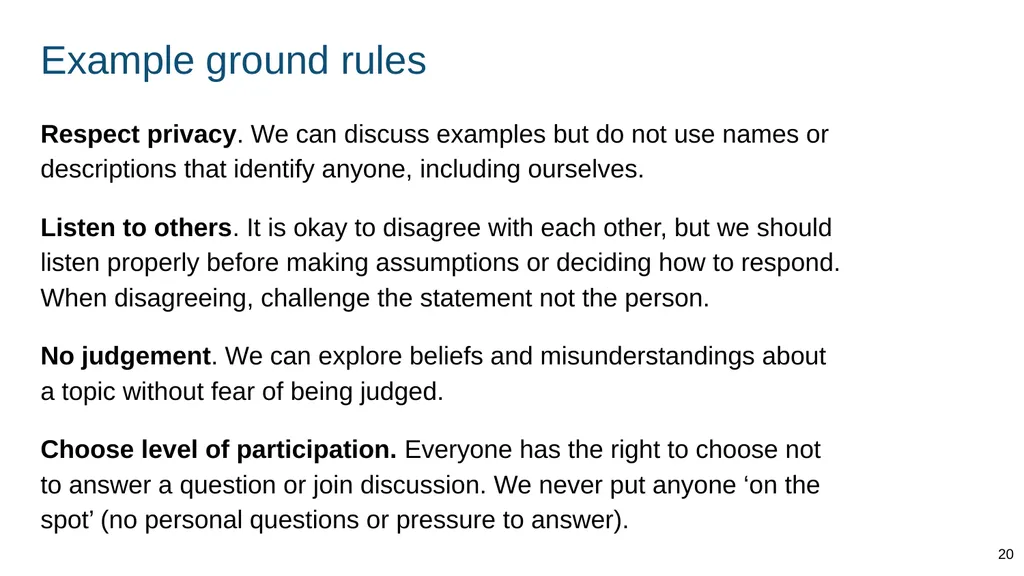
Example ground rules Respect privacy. We can discuss examples but do not use names or descriptions that identify anyone, including ourselves.
Listen to others. It is okay to disagree with each other, but we should listen properly before making assumptions or deciding how to respond. When disagreeing, challenge the statement not the person.
No judgement. We can explore beliefs and misunderstandings about a topic without fear of being judged.
Choose level of participation. Everyone has the right to choose not to answer a question or join discussion. We never put anyone ‘on the spot’ (no personal questions or pressure to answer). 20<br>
Listen to others. It is okay to disagree with each other, but we should listen properly before making assumptions or deciding how to respond. When disagreeing, challenge the statement not the person.
No judgement. We can explore beliefs and misunderstandings about a topic without fear of being judged.
Choose level of participation. Everyone has the right to choose not to answer a question or join discussion. We never put anyone ‘on the spot’ (no personal questions or pressure to answer). 20<br>
21
Primary curriculum 21<br>
22
Internet use, rationing and risk 22<br>
23
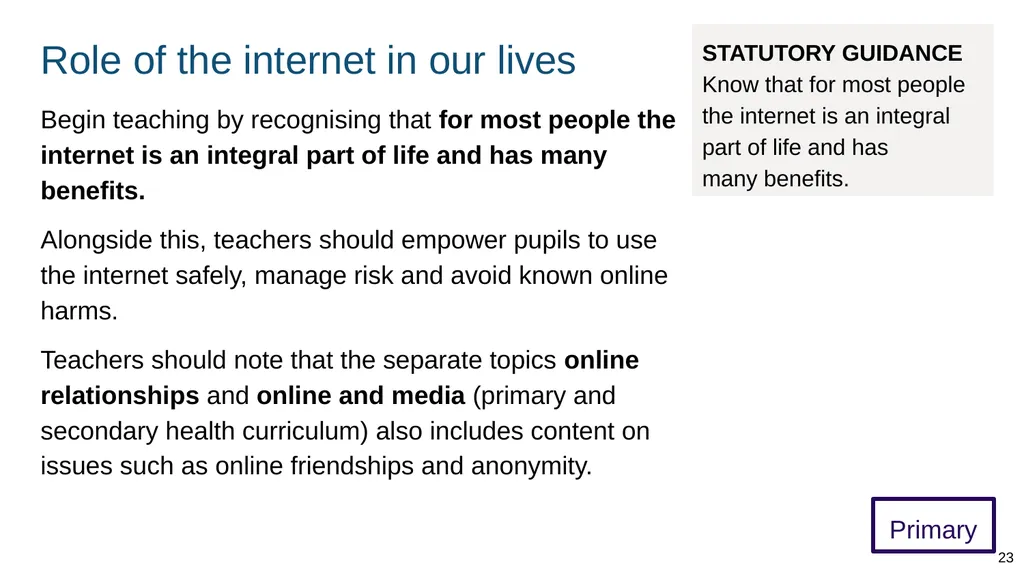
Role of the internet in our lives Primary Begin teaching by recognising that for most people the internet is an integral part of life and has many benefits.
Alongside this, teachers should empower pupils to use the internet safely, manage risk and avoid known online harms.
Teachers should note that the separate topics online relationships and online and media (primary and secondary health curriculum) also includes content on issues such as online friendships and anonymity. STATUTORY GUIDANCE Know that for most people the internet is an integral part of life and has
many benefits. 23<br>
Alongside this, teachers should empower pupils to use the internet safely, manage risk and avoid known online harms.
Teachers should note that the separate topics online relationships and online and media (primary and secondary health curriculum) also includes content on issues such as online friendships and anonymity. STATUTORY GUIDANCE Know that for most people the internet is an integral part of life and has
many benefits. 23<br>
24
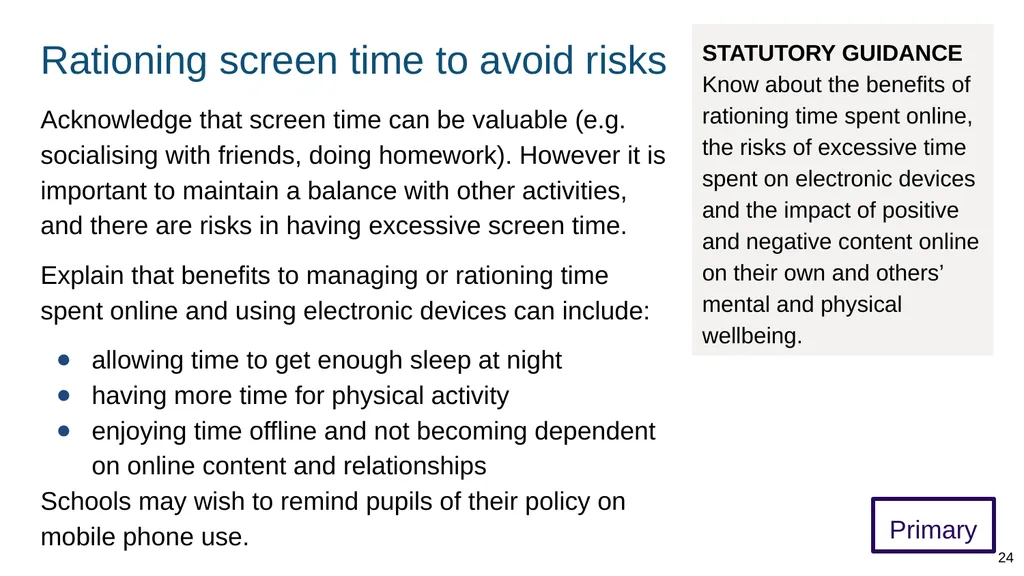
Rationing screen time to avoid risks Primary Acknowledge that screen time can be valuable (e.g. socialising with friends, doing homework). However it is important to maintain a balance with other activities, and there are risks in having excessive screen time.
Explain that benefits to managing or rationing time spent online and using electronic devices can include:
allowing time to get enough sleep at night
having more time for physical activity
enjoying time offline and not becoming dependent on online content and relationships
Schools may wish to remind pupils of their policy on mobile phone use. STATUTORY GUIDANCE Know about the benefits of rationing time spent online, the risks of excessive time spent on electronic devices and the impact of positive and negative content online on their own and others’ mental and physical wellbeing. 24<br>
Explain that benefits to managing or rationing time spent online and using electronic devices can include:
allowing time to get enough sleep at night
having more time for physical activity
enjoying time offline and not becoming dependent on online content and relationships
Schools may wish to remind pupils of their policy on mobile phone use. STATUTORY GUIDANCE Know about the benefits of rationing time spent online, the risks of excessive time spent on electronic devices and the impact of positive and negative content online on their own and others’ mental and physical wellbeing. 24<br>
25
Ways to manage time online Primary Explain pupils can develop a routine to reduce screen time and prioritise sleep, social interaction and physical activity, which are vital for mental and physical wellbeing, for example by:
agreeing a weekly online limit with their parents (some devices have settings to help with this)
switching off their phone 2 hours before bed
Remind pupils how much sleep children need:
children aged 3 to 5 need 10 to 13 hours
children aged 6 to 12 need 9 to 12 hours
young people aged 13 to 18 need 8 to 10 hours STATUTORY GUIDANCE Know about the benefits of rationing time spent online, the risks of excessive time spent on electronic devices and the impact of positive and negative content online on their own and others’ mental and physical wellbeing. 25<br>
agreeing a weekly online limit with their parents (some devices have settings to help with this)
switching off their phone 2 hours before bed
Remind pupils how much sleep children need:
children aged 3 to 5 need 10 to 13 hours
children aged 6 to 12 need 9 to 12 hours
young people aged 13 to 18 need 8 to 10 hours STATUTORY GUIDANCE Know about the benefits of rationing time spent online, the risks of excessive time spent on electronic devices and the impact of positive and negative content online on their own and others’ mental and physical wellbeing. 25<br>
26
Positive content online Primary Teach that there is much content online that can have a positive impact on wellbeing, e.g. content that helps us:
learn or practise new knowledge and skills
research answers to questions
communicate with friends and relatives
enjoy free time, e.g. games and puzzles
get advice and support from specialist organisations STATUTORY GUIDANCE Know about the benefits of rationing time spent online, the risks of excessive time spent on electronic devices and the impact of positive and negative content online on their own and others’ mental and physical wellbeing. 26<br>
learn or practise new knowledge and skills
research answers to questions
communicate with friends and relatives
enjoy free time, e.g. games and puzzles
get advice and support from specialist organisations STATUTORY GUIDANCE Know about the benefits of rationing time spent online, the risks of excessive time spent on electronic devices and the impact of positive and negative content online on their own and others’ mental and physical wellbeing. 26<br>
27
Harmful online content Primary Ensure pupils know, at an appropriate age, boundaries of acceptability for violent and sexual content (images and words). Teach pupils to tell a trusted adult if they accidentally see or download such content.
Teachers should take care to:
avoid inadvertently drawing attention to such content by describing the content itself
ensure filtering is always in place to minimise the risks in school
Schools can also remind parents about the importance of parental controls for domestic internet access. STATUTORY GUIDANCE Know about the benefits of rationing time spent online, the risks of excessive time spent on electronic devices and the impact of positive and negative content online on their own and others’ mental and physical wellbeing. This content is also part of online relationships (primary). 27<br>
Teachers should take care to:
avoid inadvertently drawing attention to such content by describing the content itself
ensure filtering is always in place to minimise the risks in school
Schools can also remind parents about the importance of parental controls for domestic internet access. STATUTORY GUIDANCE Know about the benefits of rationing time spent online, the risks of excessive time spent on electronic devices and the impact of positive and negative content online on their own and others’ mental and physical wellbeing. This content is also part of online relationships (primary). 27<br>
28
Impact of content on wellbeing Primary Teach that content online can have a positive or negative effect on our mental and physical wellbeing.
Explain that content may be having a negative impact if:
we are reliant on it for our happiness, or are obsessing about it, e.g. constantly checking for updates, ‘likes’, feeling insecure
we are not maintaining a balance with our other activities and interests
it is not age appropriate, e.g. too scary, violent or even confusing (can make people feel uneasy)
it is misleading or inaccurate, e.g. inaccurate health information STATUTORY GUIDANCE Know about the benefits of rationing time spent online, the risks of excessive time spent on electronic devices and the impact of positive and negative content online on their own and others’ mental and physical wellbeing. 28<br>
Explain that content may be having a negative impact if:
we are reliant on it for our happiness, or are obsessing about it, e.g. constantly checking for updates, ‘likes’, feeling insecure
we are not maintaining a balance with our other activities and interests
it is not age appropriate, e.g. too scary, violent or even confusing (can make people feel uneasy)
it is misleading or inaccurate, e.g. inaccurate health information STATUTORY GUIDANCE Know about the benefits of rationing time spent online, the risks of excessive time spent on electronic devices and the impact of positive and negative content online on their own and others’ mental and physical wellbeing. 28<br>
29
Age restricted content (1) Primary Some online content and services have an age restriction, often of 13 or above. This includes social media and some video game streaming services that allow people to sign up to create an account.
Teachers should note that laws to do with privacy and data mean online services and apps are not allowed to collect the personal information of anyone under 13 without a parent’s permission. Personal information can include your name and email address.
Relevant law: Children's Online Privacy Protection Act (COPPA, US), General Data Protection Regulation (GDPR, EU). STATUTORY GUIDANCE Know why social media, some computer games and online gaming, for example, are age restricted. 29<br>
Teachers should note that laws to do with privacy and data mean online services and apps are not allowed to collect the personal information of anyone under 13 without a parent’s permission. Personal information can include your name and email address.
Relevant law: Children's Online Privacy Protection Act (COPPA, US), General Data Protection Regulation (GDPR, EU). STATUTORY GUIDANCE Know why social media, some computer games and online gaming, for example, are age restricted. 29<br>
30
Age restricted content (2) Primary Teach that some services also have restrictions because their content is:
inappropriate for people under a certain age, e.g. disturbing or frightening
illegal for young people to use, e.g. gambling sites (minimum age 18)
Restrictions are different from ratings on films and video games, which are a guide to age appropriateness.
Discourage pupils from accessing age-inappropriate content. Emphasise that restrictions are in place to protect them from harm. STATUTORY GUIDANCE Know why social media, some computer games and online gaming, for example, are age restricted. 30<br>
inappropriate for people under a certain age, e.g. disturbing or frightening
illegal for young people to use, e.g. gambling sites (minimum age 18)
Restrictions are different from ratings on films and video games, which are a guide to age appropriateness.
Discourage pupils from accessing age-inappropriate content. Emphasise that restrictions are in place to protect them from harm. STATUTORY GUIDANCE Know why social media, some computer games and online gaming, for example, are age restricted. 30<br>
31
Online relationships and privacy 31<br>
32
How actions affect others online Primary Teach that our actions online can have both positive and negative effects on the wellbeing of others.
Explain that behaviour online is no less important than behaviour offline. Online behaviour can also have an amplified impact on people because it:
is often published for others to see and can have a large (potentially global) audience
can be hard for someone to escape (e.g. if someone is discussed or messaged constantly)
can be anonymous, which can make it harder to address if someone receives abuse STATUTORY GUIDANCE Know how to consider the effect of their online actions on others and know how to recognise and display respectful behaviour online and the importance of keeping personal information private. 32<br>
Explain that behaviour online is no less important than behaviour offline. Online behaviour can also have an amplified impact on people because it:
is often published for others to see and can have a large (potentially global) audience
can be hard for someone to escape (e.g. if someone is discussed or messaged constantly)
can be anonymous, which can make it harder to address if someone receives abuse STATUTORY GUIDANCE Know how to consider the effect of their online actions on others and know how to recognise and display respectful behaviour online and the importance of keeping personal information private. 32<br>
33
STATUTORY GUIDANCE
Know how to consider the effect of their online actions on others and know how to recognise and display respectful behaviour online and the importance of keeping personal information private. Respectful online relationships Introduce the concept of ‘digital citizenship’. Teach that the same principles apply to being a good citizen online as offline, including when we are anonymous, such as:
having respect for others - valuing differences, being kind and caring
having respect for ourselves, our boundaries and privacy - valuing things that make us unique, knowing we deserve kindness and respect
Respect means considering the feelings and boundaries of others. It does not mean we have to agree all the time, or that our rights and needs are not important. This content is also part of online relationships (primary). Primary 33<br>
having respect for others - valuing differences, being kind and caring
having respect for ourselves, our boundaries and privacy - valuing things that make us unique, knowing we deserve kindness and respect
Respect means considering the feelings and boundaries of others. It does not mean we have to agree all the time, or that our rights and needs are not important. This content is also part of online relationships (primary). Primary 33<br>
34
Communicating online (1) Primary Reflecting on how people communicate differently with others offline (e.g. friend, grandparent, teacher), teach that it is sometimes appropriate also to do this online.
Also explain that people can easily misunderstand each other online, e.g. because we might not:
see facial expressions or gestures (so we might not know the impact we have on others)
hear the ‘tone’ of someone’s voice, e.g. to tell if they are serious or joking
use the same words we would use in person - e.g. when sending a short text message STATUTORY GUIDANCE Know how to consider the effect of their online actions on others and know how to recognise and display respectful behaviour online and the importance of keeping personal information private. This content is also part of online relationships (primary). 34<br>
Also explain that people can easily misunderstand each other online, e.g. because we might not:
see facial expressions or gestures (so we might not know the impact we have on others)
hear the ‘tone’ of someone’s voice, e.g. to tell if they are serious or joking
use the same words we would use in person - e.g. when sending a short text message STATUTORY GUIDANCE Know how to consider the effect of their online actions on others and know how to recognise and display respectful behaviour online and the importance of keeping personal information private. This content is also part of online relationships (primary). 34<br>
35
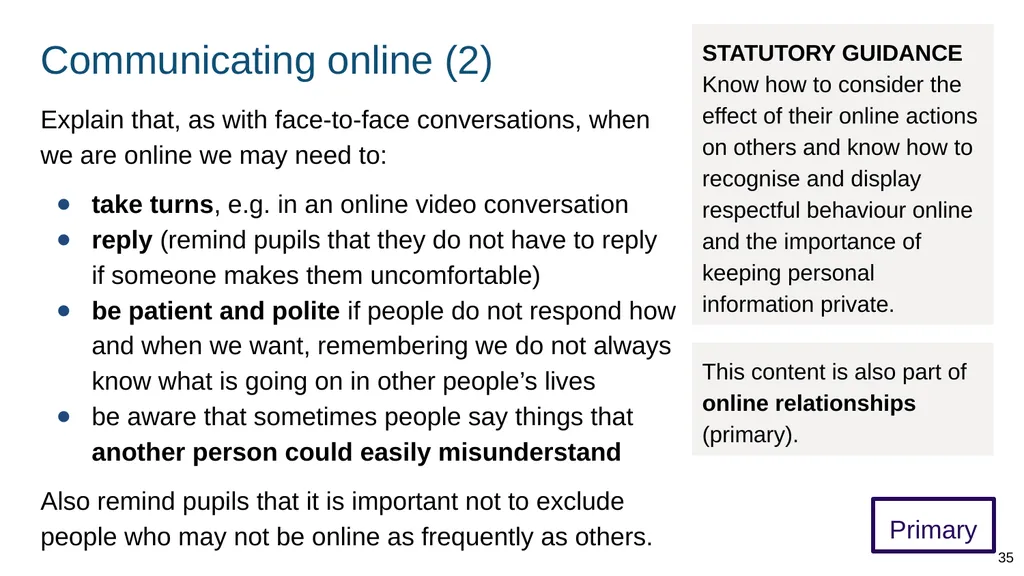
Communicating online (2) Primary Explain that, as with face-to-face conversations, when we are online we may need to:
take turns, e.g. in an online video conversation
reply (remind pupils that they do not have to reply if someone makes them uncomfortable)
be patient and polite if people do not respond how and when we want, remembering we do not always know what is going on in other people’s lives
be aware that sometimes people say things that another person could easily misunderstand
Also remind pupils that it is important not to exclude people who may not be online as frequently as others. STATUTORY GUIDANCE Know how to consider the effect of their online actions on others and know how to recognise and display respectful behaviour online and the importance of keeping personal information private. This content is also part of online relationships (primary). 35<br>
take turns, e.g. in an online video conversation
reply (remind pupils that they do not have to reply if someone makes them uncomfortable)
be patient and polite if people do not respond how and when we want, remembering we do not always know what is going on in other people’s lives
be aware that sometimes people say things that another person could easily misunderstand
Also remind pupils that it is important not to exclude people who may not be online as frequently as others. STATUTORY GUIDANCE Know how to consider the effect of their online actions on others and know how to recognise and display respectful behaviour online and the importance of keeping personal information private. This content is also part of online relationships (primary). 35<br>
36
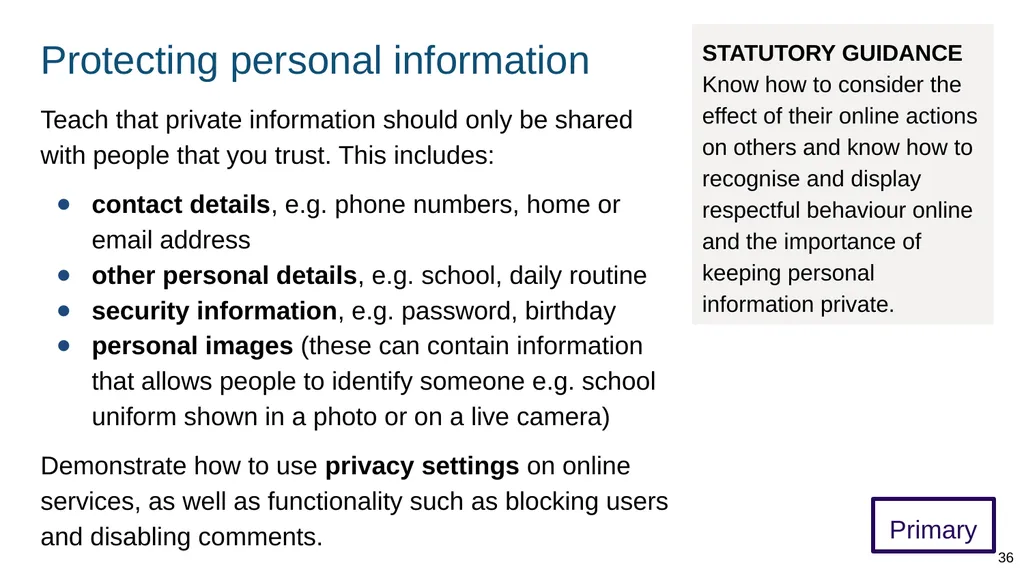
Protecting personal information Primary Teach that private information should only be shared with people that you trust. This includes:
contact details, e.g. phone numbers, home or email address
other personal details, e.g. school, daily routine
security information, e.g. password, birthday
personal images (these can contain information that allows people to identify someone e.g. school uniform shown in a photo or on a live camera)
Demonstrate how to use privacy settings on online services, as well as functionality such as blocking users and disabling comments. STATUTORY GUIDANCE Know how to consider the effect of their online actions on others and know how to recognise and display respectful behaviour online and the importance of keeping personal information private. 36<br>
contact details, e.g. phone numbers, home or email address
other personal details, e.g. school, daily routine
security information, e.g. password, birthday
personal images (these can contain information that allows people to identify someone e.g. school uniform shown in a photo or on a live camera)
Demonstrate how to use privacy settings on online services, as well as functionality such as blocking users and disabling comments. STATUTORY GUIDANCE Know how to consider the effect of their online actions on others and know how to recognise and display respectful behaviour online and the importance of keeping personal information private. 36<br>
37
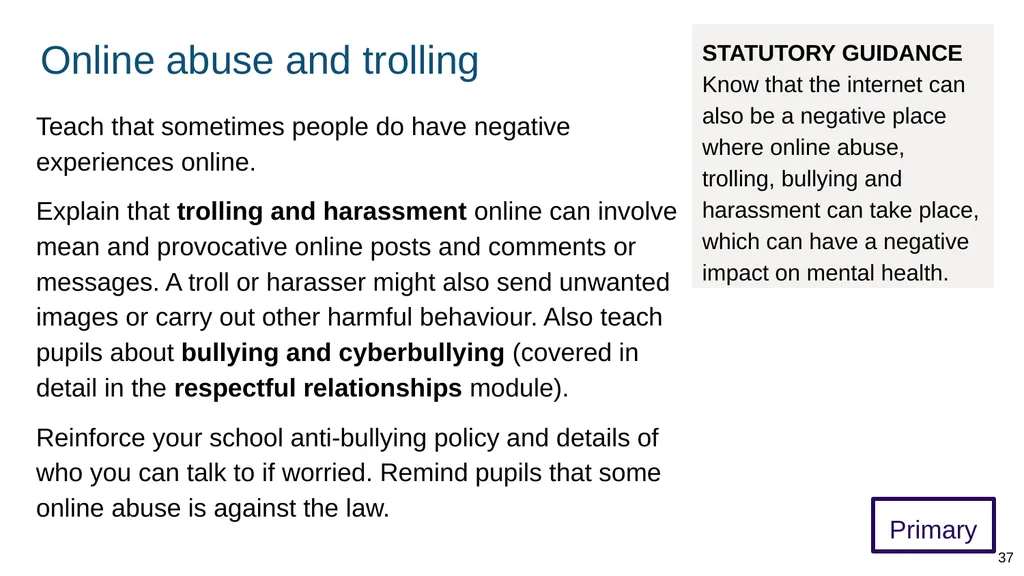
Online abuse and trolling Teach that sometimes people do have negative experiences online.
Explain that trolling and harassment online can involve mean and provocative online posts and comments or messages. A troll or harasser might also send unwanted images or carry out other harmful behaviour. Also teach pupils about bullying and cyberbullying (covered in detail in the respectful relationships module).
Reinforce your school anti-bullying policy and details of who you can talk to if worried. Remind pupils that some online abuse is against the law. STATUTORY GUIDANCE Know that the internet can also be a negative place where online abuse, trolling, bullying and harassment can take place, which can have a negative impact on mental health. Primary 37<br>
Explain that trolling and harassment online can involve mean and provocative online posts and comments or messages. A troll or harasser might also send unwanted images or carry out other harmful behaviour. Also teach pupils about bullying and cyberbullying (covered in detail in the respectful relationships module).
Reinforce your school anti-bullying policy and details of who you can talk to if worried. Remind pupils that some online abuse is against the law. STATUTORY GUIDANCE Know that the internet can also be a negative place where online abuse, trolling, bullying and harassment can take place, which can have a negative impact on mental health. Primary 37<br>
38
Online abuse and mental wellbeing Primary Teach that abusive treatment online can have a negative effect on a victim’s mental wellbeing. For example, it can make them feel:
unhappy, scared, embarrassed or humiliated
left out, lonely or vulnerable
Ensure pupils know that online abuse is never acceptable. Teach that we can:
tell a trusted adult or a service like Childline if abuse is happening or if worried about issues online and mental wellbeing
report or block abuser rather than responding STATUTORY GUIDANCE Know that the internet can also be a negative place where online abuse, trolling, bullying and harassment can take place, which can have a negative impact on mental health. 38<br>
unhappy, scared, embarrassed or humiliated
left out, lonely or vulnerable
Ensure pupils know that online abuse is never acceptable. Teach that we can:
tell a trusted adult or a service like Childline if abuse is happening or if worried about issues online and mental wellbeing
report or block abuser rather than responding STATUTORY GUIDANCE Know that the internet can also be a negative place where online abuse, trolling, bullying and harassment can take place, which can have a negative impact on mental health. 38<br>
39
Understanding online information 39<br>
40
Taking a critical approach Primary Teach the importance of viewing information online critically, and that not all information is equally reliable.
Encourage pupils to identify the purpose of different types of content we see online.
Teach that search engines help people find information online. Explain that the results we get are often selected, ranked and targeted because some people pay for information to be promoted.
This means the information we see is not always the most relevant information. STATUTORY GUIDANCE Know how to be a discerning consumer of information online including understanding that information, including that from search engines, is ranked, selected and targeted. 40<br>
Encourage pupils to identify the purpose of different types of content we see online.
Teach that search engines help people find information online. Explain that the results we get are often selected, ranked and targeted because some people pay for information to be promoted.
This means the information we see is not always the most relevant information. STATUTORY GUIDANCE Know how to be a discerning consumer of information online including understanding that information, including that from search engines, is ranked, selected and targeted. 40<br>
41
Understanding online information Primary Teach that although there is lots of useful material on the internet, there is also material (including written information, images and videos) that is:
poor quality or out of date
deliberately untrue or misleading (e.g. edited images)
illegal
Teach pupils to recognise the intent of different online material. For example, some material is designed to get us to do things like spend money, give away personal information, share the material more widely, or to believe certain things. STATUTORY GUIDANCE Know how to be a discerning consumer of information online including understanding that information, including that from search engines, is ranked, selected and targeted. This content is also part of online relationships (primary). 41<br>
poor quality or out of date
deliberately untrue or misleading (e.g. edited images)
illegal
Teach pupils to recognise the intent of different online material. For example, some material is designed to get us to do things like spend money, give away personal information, share the material more widely, or to believe certain things. STATUTORY GUIDANCE Know how to be a discerning consumer of information online including understanding that information, including that from search engines, is ranked, selected and targeted. This content is also part of online relationships (primary). 41<br>
42
Deciding what information to trust Primary Tell pupils about some of the ways people can find more reliable material online, including using a combination of the following:
using reputable and trusted websites
checking the publication date of information
assessing whether information is factual or opinion
cross-checking other websites and offline sources
discussing what we have read or seen with others, such as peers, a trusted adult STATUTORY GUIDANCE Know how to be a discerning consumer of information online including understanding that information, including that from search engines, is ranked, selected and targeted. This content is also part of online relationships (primary). 42<br>
using reputable and trusted websites
checking the publication date of information
assessing whether information is factual or opinion
cross-checking other websites and offline sources
discussing what we have read or seen with others, such as peers, a trusted adult STATUTORY GUIDANCE Know how to be a discerning consumer of information online including understanding that information, including that from search engines, is ranked, selected and targeted. This content is also part of online relationships (primary). 42<br>
43
Internet cookies Primary Teach that internet cookies are a technology used to track behaviour online. Websites must ask permission to store these small data files on our devices. If cookies are ‘enabled’, sites can, for example, show targeted adverts, automatically log us in, or show us more relevant content.
Explain that we can choose to accept or reject the use of cookies on different websites. STATUTORY GUIDANCE Know how to be a discerning consumer of information online including understanding that information, including that from search engines, is ranked, selected and targeted. This content is also part of online relationships (primary). 43<br>
Explain that we can choose to accept or reject the use of cookies on different websites. STATUTORY GUIDANCE Know how to be a discerning consumer of information online including understanding that information, including that from search engines, is ranked, selected and targeted. This content is also part of online relationships (primary). 43<br>
44
Influencers Primary Teach that influencers are people who become well known on social media and can influence other people’s behaviour.
If appropriate, teachers can give examples of current internet influencers of young people.
Explain that influencers are often paid (financial motive) to promote or endorse products. This means that what they review, wear, or say might not always reflect their actual beliefs or preferences. STATUTORY GUIDANCE Know how to be a discerning consumer of information online including understanding that information, including that from search engines, is ranked, selected and targeted. 44<br>
If appropriate, teachers can give examples of current internet influencers of young people.
Explain that influencers are often paid (financial motive) to promote or endorse products. This means that what they review, wear, or say might not always reflect their actual beliefs or preferences. STATUTORY GUIDANCE Know how to be a discerning consumer of information online including understanding that information, including that from search engines, is ranked, selected and targeted. 44<br>
45
Getting support with online issues Primary Teach pupils that if they encounter issues online they can talk to a trusted adult. For example, if they:
need help to manage the amount of time they spend online
see content that is not appropriate for their age
are concerned about abuse or harassment online
need help to report content in the appropriate way
Explain that if someone sees worrying content they can close their screen and then decide to ask for help. STATUTORY GUIDANCE Know where and how to report concerns and get support with issues online. 45<br>
need help to manage the amount of time they spend online
see content that is not appropriate for their age
are concerned about abuse or harassment online
need help to report content in the appropriate way
Explain that if someone sees worrying content they can close their screen and then decide to ask for help. STATUTORY GUIDANCE Know where and how to report concerns and get support with issues online. 45<br>
46
Reporting content/conduct Primary Teach that a trusted adult may be able to help to decide where to report content or behaviour.
Explain that harmful material and behaviour online can be reported to different organisations, for example:
online scams can be reported to Crimestoppers
harmful content or conduct (e.g. on social media) can be reported to individual platforms and then to Report Harmful Content
criminal content/conduct (e.g. radicalisation material, grooming) can be reported to the police
Childline (0800 1111) can give anonymous advice about online bullying STATUTORY GUIDANCE Know where and how to report concerns and get support with issues online. This content is also part of online relationships (primary). 46<br>
Explain that harmful material and behaviour online can be reported to different organisations, for example:
online scams can be reported to Crimestoppers
harmful content or conduct (e.g. on social media) can be reported to individual platforms and then to Report Harmful Content
criminal content/conduct (e.g. radicalisation material, grooming) can be reported to the police
Childline (0800 1111) can give anonymous advice about online bullying STATUTORY GUIDANCE Know where and how to report concerns and get support with issues online. This content is also part of online relationships (primary). 46<br>
47
Keeping safe online Primary Explain that there are principles we can use to help recognise risks and keep ourselves and others safe online. These include:
being aware of our boundaries, privacy, and knowing that we have the ability to give and withdraw consent (permission)
paying attention to how we feel particularly if we feel anxious or upset about something or someone, or are obsessing about something seen online
always talking to a trusted adult if we are unsure about something or someone online STATUTORY GUIDANCE Know where and how to report concerns and get support with issues online. This content is also part of online relationships (primary). 47<br>
being aware of our boundaries, privacy, and knowing that we have the ability to give and withdraw consent (permission)
paying attention to how we feel particularly if we feel anxious or upset about something or someone, or are obsessing about something seen online
always talking to a trusted adult if we are unsure about something or someone online STATUTORY GUIDANCE Know where and how to report concerns and get support with issues online. This content is also part of online relationships (primary). 47<br>
48
Secondary curriculum STATUTORY GUIDANCE
Schools should continue to develop knowledge on topics specified for primary as required and in addition cover the following content by the end of secondary. (p36) 48<br>
49
How the online world is different Teach pupils about some of the similarities and differences between the online and physical world.
There are additional opportunities online, including the ability to curate the information we present. STATUTORY GUIDANCE Know the similarities and differences between the online world and the
physical world. Secondary 49<br>
There are additional opportunities online, including the ability to curate the information we present. STATUTORY GUIDANCE Know the similarities and differences between the online world and the
physical world. Secondary 49<br>
50
Unhealthy comparisons Teach that comparing ourselves too much with others online can have a negative effect on mental wellbeing (e.g. self esteem, body image).
For example, we might perceive others to have a perfect life (e.g. wealth, success, friends). However, what we see is often only the part of someone’s life they choose to share, and may not reflect the reality which could be quite different.
Explain that it can be normal to feel jealous or excluded (e.g. fear of missing out) at times and this can affect our mental wellbeing. However, if these feelings seriously affect wellbeing we may need help and support. STATUTORY GUIDANCE Know the impact of unhealthy or obsessive comparison with others online (including through setting unrealistic expectations for body image), how people may curate a specific image of their life online, over-reliance on online relationships including social media. Secondary 50<br>
For example, we might perceive others to have a perfect life (e.g. wealth, success, friends). However, what we see is often only the part of someone’s life they choose to share, and may not reflect the reality which could be quite different.
Explain that it can be normal to feel jealous or excluded (e.g. fear of missing out) at times and this can affect our mental wellbeing. However, if these feelings seriously affect wellbeing we may need help and support. STATUTORY GUIDANCE Know the impact of unhealthy or obsessive comparison with others online (including through setting unrealistic expectations for body image), how people may curate a specific image of their life online, over-reliance on online relationships including social media. Secondary 50<br>
51
Body image Teach that body image is the perception we have of our body, and the thoughts and feelings this can create (positive, negative or mixed). Encourage pupils to form realistic expectations of bodies. Explain that:
the internet can project idealised and unachievable images of bodies (often edited and filtered)
overexposure to such images can affect wellbeing (e.g. prompting feelings of inferiority or anxiety)
beliefs about beauty, for example, are subjective and differ over time and within cultures
puberty can be a time when people become more aware of their own and others’ appearance
our worth should not be defined by how we look 51 Secondary STATUTORY GUIDANCE Know the impact of unhealthy or obsessive comparison with others online (including through setting unrealistic expectations for body image), how people may curate a specific image of their life online, over-reliance on online relationships including social media.<br>
the internet can project idealised and unachievable images of bodies (often edited and filtered)
overexposure to such images can affect wellbeing (e.g. prompting feelings of inferiority or anxiety)
beliefs about beauty, for example, are subjective and differ over time and within cultures
puberty can be a time when people become more aware of their own and others’ appearance
our worth should not be defined by how we look 51 Secondary STATUTORY GUIDANCE Know the impact of unhealthy or obsessive comparison with others online (including through setting unrealistic expectations for body image), how people may curate a specific image of their life online, over-reliance on online relationships including social media.<br>
52
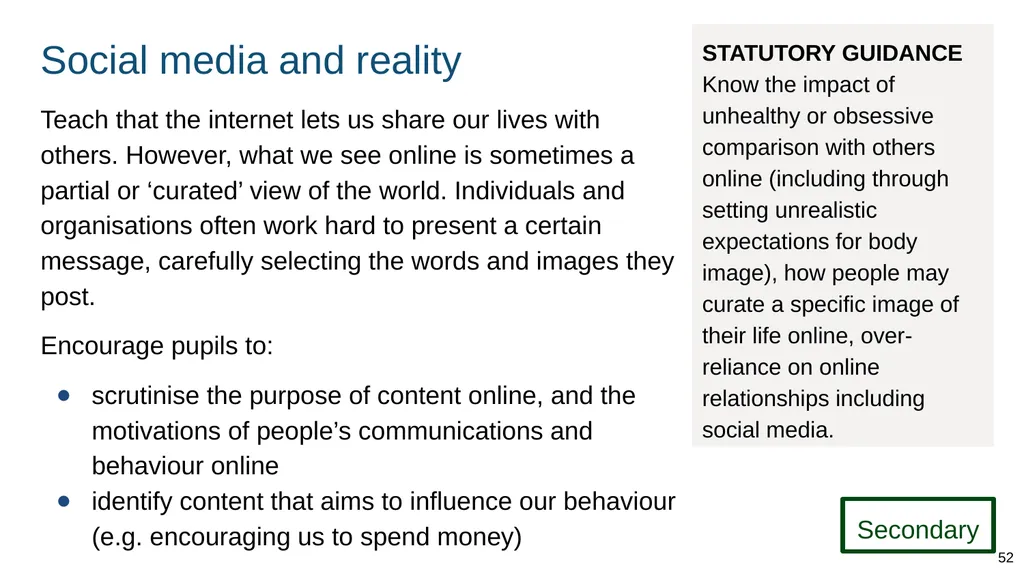
Social media and reality Teach that the internet lets us share our lives with others. However, what we see online is sometimes a partial or ‘curated’ view of the world. Individuals and organisations often work hard to present a certain message, carefully selecting the words and images they post.
Encourage pupils to:
scrutinise the purpose of content online, and the motivations of people’s communications and behaviour online
identify content that aims to influence our behaviour (e.g. encouraging us to spend money) 52 Secondary STATUTORY GUIDANCE Know the impact of unhealthy or obsessive comparison with others online (including through setting unrealistic expectations for body image), how people may curate a specific image of their life online, over-reliance on online relationships including social media.<br>
Encourage pupils to:
scrutinise the purpose of content online, and the motivations of people’s communications and behaviour online
identify content that aims to influence our behaviour (e.g. encouraging us to spend money) 52 Secondary STATUTORY GUIDANCE Know the impact of unhealthy or obsessive comparison with others online (including through setting unrealistic expectations for body image), how people may curate a specific image of their life online, over-reliance on online relationships including social media.<br>
53
Over-relying on online relationships Teach that people often develop existing friendships or make new ones online. However, as in any relationship, we should not need continual attention and approval from others online in order to feel good about ourselves.
Encourage pupils to consider how interactions with friends online make them feel and to identify if they are problematic, for example:
not being able to disconnect
obsessing about numbers of friends, getting ‘likes’
experiencing conflict in their offline relationships, e.g. arguing with family about time spent online
feeling pressured to behave a certain way 53 Secondary STATUTORY GUIDANCE Know the impact of unhealthy or obsessive comparison with others online (including through setting unrealistic expectations for body image), how people may curate a specific image of their life online, over-reliance on online relationships including social media.<br>
Encourage pupils to consider how interactions with friends online make them feel and to identify if they are problematic, for example:
not being able to disconnect
obsessing about numbers of friends, getting ‘likes’
experiencing conflict in their offline relationships, e.g. arguing with family about time spent online
feeling pressured to behave a certain way 53 Secondary STATUTORY GUIDANCE Know the impact of unhealthy or obsessive comparison with others online (including through setting unrealistic expectations for body image), how people may curate a specific image of their life online, over-reliance on online relationships including social media.<br>
54
Gambling 54<br>
55
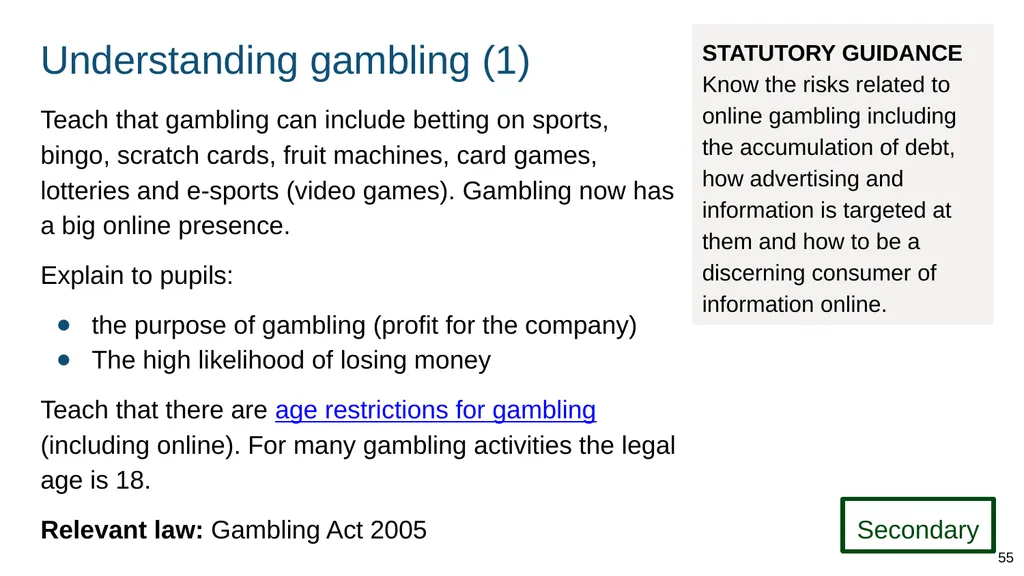
Understanding gambling (1) Teach that gambling can include betting on sports, bingo, scratch cards, fruit machines, card games, lotteries and e-sports (video games). Gambling now has a big online presence.
Explain to pupils:
the purpose of gambling (profit for the company)
The high likelihood of losing money
Teach that there are age restrictions for gambling (including online). For many gambling activities the legal age is 18.
Relevant law: Gambling Act 2005 STATUTORY GUIDANCE Know the risks related to online gambling including the accumulation of debt, how advertising and information is targeted at them and how to be a discerning consumer of information online. Secondary 55<br>
Explain to pupils:
the purpose of gambling (profit for the company)
The high likelihood of losing money
Teach that there are age restrictions for gambling (including online). For many gambling activities the legal age is 18.
Relevant law: Gambling Act 2005 STATUTORY GUIDANCE Know the risks related to online gambling including the accumulation of debt, how advertising and information is targeted at them and how to be a discerning consumer of information online. Secondary 55<br>
56
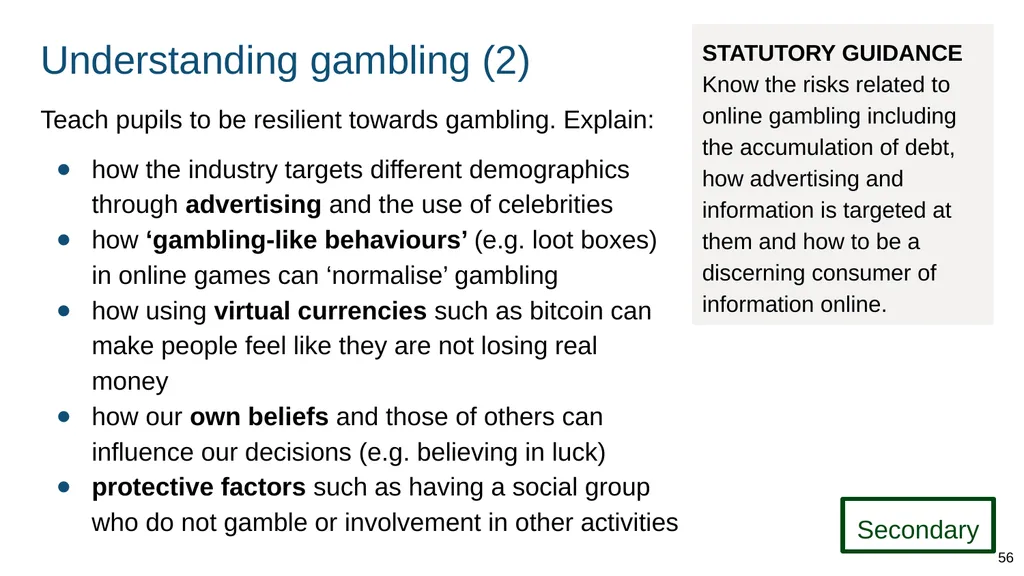
Understanding gambling (2) Teach pupils to be resilient towards gambling. Explain:
how the industry targets different demographics through advertising and the use of celebrities
how ‘gambling-like behaviours’ (e.g. loot boxes) in online games can ‘normalise’ gambling
how using virtual currencies such as bitcoin can make people feel like they are not losing real money
how our own beliefs and those of others can influence our decisions (e.g. believing in luck)
protective factors such as having a social group who do not gamble or involvement in other activities STATUTORY GUIDANCE Know the risks related to online gambling including the accumulation of debt, how advertising and information is targeted at them and how to be a discerning consumer of information online. Secondary 56<br>
how the industry targets different demographics through advertising and the use of celebrities
how ‘gambling-like behaviours’ (e.g. loot boxes) in online games can ‘normalise’ gambling
how using virtual currencies such as bitcoin can make people feel like they are not losing real money
how our own beliefs and those of others can influence our decisions (e.g. believing in luck)
protective factors such as having a social group who do not gamble or involvement in other activities STATUTORY GUIDANCE Know the risks related to online gambling including the accumulation of debt, how advertising and information is targeted at them and how to be a discerning consumer of information online. Secondary 56<br>
57
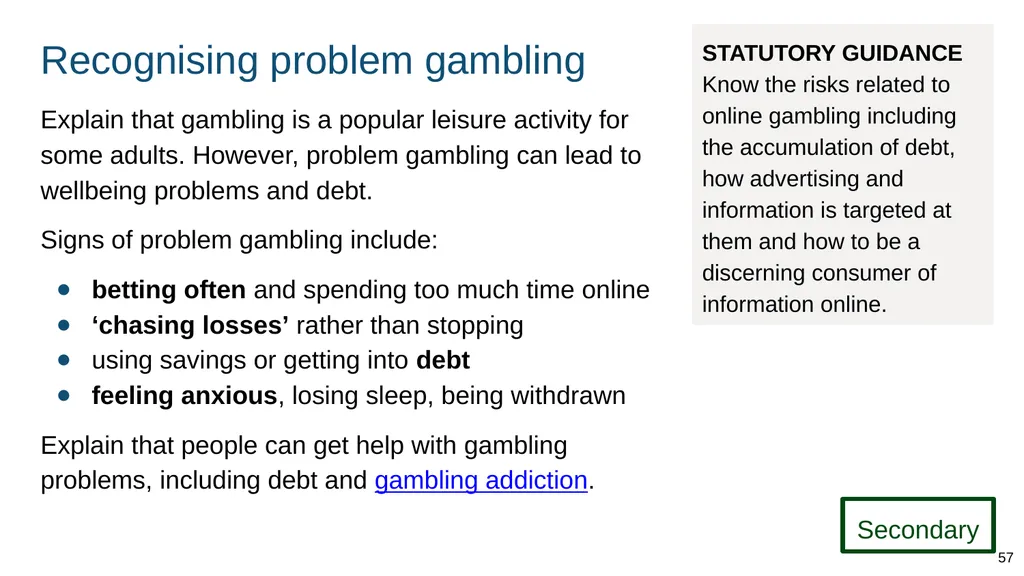
Recognising problem gambling Explain that gambling is a popular leisure activity for some adults. However, problem gambling can lead to wellbeing problems and debt.
Signs of problem gambling include:
betting often and spending too much time online
‘chasing losses’ rather than stopping
using savings or getting into debt
feeling anxious, losing sleep, being withdrawn
Explain that people can get help with gambling problems, including debt and gambling addiction. STATUTORY GUIDANCE Know the risks related to online gambling including the accumulation of debt, how advertising and information is targeted at them and how to be a discerning consumer of information online. Secondary 57<br>
Signs of problem gambling include:
betting often and spending too much time online
‘chasing losses’ rather than stopping
using savings or getting into debt
feeling anxious, losing sleep, being withdrawn
Explain that people can get help with gambling problems, including debt and gambling addiction. STATUTORY GUIDANCE Know the risks related to online gambling including the accumulation of debt, how advertising and information is targeted at them and how to be a discerning consumer of information online. Secondary 57<br>
58
Targeted advertising and information 58<br>
59
Online information As well as teaching the content of this section, teachers should embed the understanding online information content from the primary curriculum. STATUTORY GUIDANCE
Know how advertising and information is targeted at them and how to be a discerning consumer of information online. Secondary 59<br>
60
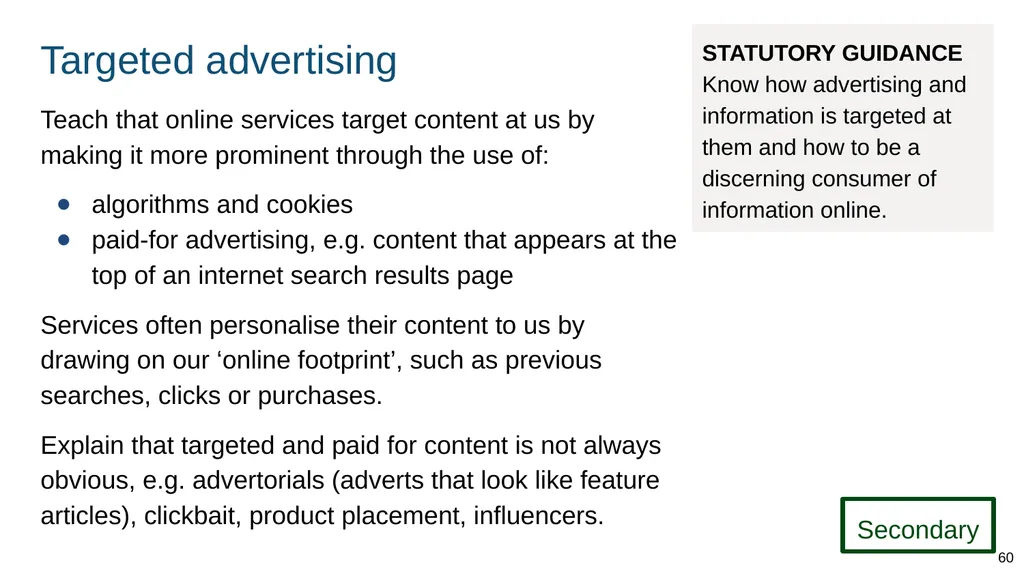
Targeted advertising Teach that online services target content at us by making it more prominent through the use of:
algorithms and cookies
paid-for advertising, e.g. content that appears at the top of an internet search results page
Services often personalise their content to us by drawing on our ‘online footprint’, such as previous searches, clicks or purchases.
Explain that targeted and paid for content is not always obvious, e.g. advertorials (adverts that look like feature articles), clickbait, product placement, influencers. STATUTORY GUIDANCE Know how advertising and information is targeted at them and how to be a discerning consumer of information online. Secondary 60<br>
algorithms and cookies
paid-for advertising, e.g. content that appears at the top of an internet search results page
Services often personalise their content to us by drawing on our ‘online footprint’, such as previous searches, clicks or purchases.
Explain that targeted and paid for content is not always obvious, e.g. advertorials (adverts that look like feature articles), clickbait, product placement, influencers. STATUTORY GUIDANCE Know how advertising and information is targeted at them and how to be a discerning consumer of information online. Secondary 60<br>
61
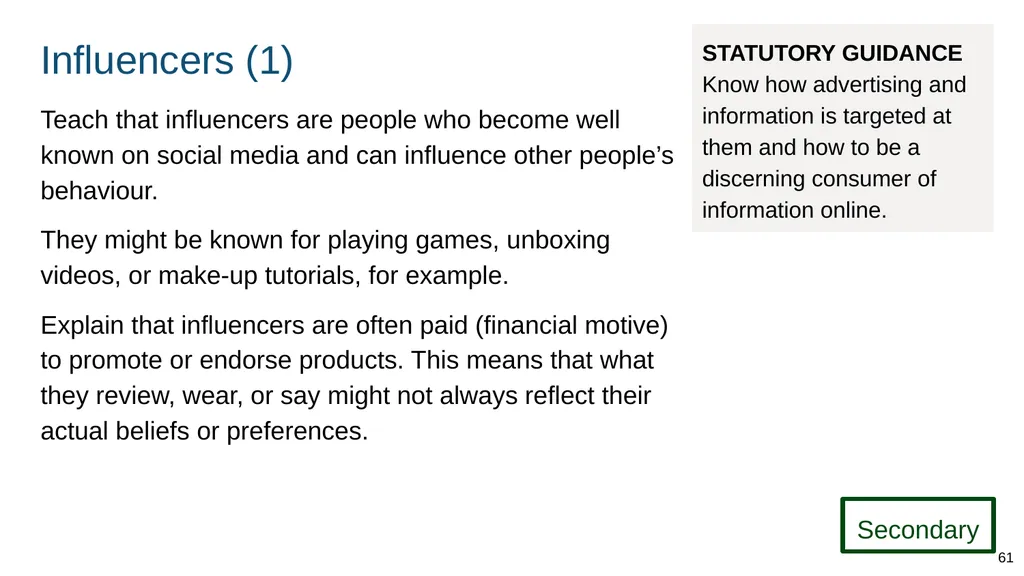
Influencers (1) Teach that influencers are people who become well known on social media and can influence other people’s behaviour.
They might be known for playing games, unboxing videos, or make-up tutorials, for example.
Explain that influencers are often paid (financial motive) to promote or endorse products. This means that what they review, wear, or say might not always reflect their actual beliefs or preferences. STATUTORY GUIDANCE Know how advertising and information is targeted at them and how to be a discerning consumer of information online. Secondary 61<br>
They might be known for playing games, unboxing videos, or make-up tutorials, for example.
Explain that influencers are often paid (financial motive) to promote or endorse products. This means that what they review, wear, or say might not always reflect their actual beliefs or preferences. STATUTORY GUIDANCE Know how advertising and information is targeted at them and how to be a discerning consumer of information online. Secondary 61<br>
62
Accessing support 62<br>
63
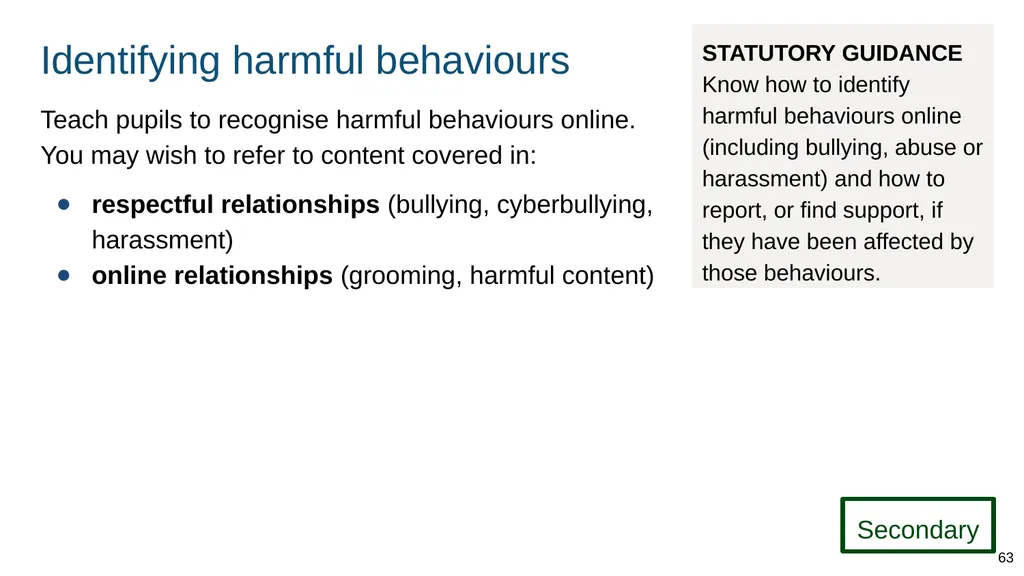
Identifying harmful behaviours Teach pupils to recognise harmful behaviours online. You may wish to refer to content covered in:
respectful relationships (bullying, cyberbullying, harassment)
online relationships (grooming, harmful content) STATUTORY GUIDANCE Know how to identify harmful behaviours online (including bullying, abuse or harassment) and how to report, or find support, if they have been affected by those behaviours. Secondary 63<br>
respectful relationships (bullying, cyberbullying, harassment)
online relationships (grooming, harmful content) STATUTORY GUIDANCE Know how to identify harmful behaviours online (including bullying, abuse or harassment) and how to report, or find support, if they have been affected by those behaviours. Secondary 63<br>
64
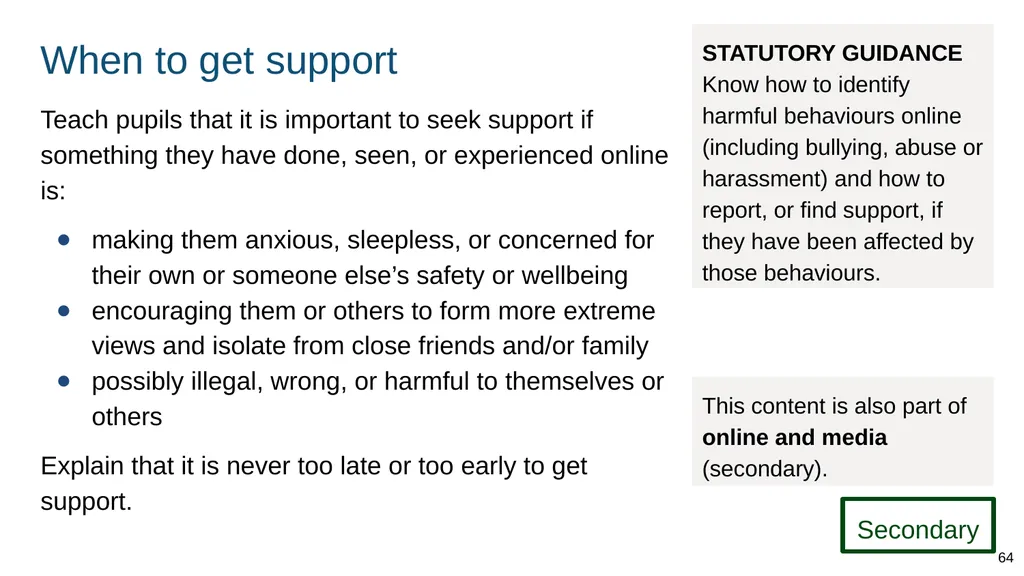
When to get support Teach pupils that it is important to seek support if something they have done, seen, or experienced online is:
making them anxious, sleepless, or concerned for their own or someone else’s safety or wellbeing
encouraging them or others to form more extreme views and isolate from close friends and/or family
possibly illegal, wrong, or harmful to themselves or others
Explain that it is never too late or too early to get support. STATUTORY GUIDANCE Know how to identify harmful behaviours online (including bullying, abuse or harassment) and how to report, or find support, if they have been affected by those behaviours. This content is also part of online and media (secondary). Secondary 64<br>
making them anxious, sleepless, or concerned for their own or someone else’s safety or wellbeing
encouraging them or others to form more extreme views and isolate from close friends and/or family
possibly illegal, wrong, or harmful to themselves or others
Explain that it is never too late or too early to get support. STATUTORY GUIDANCE Know how to identify harmful behaviours online (including bullying, abuse or harassment) and how to report, or find support, if they have been affected by those behaviours. This content is also part of online and media (secondary). Secondary 64<br>
65
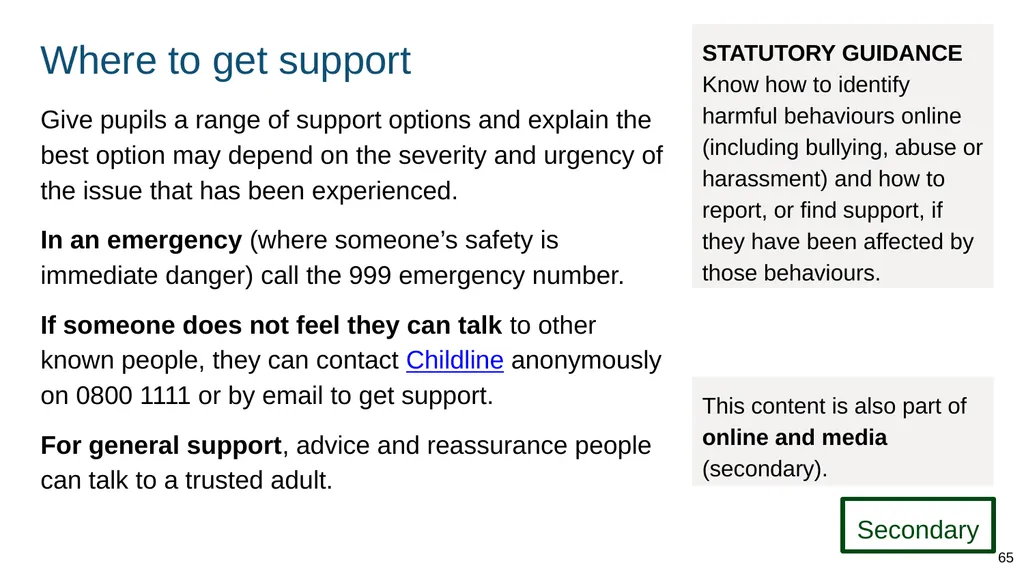
Where to get support Give pupils a range of support options and explain the best option may depend on the severity and urgency of the issue that has been experienced.
In an emergency (where someone’s safety is immediate danger) call the 999 emergency number.
If someone does not feel they can talk to other known people, they can contact Childline anonymously on 0800 1111 or by email to get support.
For general support, advice and reassurance people can talk to a trusted adult. STATUTORY GUIDANCE Know how to identify harmful behaviours online (including bullying, abuse or harassment) and how to report, or find support, if they have been affected by those behaviours. This content is also part of online and media (secondary). Secondary 65<br>
In an emergency (where someone’s safety is immediate danger) call the 999 emergency number.
If someone does not feel they can talk to other known people, they can contact Childline anonymously on 0800 1111 or by email to get support.
For general support, advice and reassurance people can talk to a trusted adult. STATUTORY GUIDANCE Know how to identify harmful behaviours online (including bullying, abuse or harassment) and how to report, or find support, if they have been affected by those behaviours. This content is also part of online and media (secondary). Secondary 65<br>
66
Examples of good practice 66<br>
67
Good practice The following are just some of the approaches you might consider when preparing to teach about internet safety and harms.
You will need to adapt these approaches to ensure they are age appropriate and developmentally appropriate for your pupils. Good practice 67<br>
You will need to adapt these approaches to ensure they are age appropriate and developmentally appropriate for your pupils. Good practice 67<br>
68
Good practice approaches (1) Ensure information is taught at the right time so that pupils are not lacking the knowledge they need to make informed decisions when they encounter issues online.
Embed the school’s own policies on internet use, bullying and personal devices, ensuring pupils and parents are aware of the rules and consequences.
Ensure language and advice de-stigmatises victims of online harms and creates a culture where people feel able to seek help. Good practice 68<br>
Embed the school’s own policies on internet use, bullying and personal devices, ensuring pupils and parents are aware of the rules and consequences.
Ensure language and advice de-stigmatises victims of online harms and creates a culture where people feel able to seek help. Good practice 68<br>
69
Good practice approaches (2) Embed age-appropriate opportunities for pupils to explore the online world across the curriculum so that they can build skills, knowledge and confidence.
Use scenarios and strategies to help pupils understand how to manage problems online and, when and where to seek help. Include relevant and realistic examples.
Encourage parents to be aware of how children spend their time online and to talk with them about risks (e.g. of age restricted content and ability to turn on ‘parental controls’). Good practice 69<br>
Use scenarios and strategies to help pupils understand how to manage problems online and, when and where to seek help. Include relevant and realistic examples.
Encourage parents to be aware of how children spend their time online and to talk with them about risks (e.g. of age restricted content and ability to turn on ‘parental controls’). Good practice 69<br>
70
Good practice approaches (3) Create opportunities for pupils to reflect on how different interactions online make them feel and share strategies they can employ to deal with any negative experiences online.
Embed teaching about online safety across the curriculum, and encourage conversations about online issues and online lives.
When referring to websites such as those that allow the reporting of content, give pupils demonstrations rather than only providing links. This will empower pupils to act independently if they ever need to.
Celebrate relevant events such as www.saferinternetday.org.uk. Good practice 70<br>
Embed teaching about online safety across the curriculum, and encourage conversations about online issues and online lives.
When referring to websites such as those that allow the reporting of content, give pupils demonstrations rather than only providing links. This will empower pupils to act independently if they ever need to.
Celebrate relevant events such as www.saferinternetday.org.uk. Good practice 70<br>
71
Good practice approaches (4) Teachers can meet the needs of pupils by focusing on the key principles (e.g. privacy) and established harms covered in this module. Some teachers may want to stay up to date with the latest technology and trends but they do not have to in order to teach this content. Good practice 71<br>
72
Further information Teachers should be familiar with (and where appropriate can refer pupils and parents/carers to) the following:
Childline
NCA CEOP
Internet Watch Foundation
Thinkuknow
UK Safer Internet Centre
Revenge Porn Helpline
Report Harmful Content Good practice 72<br>
Childline
NCA CEOP
Internet Watch Foundation
Thinkuknow
UK Safer Internet Centre
Revenge Porn Helpline
Report Harmful Content Good practice 72<br>
73
Activities and templates for trainers 73<br>
74
About these activities and templates Subject leads can use the following templates and training activities to plan training on teaching the new curriculum topics.
You can:
move slides - e.g. ‘rate your confidence (before training)’ - to the point in the presentation where you want to carry out that activity
delete slides if you are not covering those curriculum elements at this time 74<br>
You can:
move slides - e.g. ‘rate your confidence (before training)’ - to the point in the presentation where you want to carry out that activity
delete slides if you are not covering those curriculum elements at this time 74<br>
75
Training activity:
Rate your confidence 75<br>
Rate your confidence 75<br>
76
Rate your confidence (trainer notes) Ask your colleagues to rate confidence before and after topic training using the slides in this deck.
Before training Ask teachers to think about where they currently fit on the scale.
After training Ask teachers to rate their confidence again and talk about changes. You might want to repeat this activity at later check ins.
If teachers still rate confidence as low, discuss ways you can develop their subject knowledge, offer peer support etc. 76<br>
Before training Ask teachers to think about where they currently fit on the scale.
After training Ask teachers to rate their confidence again and talk about changes. You might want to repeat this activity at later check ins.
If teachers still rate confidence as low, discuss ways you can develop their subject knowledge, offer peer support etc. 76<br>
77
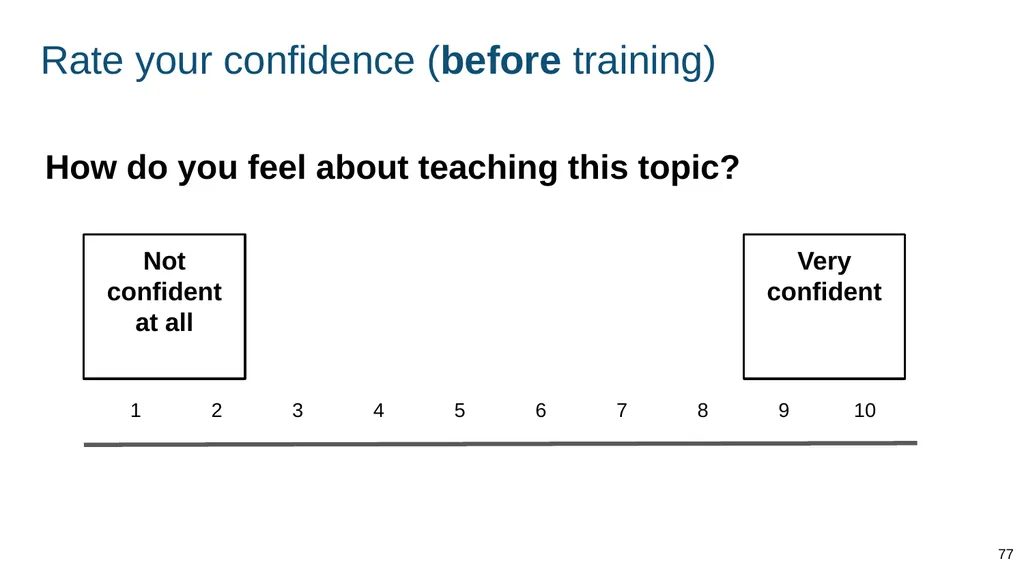
Rate your confidence (before training) How do you feel about teaching this topic? Not confident at all Very confident 77<br>
78
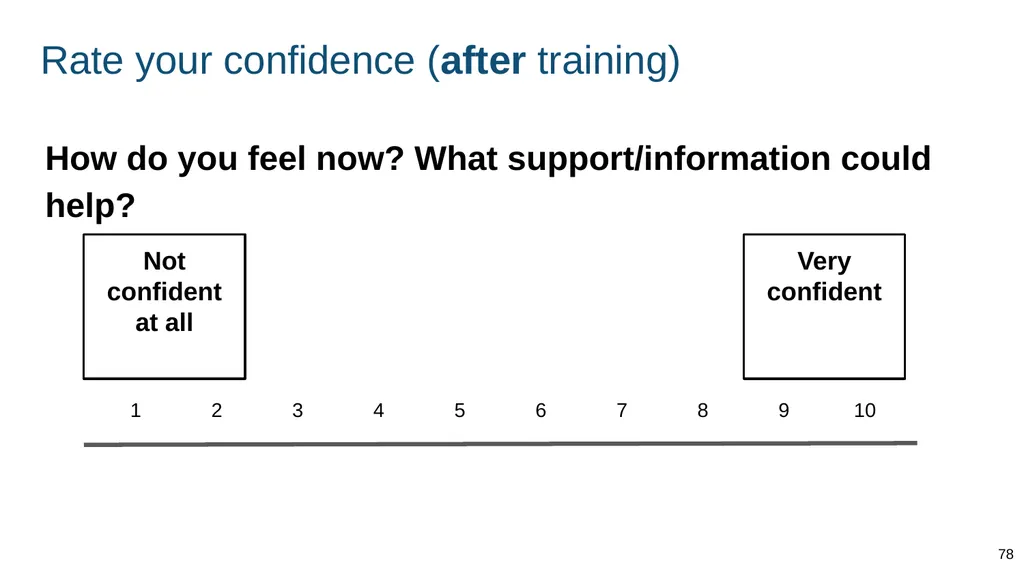
Rate your confidence (after training) How do you feel now? What support/information could help? Not confident at all Very confident 78<br>
79
Training activity:
Dealing with difficult questions 79<br>
Dealing with difficult questions 79<br>
80
Dealing with difficult questions (trainer notes) Use the following slides in your training to help teachers:
share concerns about questions they could be asked by pupils
strategise ways to respond to such questions 80<br>
share concerns about questions they could be asked by pupils
strategise ways to respond to such questions 80<br>
81
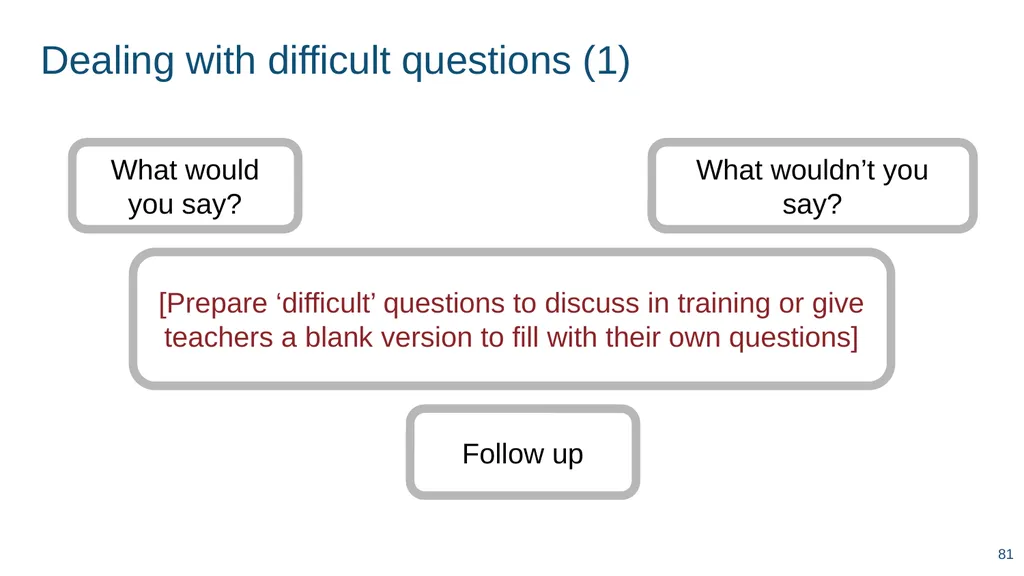
Dealing with difficult questions (1) [Prepare ‘difficult’ questions to discuss in training or give teachers a blank version to fill with their own questions] What would you say? What wouldn’t you say? Follow up 81<br>
82
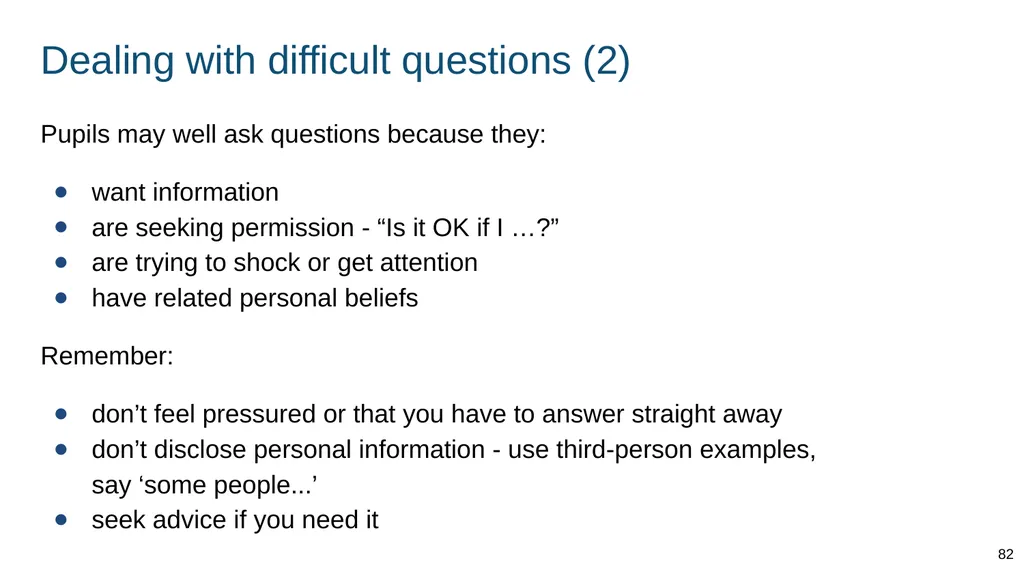
Dealing with difficult questions (2) Pupils may well ask questions because they:
want information
are seeking permission - “Is it OK if I …?”
are trying to shock or get attention
have related personal beliefs
Remember:
don’t feel pressured or that you have to answer straight away
don’t disclose personal information - use third-person examples, say ‘some people...’
seek advice if you need it 82<br>
want information
are seeking permission - “Is it OK if I …?”
are trying to shock or get attention
have related personal beliefs
Remember:
don’t feel pressured or that you have to answer straight away
don’t disclose personal information - use third-person examples, say ‘some people...’
seek advice if you need it 82<br>
83
Training activity:
How will I teach this? 83<br>
How will I teach this? 83<br>
84
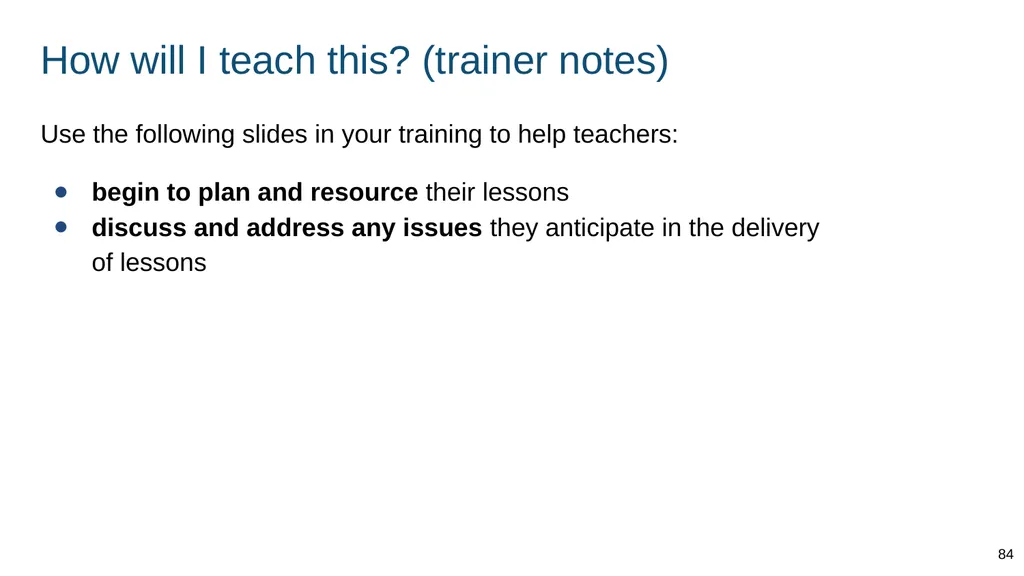
How will I teach this? (trainer notes) Use the following slides in your training to help teachers:
begin to plan and resource their lessons
discuss and address any issues they anticipate in the delivery of lessons 84<br>
begin to plan and resource their lessons
discuss and address any issues they anticipate in the delivery of lessons 84<br>
85
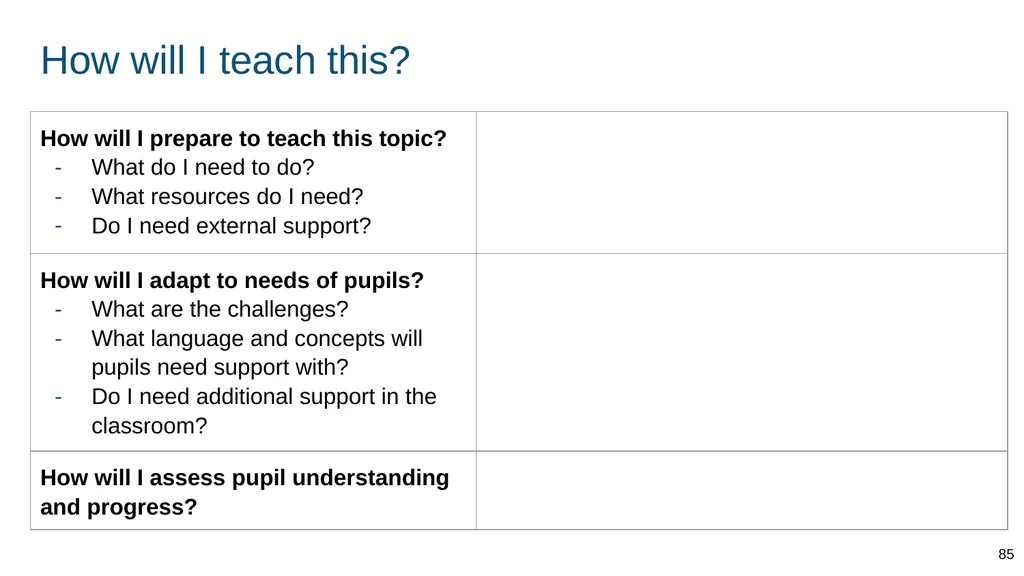
How will I teach this? 85<br>
86
Additional slides for structuring training 86<br>
87
Any concerns? ADAPT THIS FOR YOUR OWN PRESENTATION Any questions? What support do you need? 87<br>
88
XX% ADAPT THIS FOR YOUR OWN PRESENTATION [Use this format to present your own key facts and statistics - e.g. from your local authority or own monitoring. Include the source.] 88<br>