01
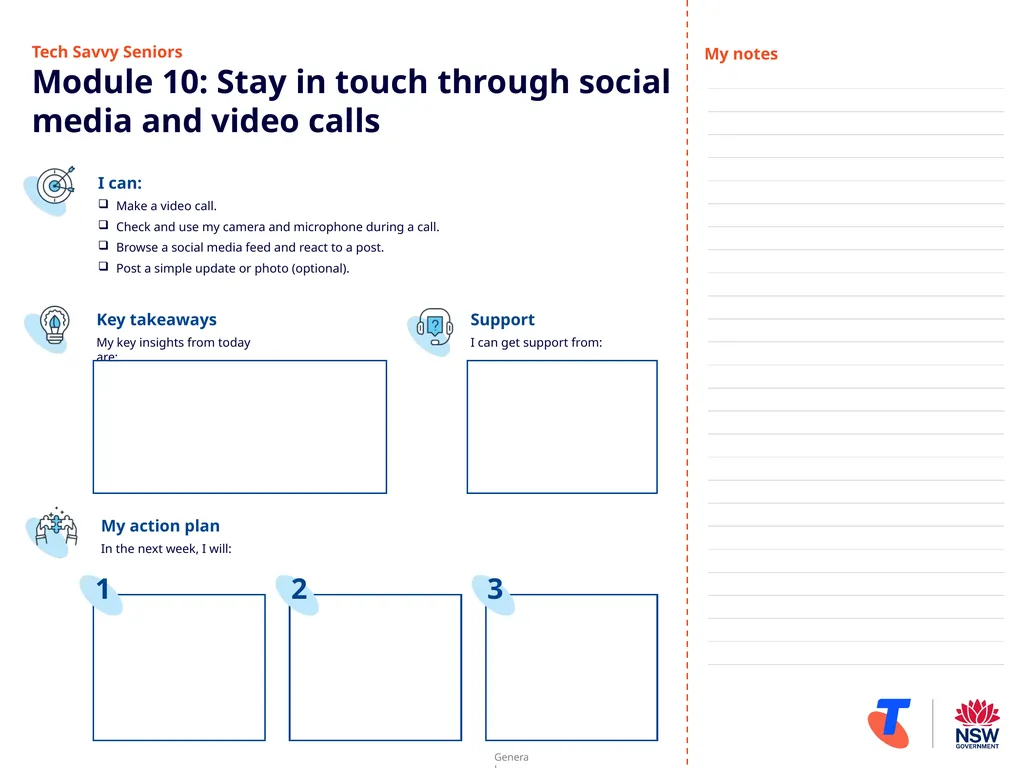
Tech Savvy Seniors�Module 10: Stay in touch through social media and video calls I can:
Make a video call.
Check and use my camera and microphone during a call.
Browse a social media feed and react to a post.
Post a simple update or photo (optional). Key takeaways
My key insights from today are: Support
I can get support from: My action plan
In the next week, I will: My notes 1 2 3<br>
02
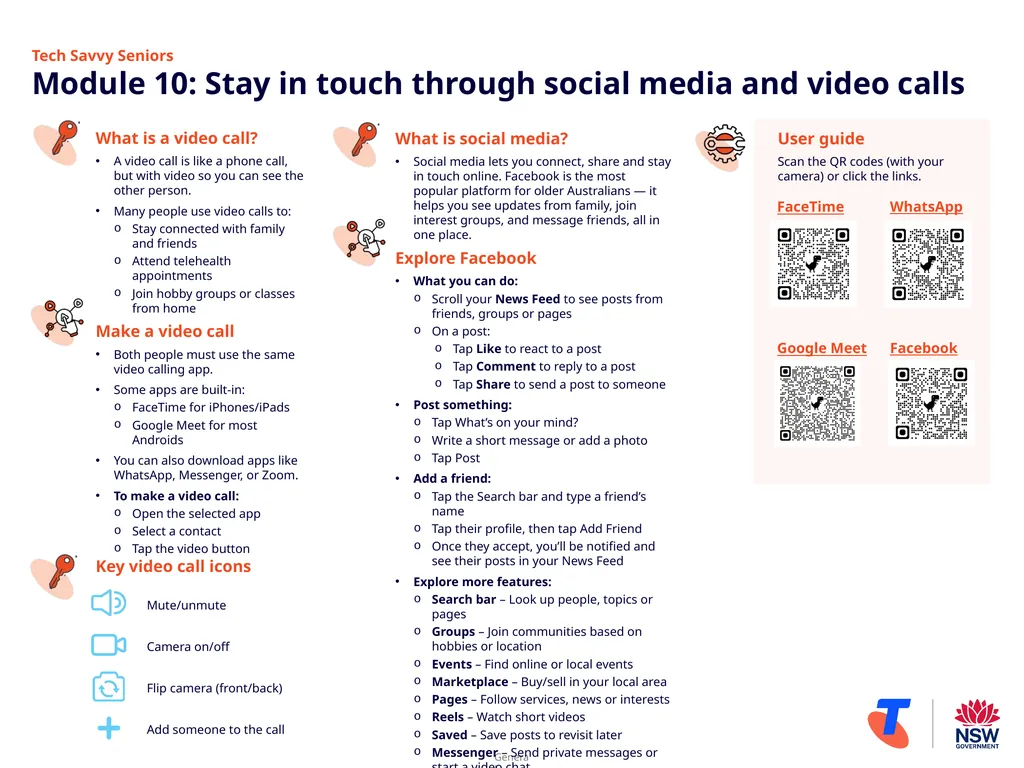
Tech Savvy Seniors �Module 10: Stay in touch through social media and video calls What is a video call?
A video call is like a phone call, but with video so you can see the other person.
Many people use video calls to:
Stay connected with family and friends
Attend telehealth appointments
Join hobby groups or classes from home
Make a video call
Both people must use the same video calling app.
Some apps are built-in:
FaceTime for iPhones/iPads
Google Meet for most Androids
You can also download apps like WhatsApp, Messenger, or Zoom.
To make a video call:
Open the selected app
Select a contact
Tap the video button Key video call icons
Mute/unmute
Camera on/off
Flip camera (front/back)
Add someone to the call What is social media?
Social media lets you connect, share and stay in touch online. Facebook is the most popular platform for older Australians — it helps you see updates from family, join interest groups, and message friends, all in one place.
Explore Facebook
What you can do:
Scroll your News Feed to see posts from friends, groups or pages
On a post:
Tap Like to react to a post
Tap Comment to reply to a post
Tap Share to send a post to someone
Post something:
Tap What’s on your mind?
Write a short message or add a photo
Tap Post
Add a friend:
Tap the Search bar and type a friend’s name
Tap their profile, then tap Add Friend
Once they accept, you’ll be notified and see their posts in your News Feed
Explore more features:
Search bar – Look up people, topics or pages
Groups – Join communities based on hobbies or location
Events – Find online or local events
Marketplace – Buy/sell in your local area
Pages – Follow services, news or interests
Reels – Watch short videos
Saved – Save posts to revisit later
Messenger – Send private messages or start a video chat User guide
Scan the QR codes (with your camera) or click the links. FaceTime
Google Meet WhatsApp
Facebook<br>