This is your presentation title Design Guidelines
Description: This is your presentation title Design Guidelines Titles font: Arial Black Bold Subtitles font: Arial Bold Body text font: Arial Regular EBMT Blue: 2a4e95 RGB: 5879146 EBMT Turquoise: 2899B6 RGB: 40153182 Logo: do not add extra

Related Topics
Download Presentation
"This is your presentation title Design Guidelines" is the property of its rightful owner. Permission is granted to download and print the materials on this website for personal, non-commercial use only, and to display it on your personal computer provided you do not modify the materials and that you retain all copyright notices contained in the materials. By downloading content from our website, you accept the terms of this agreement.
Presentation Transcript
slide1. This is your presentation title<br>
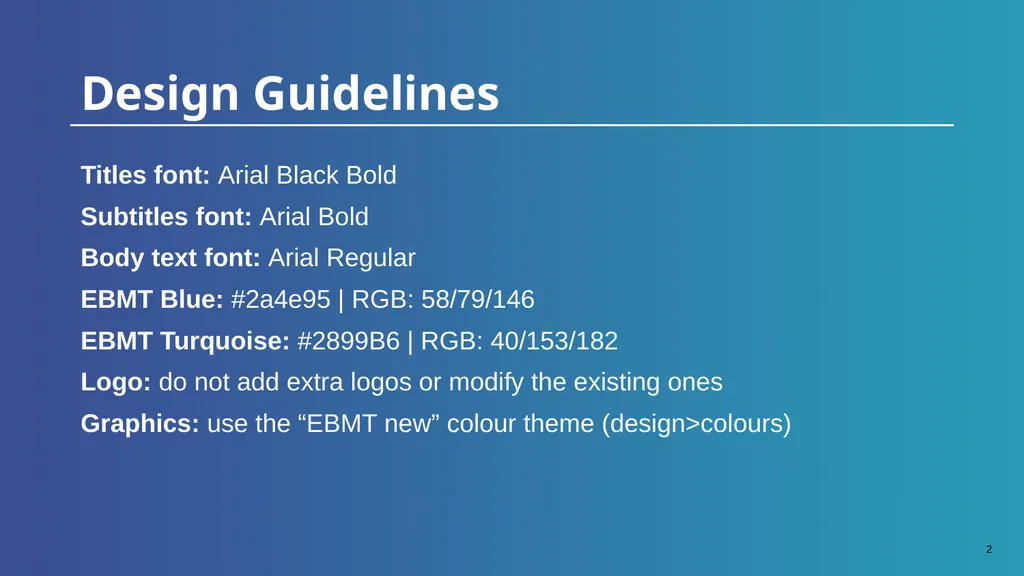
slide2. Design Guidelines Titles font: Arial Black Bold

Subtitles font: Arial Bold
Body text font: Arial Regular
EBMT Blue: #2a4e95 | RGB: 58/79/146
EBMT Turquoise: #2899B6 | RGB: 40/153/182
Logo: do not add extra logos or modify the existing ones
Graphics: use the “EBMT new” colour theme (design>colours)<br>
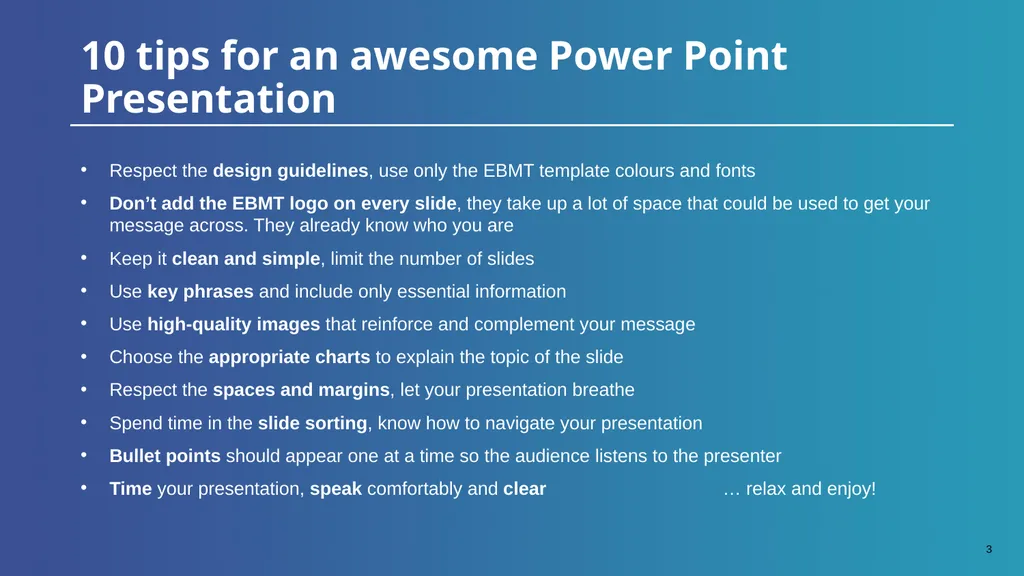
slide3. 10 tips for an awesome Power Point Presentation Respect the design guidelines, use only the EBMT template colours and fonts
Don’t add the EBMT logo on every slide, they take up a lot of space that could be used to get your message across. They already know who you are
Keep it clean and simple, limit the number of slides
Use key phrases and include only essential information
Use high-quality images that reinforce and complement your message
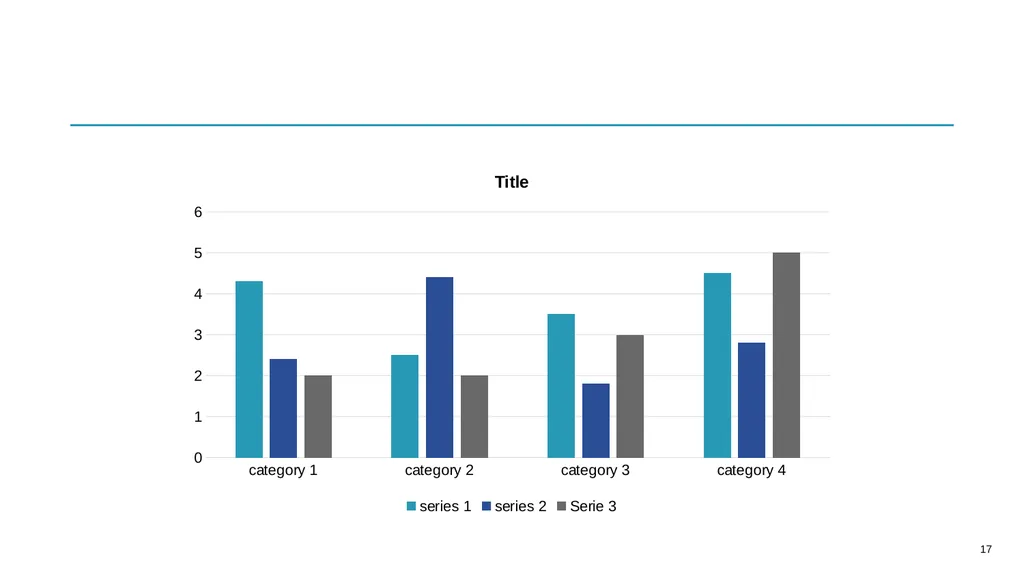
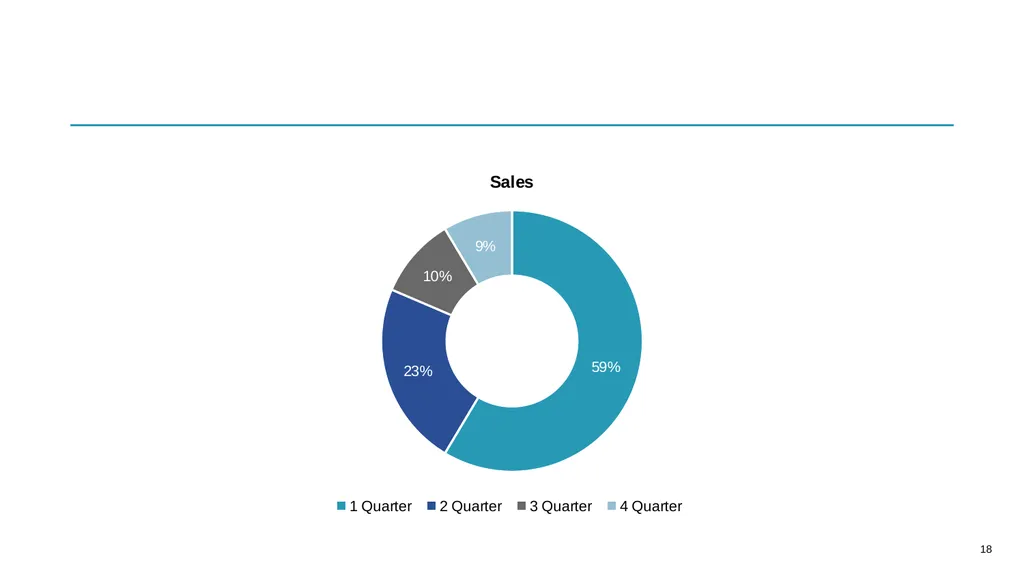
Choose the appropriate charts to explain the topic of the slide
Respect the spaces and margins, let your presentation breathe
Spend time in the slide sorting, know how to navigate your presentation
Bullet points should appear one at a time so the audience listens to the presenter
Time your presentation, speak comfortably and clear … relax and enjoy!<br>
slide4. Hello!<br>
slide5. Disclosure statement<br>
slide19. Email:
Twitter:
LinkedIn: Contact Me<br>
slide21. Thanks!<br>
slide2. Design Guidelines Titles font: Arial Black Bold
Subtitles font: Arial Bold
Body text font: Arial Regular
EBMT Blue: #2a4e95 | RGB: 58/79/146
EBMT Turquoise: #2899B6 | RGB: 40/153/182
Logo: do not add extra logos or modify the existing ones
Graphics: use the “EBMT new” colour theme (design>colours)<br>
slide3. 10 tips for an awesome Power Point Presentation Respect the design guidelines, use only the EBMT template colours and fonts
Don’t add the EBMT logo on every slide, they take up a lot of space that could be used to get your message across. They already know who you are
Keep it clean and simple, limit the number of slides
Use key phrases and include only essential information
Use high-quality images that reinforce and complement your message
Choose the appropriate charts to explain the topic of the slide
Respect the spaces and margins, let your presentation breathe
Spend time in the slide sorting, know how to navigate your presentation
Bullet points should appear one at a time so the audience listens to the presenter
Time your presentation, speak comfortably and clear … relax and enjoy!<br>
slide4. Hello!<br>
slide5. Disclosure statement<br>
slide19. Email:
Twitter:
LinkedIn: Contact Me<br>
slide21. Thanks!<br>