Trend Micro Deployment Kelvin Hwang IT Services University of Windsor Agenda Definition of Malware Malware Characteristics Malware Evolution Googles Study Challenges in Educational Environment Solution - Web Reputation Service Test
"Trend Micro Deployment Kelvin Hwang IT Services" is the property of its rightful owner. Permission is granted to
download and print the materials on this website for personal, non-commercial use only, and to display it
on your personal computer provided you do not modify the materials and that you retain all copyright
notices contained in the materials. By downloading content from our website, you accept the terms of this
agreement.
Presentation Transcript
01
Trend Micro Deployment
Kelvin Hwang
IT Services
University of Windsor<br>
02
Agenda
Definition of Malware
Malware Characteristics
Malware Evolution
Google’s Study
Challenges in Educational Environment
Solution - Web Reputation Service
Test & Results
Overall Experience
Enough Protection?
Questions ?<br>
03
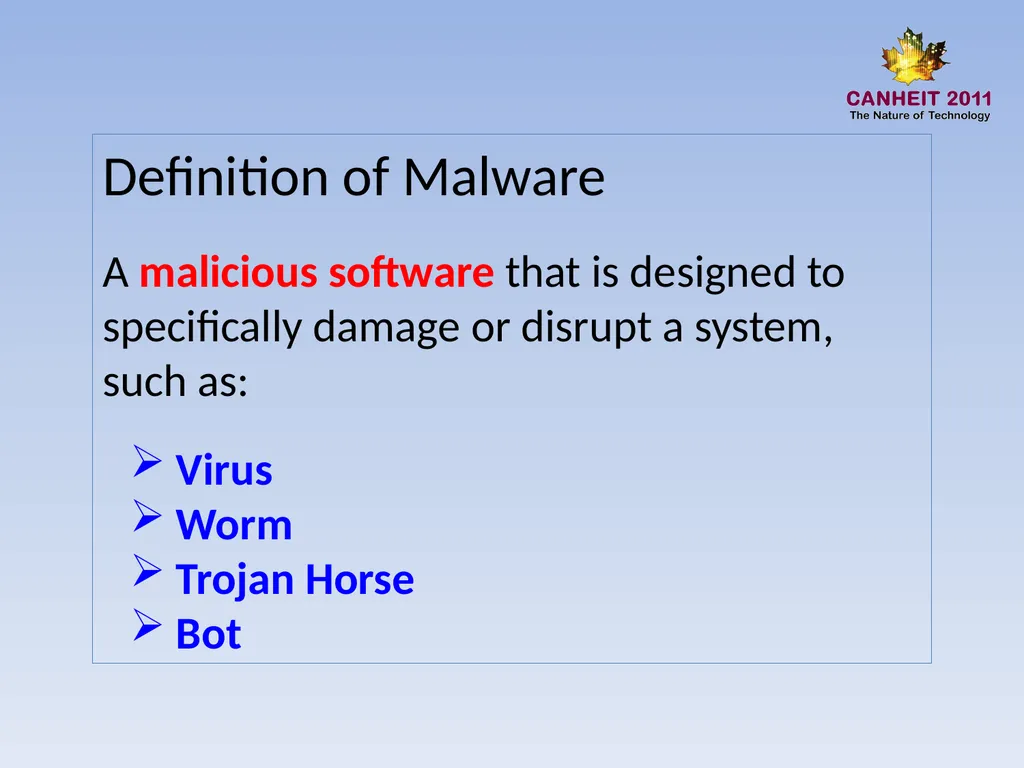
Definition of Malware
A malicious software that is designed to specifically damage or disrupt a system, such as:
Virus
Worm
Trojan Horse
Bot<br>
04
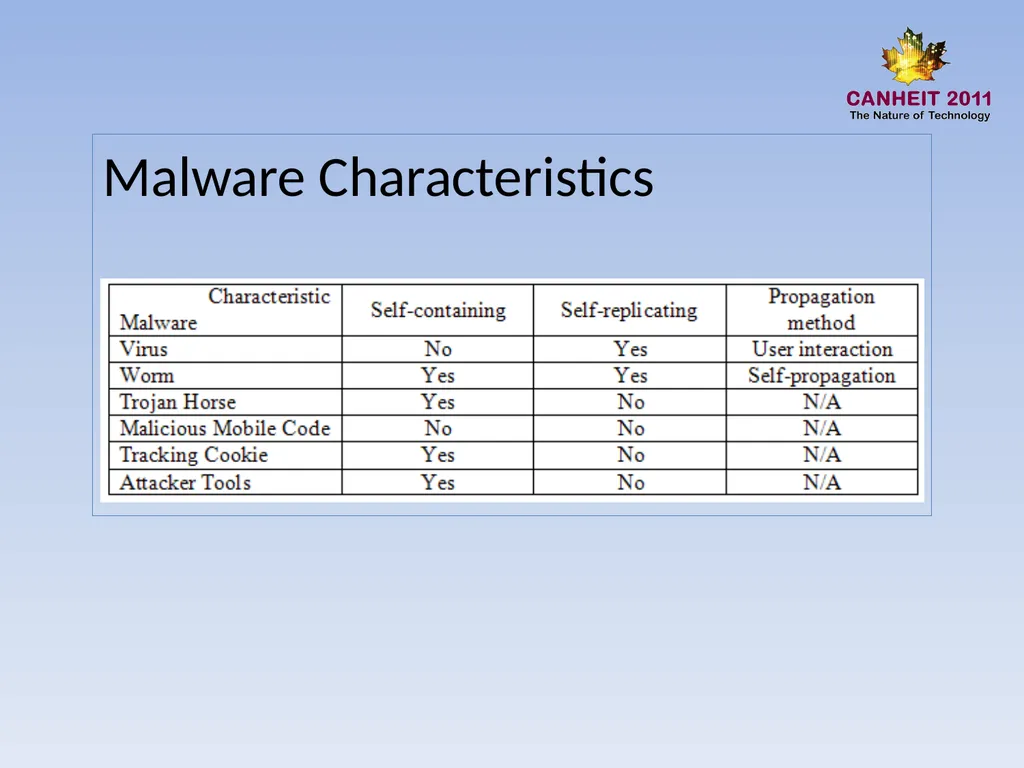
Malware Characteristics<br>
05
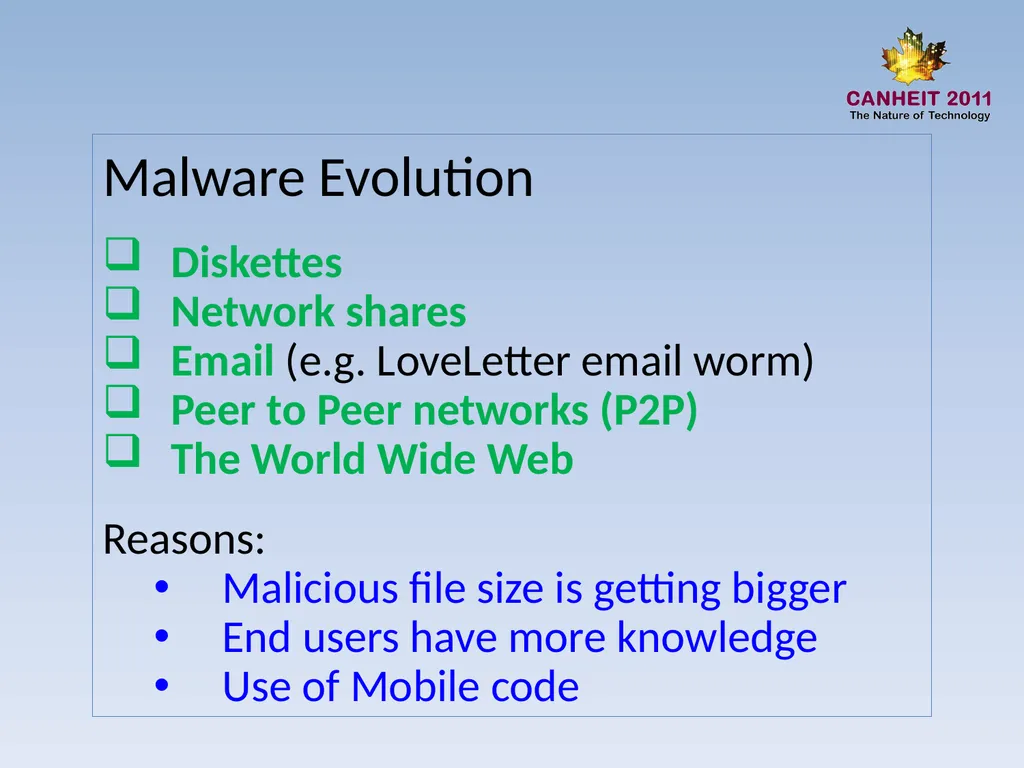
Malware Evolution
Diskettes
Network shares
Email (e.g. LoveLetter email worm)
Peer to Peer networks (P2P)
The World Wide Web
Reasons:
Malicious file size is getting bigger
End users have more knowledge
Use of Mobile code<br>
06
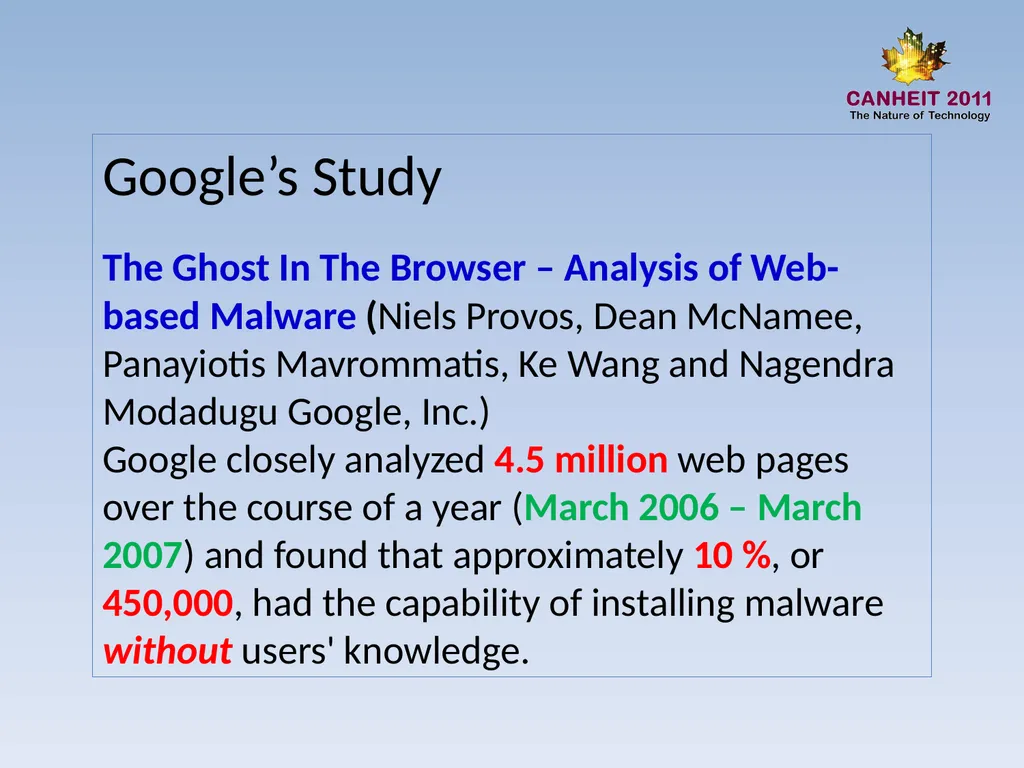
Google’s Study
The Ghost In The Browser – Analysis of Web-based Malware (Niels Provos, Dean McNamee, Panayiotis Mavrommatis, Ke Wang and Nagendra Modadugu Google, Inc.)
Google closely analyzed 4.5 million web pages over the course of a year (March 2006 – March 2007) and found that approximately 10 %, or 450,000, had the capability of installing malware without users' knowledge.<br>
07
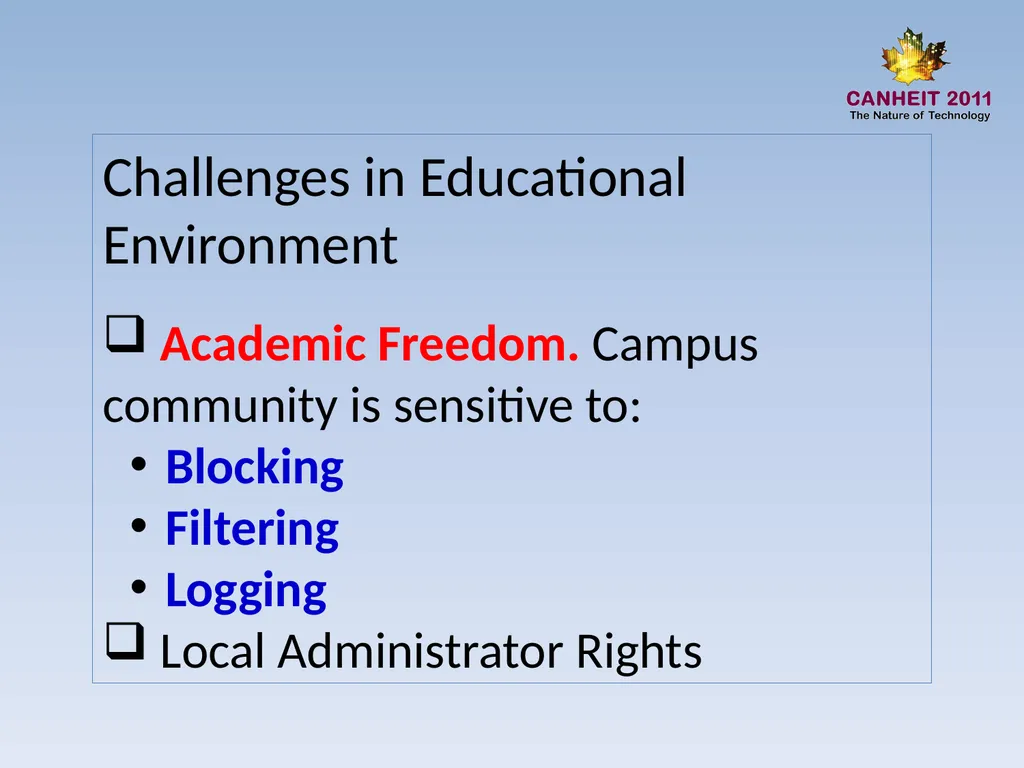
Challenges in Educational Environment
Academic Freedom. Campus community is sensitive to:
Blocking
Filtering
Logging
Local Administrator Rights<br>
08
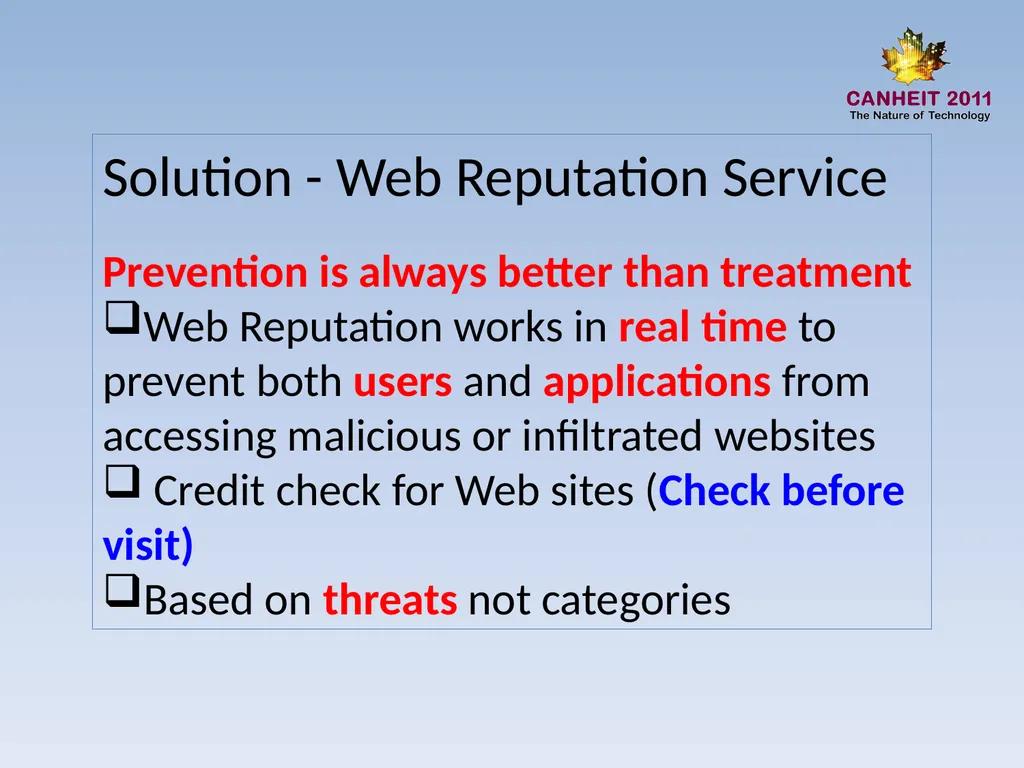
Solution - Web Reputation Service
Prevention is always better than treatment
Web Reputation works in real time to prevent both users and applications from accessing malicious or infiltrated websites
Credit check for Web sites (Check before visit)
Based on threats not categories<br>
09
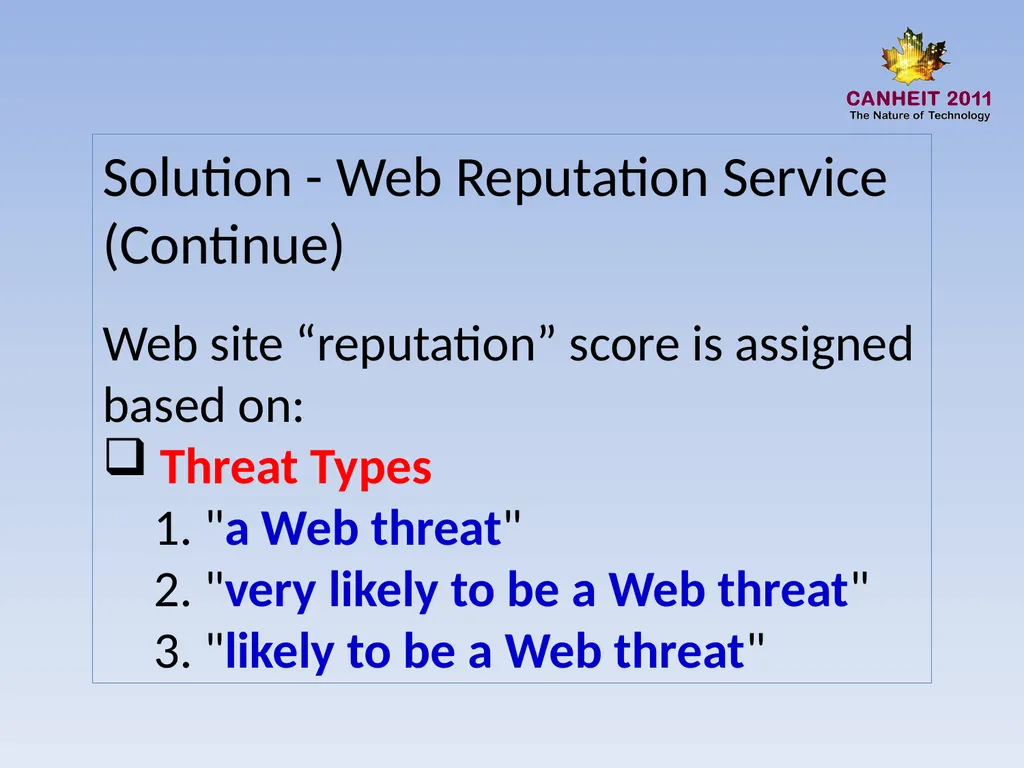
Solution - Web Reputation Service (Continue)
Web site “reputation” score is assigned based on:
Threat Types
1. "a Web threat"
2. "very likely to be a Web threat"
3. "likely to be a Web threat"<br>
10
Solution - Web Reputation Service (Continue)
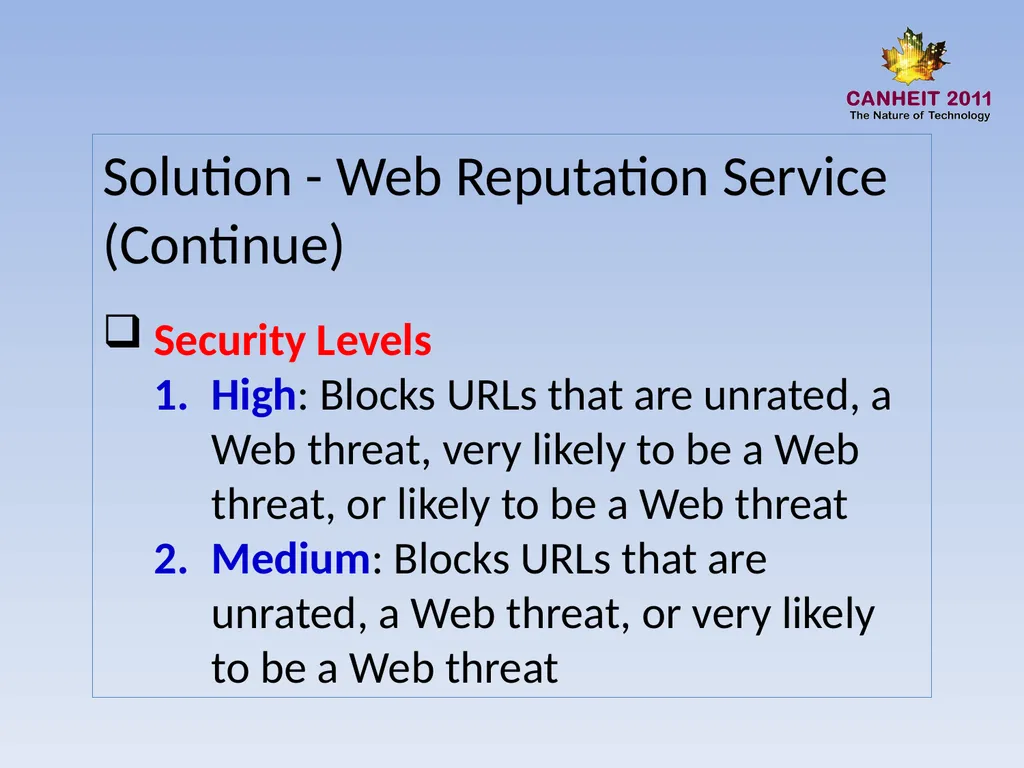
Security Levels
High: Blocks URLs that are unrated, a Web threat, very likely to be a Web threat, or likely to be a Web threat
Medium: Blocks URLs that are unrated, a Web threat, or very likely to be a Web threat<br>
11
Solution - Web Reputation Service (Continue)
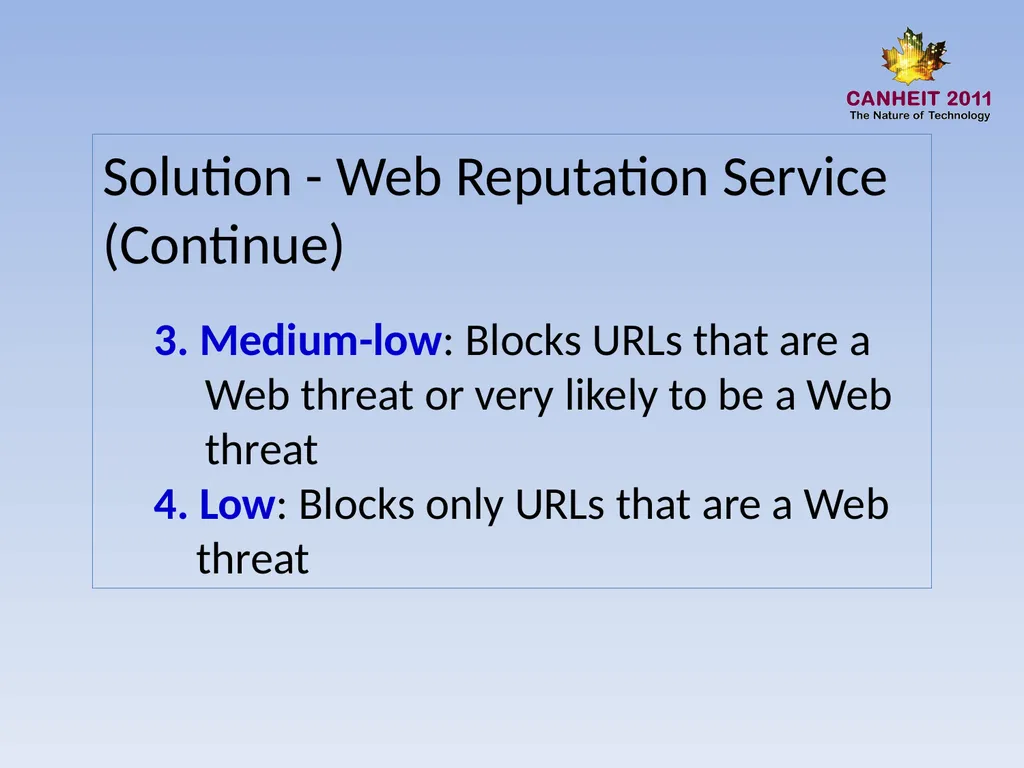
3. Medium-low: Blocks URLs that are a
Web threat or very likely to be a Web
threat
4. Low: Blocks only URLs that are a Web
threat<br>
12
Test & Results
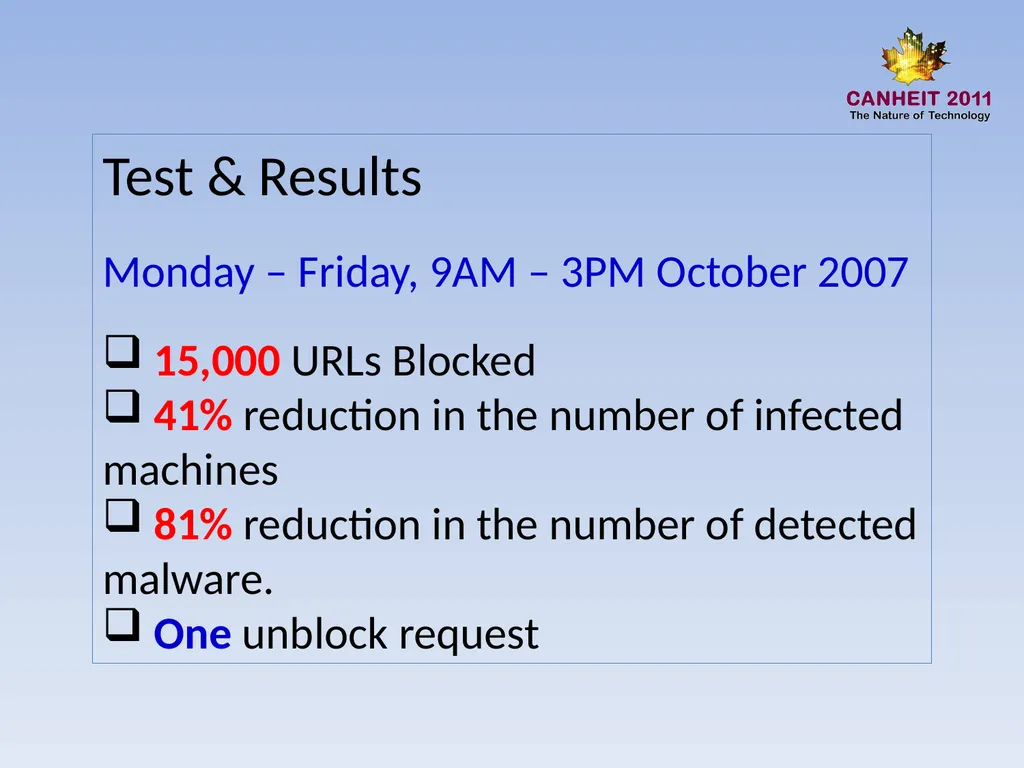
Monday – Friday, 9AM – 3PM October 2007
15,000 URLs Blocked
41% reduction in the number of infected machines
81% reduction in the number of detected malware.
One unblock request<br>
13
Overall Experience
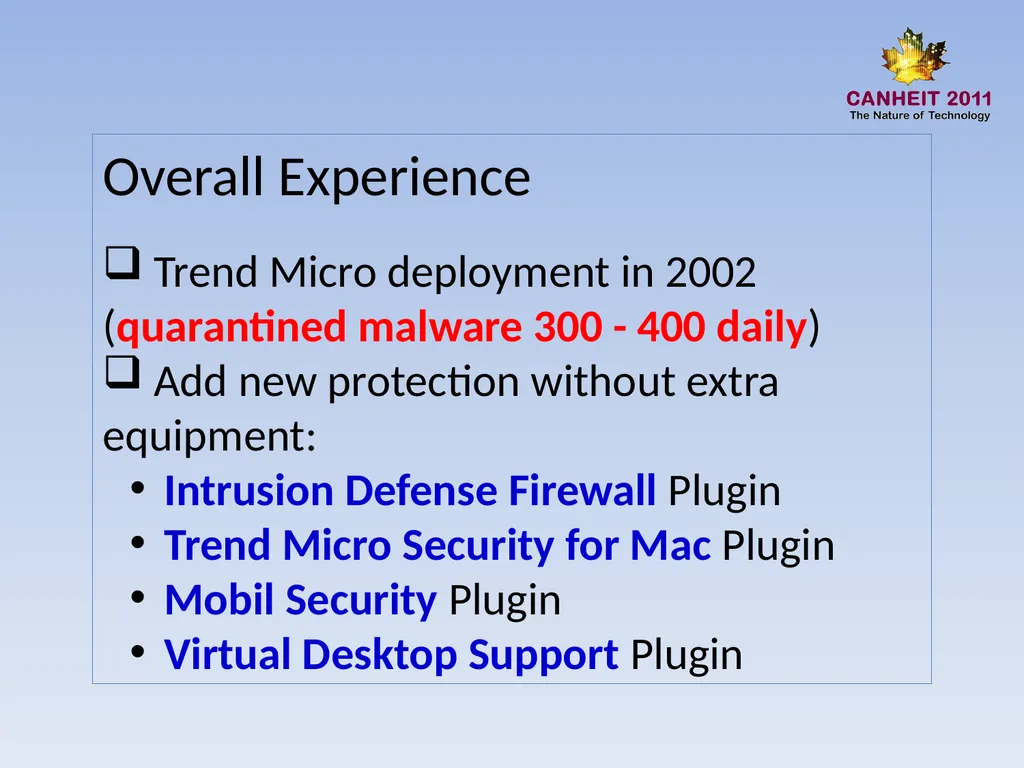
Trend Micro deployment in 2002 (quarantined malware 300 - 400 daily)
Add new protection without extra equipment:
Intrusion Defense Firewall Plugin
Trend Micro Security for Mac Plugin
Mobil Security Plugin
Virtual Desktop Support Plugin<br>
14
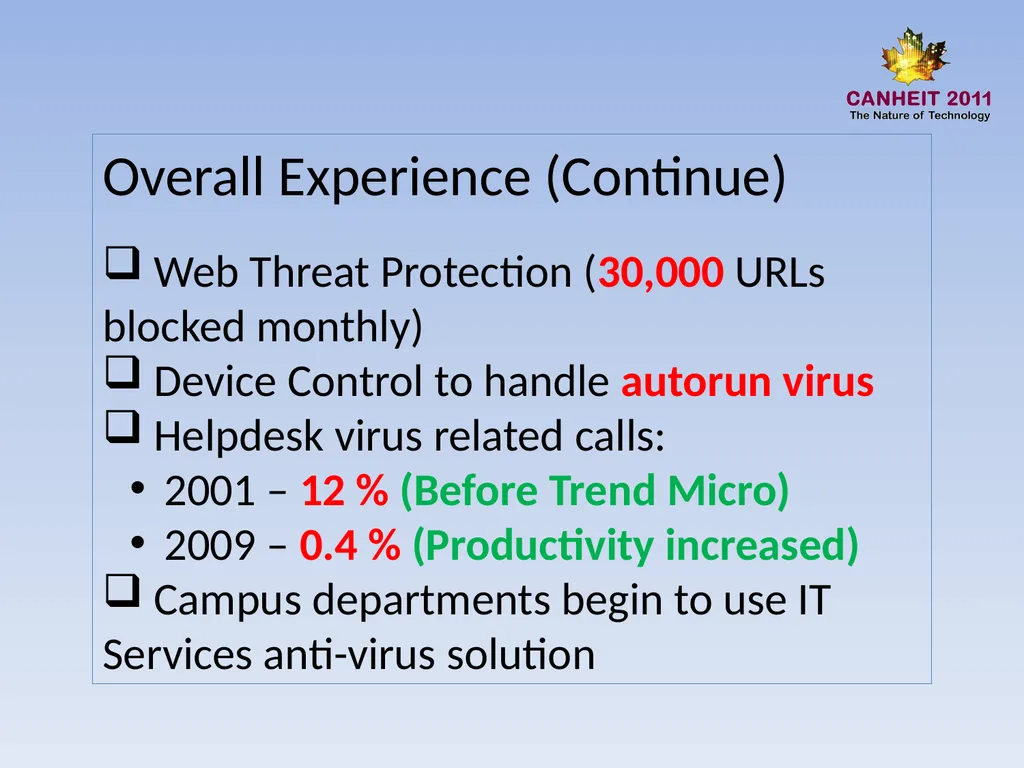
Overall Experience (Continue)
Web Threat Protection (30,000 URLs blocked monthly)
Device Control to handle autorun virus
Helpdesk virus related calls:
2001 – 12 % (Before Trend Micro)
2009 – 0.4 % (Productivity increased)
Campus departments begin to use IT Services anti-virus solution<br>
15
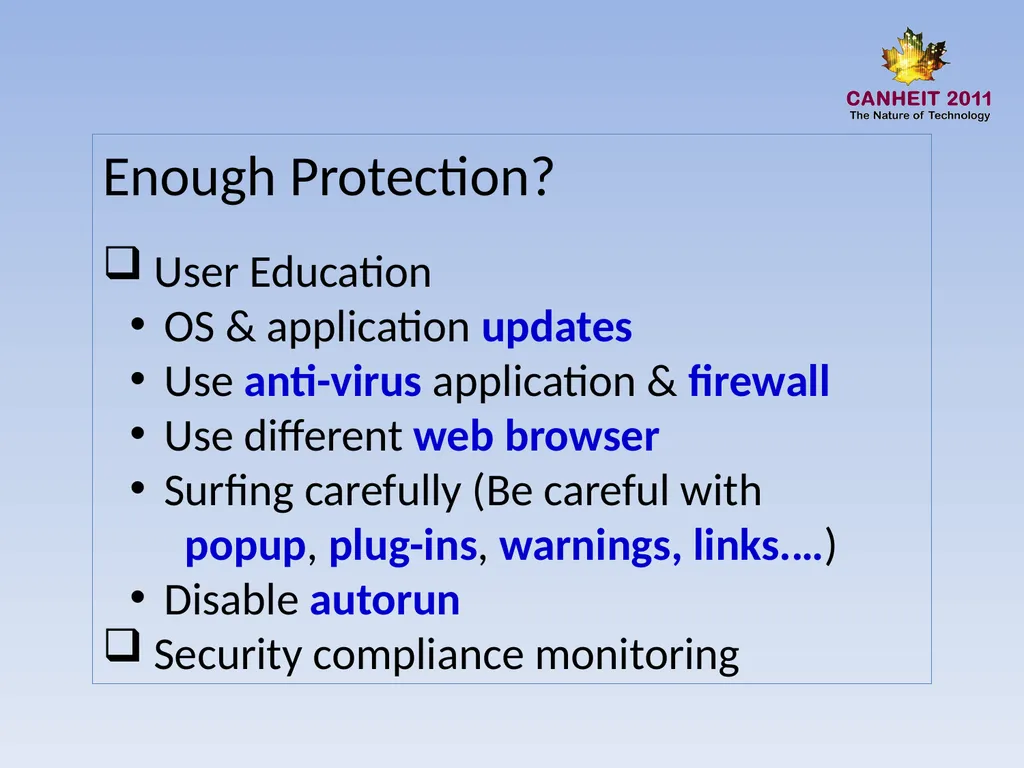
Enough Protection?
User Education
OS & application updates
Use anti-virus application & firewall
Use different web browser
Surfing carefully (Be careful with
popup, plug-ins, warnings, links.…)
Disable autorun
Security compliance monitoring<br>