
UI/UX Designer Evaluation Checklist 01 /
Description: UIUX Designer Evaluation Checklist 01 Introduction To help you ensure you didnt miss anything important when evaluating your potential design candidate, we created this checklist. You can use it when: Mark the points in the checklist
Related Topics
Download Presentation
"UI/UX Designer Evaluation Checklist 01 /" is the property of its rightful owner. Permission is granted to download and print the materials on this website for personal, non-commercial use only, and to display it on your personal computer provided you do not modify the materials and that you retain all copyright notices contained in the materials. By downloading content from our website, you accept the terms of this agreement.
Presentation Transcript
slide1. UI/UX Designer Evaluation Checklist<br>
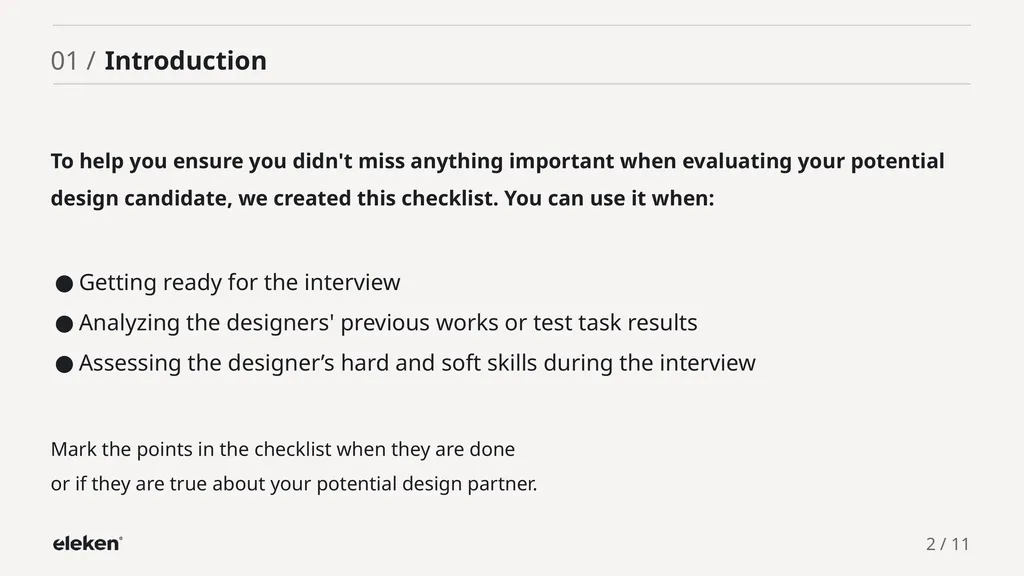
slide2. 01 / Introduction To help you ensure you didn't miss anything important when evaluating your potential design candidate, we created this checklist. You can use it when: Mark the points in the checklist when they are done or if they are true about your potential design partner. Getting ready for the interview
Analyzing the designers' previous works or test task results
Assessing the designer’s hard and soft skills during the interview 2 / 11<br>
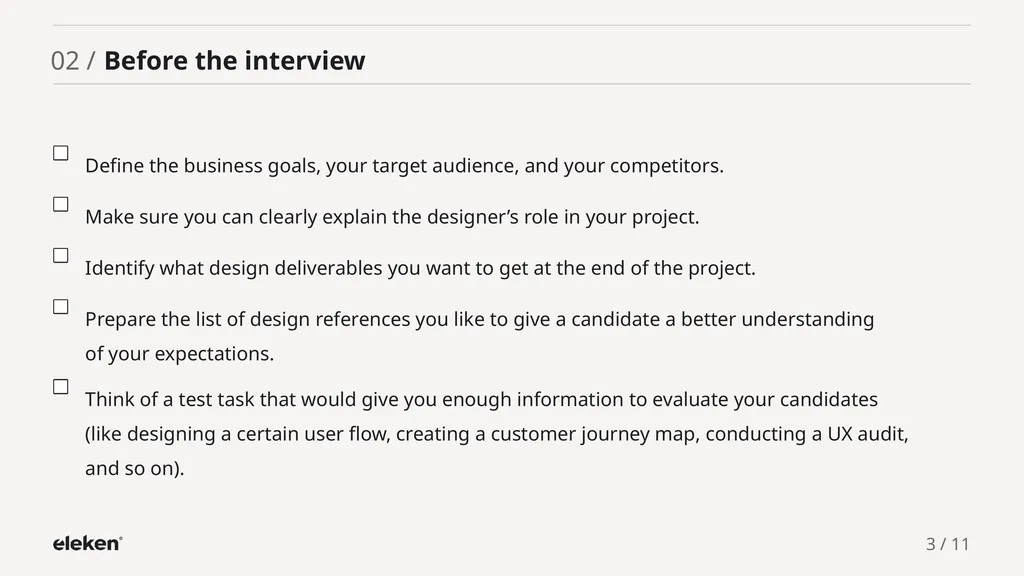
slide3. 02 / Before the interview Define the business goals, your target audience, and your competitors. Make sure you can clearly explain the designer’s role in your project. Identify what design deliverables you want to get at the end of the project. Prepare the list of design references you like to give a candidate a better understanding of your expectations. Think of a test task that would give you enough information to evaluate your candidates (like designing a certain user flow, creating a customer journey map, conducting a UX audit, and so on). 3 / 11<br>
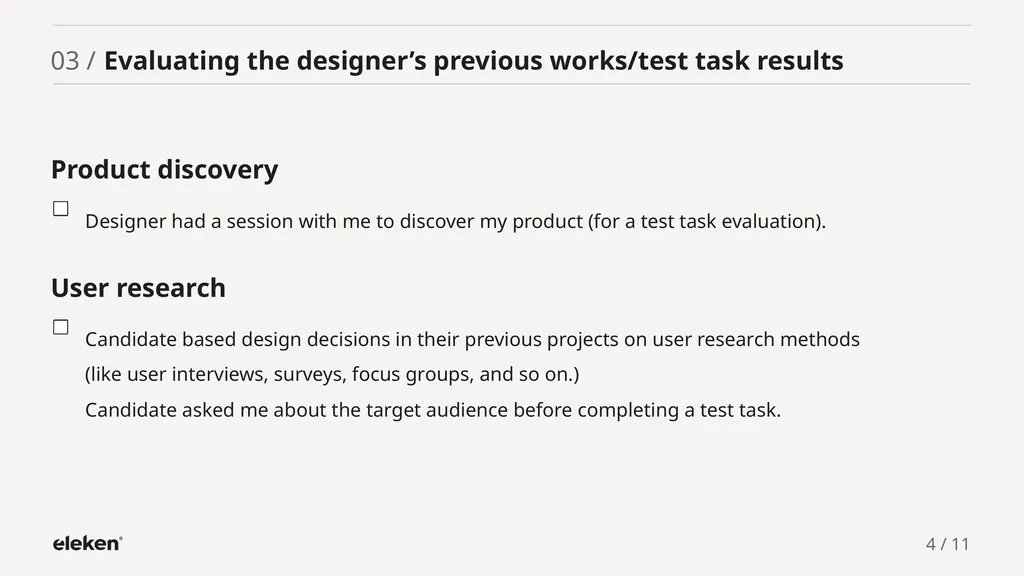
slide4. Product discovery Designer had a session with me to discover my product (for a test task evaluation). User research Candidate based design decisions in their previous projects on user research methods (like user interviews, surveys, focus groups, and so on.) Candidate asked me about the target audience before completing a test task. 4 / 11 03 / Evaluating the designer’s previous works/test task results<br>
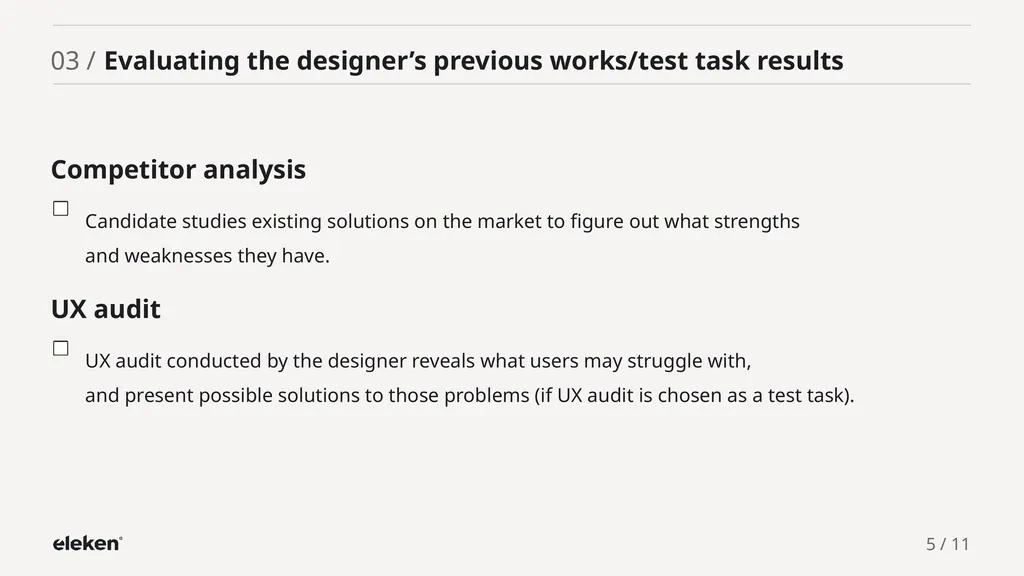
slide5. Competitor analysis Candidate studies existing solutions on the market to figure out what strengths and weaknesses they have. UX audit UX audit conducted by the designer reveals what users may struggle with, and present possible solutions to those problems (if UX audit is chosen as a test task). 5 / 11 03 / Evaluating the designer’s previous works/test task results<br>
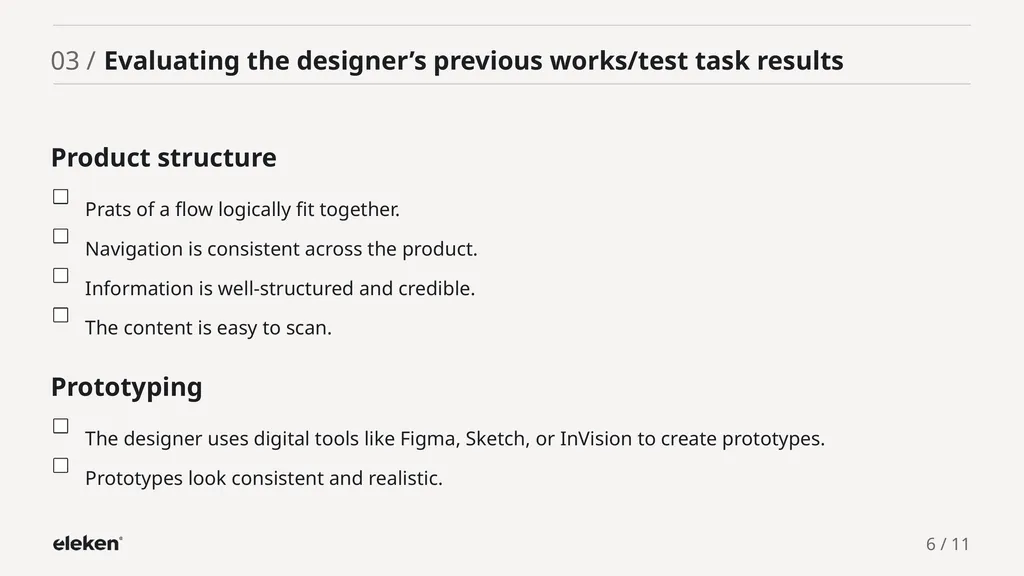
slide6. Product structure Prats of a flow logically fit together. Navigation is consistent across the product. Information is well-structured and credible. The content is easy to scan. Prototyping The designer uses digital tools like Figma, Sketch, or InVision to create prototypes. Prototypes look consistent and realistic. 6 / 11 03 / Evaluating the designer’s previous works/test task results<br>
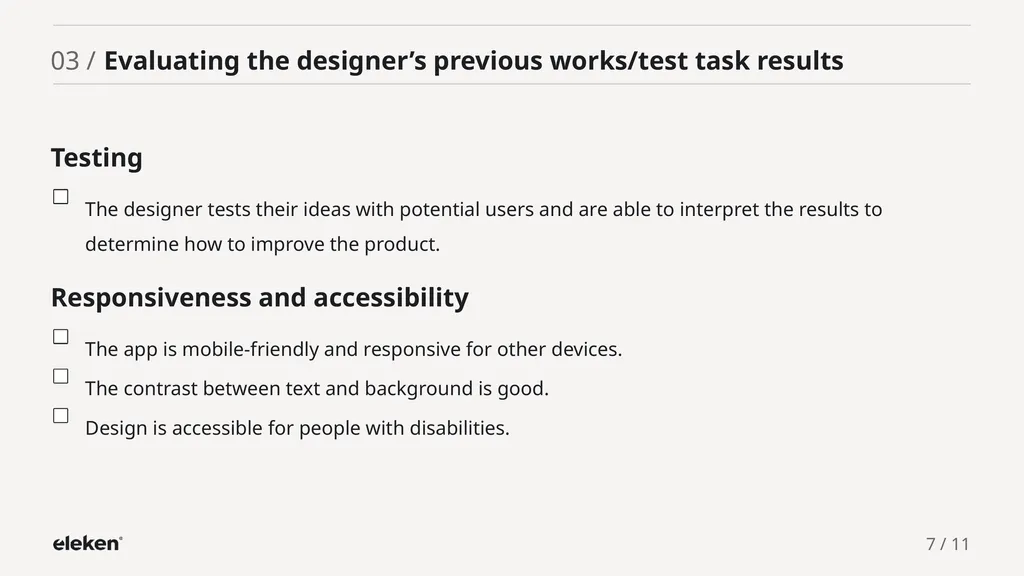
slide7. Testing The designer tests their ideas with potential users and are able to interpret the results to determine how to improve the product. Responsiveness and accessibility The app is mobile-friendly and responsive for other devices. The contrast between text and background is good. Design is accessible for people with disabilities. 7 / 11 03 / Evaluating the designer’s previous works/test task results<br>
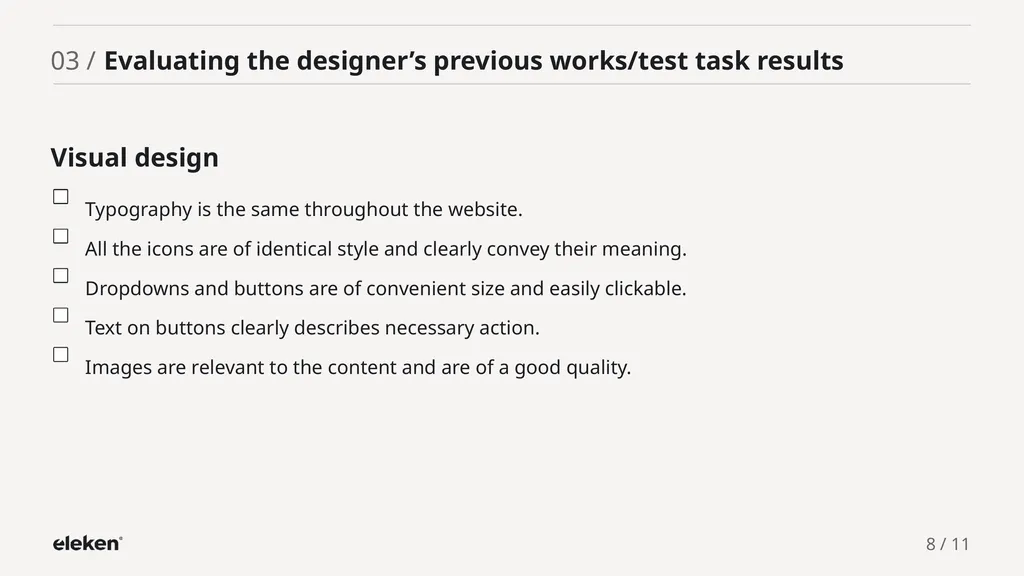
slide8. Visual design Typography is the same throughout the website. All the icons are of identical style and clearly convey their meaning. Dropdowns and buttons are of convenient size and easily clickable. Text on buttons clearly describes necessary action. Images are relevant to the content and are of a good quality. 8 / 11 03 / Evaluating the designer’s previous works/test task results<br>
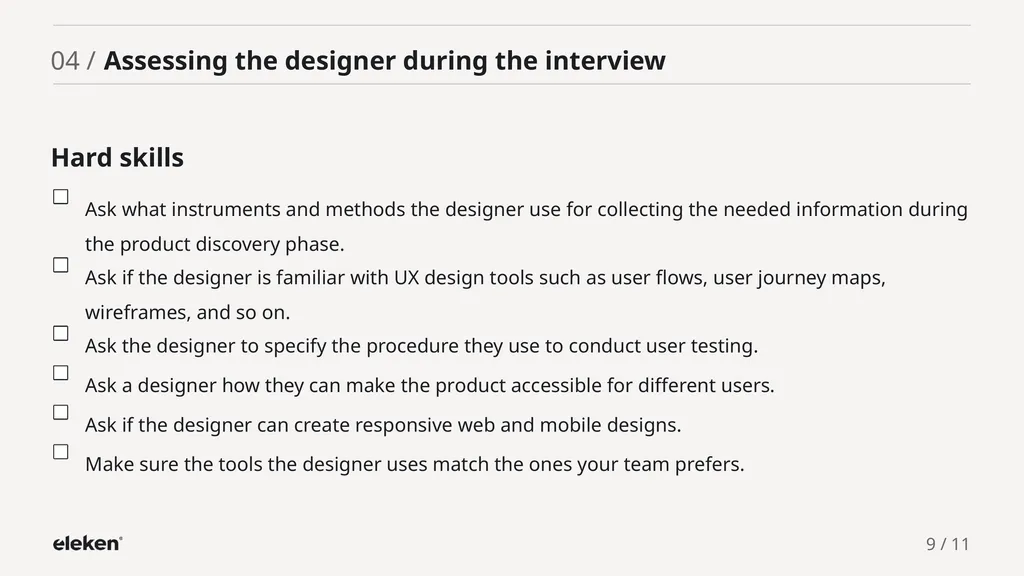
slide9. Hard skills Ask what instruments and methods the designer use for collecting the needed information during the product discovery phase. Ask if the designer is familiar with UX design tools such as user flows, user journey maps, wireframes, and so on. Ask the designer to specify the procedure they use to conduct user testing. Ask a designer how they can make the product accessible for different users. Ask if the designer can create responsive web and mobile designs. Make sure the tools the designer uses match the ones your team prefers. 9 / 11 04 / Assessing the designer during the interview<br>
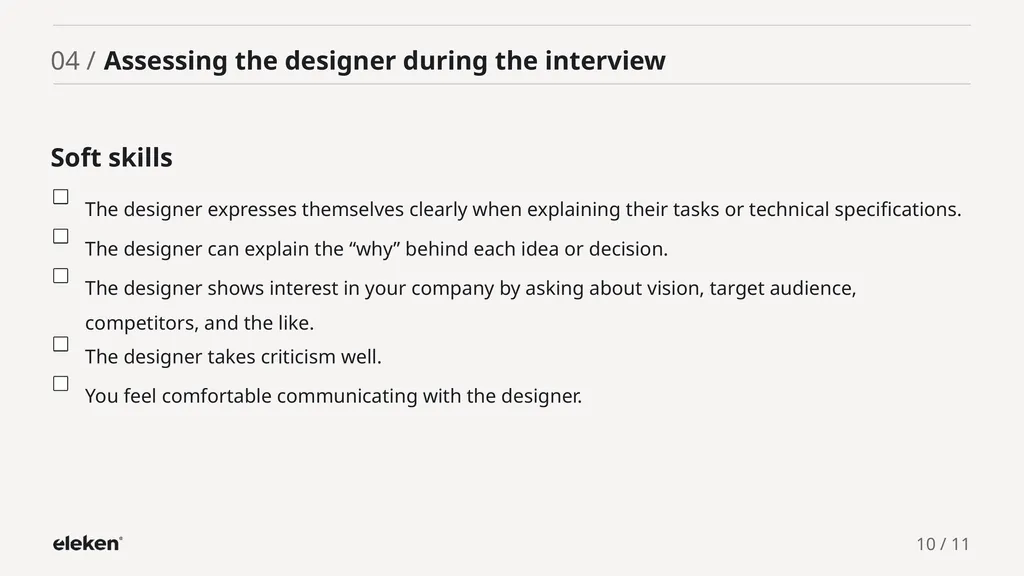
slide10. Soft skills The designer expresses themselves clearly when explaining their tasks or technical specifications. The designer can explain the “why” behind each idea or decision. The designer shows interest in your company by asking about vision, target audience, competitors, and the like. The designer takes criticism well. You feel comfortable communicating with the designer. 10 / 11 04 / Assessing the designer during the interview<br>
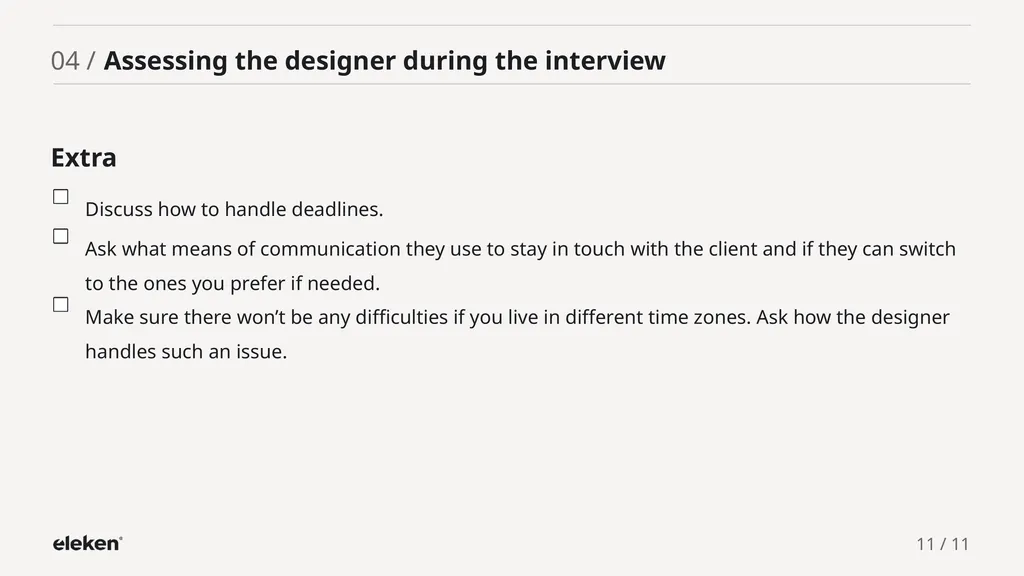
slide11. 11 / 11 Extra Discuss how to handle deadlines. Ask what means of communication they use to stay in touch with the client and if they can switch to the ones you prefer if needed. Make sure there won’t be any difficulties if you live in different time zones. Ask how the designer handles such an issue. 04 / Assessing the designer during the interview<br>
slide12. 2022 | www.eleken.co Join Us<br>
slide2. 01 / Introduction To help you ensure you didn't miss anything important when evaluating your potential design candidate, we created this checklist. You can use it when: Mark the points in the checklist when they are done or if they are true about your potential design partner. Getting ready for the interview
Analyzing the designers' previous works or test task results
Assessing the designer’s hard and soft skills during the interview 2 / 11<br>
slide3. 02 / Before the interview Define the business goals, your target audience, and your competitors. Make sure you can clearly explain the designer’s role in your project. Identify what design deliverables you want to get at the end of the project. Prepare the list of design references you like to give a candidate a better understanding of your expectations. Think of a test task that would give you enough information to evaluate your candidates (like designing a certain user flow, creating a customer journey map, conducting a UX audit, and so on). 3 / 11<br>
slide4. Product discovery Designer had a session with me to discover my product (for a test task evaluation). User research Candidate based design decisions in their previous projects on user research methods (like user interviews, surveys, focus groups, and so on.) Candidate asked me about the target audience before completing a test task. 4 / 11 03 / Evaluating the designer’s previous works/test task results<br>
slide5. Competitor analysis Candidate studies existing solutions on the market to figure out what strengths and weaknesses they have. UX audit UX audit conducted by the designer reveals what users may struggle with, and present possible solutions to those problems (if UX audit is chosen as a test task). 5 / 11 03 / Evaluating the designer’s previous works/test task results<br>
slide6. Product structure Prats of a flow logically fit together. Navigation is consistent across the product. Information is well-structured and credible. The content is easy to scan. Prototyping The designer uses digital tools like Figma, Sketch, or InVision to create prototypes. Prototypes look consistent and realistic. 6 / 11 03 / Evaluating the designer’s previous works/test task results<br>
slide7. Testing The designer tests their ideas with potential users and are able to interpret the results to determine how to improve the product. Responsiveness and accessibility The app is mobile-friendly and responsive for other devices. The contrast between text and background is good. Design is accessible for people with disabilities. 7 / 11 03 / Evaluating the designer’s previous works/test task results<br>
slide8. Visual design Typography is the same throughout the website. All the icons are of identical style and clearly convey their meaning. Dropdowns and buttons are of convenient size and easily clickable. Text on buttons clearly describes necessary action. Images are relevant to the content and are of a good quality. 8 / 11 03 / Evaluating the designer’s previous works/test task results<br>
slide9. Hard skills Ask what instruments and methods the designer use for collecting the needed information during the product discovery phase. Ask if the designer is familiar with UX design tools such as user flows, user journey maps, wireframes, and so on. Ask the designer to specify the procedure they use to conduct user testing. Ask a designer how they can make the product accessible for different users. Ask if the designer can create responsive web and mobile designs. Make sure the tools the designer uses match the ones your team prefers. 9 / 11 04 / Assessing the designer during the interview<br>
slide10. Soft skills The designer expresses themselves clearly when explaining their tasks or technical specifications. The designer can explain the “why” behind each idea or decision. The designer shows interest in your company by asking about vision, target audience, competitors, and the like. The designer takes criticism well. You feel comfortable communicating with the designer. 10 / 11 04 / Assessing the designer during the interview<br>
slide11. 11 / 11 Extra Discuss how to handle deadlines. Ask what means of communication they use to stay in touch with the client and if they can switch to the ones you prefer if needed. Make sure there won’t be any difficulties if you live in different time zones. Ask how the designer handles such an issue. 04 / Assessing the designer during the interview<br>
slide12. 2022 | www.eleken.co Join Us<br>