User Roles Add User Accounts to e-ISuite from iNAP Remove a User Account from Enterprise this does not affect the iNAP account Enable or Disable a User Account Add or remove User Account Roles Auditing User Sessions View logged in
"User Roles Add User Accounts to e-ISuite from iNAP" is the property of its rightful owner. Permission is granted to
download and print the materials on this website for personal, non-commercial use only, and to display it
on your personal computer provided you do not modify the materials and that you retain all copyright
notices contained in the materials. By downloading content from our website, you accept the terms of this
agreement.
Presentation Transcript
01
User
Roles<br>
02
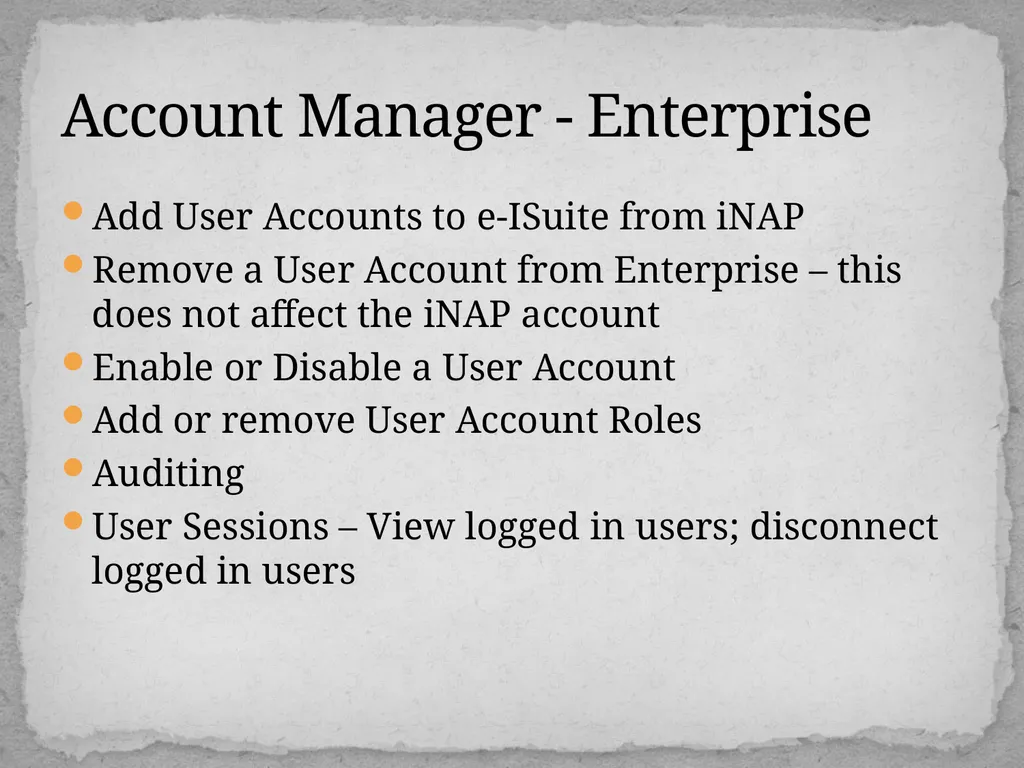
Add User Accounts to e-ISuite from iNAP
Remove a User Account from Enterprise – this does not affect the iNAP account
Enable or Disable a User Account
Add or remove User Account Roles
Auditing
User Sessions – View logged in users; disconnect logged in users Account Manager - Enterprise<br>
03
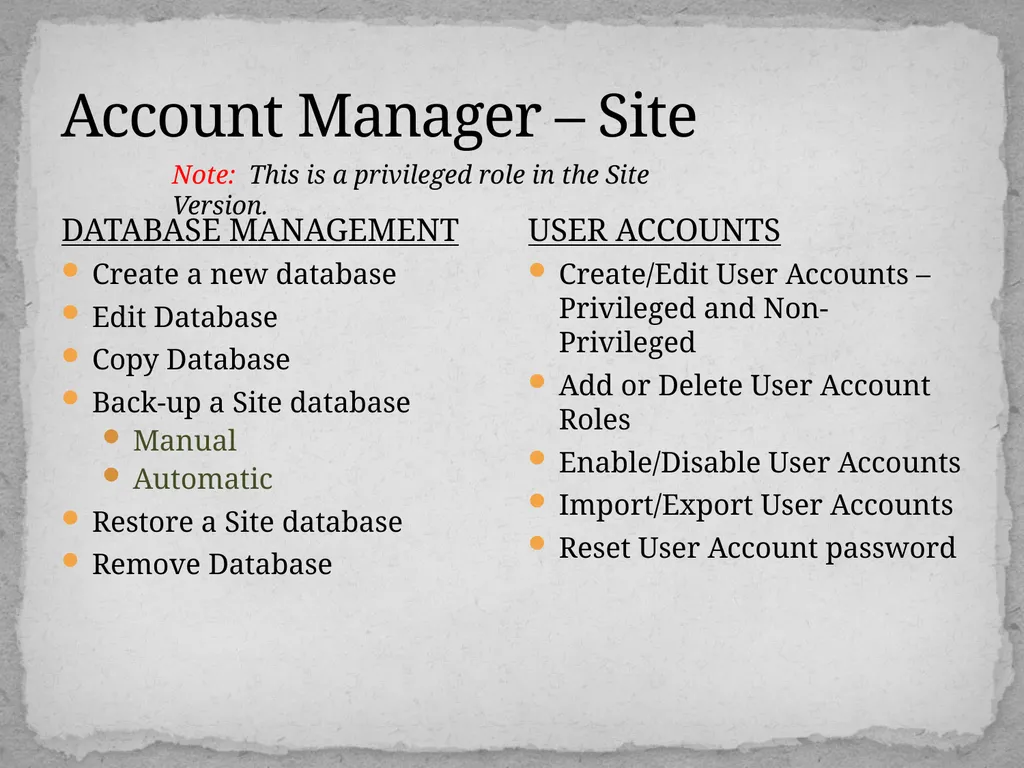
Account Manager – Site DATABASE MANAGEMENT
Create a new database
Edit Database
Copy Database
Back-up a Site database
Manual
Automatic
Restore a Site database
Remove Database USER ACCOUNTS
Create/Edit User Accounts – Privileged and Non-Privileged
Add or Delete User Account Roles
Enable/Disable User Accounts
Import/Export User Accounts
Reset User Account password Note: This is a privileged role in the Site Version.<br>
04
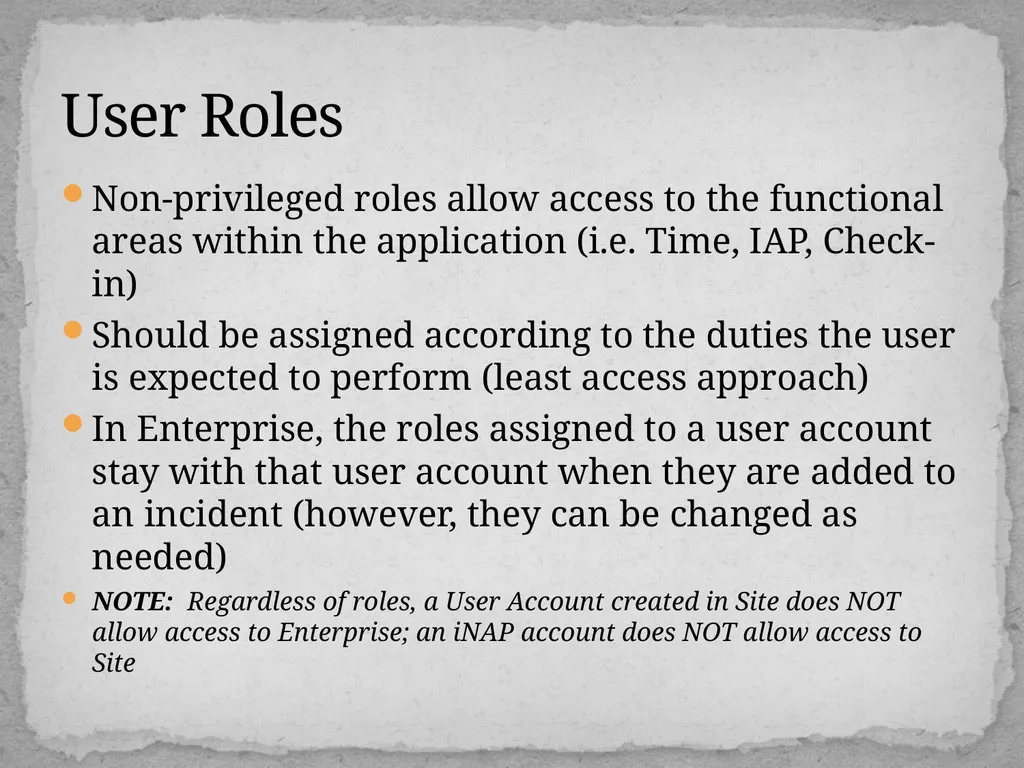
Non-privileged roles allow access to the functional areas within the application (i.e. Time, IAP, Check-in)
Should be assigned according to the duties the user is expected to perform (least access approach)
In Enterprise, the roles assigned to a user account stay with that user account when they are added to an incident (however, they can be changed as needed)
NOTE: Regardless of roles, a User Account created in Site does NOT allow access to Enterprise; an iNAP account does NOT allow access to Site User Roles<br>
05
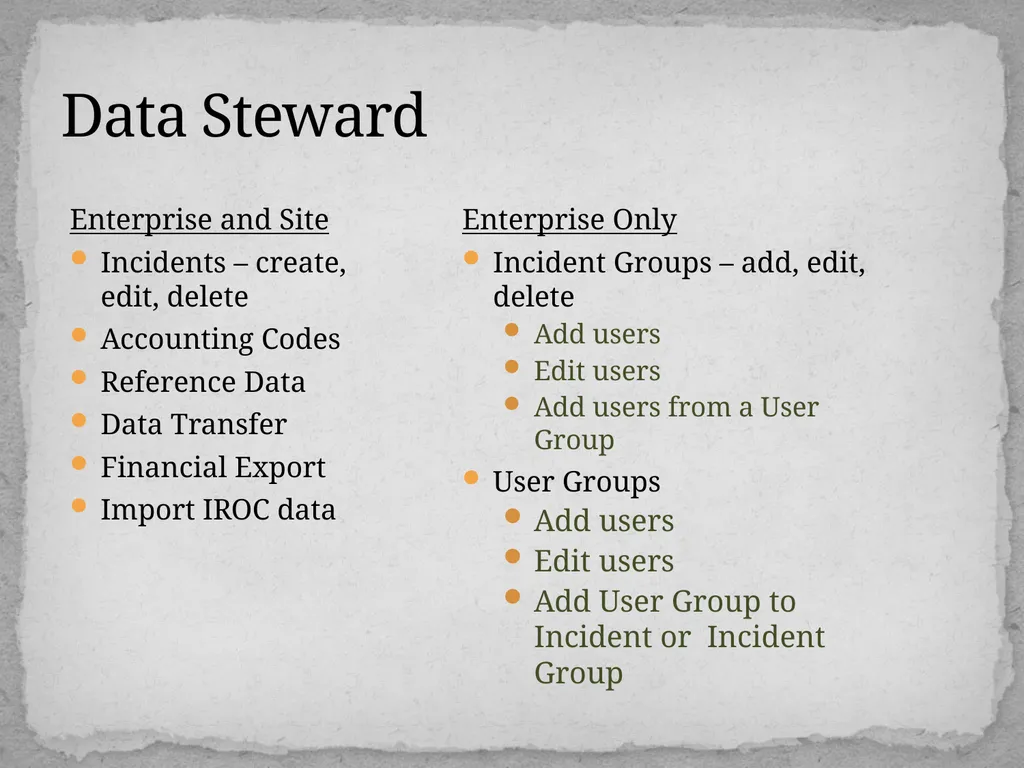
Data Steward Enterprise and Site
Incidents – create, edit, delete
Accounting Codes
Reference Data
Data Transfer
Financial Export
Import IROC data Enterprise Only
Incident Groups – add, edit, delete
Add users
Edit users
Add users from a User Group
User Groups
Add users
Edit users
Add User Group to Incident or Incident Group<br>
06
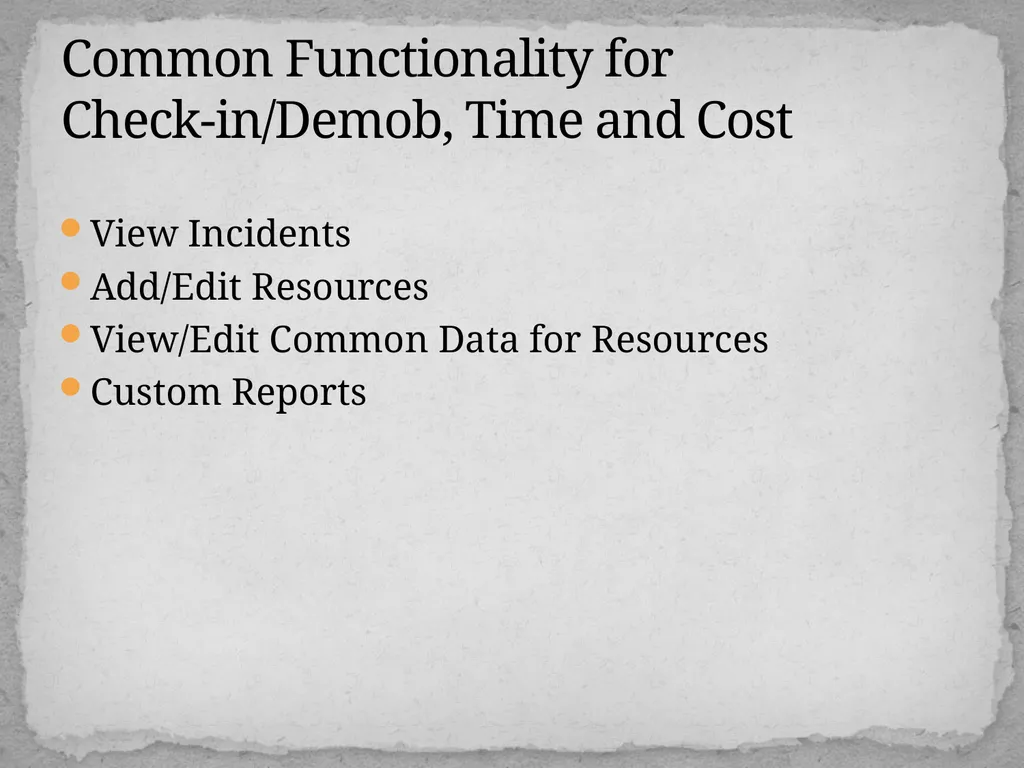
View Incidents
Add/Edit Resources
View/Edit Common Data for Resources
Custom Reports Common Functionality for Check-in/Demob, Time and Cost<br>
07
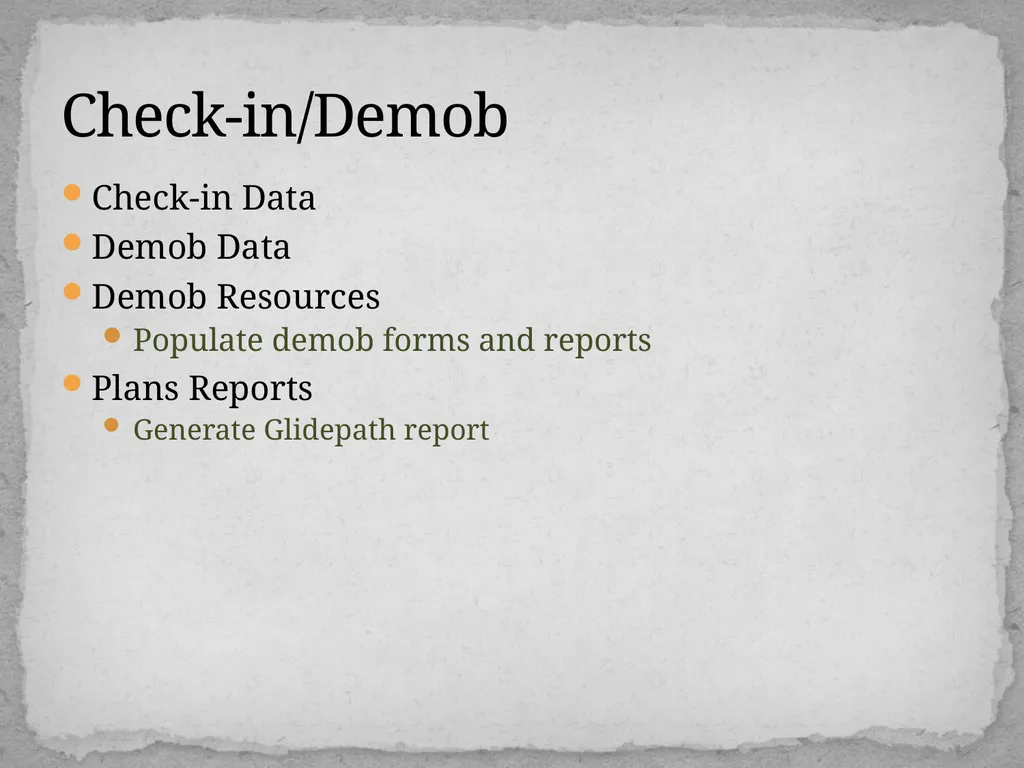
Check-in Data
Demob Data
Demob Resources
Populate demob forms and reports
Plans Reports
Generate Glidepath report Check-in/Demob<br>
08
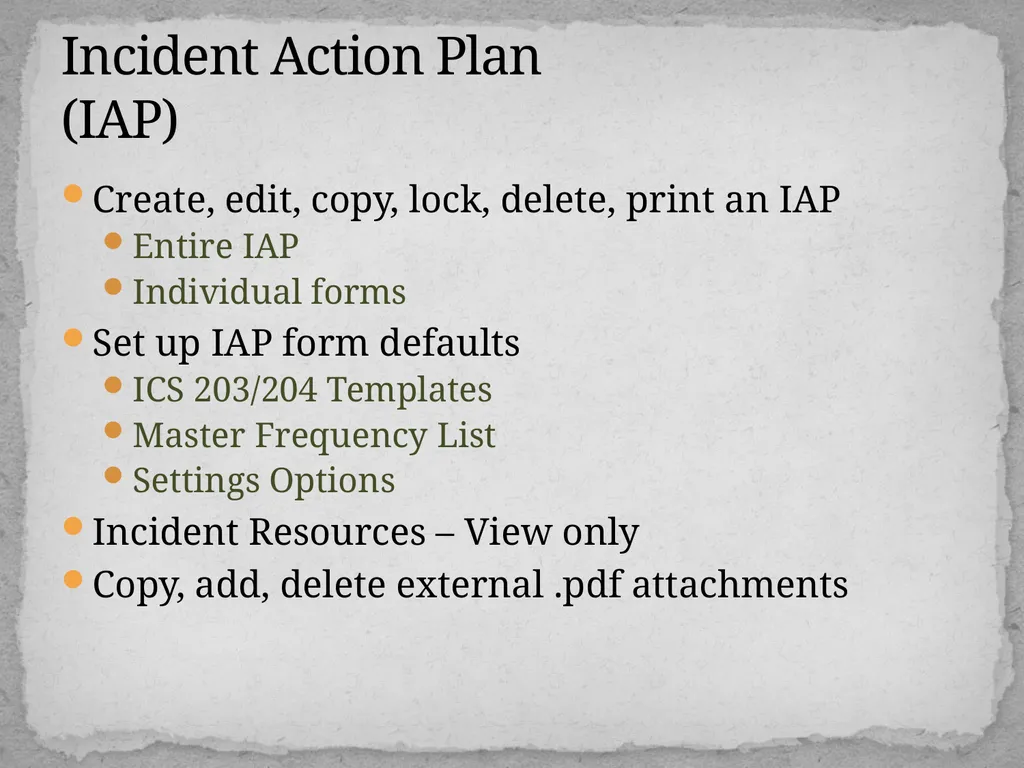
Create, edit, copy, lock, delete, print an IAP
Entire IAP
Individual forms
Set up IAP form defaults
ICS 203/204 Templates
Master Frequency List
Settings Options
Incident Resources – View only
Copy, add, delete external .pdf attachments Incident Action Plan (IAP)<br>
09
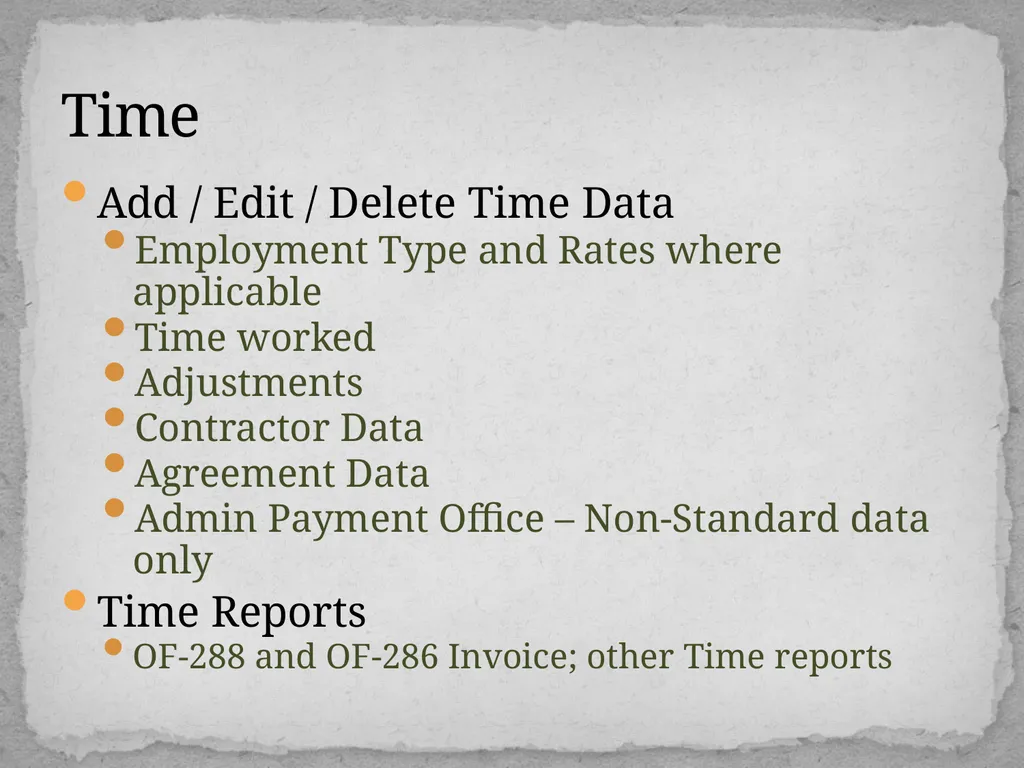
Add / Edit / Delete Time Data
Employment Type and Rates where applicable
Time worked
Adjustments
Contractor Data
Agreement Data
Admin Payment Office – Non-Standard data only
Time Reports
OF-288 and OF-286 Invoice; other Time reports Time<br>
10
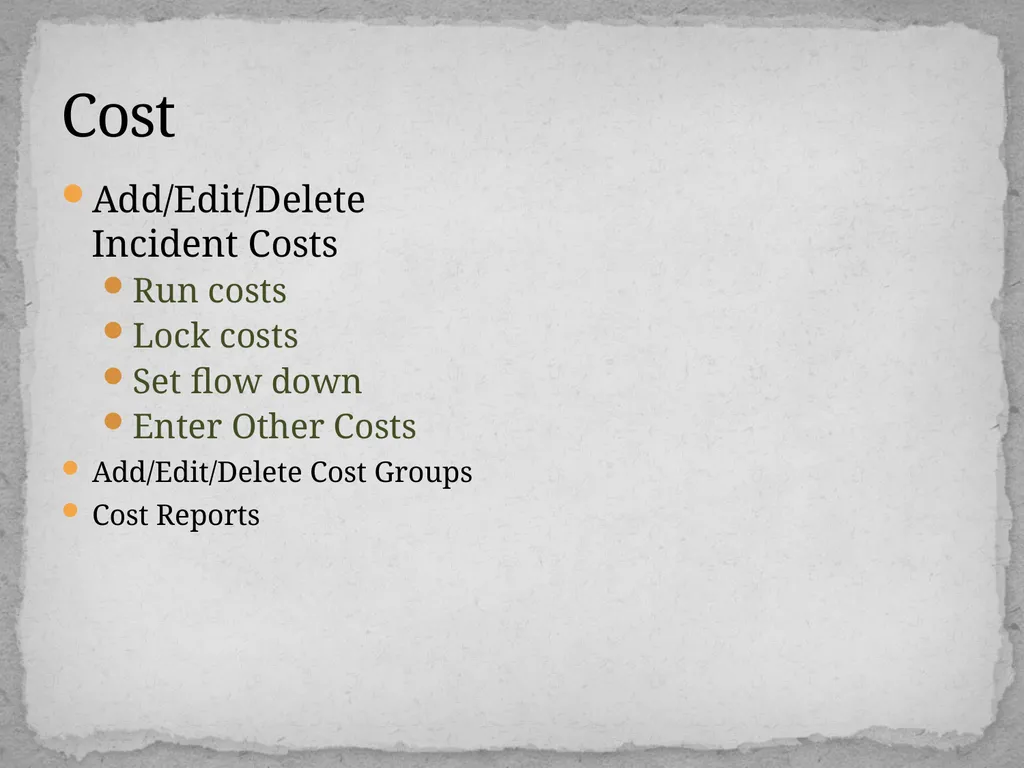
Cost Add/Edit/Delete Incident Costs
Run costs
Lock costs
Set flow down
Enter Other Costs
Add/Edit/Delete Cost Groups
Cost Reports<br>
11
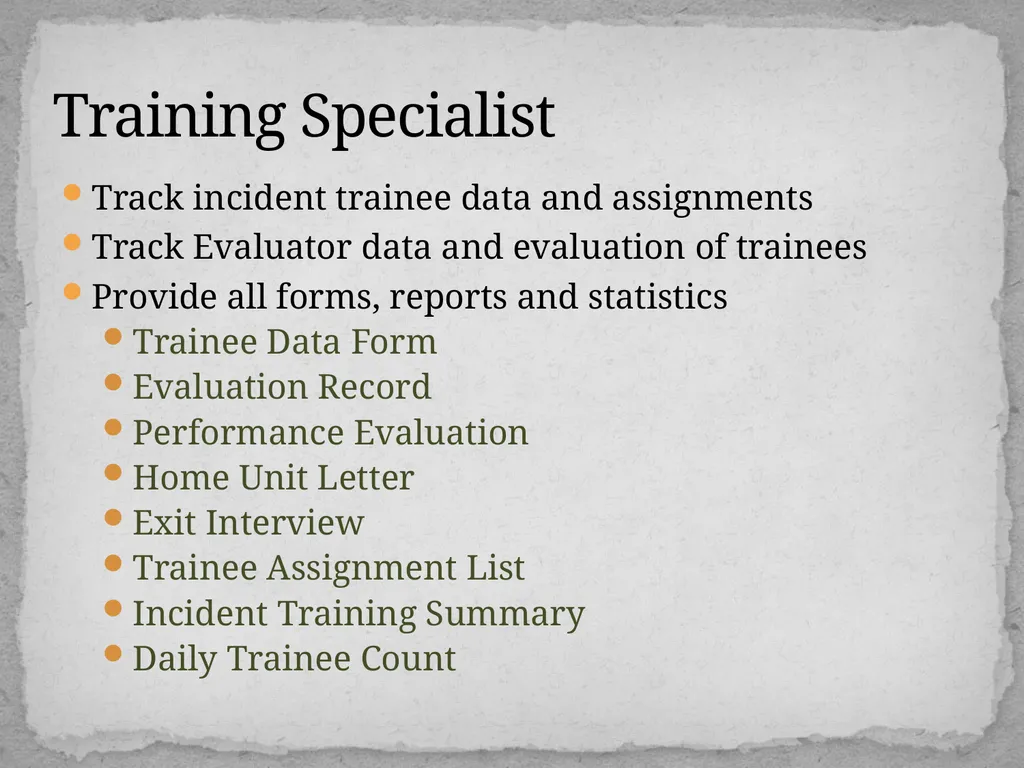
Track incident trainee data and assignments
Track Evaluator data and evaluation of trainees
Provide all forms, reports and statistics
Trainee Data Form
Evaluation Record
Performance Evaluation
Home Unit Letter
Exit Interview
Trainee Assignment List
Incident Training Summary
Daily Trainee Count Training Specialist<br>