User Scenarios Microsoft Lists Track what matters most with Microsoft Lists Smart Keep everyone in sync with rules and quick edits Joe: Human Resources Manager Joe works in Human Resources for Contoso Brands, a large consumer goods company.
"User Scenarios Microsoft Lists Track what matters" is the property of its rightful owner. Permission is granted to
download and print the materials on this website for personal, non-commercial use only, and to display it
on your personal computer provided you do not modify the materials and that you retain all copyright
notices contained in the materials. By downloading content from our website, you accept the terms of this
agreement.
Presentation Transcript
01
User Scenarios Microsoft Lists<br>
02
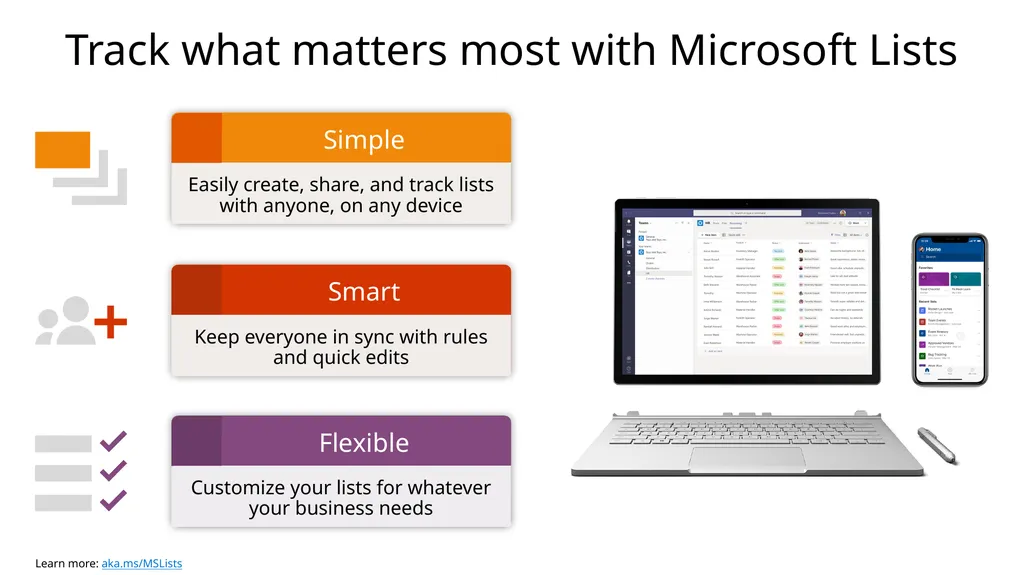
Track what matters most with Microsoft Lists Smart Keep everyone in sync with rules and quick edits<br>
03
Joe: Human Resources Manager Joe works in Human Resources for Contoso Brands, a large consumer goods company. Joe oversees putting together networking events for the company, as well as managing the early stage recruiting process for Contoso Brand’s summer intern program.<br>
04
Joe: Human Resources Manager Summer Networking Event
Joe uses his Summer Networking Event list in Microsoft Teams to track responsibilities for planning and amplifying Contoso Brand’s upcoming networking event.
The list was created in Teams from the Work progress tracker template. Track progress of planning activities for event (Joe creates list items for booking event venue, catering, creating presentation deck, registration set up)
Assign list items to anyone in the connected Teams channel (Joe assigns book venue to admin assistant)
Populate details in list as items are complete (Joe enters finalized venue address and booking details in list item) Kiandra Taylor Joe Smith Joe Smith Joe Smith Kiandra Taylor<br>
05
Joe: Human Resources Manager Intern Recruitment
Joe uses his Intern Recruitment list in Microsoft Teams to manage the recruitment pipeline for Contoso Brand’s summer internship program.
The list was created in Teams from the Recruitment tracker template. Track intern candidates and process (Joe creates list items for each applicant and updates with stage of recruitment process)
Assign interviewers to candidates (Joe assigns candidate to hiring manager, triggering an email to the manager)
Collaborate live in Teams with side-by-side chat and @mentions (Joe @mentions the assigned interviewer in the list chat window and discusses thoughts)
Keep candidate notes and assets in one place (Interviewers add notes from interviews and attach candidate resume and cover letter to list item for easy access) Arjun Patel
Nick Greene Ana Diaz<br>
06
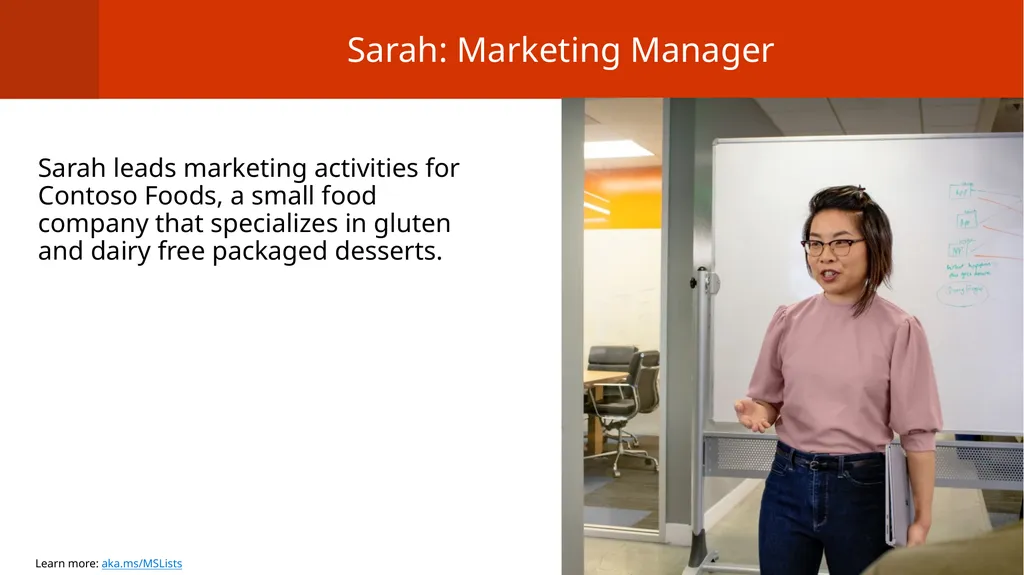
Sarah: Marketing Manager Sarah leads marketing activities for Contoso Foods, a small food company that specializes in gluten and dairy free packaged desserts.<br>
07
Sarah: Marketing Manager New Flavor Launch
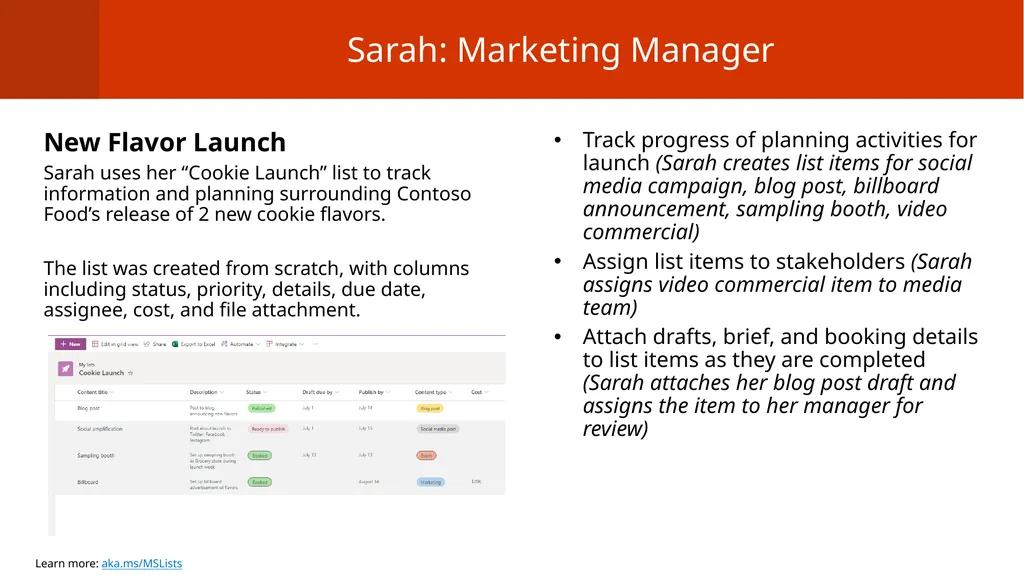
Sarah uses her “Cookie Launch” list to track information and planning surrounding Contoso Food’s release of 2 new cookie flavors.
The list was created from scratch, with columns including status, priority, details, due date, assignee, cost, and file attachment. Track progress of planning activities for launch (Sarah creates list items for social media campaign, blog post, billboard announcement, sampling booth, video commercial)
Assign list items to stakeholders (Sarah assigns video commercial item to media team)
Attach drafts, brief, and booking details to list items as they are completed (Sarah attaches her blog post draft and assigns the item to her manager for review)<br>
08
Emily: Service Engineer Emily is a service engineer for Contoso Technologies, a large tech firm. She works on service and maintenance of the webpage for one of Contoso Technologies' products.<br>
09
Emily: Service Engineer Website Maintenance
Emily’s manager manages a Website Maintenance list for her team to track and manage work items for the website.
The list was created from the Issue tracker template. Track teamwork items for website maintenance (Emily’s manager creates list items for adding buttons, fixing links, content changes, updating videos/images)
Assign work items to team members (Emily receives an email saying she was assigned the “Fix link” item with a critical priority)
Leave comments on items and @mention team members to draw attention (Emily leaves a comment on a work item she gets stuck on with the details of the issue) Emily Brooks Emily Brooks Emily Brooks
Jarrell Kim<br>
10
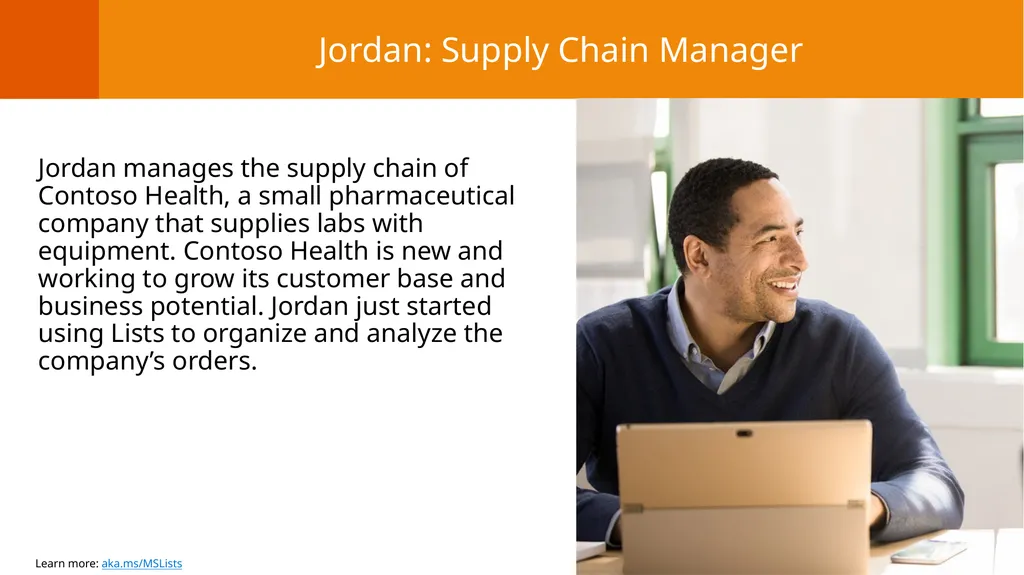
Jordan: Supply Chain Manager Jordan manages the supply chain of Contoso Health, a small pharmaceutical company that supplies labs with equipment. Contoso Health is new and working to grow its customer base and business potential. Jordan just started using Lists to organize and analyze the company’s orders.<br>
11
Jordan: Supply Chain Manager Equipment orders
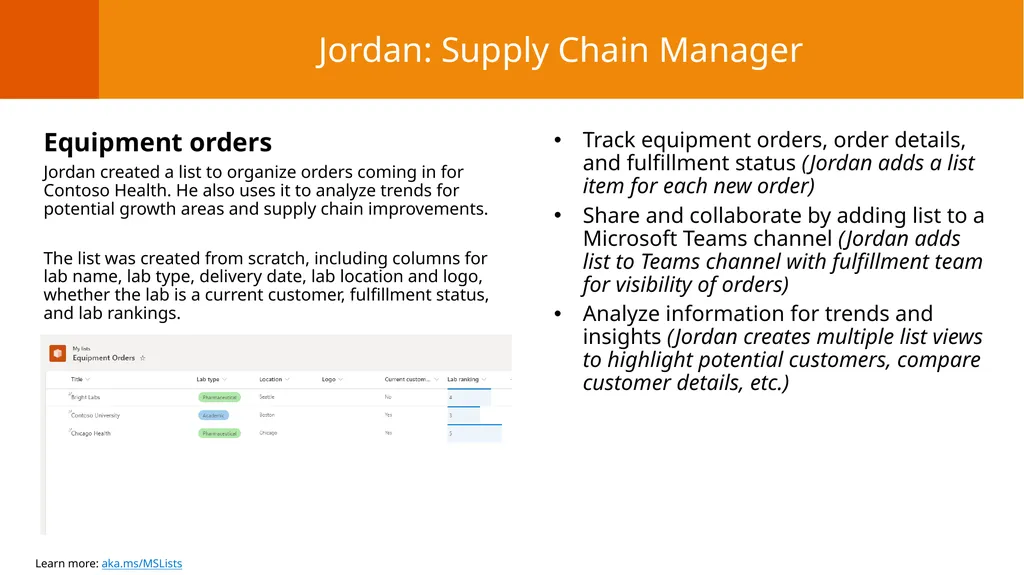
Jordan created a list to organize orders coming in for Contoso Health. He also uses it to analyze trends for potential growth areas and supply chain improvements.
The list was created from scratch, including columns for lab name, lab type, delivery date, lab location and logo, whether the lab is a current customer, fulfillment status, and lab rankings. Track equipment orders, order details, and fulfillment status (Jordan adds a list item for each new order)
Share and collaborate by adding list to a Microsoft Teams channel (Jordan adds list to Teams channel with fulfillment team for visibility of orders)
Analyze information for trends and insights (Jordan creates multiple list views to highlight potential customers, compare customer details, etc.)<br>
12
Resources Microsoft Lists resource center aka.ms/MSLists
Microsoft Lists GA blog aka.ms/MSLists/GA/blog
Microsoft Lists product demo video aka.ms/MSLists/demo-video<br>