Using MCSR Supercomputers Mississippi Center for Supercomputing Research Mississippi Center for Supercomputing Research (MCSR) Support computational research at Mississippi IHLs Computation Chemistry Bioinformatics Physics Engineering
"Using MCSR Supercomputers Mississippi Center for" is the property of its rightful owner. Permission is granted to
download and print the materials on this website for personal, non-commercial use only, and to display it
on your personal computer provided you do not modify the materials and that you retain all copyright
notices contained in the materials. By downloading content from our website, you accept the terms of this
agreement.
Presentation Transcript
01
Using MCSR Supercomputers Mississippi Center for Supercomputing Research<br>
02
Mississippi Center for Supercomputing Research (MCSR) Support computational research at Mississippi IHLs
Computation Chemistry
Bioinformatics
Physics
Engineering
Computer Science
etc
Train users to get the most out of their computational resources
Support classes that need computational training and/or resources
All for free<br>
03
Do I need a Supercomputer? Do you run programs on your computer that take more than a few minutes?<br>
04
What does a supercomputer do for me? Runs your program faster*
Runs your program on larger data sets
Runs multiple instances of your program
Frees up your computer
*Maybe<br>
05
What’s the catch? You’ll have to learn some UNIX commands
Learn a little about PBS<br>
06
What’s so super about a supercomputer? Historical context
Specialized processors, custom hardware, liquid cooling, etc.
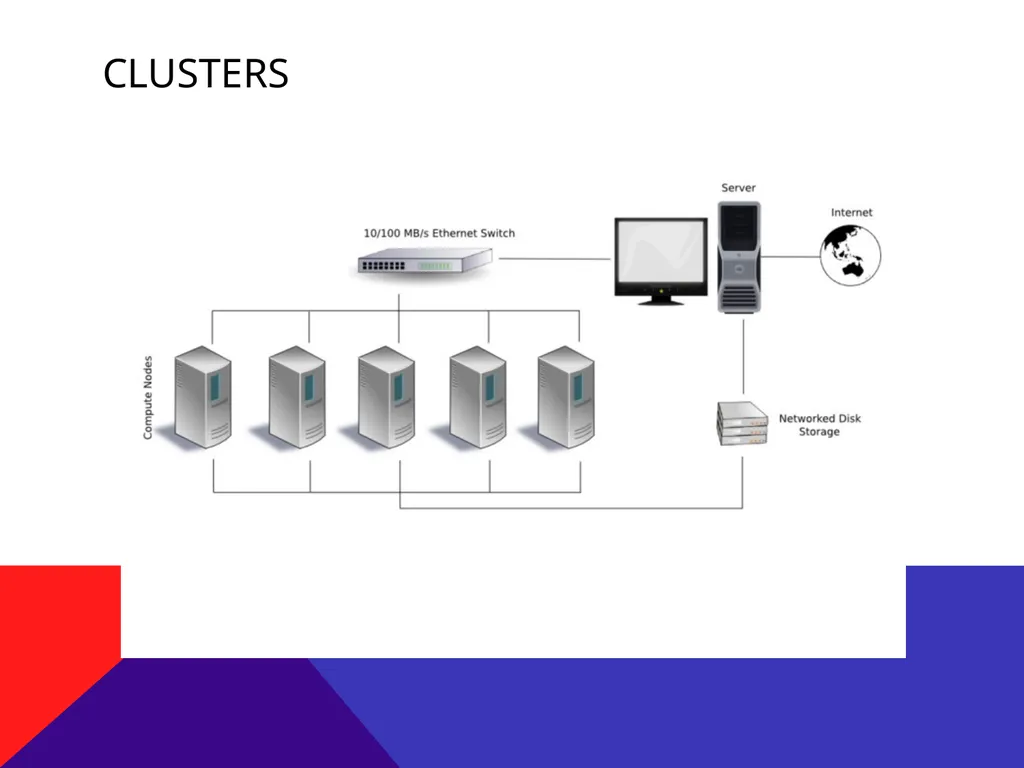
Largely for economic reasons, most modern supercomputers are clusters of commodity hardware (i.e., basically the same hardware you have in your desktop or laptop)
But, with…
Really fast networks (Infiniband, 40Gb/s)
Lots of enterprise-grade memory (ECC memory)
High-end processors (Intel Xeon with large caches and lots of cores)
High-bandwidth, high-speed storage (RAID or SSDs)<br>
07
Clusters<br>
08
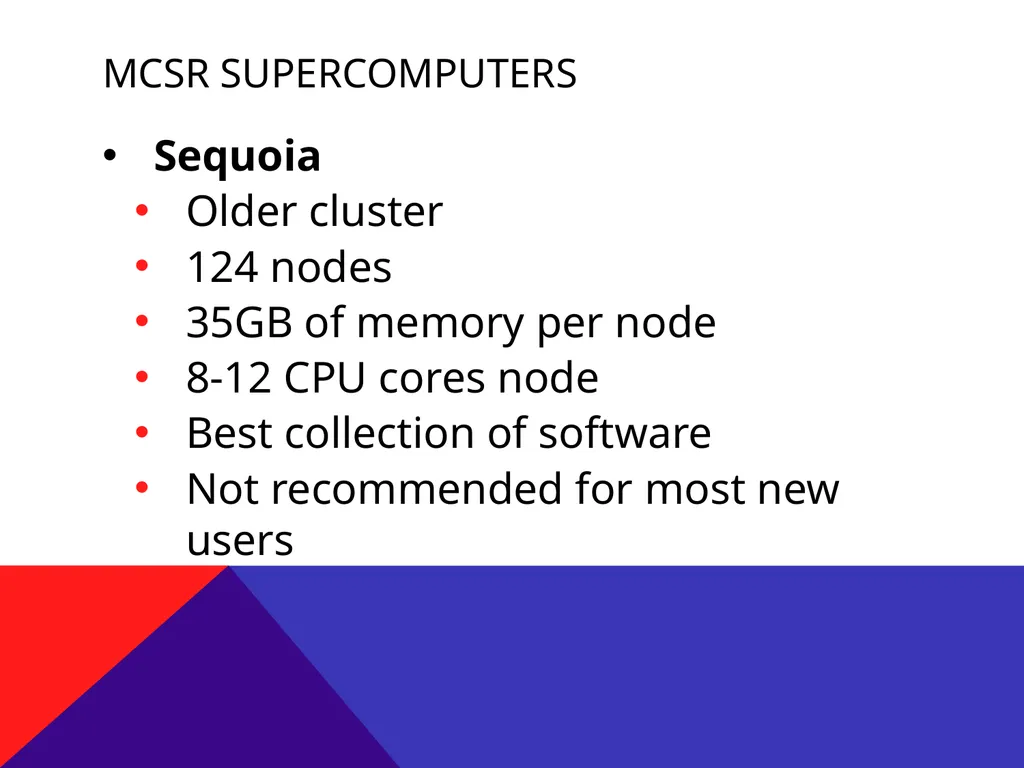
MCSR Supercomputers Sequoia
Older cluster
124 nodes
35GB of memory per node
8-12 CPU cores node
Best collection of software
Not recommended for most new users<br>
09
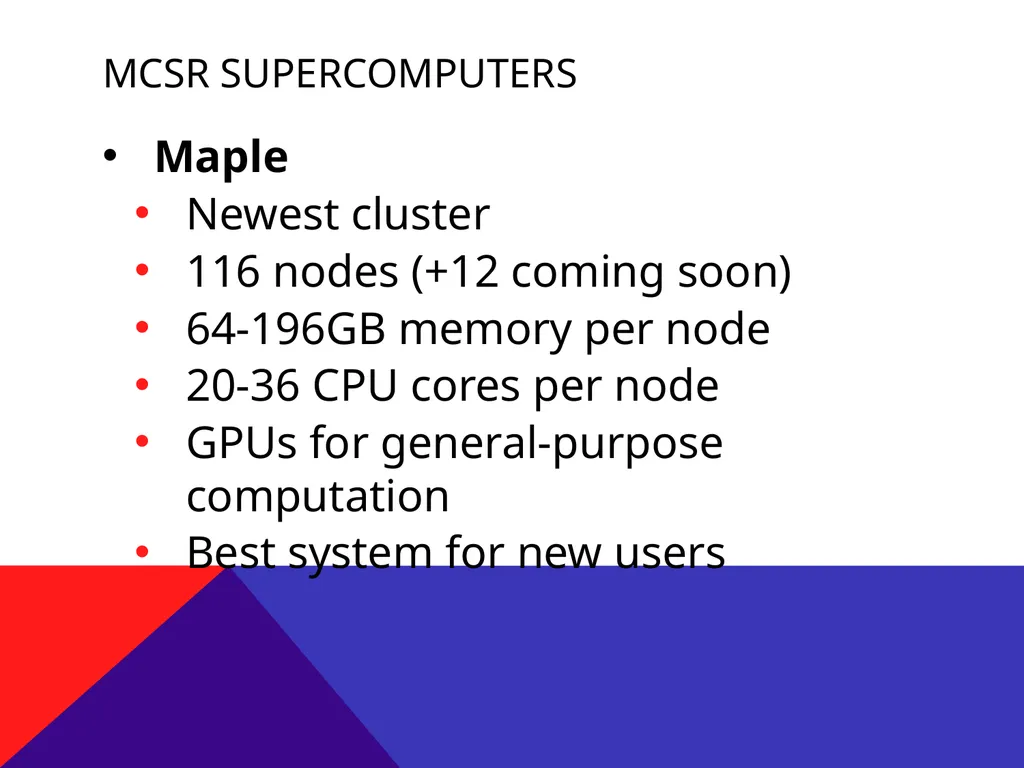
MCSR Supercomputers Maple
Newest cluster
116 nodes (+12 coming soon)
64-196GB memory per node
20-36 CPU cores per node
GPUs for general-purpose computation
Best system for new users<br>
10
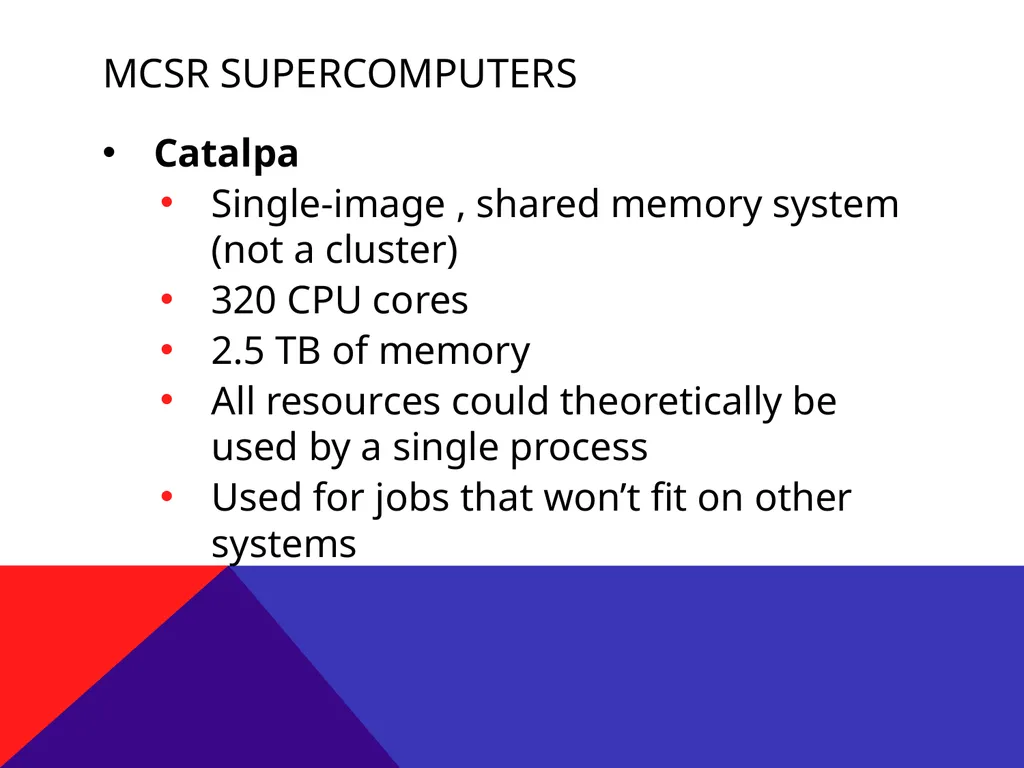
MCSR Supercomputers Catalpa
Single-image , shared memory system (not a cluster)
320 CPU cores
2.5 TB of memory
All resources could theoretically be used by a single process
Used for jobs that won’t fit on other systems<br>
11
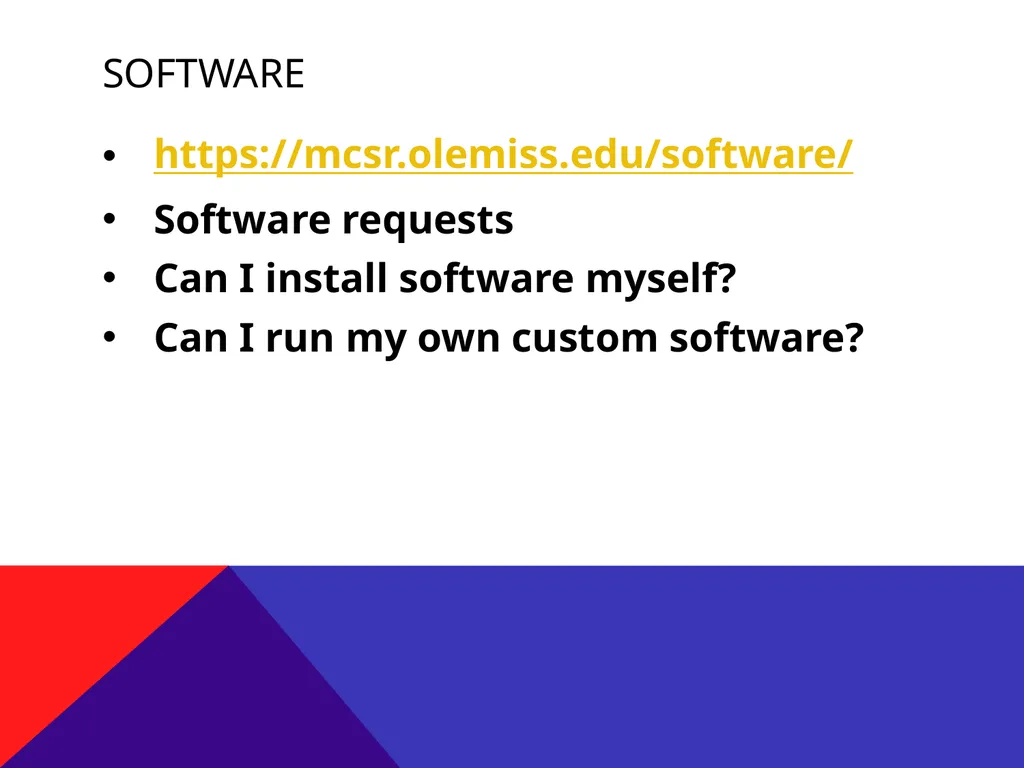
Software https://mcsr.olemiss.edu/software/
Software requests
Can I install software myself?
Can I run my own custom software?<br>
12
Will my program run Faster? Maybe
Has it been programmed to take advantage of multiple cores on a single node?
Has it been programmed to run across multiple nodes? (MPI, etc.)
If not, then probably not.
Unless your program is memory or I/O bound, then maybe.
Even if your program doesn’t run faster on a supercomputer, you can still benefit in other ways<br>
13
UNIX/Linux All our systems run an operating system called Linux, a type of UNIX
PROS
Linux has a very powerful set of command line programs
Perfect for remote access and batch-style jobs
Ubiquitous throughout the HPC (High Performance Computing) community
CONS
Requires you to learn something new<br>
14
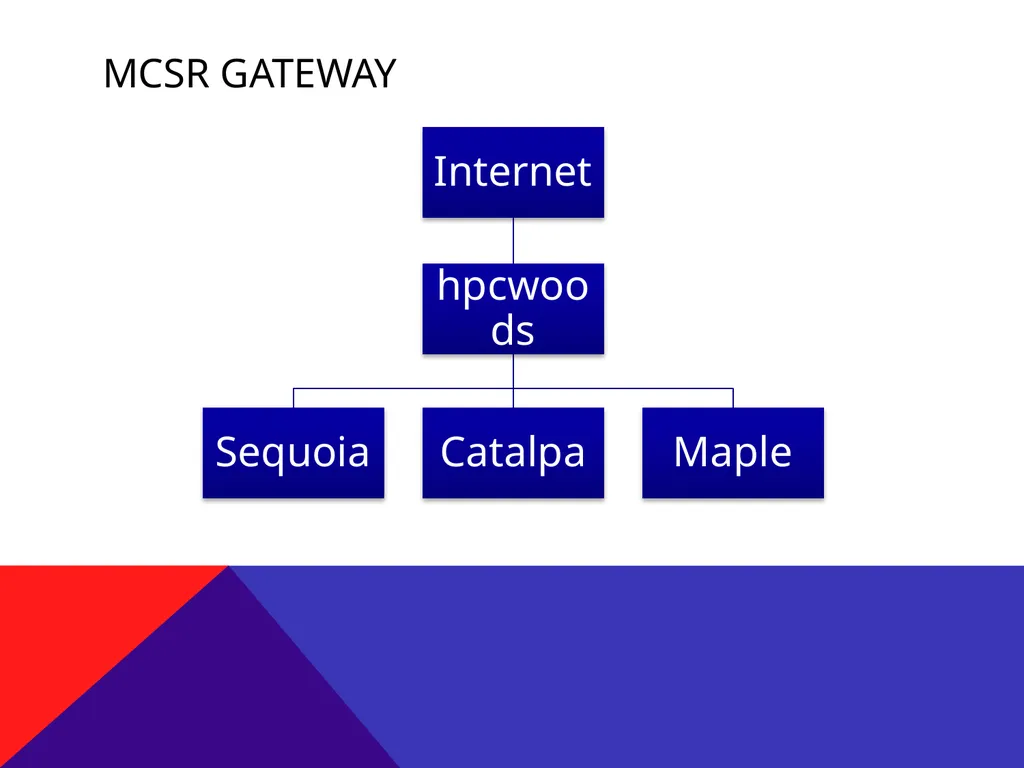
MCSR Gateway<br>
15
Connecting to HPCWOODS Using SSH
We recommend PuTTY for Windows and command-line clients for Mac OS X and Linux
Hostname: hpcwoods.olemiss.edu<br>
16
Connecting to Maple ssh maple<br>
17
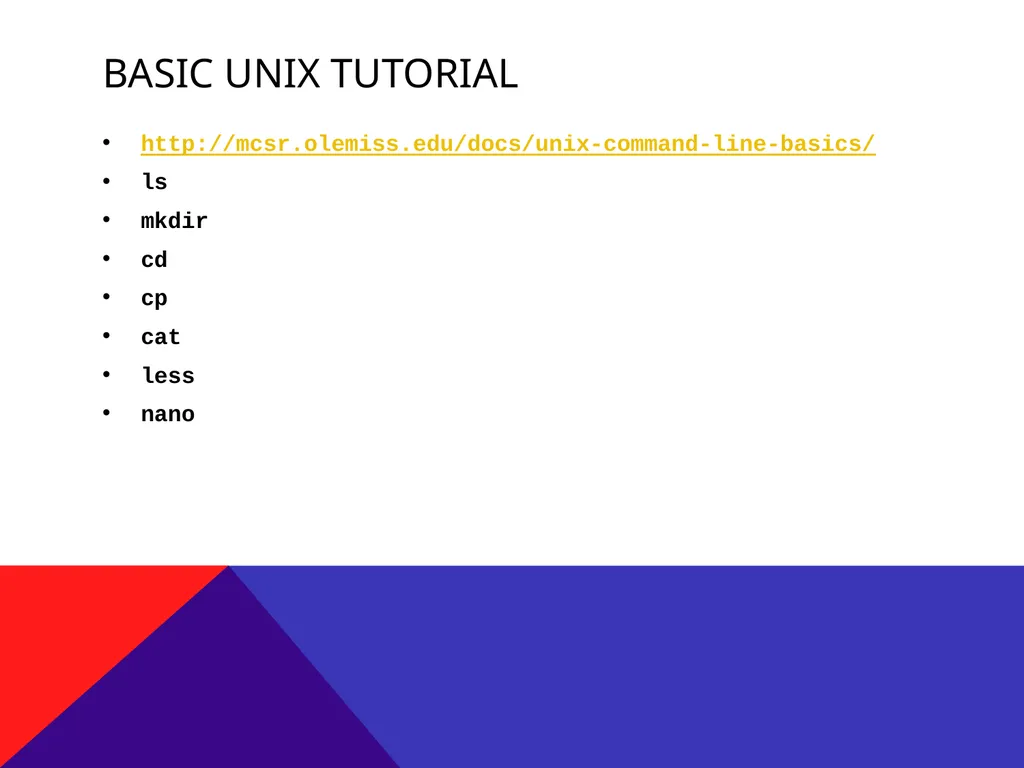
Basic UNIX TUTORIAL http://mcsr.olemiss.edu/docs/unix-command-line-basics/
ls
mkdir
cd
cp
cat
less
nano<br>
18
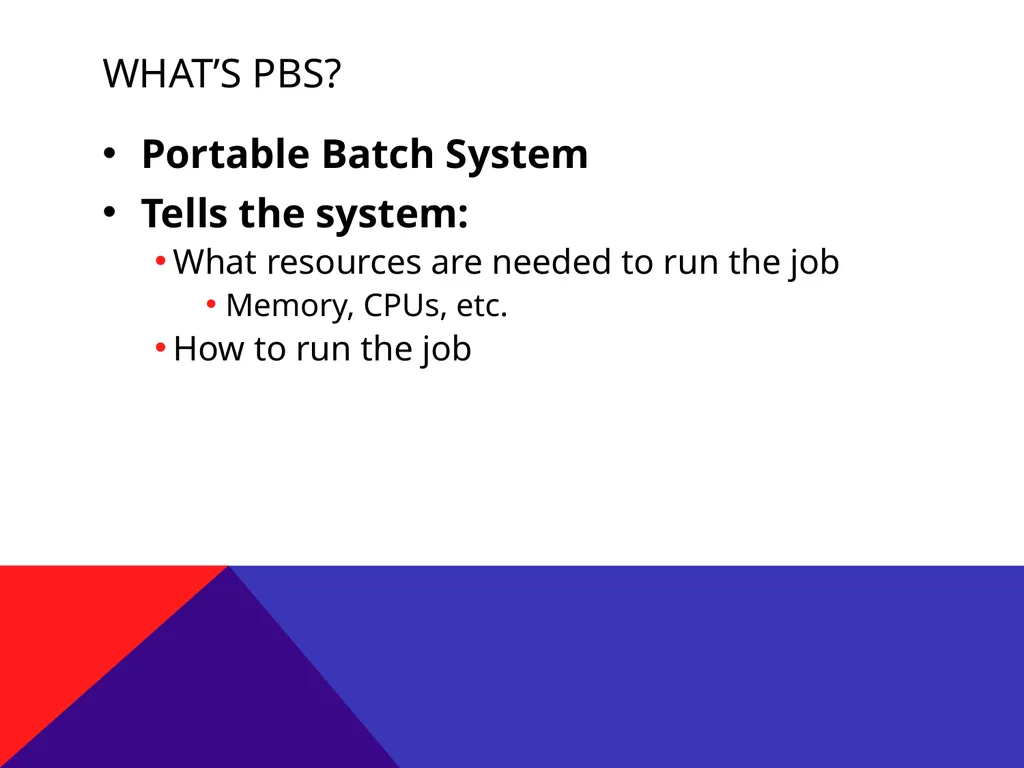
What’s PBS? Portable Batch System
Tells the system:
What resources are needed to run the job
Memory, CPUs, etc.
How to run the job<br>
19
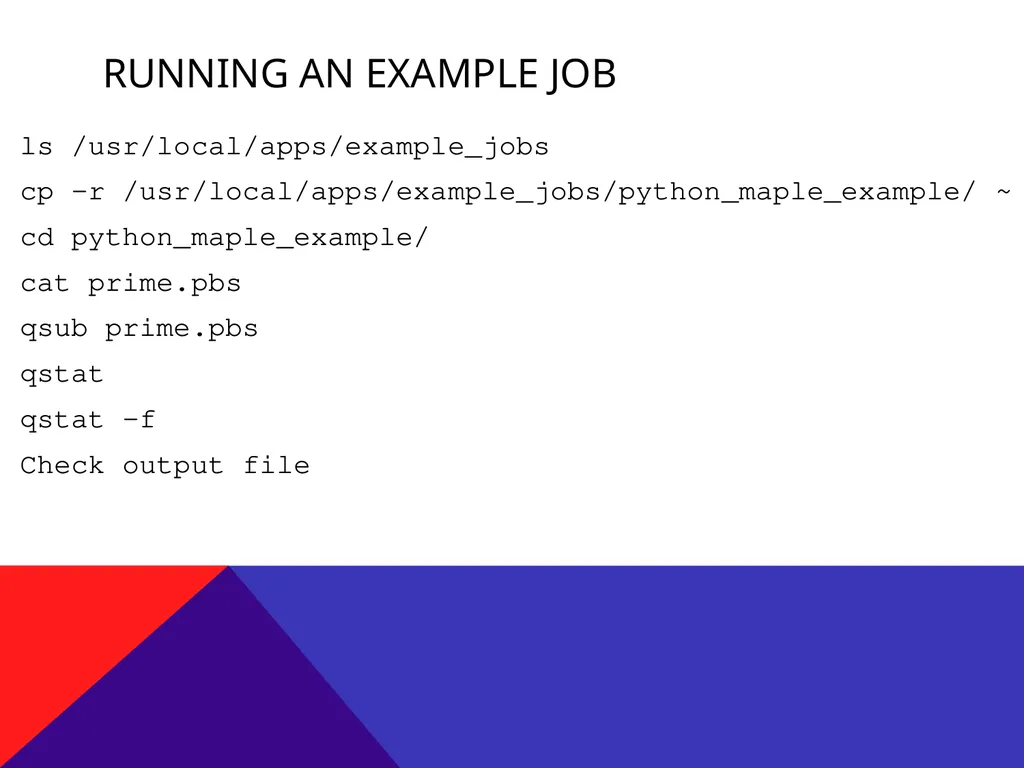
Running an example job ls /usr/local/apps/example_jobs
cp -r /usr/local/apps/example_jobs/python_maple_example/ ~
cd python_maple_example/
cat prime.pbs
qsub prime.pbs
qstat
qstat –f
Check output file<br>
20
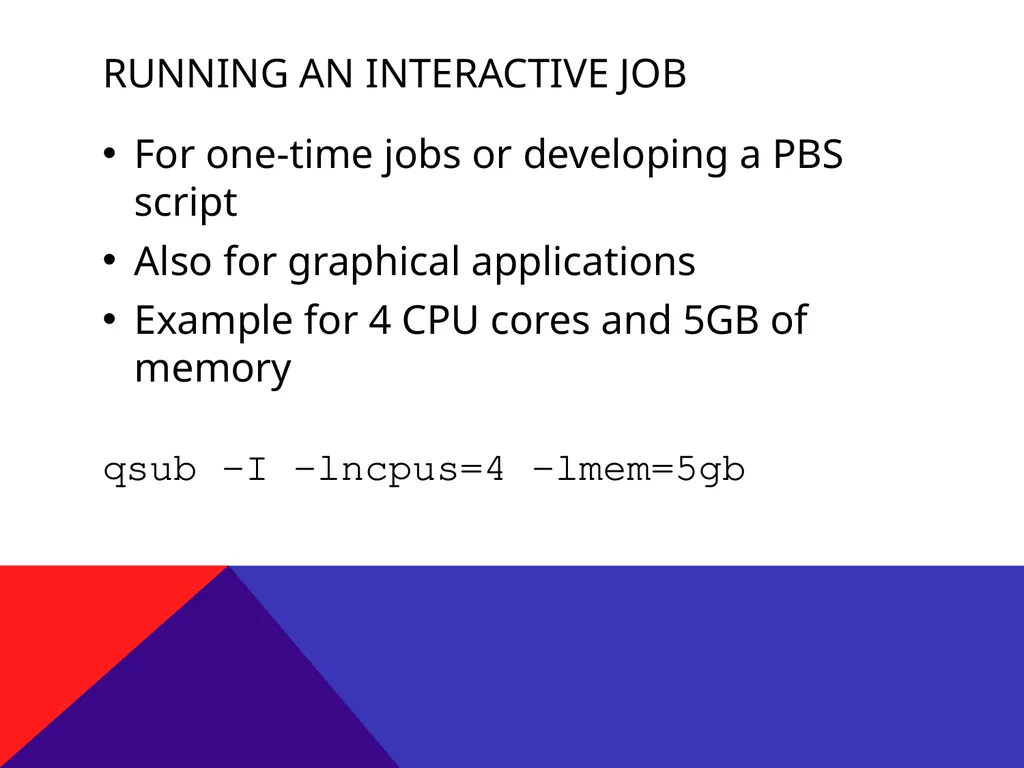
Running an interactive job For one-time jobs or developing a PBS script
Also for graphical applications
Example for 4 CPU cores and 5GB of memory
qsub -I -lncpus=4 -lmem=5gb<br>
21
Storage All MCSR systems share file storage
Each user has a quota of 600GB of disk space
Can be increased on request
Users also have access to temporary local and networked disk space<br>
22
How do I get started? Apply for accounts: http://mcsr.olemiss.edu/
Run an example job
Modify an example job
Contact the MCSR staff for assistance<br>
23
Questions? Contact information:
Ben Pharr
bnpharr@olemiss.edu
(662) 915-3036