Using the District Accounting System A District Governors View Objectives At the end of this training you will: Understand the system terminology Select your general user preferences Identify the different reporting dimensions Recognize
"Using the District Accounting System A District" is the property of its rightful owner. Permission is granted to
download and print the materials on this website for personal, non-commercial use only, and to display it
on your personal computer provided you do not modify the materials and that you retain all copyright
notices contained in the materials. By downloading content from our website, you accept the terms of this
agreement.
Presentation Transcript
01
Using the District Accounting System A District Governor’s View<br>
02
Objectives At the end of this training you will:
Understand the system terminology
Select your general user preferences
Identify the different reporting dimensions
Recognize available dashboards, graphs, and reports
Be able to email reports<br>
03
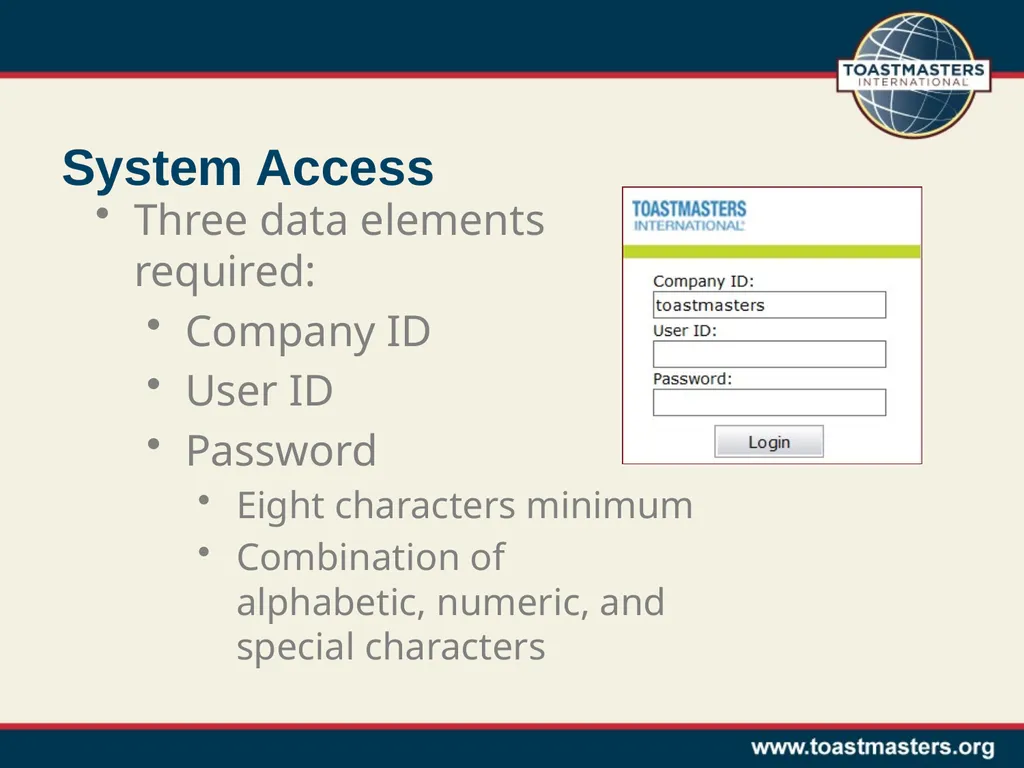
System Access Three data elements required:
Company ID
User ID
Password
Eight characters minimum
Combination of alphabetic, numeric, and special characters<br>
04
Terminology: Applications An Intacct application or module is a collection of features grouped as a unit
Examples of applications/modules:
Accounts Receivable
Accounts Payable
Cash Management
General Ledger
Company
Reports<br>
05
Application Navigation Two ways to navigate an application
Application Menu
Application Overview<br>
06
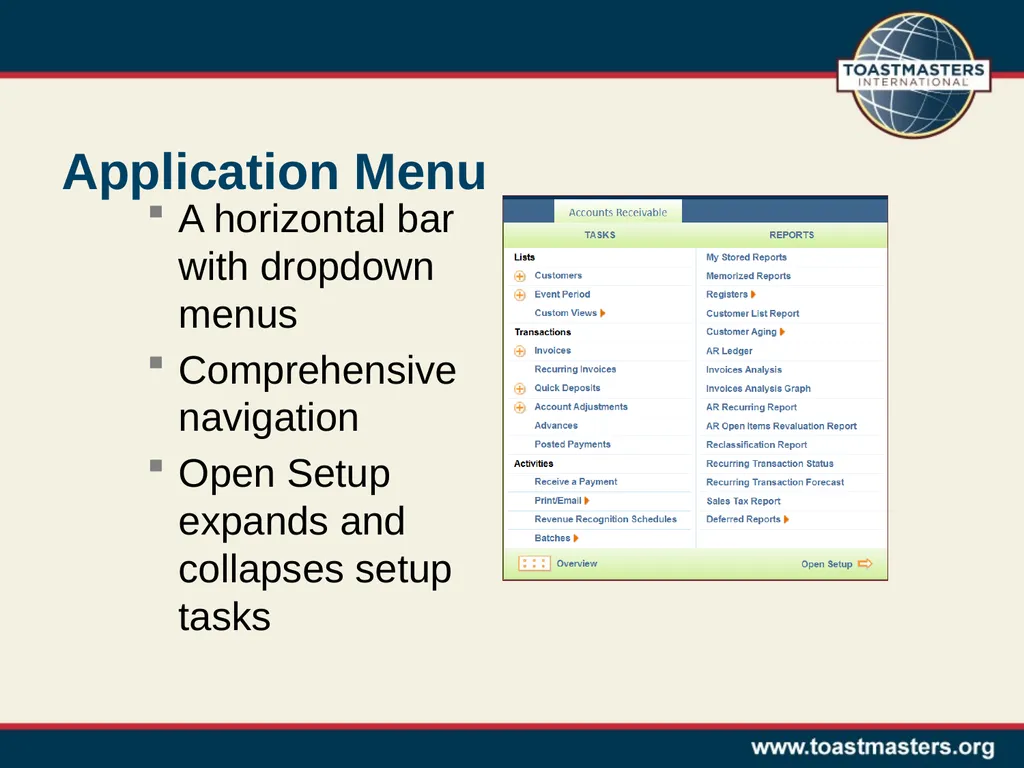
Application Menu A horizontal bar with dropdown menus
Comprehensive navigation
Open Setup expands and collapses setup tasks<br>
07
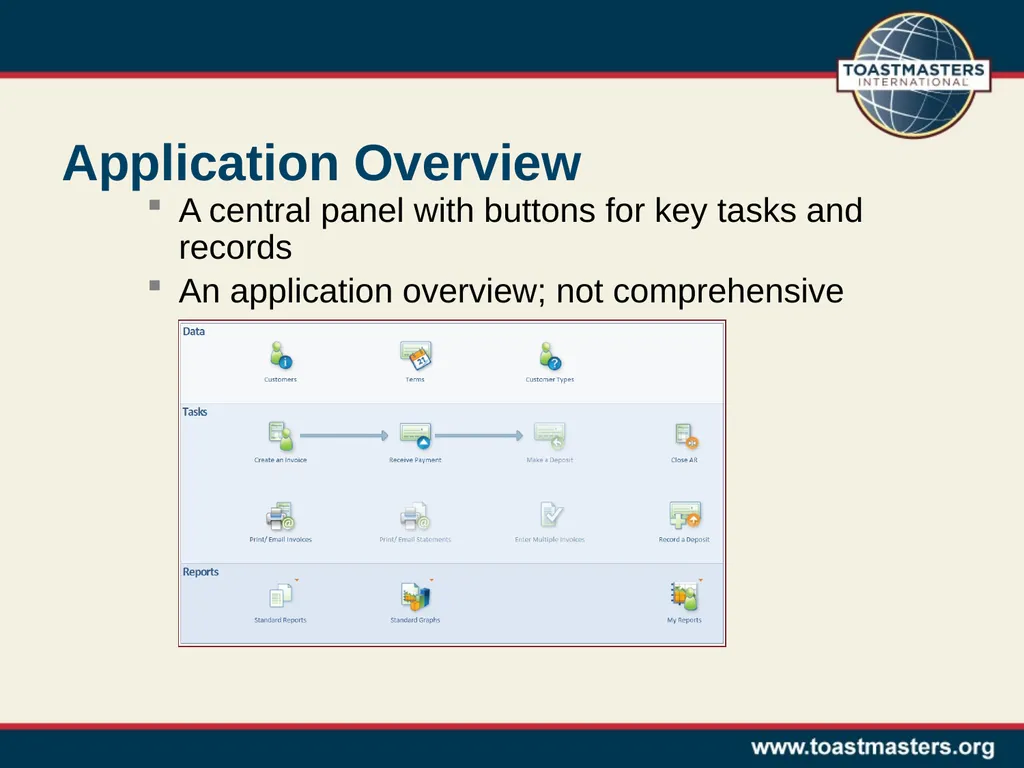
Application Overview A central panel with buttons for key tasks and records
An application overview; not comprehensive<br>
08
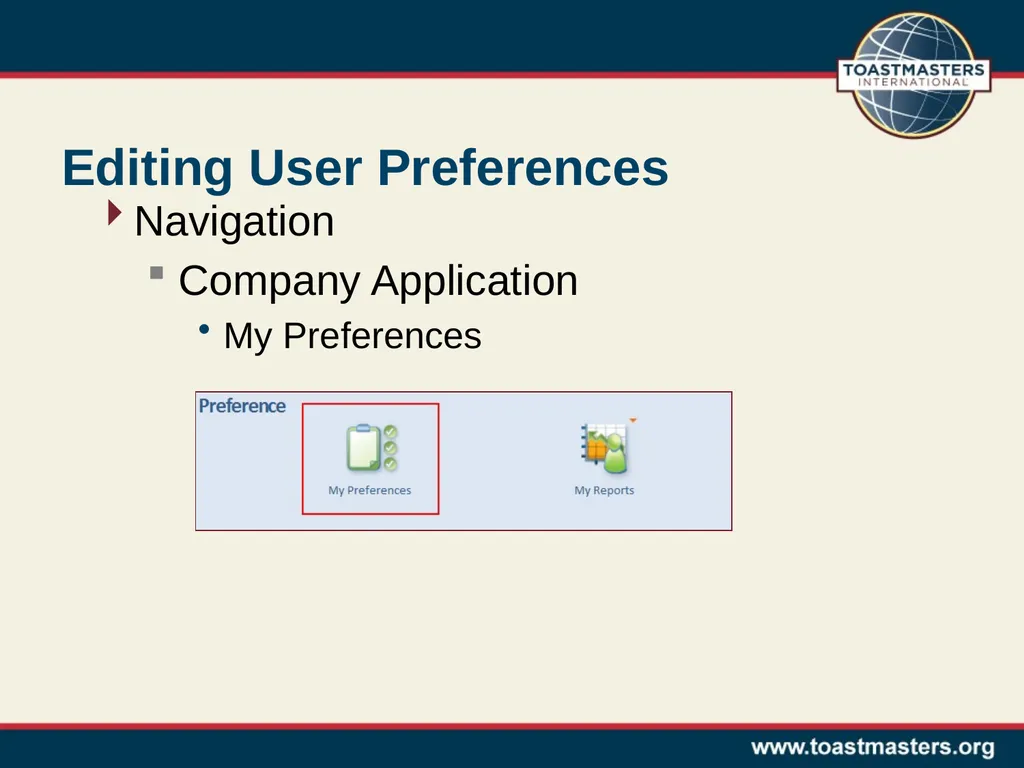
Editing User Preferences Navigation
Company Application
My Preferences<br>
09
System Demonstration Log into the system
Edit time zone and date / time formats
Create a bookmark<br>
10
Terminology: Dimensions A dimension is a tag that is used to organize and categorize data in Intacct
Available Dimensions
Account labels
Reporting codes
Cost centers
Event periods
Items
District order flag<br>
11
Account Labels The account label (GL Account) is the primary category used for revenue and expenses
Different lists for AP (expenses) and AR (revenue)
Examples of AP Account Labels:
advertising expense
educational materials
Examples of AR Account Labels:
donation revenue
registration and ticket revenue<br>
12
Account Labels The account label (GL Account) is the primary category used for revenue and expenses
Different lists for AP (expenses) and AR (revenue)
Examples of AP Account Labels:
advertising expense
educational materials
Examples of AR Account Labels:
donation revenue
registration and ticket revenue<br>
13
Reporting Code The reporting code groups GL accounts into Toastmasters reporting categories
Used for all transactions
Examples of reporting codes
Conferences
Marketing
Travel<br>
14
Cost Center The cost center associates data to a specific Toastmasters district
Used for all transactions
Can be overridden to other organization levels within a district
Examples of cost centers
District (default)
Area
Division
International Convention<br>
15
Event Period For revenue and expenses associated to events, event period is used to capture the month of the event
Used only in conjunction with the following reporting codes:
Conferences
Fundraising
TLI
Speech Contests
Examples of Event Periods
November 2011
December 2011
January 2012<br>
16
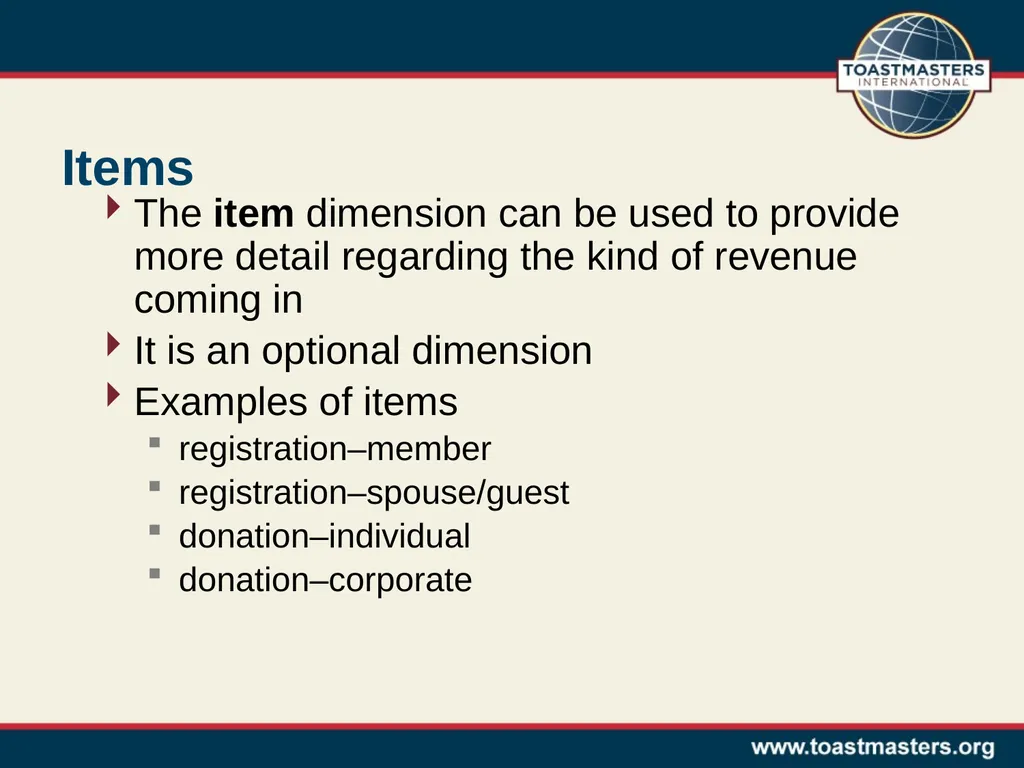
Items The item dimension can be used to provide more detail regarding the kind of revenue coming in
It is an optional dimension
Examples of items
registration–member
registration–spouse/guest
donation–individual
donation–corporate<br>
17
District Order Flag The district order flag indicates whether or not an expense is a district order
Used for all expenses
Only two options (Yes / No)<br>
18
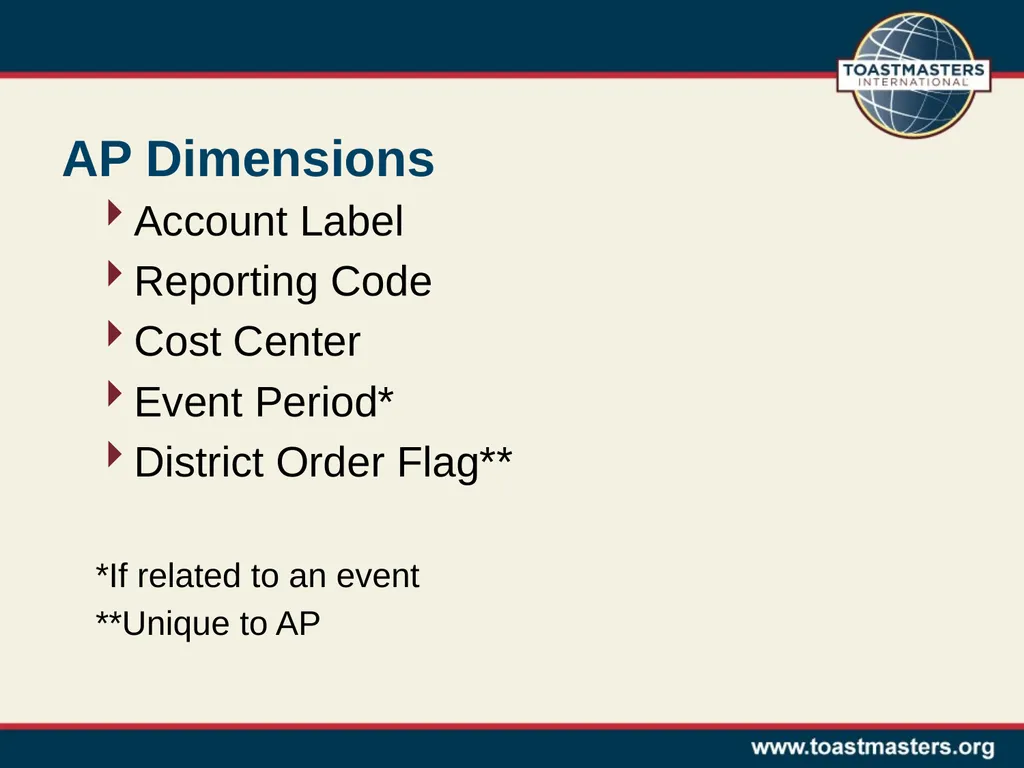
AP Dimensions Account Label
Reporting Code
Cost Center
Event Period*
District Order Flag**
*If related to an event
**Unique to AP<br>
19
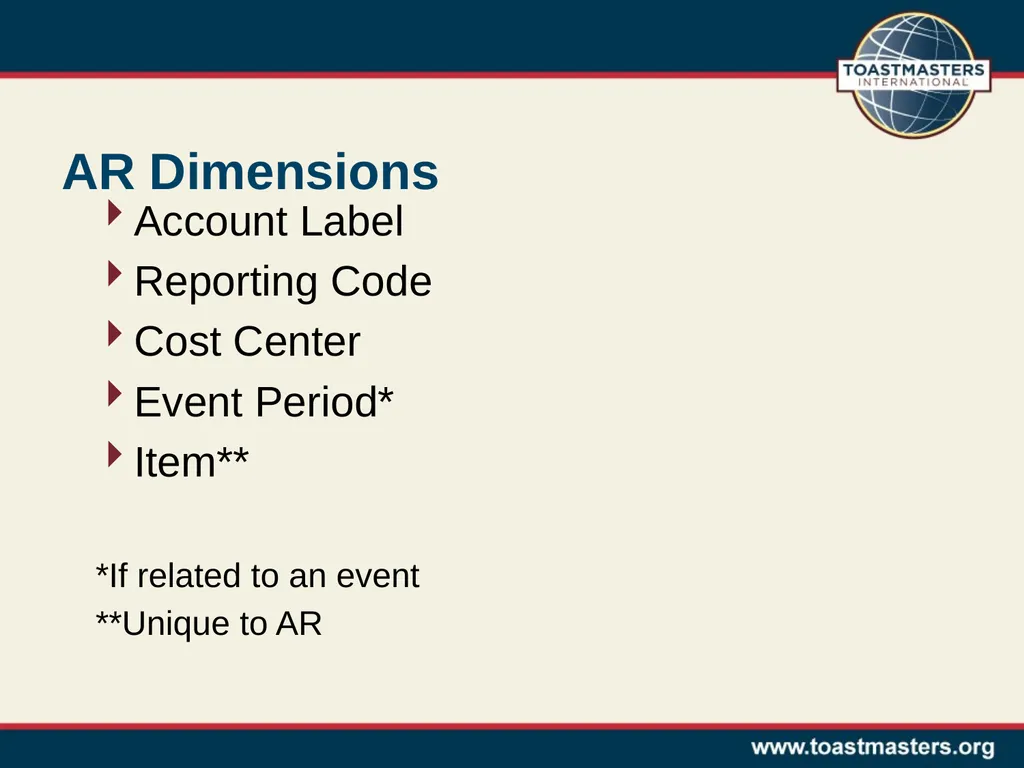
AR Dimensions Account Label
Reporting Code
Cost Center
Event Period*
Item**
*If related to an event
**Unique to AR<br>
20
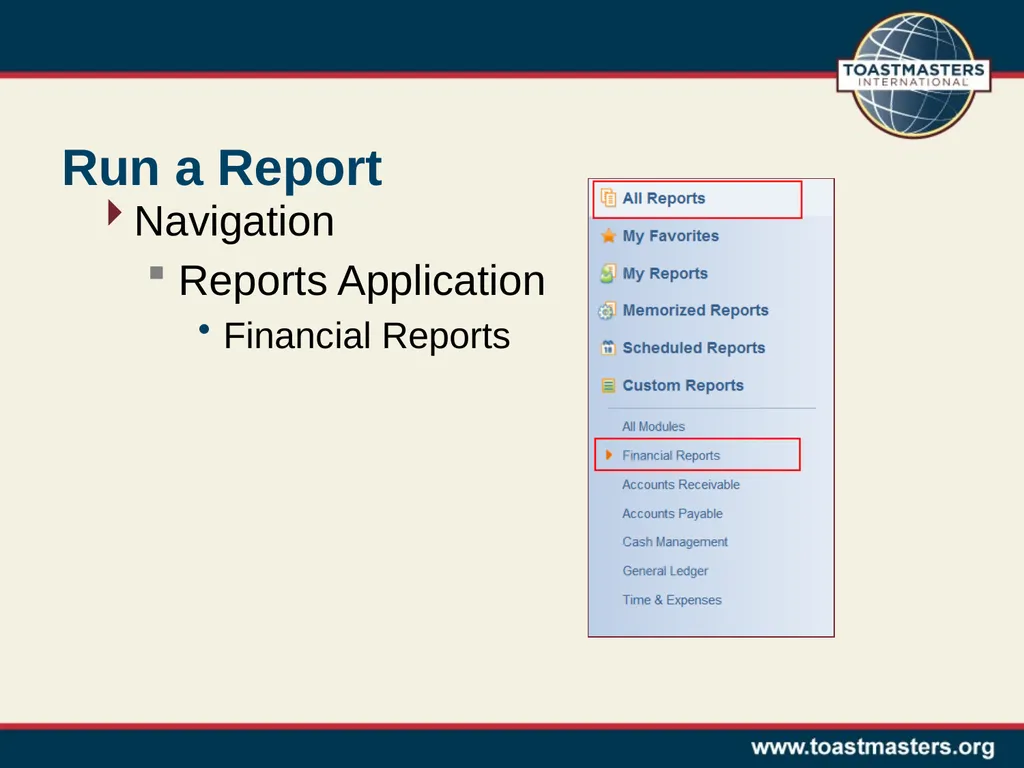
Run a Report Navigation
Reports Application
Financial Reports<br>
21
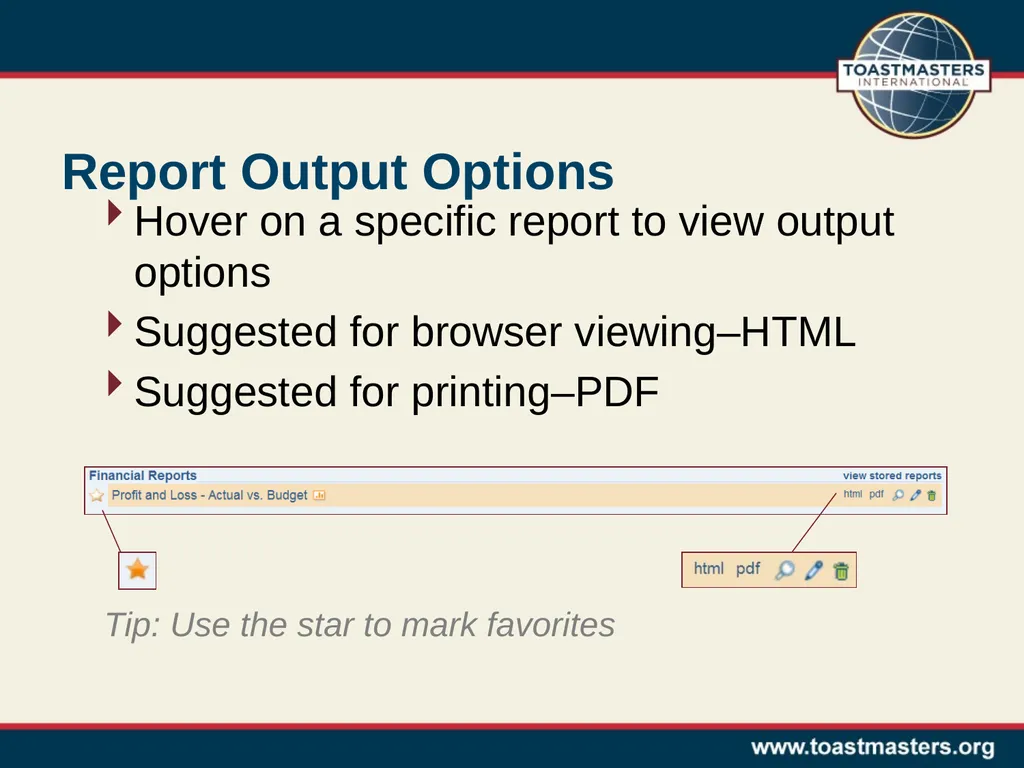
Report Output Options Hover on a specific report to view output options
Suggested for browser viewing–HTML
Suggested for printing–PDF Tip: Use the star to mark favorites<br>
22
Report Controls Filters
As of date
Dimensions
Print
Converts report to PDF format
Email
Opens dialog for report distribution<br>
23
System Demonstration report outputs
report controls
actual vs. budget reports
summary
sub-dimension detail
dashboard
general ledger report
trial balance report<br>
24
Resources District Finance Corner website: http://www.toastmasters.org/financecorner
On this site you will find the following:
The district accounting system user guide
http://www.toastmasters.org/userguide
The recordings of the district accounting software training webinars
http://www.toastmasters.org/accountingsoftwarewebinars
The Annual Budget Template
http://www.toastmasters.org/AnnualBudgetTemplate
Or email / call your questions to:
districtfinancialreports@toastmasters.org | 949-858-8255, ext. 410<br>