Using the PowerPoint template This template was designed to provide a starting point for applicants wishing to use PowerPoint as their certification application format. A slide for each of the mandatory elements is included, followed by
"Using the PowerPoint template This template was" is the property of its rightful owner. Permission is granted to
download and print the materials on this website for personal, non-commercial use only, and to display it
on your personal computer provided you do not modify the materials and that you retain all copyright
notices contained in the materials. By downloading content from our website, you accept the terms of this
agreement.
Presentation Transcript
01
Using the PowerPoint template
This template was designed to provide a starting point for applicants wishing to use PowerPoint as their certification application format.
A slide for each of the mandatory elements is included, followed by evidence set and individual artefacts sections. The number of slides in each section should be adjusted to suit the amount of evidence in your application.
You may choose to include all your documents and artefacts of evidence in the slide deck or alternatively, include some items separately in your zip file submission.
Hyperlinks may be included for navigation within the slide deck (for example, to the index of artefacts), but no links to external sources are to be included, including to websites or SharePoint.
Slides and sections should be formatted, edited and designed to suit the specifics of your application, including adding and removing slides as required.<br>
02
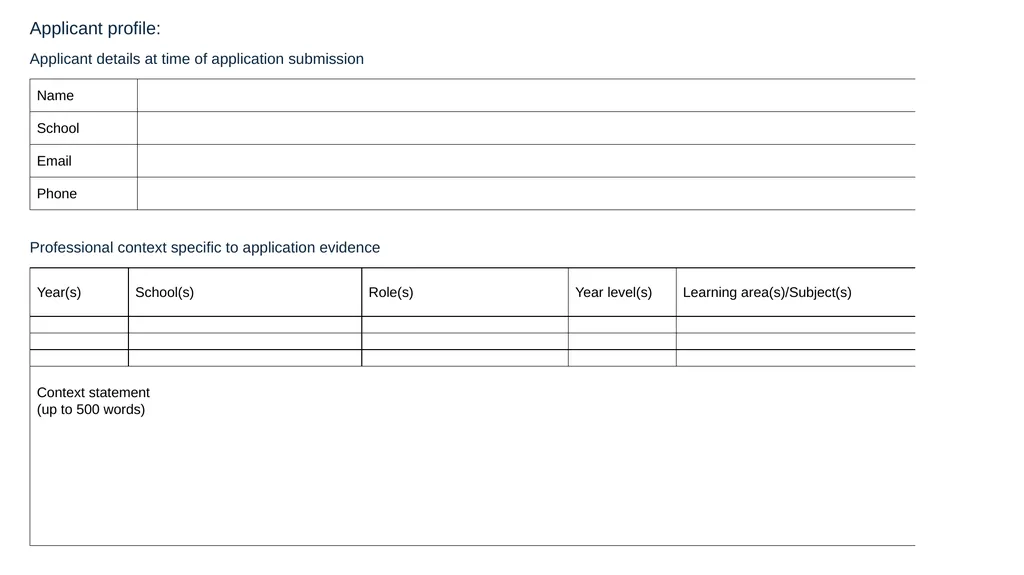
Application for Highly Accomplished/Lead teacher certification Name
School<br>
03
Index of artefacts<br>
04
EvidenceMapHatLtCertification.pdf<br>
05
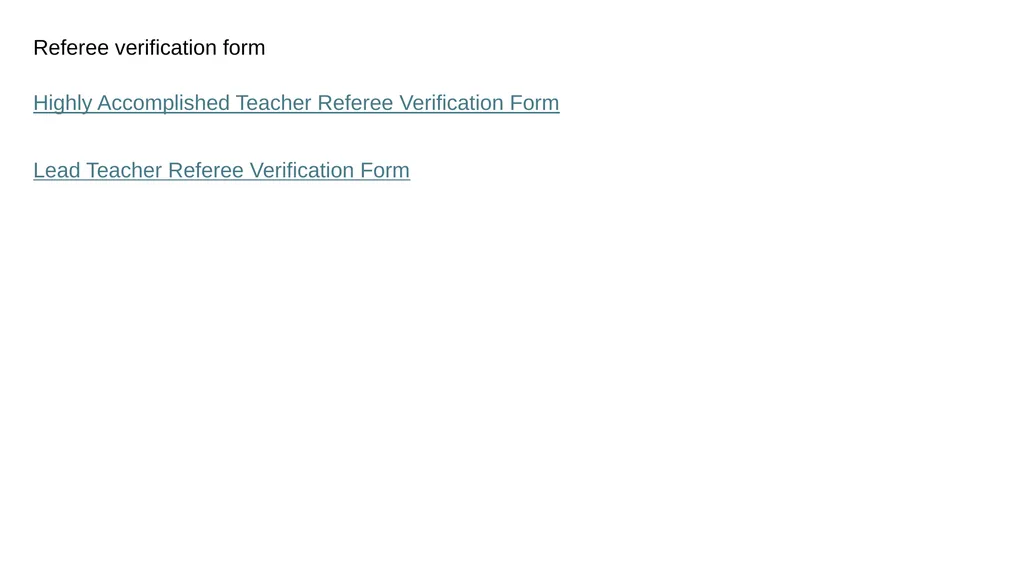
Referee verification form Highly Accomplished Teacher Referee Verification Form
Lead Teacher Referee Verification Form<br>
06
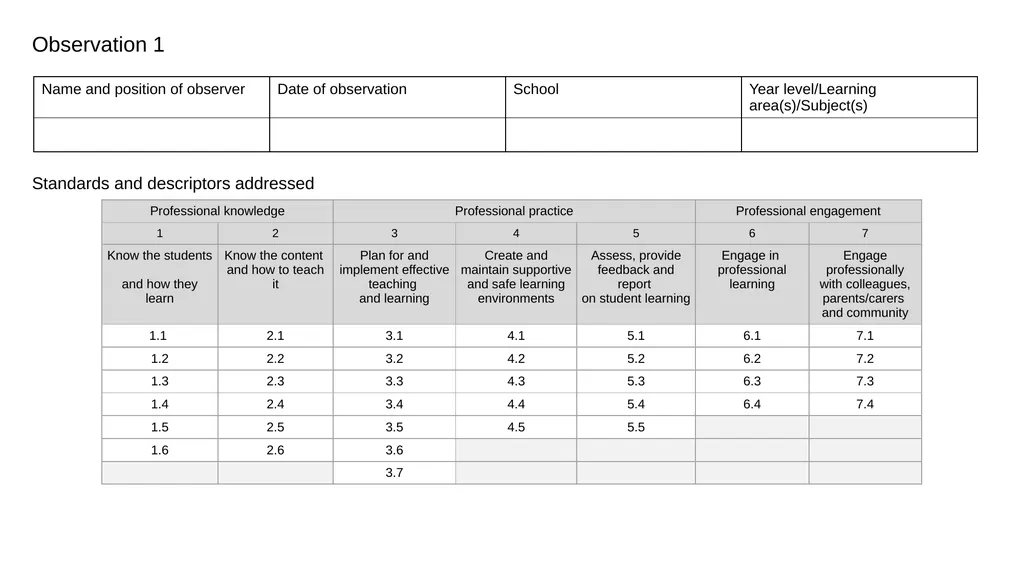
Observation 1 Standards and descriptors addressed<br>
07
Observation 1 report<br>
08
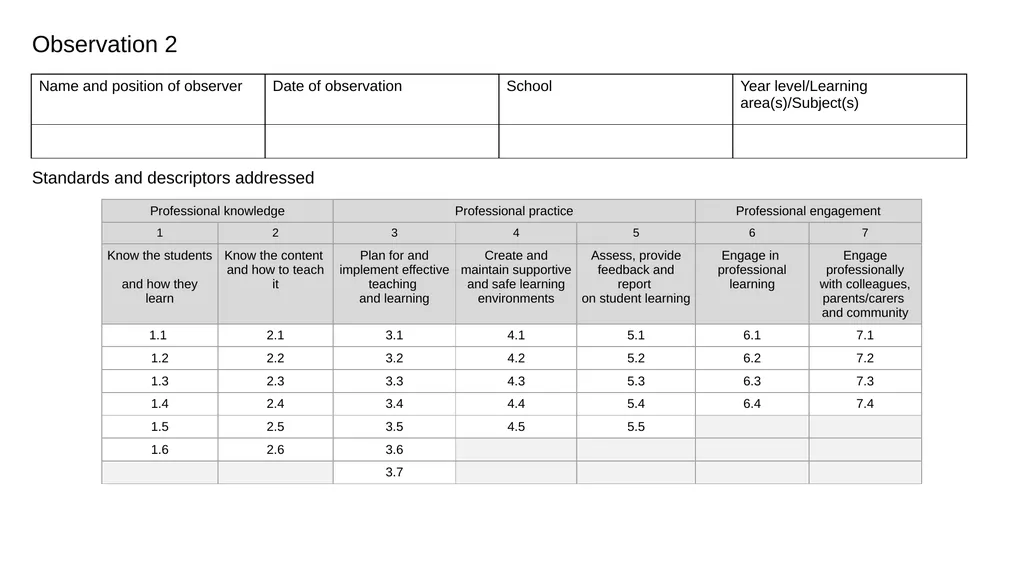
Observation 2 Standards and descriptors addressed<br>
09
Observation 2 report<br>
10
Pathways certificate (optional inclusion for program participants)<br>
11
APST feedback response (optional inclusion for program participants)<br>
12
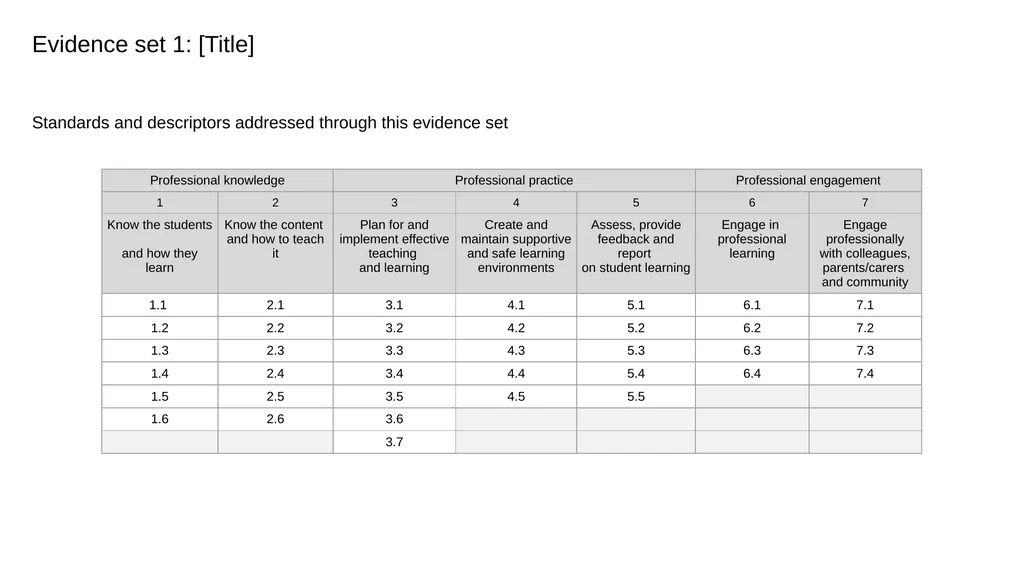
Evidence set 1: [Title] Standards and descriptors addressed through this evidence set<br>
13
Evidence set 1: [Title] [Annotation to support this evidence set]<br>
14
Artefact [1a]: Title <insert artefact and annotation (if required) here><br>
15
Artefact [1b]: Title <insert artefact and annotation (if required) here><br>
16
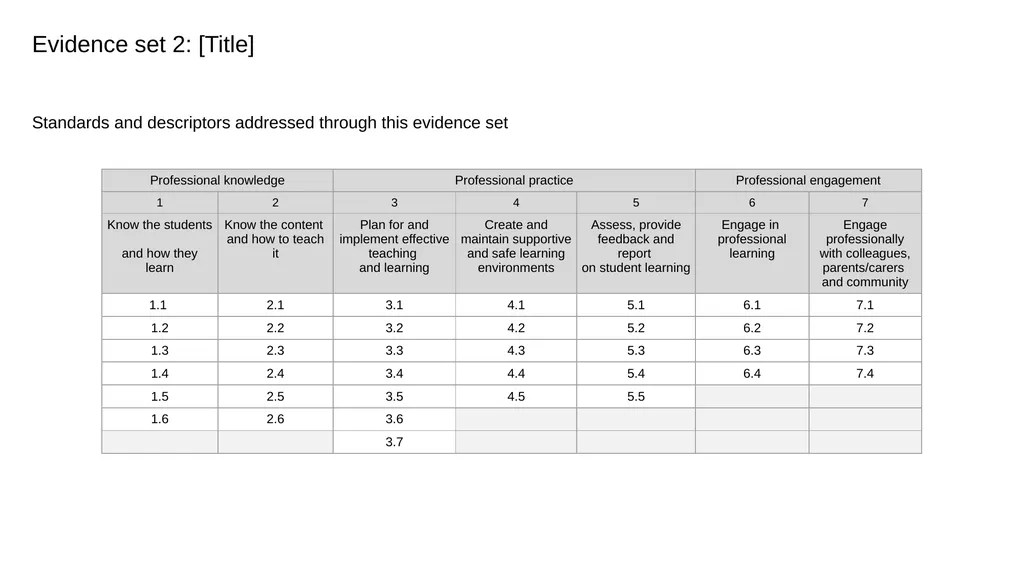
Evidence set 2: [Title] Standards and descriptors addressed through this evidence set<br>
17
Evidence set 2: [Title] [Annotation to support this evidence set]<br>
18
Artefact [2a]: Title <insert artefact and annotation (if required) here><br>
19
Artefact [2b]: Title <insert artefact and annotation (if required) here><br>
20
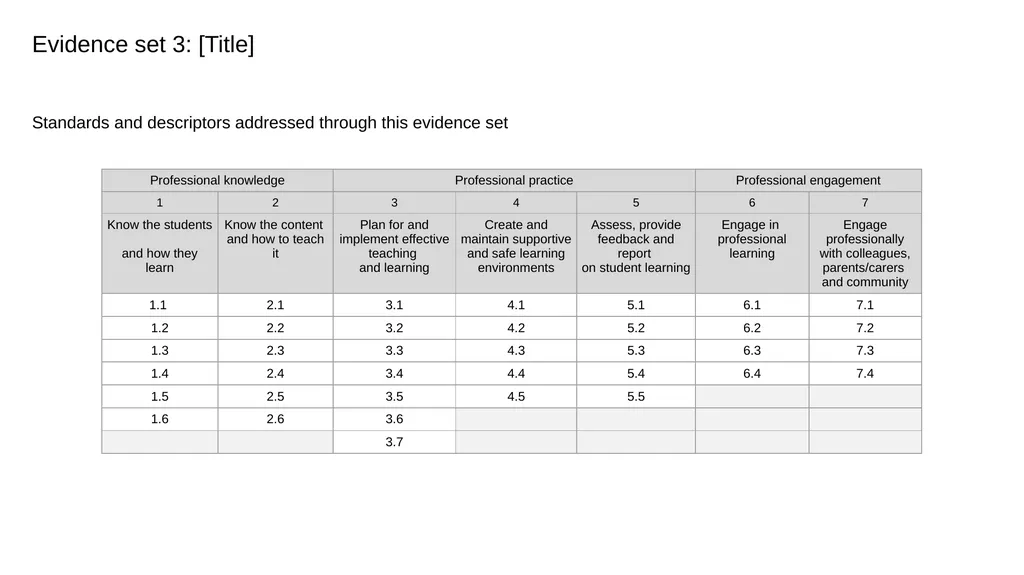
Evidence set 3: [Title] Standards and descriptors addressed through this evidence set<br>
21
Evidence set 3: [Title] [Annotation to support this evidence set]<br>
22
Artefact [3a]: Title <insert artefact and annotation (if required) here><br>
23
Artefact [3b]: Title <insert artefact and annotation (if required) here><br>
24
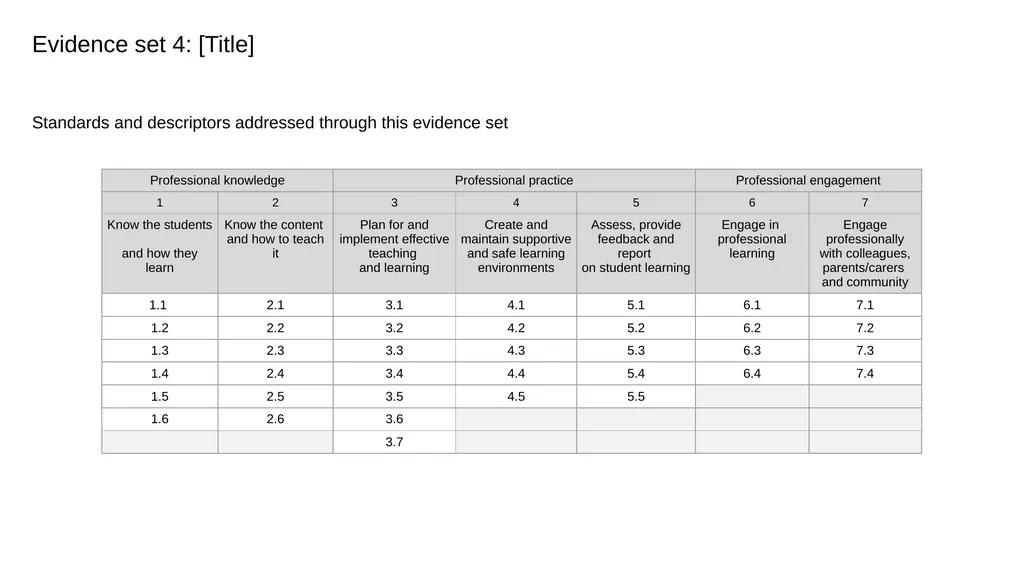
Evidence set 4: [Title] Standards and descriptors addressed through this evidence set<br>
25
Evidence set 4: [Title] [Annotation to support this evidence set]<br>
26
Artefact [4a]: Title <insert artefact and annotation (if required) here><br>
27
Artefact [4b]: Title <insert artefact and annotation (if required) here><br>