Welcome to Libraries Transform Campaign Toolkit Webinar Audio Set-up Wizard Go to the Menu section in the top tool bar, click on Meeting, and select Audio Set-up Wizard to test your sound. This will take you through a series of
Related Topics
Share
Embed code
Download this presentation From Below
"Welcome to “Libraries Transform Campaign Toolkit" is the property of its rightful owner. Permission is granted to
download and print the materials on this website for personal, non-commercial use only, and to display it
on your personal computer provided you do not modify the materials and that you retain all copyright
notices contained in the materials. By downloading content from our website, you accept the terms of this
agreement.
Presentation Transcript
01
Welcome to “Libraries Transform Campaign Toolkit Webinar”
Audio Set-up Wizard
Go to the “Menu” section in the top tool bar, click on Meeting, and select “Audio Set-up Wizard” to test your sound. This will take you through a series of prompts that you should follow to make sure your sound is working correctly.
Participants
Session participants are listed in the first pod on the right-hand side of your screen. You should see yourself as a participant.
Chat
The chat box is the second pod on the right of your screen; this can be used for communicating with webinar participants by typing into the bottom field and selecting the “send” button that looks like a cartoon dialogue box.
Connection Status
Left click the green vertical bar in the upper right-hand corner just once. Wait a few seconds for your connection status to appear. If your status indicates you have a bad connection, the problem is on your site, not on ALA’s. 1<br>
02
State Chapters Toolkit Webinar<br>
03
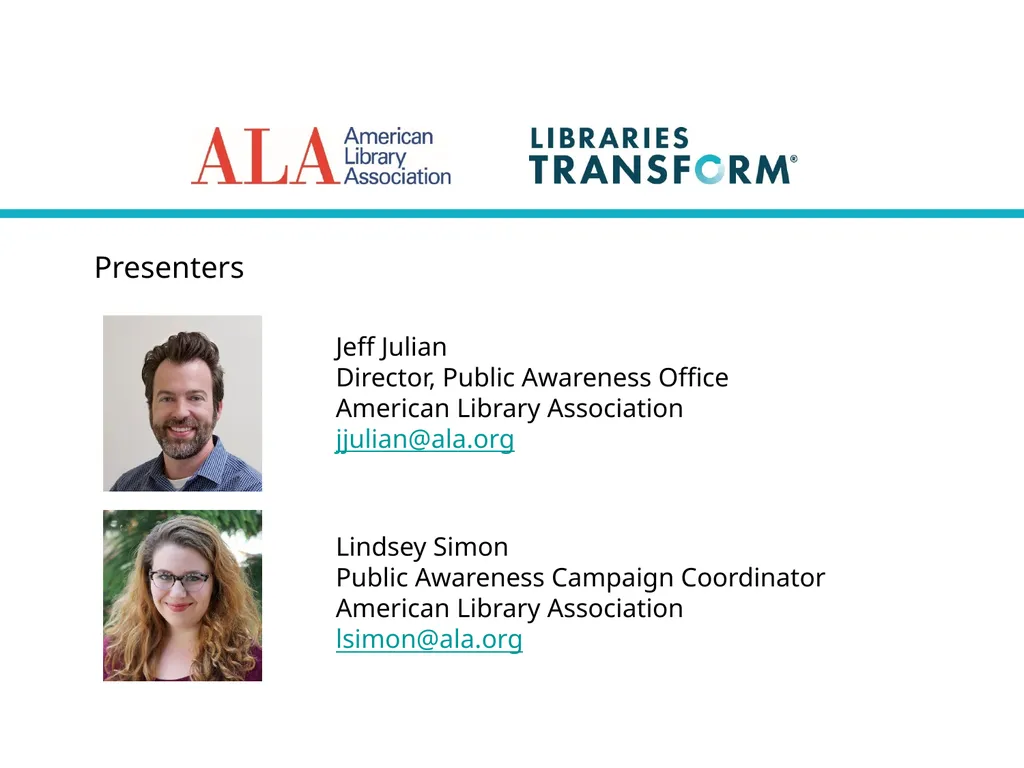
Presenters Jeff Julian
Director, Public Awareness Office
American Library Association
jjulian@ala.org Lindsey Simon
Public Awareness Campaign Coordinator
American Library Association
lsimon@ala.org<br>
04
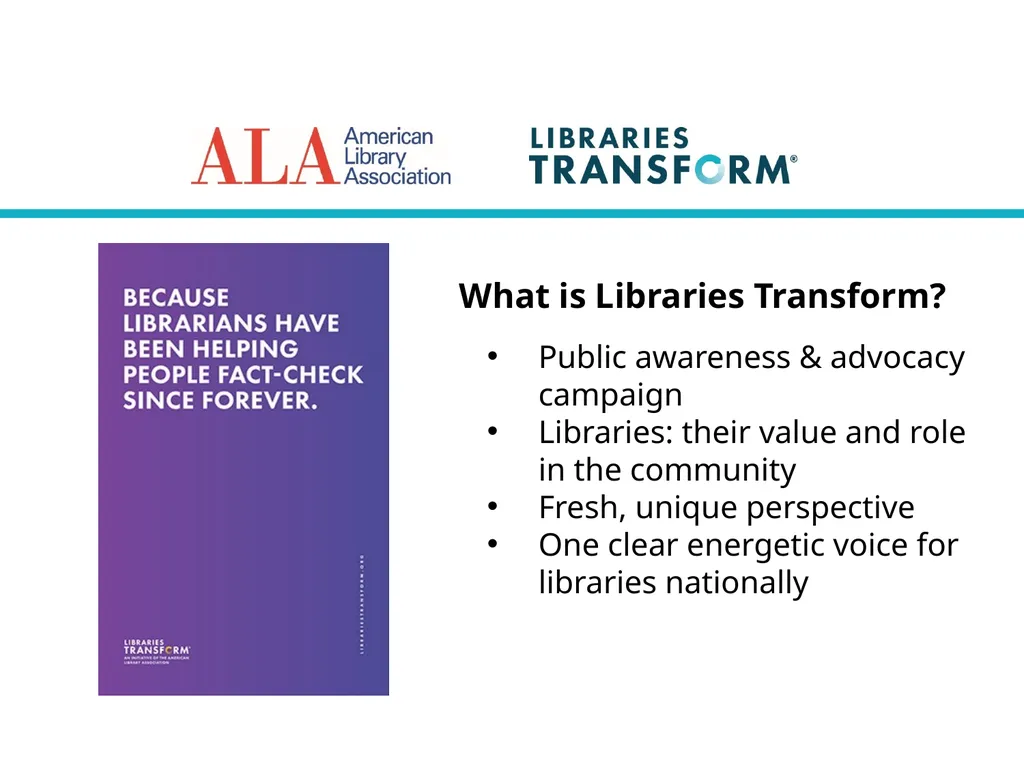
What is Libraries Transform? Public awareness & advocacy campaign
Libraries: their value and role in the community
Fresh, unique perspective
One clear energetic voice for libraries nationally<br>
05
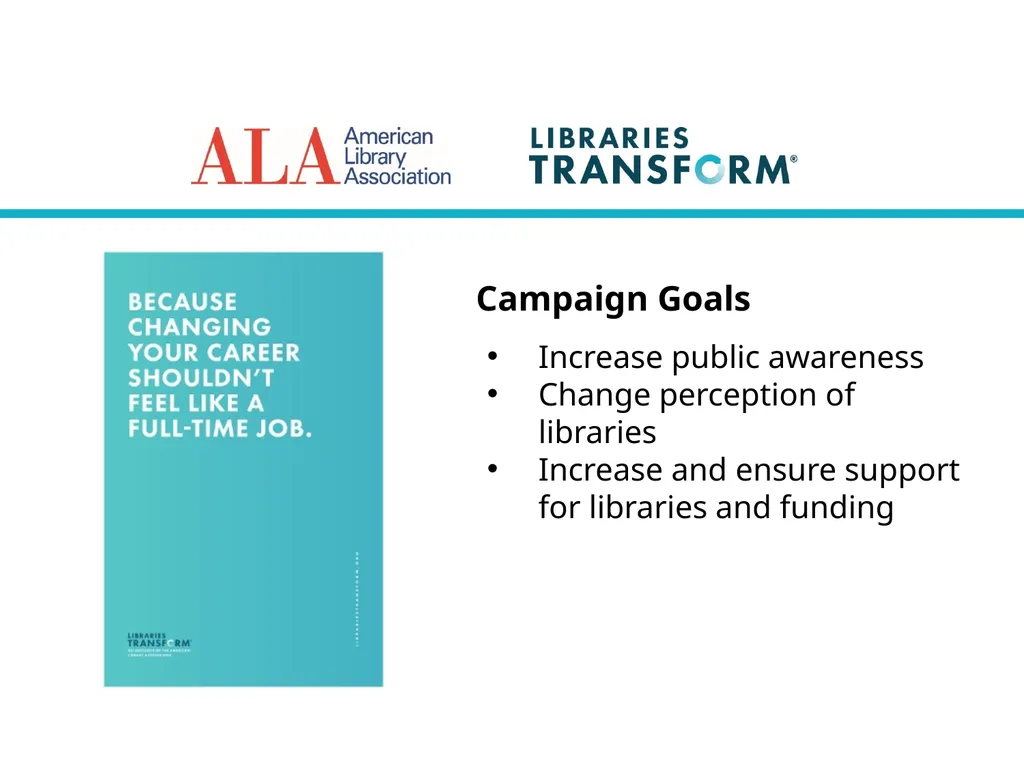
Campaign Goals Increase public awareness
Change perception of libraries
Increase and ensure support for libraries and funding<br>
06
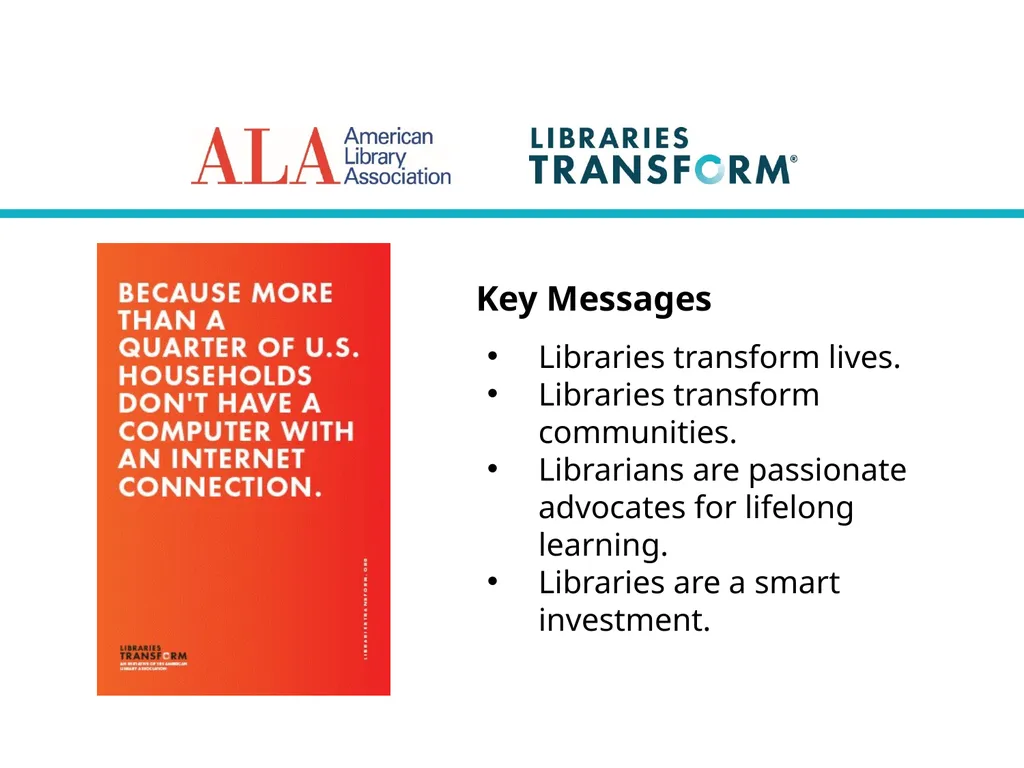
Key Messages Libraries transform lives.
Libraries transform communities.
Librarians are passionate advocates for lifelong learning.
Libraries are a smart investment.<br>
07
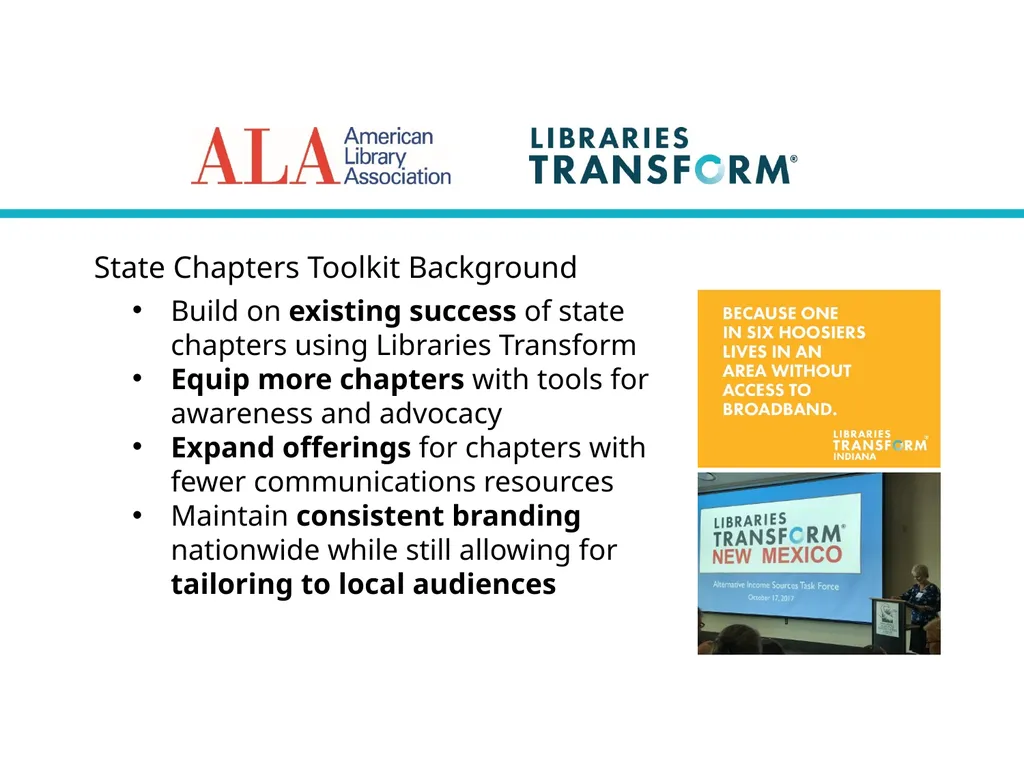
State Chapters Toolkit Background Build on existing success of state chapters using Libraries Transform
Equip more chapters with tools for awareness and advocacy
Expand offerings for chapters with fewer communications resources
Maintain consistent branding nationwide while still allowing for tailoring to local audiences<br>
08
State Chapters Toolkit Team This collaboration has been made possible through the hard work and creativity of several groups:
ALA Chapter Relations Office
ALA Production Services
ALA Public Awareness Office
Joint Subcommittee featuring member leaders from ALA’s Chapter Relations and Public Awareness Committees<br>
09
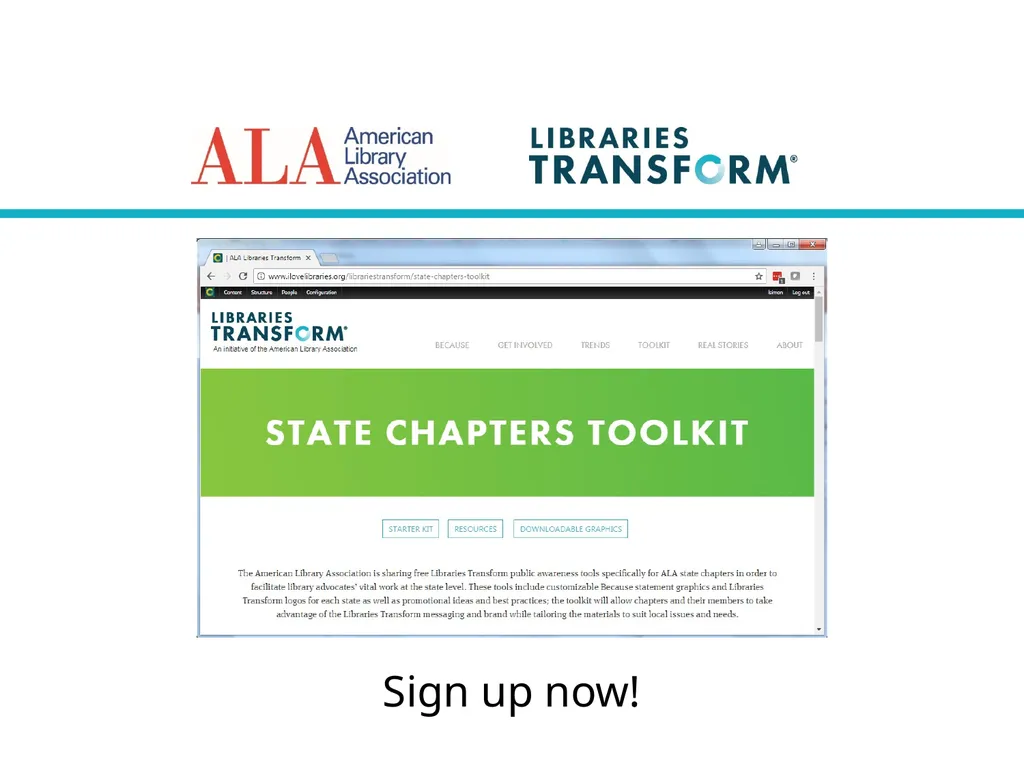
State Chapters Toolkit Overview Libraries Transform logos for every state
A “starter pack” of popular Because statements with space for adding your state’s logo
Editable Because statement templates
Guidelines and ideas for making the most of these materials<br>
10
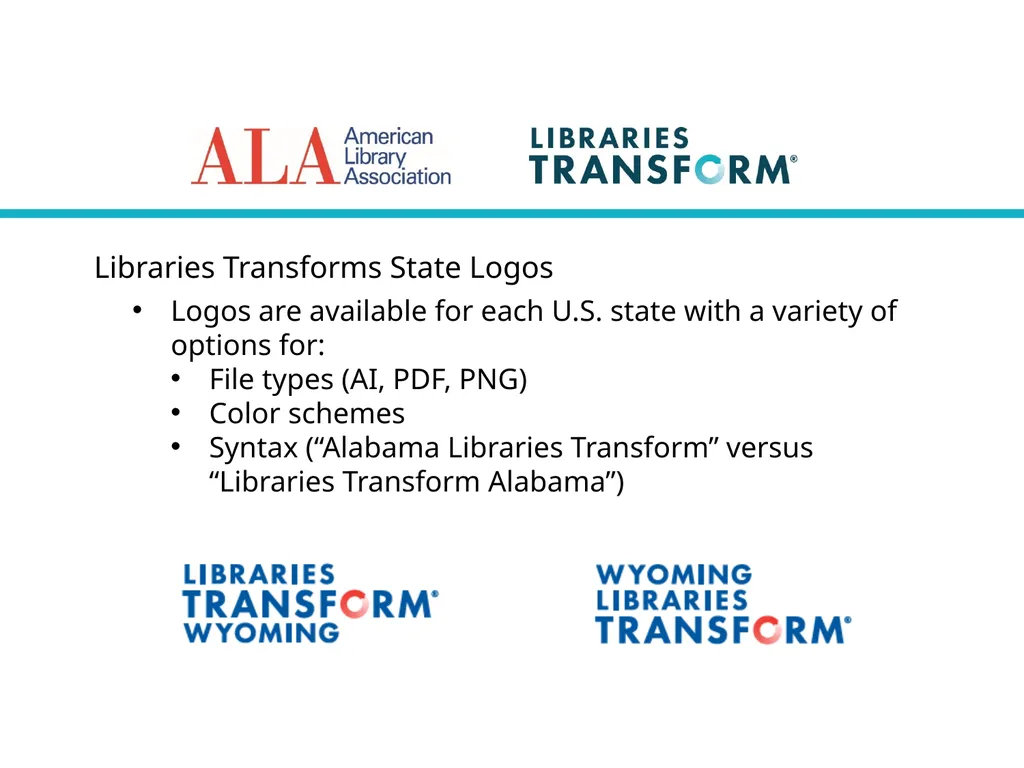
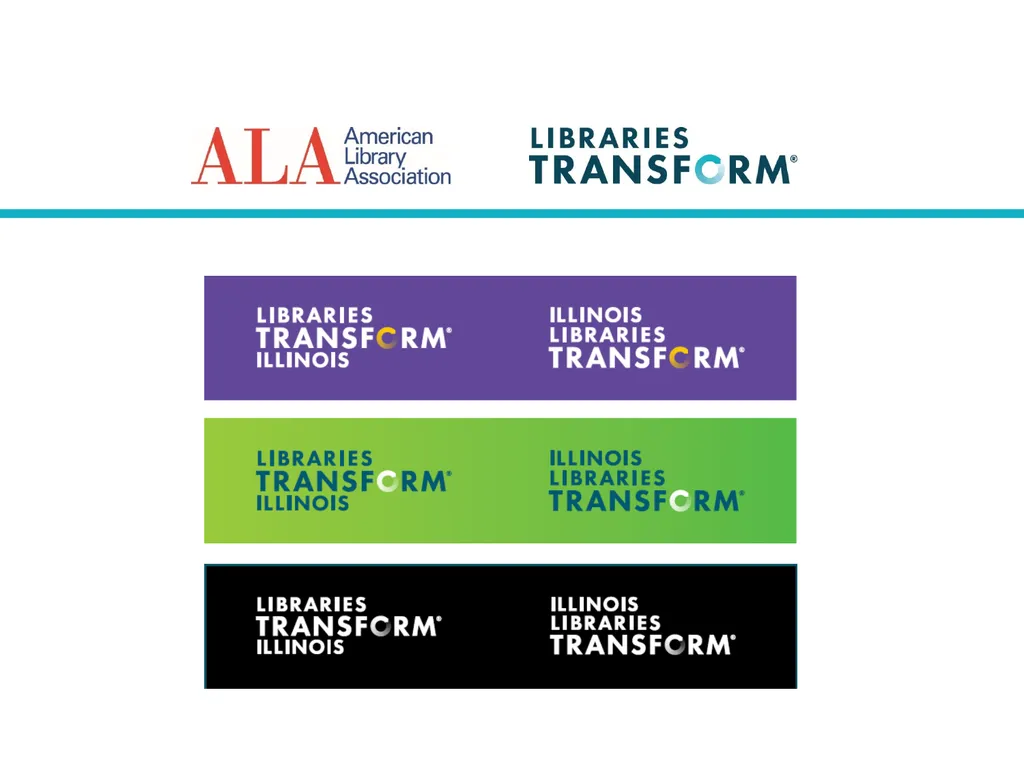
Libraries Transforms State Logos Logos are available for each U.S. state with a variety of options for:
File types (AI, PDF, PNG)
Color schemes
Syntax (“Alabama Libraries Transform” versus “Libraries Transform Alabama”)<br>
11
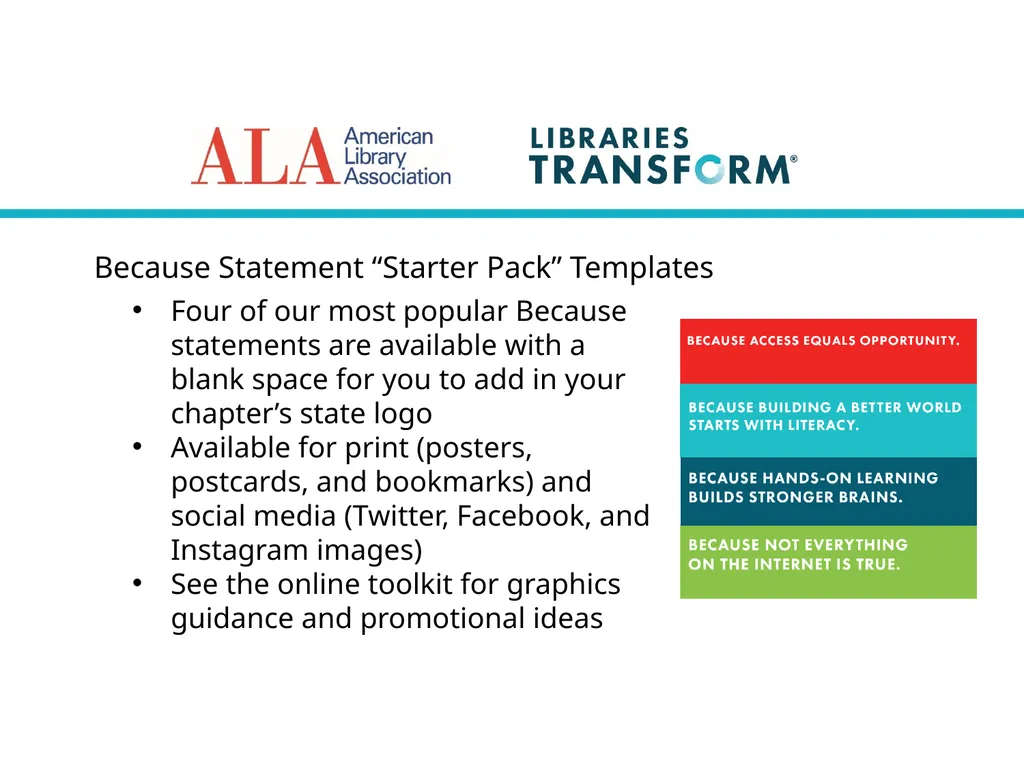
Because Statement “Starter Pack” Templates Four of our most popular Because statements are available with a blank space for you to add in your chapter’s state logo
Available for print (posters, postcards, and bookmarks) and social media (Twitter, Facebook, and Instagram images)
See the online toolkit for graphics guidance and promotional ideas<br>
12
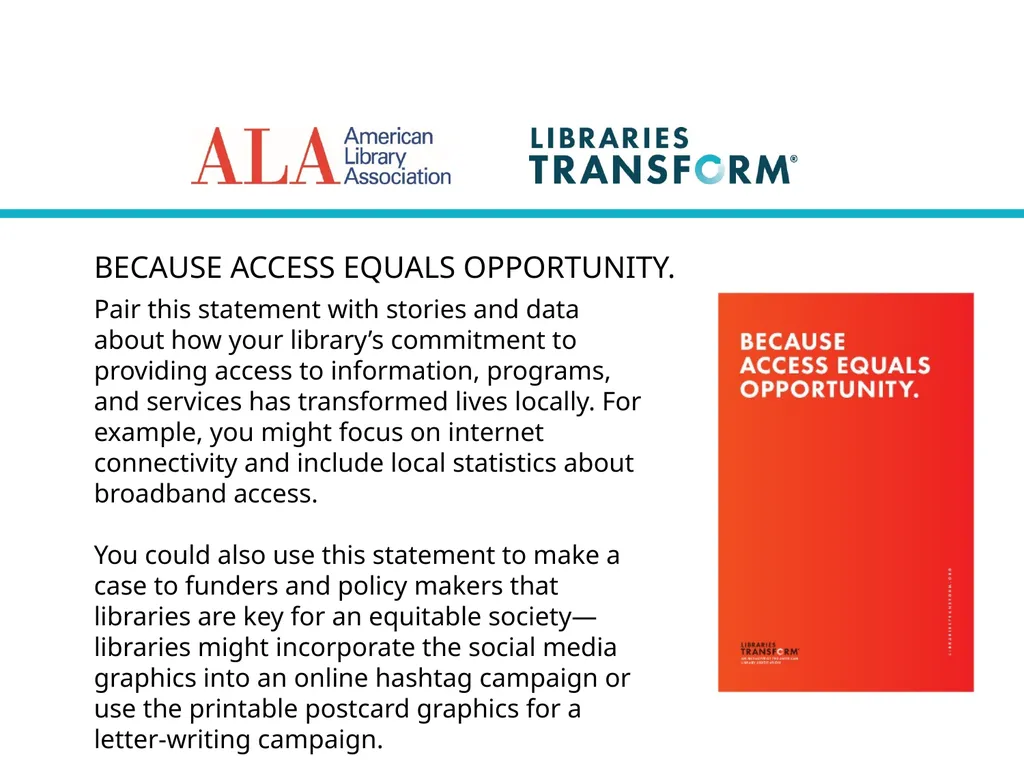
BECAUSE ACCESS EQUALS OPPORTUNITY. Pair this statement with stories and data about how your library’s commitment to providing access to information, programs, and services has transformed lives locally. For example, you might focus on internet connectivity and include local statistics about broadband access.
You could also use this statement to make a case to funders and policy makers that libraries are key for an equitable society—libraries might incorporate the social media graphics into an online hashtag campaign or use the printable postcard graphics for a letter-writing campaign.<br>
13
BECAUSE BUILDING A BETTER WORLD STARTS WITH LITERACY. Use this statement to highlight library literacy efforts for people of all ages, from early childhood programs to adult literacy programming—try incorporating it into a display in your library or put up posters around the community to raise awareness.
You might also pair the statement with data about literacy rates in your community and personal stories about lives being transformed by the power of reading.<br>
14
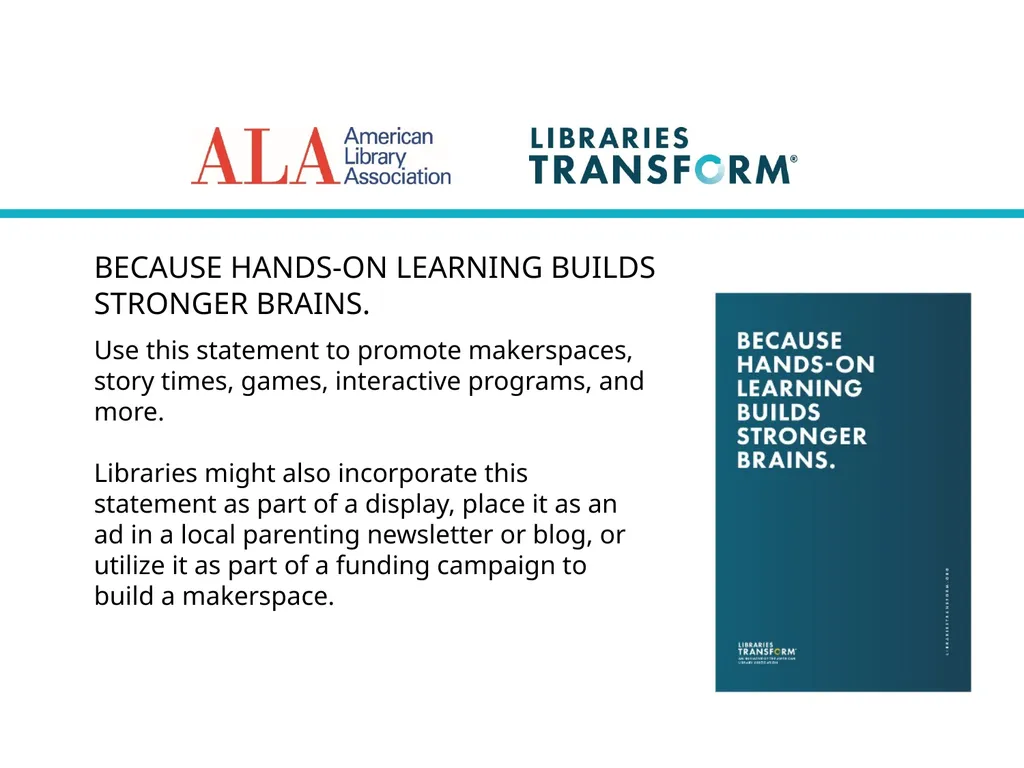
BECAUSE HANDS-ON LEARNING BUILDS STRONGER BRAINS. Use this statement to promote makerspaces, story times, games, interactive programs, and more.
Libraries might also incorporate this statement as part of a display, place it as an ad in a local parenting newsletter or blog, or utilize it as part of a funding campaign to build a makerspace.<br>
15
BECAUSE NOT EVERYTHING ON THE INTERNET IS TRUE. Use on social media, your library’s website, local posters, and more to promote information literacy programming and resources.
School and academic libraries might also use this statement to assert their continued value and necessity in the digital age—particularly paired with data highlighting the public’s critical thinking deficit.<br>
16
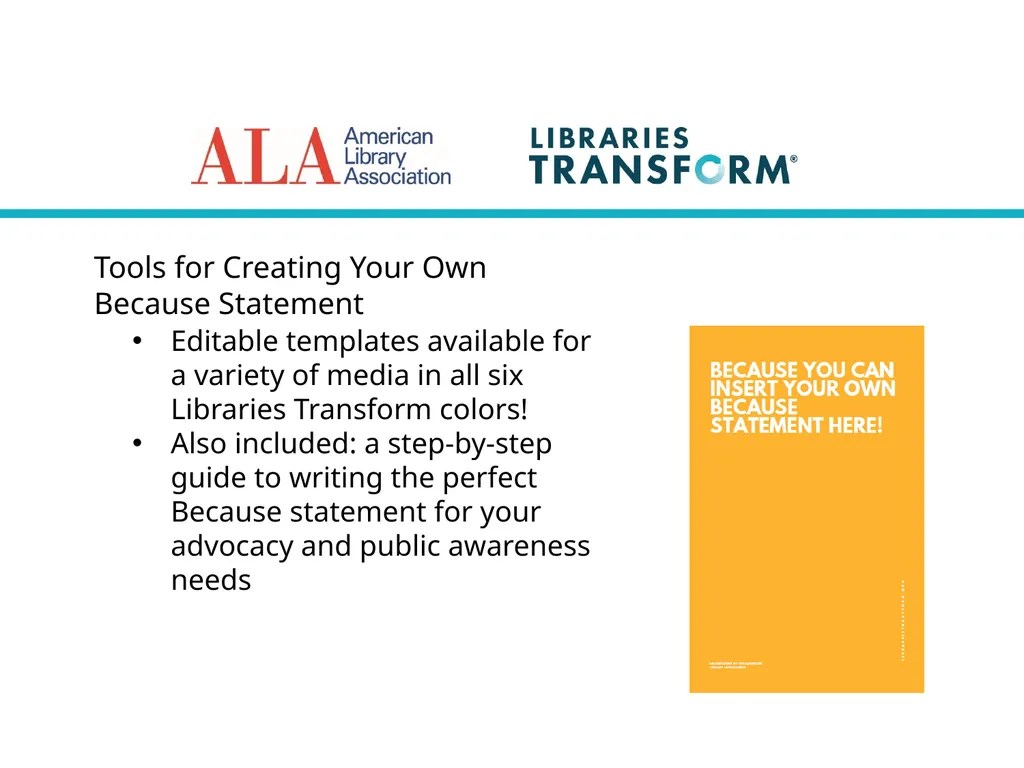
Tools for Creating Your Own
Because Statement Editable templates available for a variety of media in all six Libraries Transform colors!
Also included: a step-by-step guide to writing the perfect Because statement for your advocacy and public awareness needs<br>
17
Creating Your Own Because Statement:
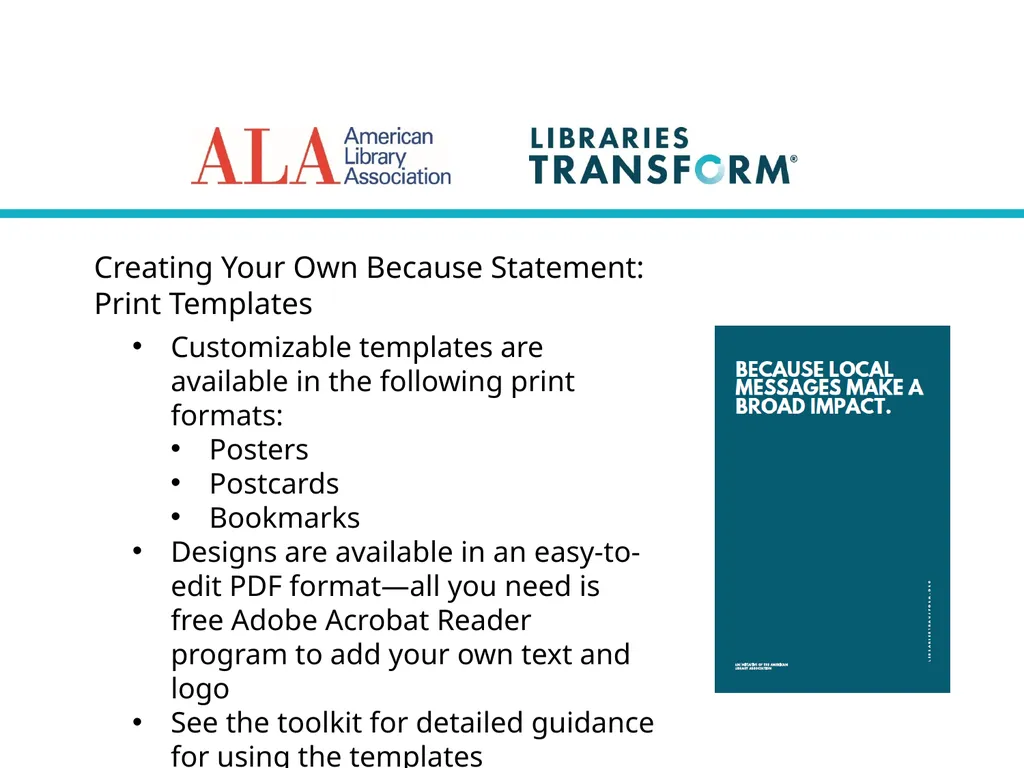
Print Templates Customizable templates are available in the following print formats:
Posters
Postcards
Bookmarks
Designs are available in an easy-to-edit PDF format—all you need is free Adobe Acrobat Reader program to add your own text and logo
See the toolkit for detailed guidance for using the templates<br>
18
Creating Your Own Because Statement:
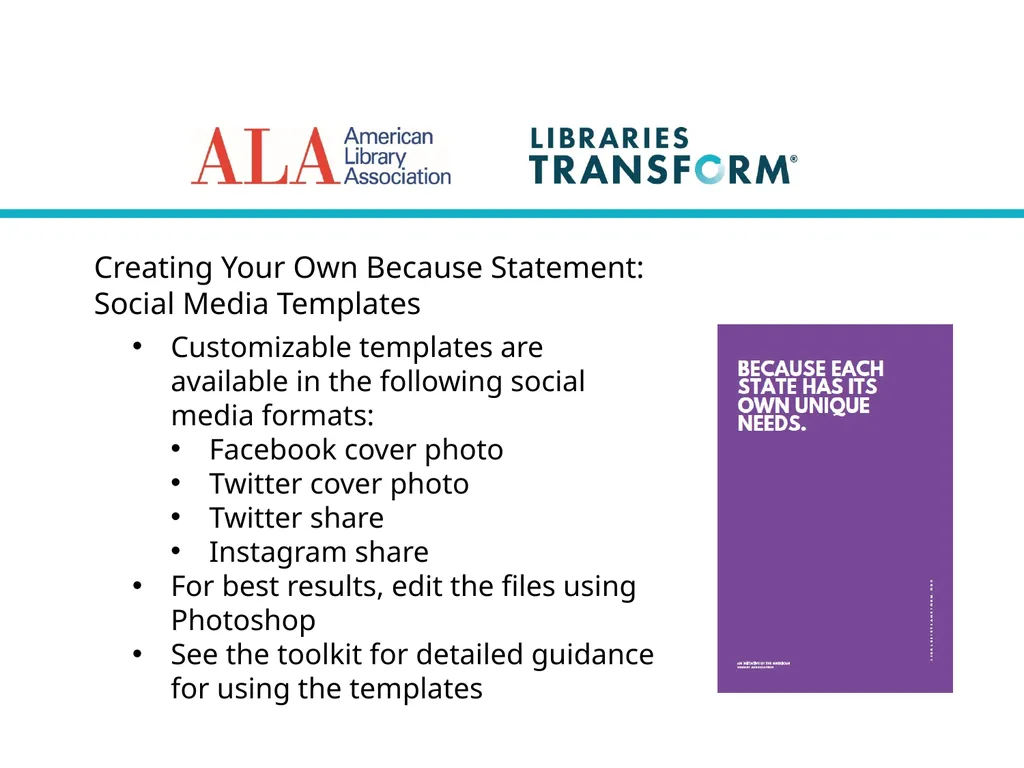
Social Media Templates Customizable templates are available in the following social media formats:
Facebook cover photo
Twitter cover photo
Twitter share
Instagram share
For best results, edit the files using Photoshop
See the toolkit for detailed guidance for using the templates<br>
19
Creating Your Own Because Statement:
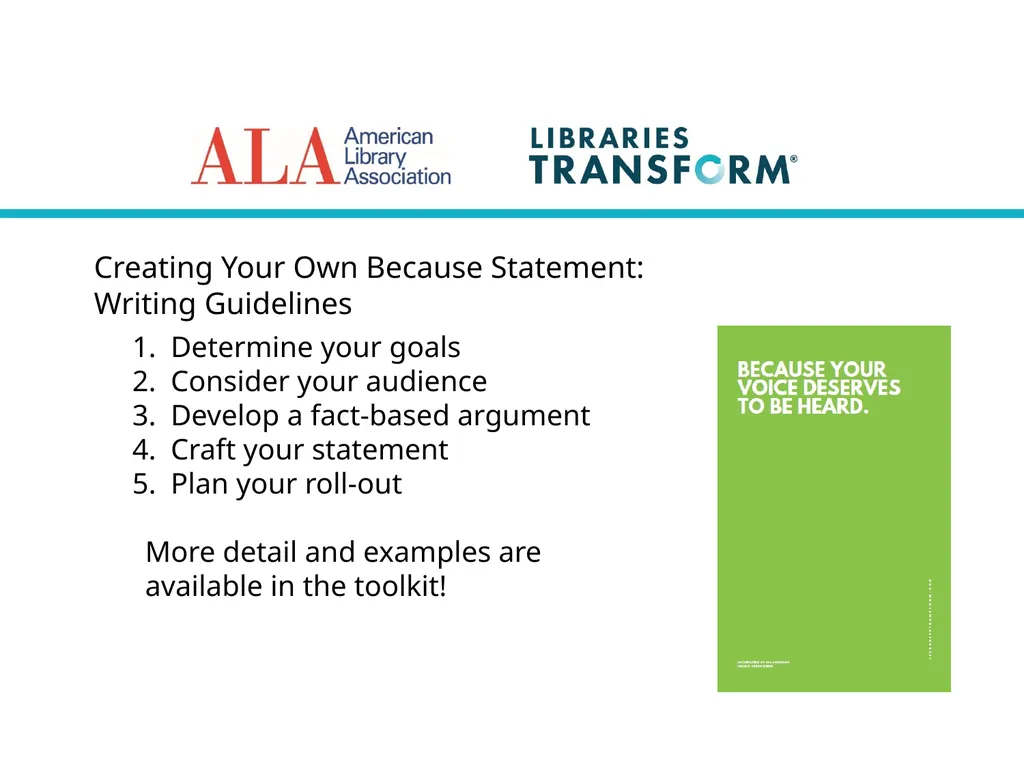
Writing Guidelines Determine your goals
Consider your audience
Develop a fact-based argument
Craft your statement
Plan your roll-out
More detail and examples are available in the toolkit!<br>