Workday Core Financials Project End User Community Update January 14, 2019 Agenda Introduction William Neal, Director, Finance Systems Change Management - Keesha Chavis, Assistant Vice President, Learning and Development Functional Team
"Workday Core Financials Project End User Community" is the property of its rightful owner. Permission is granted to
download and print the materials on this website for personal, non-commercial use only, and to display it
on your personal computer provided you do not modify the materials and that you retain all copyright
notices contained in the materials. By downloading content from our website, you accept the terms of this
agreement.
Presentation Transcript
01
Workday Core Financials Project
End User Community Update
January 14, 2019<br>
02
Agenda
Introduction – William Neal, Director, Finance Systems
Change Management - Keesha Chavis, Assistant Vice President, Learning and Development
Functional Team Updates
Testing
Next Steps - Confirmation Sessions/February
Conclusion - Opportunities to share updates<br>
03
Change Management
Keesha Chavis
Introduction – Change team
Updates by functional areas
Project status
Anticipated changes
Key messages
Benefits<br>
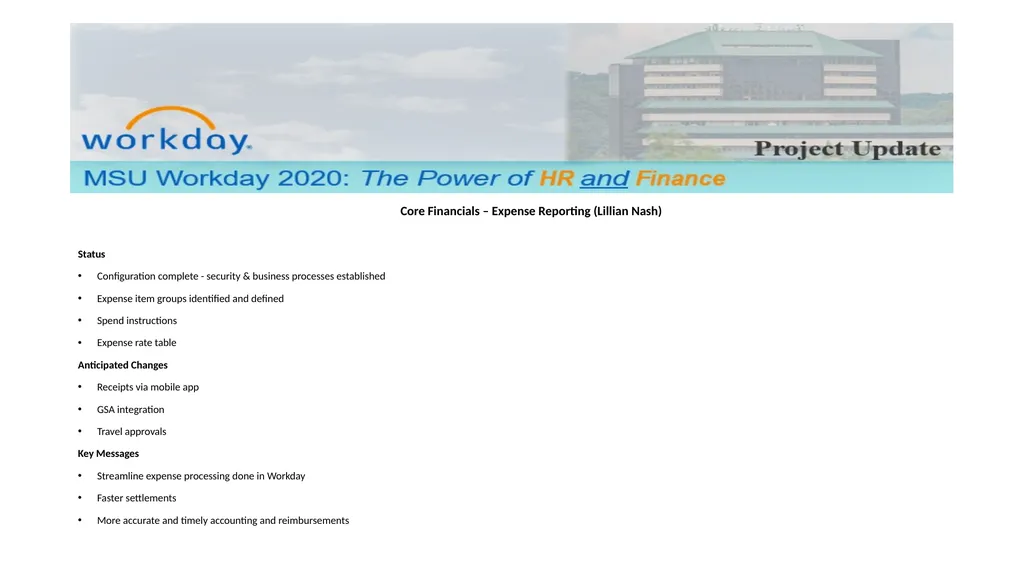
Status
Configuration complete - security & business processes established
Expense item groups identified and defined
Spend instructions
Expense rate table
Anticipated Changes
Receipts via mobile app
GSA integration
Travel approvals
Key Messages
Streamline expense processing done in Workday
Faster settlements
More accurate and timely accounting and reimbursements<br>
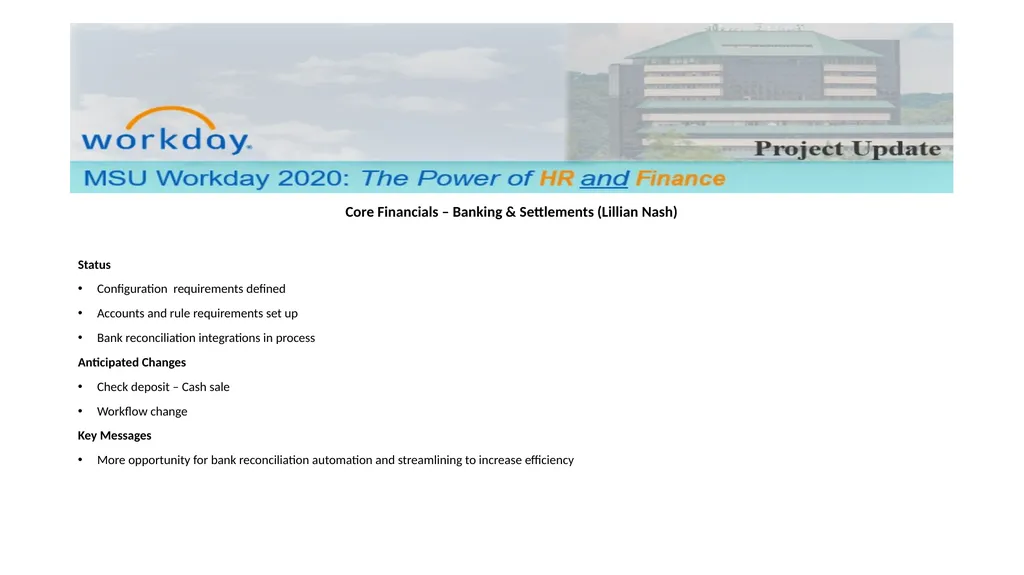
Status
Configuration requirements defined
Accounts and rule requirements set up
Bank reconciliation integrations in process
Anticipated Changes
Check deposit – Cash sale
Workflow change
Key Messages
More opportunity for bank reconciliation automation and streamlining to increase efficiency<br>
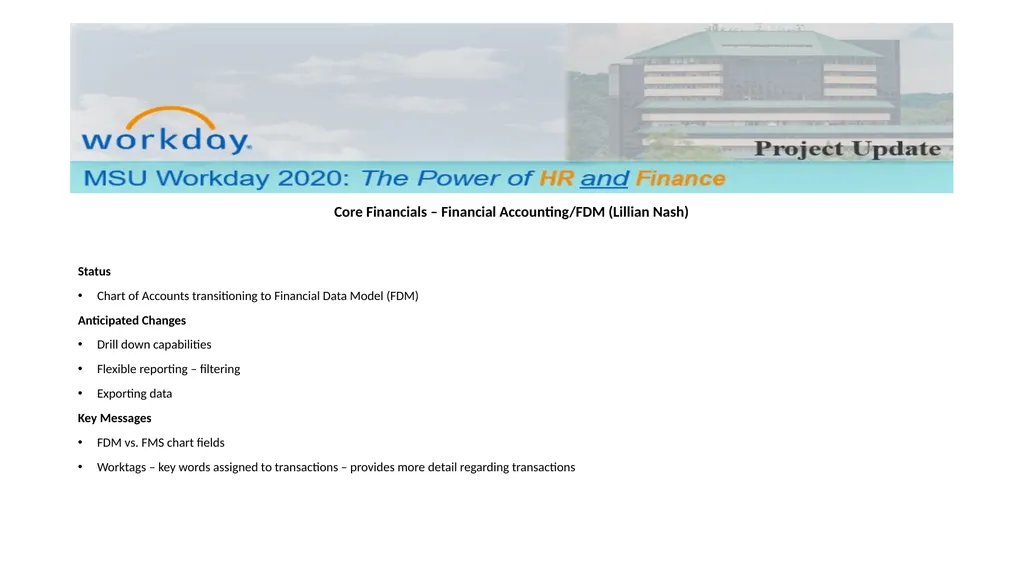
Status
Chart of Accounts transitioning to Financial Data Model (FDM)
Anticipated Changes
Drill down capabilities
Flexible reporting – filtering
Exporting data
Key Messages
FDM vs. FMS chart fields
Worktags – key words assigned to transactions – provides more detail regarding transactions<br>
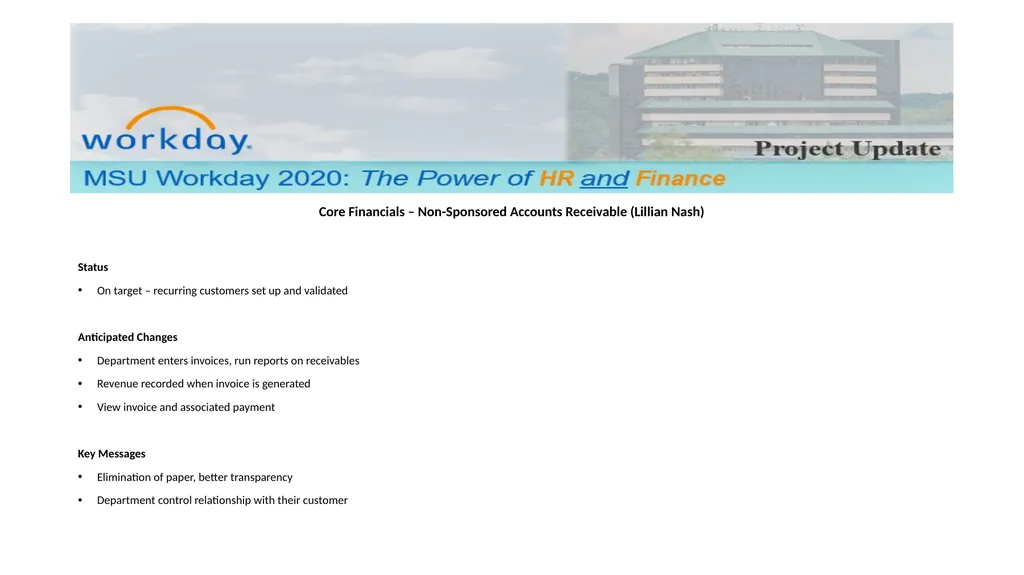
Status
On target – recurring customers set up and validated
Anticipated Changes
Department enters invoices, run reports on receivables
Revenue recorded when invoice is generated
View invoice and associated payment
Key Messages
Elimination of paper, better transparency
Department control relationship with their customer<br>
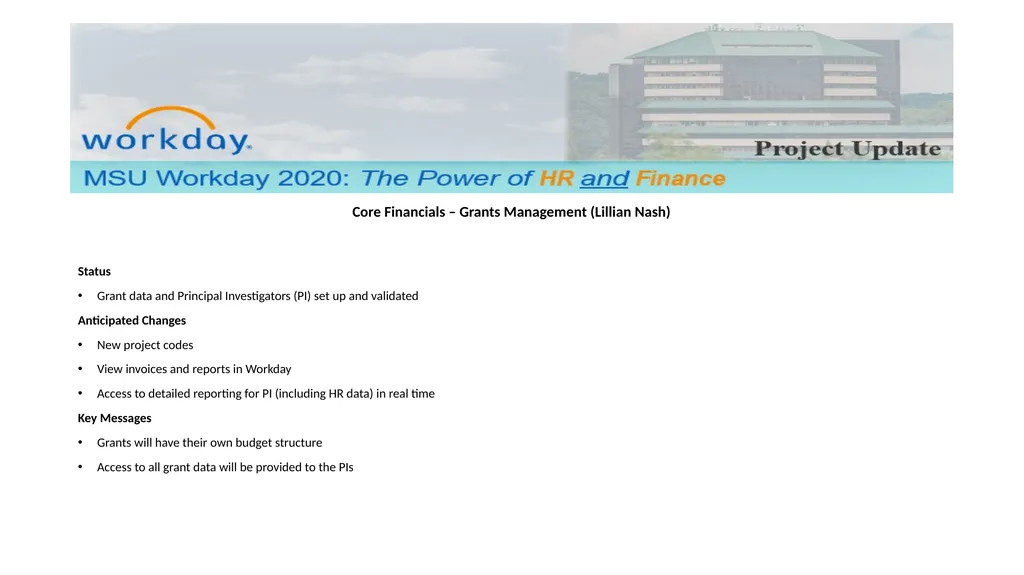
Status
Grant data and Principal Investigators (PI) set up and validated
Anticipated Changes
New project codes
View invoices and reports in Workday
Access to detailed reporting for PI (including HR data) in real time
Key Messages
Grants will have their own budget structure
Access to all grant data will be provided to the PIs<br>
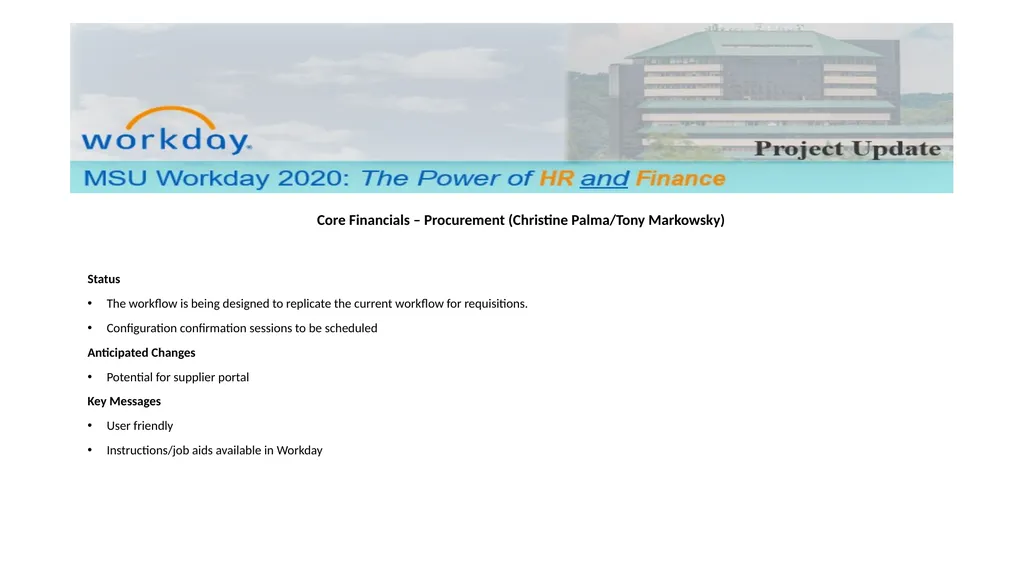
Status
The workflow is being designed to replicate the current workflow for requisitions.
Configuration confirmation sessions to be scheduled
Anticipated Changes
Potential for supplier portal
Key Messages
User friendly
Instructions/job aids available in Workday<br>
10
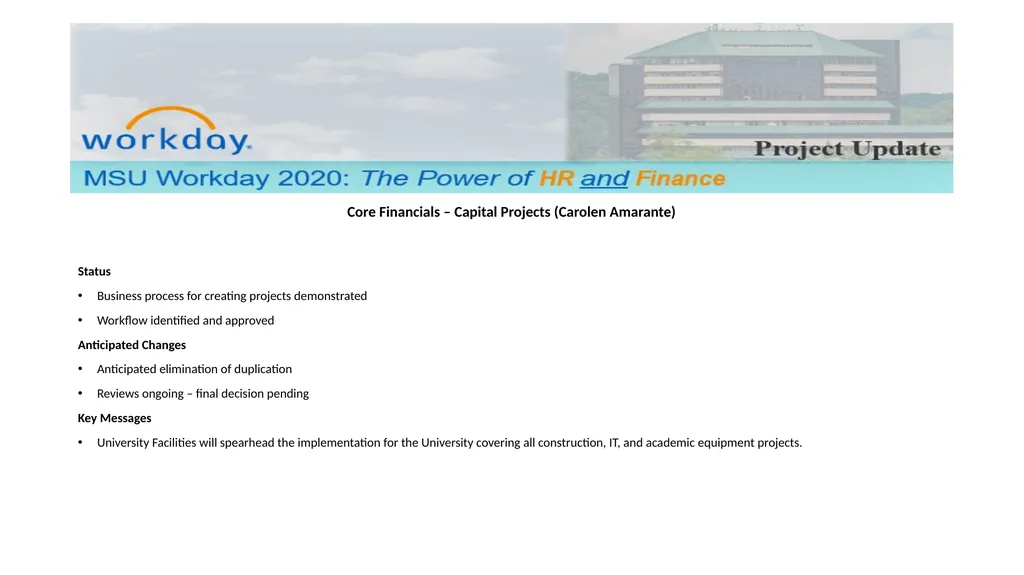
Core Financials – Capital Projects (Carolen Amarante)
Status
Business process for creating projects demonstrated
Workflow identified and approved
Anticipated Changes
Anticipated elimination of duplication
Reviews ongoing – final decision pending
Key Messages
University Facilities will spearhead the implementation for the University covering all construction, IT, and academic equipment projects.<br>
11
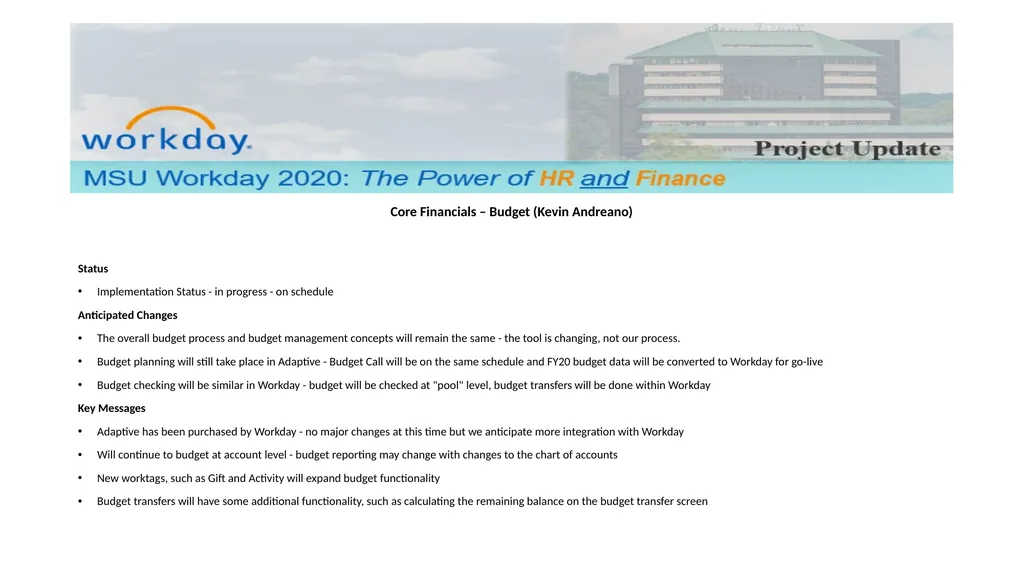
Core Financials – Budget (Kevin Andreano)
Status
Implementation Status - in progress - on schedule
Anticipated Changes
The overall budget process and budget management concepts will remain the same - the tool is changing, not our process.
Budget planning will still take place in Adaptive - Budget Call will be on the same schedule and FY20 budget data will be converted to Workday for go-live
Budget checking will be similar in Workday - budget will be checked at "pool" level, budget transfers will be done within Workday
Key Messages
Adaptive has been purchased by Workday - no major changes at this time but we anticipate more integration with Workday
Will continue to budget at account level - budget reporting may change with changes to the chart of accounts
New worktags, such as Gift and Activity will expand budget functionality
Budget transfers will have some additional functionality, such as calculating the remaining balance on the budget transfer screen<br>
12
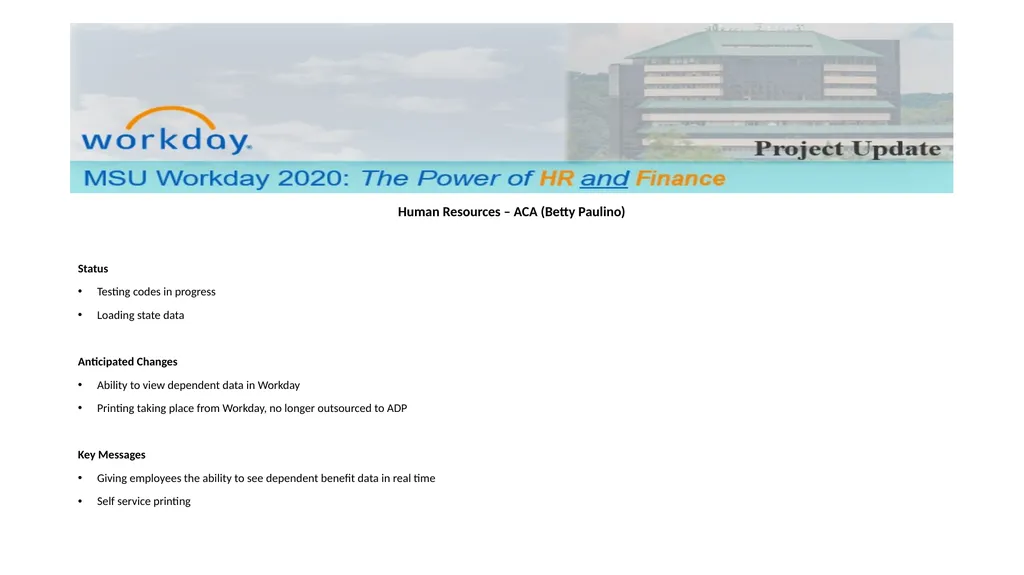
Human Resources – ACA (Betty Paulino)
Status
Testing codes in progress
Loading state data
Anticipated Changes
Ability to view dependent data in Workday
Printing taking place from Workday, no longer outsourced to ADP
Key Messages
Giving employees the ability to see dependent benefit data in real time
Self service printing<br>
13
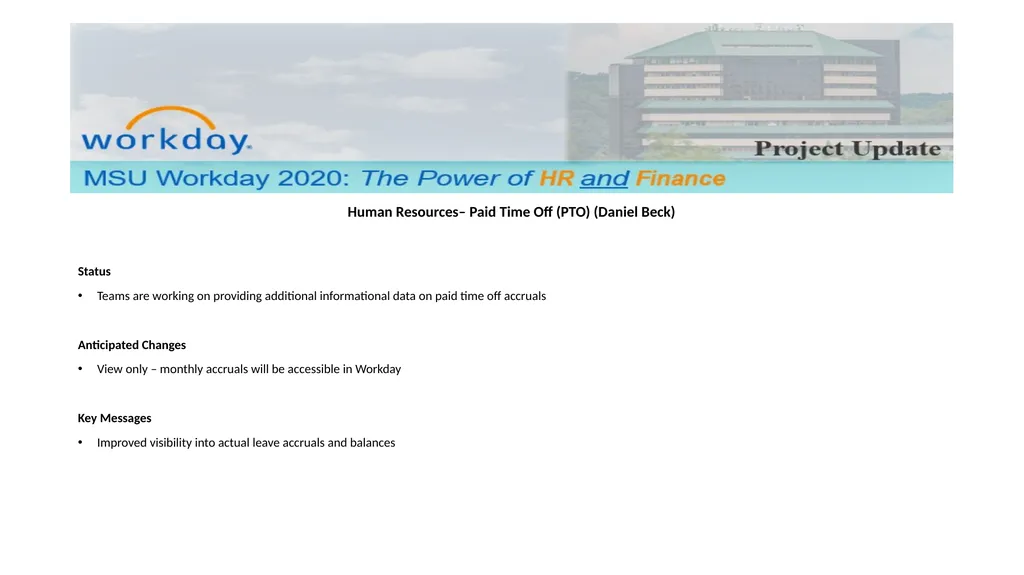
Human Resources– Paid Time Off (PTO) (Daniel Beck)
Status
Teams are working on providing additional informational data on paid time off accruals
Anticipated Changes
View only – monthly accruals will be accessible in Workday
Key Messages
Improved visibility into actual leave accruals and balances<br>
14
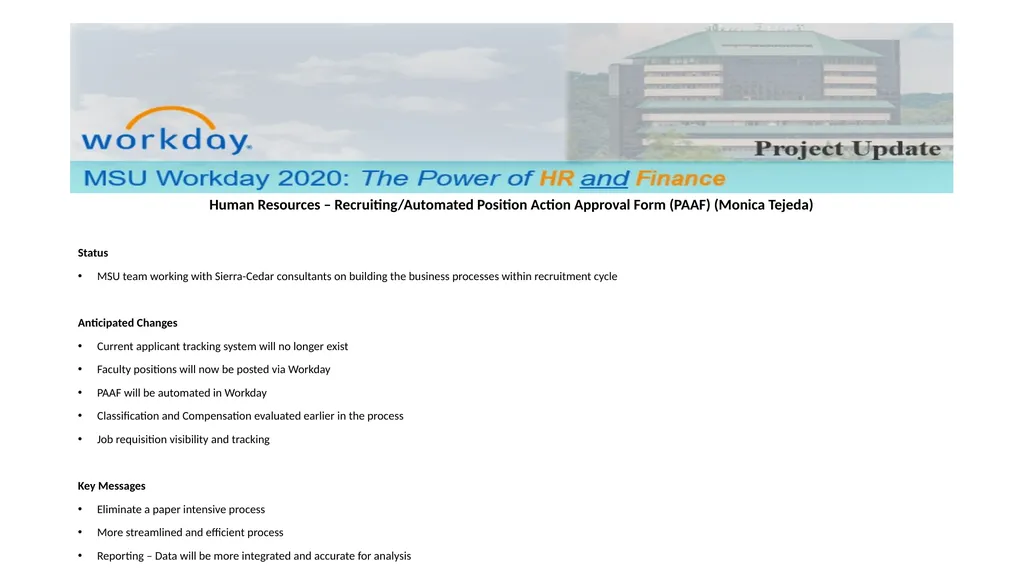
Human Resources – Recruiting/Automated Position Action Approval Form (PAAF) (Monica Tejeda)
Status
MSU team working with Sierra-Cedar consultants on building the business processes within recruitment cycle
Anticipated Changes
Current applicant tracking system will no longer exist
Faculty positions will now be posted via Workday
PAAF will be automated in Workday
Classification and Compensation evaluated earlier in the process
Job requisition visibility and tracking
Key Messages
Eliminate a paper intensive process
More streamlined and efficient process
Reporting – Data will be more integrated and accurate for analysis<br>
15
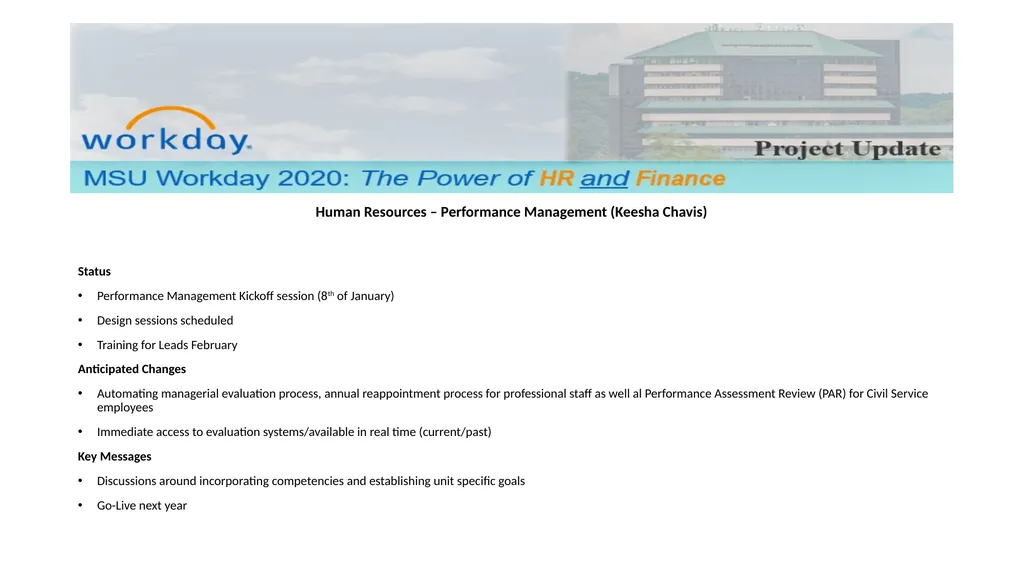
Human Resources – Performance Management (Keesha Chavis)
Status
Performance Management Kickoff session (8th of January)
Design sessions scheduled
Training for Leads February
Anticipated Changes
Automating managerial evaluation process, annual reappointment process for professional staff as well al Performance Assessment Review (PAR) for Civil Service employees
Immediate access to evaluation systems/available in real time (current/past)
Key Messages
Discussions around incorporating competencies and establishing unit specific goals
Go-Live next year<br>
16
Workday Project – Testing (Sharif)
Timeline
End User Community Expectations/Involvement<br>
17
Next Steps
Confirmation Sessions in February
Change Management team meetings
Opportunities to share – Current State/Future State<br>