Workshop on How to make and use powerpoint presentation. 13th March 2019 Mr.Arif Khan 1. Introduction to PowerPoint - Overview of PowerPoint: Purpose, features, and benefits. - Importance of effective visual communication in presentations.
"Workshop on How to make and use powerpoint" is the property of its rightful owner. Permission is granted to
download and print the materials on this website for personal, non-commercial use only, and to display it
on your personal computer provided you do not modify the materials and that you retain all copyright
notices contained in the materials. By downloading content from our website, you accept the terms of this
agreement.
Presentation Transcript
01
Workshop on How to make and use powerpoint presentation. 13th March 2019
Mr.Arif Khan<br>
02
1. Introduction to PowerPoint
- Overview of PowerPoint: Purpose, features, and benefits.
- Importance of effective visual communication in presentations.
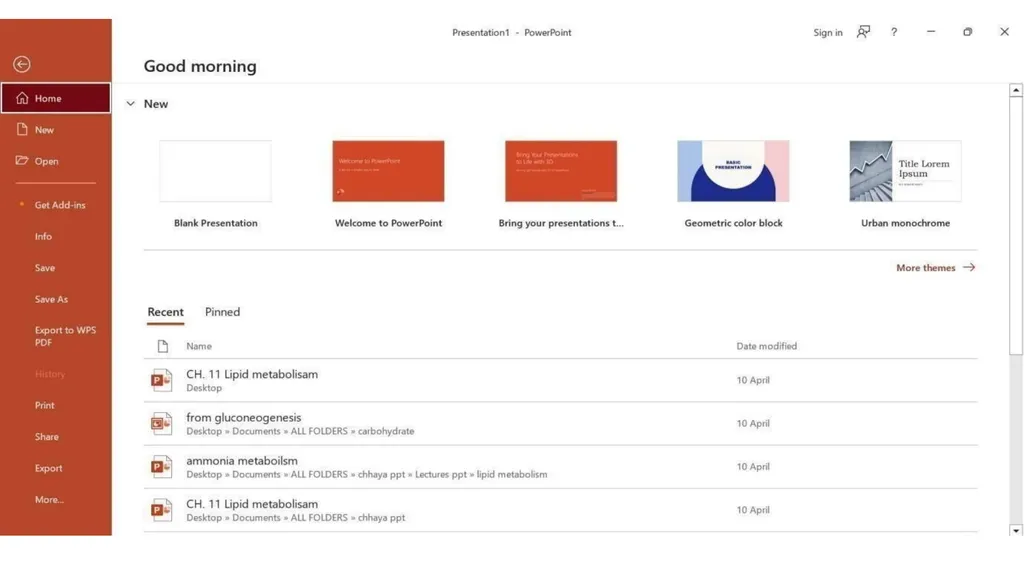
2. Getting Started with PowerPoint
- Launching PowerPoint: Opening a new presentation.
- Navigating the interface: Ribbon, slides, and views.
- Understanding slide layouts: Choosing the right layout for your content.<br>
03
3. Creating and Formatting Slides
- Adding and deleting slides: Basic slide management.
- Inserting text: Formatting text boxes, fonts, and alignment.
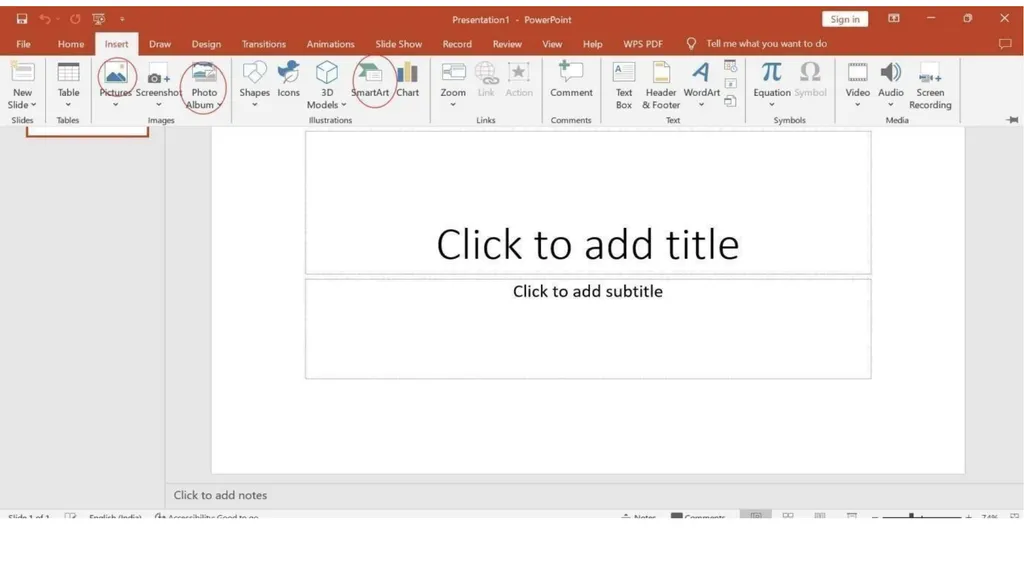
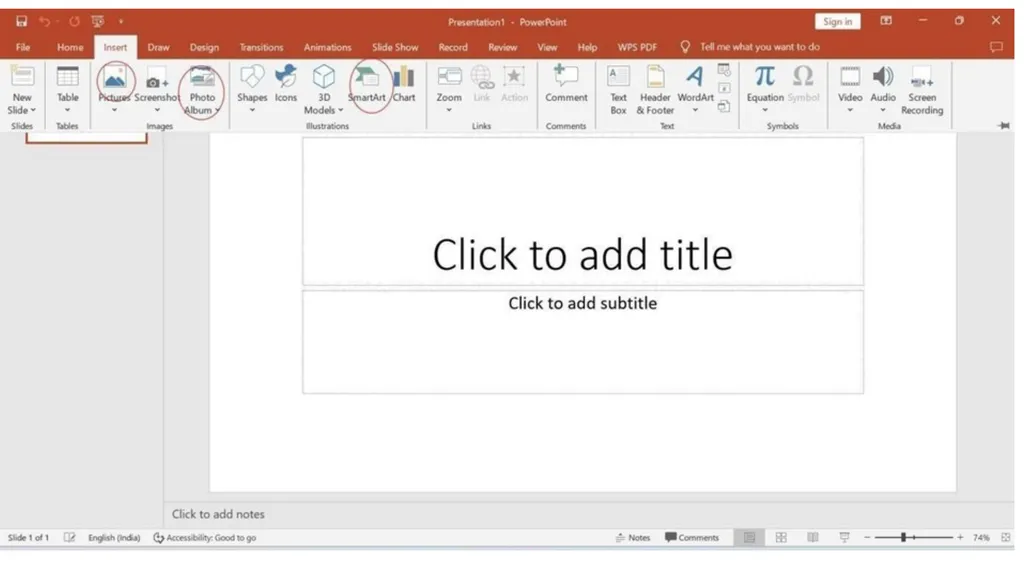
- Incorporating visuals: Inserting images, shapes, and icons.
- Applying themes and templates: Customizing the look and feel of your presentation.
4. Enhancing Visual Appeal
- Using colors and fonts effectively: Creating a cohesive design.
- Incorporating multimedia: Adding audio and video files.<br>
04
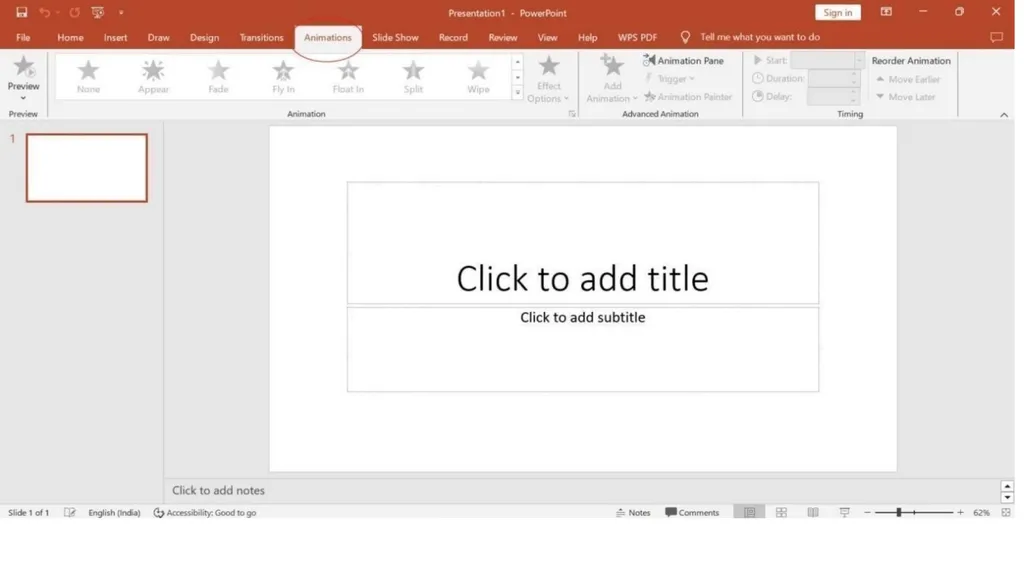
Applying animations and transitions: Engaging the audience with dynamic effects.
- Using SmartArt and charts: Visualizing data and concepts.<br>
05
5. Structuring Your Presentation
- Organizing content: Outlining key points and structuring slides.
- Creating a narrative flow: Sequencing slides for clarity and coherence.
- Using sections: Grouping slides for organization and navigation.
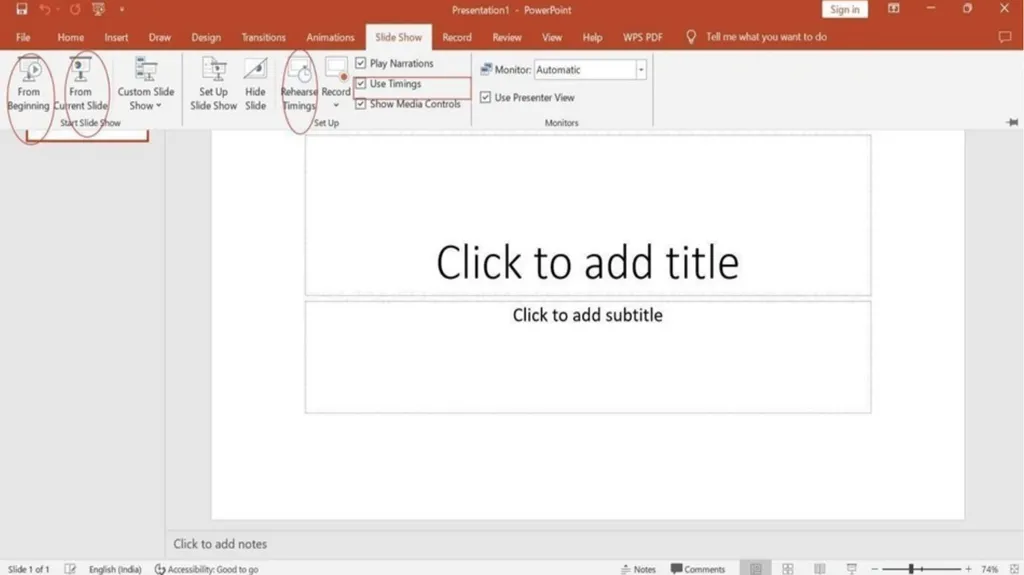
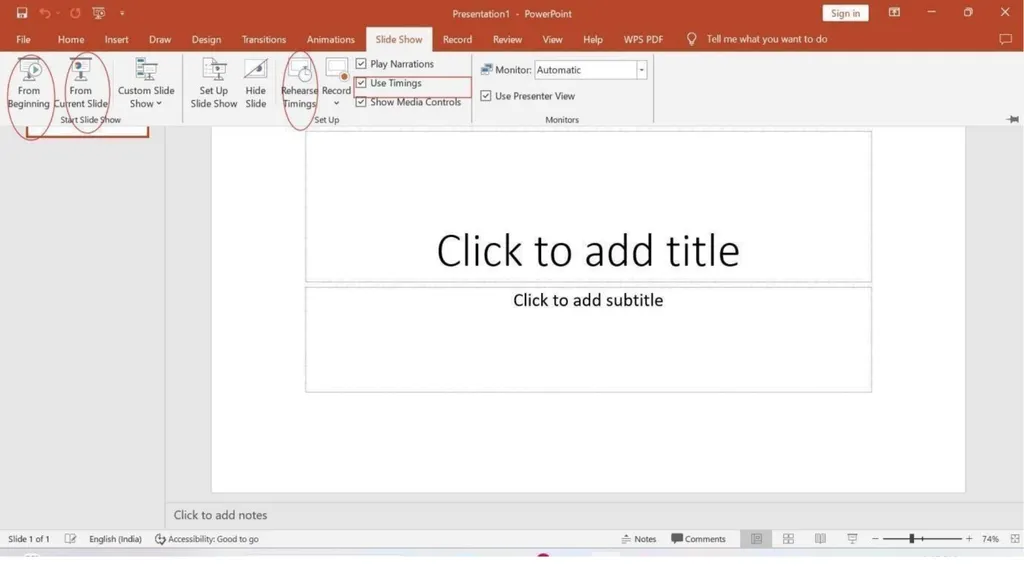
6. Mastering Slide Show DeliveryRehearsing timings: Timing slide transitions and animations.
- Setting up slide show options: Configuring slideshow settings.
- Delivering presentations effectively: Tips for engaging the audience<br>
06
7. Collaboration and Sharing
- Sharing and collaborating on presentations: Using OneDrive or SharePoint.
- Version control: Tracking changes and managing revisions.
- Co-authoring presentations: Working simultaneously with team members<br>
07
8. Tips for Accessibility and Inclusivity
- Designing for accessibility: Ensuring presentations are accessible to all.
- Using Alt text: Describing visuals for screen readers.
- Considering color contrast and readability: Making content easy to understand.
9. Advanced Features and Tips
- Creating custom animations: Fine-tuning animation effects.
- Using slide masters: Standardizing design elements across slides.
- Incorporating interactive elements: Hyperlinks, buttons, and triggers.<br>