ADMINISTRATIVE STRUCTURE OF A COMPUTER CENTRE The

Published  . 0 views
↓ Download
ADMINISTRATIVE STRUCTURE OF A COMPUTER CENTRE The
1 / 1
ADMINISTRATIVE STRUCTURE OF A COMPUTER CENTRE The - slide 1 of 76 ADMINISTRATIVE STRUCTURE OF A COMPUTER CENTRE The - slide 2 of 76 ADMINISTRATIVE STRUCTURE OF A COMPUTER CENTRE The - slide 3 of 76 ADMINISTRATIVE STRUCTURE OF A COMPUTER CENTRE The - slide 4 of 76 ADMINISTRATIVE STRUCTURE OF A COMPUTER CENTRE The - slide 5 of 76 ADMINISTRATIVE STRUCTURE OF A COMPUTER CENTRE The - slide 6 of 76 ADMINISTRATIVE STRUCTURE OF A COMPUTER CENTRE The - slide 7 of 76 ADMINISTRATIVE STRUCTURE OF A COMPUTER CENTRE The - slide 8 of 76 ADMINISTRATIVE STRUCTURE OF A COMPUTER CENTRE The - slide 9 of 76 ADMINISTRATIVE STRUCTURE OF A COMPUTER CENTRE The - slide 10 of 76 ADMINISTRATIVE STRUCTURE OF A COMPUTER CENTRE The - slide 11 of 76 ADMINISTRATIVE STRUCTURE OF A COMPUTER CENTRE The - slide 12 of 76 ADMINISTRATIVE STRUCTURE OF A COMPUTER CENTRE The - slide 13 of 76 ADMINISTRATIVE STRUCTURE OF A COMPUTER CENTRE The - slide 14 of 76 ADMINISTRATIVE STRUCTURE OF A COMPUTER CENTRE The - slide 15 of 76 ADMINISTRATIVE STRUCTURE OF A COMPUTER CENTRE The - slide 16 of 76 ADMINISTRATIVE STRUCTURE OF A COMPUTER CENTRE The - slide 17 of 76 ADMINISTRATIVE STRUCTURE OF A COMPUTER CENTRE The - slide 18 of 76 ADMINISTRATIVE STRUCTURE OF A COMPUTER CENTRE The - slide 19 of 76 ADMINISTRATIVE STRUCTURE OF A COMPUTER CENTRE The - slide 20 of 76 ADMINISTRATIVE STRUCTURE OF A COMPUTER CENTRE The - slide 21 of 76 ADMINISTRATIVE STRUCTURE OF A COMPUTER CENTRE The - slide 22 of 76 ADMINISTRATIVE STRUCTURE OF A COMPUTER CENTRE The - slide 23 of 76 ADMINISTRATIVE STRUCTURE OF A COMPUTER CENTRE The - slide 24 of 76 ADMINISTRATIVE STRUCTURE OF A COMPUTER CENTRE The - slide 25 of 76 ADMINISTRATIVE STRUCTURE OF A COMPUTER CENTRE The - slide 26 of 76 ADMINISTRATIVE STRUCTURE OF A COMPUTER CENTRE The - slide 27 of 76 ADMINISTRATIVE STRUCTURE OF A COMPUTER CENTRE The - slide 28 of 76 ADMINISTRATIVE STRUCTURE OF A COMPUTER CENTRE The - slide 29 of 76 ADMINISTRATIVE STRUCTURE OF A COMPUTER CENTRE The - slide 30 of 76 ADMINISTRATIVE STRUCTURE OF A COMPUTER CENTRE The - slide 31 of 76 ADMINISTRATIVE STRUCTURE OF A COMPUTER CENTRE The - slide 32 of 76 ADMINISTRATIVE STRUCTURE OF A COMPUTER CENTRE The - slide 33 of 76 ADMINISTRATIVE STRUCTURE OF A COMPUTER CENTRE The - slide 34 of 76 ADMINISTRATIVE STRUCTURE OF A COMPUTER CENTRE The - slide 35 of 76 ADMINISTRATIVE STRUCTURE OF A COMPUTER CENTRE The - slide 36 of 76 ADMINISTRATIVE STRUCTURE OF A COMPUTER CENTRE The - slide 37 of 76 ADMINISTRATIVE STRUCTURE OF A COMPUTER CENTRE The - slide 38 of 76 ADMINISTRATIVE STRUCTURE OF A COMPUTER CENTRE The - slide 39 of 76 ADMINISTRATIVE STRUCTURE OF A COMPUTER CENTRE The - slide 40 of 76 ADMINISTRATIVE STRUCTURE OF A COMPUTER CENTRE The - slide 41 of 76 ADMINISTRATIVE STRUCTURE OF A COMPUTER CENTRE The - slide 42 of 76 ADMINISTRATIVE STRUCTURE OF A COMPUTER CENTRE The - slide 43 of 76 ADMINISTRATIVE STRUCTURE OF A COMPUTER CENTRE The - slide 44 of 76 ADMINISTRATIVE STRUCTURE OF A COMPUTER CENTRE The - slide 45 of 76 ADMINISTRATIVE STRUCTURE OF A COMPUTER CENTRE The - slide 46 of 76 ADMINISTRATIVE STRUCTURE OF A COMPUTER CENTRE The - slide 47 of 76 ADMINISTRATIVE STRUCTURE OF A COMPUTER CENTRE The - slide 48 of 76 ADMINISTRATIVE STRUCTURE OF A COMPUTER CENTRE The - slide 49 of 76 ADMINISTRATIVE STRUCTURE OF A COMPUTER CENTRE The - slide 50 of 76 ADMINISTRATIVE STRUCTURE OF A COMPUTER CENTRE The - slide 51 of 76 ADMINISTRATIVE STRUCTURE OF A COMPUTER CENTRE The - slide 52 of 76 ADMINISTRATIVE STRUCTURE OF A COMPUTER CENTRE The - slide 53 of 76 ADMINISTRATIVE STRUCTURE OF A COMPUTER CENTRE The - slide 54 of 76 ADMINISTRATIVE STRUCTURE OF A COMPUTER CENTRE The - slide 55 of 76 ADMINISTRATIVE STRUCTURE OF A COMPUTER CENTRE The - slide 56 of 76 ADMINISTRATIVE STRUCTURE OF A COMPUTER CENTRE The - slide 57 of 76 ADMINISTRATIVE STRUCTURE OF A COMPUTER CENTRE The - slide 58 of 76 ADMINISTRATIVE STRUCTURE OF A COMPUTER CENTRE The - slide 59 of 76 ADMINISTRATIVE STRUCTURE OF A COMPUTER CENTRE The - slide 60 of 76 ADMINISTRATIVE STRUCTURE OF A COMPUTER CENTRE The - slide 61 of 76 ADMINISTRATIVE STRUCTURE OF A COMPUTER CENTRE The - slide 62 of 76 ADMINISTRATIVE STRUCTURE OF A COMPUTER CENTRE The - slide 63 of 76 ADMINISTRATIVE STRUCTURE OF A COMPUTER CENTRE The - slide 64 of 76 ADMINISTRATIVE STRUCTURE OF A COMPUTER CENTRE The - slide 65 of 76 ADMINISTRATIVE STRUCTURE OF A COMPUTER CENTRE The - slide 66 of 76 ADMINISTRATIVE STRUCTURE OF A COMPUTER CENTRE The - slide 67 of 76 ADMINISTRATIVE STRUCTURE OF A COMPUTER CENTRE The - slide 68 of 76 ADMINISTRATIVE STRUCTURE OF A COMPUTER CENTRE The - slide 69 of 76 ADMINISTRATIVE STRUCTURE OF A COMPUTER CENTRE The - slide 70 of 76 ADMINISTRATIVE STRUCTURE OF A COMPUTER CENTRE The - slide 71 of 76 ADMINISTRATIVE STRUCTURE OF A COMPUTER CENTRE The - slide 72 of 76 ADMINISTRATIVE STRUCTURE OF A COMPUTER CENTRE The - slide 73 of 76 ADMINISTRATIVE STRUCTURE OF A COMPUTER CENTRE The - slide 74 of 76 ADMINISTRATIVE STRUCTURE OF A COMPUTER CENTRE The - slide 75 of 76 ADMINISTRATIVE STRUCTURE OF A COMPUTER CENTRE The - slide 76 of 76
Description: ADMINISTRATIVE STRUCTURE OF A COMPUTER CENTRE The administrative structure is being organized in such a way that a skilled professional personnel is put in place to oversee the administration of the computer centre who in turn reports to

Related Topics

Download Presentation

"ADMINISTRATIVE STRUCTURE OF A COMPUTER CENTRE The" is the property of its rightful owner. Permission is granted to download and print the materials on this website for personal, non-commercial use only, and to display it on your personal computer provided you do not modify the materials and that you retain all copyright notices contained in the materials. By downloading content from our website, you accept the terms of this agreement.

Presentation Transcript

slide1. ADMINISTRATIVE STRUCTURE OF A COMPUTER CENTRE<br>
slide2. The administrative structure is being organized in such a way that a skilled professional personnel is put in place to oversee the administration of the computer centre who in turn reports to the executives or the directors board on the necessary protocols needed in putting the computer department in such a way that it would be in line with the company objective.<br>
slide3. The size of the data processing department of an organization and the degree of separation of functions within it depend on the size of the organization and the extent of computerization within it. Another factor that determined the size of an organization’s data processing department is the financial considerations. That is the capital cost of the equipment. The major items to be considered here are:<br>
slide4. One Time cost: (i) Hardware.<br>
slide5. (ii) Site preparation (building work, air conditioning).<br>

slide6. (iii) Staff recruitment (agency fees, advertising).<br>
slide7. (iv) File creation (data gathering and preparation cost).<br>
slide8. (v) Change over cost (parallel running, overtime for staff).<br>
slide9. (vi) Education and training.<br>
slide10. Recruiting cost: - Staff salaries<br>
slide11. Maintenance of equipment<br>
slide12. Light, heat and power<br>
slide13. Stationery<br>
slide14. Replacement recruitment<br>
slide15. Further education<br>
slide17. In the department various staff with different computer skills are being employed. The data processing manager is the head of the department under which you have the computer analyst, programmer, operation manager, etc. There is probably no standard structure for data processing department. Precise responsibilities and reporting procedures vary. Figure1.2 and 1.3 show some alternatives.<br>
slide29. FUNCTION WITHIN DP<br>
slide30. The Data Processing Manager (DPM)<br>
slide31. The DPM is responsible for both research and development and for production. He is also in change of the following responsibilities<br>
slide32. co-ordination of the developmental objectives.<br>
slide33. responsible for development policy<br>
slide34. establishment of an effective communications within the department including documentation and other standards<br>
slide35. provision, utilization and control of resources required within the department.<br>
slide37. Project Leader<br>
slide38. The project leader is:<br>
slide39. responsible foe the overall control and coordination of a particular project.<br>
slide40. responsible for the allocation of functions within the project.<br>
slide42. Chief System Analyst<br>
slide43. A system analyst carries out feasibilities study on a system. He works with other individuals within an organization to evaluate their information needs, design computer software and hardware to meet those needs and then implement the information system. He defines error messages to be incorporated and checks to be embedded into the system. He functions as project team leader and supervisor to the system analyst<br>
slide44. The duties are to:<br>
slide45. (i) Collect, records and analysis details of existing procedure and systems<br>
slide46. (ii) Develop ideals for computerized systems superior to the current and existing system.<br>
slide47. (iii) Prepare computer operating instructions.<br>
slide48. (iv) Define error messages to be incorporated.<br>
slide49. (v) Estimate run timing<br>
slide50. (vi) Specified check and control to be embedded in the new system.<br>
slide51. (vii) Define actions required to deal with various conditions arising in the system.<br>
slide54. Chief Programmer<br>
slide55. Chief Programmers work closely with a system analyst to either create new software or to review existing programs. He supervises application programmers, maintenance programmers and system software programmers. The programmers are in change of programming (applications) and perform the following functions:<br>
slide56. preparation of program flowcharts and coding<br>
slide57. program documentation<br>
slide58. program testing<br>
slide59. preparation of operating instrument<br>
slide60. program maintenance and modification<br>
slide62. Computer Operations Manager<br>
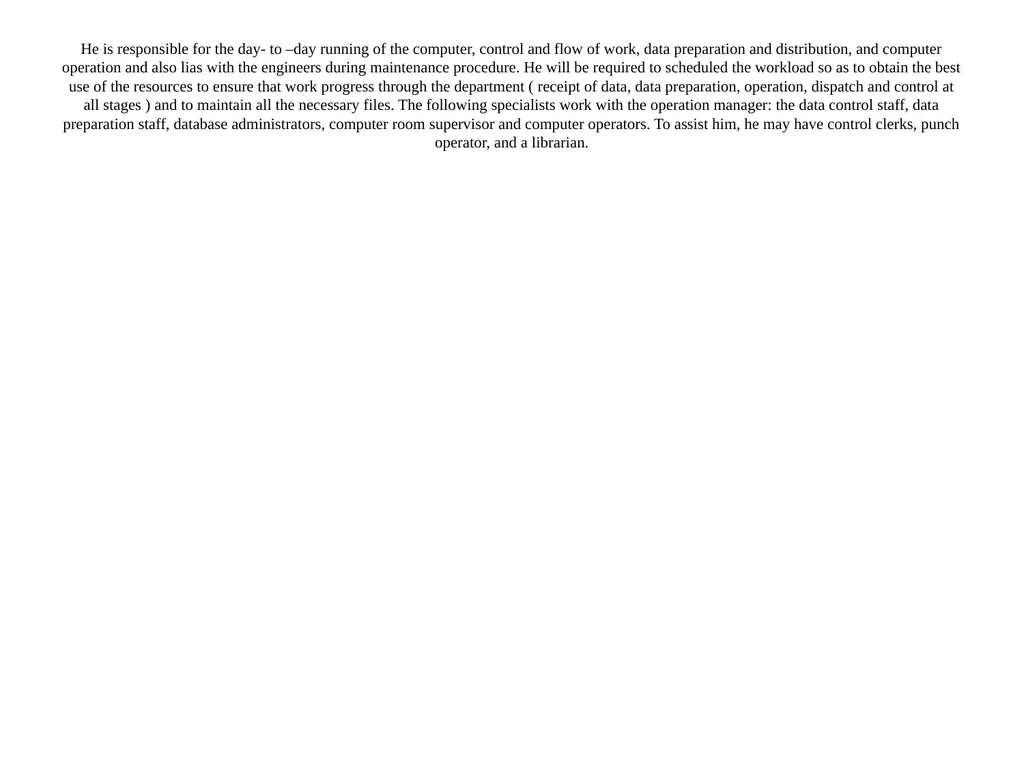
slide63. He is responsible for the day- to –day running of the computer, control and flow of work, data preparation and distribution, and computer operation and also lias with the engineers during maintenance procedure. He will be required to scheduled the workload so as to obtain the best use of the resources to ensure that work progress through the department ( receipt of data, data preparation, operation, dispatch and control at all stages ) and to maintain all the necessary files. The following specialists work with the operation manager: the data control staff, data preparation staff, database administrators, computer room supervisor and computer operators. To assist him, he may have control clerks, punch operator, and a librarian.<br>
slide64. He may also have under his control certain auxiliary machines such as decollators, sorters, tabulators, busters, and the appropriate operators. He will act as liaison between the operations department and the systems programming functions and as new systems are completed, he will absorb them into his programme of work.<br>
slide66. Operation manager is a person who runs the day- to- day operations of the computer systems. He maintains records on equipment utilization and ensuring that data is received on time from user department.<br>
slide70. Computer Operators<br>
slide71. Operators are the professionals that make use of the computers to do their jobs. They make judicious use of both the hardware and the software, which includes the utility programs e.g. file conversion, file copy, file maintenance and reorganization, sorting, back up files, etc.<br>
slide72. He is in change of: operating equipment in the computer areas.
cleaning equipments as laid down,
processing data as required,
performing program compilation and tests,
maintenance of log book in respect of machine performance, utilization and failures,
liaison with engineers during maintenance period<br>
slide74. Other Staff<br>
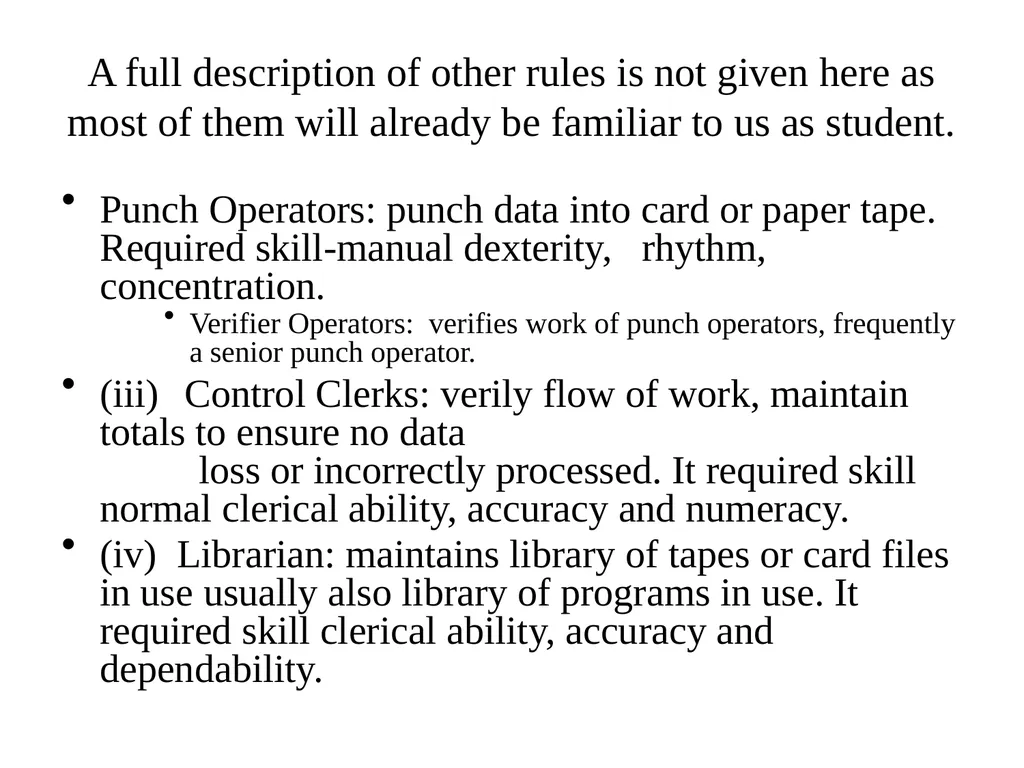
slide75. A full description of other rules is not given here as most of them will already be familiar to us as student. Punch Operators: punch data into card or paper tape. Required skill-manual dexterity, rhythm, concentration.
Verifier Operators: verifies work of punch operators, frequently a senior punch operator.
(iii) Control Clerks: verily flow of work, maintain totals to ensure no data loss or incorrectly processed. It required skill normal clerical ability, accuracy and numeracy.
(iv) Librarian: maintains library of tapes or card files in use usually also library of programs in use. It required skill clerical ability, accuracy and dependability.<br>